



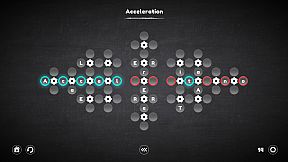
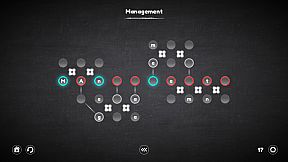
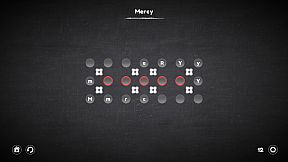
in progress...

Compra Blueprint Word: Classroom PC

Al 24 mar 2026, la chiave Blueprint Word: Classroom più economica costa 0,24 € su GameBoost. XD.deals confronta i prezzi di 4 negozi tra 4 offerte. Nei keyshop il prezzo più basso è 0,24 € (84% di sconto), i negozi ufficiali partono da 1,59 € (0% di sconto). Dati forniti da XD.deals.

Uscita: 05 dic 2018
Metacritic:
tbd tbd
Steam:
Overwhelmingly Negative (7)
Compra nello store ufficiale:
1,59 €
Compra nei keyshop:
-84%
0,24 €
Vedi storico prezzi

Store ufficiali (1)

DRM:
Steam
Steam
Steam
Blueprint Word: Classroom
Windows
1a fa
DRM:
Steam
Steam
1,59 €

Keyshop (3)

DRM:
Steam
Steam
GameBoost
Blueprint Word: Classroom
Windows
6sett fa
GameBoost
1,59 € 0,24 €
-84%
Kinguin
Blueprint Word: Classroom Steam CD Key
Windows
6sett fa
DRM:
Steam
Kinguin
1,59 € 0,27 €
-83%
-8% with XD8DEALScopy
Eneba
Blueprint Word: Classroom (PC) Steam Key GLOBAL
Windows
2sett fa
DRM:
Steam
Eneba
1,59 € 0,37 €
-76%
-10% with XDD10copy
-10% with XDD10copy

Info su Blueprint Word: Classroom

Blueprint Word: Classroom - info sul gioco
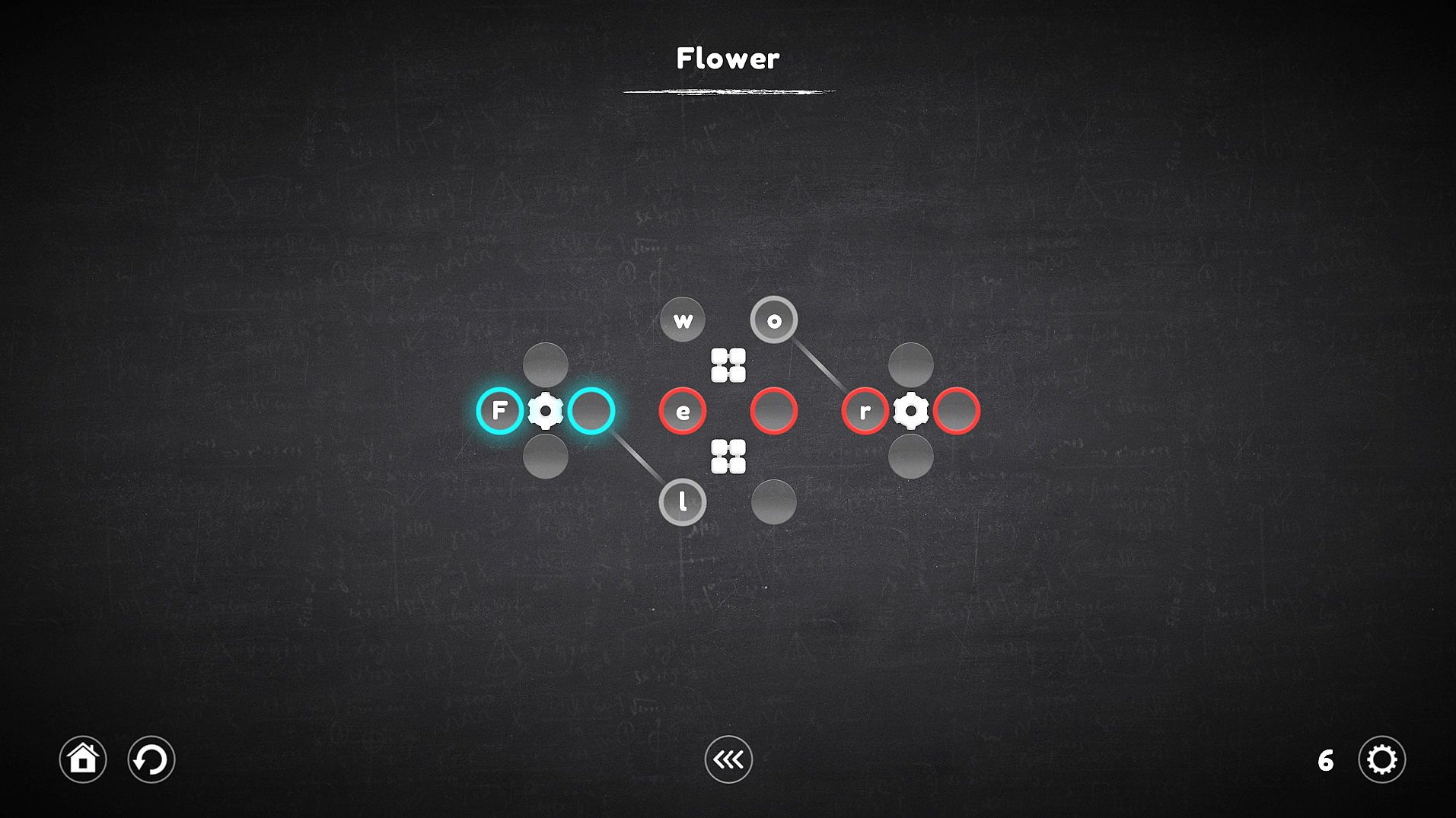
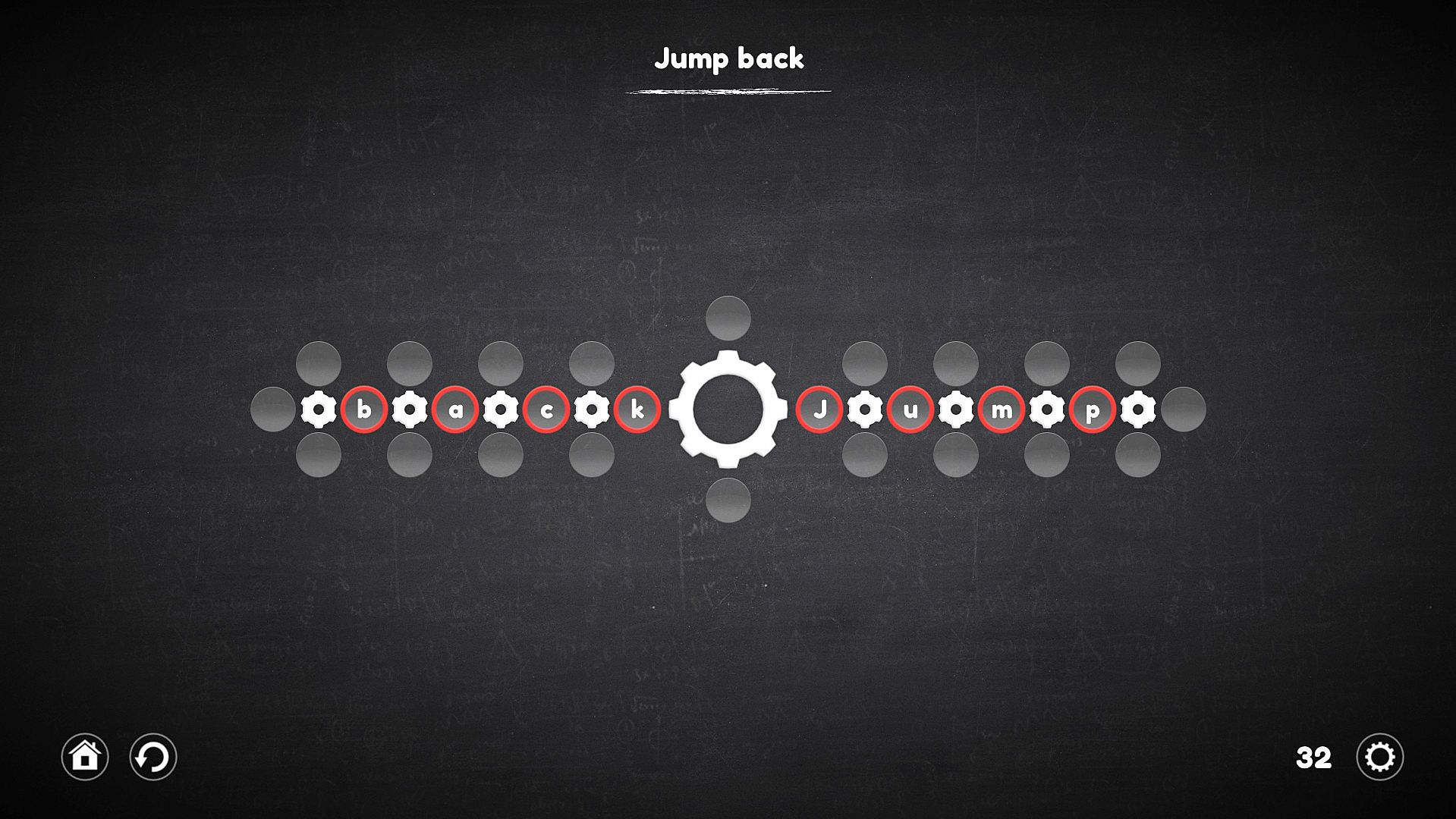
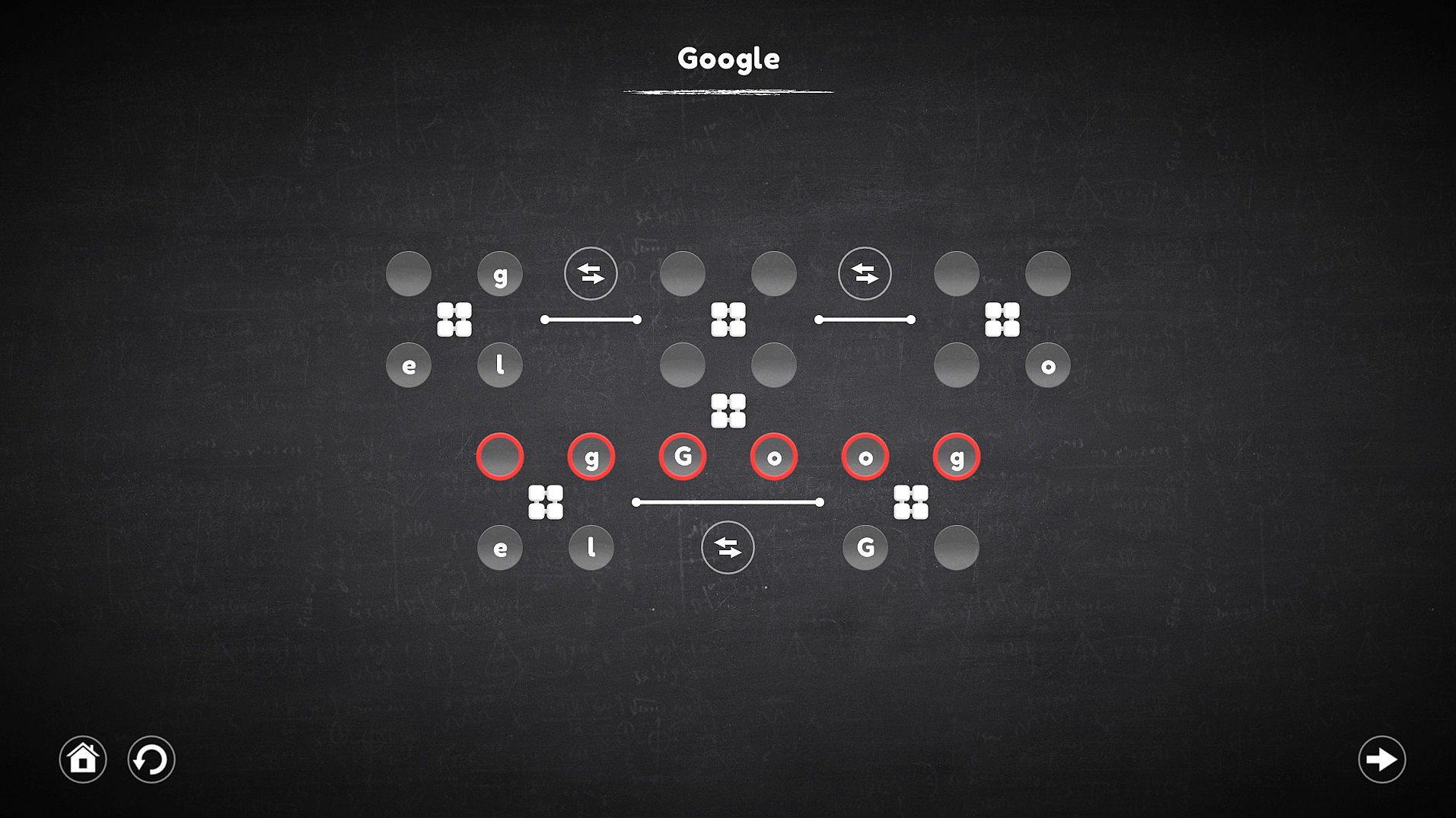
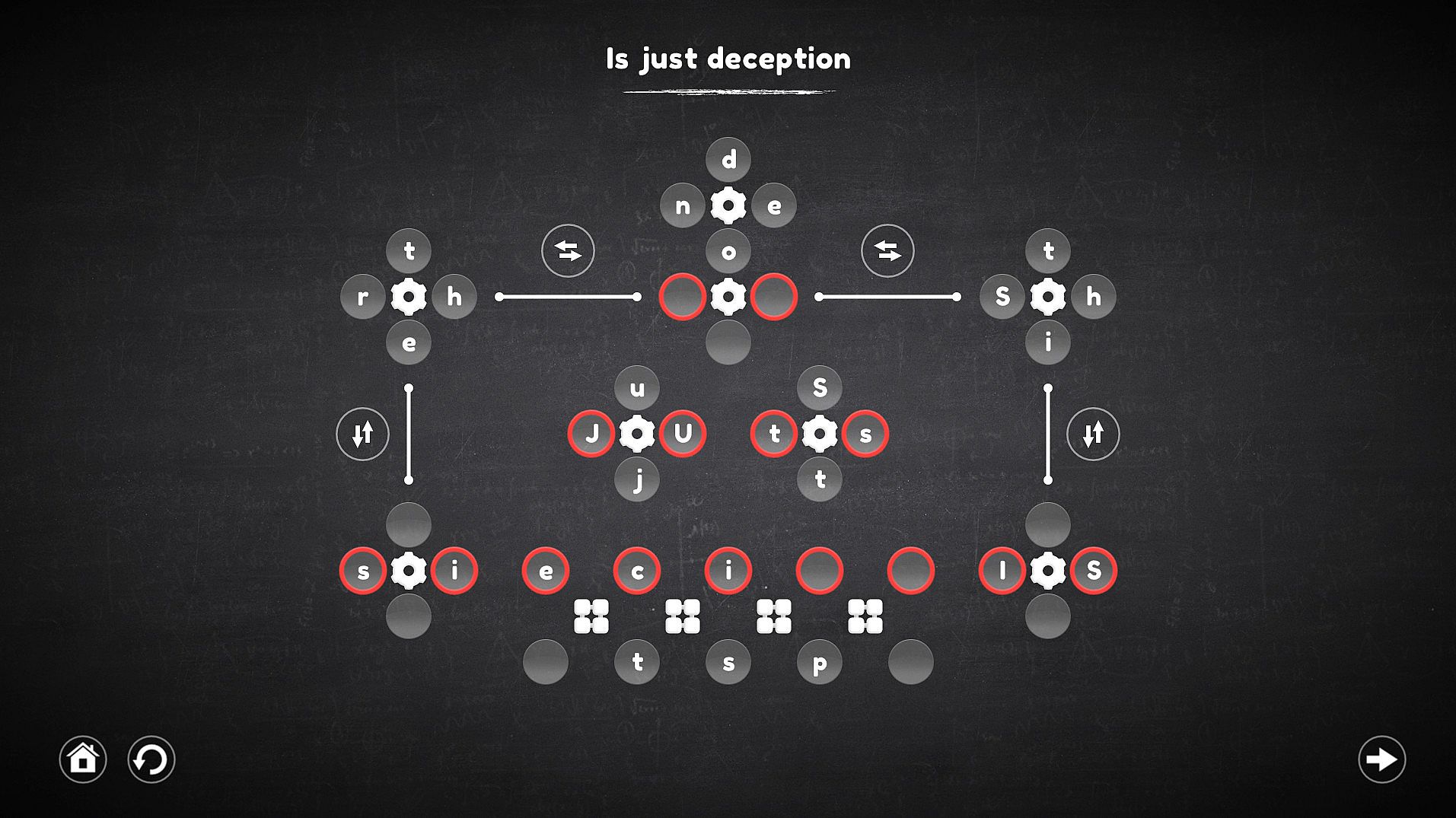
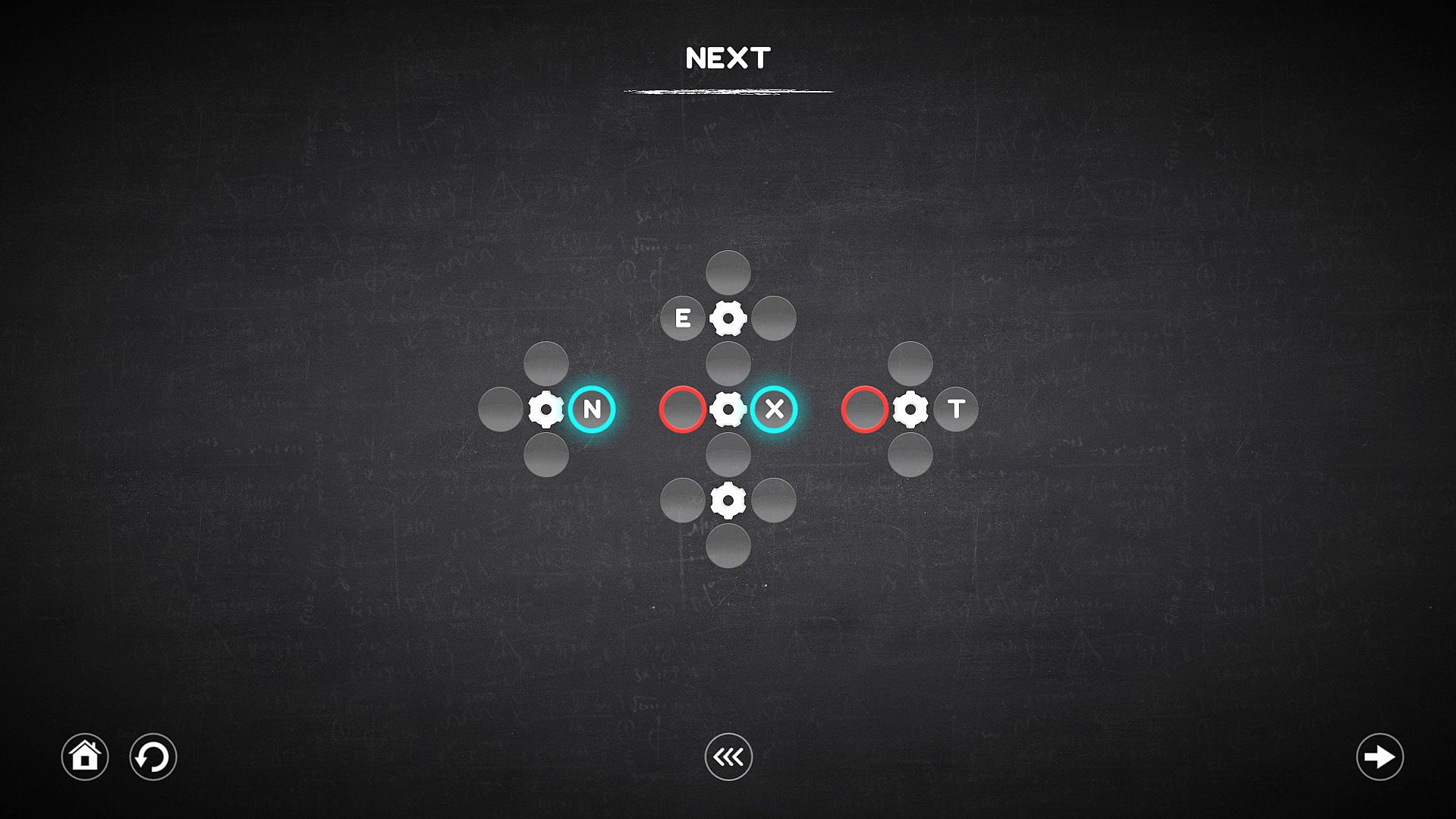
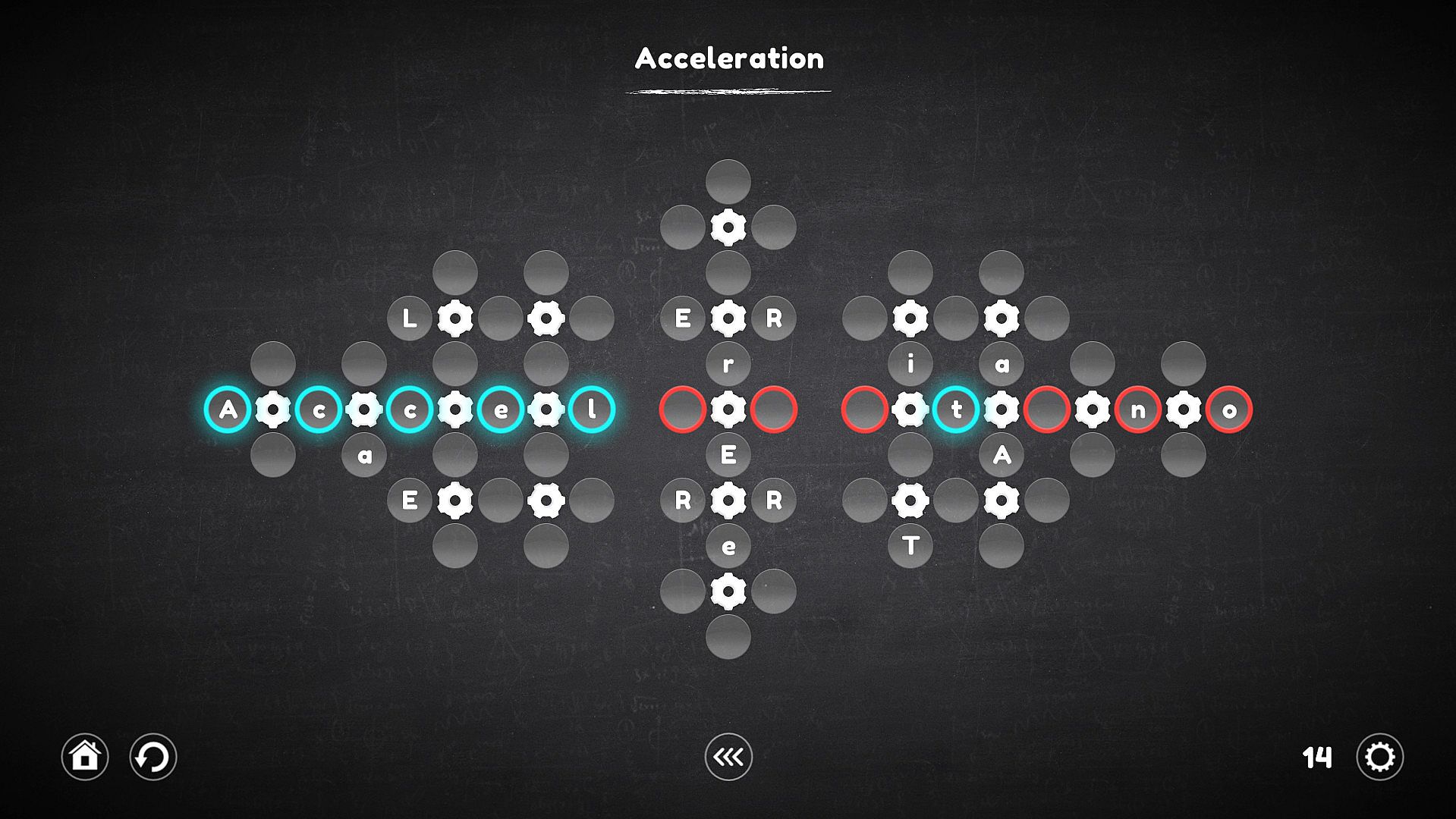
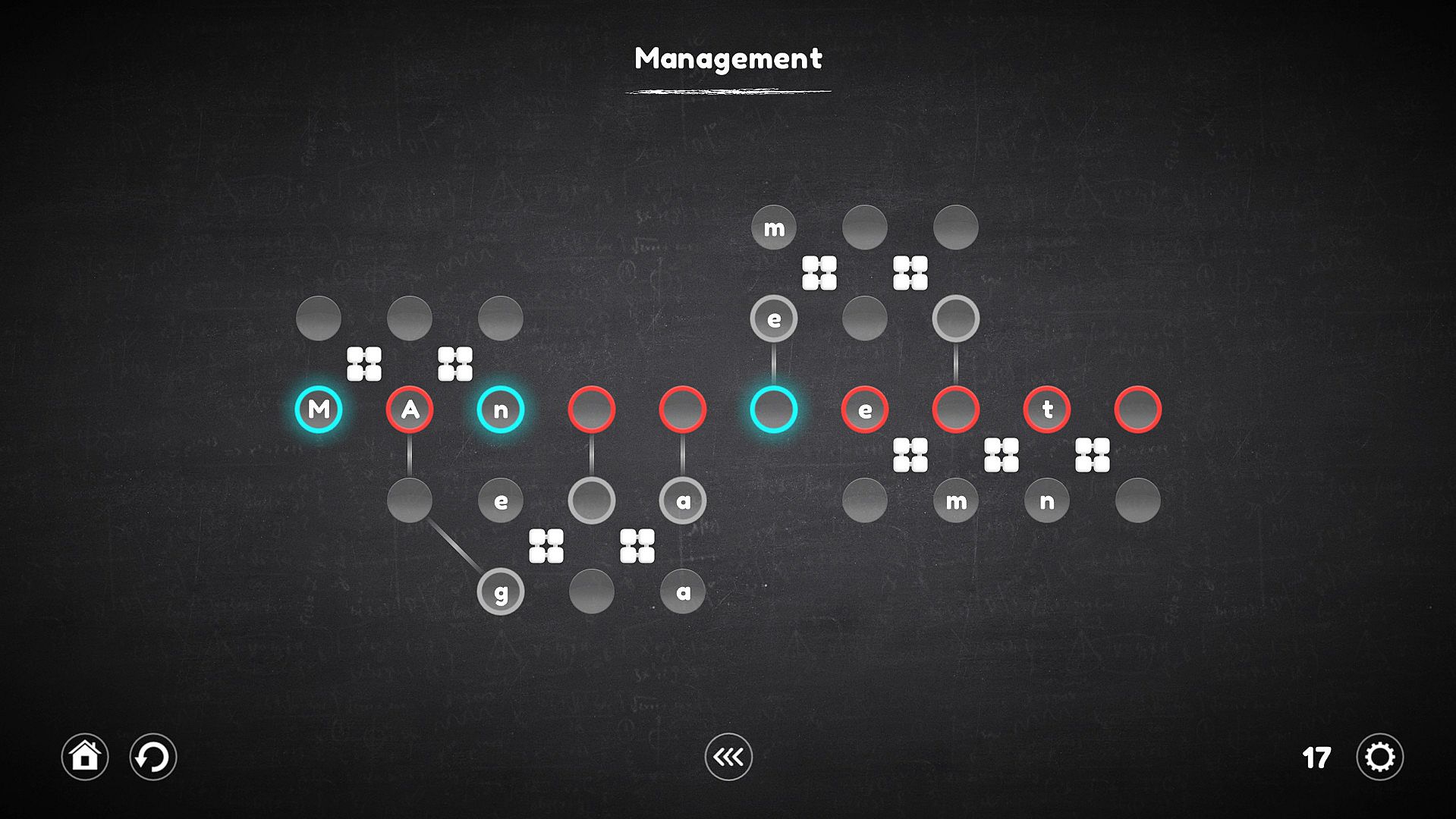
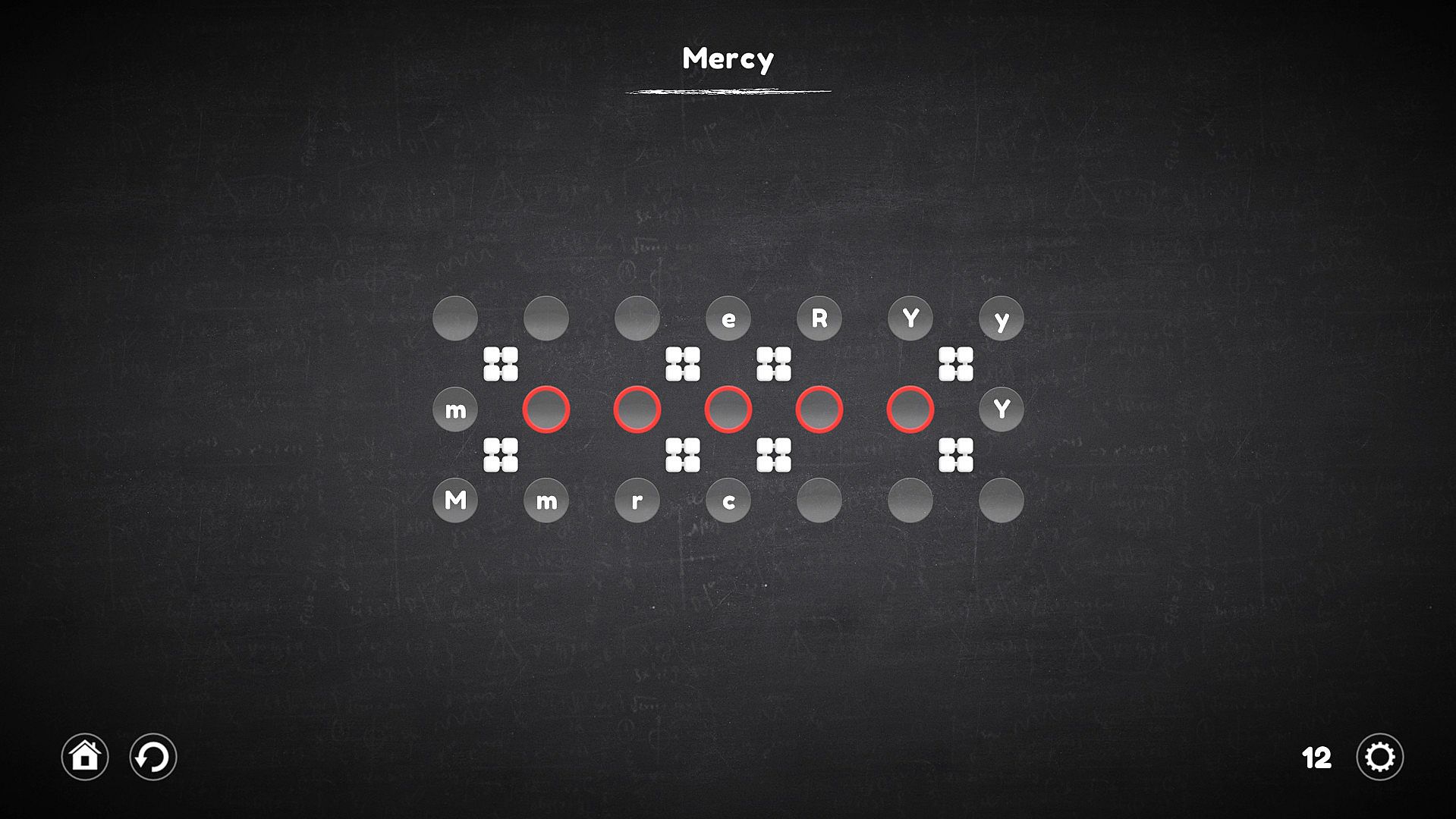
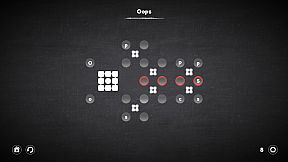
Assemble words and sentences from letters tied to clever mechanisms in this indie casual puzzle game. Players grab the correct letters or symbols, slot them into cells, and manipulate gears, rotators, connectors, and replacers to beat each level. Gears spin nearby cells clockwise or counterclockwise, rotators shift them linearly like a Rubik's Cube, connectors link distant letters to targets, and replacers swap mechanisms entirely. Over 120 unique levels across four categories build in complexity, mixing mechanism types for fresh challenges. Choose beginner or advanced difficulty, rewind mistakes, or skip tough puzzles to return later. Casual players and series fans alike enjoy the smoother controls and thoughtful innovations.

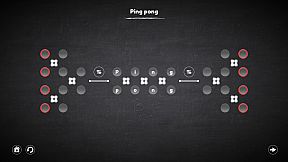
The goal of each level is to assemble a word or even a whole sentence from letters that are part of certain mechanisms and are controlled by them. Pick up the right letters or symbols, insert into the cells, adapt to difficult conditions and do not fall into deception. Try - It's Easy!

Regarding the innovations: The game is a big work on the mistakes of the last part of the series. Therefore, it has become much more convenient and easier to play.
Key Features

  • Play as convenient: The game has 2 levels of difficulty, one is suitable for beginners and does not require much effort from the player, the second is suitable for those who are familiar with Blueprint Word.
  • Too difficult for me: Do not know how to solve the puzzle? You can skip the level and try to pass it later.
  • Everyone is mistaken: I lost several moves because of an error - just wind the mechanisms a few steps back.
  • Over 120 levels.
  • 4 new types of mechanisms.
  • Improved gameplay.

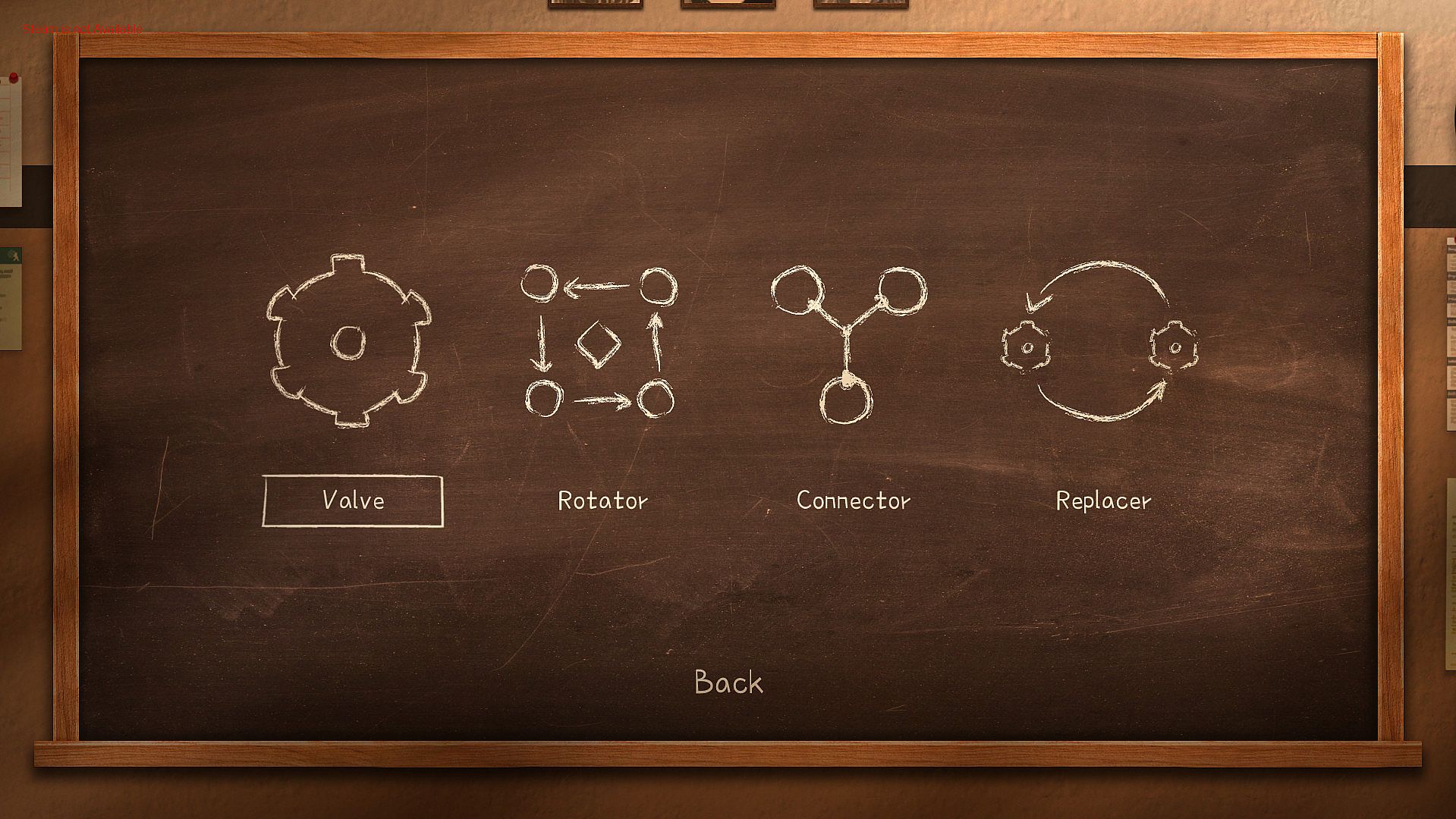
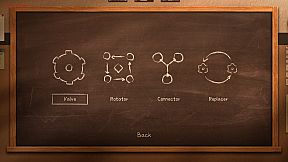
The game has four categories of levels, each of which involves the use of certain mechanisms. The very first of them is the usual gear, which remained unchanged, the other three are completely new.


Each category contains 30 unique levels, and the levels can combine the mechanisms from the previous categories.
"Valve"


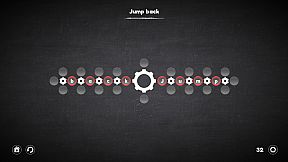
Using the gear allows you to rotate all the nearest cells around it, both clockwise and counterclockwise. It is important to understand that all cells are not part of the gears before they are activated, this means that the cells located next to one gear (for example, left or right) can take part in the rotation of the other, which in fact allows you to move the cells to the right places.
"Rotator"


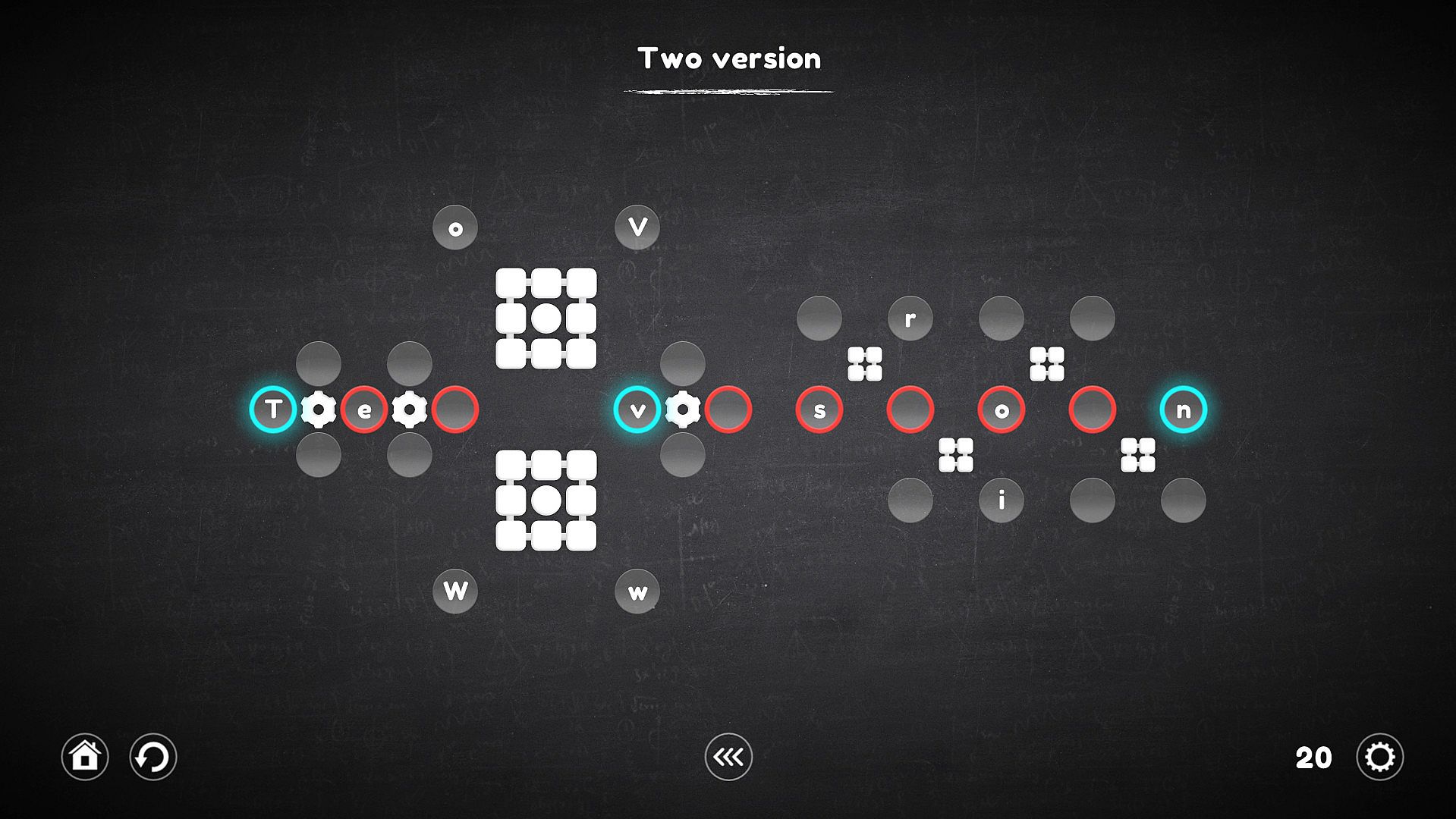
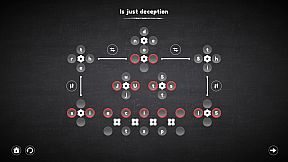
A rotator is a kind of gear, but it works a little differently. His work is reminiscent of the Rubik's Cube, all the cells nearest to him rotate not in a circle, but linearly, which complicates the process, but allows the cells to be moved in a slightly different way.
"Connector"


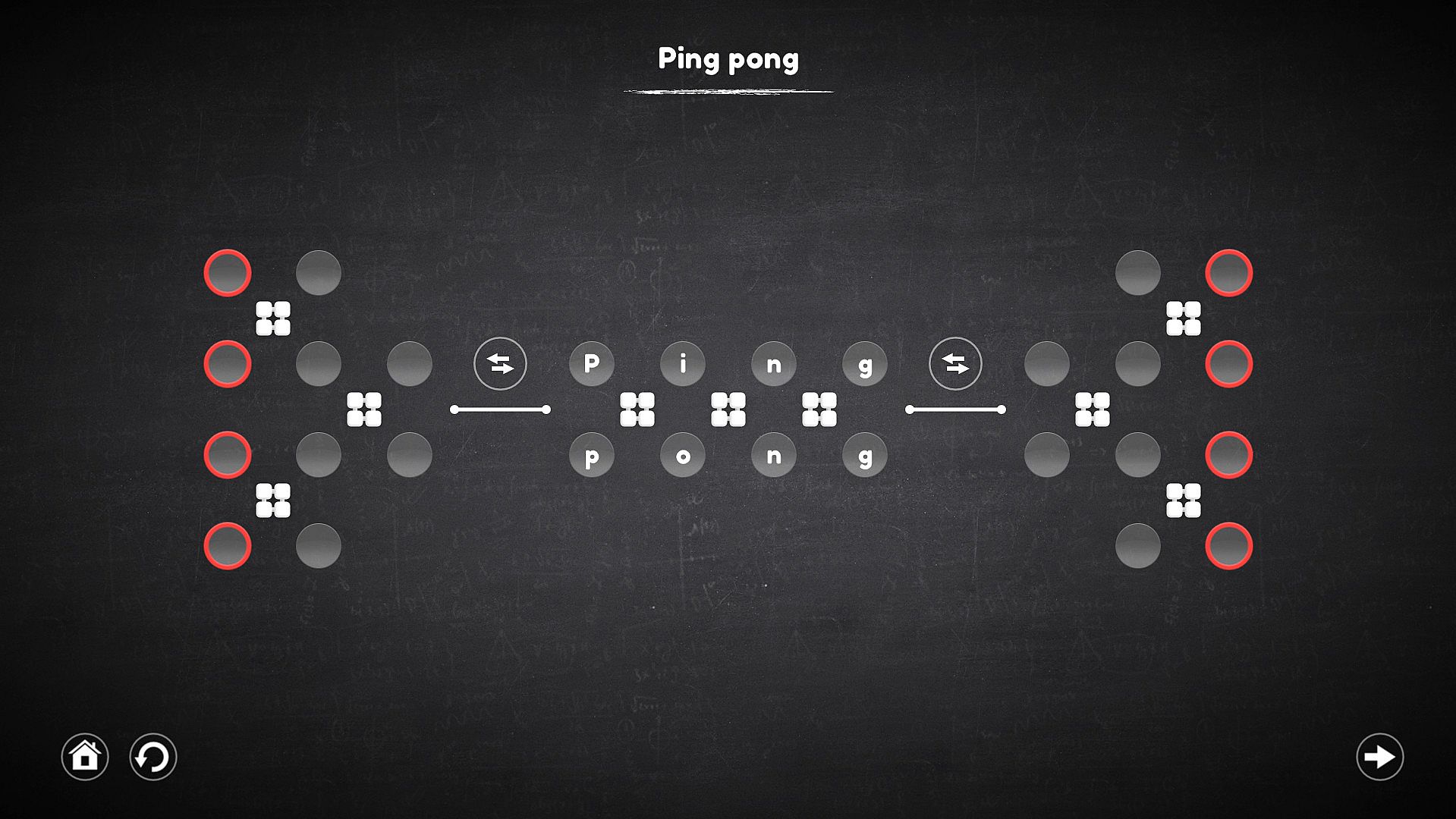
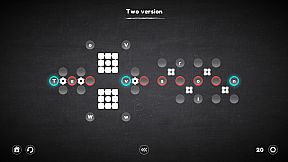
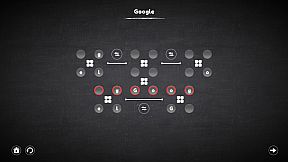
The connector is not a mechanism on which you can act, but it forms a connection between the cells in which the characters are located, with the target cell, which allows you to select the desired character in places inaccessible to the mechanisms.
"Replacer"


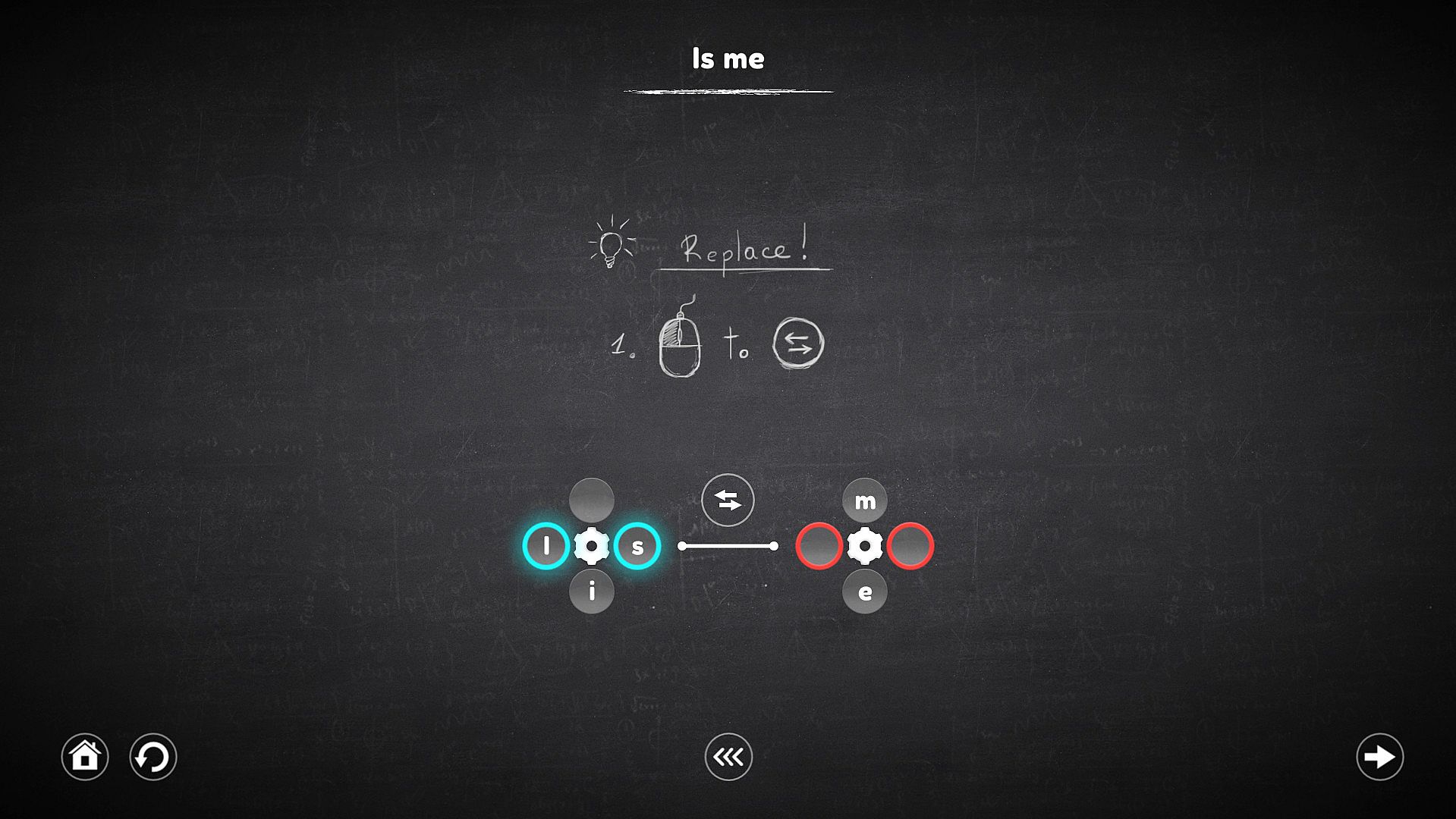
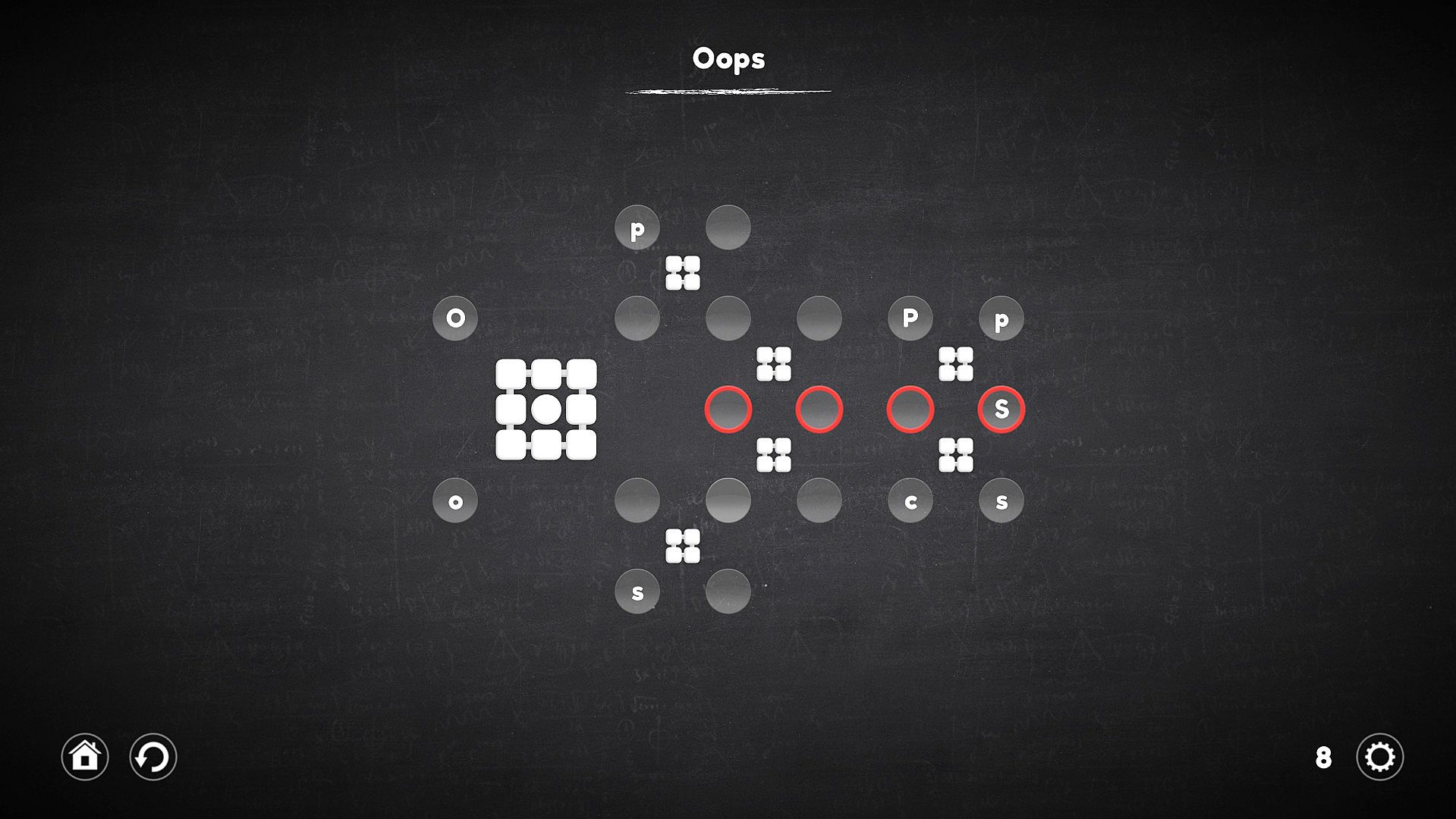
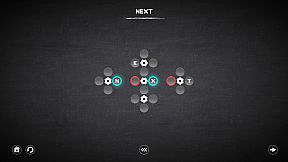
This mechanism no longer works with cells, but with mechanisms. When it is activated, it replace the mechanisms that it intersects, and the cells attached to them also move along with these mechanisms.

Interfaccia:
English
Sottotitoli:
English

Classificazione per età

Non disponibile
Metacritic:
tbd tbd
Steam:
Overwhelmingly Negative (7)

Minimo:

  • Processore: 2.0GHz processor or faster
  • Memoria: 1 GB RAM
  • Grafica: Intel HD Graphics
  • DirectX: Version 9.0
  • Archiviazione: 180 MB available space

Consigliato:

  • Processore: 2.0GHz processor or faster
  • Memoria: 2 GB RAM
  • Grafica: NVIDIA or AMD dedicated graphics with 512MB VRAM
  • DirectX: Version 9.0
  • Archiviazione: 180 MB available space
Minimo storico
Storico prezzi dei negozi ufficiali
-
-
-
Storico prezzi dei keyshop
-
-
-
Unisciti al nostro Discord
Ottieni aiuto immediato dalla community e resta aggiornato sulle offerte
Imposta avvisi di prezzo
Ricevi notifiche via email quando i prezzi scendono al tuo target
Crea un account gratuito
Sblocca wishlist, avvisi di prezzo e sincronizzazione Steam

FAQ

8 domande

Prima di cercare una CD Key Blueprint Word: Classroom economica, dai un'occhiata alle info essenziali. Sviluppato da Shard Real. Pubblicato da Shard Real. Data di uscita su PC: 05 dic 2018. Generi: Indie, Casual. Categorie: Family Sharing, Single-player, Steam Achievements, Steam Cloud. Recensioni di Blueprint Word: Classroom: Metascore: tbd. Utenti Metacritic: tbd. Recensioni Steam: 7 user reviews for this game.

Q Posso giocare a Blueprint Word: Classroom su Steam Deck?

No, al momento. Valve indica Blueprint Word: Classroom come Unsupported, quindi non si avvia via Proton. Tieni d'occhio XD.deals: tracciamo progressi di Proton e fix della community e lo segnaleremo appena sarà possibile giocare a Blueprint Word: Classroom su Steam Deck.

. Esiste una versione Steam di Blueprint Word: Classroom. Scegli un'offerta con tag Steam Key su XD.deals, riscattala nel client desktop e gioca a Blueprint Word: Classroom su Steam PC.

Sì. Dopo aver riscattato la chiave Steam, puoi avviare Blueprint Word: Classroom in Modalità Offline su Steam. I salvataggi si sincronizzeranno quando tornerai online.

, puoi acquistare una Steam Key di Blueprint Word: Classroom direttamente su Steam. Su XD.deals aggregiamo tutte le offerte DRM Steam disponibili così puoi confrontare le offerte Steam economiche di Blueprint Word: Classroom in un unico posto.

Trovi ogni sconto e offerta attiva per Blueprint Word: Classroom qui su XD.deals. Il nostro tracker elenca attualmente 1 offerte da store ufficiali e 3 offerte da keyshop. Controlla la tabella sopra per il prezzo più basso, confrontalo con il minimo storico e imposta un avviso per non perdere il prossimo calo.

Con XD.deals i gamer PC vedono subito dove comprare una chiave Steam Blueprint Word: Classroom PC economica. Il nostro motore di comparazione in tempo reale e il database coupon tracciano store ufficiali e keyshop affidabili così non devi farlo tu. In questo momento rileviamo 4 offerte attive tra store e keyshop.

. Esiste una pagina ufficiale Steam per Blueprint Word: Classroom, quindi puoi comprare Blueprint Word: Classroom su Steam oppure prendere una Steam Key PC di Blueprint Word: Classroom su XD.deals e riscattarla subito.

No - XD.deals non è uno store. Siamo un servizio di comparazione prezzi che traccia le migliori offerte per Blueprint Word: Classroom tra store ufficiali e keyshop verificati. Clicca "Vai allo store" accanto all'offerta scelta e verrai reindirizzato al sito del rivenditore per completare l'acquisto e ricevere lì la chiave.

Migliori prezzi per Blueprint Word: Classroom

1 GameBoost GameBoost Keyshop
-84% 0,24 €
2 Kinguin Kinguin Keyshop
-83% 0,27 €
3 Eneba Eneba Keyshop
-76% 0,37 €
4 Steam Steam Official
1,59 €

Vuoi comprare al momento giusto? Imposta un avviso prezzo su XD.deals e prendi una chiave Steam Blueprint Word: Classroom scontata quando raggiunge il prossimo minimo storico.

Crea avviso