



in progress...

Blueprint Word: Classroom PC kaufen

Stand 24 März 2026: Der günstigste Blueprint Word: Classroom Key kostet 0,24 € bei GameBoost. XD.deals vergleicht Preise aus 4 Shops mit 4 Angeboten. Bei Keyshops liegt der niedrigste Preis bei 0,24 € (84% Rabatt), offizielle Shops starten bei 1,59 € (0% Rabatt). Daten von XD.deals.

Veröffentlichung: 05 Dez. 2018
Metacritic:
tbd tbd
Steam:
Overwhelmingly Negative (7)
Im offiziellen Store kaufen:
1,59 €
Im Keyshop kaufen:
-84%
0,24 €
Preisverlauf anzeigen

Offizielle Shops (1)

DRM:
Steam
Steam
Steam
Blueprint Word: Classroom
Windows
vor 1J
DRM:
Steam
Steam
1,59 €

Keyshops (3)

DRM:
Steam
Steam
GameBoost
Blueprint Word: Classroom
Windows
vor 6W
GameBoost
1,59 € 0,24 €
-84%
Kinguin
Blueprint Word: Classroom Steam CD Key
Windows
vor 6W
DRM:
Steam
Kinguin
1,59 € 0,27 €
-83%
-8% with XD8DEALScopy
Eneba
Blueprint Word: Classroom (PC) Steam Key GLOBAL
Windows
vor 2W
DRM:
Steam
Eneba
1,59 € 0,37 €
-76%
-10% with XDD10copy
-10% with XDD10copy

Ăśber Blueprint Word: Classroom

Blueprint Word: Classroom - Spielbeschreibung
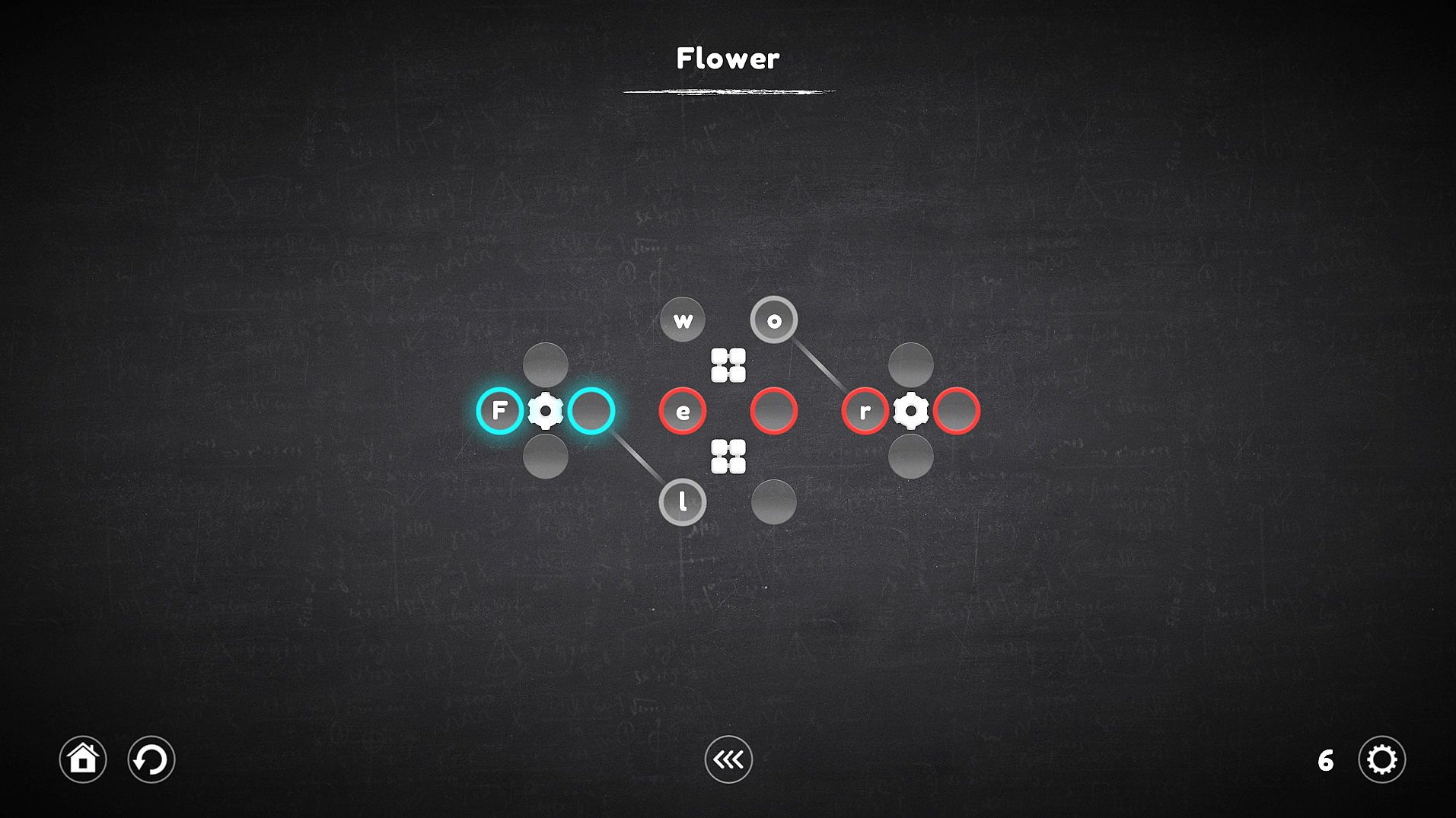
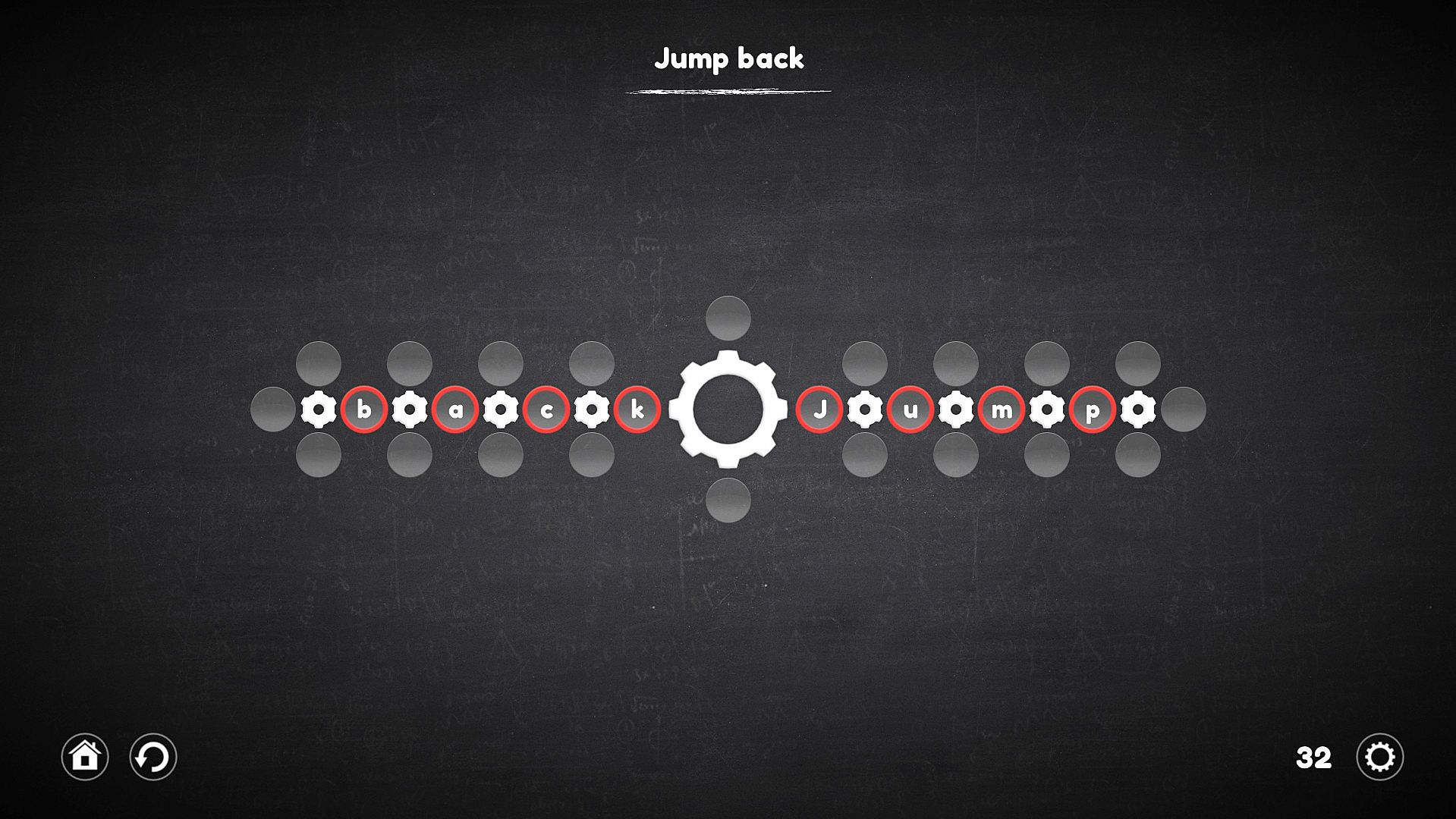
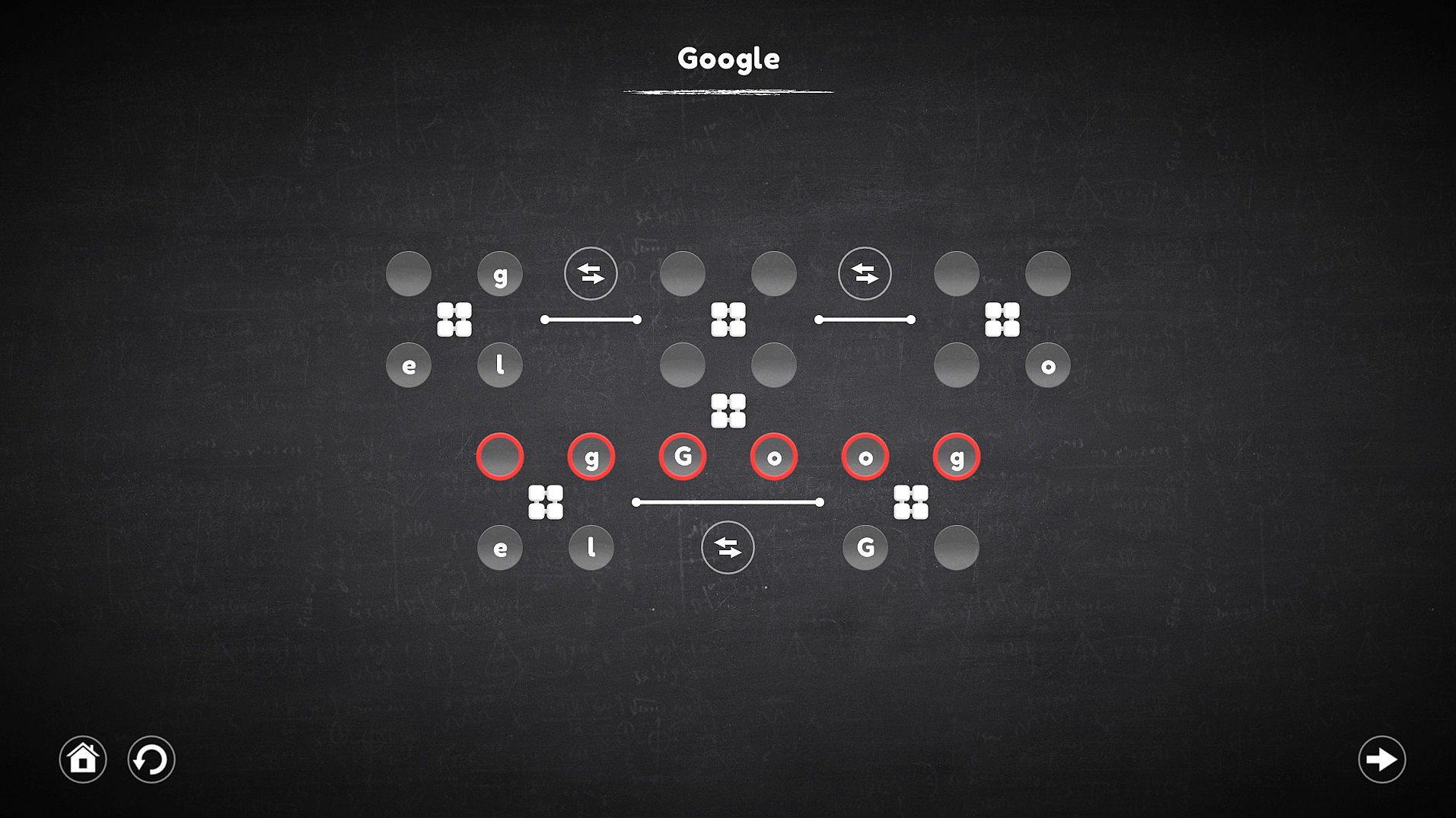
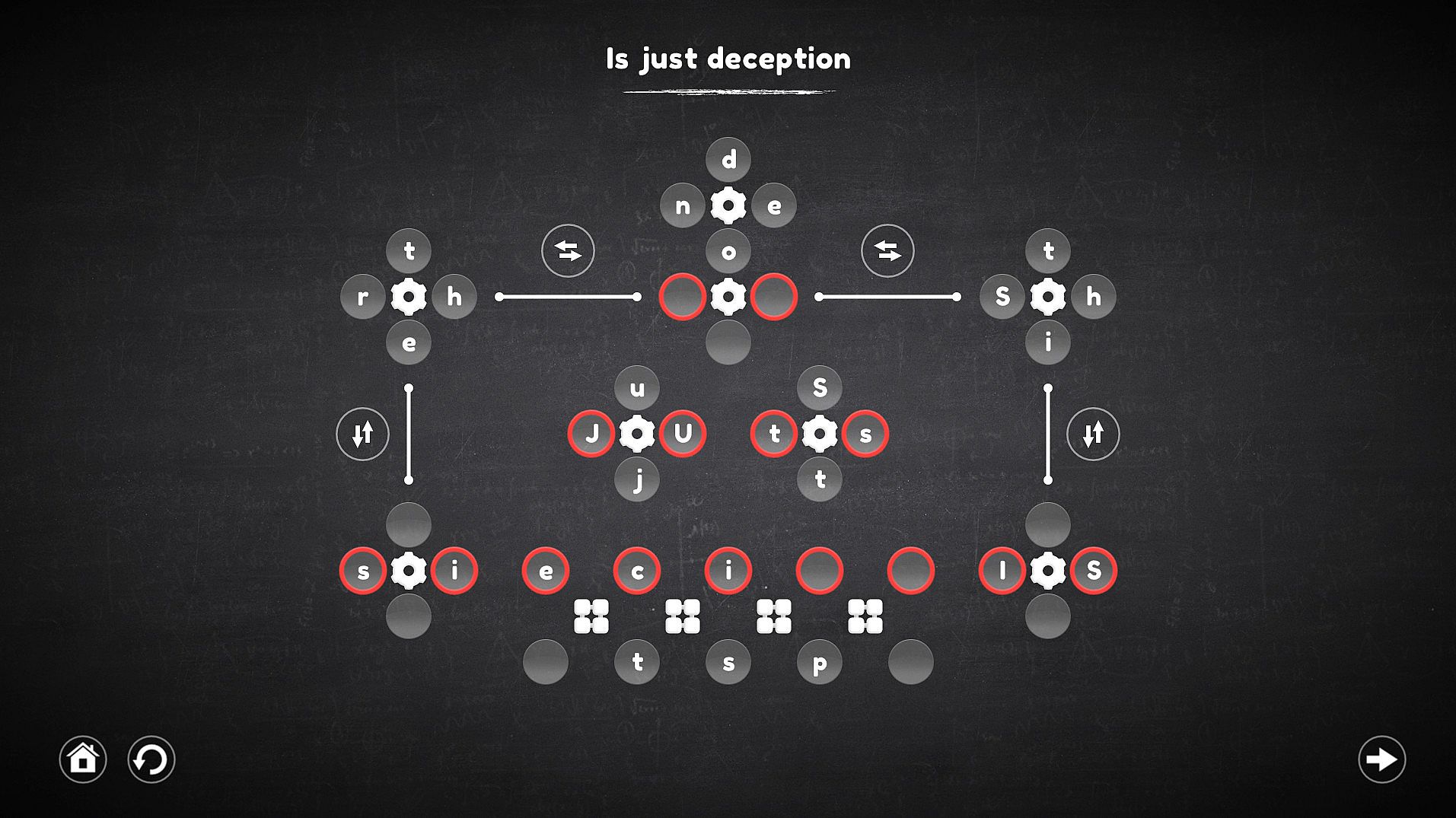
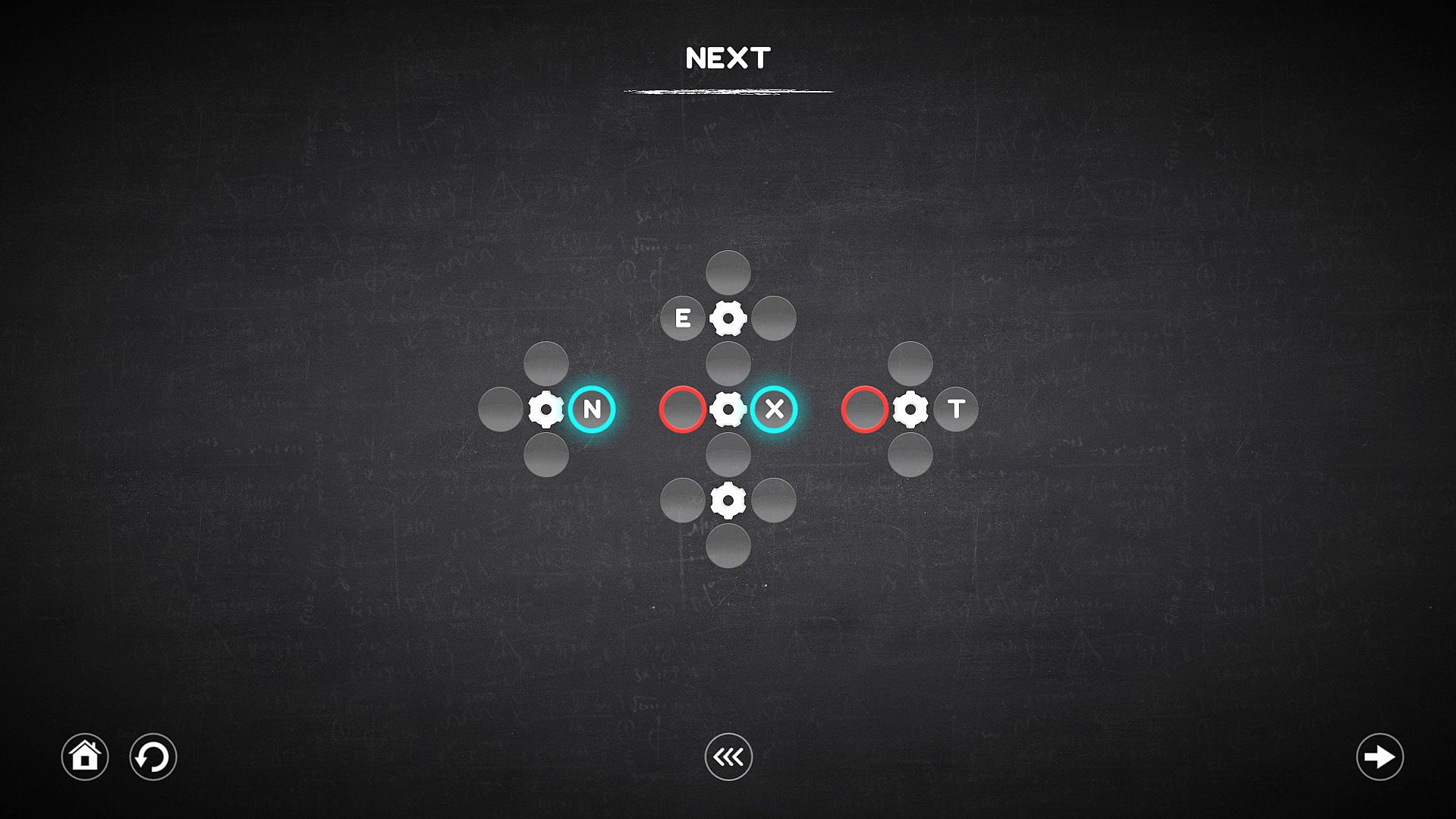
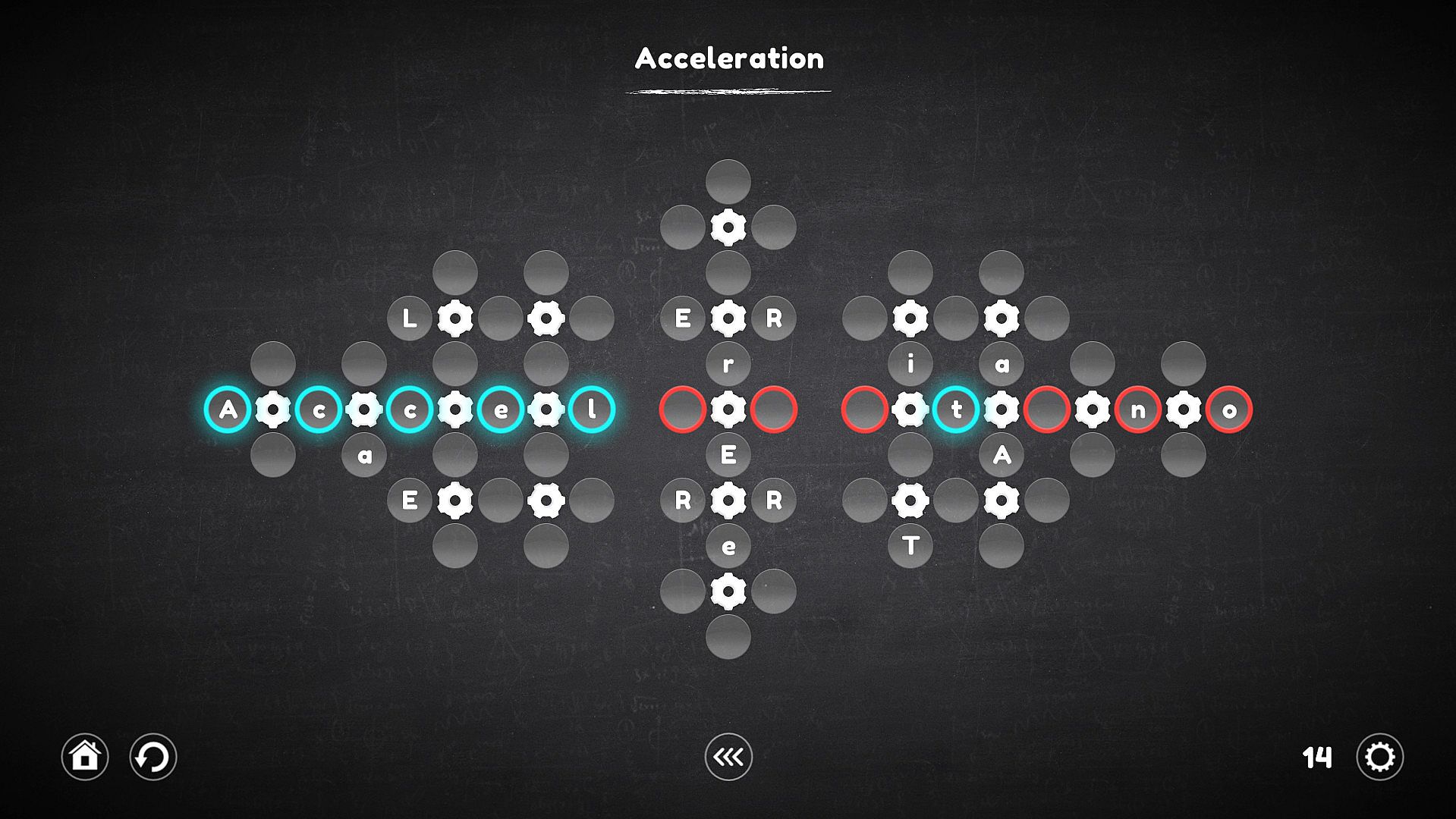
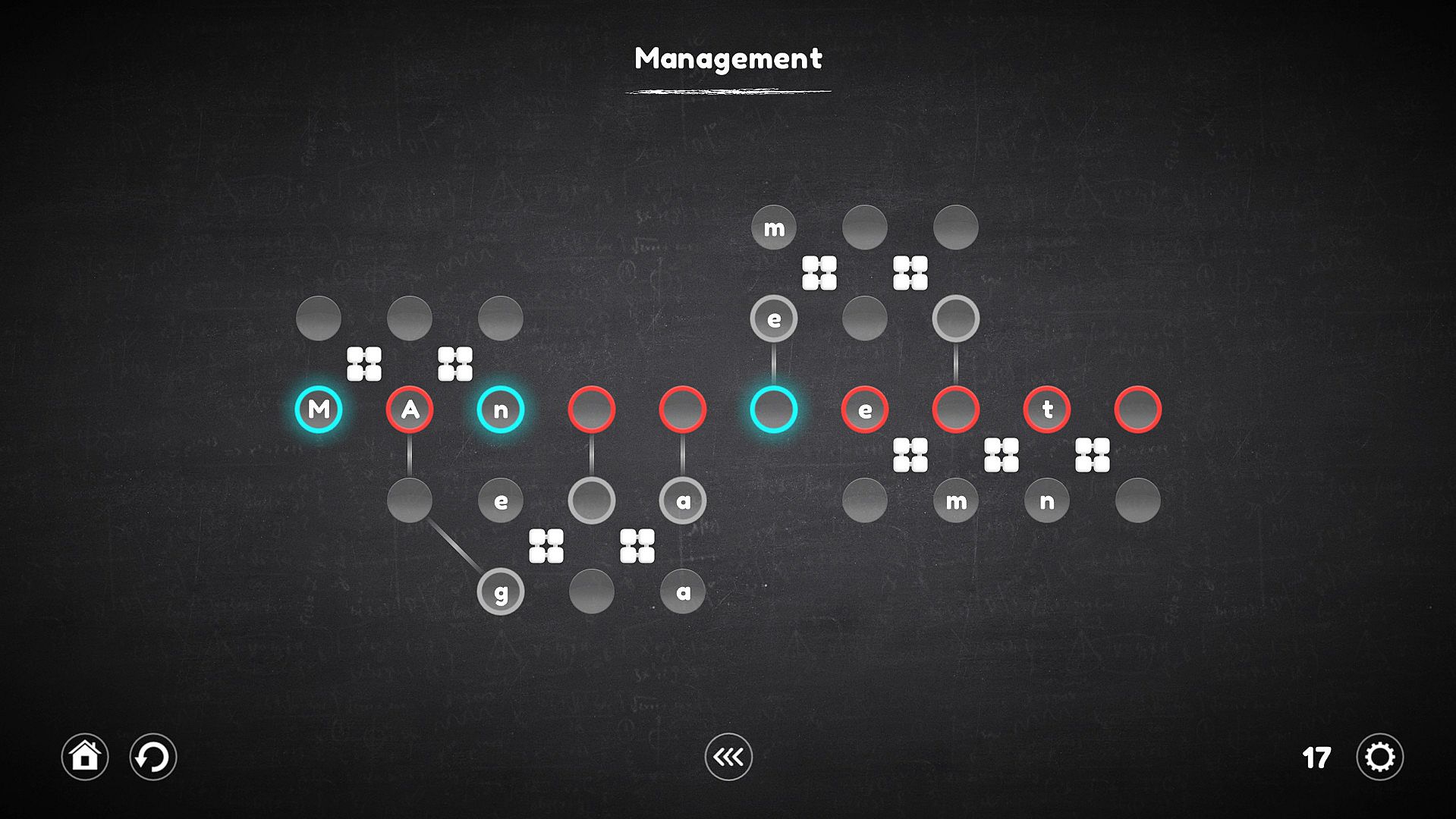
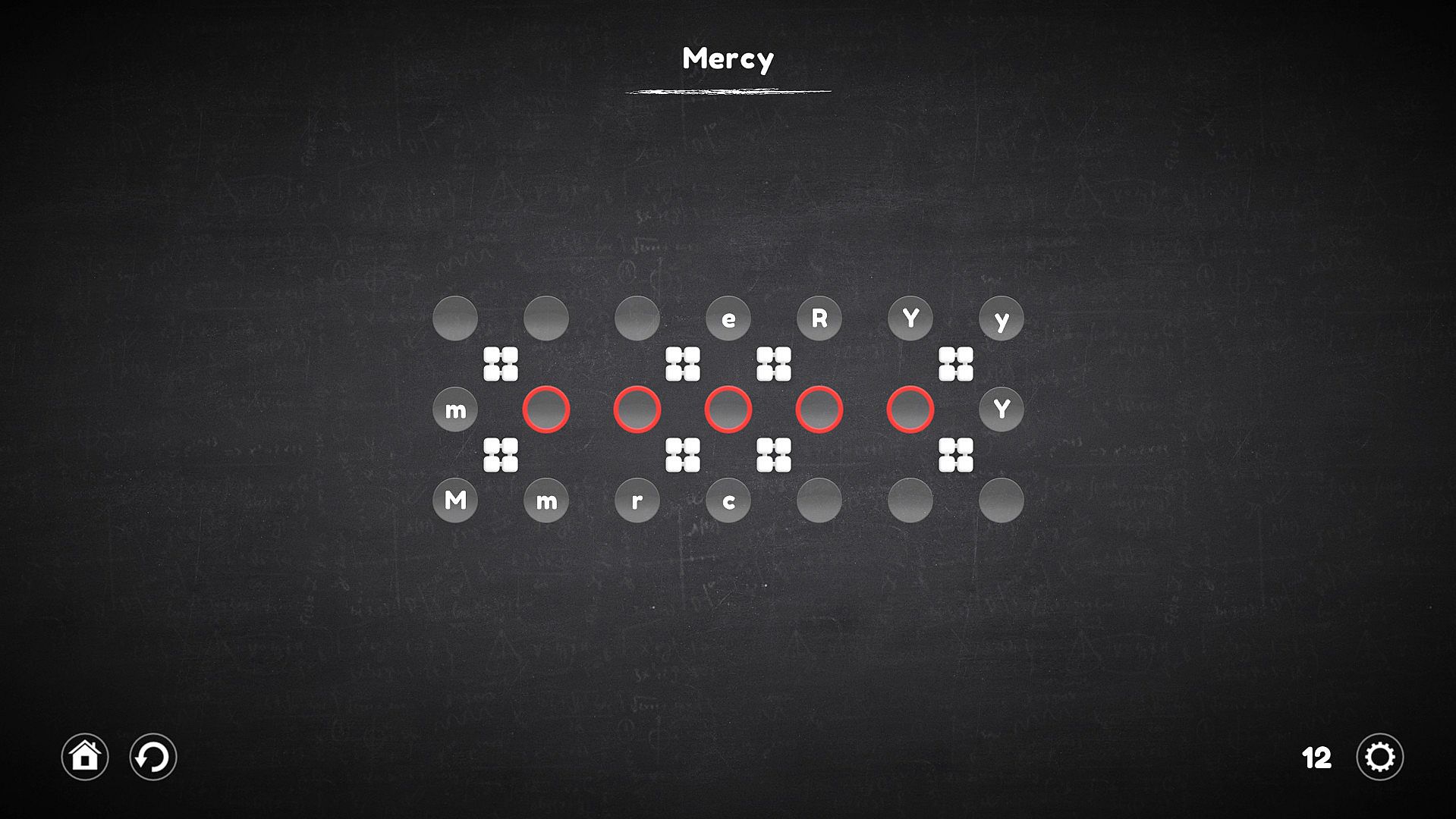
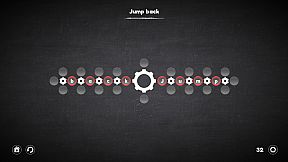
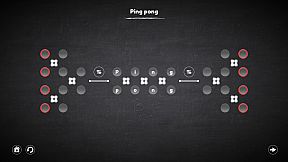
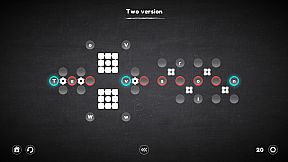
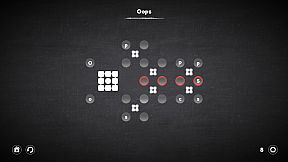
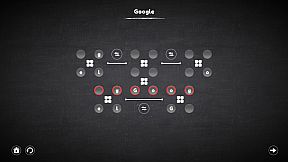
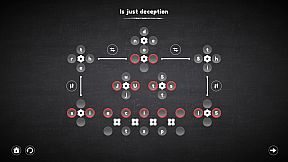
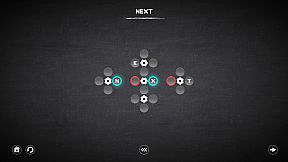
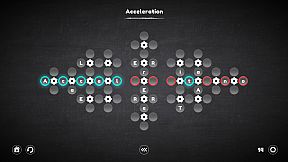
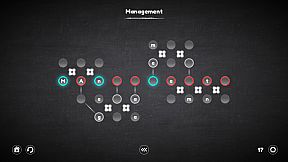
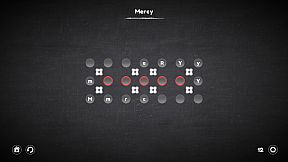
Assemble words and sentences from letters tied to clever mechanisms in this indie casual puzzle game. Players grab the correct letters or symbols, slot them into cells, and manipulate gears, rotators, connectors, and replacers to beat each level. Gears spin nearby cells clockwise or counterclockwise, rotators shift them linearly like a Rubik's Cube, connectors link distant letters to targets, and replacers swap mechanisms entirely. Over 120 unique levels across four categories build in complexity, mixing mechanism types for fresh challenges. Choose beginner or advanced difficulty, rewind mistakes, or skip tough puzzles to return later. Casual players and series fans alike enjoy the smoother controls and thoughtful innovations.

The goal of each level is to assemble a word or even a whole sentence from letters that are part of certain mechanisms and are controlled by them. Pick up the right letters or symbols, insert into the cells, adapt to difficult conditions and do not fall into deception. Try - It's Easy!

Regarding the innovations: The game is a big work on the mistakes of the last part of the series. Therefore, it has become much more convenient and easier to play.
Key Features

  • Play as convenient: The game has 2 levels of difficulty, one is suitable for beginners and does not require much effort from the player, the second is suitable for those who are familiar with Blueprint Word.
  • Too difficult for me: Do not know how to solve the puzzle? You can skip the level and try to pass it later.
  • Everyone is mistaken: I lost several moves because of an error - just wind the mechanisms a few steps back.
  • Over 120 levels.
  • 4 new types of mechanisms.
  • Improved gameplay.

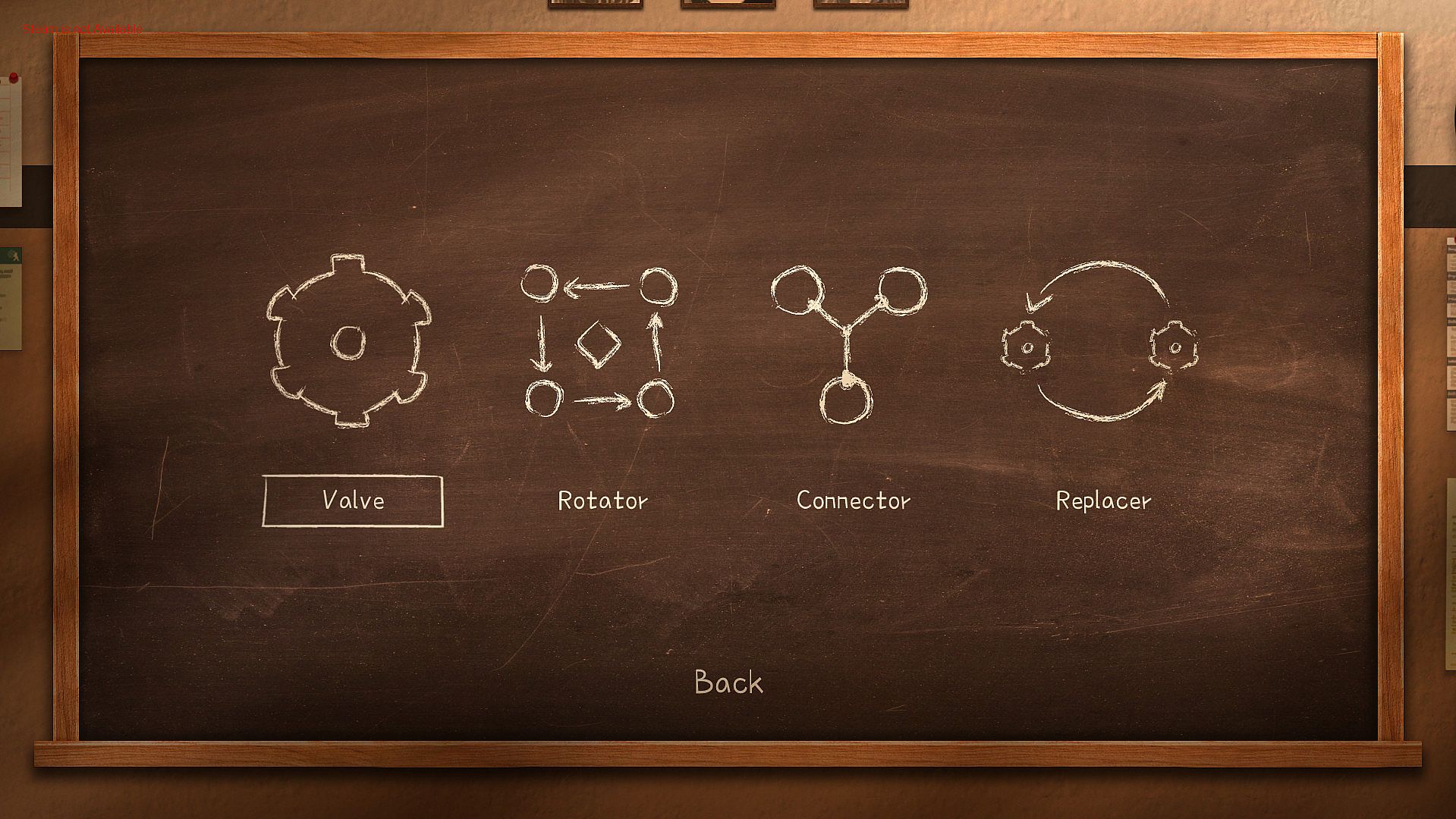
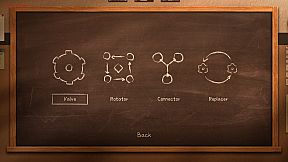
The game has four categories of levels, each of which involves the use of certain mechanisms. The very first of them is the usual gear, which remained unchanged, the other three are completely new.


Each category contains 30 unique levels, and the levels can combine the mechanisms from the previous categories.
"Valve"


Using the gear allows you to rotate all the nearest cells around it, both clockwise and counterclockwise. It is important to understand that all cells are not part of the gears before they are activated, this means that the cells located next to one gear (for example, left or right) can take part in the rotation of the other, which in fact allows you to move the cells to the right places.
"Rotator"


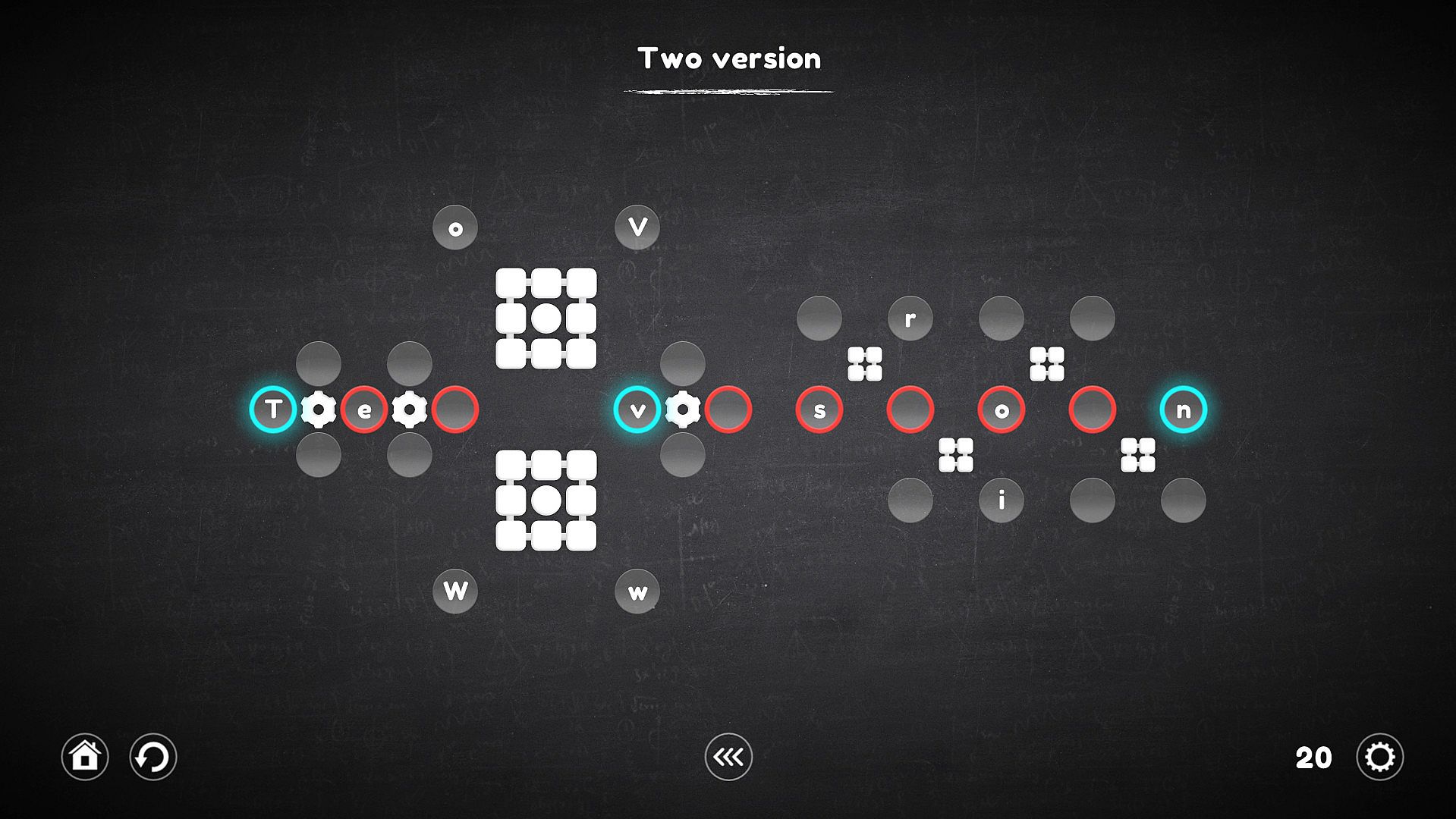
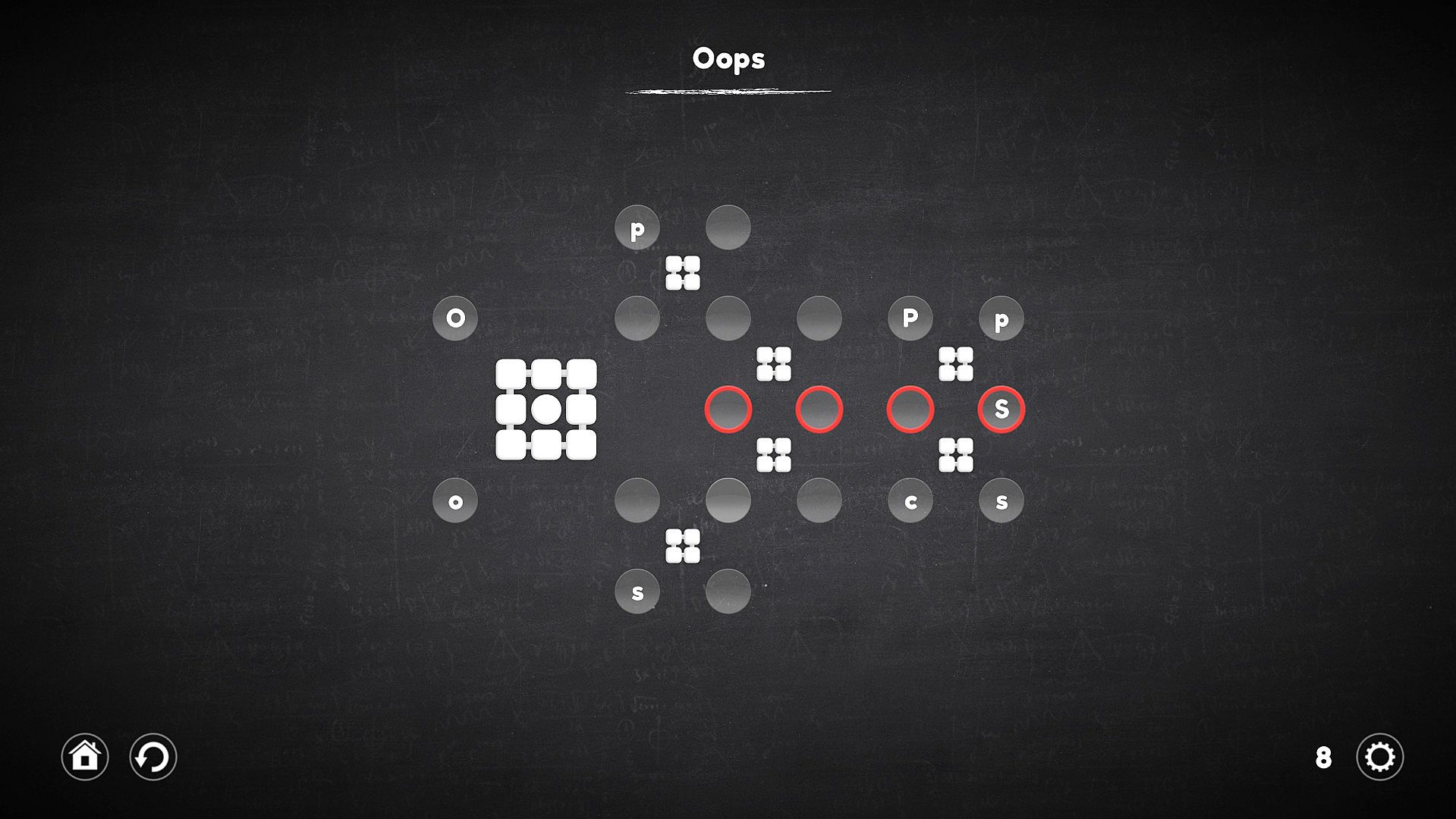
A rotator is a kind of gear, but it works a little differently. His work is reminiscent of the Rubik's Cube, all the cells nearest to him rotate not in a circle, but linearly, which complicates the process, but allows the cells to be moved in a slightly different way.
"Connector"


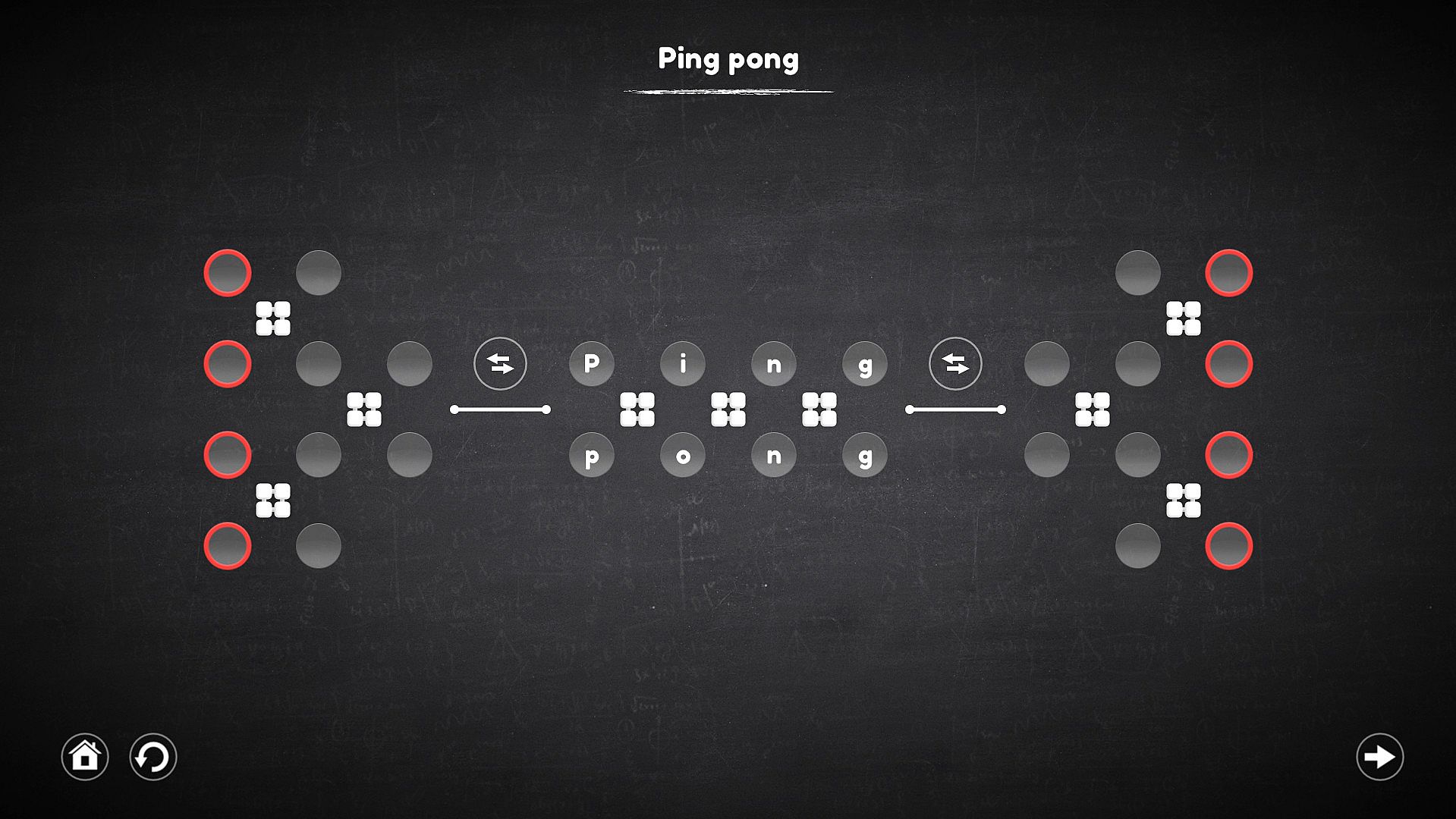
The connector is not a mechanism on which you can act, but it forms a connection between the cells in which the characters are located, with the target cell, which allows you to select the desired character in places inaccessible to the mechanisms.
"Replacer"


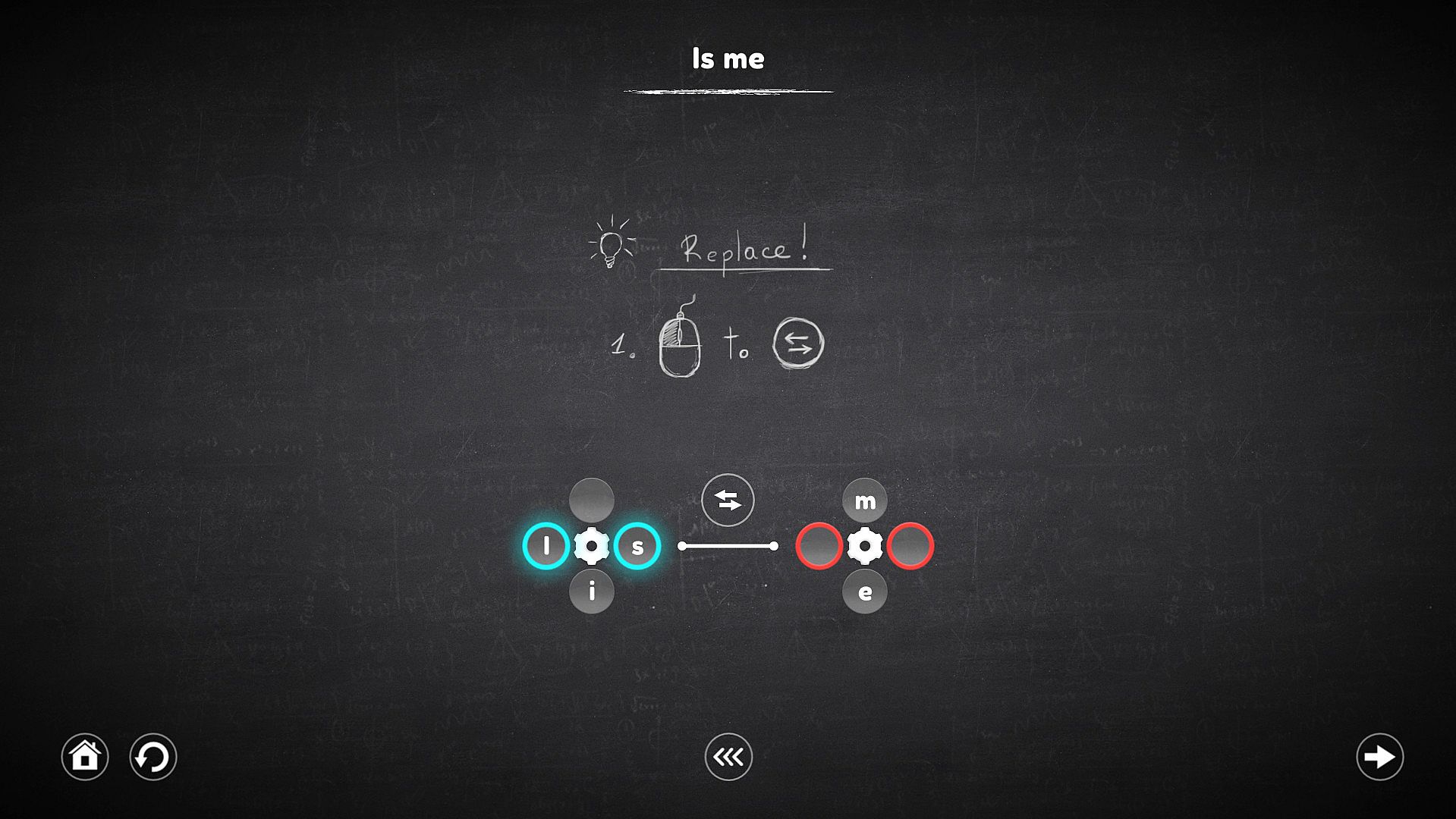
This mechanism no longer works with cells, but with mechanisms. When it is activated, it replace the mechanisms that it intersects, and the cells attached to them also move along with these mechanisms.

Oberfläche:
English
Untertitel:
English

Altersfreigabe

Keine Angabe
Metacritic:
tbd tbd
Steam:
Overwhelmingly Negative (7)

Minimum:

  • Prozessor: 2.0GHz processor or faster
  • Arbeitsspeicher: 1 GB RAM
  • Grafik: Intel HD Graphics
  • DirectX: Version 9.0
  • Speicherplatz: 180 MB available space

Empfohlen:

  • Prozessor: 2.0GHz processor or faster
  • Arbeitsspeicher: 2 GB RAM
  • Grafik: NVIDIA or AMD dedicated graphics with 512MB VRAM
  • DirectX: Version 9.0
  • Speicherplatz: 180 MB available space
Historisches Tief
Preisverlauf von offiziellen Shops
-
-
-
Preisverlauf von Keyshops
-
-
-
Tritt unserem Discord bei
Erhalte Hilfe von der Community und bleibe ĂĽber Angebote informiert
Preisalarme einrichten
Erhalte E-Mail-Benachrichtigungen wenn Preise fallen
Kostenloses Konto erstellen
Schalte Wunschlisten, Preisalarme und Steam-Sync frei

FAQ

8 Fragen

Bevor du nach einem günstigen Blueprint Word: Classroom CD Key suchst, wirf einen Blick auf die wichtigsten Fakten. Entwickelt von Shard Real. Veröffentlicht von Shard Real. PC Release-Datum: 05 Dez. 2018. Genres: Indie, Casual. Kategorien: Family Sharing, Single-player, Steam Achievements, Steam Cloud. Blueprint Word: Classroom Bewertungen: Metascore: tbd. Metacritic Nutzer: tbd. Steam Rezensionen: 7 user reviews for this game.

Q Kann ich Blueprint Word: Classroom auf dem Steam Deck spielen?

Nein, derzeit nicht. Valve kennzeichnet Blueprint Word: Classroom als nicht unterstĂĽtzt auf dem Steam Deck. Es startet aktuell nicht ĂĽber Proton. Behalte XD.deals im Blick - wir melden dir sofort, wenn ein Weg gefunden ist, Blueprint Word: Classroom auf dem Steam Deck zu spielen.

Ja. Es gibt eine Steam-Version von Blueprint Word: Classroom. Wähle ein Angebot mit dem Tag Steam Key auf XD.deals, aktiviere es im Steam-Client und spiele Blueprint Word: Classroom auf deinem PC.

Ja. Nachdem du deinen Steam Key eingelöst hast, kannst du Blueprint Word: Classroom im Offline-Modus von Steam starten. Deine Spielstände synchronisieren sich, sobald du wieder online bist.

Ja, du kannst einen Blueprint Word: Classroom Steam Key direkt im Steam Store kaufen. Auf XD.deals listen wir alle verfĂĽgbaren Steam-DRM-Angebote, damit du gĂĽnstige Blueprint Word: Classroom Steam Deals auf einen Blick vergleichen kannst.

Alle aktuellen Sales und Rabatte fĂĽr Blueprint Word: Classroom findest du hier bei XD.deals. Unser Preis-Tracker listet derzeit 1 Angebote aus offiziellen Shops und 3 Deals aus Keyshops. Sieh oben nach dem niedrigsten Preis, vergleiche ihn mit dem historischen Tiefstpreis des Spiels und setze einen Preisalarm, damit du keinen Preissturz verpasst.

Mit XD.deals sehen PC-Spieler sofort, wo sie einen günstigen Blueprint Word: Classroom PC Steam Key kaufen können. Unsere Preisvergleichs-Engine in Echtzeit und unsere kuratierte Gutscheindatenbank überwachen jeden offiziellen Shop und vertrauenswürdigen Keyshop. Aktuell erkennen wir dieses Spiel in 4 Live-Angeboten von Shops und Keyshops.

Ja. Eine offizielle Blueprint Word: Classroom Steam-Seite ist online, sodass du Blueprint Word: Classroom auf Steam kaufen oder jeden Blueprint Word: Classroom PC Steam Key auf XD.deals erwerben und sofort einlösen kannst.

Nein - XD.deals ist kein Shop. Wir sind ein Preisvergleichs-Service, der die besten Angebote für Blueprint Word: Classroom aus offiziellen Shops und verifizierten Keyshops verfolgt. Klicke 'Jetzt kaufen' neben dem gewünschten Deal, um zum Händler zu wechseln und dort den Key zu erhalten.

Beste Preise fĂĽr Blueprint Word: Classroom

1 GameBoost GameBoost Keyshop
-84% 0,24 €
2 Kinguin Kinguin Keyshop
-83% 0,27 €
3 Eneba Eneba Keyshop
-76% 0,37 €
4 Steam Steam Official
1,59 €

Bereit zum Zocken? Setze einen Preisalarm auf XD.deals und sichere dir einen reduzierten Blueprint Word: Classroom Steam Key, sobald er sein nächstes Allzeit-Tief erreicht.

Alarm erstellen