


in progress...

Compra VR Toolbox: 360 Desktop PC

Dove comprare la chiave Steam VR Toolbox: 360 Desktop PC più economica? Confronta i prezzi da 1 store e scegli la soluzione migliore tra 1 offerte su XD.deals. Al momento il prezzo PC più basso per VR Toolbox: 360 Desktop nei keyshop è su 8,19 € (0% di sconto).

Uscita: 26 dic 2016
Steam:
Mixed (89)
Keyshops
Non disponibile
Compra nello store ufficiale:
8,19 €
Compra nei keyshop:
Vedi storico prezzi

Store ufficiali (1)

DRM:
Steam
Steam
Steam
VR Toolbox: 360 Desktop
Windows
50sett fa
DRM:
Steam
Steam
8,19 €
Historical Low Deal
Historical low

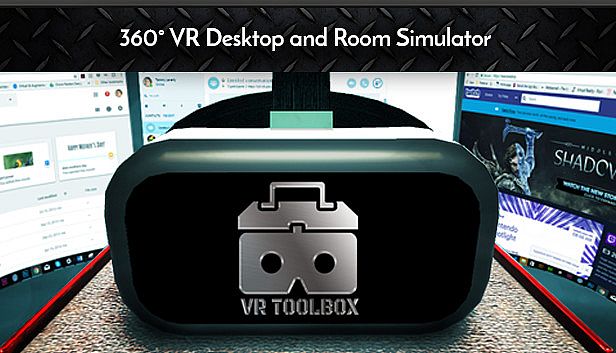
Info su VR Toolbox: 360 Desktop

VR Toolbox: 360 Desktop - info sul gioco

Laptop users, please setup using this guide.
Features
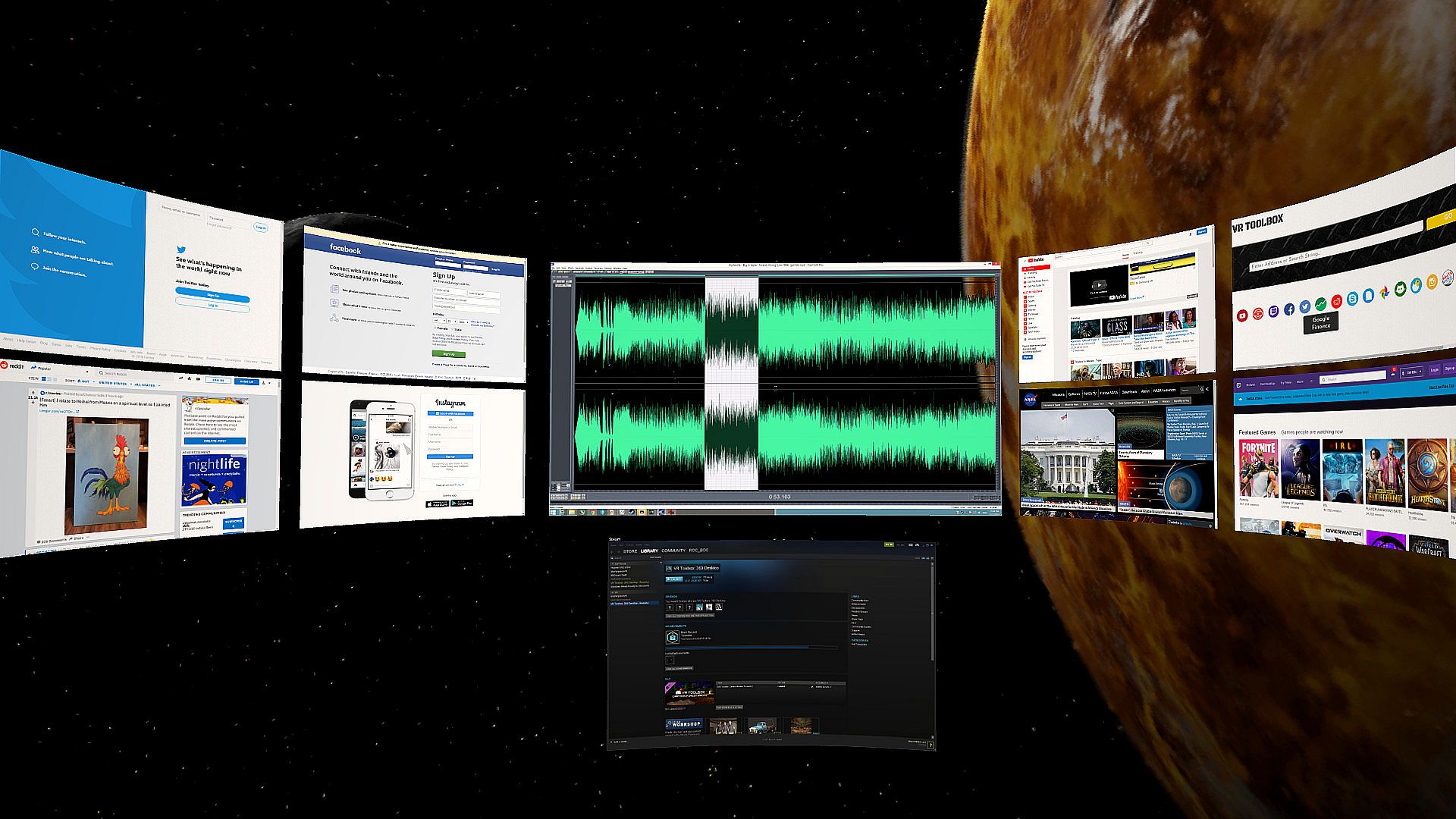
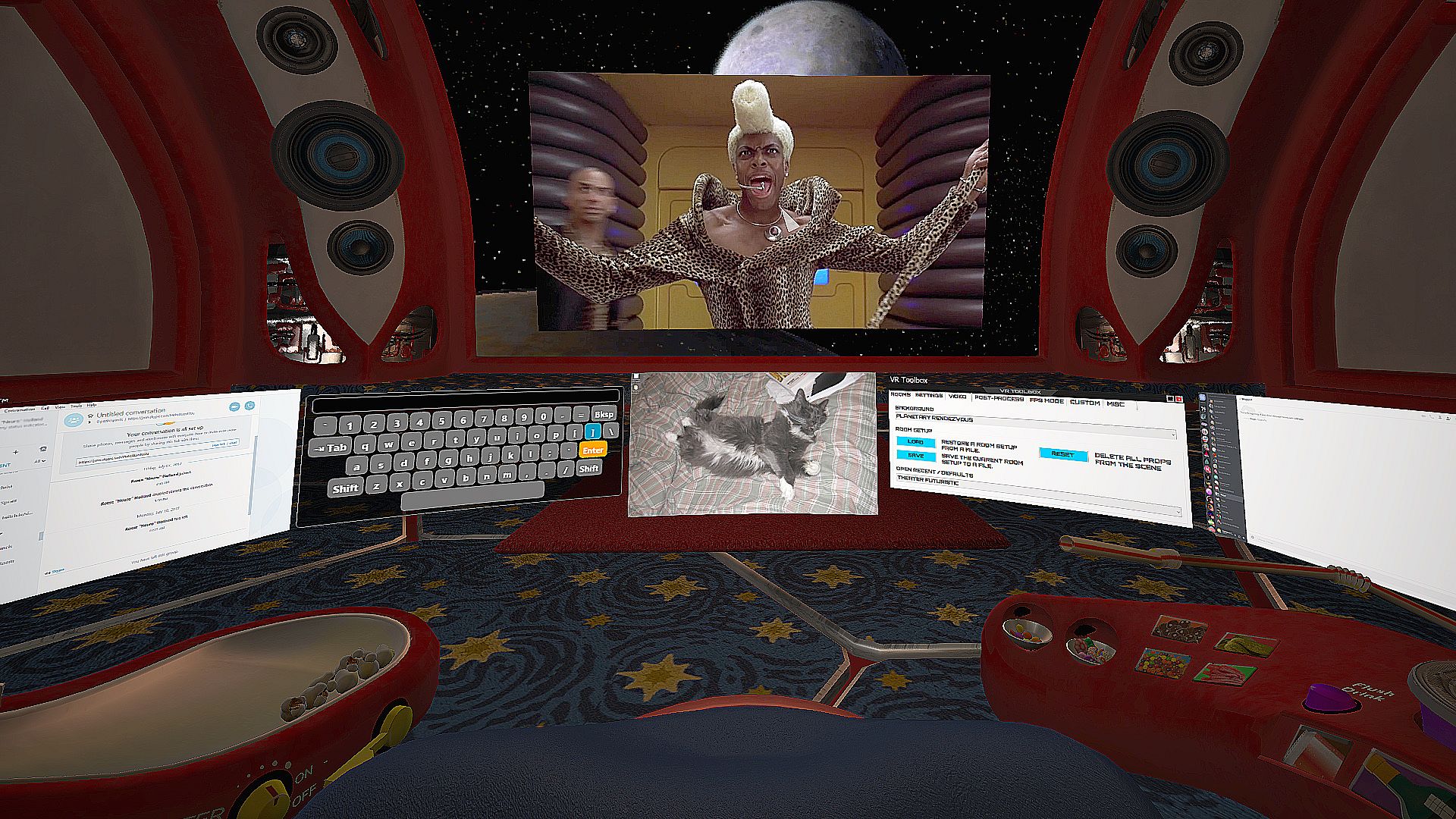
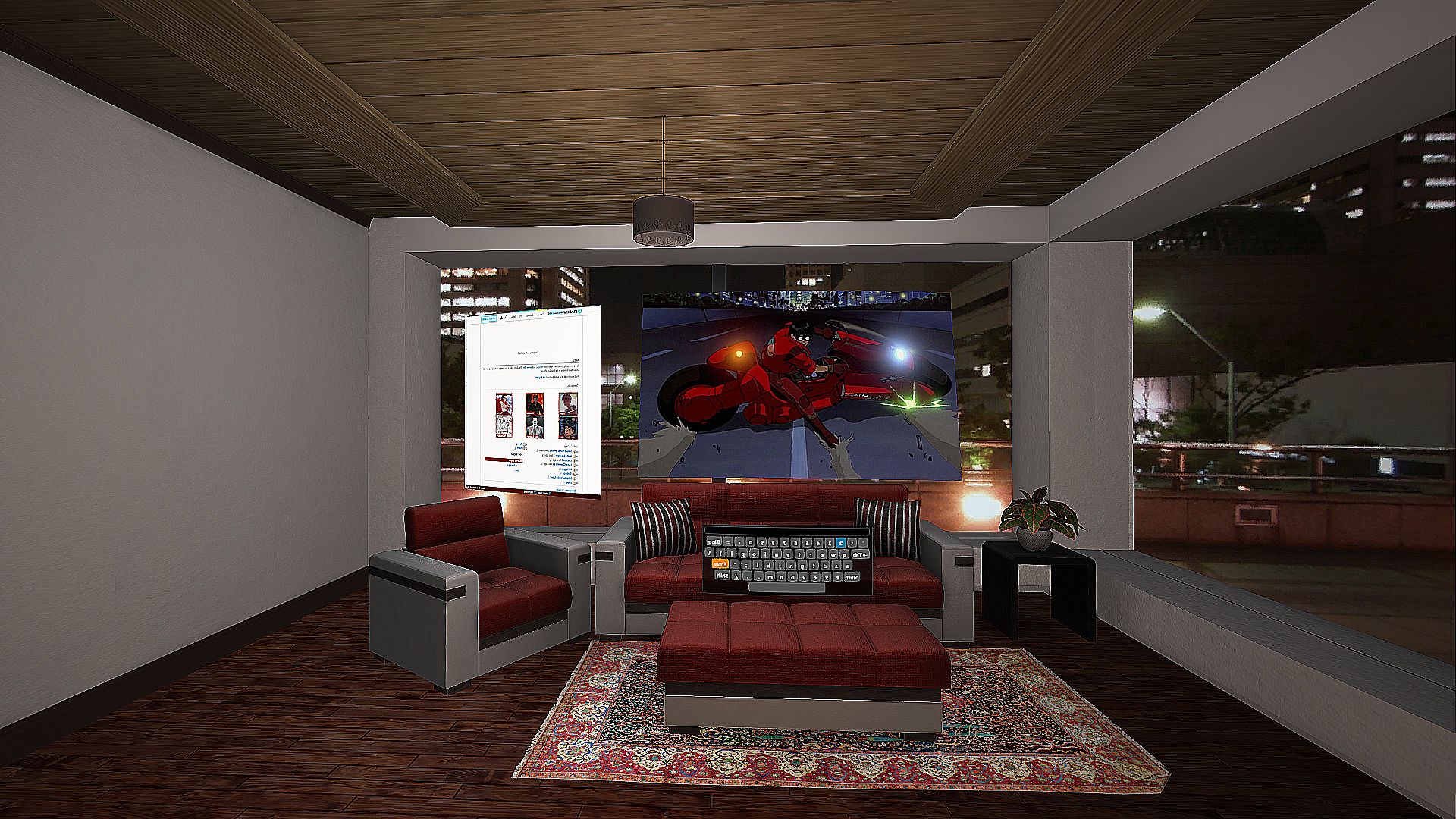
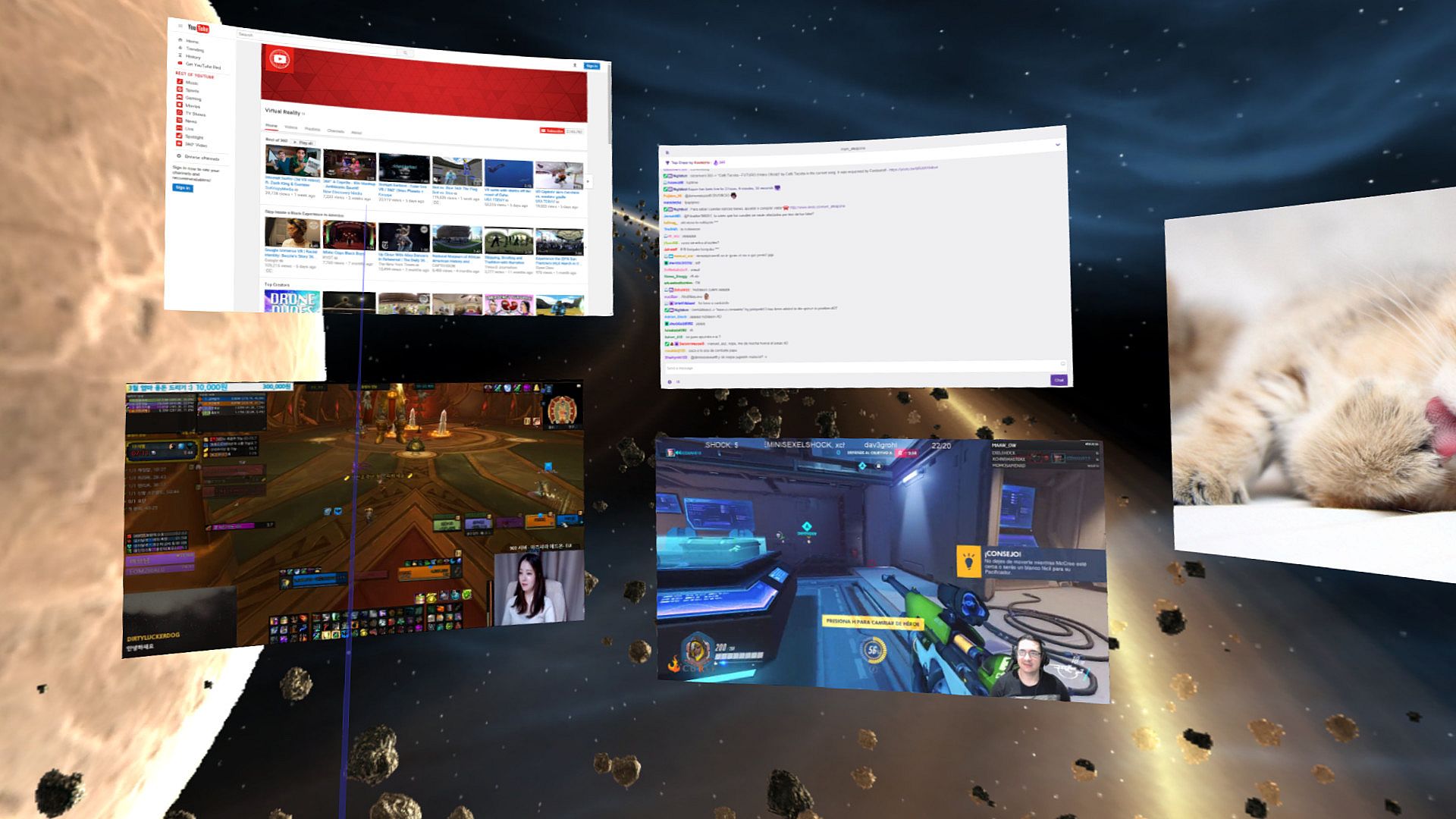
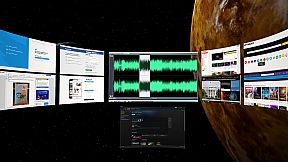
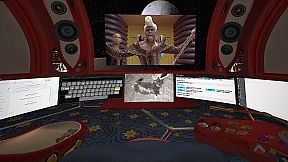
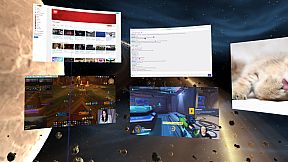
  • Create massive screens and customize to your taste.
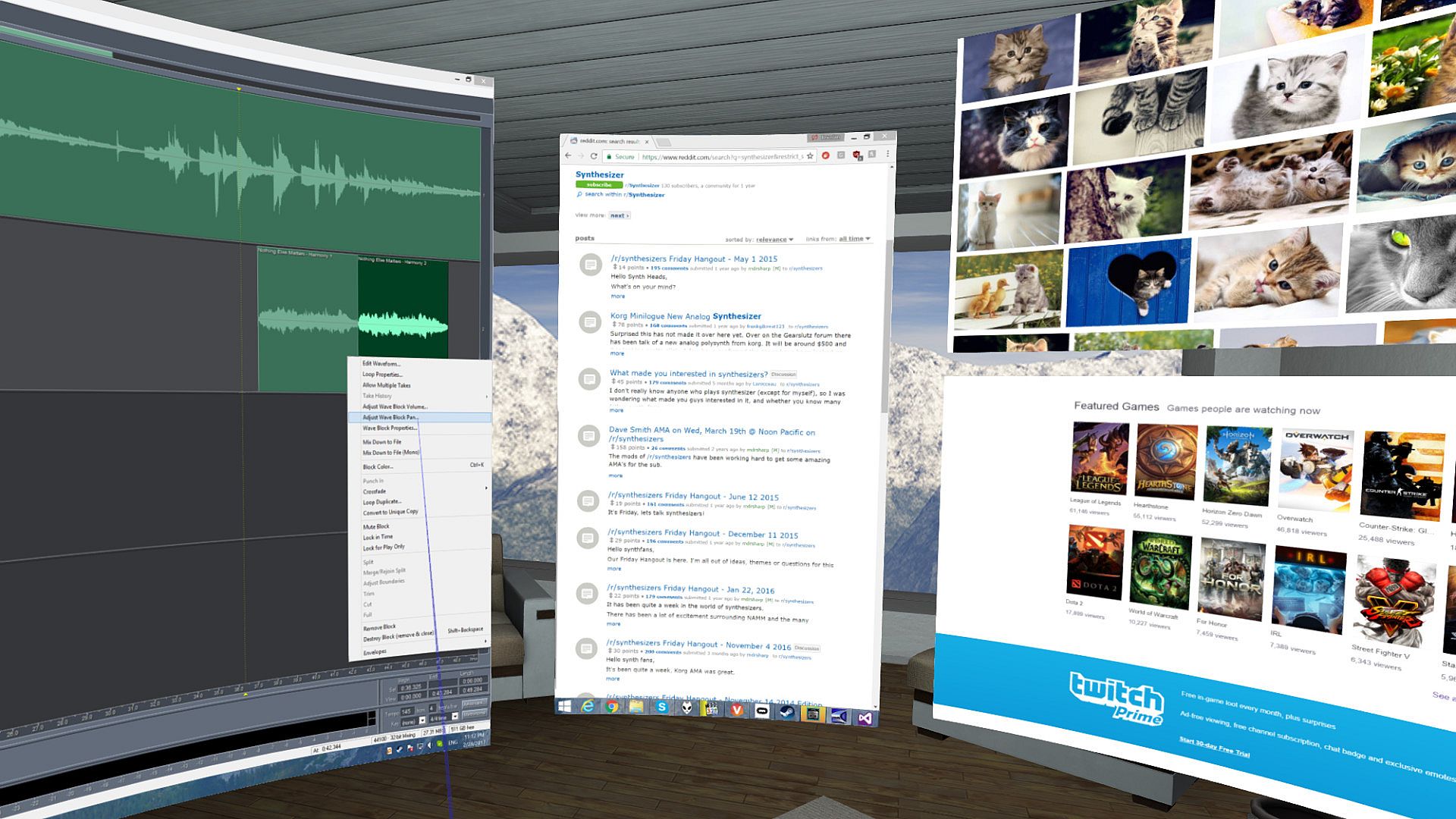
  • Desktop screens (one screen mirror per attached monitor), incl. laptop support.
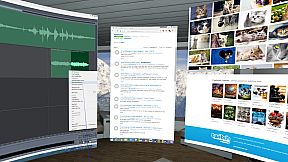
  • Additional web screens (e.g. Youtube, Facebook, Skype, etc).
  • Additional screens for images (including stereo .jps and .mpo), videos, pdf, txt and many others formats. (Click on "Open" or just drag and drop onto VR Toolbox).
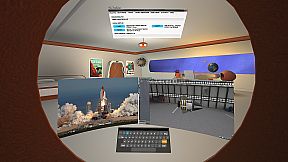
  • Additional screens for individual Windows apps.
  • One click YouTube360 in 4K.
  • 2D, 3D (SBS / TB), 180 and 360 video support.
  • Boost multi-tasking and readability with Focus Mode (CTRL+SHIFT+F).
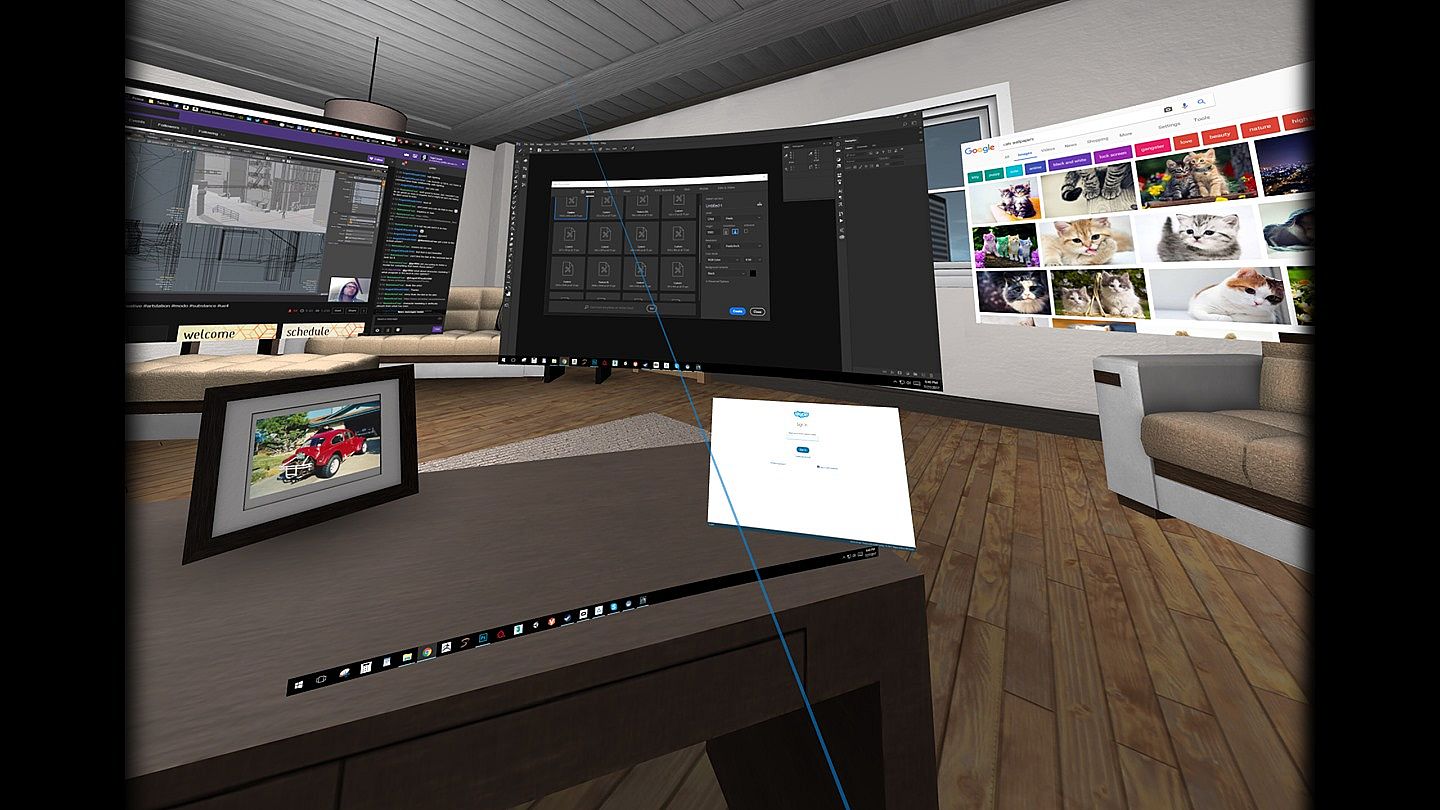
  • See your hands, keyboard and drink while in VR with Blended Reality. (Vive only)
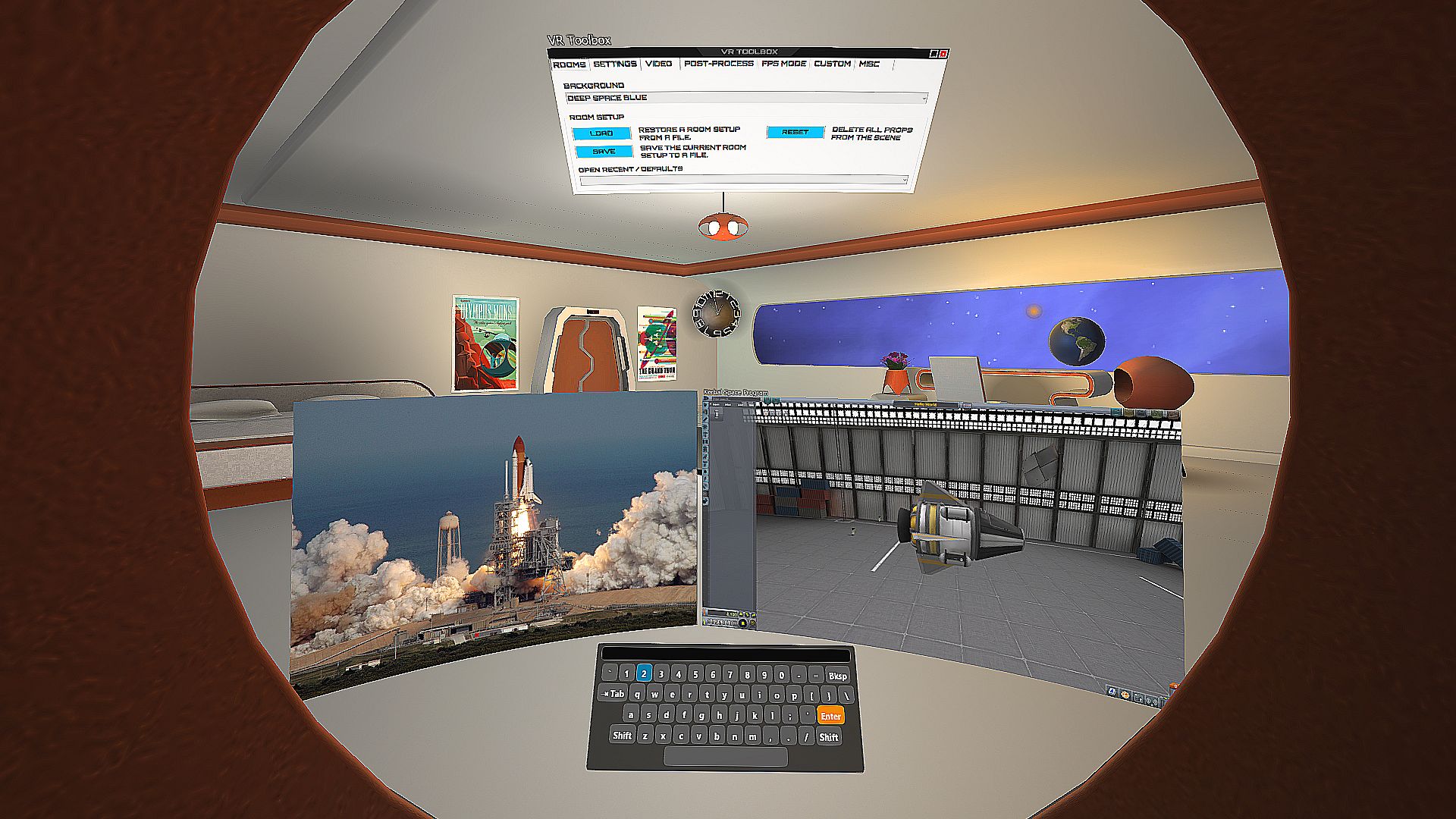
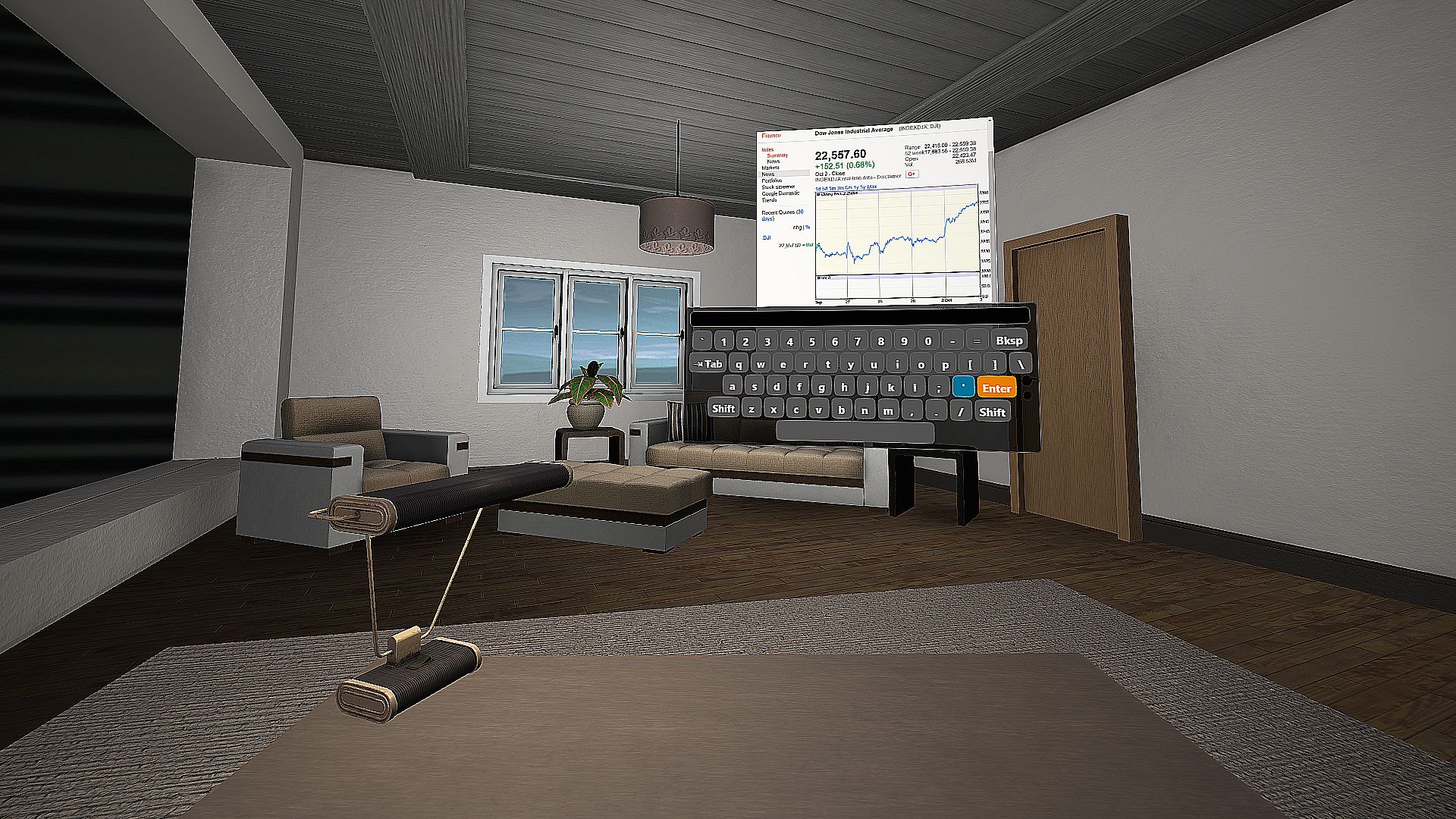
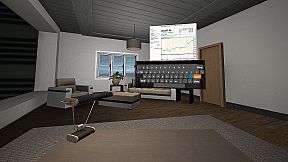
  • Built-in VR keyboard.
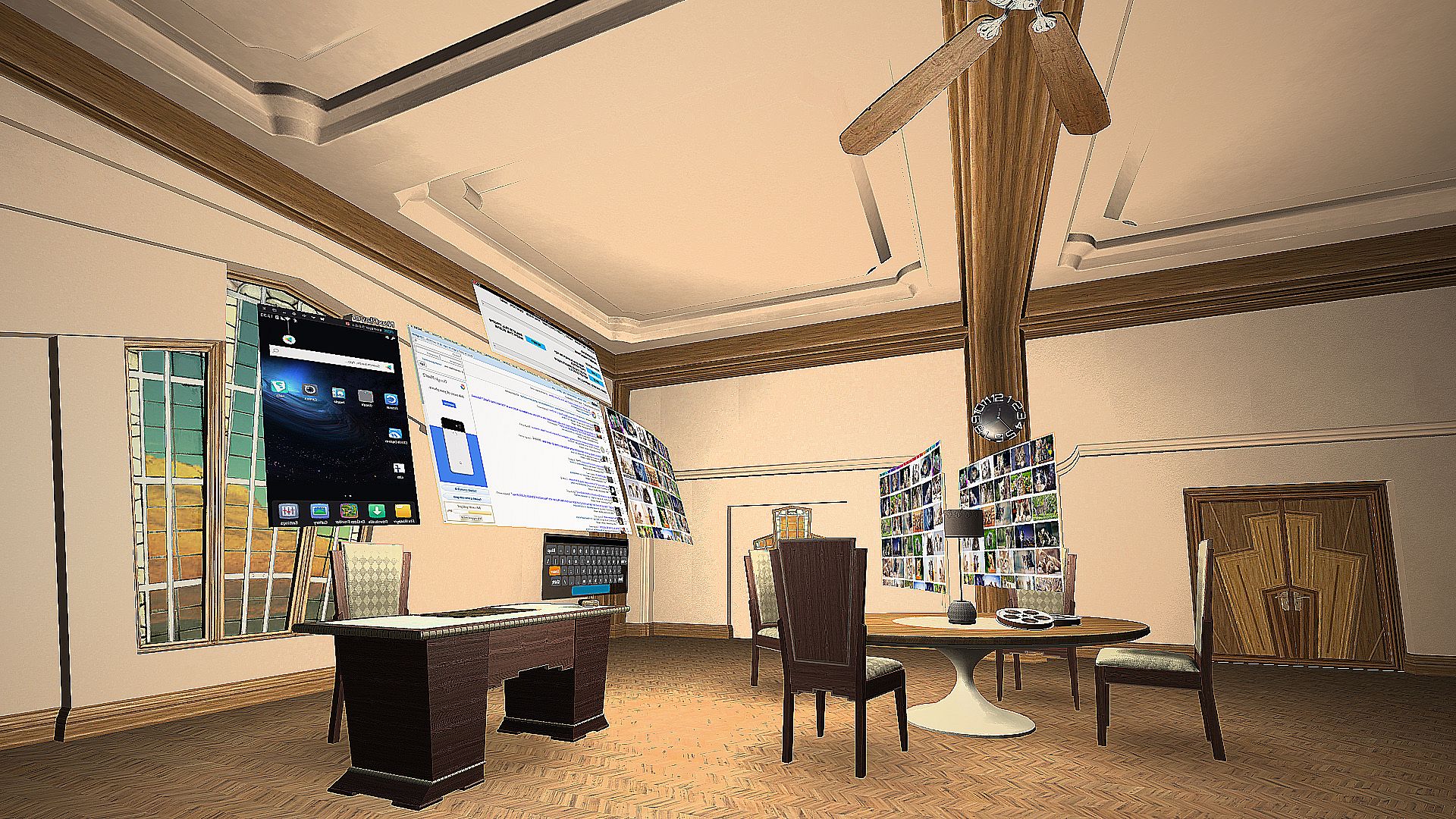
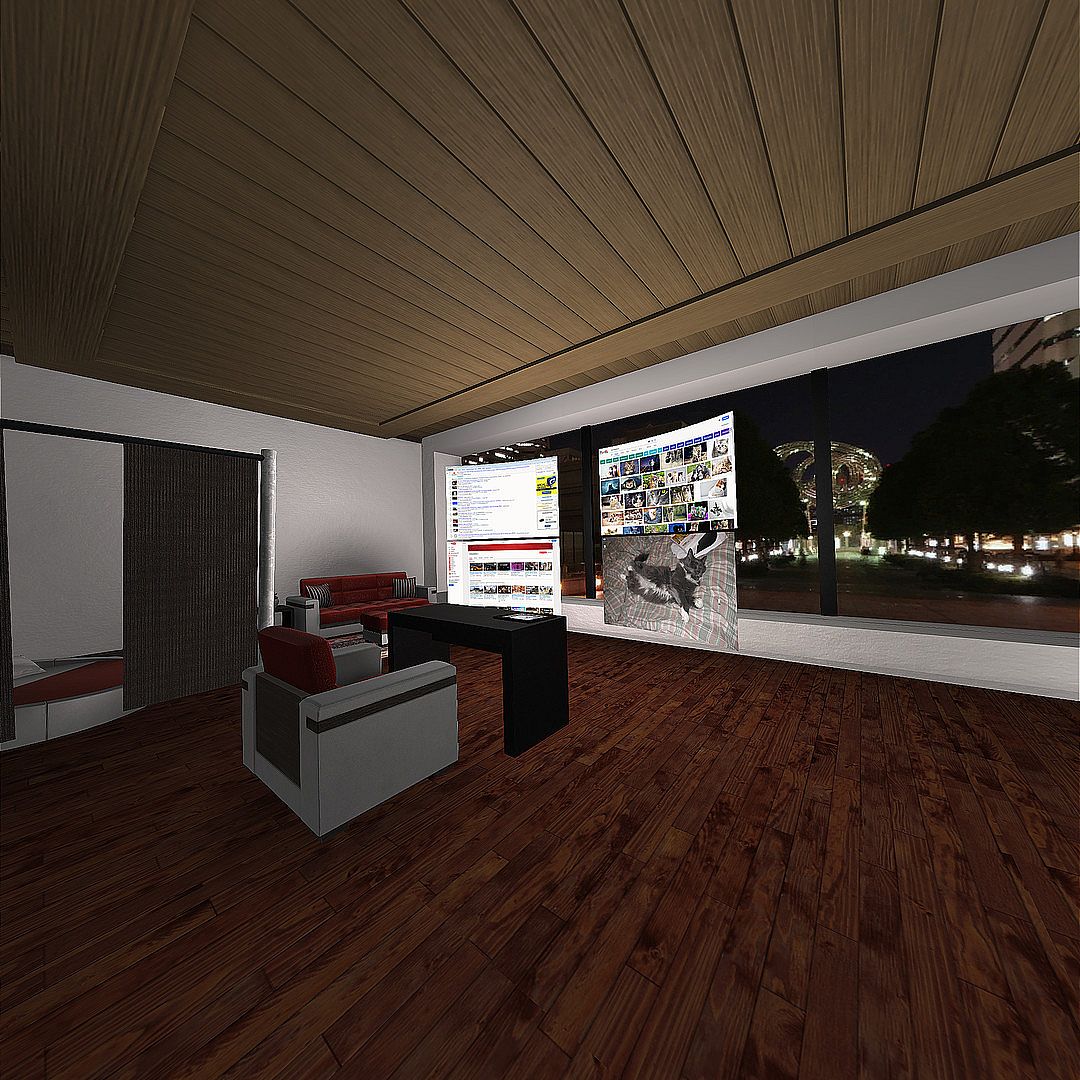
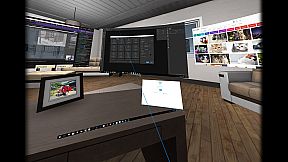
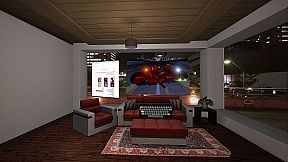
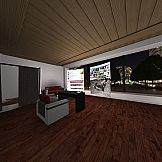
  • Decorate your VR space with numerous built-in props, rooms, and personal images. Additional props available in Steam Workshop.
  • Vive tracker support.
  • Direct3D 11 injector - run your desktop games at 90 fps from within VR Toolbox with minimal overhead. Guide.
  • First person shooter mode for extra immersiveness.

* Once detached, an app doesn't need to be kept visible on the desktop anymore. If an app detaches as black (ie Chrome / MS Word), turn off hardware acceleration in the app.
Configuration
Please follow the guide: to setup Steam / SteamVR.

Watching Youtube 360 in 4k and Twitch requires opening them on a web screen and 64-bit 2.2.8 VLC to be installed on the system (not compatible with 3.x VLC). Get it here.
Controller Buttons

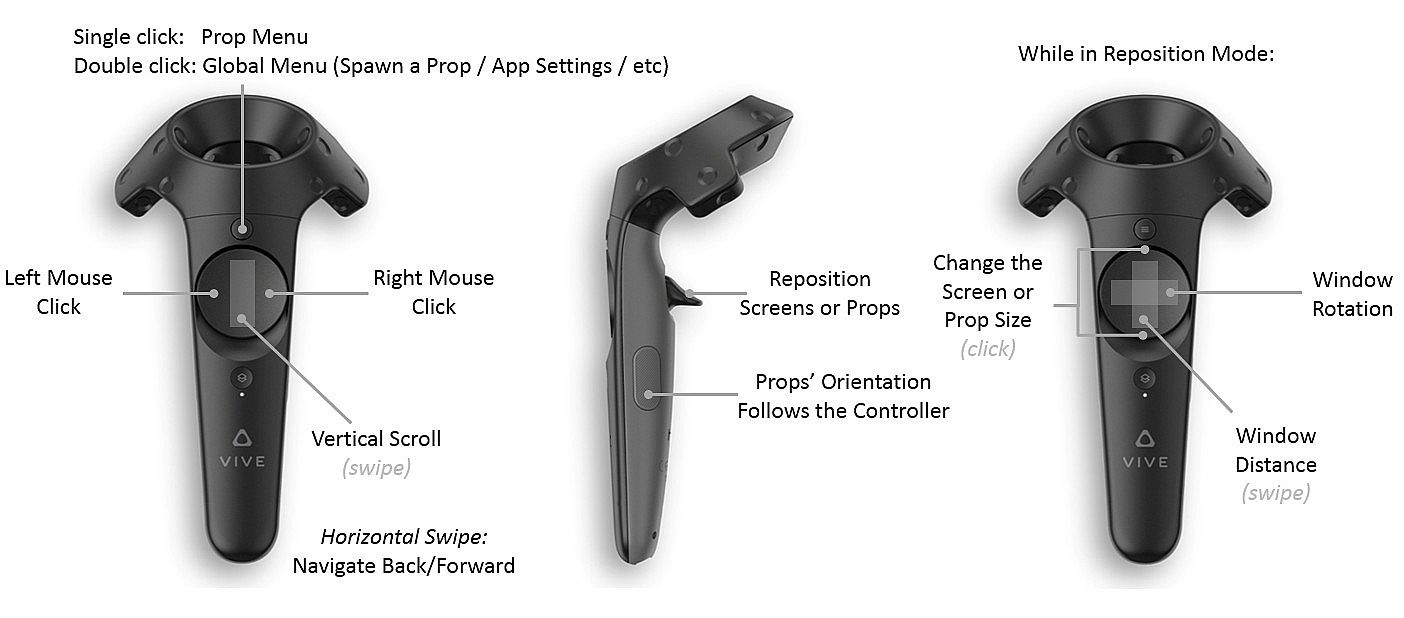
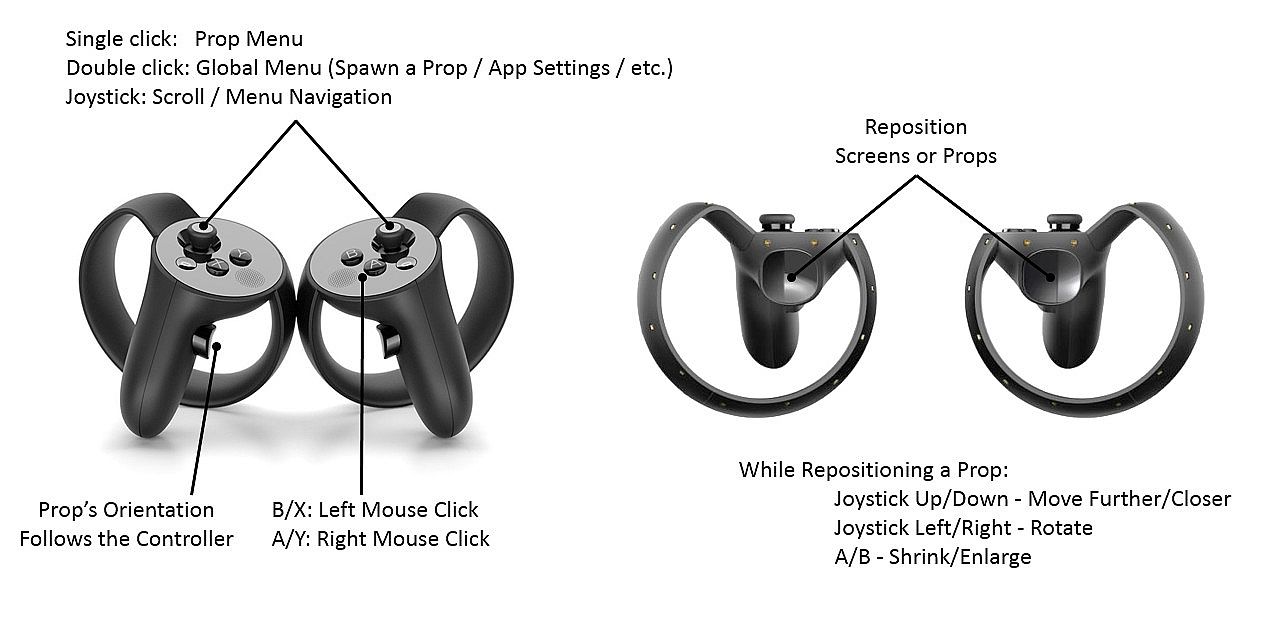
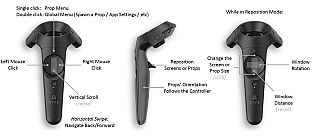
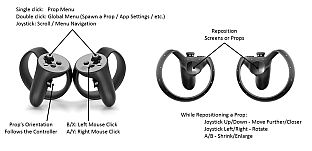
Menu button (joystick click on Oculus) -
  • single click: per prop menu
  • double click: global menu (to add screens / props, etc)
  • click and hold: detach the app under the pointer onto its own VR screen (available on Desktop PCs with Win 8.1 / Win 10 only)
Trigger - grab a prop
Grip button - reorient a prop

Left click on touchpad (B on Oculus) - left mouse click
Right click on touchpad (A on Oculus) - right mouse click
Hotkeys

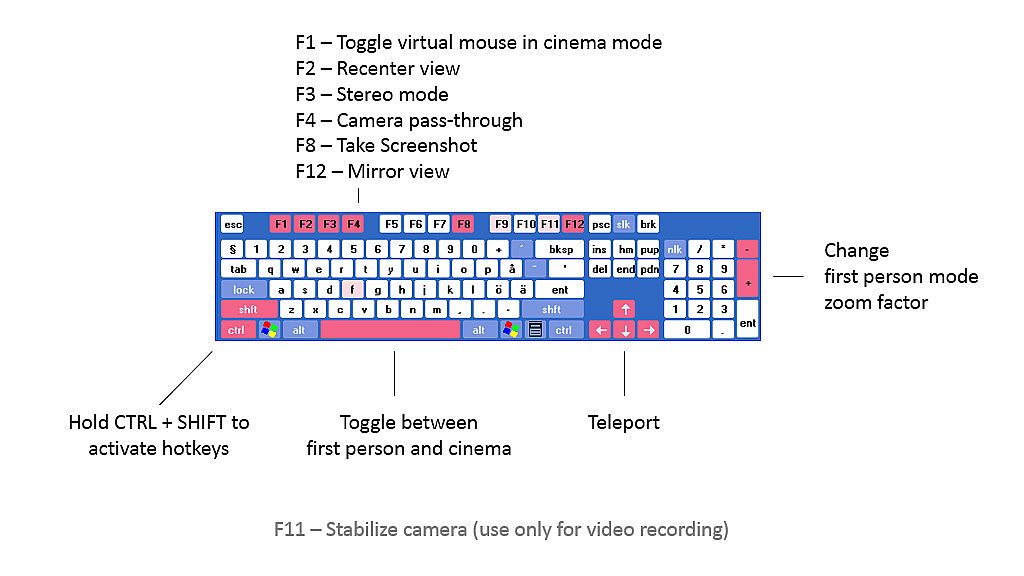
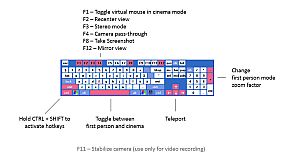
Hold CTRL+SHIFT and:

C - Wrap a screen on a cylinder around the camera (can reach very high curvature)
F - Focus a screen
L - Lock the camera translation (could be useful for backgrounds with nearby objects)
P - Detach an app into its own screen
R - Crop a desktop screen to the currently focused app
S - Resize a screen
W - Use a webcam as a beer cam
3 - Toggle the stereo / 3D mode of a screen

F1 - Turn on/off mouse cursor
F2 - Recenter view
F3 - Change stereo mode
F4 - Toggle camera pass-through
F5 - Turn controllers on/off
F8 - Take screenshot
F9 - Debug textures / lighting
F10 - Wireframe
F11 - Camera stabilization for video recordings
F12 - Toggle the mirror view window

Arrow keys - move around the scene
Space - Toggle first person mode
Guides

VR Toolbox is user-extensible. Check out the guides section:
Issues

We try to thoroughly test, but an issue might go undetected. If you have a problem with VR Toolbox, please post in the discussion forums and I'll help / address it. You can subscribe to the beta branch to get the latest and greatest features and give your feedback in the forum as well.

Chrome on some systems detaches from the desktop as a black screen. If it happens for you, please try Firefox.
Steam:
Mixed (89)

Storico prezzi

Minimo storico
Keyshop
-
-
-
Store ufficiali
-
-
-

FAQ

8 domande

Prima di cercare una CD Key VR Toolbox: 360 Desktop economica, dai unocchiata alle info essenziali. Sviluppato da MyDream Interactive, Inc. Pubblicato da MyDream Interactive, Inc. Data di uscita su PC: 26 dic 2016. Generi: Animation & Modeling, Utilities. Categorie: Steam Workshop, Single-player, Tracked Controller Support, VR Only. Recensioni di VR Toolbox: 360 Desktop: Recensioni Steam: 66% of the 89 user reviews for this game are positive.

Q Posso giocare a VR Toolbox: 360 Desktop su Steam Deck?

No, al momento. Valve indica VR Toolbox: 360 Desktop come Unsupported, quindi non si avvia via Proton. Tieni d’occhio XD.deals: tracciamo progressi di Proton e fix della community e lo segnaleremo appena sarà possibile giocare a VR Toolbox: 360 Desktop su Steam Deck.

Sì. Esiste una versione Steam di VR Toolbox: 360 Desktop. Scegli un’offerta con tag Steam Key su XD.deals, riscattala nel client desktop e gioca a VR Toolbox: 360 Desktop su Steam PC.

Sì. Dopo aver riscattato la chiave Steam, puoi avviare VR Toolbox: 360 Desktop in Modalità Offline su Steam. I salvataggi si sincronizzeranno quando tornerai online.

Sì, puoi acquistare una Steam Key di VR Toolbox: 360 Desktop direttamente su Steam. Su XD.deals aggregiamo tutte le offerte DRM Steam disponibili così puoi confrontare le offerte Steam economiche di VR Toolbox: 360 Desktop in un unico posto.

Trovi ogni sconto e offerta attiva per VR Toolbox: 360 Desktop qui su XD.deals. Il nostro tracker elenca attualmente 1 offerte da store ufficiali e 0 offerte da keyshop. Controlla la tabella sopra per il prezzo piĂą basso, confrontalo con il minimo storico e imposta un avviso per non perdere il prossimo calo.

Con XD.deals i gamer PC vedono subito dove comprare una chiave Steam VR Toolbox: 360 Desktop PC economica. Il nostro motore di comparazione in tempo reale e il database coupon tracciano store ufficiali e keyshop affidabili così non devi farlo tu. In questo momento rileviamo 1 offerte attive tra store e keyshop.

Sì. Esiste una pagina ufficiale Steam per VR Toolbox: 360 Desktop, quindi puoi comprare VR Toolbox: 360 Desktop su Steam oppure prendere una Steam Key PC di VR Toolbox: 360 Desktop su XD.deals e riscattarla subito.

No — XD.deals non è uno store. Siamo un servizio di comparazione prezzi che traccia le migliori offerte per VR Toolbox: 360 Desktop tra store ufficiali e keyshop verificati. Clicca “Vai allo store” accanto all’offerta scelta e verrai reindirizzato al sito del rivenditore per completare l’acquisto e ricevere lì la chiave.

Vuoi comprare al momento giusto? Imposta un avviso prezzo su XD.deals e prendi una chiave Steam VR Toolbox: 360 Desktop scontata quando raggiunge il prossimo minimo storico.

Crea avviso