


in progress...

Buy VR Toolbox: 360 Desktop PC

Where can you buy cheapest VR Toolbox: 360 Desktop PC Steam key? Check and compare prices from 1 stores to locate the best and the cheapest option for you among 1 offers featured on XD.deals. Now the lowest VR Toolbox: 360 Desktop PC price on keyshops can be obtained on $9.99 (0% off).

Release: 26 Dec 2016
Steam:
Mixed (89)
Keyshops
Unavailable
Buy in Official Store:
$9.99
Buy in Keyshops:
See price history

Official Stores (1)

DRM:
Steam
Steam
Steam
VR Toolbox: 360 Desktop
Windows
49w ago
DRM:
Steam
Steam
$9.99
Historical Low Deal
Historical low

About VR Toolbox: 360 Desktop

VR Toolbox: 360 Desktop - about the game

Laptop users, please setup using this guide.
Features
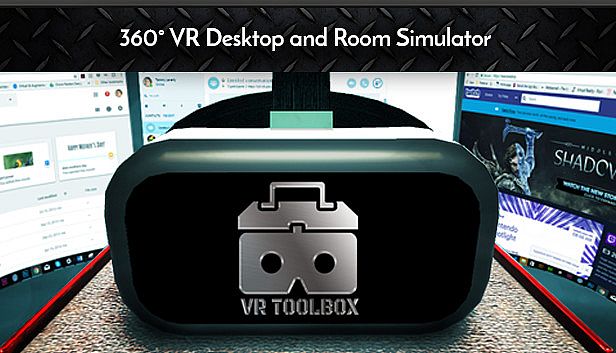
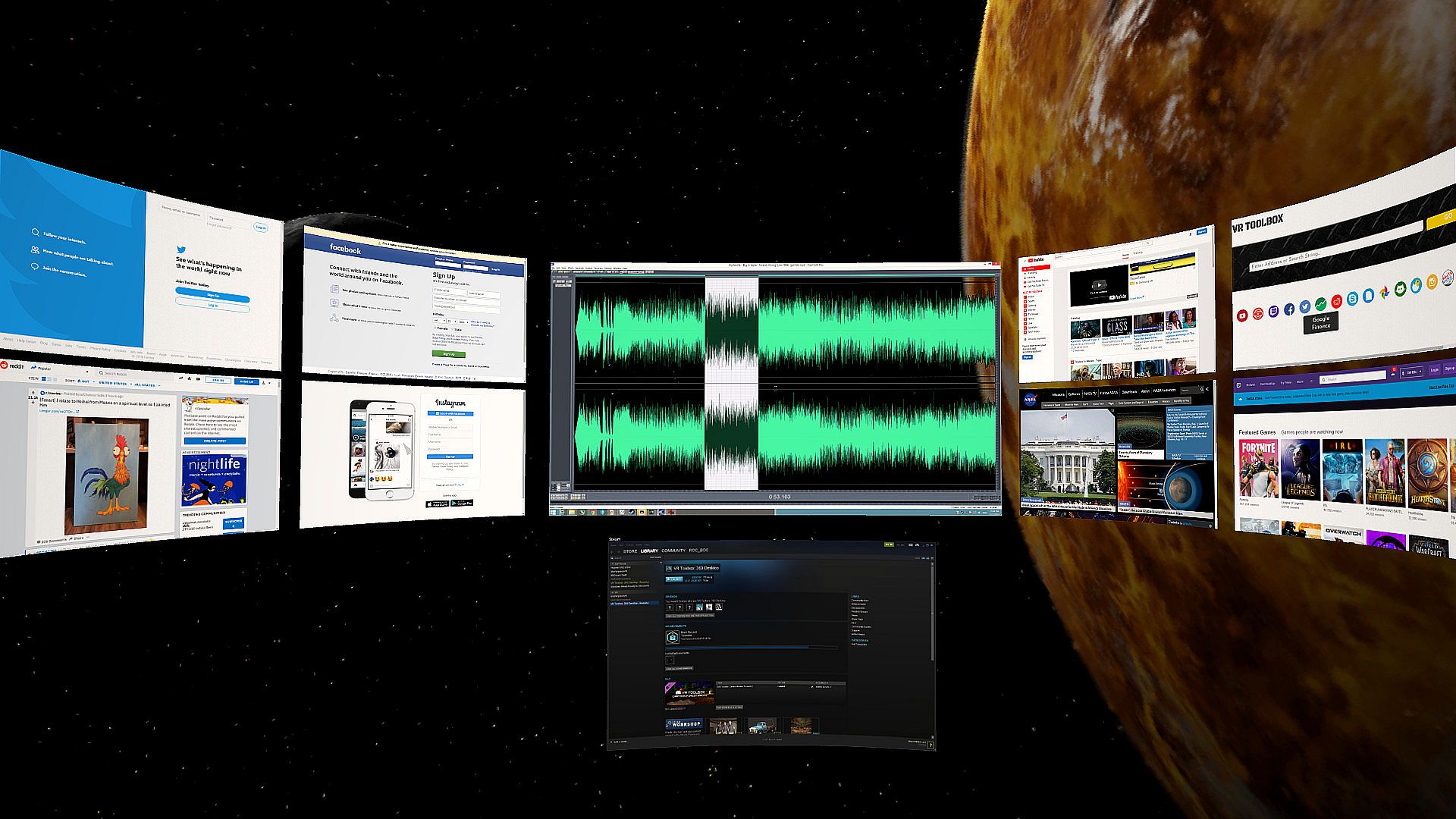
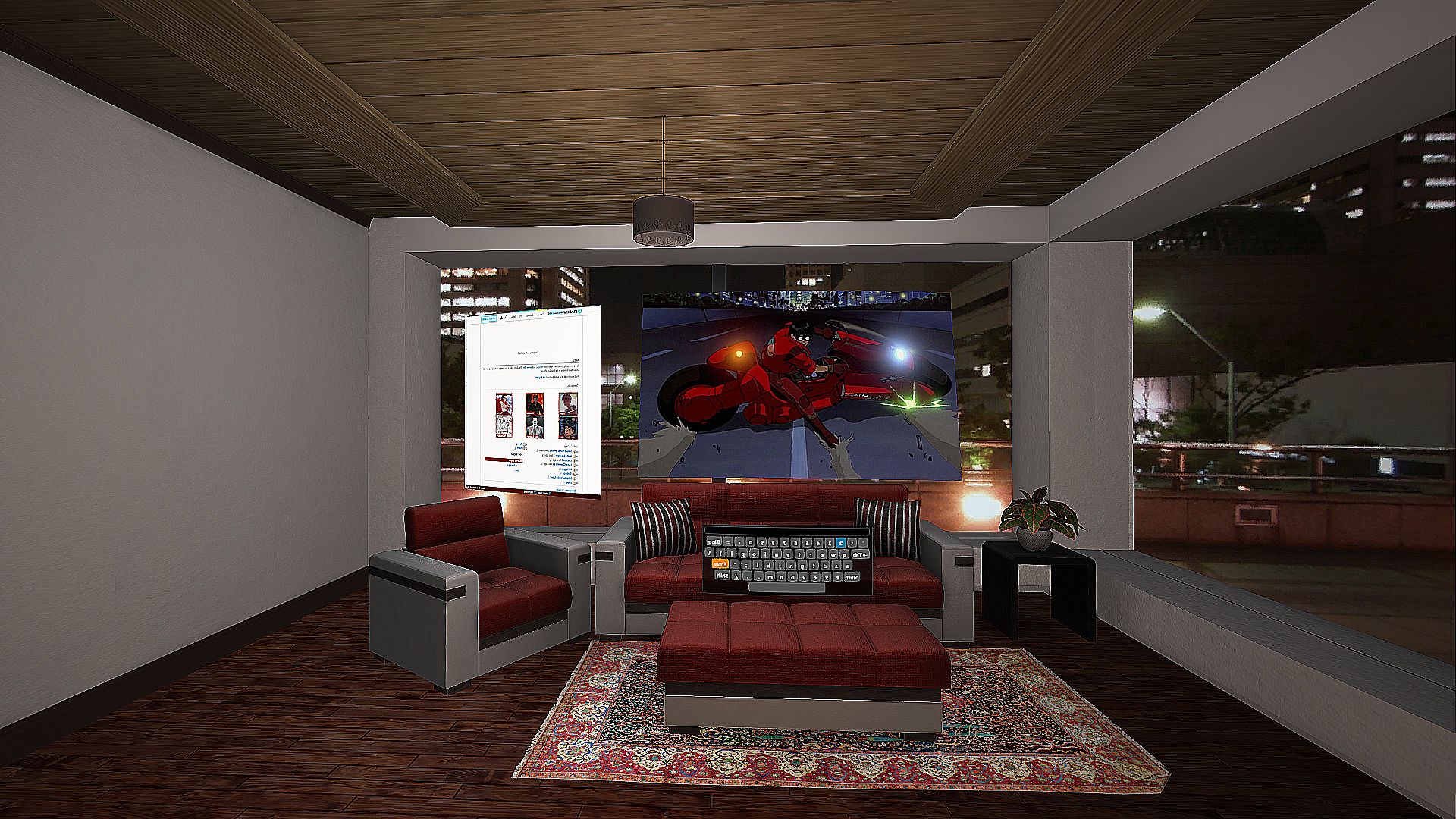
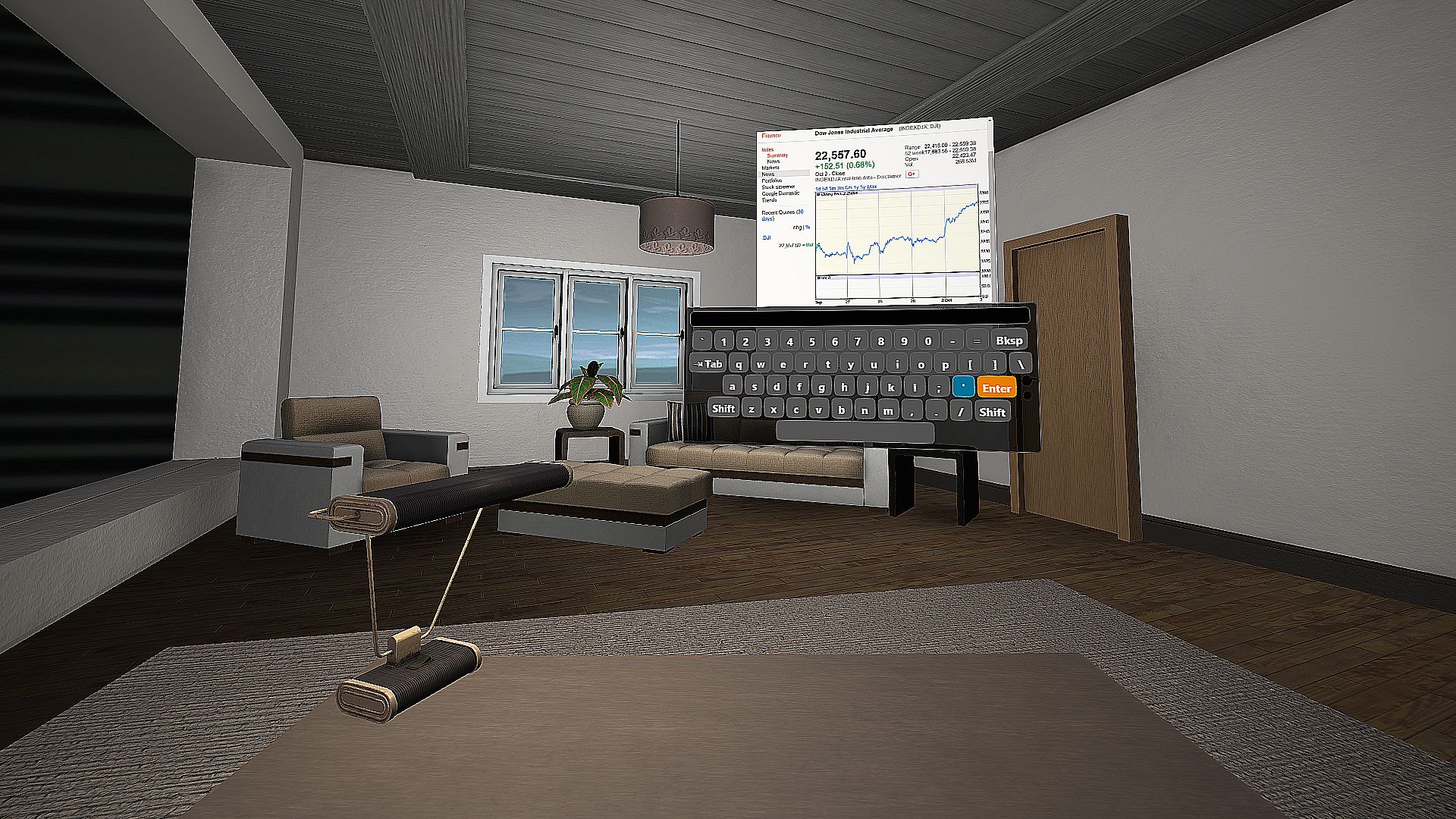
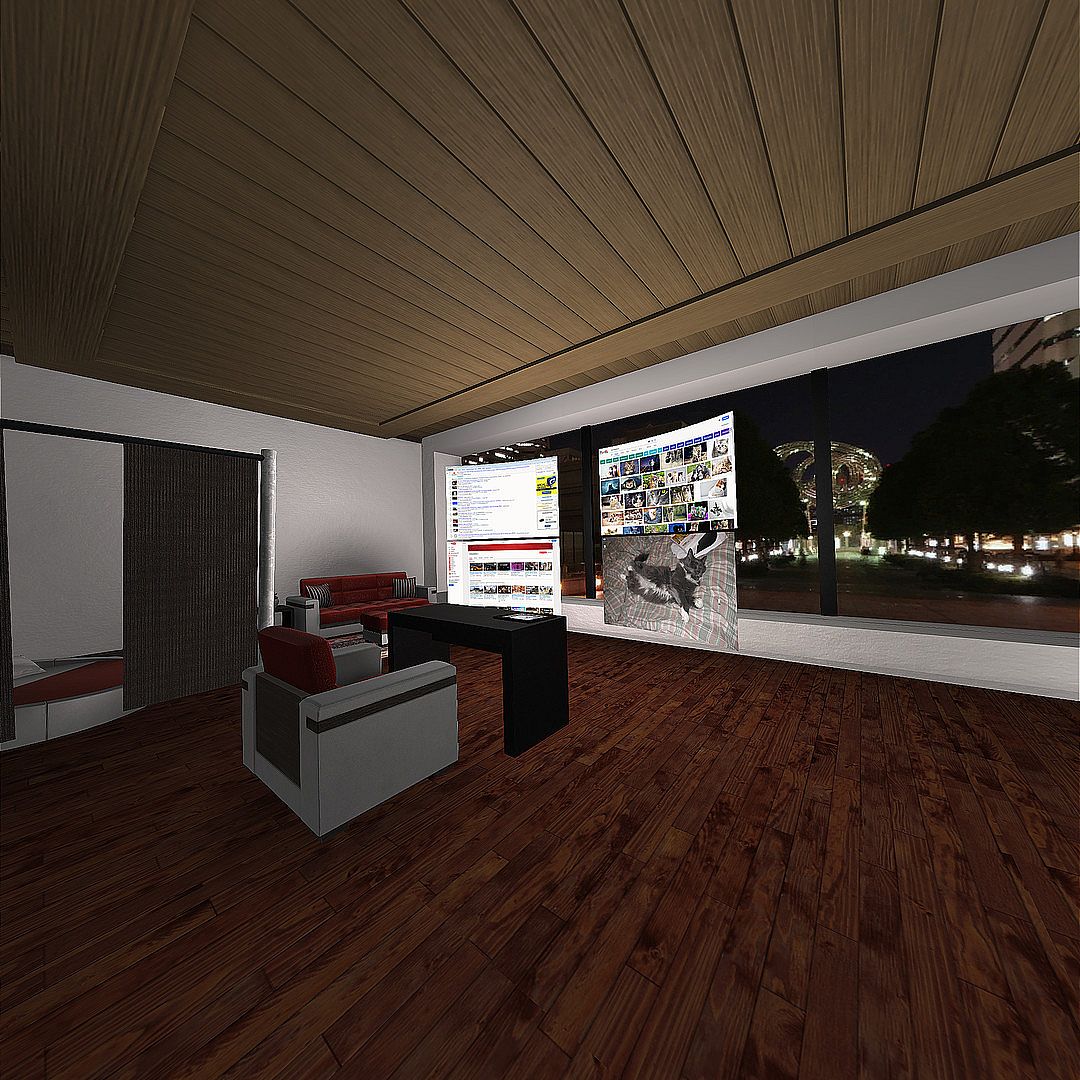
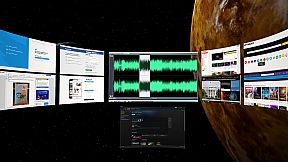
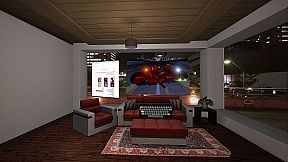
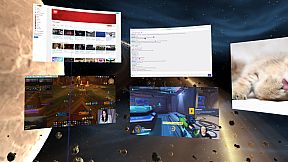
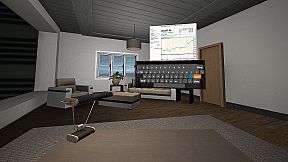
  • Create massive screens and customize to your taste.
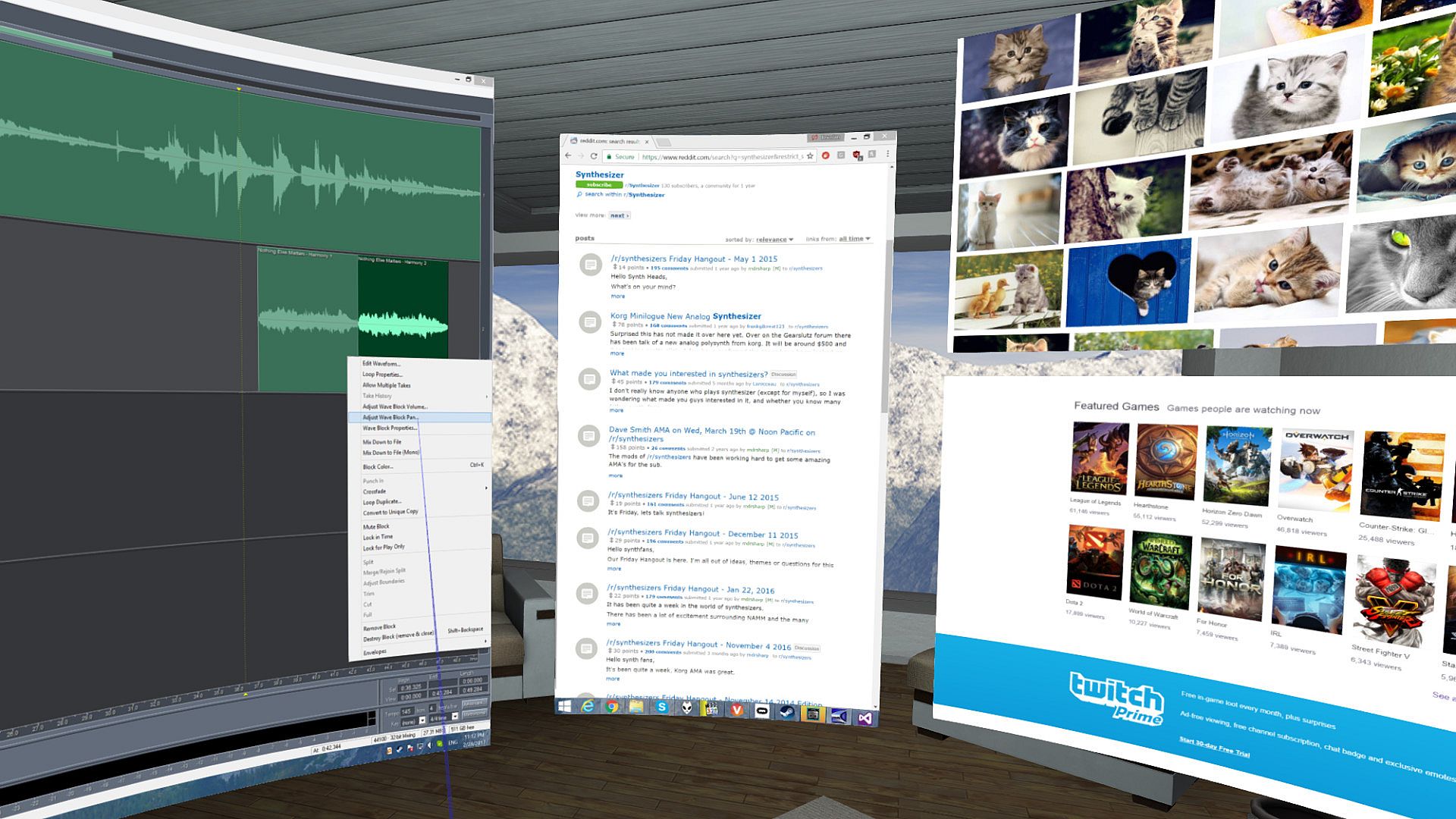
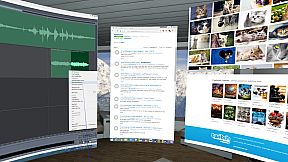
  • Desktop screens (one screen mirror per attached monitor), incl. laptop support.
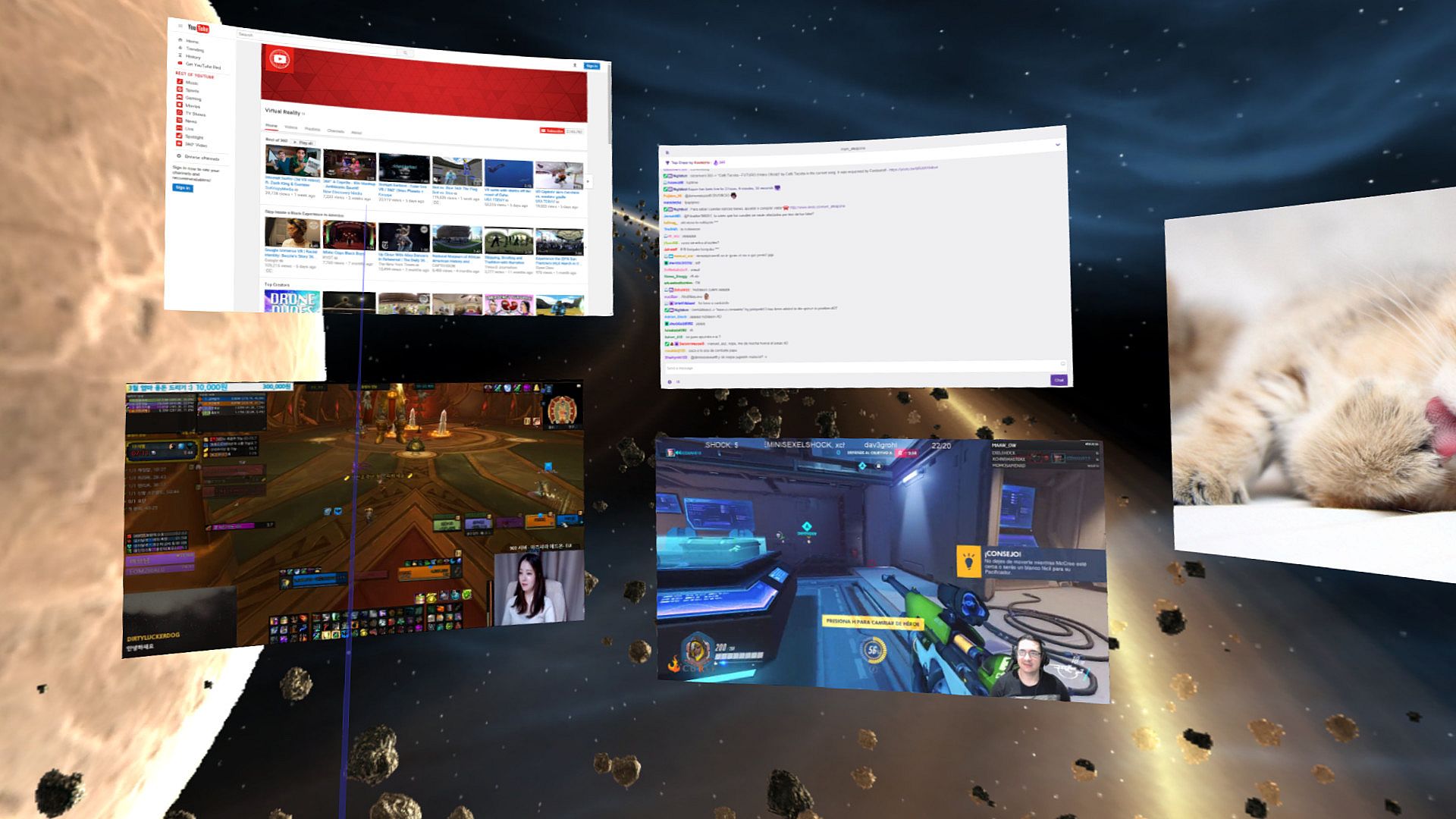
  • Additional web screens (e.g. Youtube, Facebook, Skype, etc).
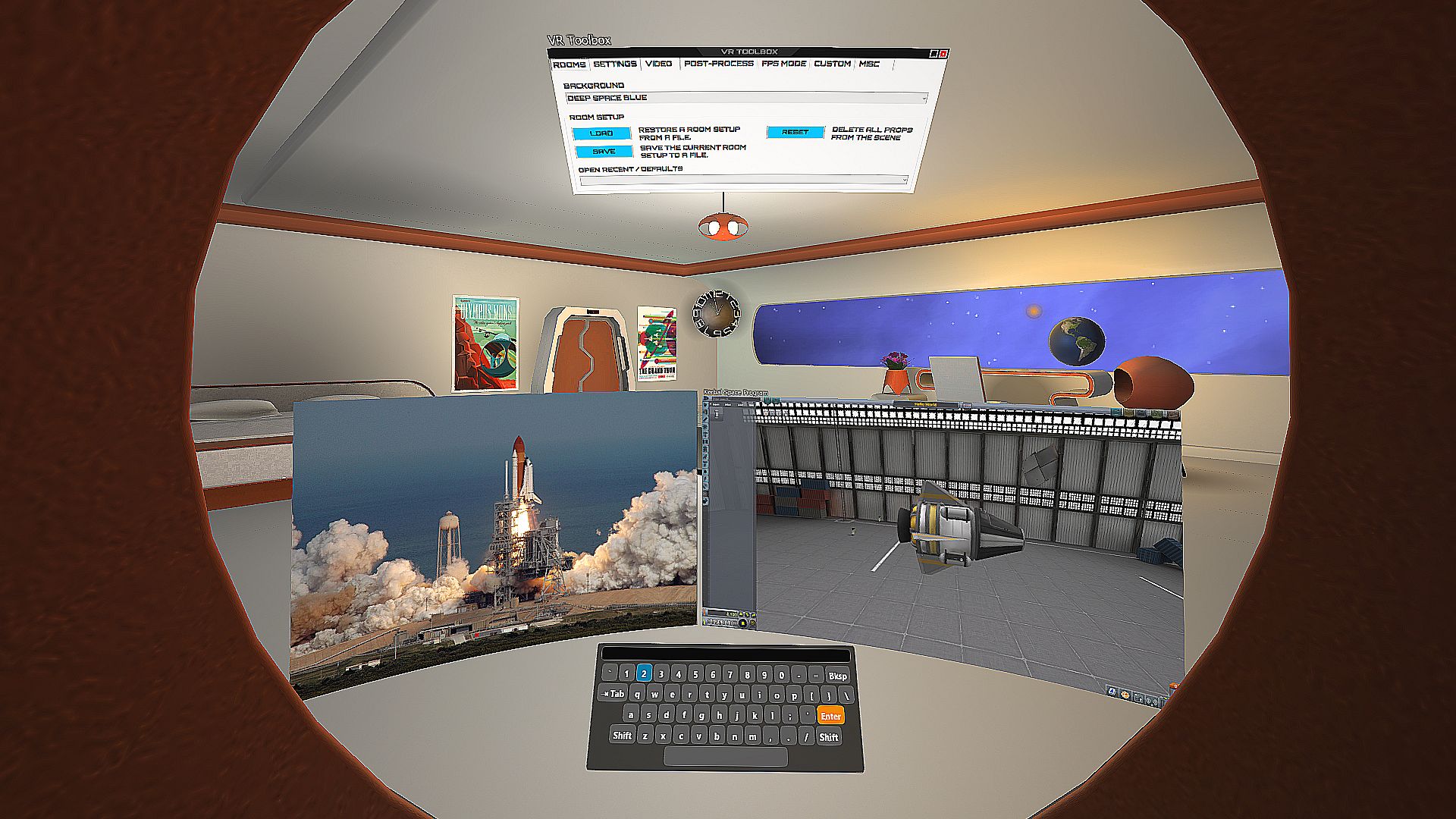
  • Additional screens for images (including stereo .jps and .mpo), videos, pdf, txt and many others formats. (Click on "Open" or just drag and drop onto VR Toolbox).
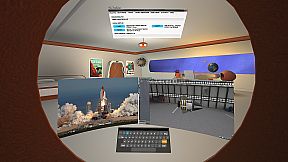
  • Additional screens for individual Windows apps.
  • One click YouTube360 in 4K.
  • 2D, 3D (SBS / TB), 180 and 360 video support.
  • Boost multi-tasking and readability with Focus Mode (CTRL+SHIFT+F).
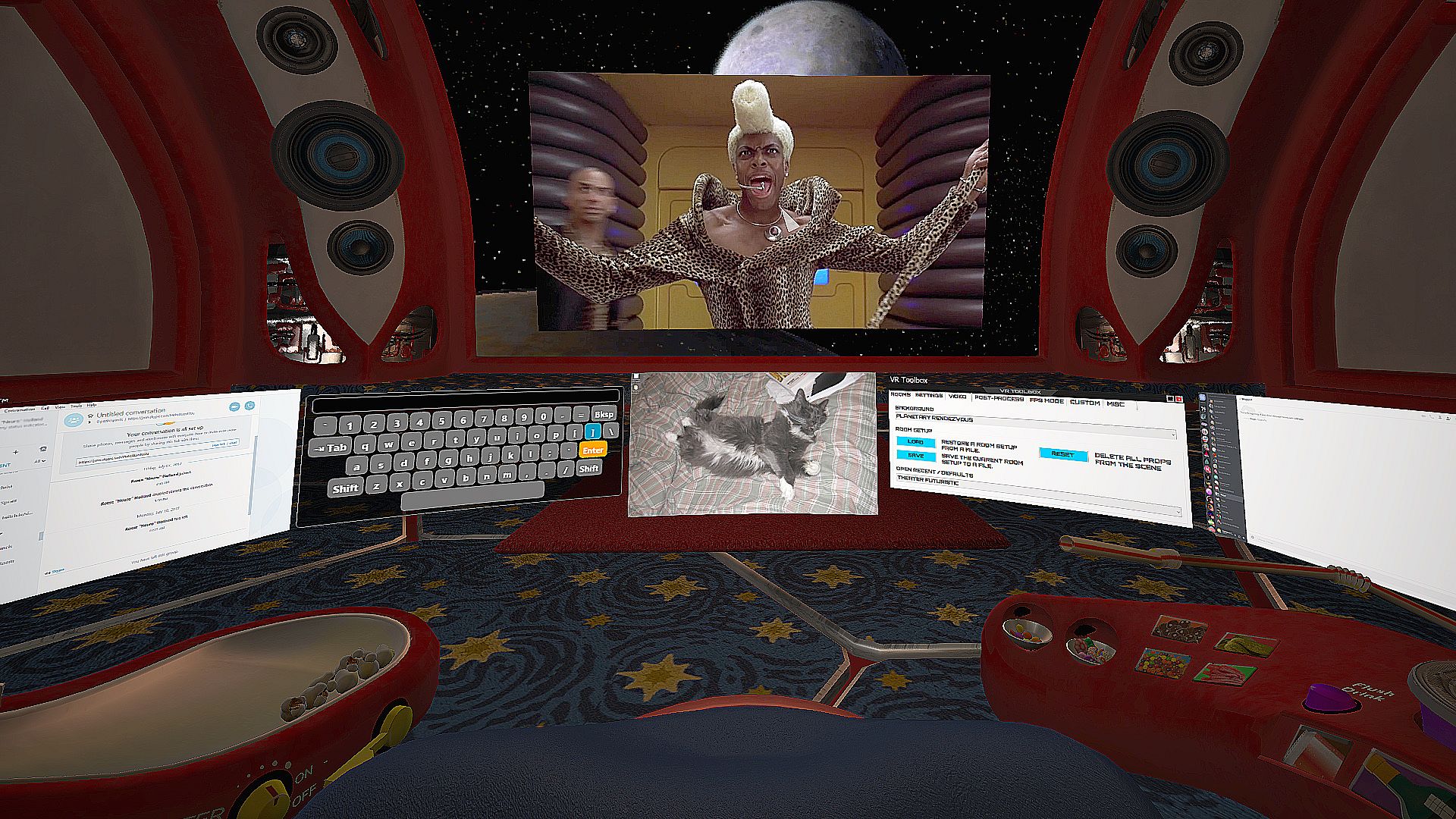
  • See your hands, keyboard and drink while in VR with Blended Reality. (Vive only)
  • Built-in VR keyboard.
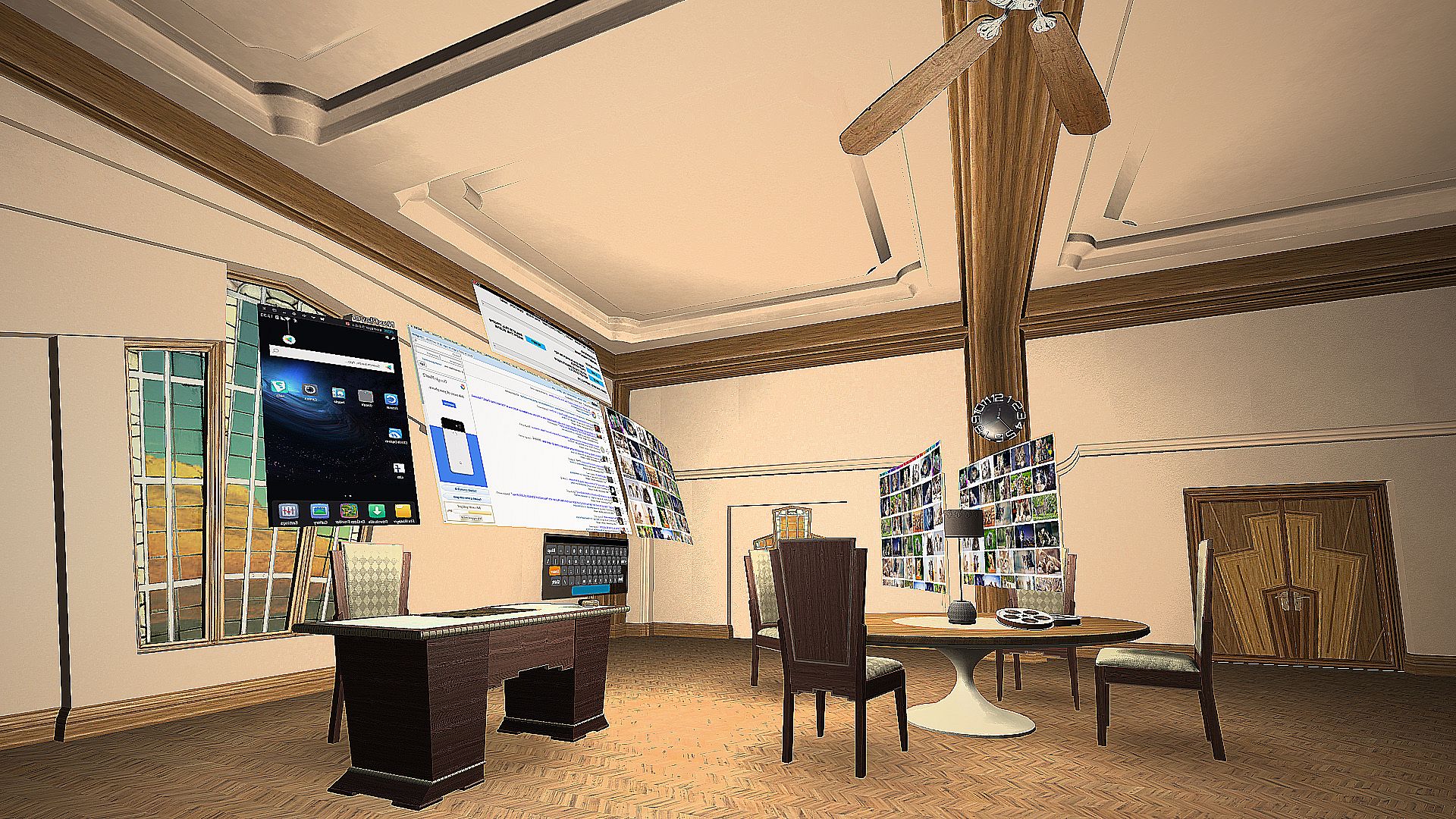
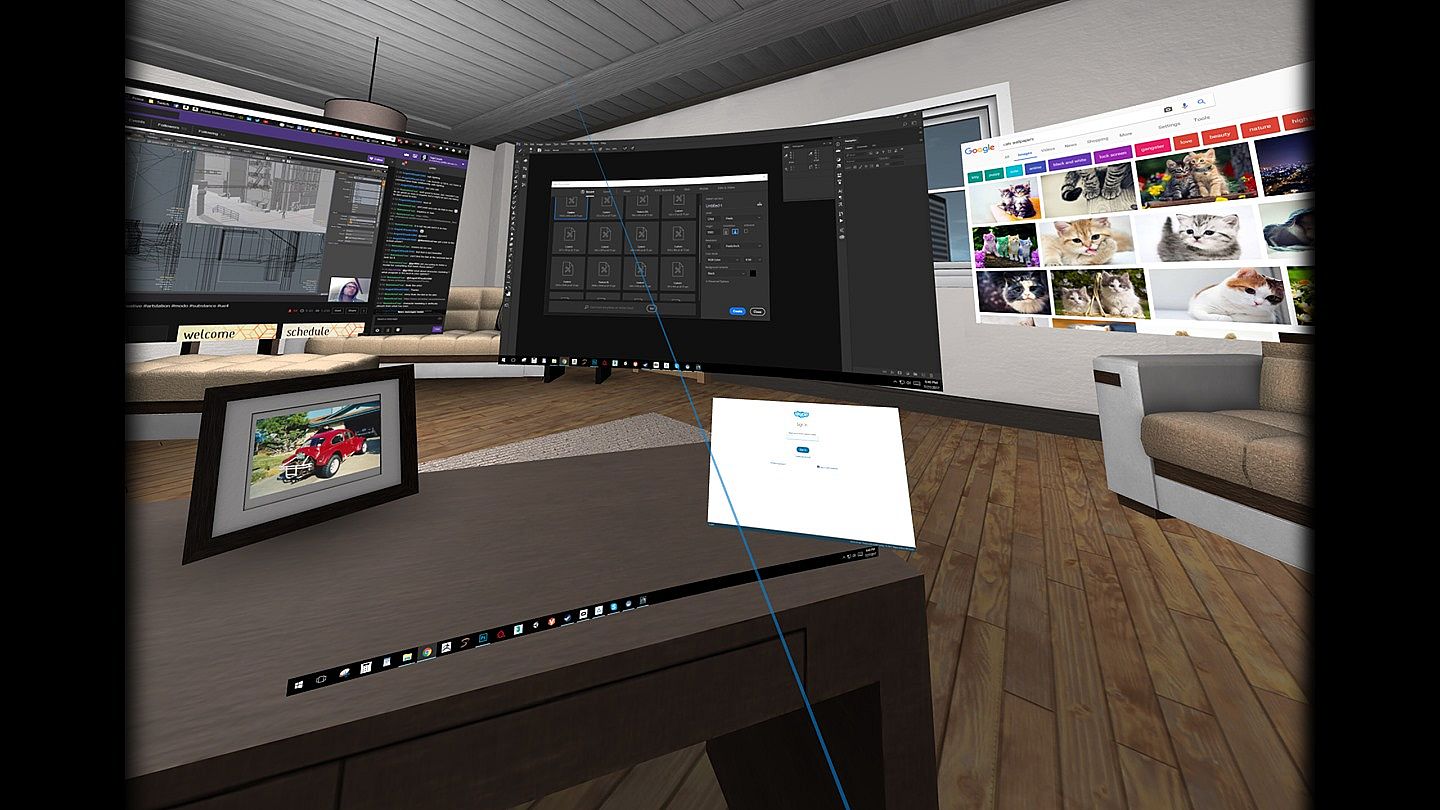
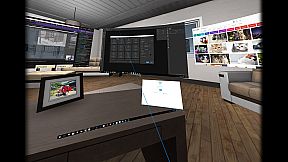
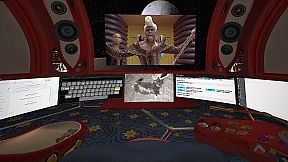
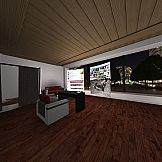
  • Decorate your VR space with numerous built-in props, rooms, and personal images. Additional props available in Steam Workshop.
  • Vive tracker support.
  • Direct3D 11 injector - run your desktop games at 90 fps from within VR Toolbox with minimal overhead. Guide.
  • First person shooter mode for extra immersiveness.

* Once detached, an app doesn't need to be kept visible on the desktop anymore. If an app detaches as black (ie Chrome / MS Word), turn off hardware acceleration in the app.
Configuration
Please follow the guide: to setup Steam / SteamVR.

Watching Youtube 360 in 4k and Twitch requires opening them on a web screen and 64-bit 2.2.8 VLC to be installed on the system (not compatible with 3.x VLC). Get it here.
Controller Buttons

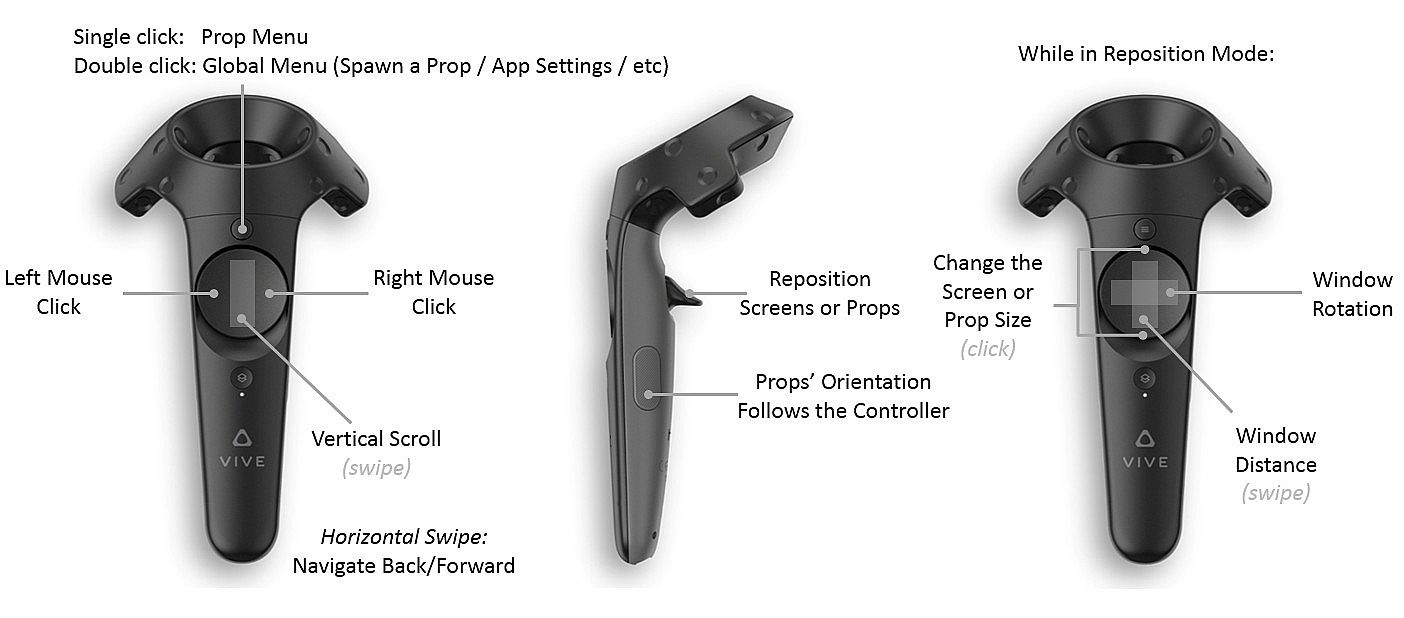
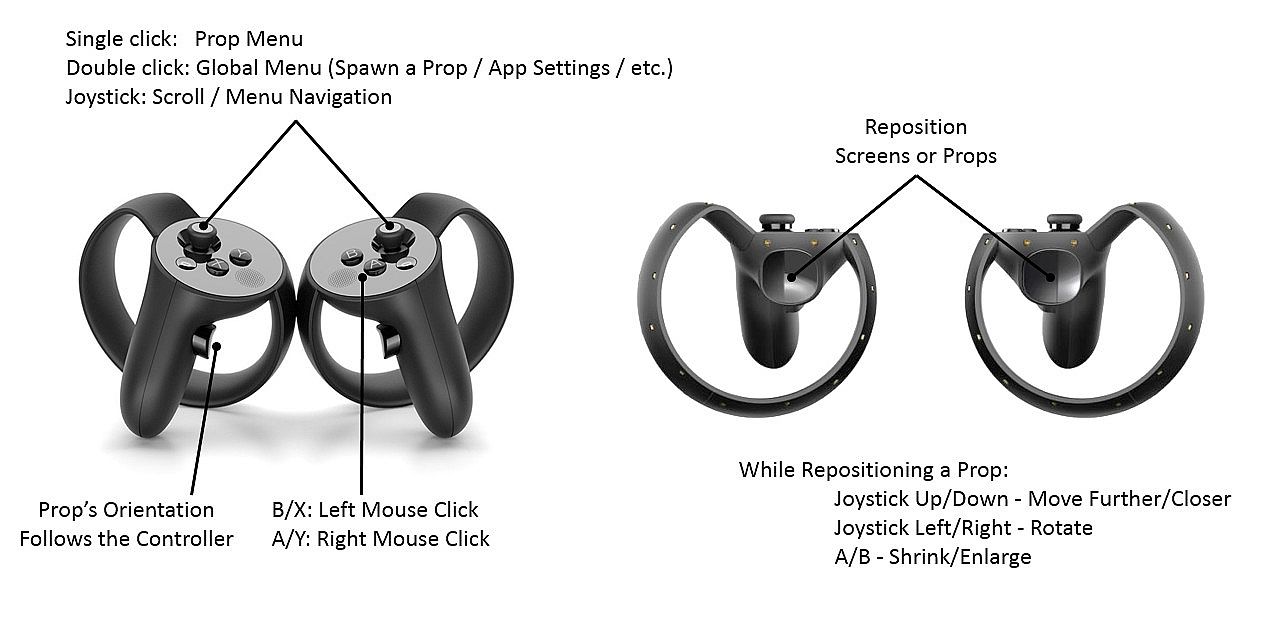
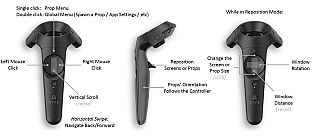
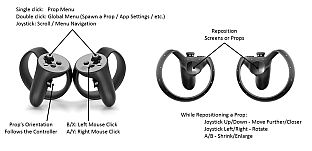
Menu button (joystick click on Oculus) -
  • single click: per prop menu
  • double click: global menu (to add screens / props, etc)
  • click and hold: detach the app under the pointer onto its own VR screen (available on Desktop PCs with Win 8.1 / Win 10 only)
Trigger - grab a prop
Grip button - reorient a prop

Left click on touchpad (B on Oculus) - left mouse click
Right click on touchpad (A on Oculus) - right mouse click
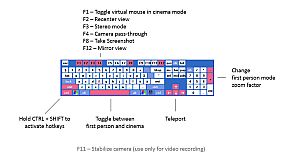
Hotkeys

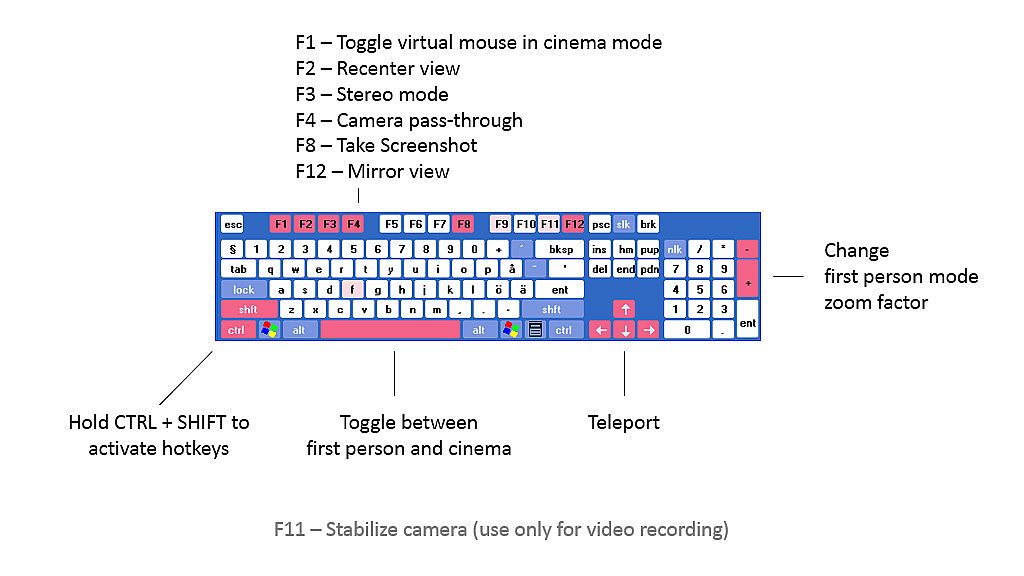
Hold CTRL+SHIFT and:

C - Wrap a screen on a cylinder around the camera (can reach very high curvature)
F - Focus a screen
L - Lock the camera translation (could be useful for backgrounds with nearby objects)
P - Detach an app into its own screen
R - Crop a desktop screen to the currently focused app
S - Resize a screen
W - Use a webcam as a beer cam
3 - Toggle the stereo / 3D mode of a screen

F1 - Turn on/off mouse cursor
F2 - Recenter view
F3 - Change stereo mode
F4 - Toggle camera pass-through
F5 - Turn controllers on/off
F8 - Take screenshot
F9 - Debug textures / lighting
F10 - Wireframe
F11 - Camera stabilization for video recordings
F12 - Toggle the mirror view window

Arrow keys - move around the scene
Space - Toggle first person mode
Guides

VR Toolbox is user-extensible. Check out the guides section:
Issues

We try to thoroughly test, but an issue might go undetected. If you have a problem with VR Toolbox, please post in the discussion forums and I'll help / address it. You can subscribe to the beta branch to get the latest and greatest features and give your feedback in the forum as well.

Chrome on some systems detaches from the desktop as a black screen. If it happens for you, please try Firefox.

Steam:
Mixed (89)

Price history

Historical low
Keyshops
-
-
-
Official Stores
-
-
-

FAQ

8 questions

Before you start looking for a cheap VR Toolbox: 360 Desktop CD Key, take a moment to check the essentials. Developed by MyDream Interactive, Inc. Published by MyDream Interactive, Inc. PC released date: 26 Dec 2016. Genres: Animation & Modeling, Utilities. Categories: Steam Workshop, Single-player, Tracked Controller Support, VR Only. VR Toolbox: 360 Desktop reviews: Steam reviews: 66% of the 89 user reviews for this game are positive.

Q Can I play VR Toolbox: 360 Desktop on Steam Deck?

No, not right now. Valve marks VR Toolbox: 360 Desktop as Steam Deck Unsupported , so it won't launch via Proton at this time. Keep an eye on XD.deals - we track Proton breakthroughs and community fixes, and we'll flag it the moment there's a working way to play VR Toolbox: 360 Desktop on Steam Deck.

Yes. A VR Toolbox: 360 Desktop Steam version exists. Pick any offer tagged Steam Key on XD.deals, redeem it in the desktop client, and play VR Toolbox: 360 Desktop on Steam PC.

Yes. Once your Steam key is redeemed, you can launch VR Toolbox: 360 Desktop in Offline Mode via Steam. Your save files will sync the next time you go online.

Yes, you can buy a VR Toolbox: 360 Desktop Steam Key directly on the Steam Store. At XD.deals, we aggregate all available Steam DRM offers so you can compare cheap VR Toolbox: 360 Desktop steam deals in one place.

You'll find every live sale & discount for VR Toolbox: 360 Desktop right here on XD.deals. Our price tracker currently lists 1 official-store offers and 0 keyshop deals. Check the table above for the lowest price, compare against the game's historical low, and set a price alert so you never miss the next drop.

With XD.deals, PC gamers can instantly see where to buy a cheap VR Toolbox: 360 Desktop PC Steam key. Our real-time price-comparison engine and curated coupon database track every official store and trusted keyshop so you dont have to. Right now we detect this game in {1} live offers from stores and keyshops.

Yes. An official VR Toolbox: 360 Desktop Steam store page is live, so you can buy VR Toolbox: 360 Desktop on Steam or buy any VR Toolbox: 360 Desktop PC Steam Key on XD.deals and redeem it instantly.

No - XD.deals itself isn't a store. We're a price-comparison service that tracks the best offers for VR Toolbox: 360 Desktop across official stores and verified keyshops. Click "Shop Now" next to the deal you want, and you'll be redirected to the retailer's website to complete your purchase and receive the key there.

Ready to ride? Set a price alert on XD Deals and grab a discounted VR Toolbox: 360 Desktop Steam key the moment it reaches its next historical low.

Create Alert