


Comprar VR Toolbox: 360 Desktop PC

¿Dónde puedes comprar la clave Steam para PC de VR Toolbox: 360 Desktop más barata? Compara precios en 1 tiendas para encontrar la mejor opción entre 1 ofertas en XD.deals. Ahora el precio más bajo de VR Toolbox: 360 Desktop para PC en keyshops se puede conseguir en 8,19 € (0% de descuento).

Lanzamiento: 26 dic 2016
Desarrollador: MyDream Interactive, Inc
Steam:
Mixed (89)
Keyshops
No disponible
Comprar en tienda oficial:
8,19 €
Comprar en keyshops:
Ver historial de precios

Tiendas oficiales (1)

DRM:
Steam
Steam
Steam
VR Toolbox: 360 Desktop
Windows
hace 50sem
DRM:
Steam
Steam
8,19 €
Historical Low Deal
Historical low

Sobre VR Toolbox: 360 Desktop

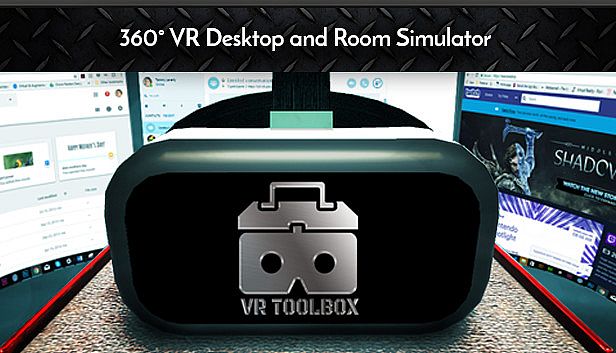
VR Toolbox: 360 Desktop - sobre el juego

Laptop users, please setup using this guide.
Features
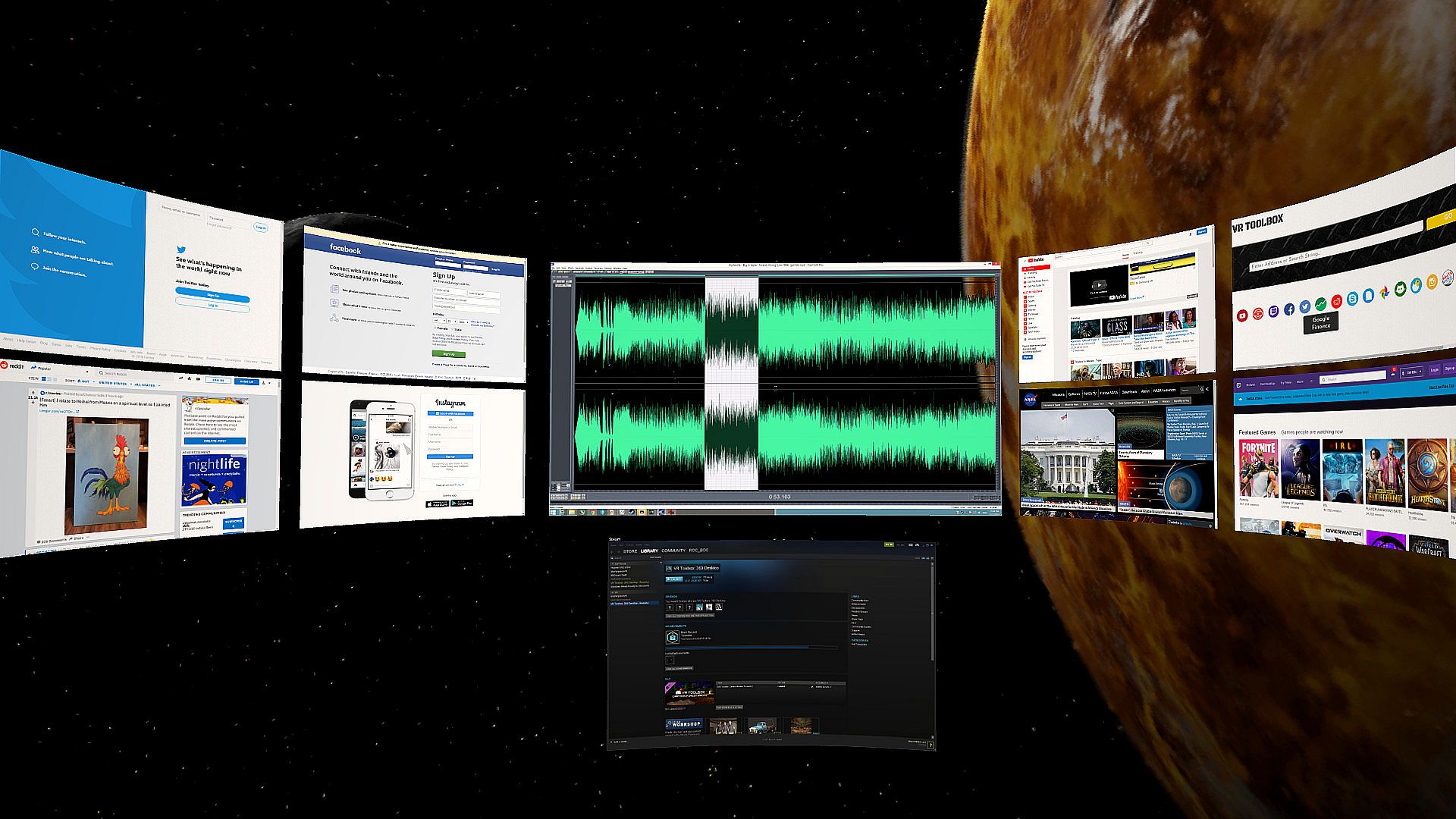
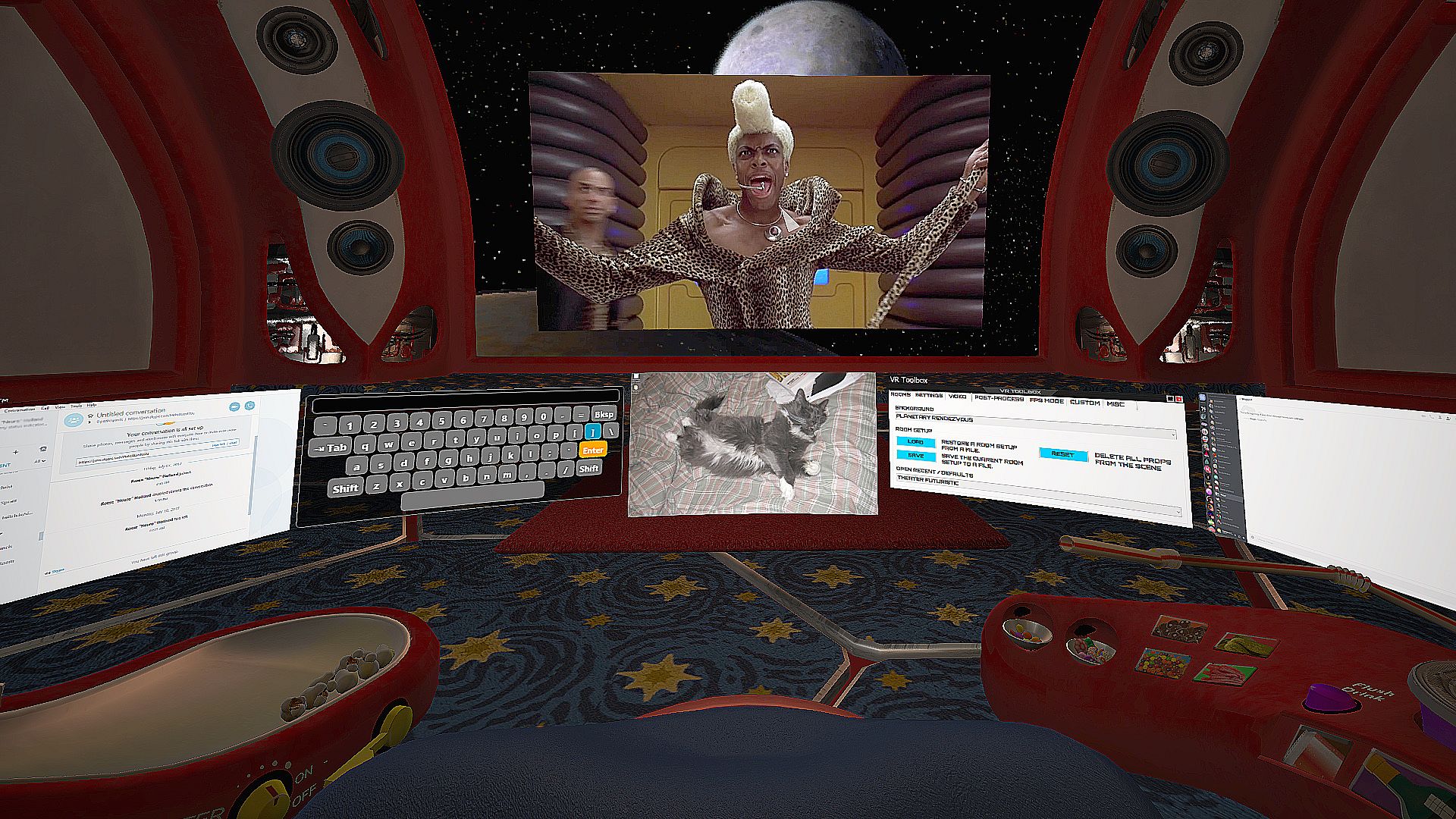
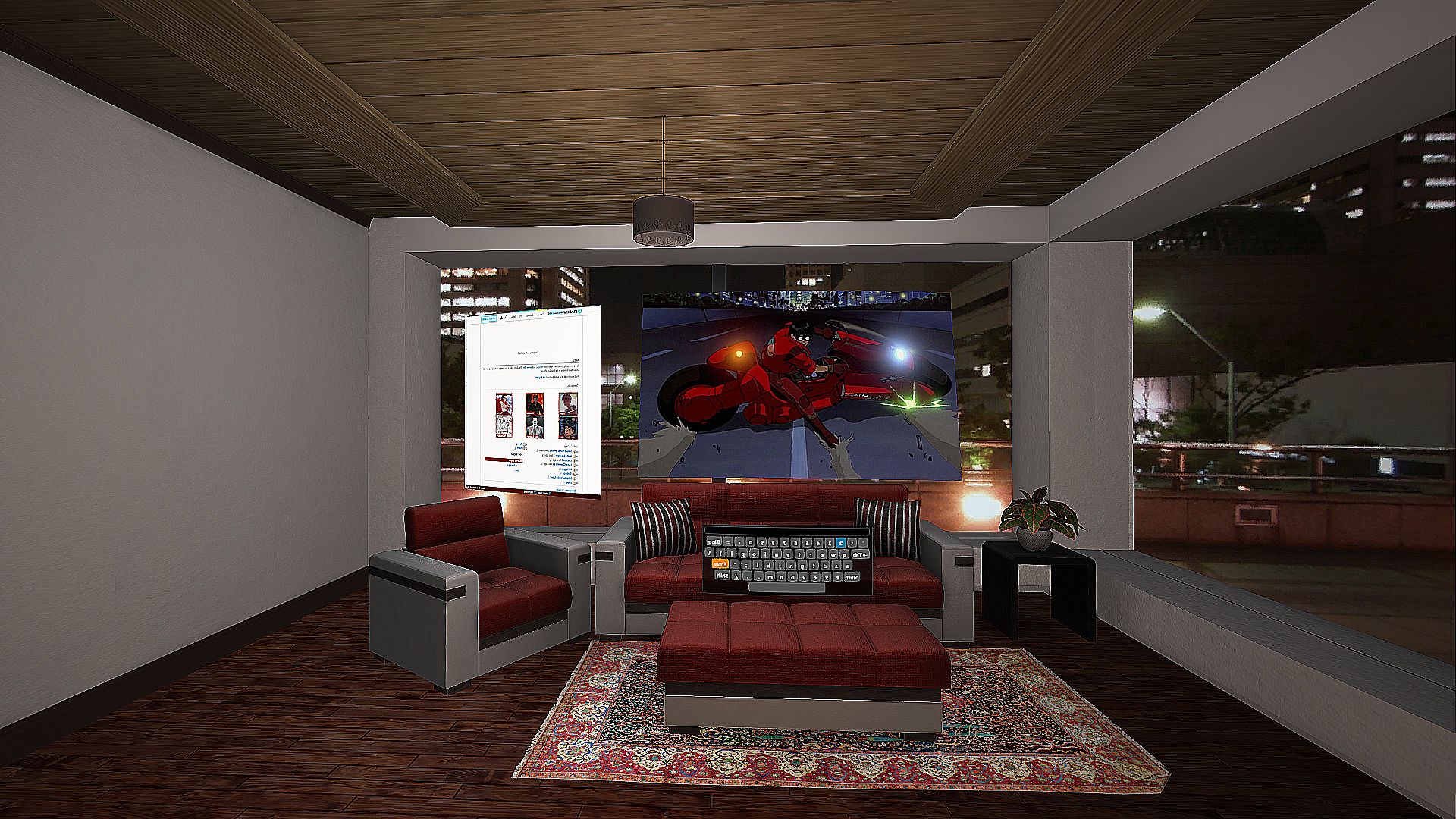
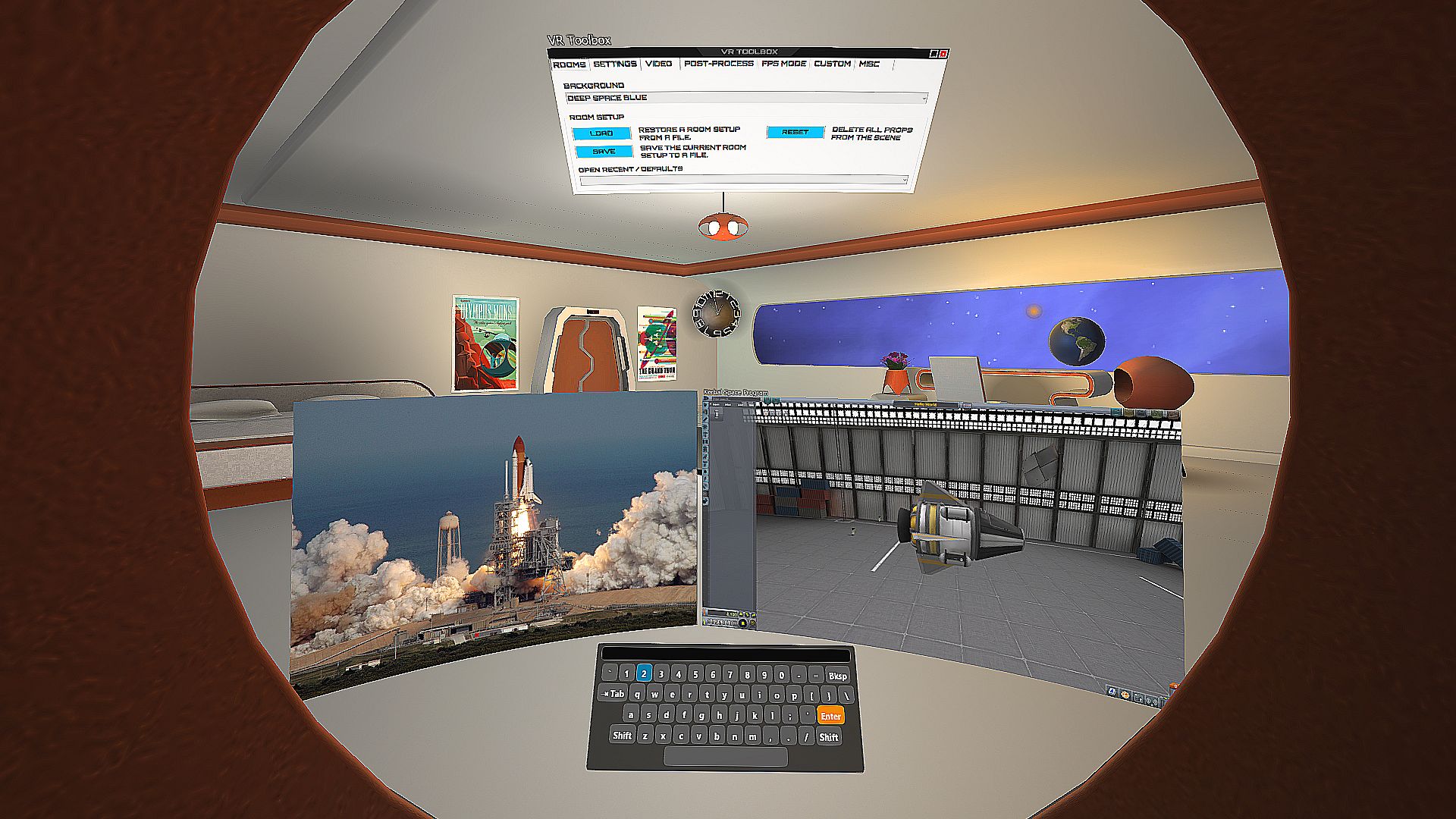
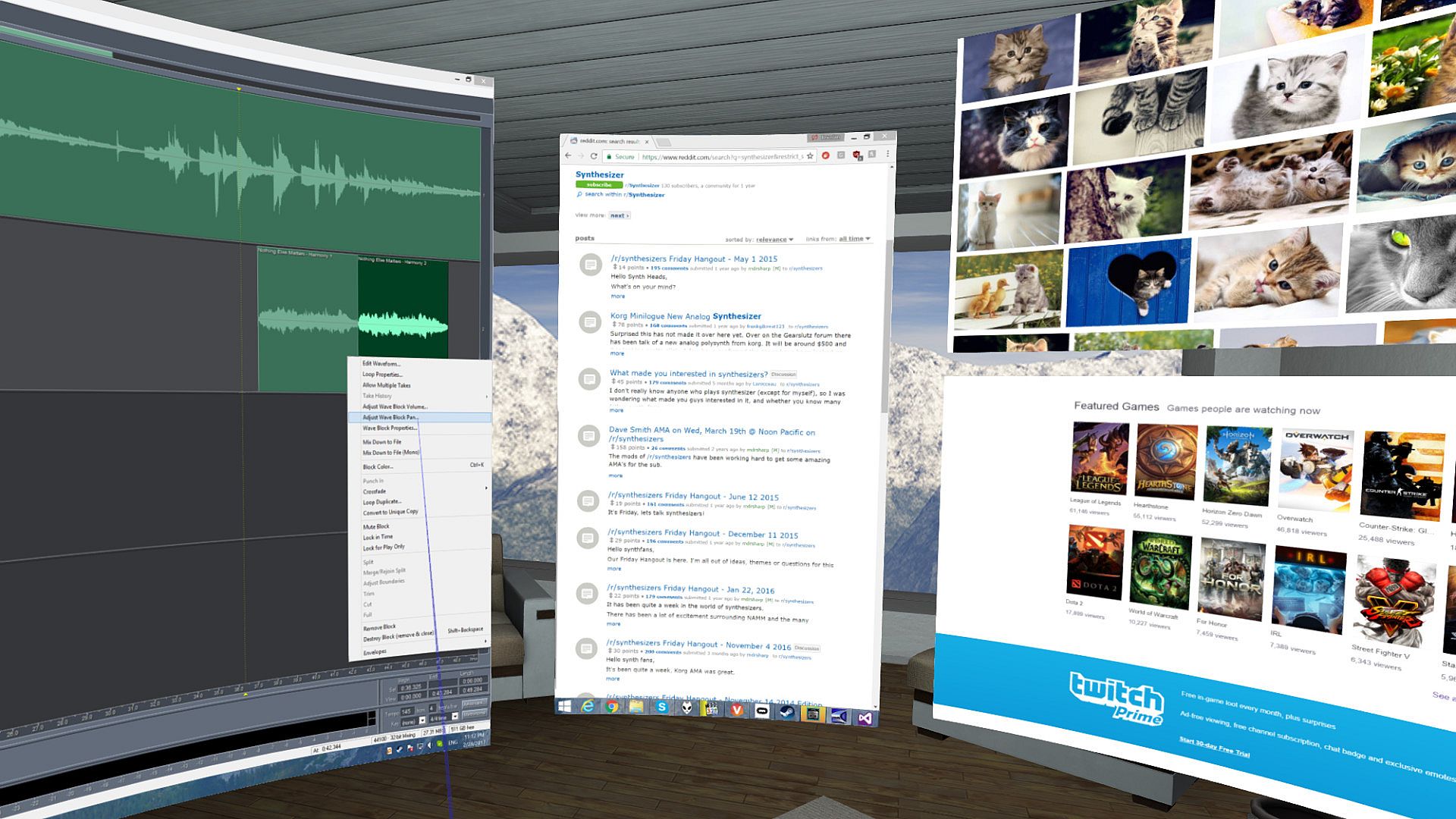
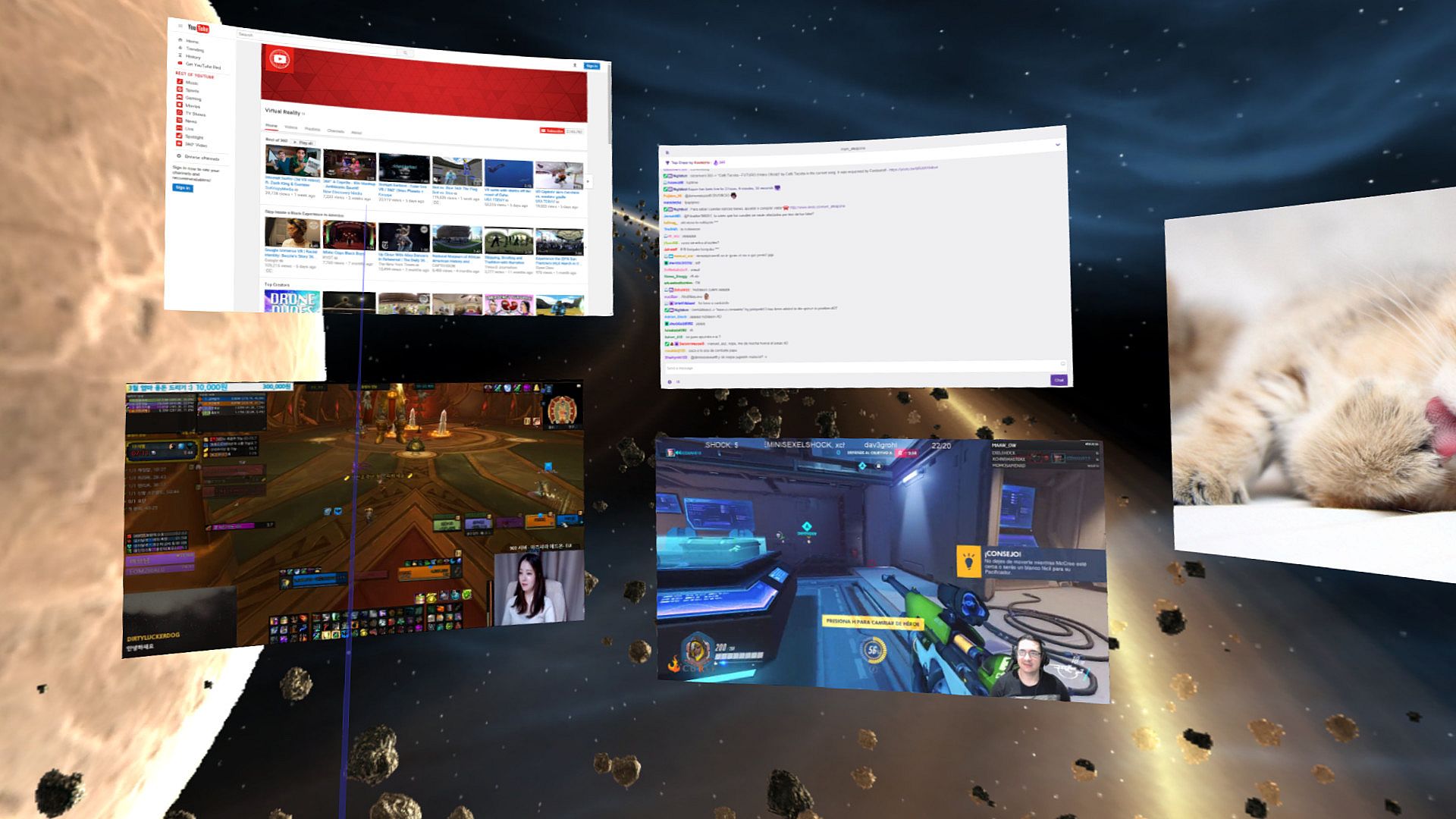
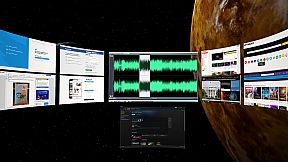
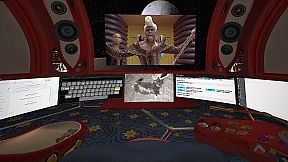
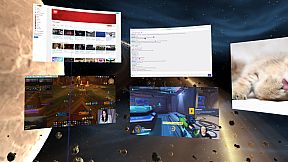
  • Create massive screens and customize to your taste.
  • Desktop screens (one screen mirror per attached monitor), incl. laptop support.
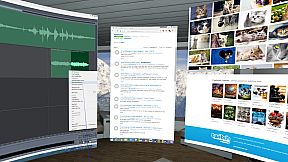
  • Additional web screens (e.g. Youtube, Facebook, Skype, etc).
  • Additional screens for images (including stereo .jps and .mpo), videos, pdf, txt and many others formats. (Click on "Open" or just drag and drop onto VR Toolbox).
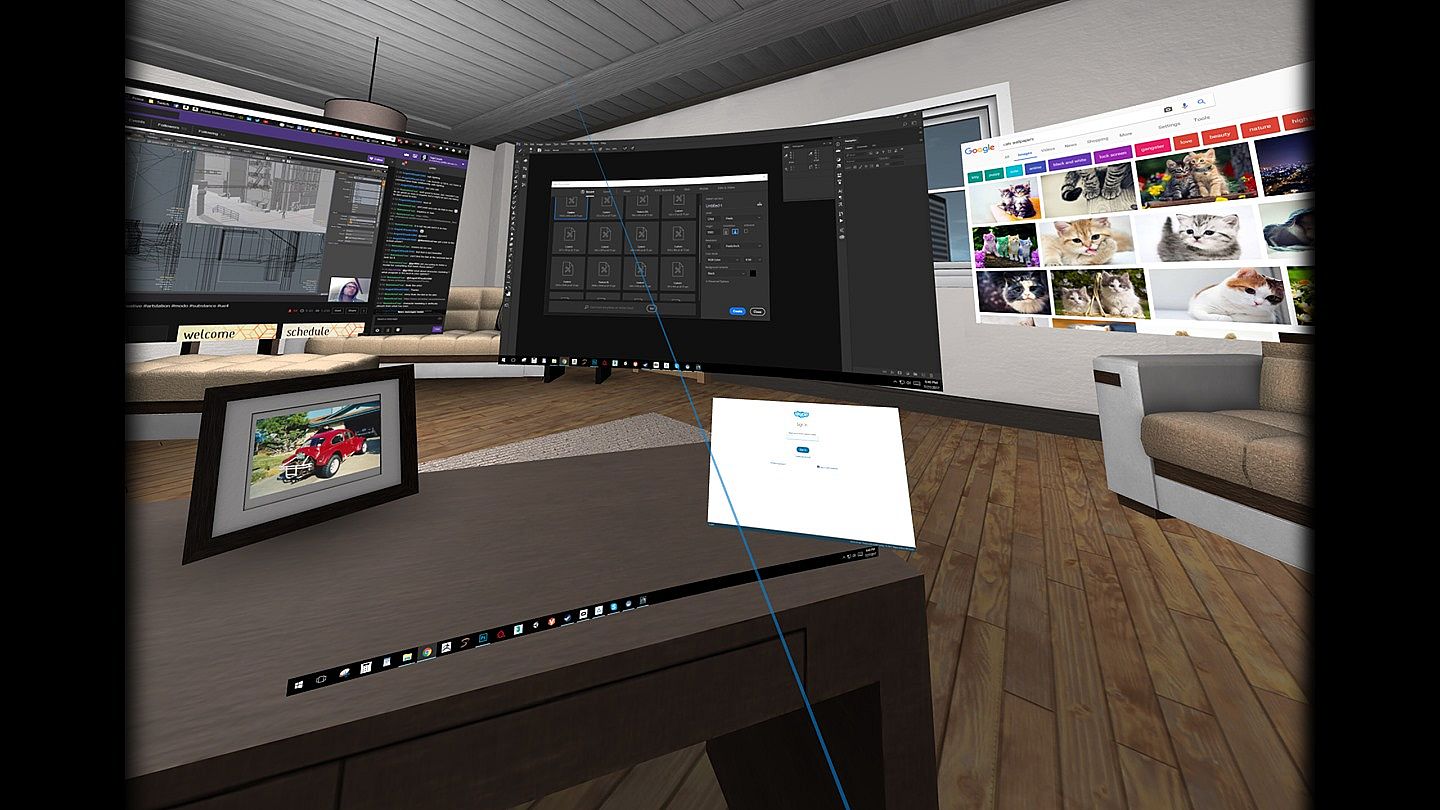
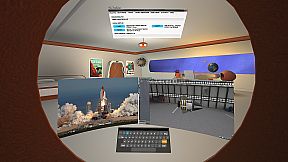
  • Additional screens for individual Windows apps.
  • One click YouTube360 in 4K.
  • 2D, 3D (SBS / TB), 180 and 360 video support.
  • Boost multi-tasking and readability with Focus Mode (CTRL+SHIFT+F).
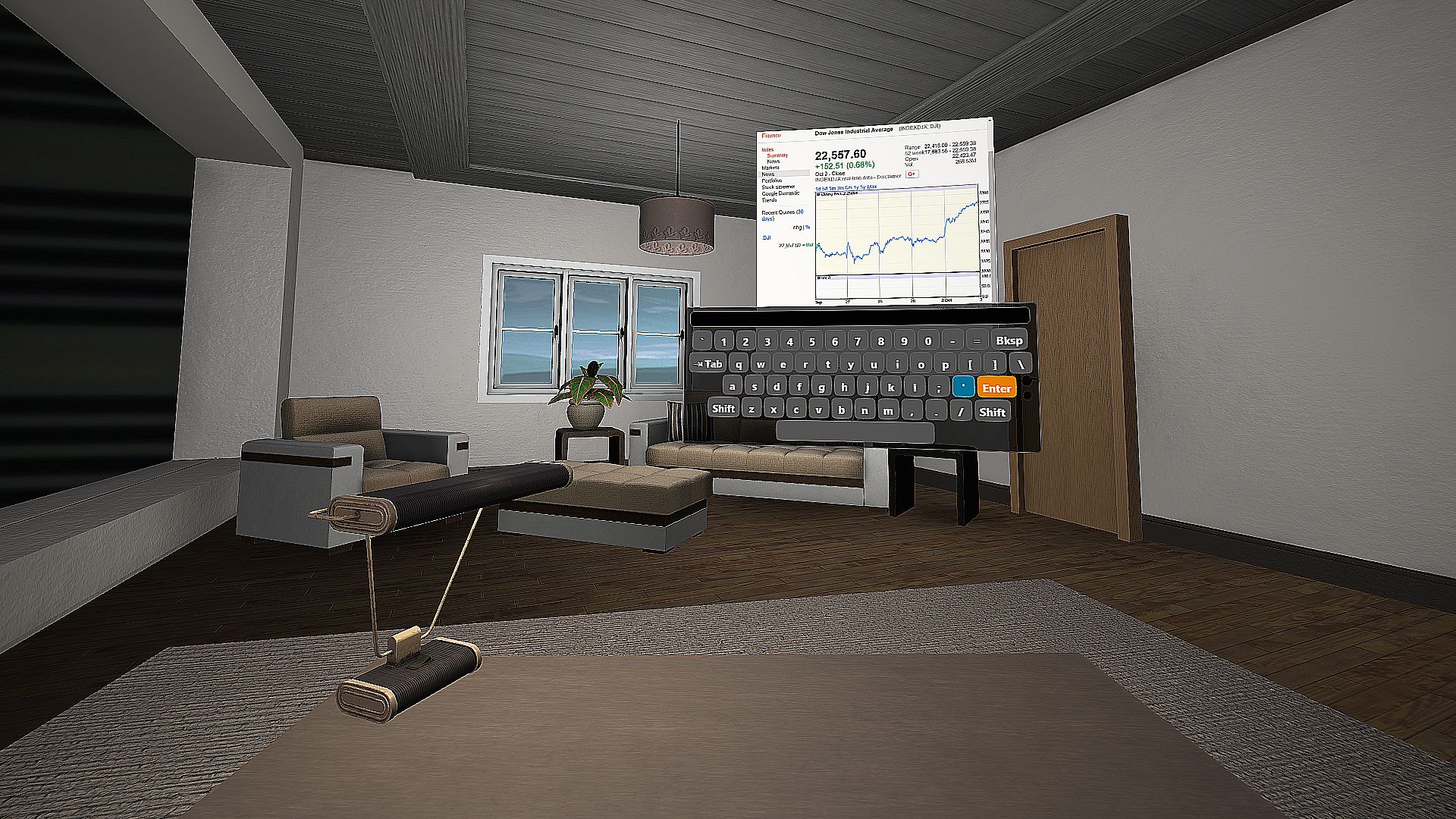
  • See your hands, keyboard and drink while in VR with Blended Reality. (Vive only)
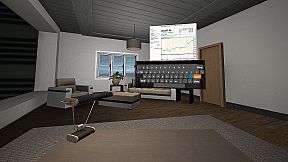
  • Built-in VR keyboard.
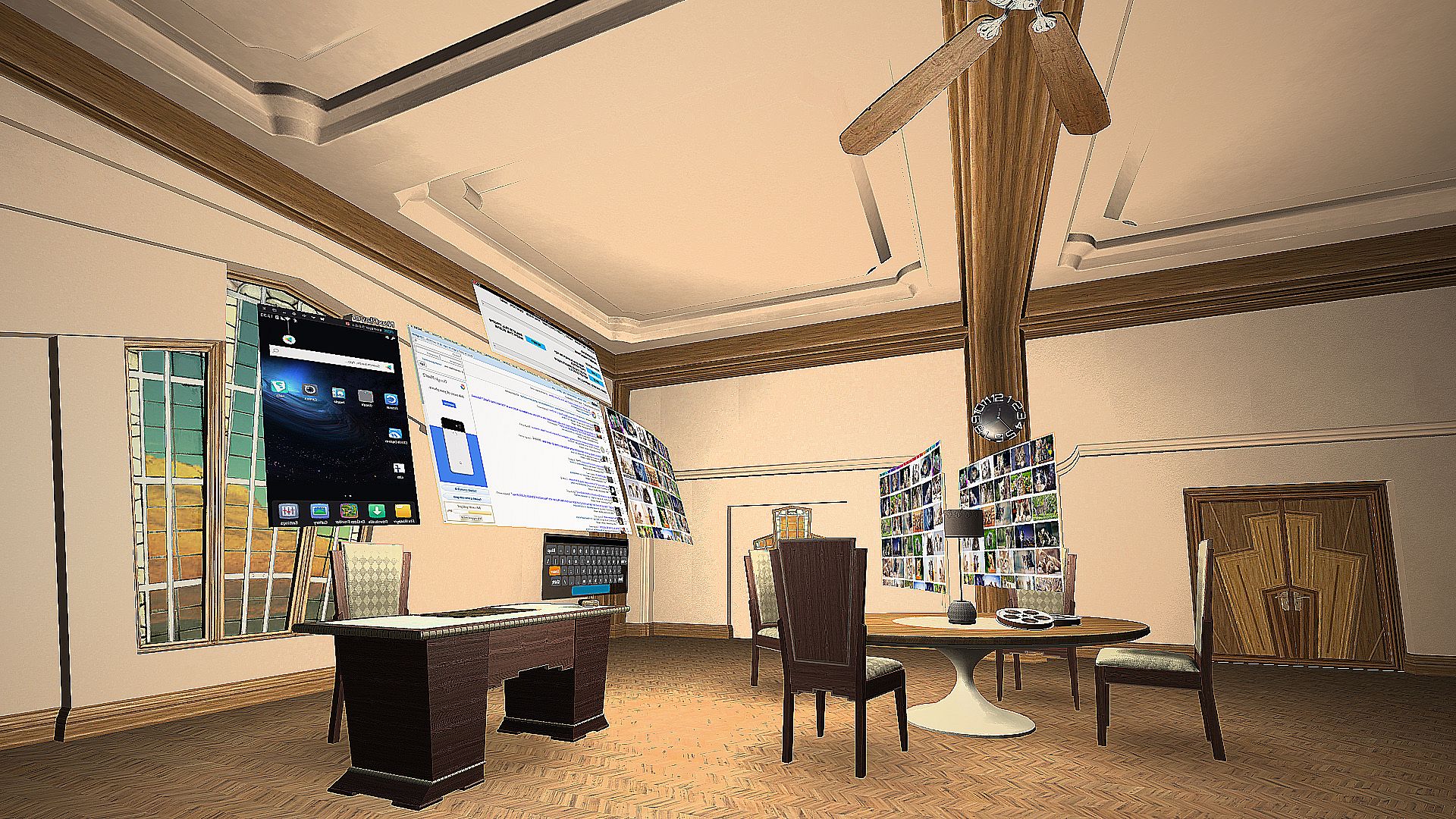
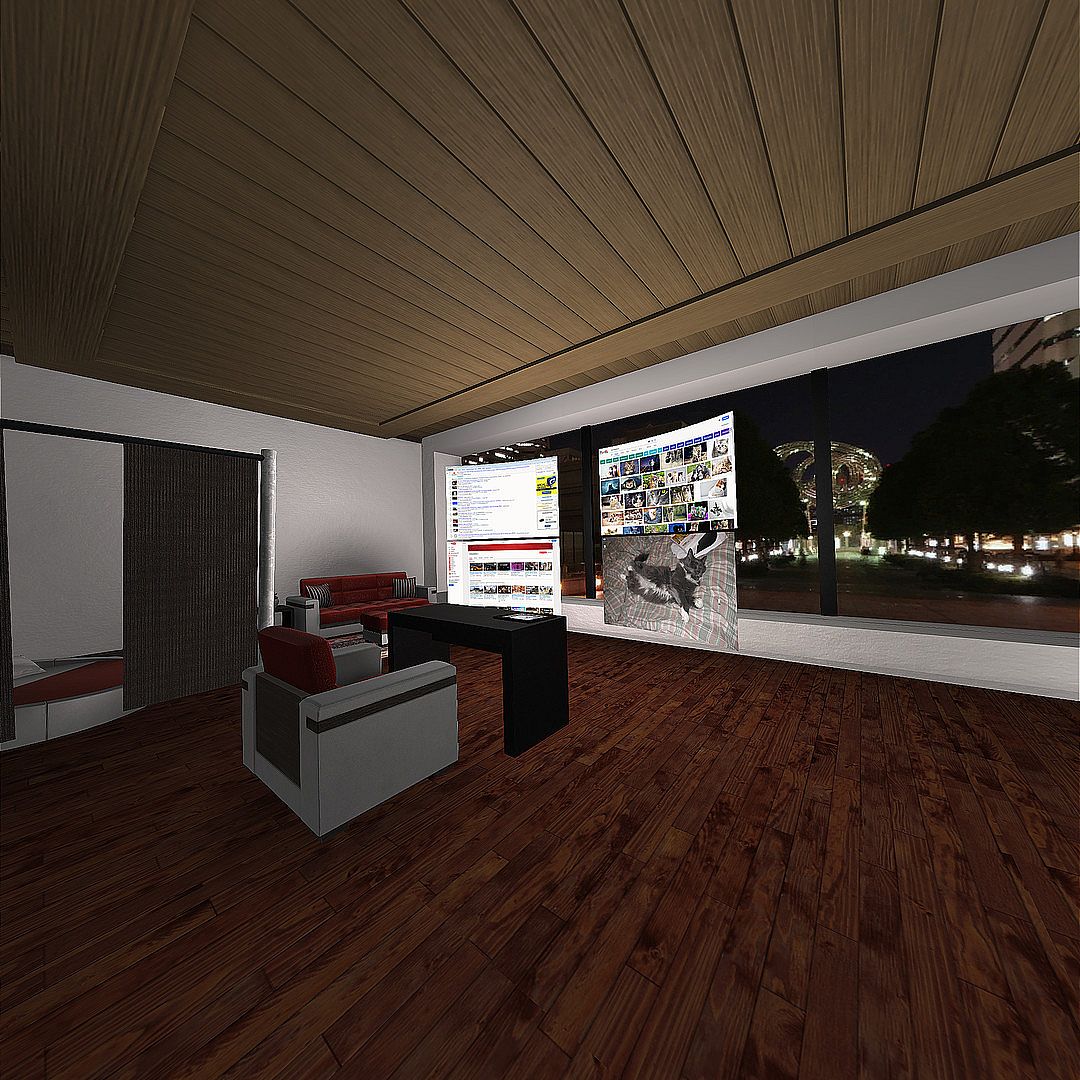
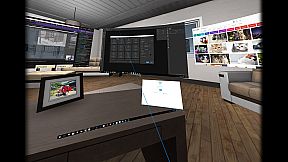
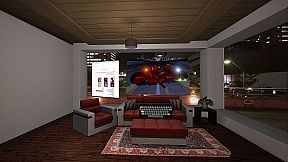
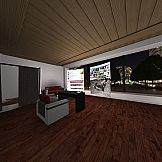
  • Decorate your VR space with numerous built-in props, rooms, and personal images. Additional props available in Steam Workshop.
  • Vive tracker support.
  • Direct3D 11 injector - run your desktop games at 90 fps from within VR Toolbox with minimal overhead. Guide.
  • First person shooter mode for extra immersiveness.

* Once detached, an app doesn't need to be kept visible on the desktop anymore. If an app detaches as black (ie Chrome / MS Word), turn off hardware acceleration in the app.
Configuration
Please follow the guide: to setup Steam / SteamVR.

Watching Youtube 360 in 4k and Twitch requires opening them on a web screen and 64-bit 2.2.8 VLC to be installed on the system (not compatible with 3.x VLC). Get it here.
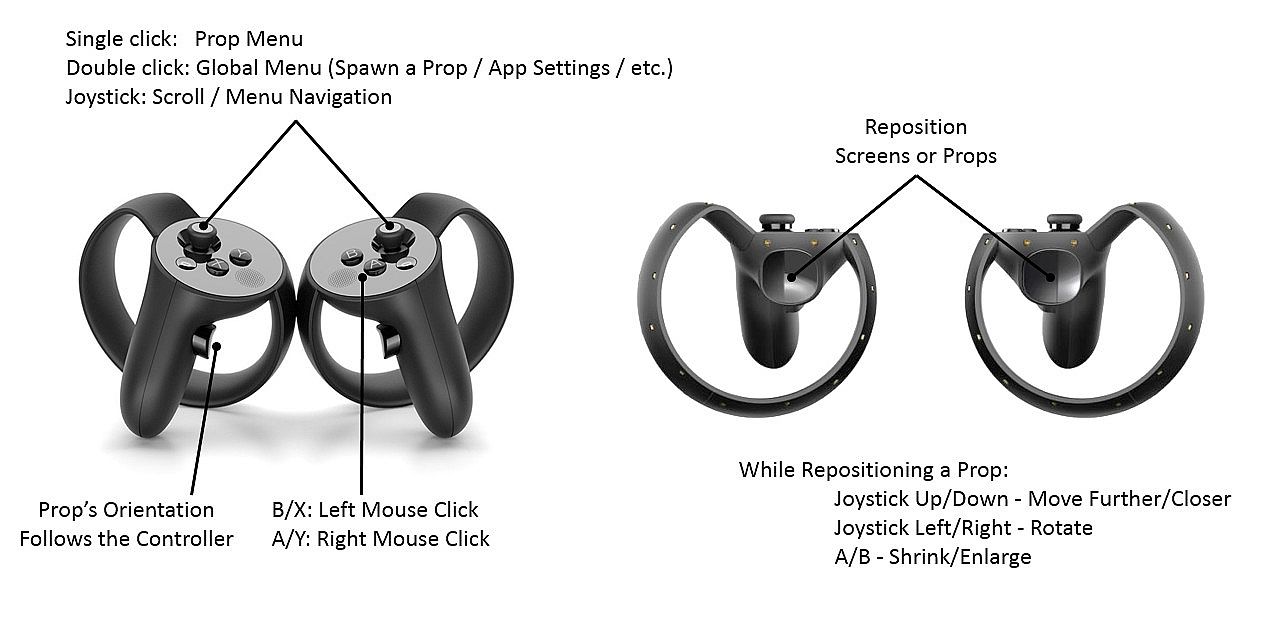
Controller Buttons

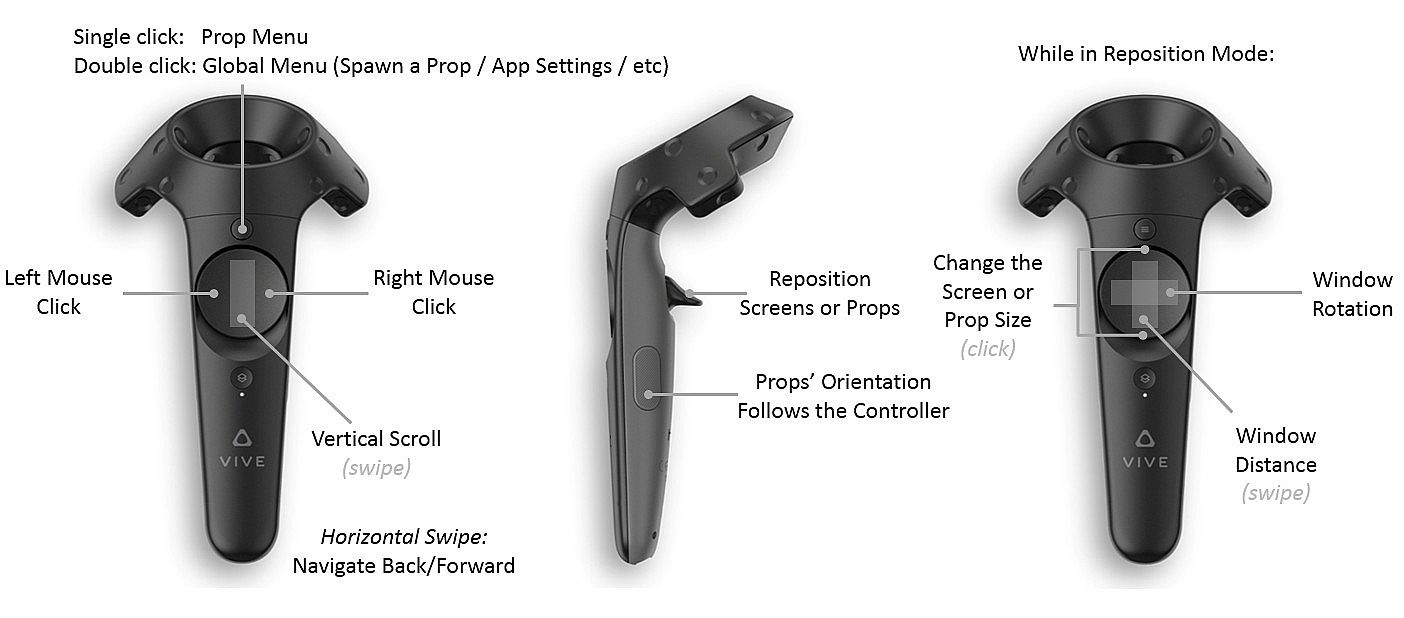
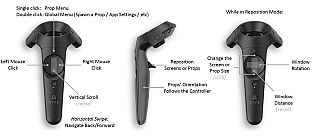
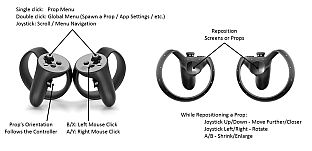
Menu button (joystick click on Oculus) -
  • single click: per prop menu
  • double click: global menu (to add screens / props, etc)
  • click and hold: detach the app under the pointer onto its own VR screen (available on Desktop PCs with Win 8.1 / Win 10 only)
Trigger - grab a prop
Grip button - reorient a prop

Left click on touchpad (B on Oculus) - left mouse click
Right click on touchpad (A on Oculus) - right mouse click
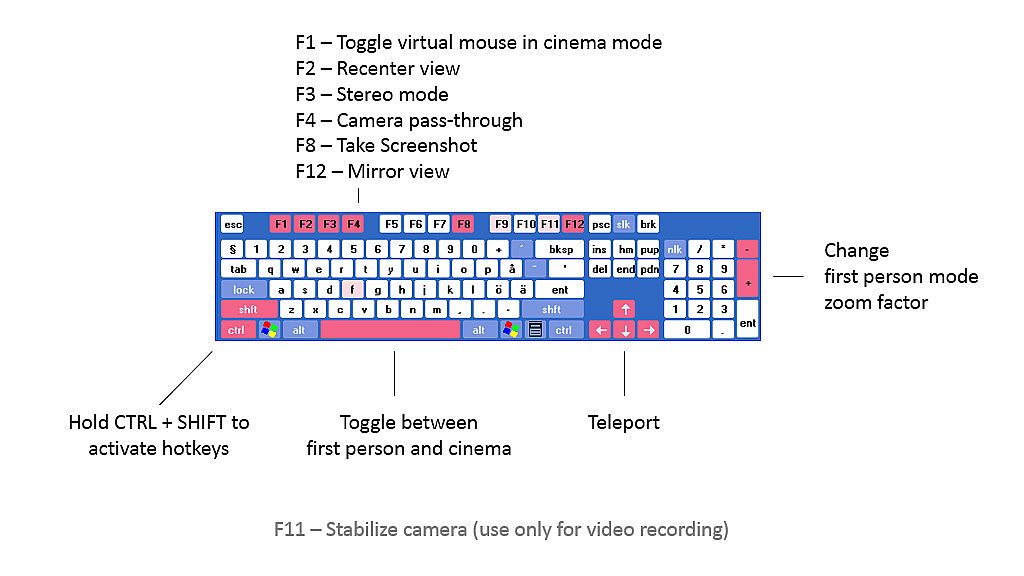
Hotkeys

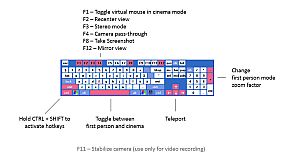
Hold CTRL+SHIFT and:

C - Wrap a screen on a cylinder around the camera (can reach very high curvature)
F - Focus a screen
L - Lock the camera translation (could be useful for backgrounds with nearby objects)
P - Detach an app into its own screen
R - Crop a desktop screen to the currently focused app
S - Resize a screen
W - Use a webcam as a beer cam
3 - Toggle the stereo / 3D mode of a screen

F1 - Turn on/off mouse cursor
F2 - Recenter view
F3 - Change stereo mode
F4 - Toggle camera pass-through
F5 - Turn controllers on/off
F8 - Take screenshot
F9 - Debug textures / lighting
F10 - Wireframe
F11 - Camera stabilization for video recordings
F12 - Toggle the mirror view window

Arrow keys - move around the scene
Space - Toggle first person mode
Guides

VR Toolbox is user-extensible. Check out the guides section:
Issues

We try to thoroughly test, but an issue might go undetected. If you have a problem with VR Toolbox, please post in the discussion forums and I'll help / address it. You can subscribe to the beta branch to get the latest and greatest features and give your feedback in the forum as well.

Chrome on some systems detaches from the desktop as a black screen. If it happens for you, please try Firefox.
Steam:
Mixed (89)

Historial de precios

Mínimo histórico
Keyshops
-
-
-
Tiendas oficiales
-
-
-

FAQ

8 preguntas

Antes de buscar una CD Key barata de VR Toolbox: 360 Desktop, revisa lo esencial. Desarrollado por MyDream Interactive, Inc. Publicado por MyDream Interactive, Inc. Fecha de lanzamiento en PC: 26 dic 2016. Géneros: Animation & Modeling, Utilities. Categorías: Steam Workshop, Single-player, Tracked Controller Support, VR Only. Reseñas de VR Toolbox: 360 Desktop: Reseñas de Steam: 66% of the 89 user reviews for this game are positive.

Q ¿Puedo jugar a VR Toolbox: 360 Desktop en Steam Deck?

No, ahora mismo no. Valve marca VR Toolbox: 360 Desktop como No compatible con Steam Deck, así que no se inicia con Proton por el momento. Mantente atento a XD.deals: seguimos avances de Proton y soluciones de la comunidad, y lo marcaremos en cuanto haya una forma de jugar a VR Toolbox: 360 Desktop en Steam Deck.

. Existe una versión de VR Toolbox: 360 Desktop en Steam. Elige cualquier oferta marcada como Steam Key en XD.deals, canjéala en el cliente de escritorio y juega a VR Toolbox: 360 Desktop en Steam para PC.

Sí. Una vez canjeada tu clave de Steam, puedes iniciar VR Toolbox: 360 Desktop en Modo sin conexión desde Steam. Tus partidas se sincronizarán la próxima vez que te conectes.

, puedes comprar una Steam Key de VR Toolbox: 360 Desktop directamente en la tienda de Steam. En XD.deals agregamos todas las ofertas con DRM de Steam para que compares ofertas baratas de VR Toolbox: 360 Desktop en Steam en un solo lugar.

Encontrarás todas las ofertas y descuentos activos de VR Toolbox: 360 Desktop aquí mismo, en XD.deals. Nuestro rastreador lista actualmente 1 ofertas de tiendas oficiales y 0 ofertas de keyshops. Mira la tabla de arriba para ver el precio más bajo, compáralo con el mínimo histórico del juego y crea una alerta para no perderte la próxima bajada.

Con XD.deals, los jugadores de PC pueden ver al instante dónde comprar una clave Steam para PC de VR Toolbox: 360 Desktop barata. Nuestro motor de comparación en tiempo real y nuestra base de cupones seleccionados siguen todas las tiendas oficiales y keyshops de confianza para que no tengas que hacerlo tú. Ahora mismo detectamos este juego en 1 ofertas activas de tiendas y keyshops.

. La página oficial de VR Toolbox: 360 Desktop en Steam está disponible, así que puedes comprar VR Toolbox: 360 Desktop en Steam o comprar cualquier Steam Key para PC de VR Toolbox: 360 Desktop en XD.deals y canjearla al instante.

No: XD.deals no es una tienda. Somos un servicio de comparación que rastrea las mejores ofertas de VR Toolbox: 360 Desktop en tiendas oficiales y keyshops verificados. Haz clic en "Comprar ahora" junto a la oferta que quieras y te redirigiremos a la web del vendedor para completar la compra y recibir allí la clave.

¿Listo para jugar? Crea una alerta de precio en XD Deals y consigue una clave de Steam de VR Toolbox: 360 Desktop con descuento en cuanto alcance su próximo mínimo histórico.

Crear alerta