
Compra Learn Programming: Python - Retro PC

Dove comprare la chiave Steam Learn Programming: Python - Retro {6} più economica? Confronta i prezzi da 1 store e scegli la soluzione migliore tra 1 offerte su XD.deals. Al momento il prezzo {6} più basso per Learn Programming: Python - Retro nei keyshop è su 2,99 € (0% di sconto).

Uscita: 18 feb 2021
Steam:
Mixed (58)
Keyshops
Non disponibile
Compra nello store ufficiale:
2,99 €
Compra nei keyshop:
Vedi storico prezzi

Store ufficiali (1)

DRM:
Steam
Steam
Steam
Learn Programming: Python - Retro
Windows
+1
4g fa
DRM:
Steam
Steam
2,99 €

Info su Learn Programming: Python - Retro

Learn Programming: Python - Retro - info sul gioco
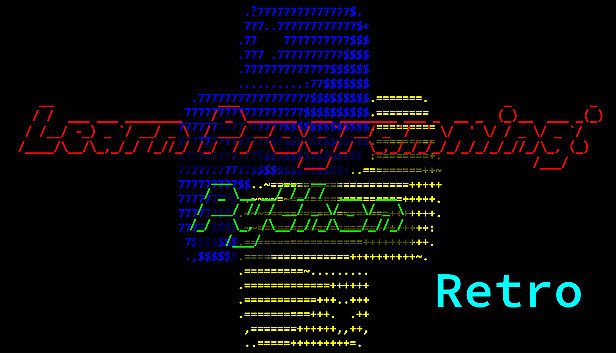
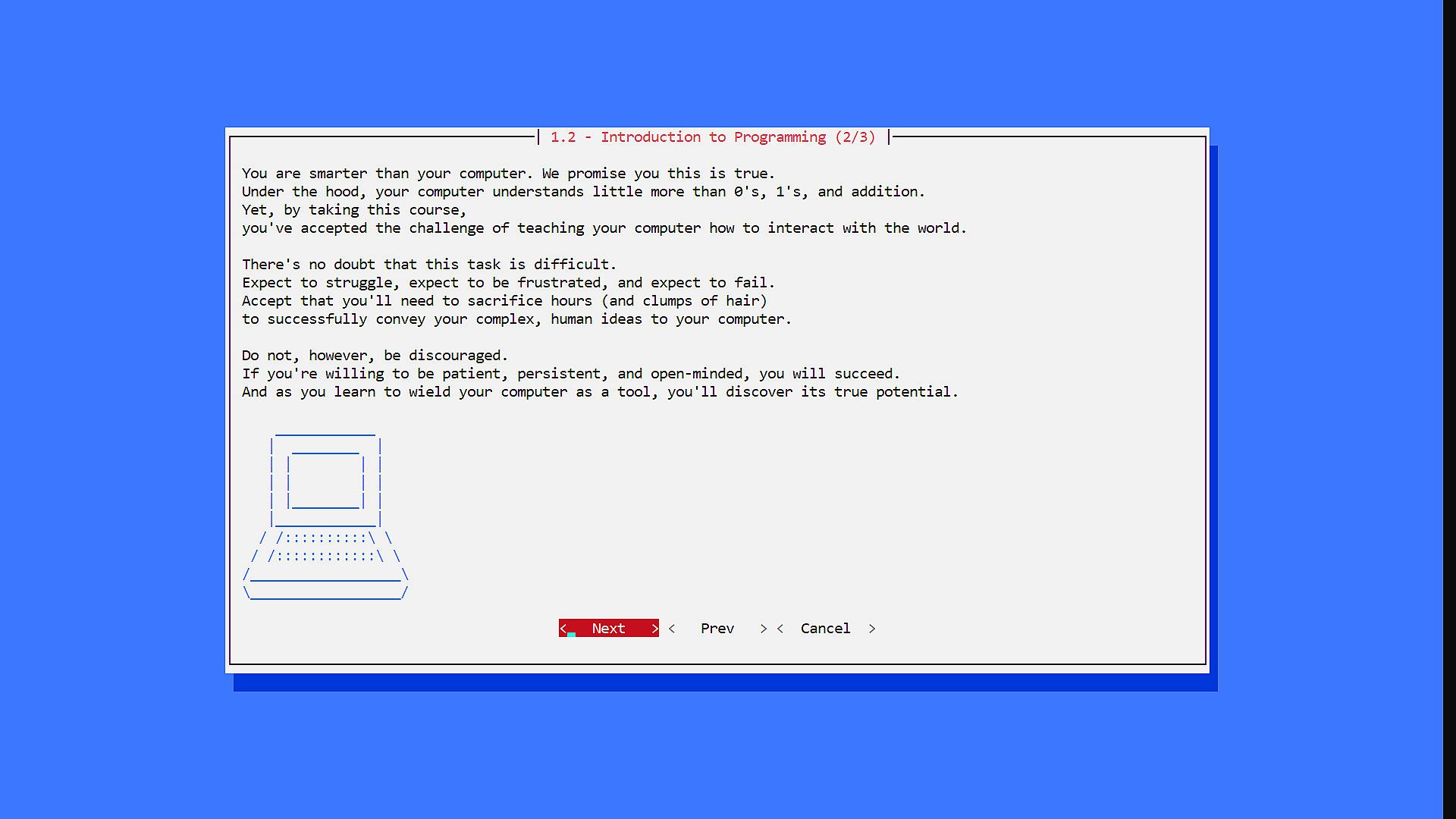
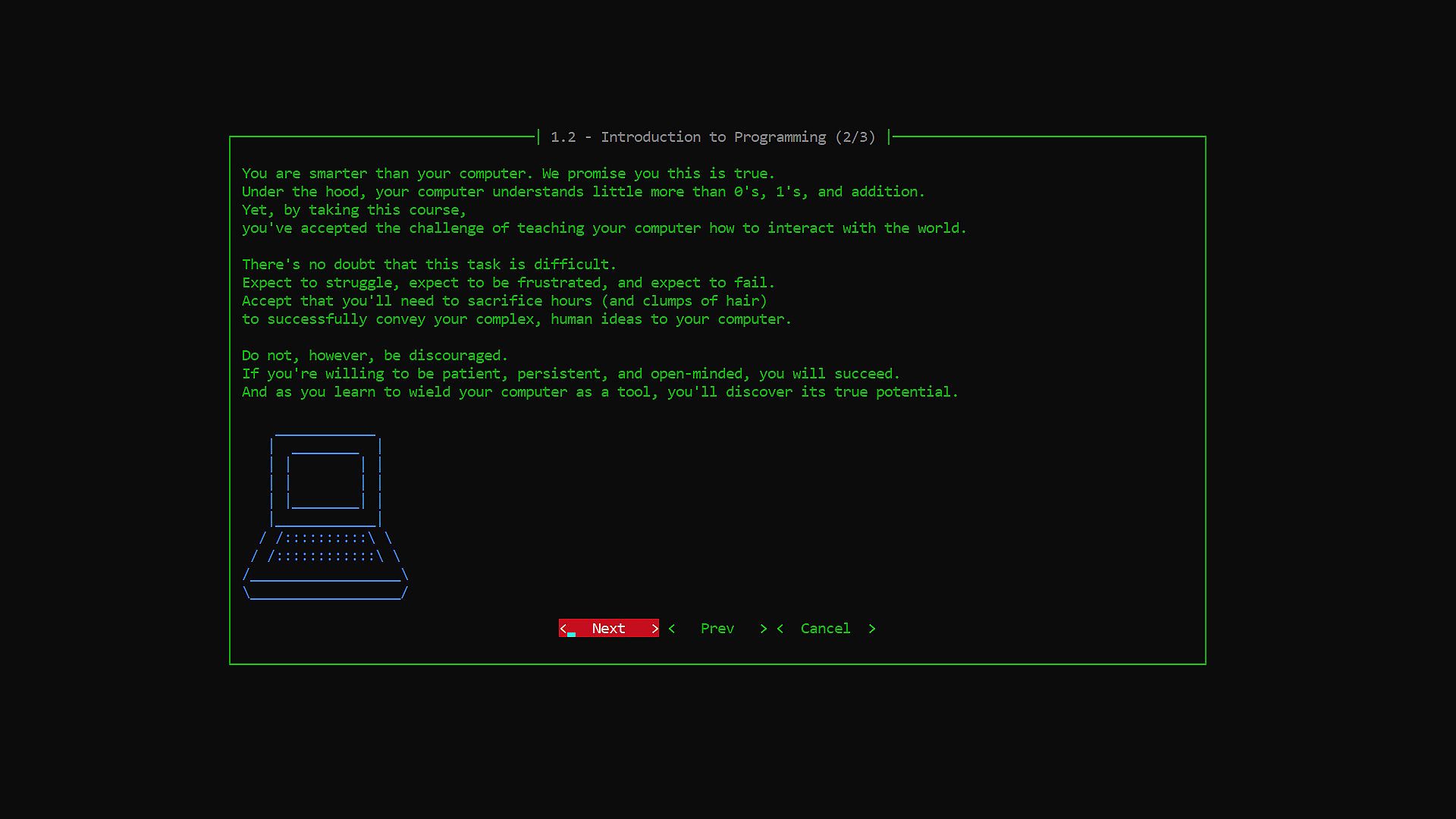
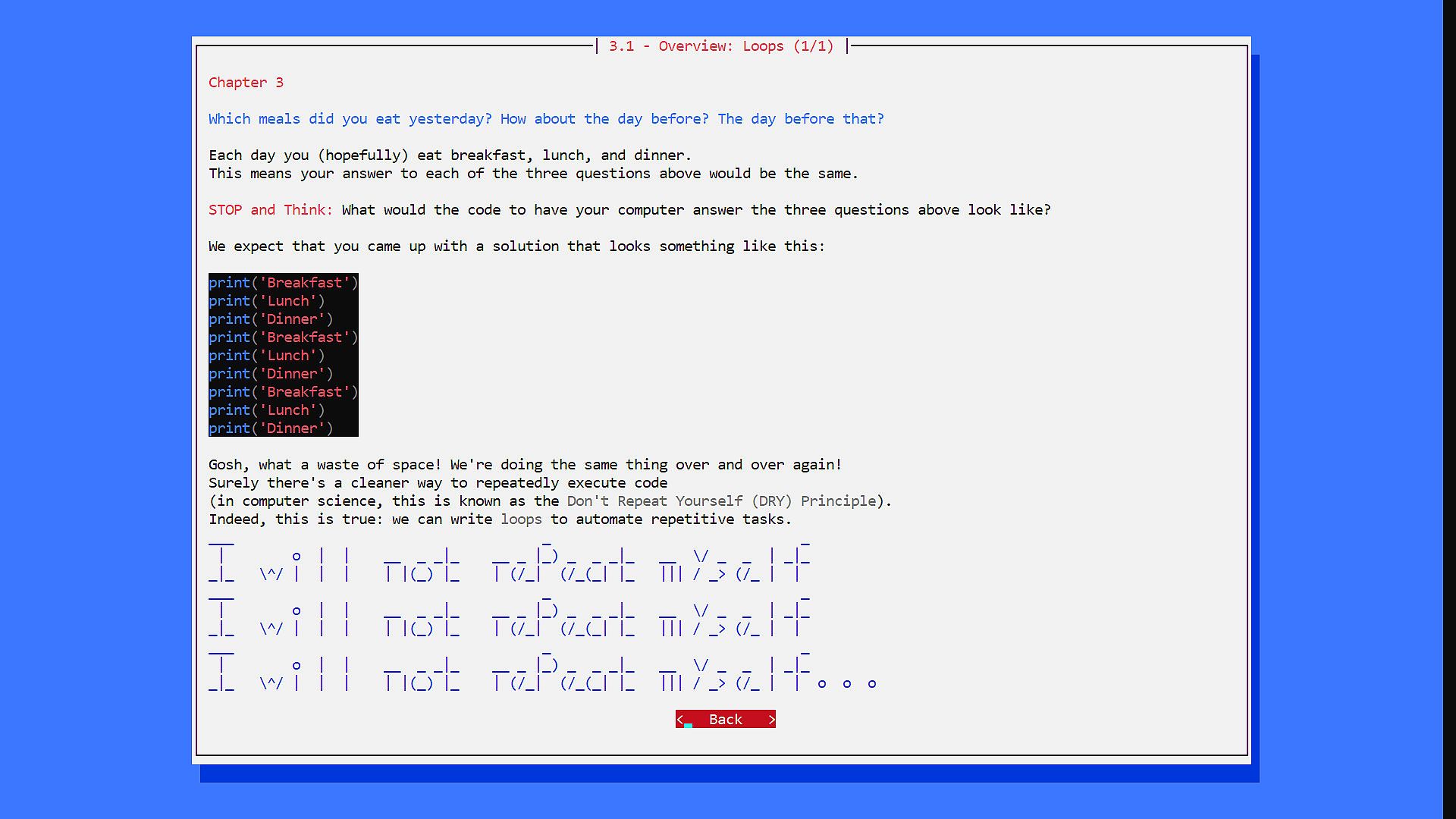
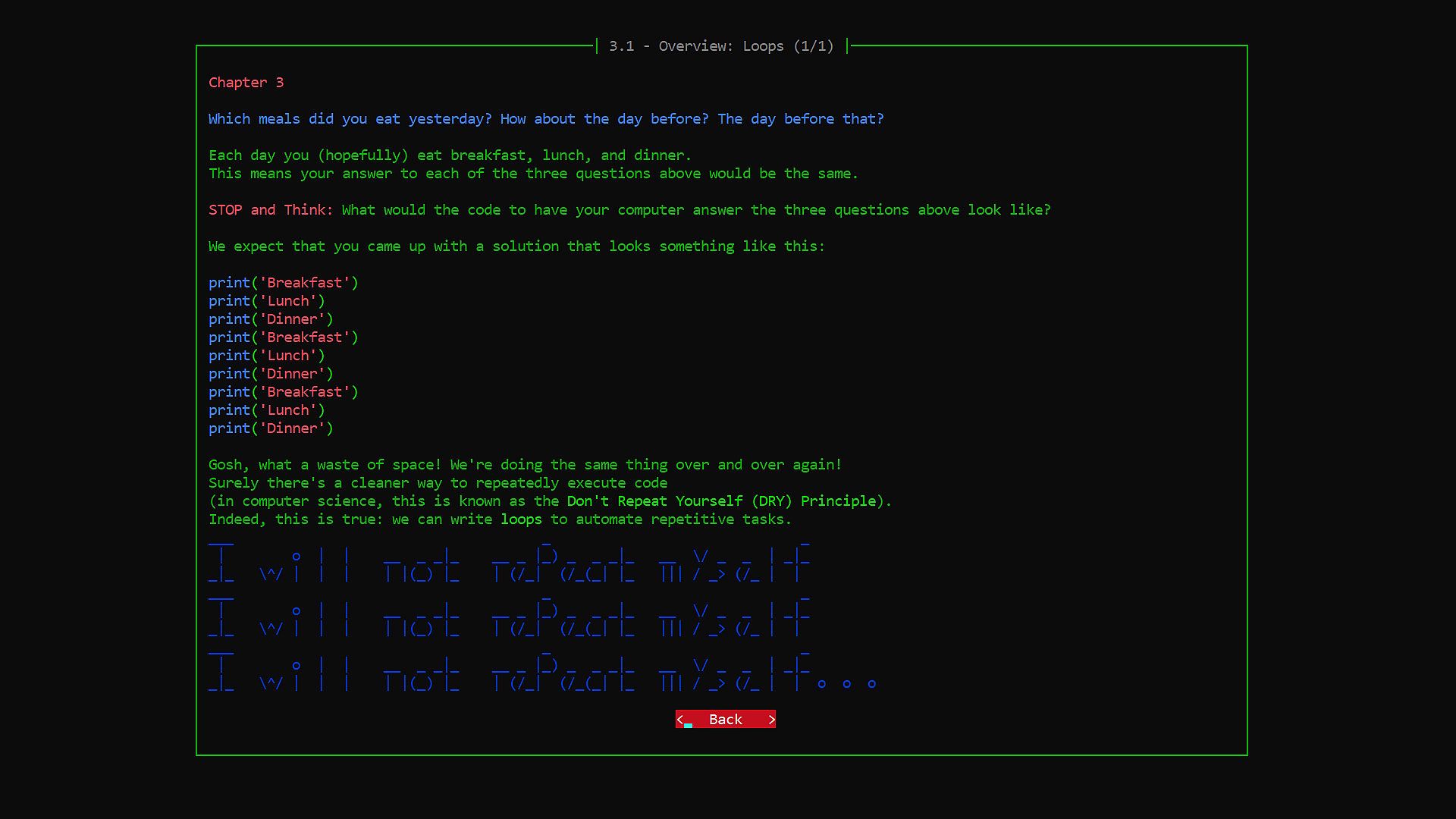
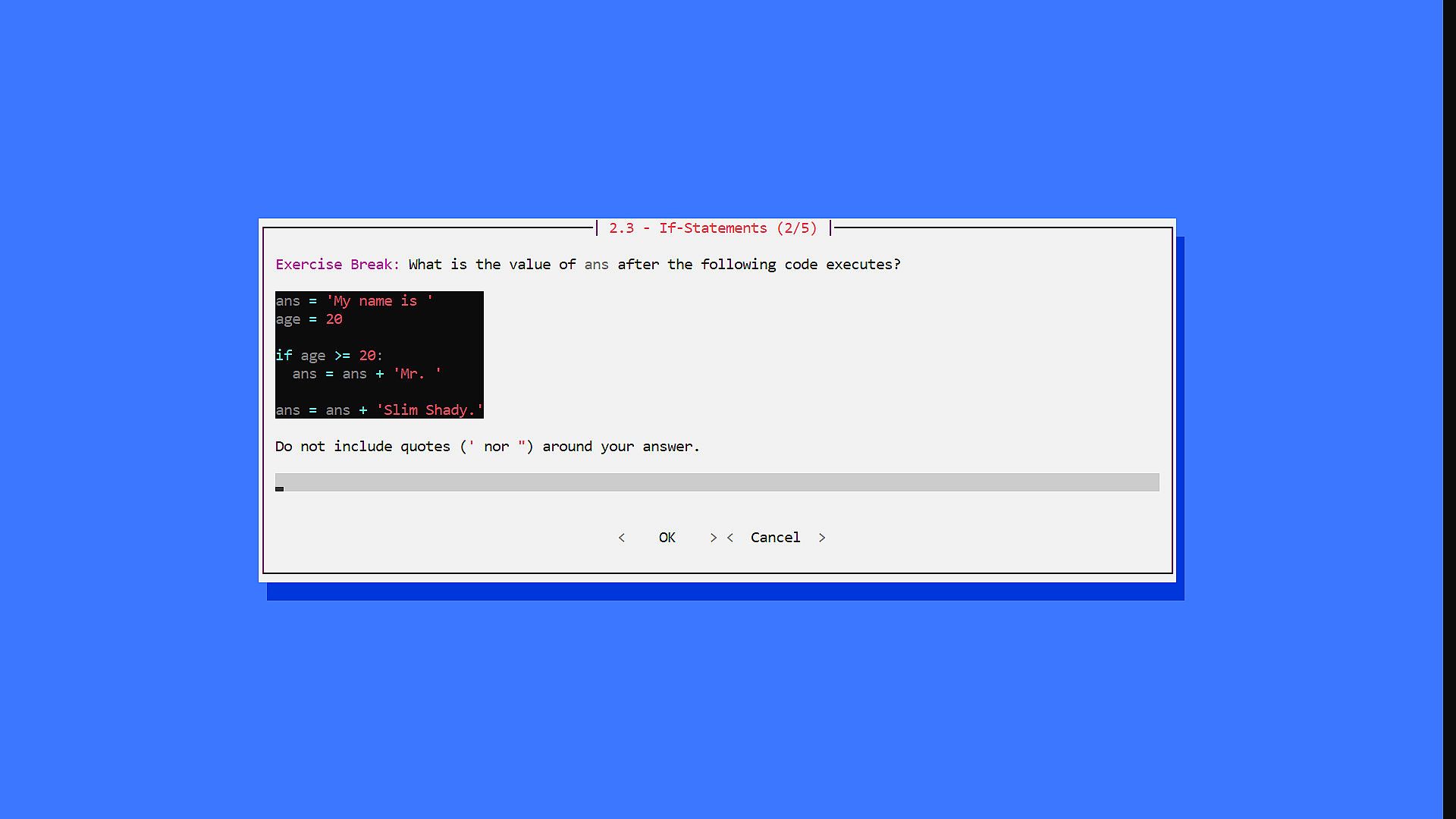
I principianti scoprono la programmazione Python grazie a lezioni interattive che sviluppano il pensiero computazionale, la scrittura di codice e i principi del design orientato agli oggetti. Questo indie game retro propone sfide come domande a scelta multipla, risposte brevi e problemi matematici integrati nelle lezioni per un练习 in tempo reale. I capitoli trattano argomenti che vanno da if e loop alle strutture dati, funzioni, ricorsione, oggetti, eccezioni, file I/O, librerie e un epilogo. Questa esperienza casual per PC è perfetta per chi parte da zero, con un motore semplice, opzioni di stile e accesso al codice sorgente gratuito. I giocatori mettono alla prova i concetti in un contesto di active learning, personalizzando font e colori per maggiore comfort. Gli sviluppatori segnalano l'esistenza di un remake superiore, ma questa versione resta disponibile per i curiosi esploratori.

IMPORTANT NOTE: We strongly recommend "Learn Programming: Python - Remake" instead of this version. We have kept this version available for folks who may be interested/curious to try it out, but it is a significantly inferior experience compared to the Remake (see FAQs below).

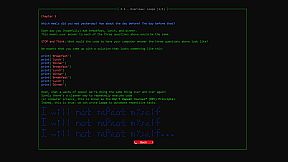
Welcome to Learn Programming: Python! The goal of this game is to introduce beginners to the wonders of the world of Computer Science! The game has have two core components:

  • Lessons: An interactive course to teach you how to think computationally, how to write programs in Pythons, and how to design classes using the principles of Object-Oriented Programming (OOP).
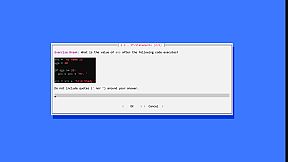
  • Challenges: Multiple choice, short answer, and math problems to test your understanding of Python, computational thinking, and OOP. These challenges are embedded throughout the Lessons, so you can practice your understanding of concepts in real-time under an Active Learning framework.

This game assumes absolutely zero prerequisite background. We hope you will join us as we explore the wonders of Programming in Python!

  • Game developed by Niema Moshiri
  • Lesson content developed by Sabeel Mansuri
Table of Contents

  • Chapter 1 - Introduction: The Nuts & Bolts
  • Chapter 2 - Conditionals: Ice Cream Isn't for Breakfast
  • Chapter 3 - Loops: Breakfast, Lunch, Dinner, Breakfast, Lunch, Din...
  • Chapter 4 - Data Structures: I'll Have Combo #3, Please!
  • Chapter 5 - Functions: How Do I Stop Rewriting Code?
  • Chapter 6 - Recursion: Give Me a Minute, I'm Getting a Call from Myself
  • Chapter 7 - Objects: Python, Have a Burger
  • Chapter 8 - Exceptions: You Can't Eat an Empty Bag of Chips
  • Chapter 9 - File I/O: Here's a Recipe, Make Me Some Macarons
  • Chapter 10 - Libraries: Hasn't Someone Done This Before?
  • Chapter 11 - Epilogue: What Now?
Important Notes

The game executable is incorrectly flagged by some antivirus systems. The game, which was itself written in Python, is packaged into a single executable that contains a portable Python environment to ensure that the game will run even if Python is not installed. This packaging is being done using PyInstaller, and the issue of antivirus systems incorrectly flagging PyInstaller packages is well-known. I will be reaching out to antivirus companies about this issue, but for full transparency, here is the complete VirusTotal report:


Also, as a gift, I have decided to release the game's source code for free! This does not include the lesson data, but it contains the actual Python code behind the game engine. I hope this practical application of Python sparks your interest in learning the language!
Frequently Asked Questions (FAQs)
  • How can I increase the font size?
    • The game should be using your default Windows command prompt settings. To configure, when you start the game (which opens it in a maximized window), you should be able to right-click the bar above the window (which says "Learn Programming: Python"), click "Properties", go to the "Font" tab, and select a larger font size.

  • How can I change the color scheme?
    • When you're on the main menu, click on "Styles", and on the resulting "Styles" menu, you can select a different color scheme. I personally prefer "Hacker Yellow" for extended periods of time, as it is easiest on my eyes.

  • Will there be Mac or Linux support?
    • I don't have any plans for adding Mac/Linux support on Steam, but I have released the source code of the game engine, which should be cross-platform compatible (assuming you have Python installed on your machine).

  • How is "Learn Programming: Python - Remake" different from the original "Learn Programming: Python - Retro"?
    • The game engine behind "Learn Programming: Python - Retro" was built from scratch by the developers purely out of interest, and as such, it lacked many technical features of modern game engines
    • "Learn Programming: Python - Remake" is a ground-up remake of the game using the Ren'Py game engine, which is commonly used to create visual novel games
    • There were some lesson text/images that were omitted from "Learn Programming: Python - Retro" due to technical limitations of the game engine which have been readded to "Learn Programming: Python - Remake", but the lesson text is very largely the same
    • The key new features in "Learn Programming: Python - Remake" are the following:
      • Cleaner modern user interface (e.g. support for up to 4K resolution, nice fonts, images, ambient background music, etc.)
      • Steam Achievements
      • Ability to skip challenges and track progress
      • Support for Steam Community Overlay
      • Support for the Steam Link app
      • Support for Steam Remote Play
      • Because of how it was packaged, "Learn Programming: Python - Retro" had an issue with false positive antivirus flags (see the "Learn Programming: Python - Retro" Store Page FAQs for more info); this is completely fixed in "Learn Programming: Python - Remake" because of its use of Ren'Py
Interfaccia:
English

Classificazione per età

Non disponibile
Steam:
Mixed (58)

Minimo:

  • Processore: Any
  • Memoria: 64 MB RAM
  • Grafica: Any
  • Archiviazione: 10 MB available space
  • Note aggiuntive: N/A

Consigliato:

  • Processore: Any
  • Memoria: 64 MB RAM
  • Grafica: Any
  • Archiviazione: 10 MB available space
  • Note aggiuntive: N/A
Minimo storico
Storico prezzi dei negozi ufficiali
-
-
-
Storico prezzi dei keyshop
-
-
-

FAQ

8 domande

Prima di cercare una chiave economica di Learn Programming: Python - Retro, controlla le informazioni essenziali. Sviluppato da Niema Moshiri. Pubblicato da Niema Moshiri. Data di uscita su PC: 18 feb 2021. Generi: Indie, Casual. Categorie: Family Sharing, Single-player.

Q

Dove comprare una chiave Steam di Learn Programming: Python - Retro a poco?

Grazie al nostro comparatore di prezzi e ai codici sconto verificati, puoi acquistare una chiave di Learn Programming: Python - Retro a partire da 2,99 €. Questa offerta è disponibile su Steam ed è tra le più economiche sul mercato. Tutte le chiavi su XD.deals vengono consegnate in formato digitale e sono disponibili per il download immediato dopo il pagamento. I prezzi includono già le commissioni e i codici promozionali applicati, così vedi sempre il prezzo più basso di Learn Programming: Python - Retro su PC. Controlla lo storico prezzi di Learn Programming: Python - Retro per acquistare al momento migliore.

Secondo il nostro ultimo aggiornamento (aggiorniamo i prezzi Steam più volte al giorno), il prezzo di Learn Programming: Python - Retro su Steam è 2,99 €. Puoi risparmiare un ulteriore ~6% pagando con una carta regalo Steam scontata.

Il nostro tracker dei prezzi copre sia i rivenditori ufficiali che i marketplace di chiavi, così puoi trovare Learn Programming: Python - Retro in offerta anche al di fuori delle promozioni stagionali. Al momento rileviamo 1 offerta attiva da store ufficiali e keyshop. Controlla la tabella qui sopra, confronta con il minimo storico e imposta un avviso per non perdere il prossimo calo di prezzo.

Secondo i nostri dati, Learn Programming: Python - Retro non è attualmente disponibile su GeForce NOW. Dovrai eseguirlo localmente sul tuo PC. Sfoglia i giochi disponibili su GeForce NOW.

. Learn Programming: Python - Retro ha una pagina ufficiale su Steam. Puoi anche acquistare una chiave Steam di Learn Programming: Python - Retro da venditori terzi. Il nostro comparatore include attualmente 1 offerta con DRM Steam. Scegline una per assicurarti che il download di Learn Programming: Python - Retro avvenga sulla piattaforma di Valve.

. Learn Programming: Python - Retro è verificato per Steam Deck - si avvia senza configurazione, mostra i tasti corretti del controller e funziona in modo stabile. Learn Programming: Python - Retro funziona perfettamente su Steam Deck.

Learn Programming: Python - Retro non sembra essere disponibile su PC Game Pass, EA Play, Ubisoft+ o altri servizi in abbonamento per PC al momento. L'unica opzione è acquistare il gioco - usa XD.deals per trovare il prezzo migliore.

No - XD.deals non è un negozio. Siamo un comparatore di prezzi che traccia le migliori offerte per Learn Programming: Python - Retro tra store ufficiali e keyshop verificati. Clicca "Vai al negozio" accanto a qualsiasi offerta e verrai reindirizzato al sito del rivenditore per completare l'acquisto.

Migliori prezzi per Learn Programming: Python - Retro

1 Steam Steam Official
2,99 €

Vuoi comprare al momento migliore? Imposta un avviso di prezzo su XD.deals e ricevi una notifica quando Learn Programming: Python - Retro raggiunge il suo prossimo minimo storico.

Crea avviso
Unisciti al nostro Discord
Ottieni aiuto immediato dalla community e resta aggiornato sulle offerte
Imposta avvisi di prezzo
Ricevi notifiche via email quando i prezzi scendono al tuo target
Crea un account gratuito
Sblocca wishlist, avvisi di prezzo e sincronizzazione Steam