
Learn Programming: Python - Retro PC kaufen

Wo kannst du den günstigsten Learn Programming: Python - Retro Steam-Key für {6} kaufen? Vergleiche Preise aus 1 Shops und finde unter 1 Angeboten auf XD Deals die beste Option. Aktuell liegt der niedrigste Learn Programming: Python - Retro {6} Preis im Keyshop bei 2,99 € (0% Rabatt).

Veröffentlichung: 18 Feb. 2021
Steam:
Mixed (58)
Keyshops
Nicht verfügbar
Im offiziellen Store kaufen:
2,99 €
Im Keyshop kaufen:
Preisverlauf anzeigen

Offizielle Shops (1)

DRM:
Steam
Steam
Steam
Learn Programming: Python - Retro
Windows
+1
vor 4d
DRM:
Steam
Steam
2,99 €

Über Learn Programming: Python - Retro

Learn Programming: Python - Retro - Spielbeschreibung
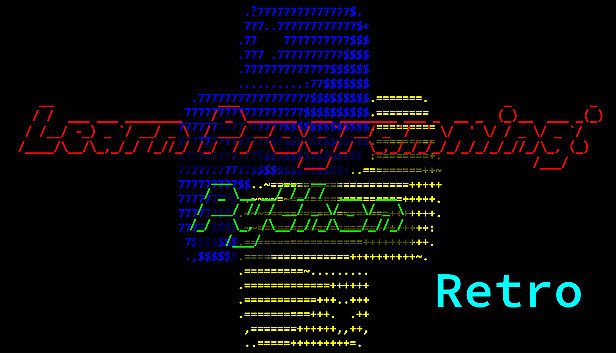
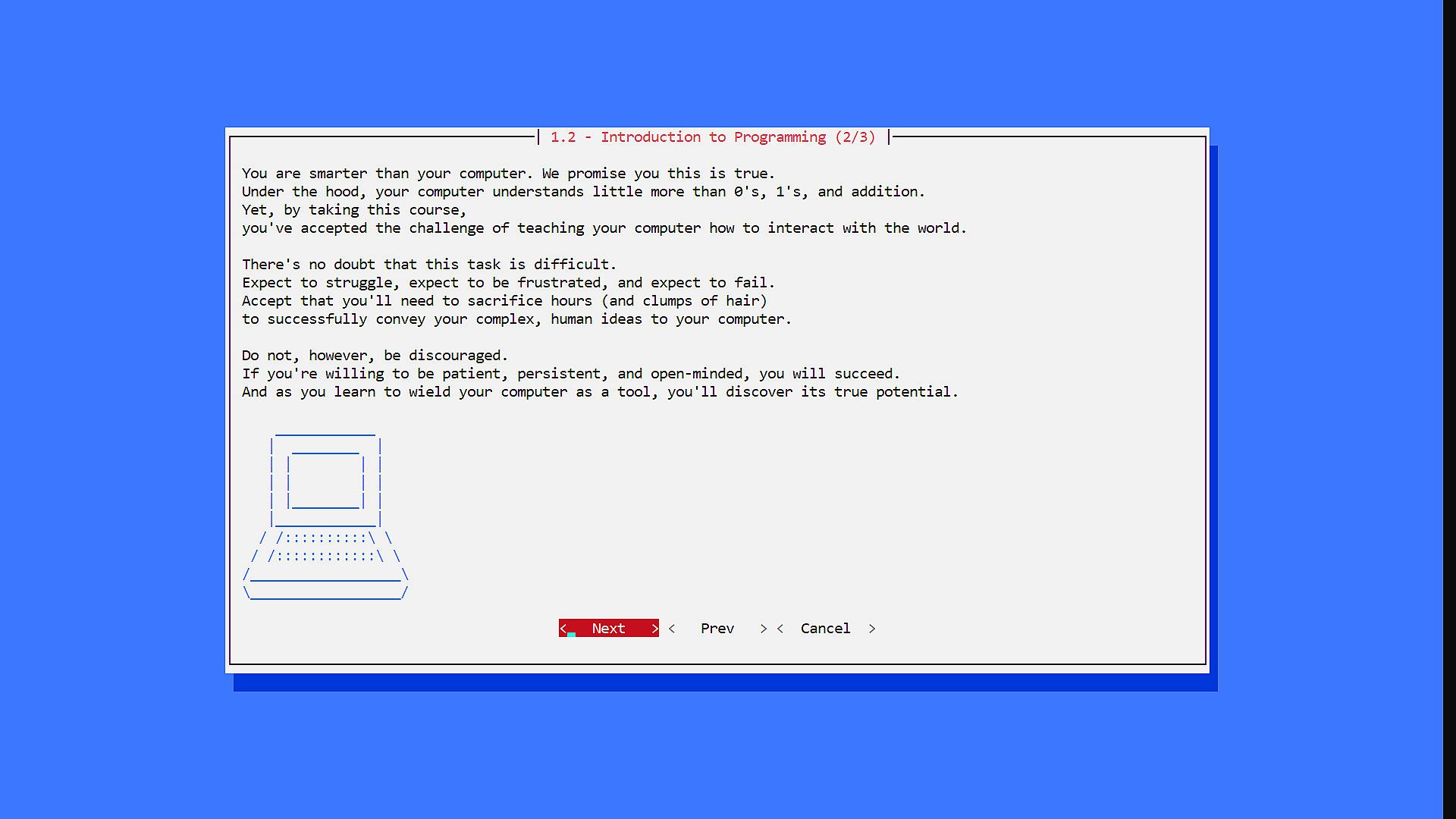
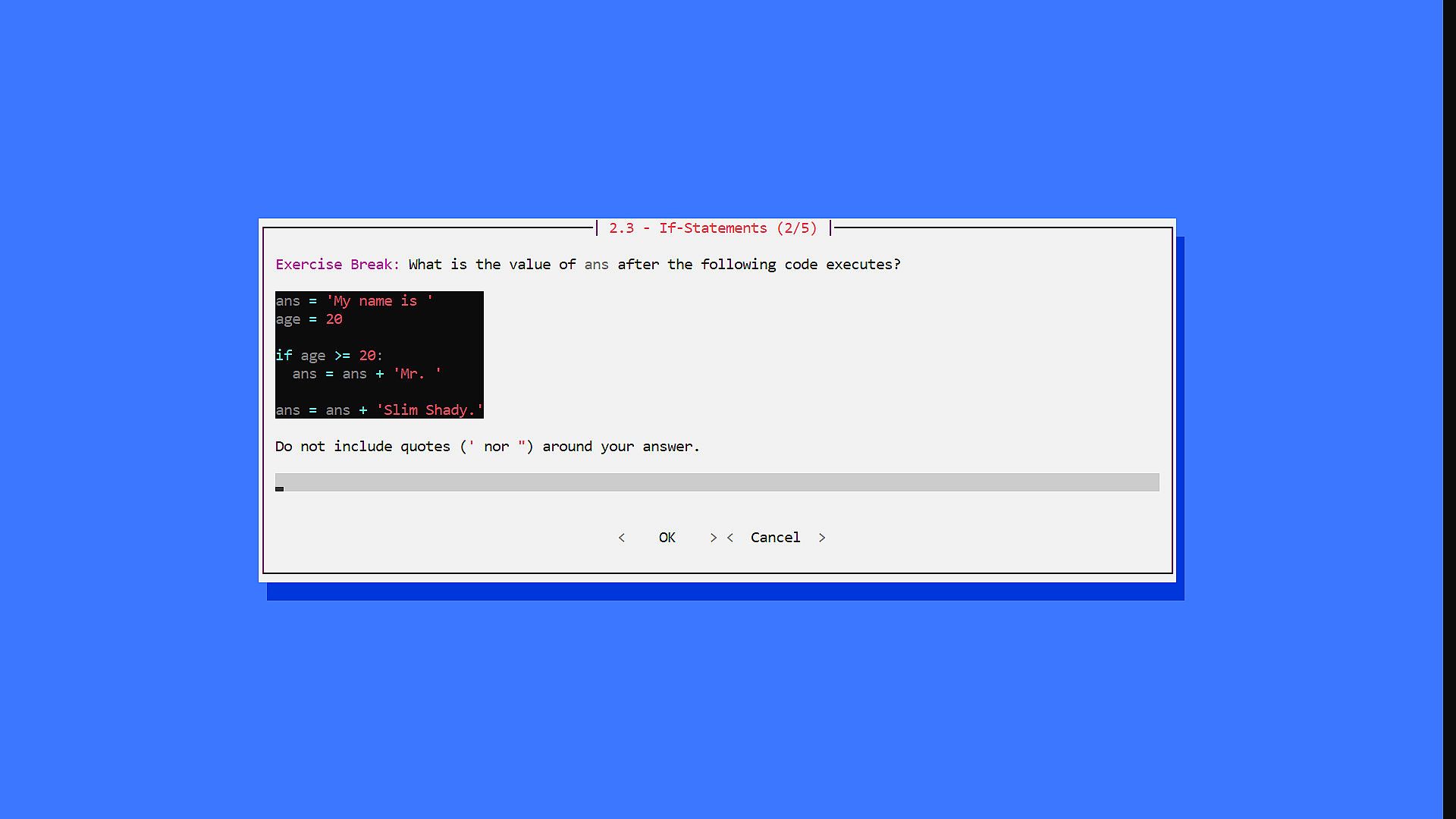
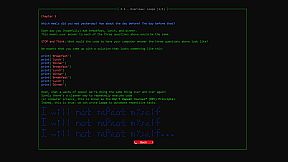
Anfänger entdecken die Python-Programmierung durch interaktive Lektionen, die rechnerisches Denken, Code-Schreiben und objektorientierte Designprinzipien vermitteln. Dieses Retro-Indie-Spiel stellt Herausforderungen wie Multiple-Choice-Fragen, Kurzantworten und Matheaufgaben zur Echtzeit-Übung in die Lektionen integriert bereit. Die Kapitel behandeln Themen von Bedingungen und Schleifen über Datenstrukturen, Funktionen, Rekursion, Objekte, Exceptions, Datei-I/O, Bibliotheken bis hin zu einem Epilog. Dieses entspannte PC-Erlebnis eignet sich perfekt für Leute ohne Vorkenntnisse und bietet einen simplen Engine mit Styling-Optionen sowie freiem Zugriff auf den Quellcode. Spieler testen Konzepte im aktiven Lernen und passen Schriften oder Farben für mehr Komfort an. Entwickler weisen darauf hin, dass ein überlegenes Remake existiert, doch diese Version bleibt für neugierige Entdecker erhalten.

IMPORTANT NOTE: We strongly recommend "Learn Programming: Python - Remake" instead of this version. We have kept this version available for folks who may be interested/curious to try it out, but it is a significantly inferior experience compared to the Remake (see FAQs below).

Welcome to Learn Programming: Python! The goal of this game is to introduce beginners to the wonders of the world of Computer Science! The game has have two core components:

  • Lessons: An interactive course to teach you how to think computationally, how to write programs in Pythons, and how to design classes using the principles of Object-Oriented Programming (OOP).
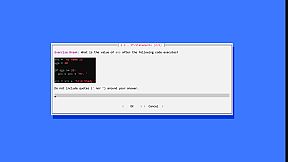
  • Challenges: Multiple choice, short answer, and math problems to test your understanding of Python, computational thinking, and OOP. These challenges are embedded throughout the Lessons, so you can practice your understanding of concepts in real-time under an Active Learning framework.

This game assumes absolutely zero prerequisite background. We hope you will join us as we explore the wonders of Programming in Python!

  • Game developed by Niema Moshiri
  • Lesson content developed by Sabeel Mansuri
Table of Contents

  • Chapter 1 - Introduction: The Nuts & Bolts
  • Chapter 2 - Conditionals: Ice Cream Isn't for Breakfast
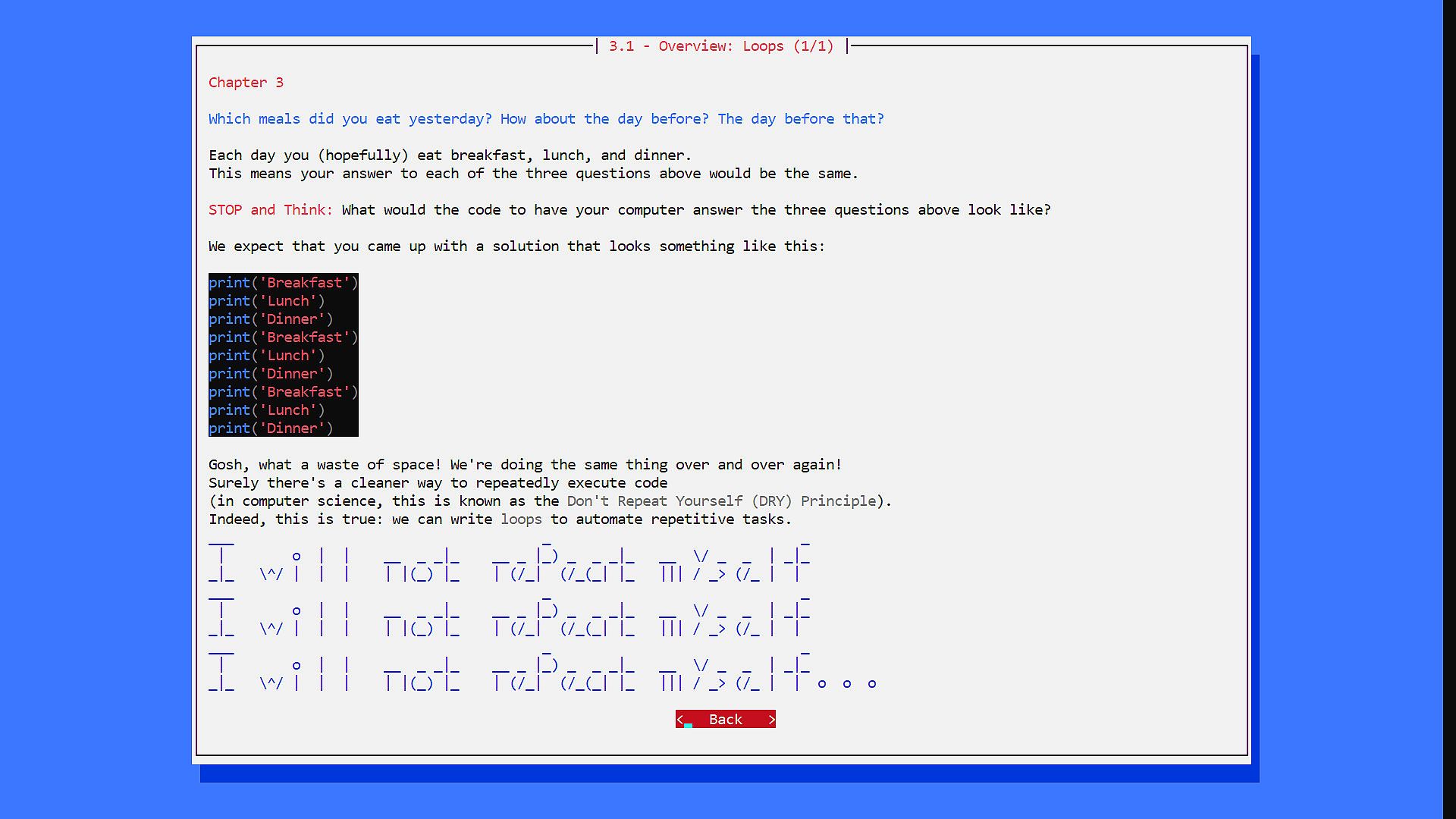
  • Chapter 3 - Loops: Breakfast, Lunch, Dinner, Breakfast, Lunch, Din...
  • Chapter 4 - Data Structures: I'll Have Combo #3, Please!
  • Chapter 5 - Functions: How Do I Stop Rewriting Code?
  • Chapter 6 - Recursion: Give Me a Minute, I'm Getting a Call from Myself
  • Chapter 7 - Objects: Python, Have a Burger
  • Chapter 8 - Exceptions: You Can't Eat an Empty Bag of Chips
  • Chapter 9 - File I/O: Here's a Recipe, Make Me Some Macarons
  • Chapter 10 - Libraries: Hasn't Someone Done This Before?
  • Chapter 11 - Epilogue: What Now?
Important Notes

The game executable is incorrectly flagged by some antivirus systems. The game, which was itself written in Python, is packaged into a single executable that contains a portable Python environment to ensure that the game will run even if Python is not installed. This packaging is being done using PyInstaller, and the issue of antivirus systems incorrectly flagging PyInstaller packages is well-known. I will be reaching out to antivirus companies about this issue, but for full transparency, here is the complete VirusTotal report:


Also, as a gift, I have decided to release the game's source code for free! This does not include the lesson data, but it contains the actual Python code behind the game engine. I hope this practical application of Python sparks your interest in learning the language!
Frequently Asked Questions (FAQs)
  • How can I increase the font size?
    • The game should be using your default Windows command prompt settings. To configure, when you start the game (which opens it in a maximized window), you should be able to right-click the bar above the window (which says "Learn Programming: Python"), click "Properties", go to the "Font" tab, and select a larger font size.

  • How can I change the color scheme?
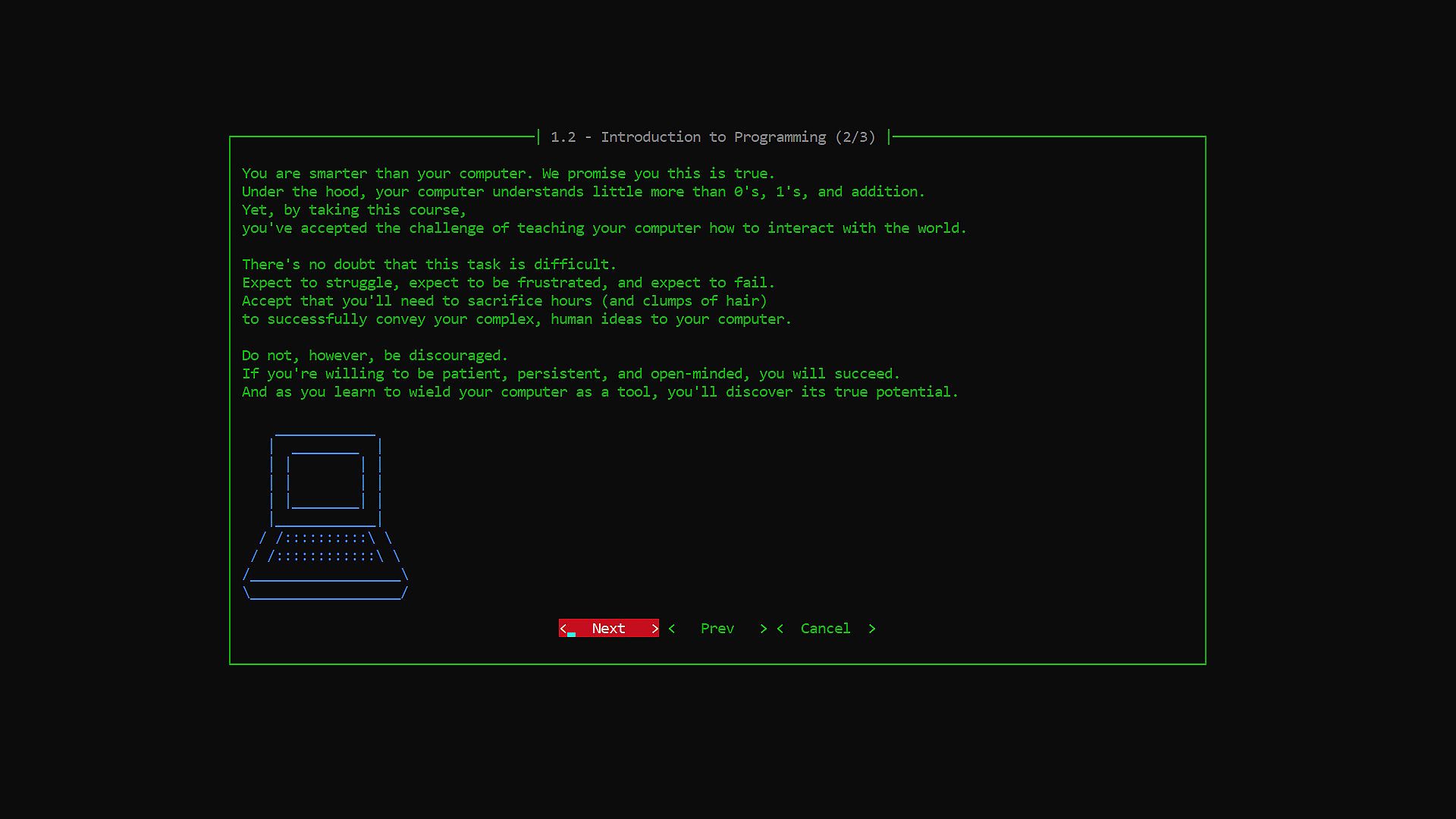
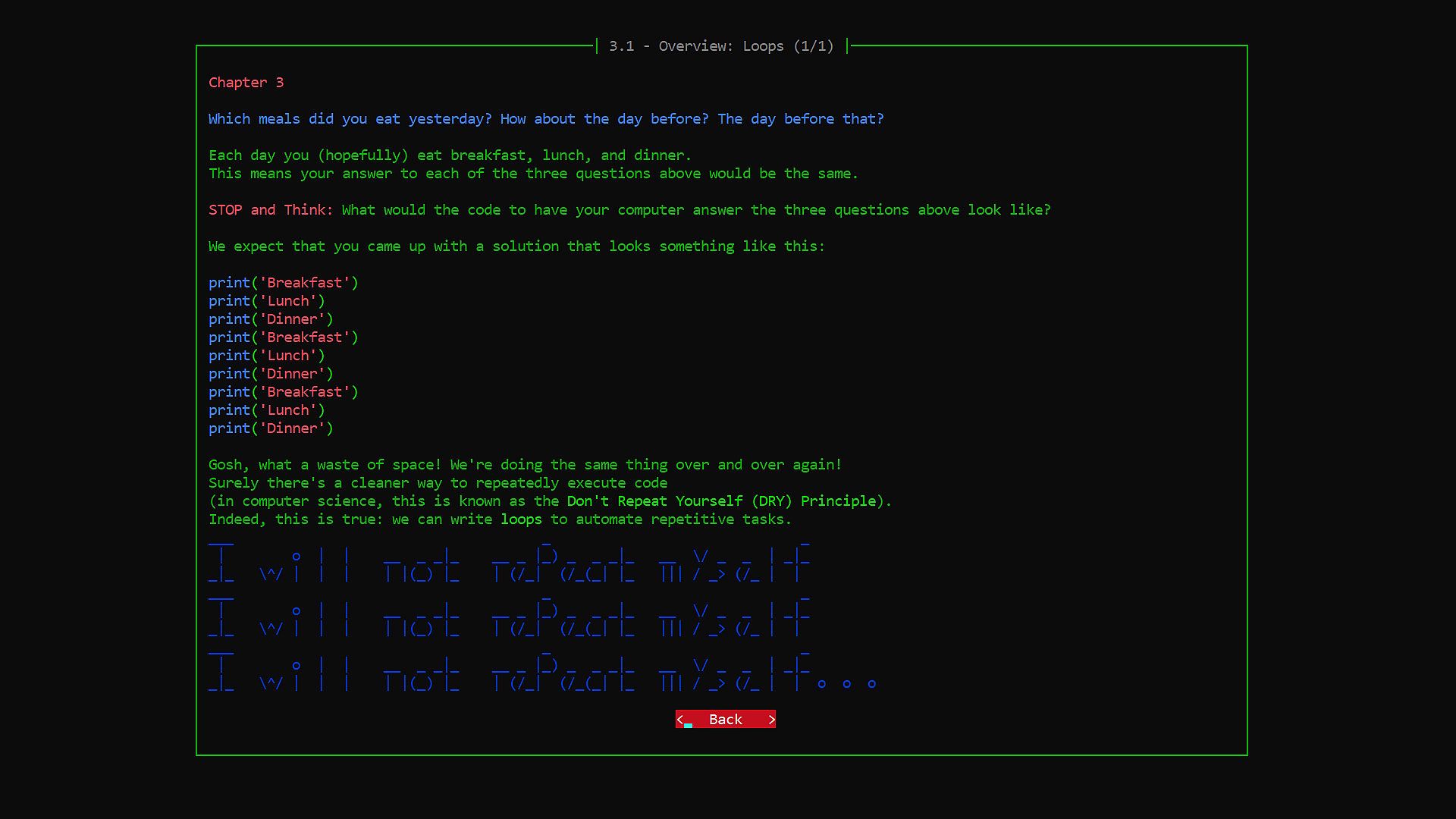
    • When you're on the main menu, click on "Styles", and on the resulting "Styles" menu, you can select a different color scheme. I personally prefer "Hacker Yellow" for extended periods of time, as it is easiest on my eyes.

  • Will there be Mac or Linux support?
    • I don't have any plans for adding Mac/Linux support on Steam, but I have released the source code of the game engine, which should be cross-platform compatible (assuming you have Python installed on your machine).

  • How is "Learn Programming: Python - Remake" different from the original "Learn Programming: Python - Retro"?
    • The game engine behind "Learn Programming: Python - Retro" was built from scratch by the developers purely out of interest, and as such, it lacked many technical features of modern game engines
    • "Learn Programming: Python - Remake" is a ground-up remake of the game using the Ren'Py game engine, which is commonly used to create visual novel games
    • There were some lesson text/images that were omitted from "Learn Programming: Python - Retro" due to technical limitations of the game engine which have been readded to "Learn Programming: Python - Remake", but the lesson text is very largely the same
    • The key new features in "Learn Programming: Python - Remake" are the following:
      • Cleaner modern user interface (e.g. support for up to 4K resolution, nice fonts, images, ambient background music, etc.)
      • Steam Achievements
      • Ability to skip challenges and track progress
      • Support for Steam Community Overlay
      • Support for the Steam Link app
      • Support for Steam Remote Play
      • Because of how it was packaged, "Learn Programming: Python - Retro" had an issue with false positive antivirus flags (see the "Learn Programming: Python - Retro" Store Page FAQs for more info); this is completely fixed in "Learn Programming: Python - Remake" because of its use of Ren'Py
Oberfläche:
English

Altersfreigabe

Keine Angabe
Steam:
Mixed (58)

Minimum:

  • Prozessor: Any
  • Arbeitsspeicher: 64 MB RAM
  • Grafik: Any
  • Speicherplatz: 10 MB available space
  • Zusätzliche Hinweise: N/A

Empfohlen:

  • Prozessor: Any
  • Arbeitsspeicher: 64 MB RAM
  • Grafik: Any
  • Speicherplatz: 10 MB available space
  • Zusätzliche Hinweise: N/A
Historisches Tief
Preisverlauf von offiziellen Shops
-
-
-
Preisverlauf von Keyshops
-
-
-

FAQ

8 Fragen

Bevor du nach einem günstigen Learn Programming: Python - Retro Key suchst, prüfe die wichtigsten Fakten. Entwickelt von Niema Moshiri. Veröffentlicht von Niema Moshiri. PC Release-Datum: 18 Feb. 2021. Genres: Indie, Casual. Kategorien: Family Sharing, Single-player.

Q

Wo kann ich einen günstigen Learn Programming: Python - Retro Steam Key kaufen?

Mit unserem Preisvergleich und verifizierten Rabattcodes kannst du einen Learn Programming: Python - Retro Key schon ab 2,99 € kaufen. Dieses Angebot ist bei Steam verfügbar und gehört zu den günstigsten auf dem Markt. Alle auf XD.deals gelisteten Keys werden digital geliefert und können nach der Zahlung sofort heruntergeladen werden. Die Preise enthalten bereits Bearbeitungsgebühren und eingelöste Promo-Codes, sodass du immer den niedrigsten Learn Programming: Python - Retro Preis auf PC siehst. Sieh dir den Learn Programming: Python - Retro Preisverlauf an, um zum besten Zeitpunkt zu kaufen.

Laut unserem letzten Update (wir aktualisieren Steam-Preise mehrmals täglich) beträgt der Learn Programming: Python - Retro Steam-Preis 2,99 €. Du kannst zusätzlich ca. 6% sparen, indem du mit einer vergünstigten Steam-Geschenkkarte zahlst.

Unser Preistracker deckt sowohl offizielle Händler als auch Key-Marktplätze ab, sodass du Learn Programming: Python - Retro im Angebot auch außerhalb saisonaler Aktionen finden kannst. Wir erkennen derzeit 1 aktives Angebot von offiziellen Shops und Keyshops. Prüfe die Tabelle oben, vergleiche mit dem historischen Tief und setze einen Alarm, damit du den nächsten Preissturz nicht verpasst.

Laut unseren Daten ist Learn Programming: Python - Retro derzeit nicht auf GeForce NOW verfügbar. Du musst es lokal auf deinem PC ausführen. Stöbre durch Spiele, die auf GeForce NOW verfügbar sind.

Ja. Learn Programming: Python - Retro hat eine offizielle Steam-Shop-Seite. Du kannst auch einen Learn Programming: Python - Retro Steam Key von Drittanbietern kaufen. Unser Preisvergleich umfasst derzeit 1 Angebot mit Steam-DRM. Wähle eines davon, um sicherzustellen, dass dein Learn Programming: Python - Retro Download über Valves Plattform läuft.

Ja. Learn Programming: Python - Retro ist Steam Deck Verified - es startet ohne Anpassungen, zeigt korrekte Controller-Symbole und läuft stabil. Learn Programming: Python - Retro funktioniert perfekt auf dem Steam Deck.

Learn Programming: Python - Retro scheint derzeit nicht im PC Game Pass, bei EA Play, Ubisoft+ oder einem anderen PC-Abonnement verfügbar zu sein. Deine einzige Option ist der Kauf - nutze XD.deals, um den besten Preis zu finden.

Nein - XD.deals ist kein Shop. Wir sind ein Preisvergleich, der die besten Learn Programming: Python - Retro-Deals bei offiziellen Shops und verifizierten Keyshops verfolgt. Klicke neben einem Angebot auf "Zum Shop" und du wirst zur Webseite des Händlers weitergeleitet, um deinen Kauf abzuschließen.

Beste Preise für Learn Programming: Python - Retro

1 Steam Steam Official
2,99 €

Zum besten Zeitpunkt kaufen? Setze einen Preisalarm auf XD.deals und werde benachrichtigt, wenn Learn Programming: Python - Retro sein nächstes historisches Tief erreicht.

Alarm erstellen
Tritt unserem Discord bei
Erhalte Hilfe von der Community und bleibe über Angebote informiert
Preisalarme einrichten
Erhalte E-Mail-Benachrichtigungen wenn Preise fallen
Kostenloses Konto erstellen
Schalte Wunschlisten, Preisalarme und Steam-Sync frei