


IMPORTANT NOTE: We strongly recommend "Learn Programming: Python - Remake" instead of this version. We have kept this version available for folks who may be interested/curious to try it out, but it is a significantly inferior experience compared to the Remake (see FAQs below).
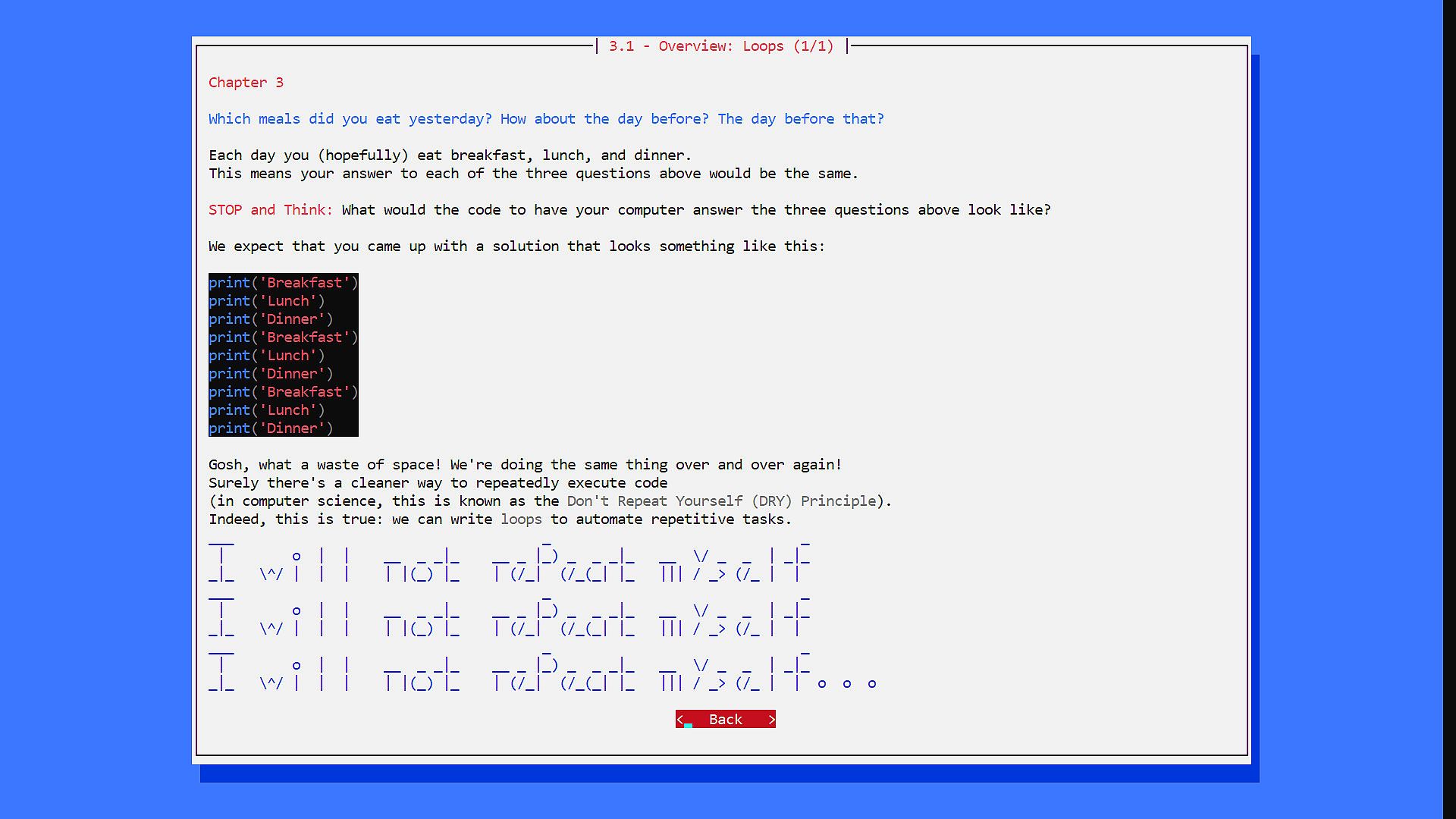
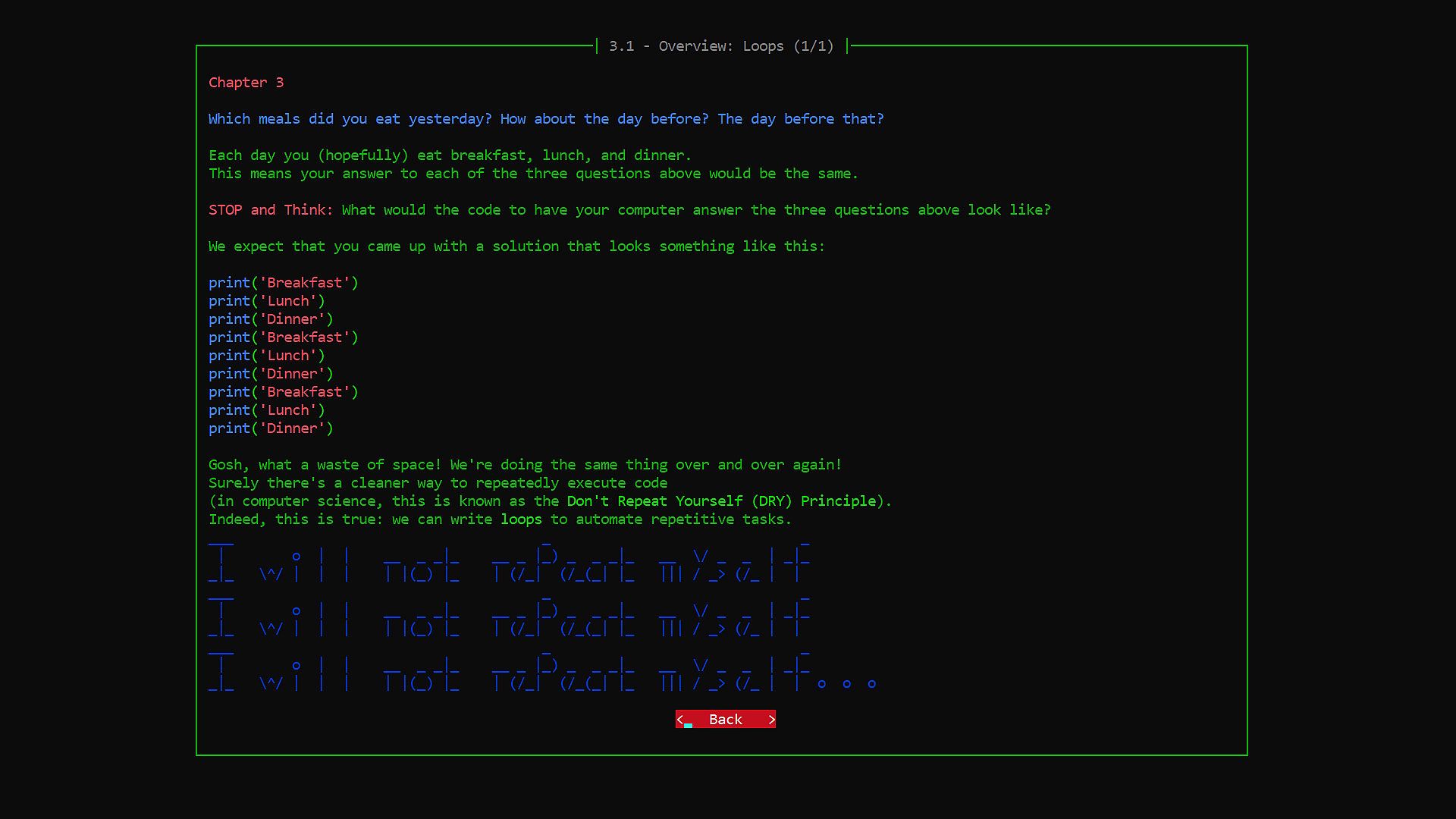
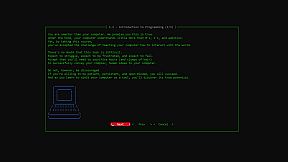
Welcome to Learn Programming: Python! The goal of this game is to introduce beginners to the wonders of the world of Computer Science! The game has have two core components:
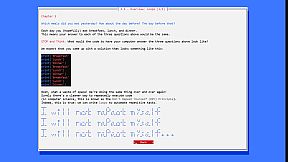
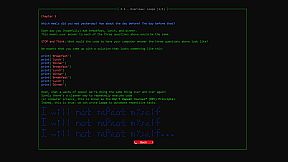
- Lessons: An interactive course to teach you how to think computationally, how to write programs in Pythons, and how to design classes using the principles of Object-Oriented Programming (OOP).
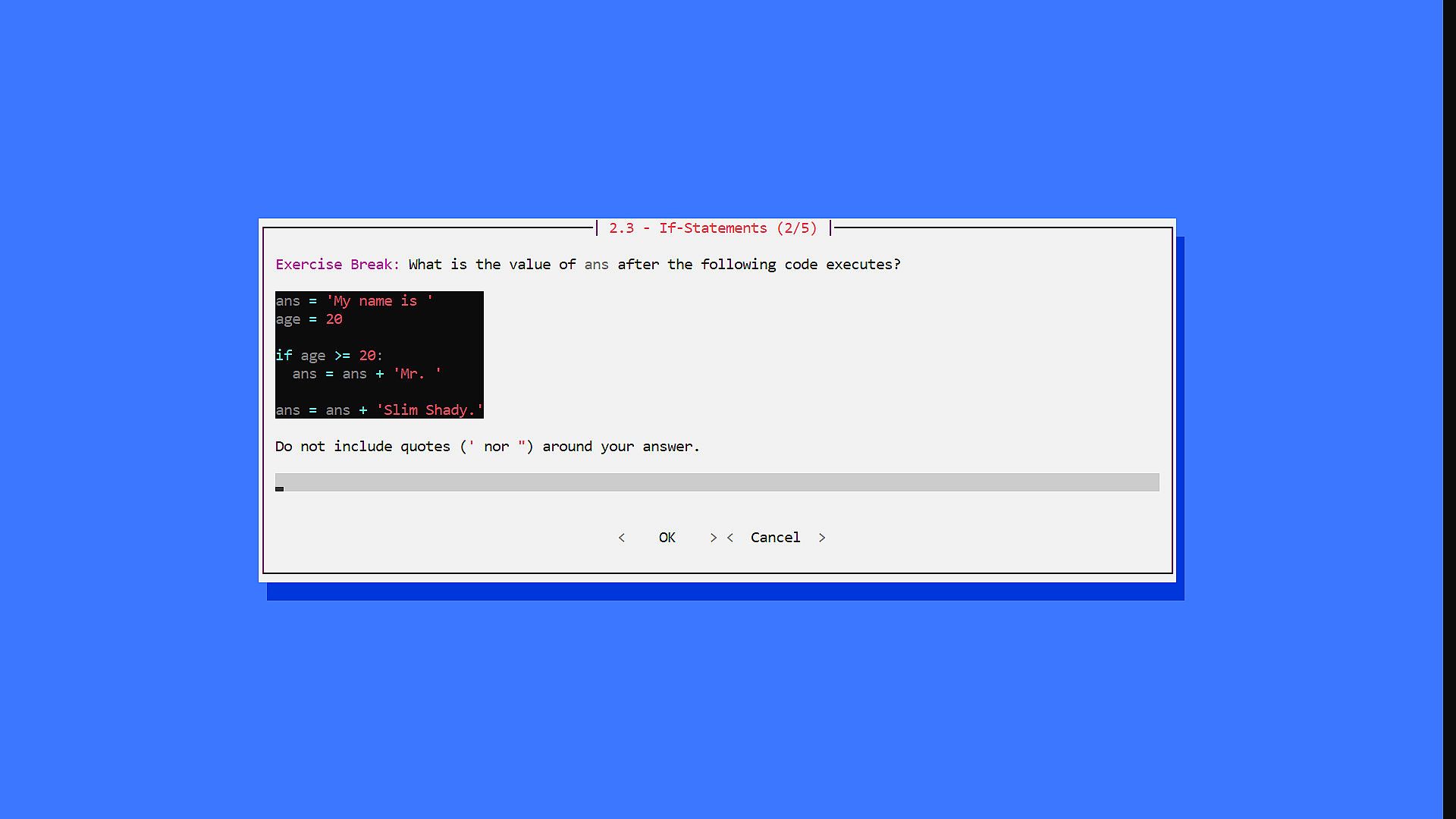
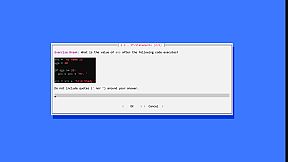
- Challenges: Multiple choice, short answer, and math problems to test your understanding of Python, computational thinking, and OOP. These challenges are embedded throughout the Lessons, so you can practice your understanding of concepts in real-time under an Active Learning framework.
This game assumes absolutely zero prerequisite background. We hope you will join us as we explore the wonders of Programming in Python!
- Game developed by Niema Moshiri
- Lesson content developed by Sabeel Mansuri
Table of Contents
- Chapter 1 - Introduction: The Nuts & Bolts
- Chapter 2 - Conditionals: Ice Cream Isn't for Breakfast
- Chapter 3 - Loops: Breakfast, Lunch, Dinner, Breakfast, Lunch, Din...
- Chapter 4 - Data Structures: I'll Have Combo #3, Please!
- Chapter 5 - Functions: How Do I Stop Rewriting Code?
- Chapter 6 - Recursion: Give Me a Minute, I'm Getting a Call from Myself
- Chapter 7 - Objects: Python, Have a Burger
- Chapter 8 - Exceptions: You Can't Eat an Empty Bag of Chips
- Chapter 9 - File I/O: Here's a Recipe, Make Me Some Macarons
- Chapter 10 - Libraries: Hasn't Someone Done This Before?
- Chapter 11 - Epilogue: What Now?
Important Notes
The game executable is incorrectly flagged by some antivirus systems. The game, which was itself written in Python, is packaged into a single executable that contains a portable Python environment to ensure that the game will run even if Python is not installed. This packaging is being done using PyInstaller, and the issue of antivirus systems incorrectly flagging PyInstaller packages is well-known. I will be reaching out to antivirus companies about this issue, but for full transparency, here is the complete VirusTotal report:
Also, as a gift, I have decided to release the game's source code for free! This does not include the lesson data, but it contains the actual Python code behind the game engine. I hope this practical application of Python sparks your interest in learning the language!
Frequently Asked Questions (FAQs)
- How can I increase the font size?
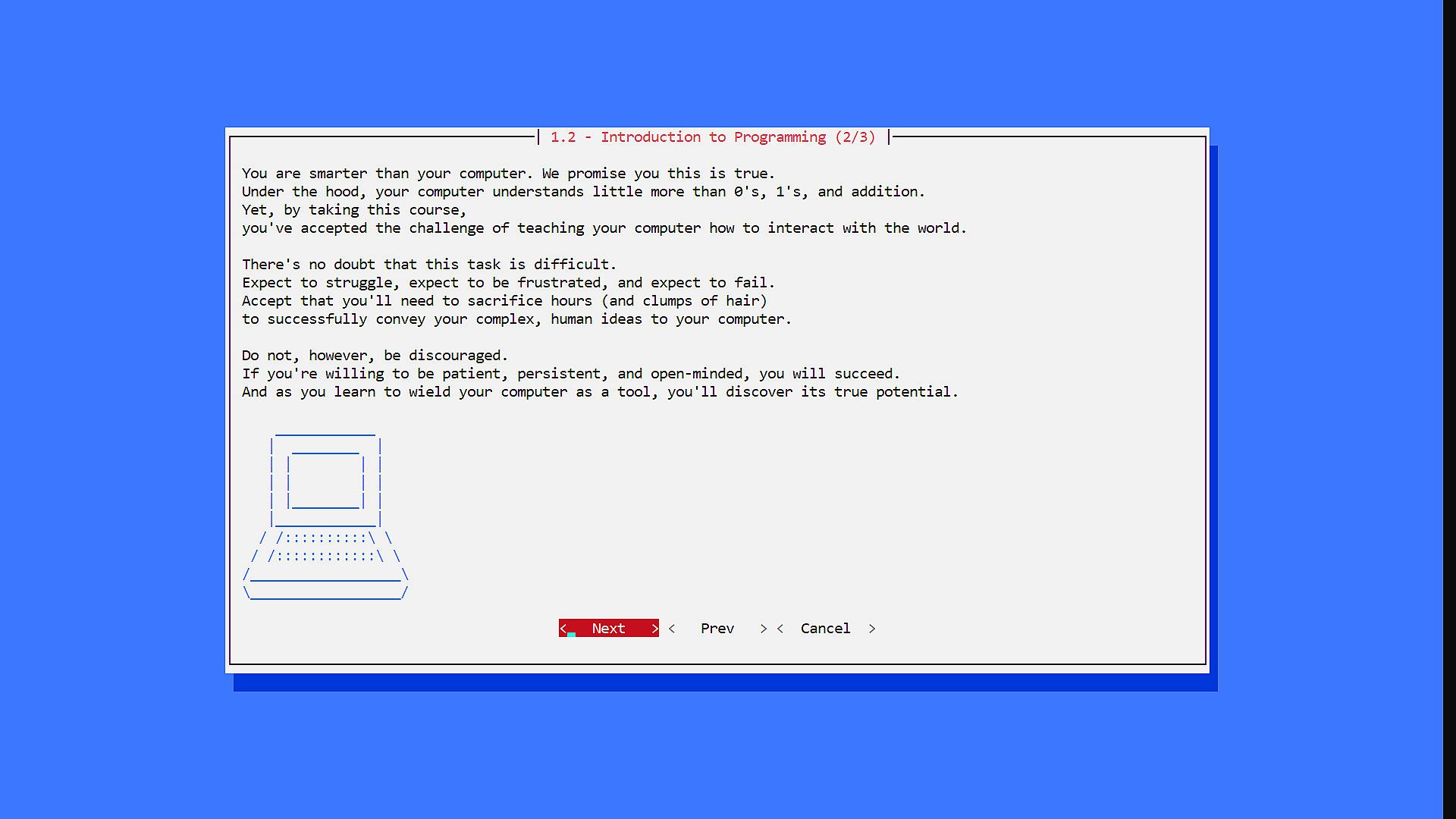
- The game should be using your default Windows command prompt settings. To configure, when you start the game (which opens it in a maximized window), you should be able to right-click the bar above the window (which says "Learn Programming: Python"), click "Properties", go to the "Font" tab, and select a larger font size.
- How can I change the color scheme?
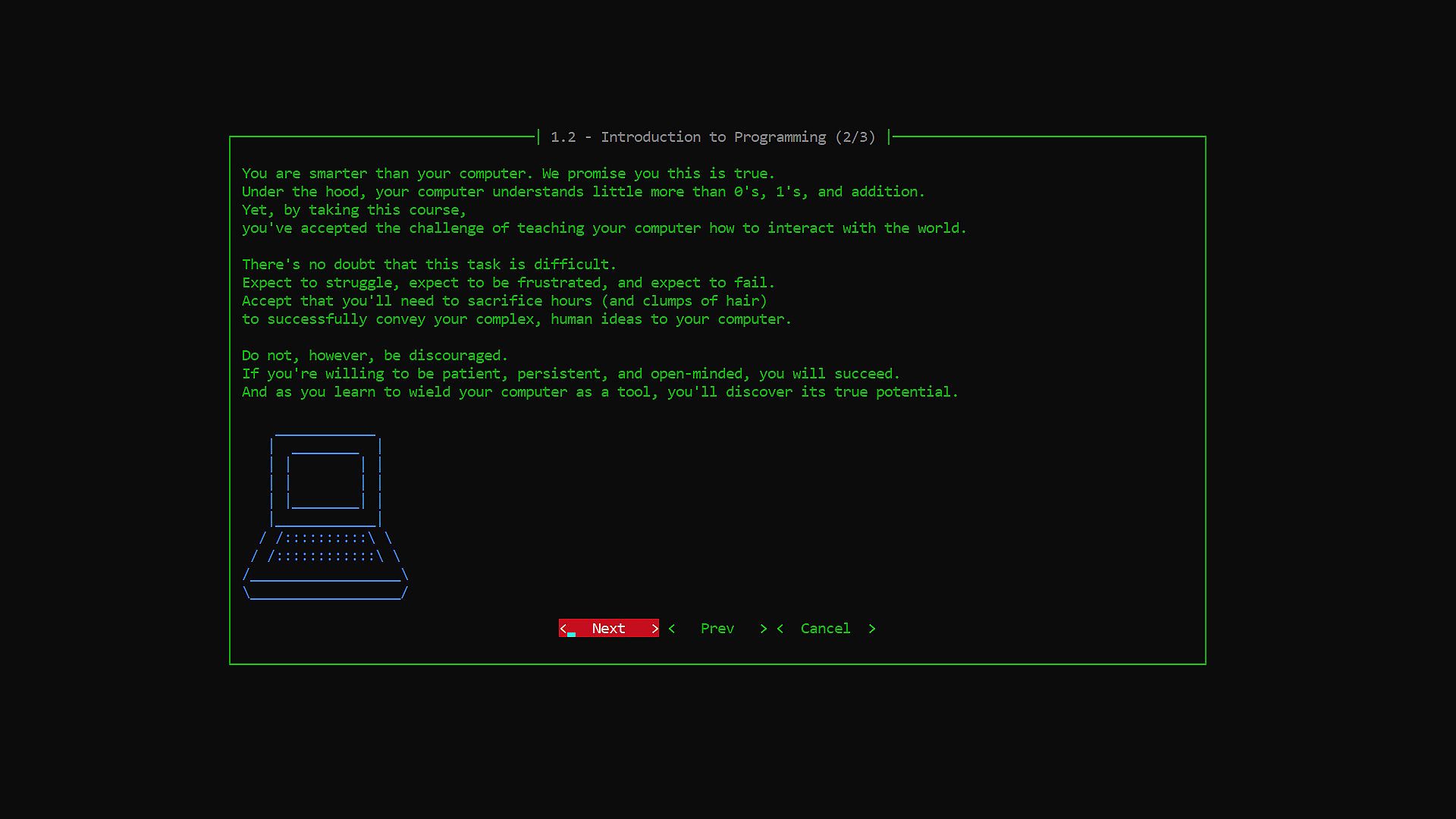
- When you're on the main menu, click on "Styles", and on the resulting "Styles" menu, you can select a different color scheme. I personally prefer "Hacker Yellow" for extended periods of time, as it is easiest on my eyes.
- Will there be Mac or Linux support?
- I don't have any plans for adding Mac/Linux support on Steam, but I have released the source code of the game engine, which should be cross-platform compatible (assuming you have Python installed on your machine).
- How is "Learn Programming: Python - Remake" different from the original "Learn Programming: Python - Retro"?
- The game engine behind "Learn Programming: Python - Retro" was built from scratch by the developers purely out of interest, and as such, it lacked many technical features of modern game engines
- "Learn Programming: Python - Remake" is a ground-up remake of the game using the Ren'Py game engine, which is commonly used to create visual novel games
- There were some lesson text/images that were omitted from "Learn Programming: Python - Retro" due to technical limitations of the game engine which have been readded to "Learn Programming: Python - Remake", but the lesson text is very largely the same
- The key new features in "Learn Programming: Python - Remake" are the following:
- Cleaner modern user interface (e.g. support for up to 4K resolution, nice fonts, images, ambient background music, etc.)
- Steam Achievements
- Ability to skip challenges and track progress
- Support for Steam Community Overlay
- Support for the Steam Link app
- Support for Steam Remote Play
- Because of how it was packaged, "Learn Programming: Python - Retro" had an issue with false positive antivirus flags (see the "Learn Programming: Python - Retro" Store Page FAQs for more info); this is completely fixed in "Learn Programming: Python - Remake" because of its use of Ren'Py
- Cleaner modern user interface (e.g. support for up to 4K resolution, nice fonts, images, ambient background music, etc.)
- The game engine behind "Learn Programming: Python - Retro" was built from scratch by the developers purely out of interest, and as such, it lacked many technical features of modern game engines