



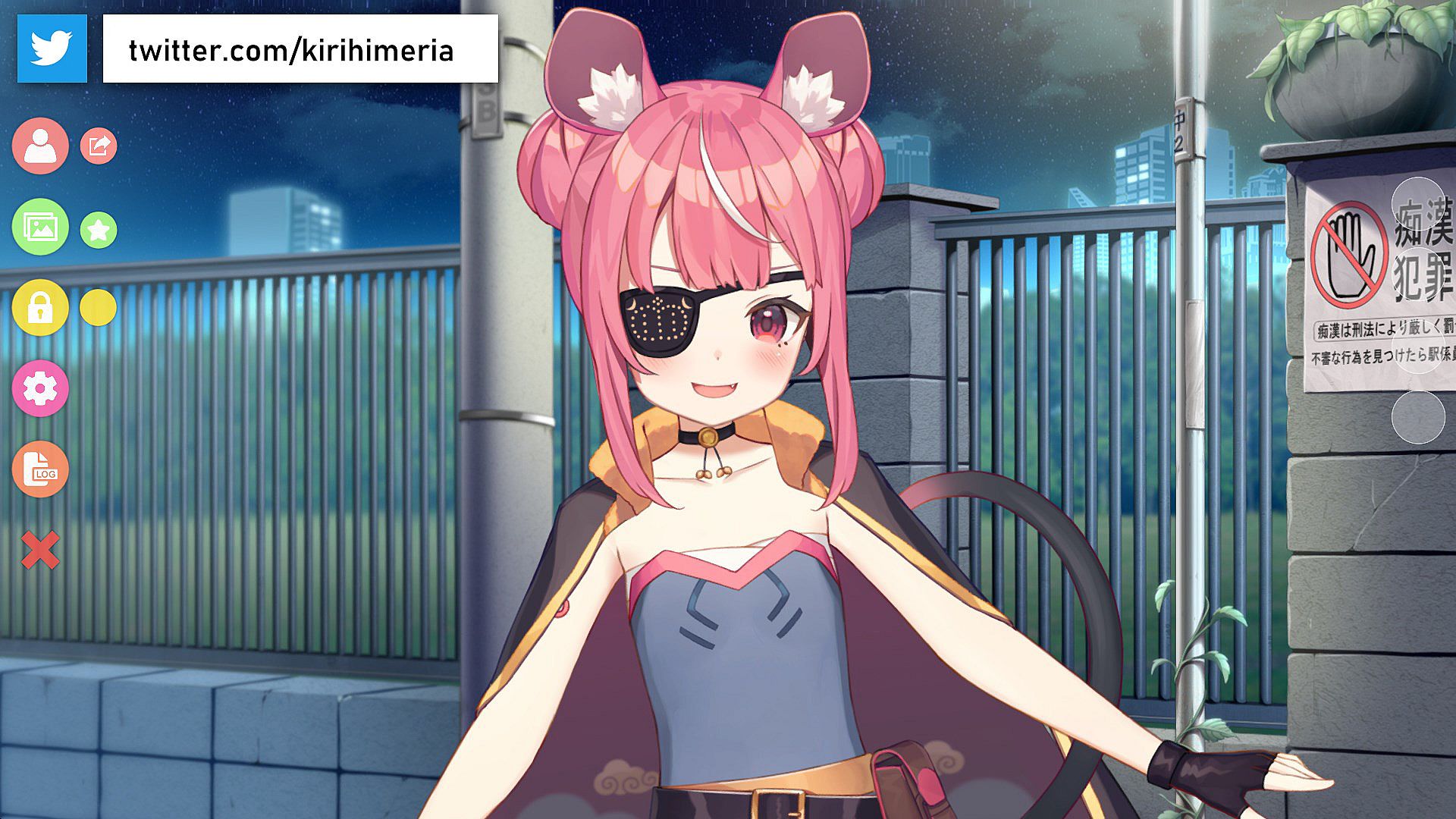
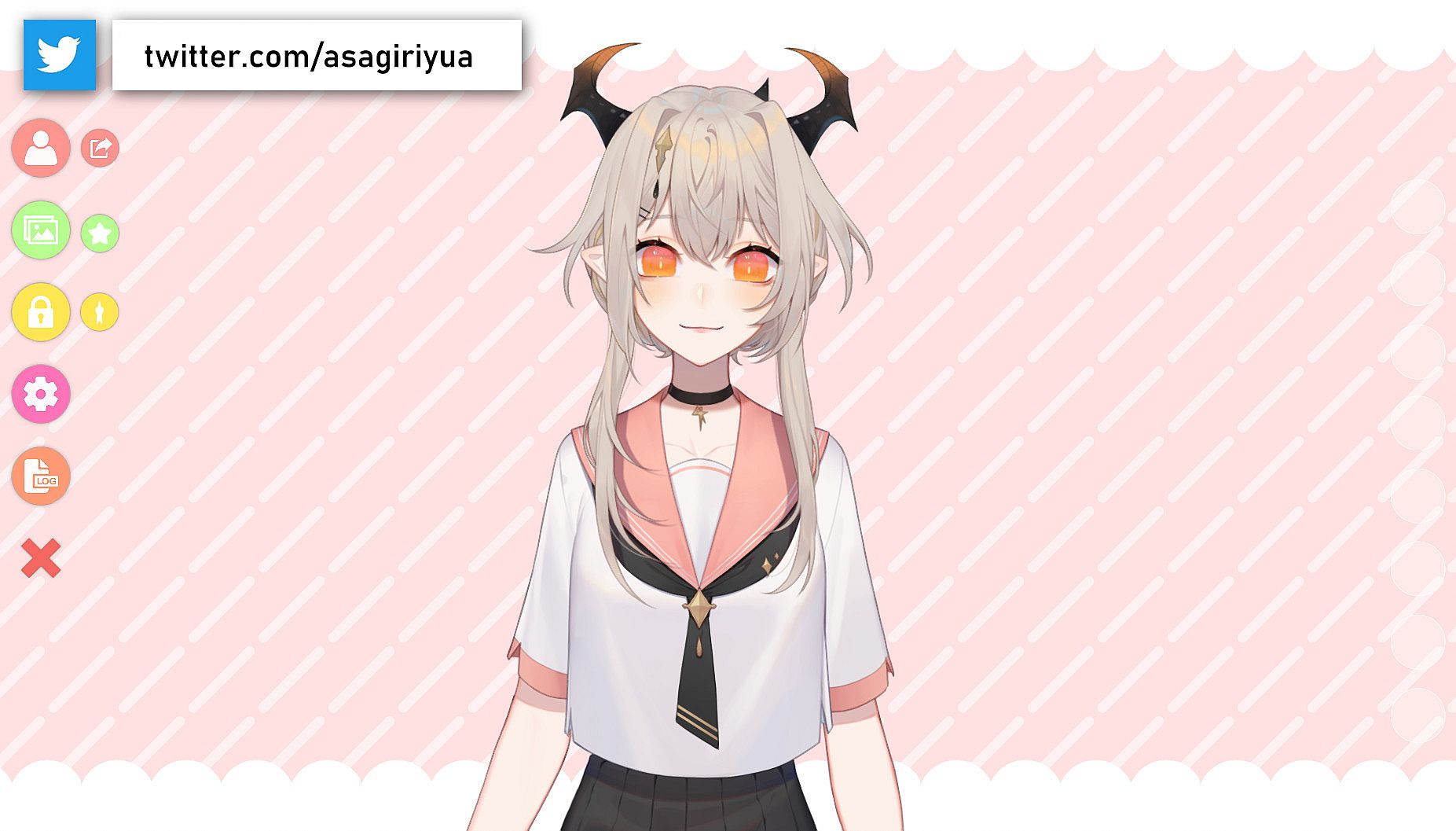
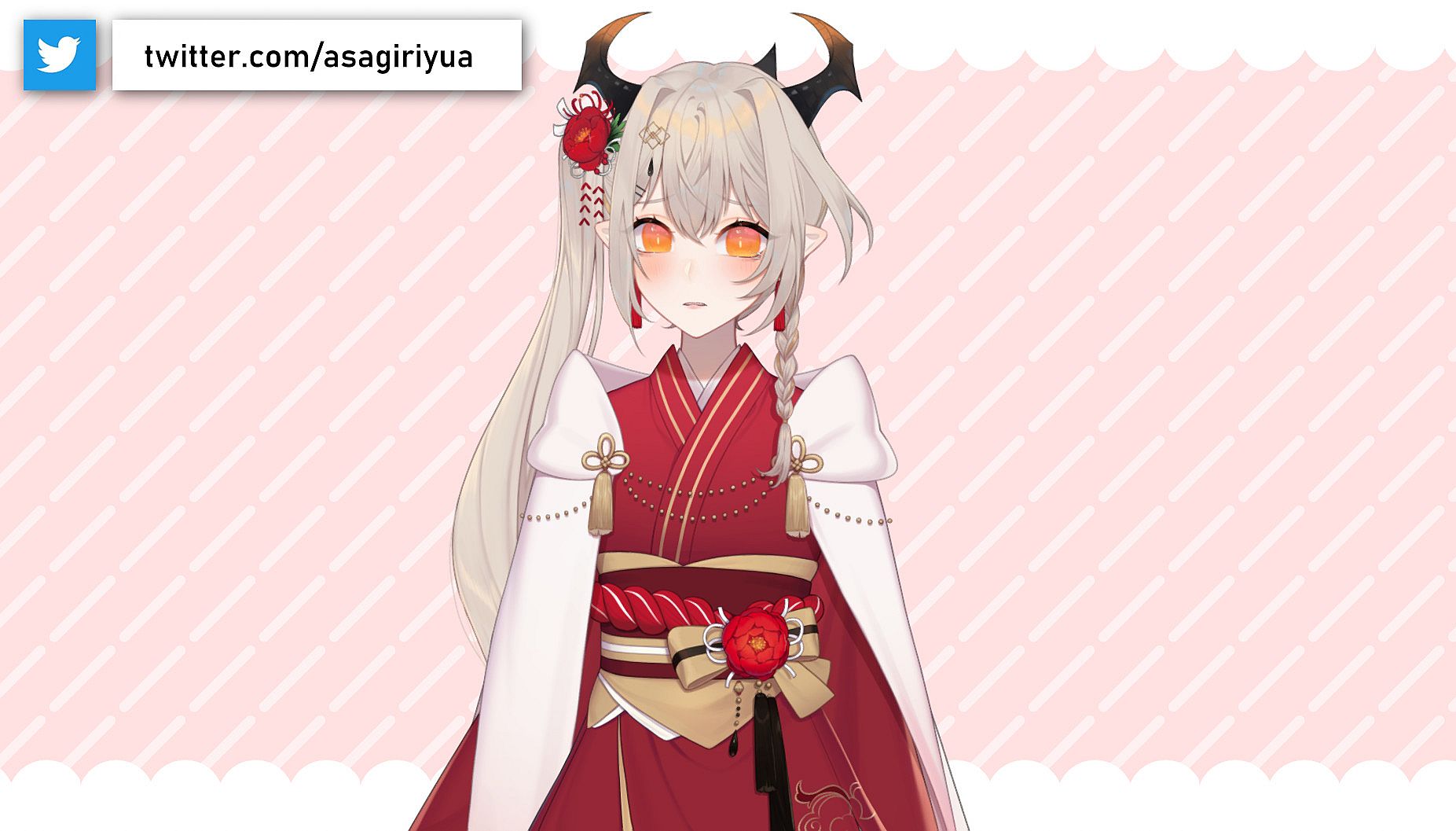

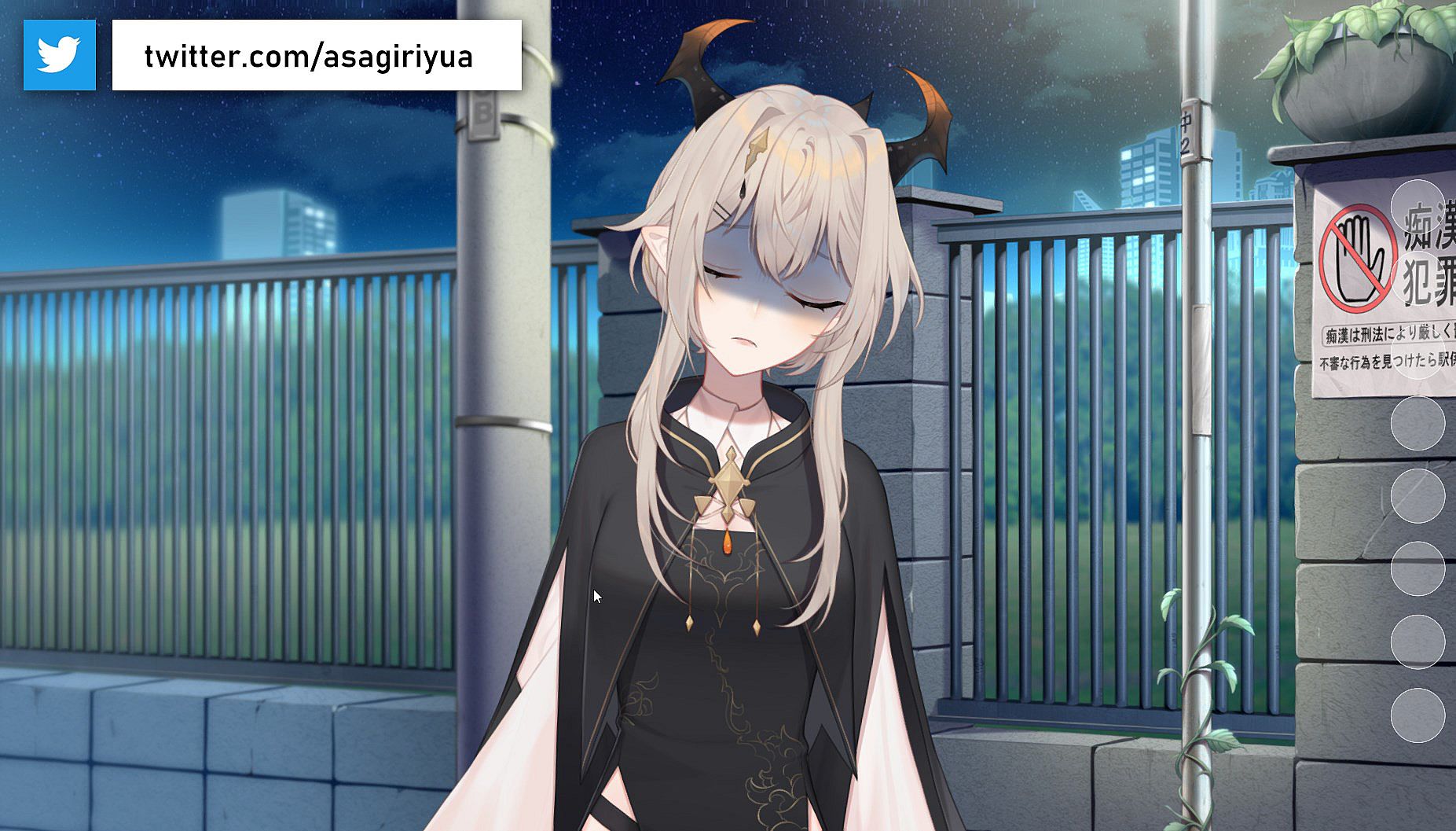
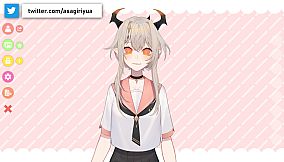



VTube Studio stands out as virtual YouTuber software that blends animation and video production elements into an indie package for PC users. This tool empowers creators to bring Live2D models to life through real-time tracking and interactive features, making it a go-to choice for streaming and content creation.
Gameplay
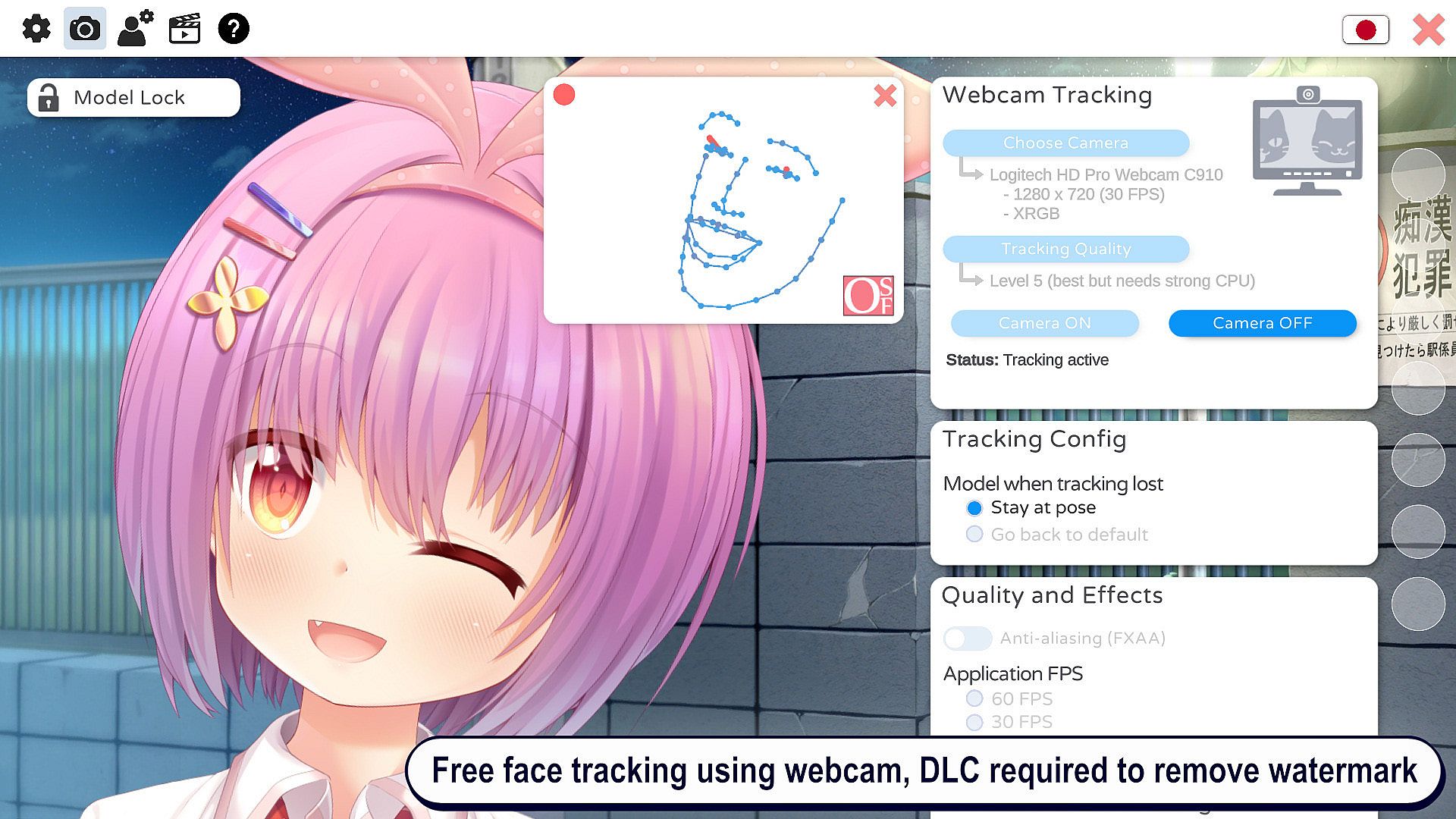
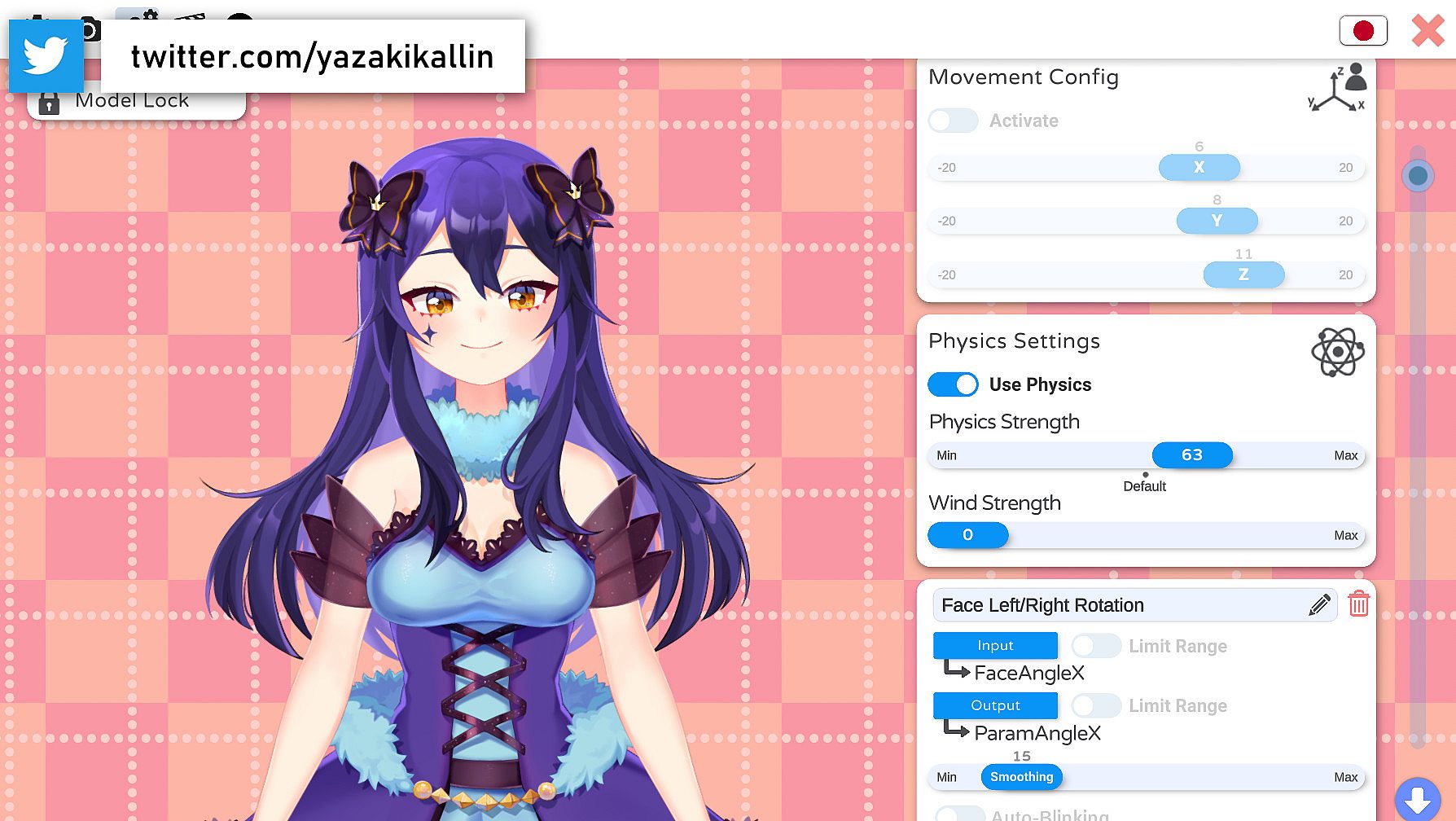
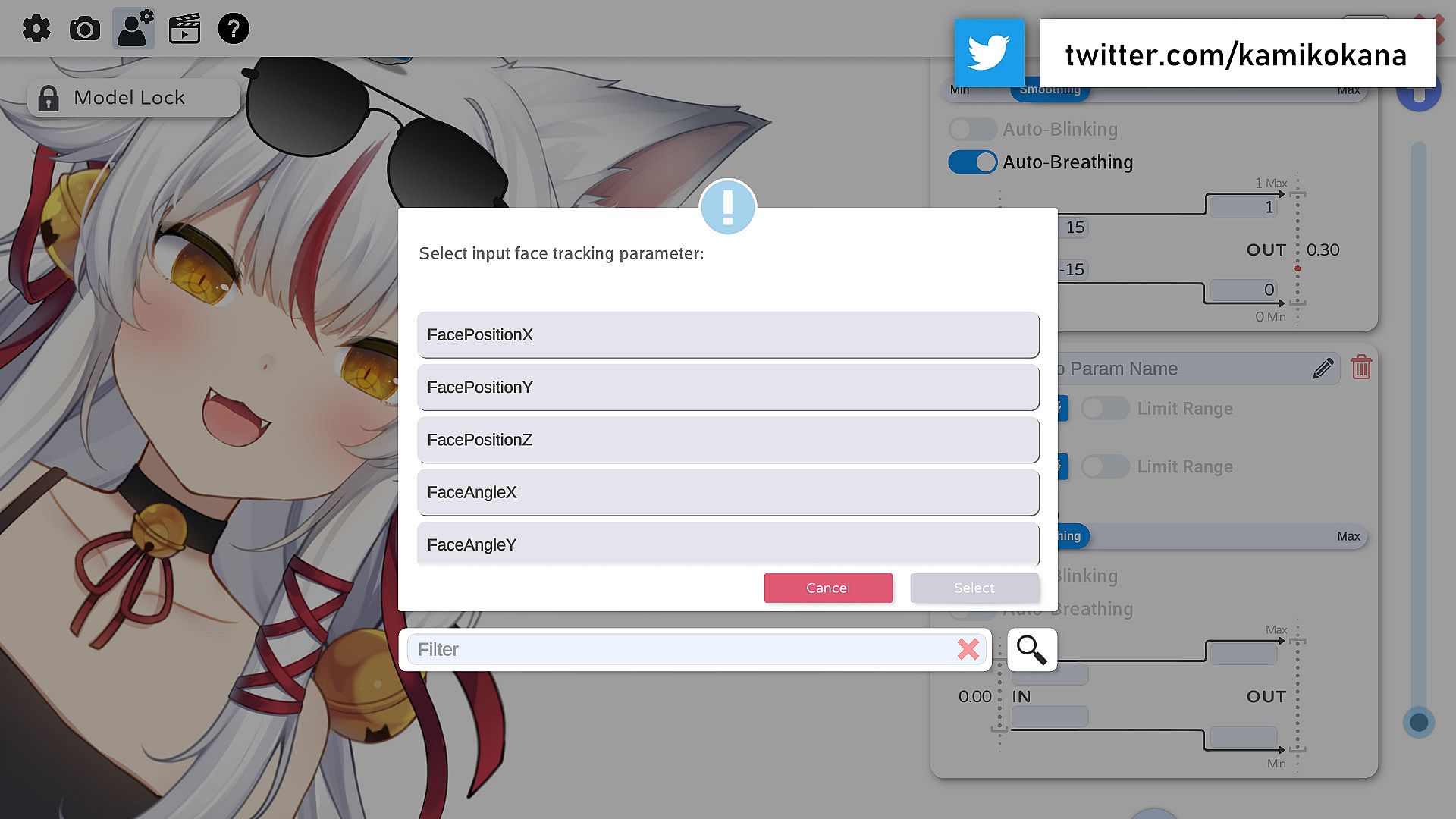
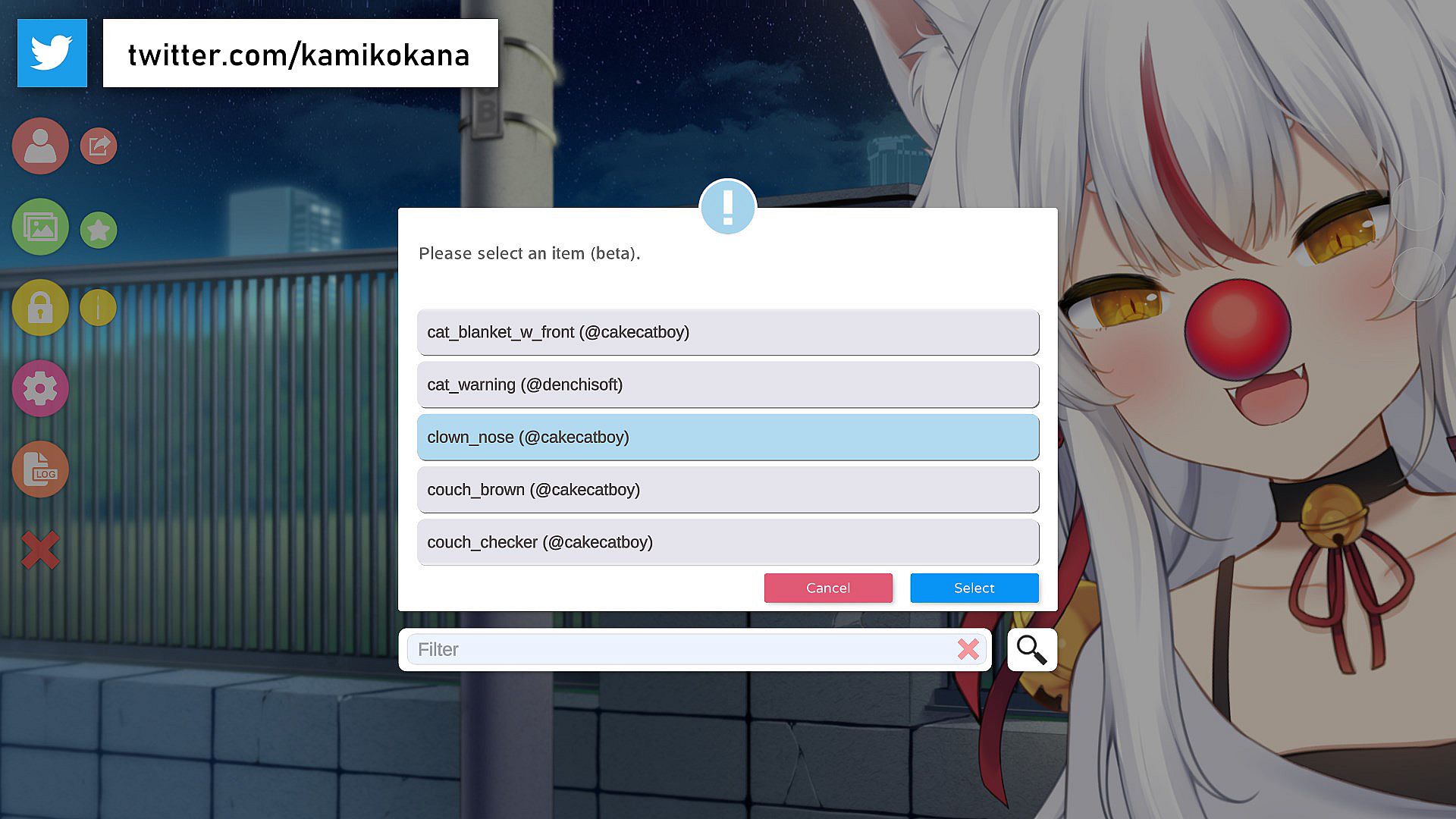
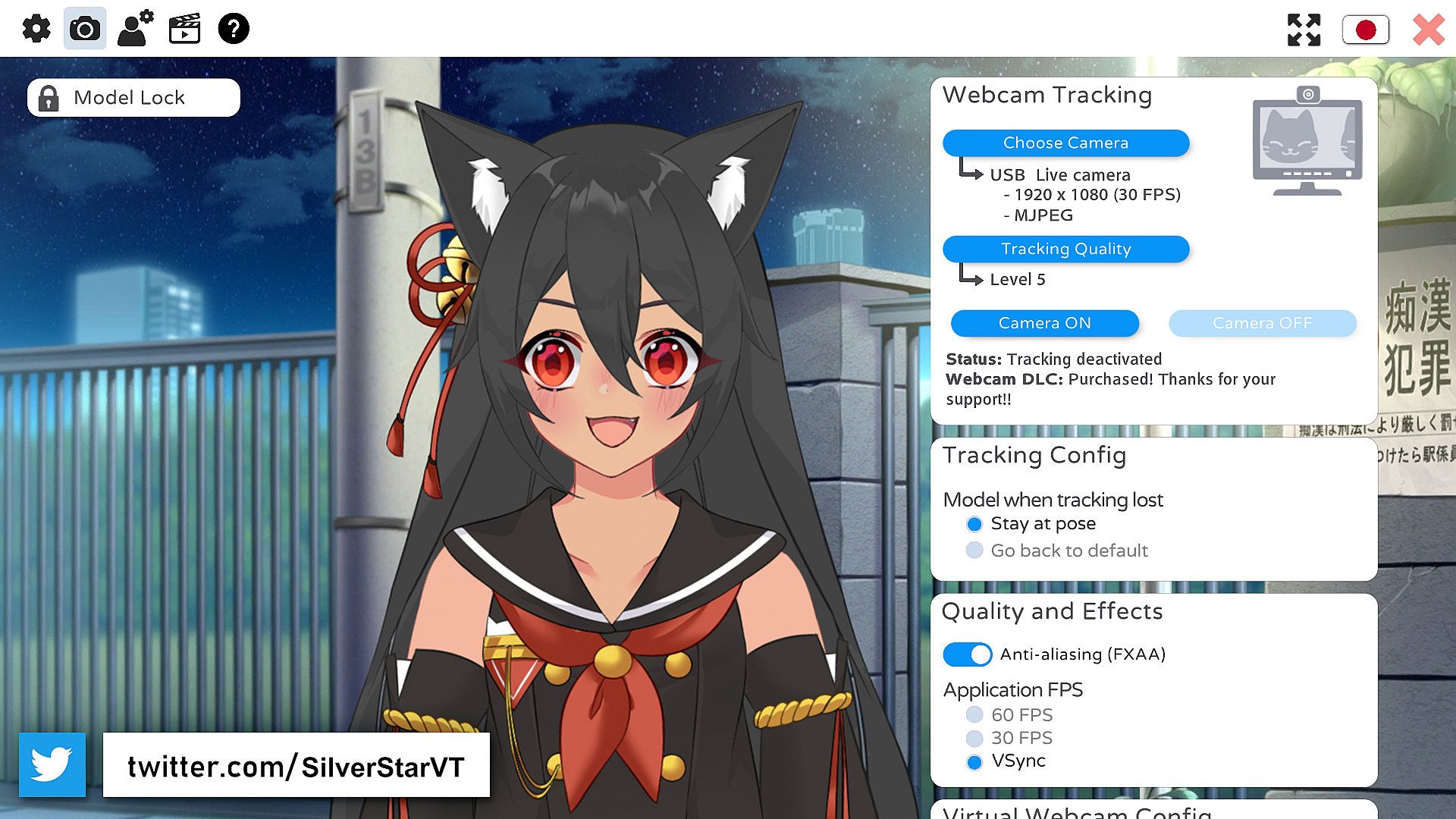
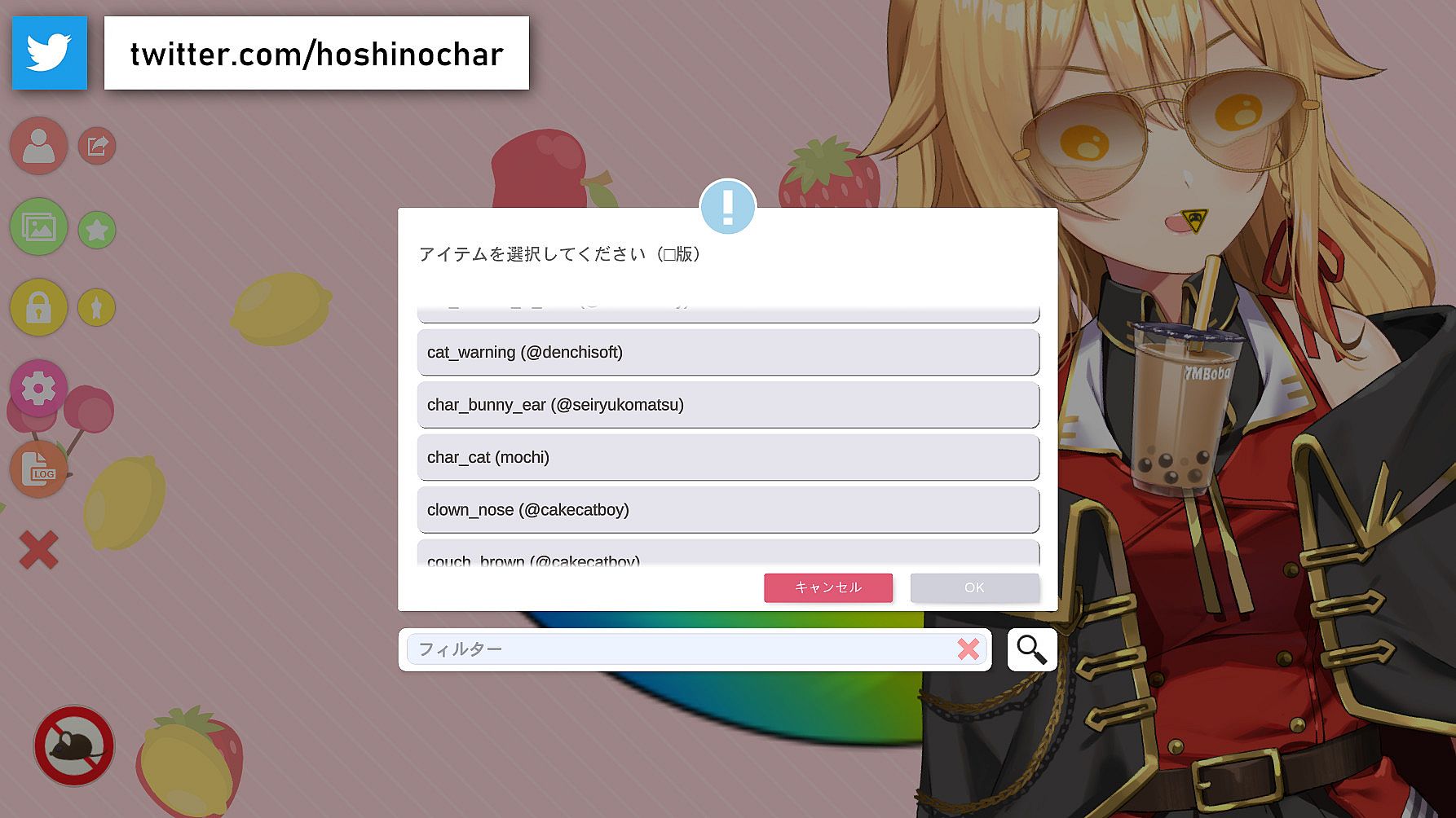
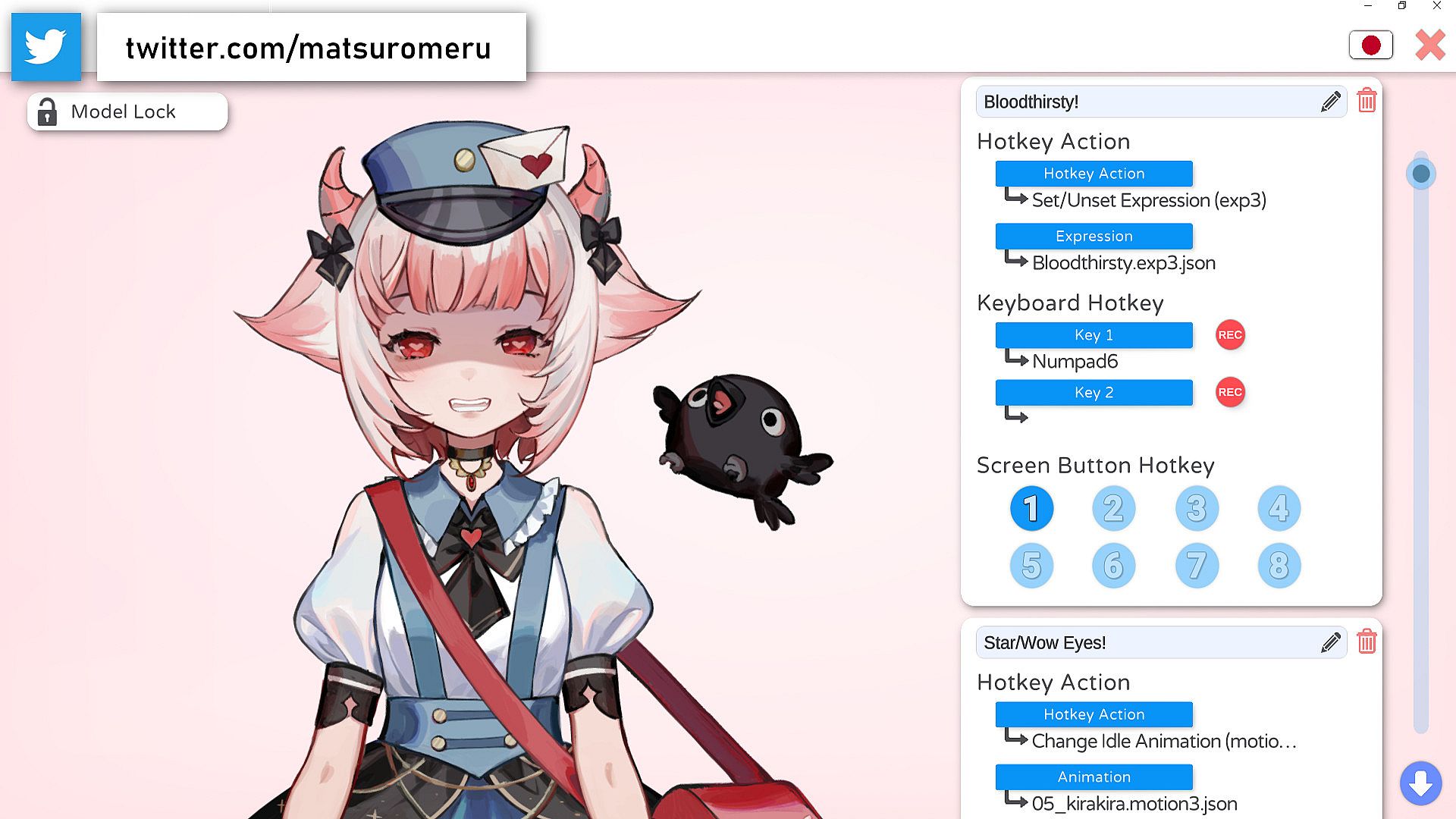
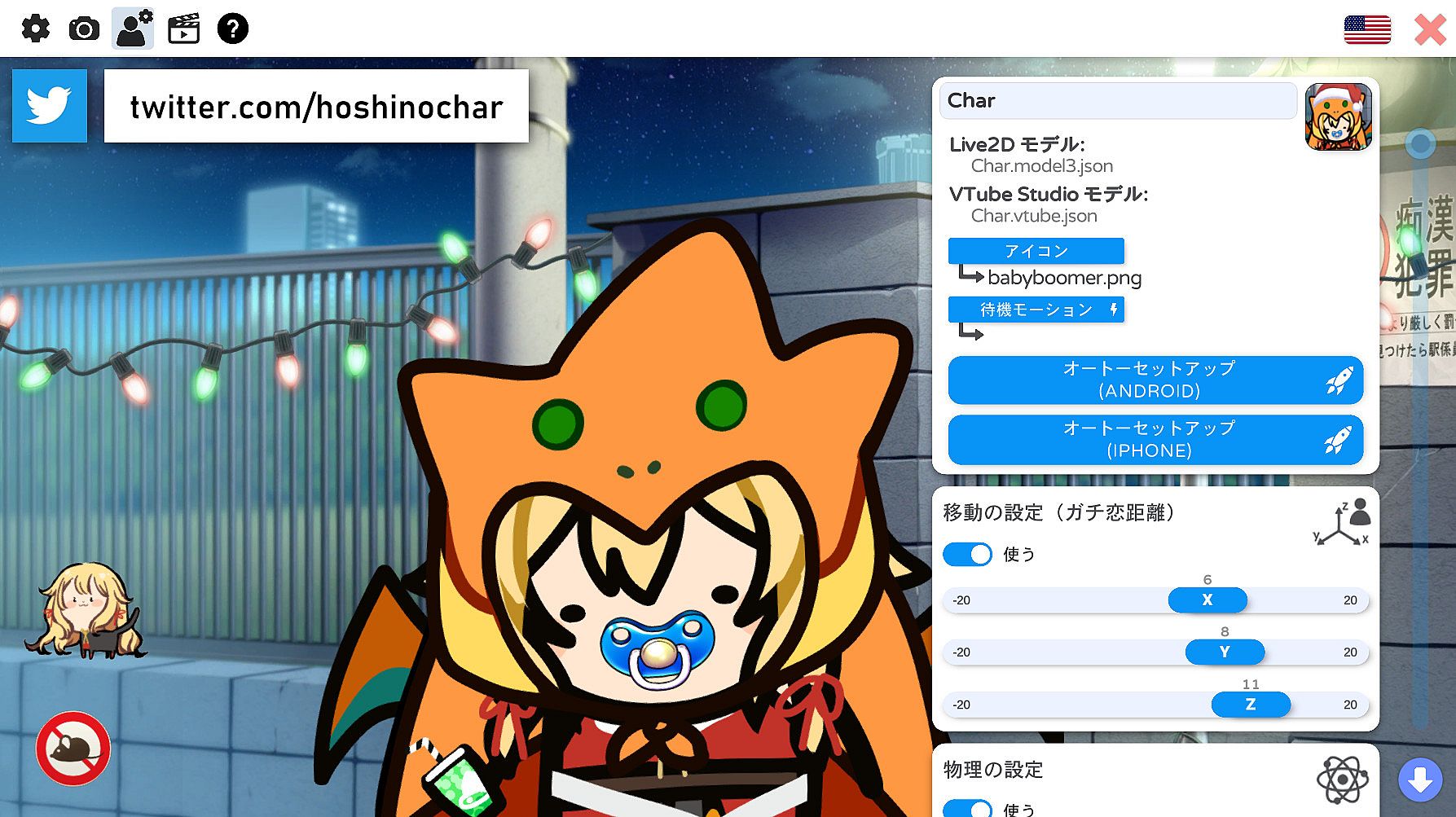
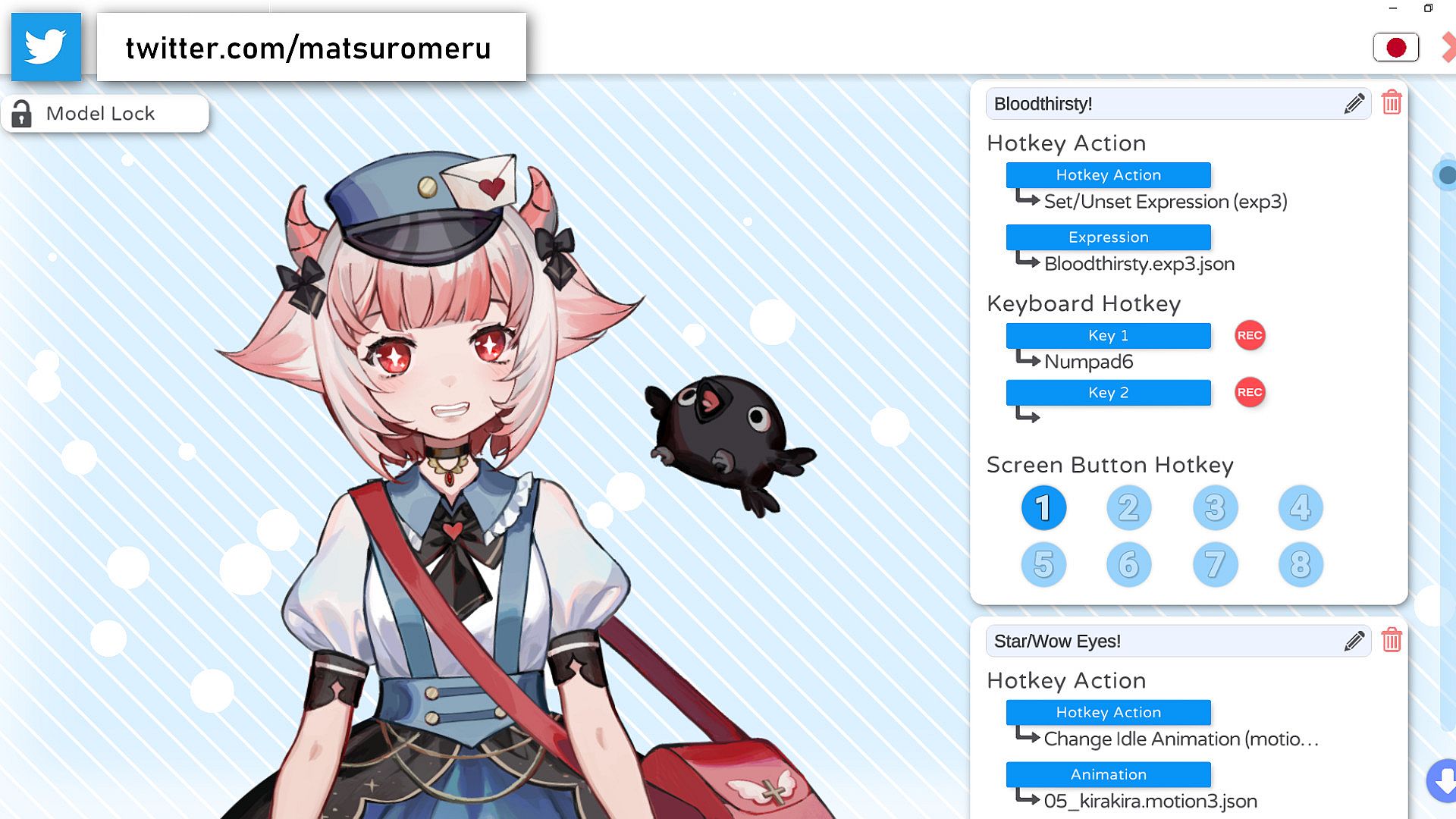
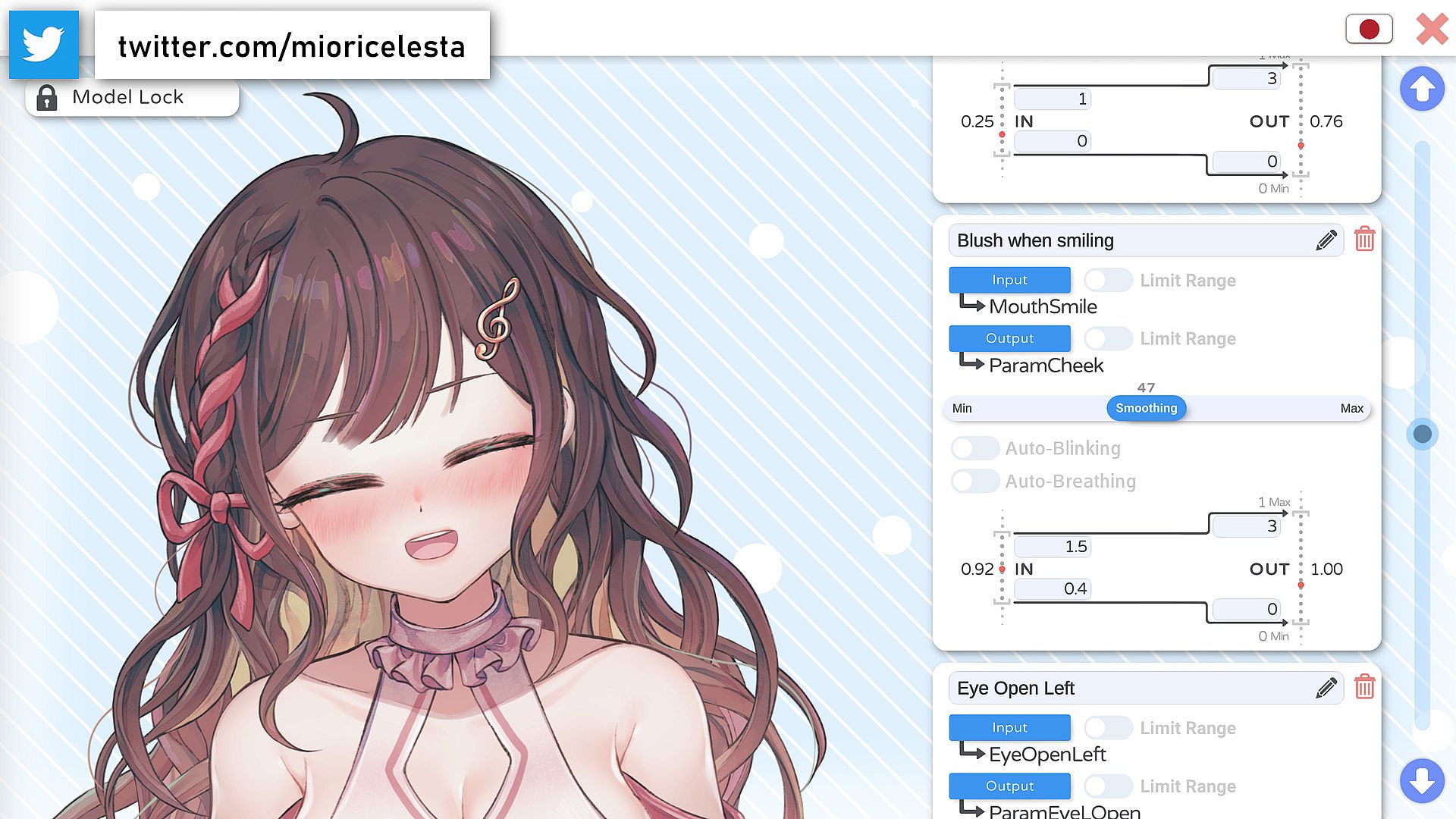
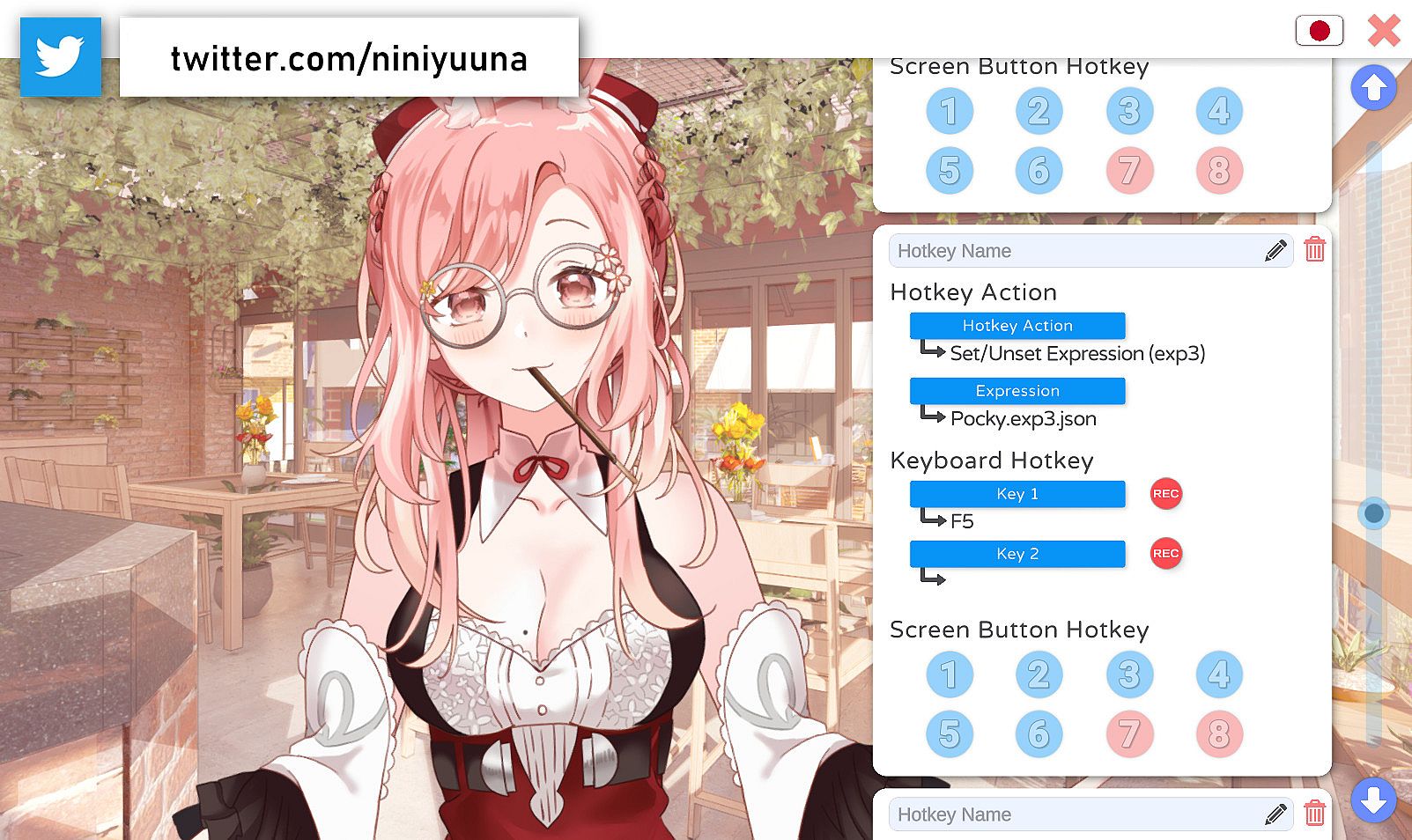
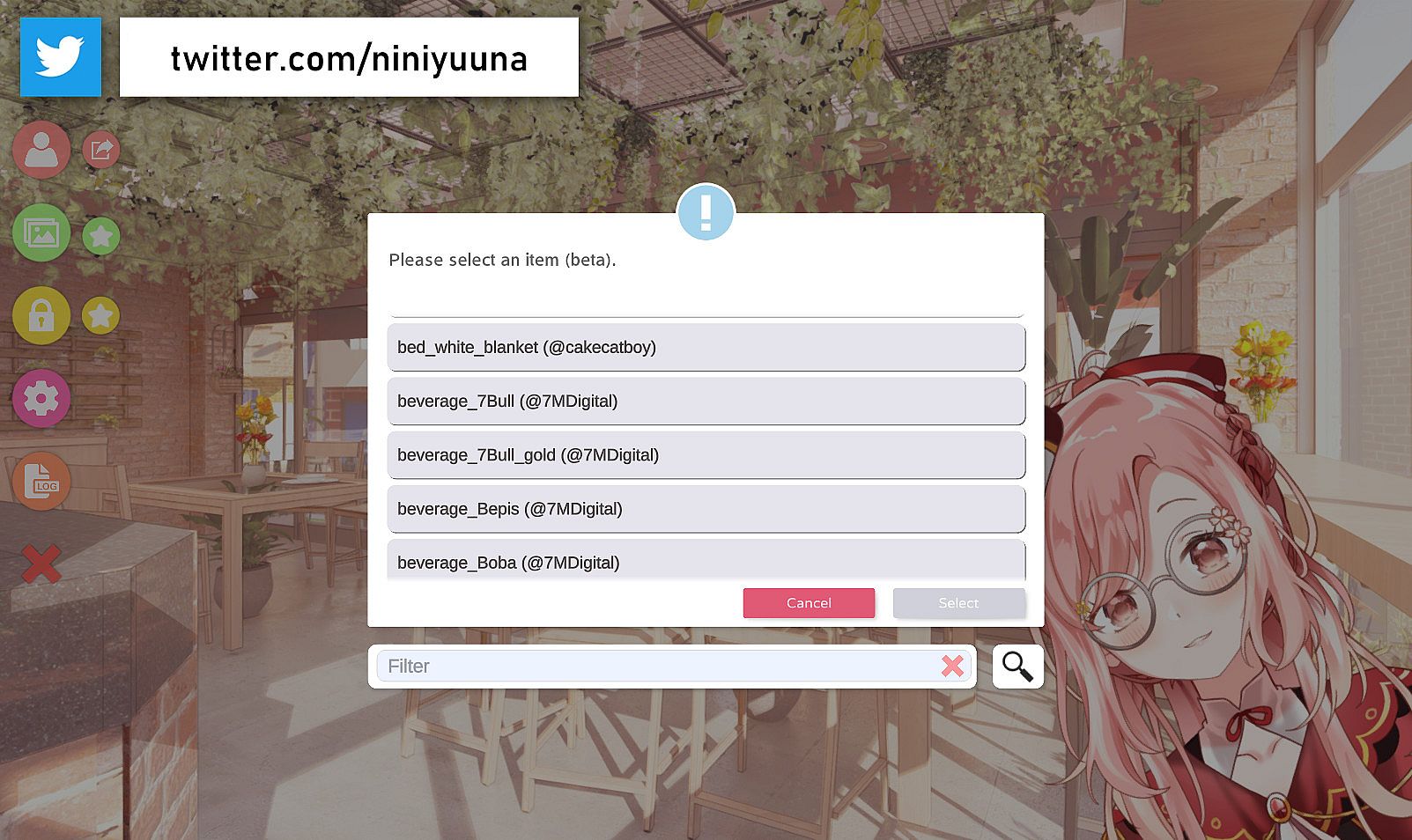
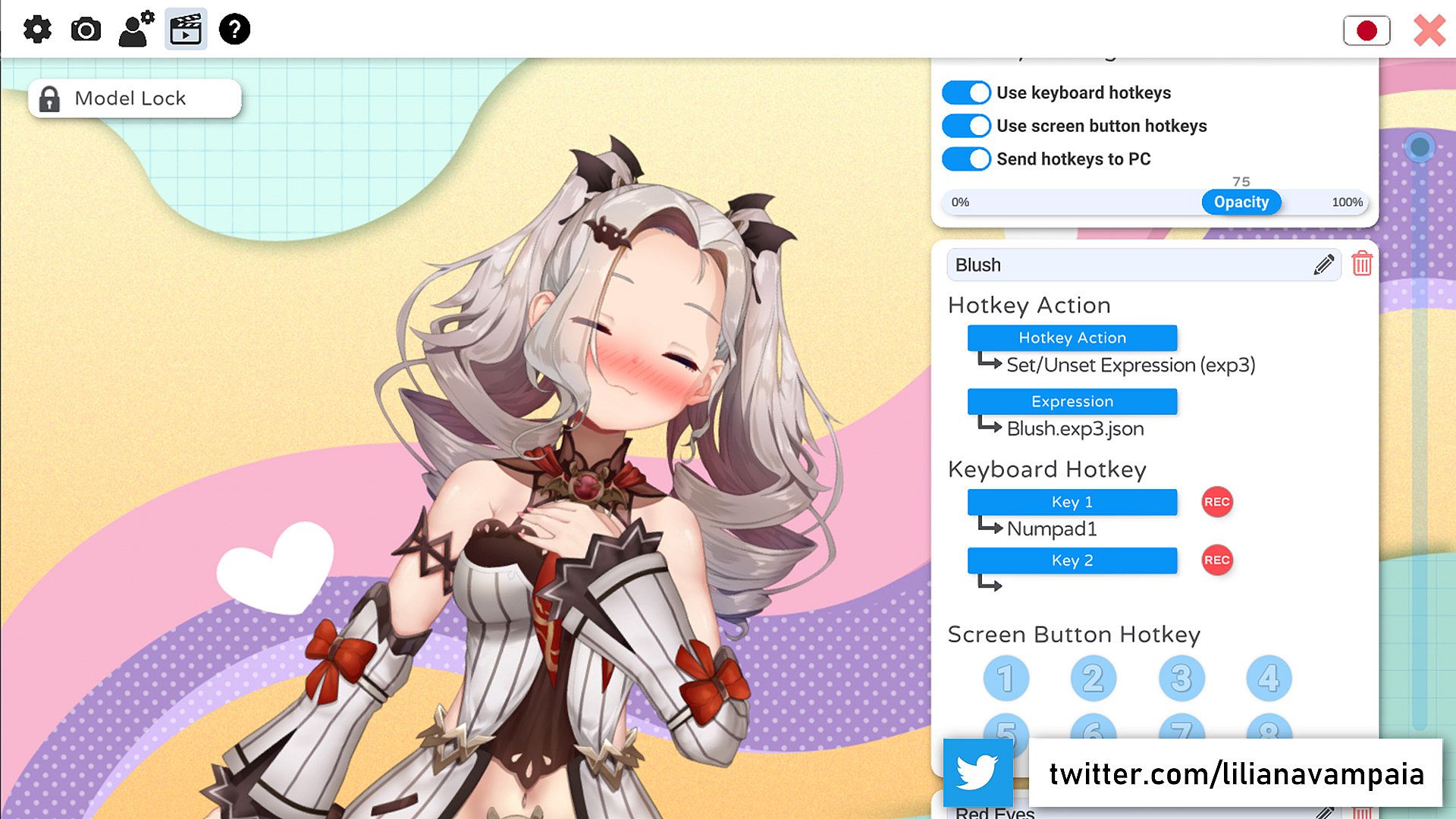
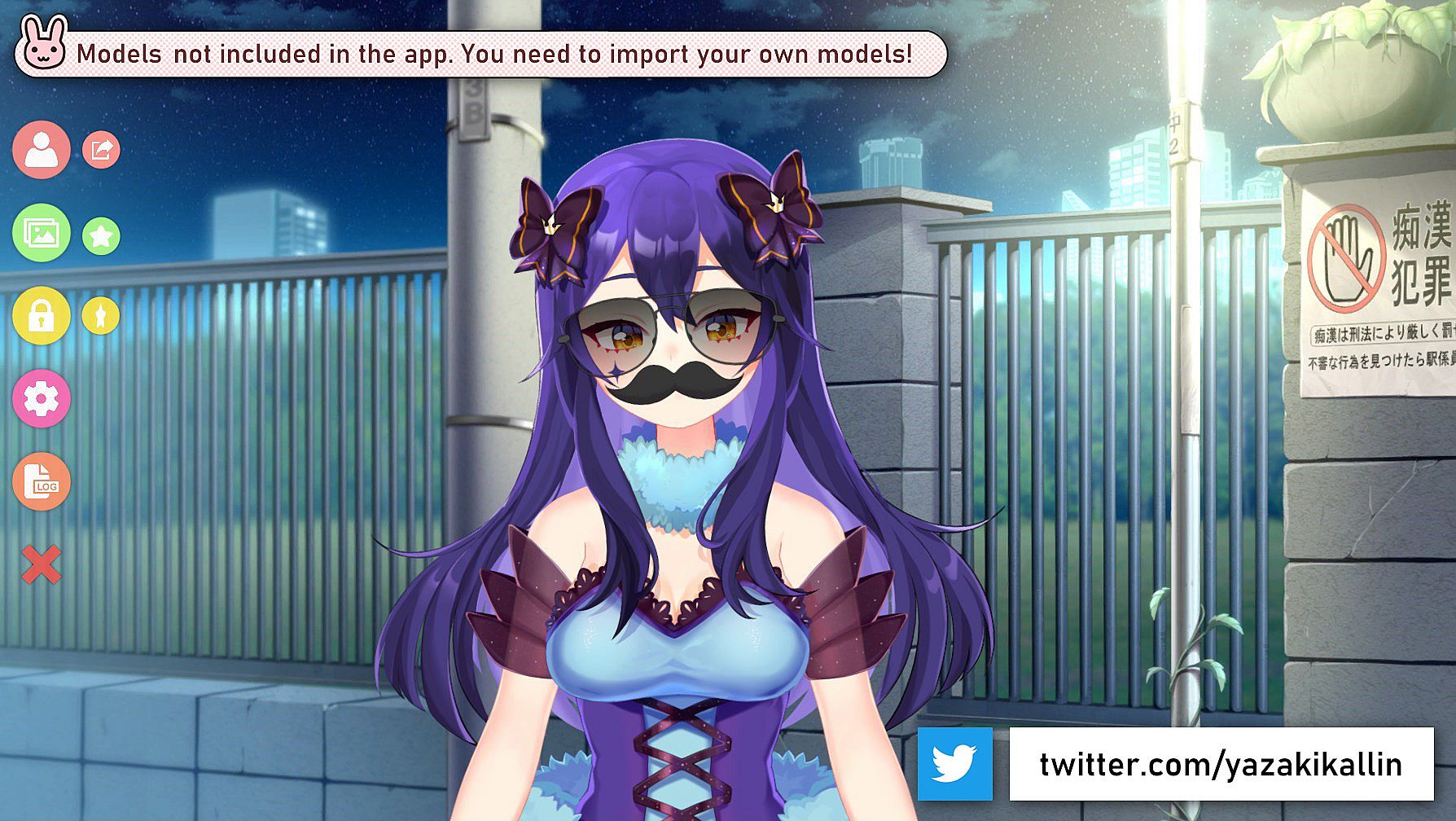
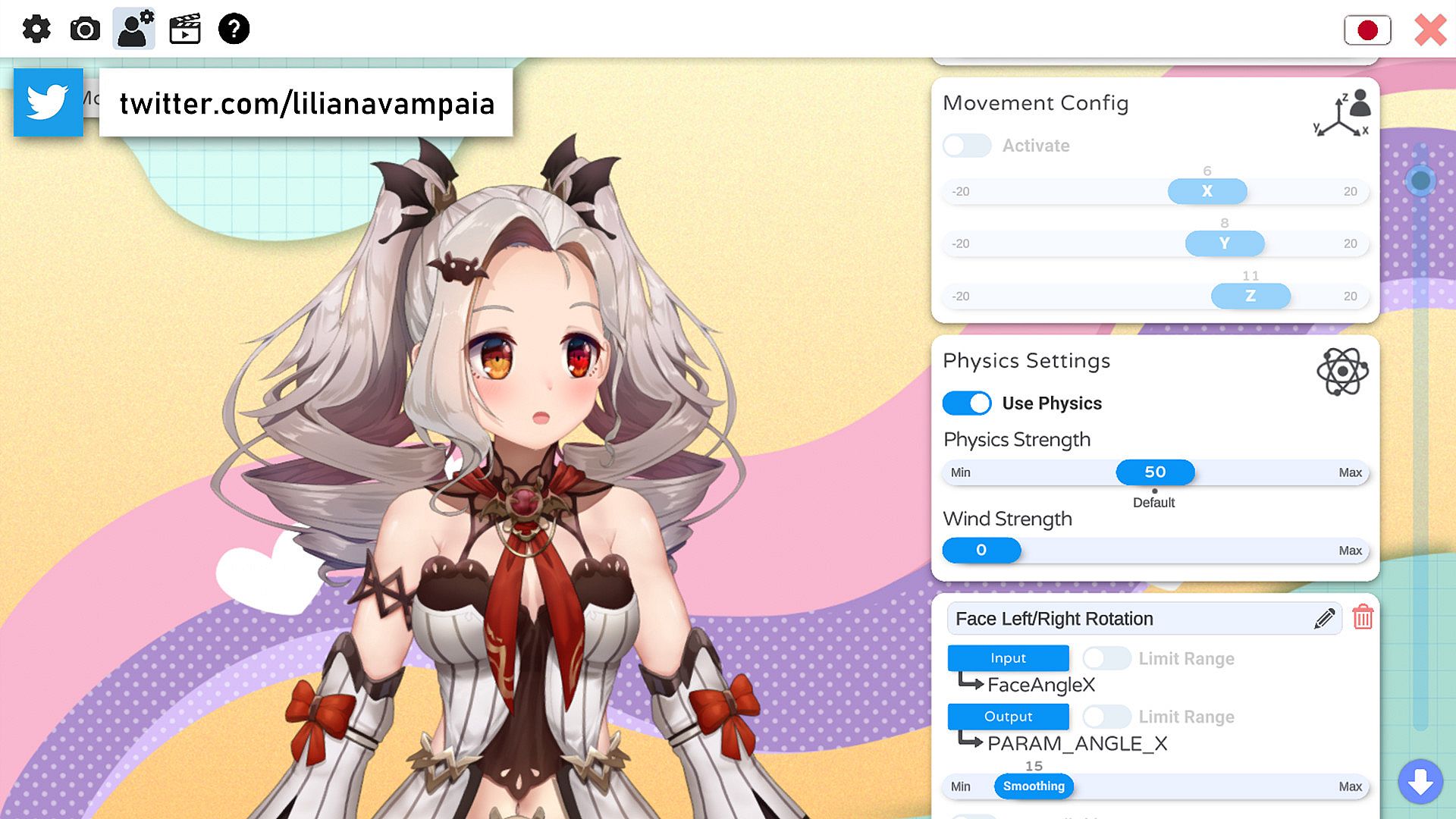
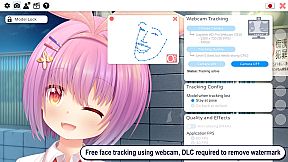
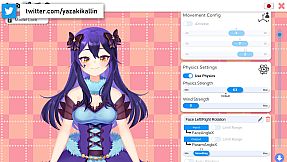
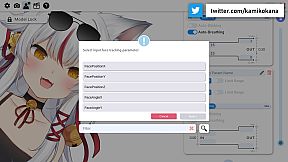
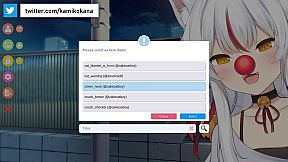
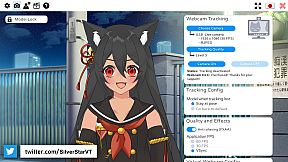
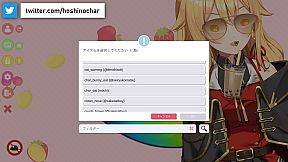
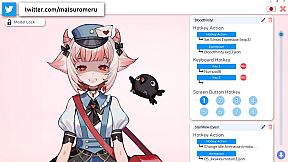
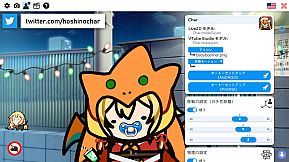
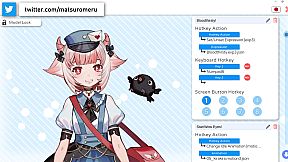
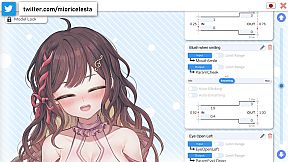
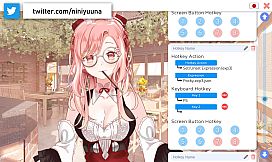
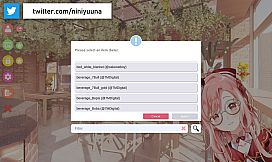
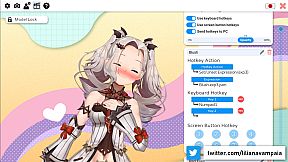
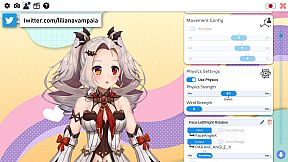
At its core, VTube Studio revolves around loading and animating Live2D Cubism models with precise tracking inputs. Users start by importing their custom models, then run an auto-setup process or configure parameters manually to align facial movements. The software captures webcam feeds for face tracking, powered by technology that ensures smooth performance even on modest hardware. Audio inputs handle lipsync, syncing mouth movements to spoken words via a microphone. Hotkeys allow quick triggers for animations and expressions, while parameters can be mapped freely between tracking data and model elements. An item system lets creators attach PNG props directly to the model, which move in sync during sessions. High-resolution rendering keeps visuals sharp, and integration with streaming tools supports live broadcasts without hassle.
Beyond basics, the software includes mouse or pen tracking for added control, and model adjustments like position, size, or rotation happen seamlessly through hotkeys. This setup creates a fluid loop where creators track their movements, interact with viewers, and adjust on the fly, all while maintaining high-quality output.
Game Modes
VTube Studio offers flexible usage scenarios rather than traditional competitive modes, focusing on creation and broadcasting. The primary mode involves direct webcam tracking on a PC, where the software processes facial data in real time to animate the model. For mobile integration, an iOS or Android app provides network face tracking, allowing users to capture movements remotely and stream them back to the main program.
Another approach is audio-only tracking for lipsync, ideal for voice-focused sessions without visual input. The item system extends into interactive play, where pinned props enhance viewer engagement during streams. These scenarios support commercial activities like YouTube or Twitch broadcasting, with options for hotkey-driven interactions to keep content dynamic.
Features and Updates
VTube Studio continues to evolve with regular enhancements driven by user feedback. Recent additions include an advanced screenshot system supporting resolutions up to 16k by 16k, ArtMesh and layer groups for bulk color modifications, and native controller support for more intuitive controls. The software maintains compatibility across Windows and macOS, with ongoing development emphasizing viewer interaction tools.
Key mechanics include:
- Parameter mapping for custom model responses
- Hotkey controls for animations and adjustments
- Prop pinning for interactive elements
- High-quality rendering and tracking options
These elements ensure the tool remains versatile for both new and experienced creators.
Is It Worth Playing?
For anyone interested in VTuber content creation, VTube Studio proves highly worthwhile due to its accessible design and robust feature set. It holds a Very Positive rating from over 6,700 reviews, with 92 percent positive feedback overall and in recent months. Active updates keep it fresh, addressing user suggestions and adding practical improvements like enhanced screenshot capabilities. The free availability makes it easy to try, appealing to hobbyists and professionals alike who enjoy animation and live interaction. If real-time model control and streaming integration match your style, this software delivers reliable value without requiring high-end setups.