

Buy TerminalMaster PC

Where can you buy the cheapest TerminalMaster key for {6}? Check and compare prices from 1 stores among 1 offers on XD.deals. The lowest TerminalMaster price on keyshops is at $9.99 (0% off).

Release: 19 Mar 2025
Keyshops
Unavailable
Buy in Official Store:
$9.99
Buy in Keyshops:
See price history

Official Stores (1)

DRM:
Steam
Steam
Steam
TerminalMaster
Windows
+1
13w ago
DRM:
Steam
Steam
$9.99

About TerminalMaster

TerminalMaster - about the game

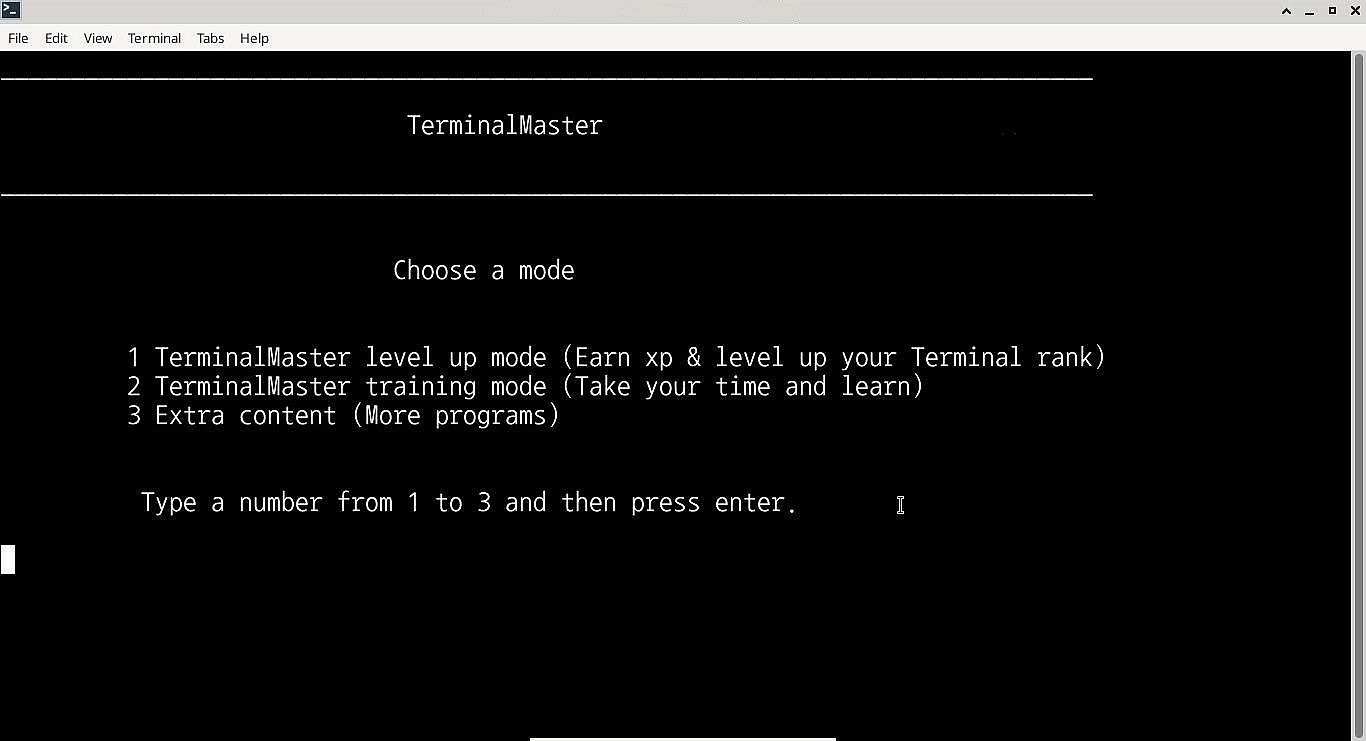
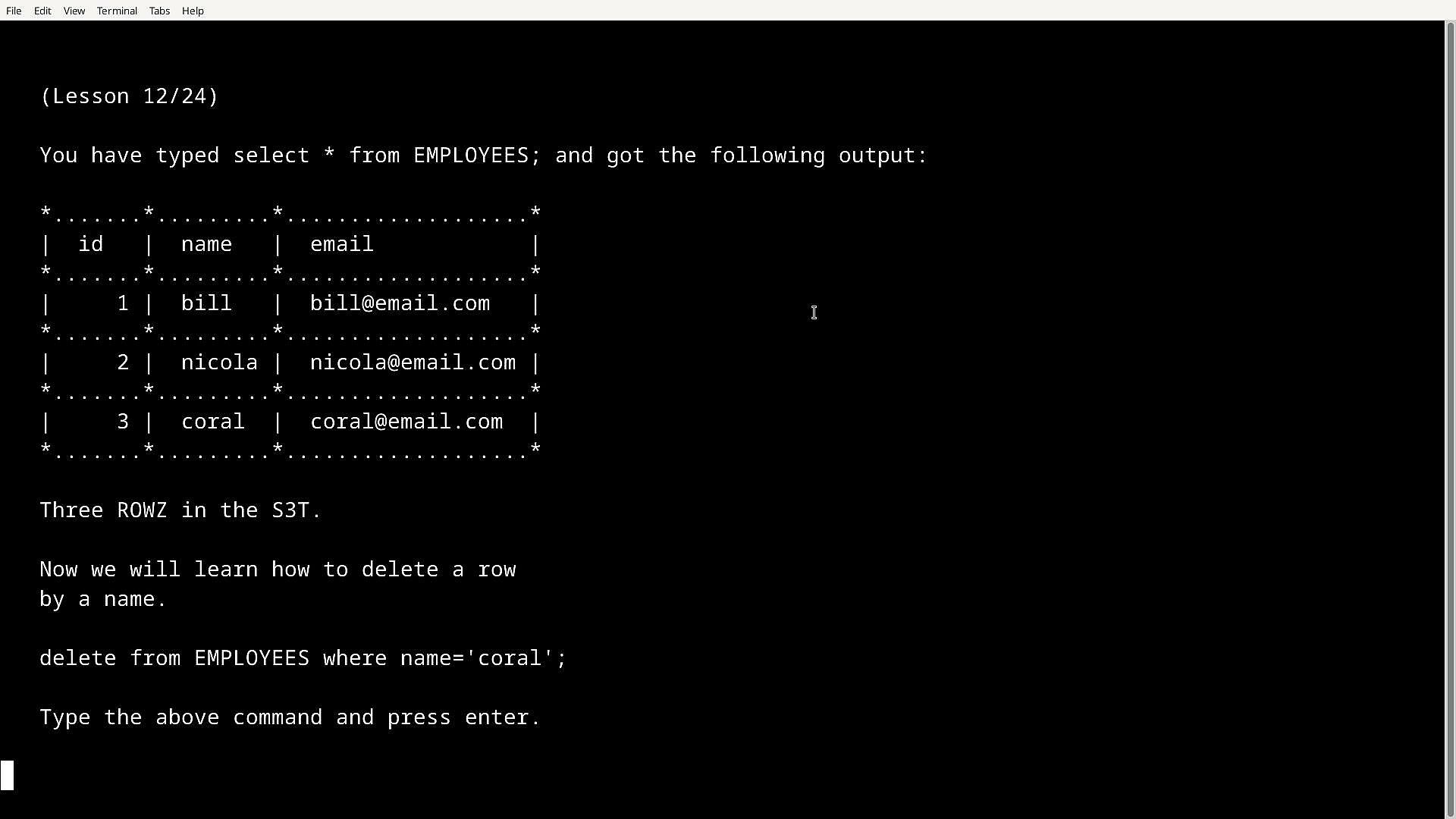
TerminalMaster is an application that's written to be run in Windows Command line & Bash Terminal which can help people learn how to use Linux® in the bash terminal and use Windows cmd. Not only can it help Linux newbies but also even challenege professionals up to (Linux Professional Institute) level and later serve as a reference.

From Terminal beginners to professionals: 

Starting with the Terminals tutorial and Advanced tutorial you can ease into using terminals along with learning to script and program in Bash terminal, you can be then tested on both with the included tutorial tests or you can combine both, what makes it more fun is you gain xp for each question you correctly answer and your skill level increases.

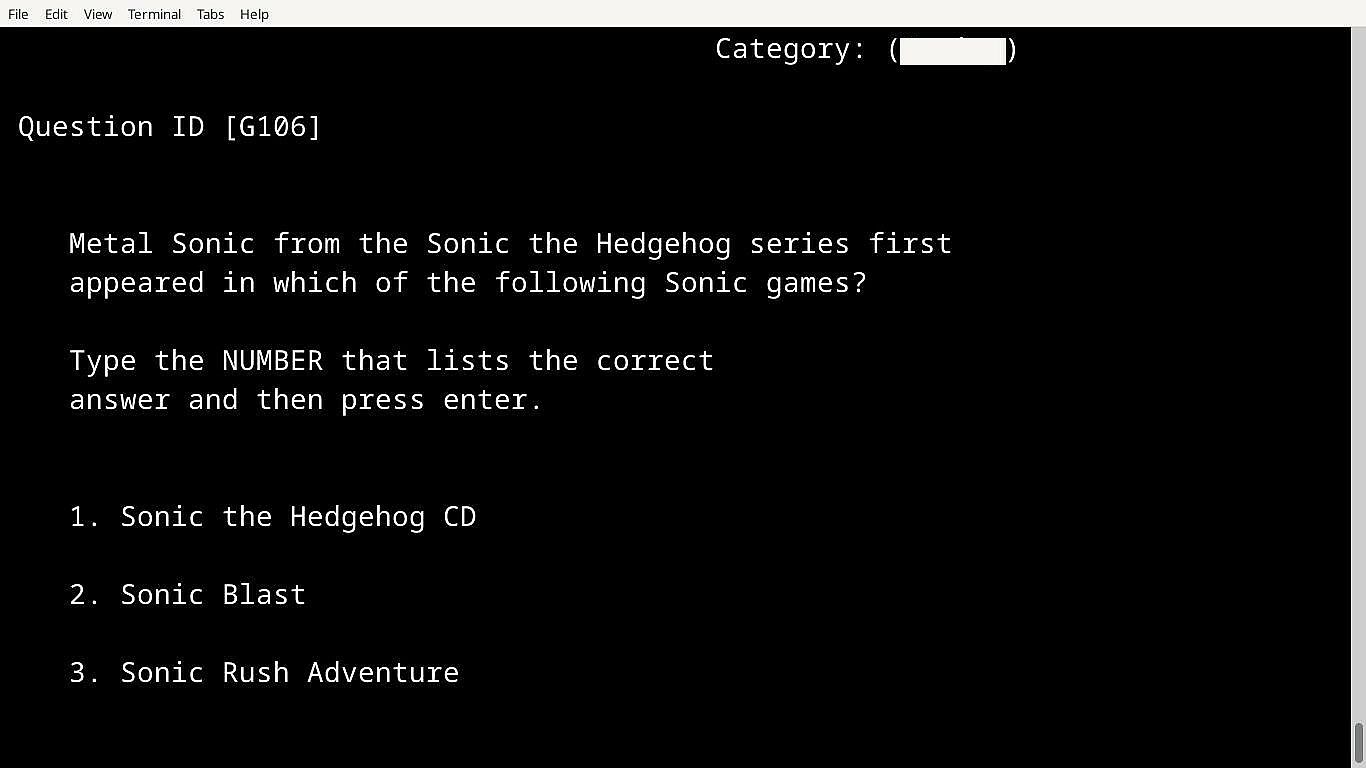
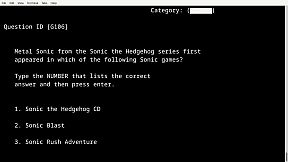
If you earn a certain amount of xp or pass a test you get unlock codes to unlock other cool tests such as the mixed datasbase which is a test based on computing questions, or the hidden gaming database which is a test based on gaming, and theres more. 

How tests work:

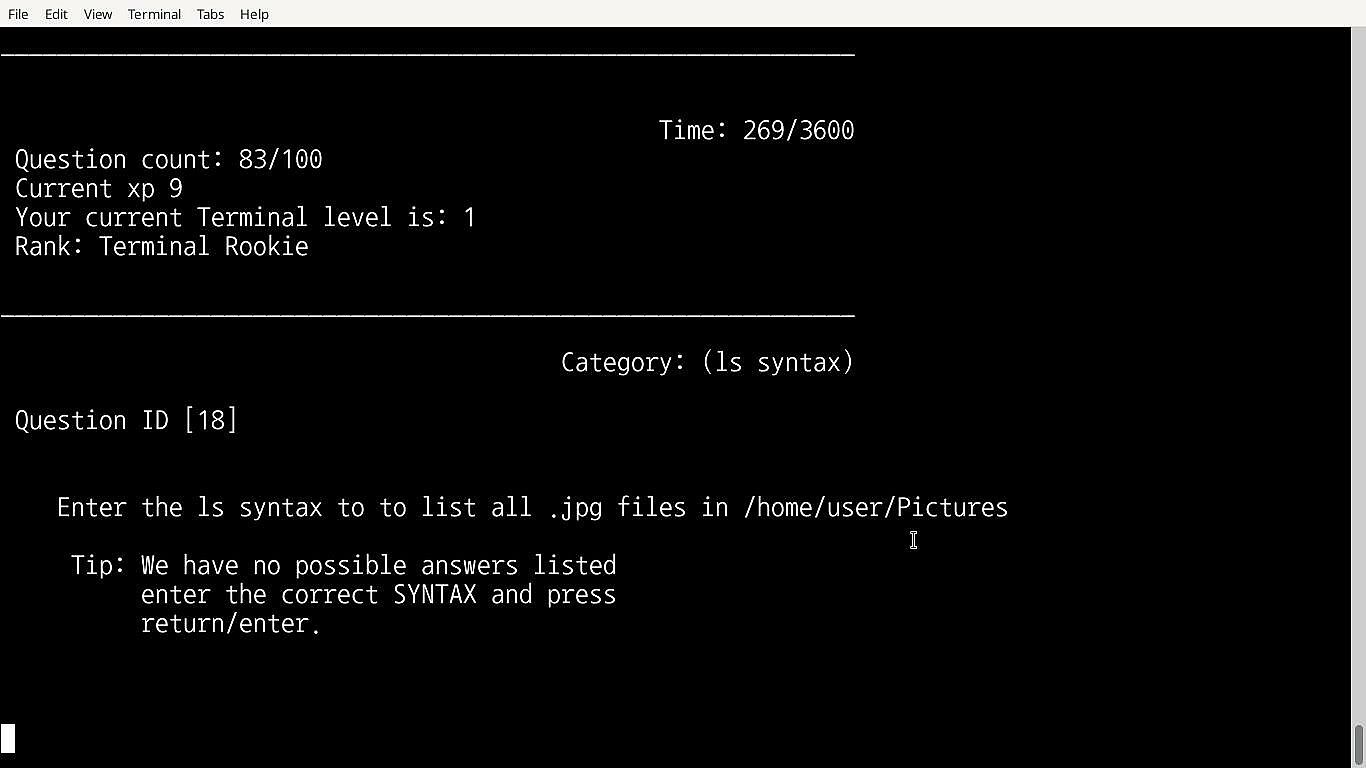
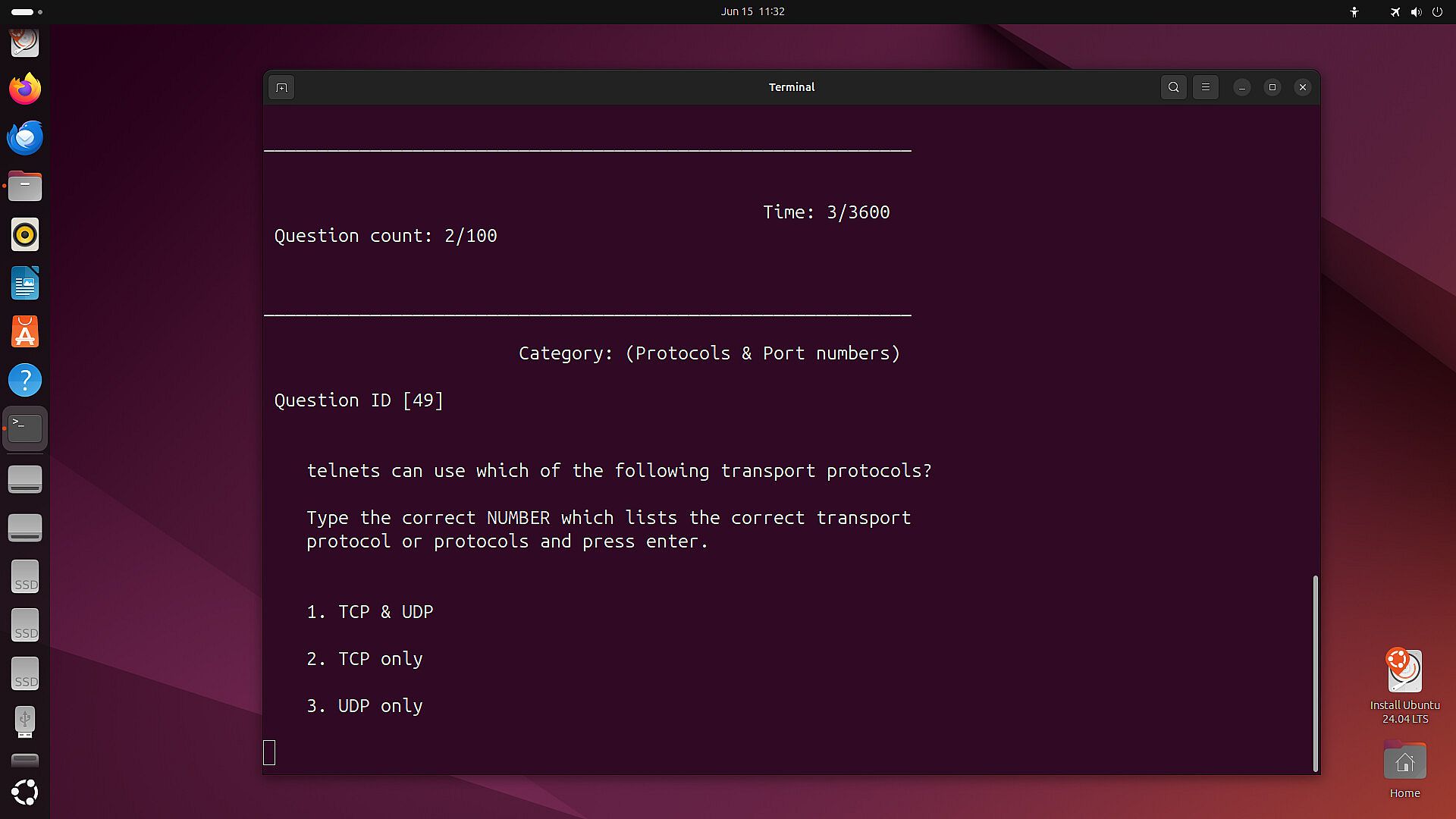
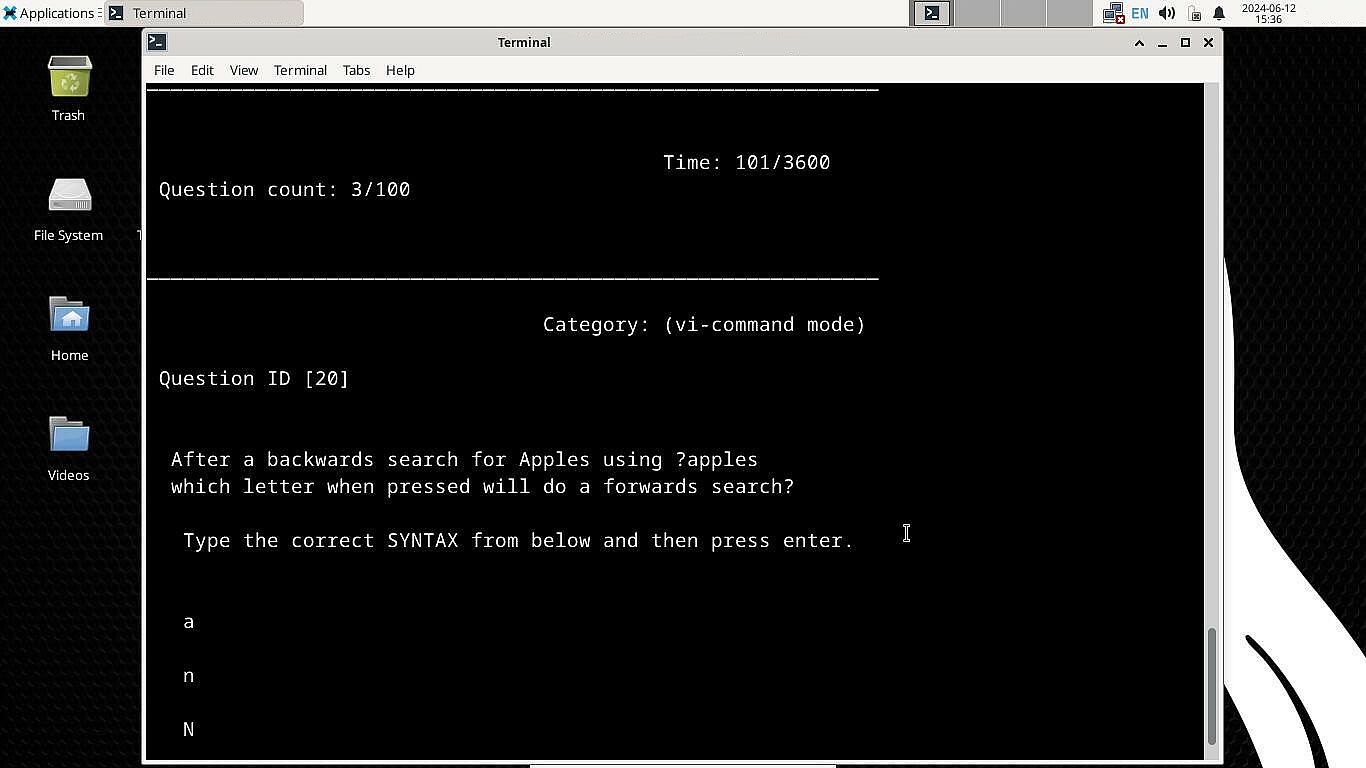
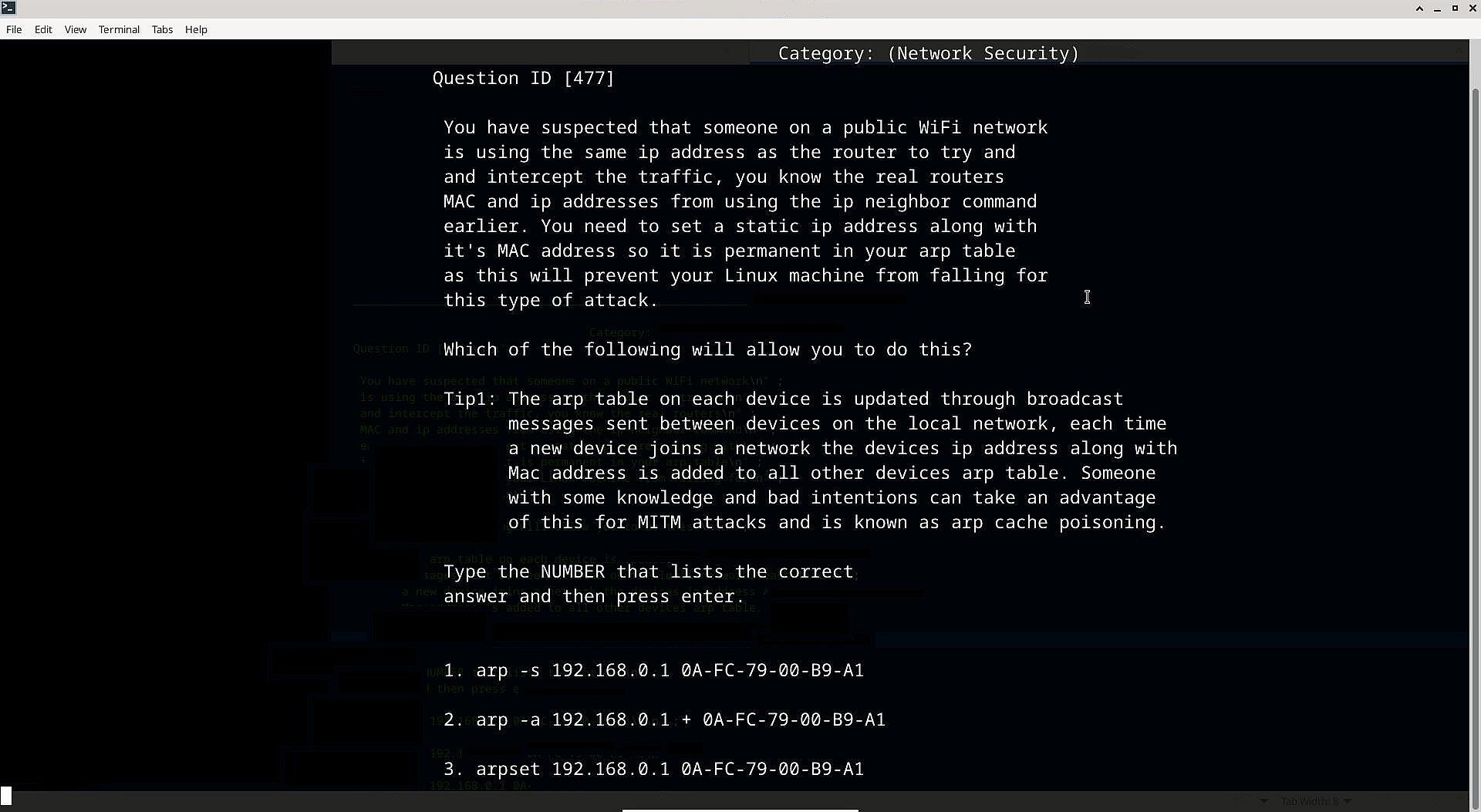
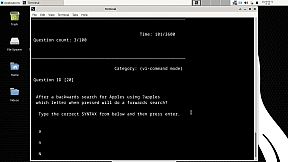
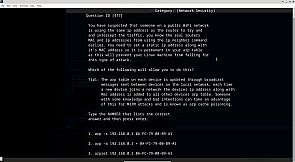
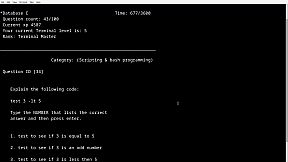
100 questions are randomly outputted from a larger database each run, the user is presented with three possible answers for each question with only one being the correct one, the user must then choose the correct one by typing the actual correct SYNTAX (the SYNTAX can also be copied and pasted to answer, this can be useful if the user is already familiar with a particular SYNTAX and does not wish to type it) that would be used in the real Bash terminal, because it's run in a terminal it gives an authentic feel to the real thing and users can remember the syntax overtime and use it within their own Linux installation.

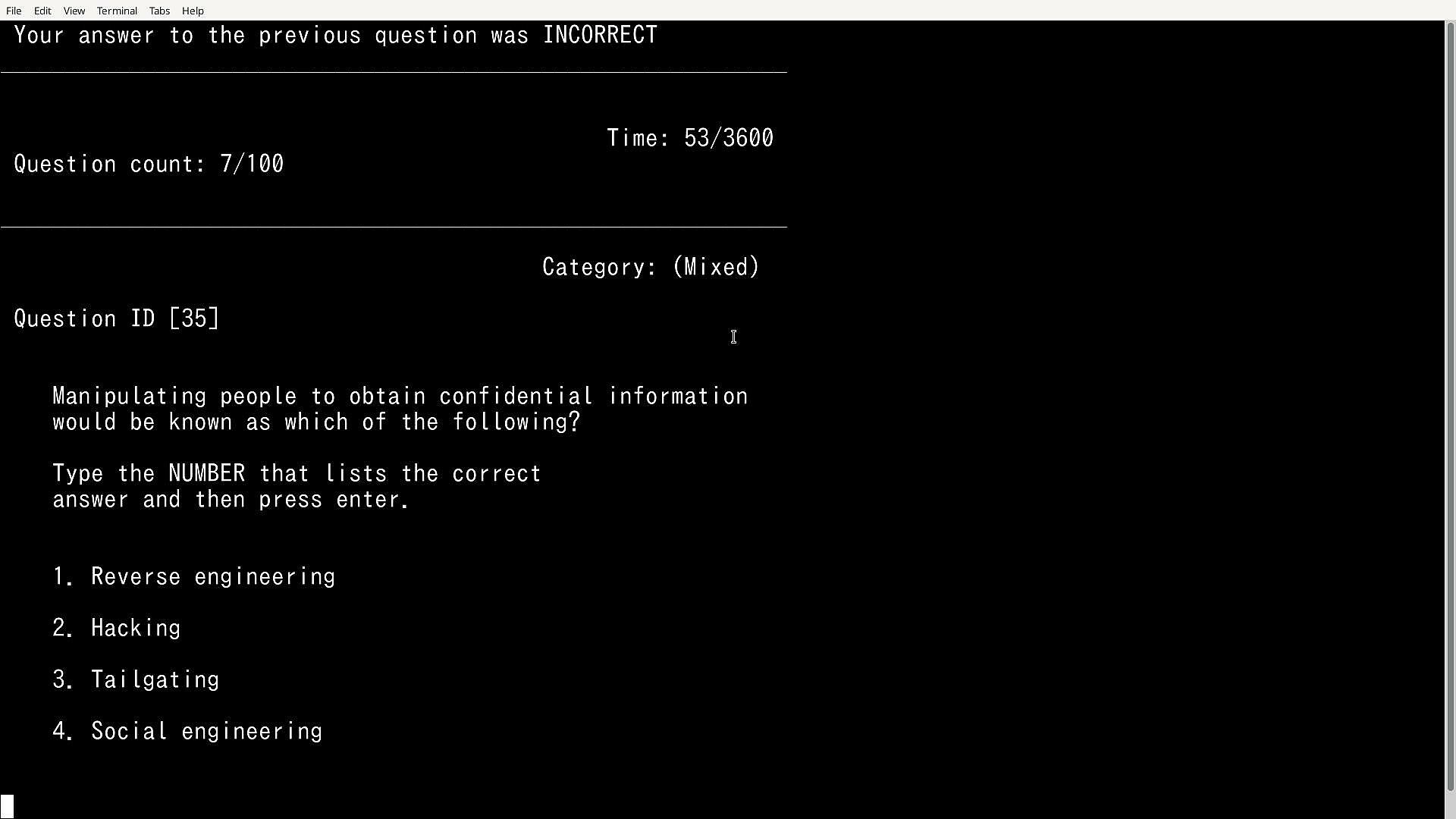
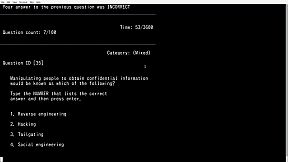
It will also present the user with true or false questions, pick the word/s etc that correctly completes the statement or to choose the number that lists the correct answer for other questions so there is a mix of SYNTAX, true or false & choose the correct number type of questions etc.

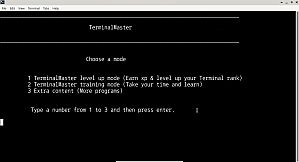
Modes:

The advanced databases:

Training mode: In training mode the timer is turned off and if the user gets a question wrong the correct answer is outputted, tips are also displayed along side some questions for better understanding, the user also has the ability to view previously answered questions,  there is no level up in this mode.

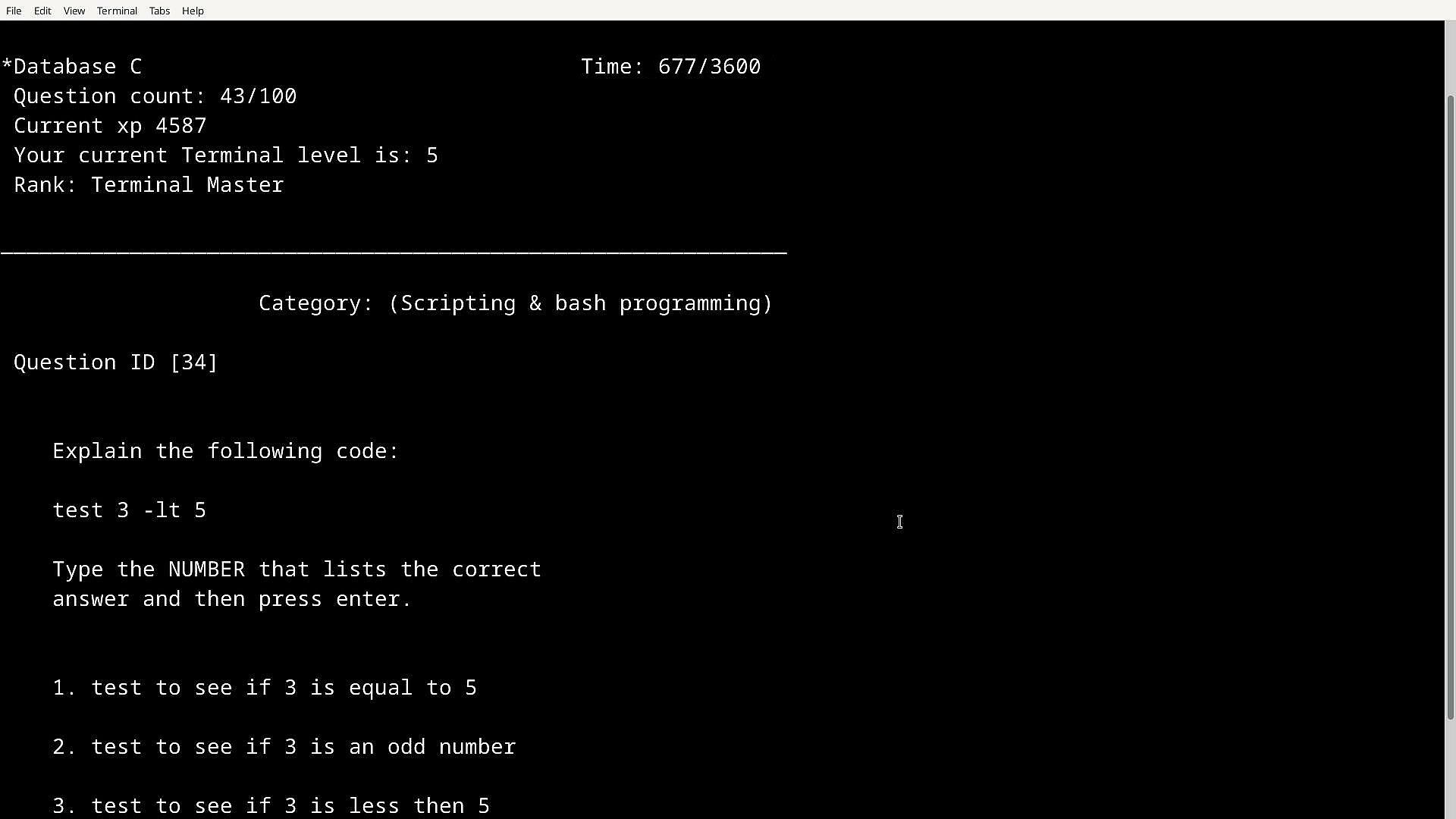
Level up mode: In this mode the user can level up with an XP system in place, you start of as Terminal Rookie and work you way up to the highest Terminal rank, in this mode if you get a question wrong you won't be told the correct answer and there is a timer in place (one hour) but if you get the answer right you get XP, the more XP you get will level up your Terminal Rank.

The passing score is 85+ which is gained by answering questions correctly, xp is saved and is carried over to all level up modes and even if you quit early. Learning is fun and so is leveling up, in TMSTR leveling up actually means something as your learning in the process.

Features:

Features over 2000+ questions which are randomly outputted from different TerminalMaster databases.

2 Large Linux databases (Main combined Databases A&B and Databases C&D), with the option to use smaller databases to target a specific group of questions (Databases A,B,C & D)

9 colours to choose from

150+ Tips in training mode

Terminals tutorial & Advanced tutorial (New to Bash terminal or cmd? learn the basics and more)

Terminals tutorial & Advanced tutorial tests 

Unlockable Windows Command line test level up & training mode

Unlockable Hardcore mode (35 minutes, includes 4 databases combined, earn extra XP)

Unlockable Mixed Database (150 mixed questions from categories such as Networking, Security, and Hardware which are not exclusively based on terminals)

Hidden content

Featuring other very handy useful testing/learning tools:

Nmap tutorial

Subnetting testing app with tips

Vi Text Editor Testing program (Having trouble using the powerful Vi text editor tool, well this app will help you understand how it works, also available in Training mode)

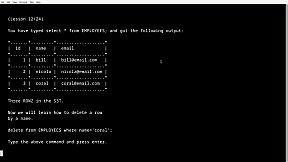
SQL & MYSQL training program (Learn how to create databases, tables ,add entries, edit data and more)

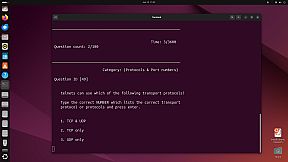
Ports database & testing program (How well do you know common ports? don't worry view the ports database first)

Linux® is the registered trademark of Linus Torvalds in the U.S. and other countries.

All trademarks mentioned in text within this information belong to their corresponding owners.

Interface:
English

Age rating

Unavailable

Minimum:

  • OS: Windows 10/11 32bit or 64bit
  • Processor: Single core processor 1GHZ
  • Memory: 2 GB RAM
  • Graphics: Integrated graphics or Graphics card
  • Storage: 10 MB available space
  • Additional Notes: No; Keyboard required

Recommended:

  • OS: Windows 10/11 32bit or 64bit
  • Processor: Single core processor 1GHZ
  • Memory: 2 GB RAM
  • Graphics: Integrated graphics or Graphics card
  • Storage: 10 MB available space
  • Additional Notes: No; Keyboard required

Minimum:

  • OS: Debian, Ubuntu
  • Processor: Single core processor 1GHZ
  • Memory: 2 GB RAM
  • Graphics: Integrated graphics or Graphics card
  • Storage: 10 MB available space
  • Additional Notes: No; Keyboard required, no cloud saving with Linux version, direct launching from Steam install directory instead of with Steam Play button required with Linux version.

Recommended:

  • OS: Debian, Ubuntu
  • Processor: Single core processor 1GHZ
  • Memory: 2 GB RAM
  • Graphics: Integrated graphics or Graphics card
  • Storage: 10 MB available space
  • Additional Notes: No; Keyboard required, no cloud saving with Linux version, direct launching from Steam install directory instead of with Steam Play button required with Linux version.
Historical low
Price history from official stores
-
-
-
Price history from keyshops
-
-
-

FAQ

8 questions

Before you start looking for a cheap TerminalMaster key, check the essentials. Developed by Paul Galvin. Published by Paul Galvin. PC released date: 19 Mar 2025. Genres: Indie, Simulation, Education, Software Training. Categories: Family Sharing, Single-player, Steam Cloud.

Q

Where to buy a cheap TerminalMaster Steam key?

Using our price comparison and verified discount codes, you can buy a TerminalMaster key for as low as $9.99. This deal is available at Steam and is among the cheapest offers on the market. All keys listed on XD.deals are delivered digitally and eligible for instant download after payment. Prices already include processing fees and applied promo codes, so you always see the lowest TerminalMaster price on PC. Check the TerminalMaster price history to buy at the best moment.

As of our last update (we refresh Steam pricing multiple times a day), the TerminalMaster Steam price is $9.99. You can save an extra ~6% by paying with a discounted Steam gift card.

Our price tracker covers both official retailers and key marketplaces, so you can find TerminalMaster on sale even outside seasonal promotions. We currently detect 1 active offer from official stores and keyshops. Check the table above, compare against the historical low, and set an alert so you never miss the next price drop.

Based on our data, TerminalMaster is not currently available on GeForce NOW. You will need to run it locally on your PC. Browse games available on GeForce NOW.

Yes. TerminalMaster has an official page on the Steam Store. You can also buy a TerminalMaster Steam key from third-party sellers. Our price comparison currently includes 1 offer with Steam DRM. Pick one to ensure your TerminalMaster download happens on Valve's platform.

Not at this time. Valve marks TerminalMaster as Unsupported on Steam Deck. Keep an eye on XD.deals - we track Proton updates and community fixes. Browse games that are Steam Deck Verified or Steam Deck Playable.

TerminalMaster does not appear to be available on PC Game Pass, EA Play, Ubisoft+ or any other PC subscription service at this time. Your only option is purchasing the game - use XD.deals to find the best price.

No - XD.deals is not a store. We are a price-comparison service that tracks the best TerminalMaster deals across official stores and verified keyshops. Click "Go to Store" next to any offer and you will be redirected to the retailer's website to complete your purchase.

Best prices for TerminalMaster

1 Steam Steam Official
$9.99

Want to buy at the best moment? Set a price alert on XD.deals and get notified when TerminalMaster hits its next historical low.

Create Alert
Join our Discord
Get instant help from our community and stay updated on the latest deals
Set Price Alerts
Get notified by email when game prices drop to your target
Create Free Account
Unlock wishlists, price alerts, and Steam sync










