


Buy Study Arcade PC

Study Arcade is free to play on Steam! Also available from 1 official stores starting at $0.00.

Steam:
Very Positive (20)
Keyshops
Unavailable
Buy in Official Store:
Free
Buy in Keyshops:
See price history

Official Stores (1)

DRM:
Steam
Steam
Steam
Study Arcade
Windows
+1
6w ago
DRM:
Steam
Steam
Free
Historical Low Deal
Historical low

About Study Arcade

Study Arcade - about the game
Set a timer in Study Arcade, hit start, and focus on your tasks while it runs in the background. It notifies you automatically for a break after your study session ends. Return to play a selection of arcade minigames, including block-breaking and retro shooter options, plus a bonus game. This free-to-play PC tool enforces the Pomodoro Technique by unlocking games only after productive time. Study longer to access all minigames and chase high scores for quick brain breaks. Students and workers prone to distractions find it ideal for escaping endless scrolling and staying on track.

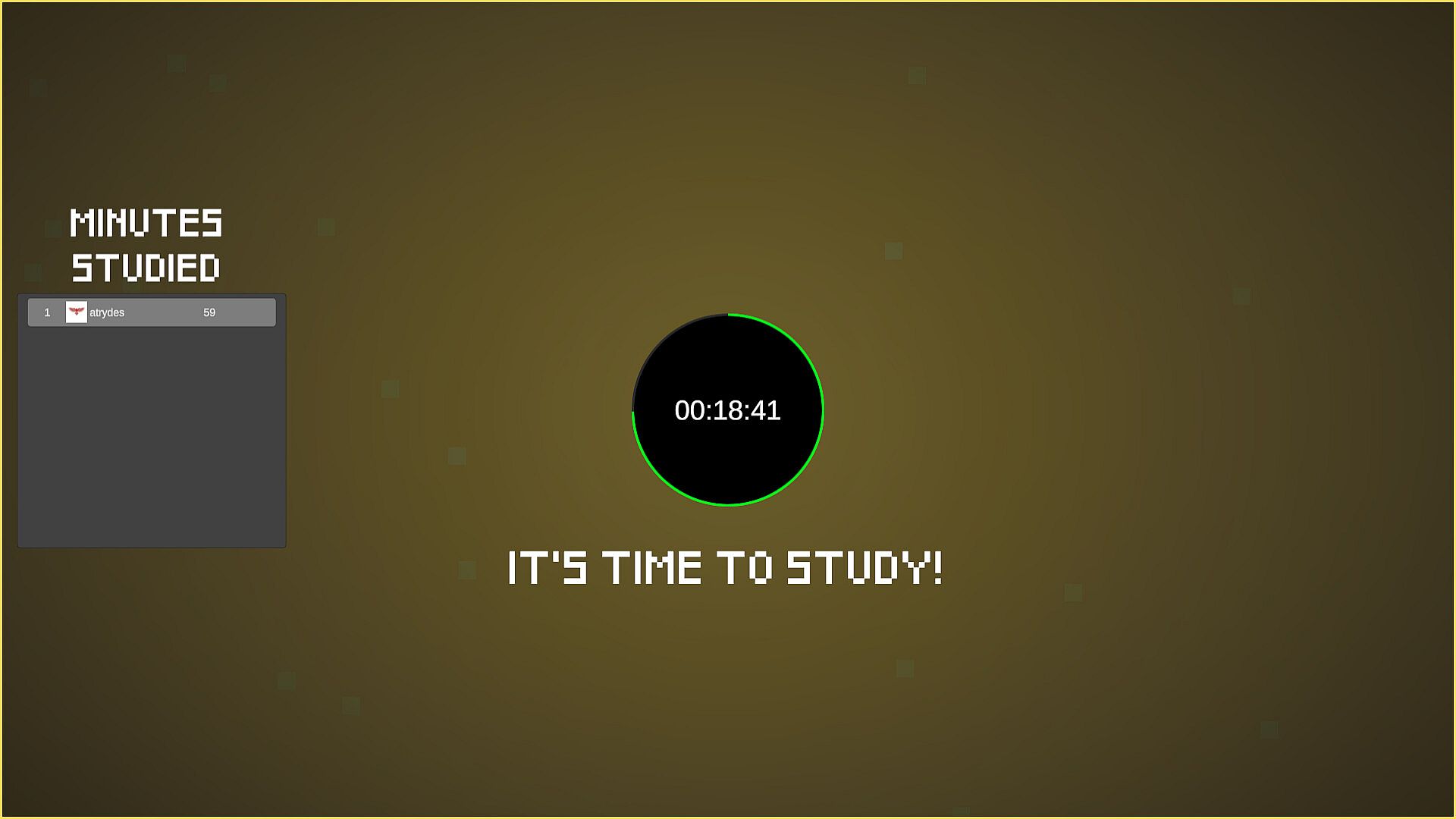
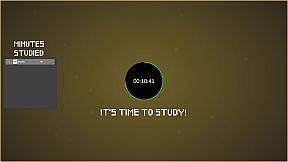
When you open Study Arcade, you're presented with an extremely simple interface to set a timer and get going. Hit Start, leave it open in the background, and get to work. It'll alert you  automatically when it's time to take a break.

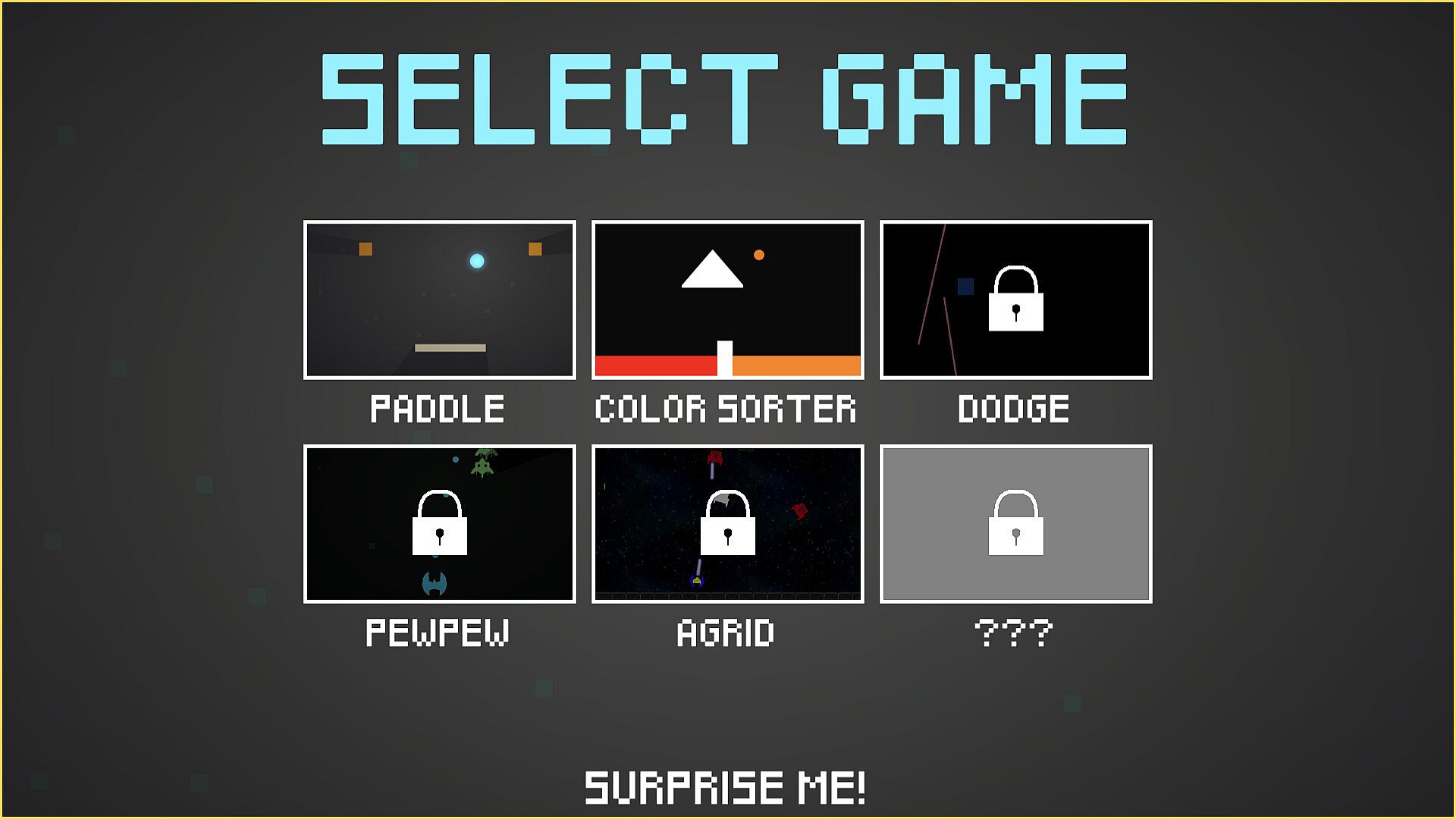
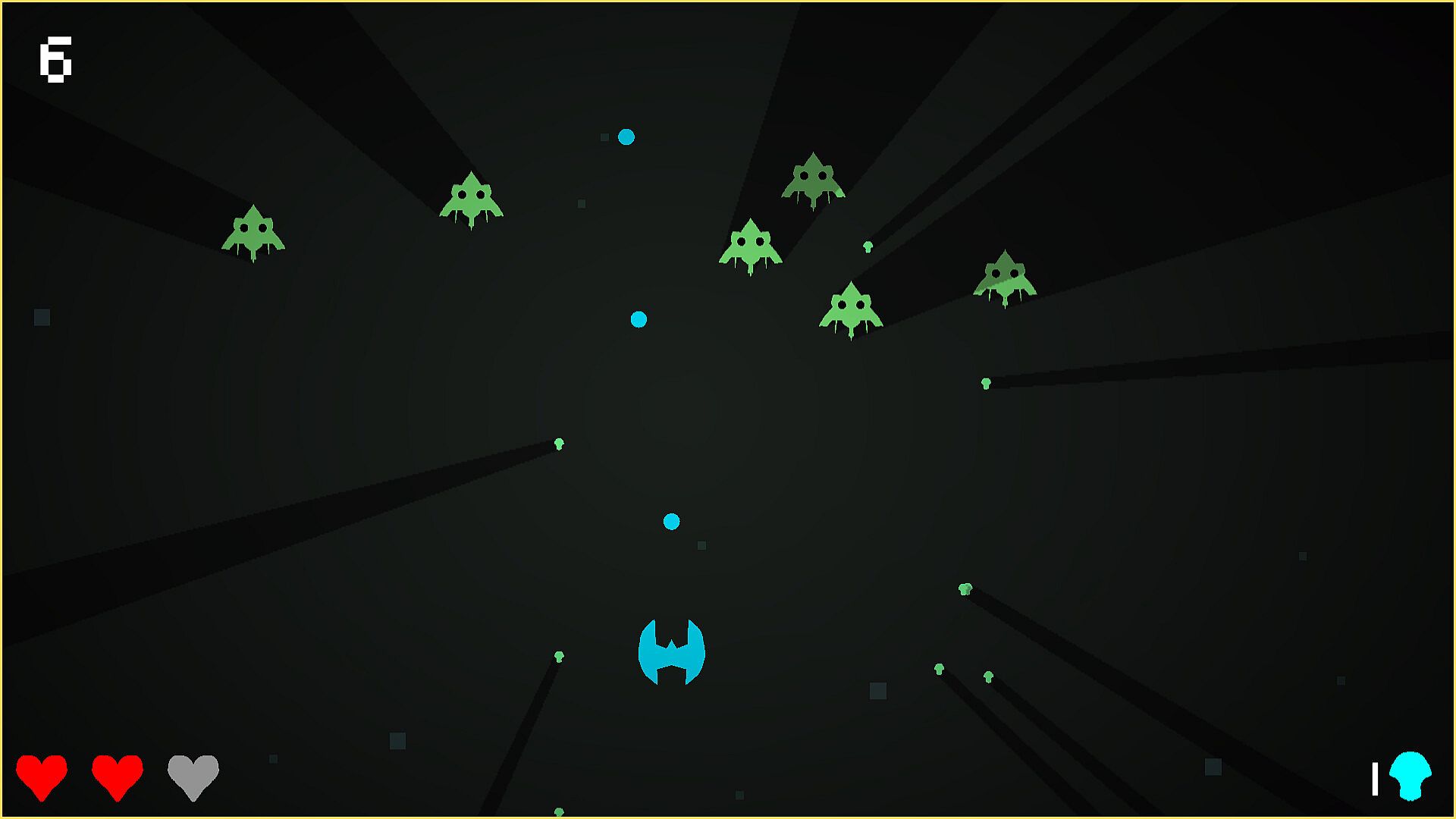
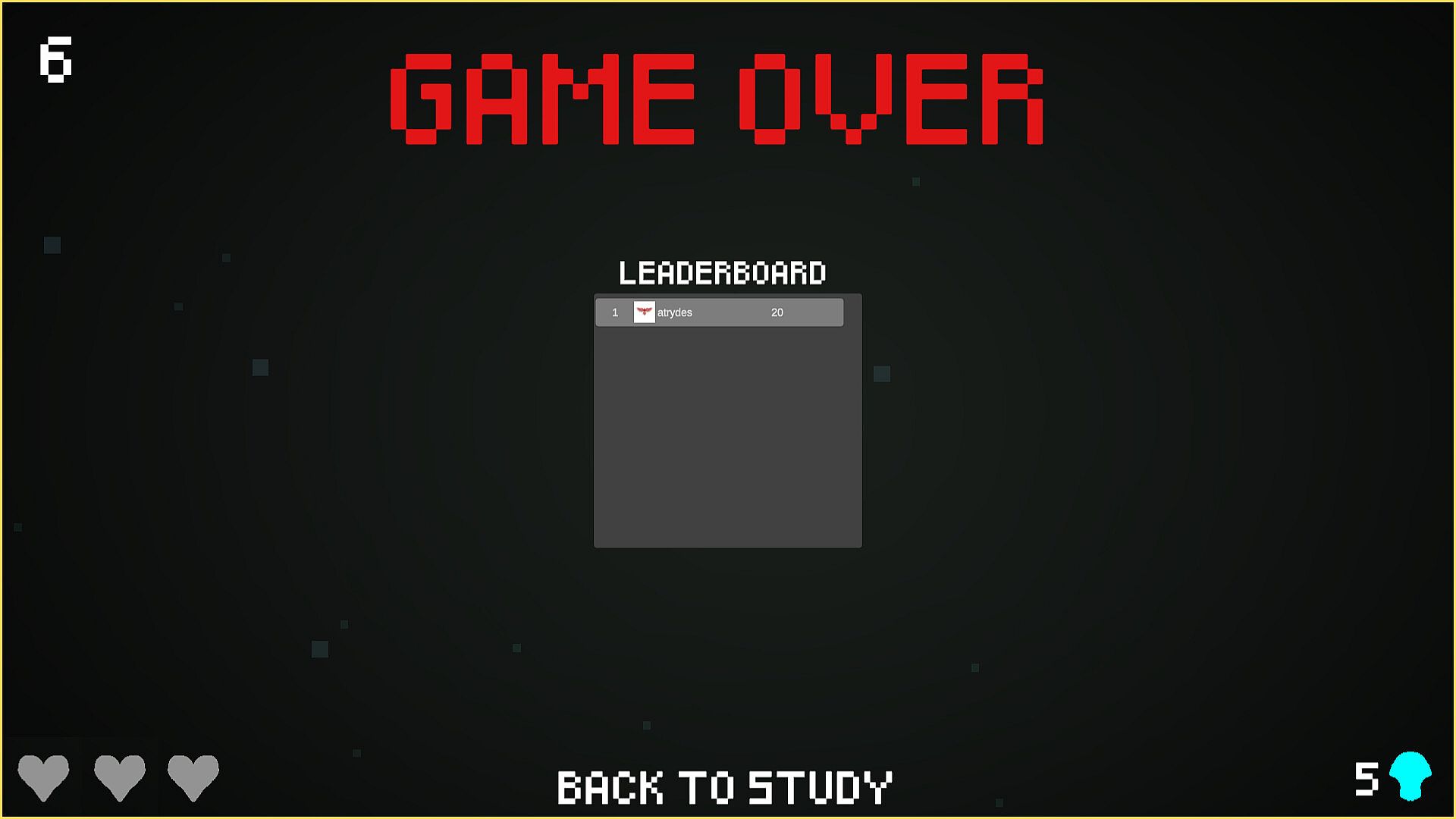
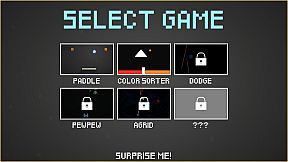
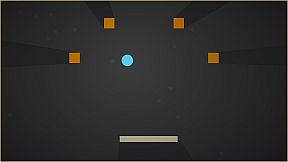
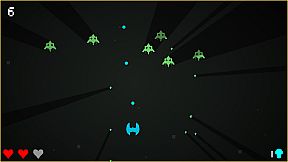
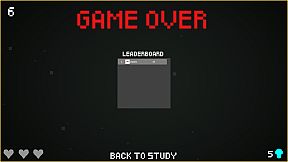
Come back after studying, hit Play, and it'll give you a list of arcade minigame for you to play, giving you a break when you need one! I've made 3 minigames so far, from block-breaking to retro shooter (okay, there may or may not be a 4th bonus game). Crucially, though, it only lets you play after you've already been productive, and all of the games are designed to give you a quick brain break and then help you get back to work. Study more to get a chance to play all of them and try to beat the highscore. Escape the doomscrolling, get stuff done, and most importantly, have fun while doing it. Simple as that!

The Pomodoro Technique (25 minutes of intense focus followed by 5 minutes of rest) is extremely helpful for more productive studying and working, but let's be honest, we all get distracted pretty easily. My attempts to use the technique looked something like this: set a timer, timer goes off, start scrolling social media or playing a game designed to keep me on for as long as possible, get distracted, and never get back to work. The problem is that most entertainment is designed to monetize your time, the most important resource you have! This free tool helps you solve that problem. It's what I wish I had when I was in school (especially during college), and so I'm putting it out there for free.


Interface:
English
Audio:
English
Subtitles:
English

Age rating

Unavailable
Steam:
Very Positive (20)

Minimum:

  • OS: Windows 10 (64-bit)
  • Processor: Intel Core i3-2100 or AMD FX-6300
  • Memory: 2 GB RAM
  • Graphics: Intel HD Graphics 4000 or equivalent
  • Storage: 250 MB available space
  • Additional Notes: DirectX-compatible

Recommended:

  • OS: Windows 10 (64-bit)
  • Processor: Intel Core i5 or better
  • Memory: 4 GB RAM
  • Graphics: NVIDIA GTX 750 / AMD R7 250 or equivalent
  • Storage: 250 MB available space
  • Additional Notes: DirectX-compatible

Minimum:

  • OS: macOS Catalina 10.15 or later
  • Processor: Apple M1 or Intel Core i5 (Dual-Core)
  • Memory: 2 GB RAM
  • Graphics: Intel HD Graphics 4000 or equivalent
  • Storage: 250 MB available space
  • Additional Notes: Integrated sound card

Recommended:

  • OS: macOS Monterey 12 or later
  • Processor: Apple M1 or newer
  • Memory: 4 GB RAM
  • Graphics: Apple Silicon GPU / equivalent
  • Storage: 250 MB available space
  • Additional Notes: Integrated sound card
Historical low
Price history from official stores
-
-
-
Price history from keyshops
-
-
-

FAQ

8 questions

Before you start looking for a cheap Study Arcade key, check the essentials. Developed by Soaring Games. Published by Soaring Games. PC released date: 30 May 2025. Genres: Free To Play. Categories: Single-player, Steam Achievements, Steam Leaderboards.

Q

Where to buy a cheap Study Arcade Steam key?

Study Arcade is free to play! Download it on Steam and start playing instantly.

Study Arcade is completely free on Steam. No purchase needed - just download and play. If you are looking for premium DLC or in-game items, check the offers table above.

Our price tracker covers both official retailers and key marketplaces, so you can find Study Arcade on sale even outside seasonal promotions. We currently detect 1 active offer from official stores and keyshops. Check the table above, compare against the historical low, and set an alert so you never miss the next price drop.

Based on our data, Study Arcade is not currently available on GeForce NOW. You will need to run it locally on your PC. Browse games available on GeForce NOW.

Yes. Study Arcade has an official page on the Steam Store. You can also buy a Study Arcade Steam key from third-party sellers. Our price comparison currently includes 1 offer with Steam DRM. Pick one to ensure your Study Arcade download happens on Valve's platform.

Not at this time. Valve marks Study Arcade as Unsupported on Steam Deck. Keep an eye on XD.deals - we track Proton updates and community fixes. Browse games that are Steam Deck Verified or Steam Deck Playable.

Study Arcade does not appear to be available on PC Game Pass, EA Play, Ubisoft+ or any other PC subscription service at this time. Your only option is purchasing the game - use XD.deals to find the best price.

No - XD.deals is not a store. We are a price-comparison service that tracks the best Study Arcade deals across official stores and verified keyshops. Click "Go to Store" next to any offer and you will be redirected to the retailer's website to complete your purchase.

Best prices for Study Arcade

1 Steam Steam Official
$0.00

Want to buy at the best moment? Set a price alert on XD.deals and get notified when Study Arcade hits its next historical low.

Create Alert
Join our Discord
Get instant help from our community and stay updated on the latest deals
Set Price Alerts
Get notified by email when game prices drop to your target
Create Free Account
Unlock wishlists, price alerts, and Steam sync