
Buy Screenbits - Screen Recorder PC

Interested in Screenbits - Screen Recorder? We're tracking prices from trusted stores. Add Screenbits - Screen Recorder to your wishlist and we'll notify you when deals become available.

Release: 15 Feb 2019
Steam:
Positive (258)
Official
Unavailable
Keyshops
Unavailable
Buy in Official Store:
Unavailable
Buy in Keyshops:
Unavailable

No entries, but don''t worry, we will inform you once the new offer appears.

Create Alert Create deal Alert

About Screenbits - Screen Recorder

Screenbits - Screen Recorder - about the game
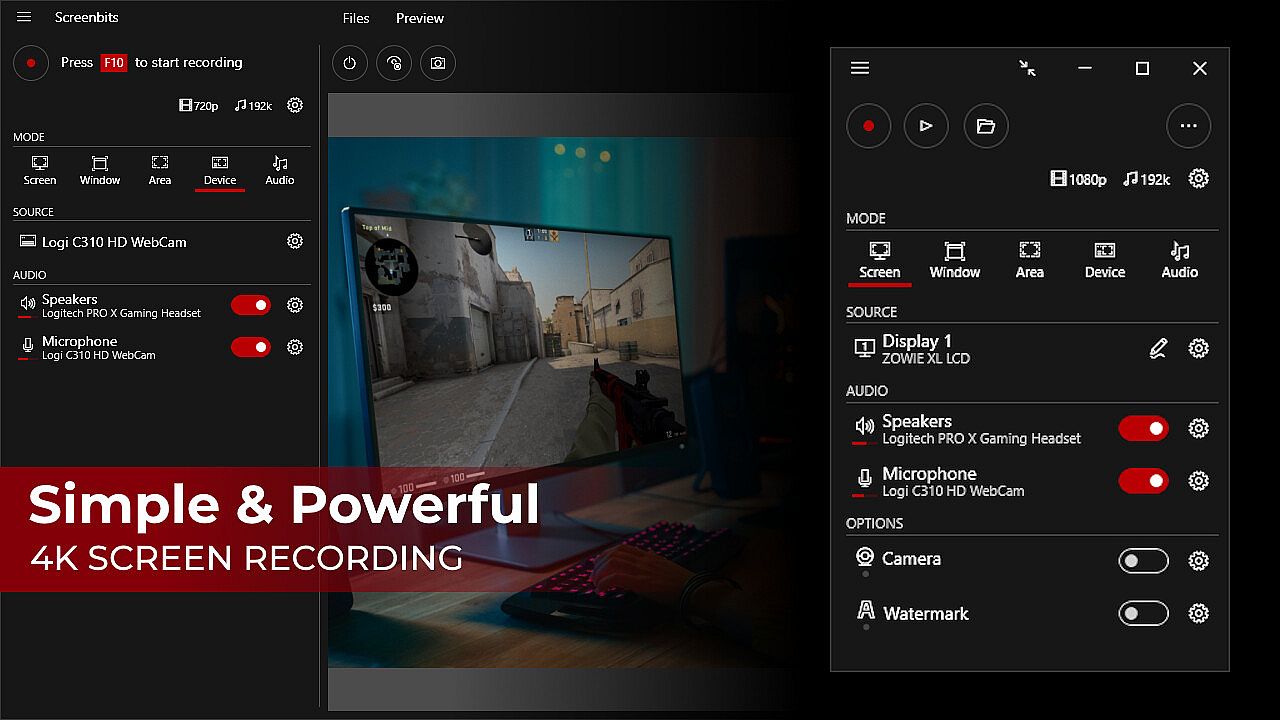
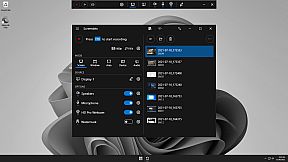
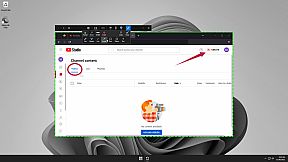
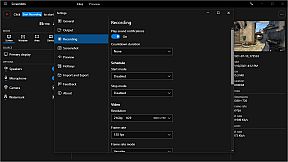
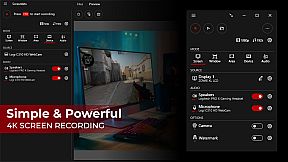
Screenbits - Screen Recorder delivers powerful video production tools for capturing gameplay, tutorials, demos, and YouTube content on PC. Record screen activity, system audio, microphone input, and camera feeds into compressed HD or 4K MP4 files with up to 120 FPS support. Choose full-screen, window, area, or device capture modes, add camera overlays with chroma key, draw annotations in real-time, or apply watermarks for content protection. Global hotkeys trigger recordings, screenshots, and push-to-talk, while scheduling, countdowns, and a file manager streamline workflows. Preview outputs during sessions and customize file names with templates. Video production enthusiasts and software trainers rely on its intuitive interface for efficient, high-quality captures.

Ultimate screen recorder software for game recording, video tutorials, product demos, YouTube videos and more. Screenbits allows you to capture screen content, system sound, microphone and camera into HD/4K quality video files. With a reasonable price, it has all the features you expect from a screen recording software provided in an easy to use interface.

  • Video Recording: Create high quality, compressed MP4 (H.264/AAC) multimedia files from captured video and audio.
  • Audio Recording: Create high quality, compressed MP4A (AAC) audio files from captured audio.
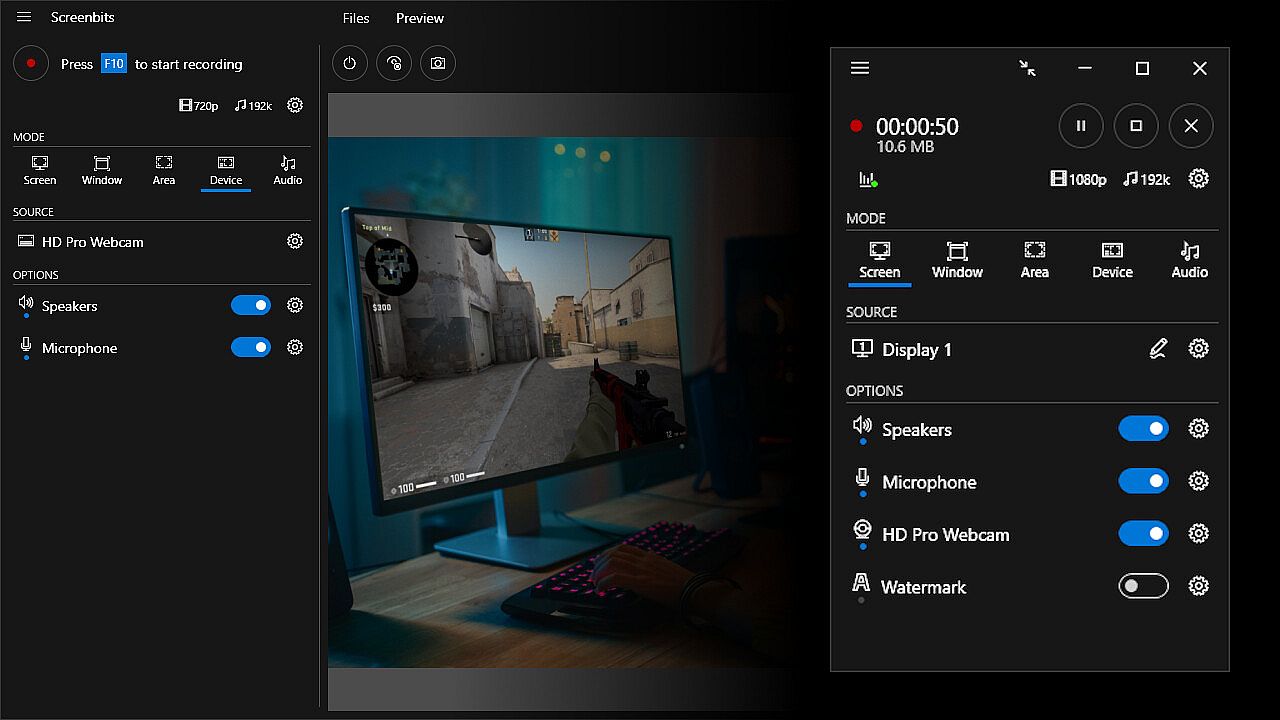
  • Screen Capture: Capture video from system display in full-screen mode.
  • Window Capture: Capture video from a window.
  • Area Capture: Capture video from an area on the screen.
  • Device Capture: Capture video from camera individually.
  • Audio Capture: Capture system sound and your voice from microphone.
  • Camera Overlay: Add camera image to the captured video from the screen.
  • Screenshot: Take screenshots from the screen and capture scene.
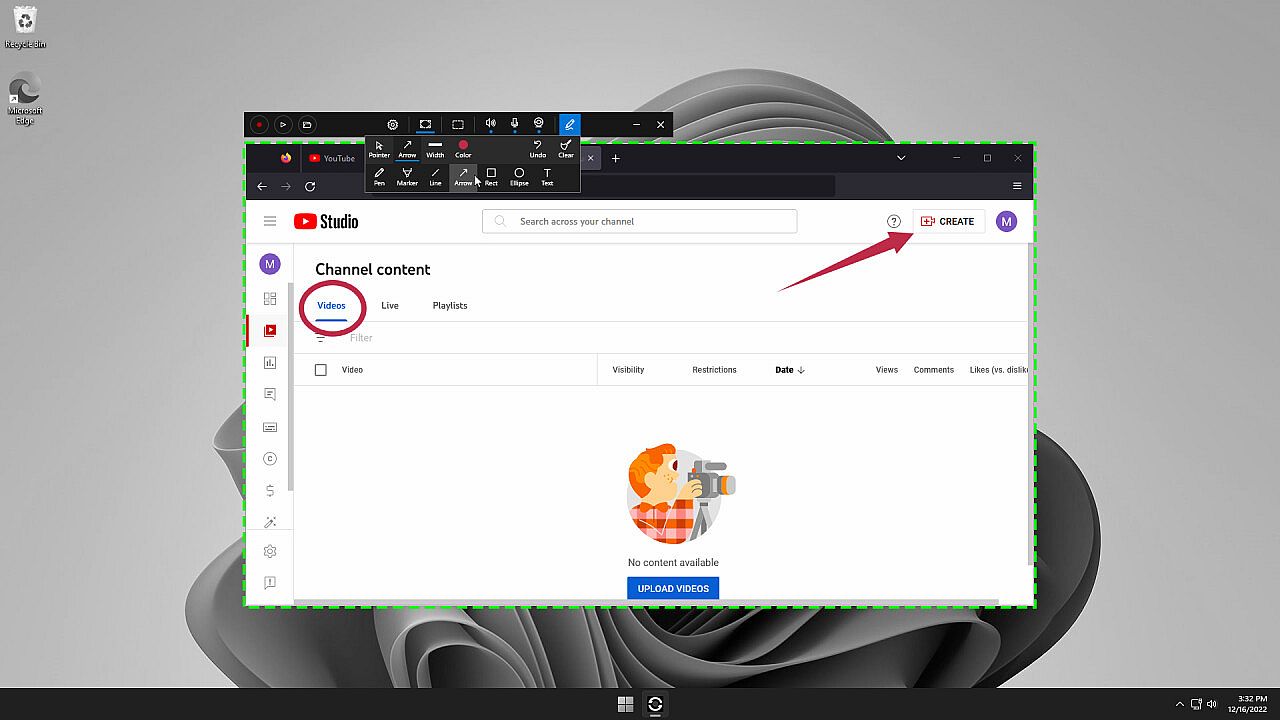
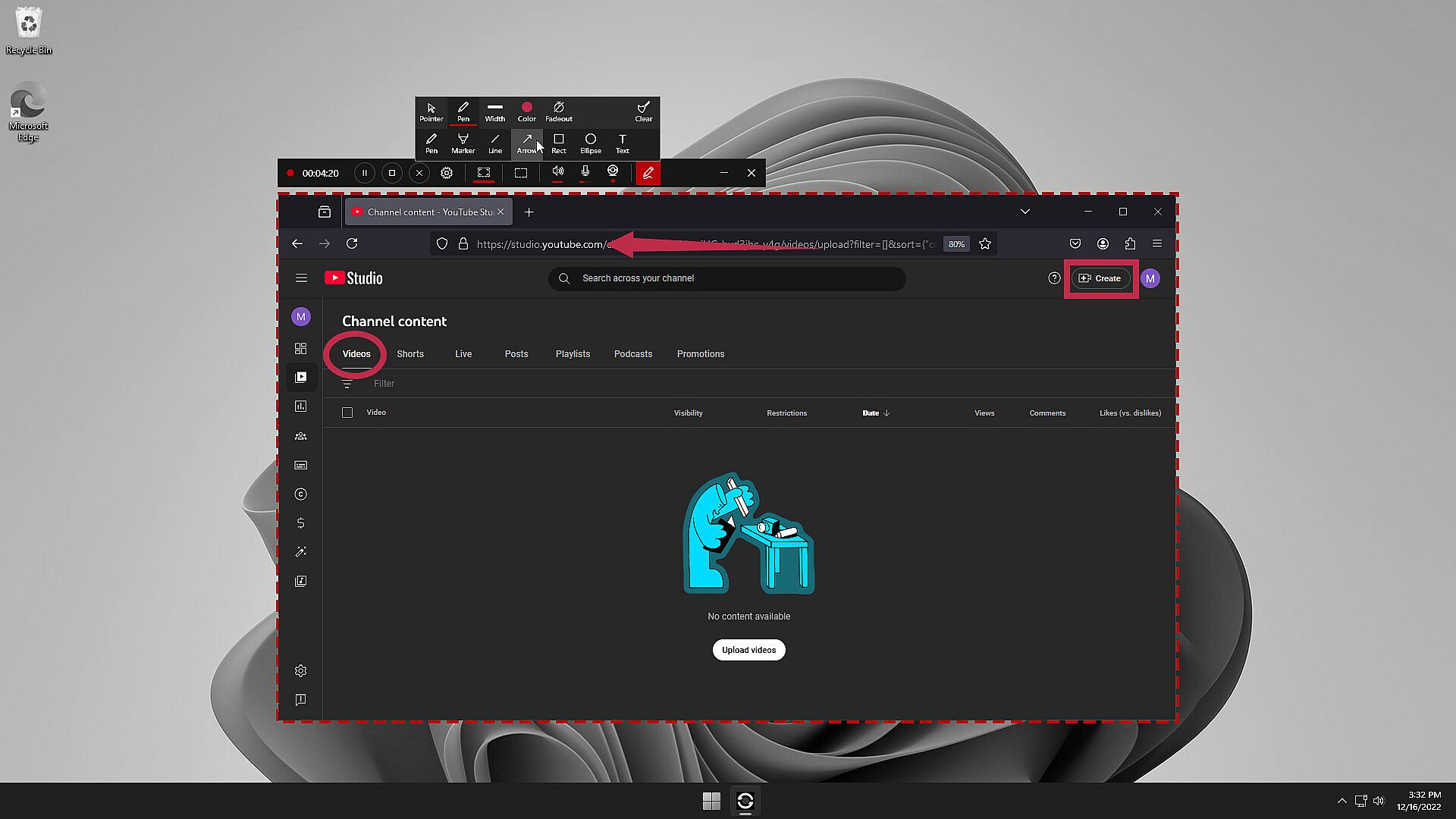
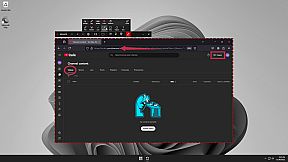
  • Draw on Screen: Write, draw and highlight anywhere on your screen.
  • Watermark: Protect your content by adding logo or a copyright notice.
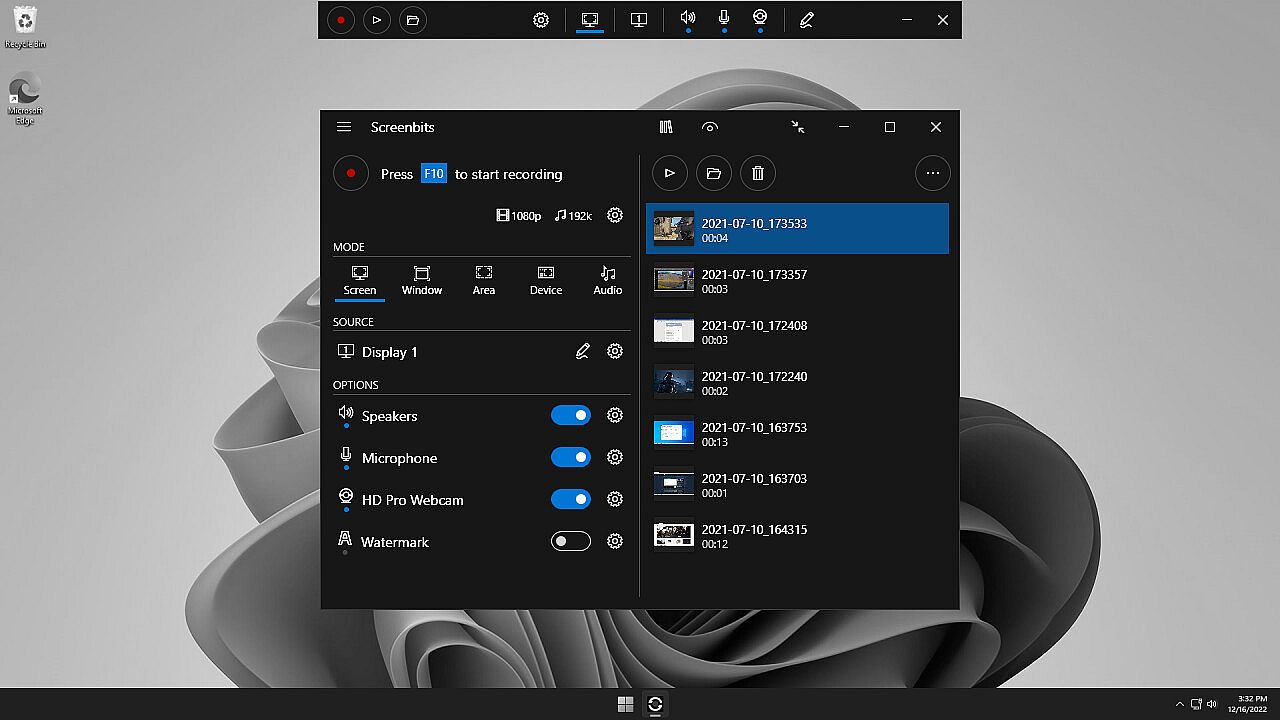
  • Global Hotkeys: Start and stop recording and take screenshots by keyboard shortcuts.
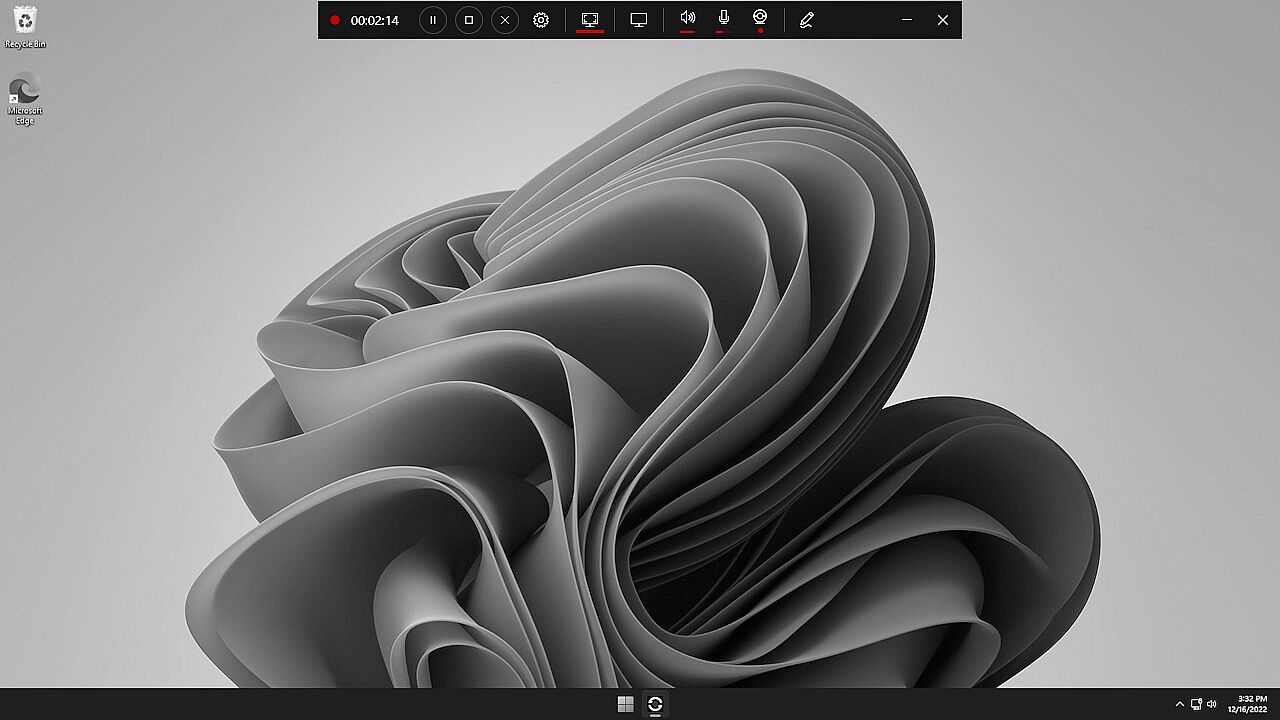
  • Preview: View the output before and during the recording.
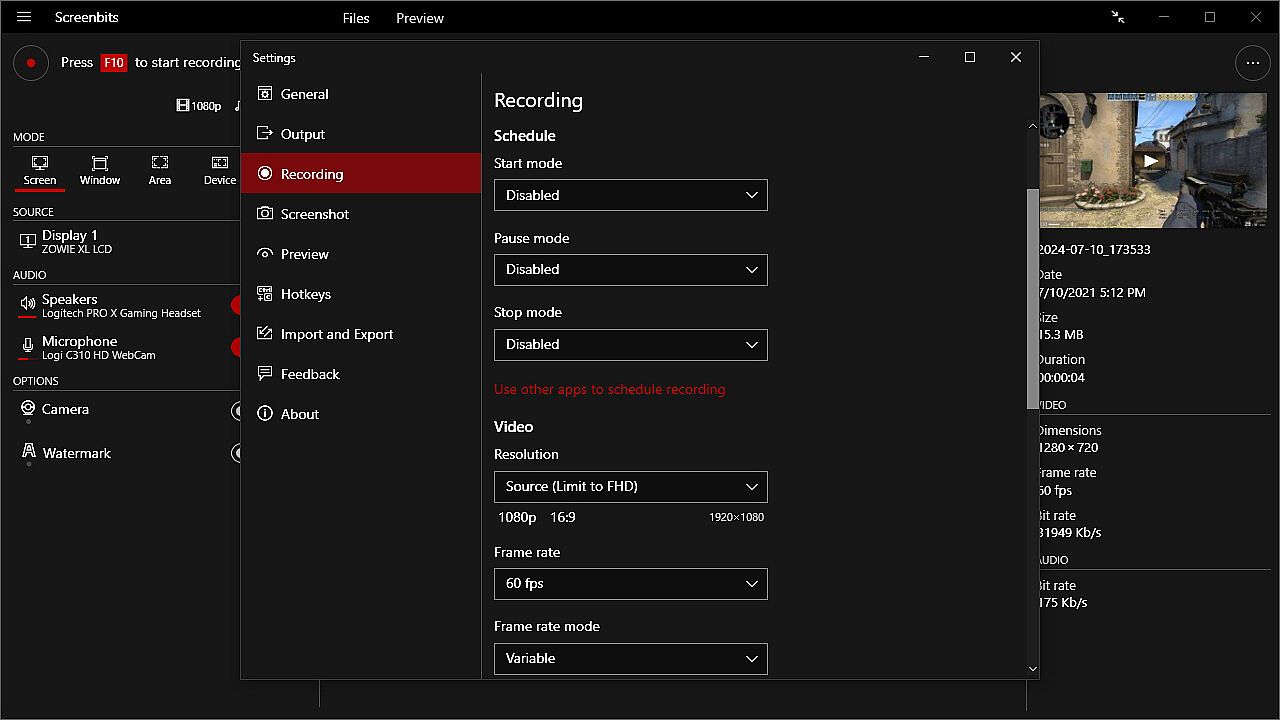
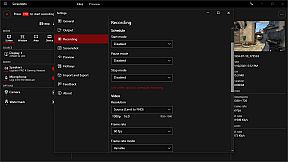
  • Schedule: Start and stop recording at a specific time, duration or size of the output file.
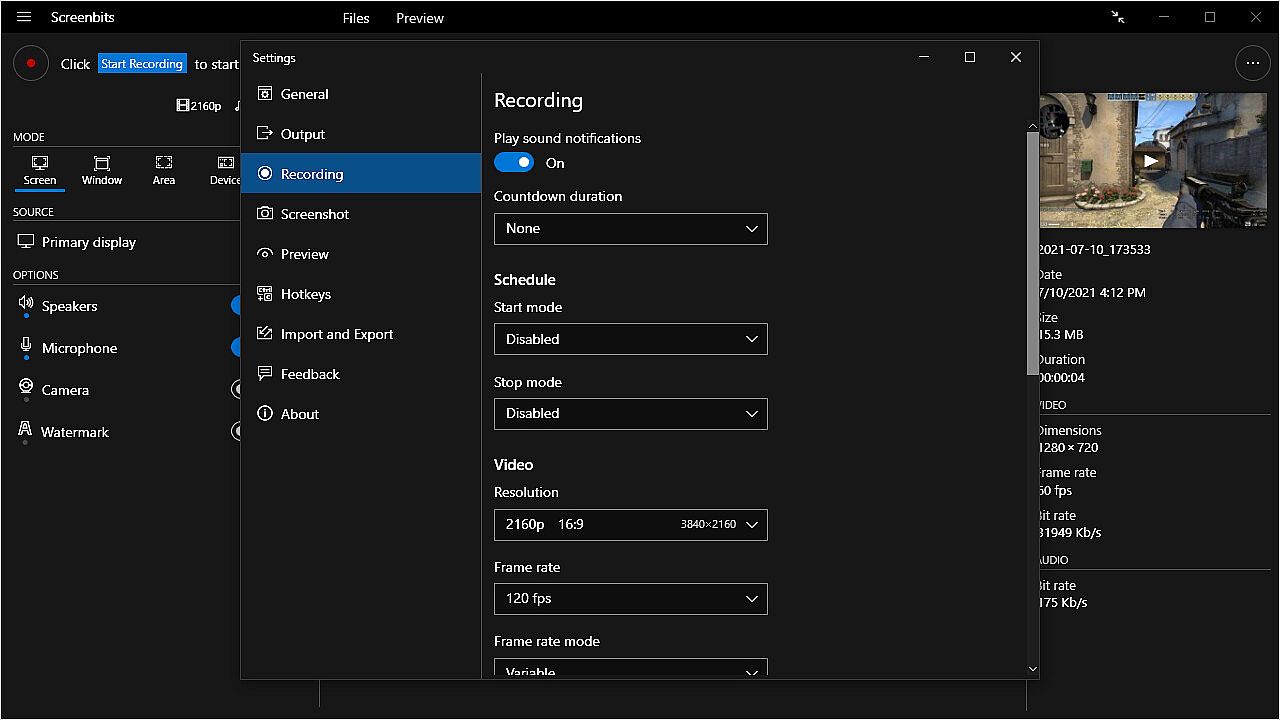
  • Countdown: Play countdown before recording starts.
  • Push-To-Talk: Use push-to-talk key to capture microphone only when you speak.
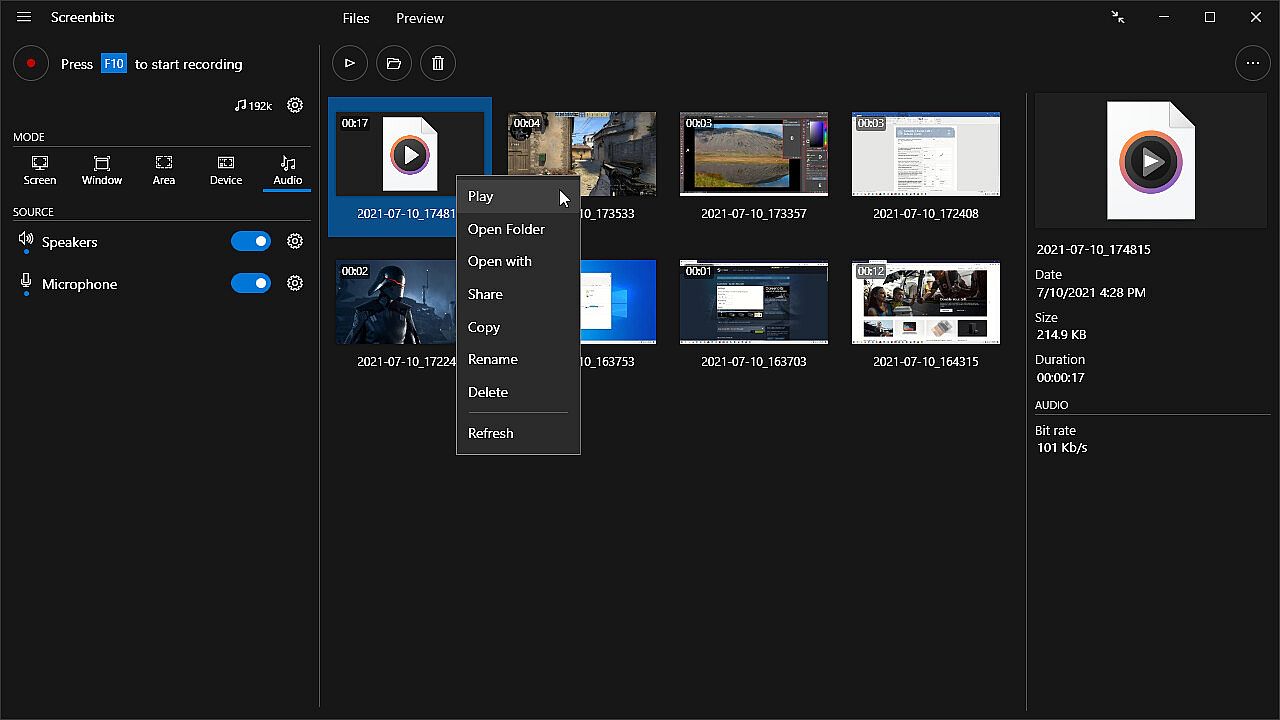
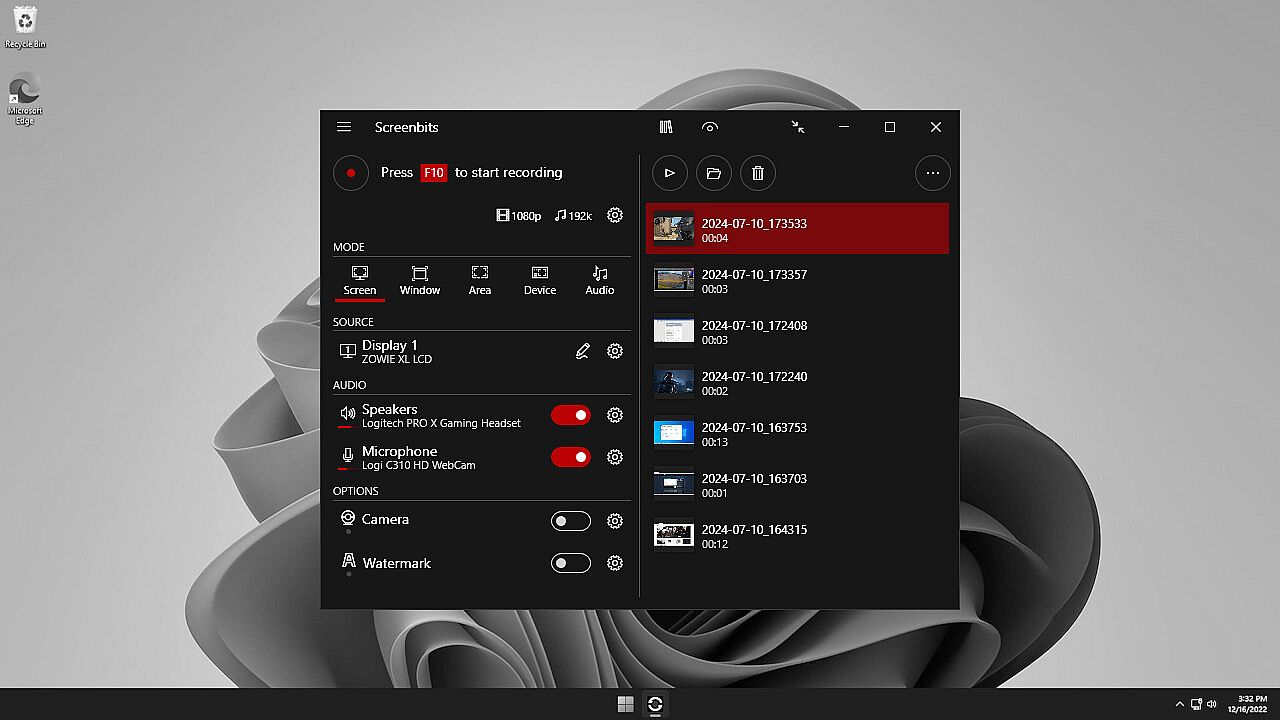
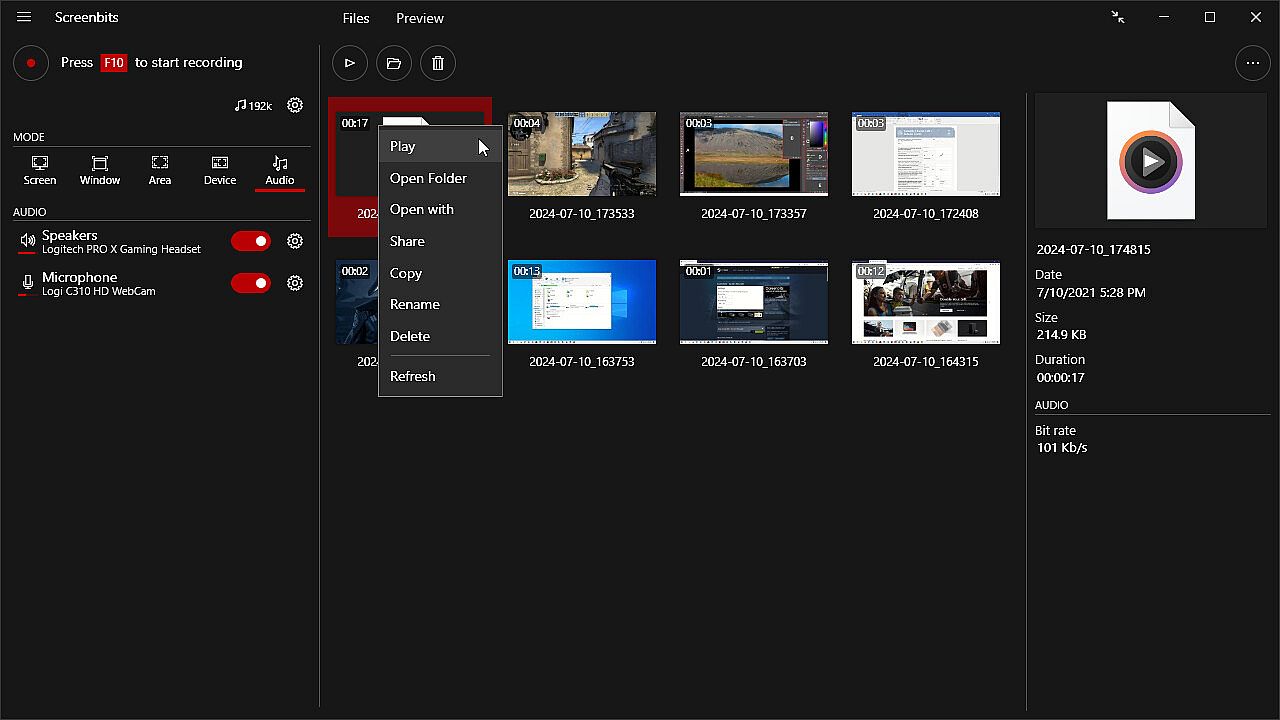
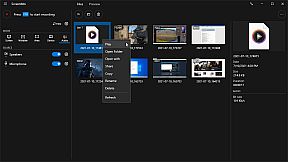
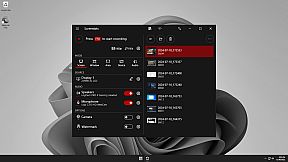
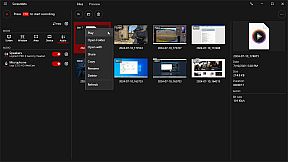
  • File Manager: View and manage recorded files directly from the application.
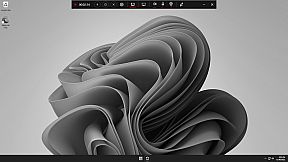
  • Compact View: Use a minimal user interface to interact with the app.
  • File Name Template: Define a custom template for file names.


Video Recording
• MP4 file format
• High quality (HD) recording up to 4K*
• High performance
• Up to 120* frames per second recording
• Adjustable output resolution and scaling
• Adjustable quality and frame rate
• Compressed (H.264) output

Audio Recording
• Ability to record input audio (microphone, headset, etc.)
• Ability to record system sound (speakers, headphones, etc.)
• MP4A file format
• High quality audio (AAC)
• Adjustable audio format (bit-rate, sample-rate and channels)

Screen Capture
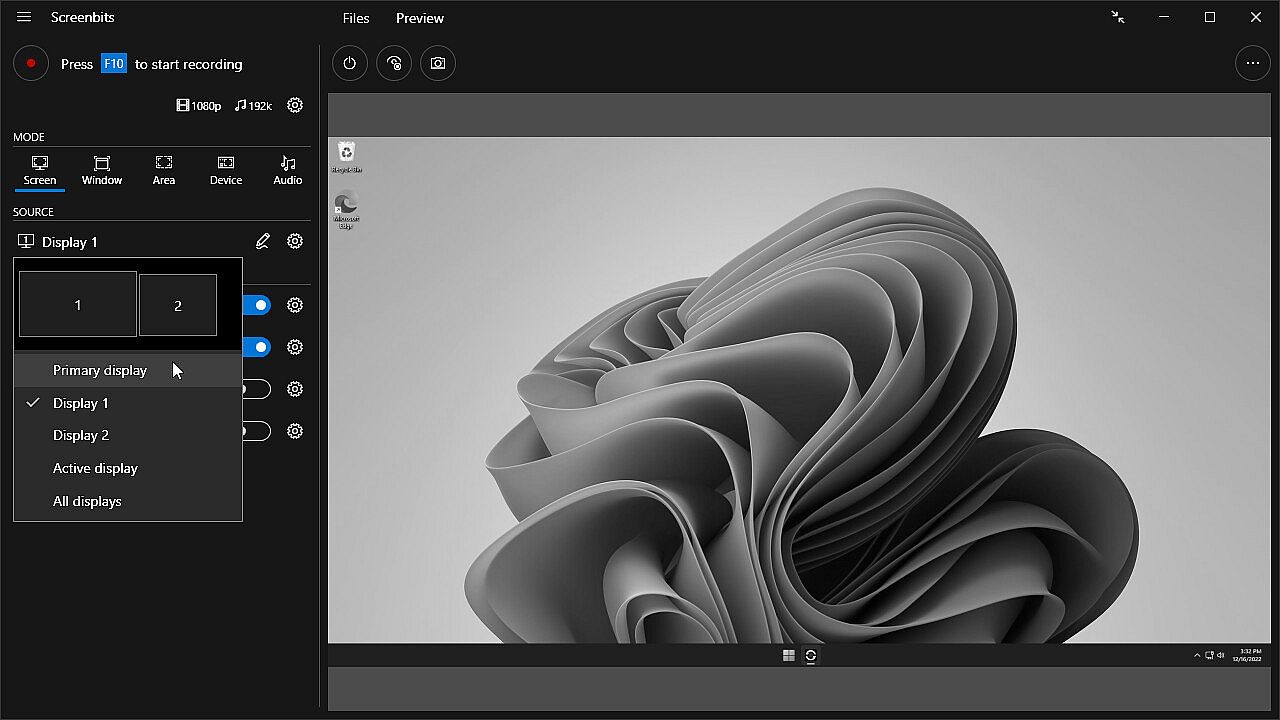
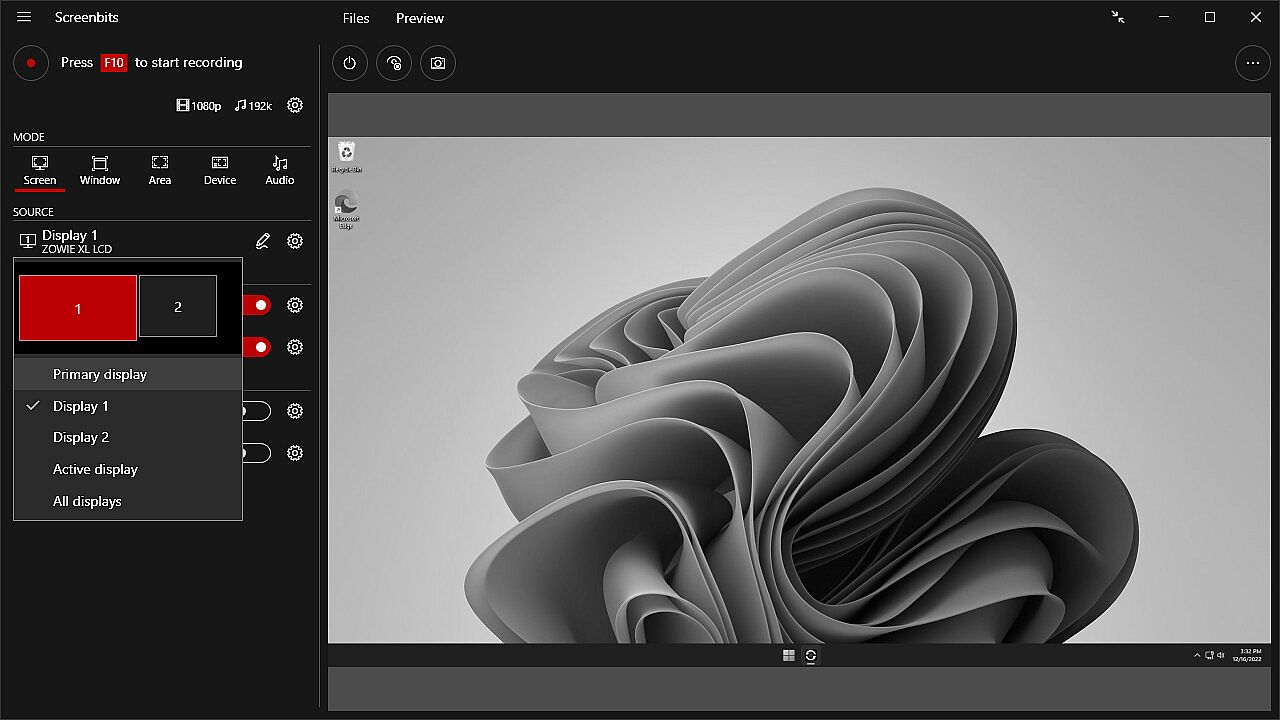
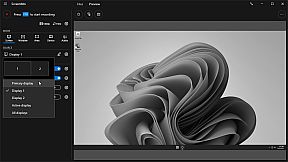
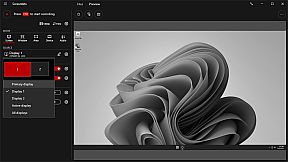
• Ability to capture a single display or all displays (multi-display support)
• Ability to capture mouse pointer
• Ability to exclude taskbar
• Ability to switch between screens during recording
• Ability to capture active screen
• Pointer highlighting and click effects

Window Capture
• Ability to select windows from list of open applications
• Ability to select windows on the screen

Area Capture
• Ability to capture rectangular area and around mouse pointer
• Ability to show movable frame around the capture area
• Advanced area selection tool
• Ability to add custom presets

Device Capture
• Ability to record camera or other video capture devices individually
• Ability to switch between device capture and screen capture modes during recording
• Adjustable format

Audio Capture
• Ability to capture and record audio individually into audio files
• Ability to use push-to-talk mode for capturing input audio

Camera Overlay
• Adjustable format, size and position
• Chroma key effect
• Custom graphics
• Outline

Screenshot
• Ability to take screenshots from a single display or all displays
• Ability to take screenshots from any area on the screen
• Ability to take screenshots from the capture scene
• PNG and JPEG file format

Draw on Screen
• Ability to use several tools such as pen, marker, arrow, rectangle and text
• Ability to interact with other apps while drawing
• Ability to turn drawing on and off by keyboard shortcuts

Watermark
• Watermark image (logo)
• Watermark text (custom font, color, outline and position)


* Recording performance depends on your hardware.

Interface:
GermanEnglishSpanish - SpainFrenchItalianPortuguese - BrazilRussianSimplified Chinese
Audio:
GermanEnglishSpanish - SpainFrenchItalianPortuguese - BrazilRussianSimplified Chinese
Subtitles:
GermanEnglishSpanish - SpainFrenchItalianPortuguese - BrazilRussianSimplified Chinese

Age rating

Unavailable
Steam:
Positive (258)

Minimum:

  • OS: Windows 10, 11
  • Processor: 1 gigahertz (GHz) or faster processor
  • Memory: 1 GB RAM
  • DirectX: Version 11
  • Storage: 100 MB available space

Recommended:

  • Graphics: Direct3D 11.0 compatible with Pixel Shader 4.0 support
  • Additional Notes: AMD Radeon™ with AMD VCE or NVIDIA with NVENC support is recommended for recording gameplay.
Historical low
Price history from official stores
-
-
-
Price history from keyshops
-
-
-

FAQ

8 questions

Before you start looking for a cheap Screenbits - Screen Recorder key, check the essentials. Developed by CHEHRAZ. Published by CHEHRAZ. PC released date: 15 Feb 2019. Genres: Utilities, Audio Production, Video Production, Web Publishing, Software Training.

Q

Where to buy a cheap Screenbits - Screen Recorder Steam key?

There are currently no active offers for Screenbits - Screen Recorder. Set a price alert on XD.deals and we will notify you the moment a deal becomes available.

We don't have a current Steam Store price for Screenbits - Screen Recorder. The game may be temporarily unavailable or not yet listed on Steam.

Our price tracker covers both official retailers and key marketplaces, so you can find Screenbits - Screen Recorder on sale even outside seasonal promotions. We currently detect 0 active offers from official stores and keyshops. Check the table above, compare against the historical low, and set an alert so you never miss the next price drop.

Based on our data, Screenbits - Screen Recorder is not currently available on GeForce NOW. You will need to run it locally on your PC. Browse games available on GeForce NOW.

Yes. Screenbits - Screen Recorder has an official page on the Steam Store, but we currently don't track any third-party offers with Steam DRM. Check back later or set a price alert.

Not at this time. Valve marks Screenbits - Screen Recorder as Unsupported on Steam Deck. Keep an eye on XD.deals - we track Proton updates and community fixes. Browse games that are Steam Deck Verified or Steam Deck Playable.

Screenbits - Screen Recorder does not appear to be available on PC Game Pass, EA Play, Ubisoft+ or any other PC subscription service at this time. Your only option is purchasing the game - use XD.deals to find the best price.

No - XD.deals is not a store. We are a price-comparison service that tracks the best Screenbits - Screen Recorder deals across official stores and verified keyshops. Click "Go to Store" next to any offer and you will be redirected to the retailer's website to complete your purchase.

Want to buy at the best moment? Set a price alert on XD.deals and get notified when Screenbits - Screen Recorder hits its next historical low.

Create Alert
Join our Discord
Get instant help from our community and stay updated on the latest deals
Set Price Alerts
Get notified by email when game prices drop to your target
Create Free Account
Unlock wishlists, price alerts, and Steam sync