
Buy Planet X3 (DOS) PC

Where can you buy the cheapest Planet X3 (DOS) key for {6}? Check and compare prices from 1 stores among 1 offers on XD.deals. The lowest Planet X3 (DOS) price on keyshops is at $9.99 (0% off).

Steam:
Overwhelmingly Negative (5)
Keyshops
Unavailable
Buy in Official Store:
$9.99
Buy in Keyshops:
See price history

Official Stores (1)

DRM:
Steam
Steam
Steam
Planet X3 (DOS)
Windows
+1
1y ago
DRM:
Steam
Steam
$9.99
Historical Low Deal
Historical low

About Planet X3 (DOS)

Planet X3 (DOS) - about the game
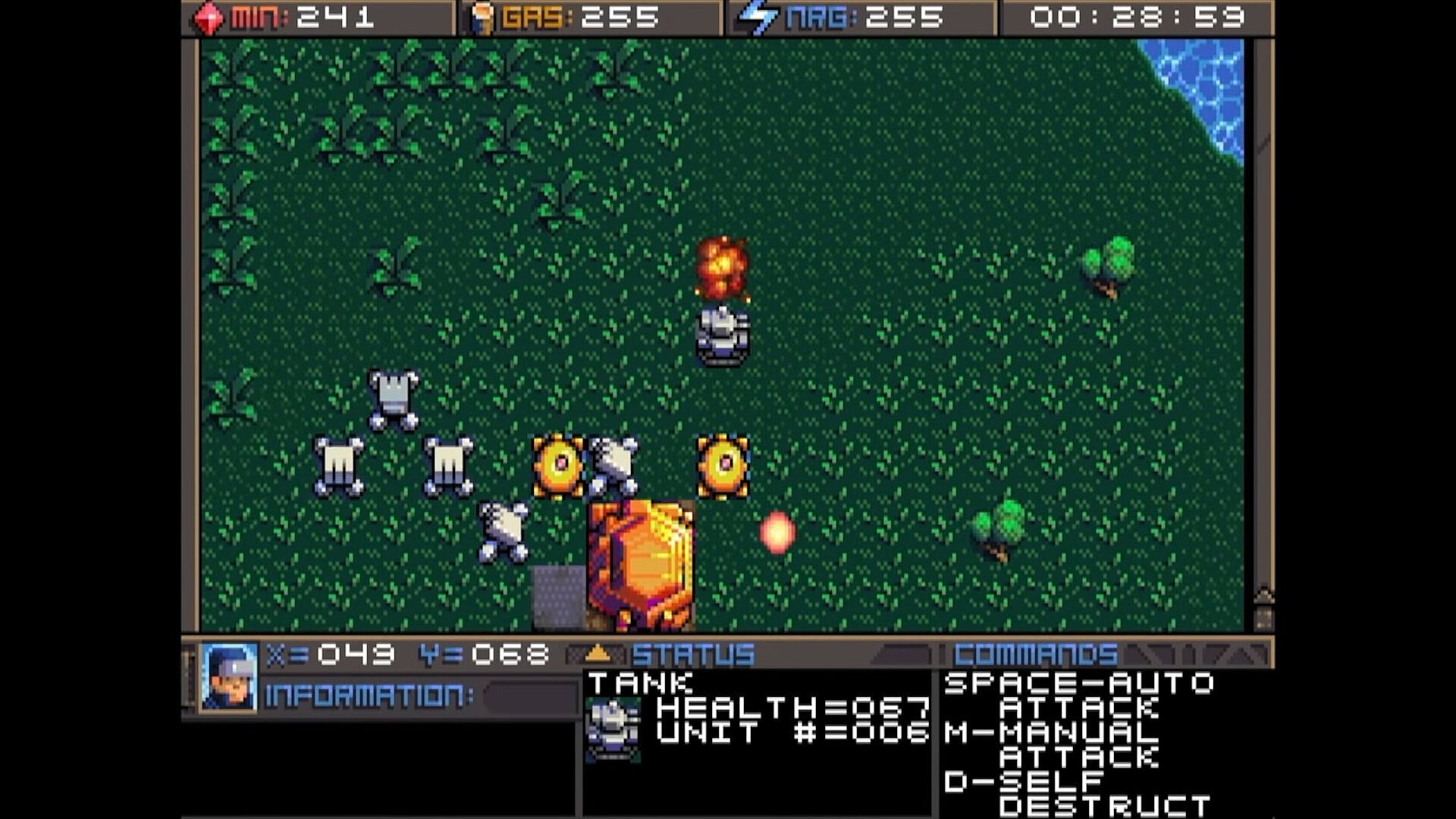
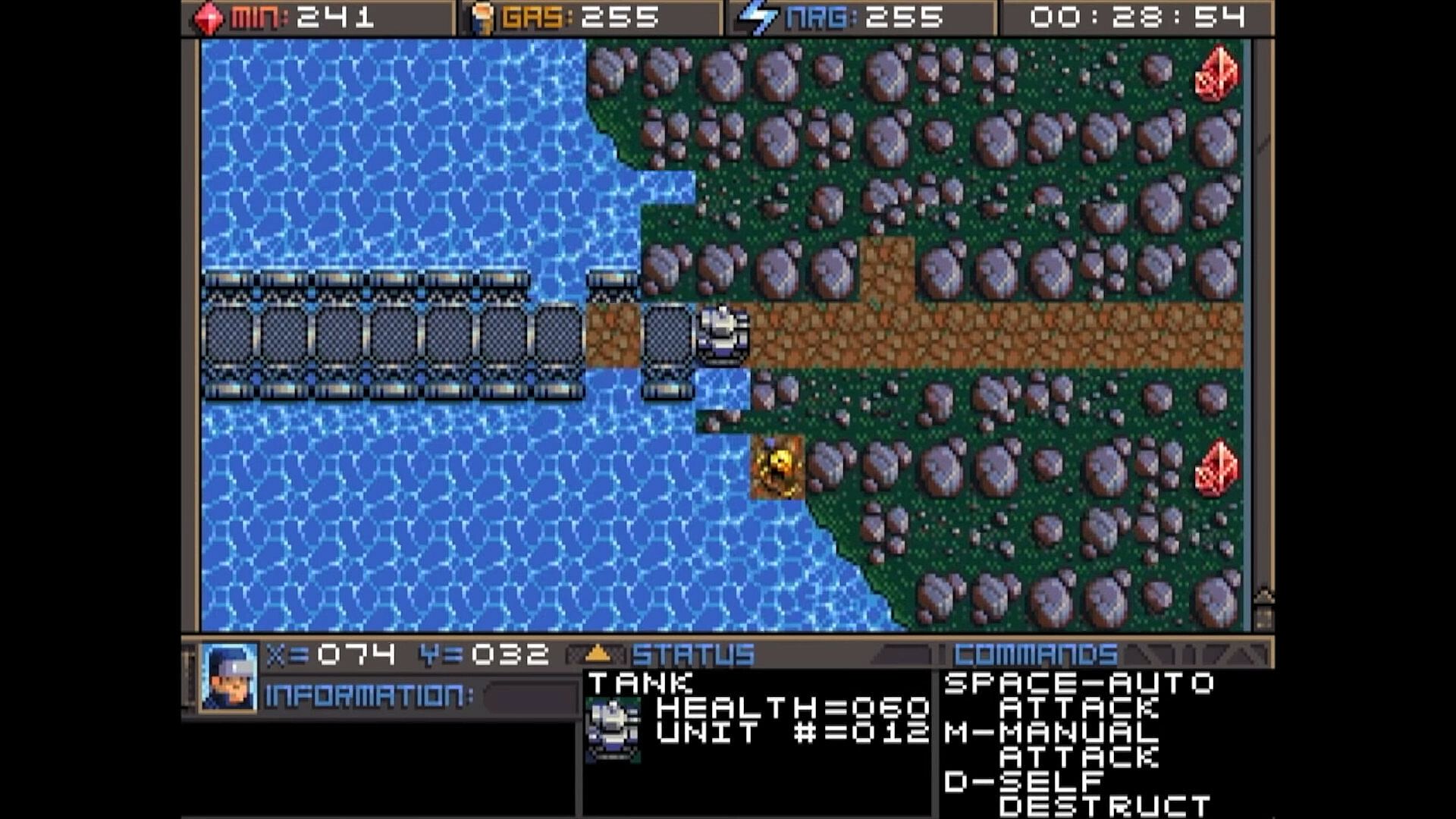
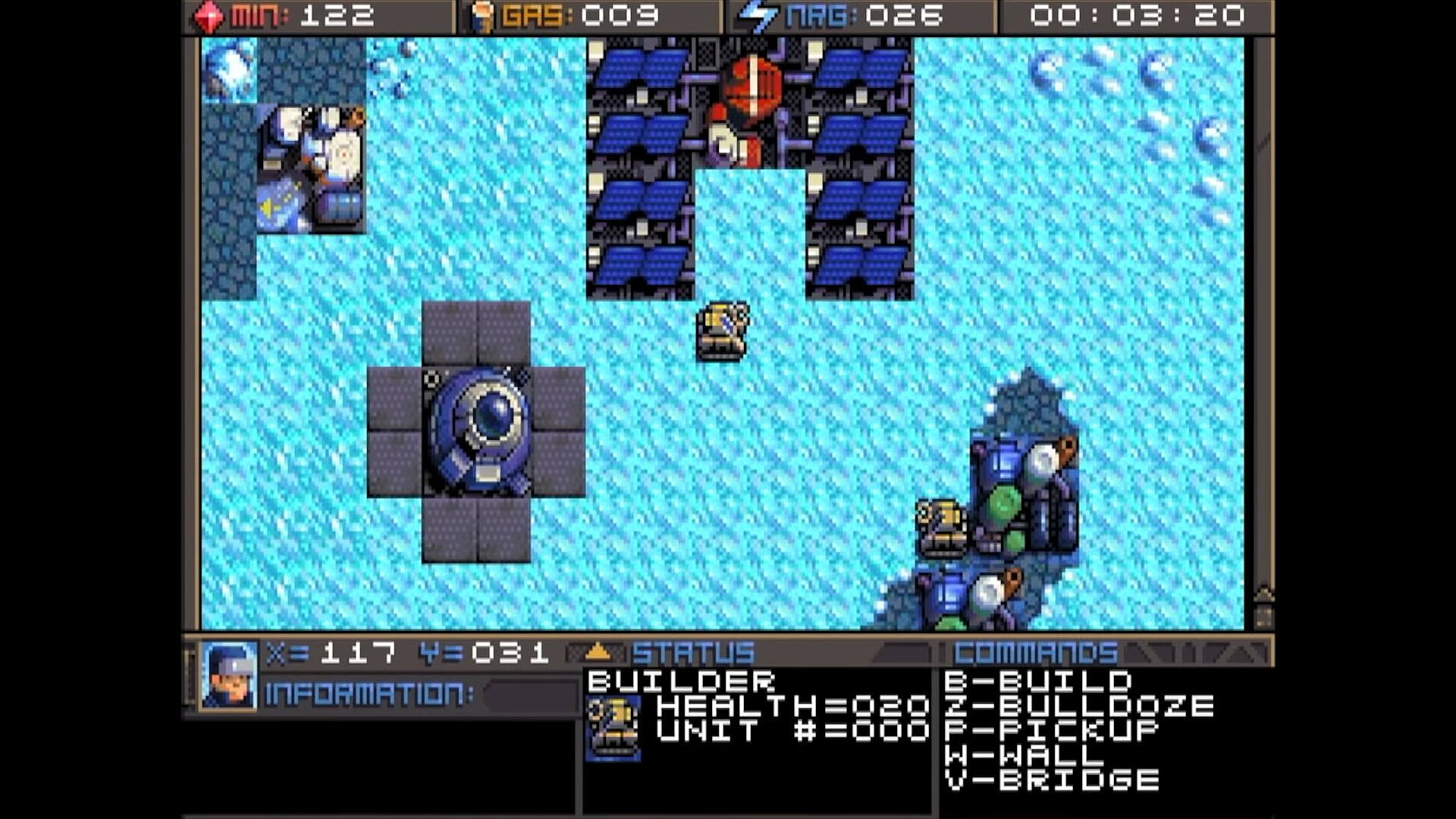
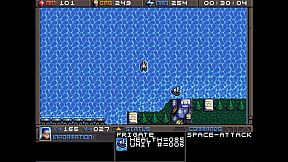
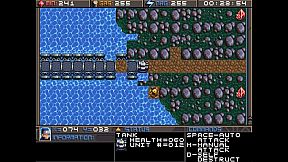
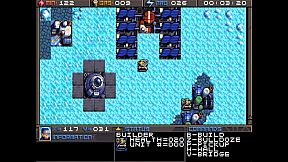
Command units and manage resources in this classic DOS strategy game. Track minerals, gas, and energy in on-screen boxes, capped at 255 each, while monitoring coordinates and a running game clock. Hunt map deposits like rock formations, crystals, and volcano-like gas vents to sustain your operations. Switch between dozens of units and buildings using browse mode with arrow keys and Return, Tab to cycle mobile units like tanks and frigates, Page Up/Down or brackets for structures like factories and smelters, or assign hotkeys with Shift plus numbers for quick access. Build refineries on gas vents and mine varied rock types with different yields and speeds. Strategy players master these controls to juggle infrastructure and unit commands efficiently.

HOW TO PLAY
Although there are many other keys to learn, these are the main keys you need to
operate the game. Some keys do the exact same thing, such as the bracket keys or
page up/page down keys. This will mostly be your preference, and possibly what sort
of keyboard your computer has.


At the top of the screen you’ll find three boxes displaying your current resources, which
include minerals, gas, and energy. You will need to collect more of these, which we’ll
get into later. 255 is the maximum number of resources you can store at any given
time. Next to the resources is a running clock showing how long the game has been


going. On the bottom you’ll find your current coordinates. This is very important for
knowing where your units are, especially in relation to the enemy bases. More on this
later. The bottom three windows are there to give you different types of information.
SWITCHING BETWEEN UNITS

In this game, you will be controlling dozens of different units, so it’s important to
know how to switch between them. There is more than one way to accomplish it, and
you should learn all of the ways.

Browse - If the unit you want to control is visible on the screen, you can press Return
to enter browse mode. At this point, a small box-like cursor will appear on the screen.
Use the arrow keys to move this box around until it is positioned on the unit or
building you wish to select, then press Return again. You can even select enemy units,
but you can only look at their status, not control them.

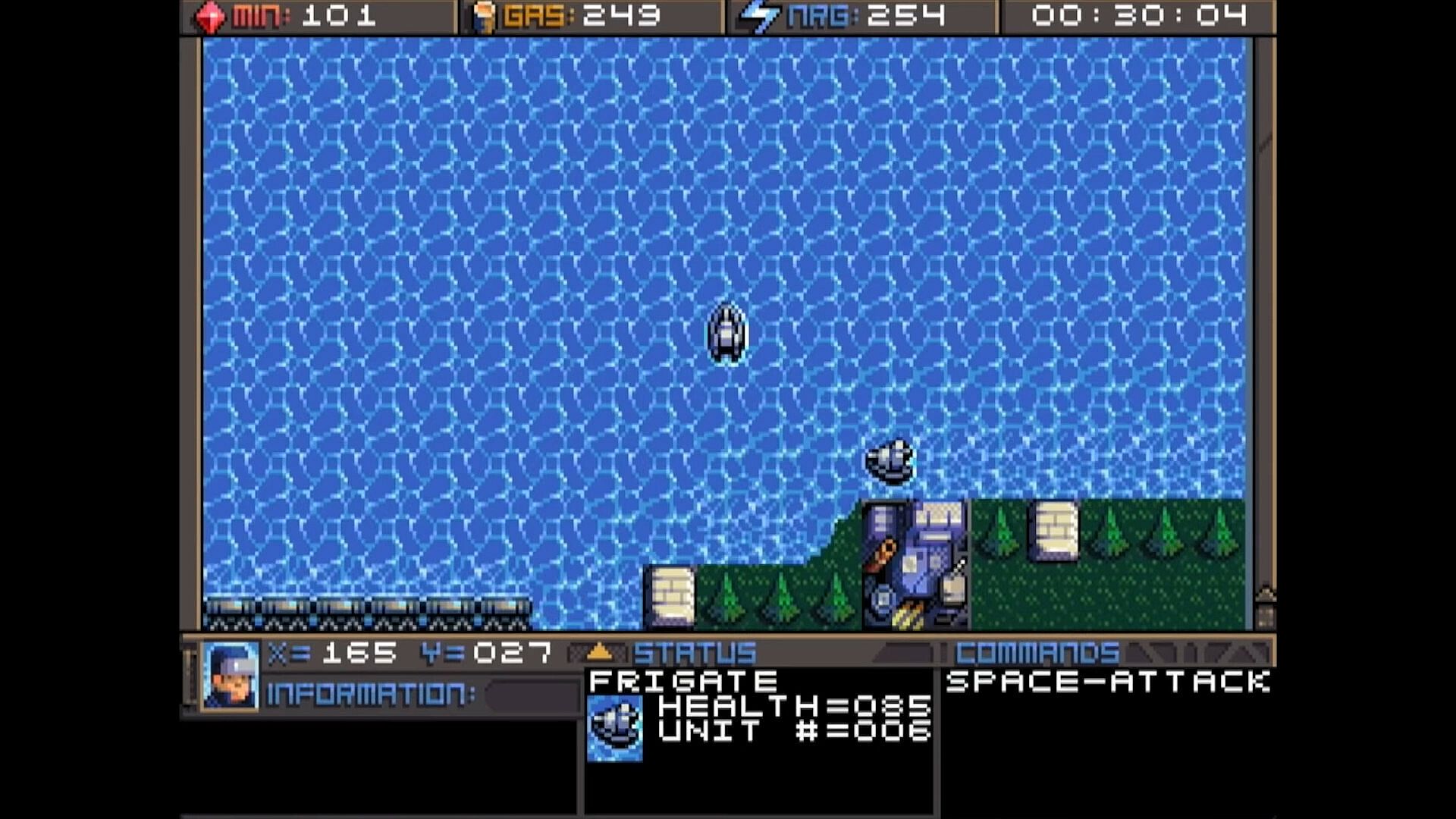
Cycle Units - For things like tanks, builders, and frigates. If the unit you want is not
currently visible and you don’t feel like driving to the unit, you can press the Tab
key to cycle to the next unit, wherever it may be. The cycle is based on unit number,
so sometimes it may seem there is no rhyme or reason as to which unit it goes to
next. You can also use the plus and minus keys on the keyboard to move forward and
backwards through your units. With practice, this is the fastest way to switch between
units.

Cycle Buildings - For things like factories, smelters, and radar stations. If the building
you want is not currently visible, you may press Page-up / Page-down to cycle back
and forth between them, very much like the unit cycle. You can also use the bracket
keys [ and ] to accomplish the same thing. Solar panels are purposely skipped during
the cycle because there are often numerous panels and you can’t actually control
them anyway. If you want to select a solar panel you must use the browse feature.

Hot Keys - You can use the number row 0-9 at the top of your keyboard to assign spe-
cific units or buildings that you need to access more quickly. Press Shift + Number to
assign a number key to the current unit. You can then use that number key to quickly
switch to the assigned unit. This will be especially useful during battles.
CONTROLLING UNITS
Your first order of business after starting the game should be establishing infrastructure and collecting resources.
Without them, you won’t be able to do much.
You’ll need all 3 types of resources: Minerals, Gas, and Energy.
It may require some hunting around the map to
find the minerals and gas, so we’ll talk about
those first. You can find these on the map.
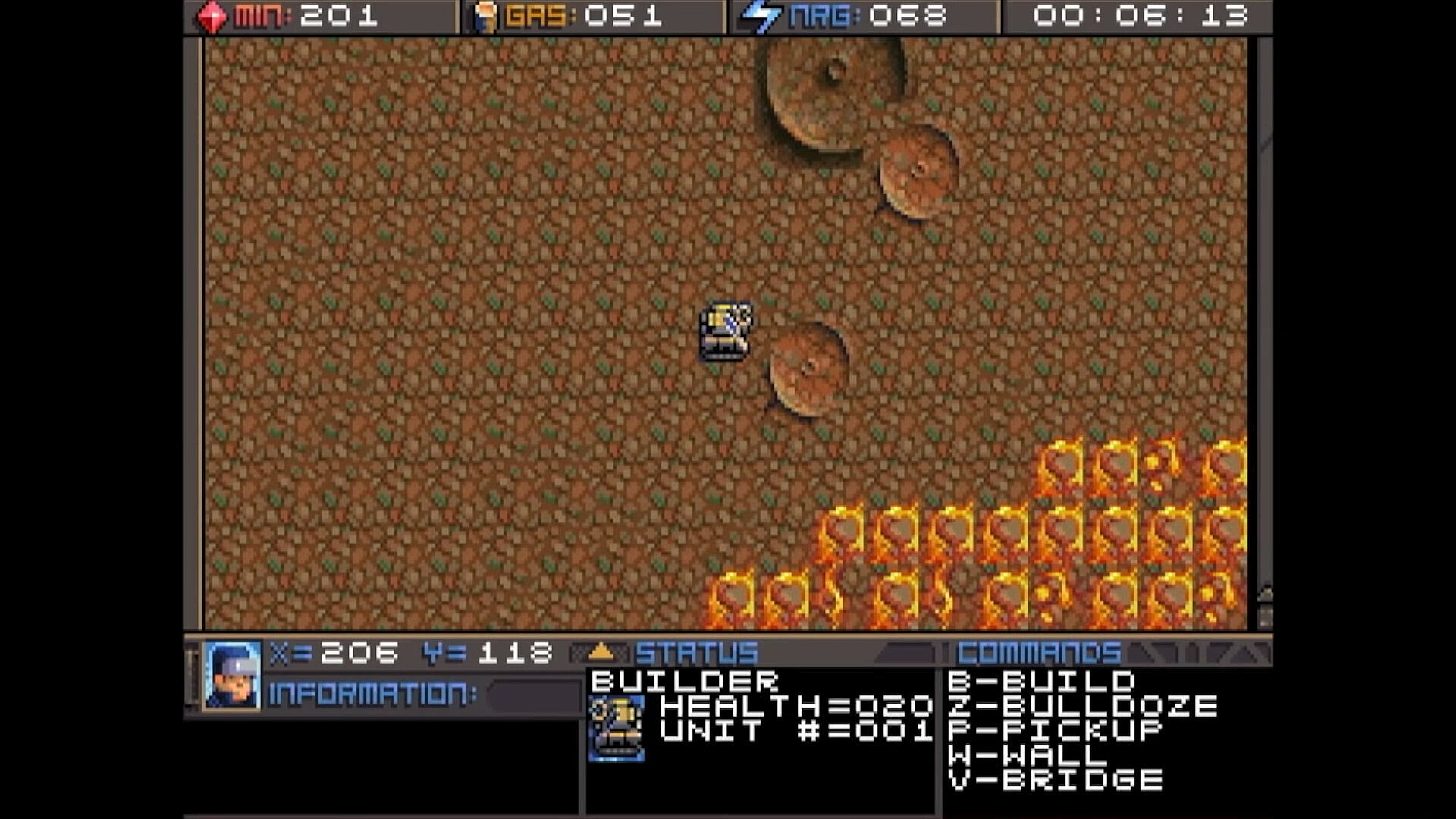
There are usually deposits of minerals
clumped together. Some maps have a
lot, and some have very few, so use them
wisely. In this screenshot, you can see
several rocks and crystals in a formation.
Both the rocks and crystals can be used
as mineral sources. The formations that
look like volcanos are gas vents. You will need to build a refinery on top of them.
The more the better.

Different types of rocks will process at different speeds and also have different yields.
Also, the minerals can look somewhat different depending on which graphics mode
you are in. This chart shows each one and how many minerals you can expect to get
as a result of mining each kind.




Different types of rocks will process at different speeds and also have different yields.
Also, the minerals can look somewhat different depending on which graphics mode
you are in. This chart shows each one and how many minerals you can expect to get
as a result of mining each kind.

Interface:
English

Age rating

Unavailable
Steam:
Overwhelmingly Negative (5)

Minimum:

  • Storage: 35 MB available space

Recommended:

  • Storage: 150 MB available space

Minimum:

  • OS: macOS 10.15 (Catalina)
  • Storage: 23 MB available space
  • Additional Notes: May support macOS 10.14 (Mojave) or older

Recommended:

  • Storage: 150 MB available space
Historical low
Price history from official stores
-
-
-
Price history from keyshops
-
-
-

FAQ

8 questions

Before you start looking for a cheap Planet X3 (DOS) key, check the essentials. Developed by 8-Bit Productions, LLC. Published by NMSE & Co LLC. PC released date: 14 Jul 2023. Genres: Strategy. Categories: Family Sharing, Single-player.

Q

Where to buy a cheap Planet X3 (DOS) Steam key?

Using our price comparison and verified discount codes, you can buy a Planet X3 (DOS) key for as low as $9.99. This deal is available at Steam and is among the cheapest offers on the market. All keys listed on XD.deals are delivered digitally and eligible for instant download after payment. Prices already include processing fees and applied promo codes, so you always see the lowest Planet X3 (DOS) price on PC. Check the Planet X3 (DOS) price history to buy at the best moment.

As of our last update (we refresh Steam pricing multiple times a day), the Planet X3 (DOS) Steam price is $9.99. You can save an extra ~6% by paying with a discounted Steam gift card.

Our price tracker covers both official retailers and key marketplaces, so you can find Planet X3 (DOS) on sale even outside seasonal promotions. We currently detect 1 active offer from official stores and keyshops. Check the table above, compare against the historical low, and set an alert so you never miss the next price drop.

Based on our data, Planet X3 (DOS) is not currently available on GeForce NOW. You will need to run it locally on your PC. Browse games available on GeForce NOW.

Yes. Planet X3 (DOS) has an official page on the Steam Store. You can also buy a Planet X3 (DOS) Steam key from third-party sellers. Our price comparison currently includes 1 offer with Steam DRM. Pick one to ensure your Planet X3 (DOS) download happens on Valve's platform.

Not at this time. Valve marks Planet X3 (DOS) as Unsupported on Steam Deck. Keep an eye on XD.deals - we track Proton updates and community fixes. Browse games that are Steam Deck Verified or Steam Deck Playable.

Planet X3 (DOS) does not appear to be available on PC Game Pass, EA Play, Ubisoft+ or any other PC subscription service at this time. Your only option is purchasing the game - use XD.deals to find the best price.

No - XD.deals is not a store. We are a price-comparison service that tracks the best Planet X3 (DOS) deals across official stores and verified keyshops. Click "Go to Store" next to any offer and you will be redirected to the retailer's website to complete your purchase.

Best prices for Planet X3 (DOS)

1 Steam Steam Official
$9.99

Want to buy at the best moment? Set a price alert on XD.deals and get notified when Planet X3 (DOS) hits its next historical low.

Create Alert
Join our Discord
Get instant help from our community and stay updated on the latest deals
Set Price Alerts
Get notified by email when game prices drop to your target
Create Free Account
Unlock wishlists, price alerts, and Steam sync