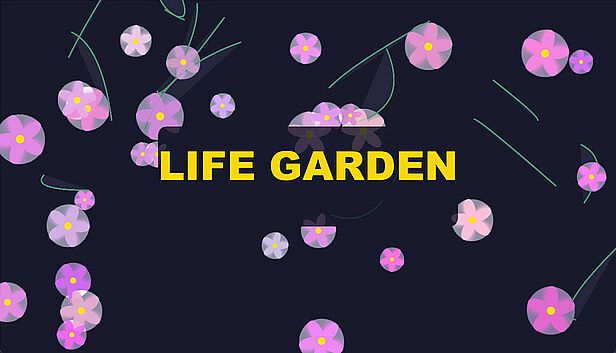



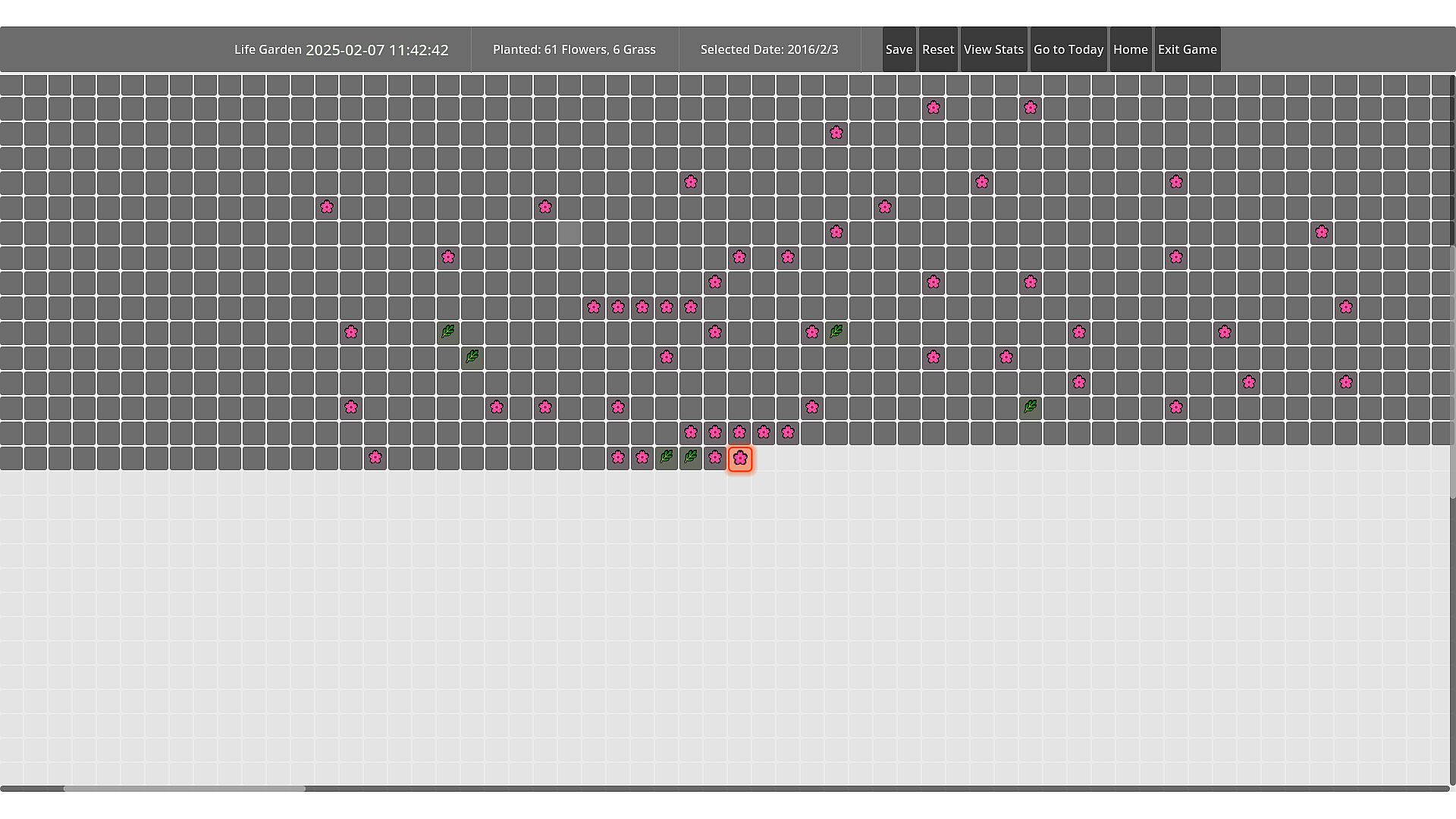
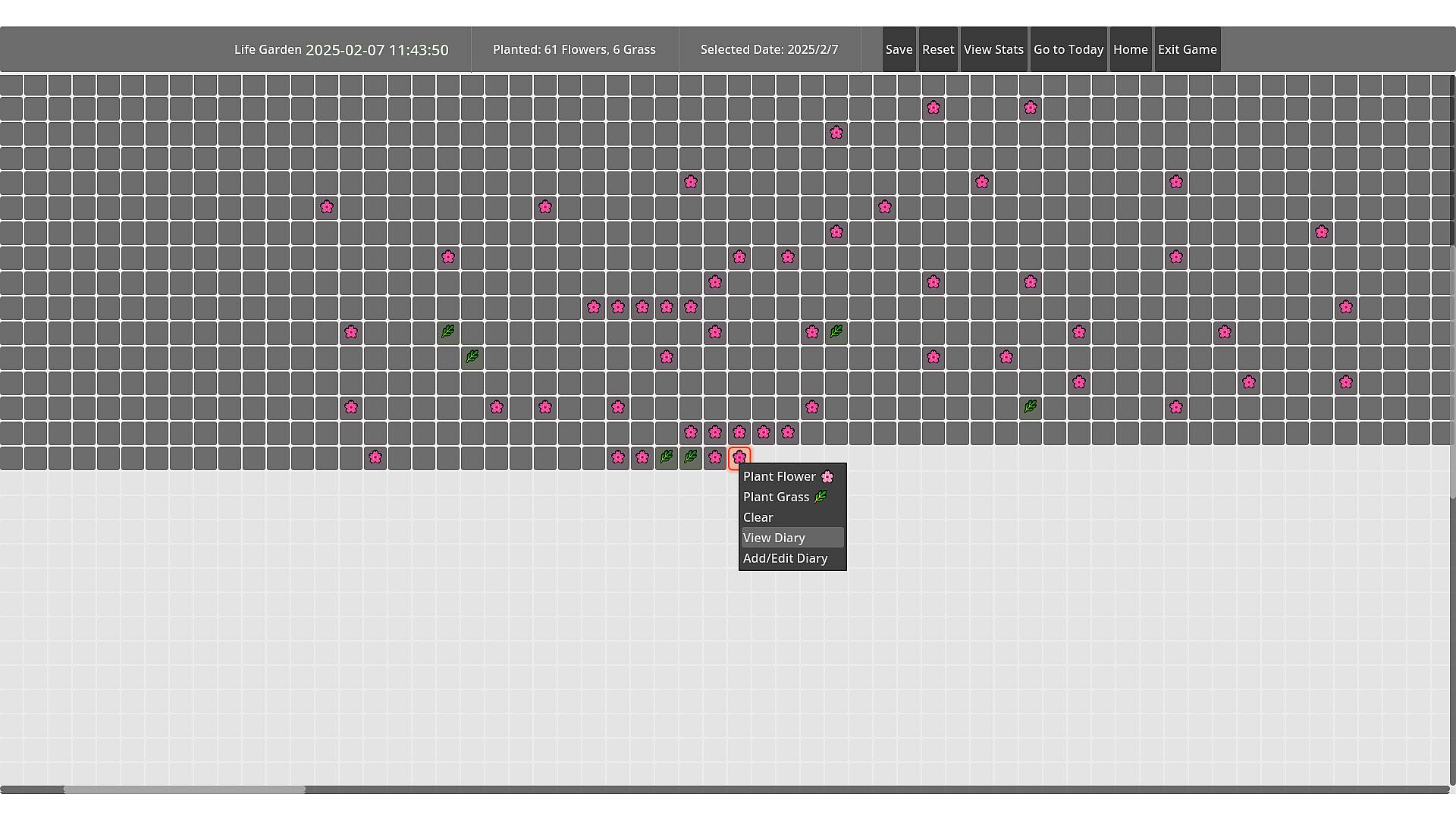
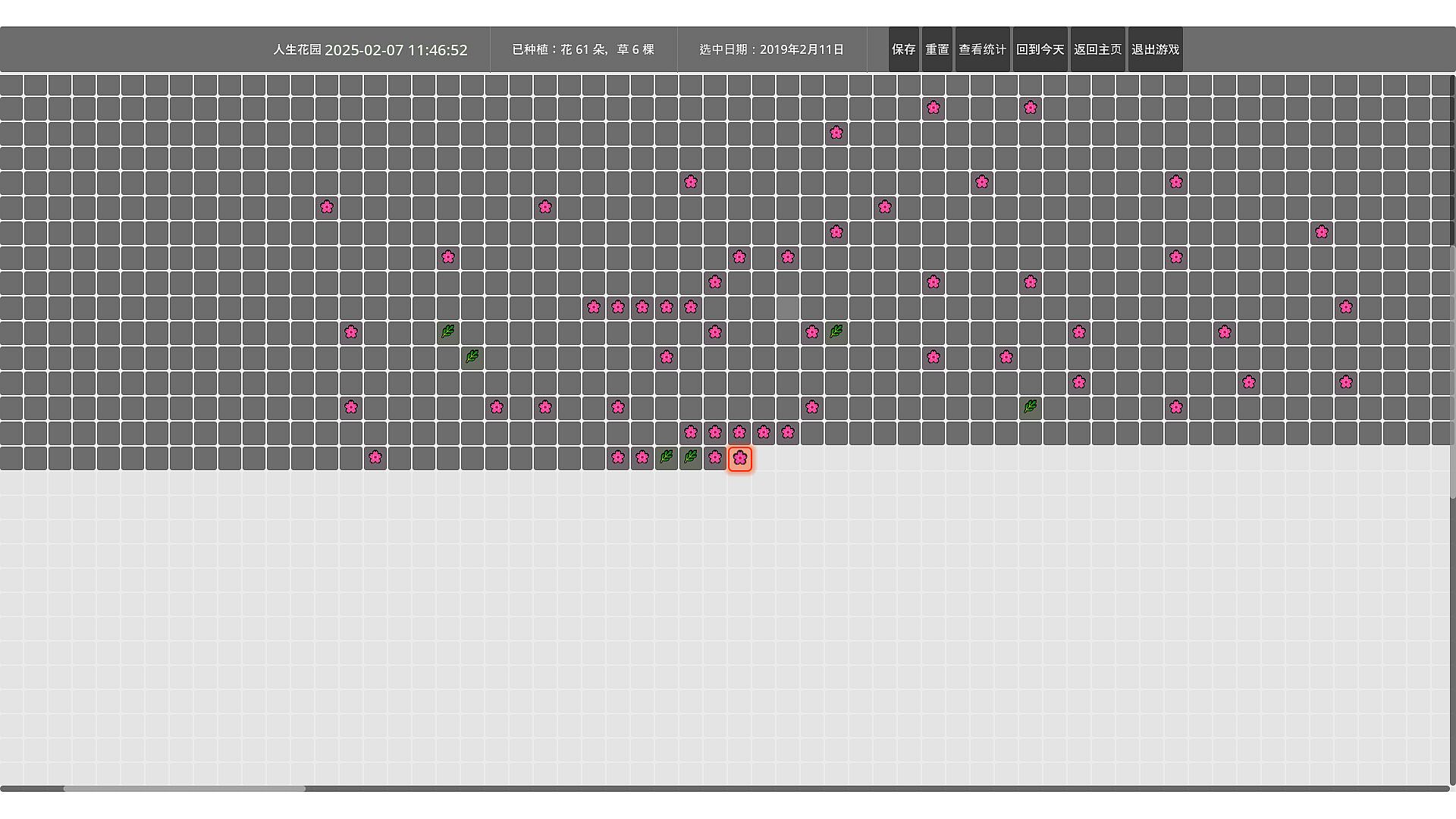
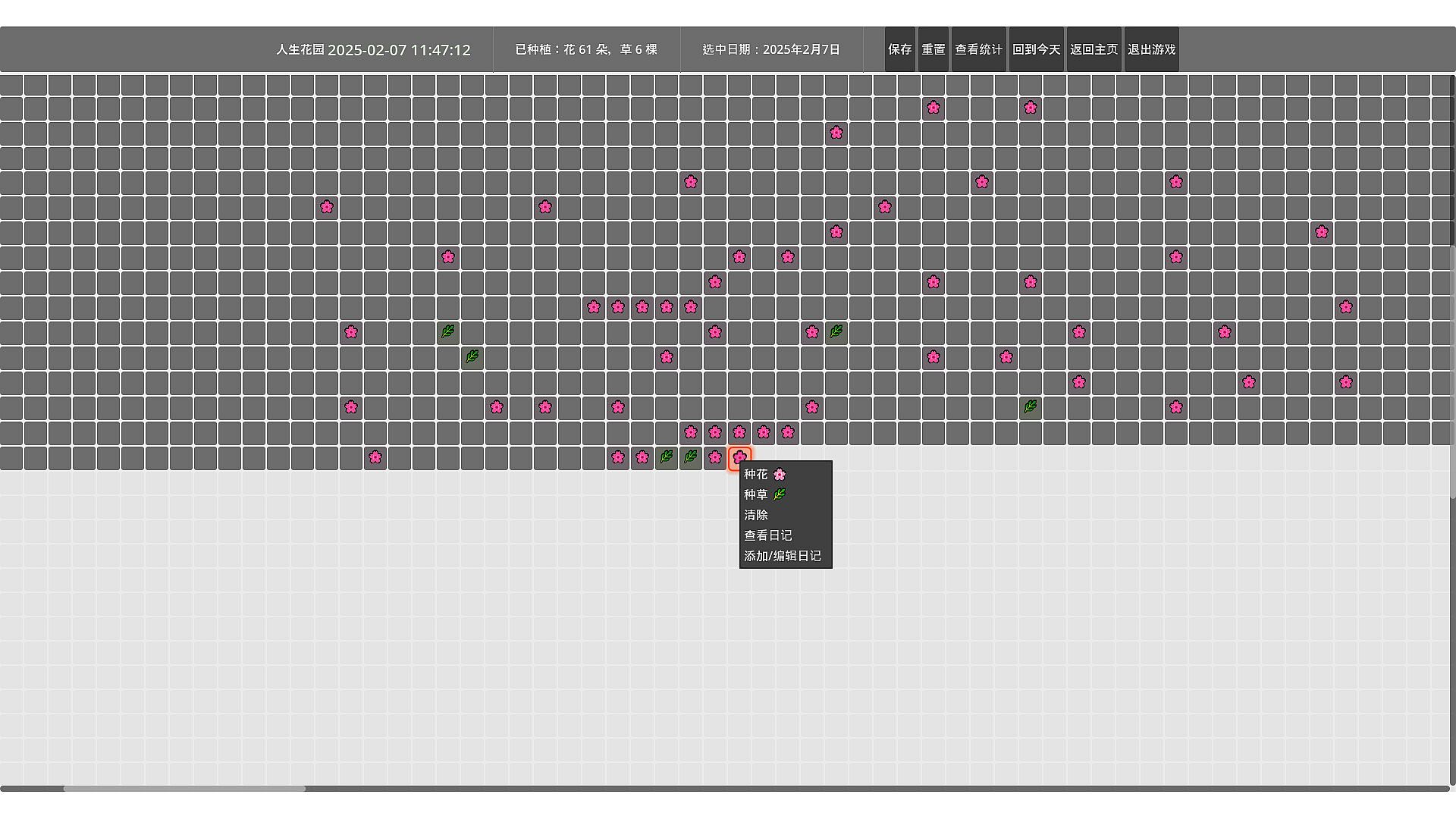
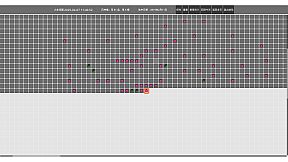
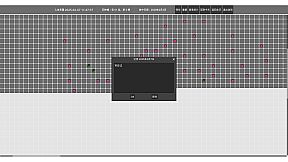
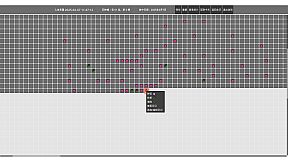
"Life Garden" turns focus into visible growth. Start a Pomodoro-style session and your plant grows upward as the minutes pass; keep showing up and your garden fills with flowers that gradually bloom over time. It’s a calm companion—not a strict productivity tool—designed to make consistency feel warm and rewarding.
### Your daily loop (how you play)
1. **Start focusing (Pomodoro rhythm)**: start, pause, and end focus and break sessions whenever you need.
2. **See progress in real time**: growth is reflected directly in the garden through clear stage changes and blossoms.
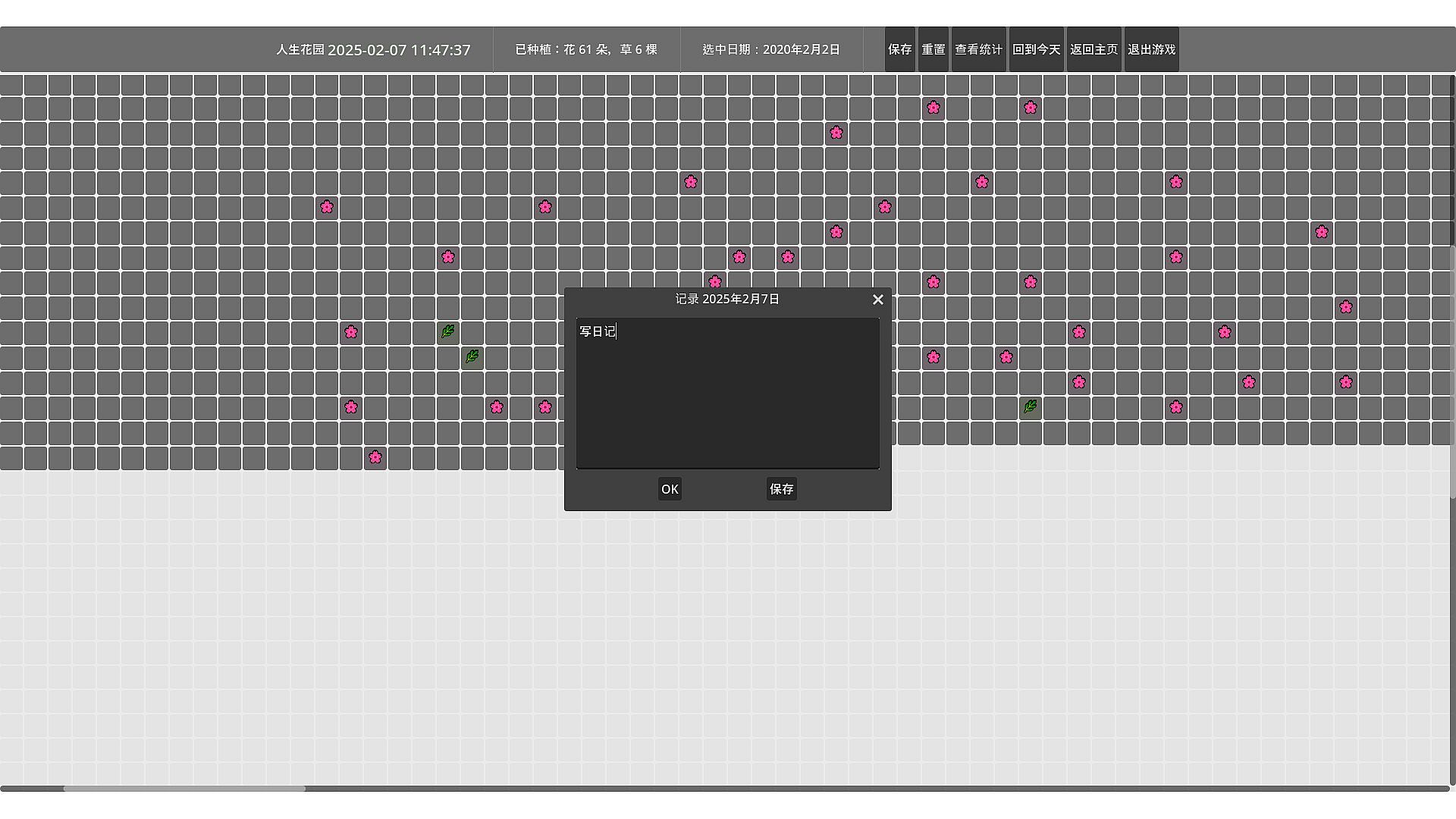
3. **Daily check-ins & habits**: record your day, maintain streaks, and unlock more flower types.
4. **Review records & stats**: check your start date, total days, streaks, and dive into detailed entries.
5. **Stay in flow with Desktop Widget Mode**: keep the garden on your desktop so you don’t have to switch screens to feel progress.
### A deeper look at the systems
**1) Focus timer: simple controls, steady rhythm**
Pomodoro Garden keeps timer controls minimal so you can stay in flow: start, pause, resume, and end sessions cleanly, with the garden handling the “reward loop”.
**2) Garden growth: progress you can see**
Your main plant evolves through distinct stages. Instead of only numbers and charts, the garden itself becomes your progress bar—subtle, visual, and satisfying over weeks of use.
**3) Check-ins & flower collection: small rewards for consistency**
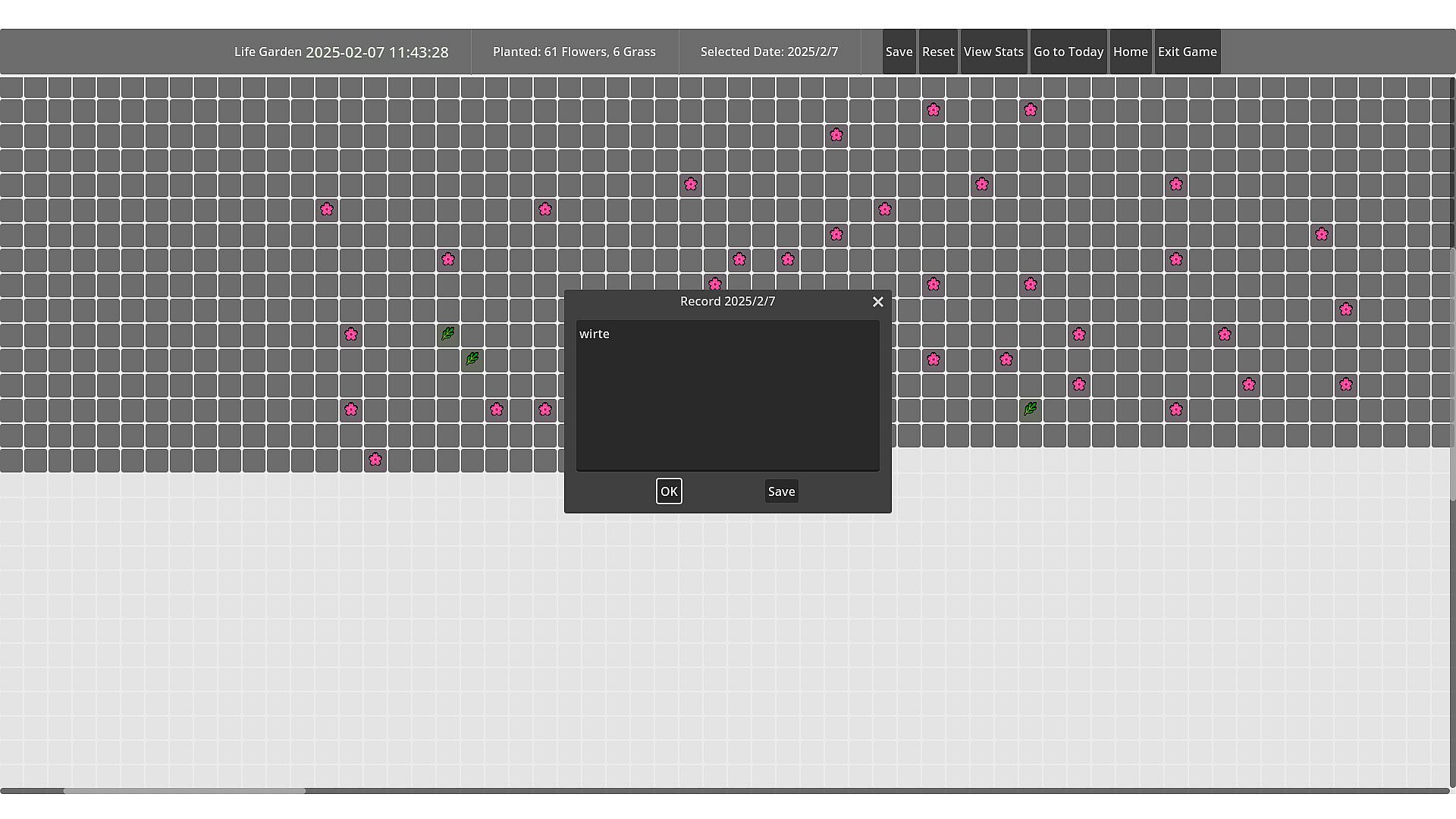
Daily check-ins unlock and display new flowers in your garden. Hover planted flowers to view their details and where they came from in your records.
**4) Records & calendar: understand your streaks**
Review key stats at a glance (start date, total days, streaks), then open details when you want a deeper look at your history.
**5) Desktop Widget Mode: a quiet companion**
Keep the garden on your desktop as a lightweight widget so you can study, write, or code without constantly switching windows—your progress stays present, not disruptive.
**6) Built-in study music player: button-driven mini player**
Inside the Records/Habits screens, a compact button-based player lets you play, switch tracks, and mute without leaving the game—designed for a clean, focused atmosphere.
### Key features (summary)
- Pomodoro focus timer with start/pause/end for focus & breaks
- Clear plant stage progression and blooming flowers as visual feedback
- Daily check-ins, flower collection, and hover-to-view details
- Records & stats: start date, total days, streaks, and detailed entries
- Desktop Widget Mode for always-on companion-style focus
- Built-in study music player with button controls (play/next/mute)