
Buy GoodColor PC

Where can you buy the cheapest GoodColor key for {6}? Check and compare prices from 1 stores among 1 offers on XD.deals. The lowest GoodColor price on keyshops is at $4.99 (0% off).

Steam:
Overwhelmingly Negative (3)
Keyshops
Unavailable
Buy in Official Store:
$4.99
Buy in Keyshops:
See price history

Official Stores (1)

DRM:
Steam
Steam
Steam
GoodColor
Windows
+1
1y ago
DRM:
Steam
Steam
$4.99
Historical Low Deal
Historical low

About GoodColor

GoodColor - about the game
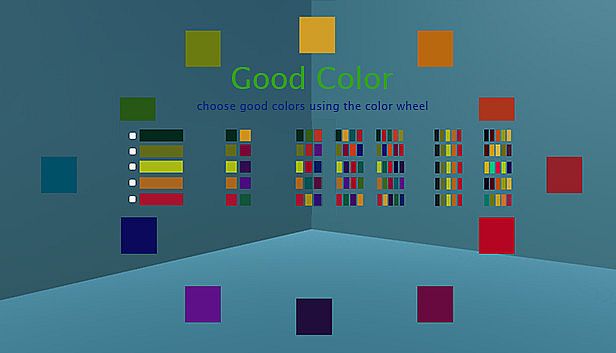
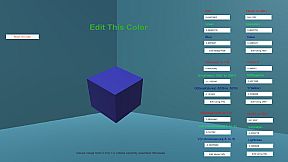
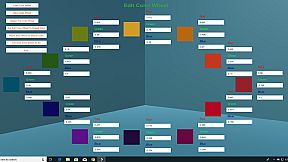
GoodColor simplifies picking colors that match using color wheel theory. Start with one or more base colors, then generate complements from popular voted themes or adjust the wheel itself. Import JPEG photos to sample hues, browse named colors like mauve or indigo with visual previews, or input values in RGB, HSV, HSL, CMY, YIQ, or YUV models. This utility aids game designers selecting customer-pleasing palettes, video artists refining visuals, and anyone from house painters to fashion choosers needing reliable matches. Switch among 24 languages for commands and docs without changing your PC locale. PC users gain a versatile design & illustration tool for quick, theory-backed color choices.

Good Color helps you choose a good color. It helps you do so in many different ways. Primarily it uses color wheel theory to let you a pick a color or colors which "go with" one or more starting colors. Other ways that it helps you choose a color is by:

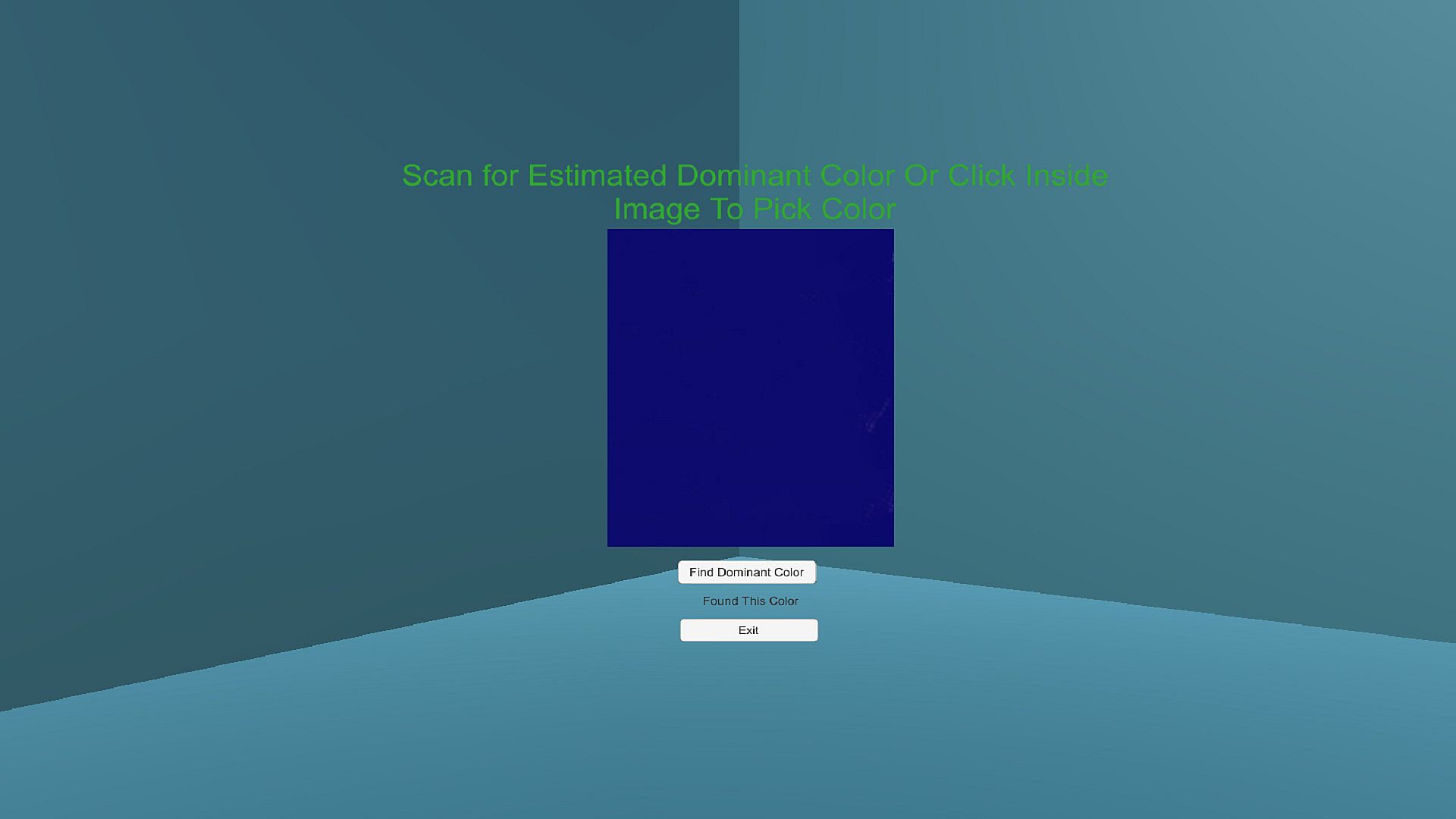
1)Letting you import a JPEG photo from your cell phone and pick a color from that photo.

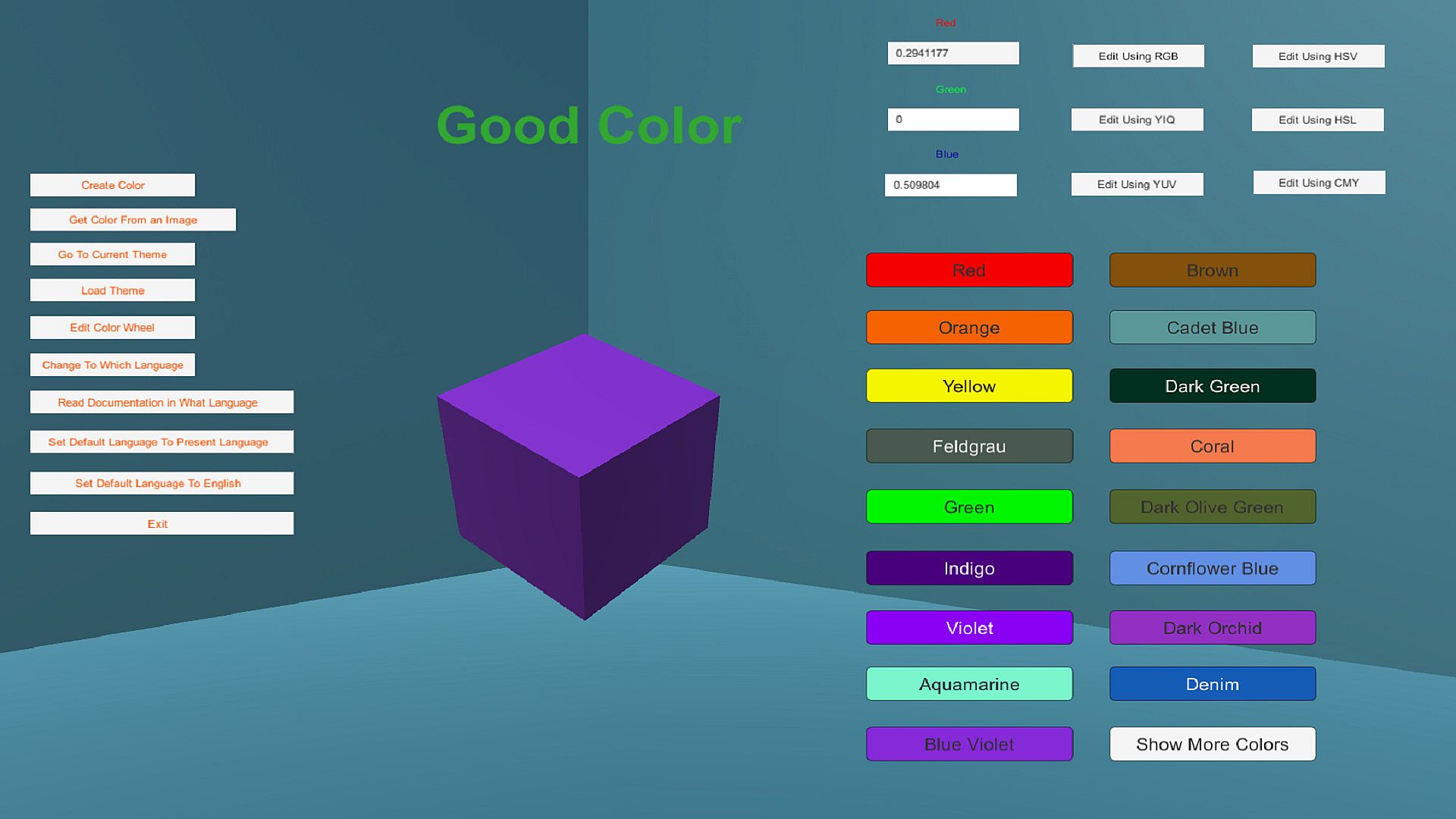
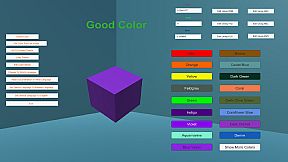
2)Providing a list of well-known and not-very-well-known colors that you can select. Do you know you must use 'mauve' or 'indigo' but you don't really know what those colors are? Good Color provides a long list of colors you can add to your theme by just one click. The name of these colors is on the click button AND the color of the button is the color that matches the name. This means you can search through this list of color names by text (looking for a certain word) or you can just look at all the colors and pick the one you want.

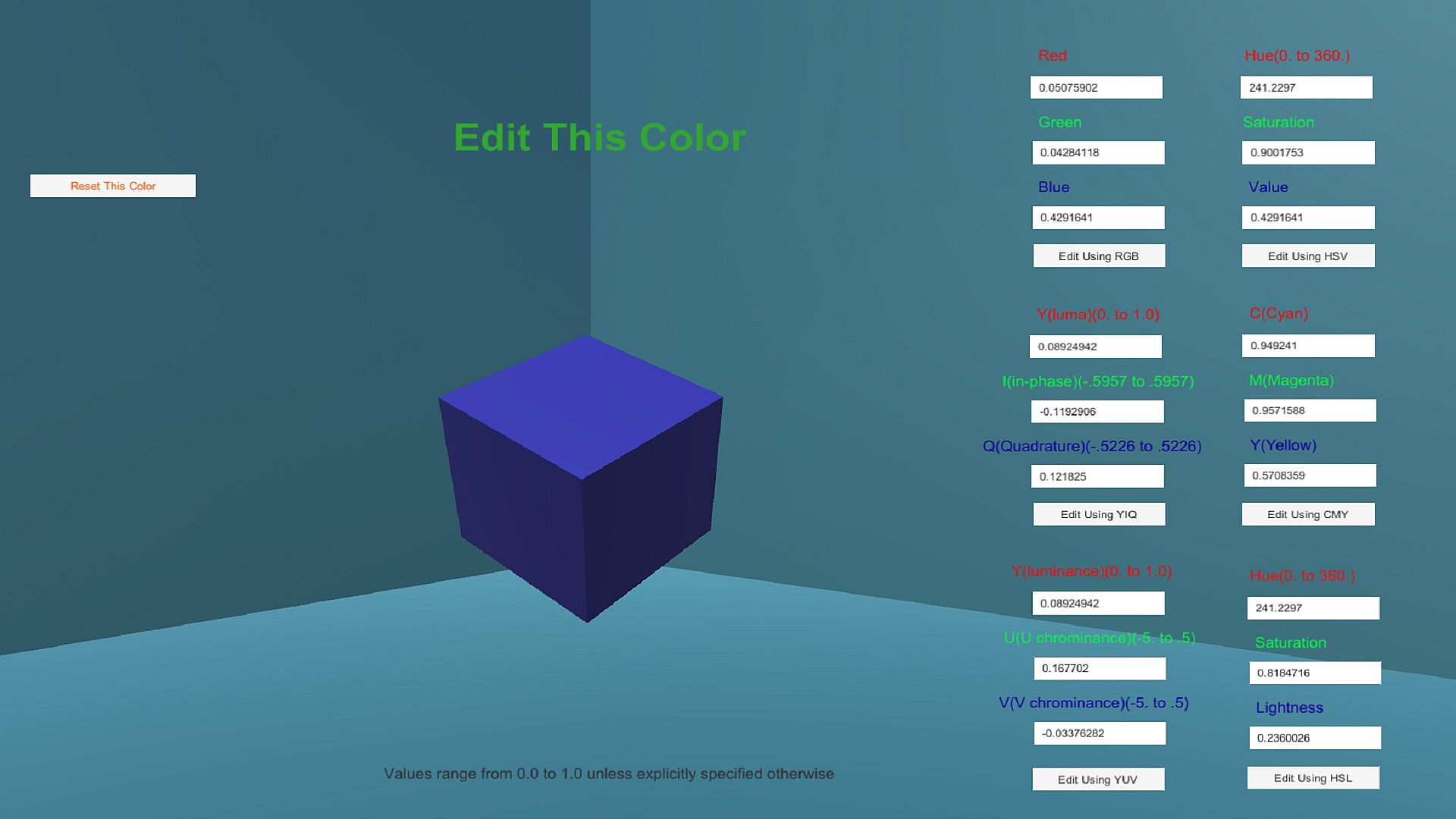
3)Letting you use various color models to set a color. RGB, HSV, HSL, CMY, YIQ, and YUV color models are supported. Perhaps you know you must use some certain color and but you only have the numeric values for that color in one model (in HSV perhaps). Good Color lets you easily switch between all these color models.

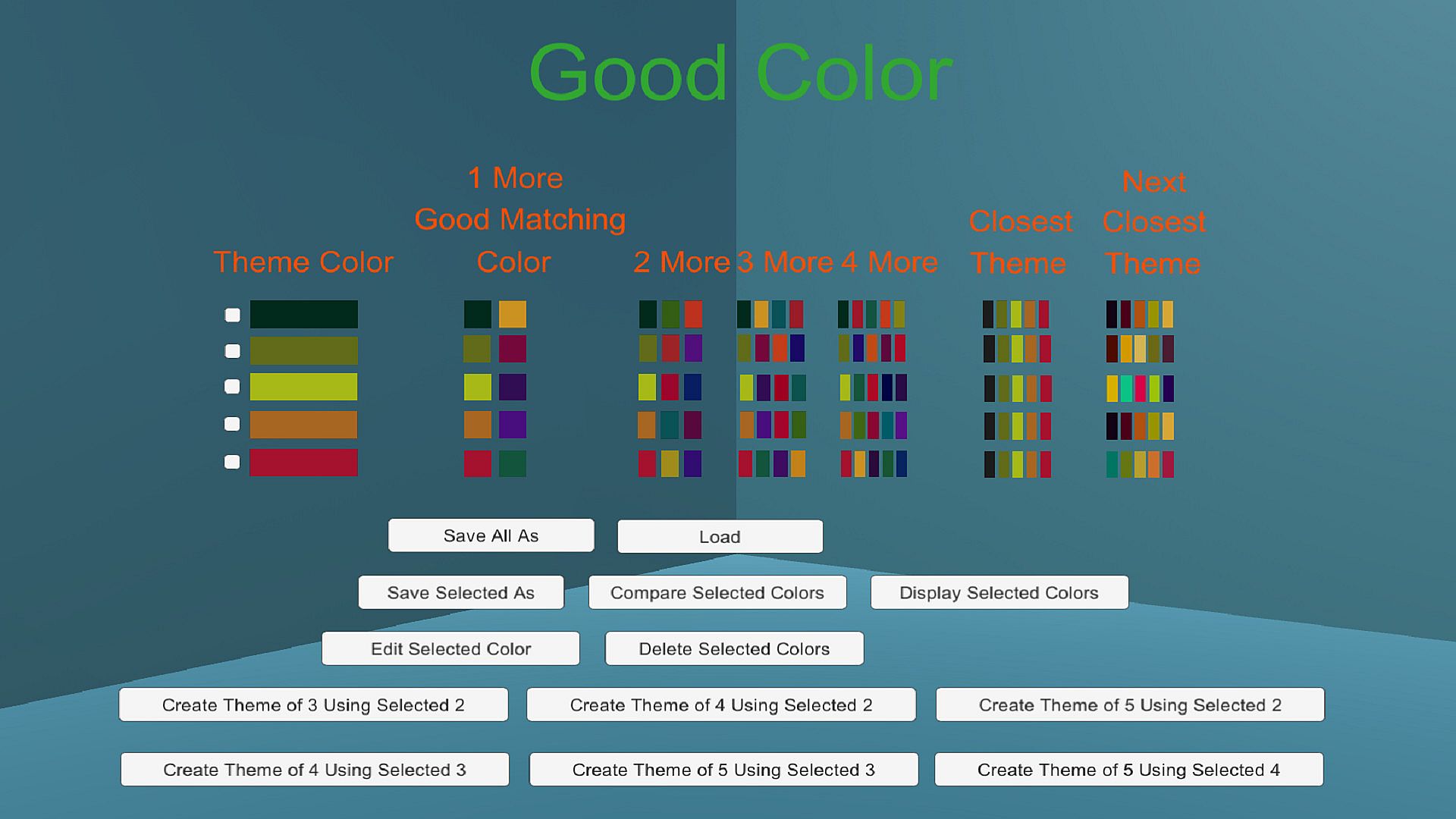
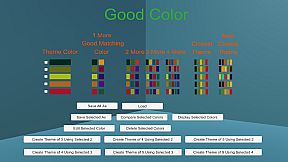
4)Providing a large list of color themes which you can use to create your own theme. These themes have been confirmed by online voting to be popular. You can look through this list of themes and pick out one you like. When you choose your first color for your theme, Good Color will find the two popular themes which most closely match your initial color (and helps you integrate such a matched theme with your selected first color).

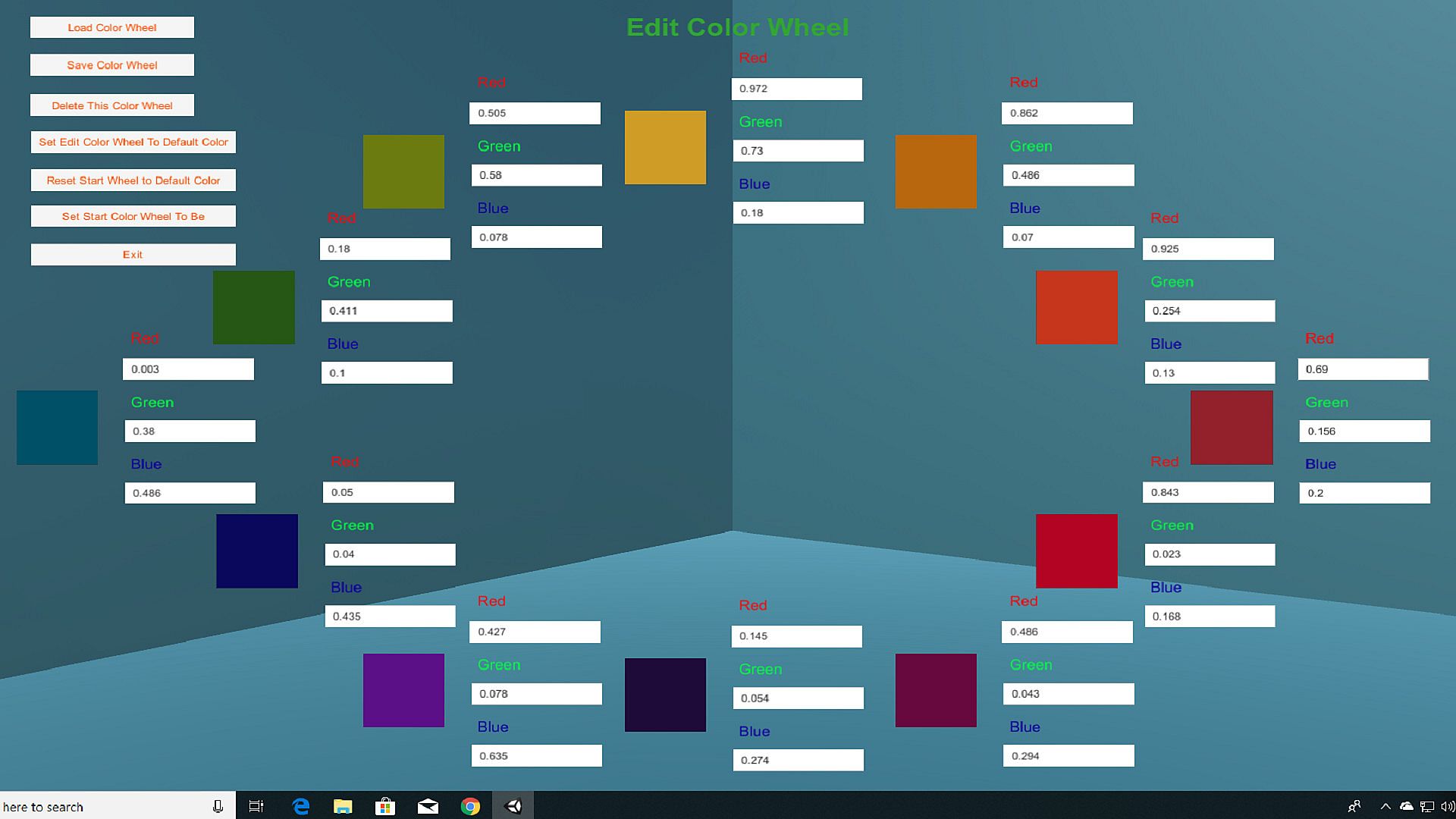
5)Letting you change the color wheel being used. You can slightly or greatly modify the definition of the color wheel.

6)Supporting 24 foreign languages. In Good Color you can change the foreign language in which the program's commands are displayed. You can switch from English to Spanish for example. You can also see the documentation in whatever foreign language you prefer. This foreign language capability does NOT use the locale you have set on your computer. This lets you keep your locale for your computer set to whatever language you normally prefer yet use Good Color in some other language without interfering with your base locale setting.

7)Allows you to set 1 or more base colors and then use color wheel theory to choose 1 or more additional colors. For example, if you have two colors you must use yet you need 2 more colors Good Color will use color theory to choose the remaining 2 colors.

Good Color can be used to choose a good matching color whenever you need to choose colors. You could be playing a game and trying to select good matching colors for your skins. You could be a game designer trying to find colors which your customers will like. You could be a video artist trying to select colors that you yourself like. You could be painting your house, choosing the color of your new car, choosing the color of your next dress, or choosing the color of your makeup. You can always choose to select a color yourself that you think is a good match but if you want to use an accepted method of color choice then you use the color wheel and Good Color helps you use the color wheel. Are you someone who has no idea what is a good matching color? Let Good Color help you choose.

Interface:
ArabicBulgarianCzechDanishGermanEnglishSpanish - SpainSpanish - Latin AmericaFinnishHungarianItalianJapaneseKoreanDutchNorwegianPolishPortuguese - PortugalPortuguese - BrazilRomanianRussianSwedishThaiTurkishUkrainianSimplified ChineseTraditional Chinese

Age rating

Unavailable
Steam:
Overwhelmingly Negative (3)

Minimum:

  • OS: Windows 10
  • Processor: 64 bit processor
  • Memory: 1 GB RAM
  • Storage: 136 MB available space
  • Additional Notes: Should run without issue on any out-of-the-box 64-bit Windows 10 system

Recommended:

Minimum:

  • OS: Mac OS X
  • Processor: 64 bit processor
  • Memory: 1 GB RAM
  • Additional Notes: Should run without issue on iMac

Recommended:

Historical low
Price history from official stores
-
-
-
Price history from keyshops
-
-
-

FAQ

8 questions

Before you start looking for a cheap GoodColor key, check the essentials. Developed by Arational Entertainment. Published by Arational Entertainment. PC released date: 17 Dec 2018. Genres: Animation & Modeling, Utilities, Video Production, Design & Illustration, Web Publishing, Game Development, Photo Editing.

Q

Where to buy a cheap GoodColor Steam key?

Using our price comparison and verified discount codes, you can buy a GoodColor key for as low as $4.99. This deal is available at Steam and is among the cheapest offers on the market. All keys listed on XD.deals are delivered digitally and eligible for instant download after payment. Prices already include processing fees and applied promo codes, so you always see the lowest GoodColor price on PC. Check the GoodColor price history to buy at the best moment.

As of our last update (we refresh Steam pricing multiple times a day), the GoodColor Steam price is $4.99. You can save an extra ~6% by paying with a discounted Steam gift card.

Our price tracker covers both official retailers and key marketplaces, so you can find GoodColor on sale even outside seasonal promotions. We currently detect 1 active offer from official stores and keyshops. Check the table above, compare against the historical low, and set an alert so you never miss the next price drop.

Based on our data, GoodColor is not currently available on GeForce NOW. You will need to run it locally on your PC. Browse games available on GeForce NOW.

Yes. GoodColor has an official page on the Steam Store. You can also buy a GoodColor Steam key from third-party sellers. Our price comparison currently includes 1 offer with Steam DRM. Pick one to ensure your GoodColor download happens on Valve's platform.

Not at this time. Valve marks GoodColor as Unsupported on Steam Deck. Keep an eye on XD.deals - we track Proton updates and community fixes. Browse games that are Steam Deck Verified or Steam Deck Playable.

GoodColor does not appear to be available on PC Game Pass, EA Play, Ubisoft+ or any other PC subscription service at this time. Your only option is purchasing the game - use XD.deals to find the best price.

No - XD.deals is not a store. We are a price-comparison service that tracks the best GoodColor deals across official stores and verified keyshops. Click "Go to Store" next to any offer and you will be redirected to the retailer's website to complete your purchase.

Best prices for GoodColor

1 Steam Steam Official
$4.99

Want to buy at the best moment? Set a price alert on XD.deals and get notified when GoodColor hits its next historical low.

Create Alert
Join our Discord
Get instant help from our community and stay updated on the latest deals
Set Price Alerts
Get notified by email when game prices drop to your target
Create Free Account
Unlock wishlists, price alerts, and Steam sync