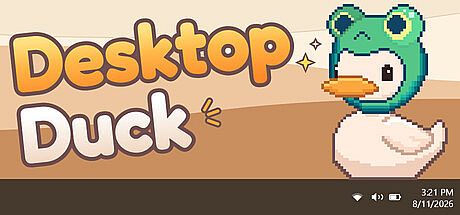


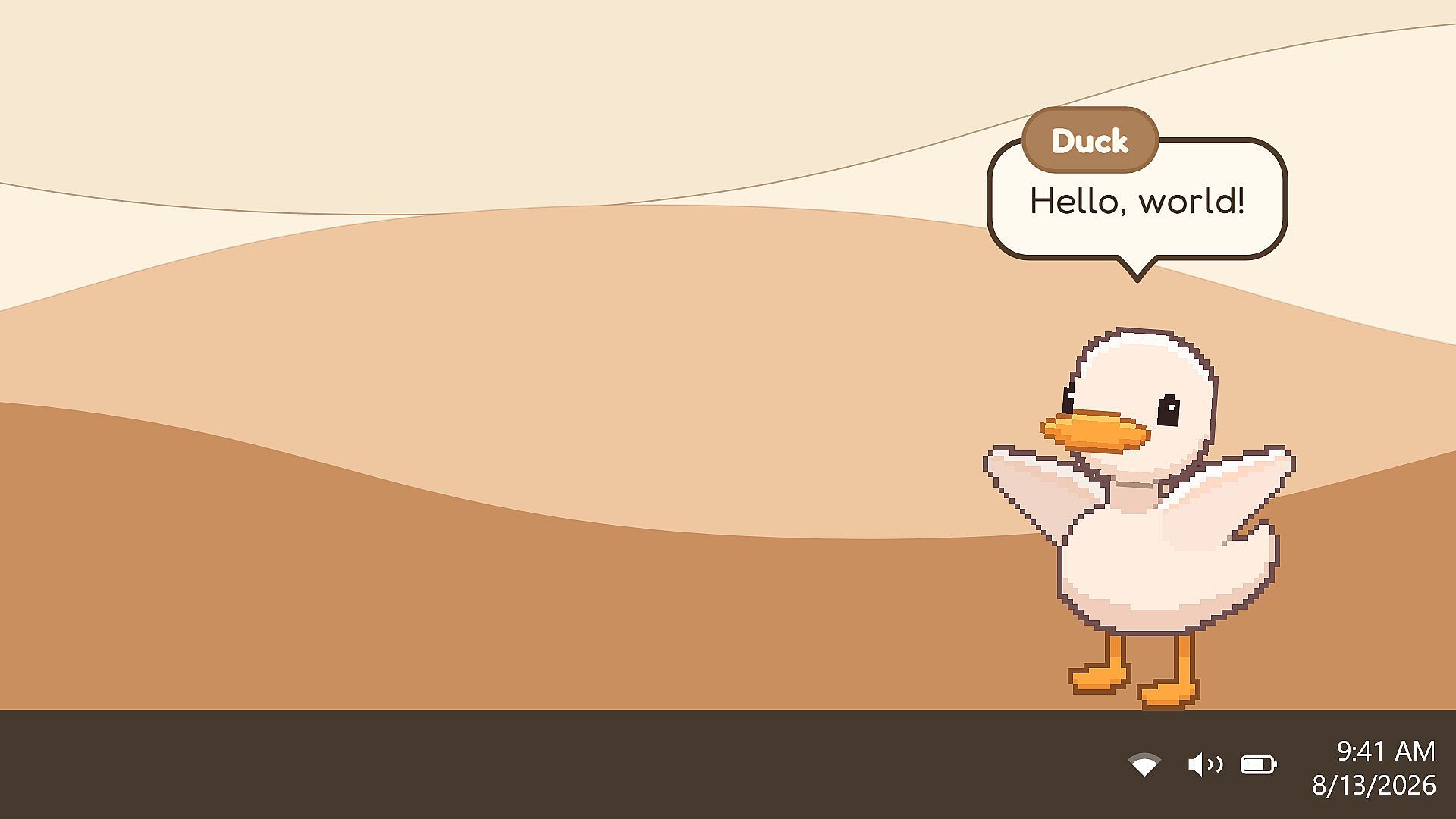
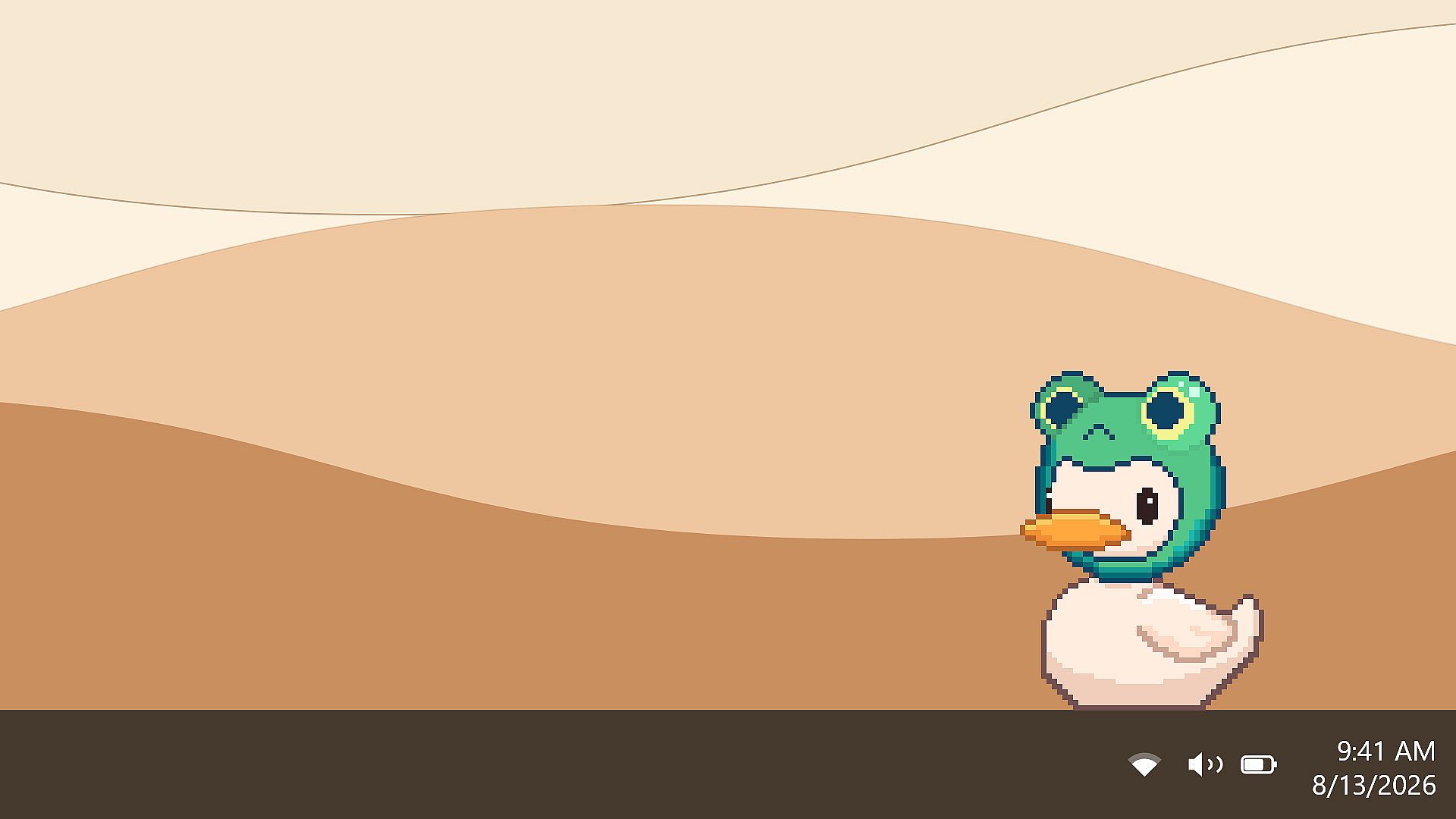
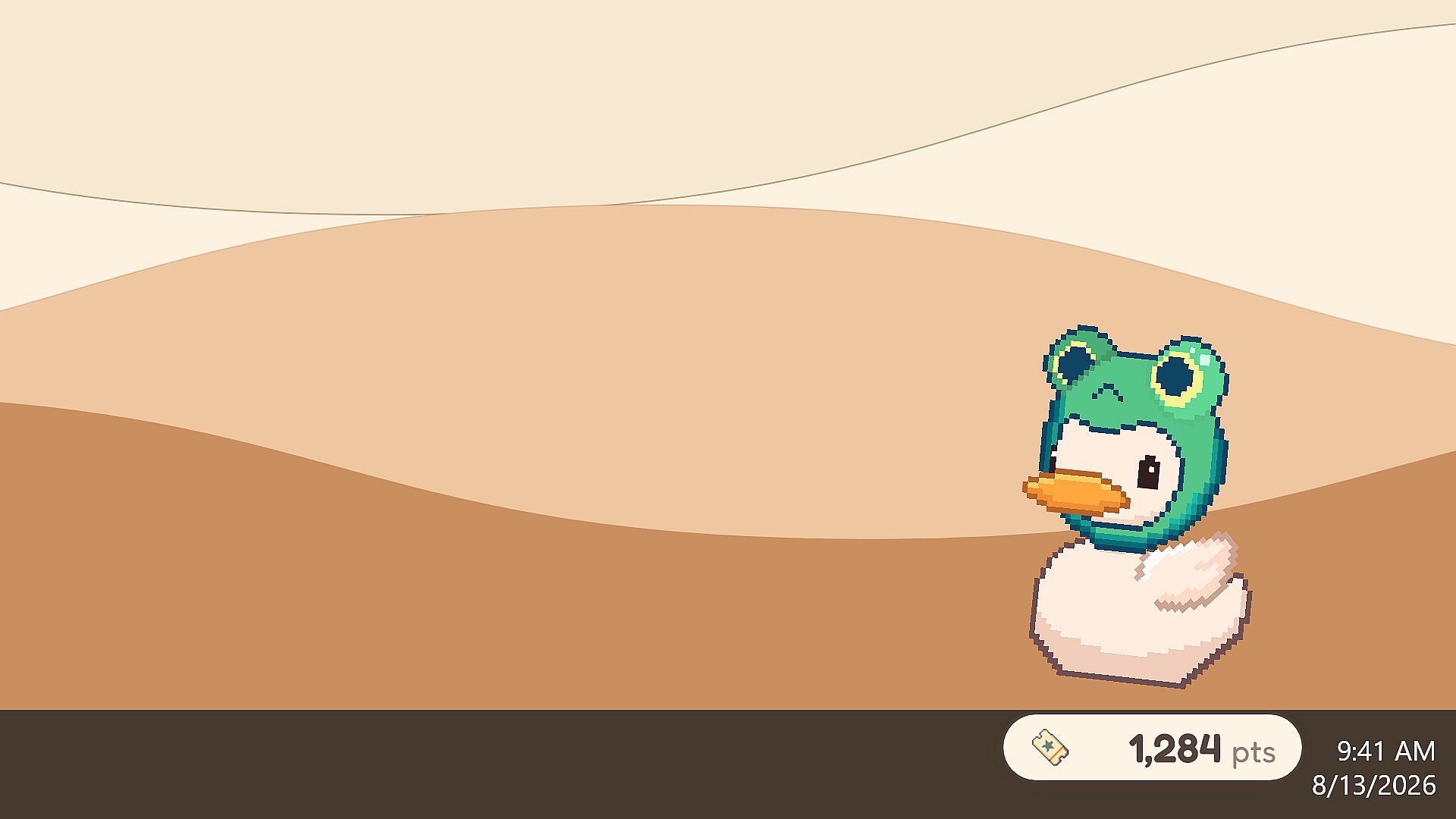
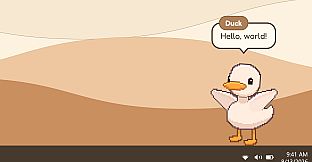
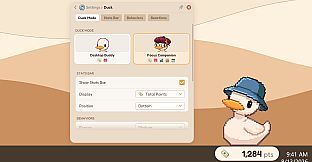

Desktop Duck is a casual indie virtual pet experience designed for PC users who want a simple companion that shares their workspace. It places a small duck directly on the desktop, where it moves around, observes activity, and responds to the user's routine without requiring a separate window or constant interaction.
Gameplay
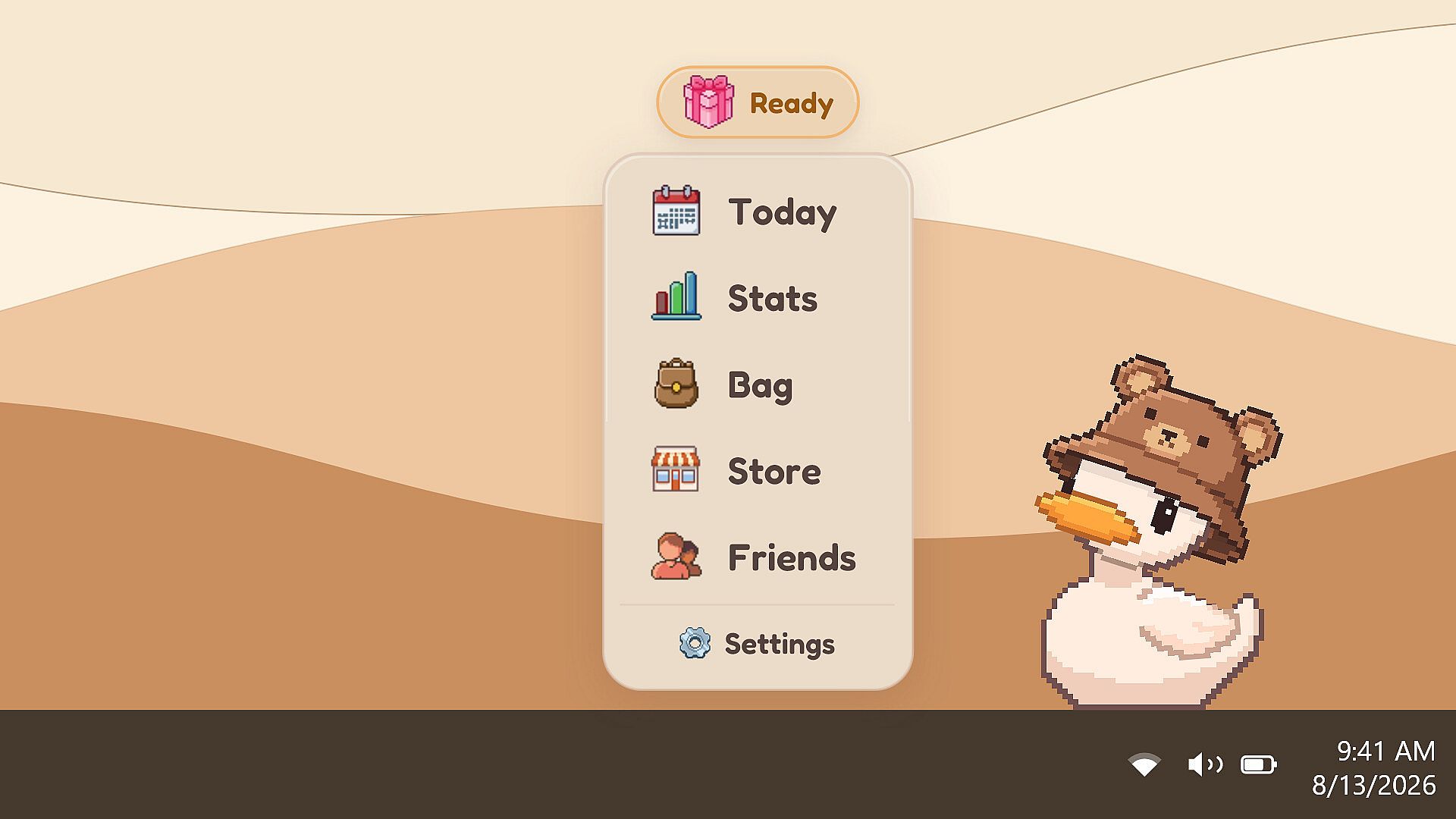
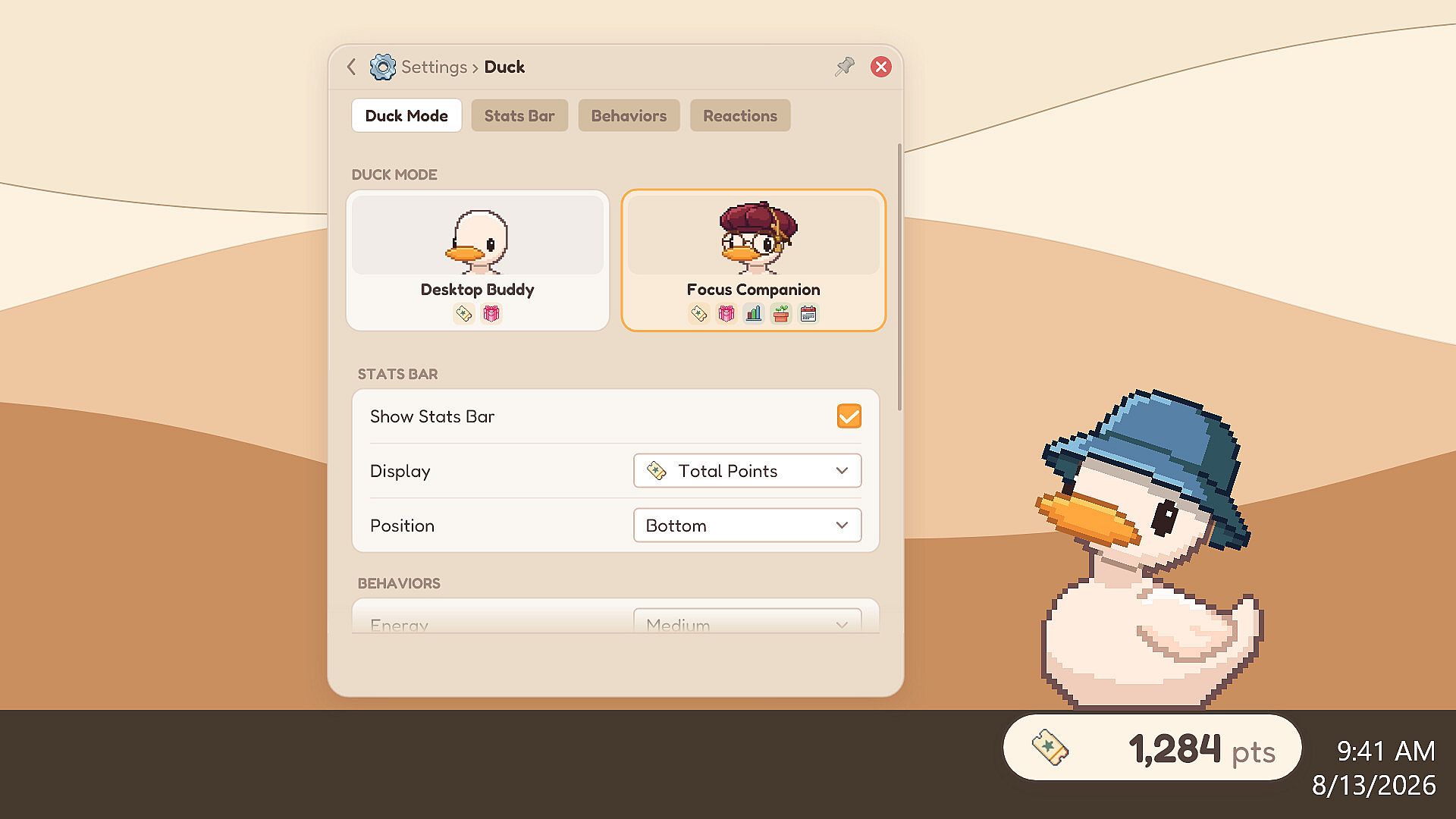
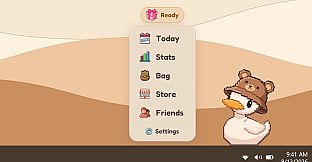
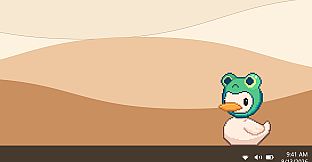
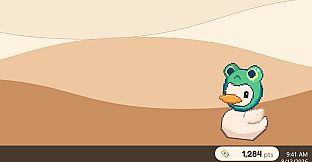
The core loop centers on the duck living alongside everyday computer use. It waddles across the screen, reacts to cursor movement and open applications, and occasionally brings small gifts based on time spent or engagement. These gifts follow a defined rarity system, with common items appearing most often and rarer ones appearing less frequently. Players collect and equip hats to customize the duck's appearance, building a personal wardrobe over time. The duck also tracks screen time and offers basic focus tools that encourage staying on task while providing gentle visual feedback. All progress remains local to the computer, with no external accounts required beyond the initial platform login.
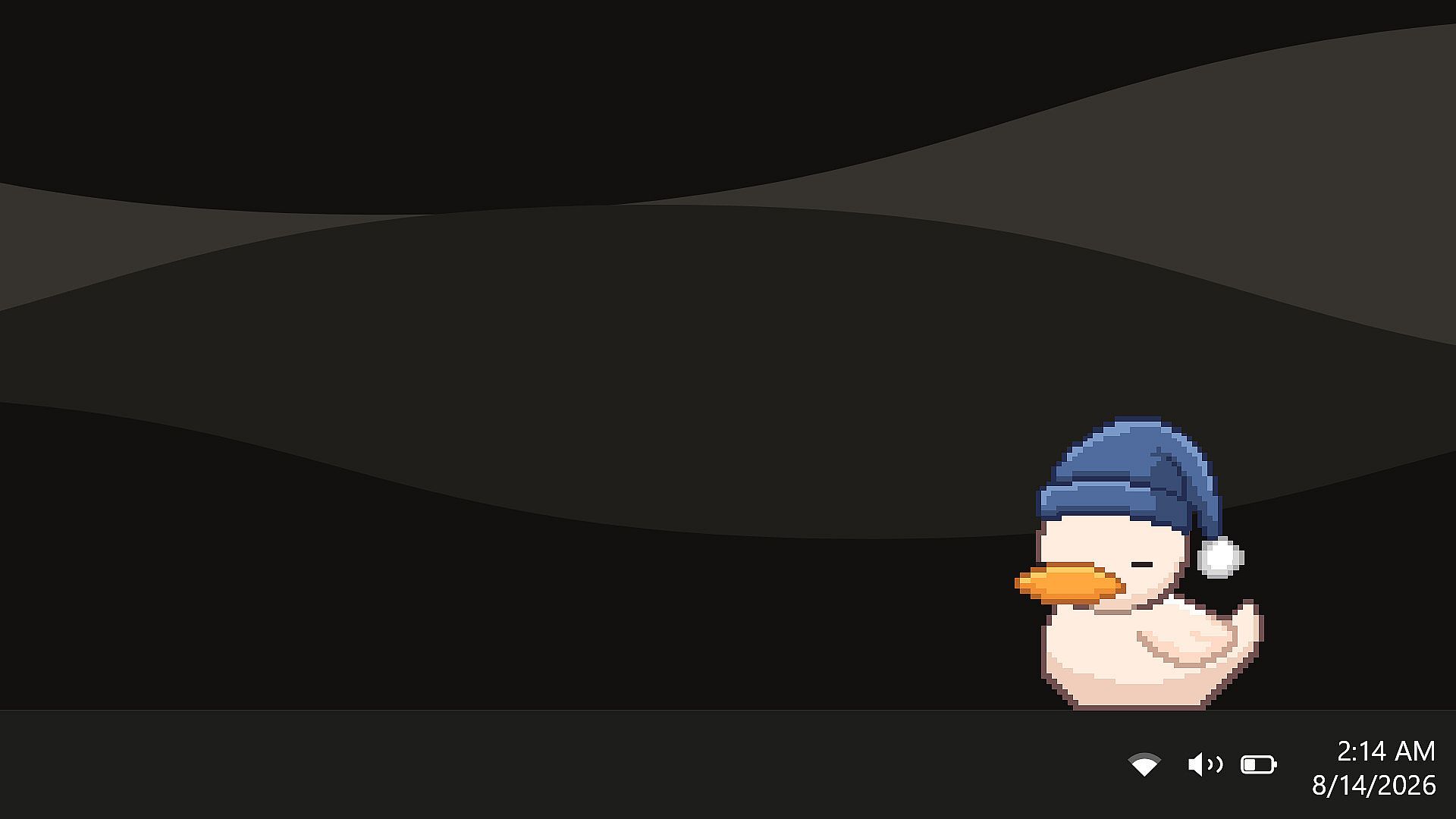
Additional elements include the ability to interact socially with other players' ducks in limited ways and options to trade or display collected items. The application stays lightweight, running quietly in the background with minimal resource use, and includes features like automatic sleep when the user steps away for extended periods.
Game Modes
Desktop Duck operates primarily as a persistent single-player companion that runs alongside any other activity on the computer. There are no traditional levels or competitive structures. Instead, the experience emphasizes relaxed observation and gradual customization. Optional social features allow limited interaction with friends who also have the duck active, such as viewing or sharing hat collections. Focus-oriented tools integrate directly into the main experience, providing screen time statistics and gentle reminders without interrupting workflow. The duck's behavior adapts based on user patterns, creating a consistent presence rather than distinct selectable modes.
Customization and Progression
Progression comes through regular use, as the duck delivers gifts that unlock new hats and cosmetic options. Players can equip different hats, change body colors, and observe the duck's moods shift in response to activity. A holographic-style control panel allows adjustments to behavior and appearance settings. The gift system uses specific drop rates: common items at 65 percent, uncommon at 20 percent, rare at 10 percent, epic at 4 percent, legendary at 0.7 percent, and exotic at 0.3 percent. These elements encourage continued engagement without pressure, as the duck remains available at all times once launched.
Is It Worth Playing?
Desktop Duck suits users seeking a low-commitment desktop companion that adds personality to their workspace without demanding attention or additional screen space. Its lightweight design and privacy focus make it accessible for long work sessions, while the gift and hat systems provide steady, low-pressure progression. Player feedback highlights the duck's consistent presence and simple charm, with many appreciating the screen time tracking and focus support. Those who enjoy virtual pets or subtle background entertainment during productivity tasks will find the most value here. The experience remains free to use with no recurring costs or intrusive elements, making it easy to try and keep running indefinitely.