



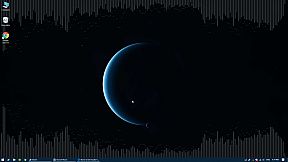
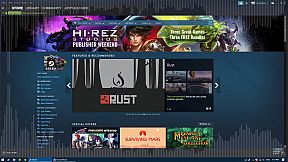
Desktop Audio Visualizer stands out as a utility tool for PC users interested in audio production and visualization. This software transforms system sounds into dynamic visual displays, making it a practical choice for those who want to enhance their desktop experience with real-time audio feedback. Released in 2018, it caters to creators and gamers alike by providing a seamless way to see music and sound effects without interrupting other tasks.
Gameplay
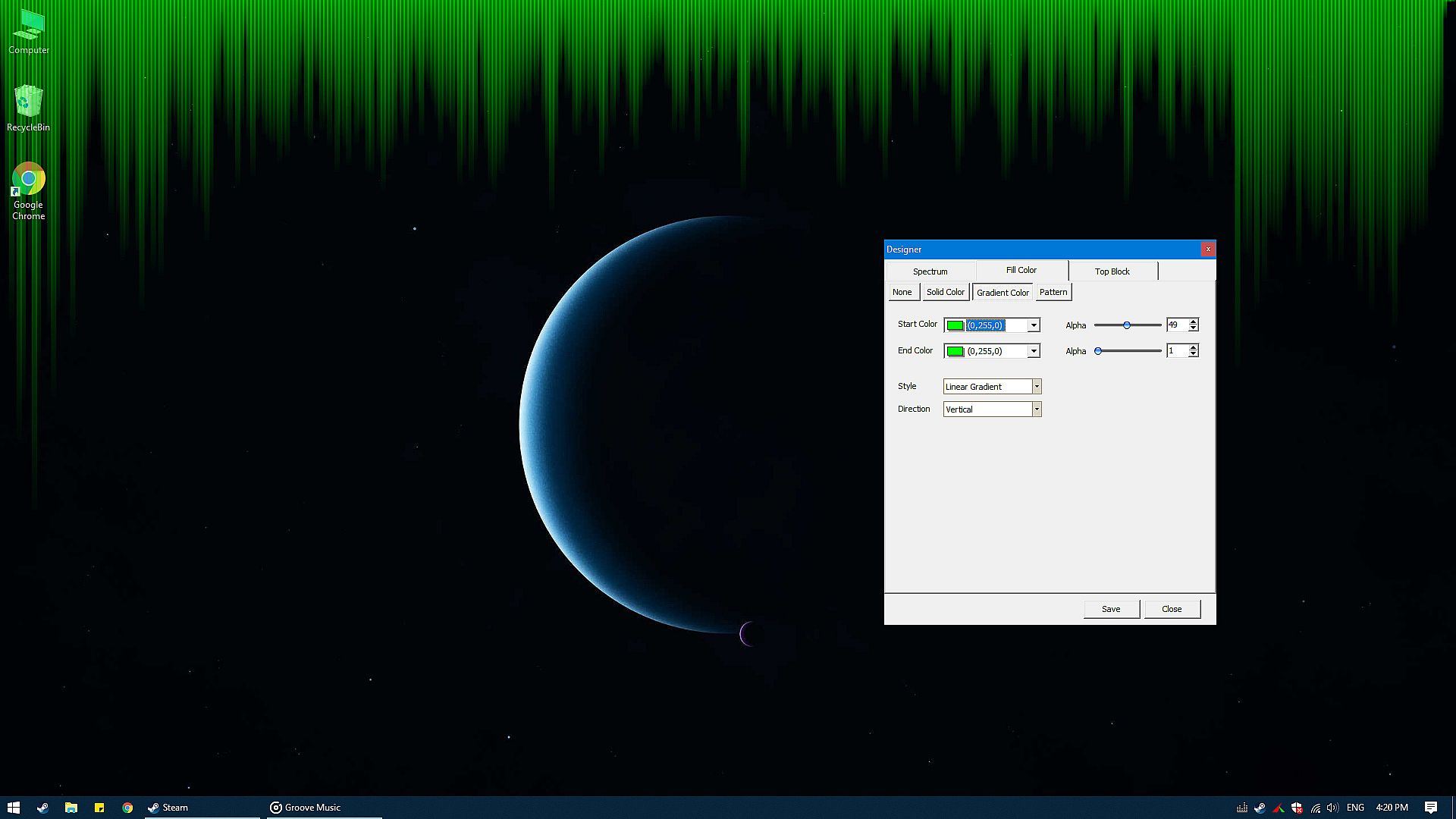
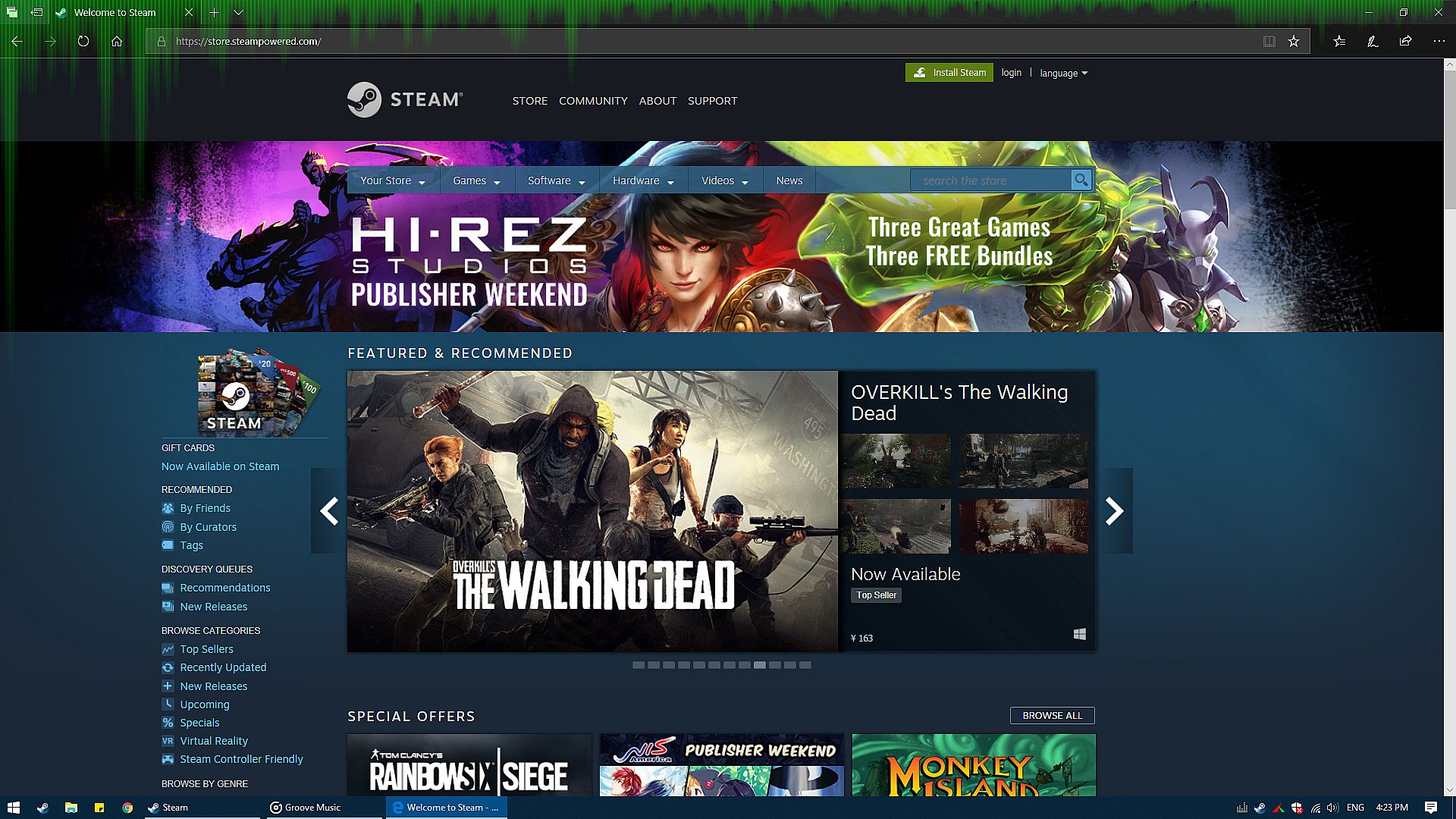
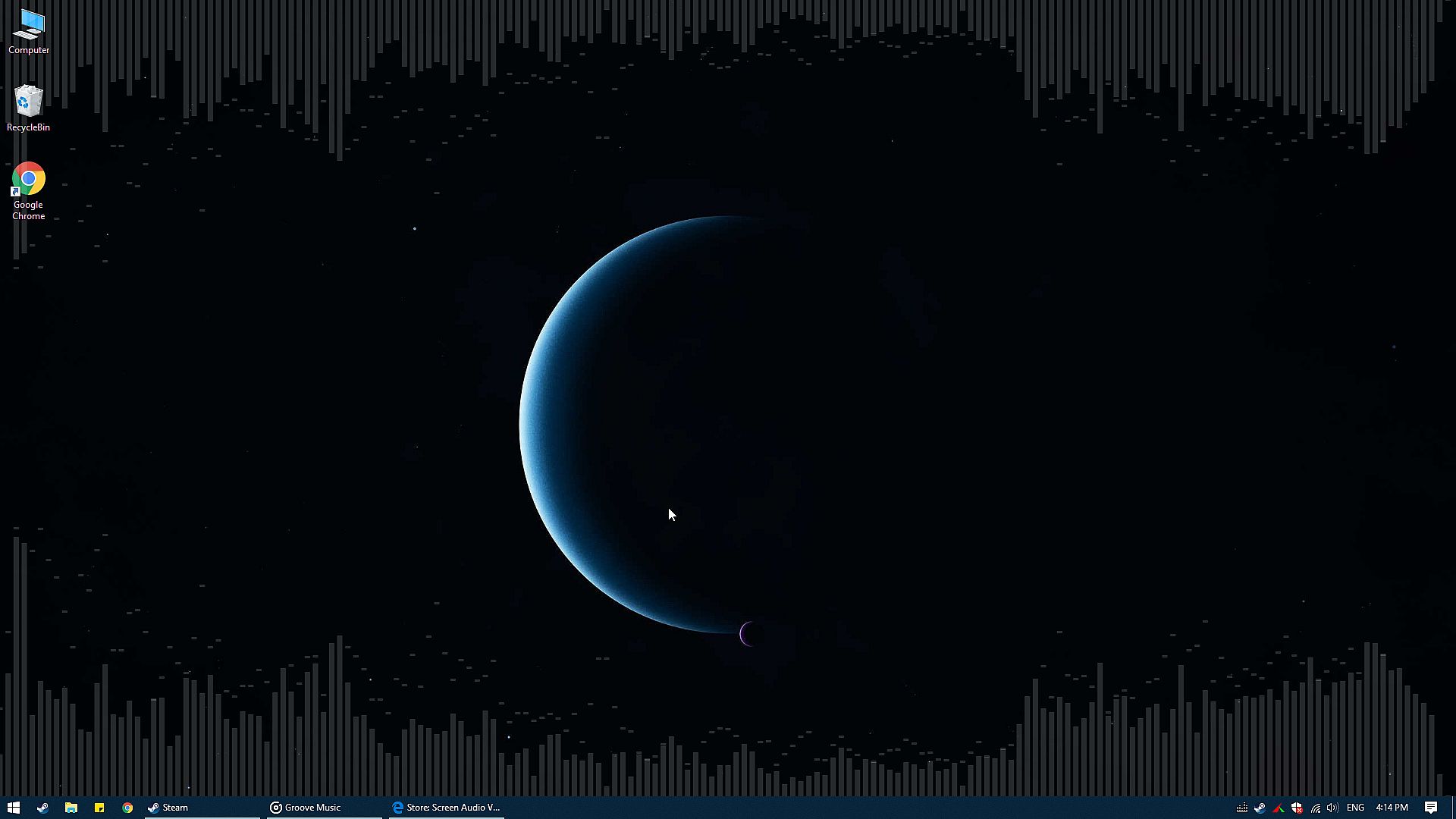
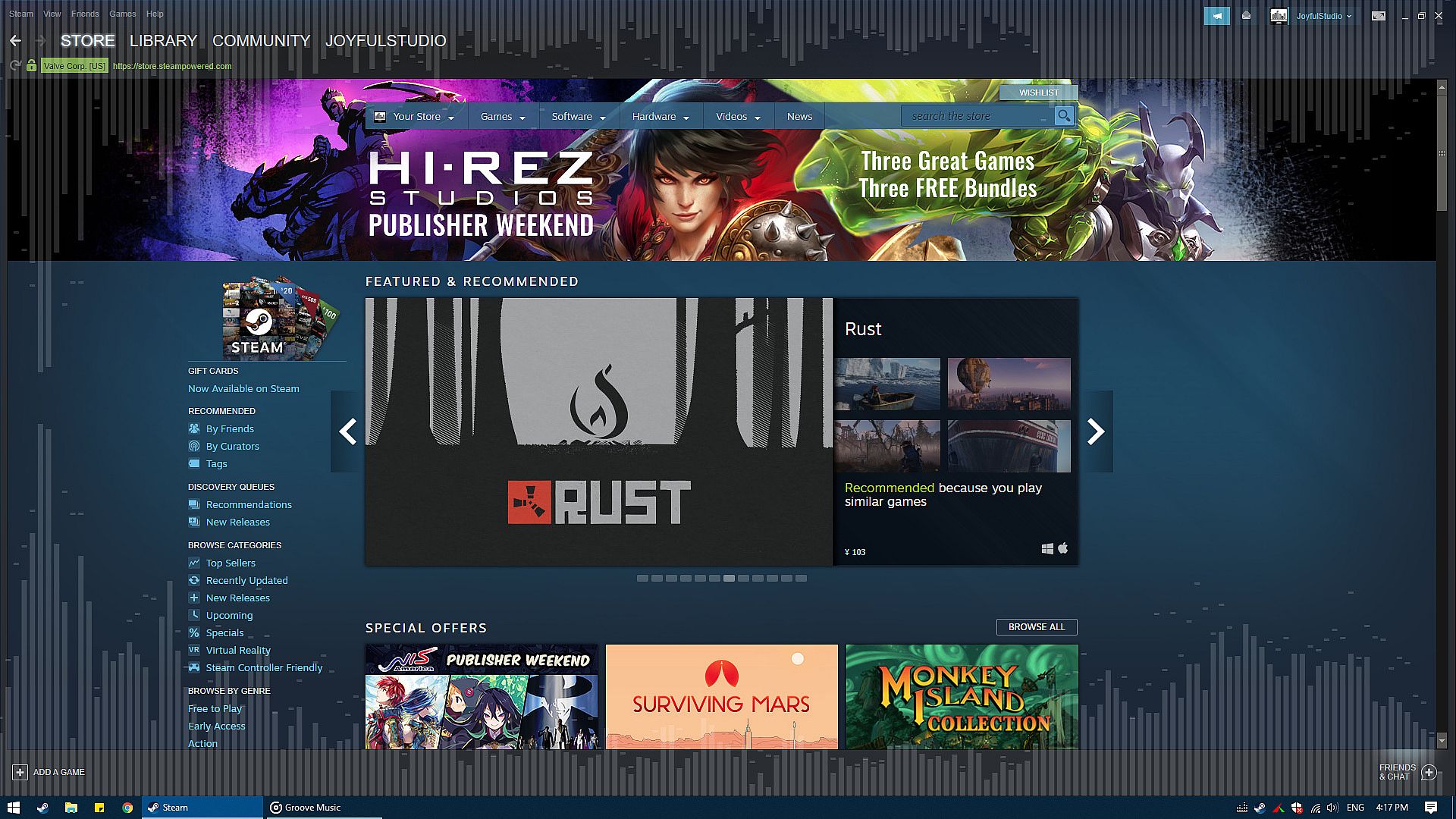
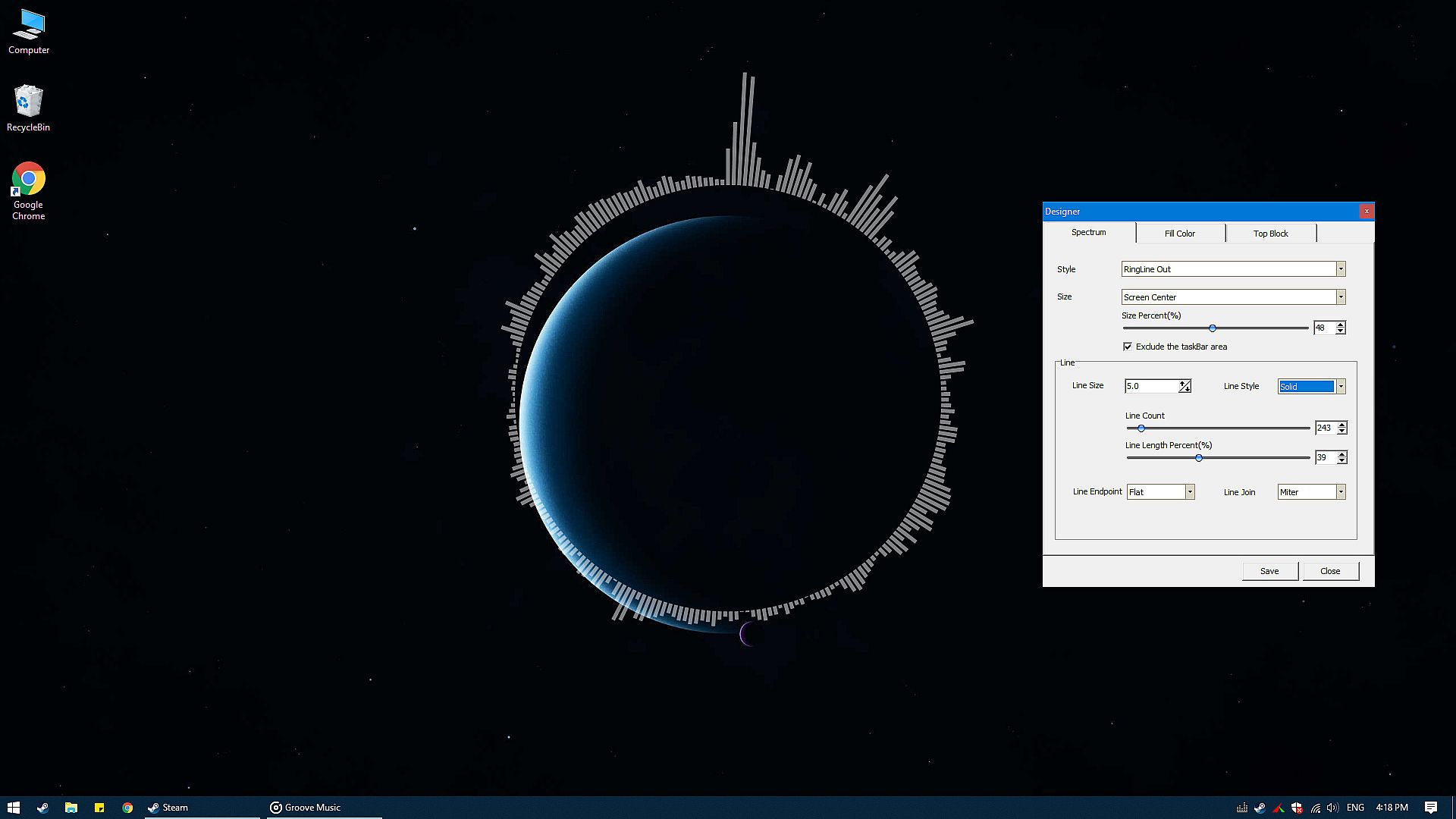
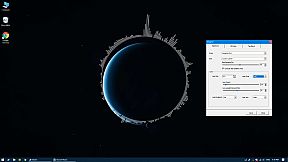
The core of Desktop Audio Visualizer revolves around its ability to capture and display audio from any system source in real time. Whether you're listening to music from a player or hearing sounds from a game, the tool renders these inputs as visual patterns on your screen. It docks persistently, staying translucent to avoid blocking your view, which means you can keep working or playing without disruption. Customization plays a big role here, letting users tweak visuals to match their preferences, and the low resource footprint ensures it runs smoothly even on modest hardware.
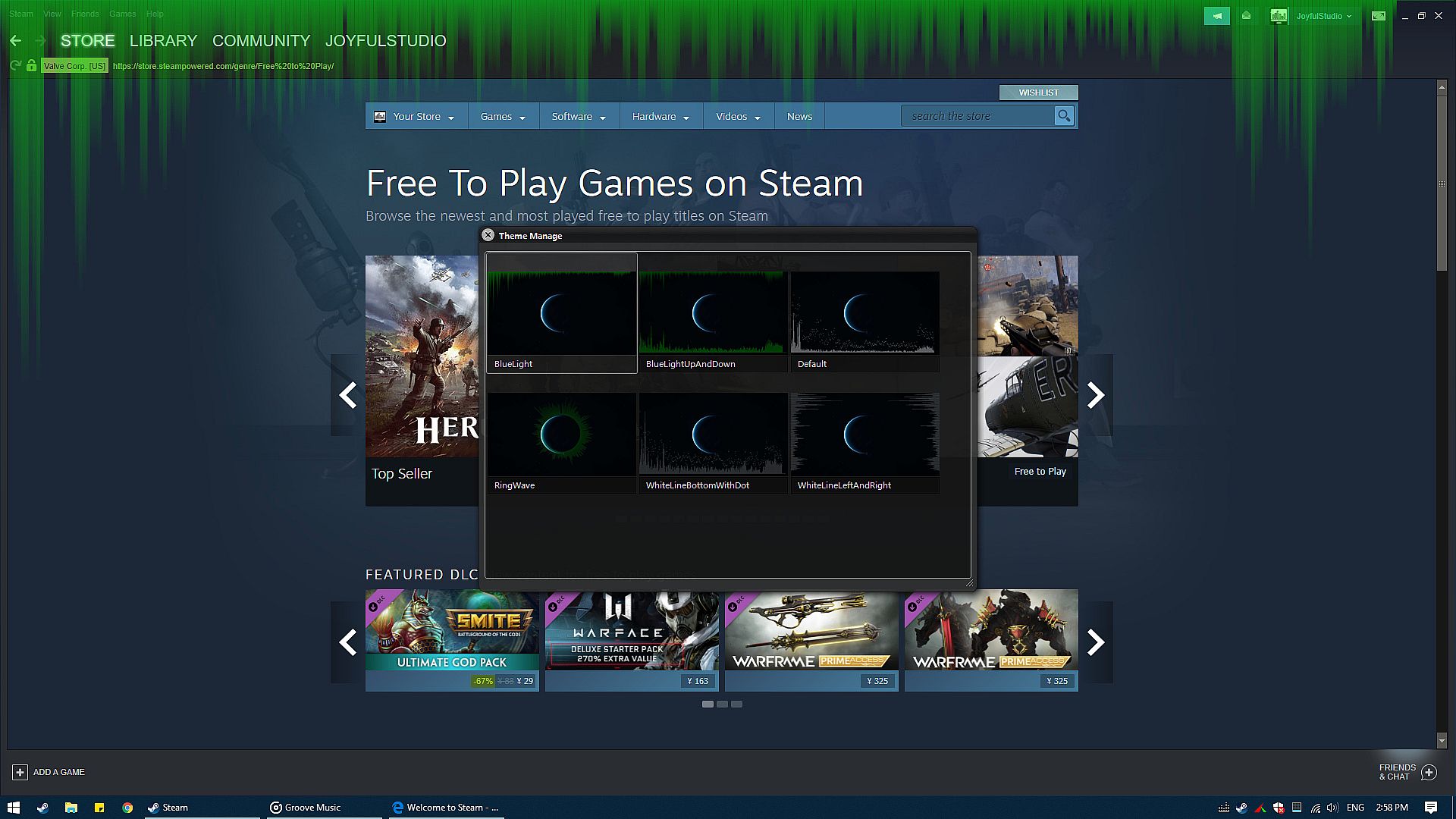
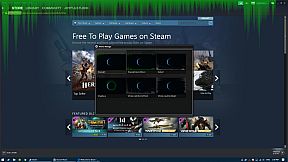
One key aspect is its foreground display, which keeps the visualizer always visible. This setup works well for multitasking, as it integrates with other applications without causing interference. Users can switch themes quickly, adapting the look to different moods or audio types, all while maintaining minimal impact on system performance.
Game Modes
Desktop Audio Visualizer does not feature traditional game modes but instead offers a range of theme presets that users can switch with a single click. These presets provide varied visual styles, allowing for quick changes to suit different audio experiences. The software emphasizes flexibility through its customization options, enabling adjustments to how visuals respond to sound inputs from sources like music or games.
This approach keeps things straightforward, focusing on utility rather than structured progression. Without defined modes, the experience centers on ongoing visualization that adapts to whatever audio is playing, making it more of a tool than a competitive or narrative-driven setup.
Current State and Updates
Since its full release in late 2018 after a brief early access period, Desktop Audio Visualizer has maintained a stable presence for PC users. It supports English and Simplified Chinese interfaces, broadening its accessibility. While no major updates have been highlighted recently, the software continues to function reliably with its core features intact.
Is It Worth Playing?
For those seeking a lightweight tool to visualize audio on their desktop, Desktop Audio Visualizer holds appeal due to its ease of use and low system demands. Player reception sits at a mixed 61% positive rating from 63 reviews, reflecting varied experiences where some appreciate the seamless integration and others note limitations in depth. It suits users in audio production or those who enjoy visual enhancements during music playback or gaming sessions.
If you value a non-intrusive visualizer that works with any sound source and offers simple theme switching, this could be a solid addition to your setup. However, if you're looking for more advanced features or frequent updates, it might fall short. Overall, it's worth trying for its practical utility in everyday PC use, especially at its accessible price point.