





Acheter DisplayFusion PC

Où acheter la clé Steam DisplayFusion PC la moins chère ? Vérifiez et comparez les prix de 6 boutiques pour trouver l'option la meilleure et la moins chère parmi 6 offres sur XD.deals. Actuellement, le prix DisplayFusion PC le plus bas sur les keyshops est disponible sur 27,06 € (30% de réduction) et sur les boutiques officielles sur 30 (38,99 € de réduction).

Date de sortie : 29 mars 2013
Développeur : Binary Fortress Software
Steam:
Very Positive (1k)
Acheter sur une boutique officielle :
38,99 €
Acheter sur les keyshops :
-30%
27,06 €
Voir l'historique des prix

Boutiques officielles (1)

DRM:
Steam
Steam
Steam
DisplayFusion
Windows
il y a 19sem
DRM:
Steam
Steam
38,99 €

Keyshops (5)

DRM:
Steam
Steam
Eneba
DisplayFusion Steam Key GLOBAL
Windows
il y a 1j
DRM:
Steam
Eneba
38,99 € 27,06 €
-30%
-10% with XDD10copy
-10% with XDD10copy
Gameseal
DisplayFusion (PC) Steam Key - GLOBAL
Windows
il y a 5j
DRM:
Steam
Gameseal
38,99 € 27,12 €
-30%
-13% with SEAL13XDDcopy
Kinguin
DisplayFusion Steam CD Key
Windows
il y a 2j
DRM:
Steam
Kinguin
38,99 € 27,50 €
-29%
-8% with XD8DEALScopy
GAMIVO
DisplayFusion Global
Windows
il y a 11h
DRM:
Steam
GAMIVO
47,13 €
-9% with XDDealscopy
GAMIVO
DisplayFusion Global
Windows
il y a 16h
DRM:
Steam
GAMIVO
64,35 €
-9% with XDDealscopy

Ă€ propos de DisplayFusion

DisplayFusion - Ă  propos du jeu

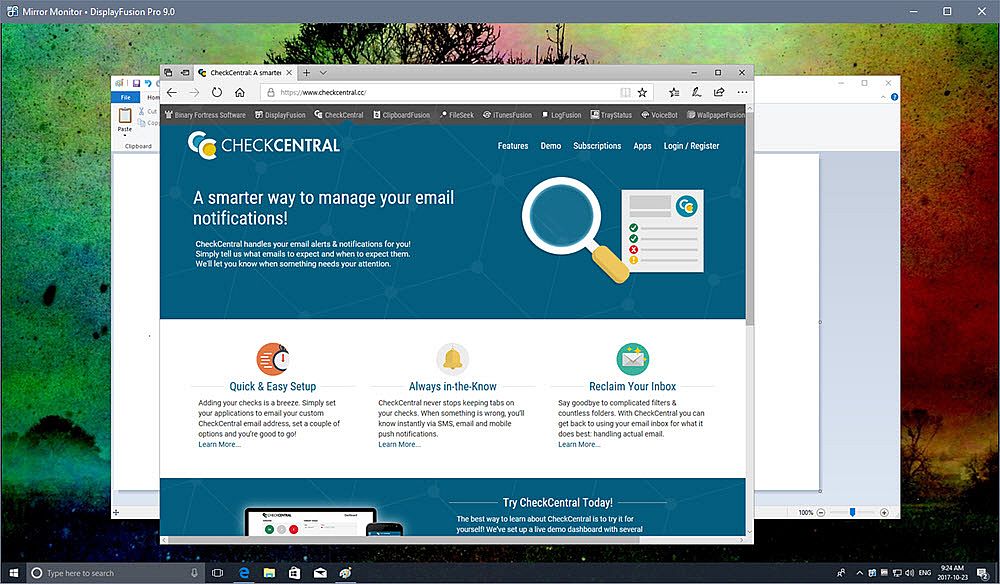
DisplayFusion will make your multi-monitor life much easier! With powerful features like Multi-Monitor Taskbars, TitleBar Buttons and fully customizable HotKeys, DisplayFusion will make managing your multiple monitors easy. These features even work when AMD Eyefinity or nVidia Surround are enabled on your system!

Lifetime License
This DisplayFusion license is a lifetime license, you won’t pay anything for any future updates or new major versions. Pay once, and enjoy DisplayFusion forever!

Trial License
A 30-day trial of DisplayFusion Pro is available on the download page of our official website: . When you purchase the Steam version of DisplayFusion Pro, it will automatically replace the existing DisplayFusion Pro trial the first time you launch it from within Steam.
Key Features
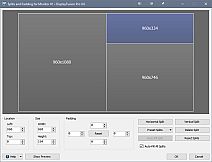
Monitor Splitting (works with Surround and Eyefinity!)
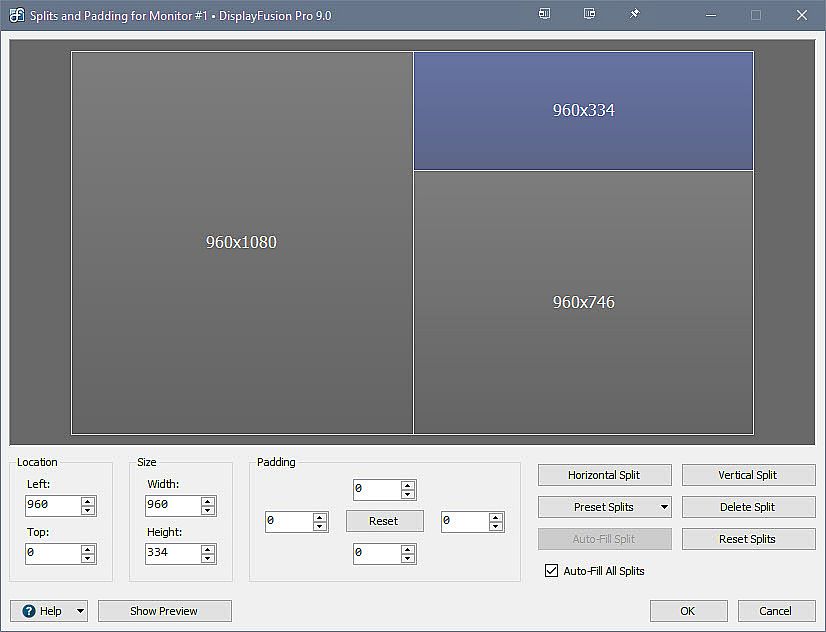
Split your monitors into multiple virtual monitors so that you can have separate Taskbars, Wallpapers, Trigger rules, Functions, and Screen Savers for each split. Non-full screen applications will maximize to the size of each split, and Functions like "Move to Next Monitor" will treat each split as a separate monitor. Compensate for ATI and nVidia Bezel Compensation in DisplayFusion to prevent your windows from disappearing behind your bezels.
 
Monitor Configuration and Profiles
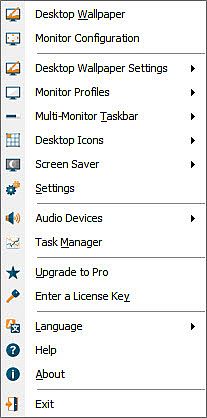
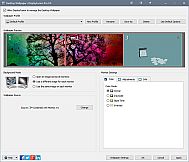
Use DisplayFusion to set your Monitor Configuration. Configure the resolution, colour depth, refresh rate and orientation. You can even save your configurations as Monitor Profiles that you can load later using a key combination or TitleBar Button. Link a Wallpaper Profile with your Monitor Profile to load your desktop wallpaper automatically based on the monitors you have connected.
 
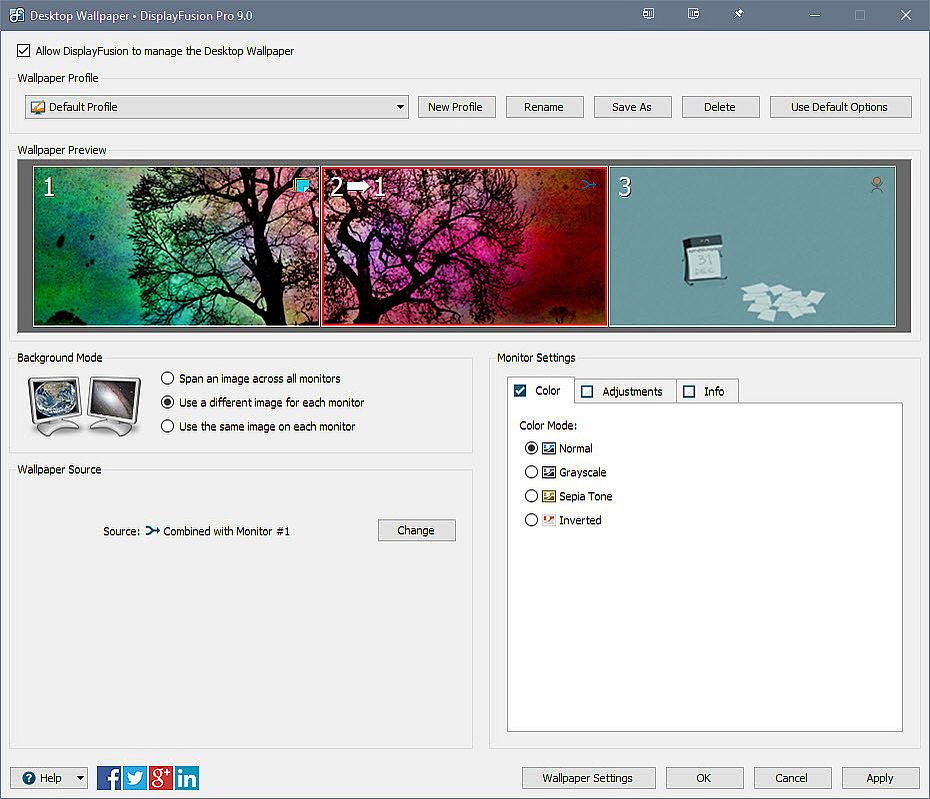
Multi-Monitor Wallpaper
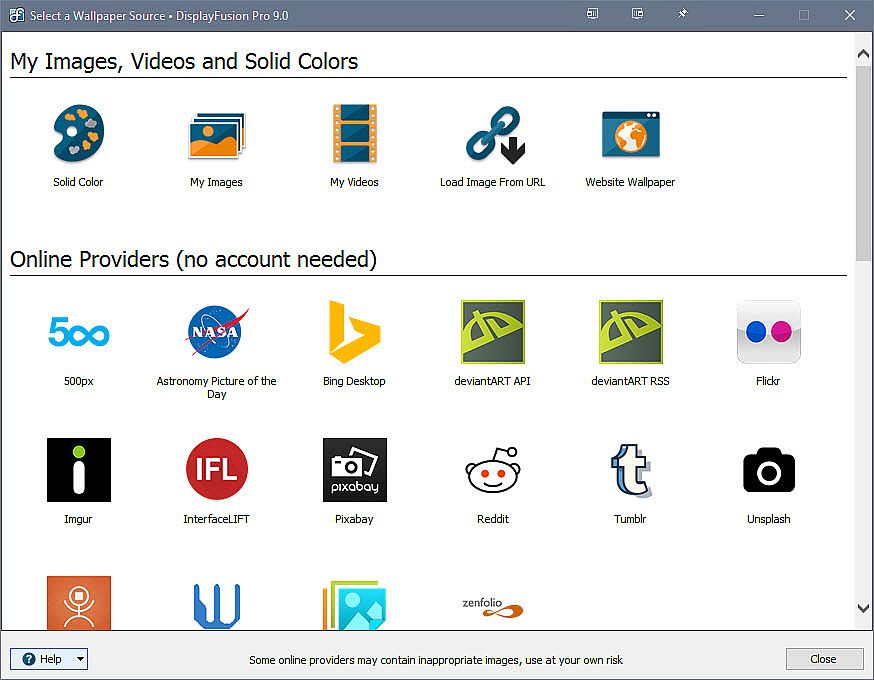
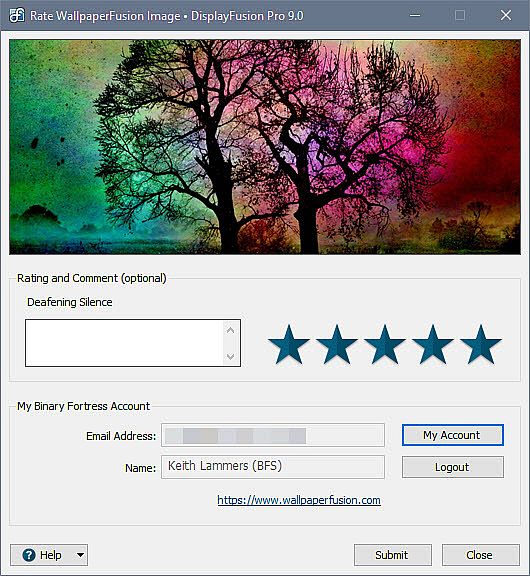
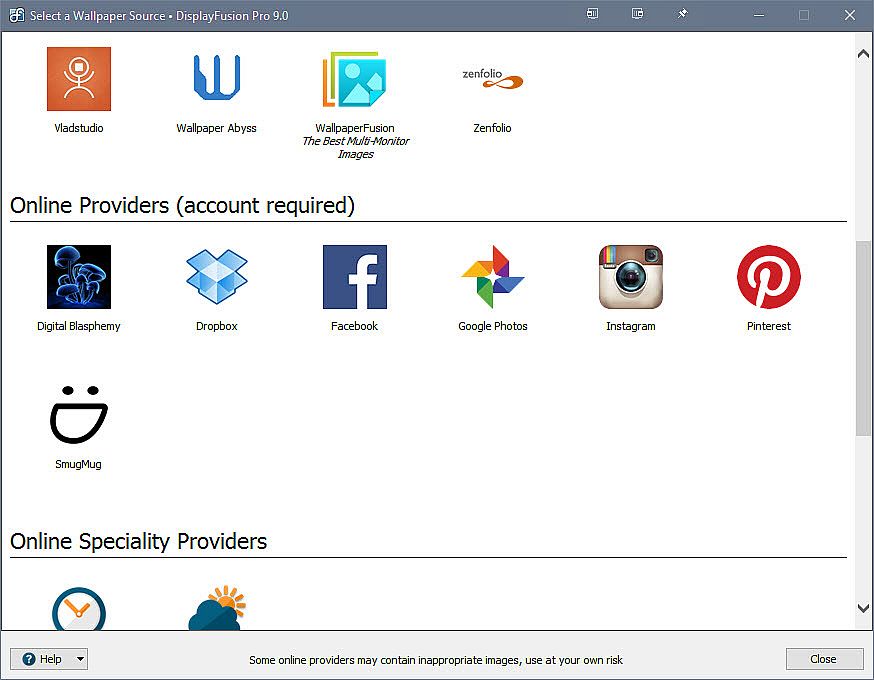
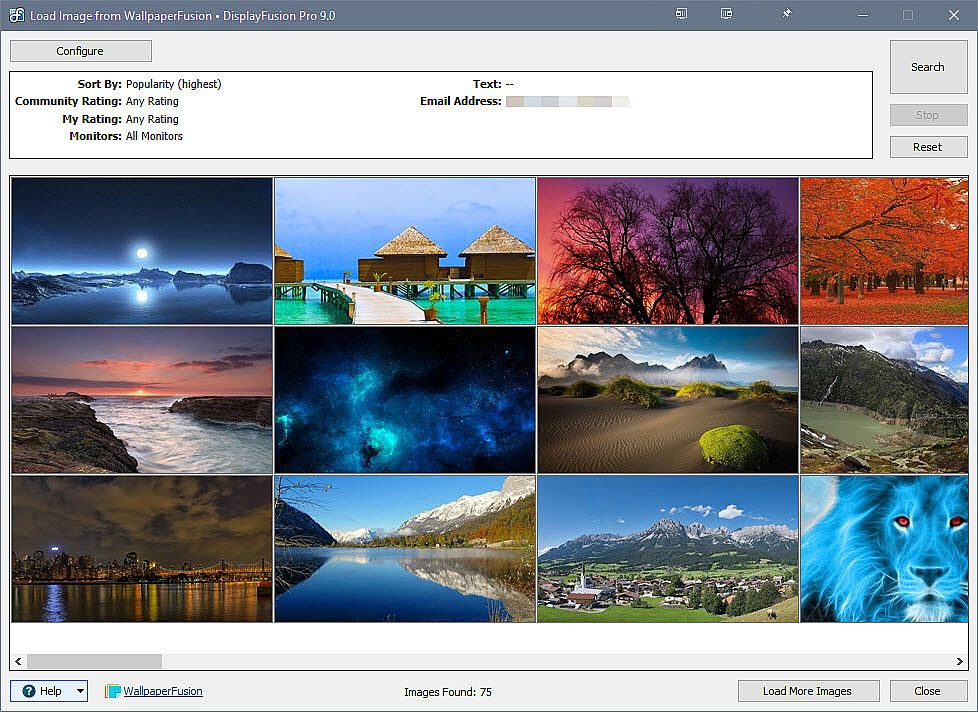
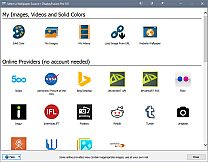
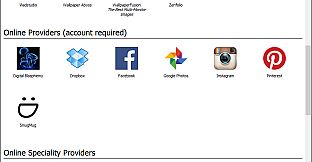
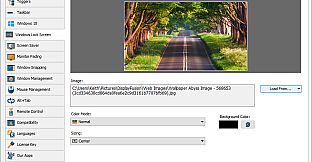
Customize your desktop with Multi-Monitor Wallpapers from WallpaperFusion, Flickr, InterfaceLIFT, Vladstudio and more. Tile, stretch, scale, crop, position and tint your images exactly how you want.
 
Multi-Monitor Taskbars
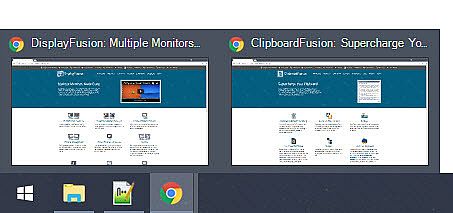
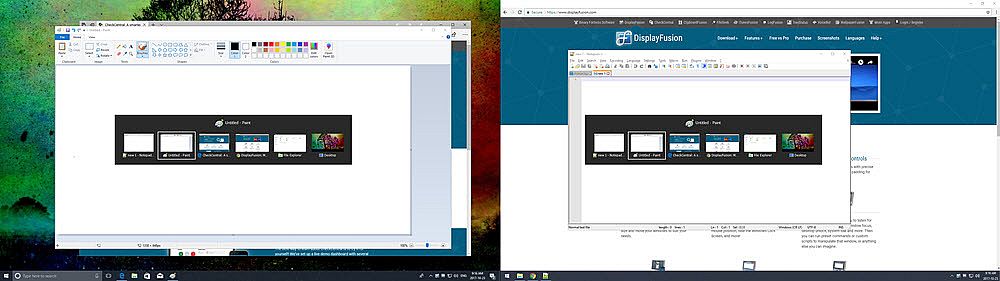
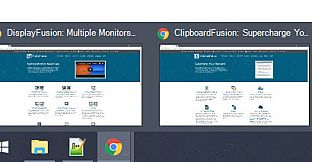
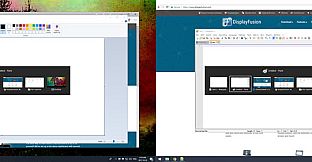
Keep your windows easily organized by adding a taskbar to each of your monitors. The taskbar on each monitor can be configured to show all windows, or only the windows that are located on that monitor. Use button grouping, auto-hide, window previews, shortcuts (pinned applications) and much more to help you work more easily with your application windows. Each taskbar can have its own custom set of shortcuts. Taskbar elements on the DisplayFusion Taskbars can also be customized to your liking, including the position of the Start button, Taskbar buttons, and clock/system tray.
 
Customizable Functions and TitleBar Buttons
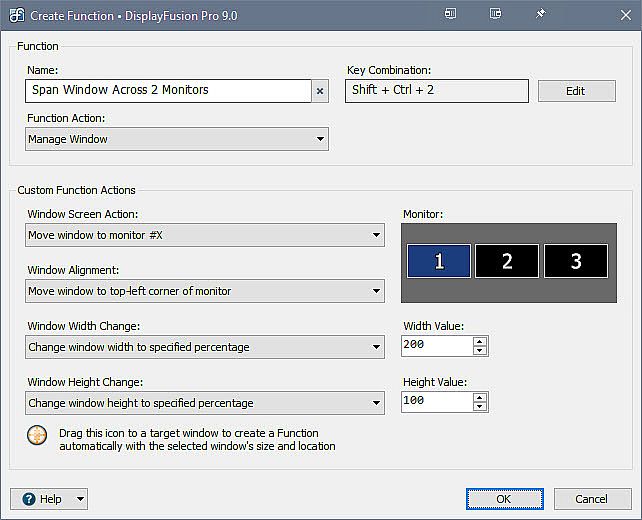
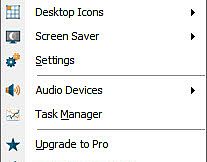
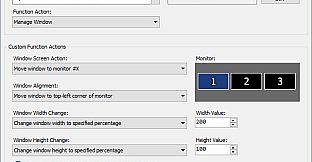
DisplayFusion comes bundled with over 30 pre-configured Functions, or you can create your own powerful custom Functions. Create Functions to load Wallpaper or Monitor Profiles, move windows around, change window opacity, toggle DisplayFusion features and much more. Any Function, including custom Functions that you've created, can be assigned to a TitleBar Button for easier access with the mouse, or to a keyboard shortcut for keyboard power users. Functions can also be assigned to the Jump List menus on the DisplayFusion Multi-Monitor Taskbars, allowing them to be run even on applications that are minimized.

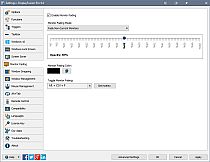
Monitor Fading
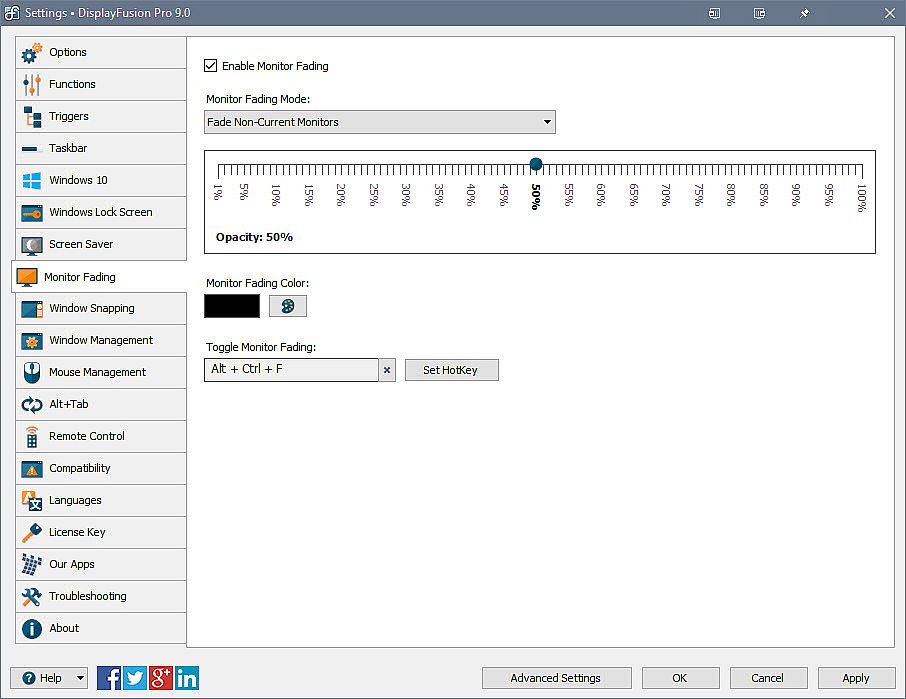
Focus on the task at hand, by automatically dimming unused monitors and application windows.

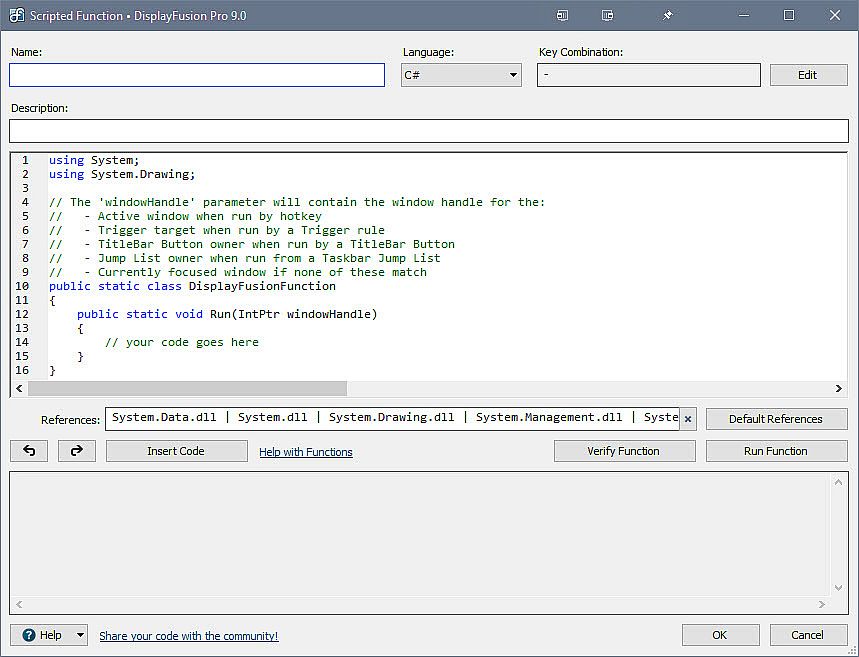
Scripted Functions
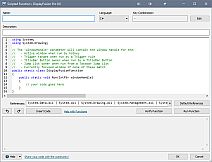
Need more options? Use DisplayFusion's Scripted Functions (Macros) to script anything you can imagine. Use C# or inside DisplayFusion to create your own custom scripts. From simple window movement scripts to anything more complex.

Triggers
The Triggers feature allows you to listen for events, like window creation, window focus, desktop unlock, system idle and more. Then you can run preset commands or custom scripts to manipulate that window, or anything else you can imagine.

Window Position Profiles
Easily save and load your window size and positions using DisplayFusion's Window Position Profile feature. Loading a previously saved Window Position Profile is an easy way to quickly organize your windows into preset arrangements.

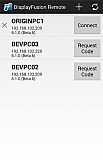
Remote Control
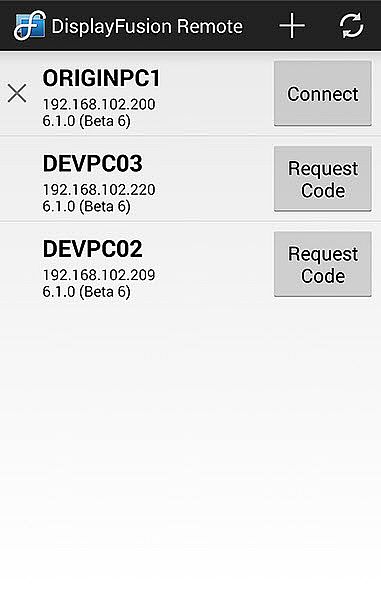
Remotely control DisplayFusion from your phone or tablet! Change your wallpaper, move windows around, enable/disable monitors and hundreds of other abilities, all from your phone or tablet. Includes support for scripted functions, new in DisplayFusion 7. You can script a complete set of actions, save it as a scripted function and run it from your phone or tablet with one-click. It’s easy to setup and even easier to use!
 
Other Key Features
  • Windows 10 and Windows 11 Tweaks
  • Window Snapping
  • Window Management
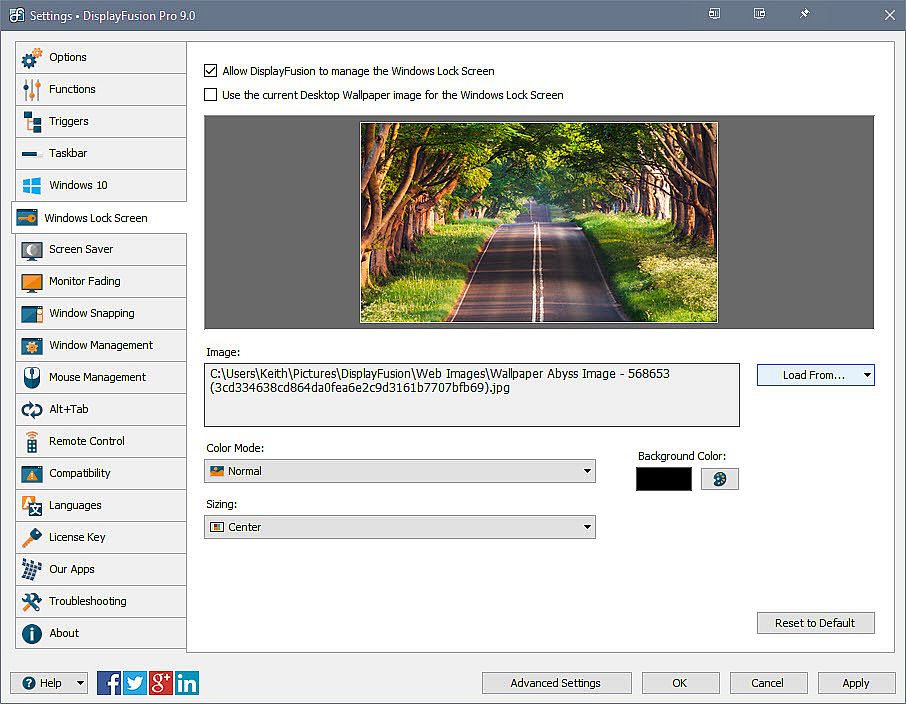
  • Change your Windows Logon Background
  • Multi-Monitor Screen Savers
  • Alt+Tab Replacement
  • Save and restore your desktop icon layout
  • Supports as many monitors as you can hookup to your computer
  • Available in over 40 languages
  • See All Features:
Steam:
Very Positive (1k)

Historique des prix

Plus bas historique
Keyshops
-
-
-
Boutiques officielles
-
-
-

FAQ

8 questions

Avant de commencer à chercher une clé CD DisplayFusion pas chère, prenez un moment pour vérifier l'essentiel. Développé par Binary Fortress Software. Publié par Binary Fortress Software. Date de sortie PC : 29 mars 2013. Genres : Utilities. Avis sur DisplayFusion : Avis Steam : 85% of the 1 003 user reviews for this game are positive.

Q Puis-je jouer Ă  DisplayFusion sur Steam Deck ?

Non, pas pour le moment. Valve indique que DisplayFusion n'est pas pris en charge sur Steam Deck, donc il ne se lance pas via Proton actuellement. Gardez un œil sur XD.deals - nous suivons les avancées Proton et les correctifs de la communauté, et nous le signalerons dès qu'il existera une méthode fonctionnelle pour jouer à DisplayFusion sur Steam Deck.

Oui. Une version Steam de DisplayFusion existe. Choisissez n'importe quelle offre marquée Clé Steam sur XD.deals, activez-la dans le client desktop et jouez à DisplayFusion sur Steam PC.

Oui. Une fois votre clé Steam activée, vous pouvez lancer DisplayFusion en mode hors ligne via Steam. Vos sauvegardes se synchroniseront la prochaine fois que vous serez en ligne.

Oui, vous pouvez acheter une clé Steam DisplayFusion directement sur le Steam Store. Sur XD.deals, nous agrégeons toutes les offres Steam DRM disponibles afin que vous puissiez comparer les bons plans Steam DisplayFusion pas chers au même endroit.

Vous trouverez chaque promo & réduction DisplayFusion en cours ici sur XD.deals. Notre suivi de prix liste actuellement 1 offres de boutiques officielles et 5 offres de keyshops. Consultez le tableau ci-dessus pour le prix le plus bas, comparez avec le plus bas historique et créez une alerte pour ne jamais manquer la prochaine baisse.

Avec XD.deals, les joueurs PC voient instantanément où acheter une clé Steam DisplayFusion PC pas chère. Notre moteur de comparaison en temps réel et notre base de coupons sélectionnés suivent chaque boutique officielle et keyshop fiable - vous n'avez rien à faire. En ce moment, nous détectons ce jeu dans 6 offres en direct de boutiques et de keyshops.

Oui. Une page officielle Steam pour DisplayFusion est disponible, donc vous pouvez acheter DisplayFusion sur Steam ou acheter une clé Steam DisplayFusion PC sur XD.deals et l'activer instantanément.

Non - XD.deals n'est pas une boutique. Nous sommes un service de comparaison de prix qui suit les meilleures offres pour DisplayFusion sur les boutiques officielles et les keyshops vérifiés. Cliquez sur " Acheter maintenant " à côté de l'offre souhaitée, et vous serez redirigé(e) vers le site du vendeur pour finaliser l'achat et recevoir la clé.

Prêt(e) à vous lancer ? Créez une alerte de prix sur XD Deals et récupérez une clé Steam DisplayFusion en promo dès qu'elle atteint son prochain plus bas historique.

Créer une alerte