



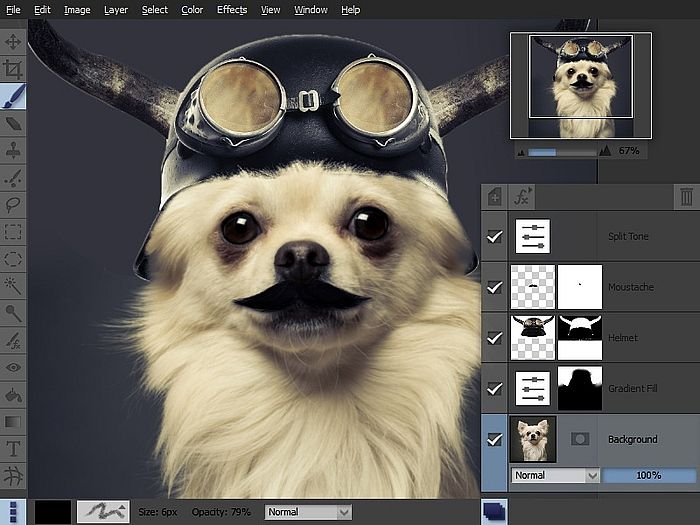
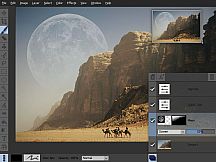
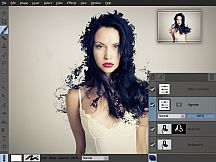
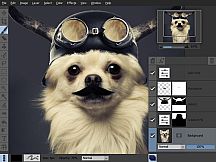
Pixeluvo contains a wide range of advanced features including non-destructive editing via adjustment layers, full support for raw image formats, powerful color correction tools, realistic pressure-sensitive drawing tools and many image enhancement filters.
- Full RAW processing pipeline
- Unlimited layers and masks
- Adjustment layers
- Huge selection of powerful filters and effects
- Powerful tools for photo touch-up and editing
- Realistic painting tools with pressure support
- Easy to use modern UI
Photo Editing
With Pixeluvo it is simple to crop, resize or rotate images. But of course it doesn’t end there. With just a few clicks you can:
- Fix perspective distortion
- Add a vignette to your photos
- Quickly paint out blemishes with the Spot-Heal tool
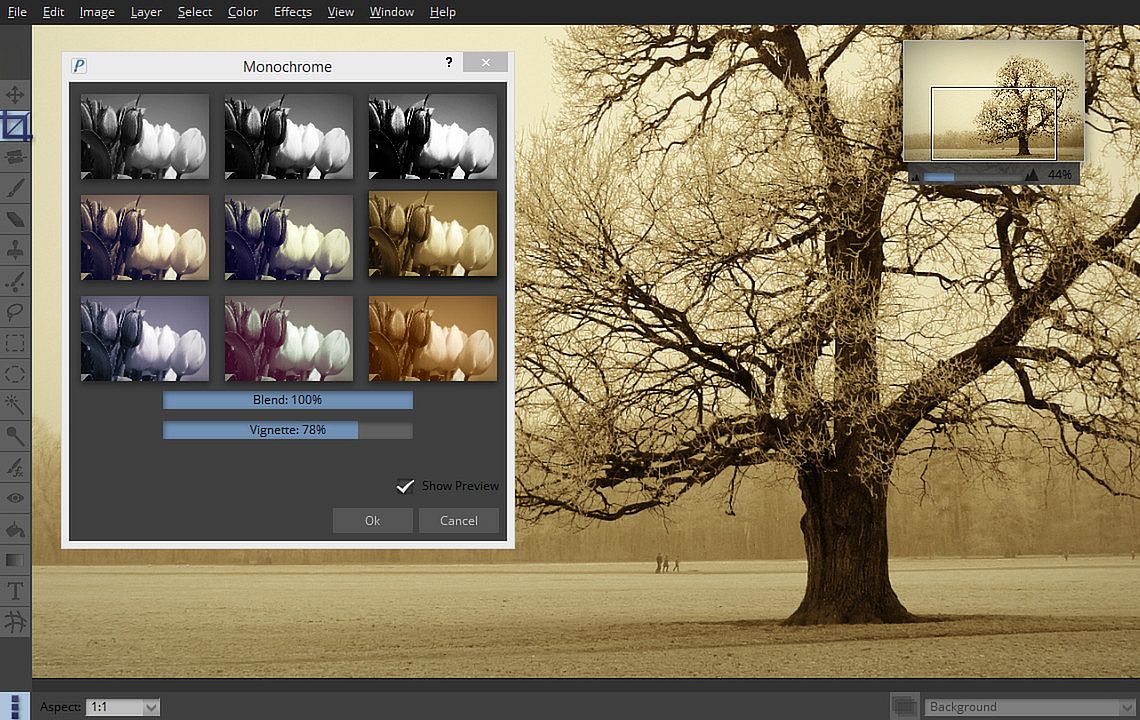
- Transform the feel of an image with the Quick Color filter
- Add text or captions to your images
Color Correction
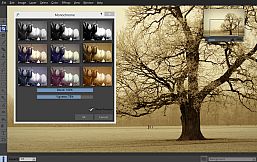
Pixeluvo contains a full range of color transform filters, allowing you to quickly transform the look of an image.
- Choose from a range of high quality presets in the Quick Color filter
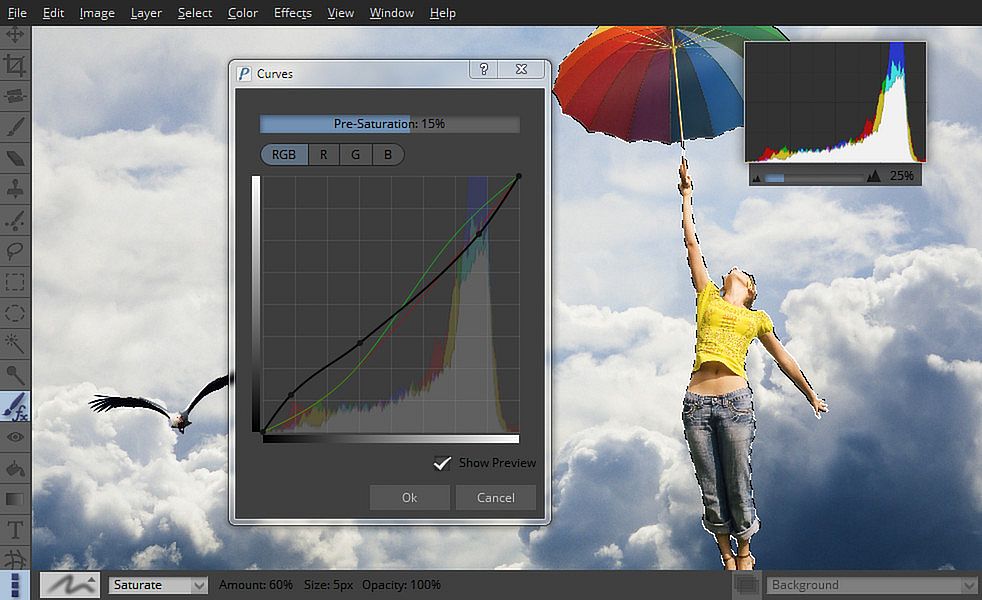
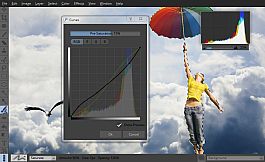
- Have complete control with the Curves and Levels filters
- Adjust the color temperature
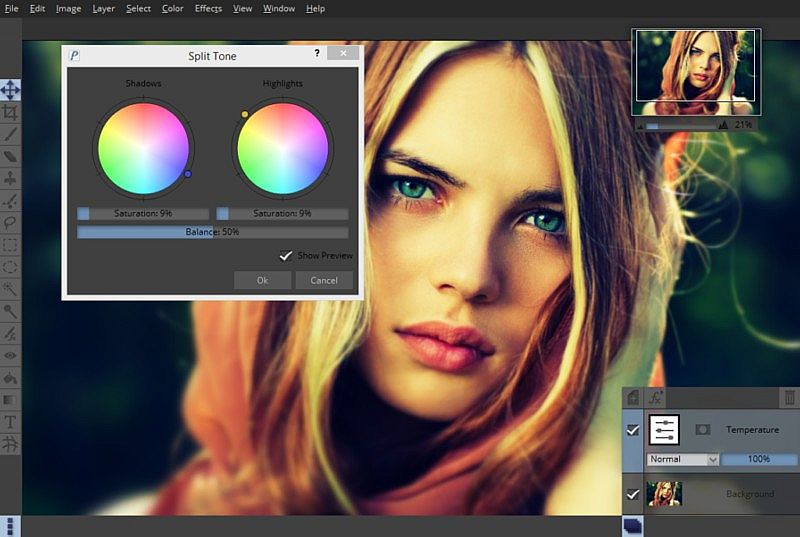
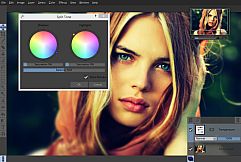
- Adjust the color balance separately for shadows, midtones and highlights
- Many other professional color filters
All the color correction filters can also be used in a non-destructive manner as adjustment layers, so you can come back and alter the settings at any time.
RawTools
Pixeluvo contains a full high precision raw image processing pipeline.
- Import raw files from all camera manufacturers
- Have precise control over exposure, color, and tone values
- Raw files are placed in their own layer type (indicated by a letter ‘R’ in the layer preview), and all settings remain fully editable.
- Add other layers to your project, use adjustment layers and masks, and all the while keep coming back to fine tune the settings for raw conversion.
When you are totally happy with the settings you can convert the layer to an ordinary bitmap layer in order to paint directly onto it, or apply destructive filters to it.
Powerful Tools
Pixeluvo includes many powerful tools for editing your images. The Paintbrush tool comes with many high quality brush presets for simulating real media, and supports pressure sensitive graphics tablets for even better realism and control. With the various selection tools you can quickly isolate regions for further editing. Other tools include:
- Spot-Heal tool
- Clone tool
- Filter brush
- Text tool
- Warp tool
Layers and Masks
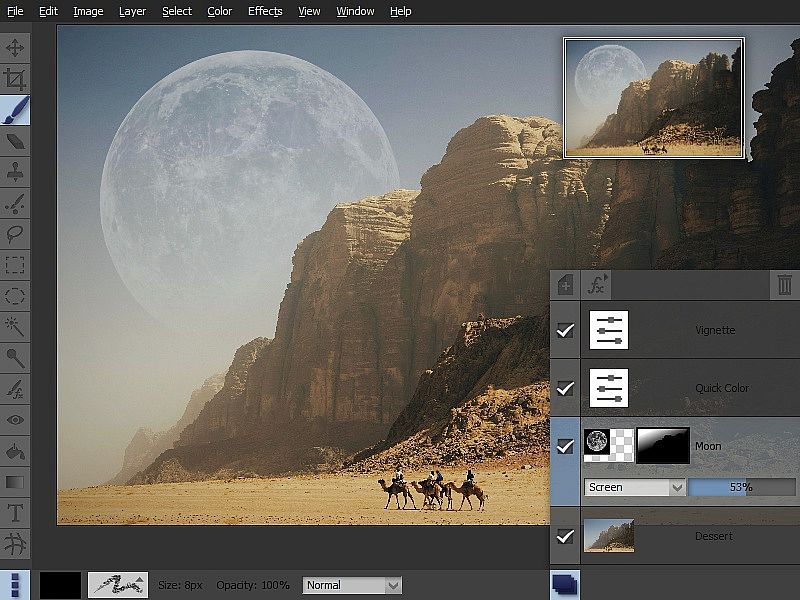
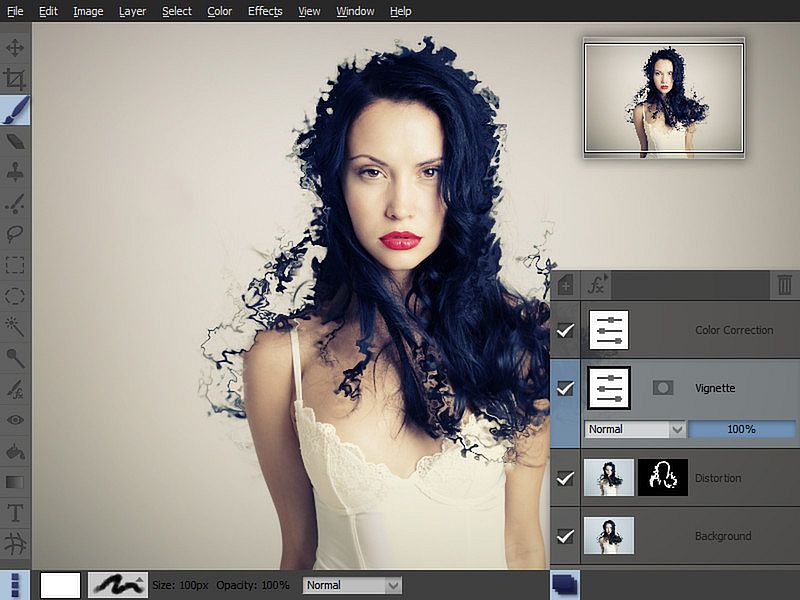
Using layers and masks can be an incredibly powerful way to build up complex images non-destructively.
- Create unlimited layers and blend them together using one of the many blending modes
- Use adjustment layers to keep color adjustments editable
- Text layers also remain editable, so the text, fonts and styling can be altered at any point
- Add a layer mask to any layer to control which areas should be visible
- Create masks from selections and vice versa
Filters and Effects
Pixeluvo contains a wide selection of powerful filters and effects, from all kinds of blurs and distortion filters, to advanced image enhancement and unique painterly effects.
- Remove noise and jpeg compression artifacts
- Boost detail
- Add a tilt-shift (miniturise) effect
- Turn a photo into a beautiful drawing with the charcoal and chalk filter
- Add a realistic lens flare with the flexible lens flare filter
- And many more.
Modern User-Interface
Pixeluvo’s interface has been carefully designed to be intuitive, beautiful, and to stay out of your way wherever possible. We think that you should be spending your time making your images look amazing, not wrestling with the user-interface. We have tried hard to make Pixeluvo as easy to use as possible, whilst at the same time making sure it is pleasing to look at.
- Simple and intuitive controls
- Panels can be hidden when they are not needed to allow the maximum room for your images
- Make the most of every pixel with full-screen mode
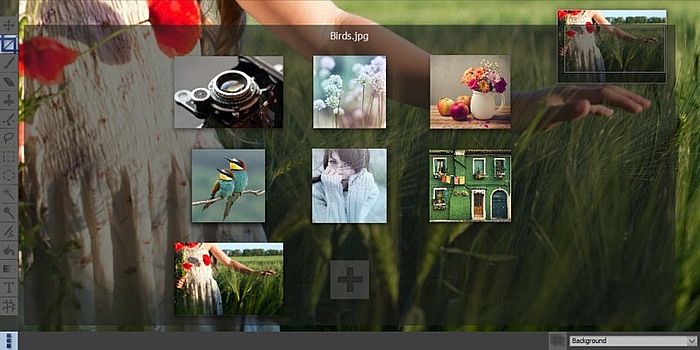
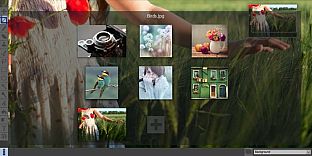
- Quickly view and switch between all open projects with ‘exposé’ view