
Buy Pixeluvo PC

Where can you buy the cheapest Pixeluvo key for {6}? Check and compare prices from 1 stores among 1 offers on XD.deals. The lowest Pixeluvo price on keyshops is at $34.99 (0% off).

Steam:
Positive (206)
Keyshops
Unavailable
Buy in Official Store:
$34.99
Buy in Keyshops:
See price history

Official Stores (1)

DRM:
Steam
Steam
Steam
Pixeluvo
Windows
1y ago
DRM:
Steam
Steam
$34.99
Historical Low Deal
Historical low

About Pixeluvo

Pixeluvo - about the game
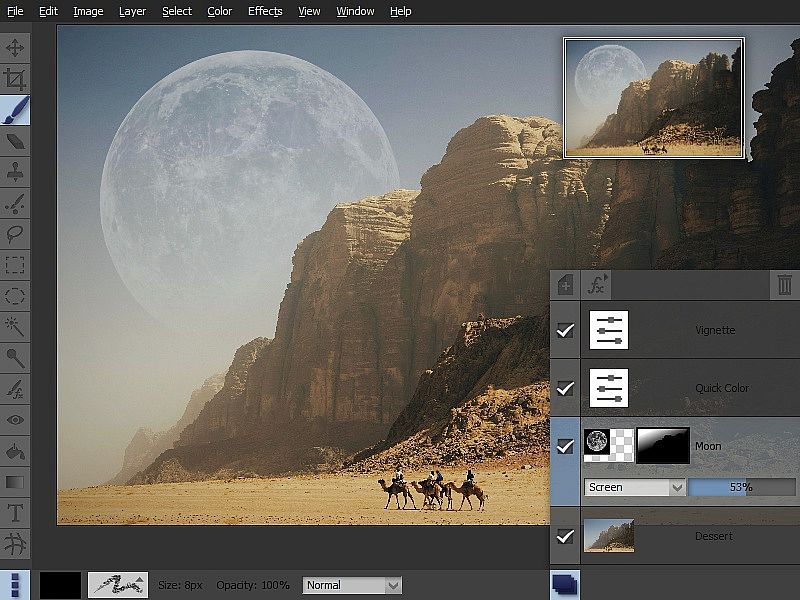
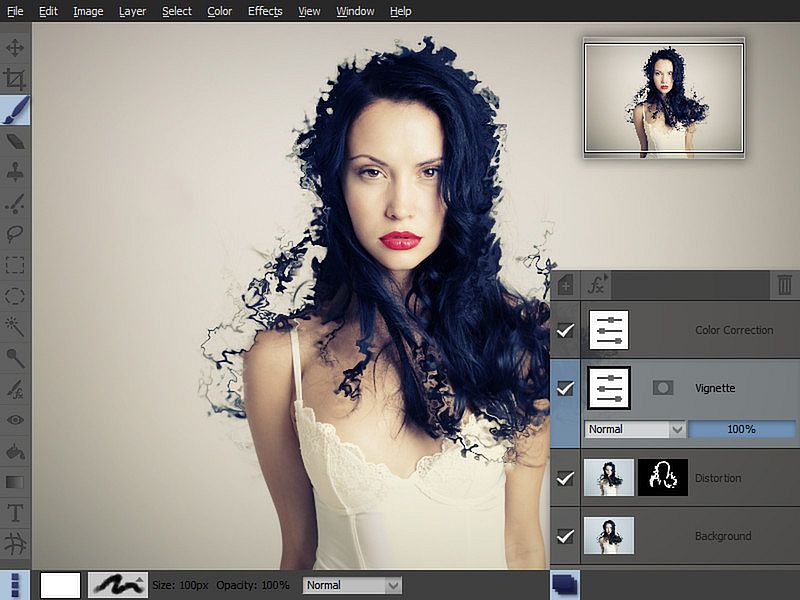
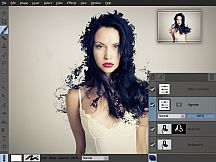
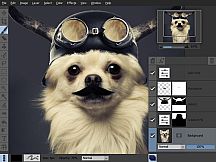
Pixeluvo delivers a polished photo editing experience on Windows, handling everything from basic cropping and resizing to intricate manipulations with layers and masks. Users tackle perspective fixes, blemish removal via Spot-Heal, and color shifts through Curves, Levels, or Quick Color presets. Raw files process through a full pipeline, staying editable as dedicated layers for ongoing tweaks before converting to bitmaps. This design and illustration tool shines with pressure-sensitive brushes, unlimited layers in various blending modes, and effects like noise reduction or lens flares. Selection tools isolate areas precisely, while the intuitive UI maximizes workspace with hideable panels and full-screen views. Professional creators and everyday editors alike rely on its non-destructive workflow for detailed image enhancements.

Pixeluvo is a beautifully designed image and photo editor for Windows. From simple photo cropping and resizing to complex image manipulation with multiple adjustment layers and masks, Pixeluvo can handle just about all your day-to-day image editing requirements. With its high quality toolset and attention to detail this is software that is simply a pleasure to use.

Pixeluvo contains a wide range of advanced features including non-destructive editing via adjustment layers, full support for raw image formats, powerful color correction tools, realistic pressure-sensitive drawing tools and many image enhancement filters.

  • Full RAW processing pipeline
  • Unlimited layers and masks
  • Adjustment layers
  • Huge selection of powerful filters and effects
  • Powerful tools for photo touch-up and editing
  • Realistic painting tools with pressure support
  • Easy to use modern UI

Photo Editing


With Pixeluvo it is simple to crop, resize or rotate images. But of course it doesn’t end there. With just a few clicks you can:

  • Fix perspective distortion
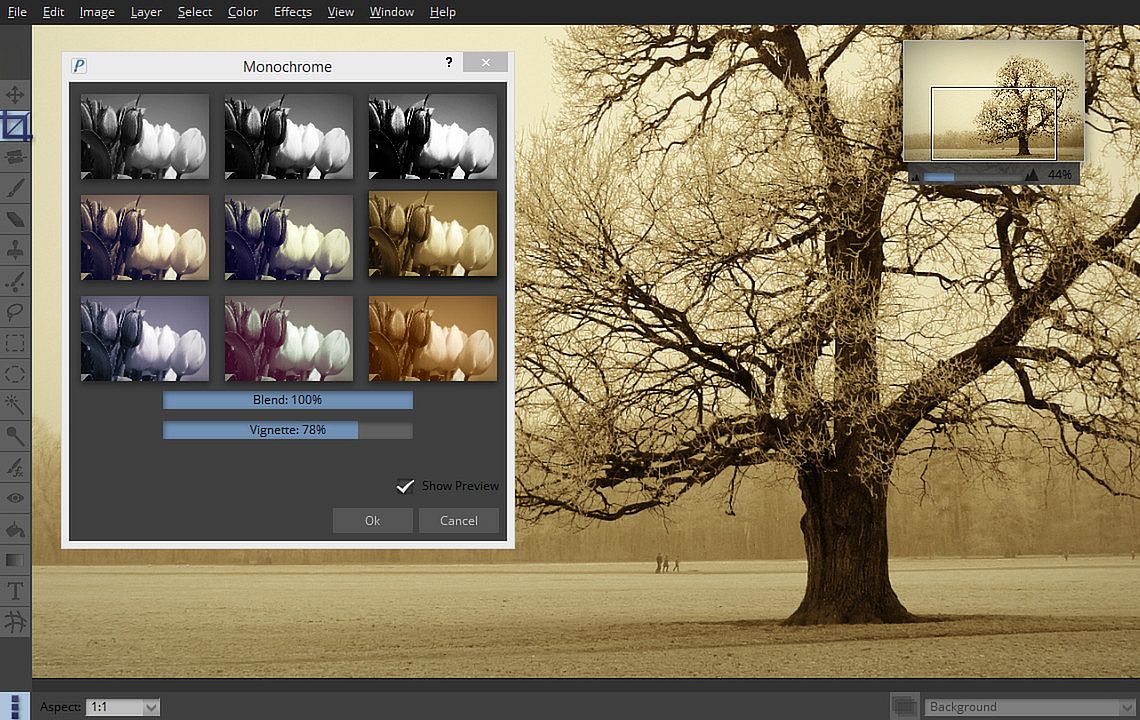
  • Add a vignette to your photos
  • Quickly paint out blemishes with the Spot-Heal tool
  • Transform the feel of an image with the Quick Color filter
  • Add text or captions to your images

Color Correction


Pixeluvo contains a full range of color transform filters, allowing you to quickly transform the look of an image.

  • Choose from a range of high quality presets in the Quick Color filter
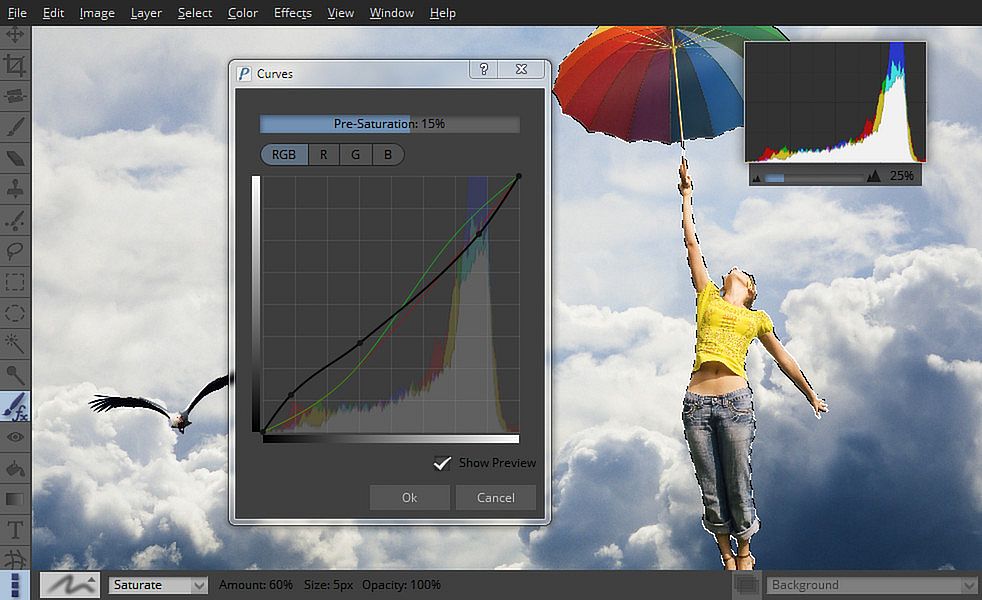
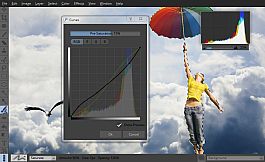
  • Have complete control with the Curves and Levels filters
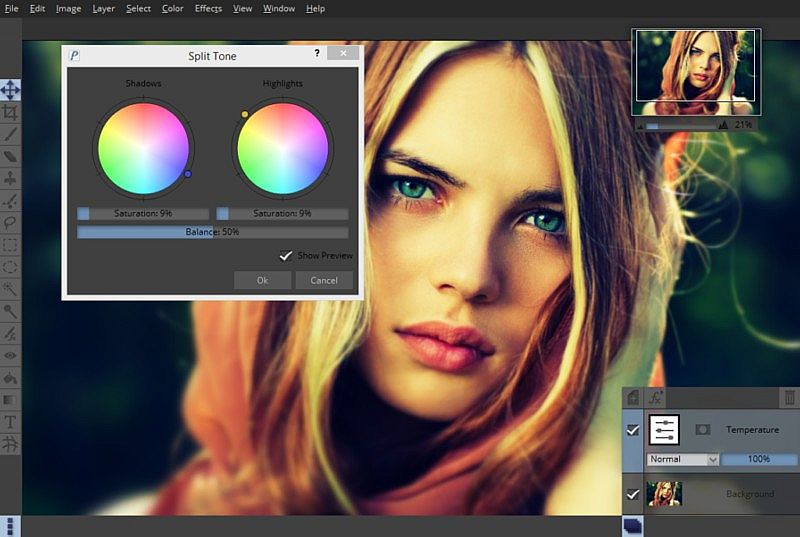
  • Adjust the color temperature
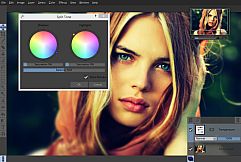
  • Adjust the color balance separately for shadows, midtones and highlights
  • Many other professional color filters

All the color correction filters can also be used in a non-destructive manner as adjustment layers, so you can come back and alter the settings at any time.

RawTools


Pixeluvo contains a full high precision raw image processing pipeline.

  • Import raw files from all camera manufacturers
  • Have precise control over exposure, color, and tone values
  • Raw files are placed in their own layer type (indicated by a letter ‘R’ in the layer preview), and all settings remain fully editable.
  • Add other layers to your project, use adjustment layers and masks, and all the while keep coming back to fine tune the settings for raw conversion.

When you are totally happy with the settings you can convert the layer to an ordinary bitmap layer in order to paint directly onto it, or apply destructive filters to it.

Powerful Tools


Pixeluvo includes many powerful tools for editing your images. The Paintbrush tool comes with many high quality brush presets for simulating real media, and supports pressure sensitive graphics tablets for even better realism and control. With the various selection tools you can quickly isolate regions for further editing. Other tools include:

  • Spot-Heal tool
  • Clone tool
  • Filter brush
  • Text tool
  • Warp tool

Layers and Masks


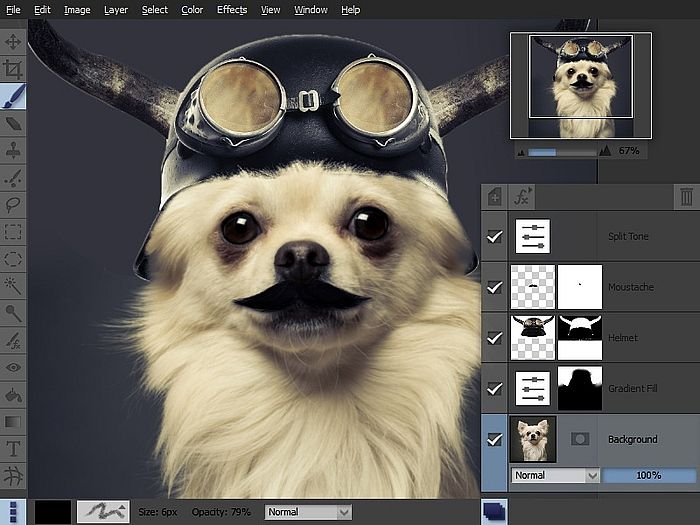
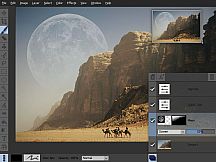
Using layers and masks can be an incredibly powerful way to build up complex images non-destructively.

  • Create unlimited layers and blend them together using one of the many blending modes
  • Use adjustment layers to keep color adjustments editable
  • Text layers also remain editable, so the text, fonts and styling can be altered at any point
  • Add a layer mask to any layer to control which areas should be visible
  • Create masks from selections and vice versa

Filters and Effects


Pixeluvo contains a wide selection of powerful filters and effects, from all kinds of blurs and distortion filters, to advanced image enhancement and unique painterly effects.

  • Remove noise and jpeg compression artifacts
  • Boost detail
  • Add a tilt-shift (miniturise) effect
  • Turn a photo into a beautiful drawing with the charcoal and chalk filter
  • Add a realistic lens flare with the flexible lens flare filter
  • And many more.

Modern User-Interface


Pixeluvo’s interface has been carefully designed to be intuitive, beautiful, and to stay out of your way wherever possible. We think that you should be spending your time making your images look amazing, not wrestling with the user-interface. We have tried hard to make Pixeluvo as easy to use as possible, whilst at the same time making sure it is pleasing to look at.

  • Simple and intuitive controls
  • Panels can be hidden when they are not needed to allow the maximum room for your images
  • Make the most of every pixel with full-screen mode
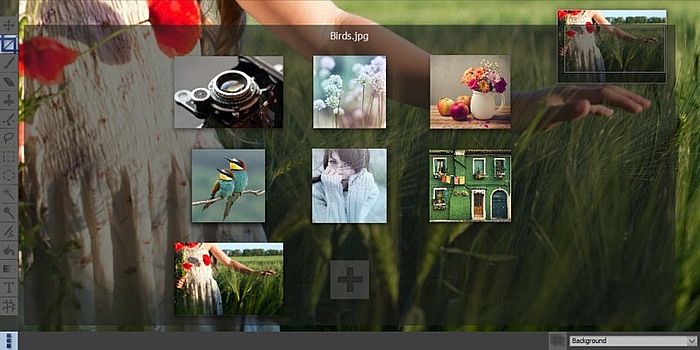
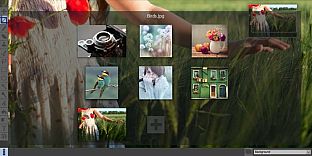
  • Quickly view and switch between all open projects with ‘exposé’ view

Interface:
English

Age rating

Unavailable
Steam:
Positive (206)

Minimum:

  • Processor: Intel Pentium 4, AMD Opteron with SSE2 support
  • Memory: 4 GB RAM
  • Storage: 100 MB available space

Recommended:

  • OS: Windows 10 or later
  • Processor: Dual or Quad Core Processor
  • Memory: 8 GB RAM
  • Storage: 200 MB available space
Historical low
Price history from official stores
-
-
-
Price history from keyshops
-
-
-

FAQ

8 questions

Before you start looking for a cheap Pixeluvo key, check the essentials. Developed by Pictopotamus. Published by Pictopotamus. PC released date: 14 Aug 2014. Genres: Design & Illustration, Photo Editing.

Q

Where to buy a cheap Pixeluvo Steam key?

Using our price comparison and verified discount codes, you can buy a Pixeluvo key for as low as $34.99. This deal is available at Steam and is among the cheapest offers on the market. All keys listed on XD.deals are delivered digitally and eligible for instant download after payment. Prices already include processing fees and applied promo codes, so you always see the lowest Pixeluvo price on PC. Check the Pixeluvo price history to buy at the best moment.

As of our last update (we refresh Steam pricing multiple times a day), the Pixeluvo Steam price is $34.99. You can save an extra ~6% by paying with a discounted Steam gift card.

Our price tracker covers both official retailers and key marketplaces, so you can find Pixeluvo on sale even outside seasonal promotions. We currently detect 1 active offer from official stores and keyshops. Check the table above, compare against the historical low, and set an alert so you never miss the next price drop.

Based on our data, Pixeluvo is not currently available on GeForce NOW. You will need to run it locally on your PC. Browse games available on GeForce NOW.

Yes. Pixeluvo has an official page on the Steam Store. You can also buy a Pixeluvo Steam key from third-party sellers. Our price comparison currently includes 1 offer with Steam DRM. Pick one to ensure your Pixeluvo download happens on Valve's platform.

Not at this time. Valve marks Pixeluvo as Unsupported on Steam Deck. Keep an eye on XD.deals - we track Proton updates and community fixes. Browse games that are Steam Deck Verified or Steam Deck Playable.

Pixeluvo does not appear to be available on PC Game Pass, EA Play, Ubisoft+ or any other PC subscription service at this time. Your only option is purchasing the game - use XD.deals to find the best price.

No - XD.deals is not a store. We are a price-comparison service that tracks the best Pixeluvo deals across official stores and verified keyshops. Click "Go to Store" next to any offer and you will be redirected to the retailer's website to complete your purchase.

Best prices for Pixeluvo

1 Steam Steam Official
$34.99

Want to buy at the best moment? Set a price alert on XD.deals and get notified when Pixeluvo hits its next historical low.

Create Alert
Join our Discord
Get instant help from our community and stay updated on the latest deals
Set Price Alerts
Get notified by email when game prices drop to your target
Create Free Account
Unlock wishlists, price alerts, and Steam sync