

Comprar Aurum - Control Center Creator PC

¿Te interesa Aurum - Control Center Creator? Estamos siguiendo precios en tiendas de confianza. Añade Aurum - Control Center Creator a tu lista de deseos y te avisaremos cuando haya ofertas.

Lanzamiento: 23 abr 2021
Editor: Libor Turek
Desarrollador: Libor Turek
Official
No disponible
Keyshops
No disponible
Comprar en tienda oficial:
No disponible
Comprar en keyshops:
No disponible

No hay entradas, pero no te preocupes: te avisaremos cuando aparezca una nueva oferta.

Create Alert Create deal Alert

Sobre Aurum - Control Center Creator

Aurum - Control Center Creator - sobre el juego

Welcome to Aurum!

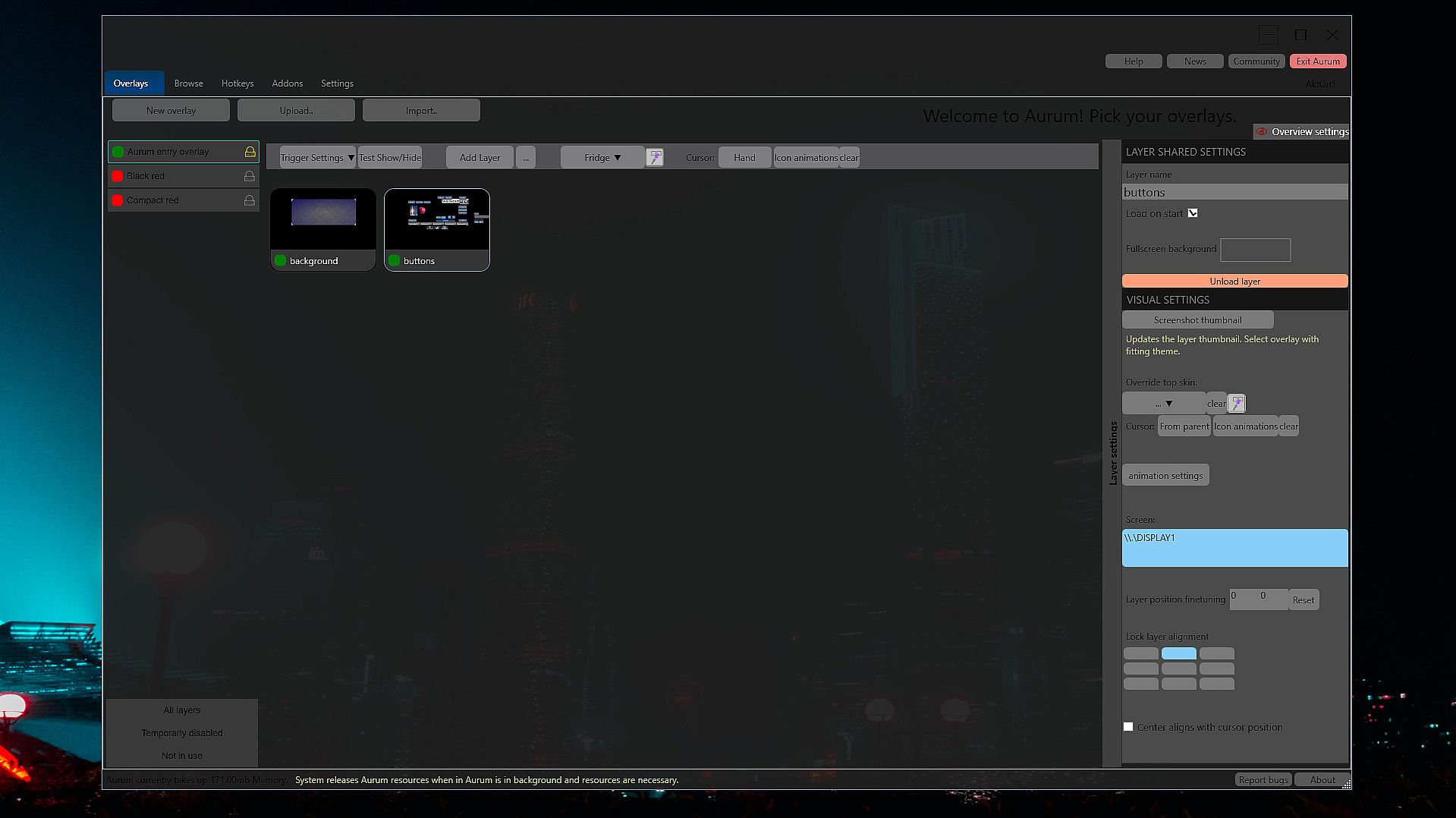
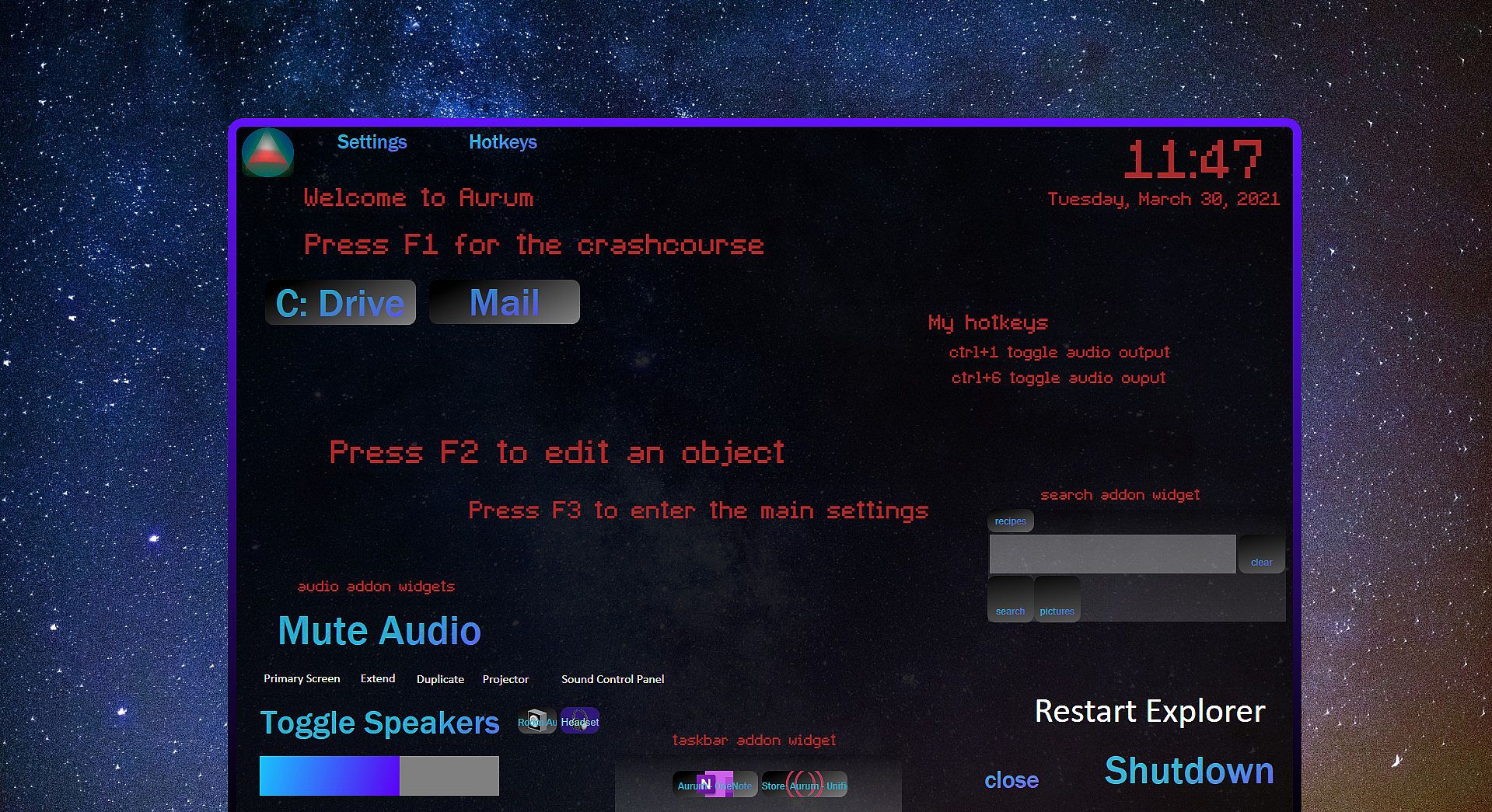
Aurum is a powerful but comfortable "custom OS flyout menu" designer. It's first of it's kind and slighly experimental.
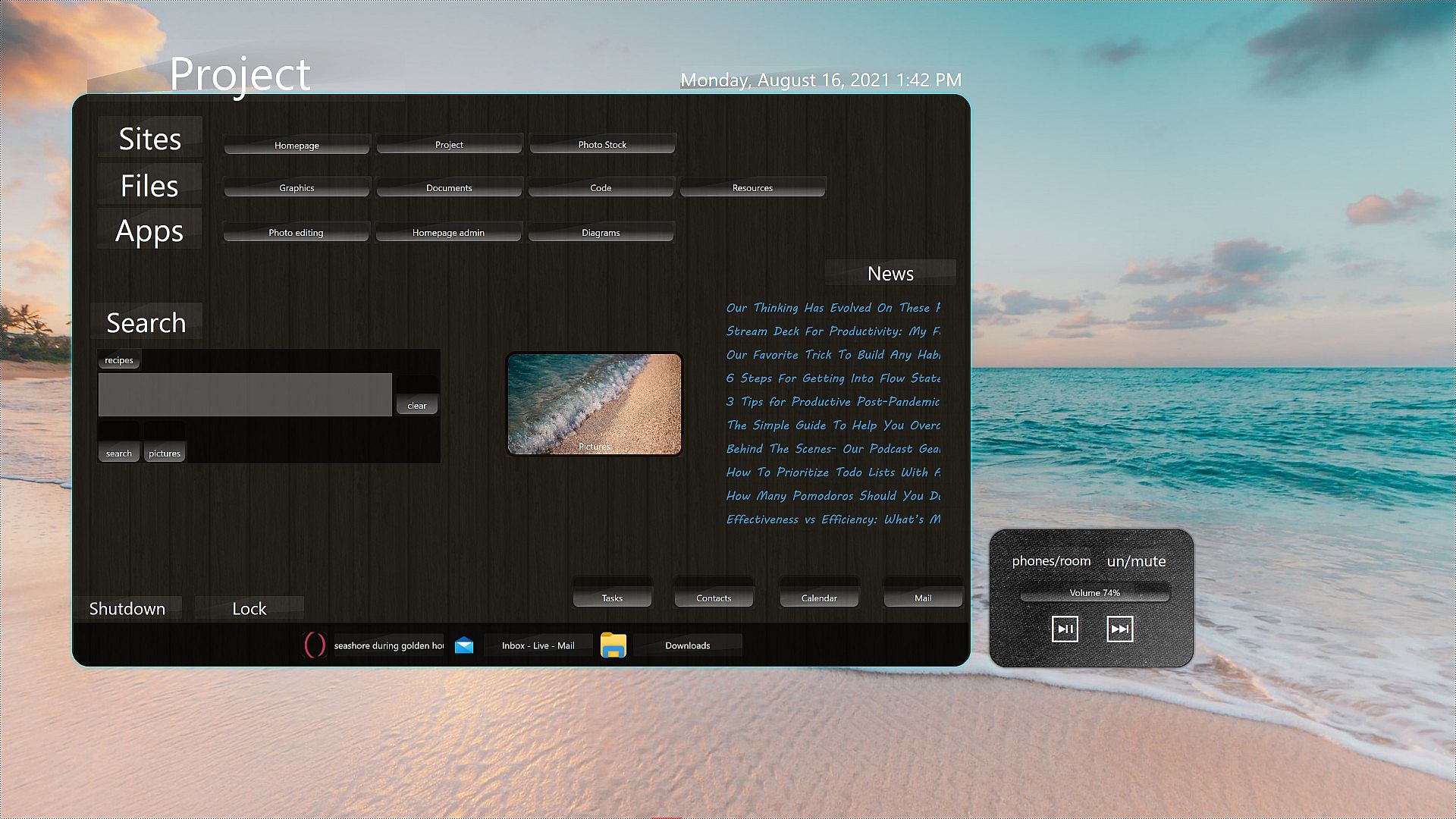
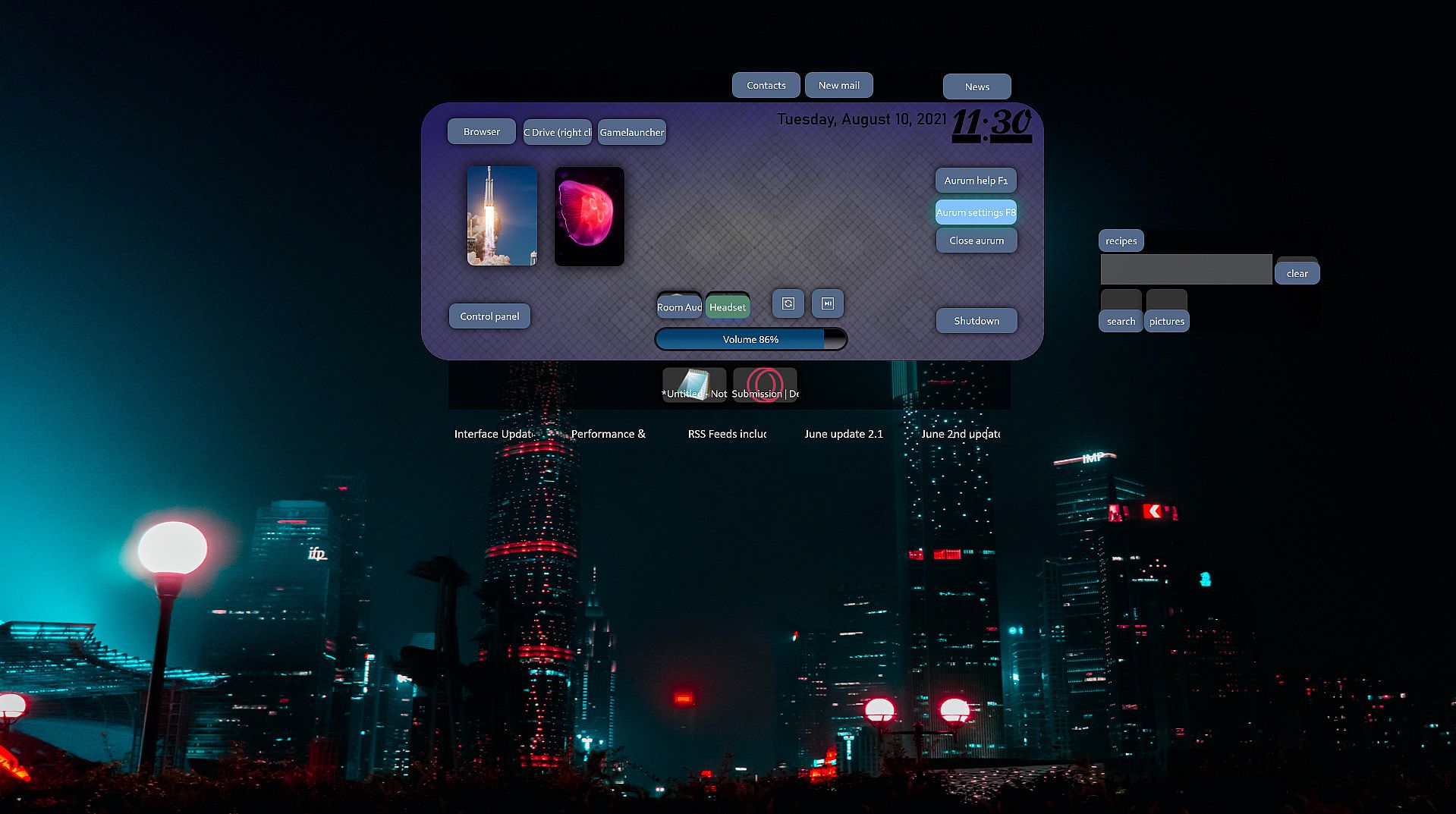
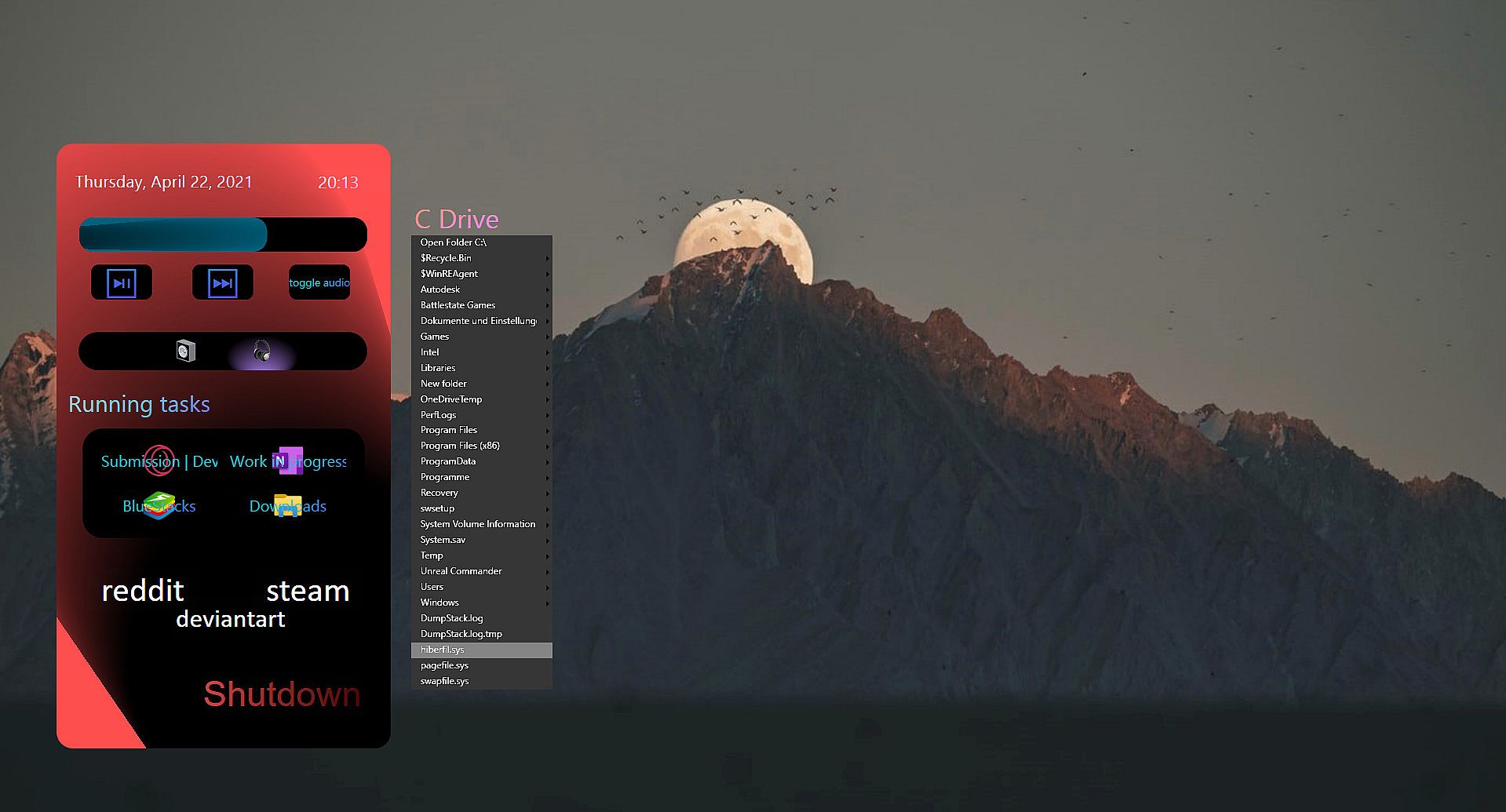
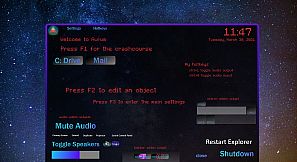
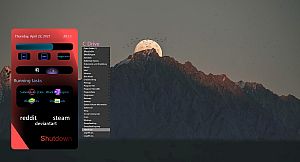
You can create your own overlaying panels, and combine OS commands and links as well as easily to reach widgets like a volume slider, to have a better and more seamless work and gaming experience.
It shines when mapped to an extra mouse button, making it possible to reach all your settings and anything with one hand.

Convenient creating
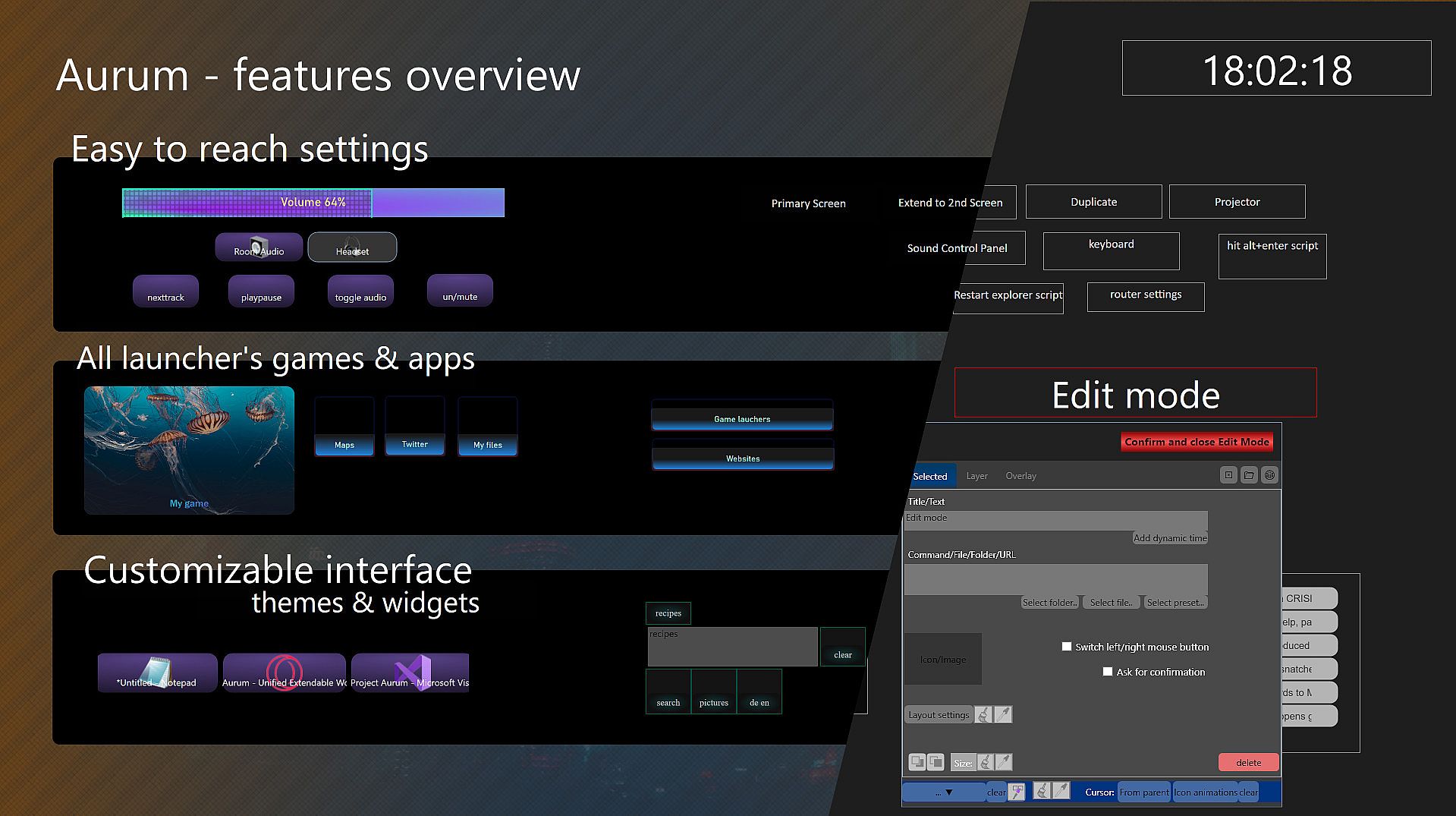
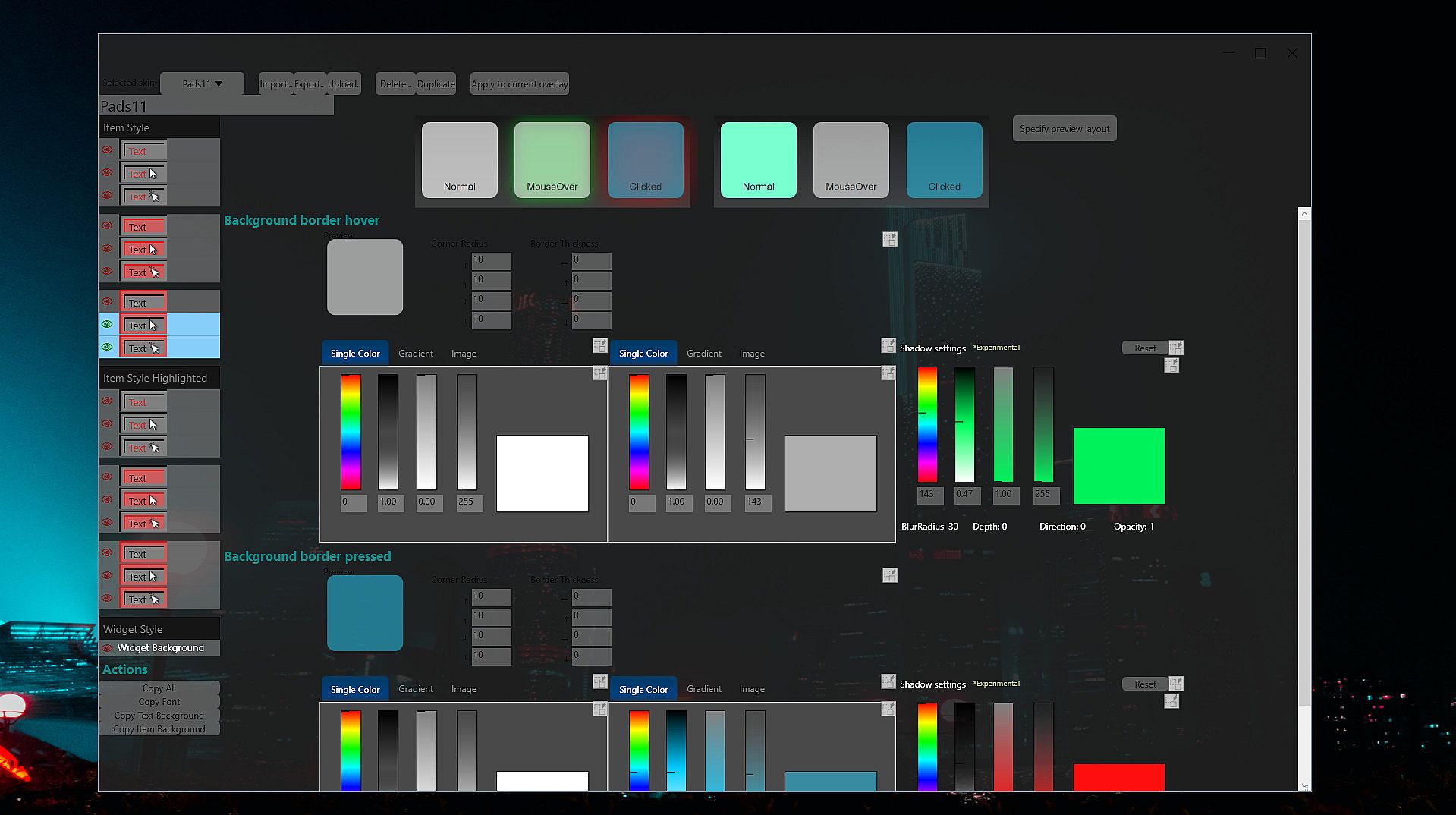
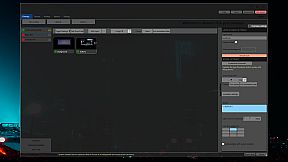
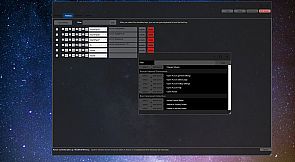
Aurum makes modifications easy with a visual editor that offers simply dropping anything. While using images you can drop them directly from your browser.
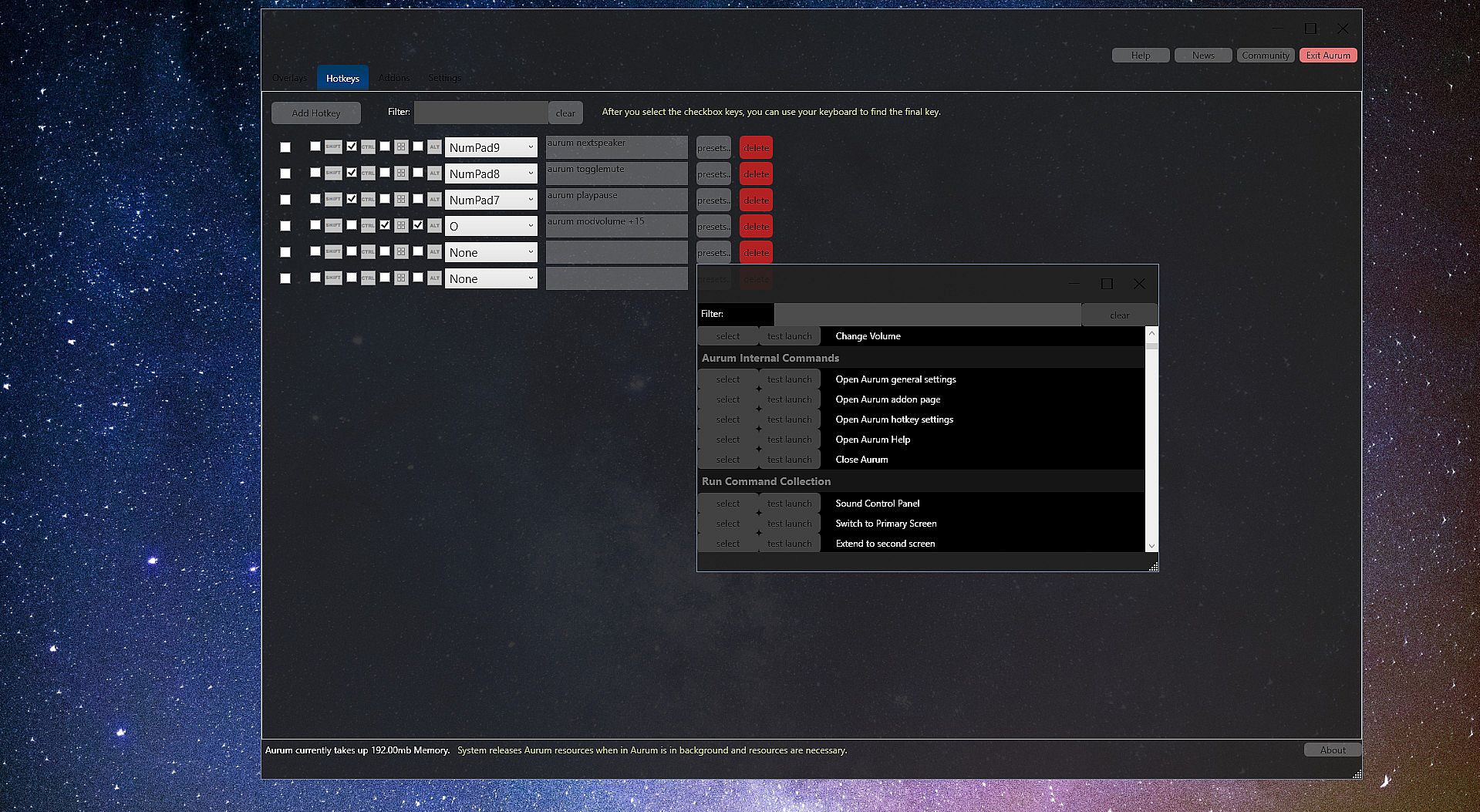
OS commands can be selected from a built in presets list. Simply drag and drop game shortcuts from any launcher to Aurum to add the game.

Skinning
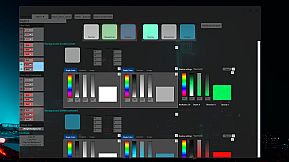
Aurum uses hierarchical skinning, cascading colors and textures from the overlay, to layers and single elements.
The same way you can also apply mouse over effects.

Use
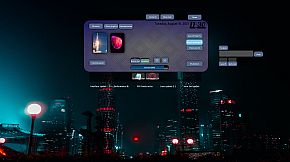
If you want to have a better experience while gaming, an instant audio device switch, volume bar and custom search presets profile as well as links to the games main website's might enhance and ease up your PC experience.
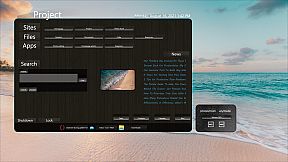
If you have a project or resources you often use together you can create a custom visual representation panel. With custom menus you might speed up and make the work you do more personalized and overviewable.


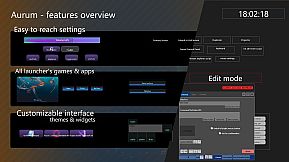
FEATURES
  • A visual drag and drop editor
  • Overlaying windows with layers
  • Widgets with settings and system controls, RSS, switch audio device, etc.
  • Hierarchical skinning
  • OS comannd presets to map to buttons
  • Screen edge and hotkey triggers
  • Animated slide-ins and button mouse effects
  • A Build-in sharing library to rate and comment
  • Module for binding global hotkeys to any command
  • Extendable with Addons


FAQ
Aurum and gaming
Aurum greatly improves the feeling while gaming with custom functions to control your PC settings etc.
In background, it takes a minimum of your system resrouces, an impact on games was never found.
The memory usage is at around 100MB with one overlay, mostly dependent on the images used.
Note: For best experience, borderless-windowed game display mode is required.

Does Aurum require Steam running?
As from January 2022 Aurum also runs without Steam, for a week then you have to start Steam once to refresh.

Extending
Aurum addons to extend widgets and commands (like audio volume +15) can be easily created. The development is with WPF and C#.


Aurum is a project to make handling your PC as struggle-free and customizable as possible. If you are interested visit the forums or get in touch!

Historial de precios

Mínimo histórico
Keyshops
-
-
-
Tiendas oficiales
-
-
-

FAQ

8 preguntas

Antes de buscar una CD Key barata de Aurum - Control Center Creator, revisa lo esencial. Desarrollado por Libor Turek. Publicado por Libor Turek. Fecha de lanzamiento en PC: 23 abr 2021. Géneros: Utilities.

Q ¿Puedo jugar a Aurum - Control Center Creator en Steam Deck?

No, ahora mismo no. Valve marca Aurum - Control Center Creator como No compatible con Steam Deck, así que no se inicia con Proton por el momento. Mantente atento a XD.deals: seguimos avances de Proton y soluciones de la comunidad, y lo marcaremos en cuanto haya una forma de jugar a Aurum - Control Center Creator en Steam Deck.

. Existe una versión de Aurum - Control Center Creator en Steam. Elige cualquier oferta marcada como Steam Key en XD.deals, canjéala en el cliente de escritorio y juega a Aurum - Control Center Creator en Steam para PC.

Sí. Una vez canjeada tu clave de Steam, puedes iniciar Aurum - Control Center Creator en Modo sin conexión desde Steam. Tus partidas se sincronizarán la próxima vez que te conectes.

, puedes comprar una Steam Key de Aurum - Control Center Creator directamente en la tienda de Steam. En XD.deals agregamos todas las ofertas con DRM de Steam para que compares ofertas baratas de Aurum - Control Center Creator en Steam en un solo lugar.

Por el momento no tenemos ofertas activas para Aurum - Control Center Creator — tanto las tiendas oficiales (0) como los keyshops (0) lo muestran agotado o temporalmente no disponible…

Con XD.deals, los jugadores de PC pueden ver al instante dónde comprar una clave Steam para PC de Aurum - Control Center Creator barata. Nuestro motor de comparación en tiempo real y nuestra base de cupones seleccionados siguen todas las tiendas oficiales y keyshops de confianza para que no tengas que hacerlo tú. Ahora mismo detectamos este juego en 0 ofertas activas de tiendas y keyshops.

Todavía no. Ahora mismo no hay ficha de Aurum - Control Center Creator en Steam, así que no puedes comprar Aurum - Control Center Creator en Steam hoy. En su lugar, revisa otras ofertas de Aurum - Control Center Creator en XD.deals: tiendas oficiales y keyshops a menudo ofrecen versiones sin DRM o claves para otros launchers mientras esperas un futuro lanzamiento en Steam.

No: XD.deals no es una tienda. Somos un servicio de comparación que rastrea las mejores ofertas de Aurum - Control Center Creator en tiendas oficiales y keyshops verificados. Haz clic en "Comprar ahora" junto a la oferta que quieras y te redirigiremos a la web del vendedor para completar la compra y recibir allí la clave.

¿Listo para jugar? Crea una alerta de precio en XD Deals y consigue una clave de Steam de Aurum - Control Center Creator con descuento en cuanto alcance su próximo mínimo histórico.

Crear alerta