


WorldMaker
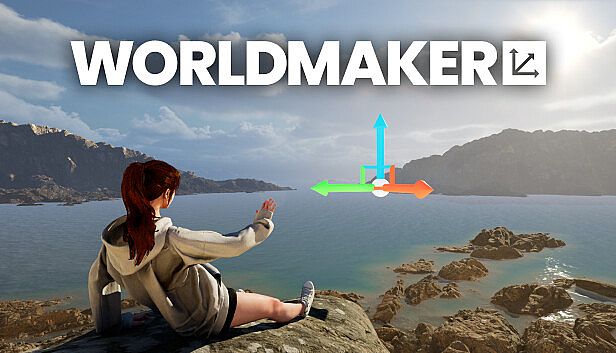
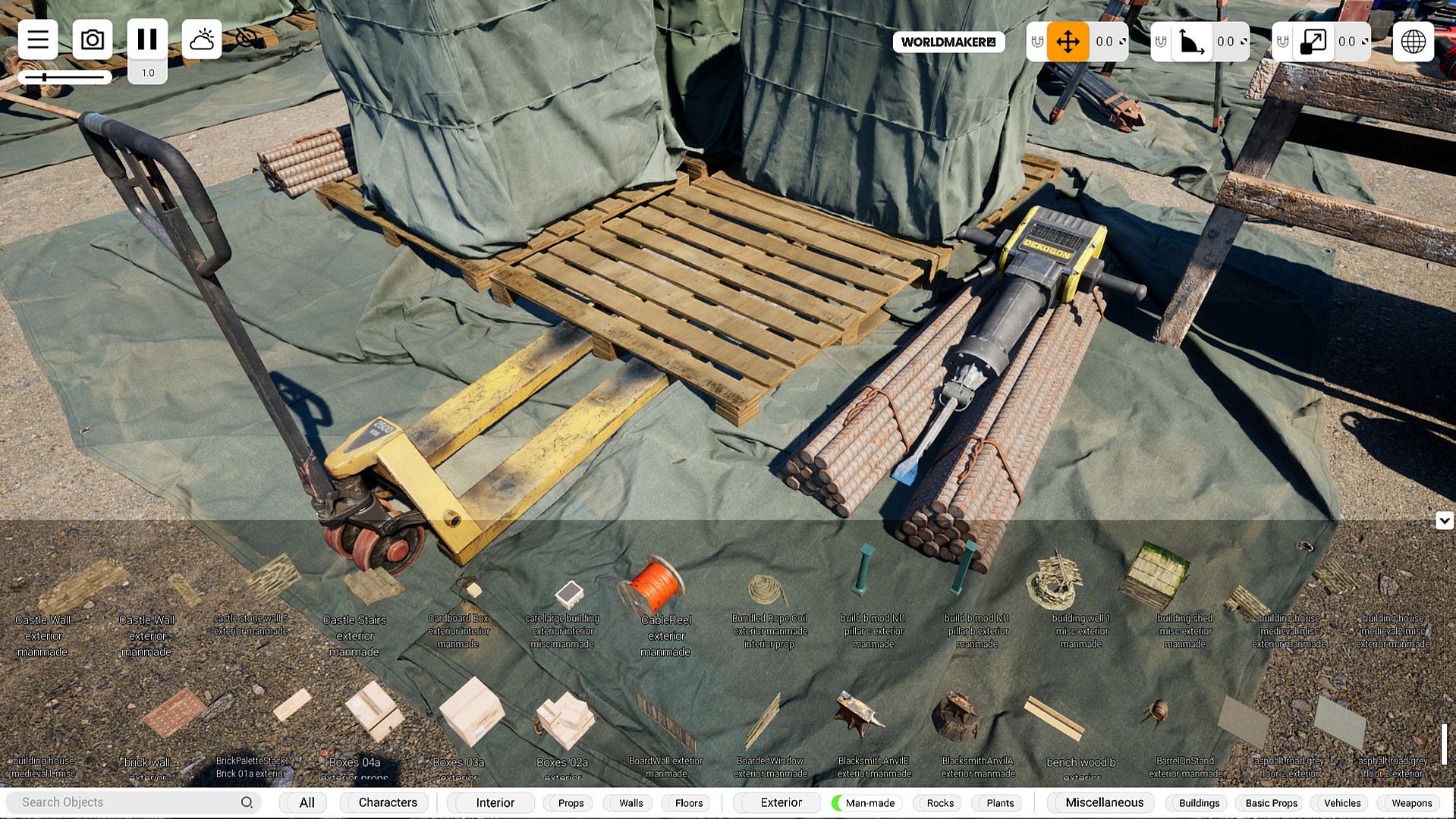
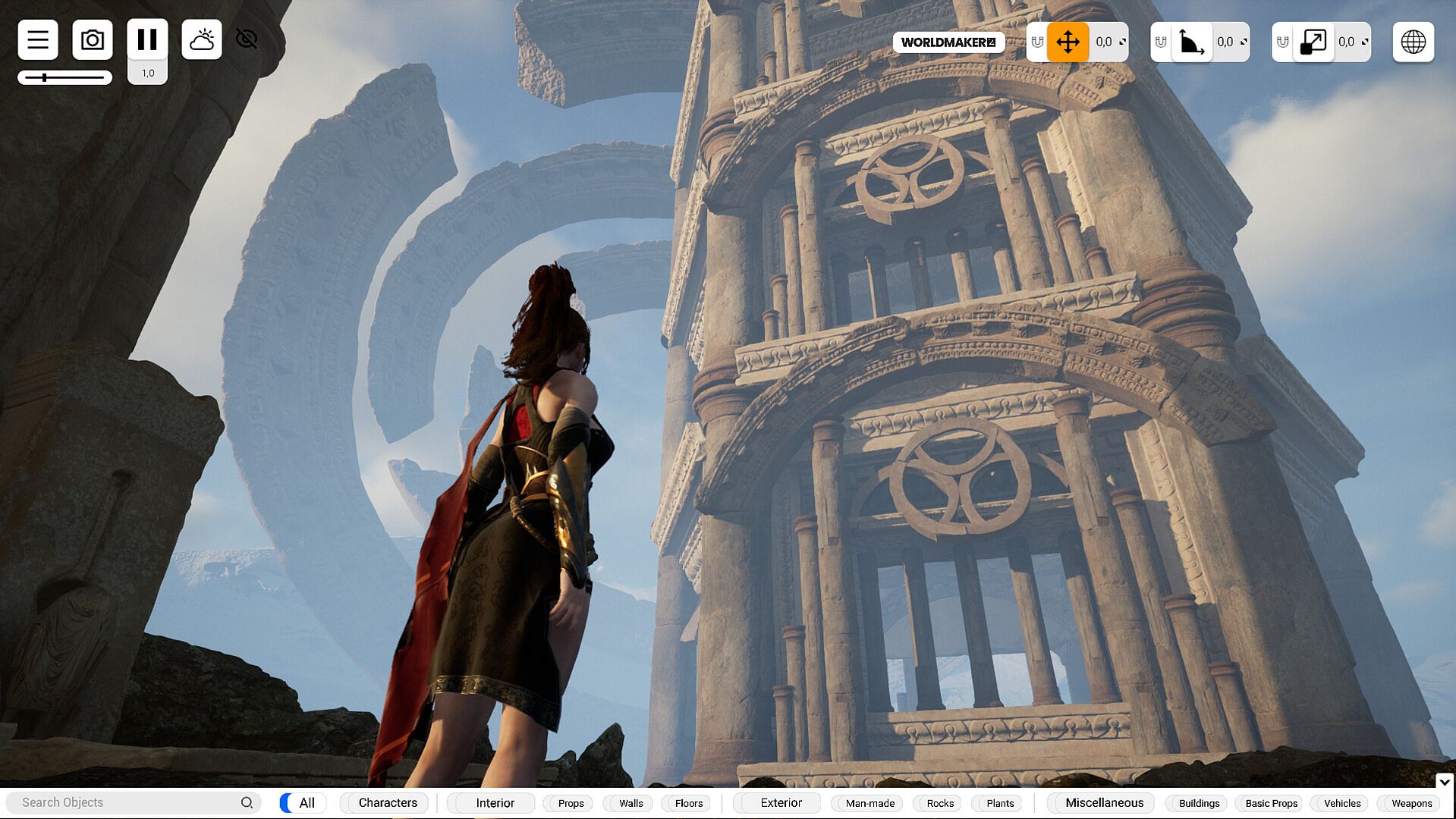
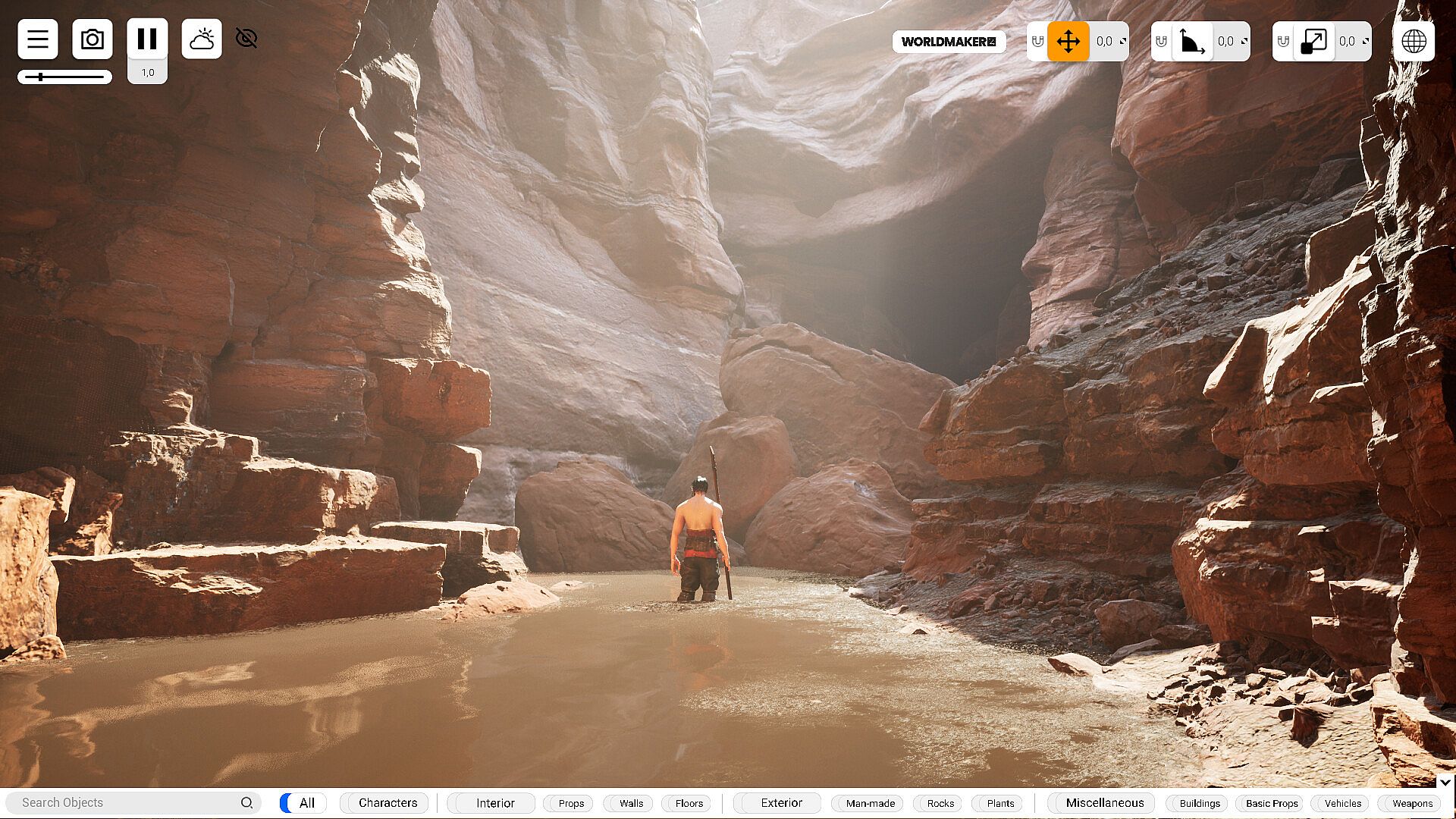
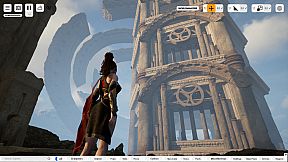
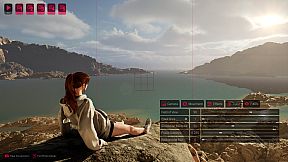
WorldMaker is a tool for creative users that allows you to create photorealistic 3D Worlds using drag-and-drop controls. Transfer ideas directly from your head to a 3D World within WorldMaker in seconds. Utilize our streamlined UI and our library of 1400 curated objects to enable you to create 3D worlds quickly and efficiently, with graphics powered by next-gen Unreal Engine 5.
Build 3D Worlds
Creative iteration of a 3D World has never been easier. Create stunning exterior and interior scenes and adjust every detail of your world—including weather, lighting, character animations and poses—as if you are a god with every object of the world as your palette.
Next Gen Graphics, Customizable Lighting and Weather, 3D Text
Leverage latest Unreal Engine 5 graphics in our fully customizable weather and lighting system to quickly and drastically change the mood and feel of your World. Create worlds lit with the sun at any time of day. Don't like the sun's natural color? Then set it to blood red to create a hellish environment, or change it to a verdant green to create the sky of another planet.
Add weather effects like snow, rain, and thunder to your worlds with a single click. Add true volumetric clouds to your worlds that react when hit by the sun's light. Sun too bright? Simply increase the cloud cover slider to make it cloudy. Need god rays in your world? Increase the fog slider.
Want to light your scene with artificial light bulbs? Simply press L and spawn a customizable light bulb at your mouse cursor.
Add 3D text to your world by pressing T. Adjust its size, kerning, color and make it glow.
Poseable and Animated Characters with Physics Enabled
Choose from a selection of 30+ physics enabled characters to add into your world. Give them animations from a selection of 800+ animations covering different situations, and give them custom poses to finely adjust every single joint in their bodies.
Photo Mode
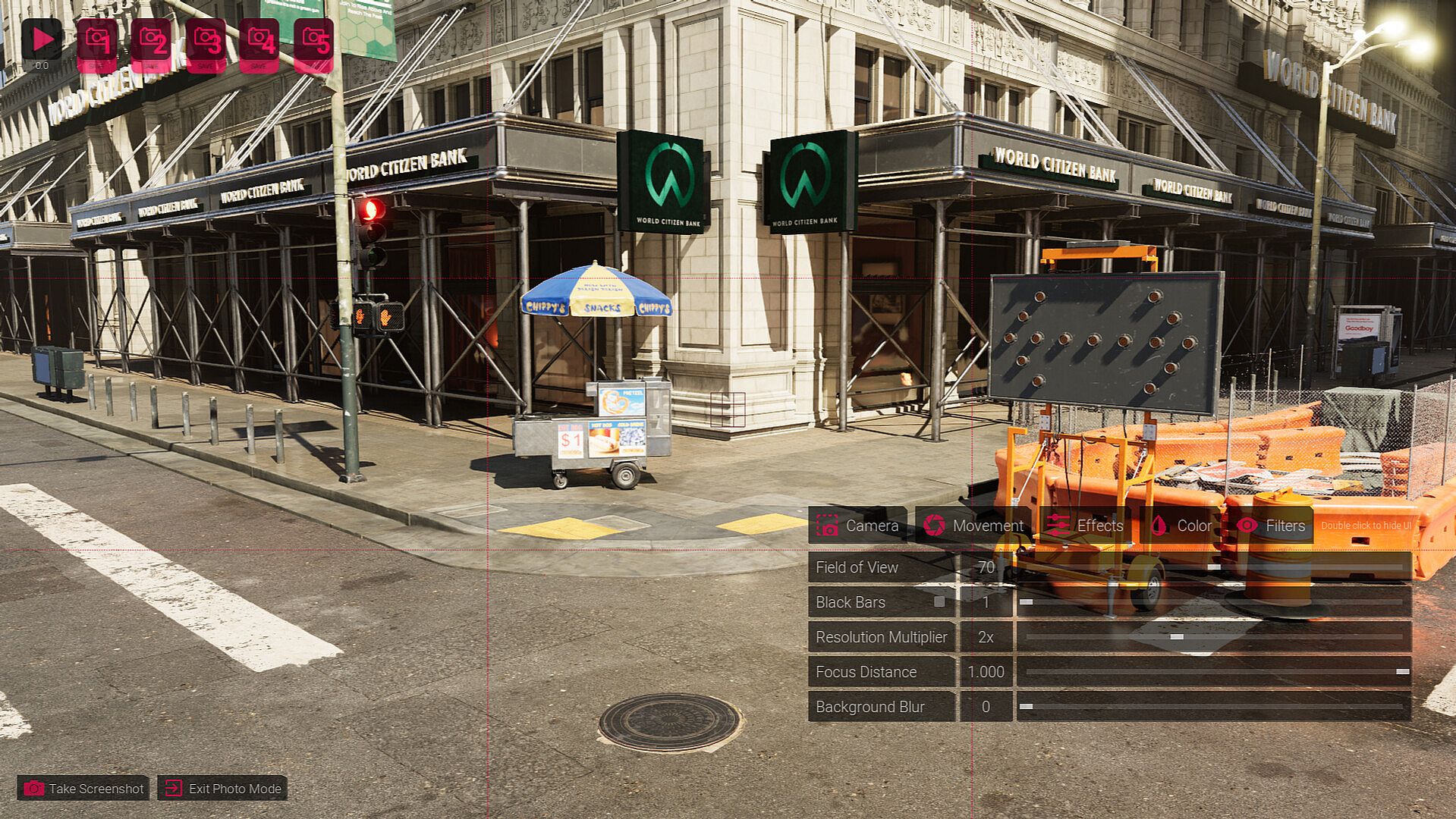
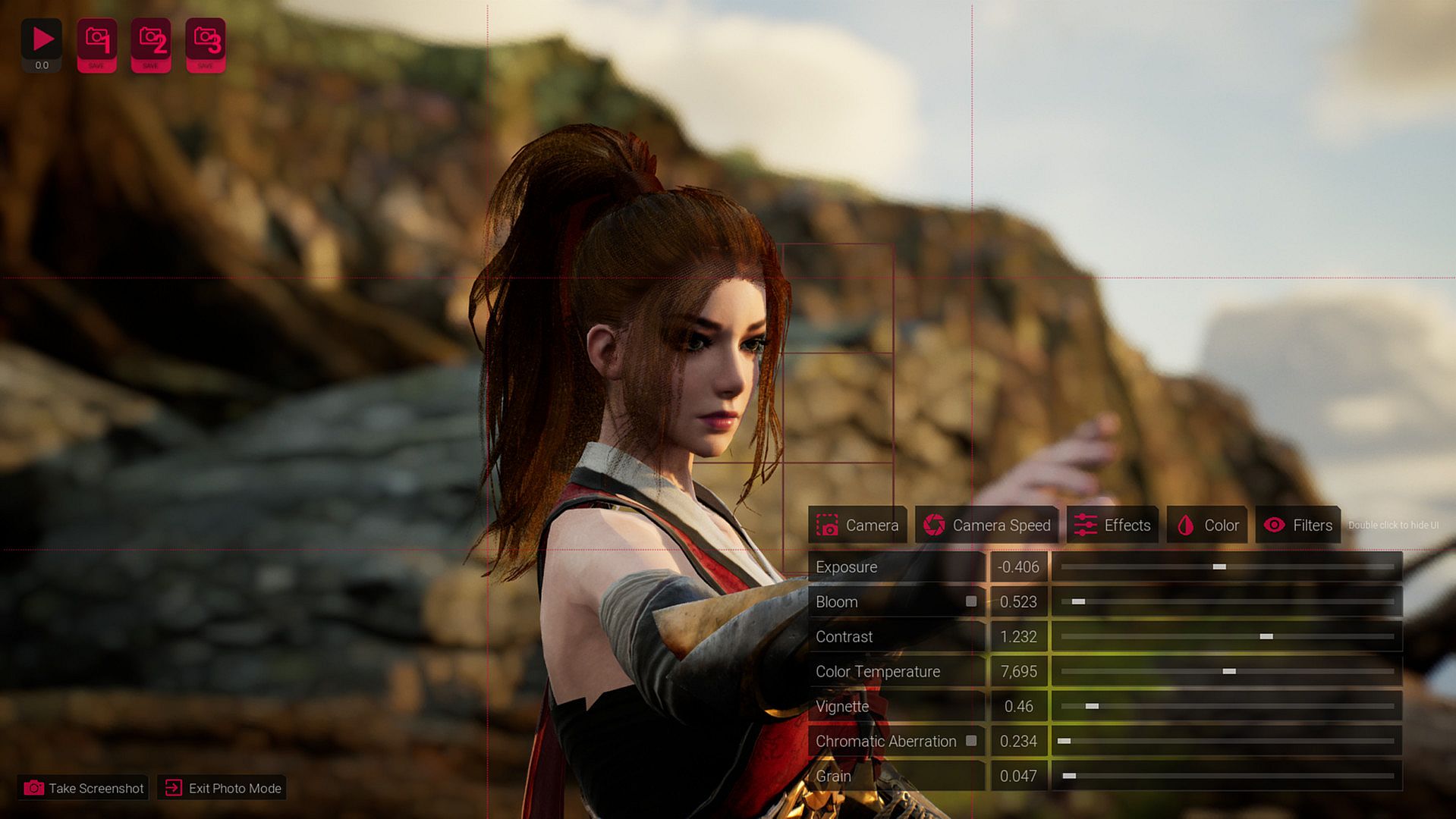
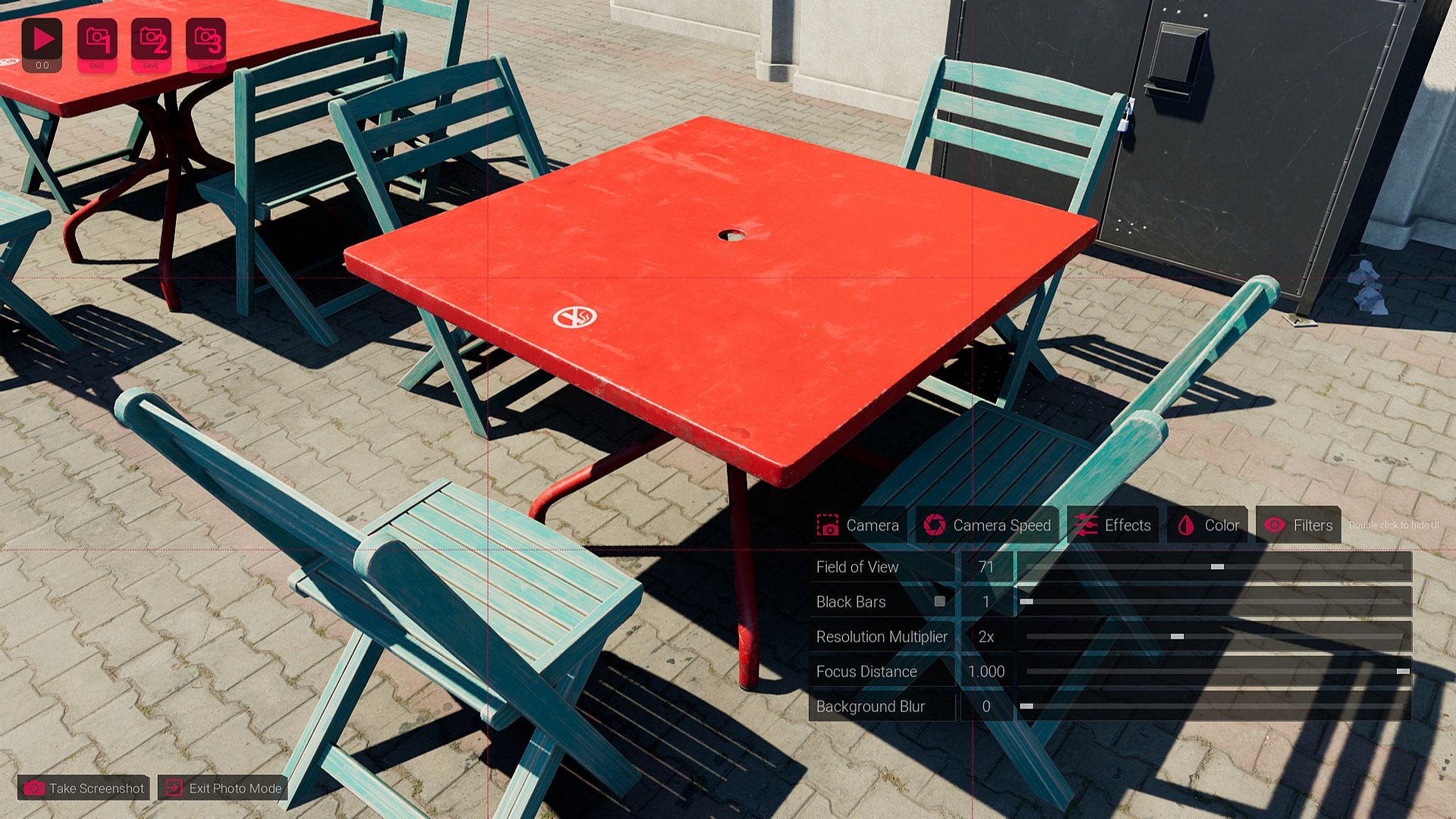
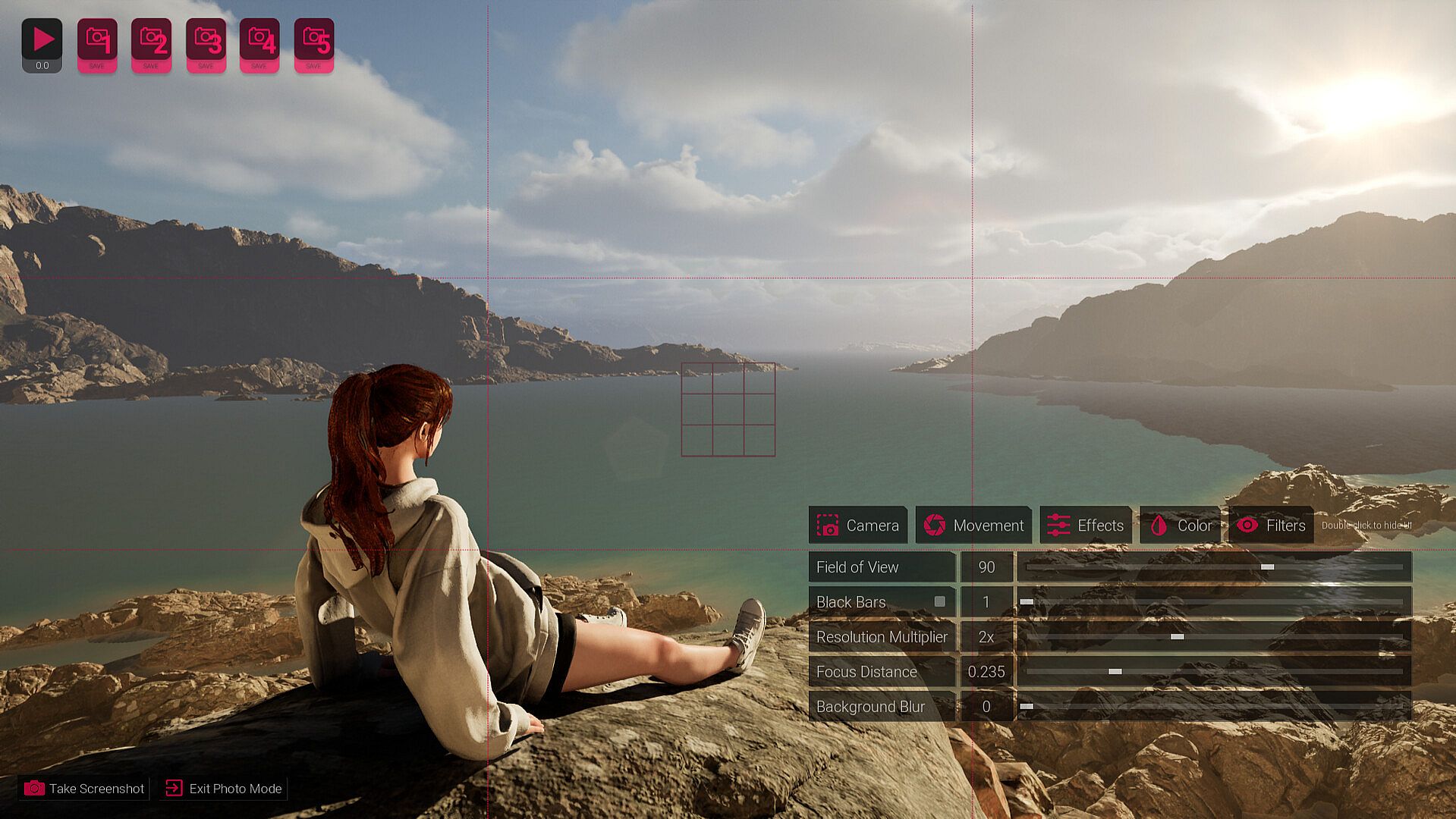
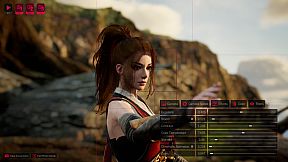
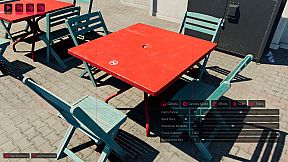
Access powerful camera controls in Photo Mode to take pictures of your created Worlds with settings similar to a traditional camera. Adjust FOV, Focus Distance and Background Blur to frame your shot. Use Temperature, Exposure, and Saturation sliders to get the exact look you want with your shot, and instantly render your stills at 1K, 2K, or 4K by pressing the screenshot button.
Prebuilt Worlds Included
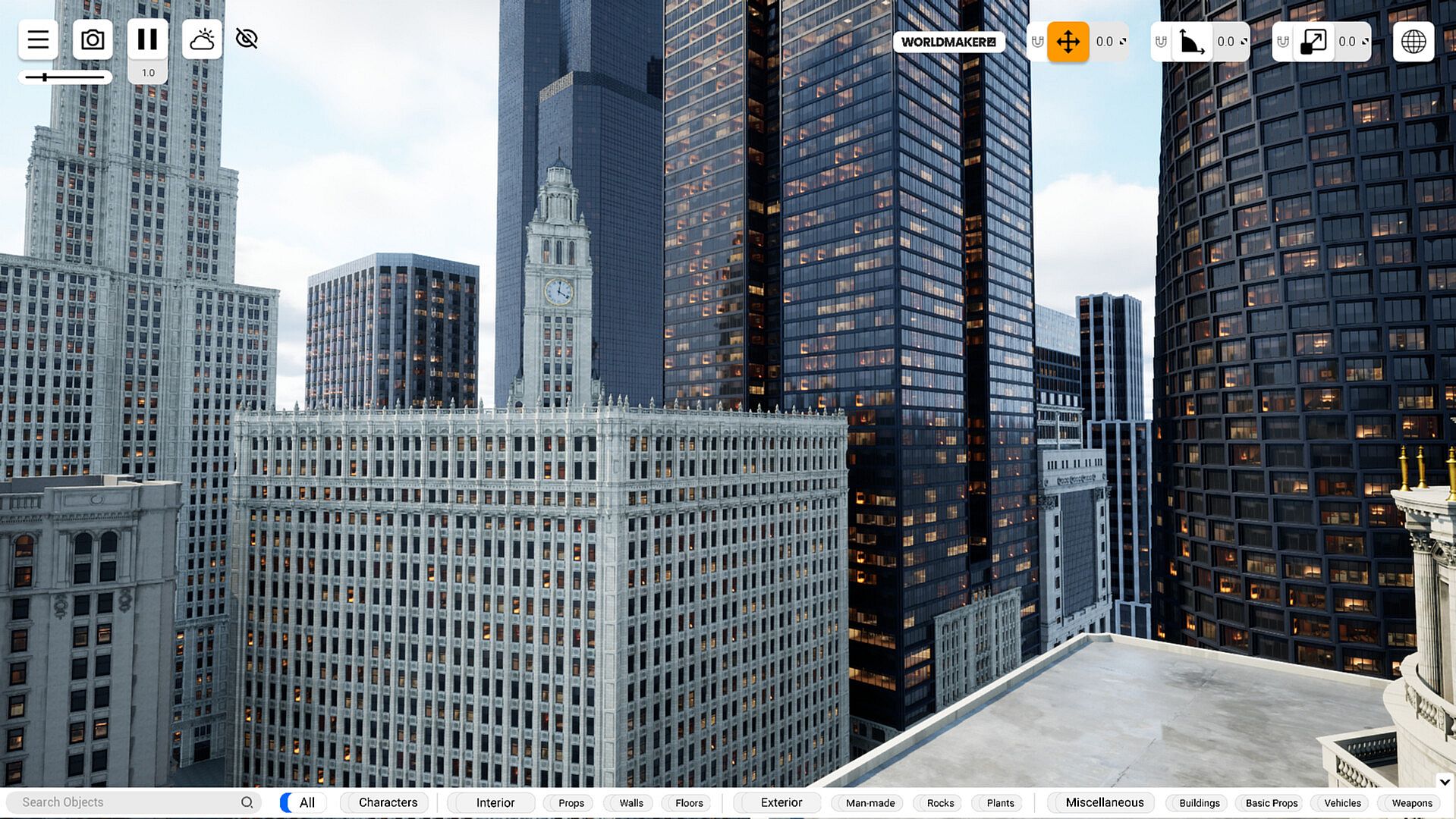
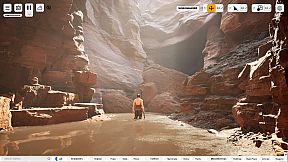
Save, Load, and Share your created Worlds, and access the many prebuilt Worlds included in WorldMaker. Every World you see in the Steam screenshots is included in WorldMaker.
Frequently Asked Questions
Q: Is Steam Workshop support available?
A: Workshop support is coming! Eventually we want people to be able to export their own models into WorldMaker and also to be able to share their Worlds to the Steam Workshop.
Q: Can I Import custom 3D models and use them in WorldMaker?
A: Right now, you're limited to the 1400+ objects that're already included with WorldMaker. Implementing importing custom assets and Steam Workshop support is our top priority right now. Eventually we want people to be able to export their own models into WorldMaker and also to be able to share their Worlds to the Steam Workshop.
Q: Can I export my WorldMaker worlds to other software or engines?
A: No. WorldMaker does not export to other software or engines. The Worlds created in WorldMaker are only able to be viewed and edited in WorldMaker.
Q: How do I make videos with WorldMaker?
A: Camera keyframing and video tools isn’t something we have in WorldMaker just yet, however you can get really good results just by manually moving the camera with WASD + mouse and recording with screen recording software. You can adjust the camera movement speed and add gimbal smoothing to smooth your camera movements when in Photo Mode. An example of this is the WorldMaker Steam trailer, every shot you see in the video is done purely inside WorldMaker using mouse movements + screen recording software!
Q: Which graphics setting has the most impact on FPS in WorldMaker?
A: Temporal Super Resolution. Worldmaker utilizes Temporal Super Resolution, an upscaling technology that renders the game at a lower internal resolution and upscales it to a higher output resolution. Similar to DLSS but without the use of an RT graphics card. Changing this slider to a lower value will massively increase performance, while still maintaining near native image quality. Using TSR will not lower the quality of your photos however, as WorldMaker renders at native or a multiple of native resolution when taking photos.
Q: What are “floor” and “wall” objects?
A: Floor and wall objects are special objects that when resized maintain their texture tiling, i.e. the textures won’t stretch. This is useful for creating walls and floors for interior scenes, or something like a sidewalk or an asphalt road for exterior scenes.
Q: Why is the starting platform/floor not resizable? Why can’t I delete it?
A: You can, but not directly, search "concrete tile floor" in the search bar, drag and drop it, and resize that into however big you want the starting floor. You can’t delete the starting floor, however you can add a “floor” object that’s way above the starting floor, and enlarge that, to essentially hide the starting floor with a floor object of your choosing!
Q: How do I undo and redo?
A: Undo and Redo functions with ctrl+z is something that we’re looking to add. Undoing and redoing might look simple, but there are numerous programming challenges that come with creating an undo transaction system. And to implement a robust and powerful version of it, requires a lot of testing. We’re working very hard to implement this however.
Have any questions or would like to see and share community creations? Join us on the WorldMaker Discord and subreddit linked in WorldMaker's store page sidebar.