

Comprar Sticky Apps :: Monitor Ping PC

Onde pode comprar a chave PC Steam de Sticky Apps :: Monitor Ping mais barata? Verifique e compare preços de 1 lojas para encontrar a melhor e mais barata opção entre 1 ofertas apresentadas no XD.deals. Agora o preço PC mais baixo de Sticky Apps :: Monitor Ping em keyshops pode ser obtido em R$ 8,69 (0% de desconto).

Lançamento: 08 mai. 2019
Steam:
Positive (36)
Keyshops
Indisponível
Comprar em Loja Oficial:
R$ 8,69
Comprar em Keyshops:
Ver histórico de preços

Lojas Oficiais (1)

DRM:
Steam
Steam
Steam
Sticky Apps :: Monitor Ping
Windows
há 1a
DRM:
Steam
Steam
R$ 8,69
Historical Low Deal
Historical low

Sobre Sticky Apps :: Monitor Ping

Sticky Apps :: Monitor Ping - sobre o jogo

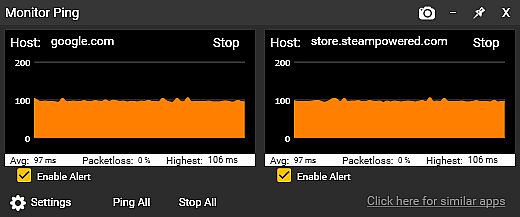
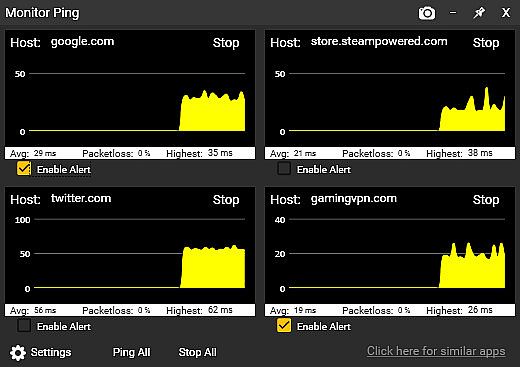
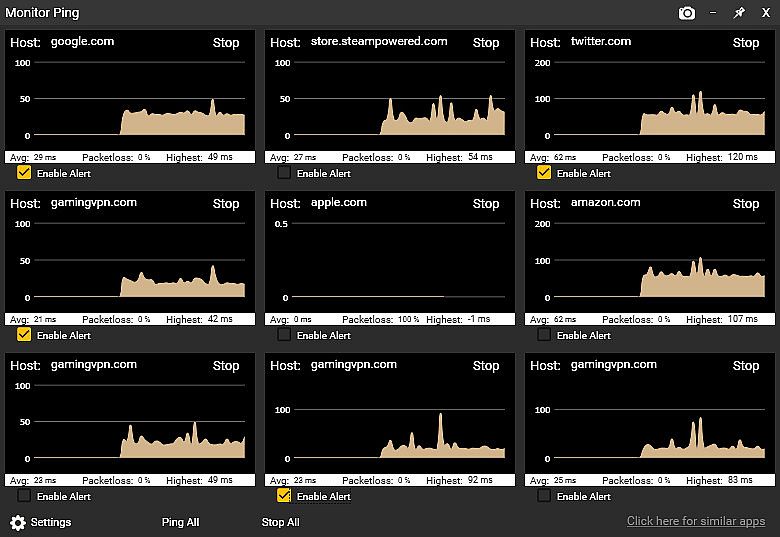
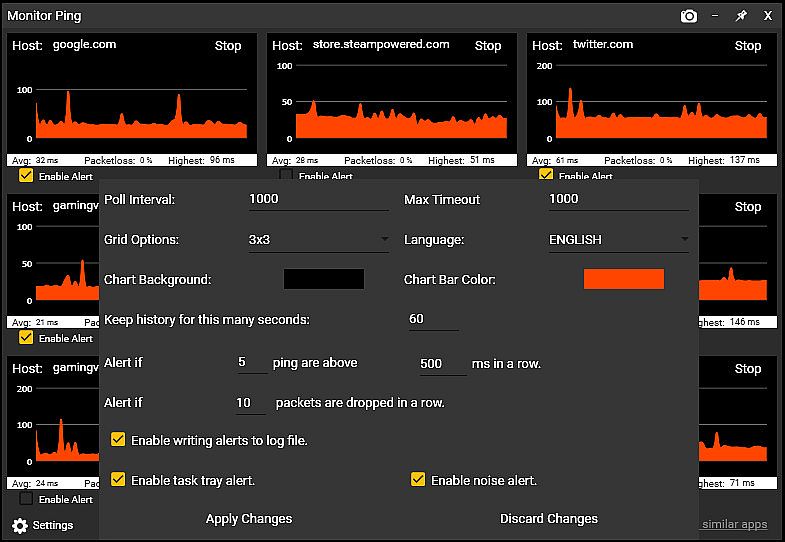
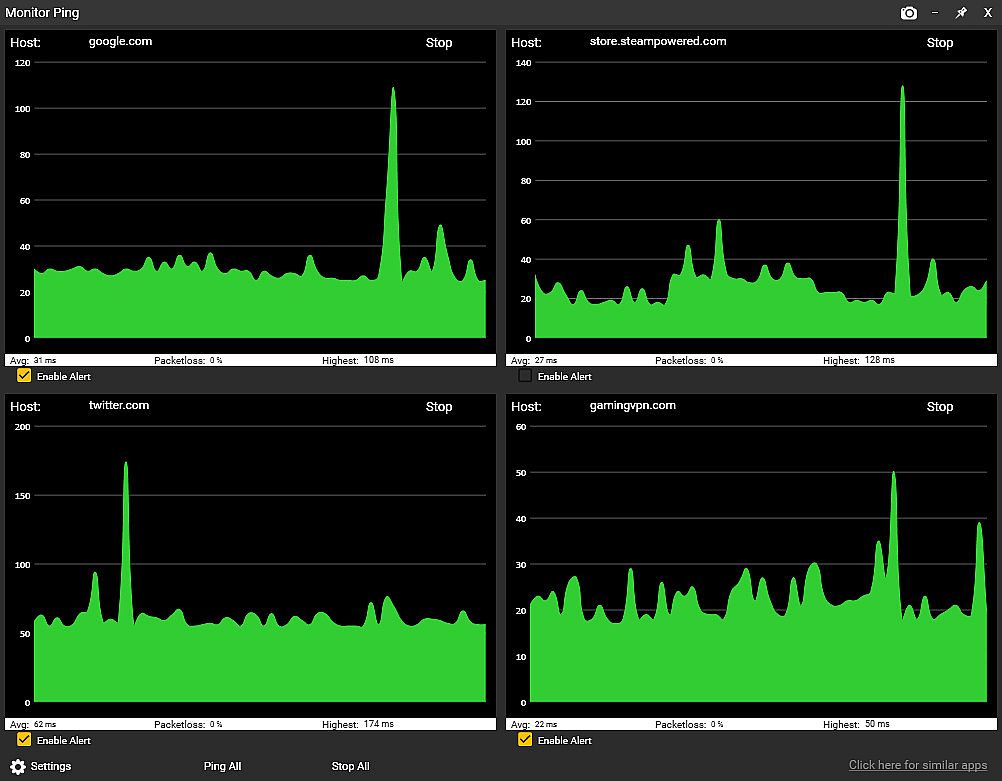
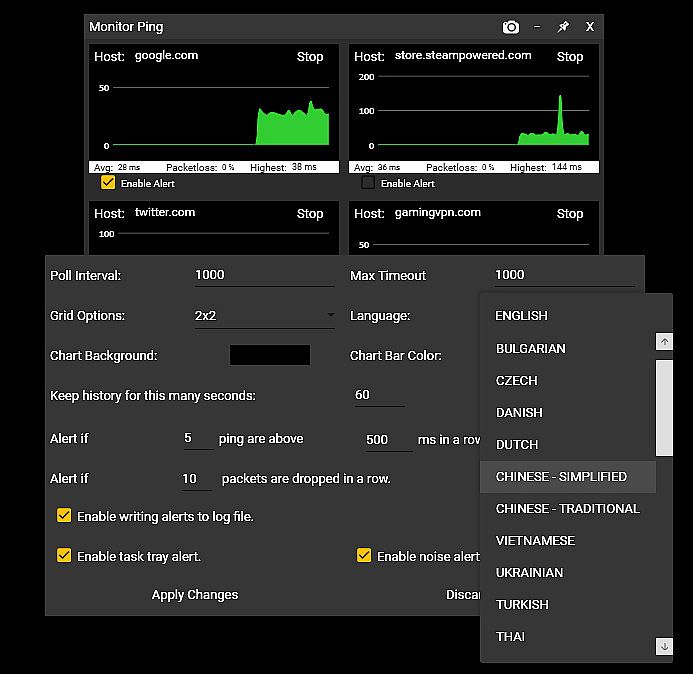
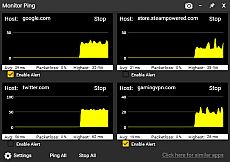
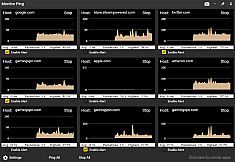
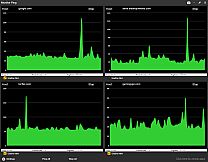
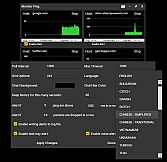
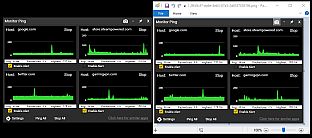
Sticky Apps :: Monitor Ping lets you track network latency and packet loss to multiple internet servers right from your PC desktop. Stick the graphical monitors anywhere for quick glances at pings to game servers, streaming sites, or your ISP. Adjust destination counts, color schemes, graph history from 60 seconds to 60 minutes, and set alerts for high latency or packet loss via task tray icons, audio, or logs. This utility beats command prompt tools by polling saved locations at once, exporting PNG graphs with one click, and logging issues continuously-all while using minimal bandwidth at 32 bytes per second per monitor. Gamers and streamers check router, ISP hops, reliable hosts like 8.8.8.8, and game servers to pinpoint lag sources, from WiFi glitches to backbone problems.


Sticky Apps :: Monitor Ping is an application to view your network connection to multiple systems on the Internet. This is a great way to monitor your PING/network to game servers, video streaming servers, or your ISP in general. This software is titled "Sticky Apps" as each application can be stickied to your desktop, allowing for easy viewing of information.
MONITOR YOUR PING

  • Monitor your ping to various servers on the Internet
  • Change the number of destinations you monitor
  • Change colors scheme to fit your needs
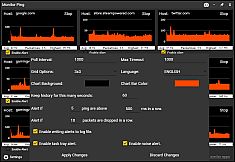
  • Provide alerts if latency/ping gets too high
  • Provide alerts if packet-loss exists
  • Sticky this anywhere on your desktop
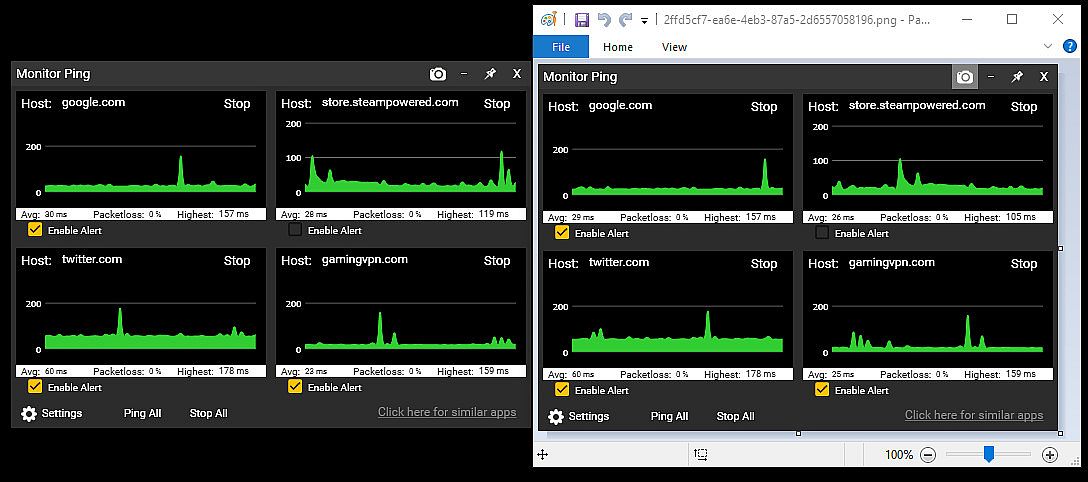
  • Export an image of your ping statistics


What is the difference between this and command prompt ping?
The built-in Windows command prompt ping is more of a real-time latency checker to a single host. This Monitor Ping application improves upon that in several ways:
  • Ping multiple locations at once with a simple click (it saves locations)
  • Has a graphical interface that you can scale in size to give an immediate, visual representation of latency
  • Can alert you if packet-loss exceeds a certain threshold
  • Can alert you if real-time latency exceeds a certain threshold
  • Provides an ongoing log-file of packet-loss and excess latency
  • Tracks packetloss in an ongoing fashion
  • Has options to enable the tracking graph size (eg, 60 seconds of history vs 60 minutes)
  • Is visually pleasing
  • Can 1-click export the graph into an image (PNG)

Won't this use up a lot of bandwidth?
Not at all! Each monitor uses approx. 32 bytes of traffic per second in/out. To put that in perspective, you can poll a server 32,000 times before it uses even 1 MB in/out. By comparison, just watching a single second (1 second) of 1080p video on Youtube uses roughly 100,000 times more bandwidth than each monitor you have running.

Why would I use this?
This is a great way to decide "Is it me?" by doing the following:

  • Set up Monitor #1 to be your router (ie, 192.168.0.1 / 10.0.0.1 or such).
  • Set up Monitor #2 to be your next-up hop of your ISP (do a tracert to determine this).
  • Set up Monitor #3 to be something typically very reliable. I suggest 8.8.8.8 or google . com
  • Set up Monitor #4 to be an online game server you typically play on.

Now let's say you're getting drops from your favorite game server, or experiencing lag. Just by looking at the Monitor Ping app, you can now confirm some very important information.

  • Is it between your PC and your router (such as bad wifi?). Well, just check Graph #1 and that will answer it. No packetloss + steady latency = not a wifi problem.
  • Is it your connection between your home and your ISP such as a cable model issue? Well, cheeck Graph #2 and that will answer it.
  • Is it your ISP backbone? Well, Graph #3 will help answer that.
  • Is it the actual game server's network? Graph #4 will help that.
This application is a great first step in determining network connectivity issues, as well as just having an overall monitor to see how things are operating.
RECENT UPDATES

New Alerts System!


You can now receive alerts/notification of packetloss as well as high latency by the following methods:
  • Windows task tray icon alert
  • Audio alert
  • Log-file entry of the alert

Support For 25+ Languages!

The application now supports all supported Steam languages!

Classificação etária

Indisponível
Steam:
Positive (36)
Mínimo histórico
Histórico de preços das lojas oficiais
-
-
-
Histórico de preços dos keyshops
-
-
-
Junte-se ao nosso Discord
Obtenha ajuda instantânea da nossa comunidade e mantenha-se atualizado sobre as últimas ofertas
Definir Alertas de Preço
Seja notificado por email quando os preços dos jogos baixarem para o seu objetivo
Criar Conta Gratuita
Desbloqueie listas de desejos, alertas de preço e sincronização Steam

FAQ

8 perguntas

Antes de começar a procurar uma CD Key barata de Sticky Apps :: Monitor Ping, reserve um momento para verificar o essencial. Desenvolvido por Tim Sullivan. Publicado por Tim Sullivan. Data de lançamento PC: 08 mai. 2019. Géneros: Utilities, Design & Illustration. Categorias: Stats, Steam Achievements. Avaliações de Sticky Apps :: Monitor Ping: Avaliações Steam: 83% of the 36 user reviews for this game are positive.

Q Posso jogar Sticky Apps :: Monitor Ping no Steam Deck?

Não, neste momento não. A Valve marca Sticky Apps :: Monitor Ping como Não Suportado no Steam Deck, então não funcionará via Proton neste momento. Fique atento ao XD.deals - acompanhamos avanços do Proton e correções da comunidade, e sinalizaremos assim que houver uma forma funcional de jogar Sticky Apps :: Monitor Ping no Steam Deck.

Sim. Existe uma versão Steam de Sticky Apps :: Monitor Ping. Escolha qualquer oferta com a etiqueta Chave Steam no XD.deals, resgate-a no cliente desktop e jogue Sticky Apps :: Monitor Ping no Steam PC.

Sim. Depois de resgatar a sua chave Steam, pode iniciar Sticky Apps :: Monitor Ping no Modo Offline via Steam. Os seus ficheiros de gravação serão sincronizados da próxima vez que ficar online.

Sim, pode comprar uma Chave Steam de Sticky Apps :: Monitor Ping diretamente na Steam Store. No XD.deals, agregamos todas as ofertas Steam DRM disponíveis para que possa comparar ofertas Steam baratas de Sticky Apps :: Monitor Ping num só lugar.

Encontrará todas as promoções e descontos ativos de Sticky Apps :: Monitor Ping aqui mesmo no XD.deals. O nosso rastreador de preços lista atualmente 1 ofertas de lojas oficiais e 0 ofertas de keyshops. Verifique a tabela acima para o preço mais baixo, compare com o mínimo histórico do jogo e defina um alerta de preço para nunca perder a próxima descida.

Com o XD.deals, os jogadores de PC podem ver instantaneamente onde comprar uma chave PC Steam barata de Sticky Apps :: Monitor Ping. O nosso motor de comparação de preços em tempo real e base de dados de cupões curada acompanham todas as lojas oficiais e keyshops de confiança para que não tenha de o fazer. Neste momento detetamos este jogo em 1 ofertas ativas de lojas e keyshops.

Sim. Uma página oficial de Sticky Apps :: Monitor Ping na Steam Store está ativa, então pode comprar Sticky Apps :: Monitor Ping no Steam ou comprar qualquer Chave PC Steam de Sticky Apps :: Monitor Ping no XD.deals e resgatá-la instantaneamente.

Não - o XD.deals em si não é uma loja. Somos um serviço de comparação de preços que acompanha as melhores ofertas de Sticky Apps :: Monitor Ping em lojas oficiais e keyshops verificadas. Clique em "Comprar agora" junto à oferta desejada e será redirecionado para o site do vendedor para concluir a compra e receber a chave lá.

Melhores preços para Sticky Apps :: Monitor Ping

1 Steam Steam Official
R$ 8,69

Pronto para começar? Defina um alerta de preço no XD Deals e obtenha uma chave Steam com desconto de Sticky Apps :: Monitor Ping assim que atingir o próximo mínimo histórico.

Criar Alerta