


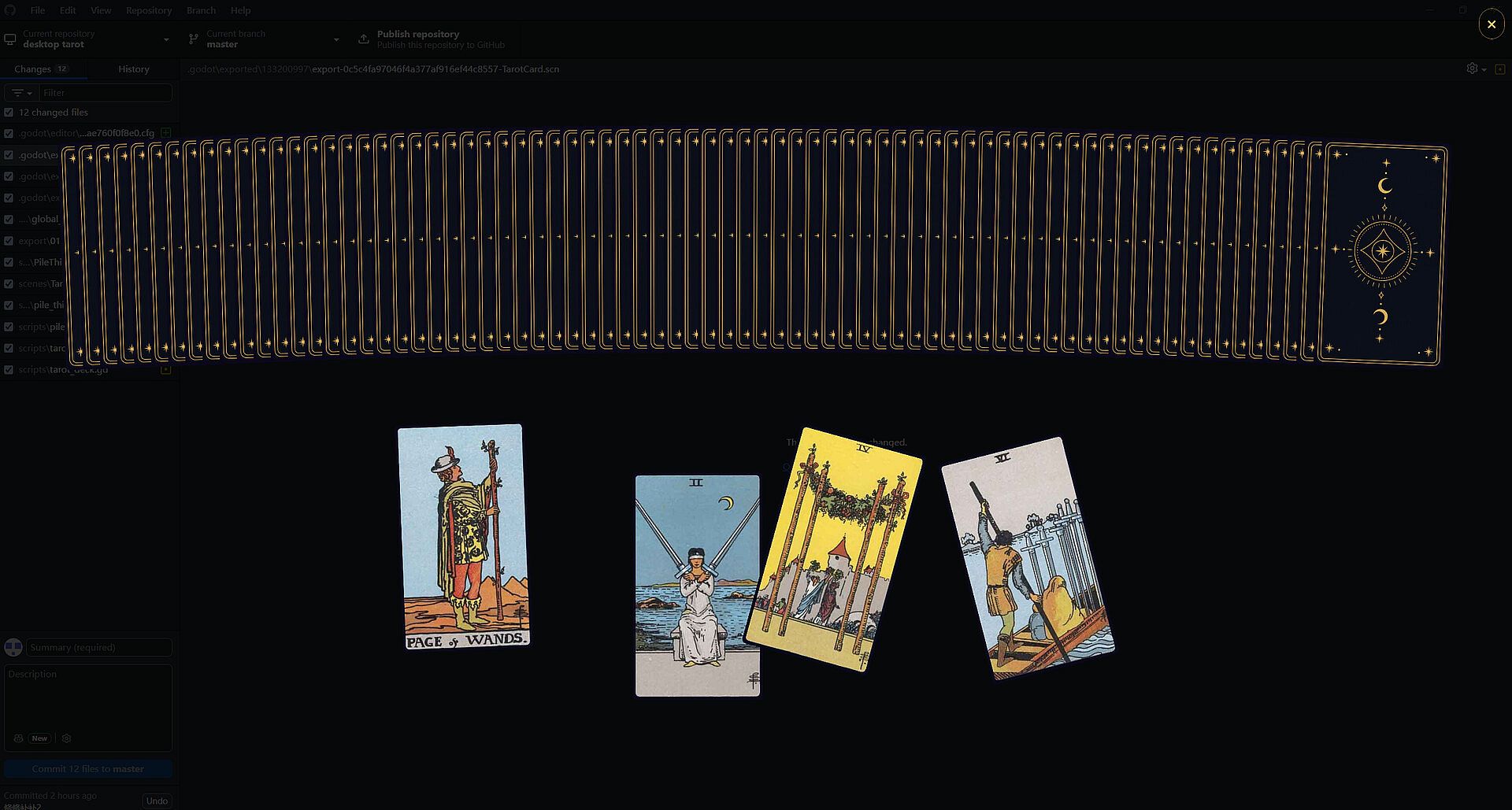
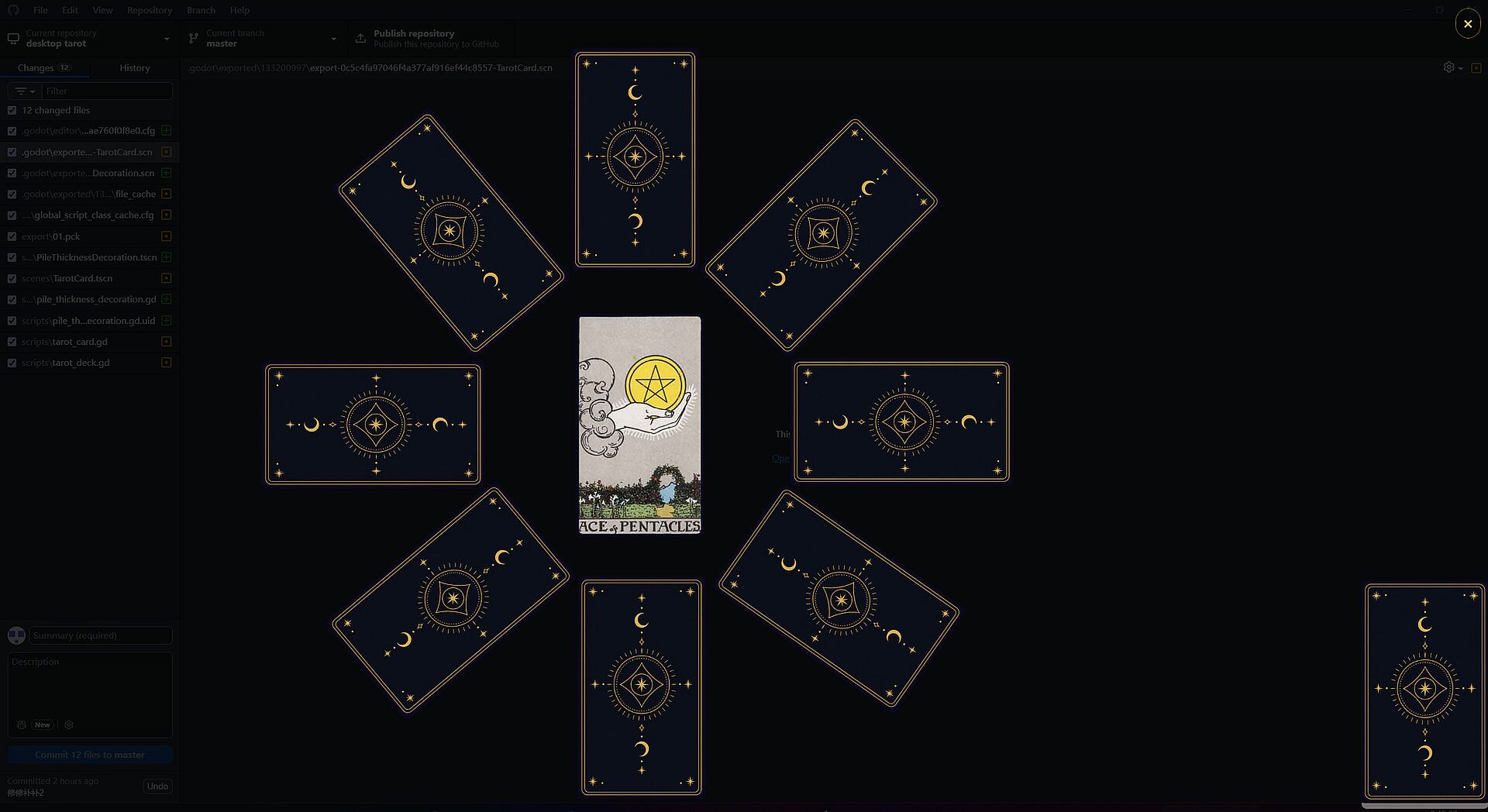
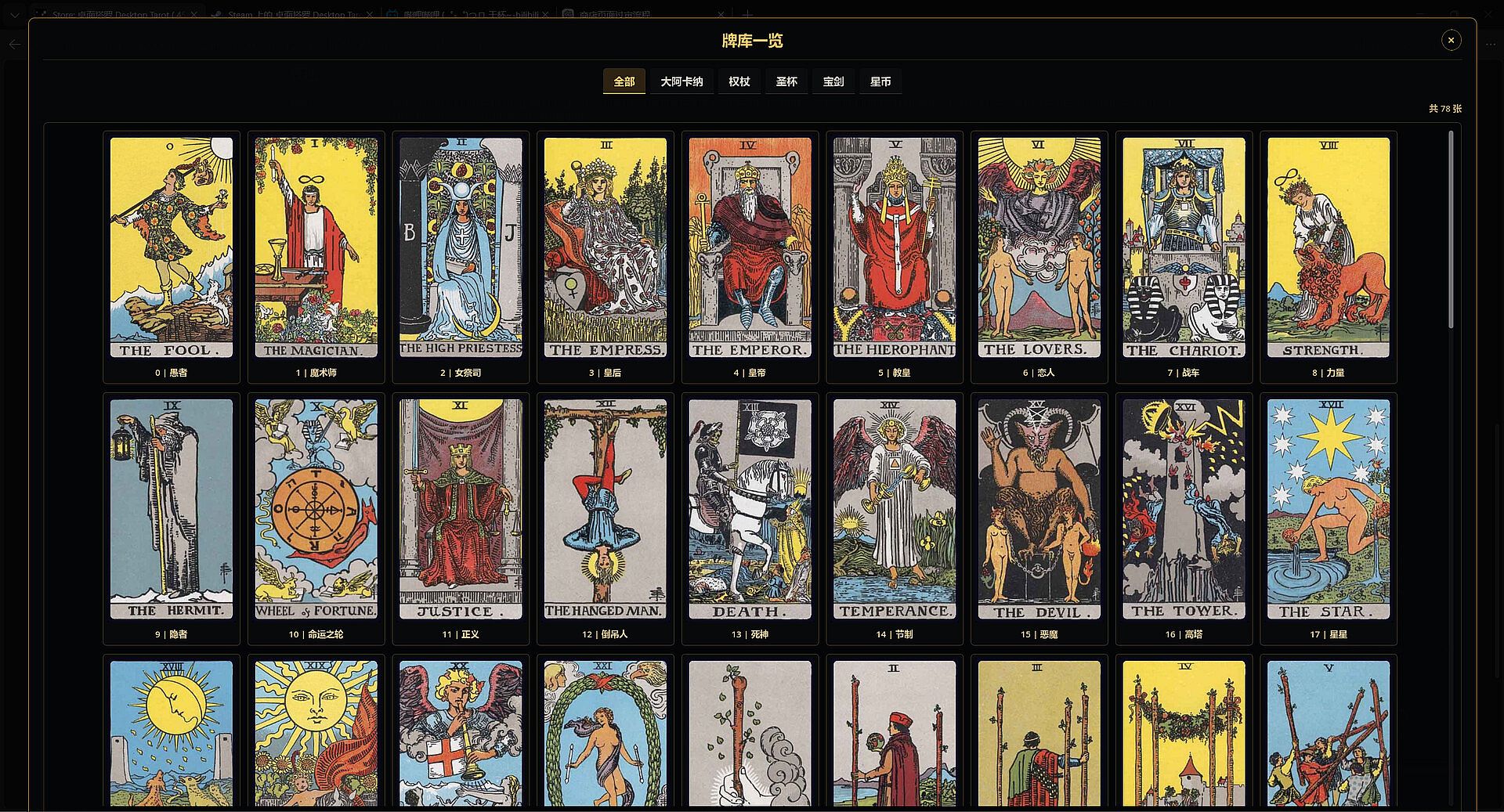

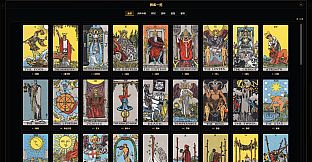

Desktop Tarot is a casual indie simulation game designed for PC players interested in tarot card readings. It focuses on creating an atmosphere for personal reflection through digital card draws and interpretations. The experience centers on selecting spreads, shuffling a virtual deck, and reviewing meanings in a clean interface, making it suitable for quick sessions or more extended explorations of tarot concepts.
Gameplay
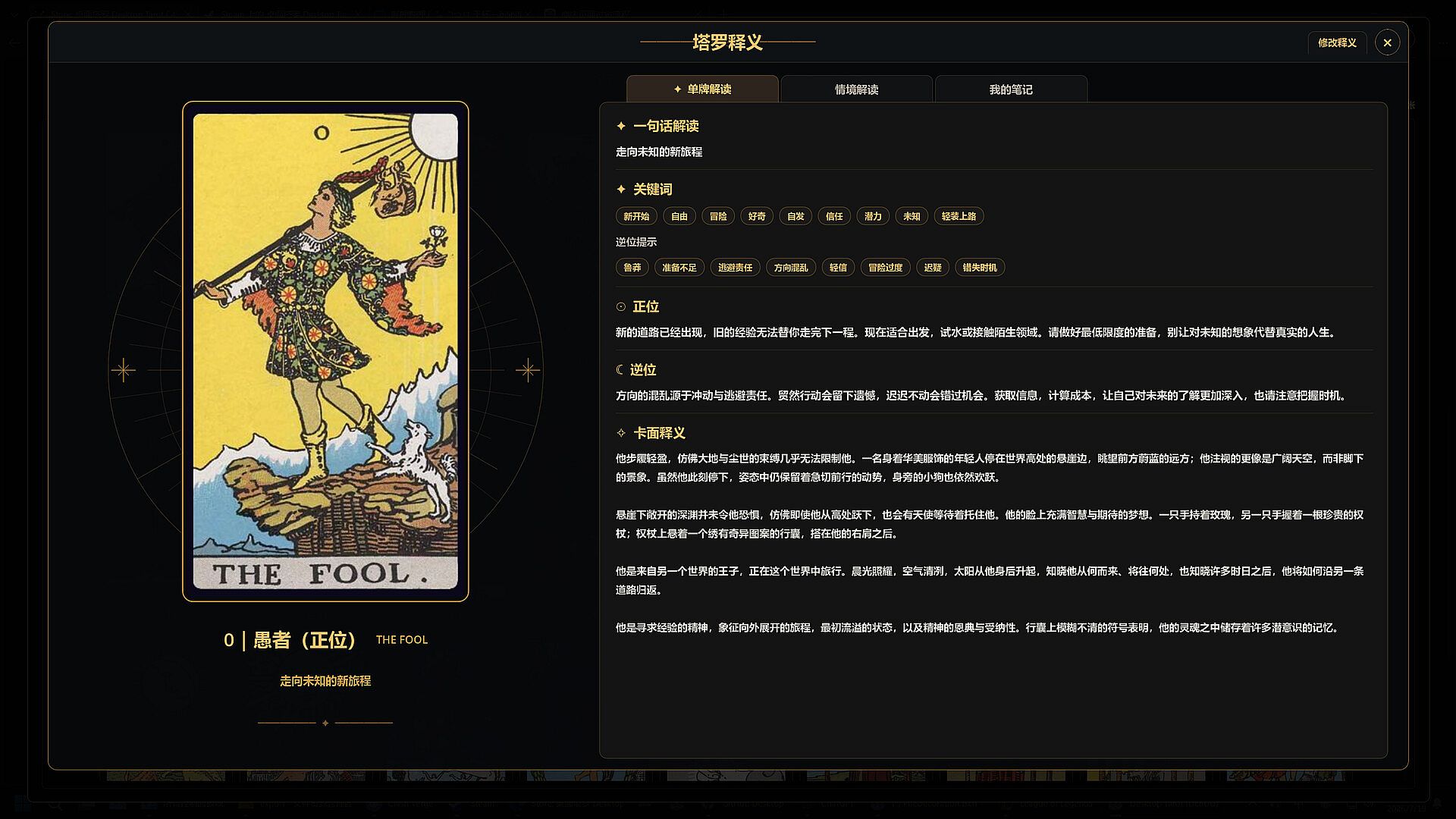
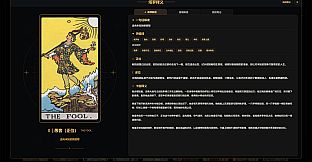
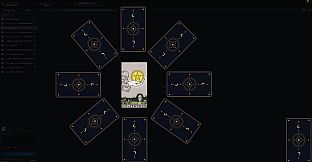
The core loop involves choosing a spread from available options, shuffling the deck, and drawing cards one by one. Once revealed, each card opens an interpretation page that details keywords, upright and reversed meanings, imagery analysis, and guidance tailored to areas like relationships, career, and personal growth. Players can revisit past sessions through a built-in history feature that stores previous readings for later review.
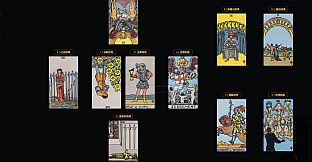
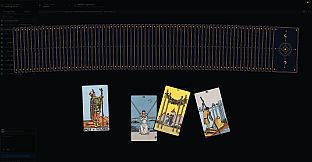
Keyboard shortcuts simplify the process of arranging cards, allowing adjustments to positions, angles, and layouts without complex menus. The interface supports free placement, so cards can be positioned in any configuration, including ribbon-like spreads or entirely custom arrangements that go beyond standard templates. This flexibility encourages experimentation while maintaining focus on the reading experience.
Additional tools include options to add personal notes to individual cards or edit existing text through a built-in editor. These features let users incorporate their own insights into the interpretations, blending standard tarot content with individualized perspectives.
Game Modes
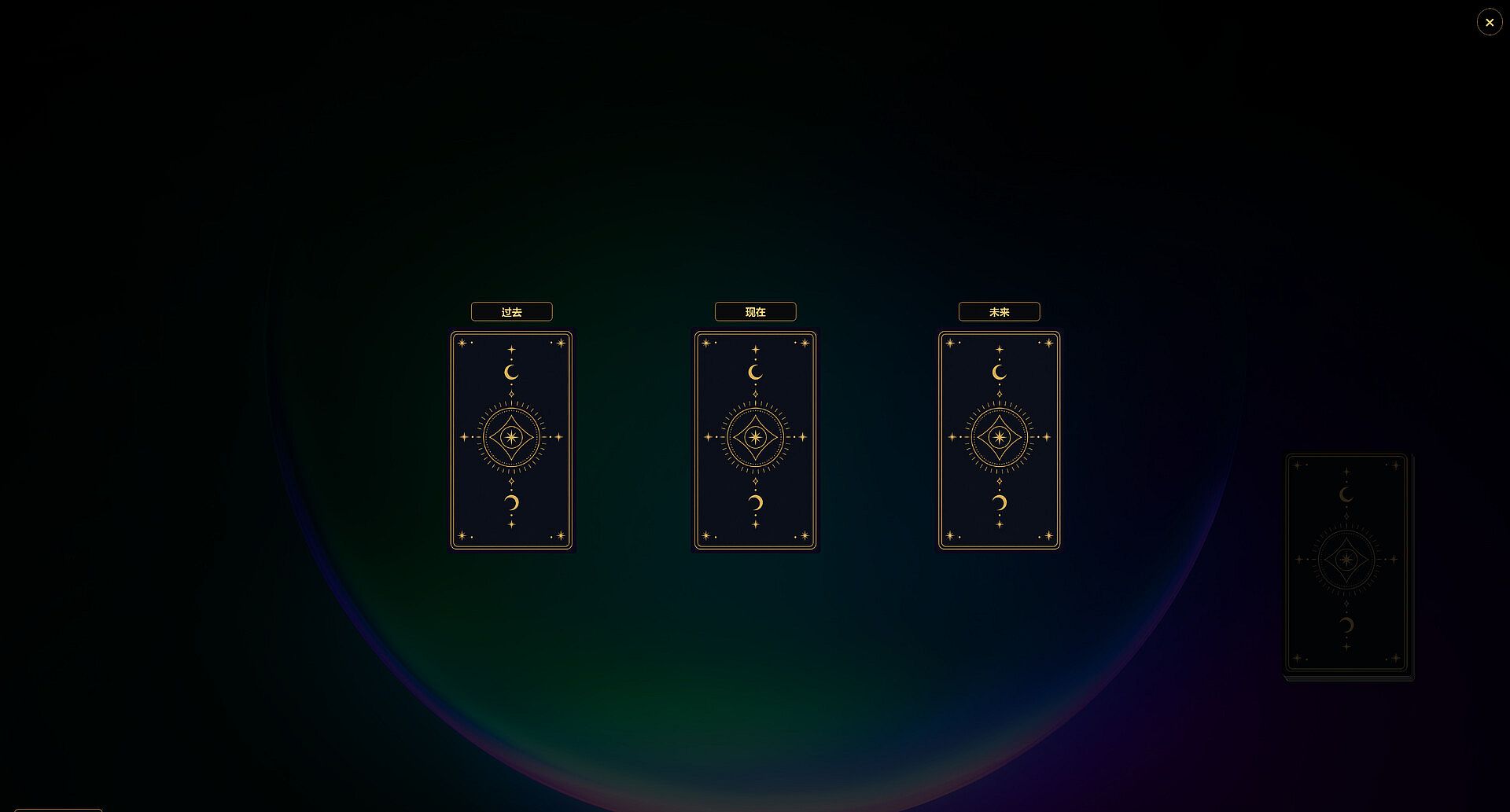
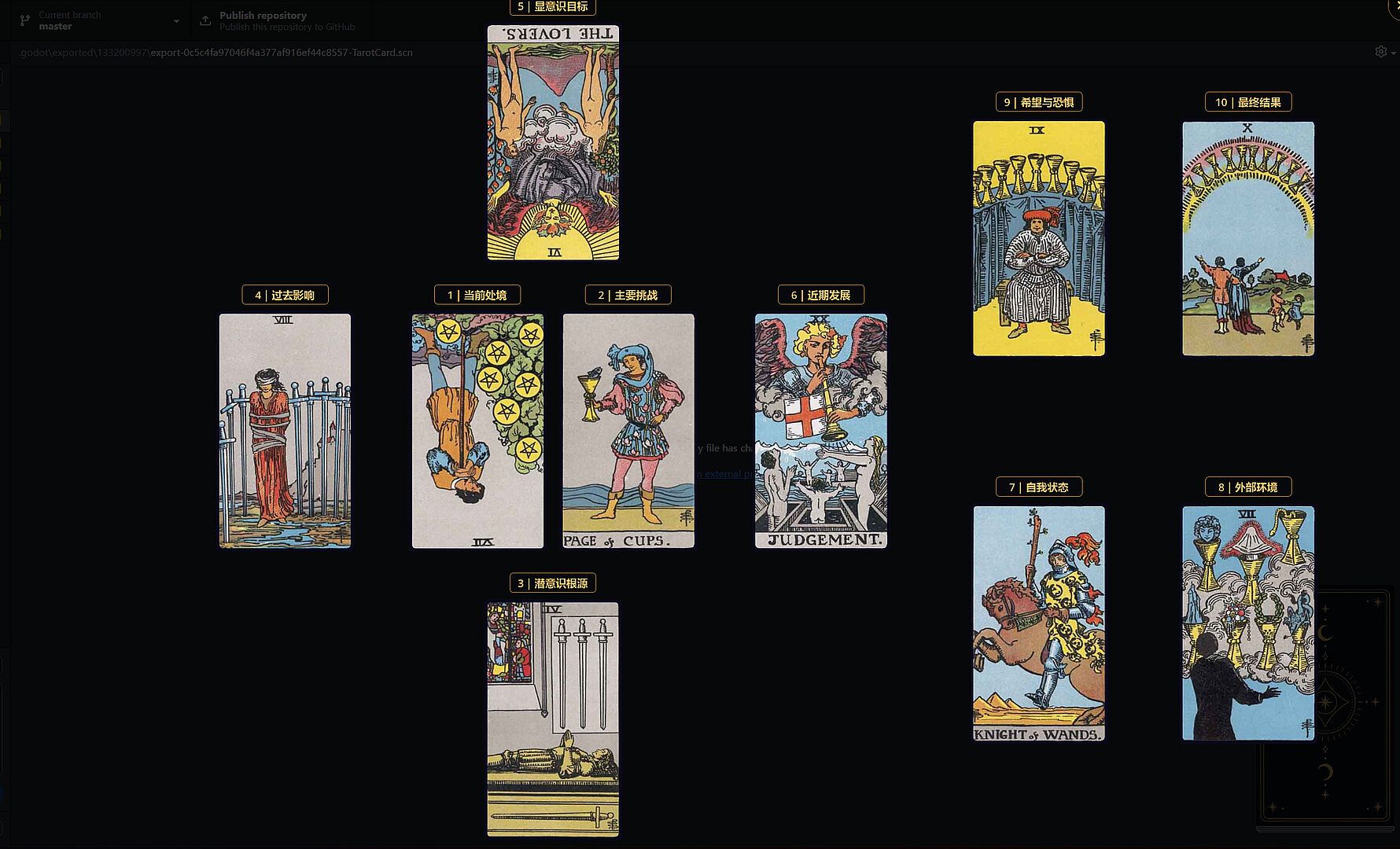
Desktop Tarot includes several classic spreads that serve as structured game modes. The single-card reading provides a quick, focused draw for immediate insight. The past, present, and future three-card spread offers a timeline-based view of a situation. The Celtic Cross spread delivers a more comprehensive layout covering multiple aspects of a query.
Beyond these presets, the game supports fully custom modes where players define their own spreads by freely placing cards on the table. Positions and angles can be adjusted at will, enabling unique layouts that match personal preferences or specific questions. This open approach removes restrictions from fixed templates and lets each session adapt to the user's needs.
Customization Options
Players can personalize the visual elements of the tarot deck by replacing images for card faces, backs, and frames with their own favorites. These changes apply across readings and allow the deck to reflect individual tastes, whether aiming for a more elegant style or a lighter, playful aesthetic. The customization integrates directly into the reading process without interrupting the flow.
The interpretation interface remains consistent even with custom images, preserving access to keywords, meanings, and guidance sections. This ensures that visual modifications enhance rather than replace the informational content of each card.
Is It Worth Playing?
Desktop Tarot suits players who appreciate calm, reflective simulation experiences centered on tarot. Its straightforward mechanics and emphasis on atmosphere make it accessible for both newcomers to tarot and those familiar with traditional readings. The combination of preset spreads, custom layouts, and editable interpretations provides enough variety for repeated use without overwhelming complexity.
The game encourages mindful practices through its built-in suggestions, such as quieting the mind before a session, clearly defining a question, and avoiding repeated queries on the same topic in quick succession. These elements align with the simulation focus and support a thoughtful approach to each reading. If the appeal lies in a digital tool for personal tarot exploration on PC, the available features deliver a consistent and adaptable experience.