





Buy MousePlay : 一键自动点击神器 PC Key

Want to pre-order MousePlay : 一键自动点击神器? Compare 1 pre-order offers from keyshops and official stores. Secure the best price for MousePlay : 一键自动点击神器 Steam key before the official release.

Release: Coming Soon
Keyshops
Unavailable
Buy in Official Store:
A$4.50
Buy in Keyshops:
See price history

Official Stores (1)

DRM:
Steam
Steam
Steam
MousePlay : 一键自动点击神器
Windows
8w ago
DRM:
Steam
Steam
A$4.50

About MousePlay : 一键自动点击神器

MousePlay : 一键自动点击神器 - about the game

MousePlay - One-click automatic clicking artifact

Real-time recording & playback | Smart clicker | Infinite creative gameplay possibilities!

Feature highlights:

✔ Accurate recording: Real-time capture of mouse movement trajectory and click actions, perfectly reproduce your operation!

✔ Smart playback: One-click playback of recorded content, support looping, accurate to milliseconds control!

✔ Super clicker: Can click and click at milliseconds frequency, freeing your hands!

✔ Creative gameplay:

Game macro: Record complex operations and release combos with one click!

Automated script: Repetitive work? Leave it to MousePlay!

Painting assistance: Record trajectory and automatically generate smooth lines!

Hang-up artifact: Automatically click, brush resources, hang-up upgrade!

Applicable scenarios:

Gamers: Automatically brush monsters, combo macros, hang-up tasks

Office experts: Automate repeated click operations to improve efficiency

Easy to use, powerful functions!

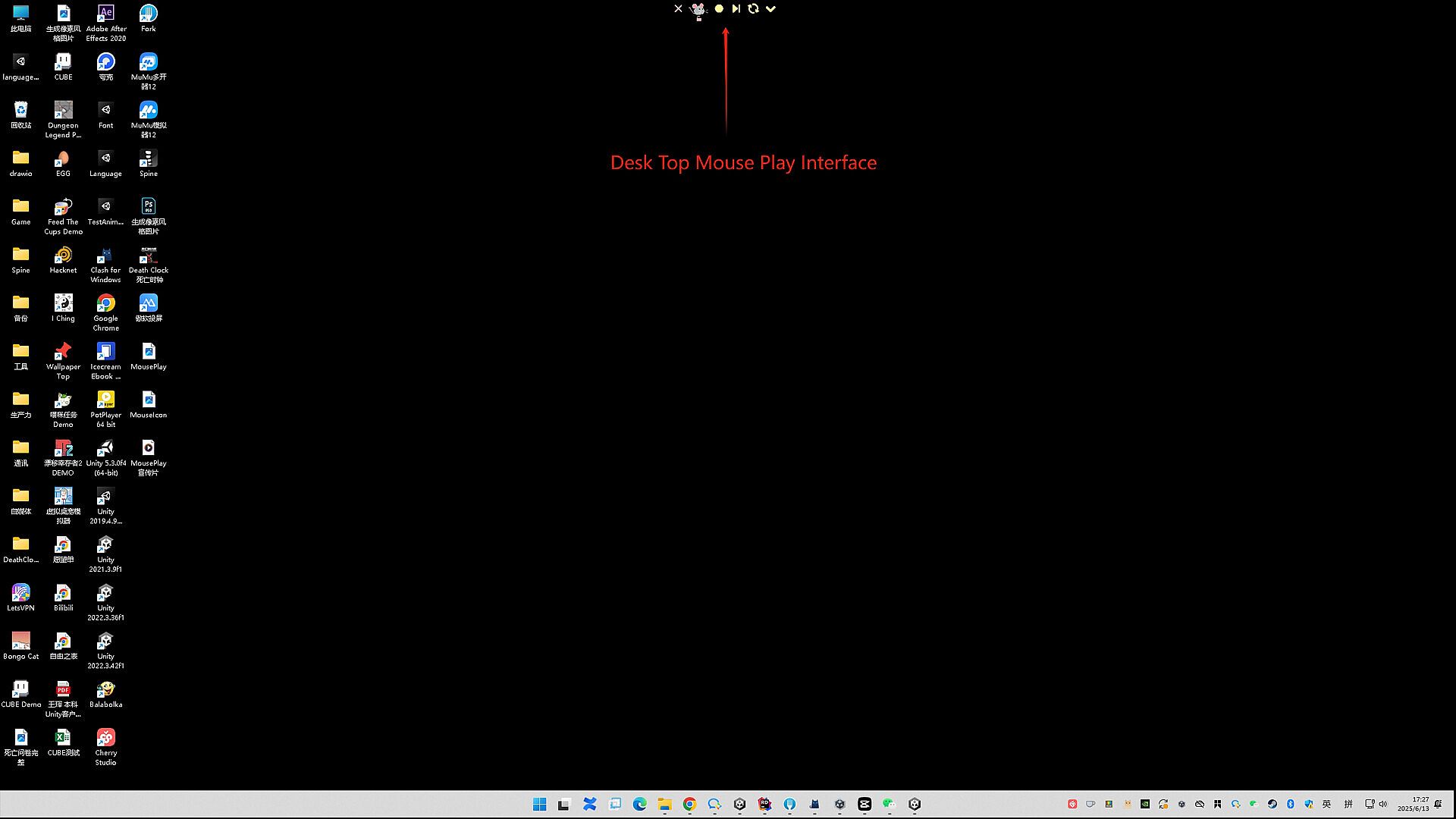
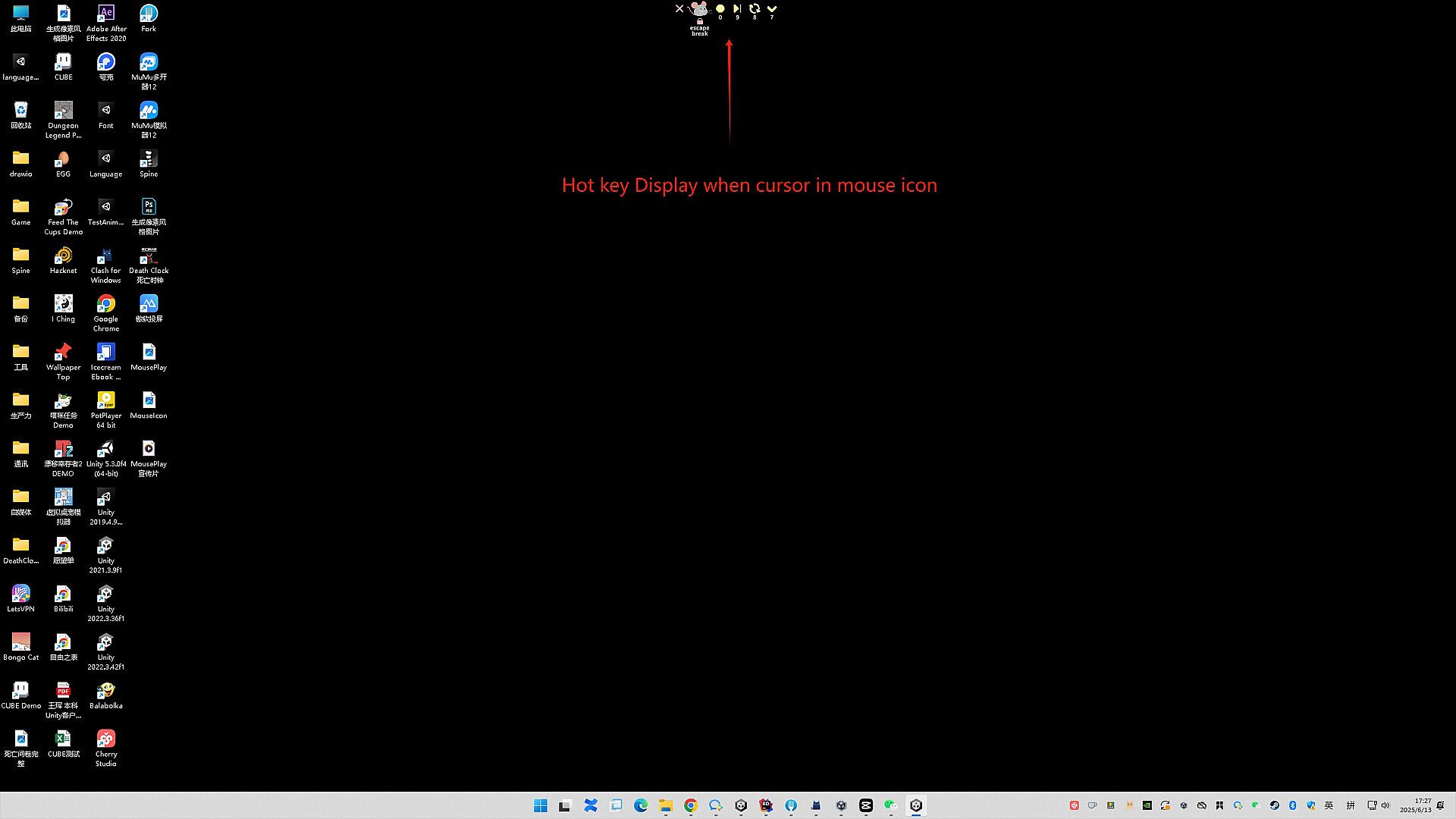
Support shortcut key control (one-click start/stop)

Unleash the potential of your mouse and explore endless possibilities!

Download MousePlay now and experience a new level of automation!

Interface:
AfrikaansAmharicArabicAssameseAzerbaijaniBelarusianBulgarianBanglaBosnianCatalanValencianCherokeeSoraniCzechWelshDanishGermanGreekEnglishSpanish - SpainSpanish - Latin AmericaEstonianBasquePersianFinnishFilipinoFrenchIrishGalicianGujaratiHausaHebrewHindiCroatianHungarianArmenianIndonesianIgboIcelandicItalianJapaneseGeorgianKazakhKhmerKannadaKoreanKonkaniKyrgyzLuxembourgishLithuanianLatvianMaoriMacedonianMalayalamMongolianMarathiMalayMalteseNepaliDutchNorwegianOdiaPunjabi (Gurmukhi)Punjabi (Shahmukhi)PolishDariPortuguese - PortugalPortuguese - BrazilQuechuaK'iche'RomanianRussianKinyarwandaScotsSindhiSinhalaSlovakSlovenianAlbanianSerbianSothoSwedishSwahiliTamilTeluguTajikThaiTigrinyaTurkmenTswanaTurkishTatarUyghurUkrainianUrduUzbekVietnameseWolofXhosaYorubaSimplified ChineseTraditional ChineseZulu
Audio:
AfrikaansAmharicArabicAssameseAzerbaijaniBelarusianBulgarianBanglaBosnianCatalanValencianCherokeeSoraniCzechWelshDanishGermanGreekEnglishSpanish - SpainSpanish - Latin AmericaEstonianBasquePersianFinnishFilipinoFrenchIrishGalicianGujaratiHausaHebrewHindiCroatianHungarianArmenianIndonesianIgboIcelandicItalianJapaneseGeorgianKazakhKhmerKannadaKoreanKonkaniKyrgyzLuxembourgishLithuanianLatvianMaoriMacedonianMalayalamMongolianMarathiMalayMalteseNepaliDutchNorwegianOdiaPunjabi (Gurmukhi)Punjabi (Shahmukhi)PolishDariPortuguese - PortugalPortuguese - BrazilQuechuaK'iche'RomanianRussianKinyarwandaScotsSindhiSinhalaSlovakSlovenianAlbanianSerbianSothoSwedishSwahiliTamilTeluguTajikThaiTigrinyaTurkmenTswanaTurkishTatarUyghurUkrainianUrduUzbekVietnameseWolofXhosaYorubaSimplified ChineseTraditional ChineseZulu
Subtitles:
AfrikaansAmharicArabicAssameseAzerbaijaniBelarusianBulgarianBanglaBosnianCatalanValencianCherokeeSoraniCzechWelshDanishGermanGreekEnglishSpanish - SpainSpanish - Latin AmericaEstonianBasquePersianFinnishFilipinoFrenchIrishGalicianGujaratiHausaHebrewHindiCroatianHungarianArmenianIndonesianIgboIcelandicItalianJapaneseGeorgianKazakhKhmerKannadaKoreanKonkaniKyrgyzLuxembourgishLithuanianLatvianMaoriMacedonianMalayalamMongolianMarathiMalayMalteseNepaliDutchNorwegianOdiaPunjabi (Gurmukhi)Punjabi (Shahmukhi)PolishDariPortuguese - PortugalPortuguese - BrazilQuechuaK'iche'RomanianRussianKinyarwandaScotsSindhiSinhalaSlovakSlovenianAlbanianSerbianSothoSwedishSwahiliTamilTeluguTajikThaiTigrinyaTurkmenTswanaTurkishTatarUyghurUkrainianUrduUzbekVietnameseWolofXhosaYorubaSimplified ChineseTraditional ChineseZulu

Age rating

Unavailable

Minimum:

  • OS: Windows 10, Windows 11
  • Processor: 1.66 GHz Intel i5 or equivalent
  • Memory: 1024 MB RAM
  • Graphics: HD Graphics 4000 or above
  • Storage: 500 MB available space

Recommended:

  • OS: Windows 10, Windows 11
  • Processor: 2.0 GHz Intel i7 or equivalent
  • Memory: 2048 MB RAM
  • Graphics: NVIDIA GeForce GTX 660, AMD HD7870, 2 GB VRAM or above
  • Storage: 1024 MB available space
Historical low
Price history from official stores
-
-
-
Price history from keyshops
-
-
-

FAQ

8 questions

Before you start looking for a cheap MousePlay : 一键自动点击神器 PC key, check the essentials. PC released date: Coming Soon. Genres: Indie, Utilities.

Q

Where to buy a cheap MousePlay : 一键自动点击神器 Steam key or CD key?

Using our price comparison and verified discount codes, you can buy a MousePlay : 一键自动点击神器 key for as low as A$4.50. This deal is available at Steam and is among the cheapest offers on the market. All keys listed on XD.deals are delivered digitally and eligible for instant download after payment. Prices already include processing fees and applied promo codes, so you always see the lowest MousePlay : 一键自动点击神器 price on PC. Check the MousePlay : 一键自动点击神器 price history to buy at the best moment.

As of our last update (we refresh Steam pricing multiple times a day), the MousePlay : 一键自动点击神器 Steam price is A$4.50. You can save an extra ~6% by paying with a discounted Steam gift card.

Our price tracker covers both official retailers and key marketplaces, so you can find MousePlay : 一键自动点击神器 on sale even outside seasonal promotions. We currently detect 1 active offer from official stores and keyshops. Check the table above, compare against the historical low, and set an alert so you never miss the next price drop.

Based on our data, MousePlay : 一键自动点击神器 is not currently available on GeForce NOW. You will need to run it locally on your PC. Browse games available on GeForce NOW.

Yes. MousePlay : 一键自动点击神器 has an official page on the Steam Store. You can also buy a MousePlay : 一键自动点击神器 Steam key from third-party sellers. Our price comparison currently includes 1 offer with Steam DRM. Pick one to ensure your MousePlay : 一键自动点击神器 download happens on Valve's platform.

Not at this time. Valve marks MousePlay : 一键自动点击神器 as Unsupported on Steam Deck. Keep an eye on XD.deals - we track Proton updates and community fixes. Browse games that are Steam Deck Verified or Steam Deck Playable.

MousePlay : 一键自动点击神器 does not appear to be available on PC Game Pass, EA Play, Ubisoft+ or any other PC subscription service at this time. Your only option is purchasing the game - use XD.deals to find the best price.

No - XD.deals is not a store. We are a price-comparison service that tracks the best MousePlay : 一键自动点击神器 deals across official stores and verified keyshops. Click "Go to Store" next to any offer and you will be redirected to the retailer's website to complete your purchase.

Best prices for MousePlay : 一键自动点击神器

1 Steam Steam Official
A$4.50

Want to buy at the best moment? Set a price alert on XD.deals and get notified when MousePlay : 一键自动点击神器 hits its next historical low.

Create Alert
Join our Discord
Get instant help from our community and stay updated on the latest deals
Set Price Alerts
Get notified by email when game prices drop to your target
Create Free Account
Unlock wishlists, price alerts, and Steam sync