

in progress...

Buy liteCam Android: No Root Android Screen Recorder PC

Interested in liteCam Android: No Root Android Screen Recorder? We're tracking prices from trusted stores. Add liteCam Android: No Root Android Screen Recorder to your wishlist and we'll notify you when deals become available.

Release: 29 July 2014
Publisher: RSUPPORT Co., LTD.
Developer: RSUPPORT Co., LTD.
Steam:
Mostly Negative (46)
Official
Unavailable
Keyshops
Unavailable
Buy in Official Store:
Unavailable
Buy in Keyshops:
Unavailable

No entries, but don''t worry, we will inform you once the new offer appears.

Create Alert Create deal Alert

About liteCam Android: No Root Android Screen Recorder

liteCam Android: No Root Android Screen Recorder - about the game

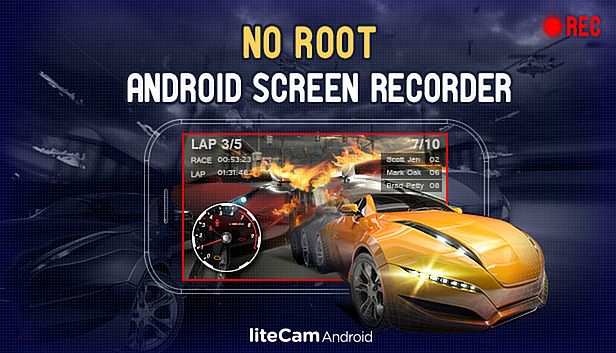
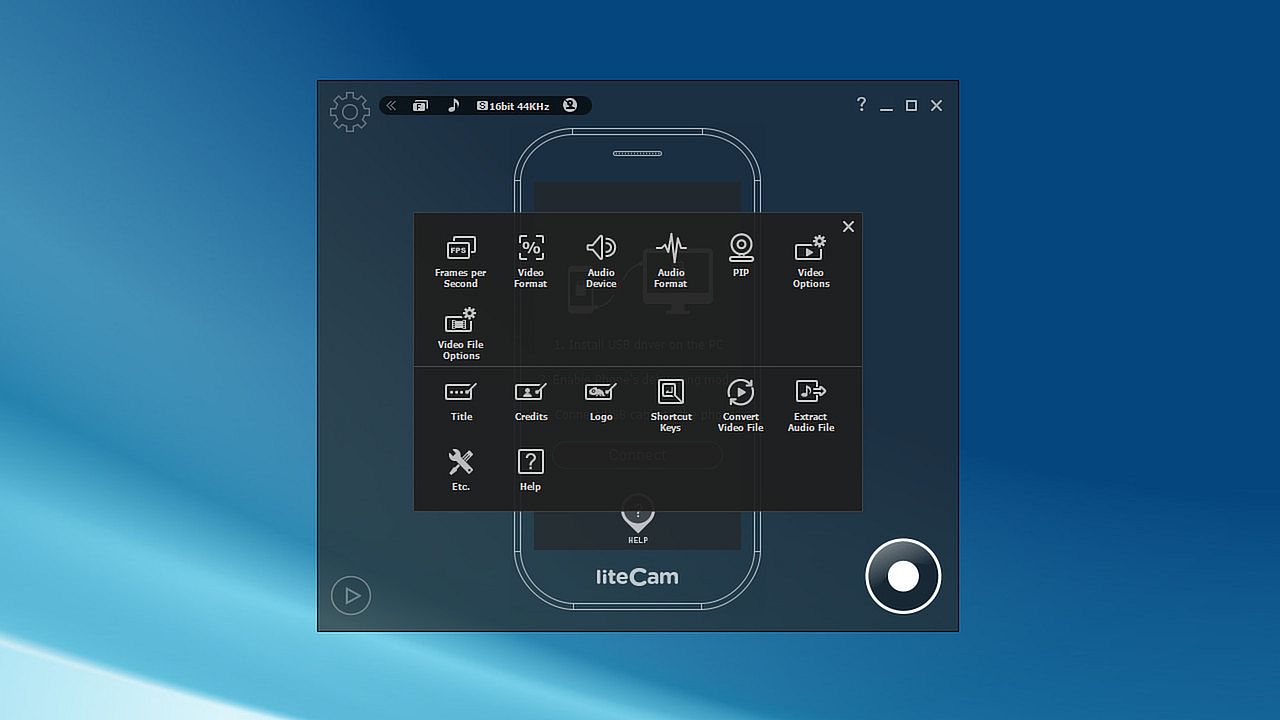
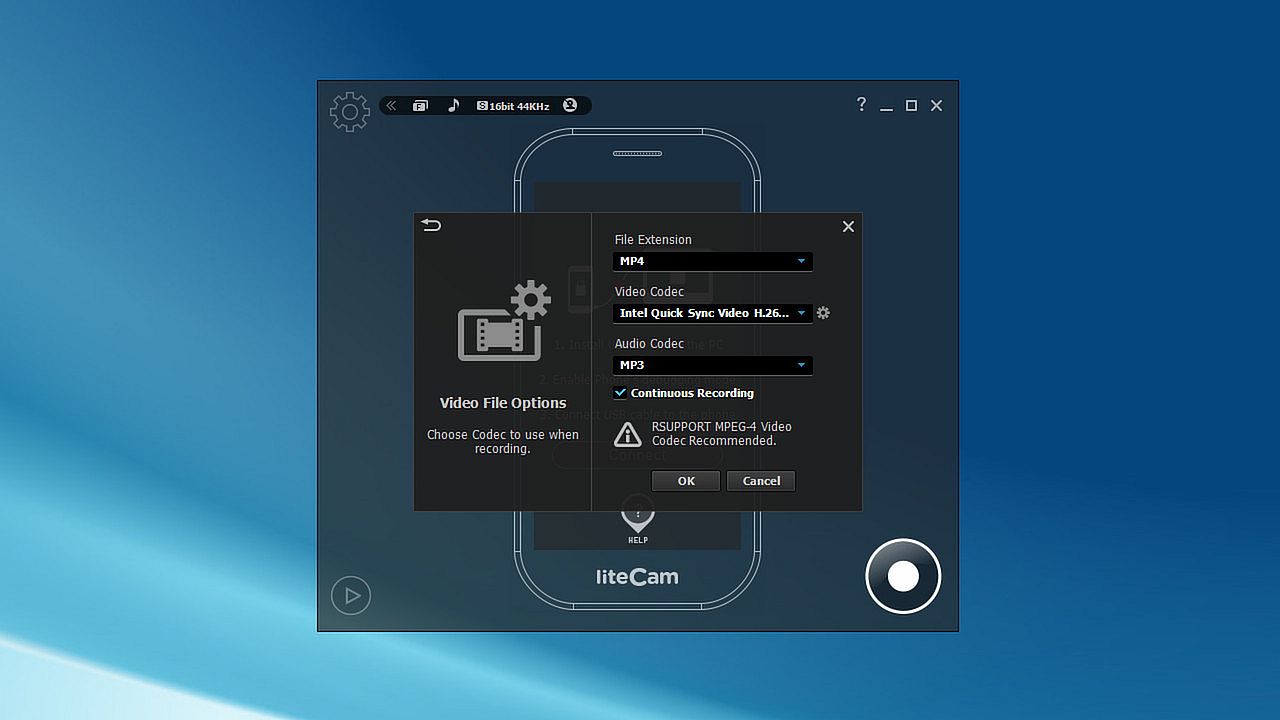
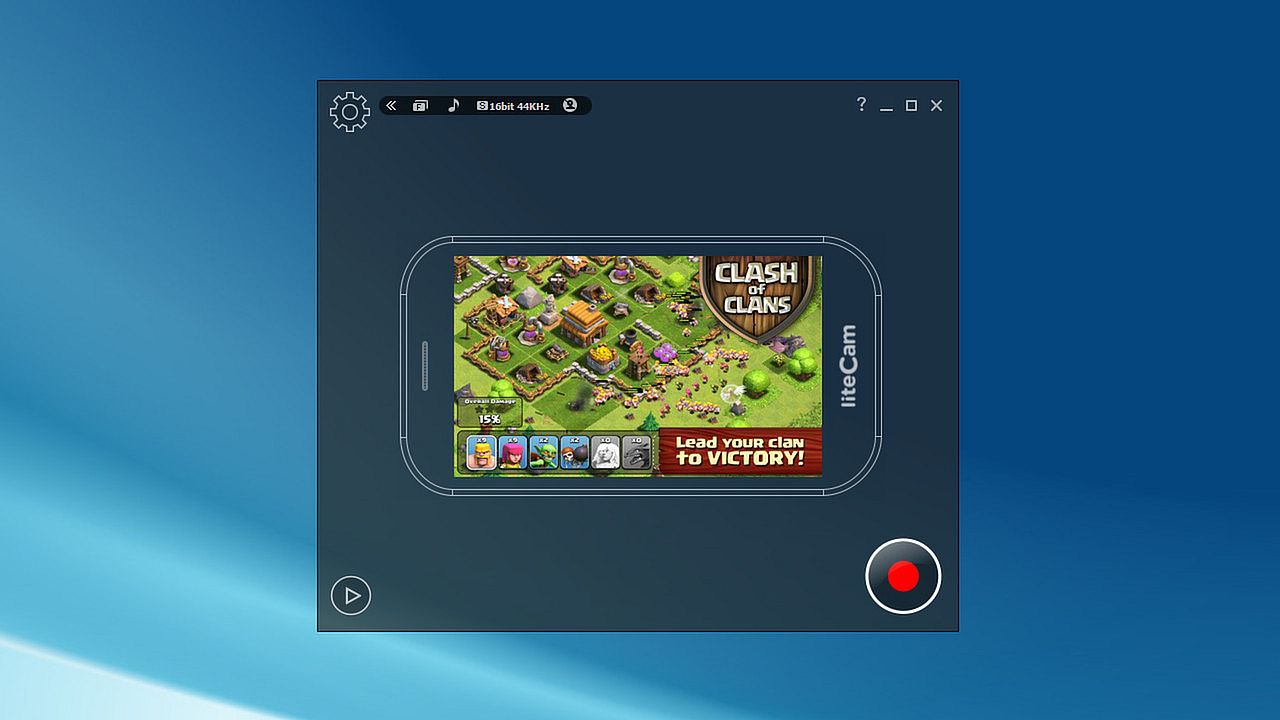
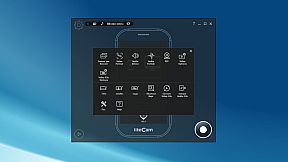
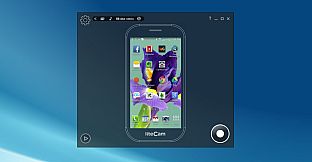
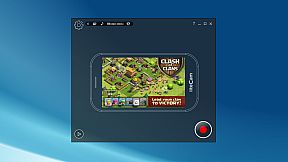
liteCam Android captures screen activity from non-rooted Android devices running version 4.1 or higher. Connect your phone or tablet via USB to a PC, enable debugging mode, and mirror actions lag-free at up to 2560x1440 resolution. Record unlimited sessions with audio from your computer's microphone or an audio jack connection, plus Picture-in-Picture webcam overlay for face video. This video production utility saves clips directly to your PC for easy editing or YouTube uploads, using hardware-accelerated H.264 encoding. Developers craft Android game trailers, while gamers capture footage like Temple Run or Clash of Clans for platforms such as Samsung GameCast. It suits content creators, educators, and software trainers needing precise mobile screen recordings.

liteCam Android: No Root Android Screen Recorder


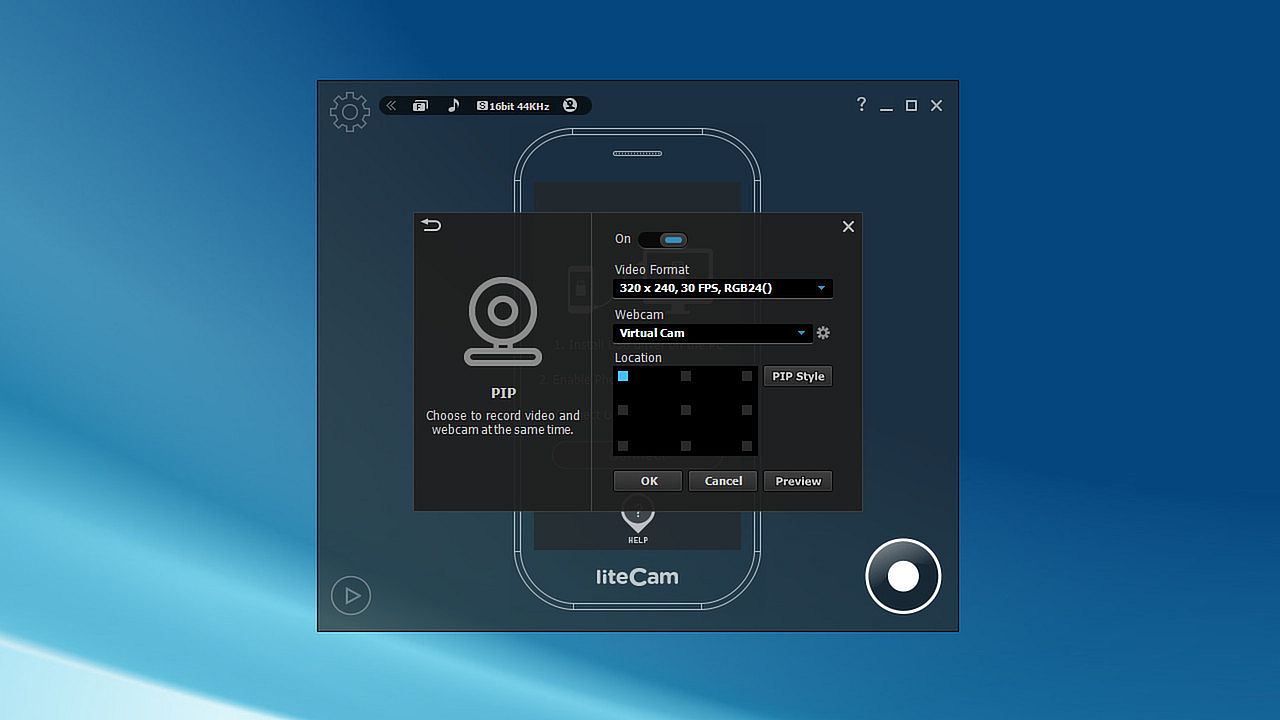
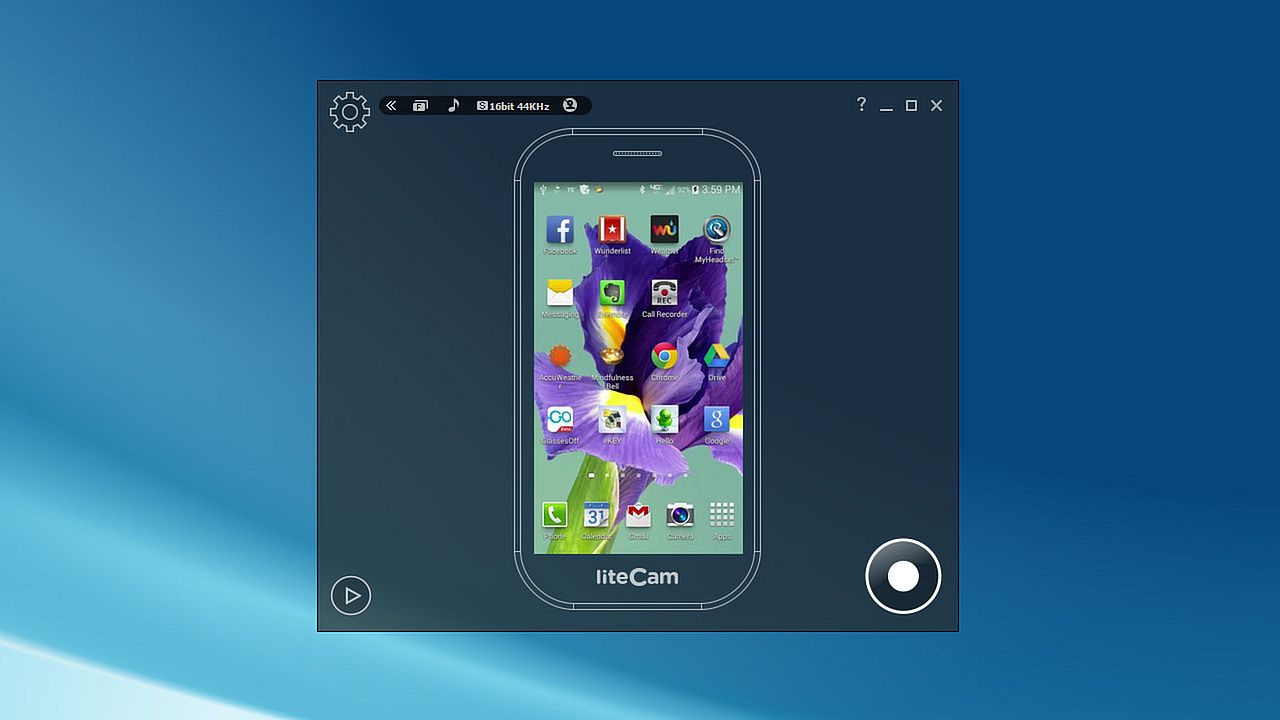
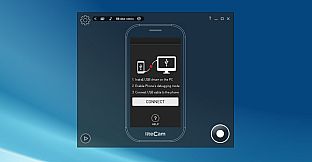
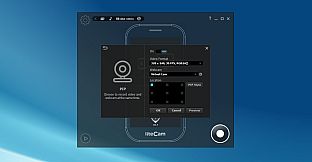
liteCam Android allows you to record the screen of non-rooted Android devices. It works on Android 4.1 or higher version. Just connect your Android phone or tablet to your computer through USB cable and execute liteCam Android. You will see all your phone activities on the computer screen without lagging. Record your phone activities and the result will be save to your PC. Audio recording is available via your computer microphone. Through the webcam, you can simply add a video of yourself using PIP feature. It is quite useful when videos are save on your PC so that you can do further video editing.
Are you planning on releasing an Android game? Why not create a trailer for your game with liteCam Android? liteCam Android is decent enough.
Gamers, upload your Android gameplay videos to Samsung GameCast Today. Samsung released a 'GameCast' beta version like Twitchtv mobile version;
liteCam Android Main Features

Running Android 4.1 and Above
liteCam Android now lets you record Android screen on non root Android devices of Android 4.1 and above.
Please note that Android 5.0 lollipop will be supported after a minor upgrade on the first quarter of 2015.

Up to 2560*1440 pixels(QHD)
liteCam Android can capture Android phone screen at full 2560 by 1440 resolution video.

No Time Limit
liteCam Android does not have video recording time limit restriction.

Audio Capture
liteCam Android records sound on Android using external mic on your computer. To record clear audio from your android device, you can also use audio jack connection cable, connect your phone audio output to PC audio input or microphone input.

Upload Android videos to YouTube
Once you finish recording, you can upload a recorded video to YouTube directly.

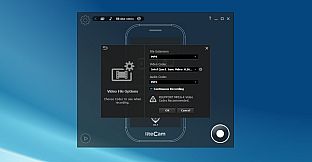
Hardware accelerated H.264 video encoding
liteCam Android uses Hardware acceleration to speed up the encoding of H.264 codec.
Sample Video in YouTube
Temple Run with liteCam Android

Clash of Clans with liteCam Android

WWE SuperCard Gameplay: Levelling up Bluetista, Deal with it!

Bestes Android Aufnahme Programm||LiteCam No/Root [Deutsch]


Note:
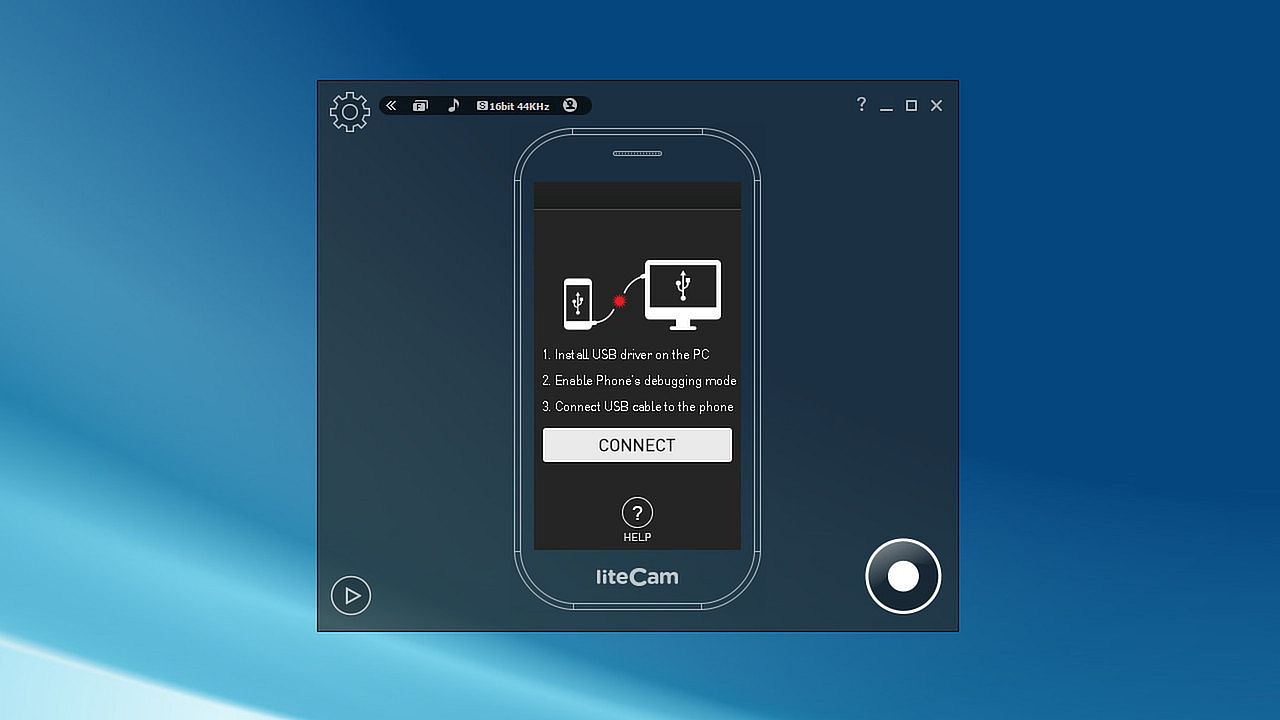
Downloading USB driver for ADB interface on your PC.
Phone's debugging mode MUST be activated.
Screen protected by DRM cannot be recorded.

Steam:
Mostly Negative (46)

Price history

Historical low
Keyshops
-
-
-
Official Stores
-
-
-

FAQ

8 questions

Before you start looking for a cheap liteCam Android: No Root Android Screen Recorder CD Key, take a moment to check the essentials. Developed by RSUPPORT Co., LTD.. Published by RSUPPORT Co., LTD.. PC released date: 29 July 2014. Genres: Utilities, Video Production, Education, Software Training. liteCam Android: No Root Android Screen Recorder reviews: Steam reviews: 39% of the 46 user reviews for this game are positive.

Q Can I play liteCam Android: No Root Android Screen Recorder on Steam Deck?

No, not right now. Valve marks liteCam Android: No Root Android Screen Recorder as Steam Deck Unsupported , so it won't launch via Proton at this time. Keep an eye on XD.deals - we track Proton breakthroughs and community fixes, and we'll flag it the moment there's a working way to play liteCam Android: No Root Android Screen Recorder on Steam Deck.

Yes. A liteCam Android: No Root Android Screen Recorder Steam version exists. Pick any offer tagged Steam Key on XD.deals, redeem it in the desktop client, and play liteCam Android: No Root Android Screen Recorder on Steam PC.

Yes. Once your Steam key is redeemed, you can launch liteCam Android: No Root Android Screen Recorder in Offline Mode via Steam. Your save files will sync the next time you go online.

Yes, you can buy a liteCam Android: No Root Android Screen Recorder Steam Key directly on the Steam Store. At XD.deals, we aggregate all available Steam DRM offers so you can compare cheap liteCam Android: No Root Android Screen Recorder steam deals in one place.

At the moment we don't have any live offers for liteCam Android: No Root Android Screen Recorder - both official stores ({1}) and keyshops ({2}) show the game as sold out or temporarily unavailable…

With XD.deals, PC gamers can instantly see where to buy a cheap liteCam Android: No Root Android Screen Recorder PC Steam key. Our real-time price-comparison engine and curated coupon database track every official store and trusted keyshop so you dont have to. Right now we detect this game in {1} live offers from stores and keyshops.

Not yet. There's no liteCam Android: No Root Android Screen Recorder Steam listing right now, so you can't buy liteCam Android: No Root Android Screen Recorder on Steam today. Instead, browse the other liteCam Android: No Root Android Screen Recorder offers on XD.deals - official stores and keyshops often provide DRM-free or launcher-key versions you can play while waiting for a future Steam release.

No - XD.deals itself isn't a store. We're a price-comparison service that tracks the best offers for liteCam Android: No Root Android Screen Recorder across official stores and verified keyshops. Click "Shop Now" next to the deal you want, and you'll be redirected to the retailer's website to complete your purchase and receive the key there.

Ready to ride? Set a price alert on XD Deals and grab a discounted liteCam Android: No Root Android Screen Recorder Steam key the moment it reaches its next historical low.

Create Alert