











Overview
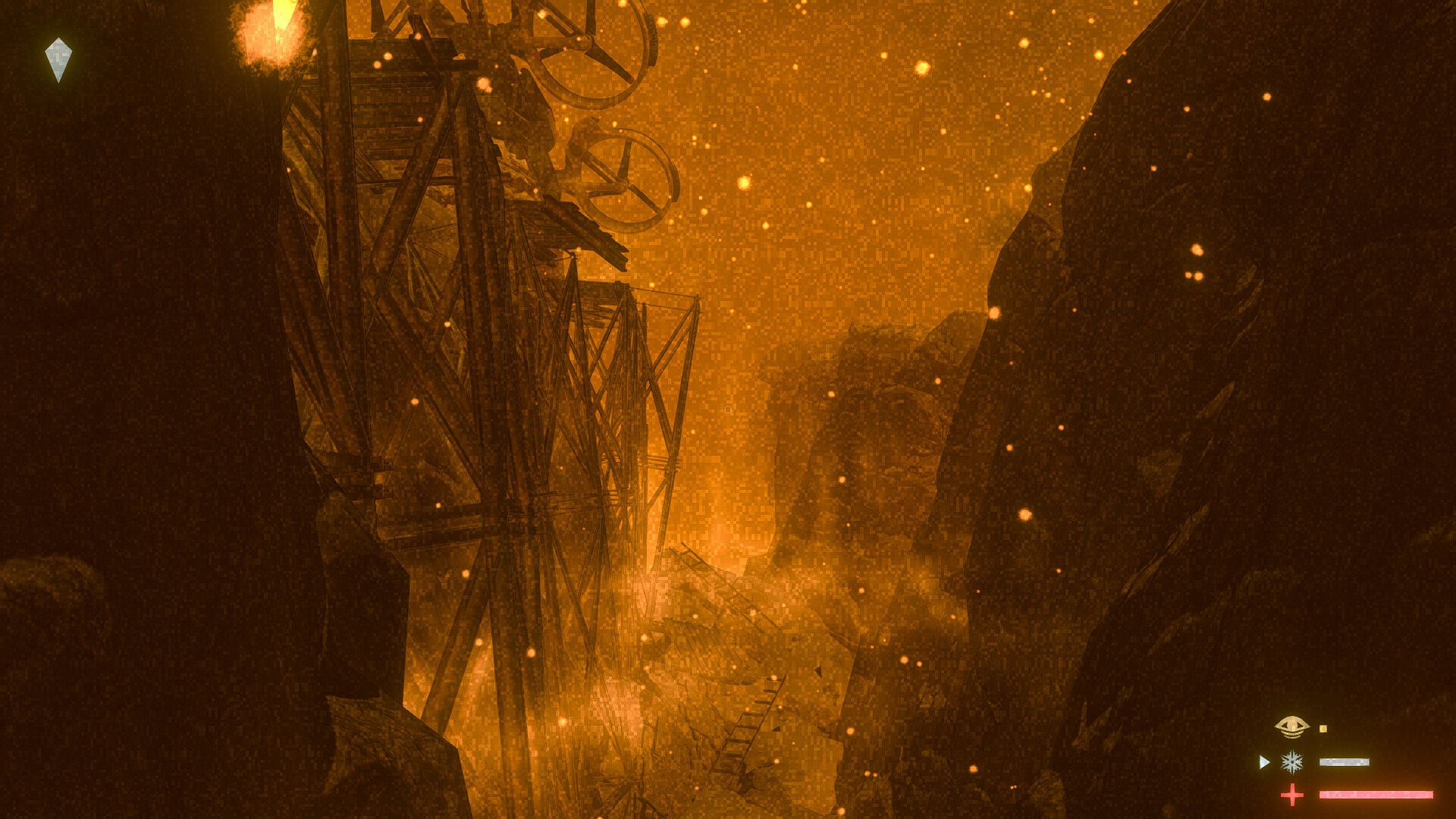
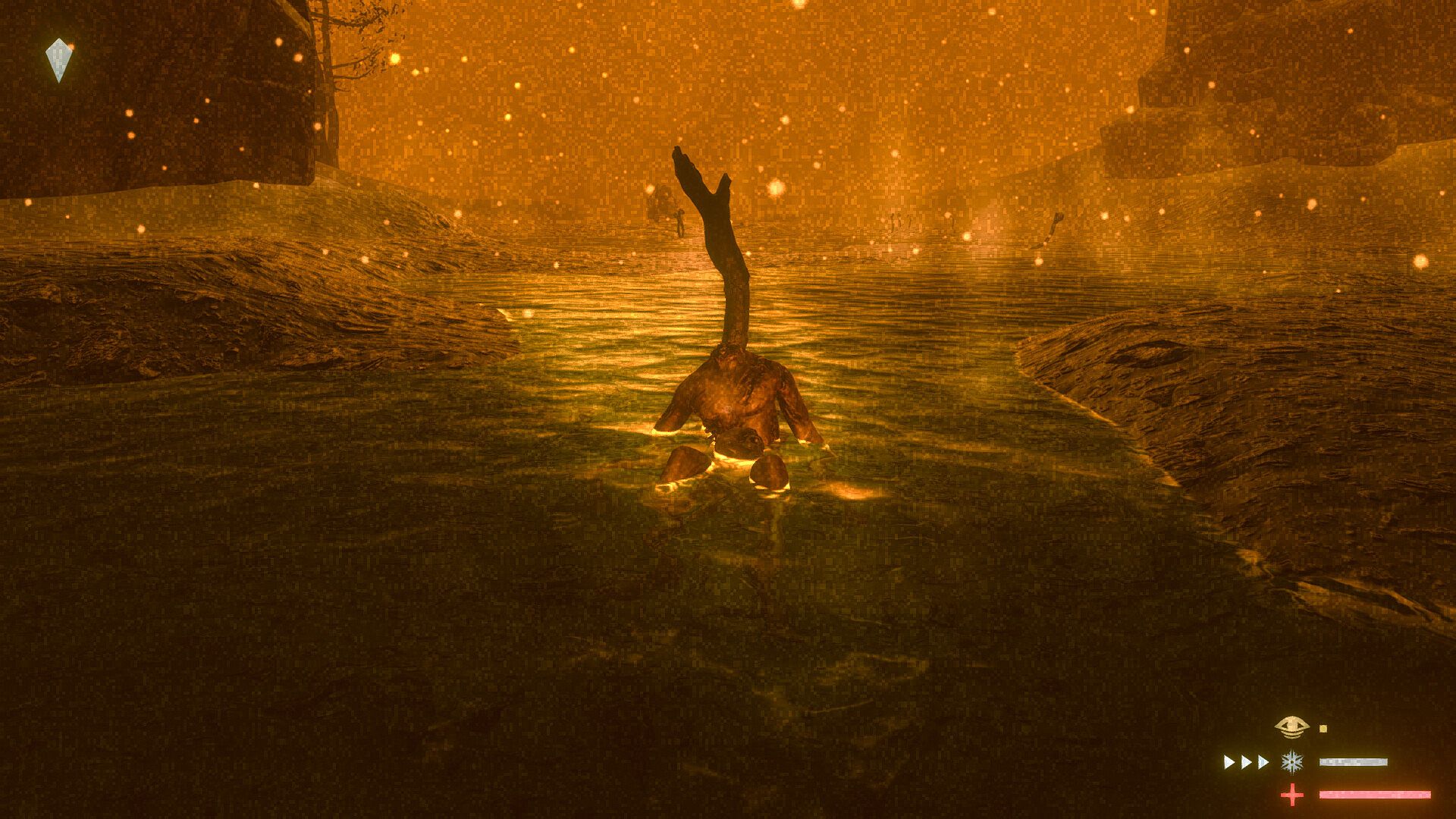
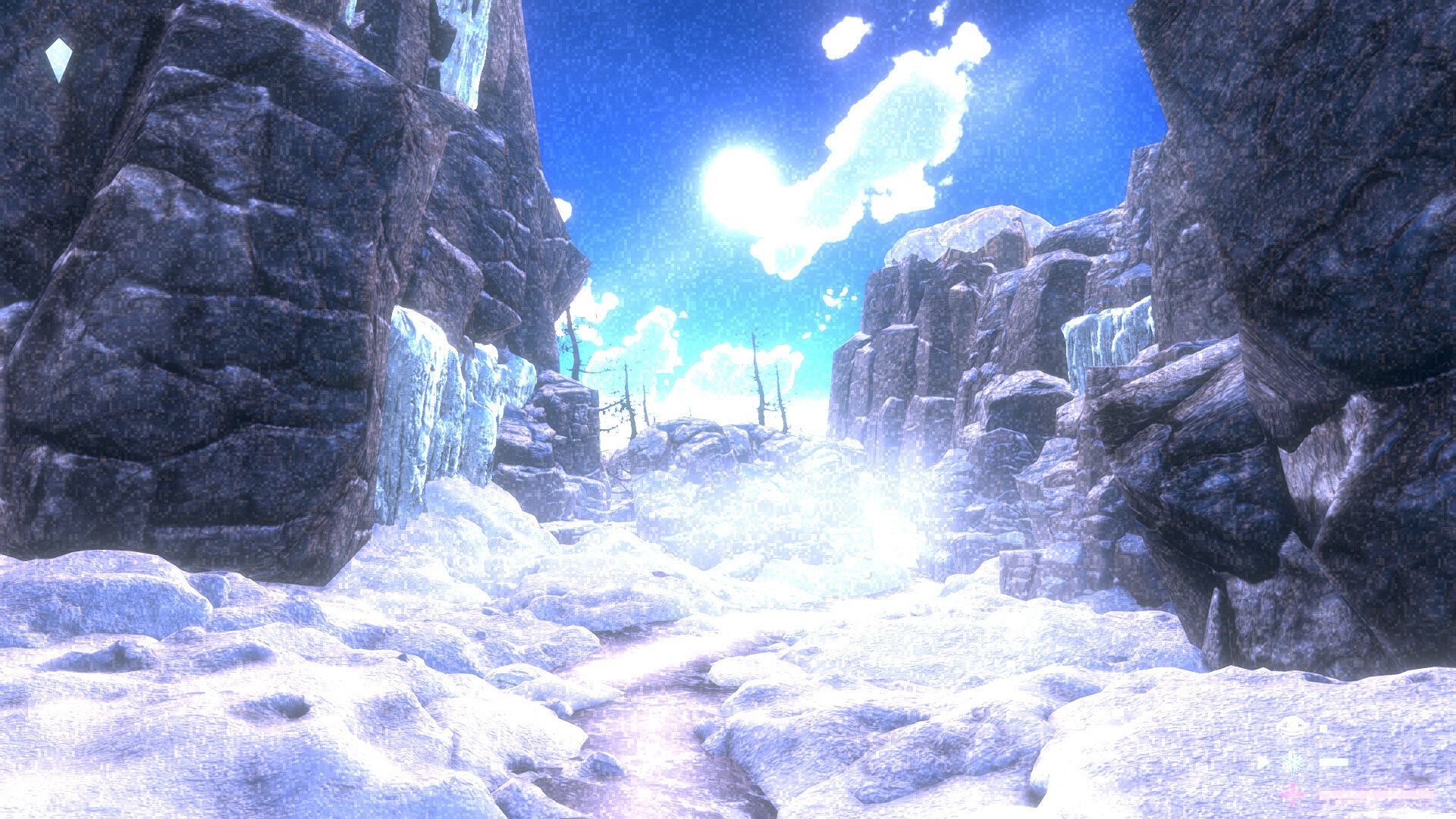
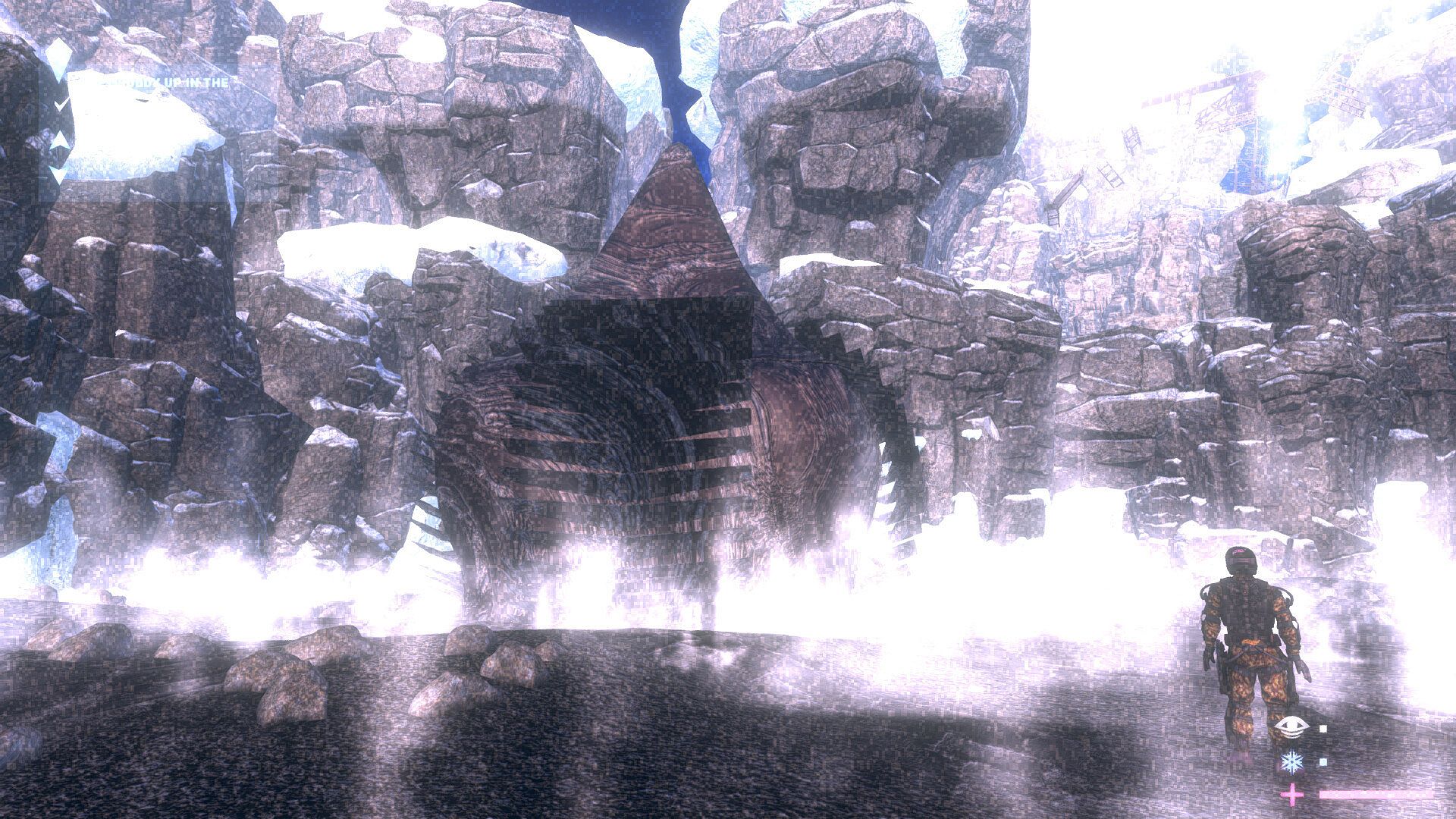
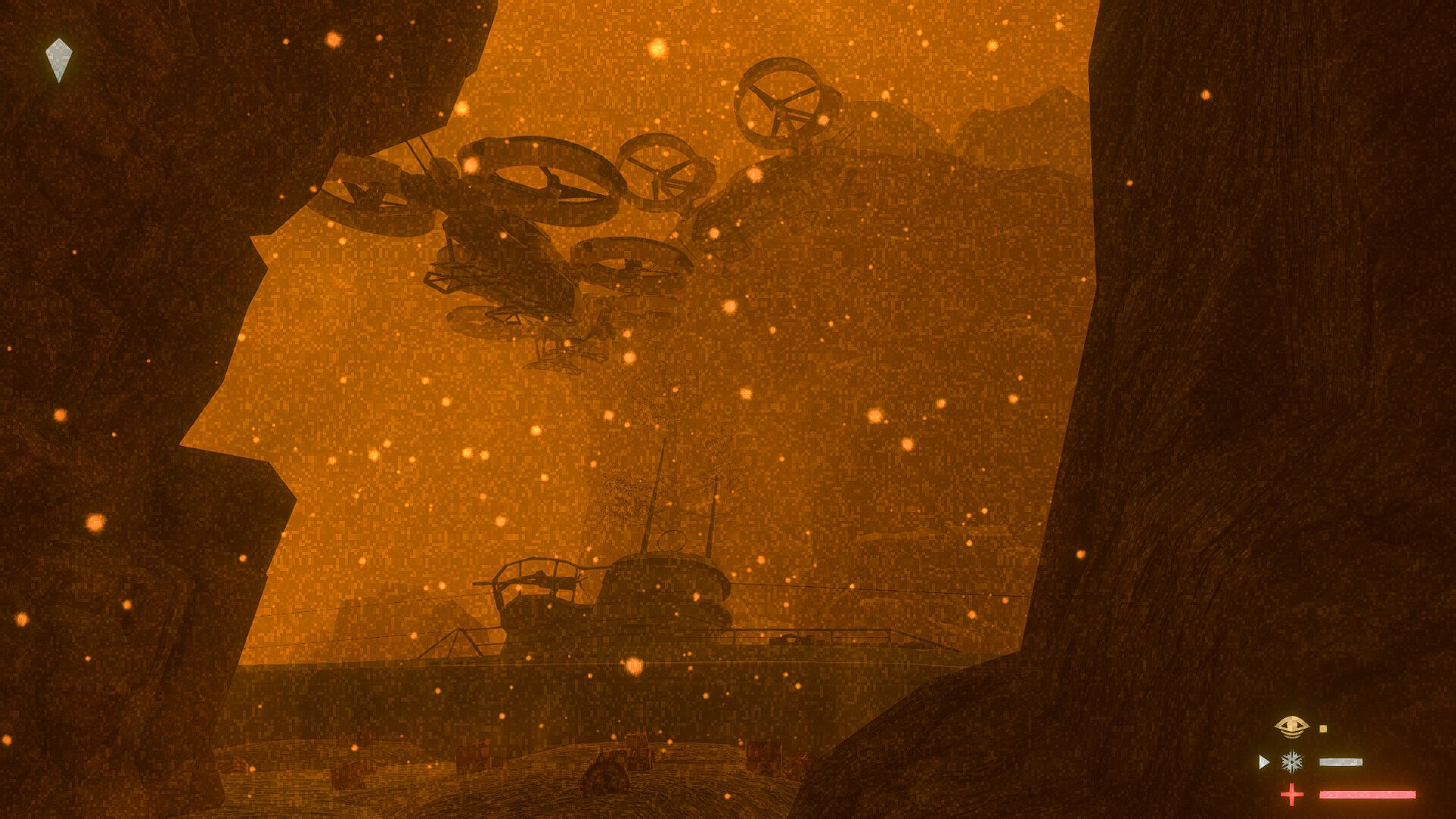
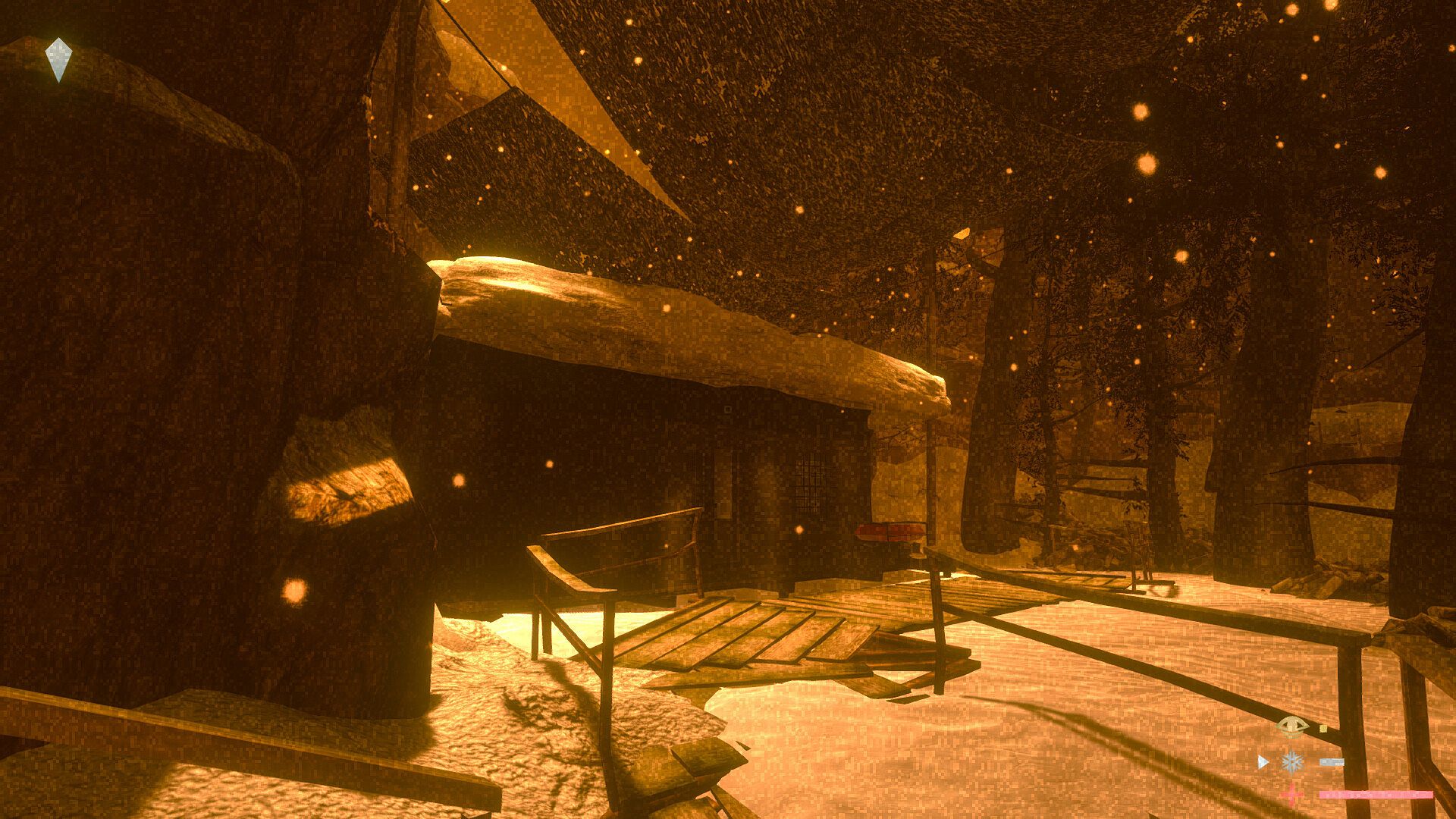
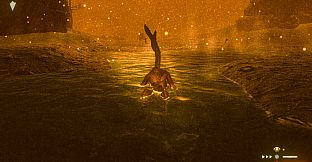
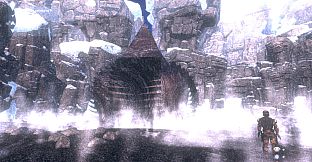
IVORY is a first person, cold weather survival and exploration game with a complex, expansive narrative that is told through find-able lore and real-time cinematic sequences.
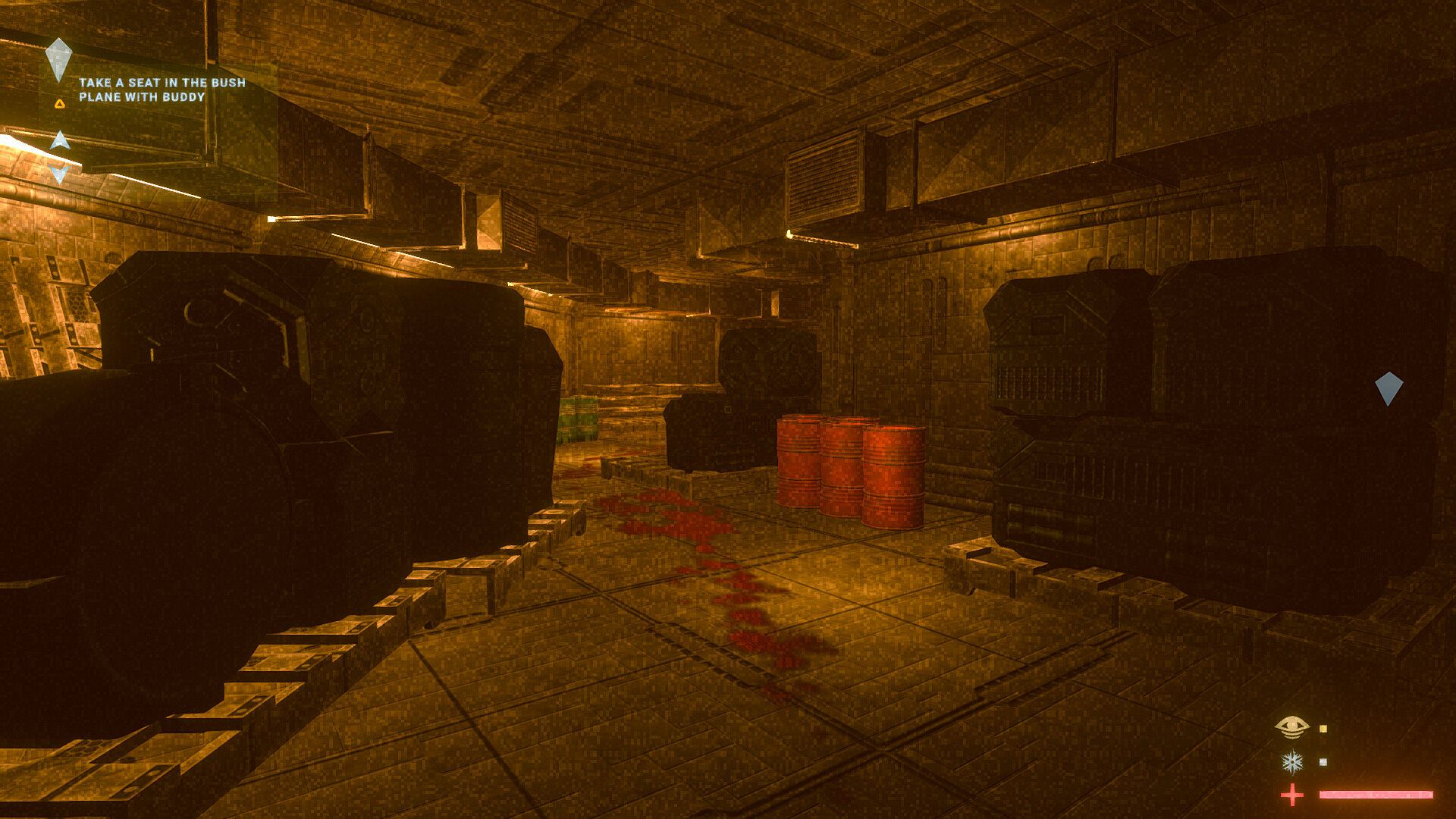
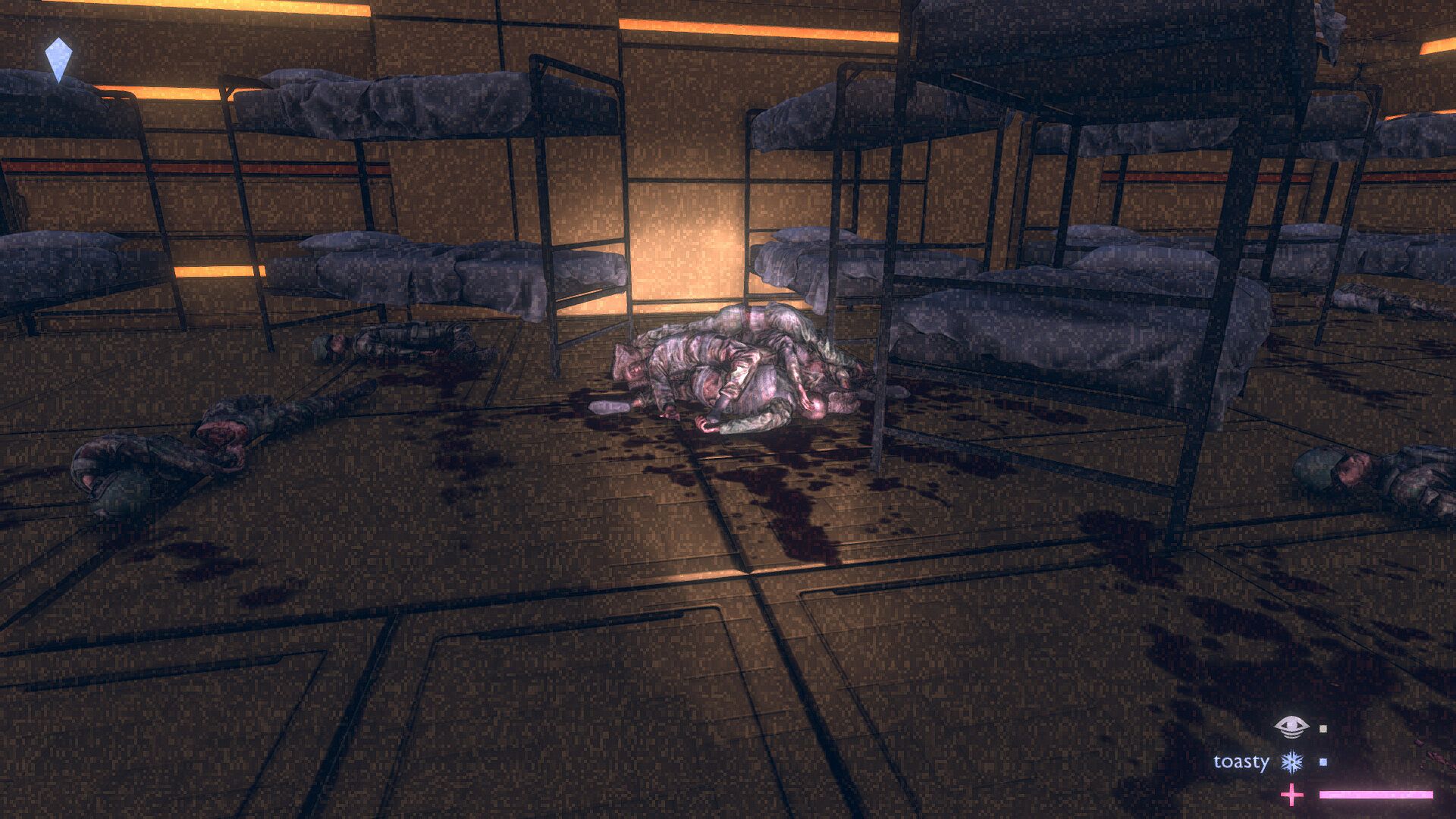
The story progression is linear and clearly indicated to the player by way-point markers (blue diamonds) that appear in the world.
2-3 hours of playtime.
Scored with an original sound track, composed for the game.
Story Teaser (Mild Spoiler Warning: If you want to play the game with totally fresh eyes, do not read this)
You play as man on his way to poach walrus tusks (also known as ivory) from a far-flung Alaskan island. It's illegal, but you need the money.
Along the way, you realize that the friend who sent you there, as well as the guide who is taking you, are not who they appeared to be -- in fact, they are far more dangerous. More terrifyingly, you feel that something in the sky above is watching your every move.
As you make your way through an increasingly treacherous situation, you succumb to despair; and then, your terrible fate is revealed in the mind-blowing climax to: IVORY!
Game-play Mechanics and Features
Environmental Damage
Health
IVORY has a very typical health bar (the red bar with the plus sign, below). You must keep your health bar above zero; otherwise you will die and need to reload a save point. Various sources of environmental damage will try to kill you, but you can regain health by finding first aid kits around the world OR by staying perfectly warm for long enough.
Coldness
The main enemy in IVORY is the Cold. Different zones around the world of IVORY have varying degrees of coldness.
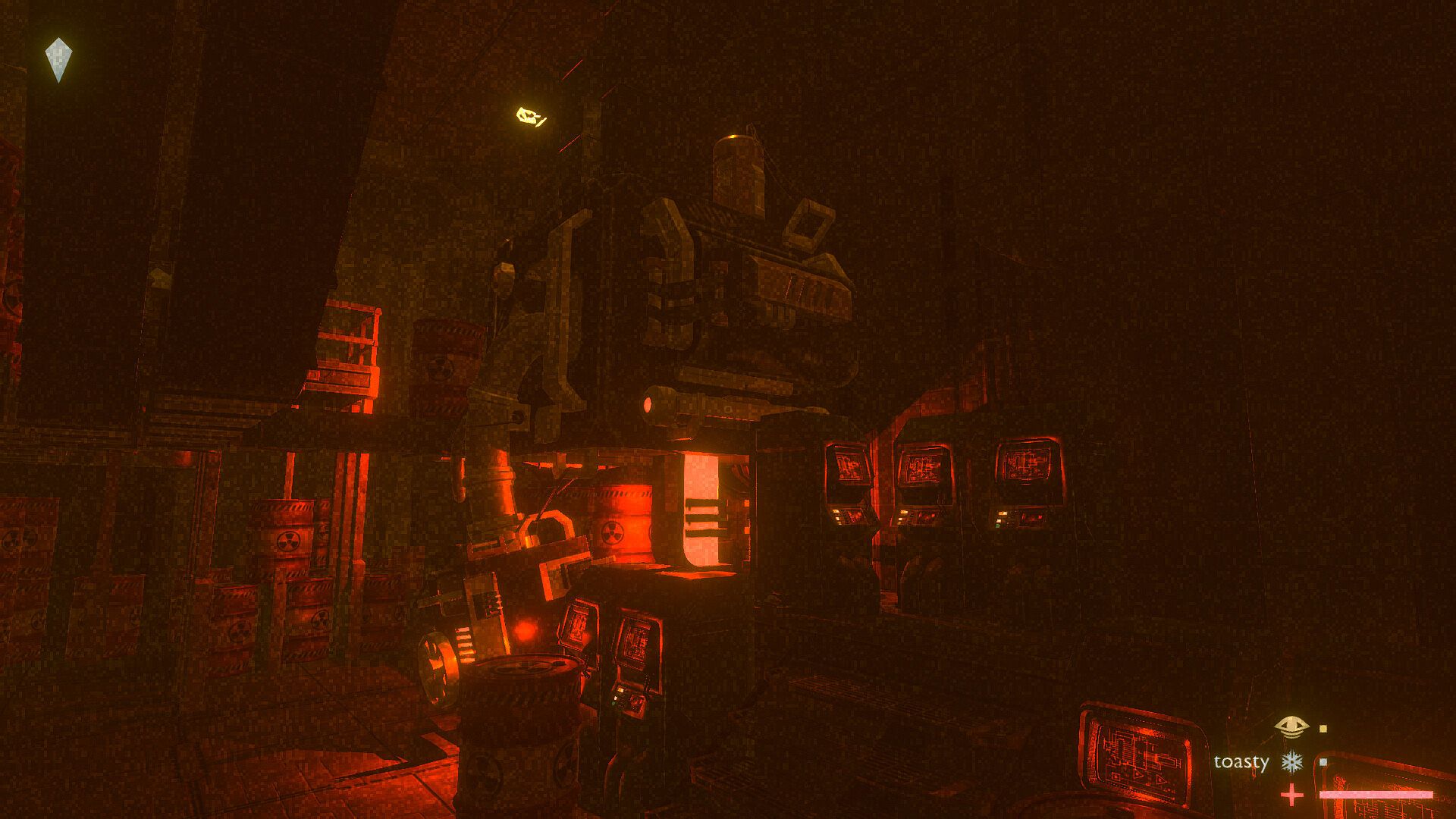
The coldness of the area is indicated by the number of blue arrows next to the "coldness" bar (the blue one with a snowflake icon, below). "Toasty" areas will decrease your coldness (indicated by the lack of arrows and by the presence of the word "toasty"); "cool" areas will neither decrease nor increase your coldness (zero arrows); "chilly" areas will increase your coldness slowly (one arrow); "cold" areas will increase your coldness moderately (two arrows); and "frigid" areas will increase your coldness very quickly (three arrows). The ocean is always a "frigid" area while thermal vents, located around the world, are always "toasty" areas, for example.
When your coldness becomes great enough your health will start decreasing. You can decrease your coldness by finding a "toasty" area (inside certain buildings or by thermal vents) OR by finding boxes of hand-warmers around the map.
Fall Damage
As you explore the world of IVORY you will need to jump across ravines or even scramble across cliffs. But if you miss the other side of a jump and fall, you will take fall damage and potentially die. Water will not decrease fall damage.
Heat
Don't stand on anything that looks too hot, it will burn you and decrease your health.
Radiation
Anything that looks or sounds radioactive will directly decrease your health.
Mechanical
You wouldn't walk into a spinning airplane propeller in real life, right? You shouldn't do that in IVORY either.
Inventory
Item Slots
IVORY has a very simple inventory system with six slots. Each slot can carry a maximum of two stacked items of the same type. The inventory slots allow you to store extra survival items, story items, or other, valuable items you find around the map. A typical item can either be dropped (top left tablet button, shown below) or, if relevant, used (bottom right tablet button, shown below). Select an item slot by clicking on it.
Note Reader
Also included in the inventory interface is a tablet. It stores all of the notes you find; it also allows you to read through them to piece together the entire story unfolding in the world of the game. The forward and back "NOTE" buttons allow you to switch notes. Change the tablet to the "note" view by clicking on the tablet screen. (See below.)
Map Display
The tablet also allows you to view and manipulate interactive maps that you can find around the world of IVORY. The map will always show your location on the map with a blue arrow. It will also show way-point markers, points of interest, or the location of uncollected notes. You select the map by clicking the top right, "map" button on the tablet. (See below.)
Valuables
There are valuable items that you can find and store in special "valuables" crates around the world of IVORY. Each valuable item will be worth an unknown amount of money until you deposit it in a "valuables" crate; but when you do, its monetary value will be added to the total amount of money that you have earned in the game (that number is shown on the "scrap of paper" below the item slots -- see the screenshot above).
Movement
Walking/Running
IVORY has a very typical movement system: you play with a first person perspective and use W-A-S-D and the mouse to navigate around the world. Pressing shift allows you to run.
Fatigue
Running will increase your fatigue (the green bar with a sleepy eye-con, pictured above). When your fatigue reaches high enough, you will be unable to run (pressing shift will do nothing). At this point your fatigue will only decrease if you completely stop moving for a short period of time, to regain your breath.
Jumping
To jump, press the space bar. When walking, your jump distance will be small; but when running (pressing shift) your jump distance will be large.
You cannot long jump while fatigued.
You cannot jump in water.
Ladders
Using ladders in IVORY will feel somewhat similar to using them in a wildly popular, "blocky" game we all know and love. To use a ladder, walk up to it and look upward while pressing forward (W). Pressing nothing while on a ladder will result in you slowly descending it; press shift to stop your descent and stay where you are.
Survival Items
Health Kits
These are red first aid kits around the world of IVORY that will fully recover your health. You can carry them in item slots or drop them.
Hand Warmers
These are like health kits but each one fully decreases your cold level. You find them all around the world. You can carry them with you or drop them.
Adrenaline
You may find vials full of adrenaline hidden around select areas of the world. This item can be used or dropped like Health Kits or Hand Warmers. Each time you use one, Its effect will be to:
decrease your fatigue to zero,
greatly increasing your running and speed and jumping distance,
pause any increase in your coldness, but
do all of those things at the expense of some health (you will lose some health each time you use one).
Flashlight
You start the game with a flashlight. The battery does not run out. Press "F" or right mouse button to activate it.
Notes
Finding and reading notes is the main way that IVORY unveils its rich narrative secrets to you. Uncollected notes will flash yellow. When you click on a note to save it, the flashing will turn off. All of your found notes are saved when a game is saved.
Find-able Maps
Each location in IVORY contains several maps of that area. You will find these maps as you explore, and will be aided in doing so by the natural progression of the story.
Base Map: there will always be a base map, for a given area, that allows you to view the interactive map located within your inventory. (It basically enables your map for a given location.) The base map will show your location as a blue arrow. It will also always show the location of way-point markers.
Points of Interest Map: there will also be another map that will show you interesting places that you should go explore, if you would like to. You'll find more story elements and lore using this map.
Lore Map: finally, there will be a map that shows you any uncollected pieces of lore, so that you don't miss any fascinating details.
(Light) Parkour
Some of the main story, and much of the exploration-play, in IVORY involves jumping and climbing around its open-world locations.
Live Cinematic Sequences
All of the cinematic parts of IVORY's story take place in an immersive way. I have taken pains to ensure that the player feels involved in everything the game has in store for them. IVORY does not rely on pre-rendered cut-scenes.
Clear Way-point System
The last thing a game should do is make you feel frustrated about what the heck you are supposed to be doing. IVORY has a very simple, intuitive way-point system that tells you the right direction to go in so that the story will progress. At the same time, none of the way-points have timers; so you are free to explore around the open world maps, and hunt for lore, as long as you wish.
Save Pylon
You can save your game in IVORY by finding a save pylon (like the one in the image below) and clicking on it.
The game will keep your ten most recent saves. Also, every time you start a new game, from the main menu, all of your saved games will be deleted. You can load a saved game from the main menu or by clicking escape on any other level to use the game-loading menu. (pictured below)
Chapter Loading
In addition to loading saved games, you may freely load any of IVORY's chapters. You are able to do this at any time, regardless of if you have played through that chapter in the natural progression of the story.
Screen Shots
You can press "P" at any time during the game (besides the main menu) to save a screen shot to the same folder on your local machine where your game file is stored. All of the screen shots in this description were collected this way.