



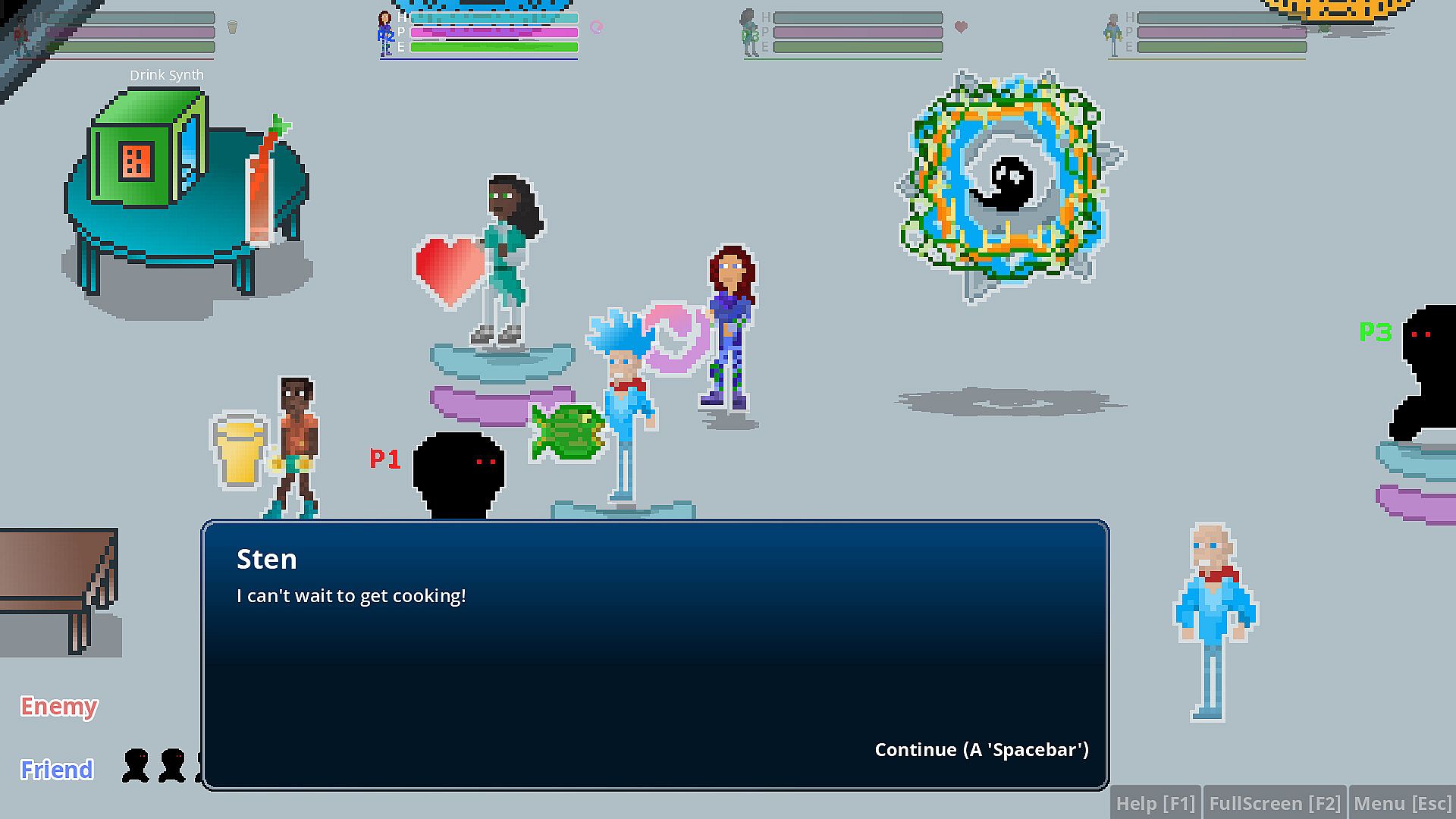
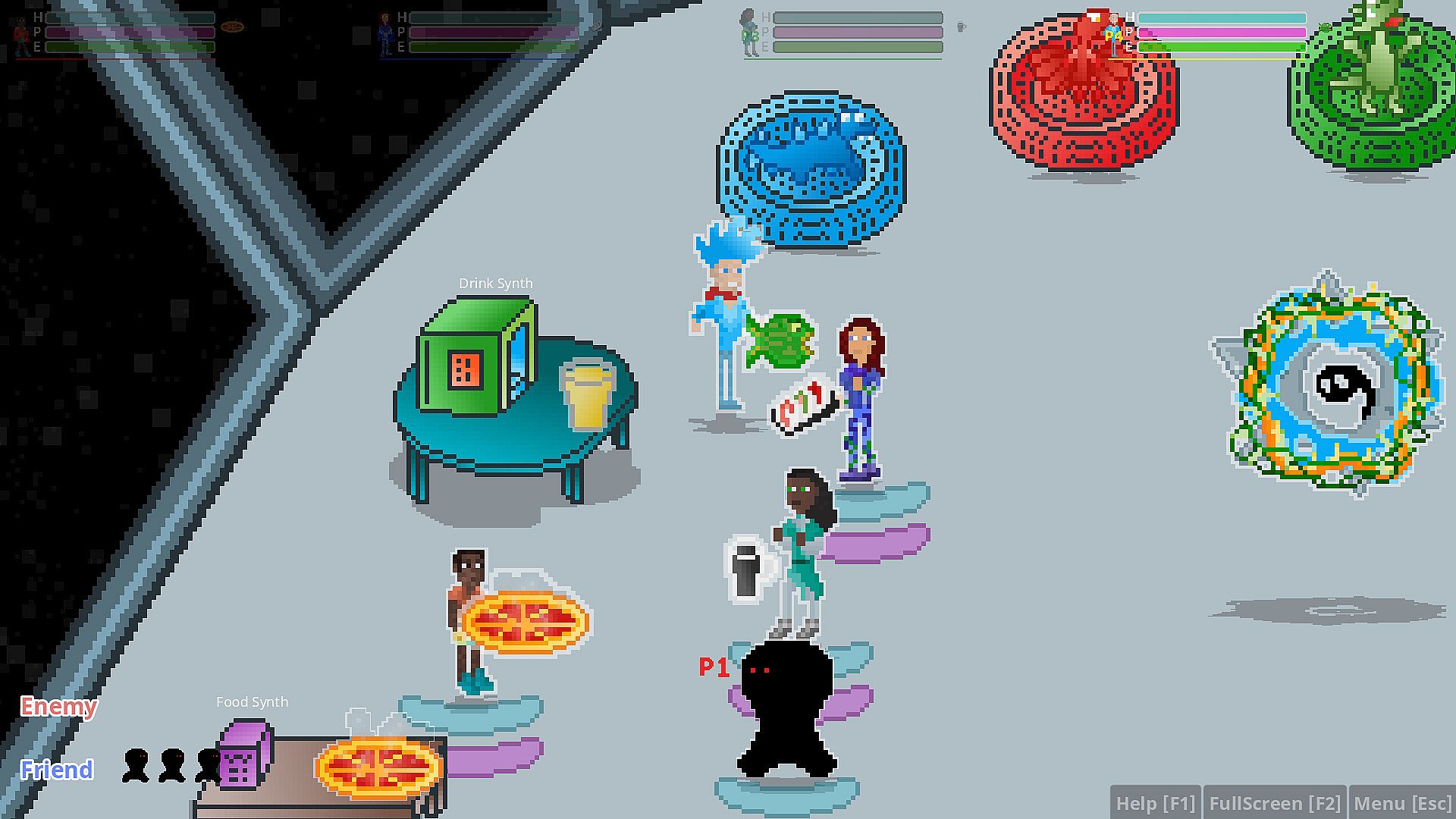
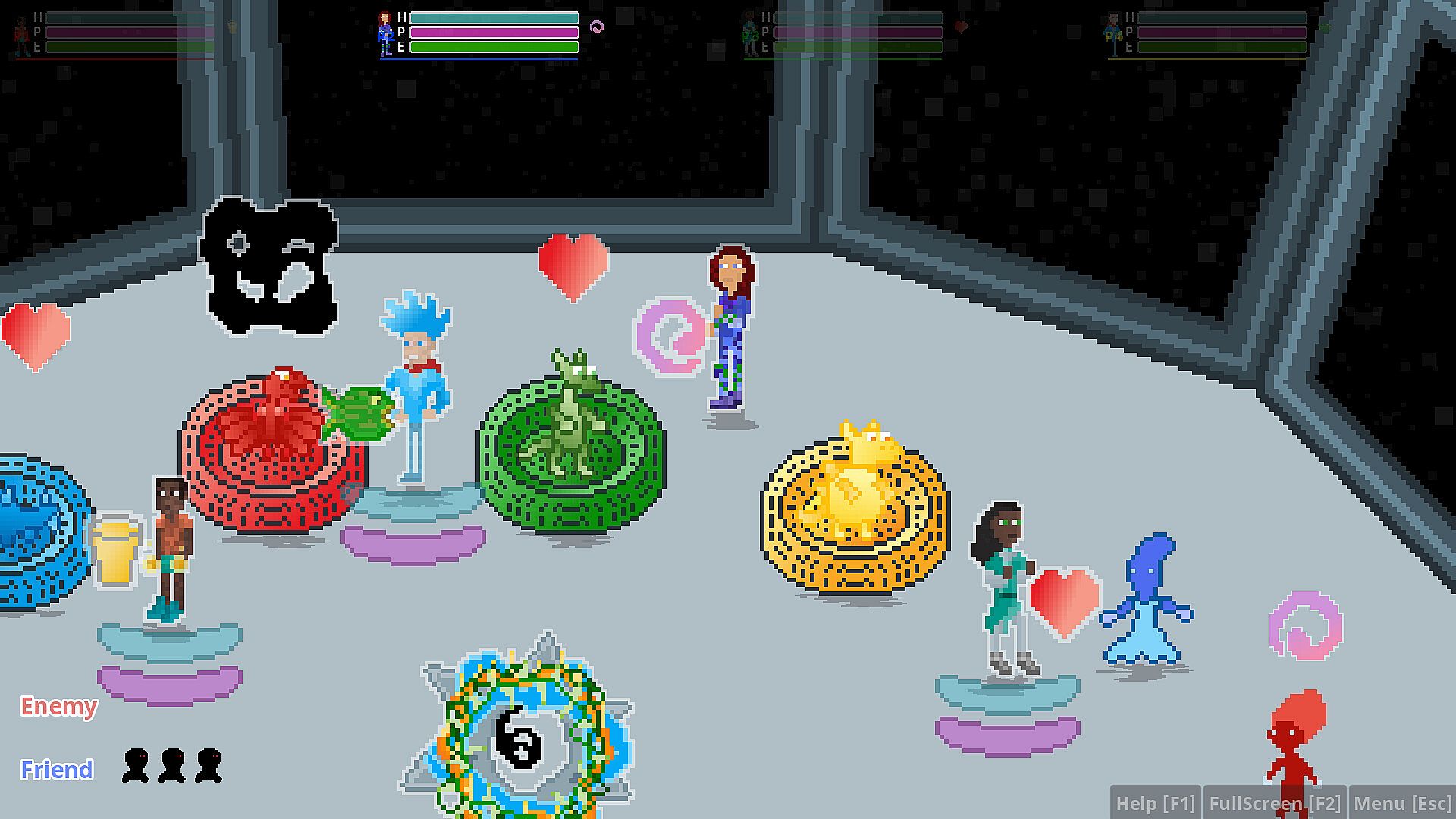
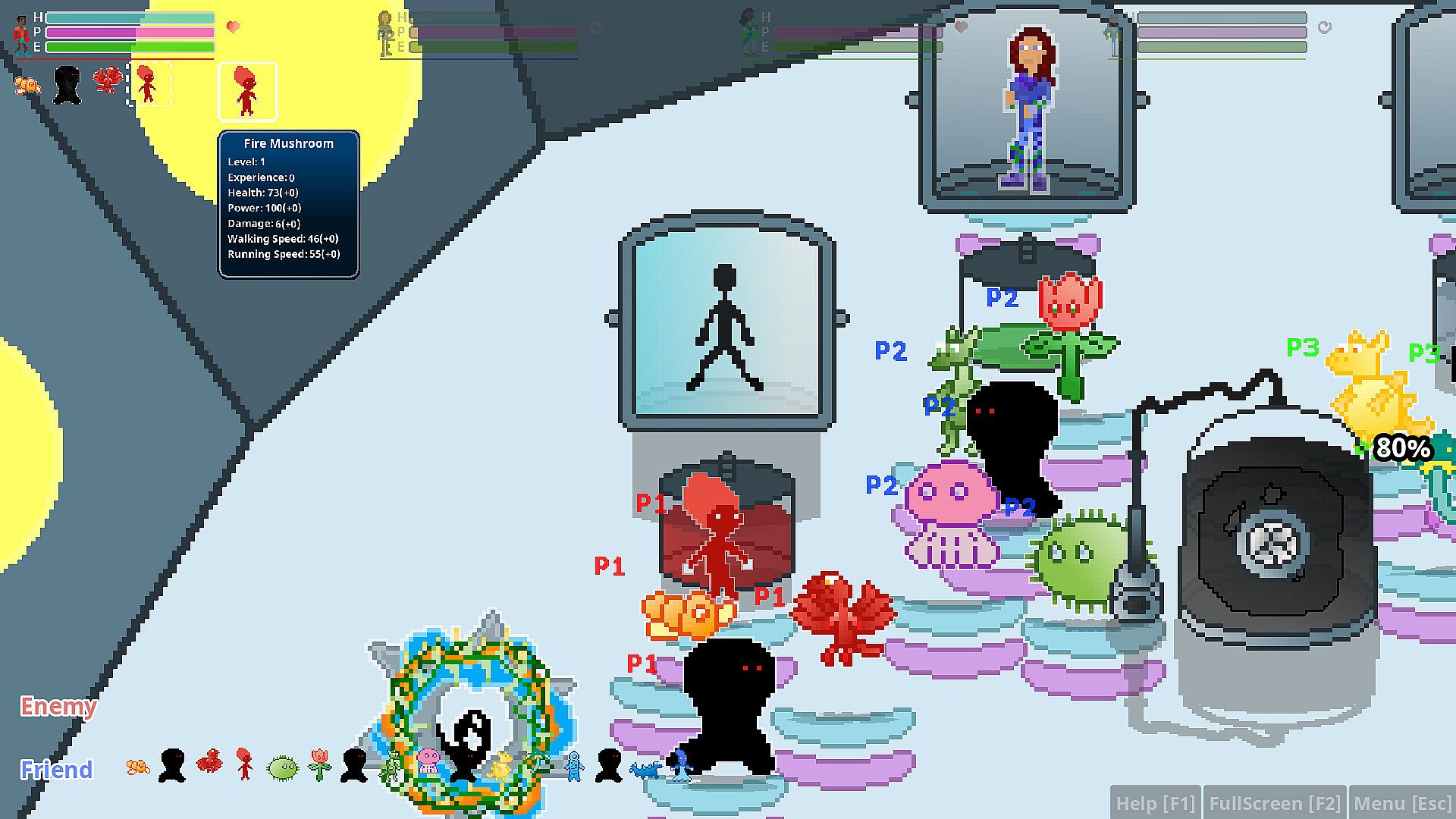
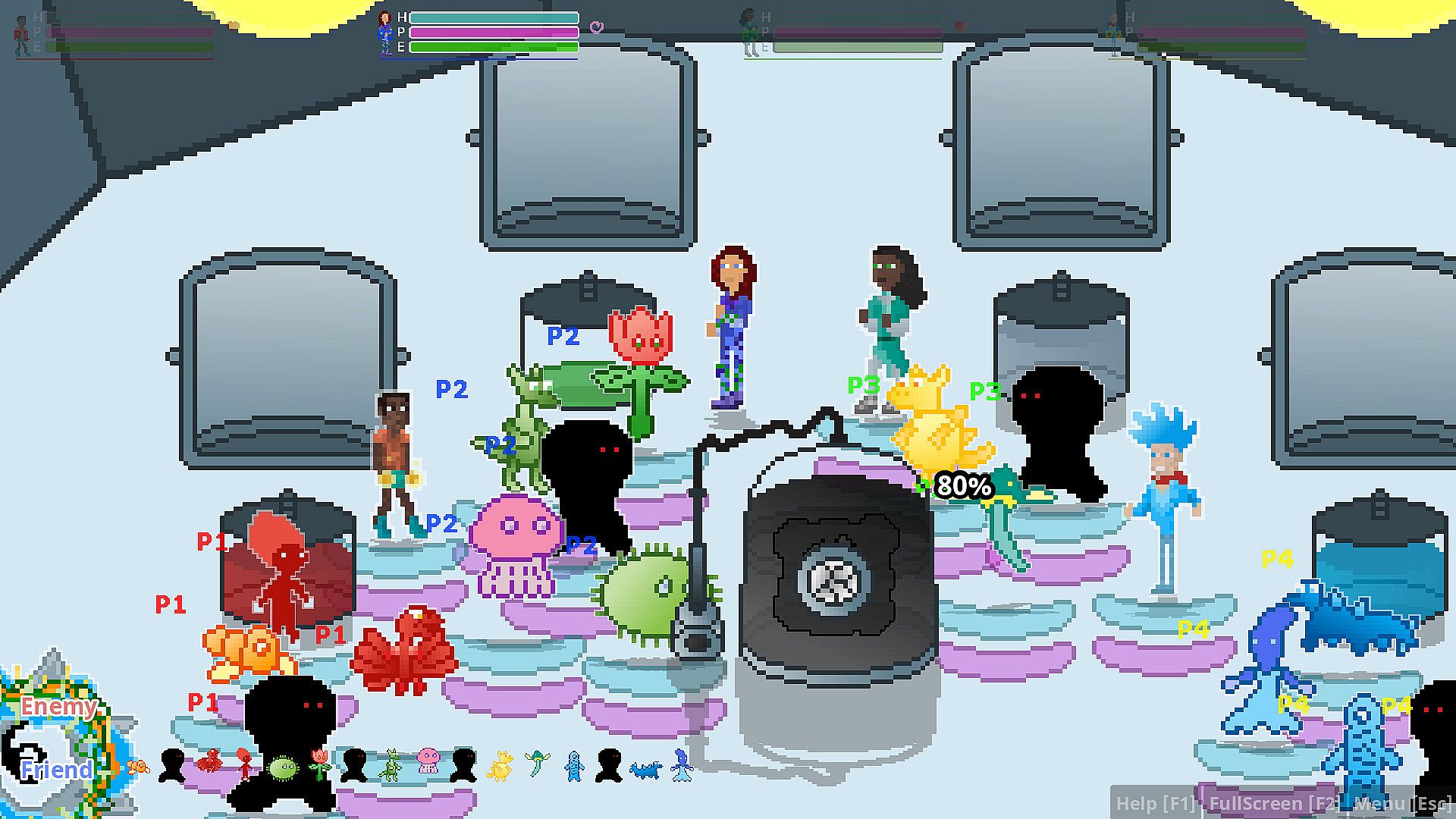
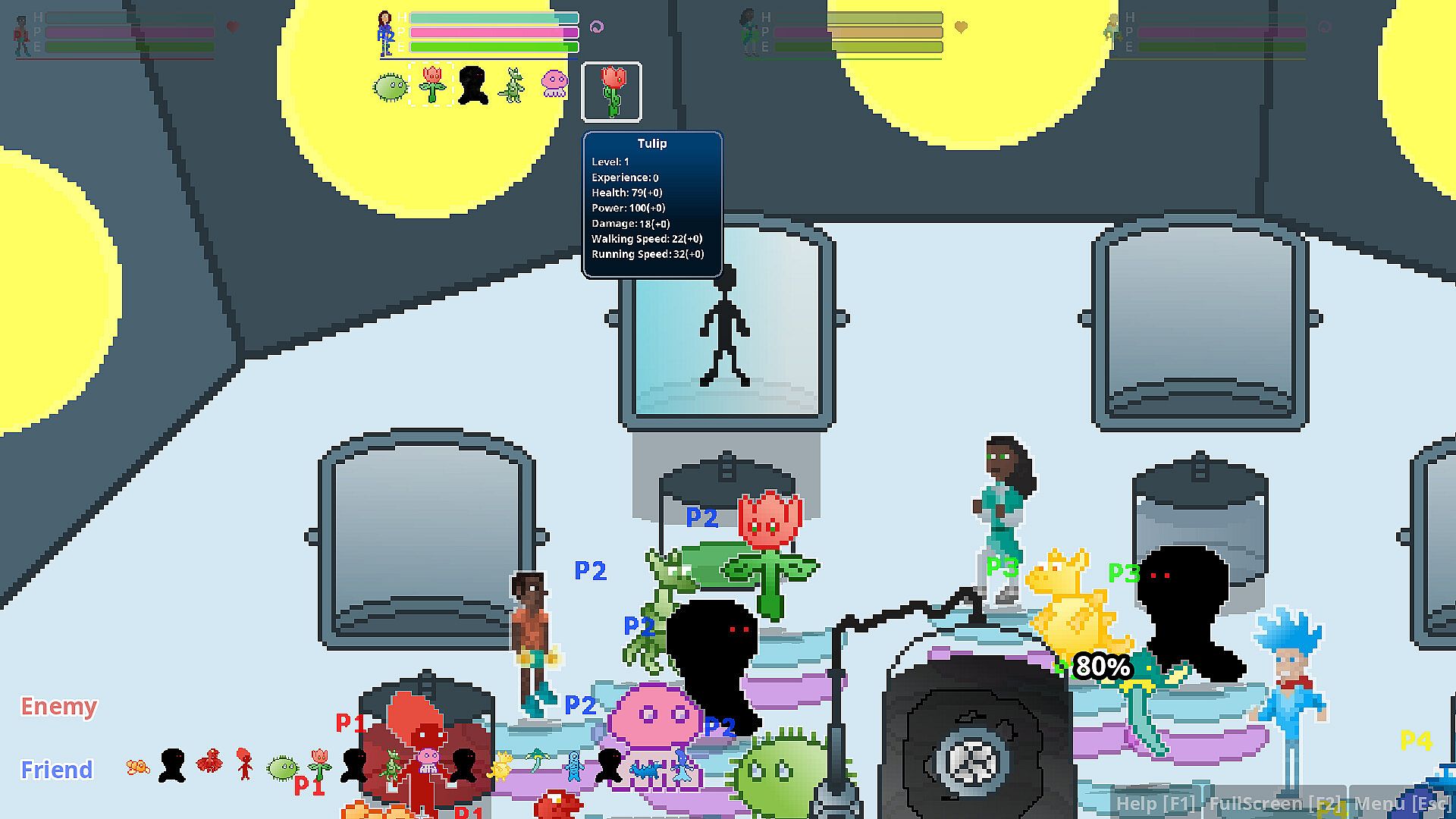
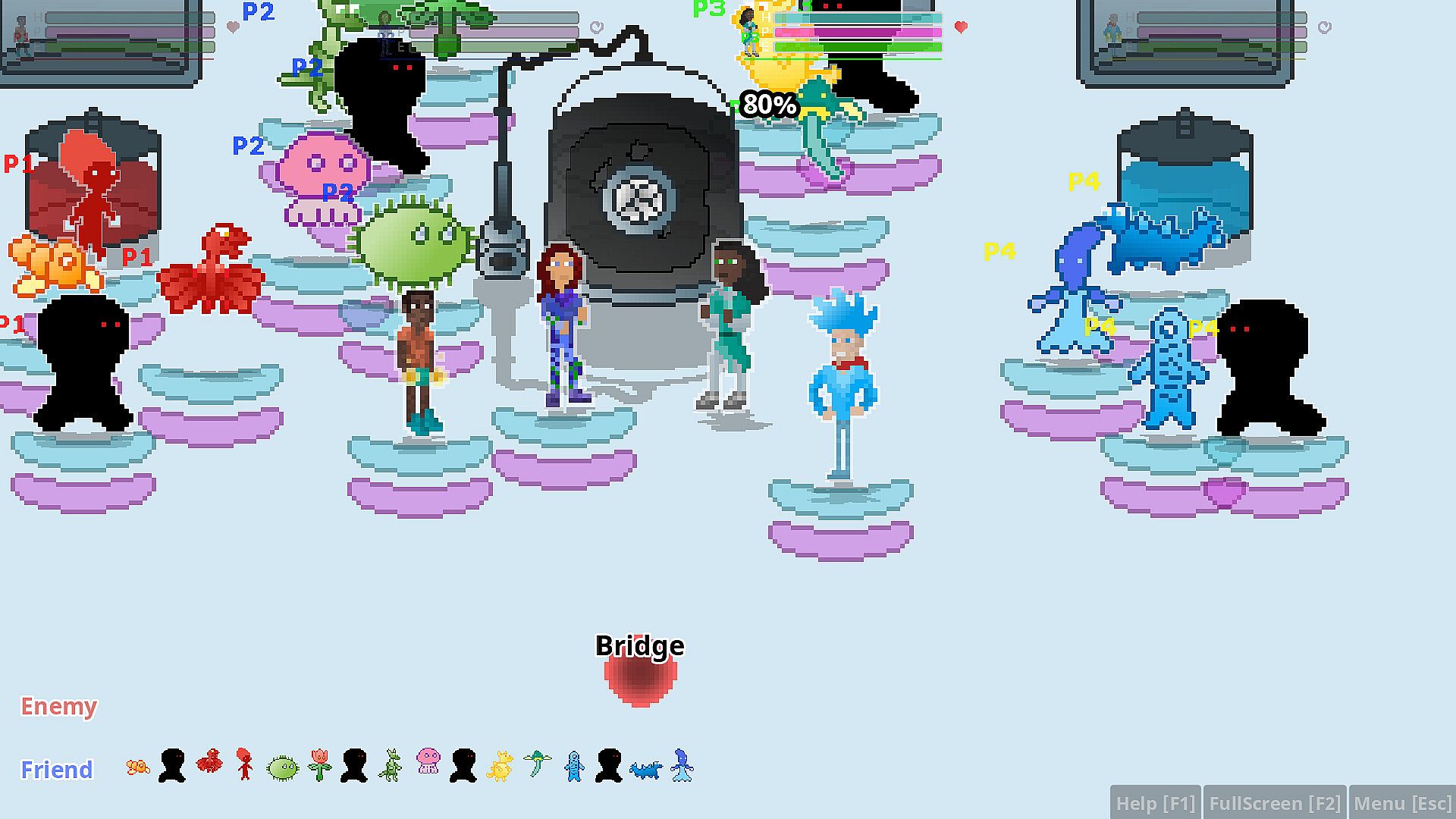
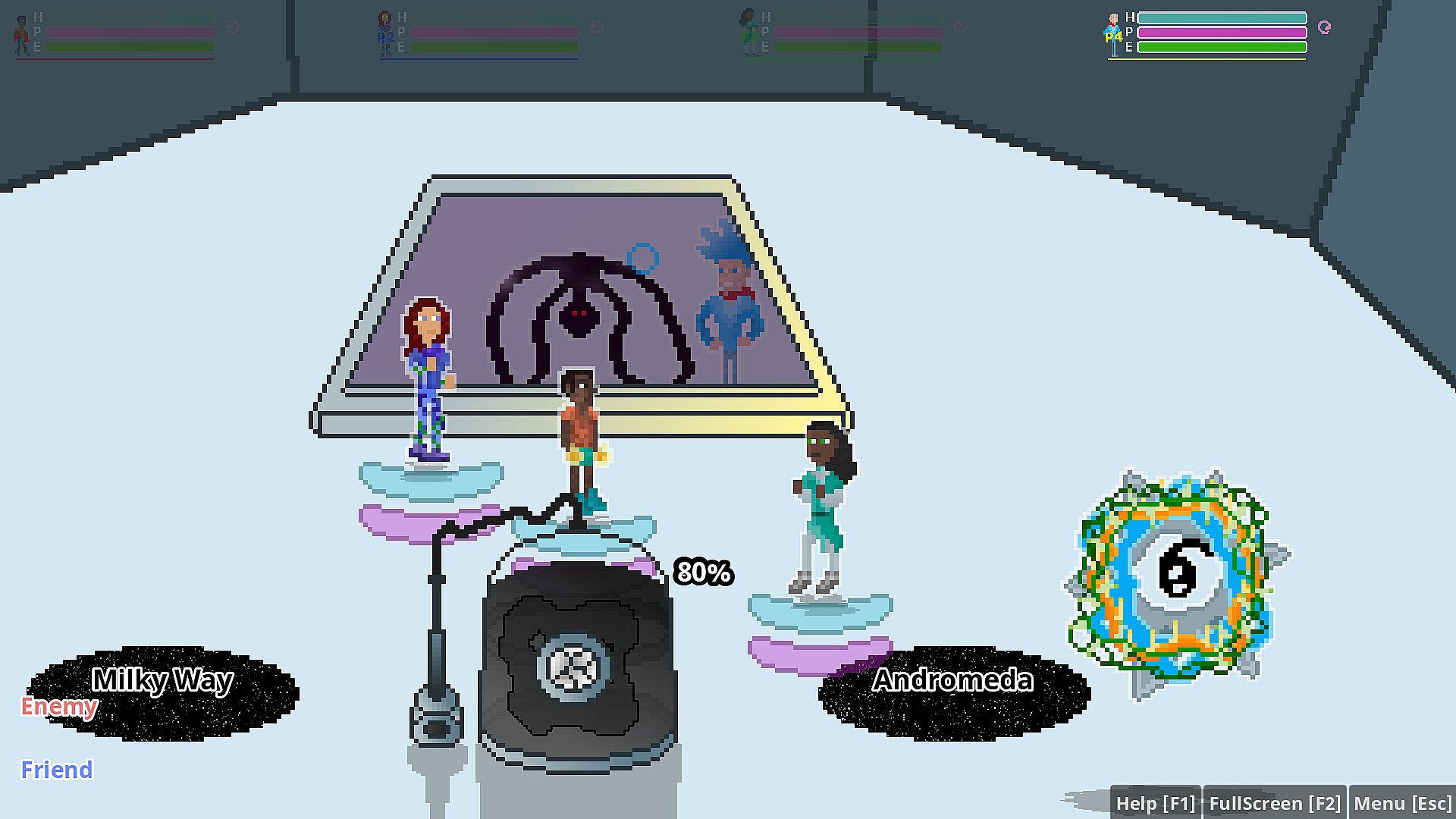
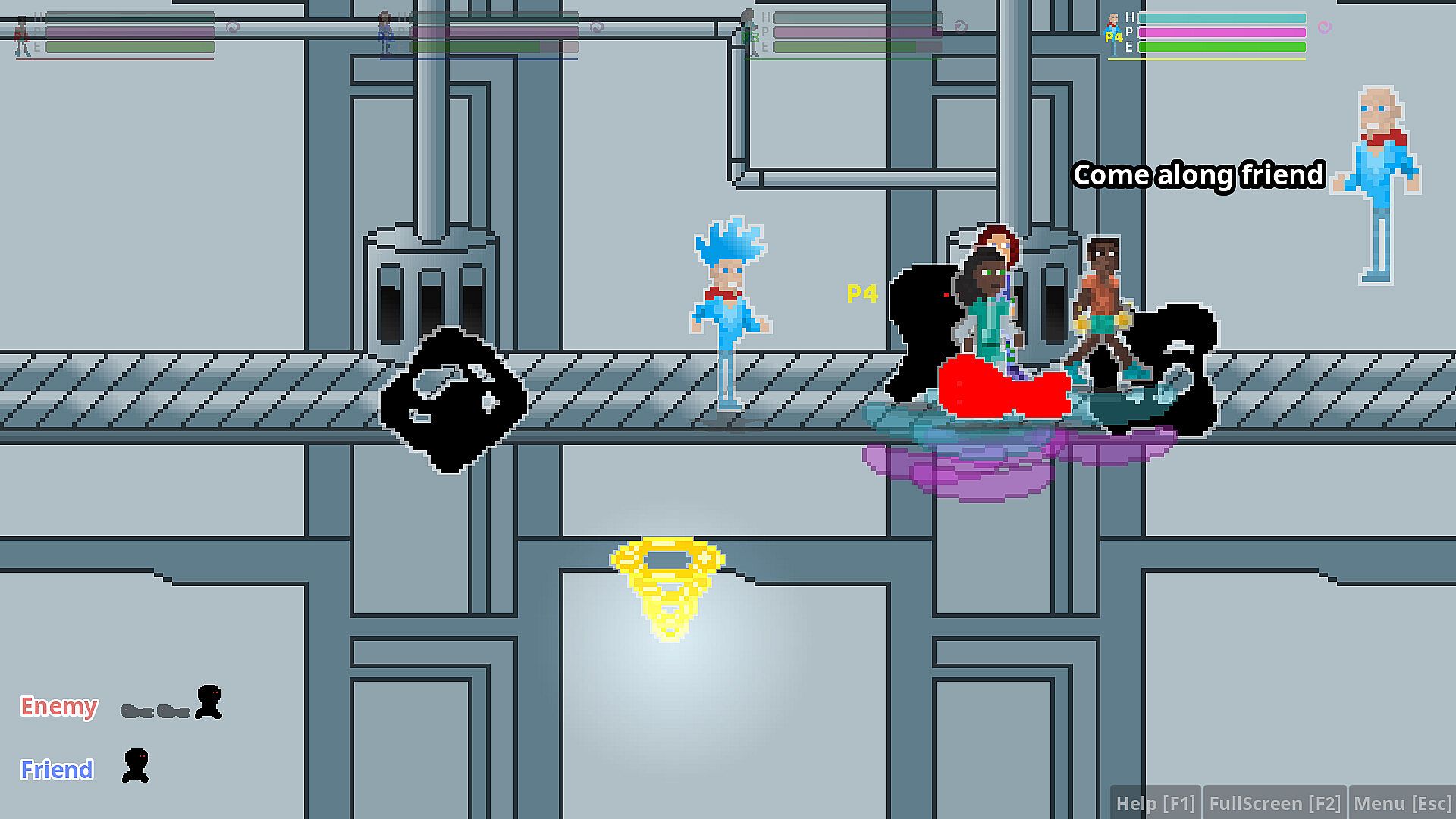
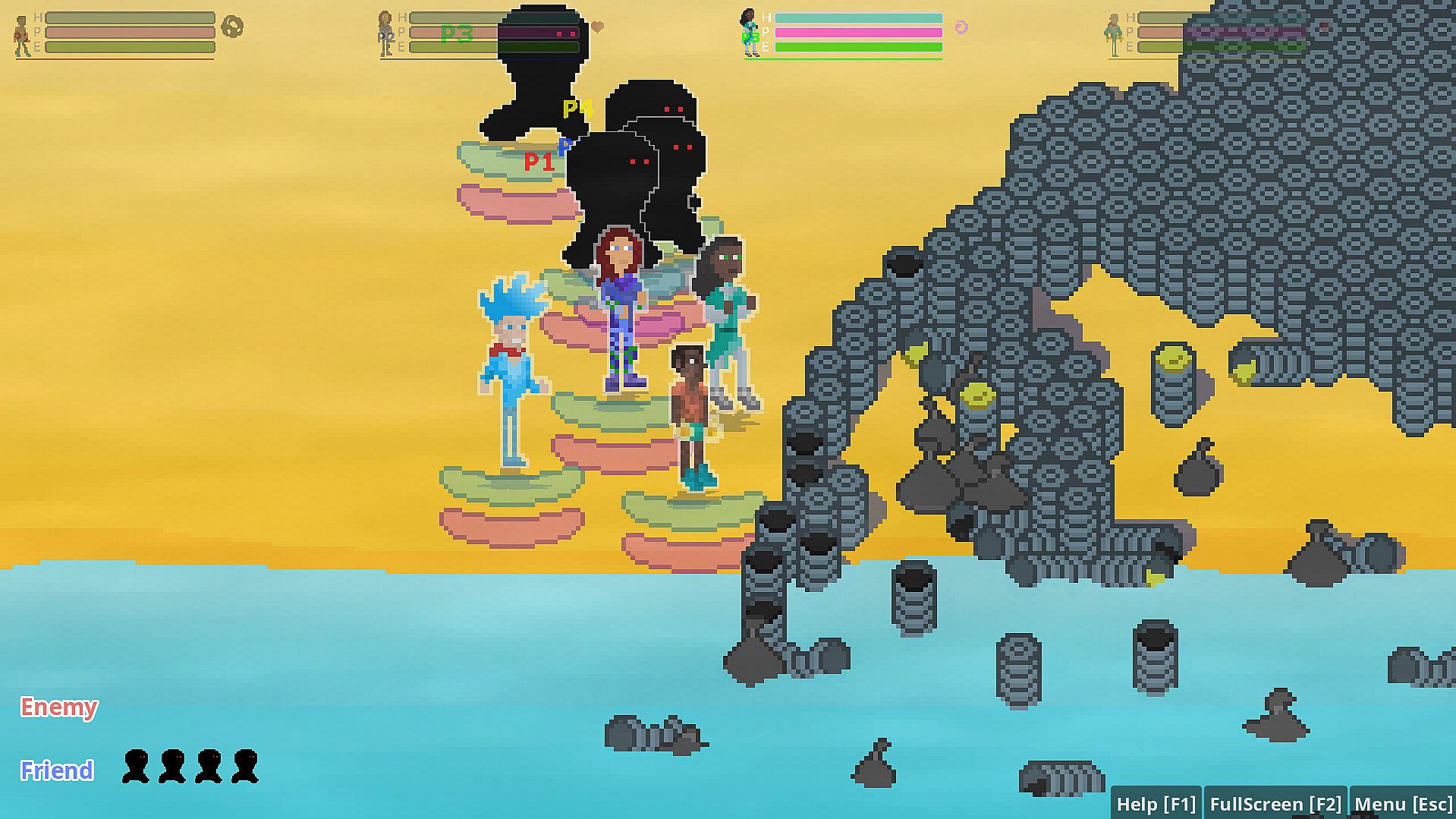
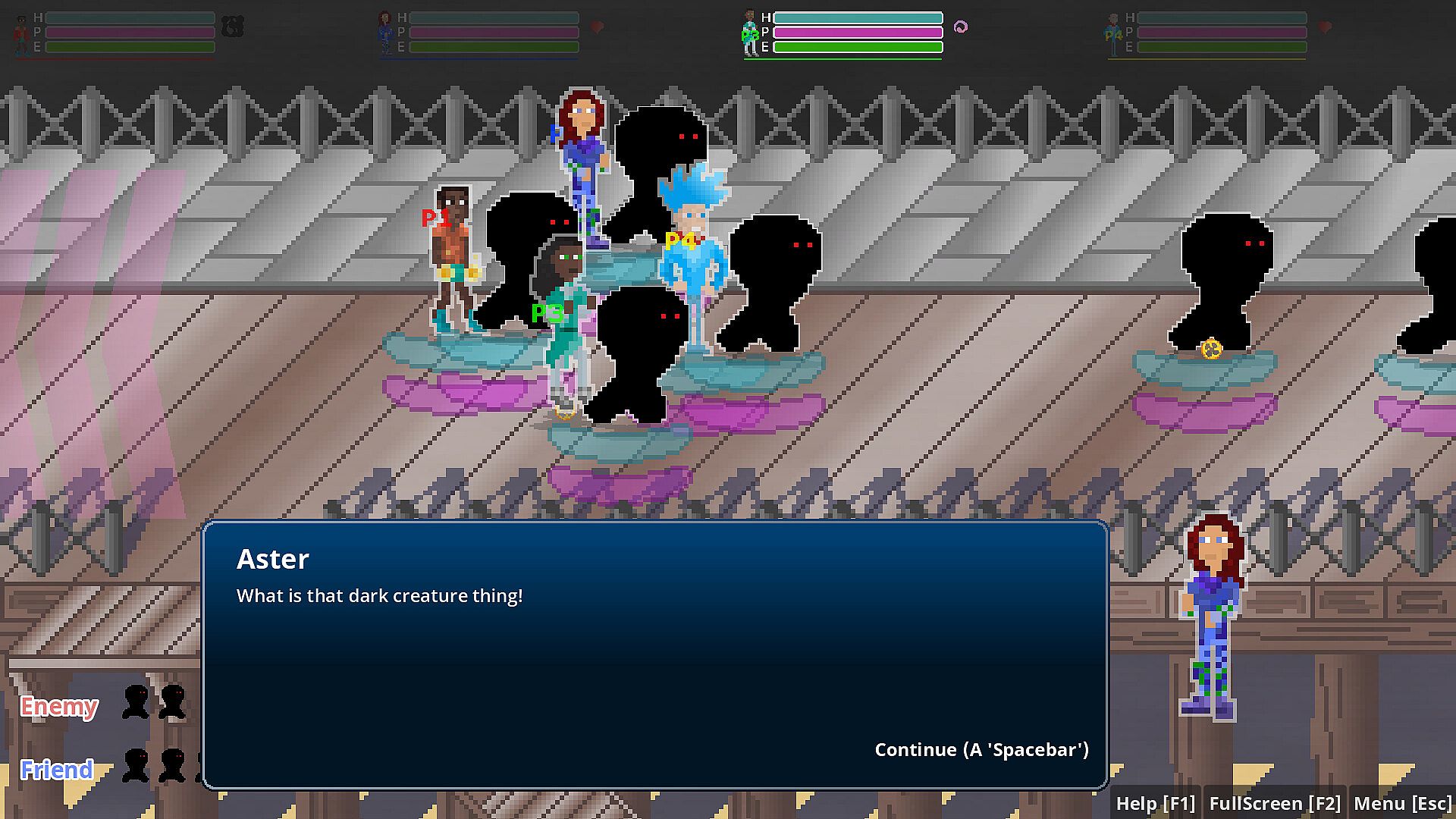
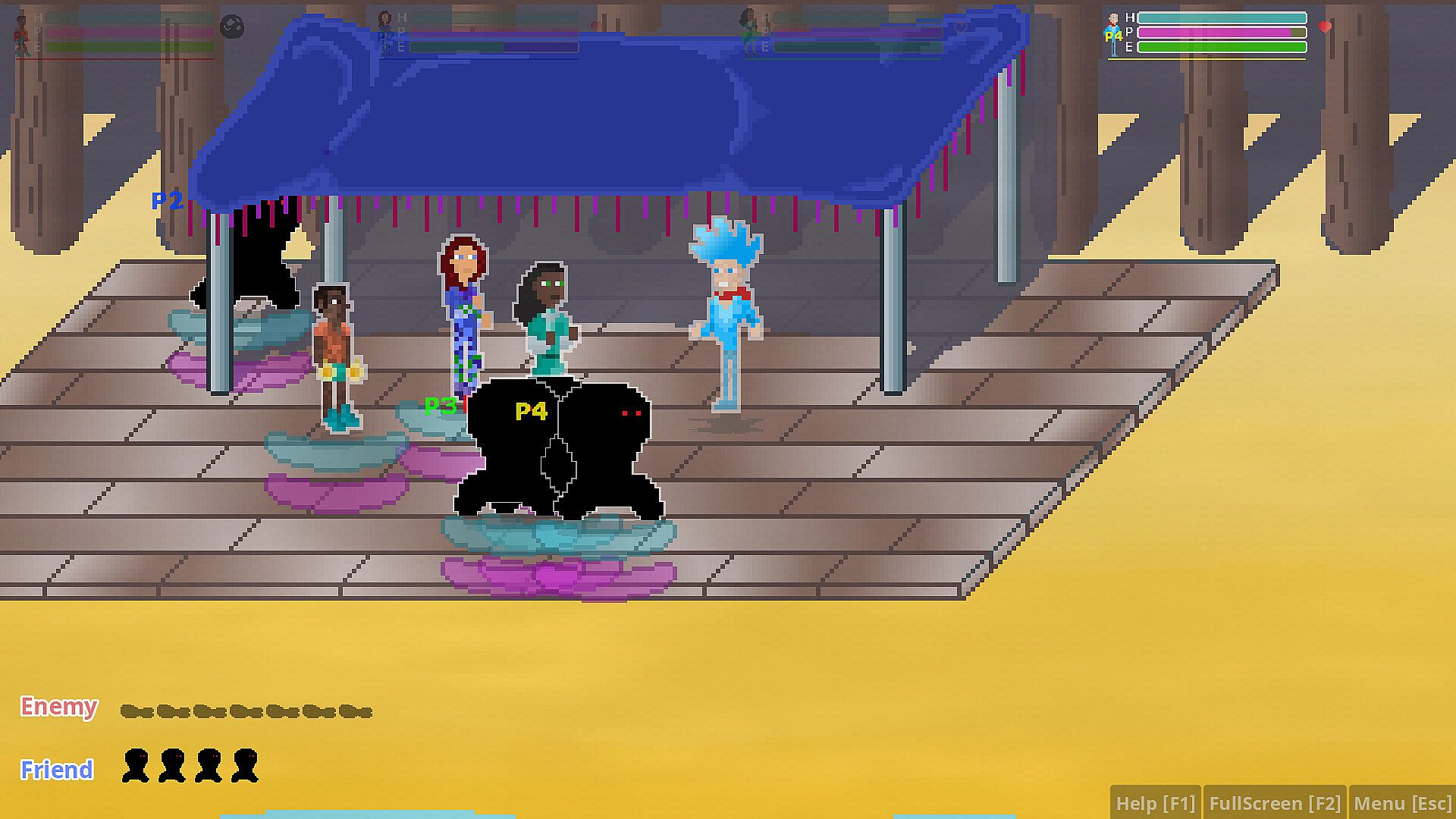
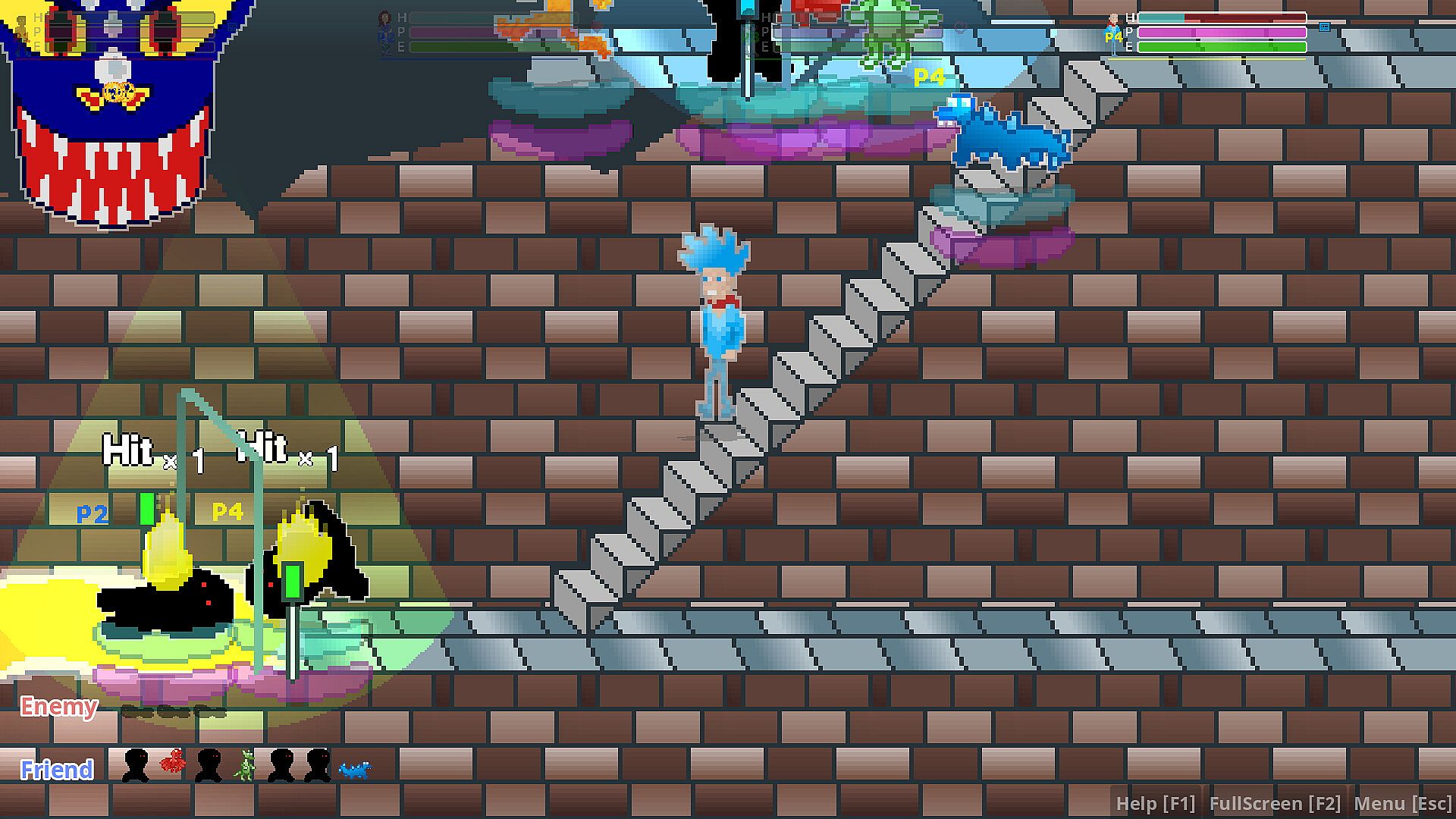
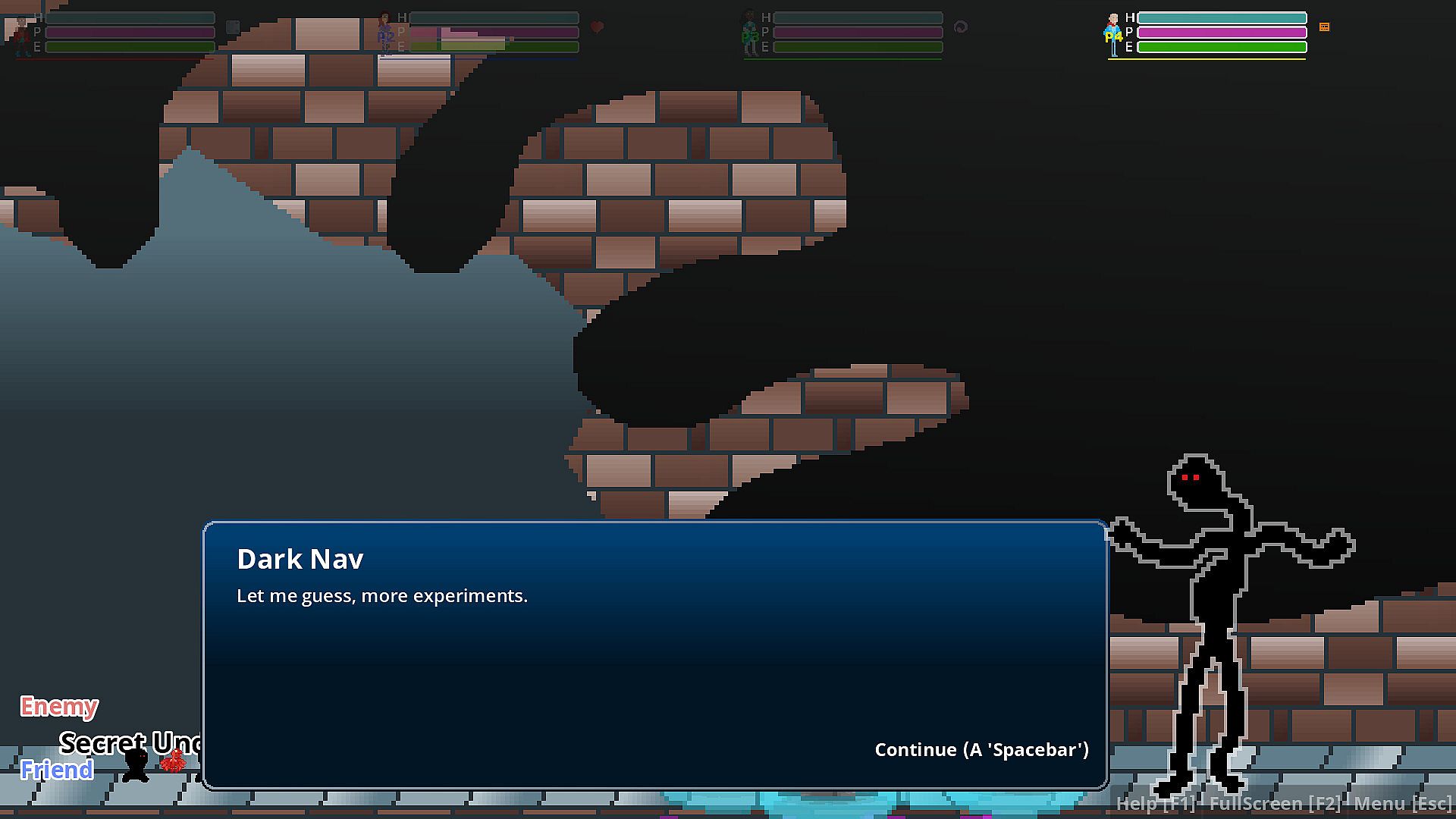
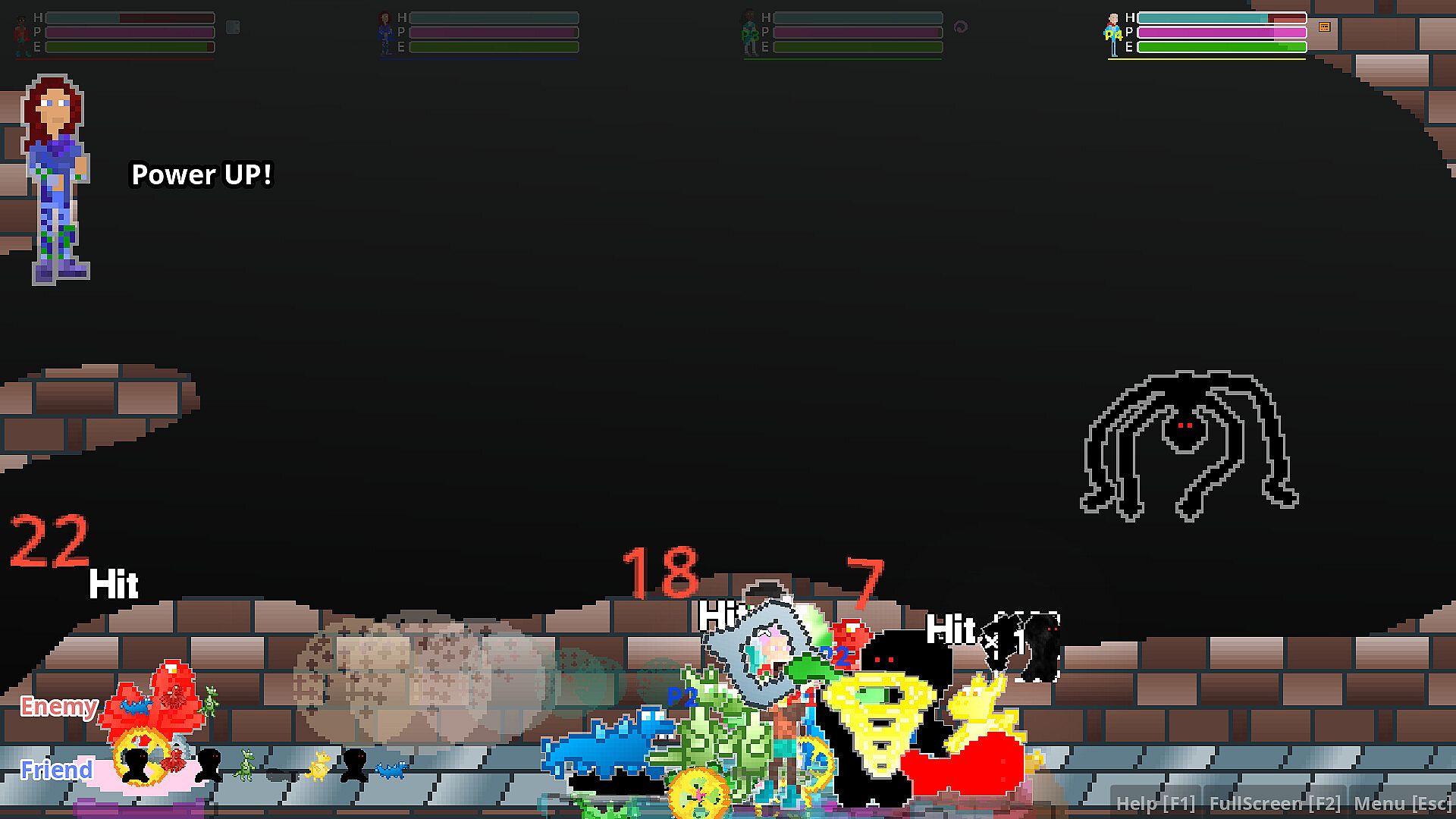
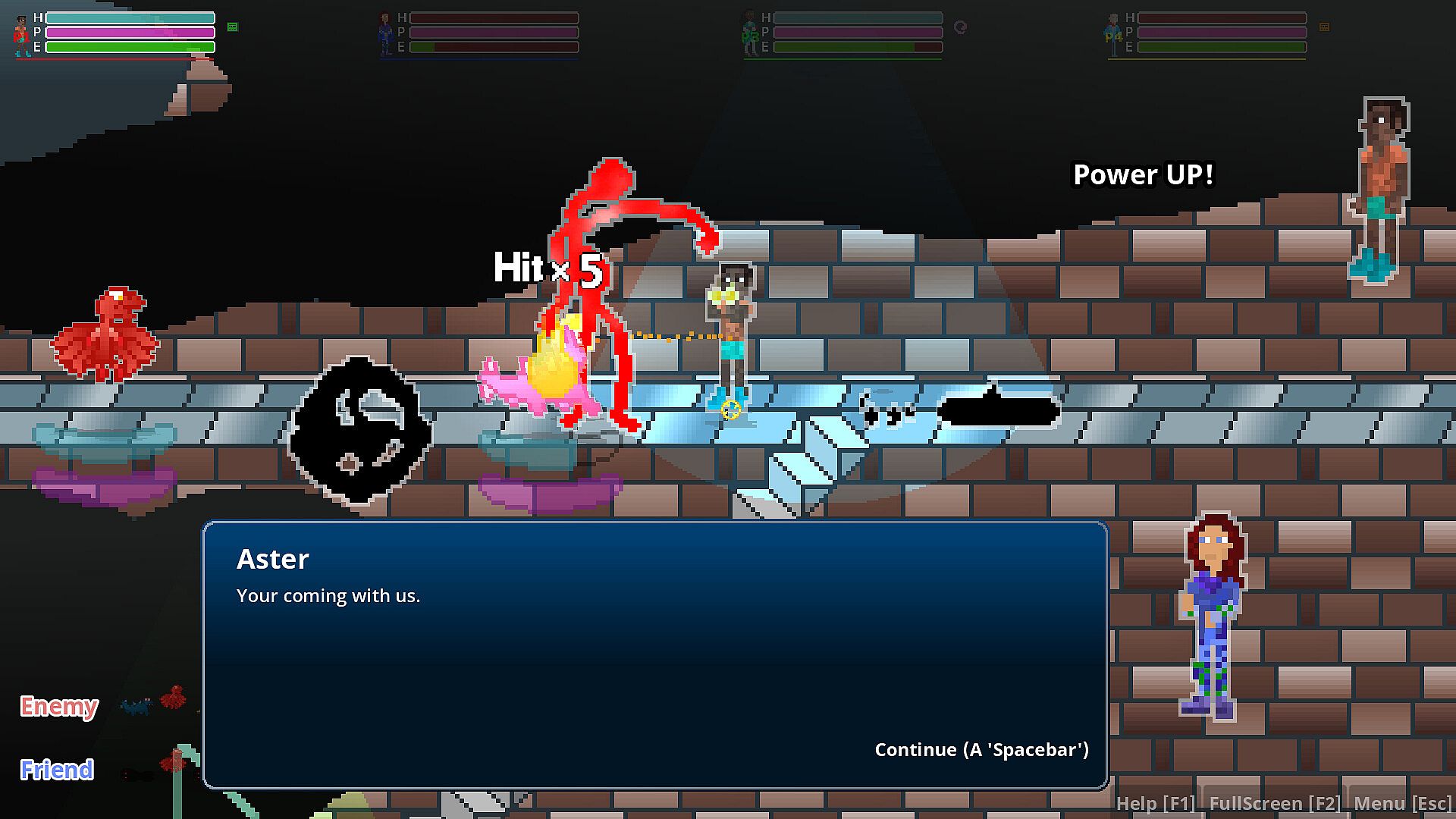
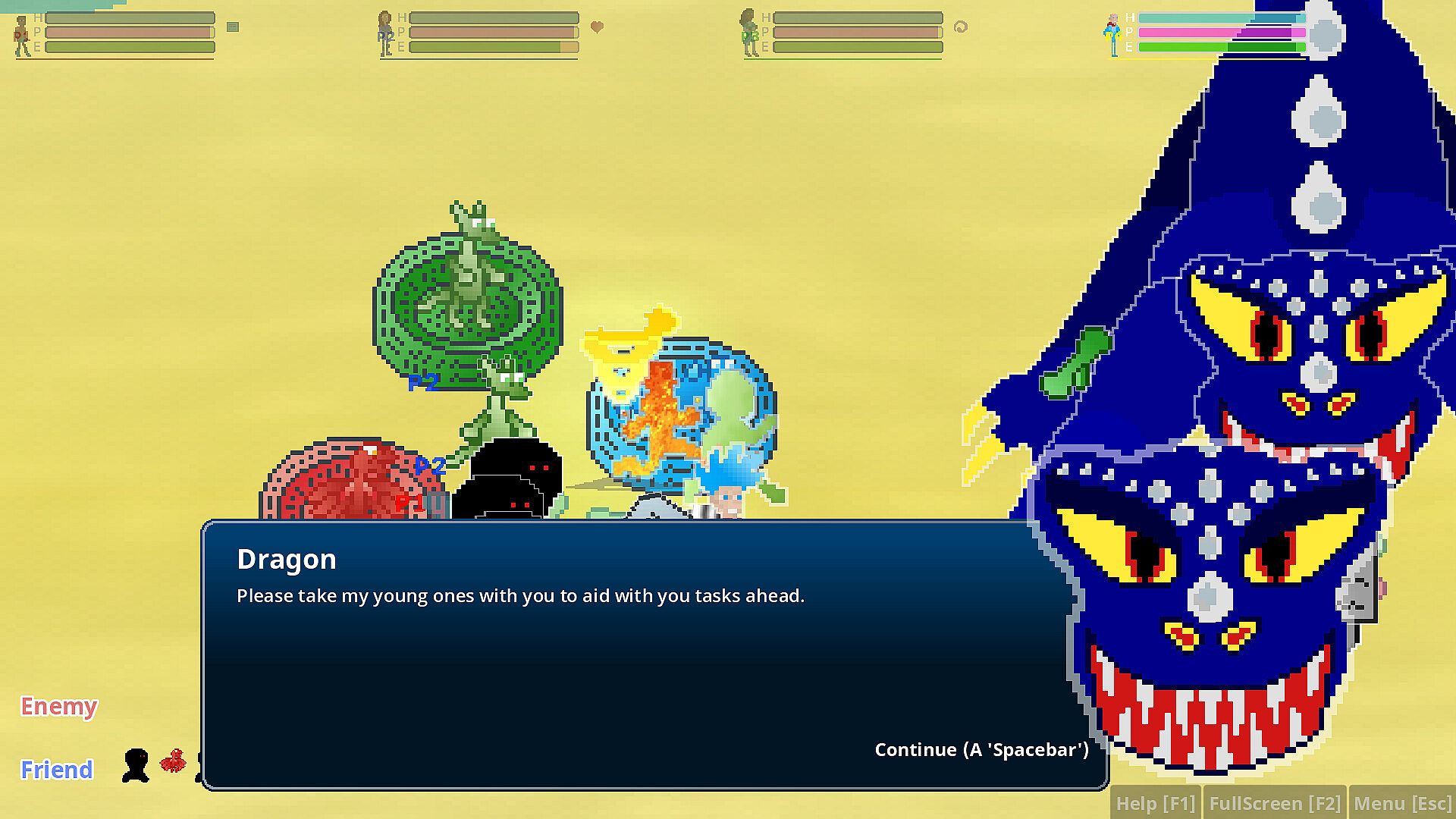
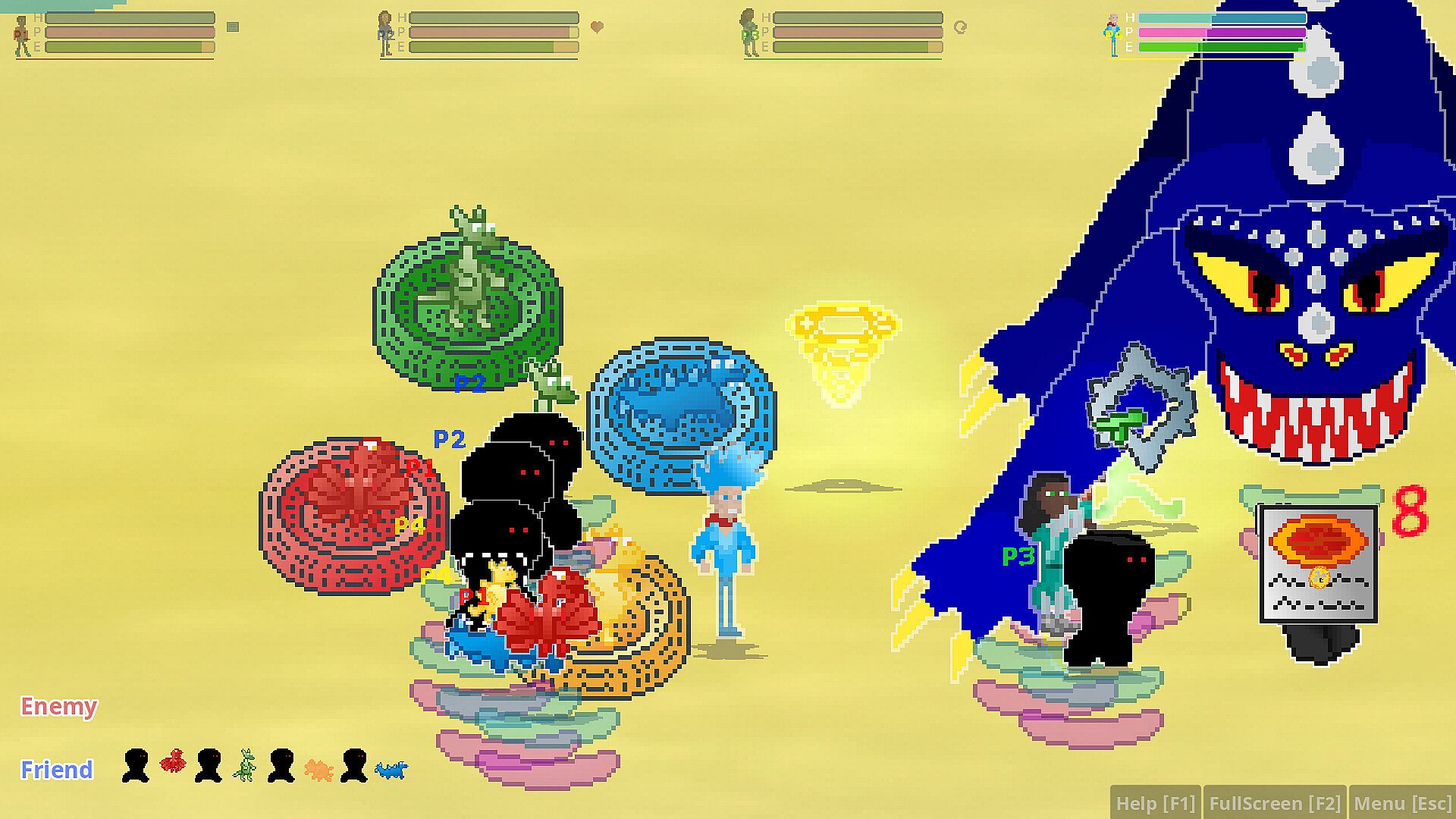
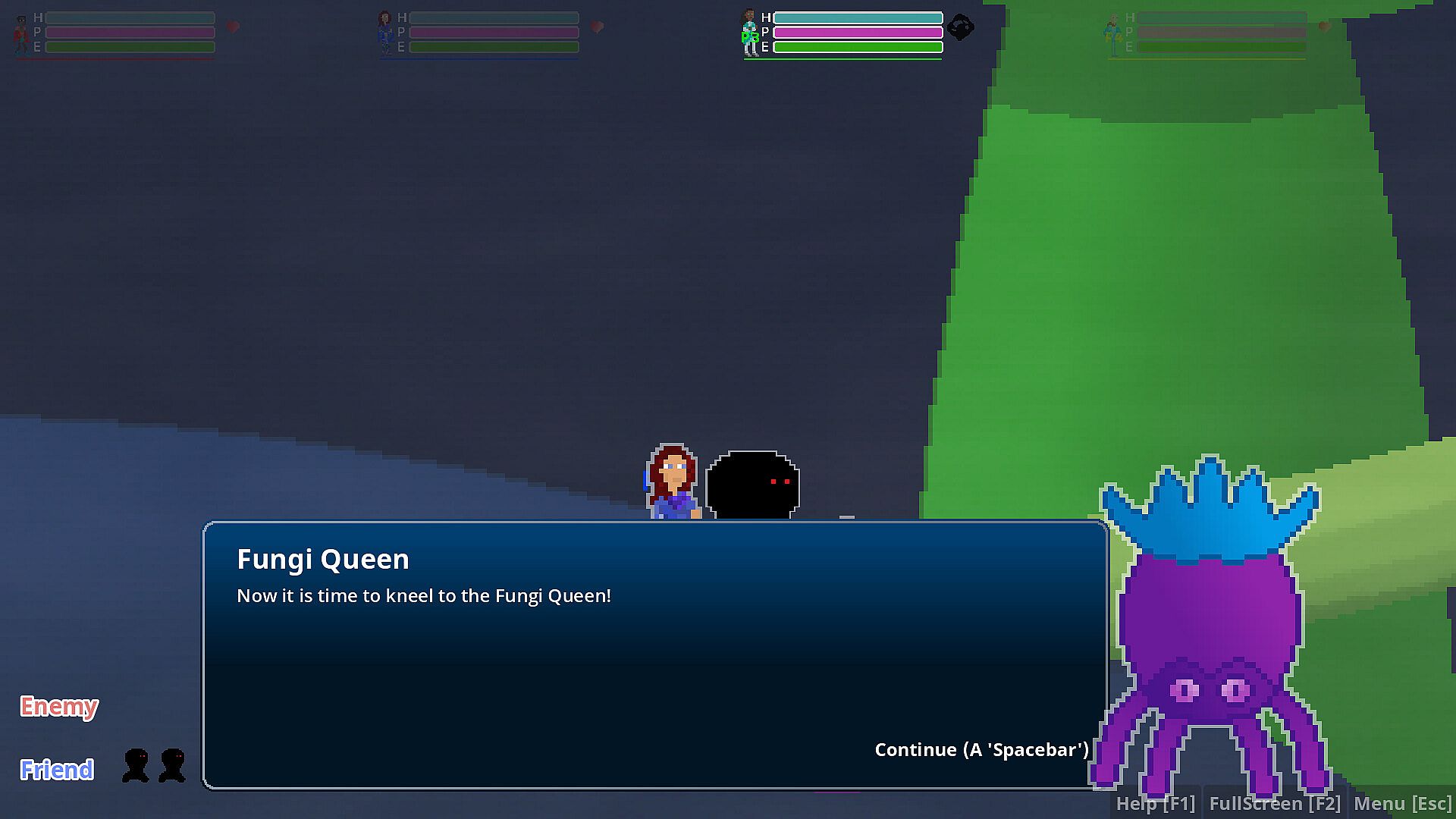
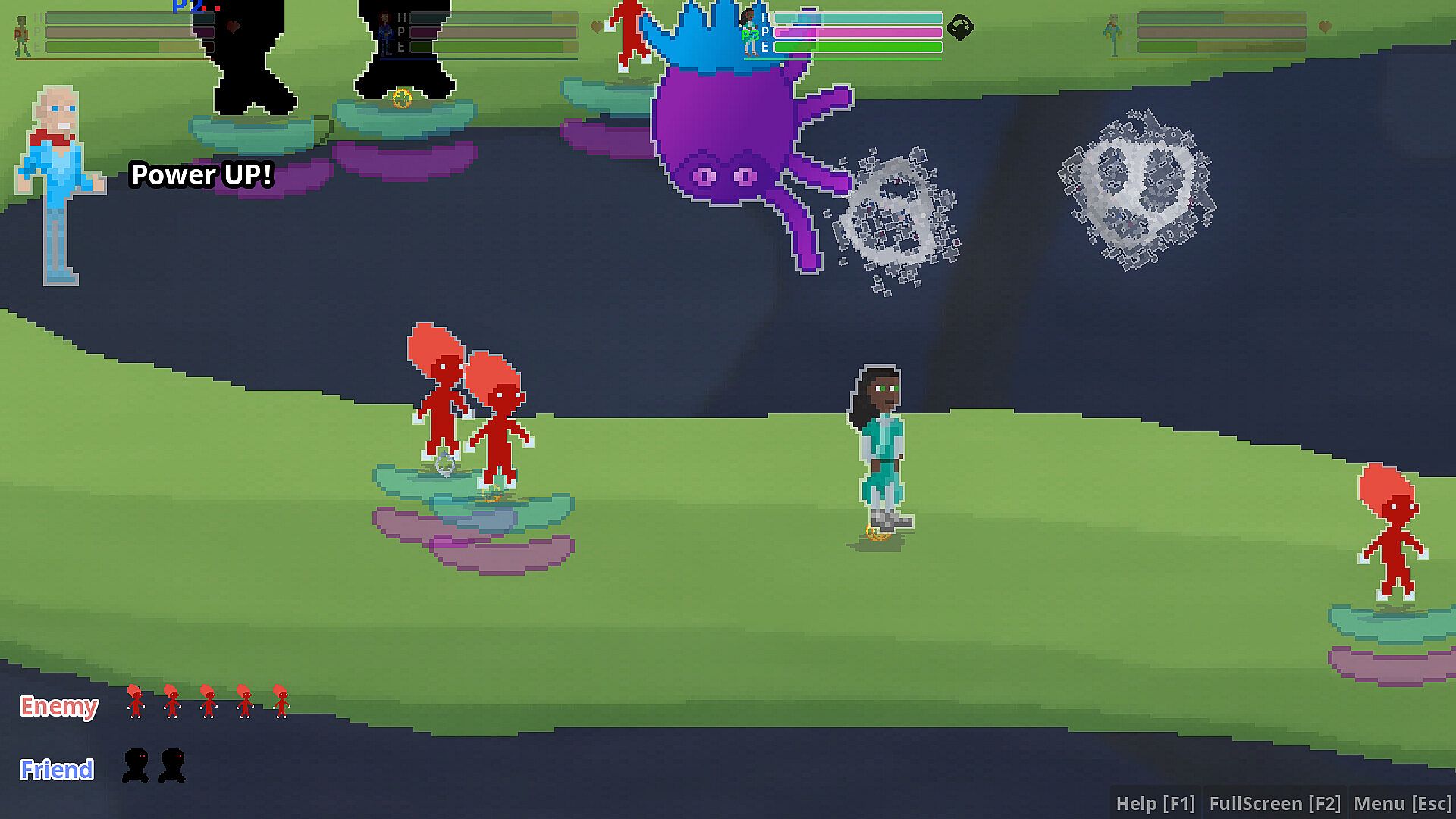
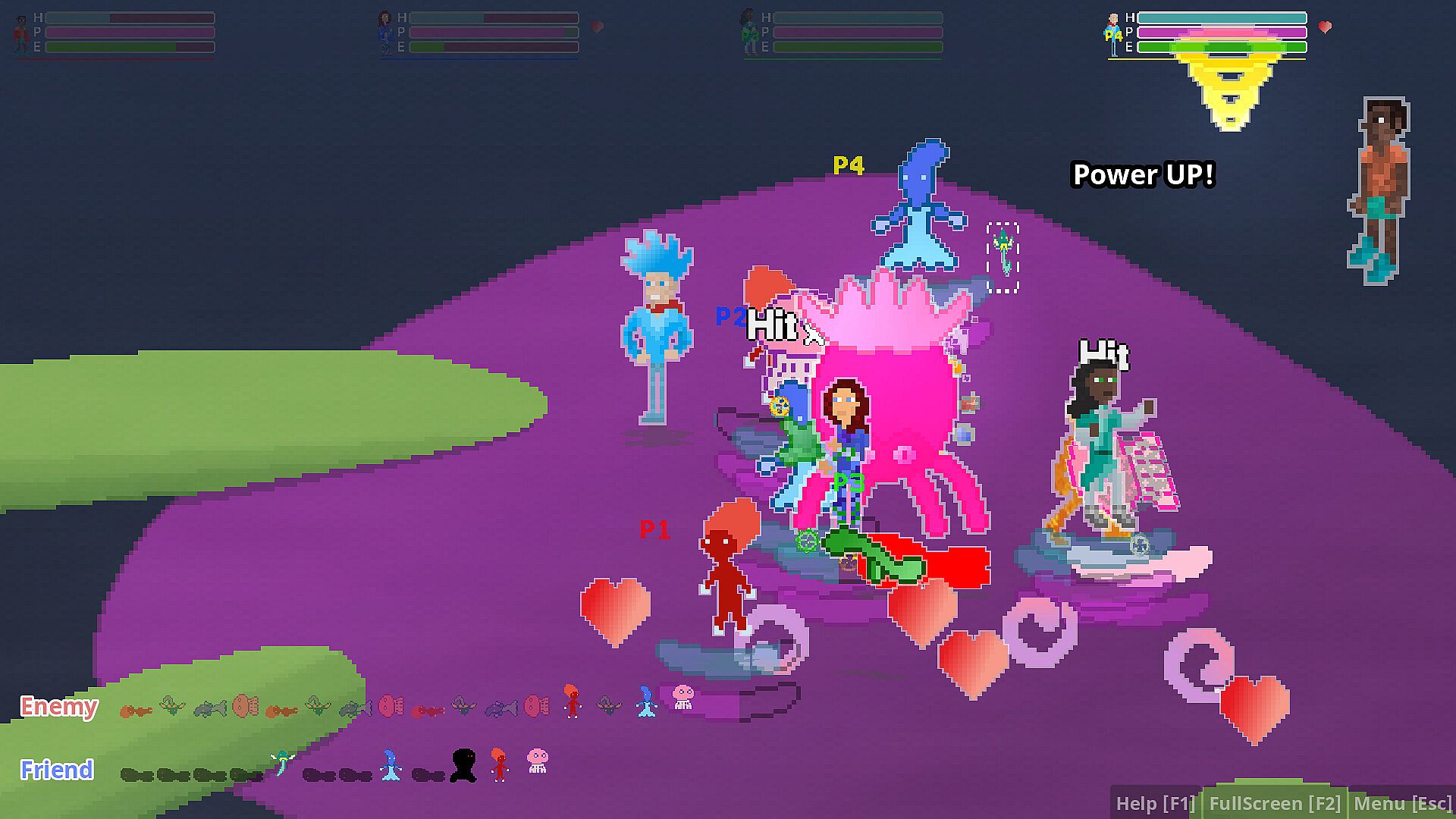
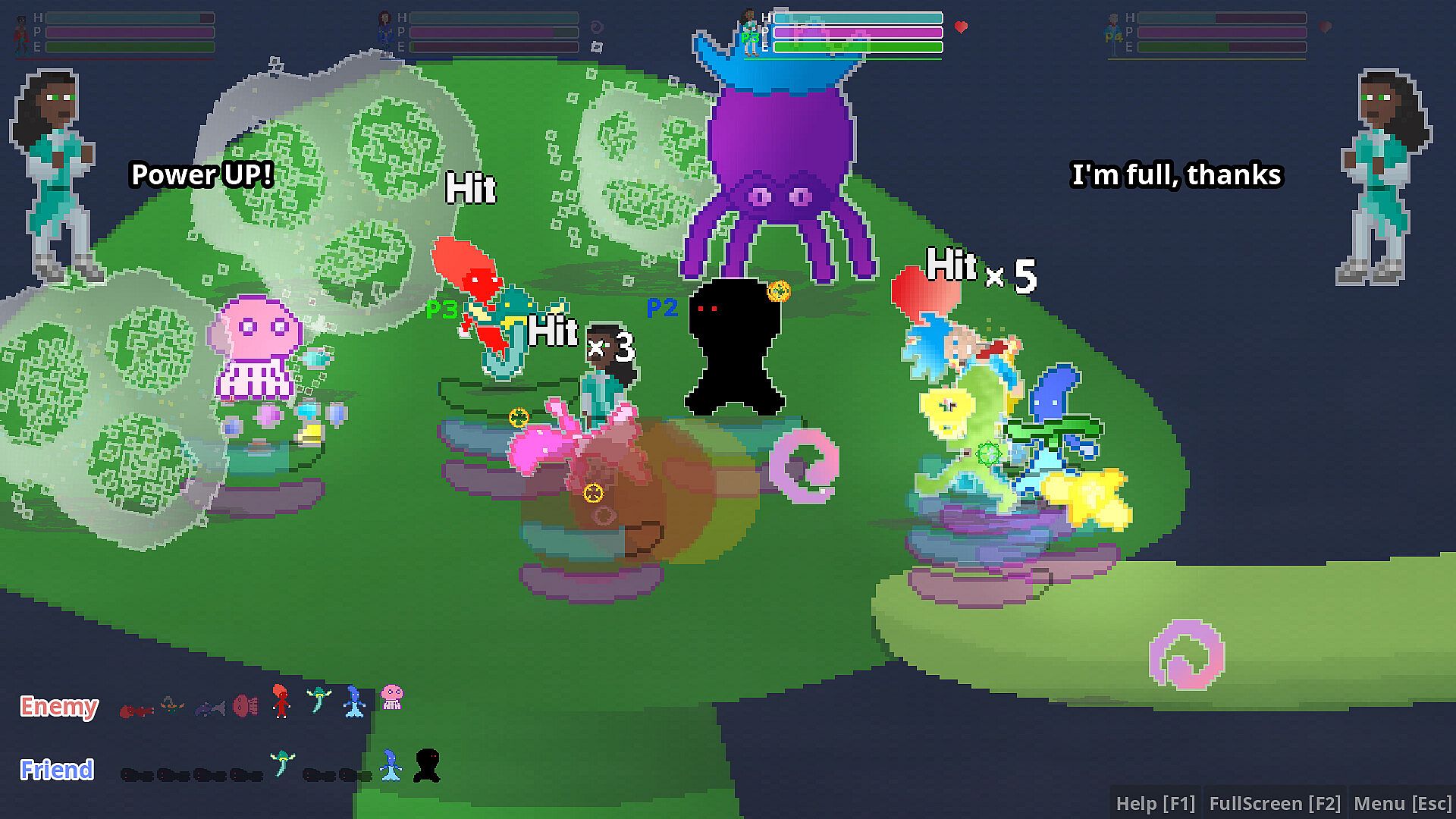
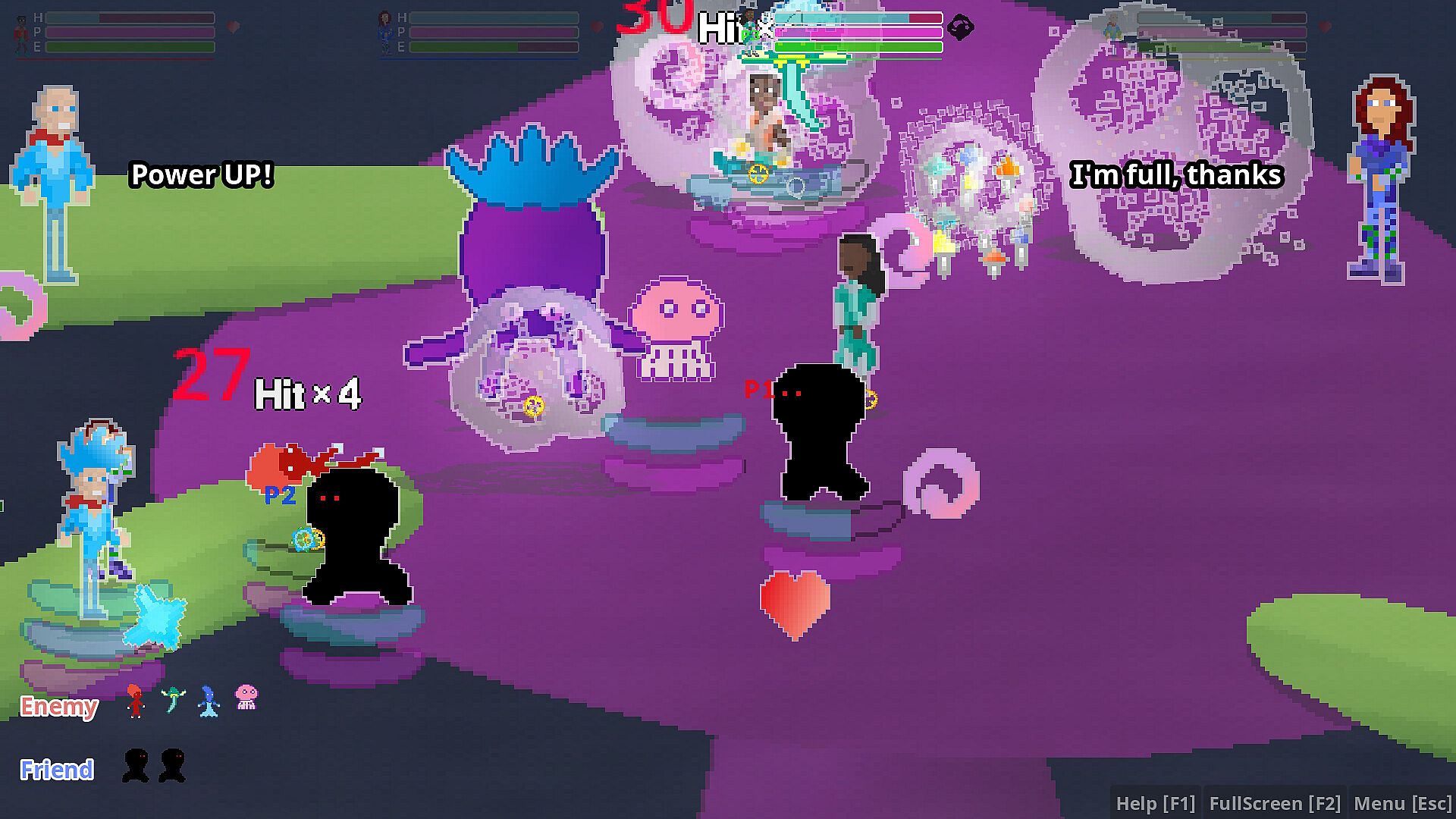
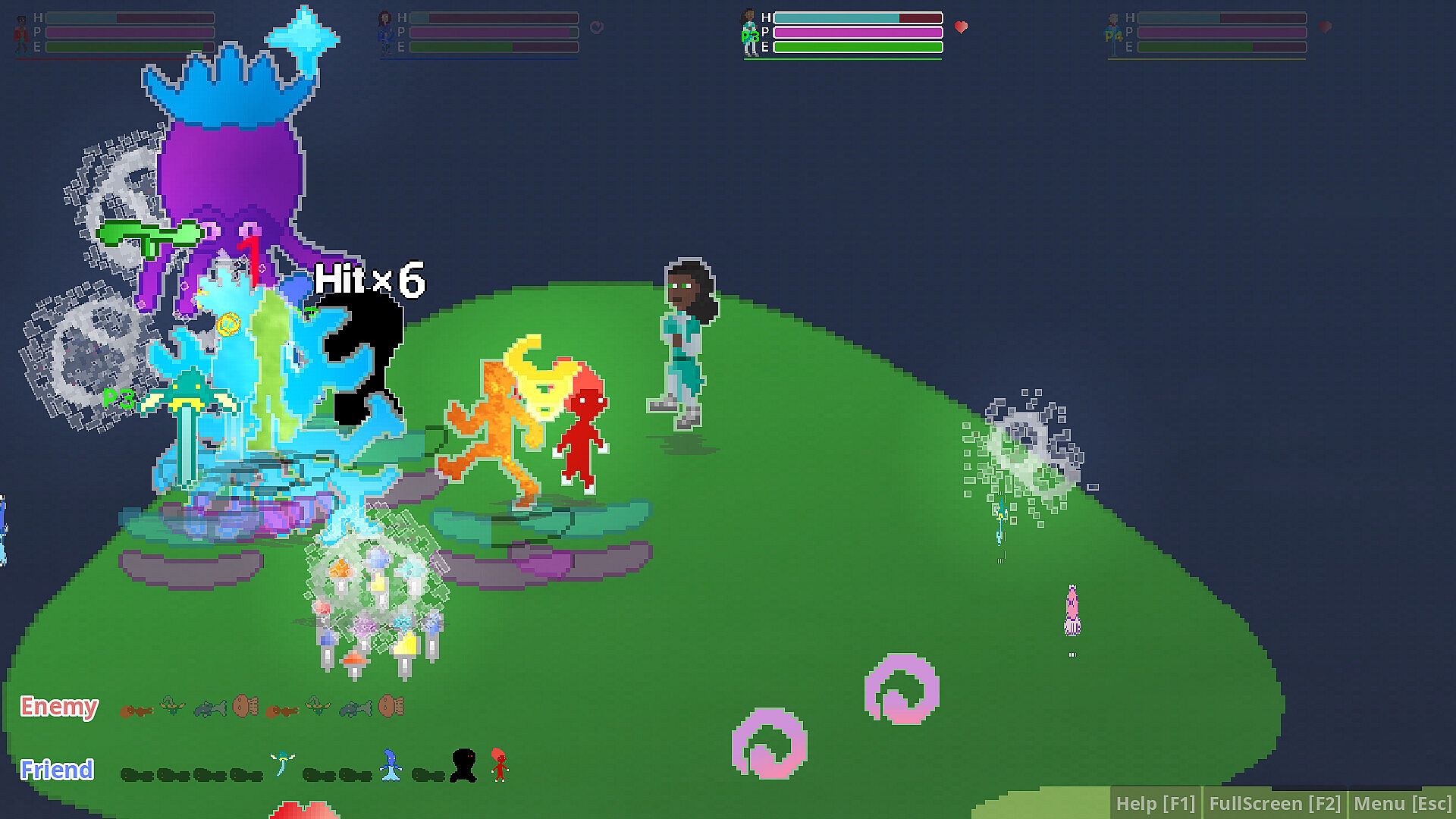
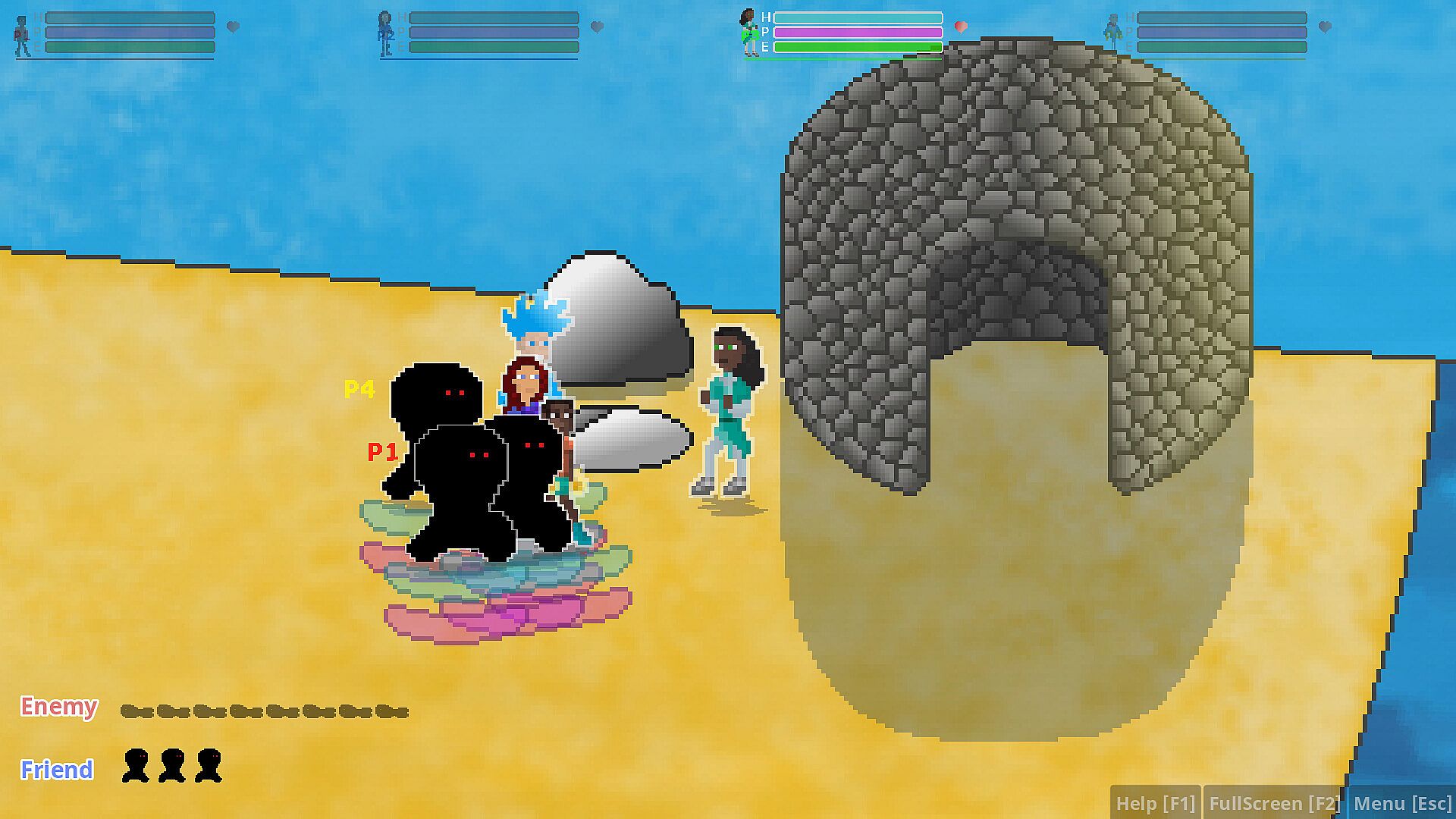
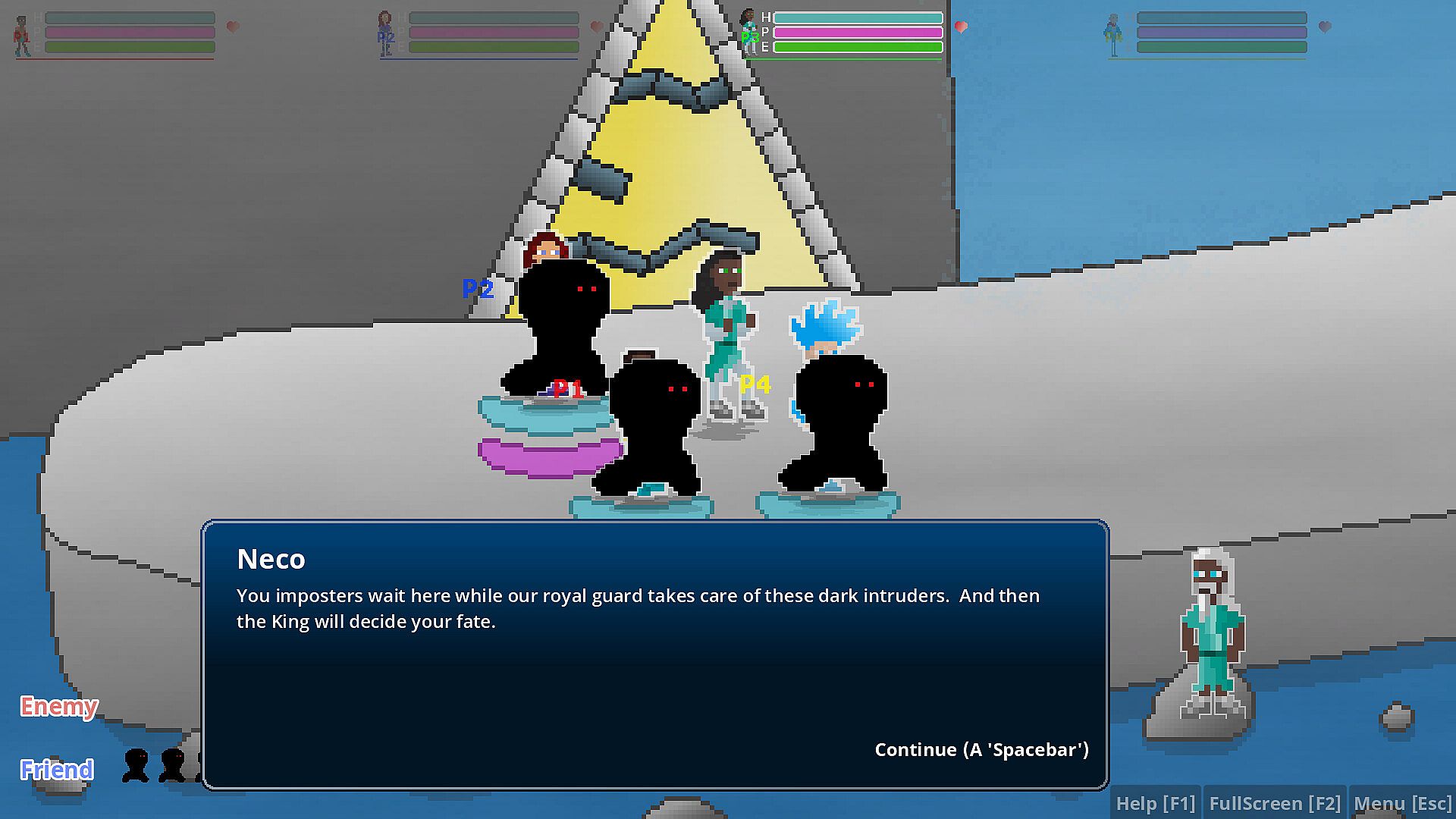
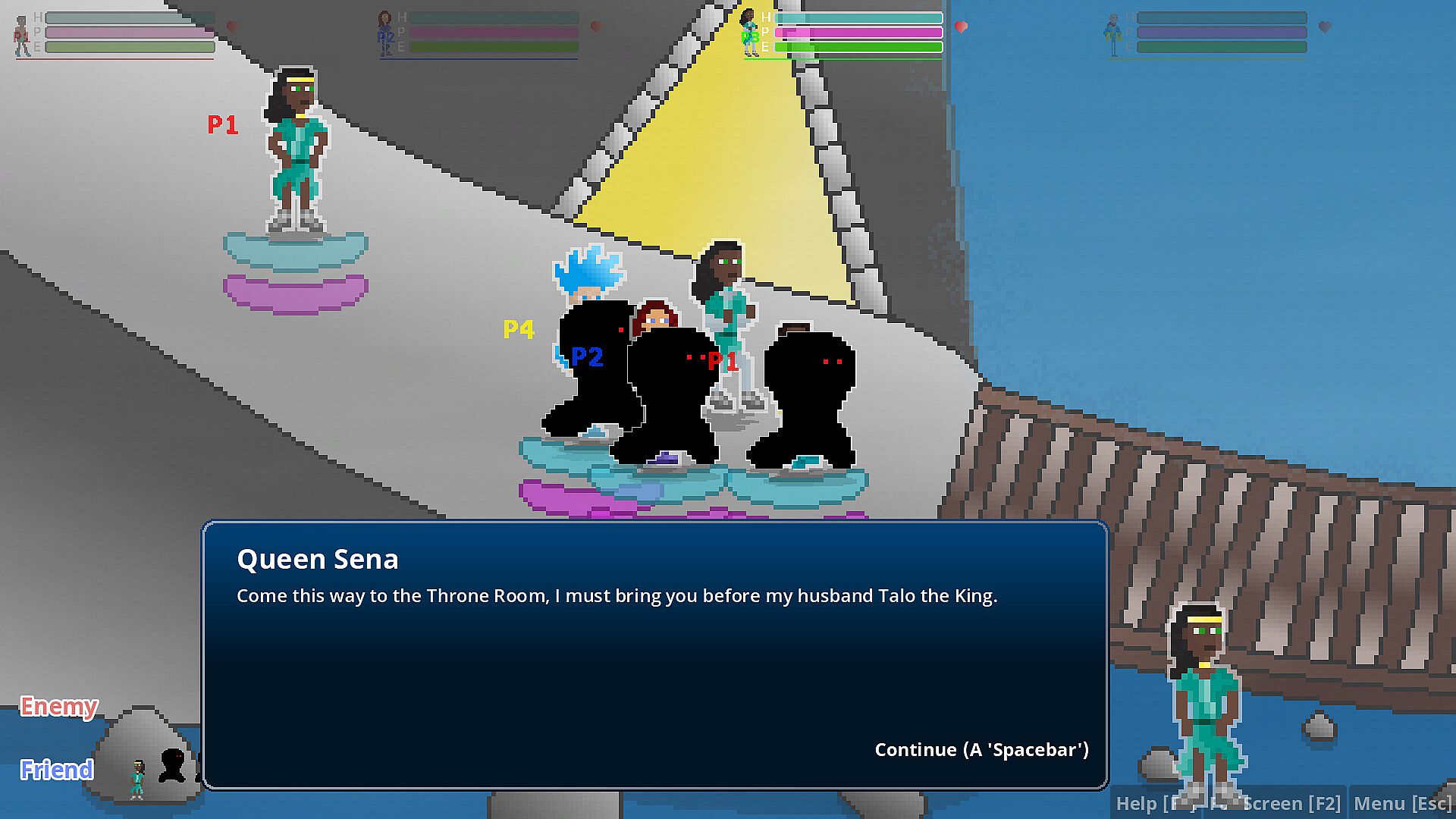
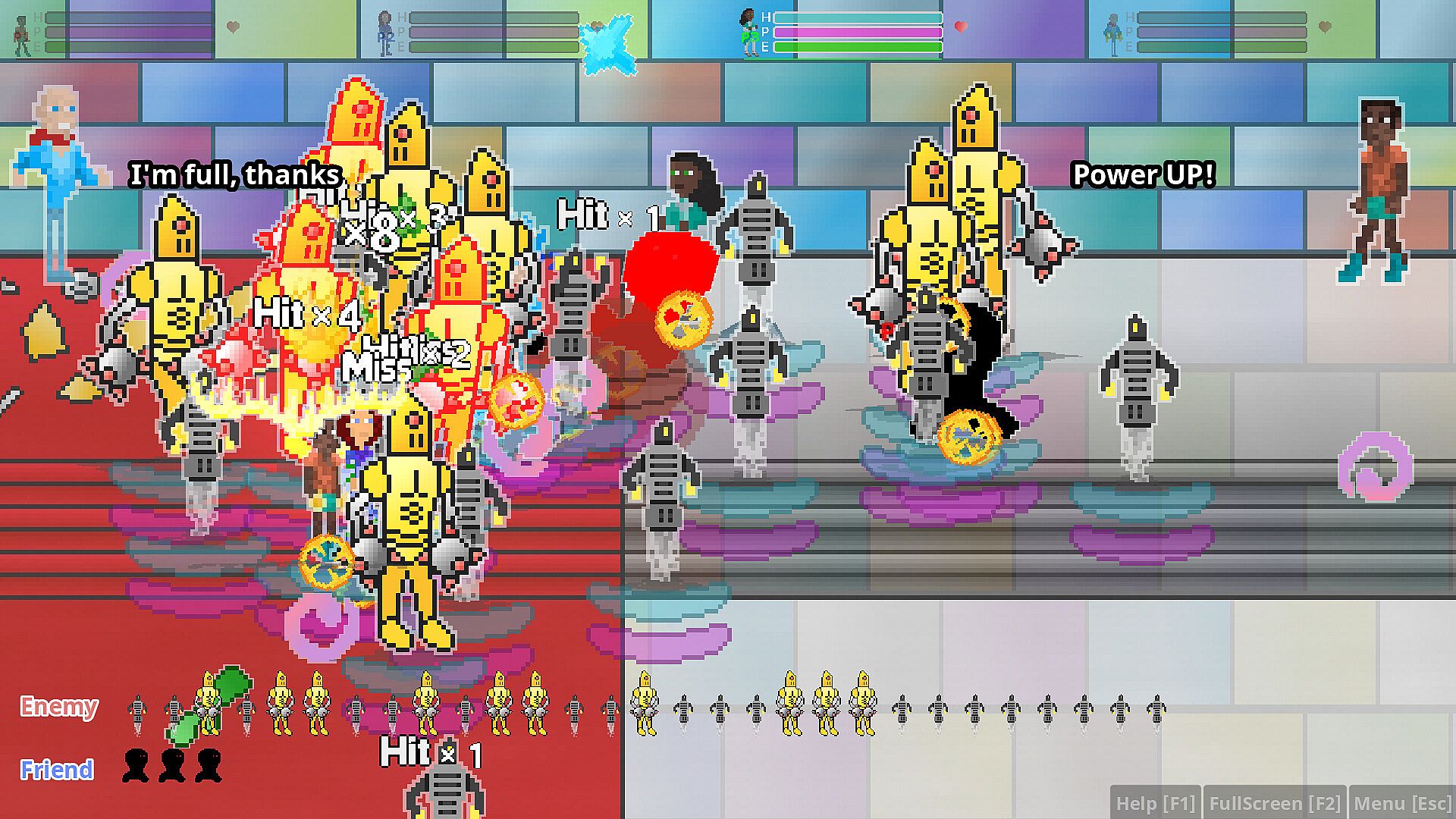
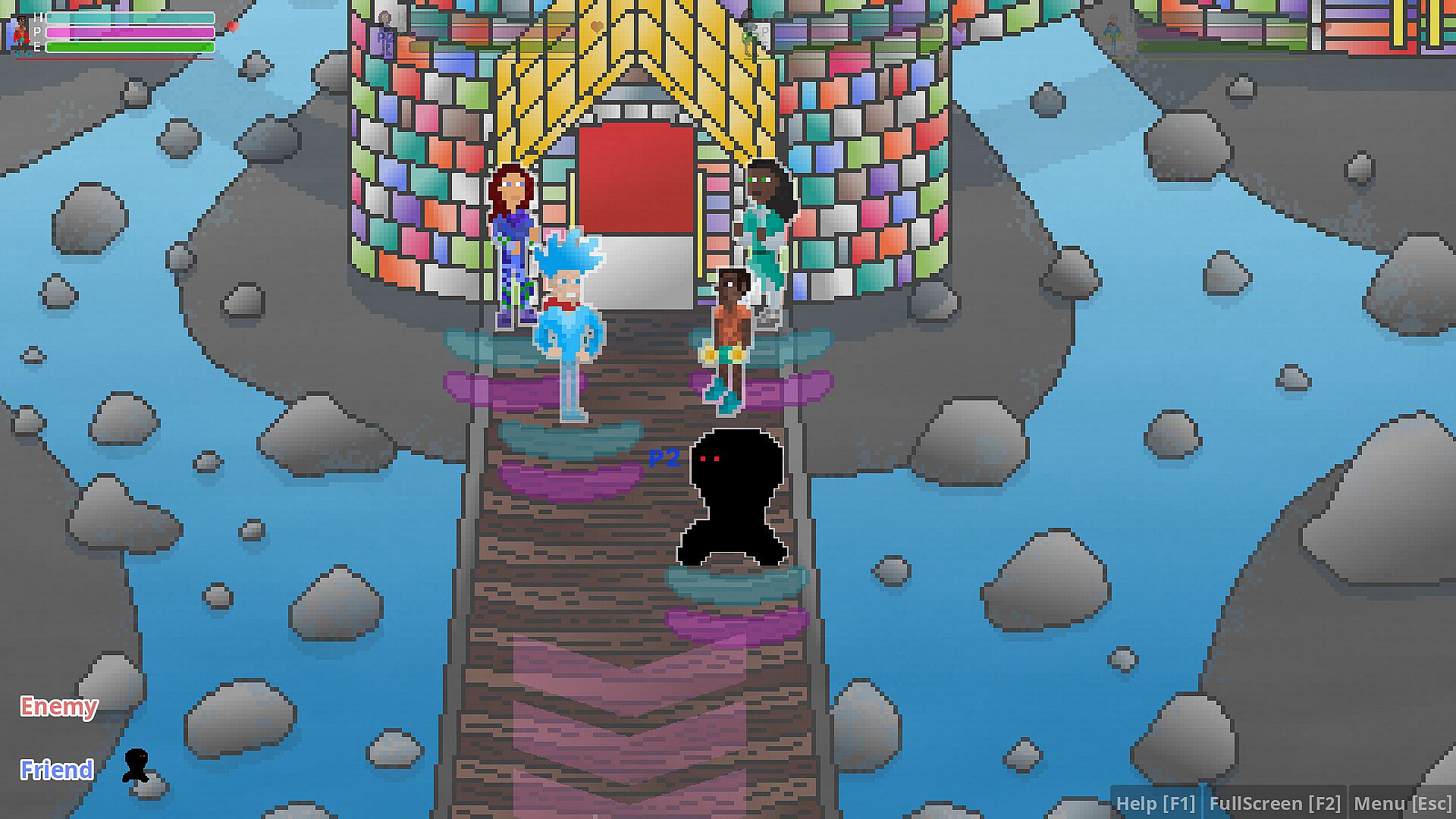
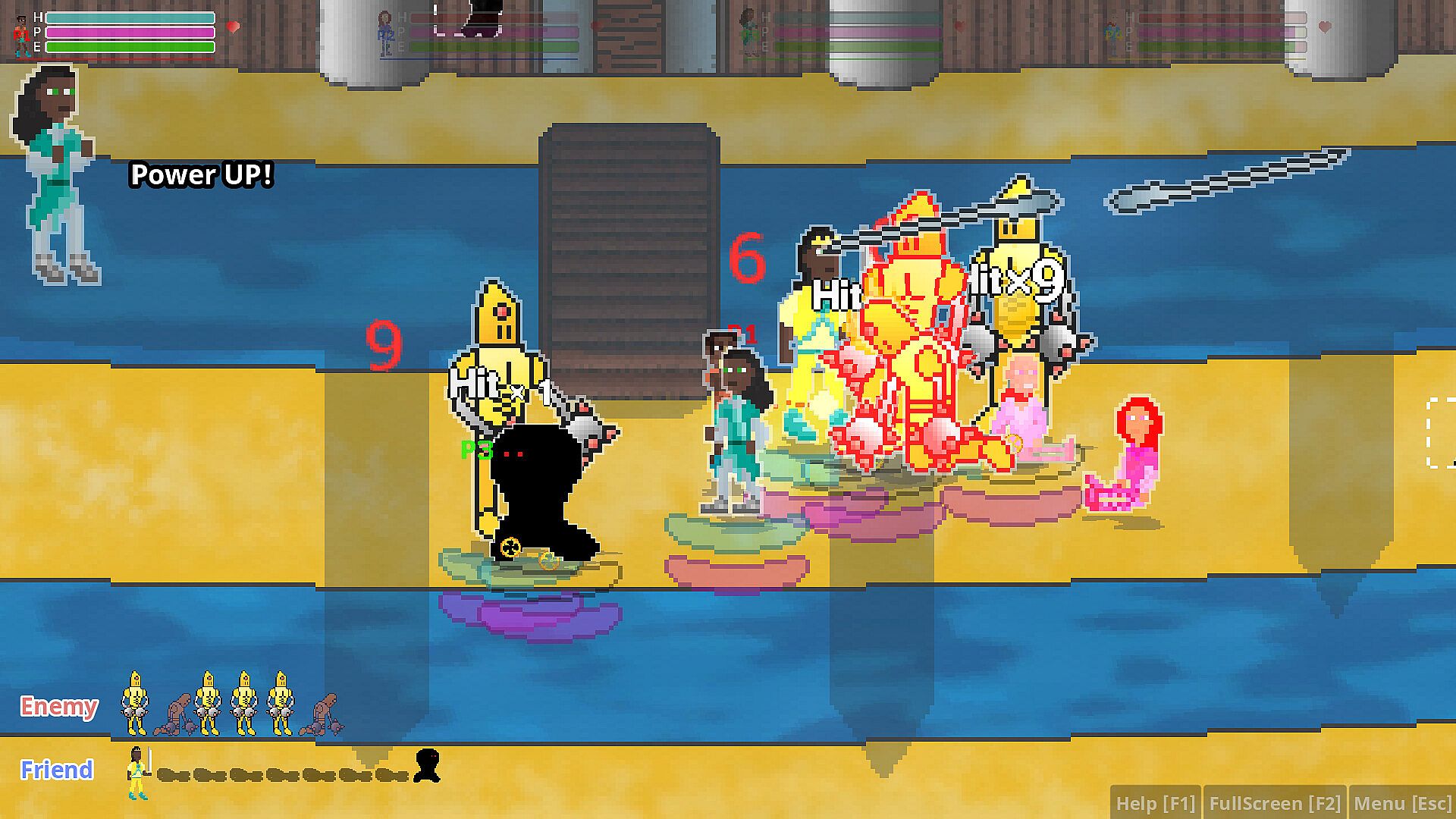
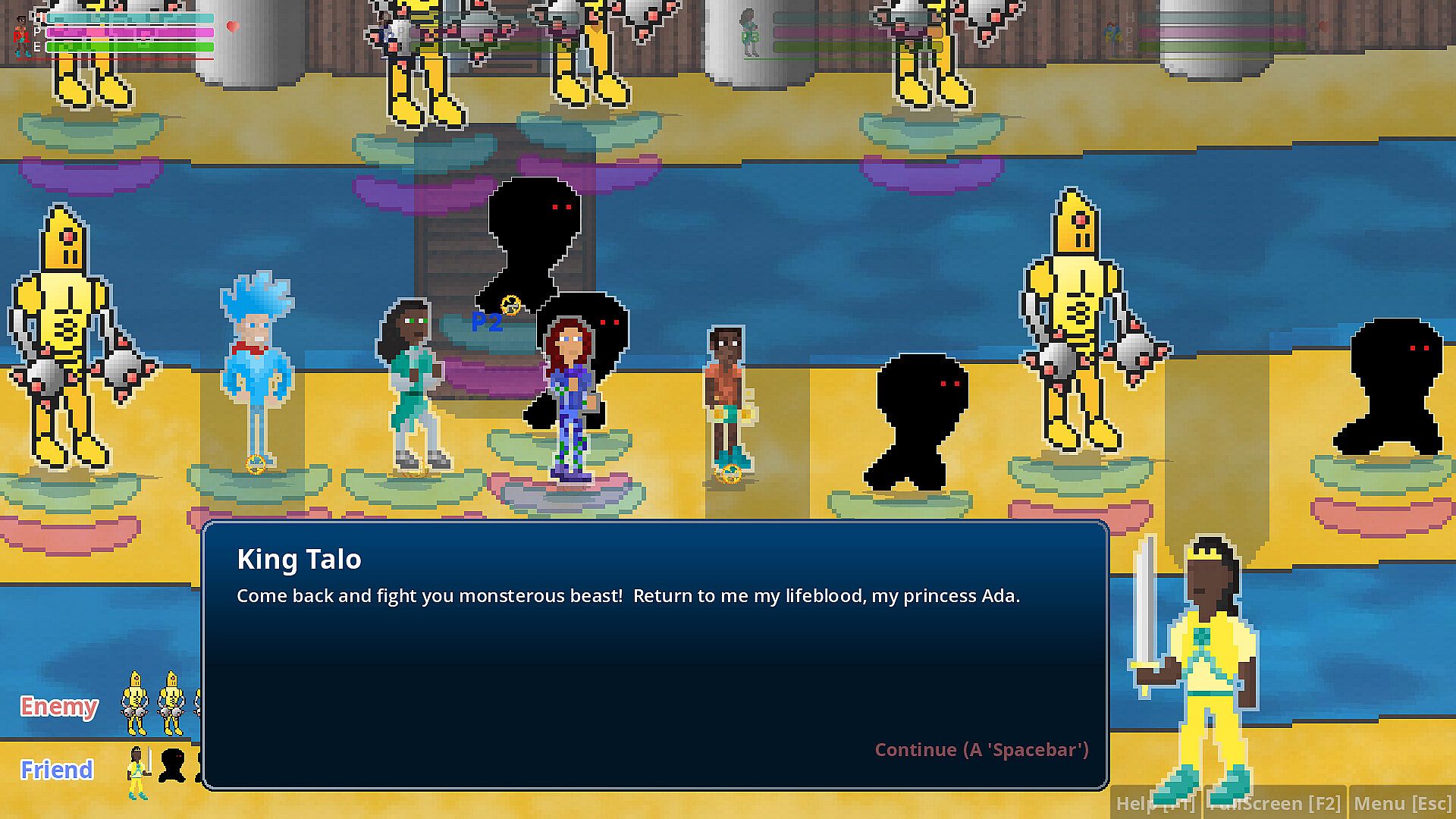
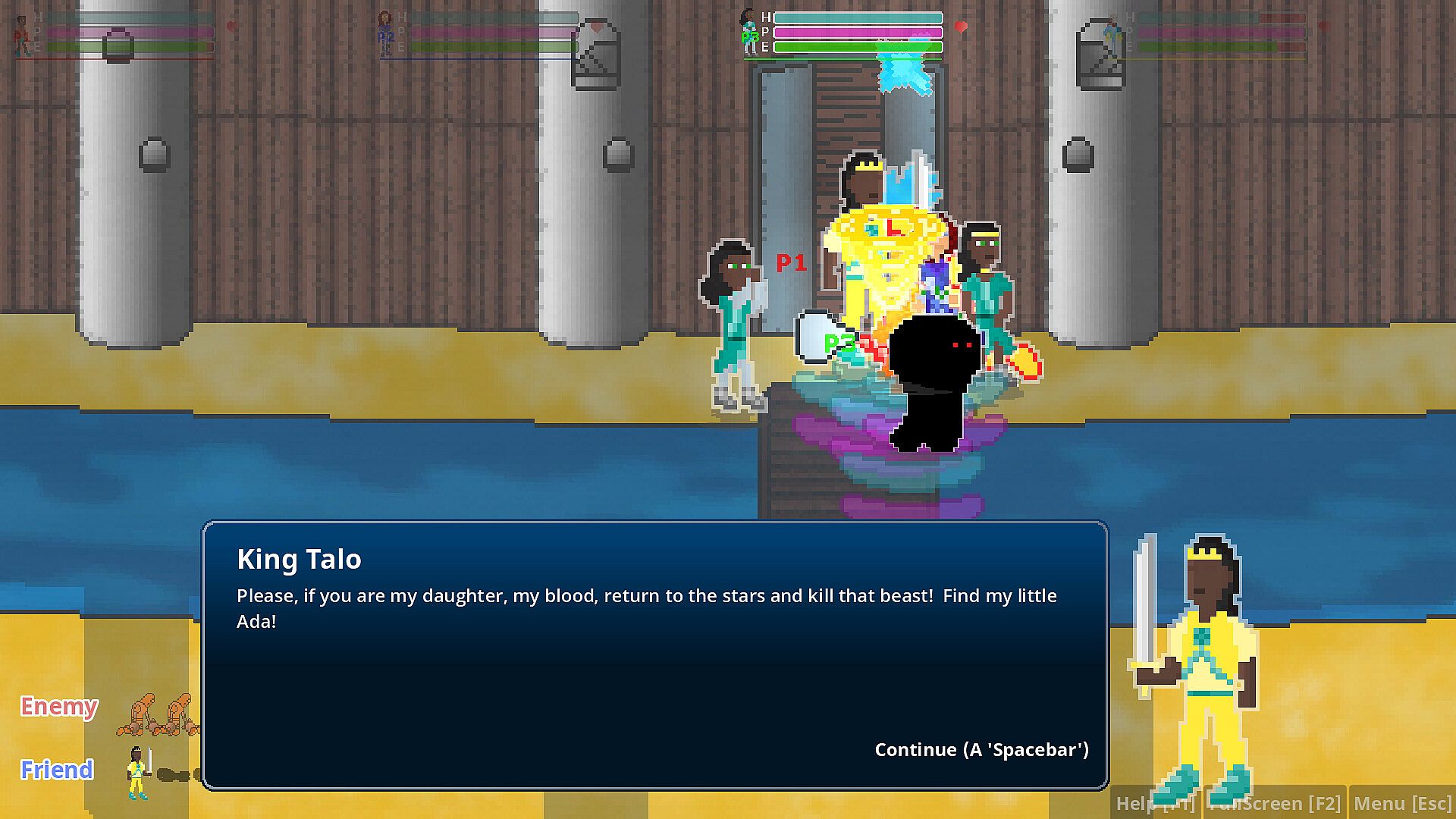
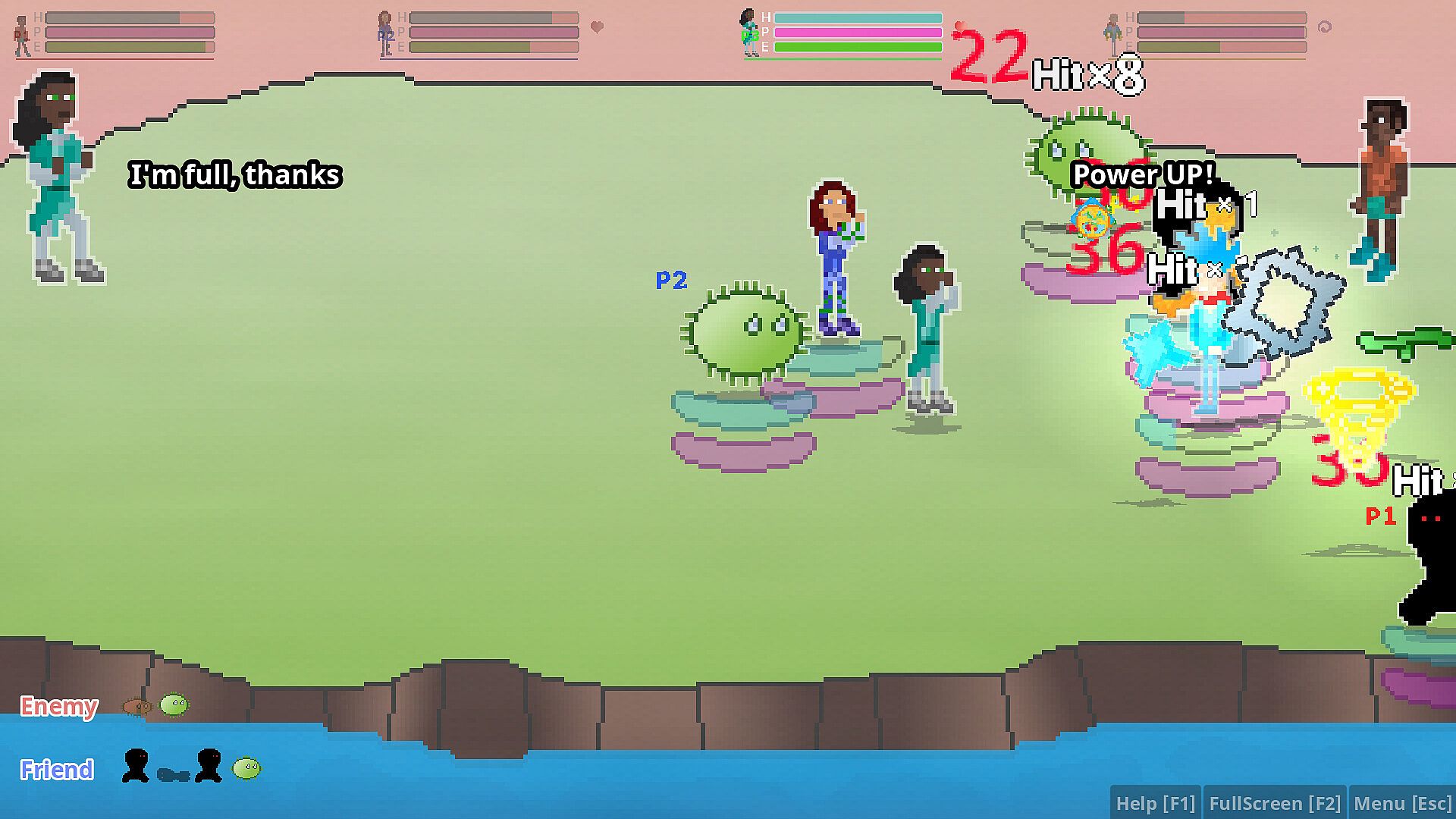

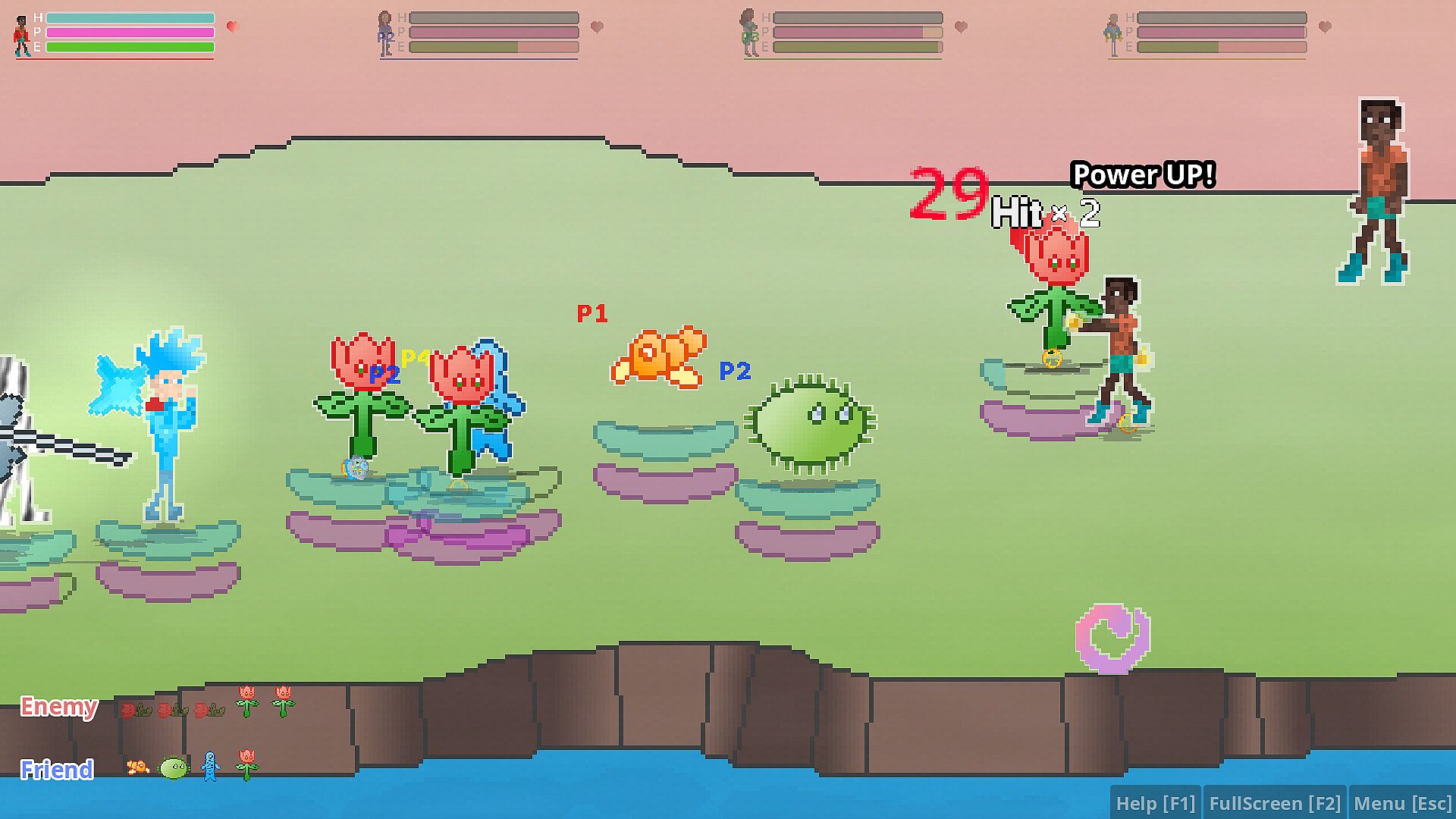
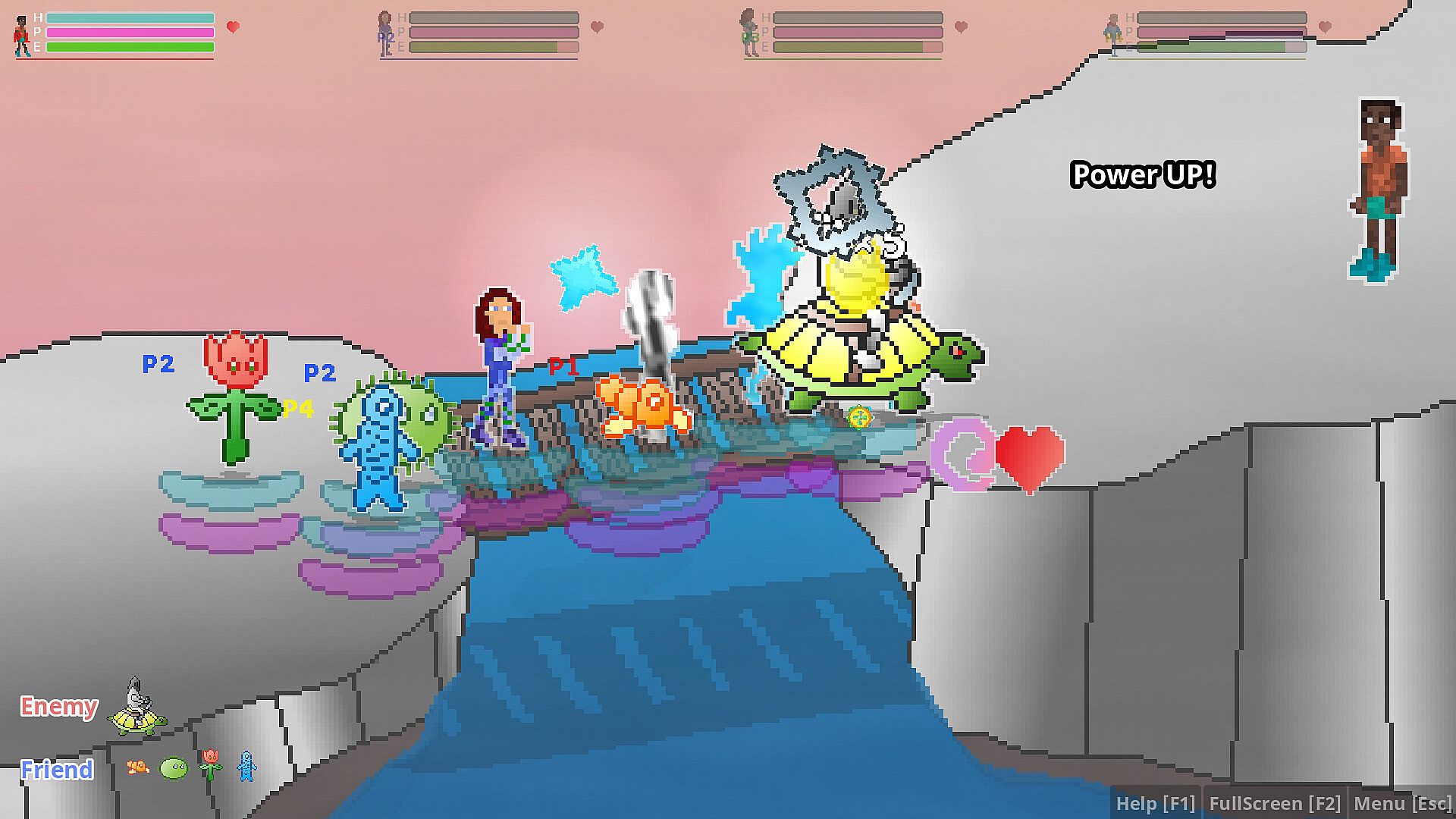
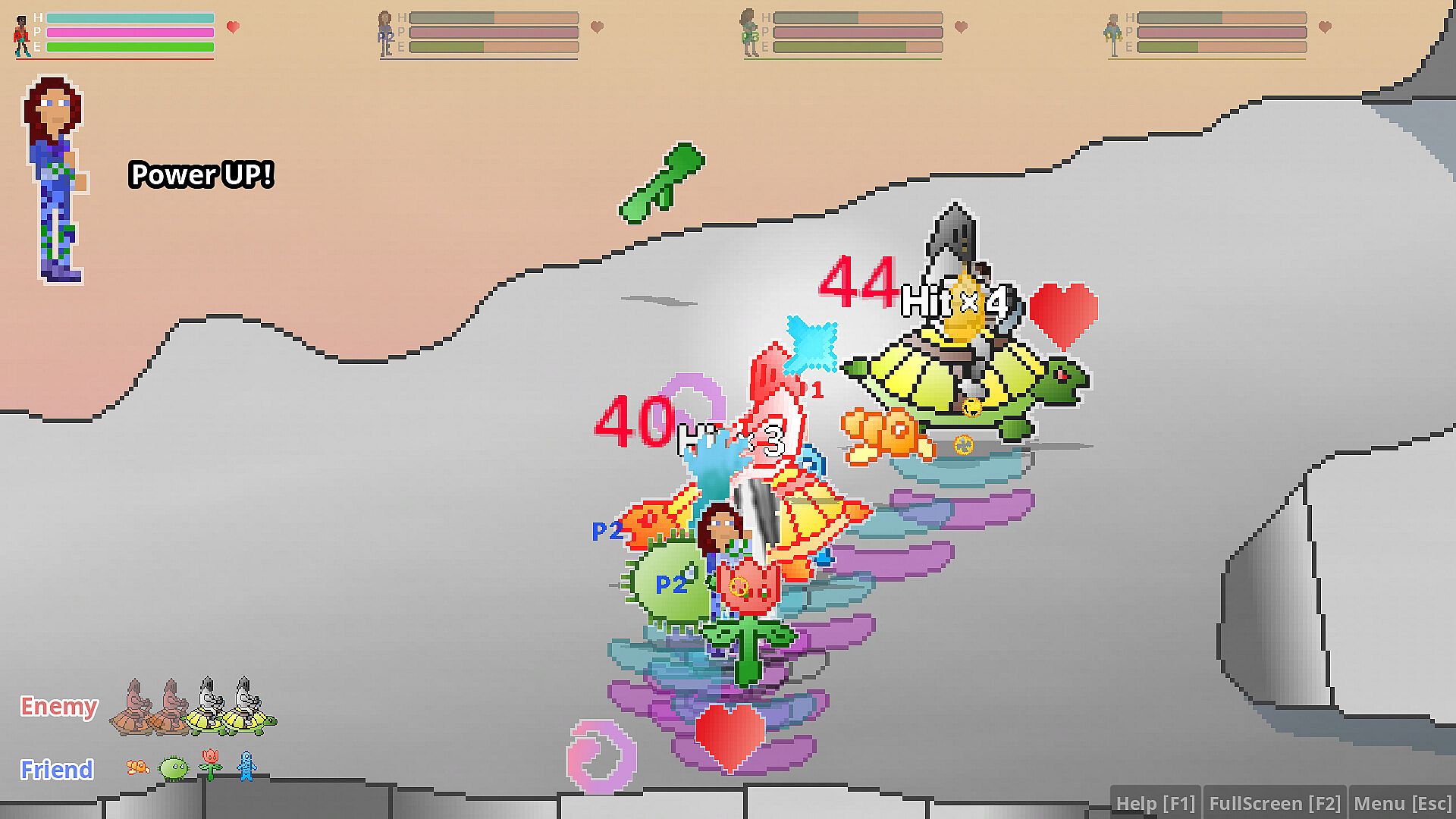
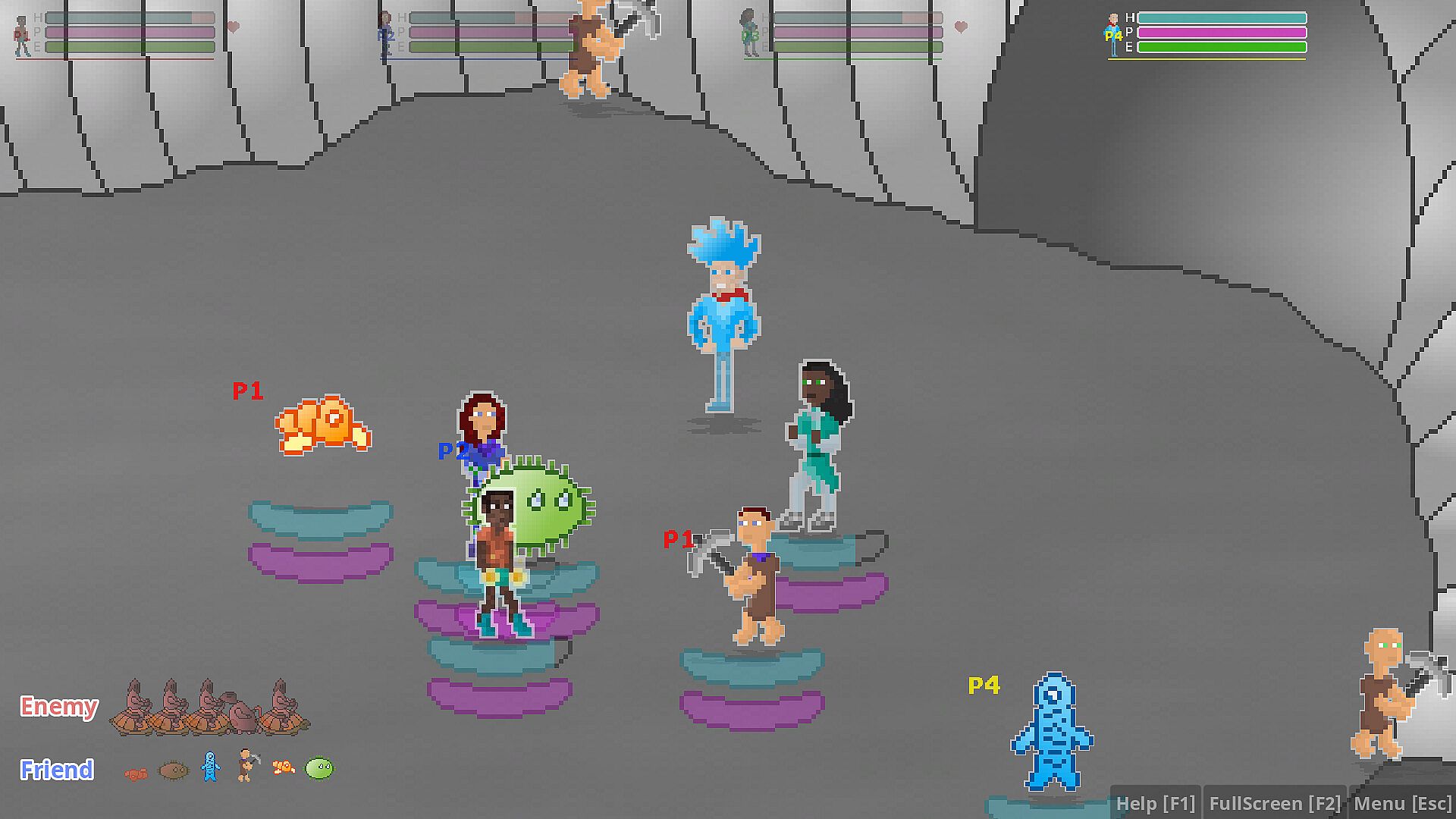
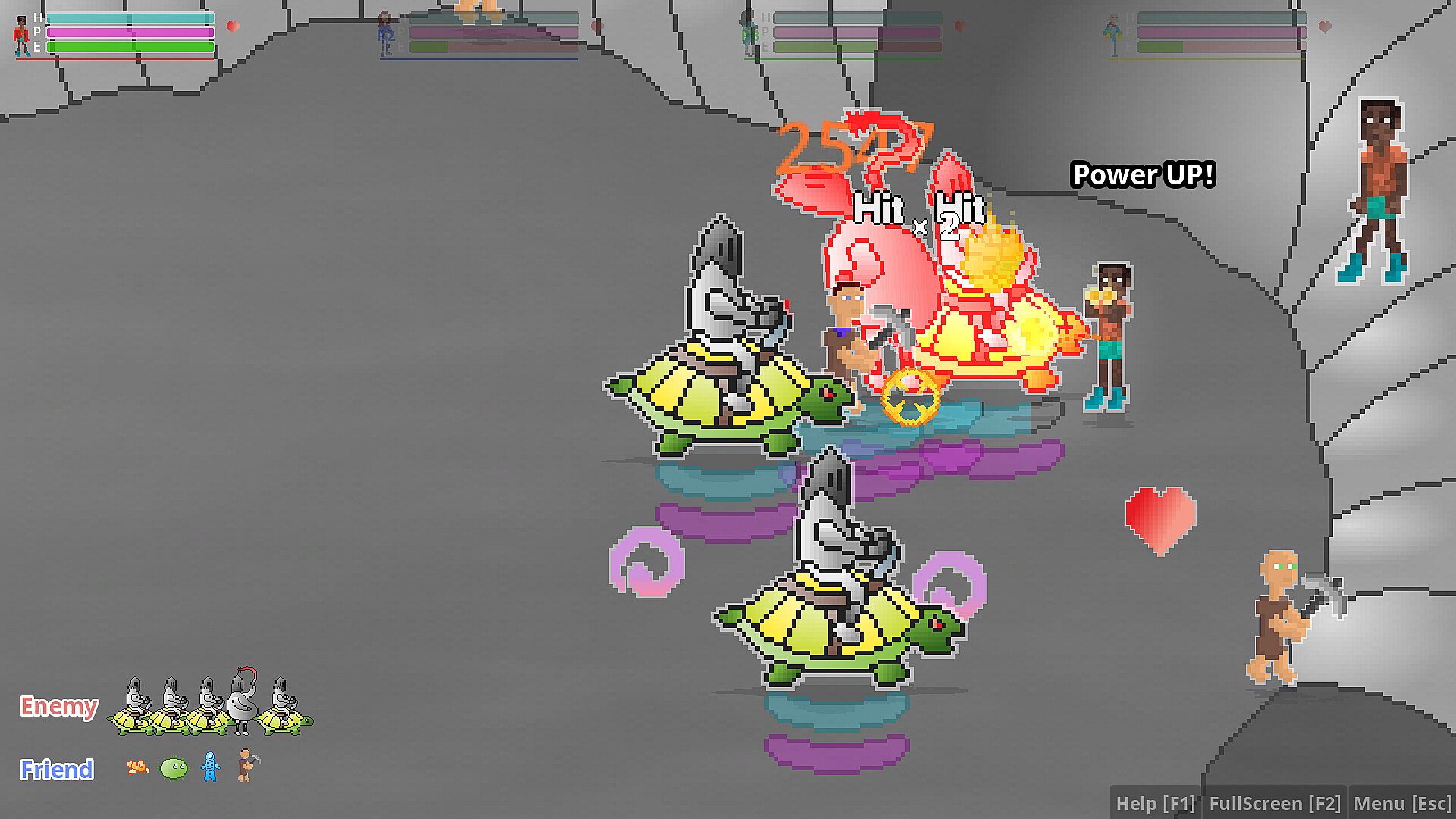
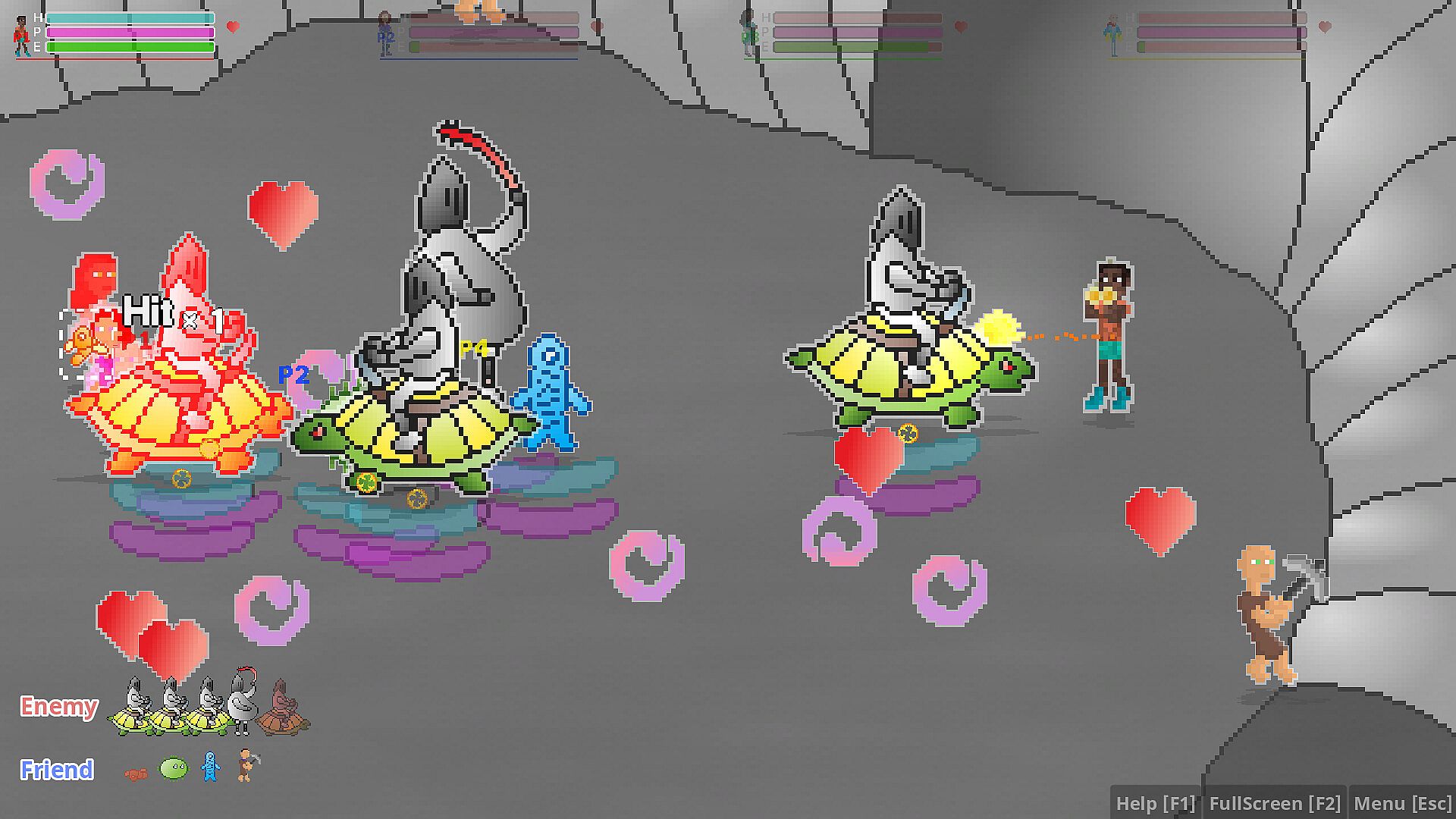
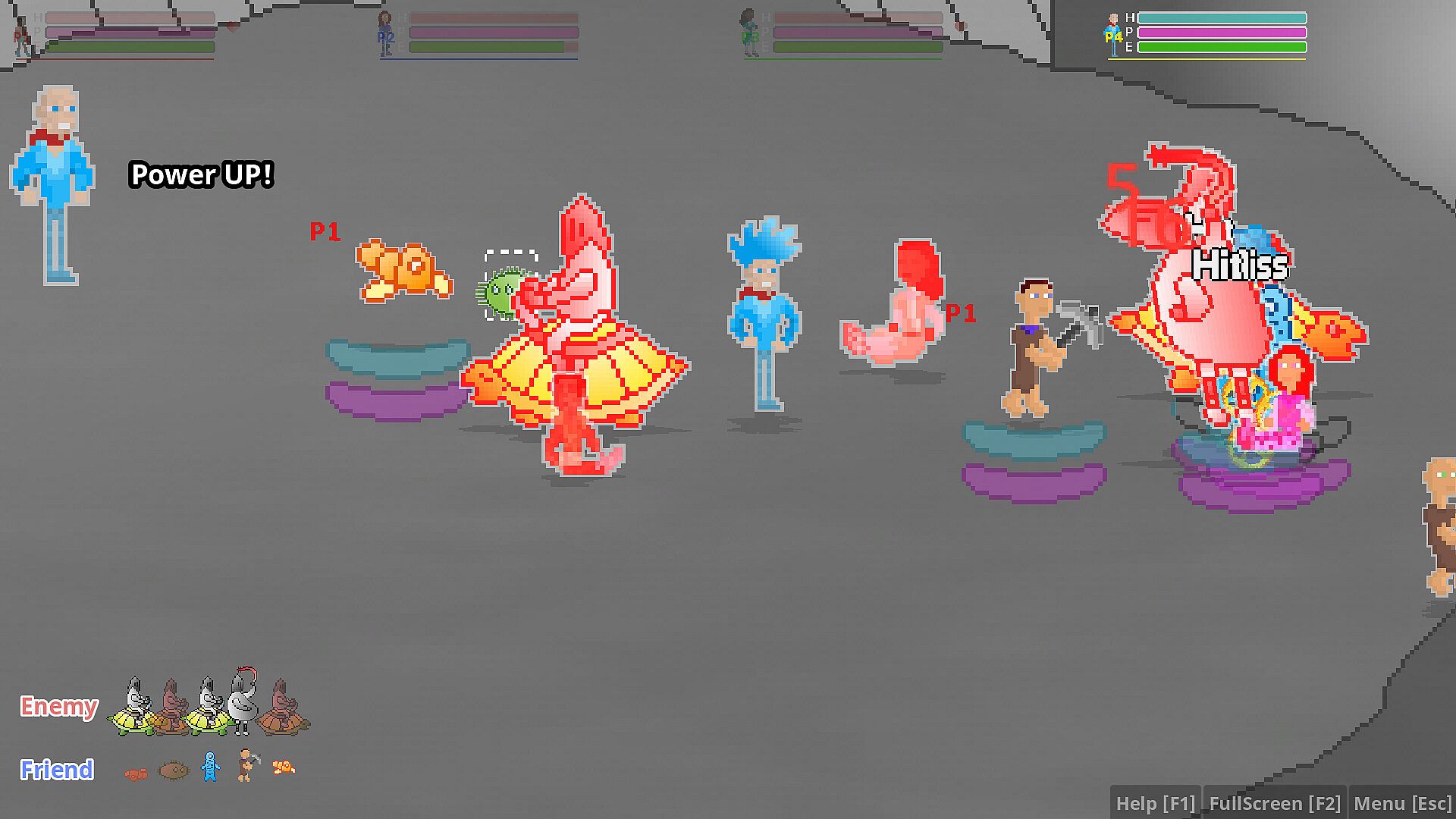

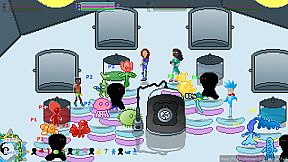
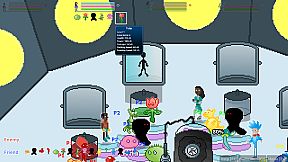
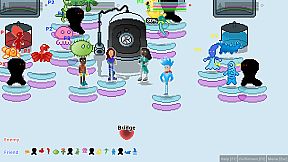
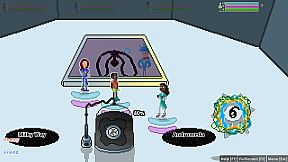
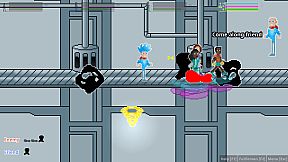
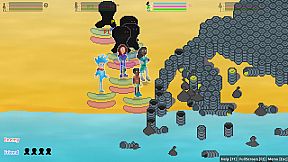
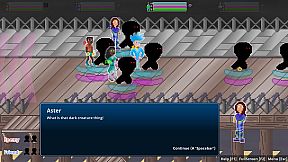
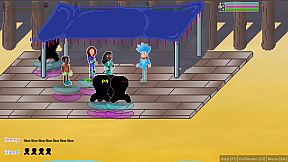
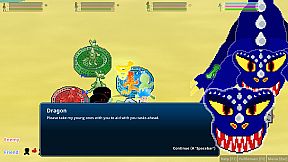
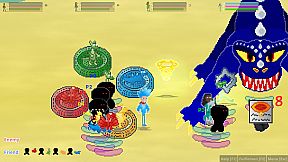
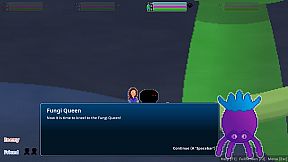
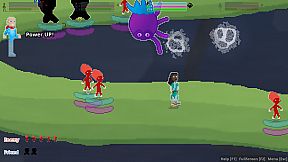
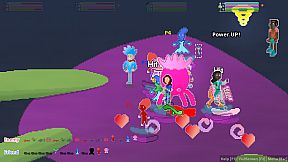
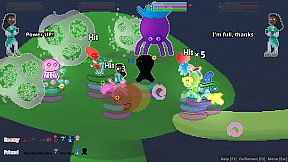
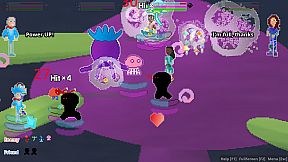
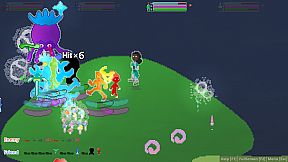
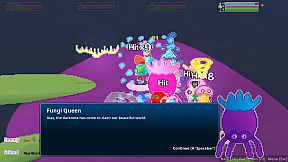
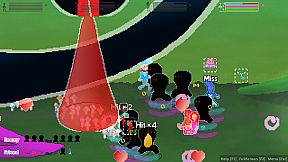
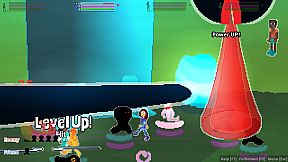
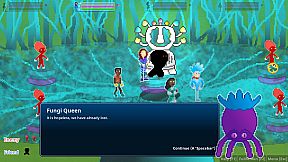
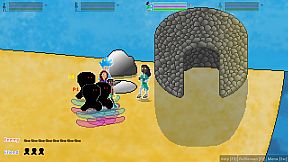
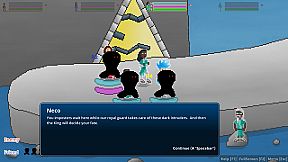
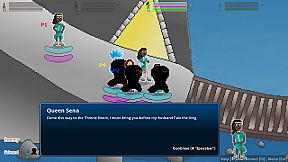
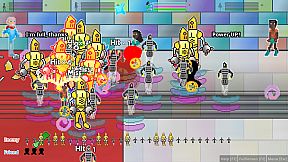
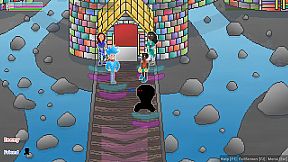
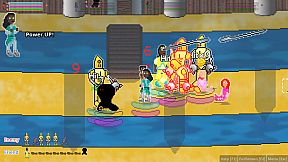
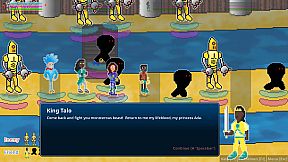
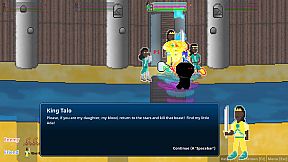
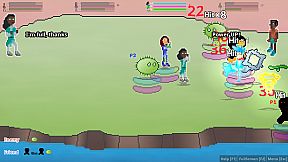
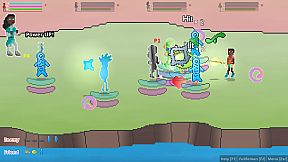
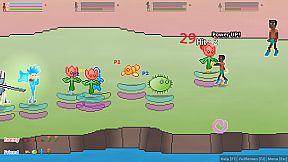
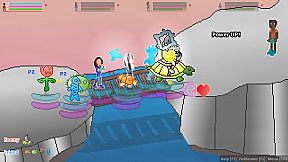
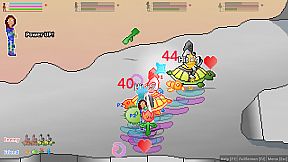
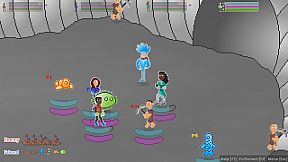
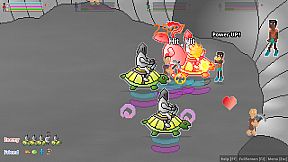
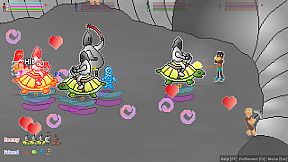
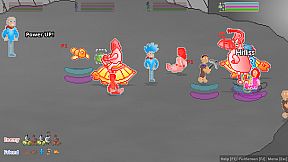
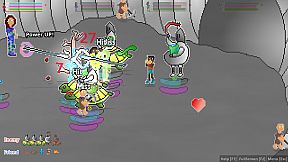
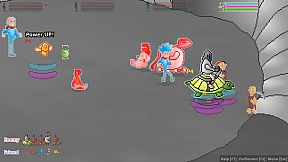
Features:
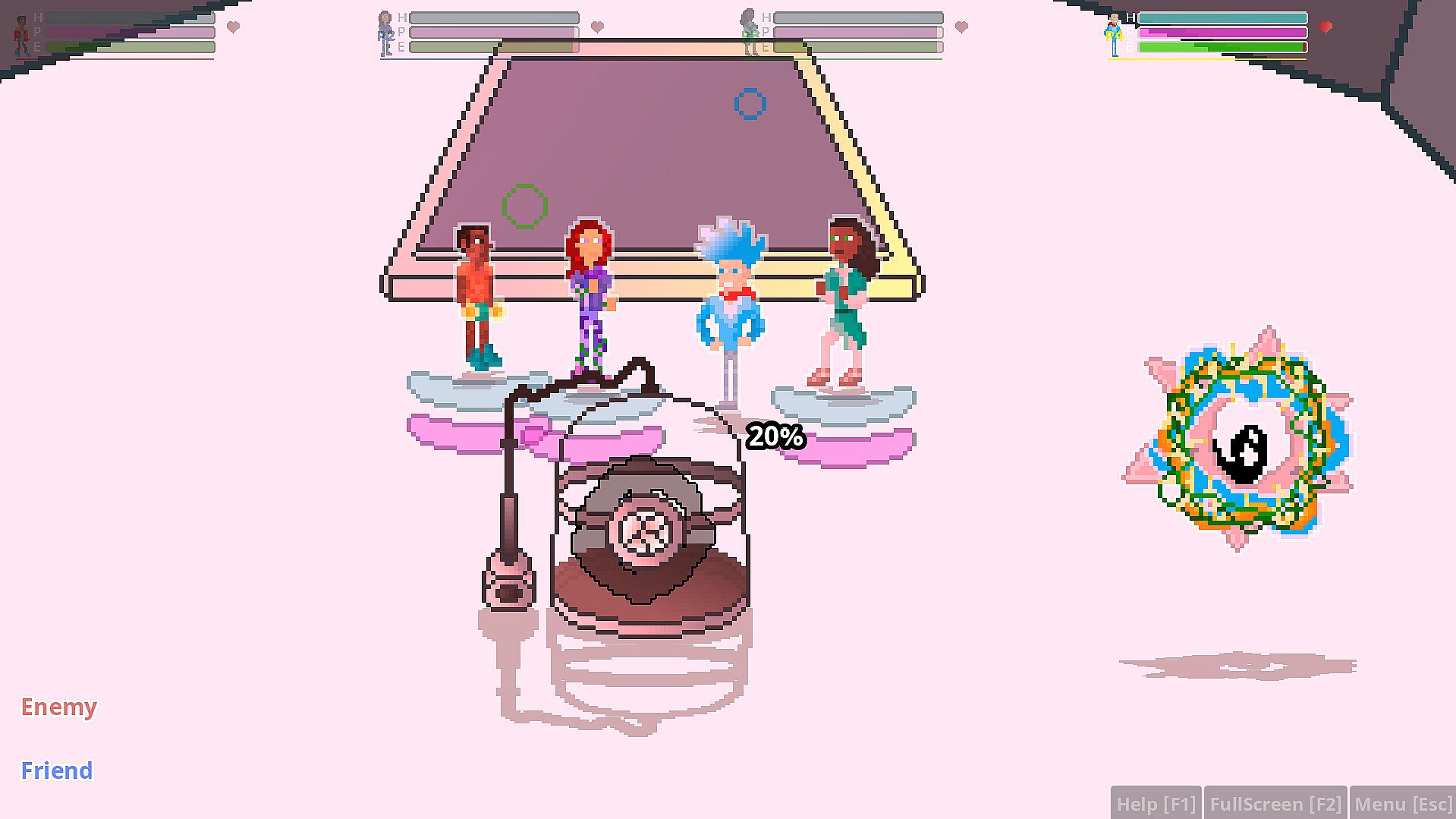
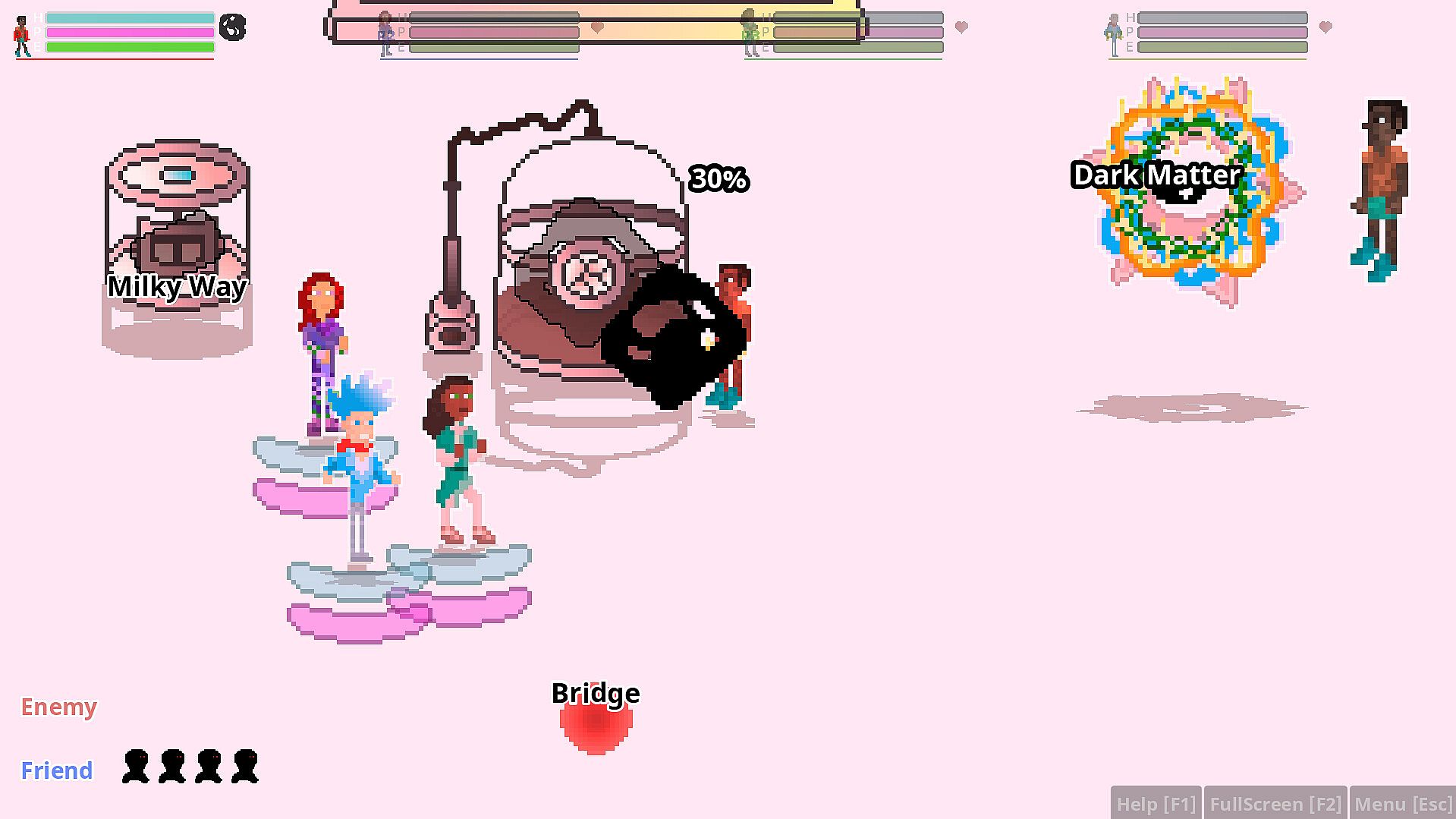
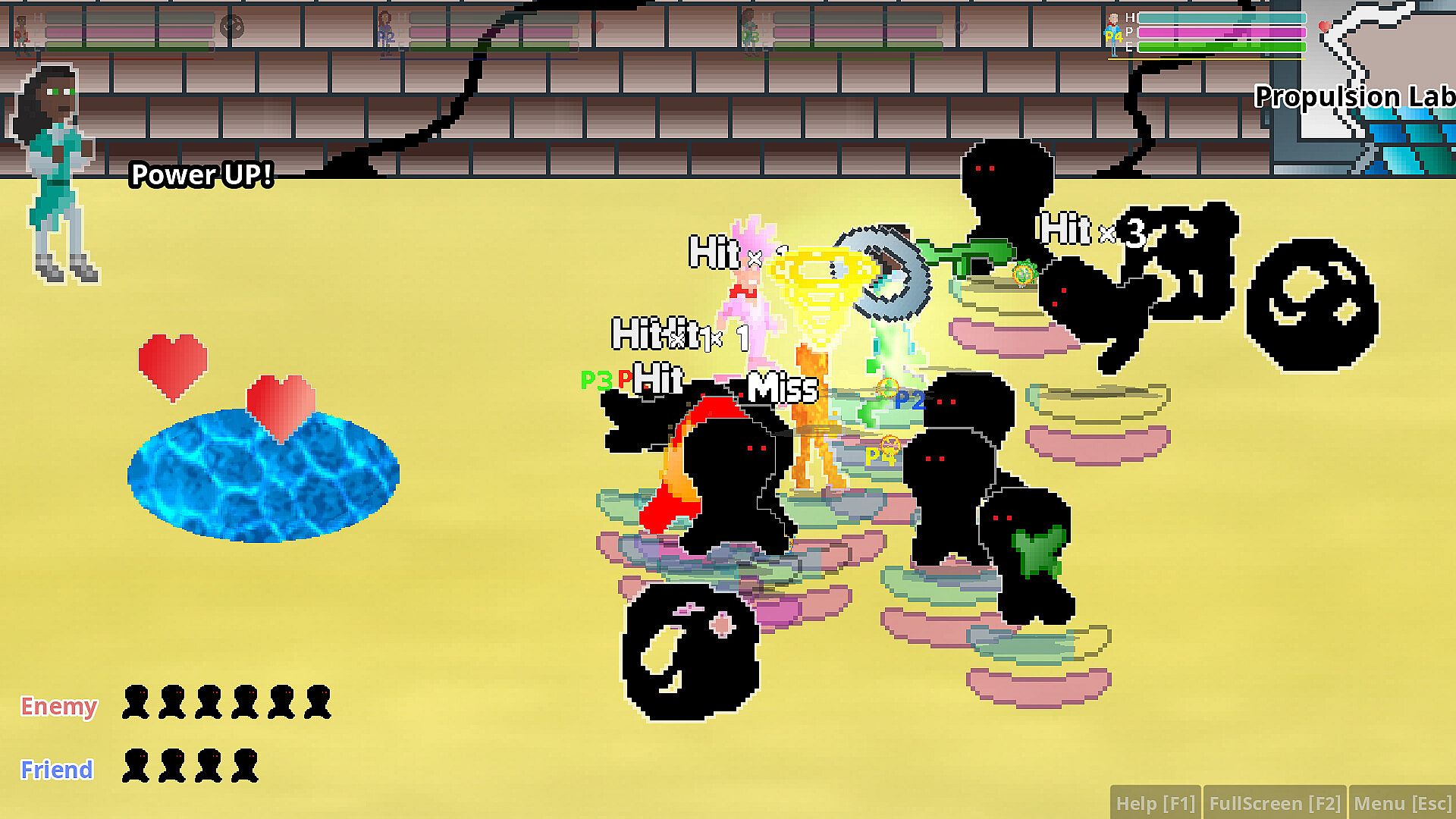
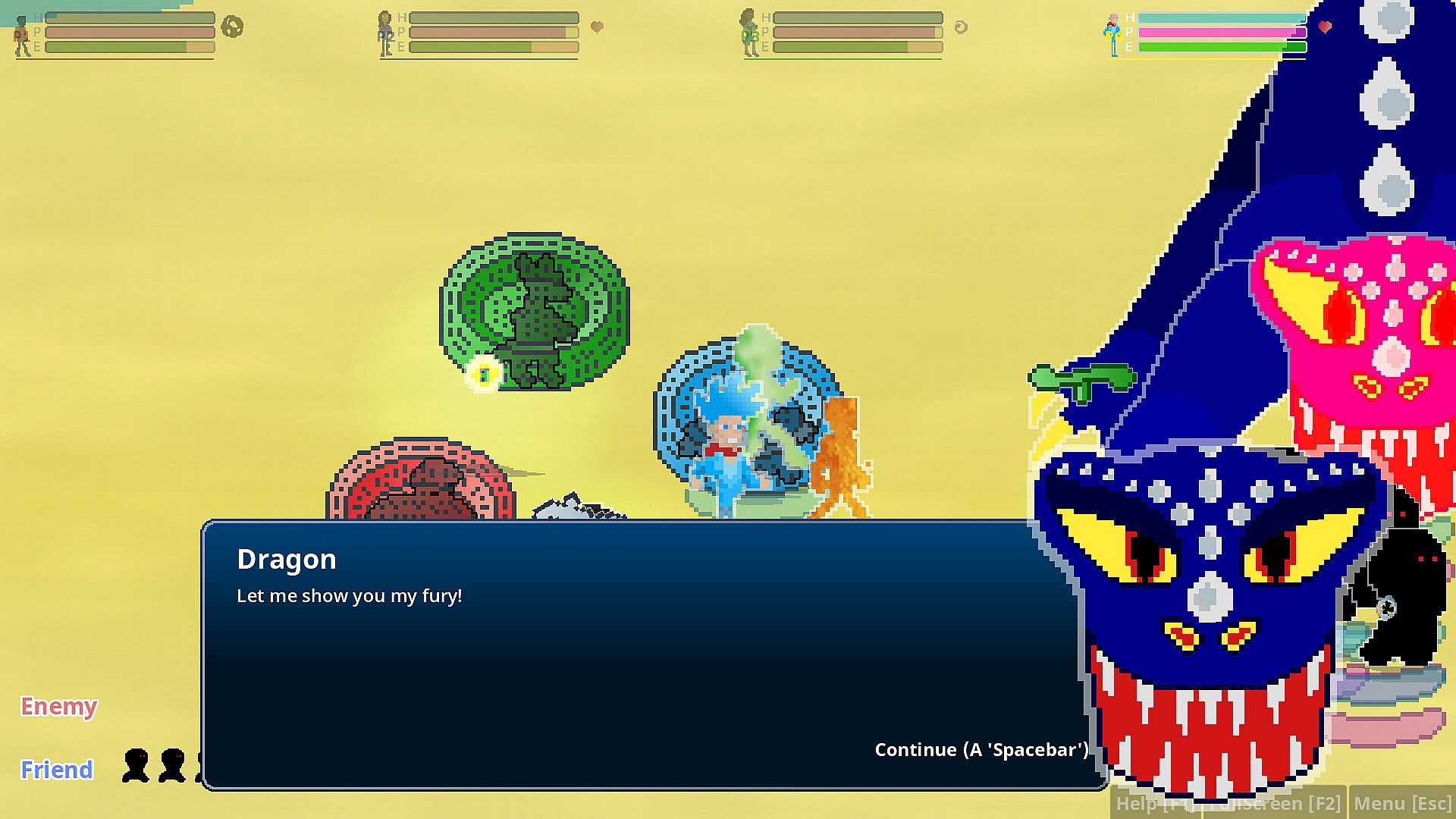
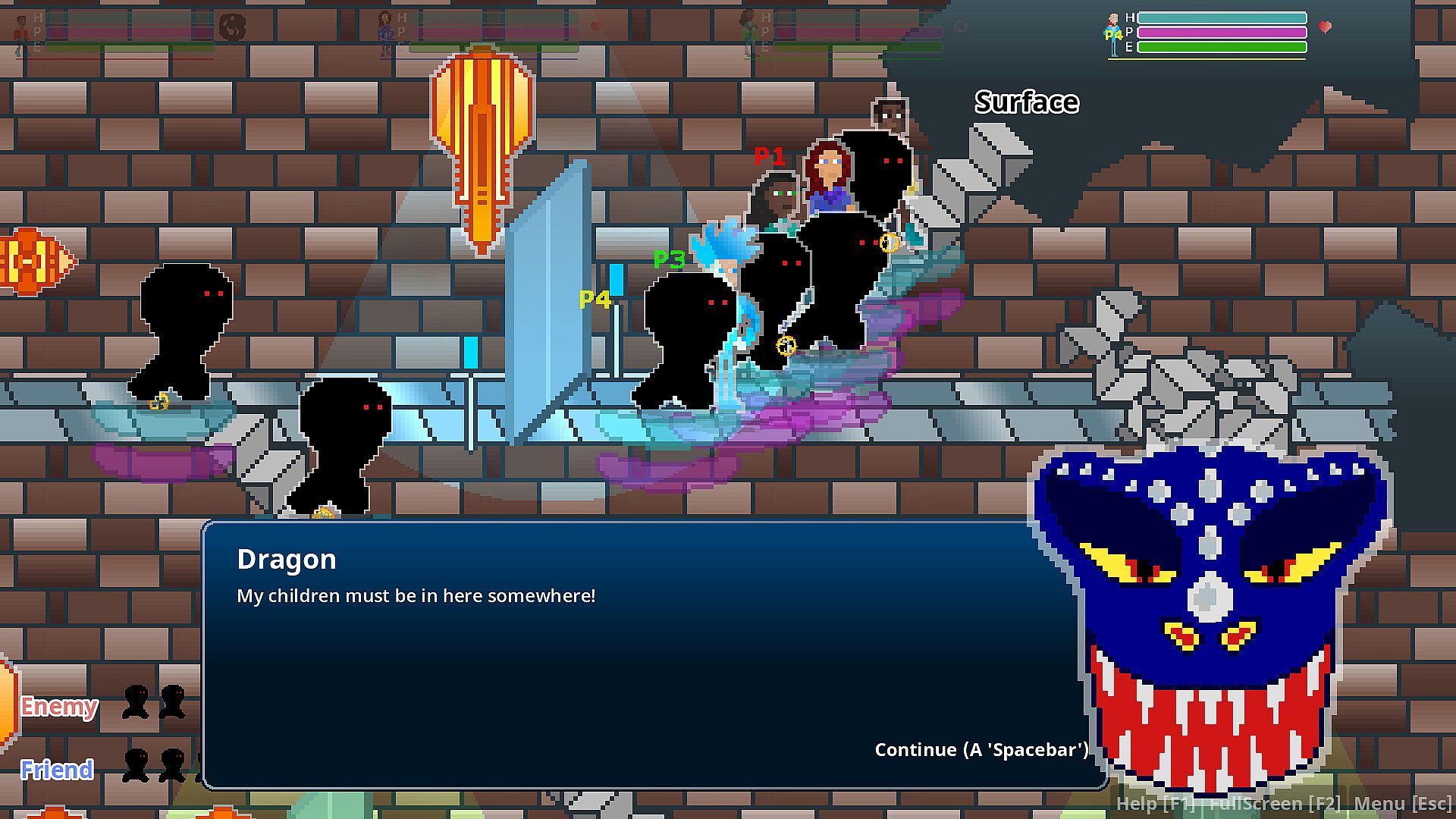
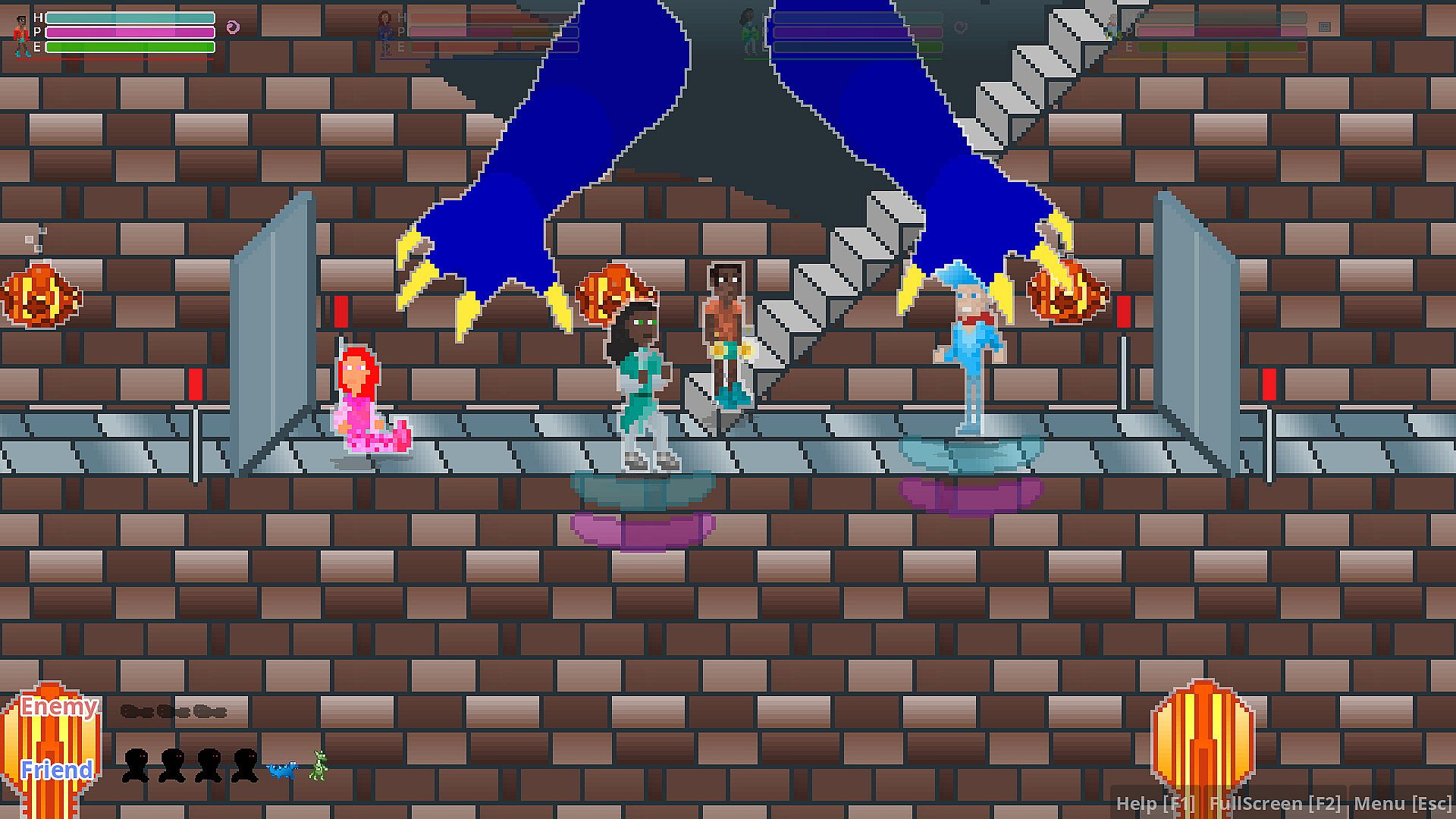
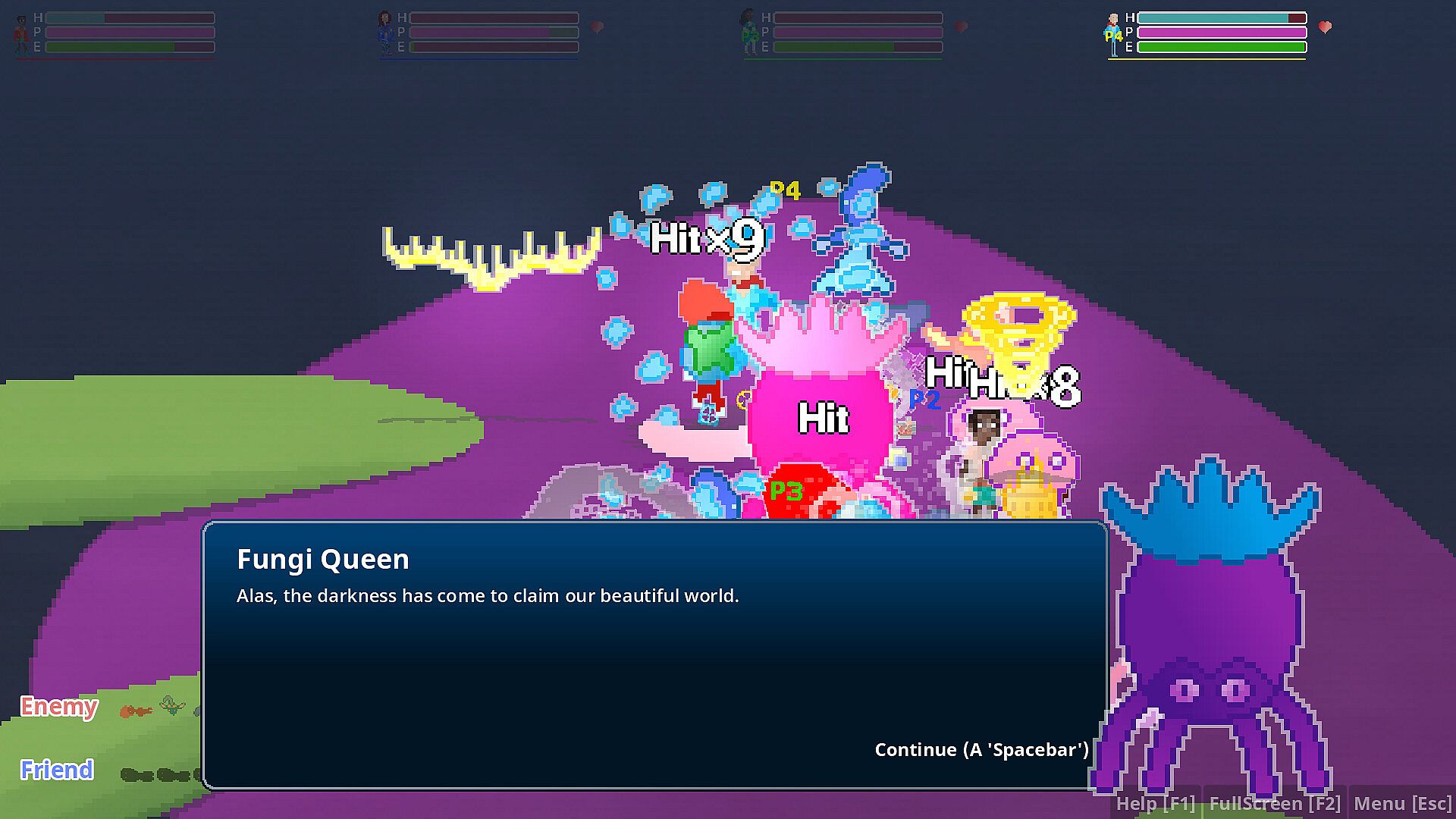
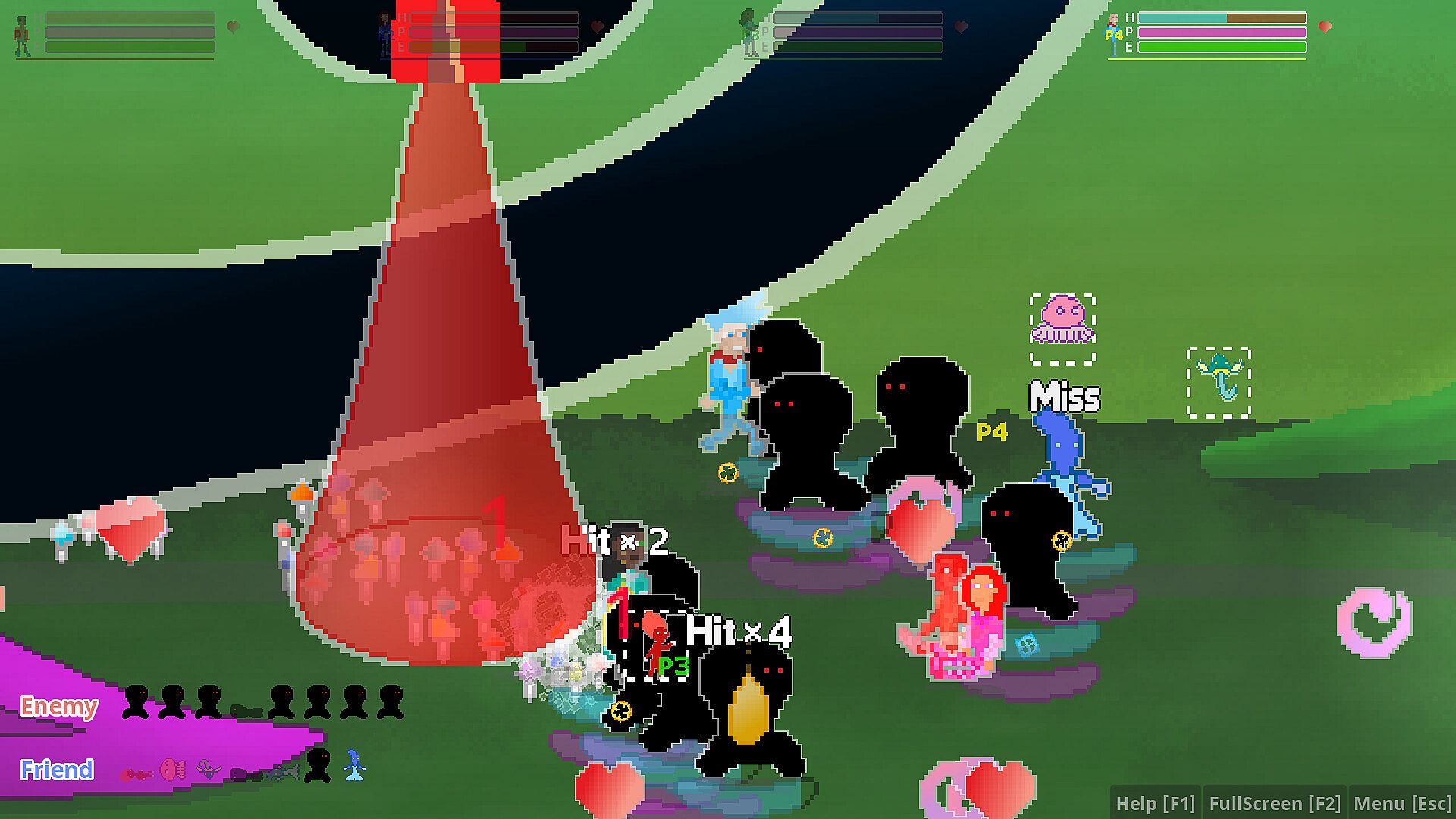
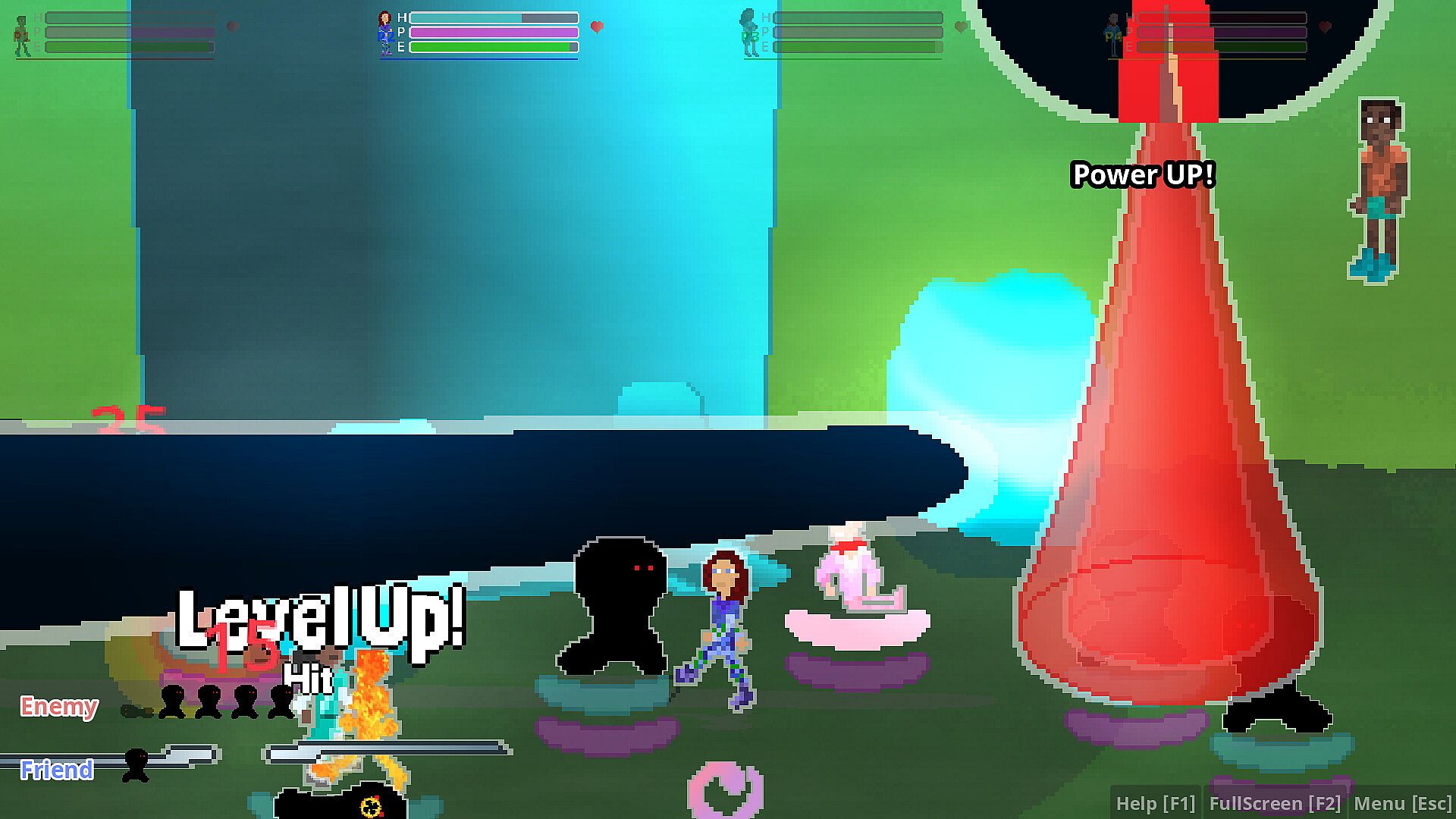
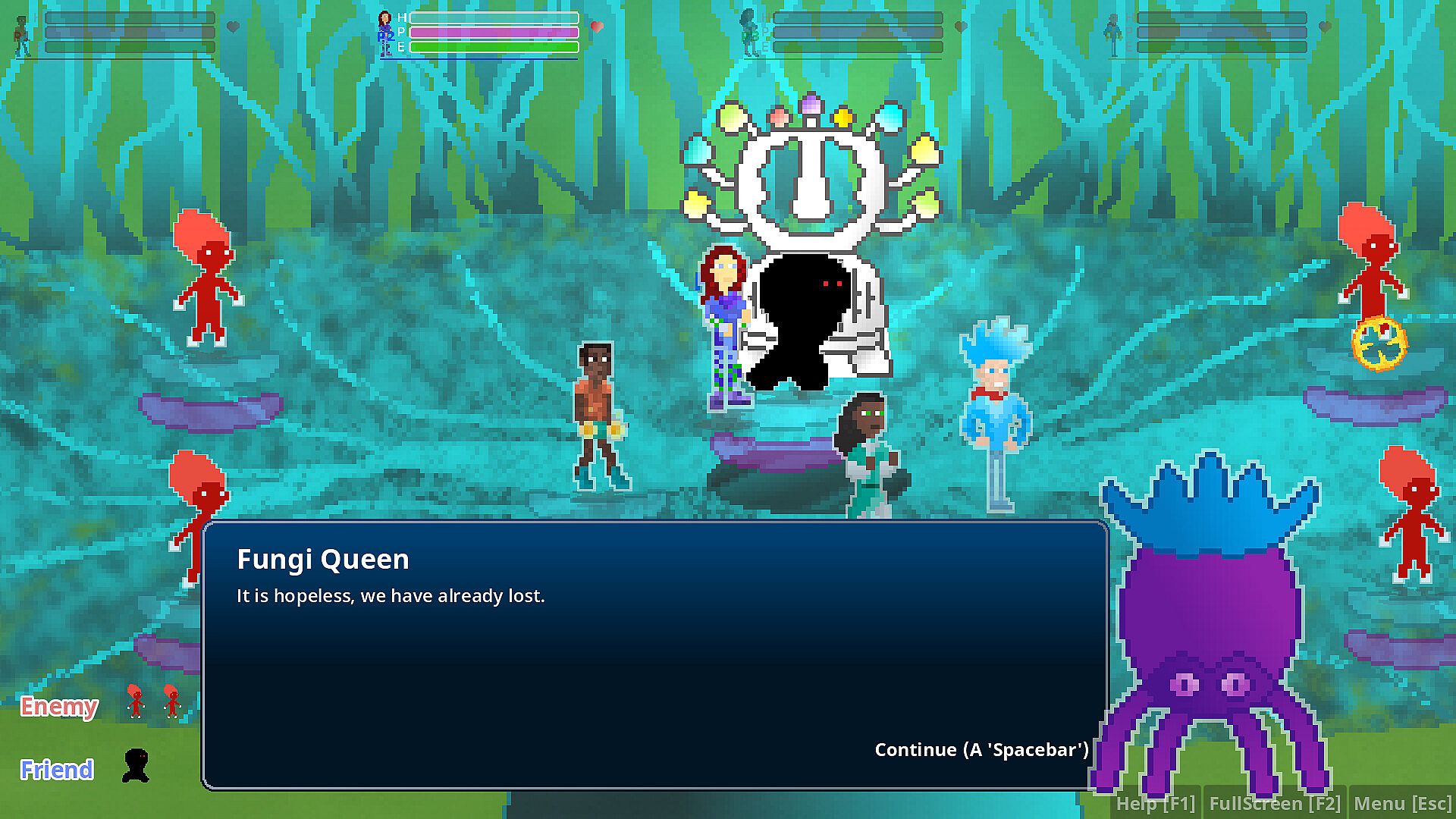
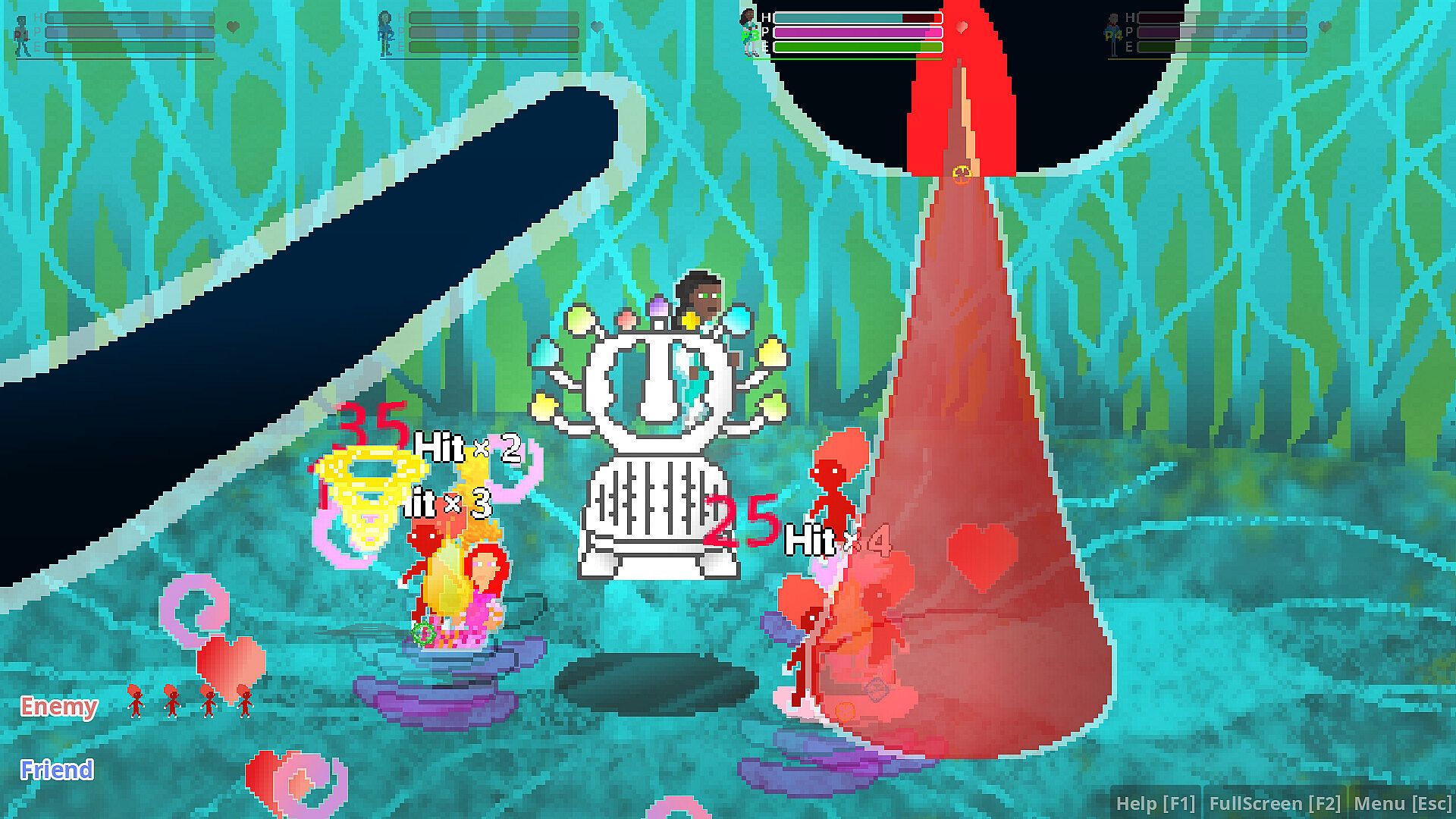
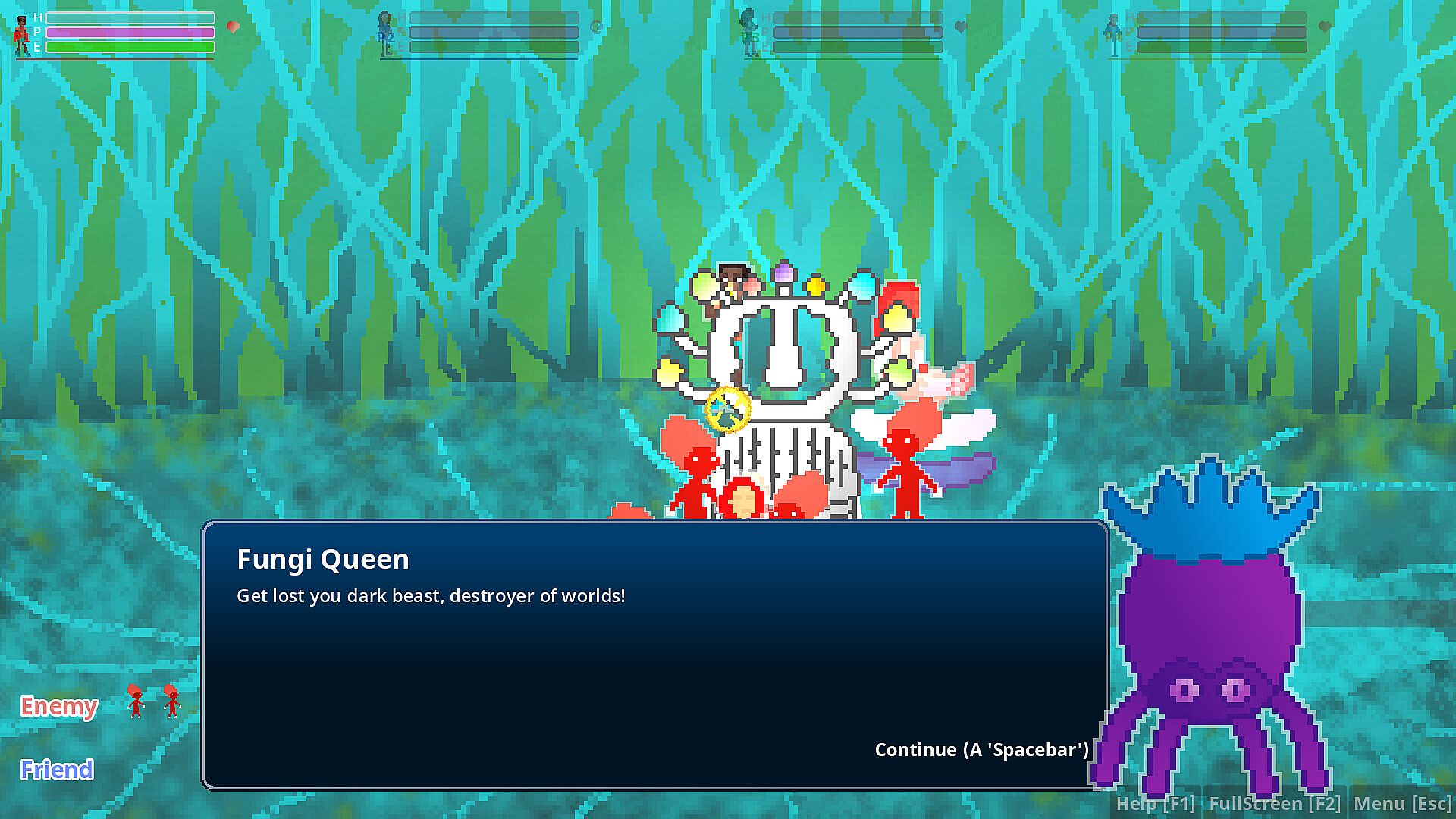
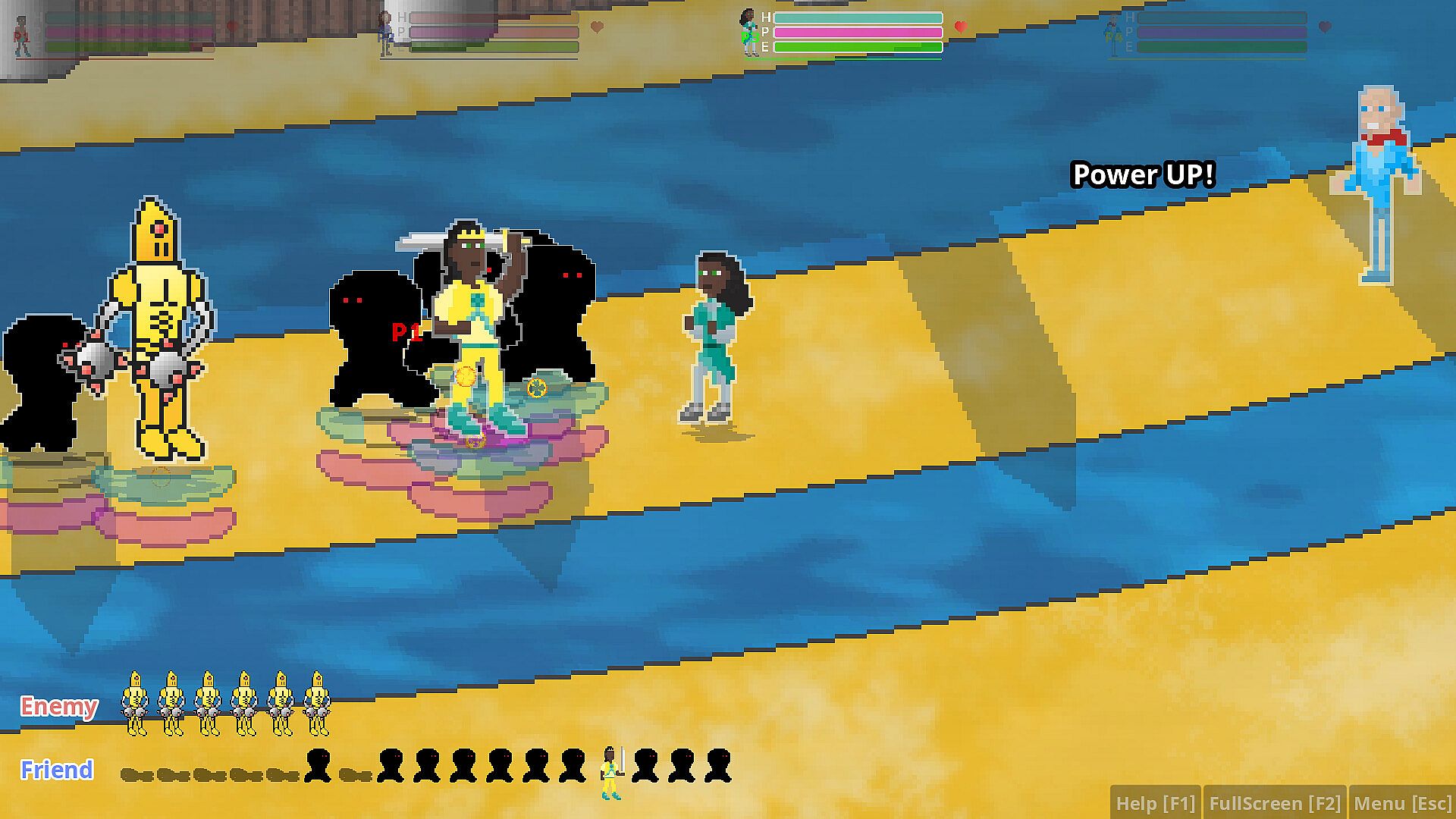
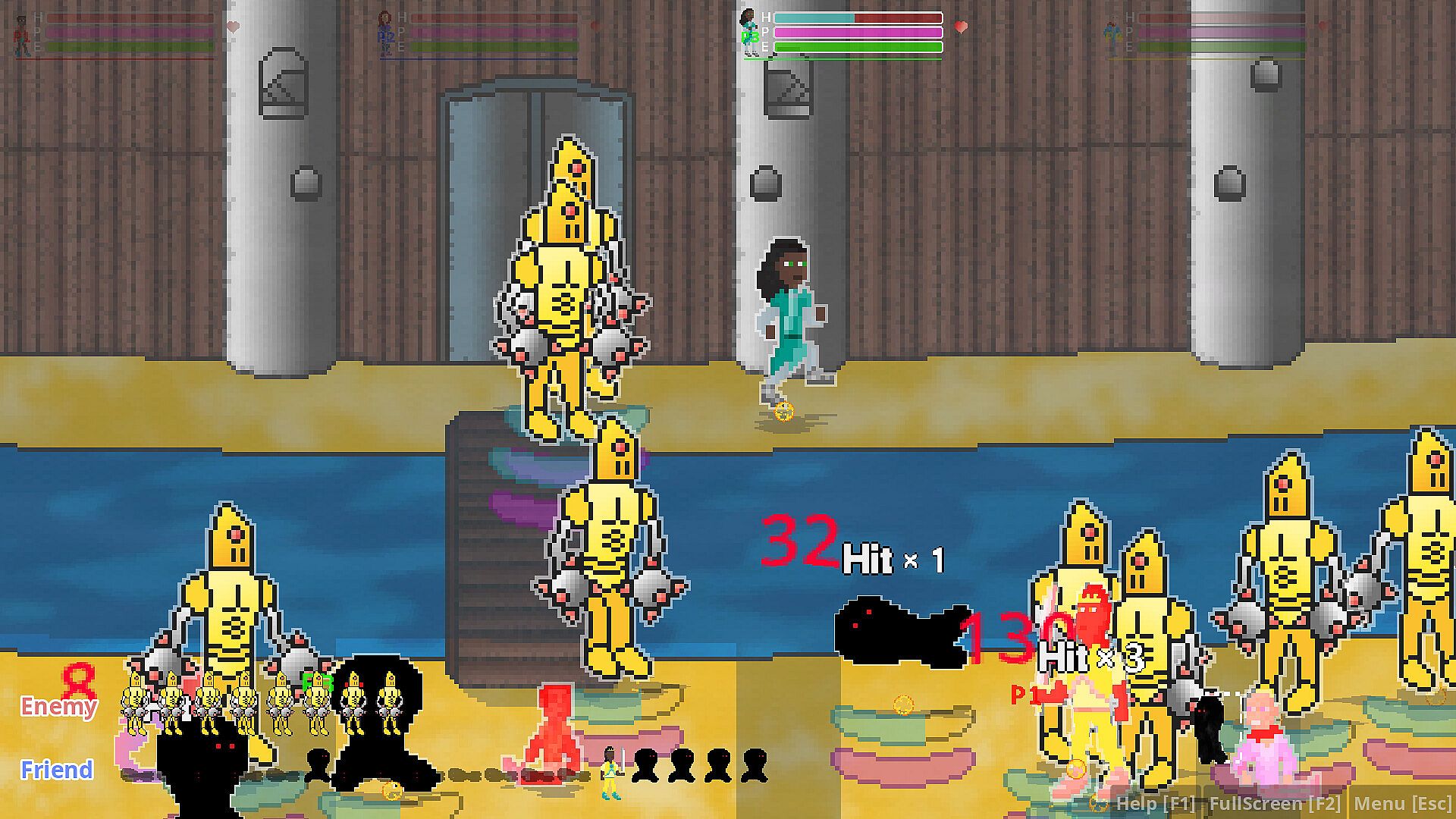
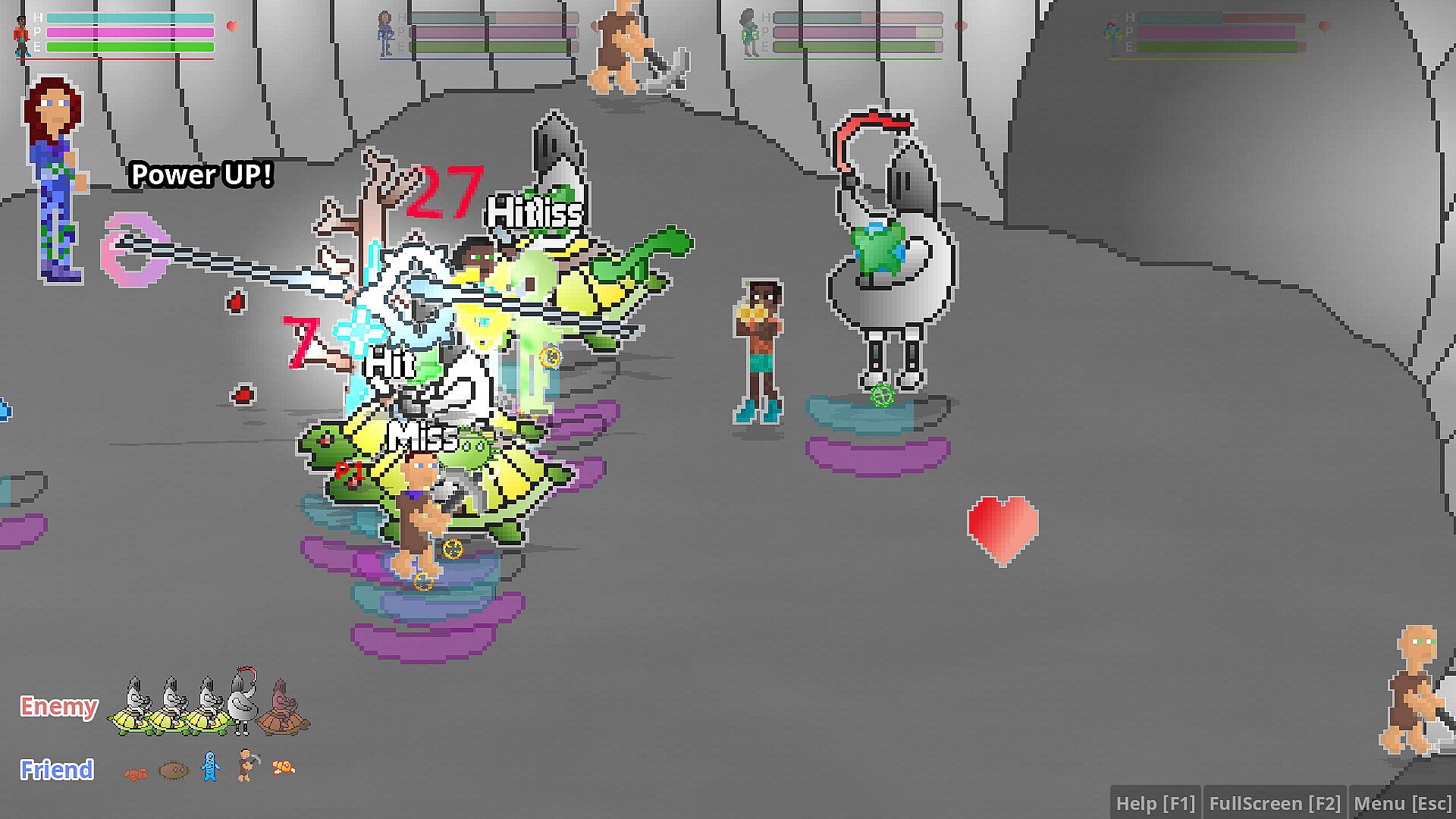
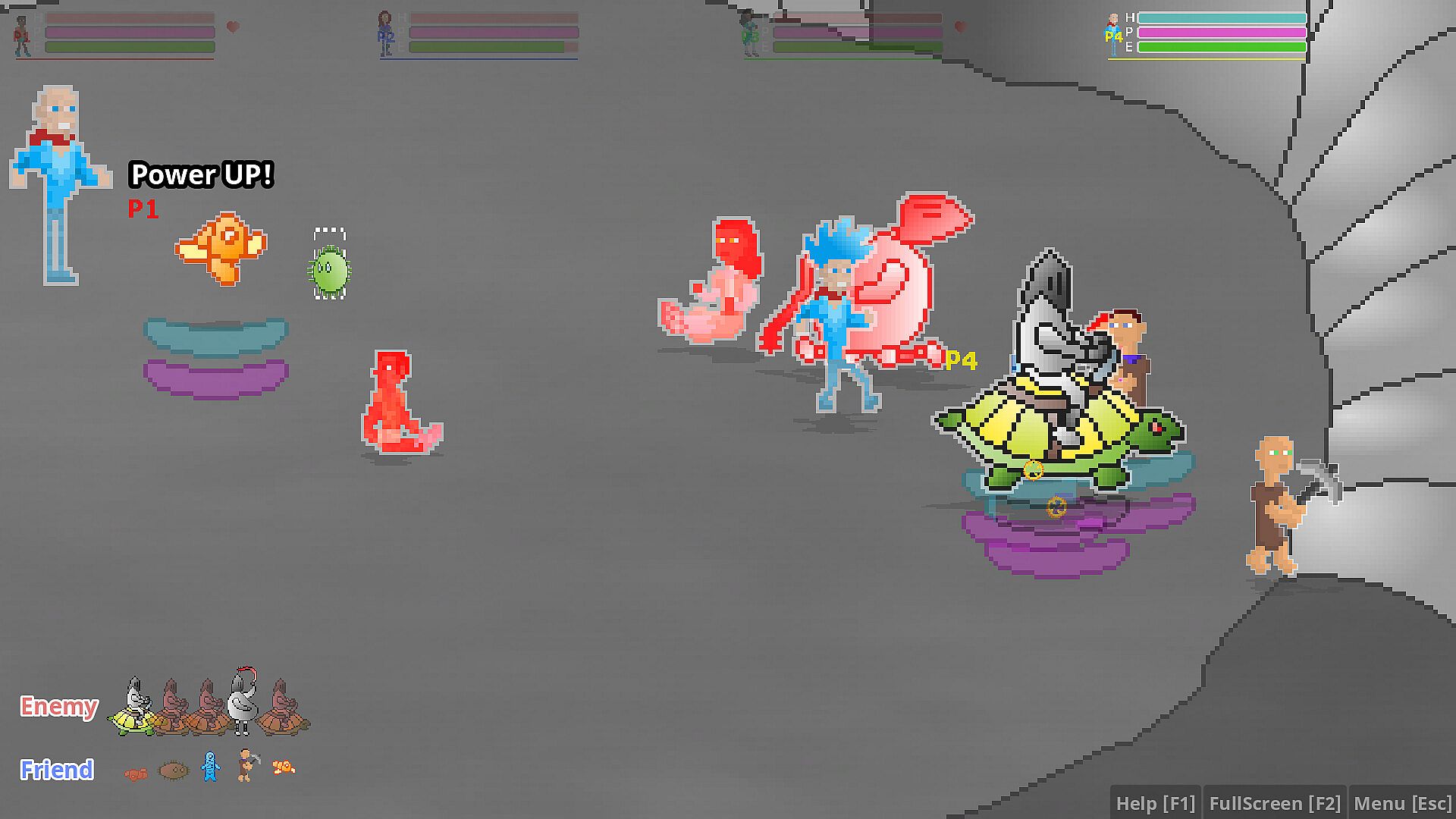
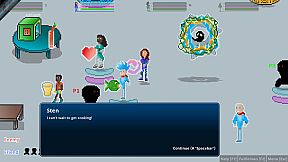
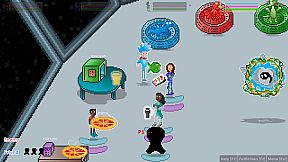
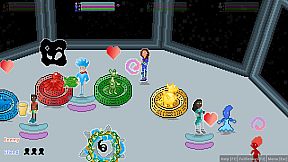
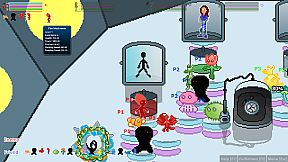
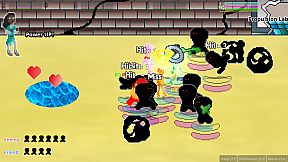
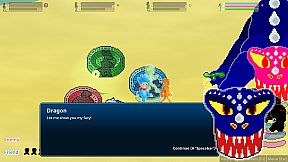
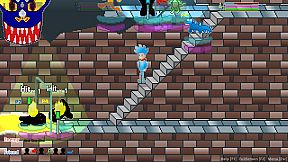
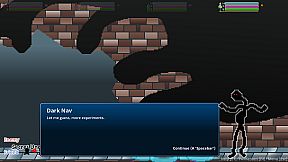
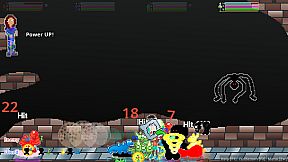
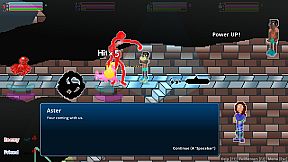
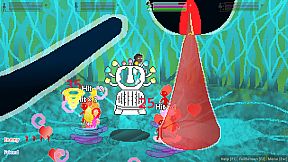
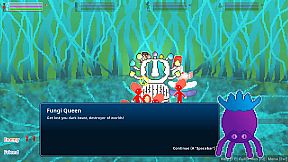
- Unleash and level-up your companions during battle to help you defeat your enemies
- Full controller support (keyboard still is an option and mouse support for menus)
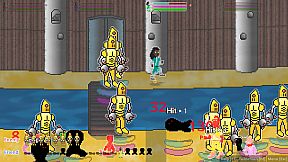
- Punch, kick, headbutt and use your Genetic Fluff powers to fight your way through conflict
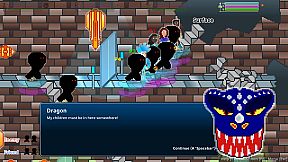
- Jump-attack flying and higher altitude opponents
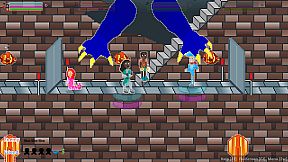
- Jump or dash to avoid moving obstacles and projectiles
- Characters and creatures are equipped with unique projectiles
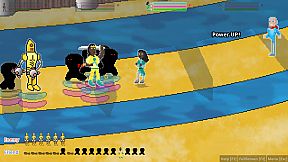
- Collect items and loot for quests and to heal/power-up
- Game Progress is automatically saved after each stage is complete
- Portals are available after completion of milestones to make it easy to continue your adventure
Controller or Keyboard Mapping:
- "Up" :
Joystick Up or 'W' - "Down" :
Joystick Down or 'S' - "Left" :
Joystick Left or 'A' - "Right" :
Joystick Right or 'D' - "Attack - Joy Directional / Select Item (if item selection is open)" :
X or 'J' - "Jump / Select Item (if item selection is open) / Join Game" :
A or 'Spacebar' - "Double Jump" :
A or 'Spacebar' (while jumping) - "Jump Ground Attack" :
A or 'Spacebar' (while double jumping) - "Dash / Ram" :
B or 'K' (double press) - "Block / Projectile" :
B or 'K' (press and hold) - "Open / Close Items" :
Y, L1, L2 or 'E' - "Open Game Menu" :
Start or Enter - "Close Game Menu" :
Start, Esc or Enter - "Switch Character / Join Game" :
R1, R2, Back/Select or Shift
Keyboard Only:
- "Help" : F1
- "Fullscreen Window / Resizable Window" : F2
Controller, Keyboard and Local Multiplayer Notes:
- Player 1 always uses the Keyboard and Controller 1
- Multiple controllers are needed for two, three and four players simultaneously (i.e. Four (4) Xbox Controllers are needed for 4-player gameplay)
- When controller is enabled (plugged in to computer), most keyboard gameplay buttons are disabled (except for enter, F1, F2, and menu navigation keys when the menu is open)
Additional Information:
- Genetic Fluff is created with the Godot Engine.