Buy Controller Companion PC Key

Interested in Controller Companion? We're tracking prices from trusted stores. Add Controller Companion to your wishlist and we'll notify you when deals become available.

Steam:
Very Positive (2k)
Official
Unavailable
Keyshops
Unavailable
Buy in Official Store:
Unavailable
Buy in Keyshops:
Unavailable

No entries, but don't worry, we will inform you once the new offer appears.

Create Alert Create deal Alert

About Controller Companion

Controller Companion - about the game
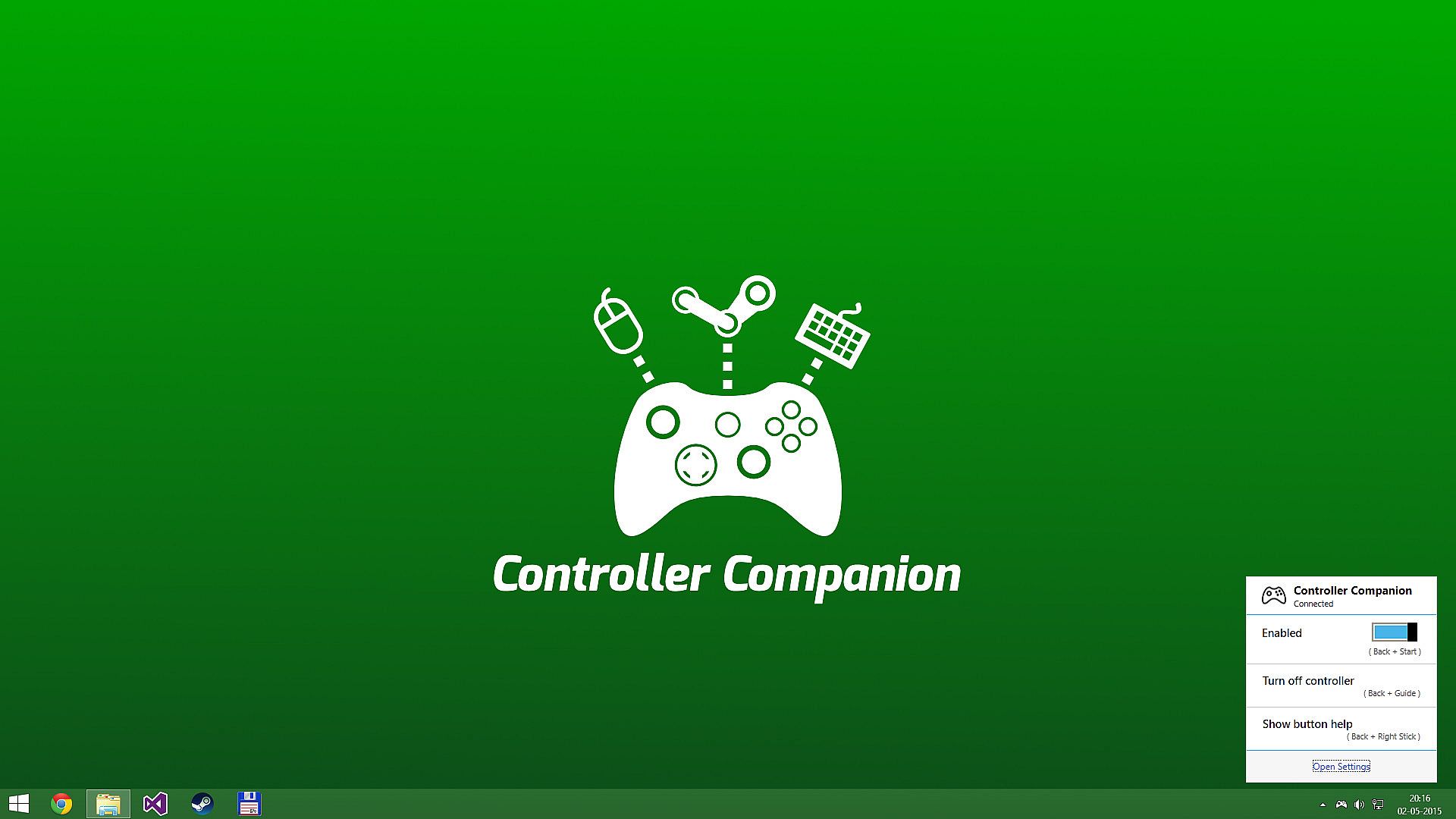
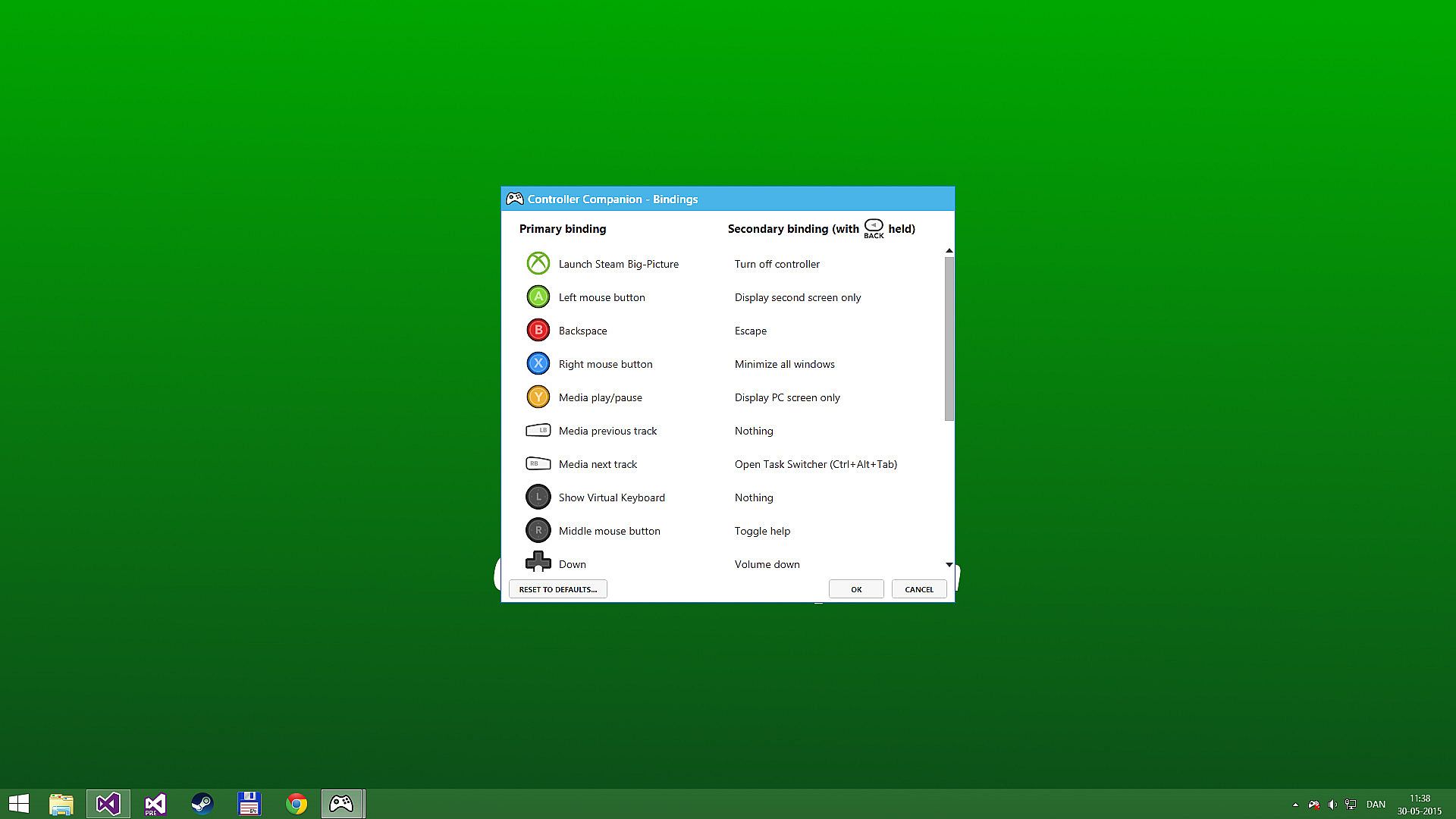
Stay seated on the couch and command your PC with a controller outside of games or Big Picture mode. Guide the mouse via left thumbstick, scroll with the right, and trigger keyboard input by clicking the left stick for an arcade-style layout. Switch displays, control media playback with Y for play/pause and shoulders for tracks, and remap buttons as needed. It auto-powers off Xbox 360 controllers on PC shutdown and runs with minimal CPU impact, disabling in Big Picture or fullscreen apps-override by holding back and start. Xbox 360 Chatpad works through a custom driver when idle, while Xbox One and wired Xbox 360 controllers fit any XInput setup. Enjoy background operation without Steam dependency or DRM, plus auto-start on boot. PC gamers who prefer controllers for desktop navigation and media control get seamless couch-based utility.

Use your controller even when you're not in-game or in Big Picture.
Never leave the couch when using a controller with PC. Control mouse, keyboard and media player. No more getting up to muck about with mouse and keyboard to launch the game you wanted to play.

Mouse and Keyboard Control on the Desktop
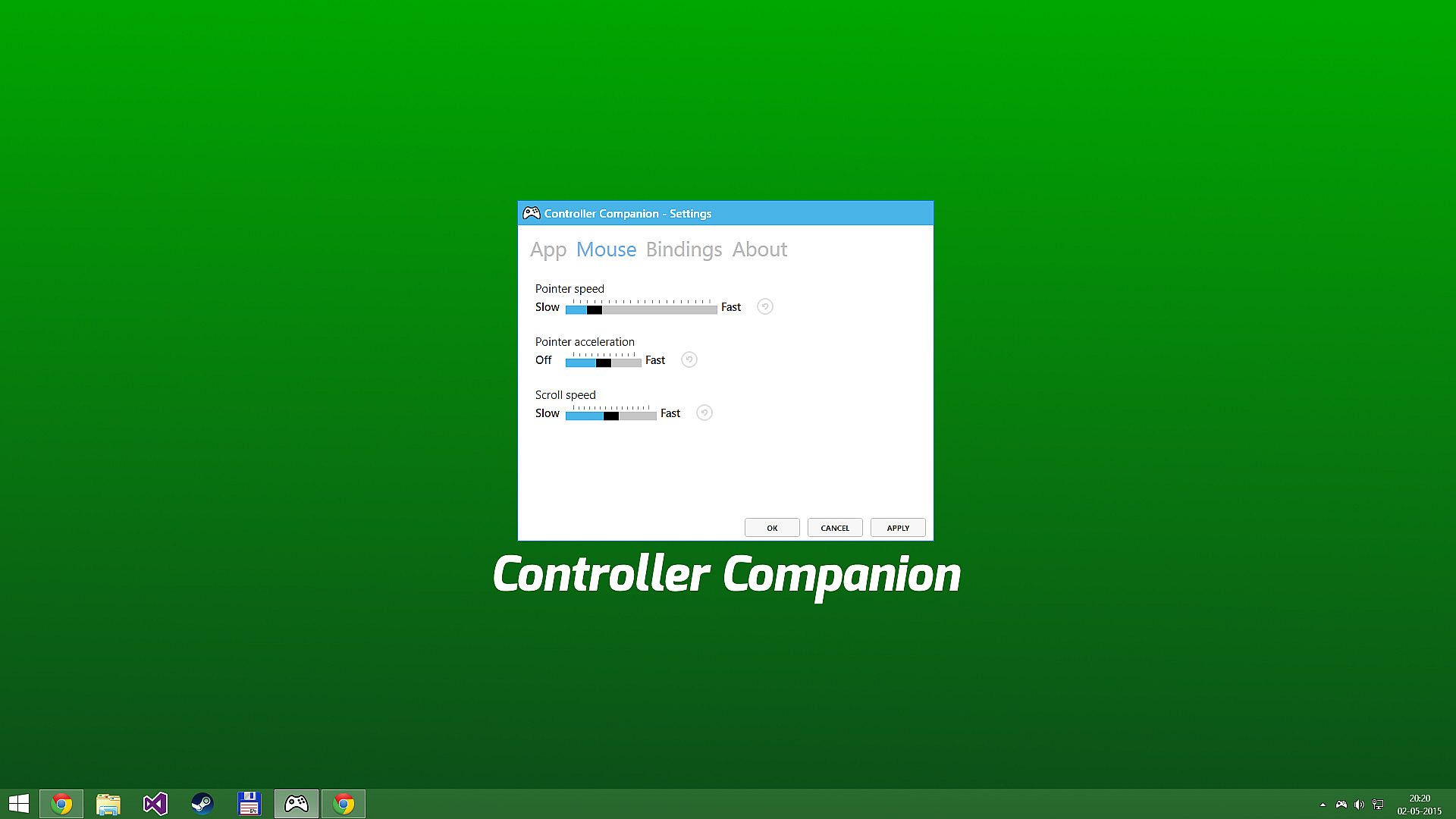
When Big-Picture is not running, you can control the mouse with the left thumbstick and scroll with the right thumbstick.

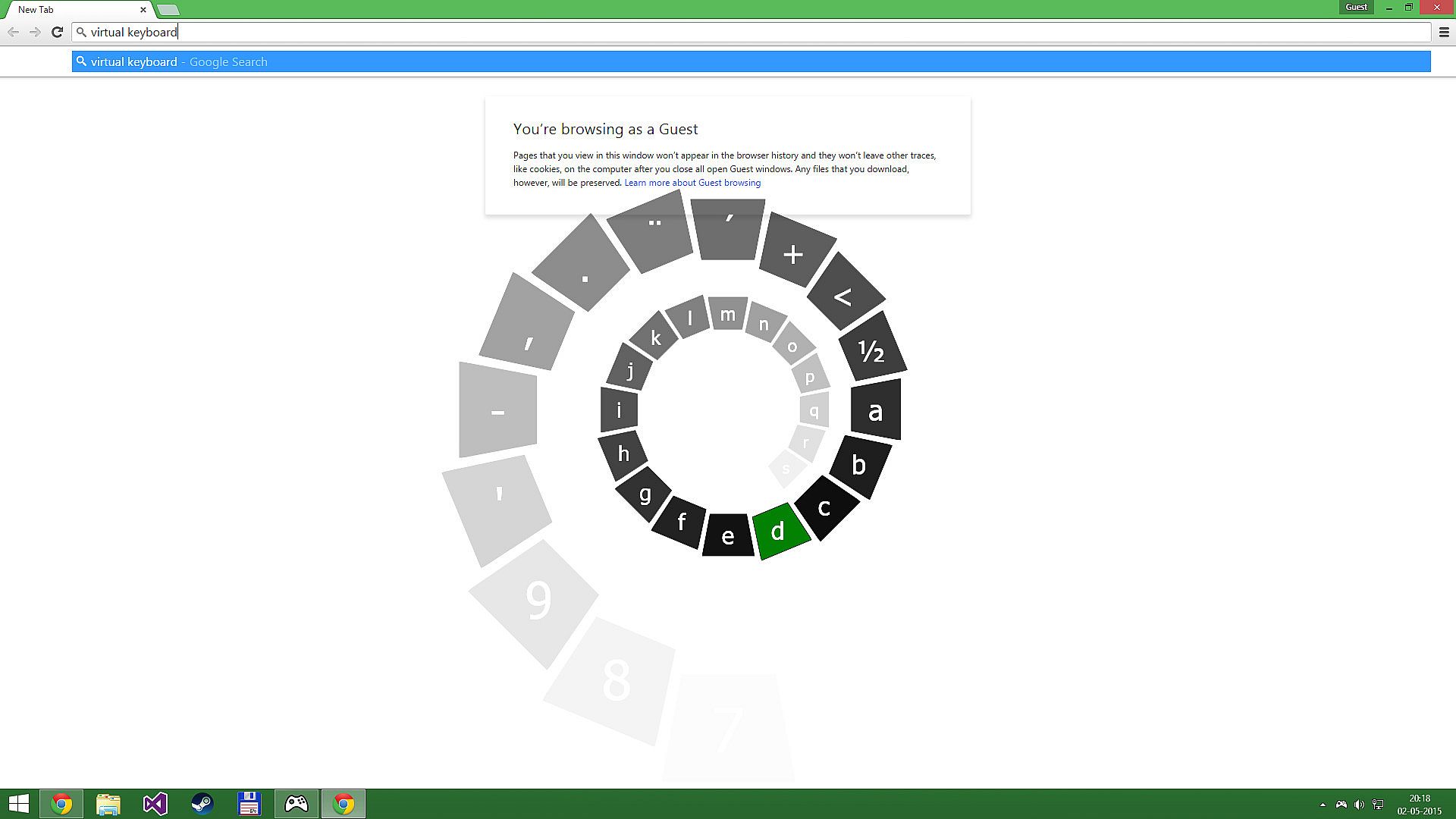
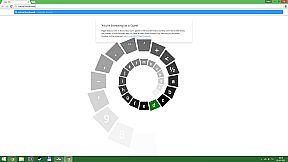
Click the left thumbstick and you get keyboard input directly on the desktop with a nice arcade-style keyboard spiral.

Turns off your wireless controller when you turn off your PC
Never again will you have to pop out the battery to turn off the controller when you turn off the PC. (Only Xbox 360 Controllers)

Very Low CPU usage
Controller Companion makes sure to stay in the background and use as few resources as possible. It will also disable itself as soon as Big Picture is running.

Switch between PC and TV displays
Switch between your connected monitors or TV screens with the controller.

Use Controller as a Media Remote
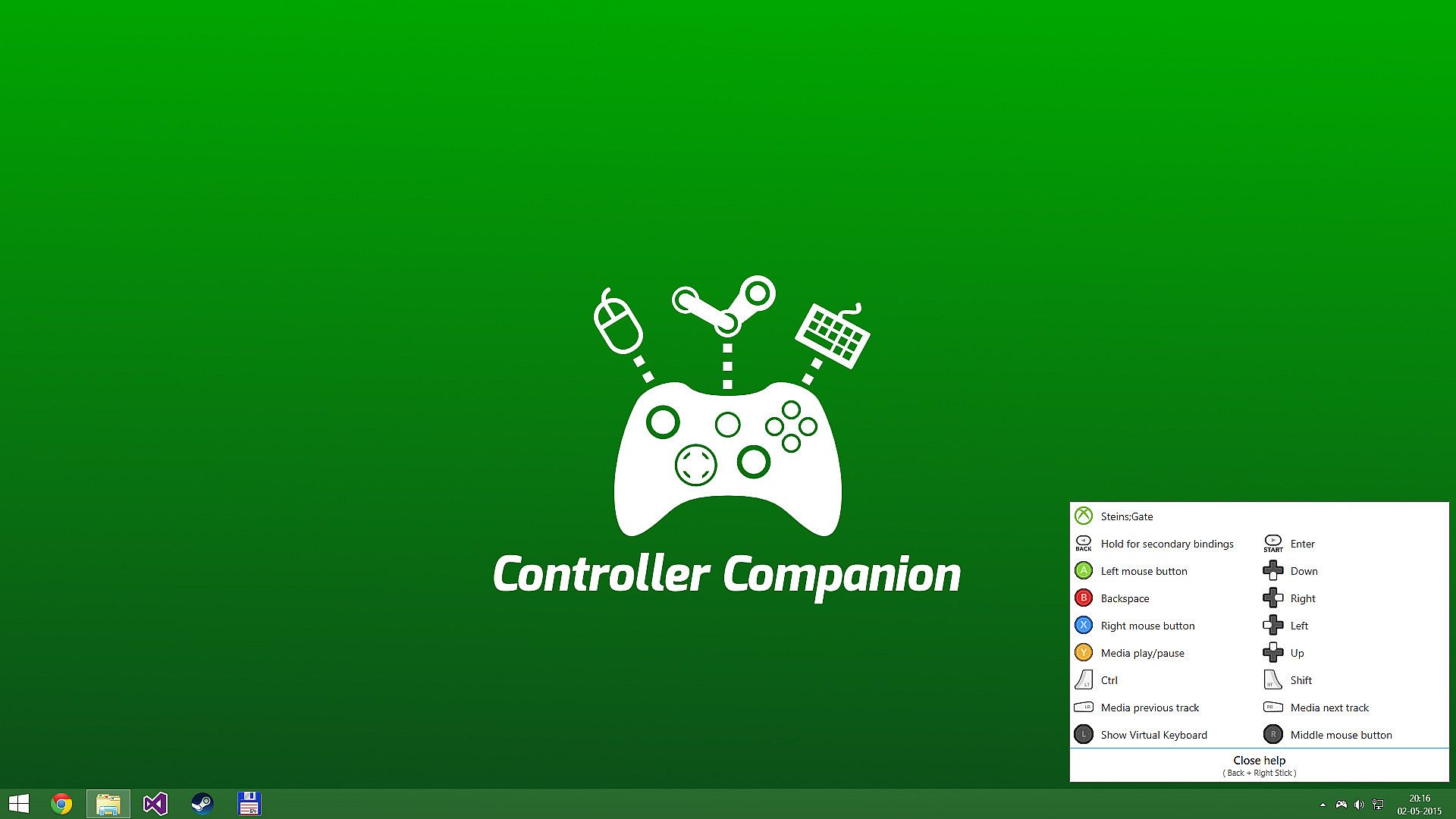
Control your music player with the controller using Y for Play/Pause and the shoulder buttons for Previous and Next track.

Customization
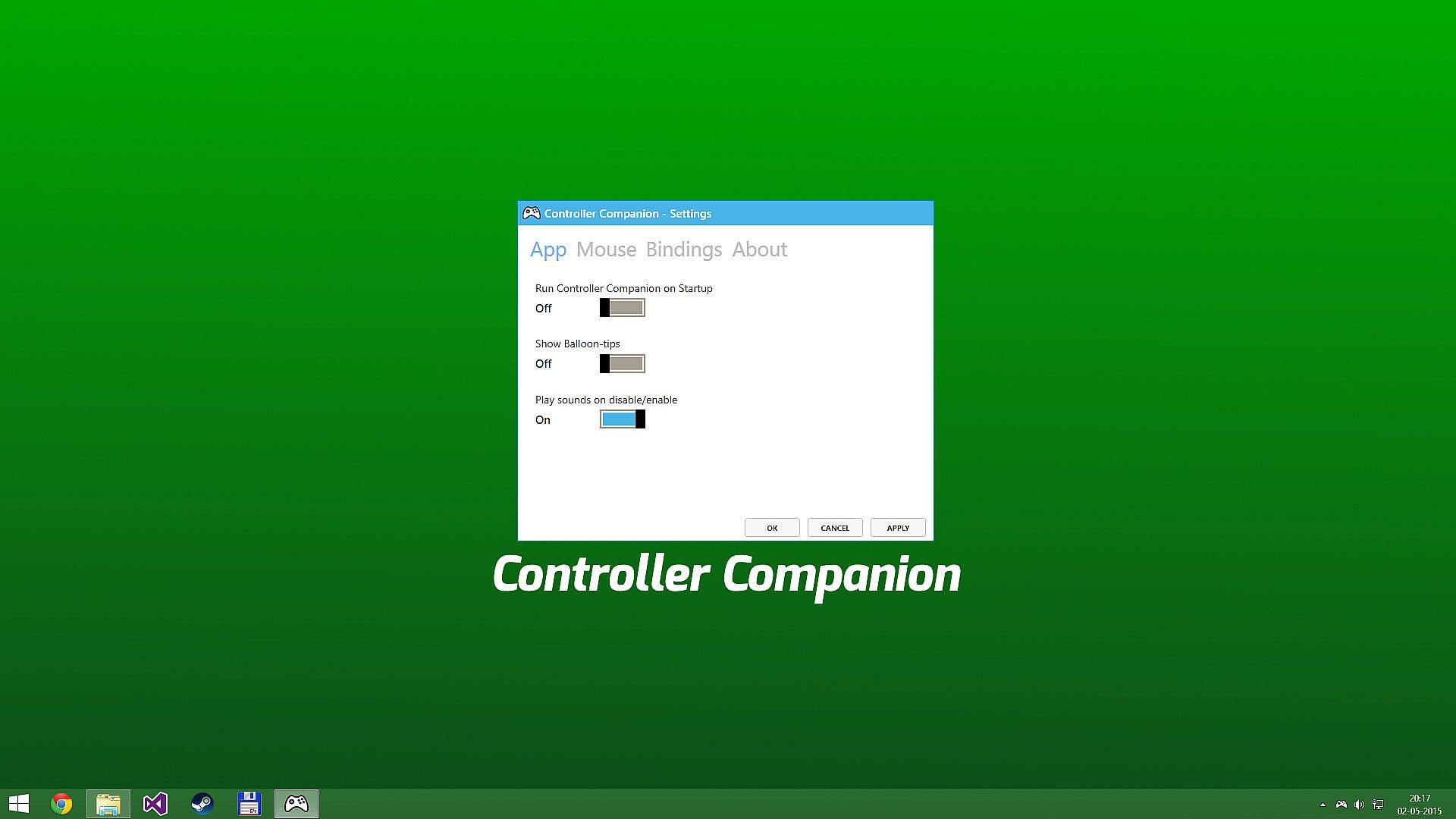
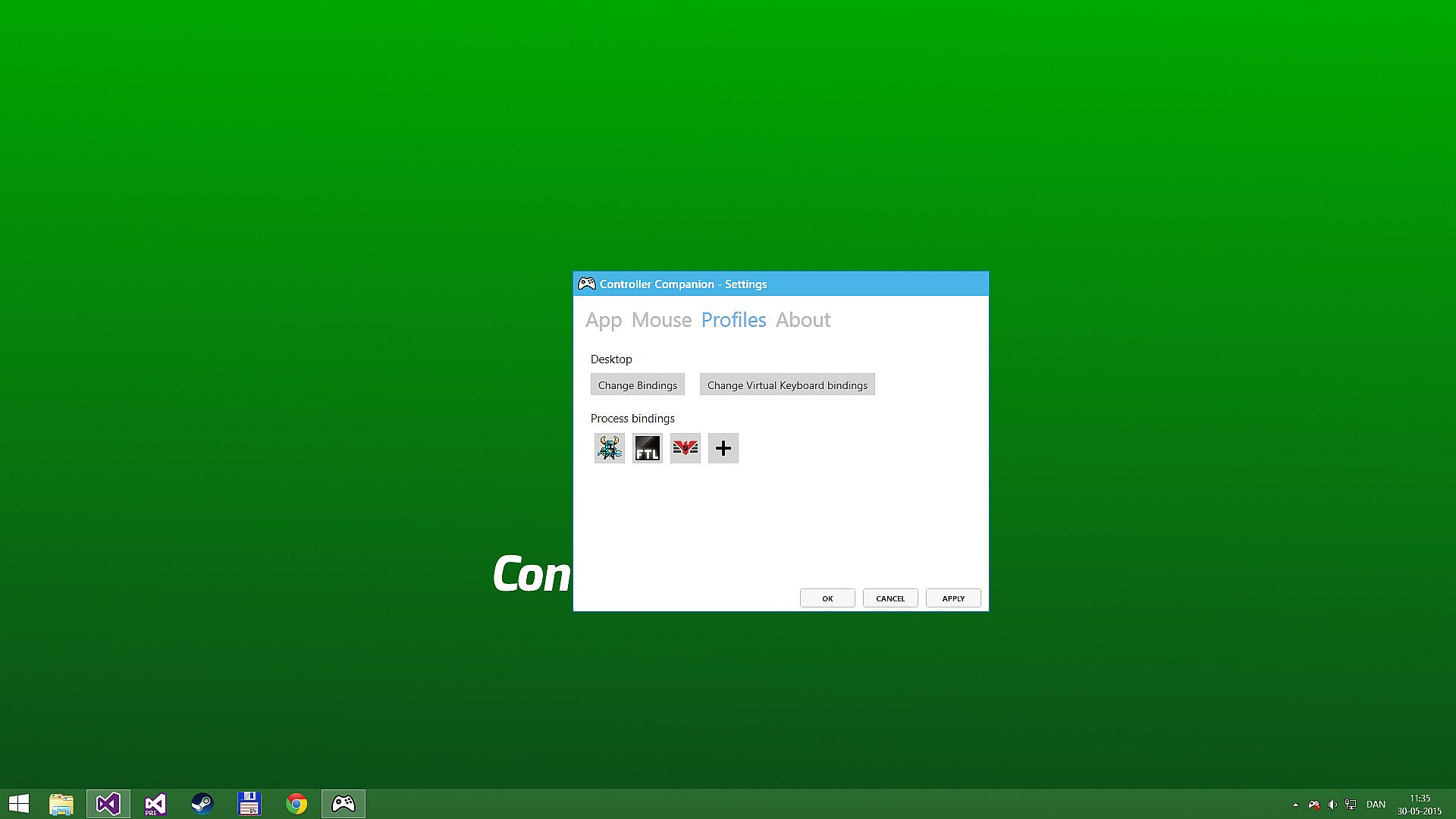
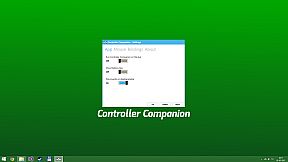
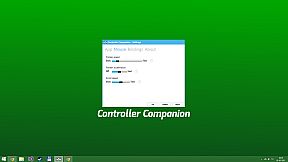
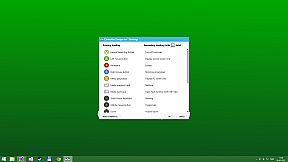
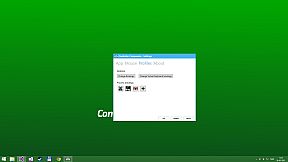
You can remap the buttons.

Xbox 360 Chatpad Support
You can finally put the Xbox 360 Chatpad to use on PC. A custom experimental driver will allow you to use the Chatpad whenever you are not playing any games.
Freqently Asked Questions:
Does it work with Xbox One and Wired Xbox 360 Controllers?
Yes, it works with any controller that is supports XInput.

Why did it stop working when playing fullscreen video?
Controller Companion auto-disables for fullscreen programs, you can override it by holding back and start. See the video above about Auto-Disable.

Will running this app show me as "Playing Controller Companion"?
No! Controller Companion will launch through Steam and then run in the background.

Do I need to have Steam running to use Controller Companion
No, you can even set Controller Companion to automatically start when you start your PC.

Is there any kind of DRM in Controller Companion?
No.

Can I use my PlayStation controllers?
No, not without installing an XInput wrapper.

Is the Xbox One Chatpad supported?
The Xbox One Chatpad is supported by Windows 10 natively. You will not need to install Controller Companions chatpad driver do use the Xbox One chatpad

Can I remap the Xbox One Elite paddles?
No, the paddles always have the same functionality as the buttons they have been mapped to. This is a limitation of Windows 10.

Interface:
EnglishRussianSimplified Chinese

Age rating

Unavailable
Steam:
Very Positive (2k)

Minimum:

  • Additional Notes: Also required is an XInput compatible controller. If you have a wireless Xbox 360 controller you'll also need an Xbox 360 Wireless Receiver.

Recommended:

  • OS: Windows 10
Historical low
Price history from official stores
-
-
-
Price history from keyshops
-
-
-

FAQ

8 questions

Before you start looking for a cheap Controller Companion PC key, check the essentials. Developed by Koga Tech Limited. Published by Koga Tech Limited. PC released date: 04 May 2015. Genres: Utilities. Categories: Steam Workshop, Full controller support.

Q

Where to buy a cheap Controller Companion Steam key or CD key?

There are currently no active offers for Controller Companion. Set a price alert on XD.deals and we will notify you the moment a deal becomes available.

We don't have a current Steam Store price for Controller Companion. The game may be temporarily unavailable or not yet listed on Steam.

Our price tracker covers both official retailers and key marketplaces, so you can find Controller Companion on sale even outside seasonal promotions. We currently detect 0 active offers from official stores and keyshops. Check the table above, compare against the historical low, and set an alert so you never miss the next price drop.

Based on our data, Controller Companion is not currently available on GeForce NOW. You will need to run it locally on your PC. Browse games available on GeForce NOW.

Yes. Controller Companion has an official page on the Steam Store, but we currently don't track any third-party offers with Steam DRM. Check back later or set a price alert.

Yes. Controller Companion is Steam Deck Verified - it launches out-of-the-box, displays correct controller glyphs and runs stable. Controller Companion works perfectly on Steam Deck.

Controller Companion does not appear to be available on PC Game Pass, EA Play, Ubisoft+ or any other PC subscription service at this time. Your only option is purchasing the game - use XD.deals to find the best price.

No - XD.deals is not a store. We are a price-comparison service that tracks the best Controller Companion deals across official stores and verified keyshops. Click "Go to Store" next to any offer and you will be redirected to the retailer's website to complete your purchase.

Want to buy at the best moment? Set a price alert on XD.deals and get notified when Controller Companion hits its next historical low.

Create Alert
Join our Discord
Get instant help from our community and stay updated on the latest deals
Set Price Alerts
Get notified by email when game prices drop to your target
Create Free Account
Unlock wishlists, price alerts, and Steam sync