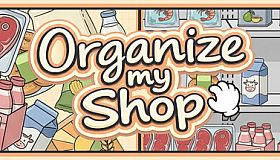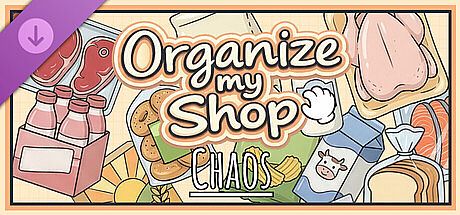



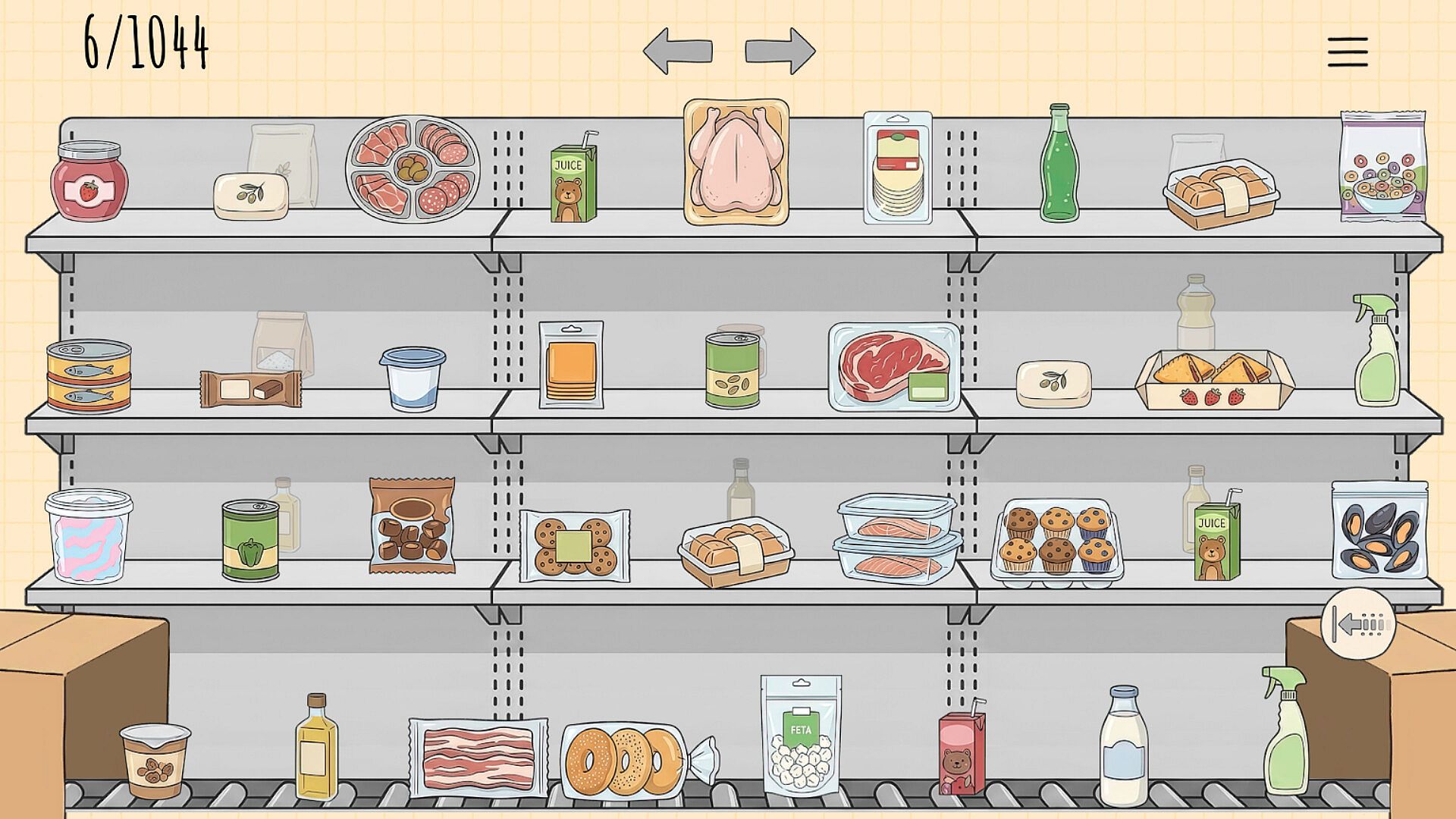
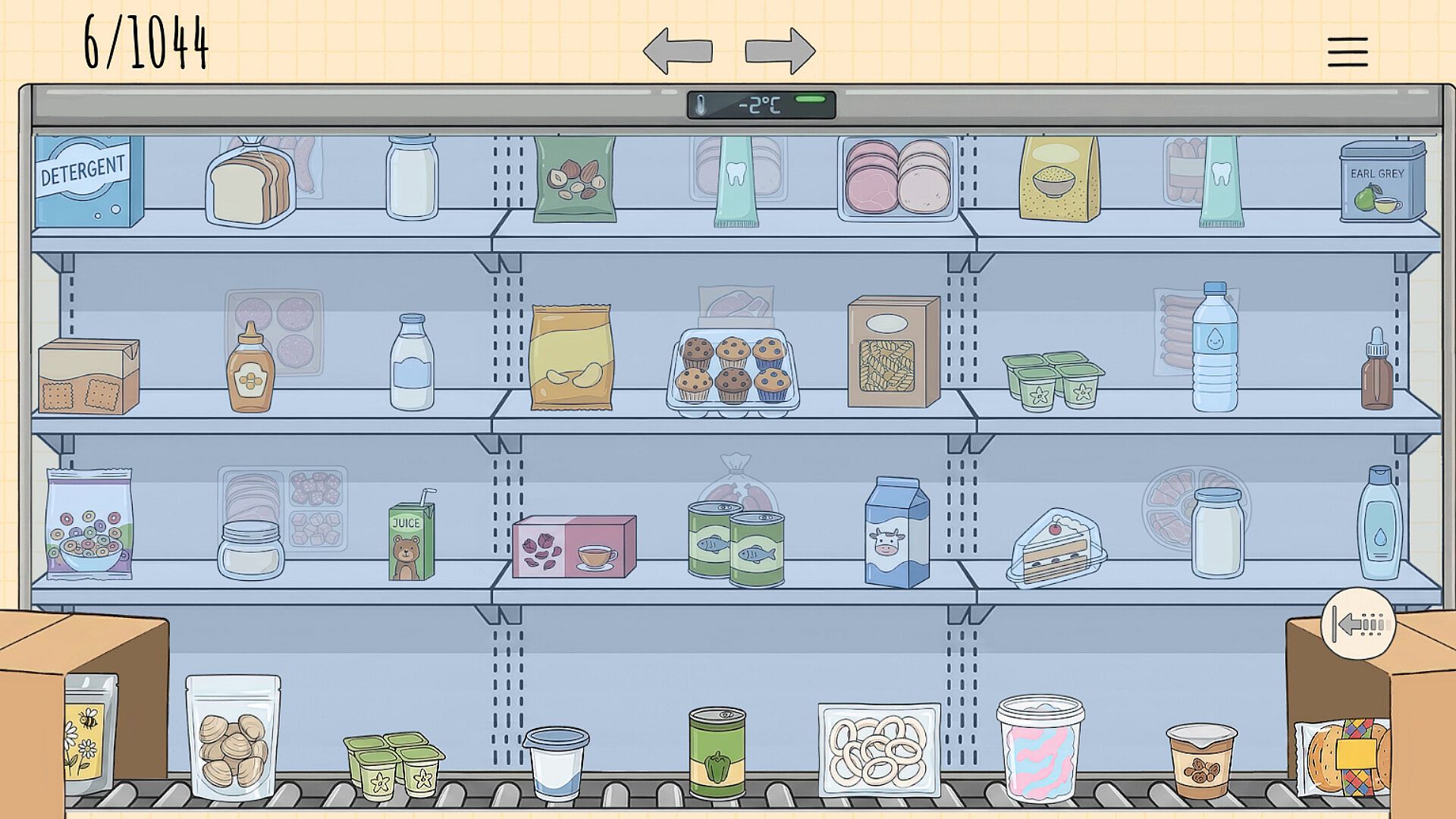
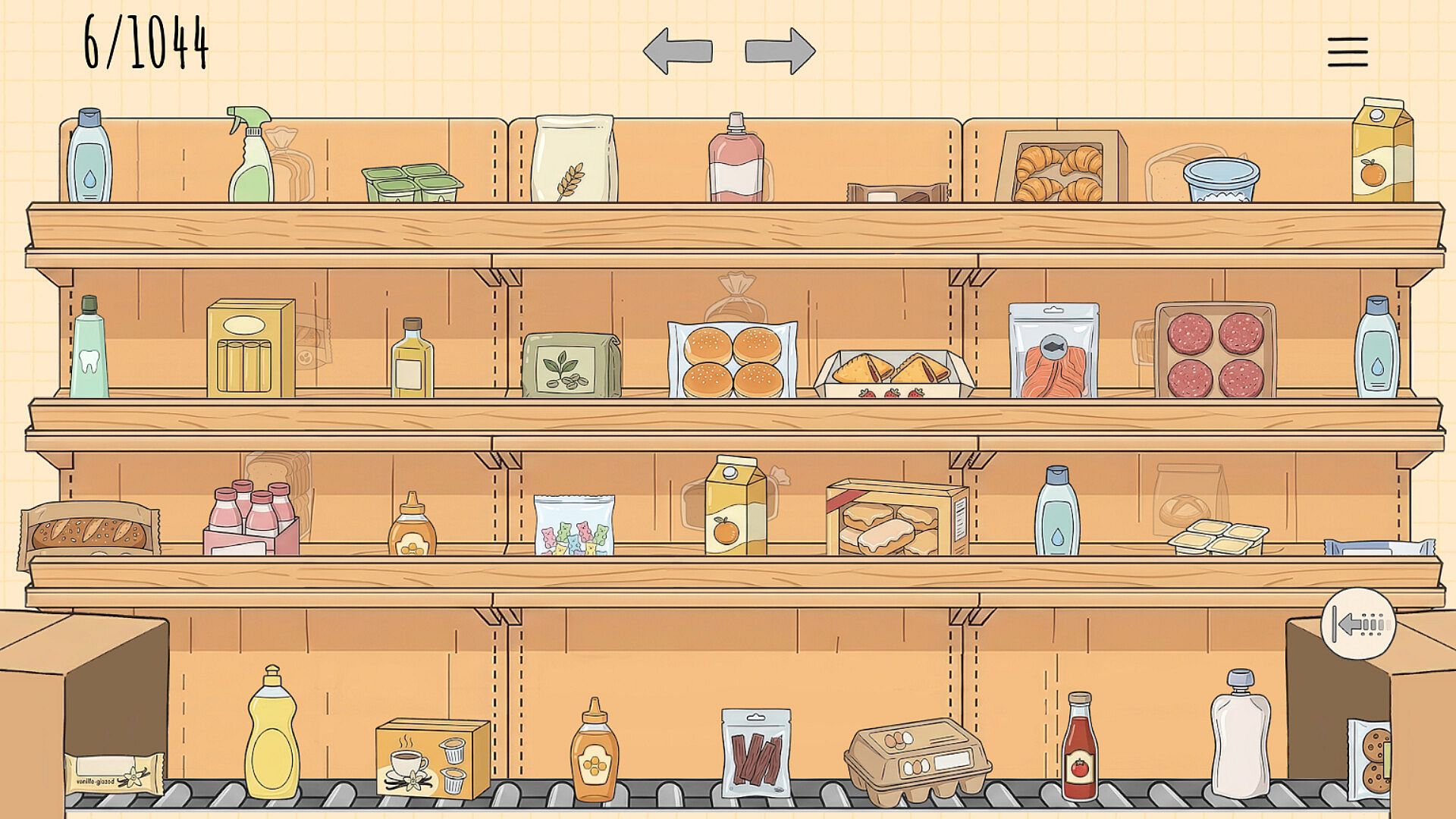
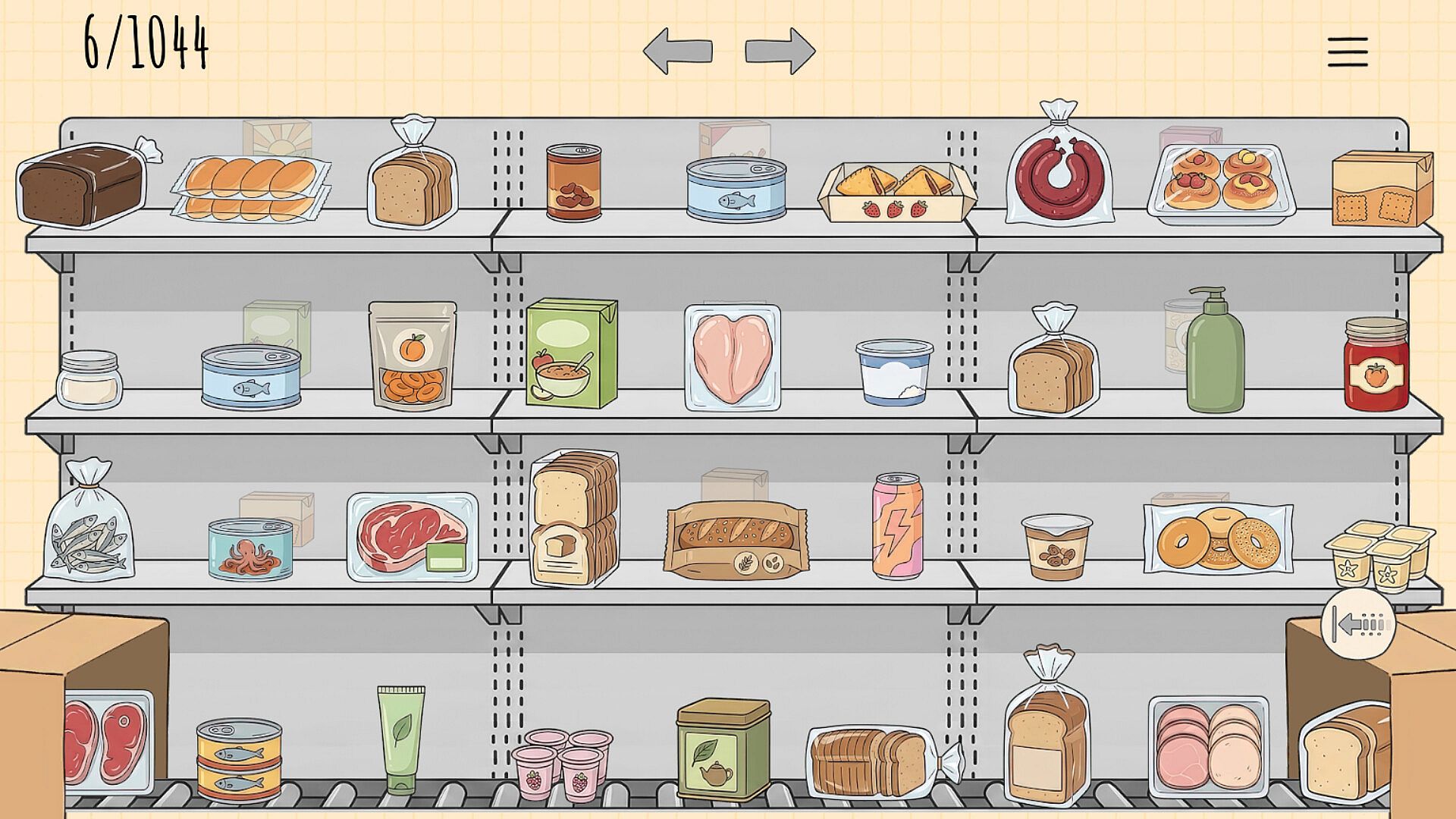
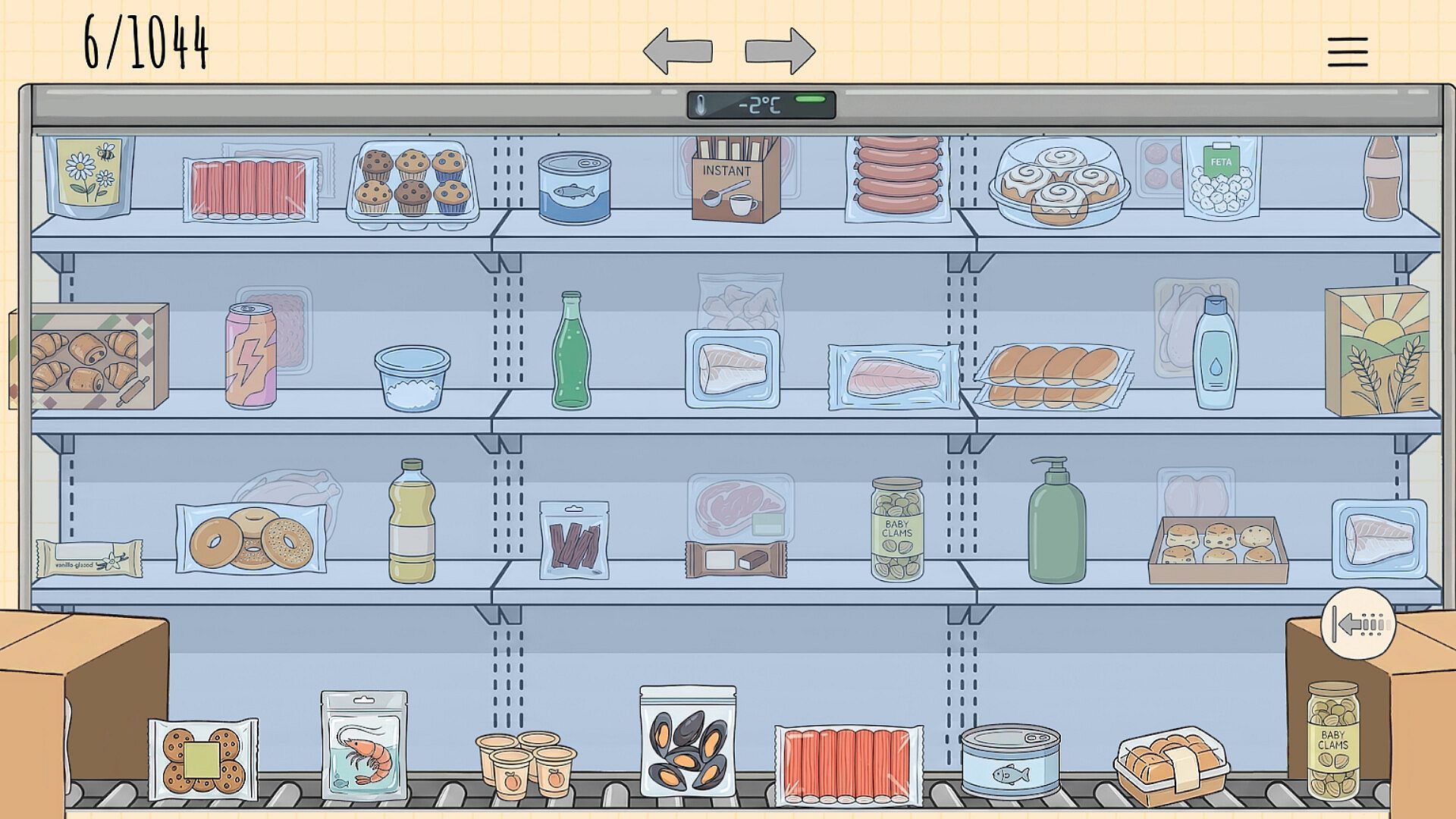
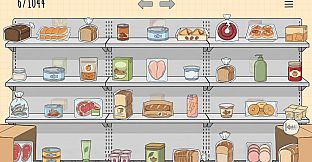
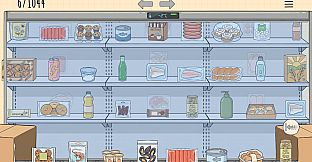
Organize my Shop: Chaos is a casual simulation game built around the satisfying process of restoring order to a retail space. Players sort groceries and household items into their correct positions on shelves and in refrigerators, turning scattered inventory into neat, categorized displays. The experience emphasizes precision and patience rather than speed or competition, making it suitable for single-player sessions focused on methodical arrangement.
Gameplay
The core loop involves pulling products from a moving conveyor belt and placing them onto designated spots across multiple racks and cooling units. Controls allow flexible navigation: the mouse wheel scrolls the belt, right-click dragging repositions items, and keyboard inputs like A and D provide alternative scrolling. Switching between different shelf sections happens through on-screen arrows or Q and E keys. Each item has a semi-transparent silhouette guide that indicates its exact placement, helping maintain accuracy during sorting.
Stacking mechanics add depth, as certain products must be layered in tiers of one, two, or three identical units. Players can gather matching items into stacks directly on the belt before moving them or combine them on the shelf itself. Mistakes carry no penalties, so items can be swapped freely, returned to the belt, or rearranged at any time while holding another product. This freedom supports a relaxed pace where the focus stays on achieving visual harmony across the entire store layout.
Random generation of item order on the belt ensures each session presents a fresh arrangement, encouraging repeated playthroughs of the same level structure with new challenges in sequencing and categorization.
Game Modes
The base experience centers on standard shop organization levels where items arrive in manageable sequences. A dedicated special level shifts the setup to complete disorder, with 1,044 items distributed haphazardly across shelves and the conveyor belt. This mode requires a full inventory sweep and manual sorting of every product back into category-specific positions without any pre-arranged structure to rely on.
Both the standard levels and the chaotic variant operate in single-player format. No competitive or cooperative elements exist, keeping the emphasis on personal organization skills and incremental progress tracked by a counter in the upper left of the screen.
Visuals and Presentation
Hand-drawn artwork depicts a variety of grocery categories including breads, cheeses, meats, sweets, and packaged goods. The style uses soft colors and clean lines that highlight the transformation from clutter to aligned rows. Animations accompany each successful placement, reinforcing the sense of completion as empty spaces fill steadily.
Audio design supports the meditative flow with subtle sound cues for placements and a calm soundtrack that plays throughout. The overall presentation avoids timers or pressure indicators, allowing uninterrupted focus on the arrangement task.
Is It Worth Playing?
Organize my Shop: Chaos appeals to players who enjoy deliberate, low-stress simulation tasks centered on categorization and spatial organization. The absence of failure states or time limits makes it accessible for extended sessions where the goal is personal satisfaction from achieving perfect order. Those drawn to casual indie titles with repetitive yet rewarding mechanics will find value in the high replayability from randomized item flows and the scale of the chaotic level.
The add-on expands the base game by introducing a larger, more demanding sorting challenge that tests the same core skills on a grander scale. Availability requires ownership of the main title, and the experience remains entirely single-player with no additional modes or external features confirmed at launch. If the described sorting loop aligns with personal preferences for anti-stress gameplay, the title delivers consistent, focused entertainment without unnecessary complexity.