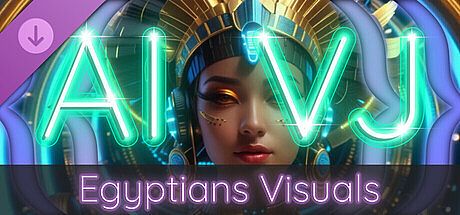



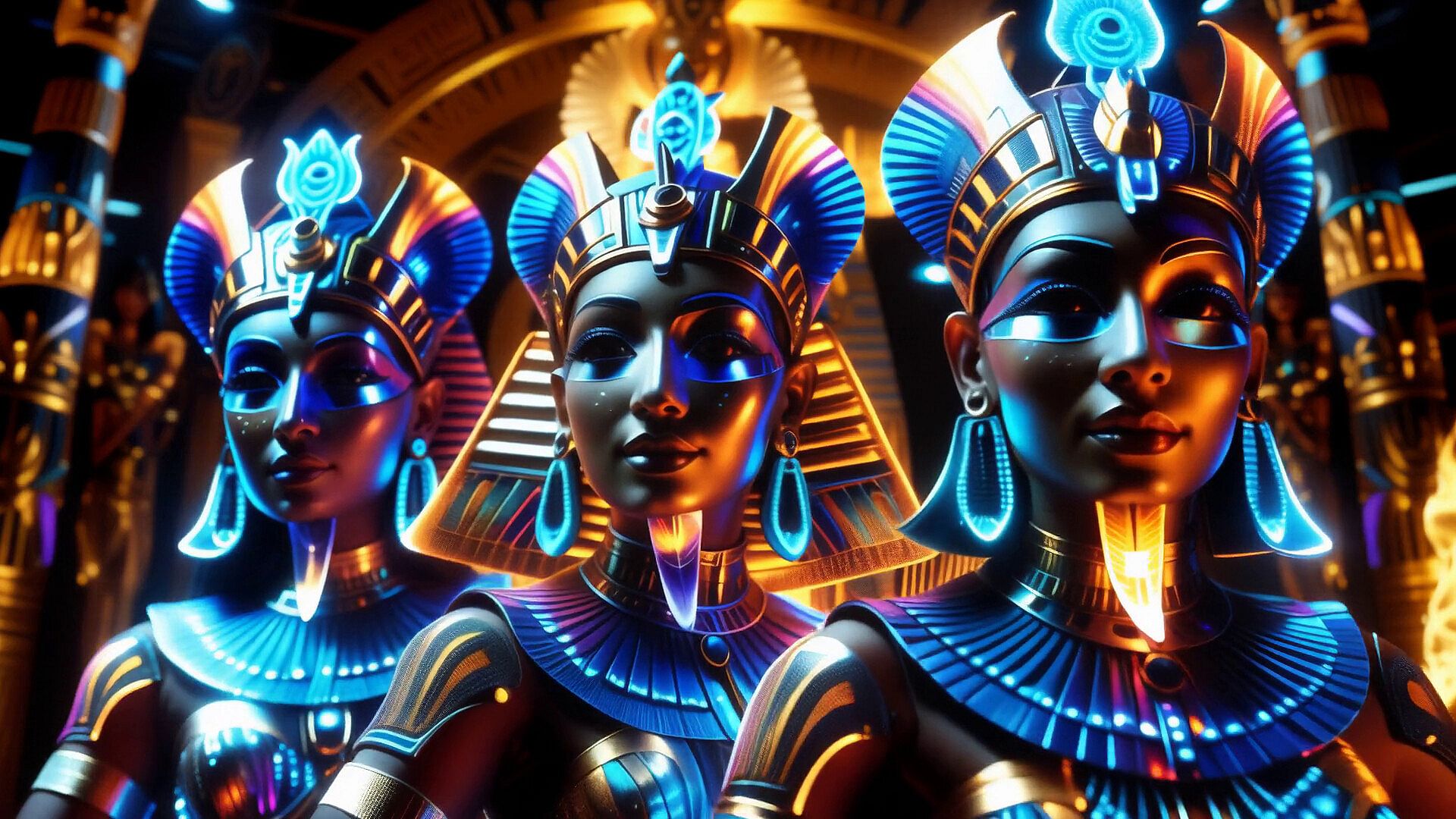
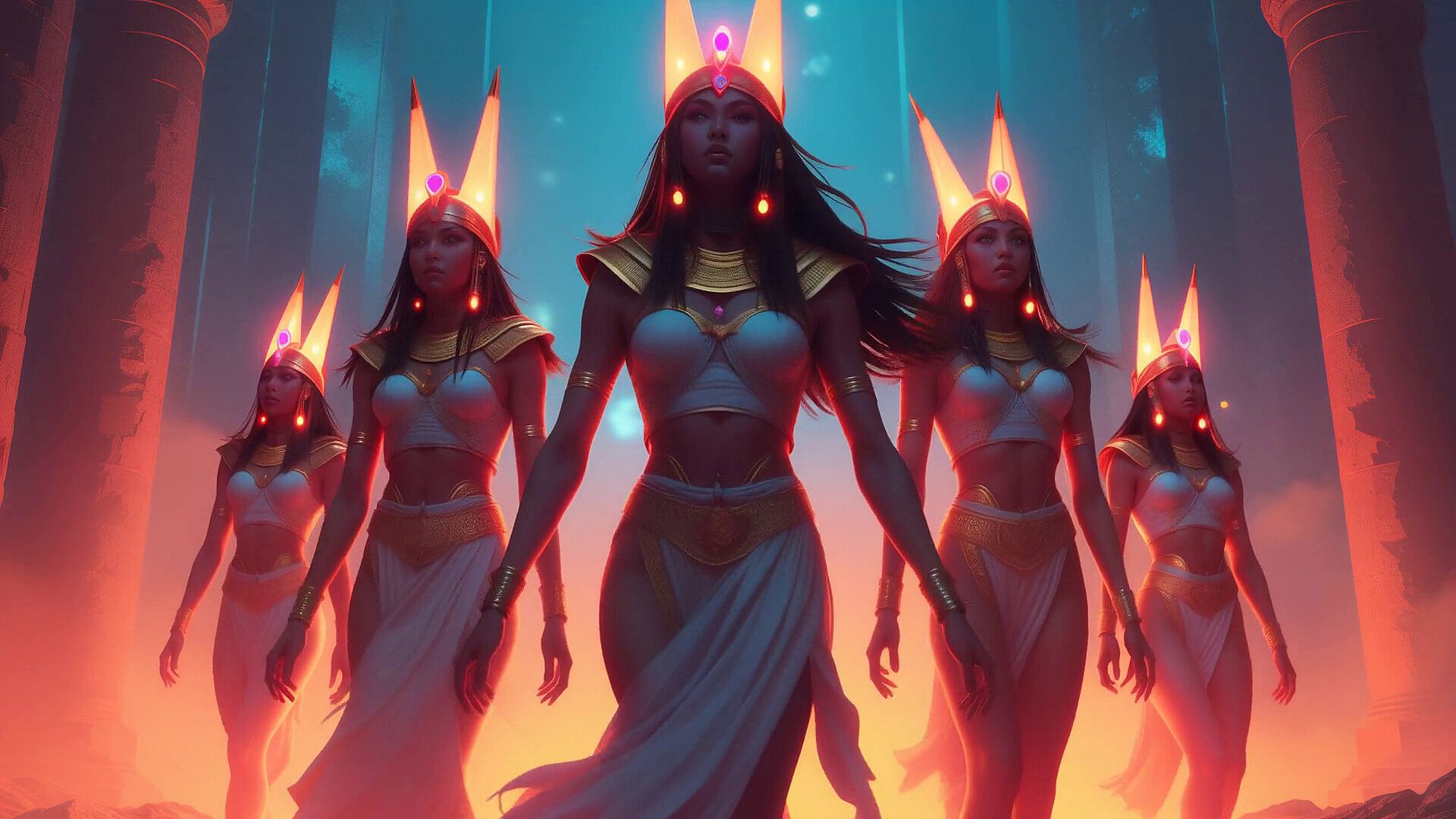
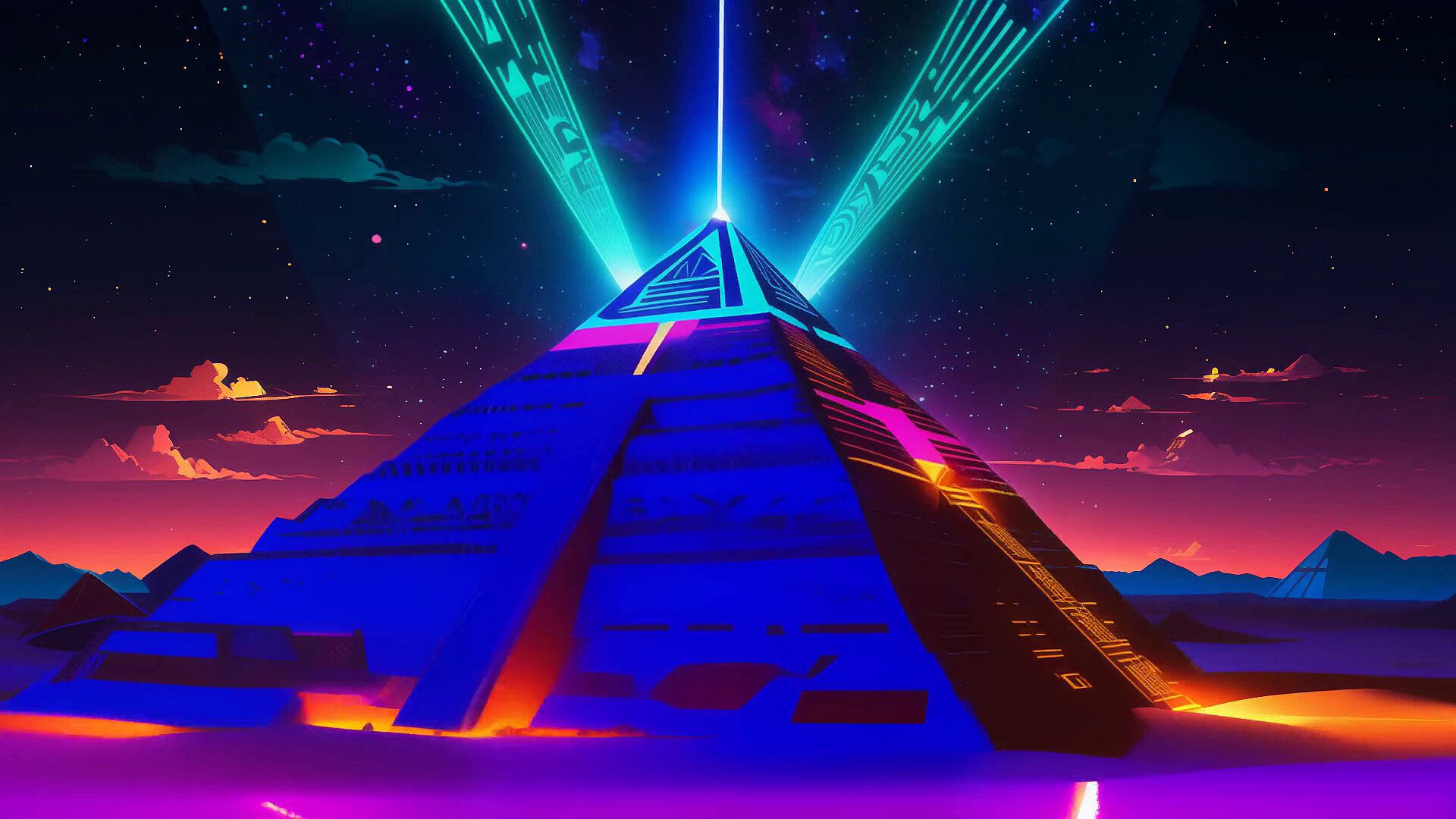

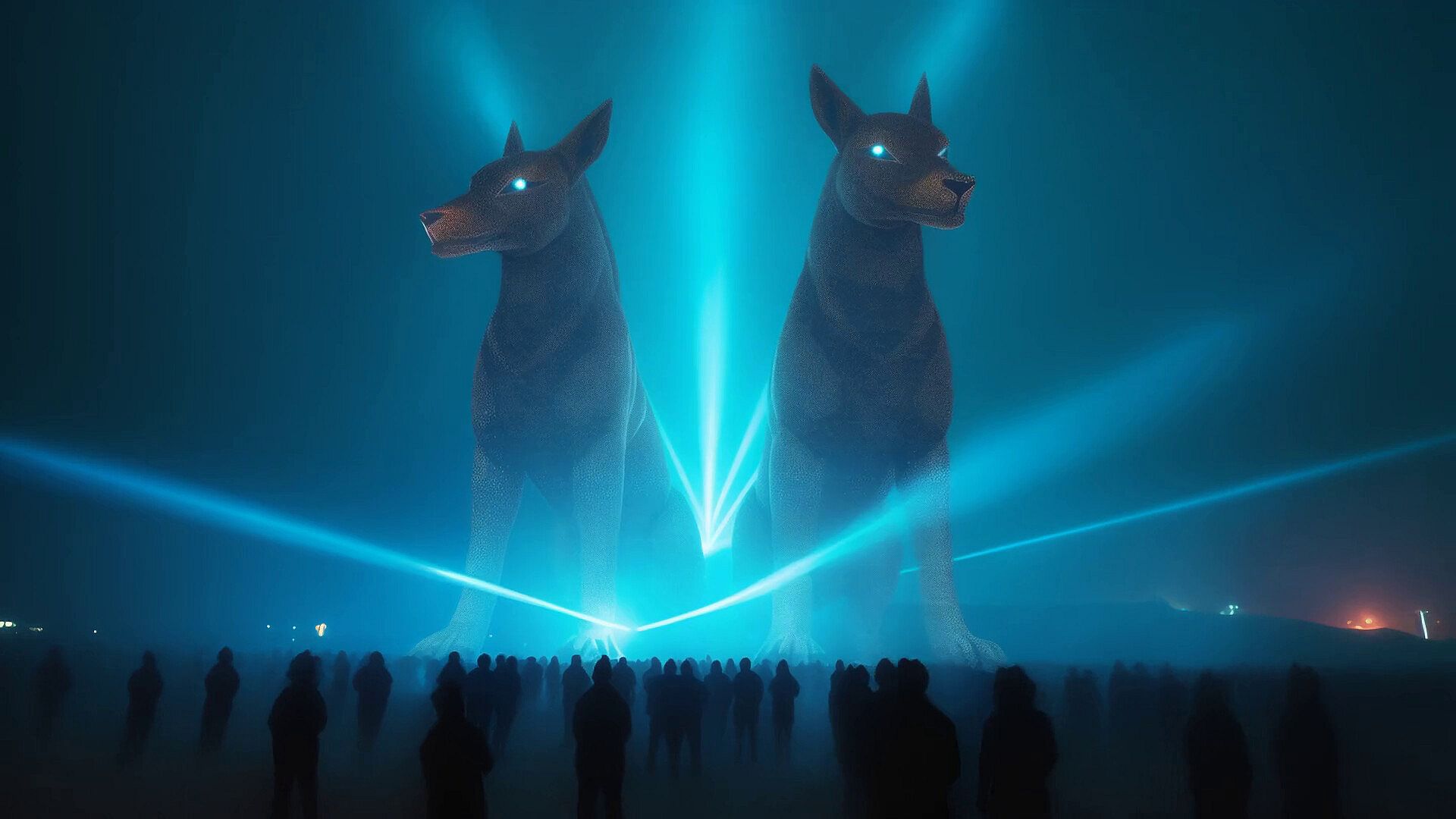
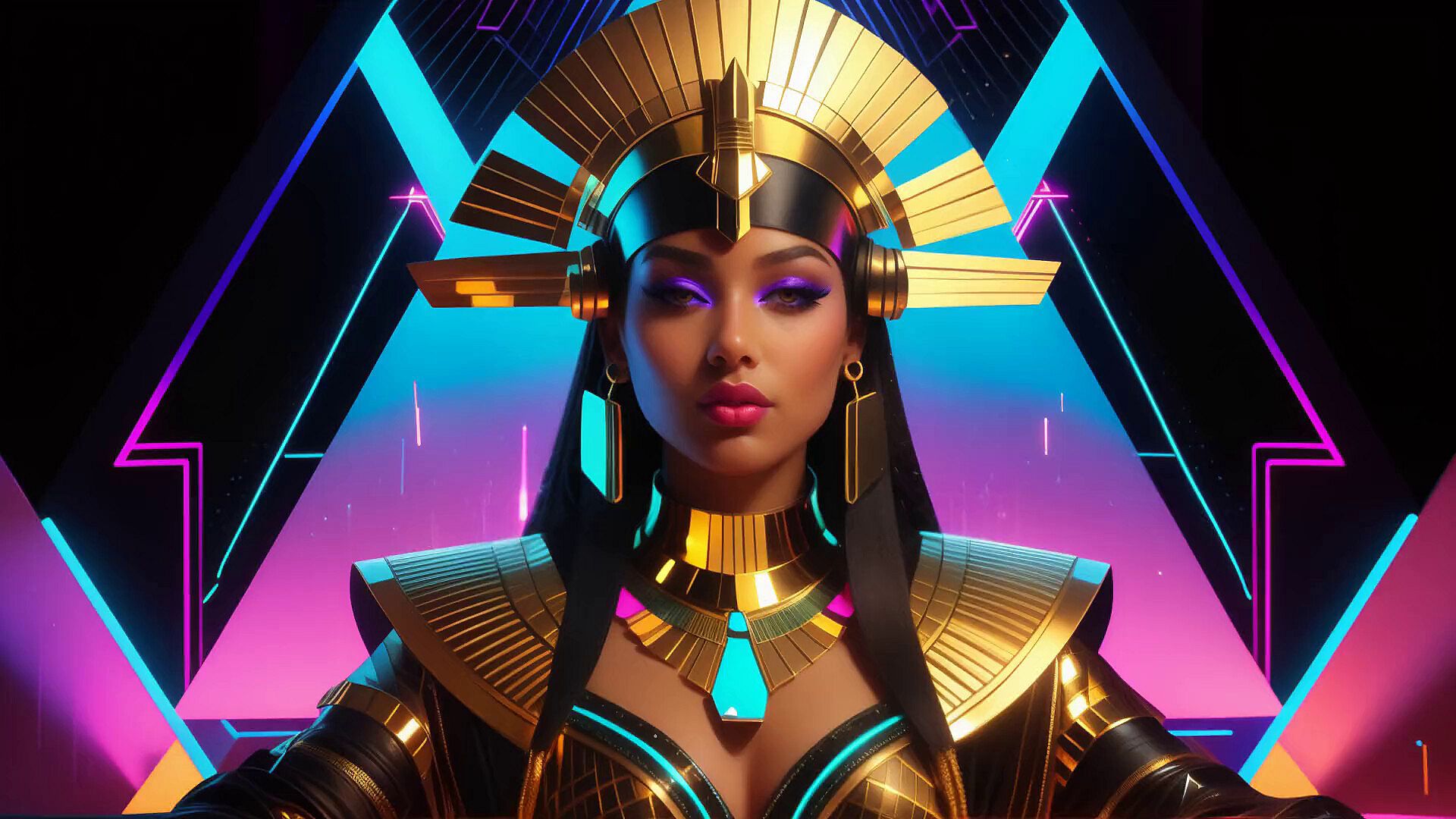
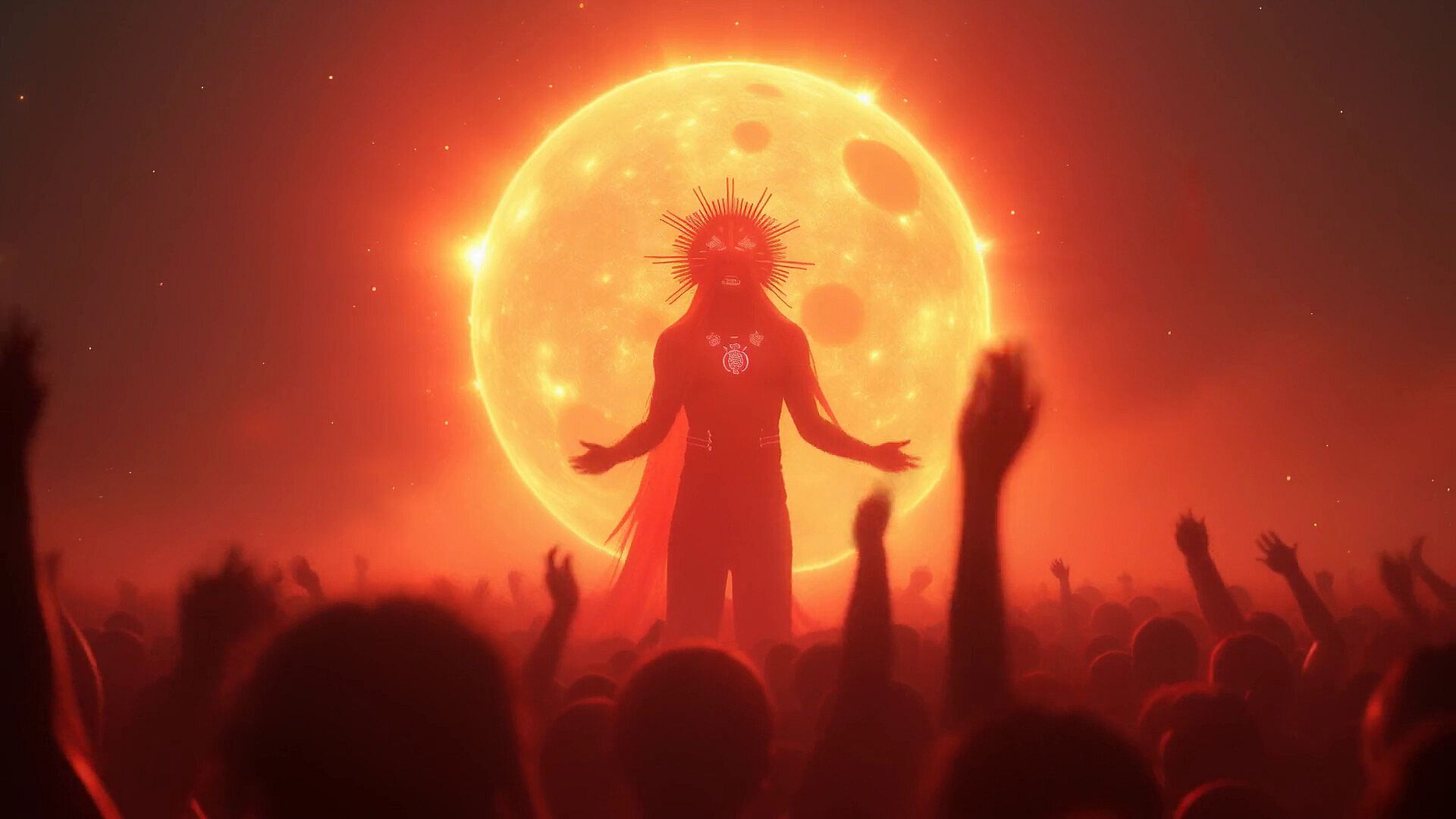


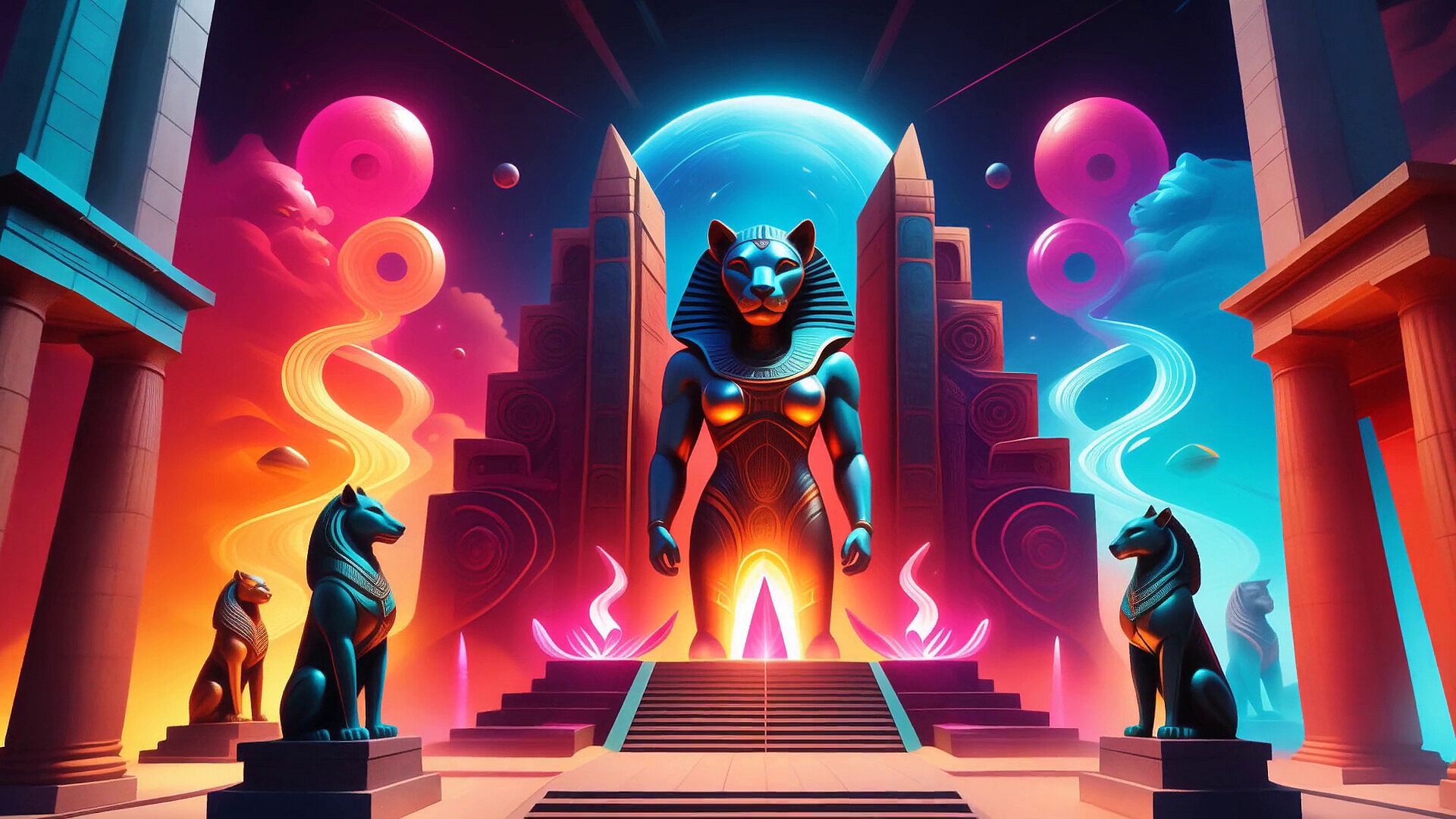


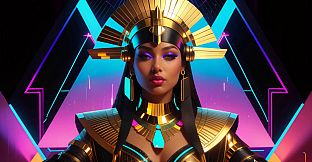
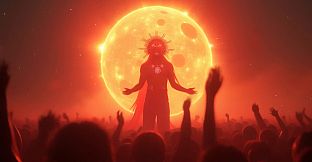

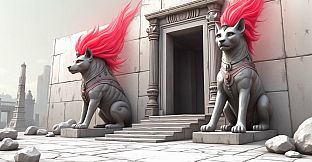
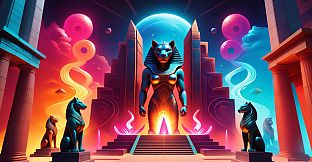
AI-VJ is a free-to-play VJ software developed for PC that lets users add pre-generated AI visuals to live music performances. The Egyptians Visuals package expands the library with over 420 Ancient Egypt themed assets across 13 styles, all recorded at 60 frames per second for smooth playback at varying tempos.
Gameplay
The core loop centers on organizing visuals into decks and triggering them in time with audio. Users load content through the main menu or a dedicated DLC window, then adjust playback speed automatically based on detected beats per minute. The software estimates tempo from any PC audio source or connects directly via Ableton Link to programs such as Virtual DJ, Rekordbox, Traktor, or Serato. Visuals respond to the beat through built-in effects including mirror, ambient blur, beat pulse, echo trails, and kaleidoscope options. Multi-layer decks allow one video to overlay another or combine with live fractals and 3D models, while color coding shows ownership and installation status of additional content. Projector output or full-screen mode on a single display keeps the interface out of view during shows.
Game Modes
Operation revolves around deck-based selection and synchronized playback rather than traditional game modes. Synced play mode locks video speed to the current BPM for consistent timing across an entire set. Additional modes handle VJ loops, standard videos, and 3D models with options for steady rotation, random turns on the beat, or dance-style movements. Users can also run Milkdrop files or import their own video files for custom setups. Workshop integration lets creators share complete decks and visuals with the community, expanding available options beyond the base library and paid DLC packs.
Visual Content and Performance
Each DLC package, including the Egyptians Visuals release, delivers pre-rendered assets selected and adjusted by an experienced DJ for artistic quality and reliable performance. The combined unique runtime exceeds 40 minutes, sufficient for a typical two-hour set when accounting for standard repetition of popular clips. All assets run at 60 fps to maintain fluidity regardless of tempo. The base application supports live fractal generation on the GPU and sound-reactive 3D models, giving performers multiple layers to combine during a show. Recent updates added in-app DLC browsing with free samples and automatic color indicators for ready-to-use content.
Current State and Updates
AI-VJ left Early Access with version 1.0 on the horizon after multiple feature additions. Workshop support now allows direct uploading of decks from within the app, and in-app downloads simplify preparation for events. The software remains free at its core, with themed visual packs released regularly as paid add-ons. System requirements focus on standard Windows, Mac, and Linux compatibility, with emphasis on stable audio input and secondary display output for live use.
Is It Worth Playing?
Reception sits at mixed levels, with roughly two-thirds of reviews positive among the first several dozen submissions. The software suits DJs and event hosts who want ready-to-use, high-frame-rate AI visuals without building everything from scratch. Its strength lies in reliable beat synchronization and the growing library of themed packs that integrate directly into decks. Those seeking a lightweight tool for house parties or club projections will find the free base plus targeted DLCs practical. Users who prefer fully manual control or already own competing VJ applications may see less immediate need. The ongoing release of new visual collections and community sharing features keep the platform active for performers focused on visual accompaniment rather than standalone gaming experiences.