Comprar Movavi Slideshow Maker 8 PC

Em 7 mar. 2026, a chave Movavi Slideshow Maker 8 mais barata custa 5,82 € na Gameseal. XD.deals compara preços de 3 lojas entre 3 ofertas. Nos keyshops o preço mais baixo é 5,82 € (90% de desconto), as lojas oficiais começam em 62,95 € (0% de desconto). Dados fornecidos por XD.deals.

Steam:
Overwhelmingly Negative (4)
Comprar em Loja Oficial:
62,95 €
Comprar em Keyshops:
-90%
5,82 €
Ver histórico de preços

Lojas Oficiais (1)

DRM:
Steam
Steam
Steam
Movavi Slideshow Maker 8
Windows
+1
há 3sem
DRM:
Steam
Steam
62,95 €

Keyshops (2)

DRM:
Steam
Steam
Gameseal
Movavi Slideshow Maker 8 Key - GLOBAL
Windows
+1
há 1h
Gameseal
62,95 € 5,82 €
Historical Low Deal
Historical low
-90%
-13% with SEAL13XDDcopy
GAMIVO
Movavi Slideshow Maker 8 Global
Windows
+1
há 12h
DRM:
Steam
GAMIVO
62,95 € 9,20 €
-85%
-9% with XDDealscopy

Sobre Movavi Slideshow Maker 8

Movavi Slideshow Maker 8 - sobre o jogo

Movavi Slideshow Maker
is the fastest and easiest way to make a stunning slideshow for any purpose: a birthday gift, a compilation of your best gaming moments, a work presentation, and more.


New features:

  • Fast Track HD
  • Upgraded Pan & Zoom tool


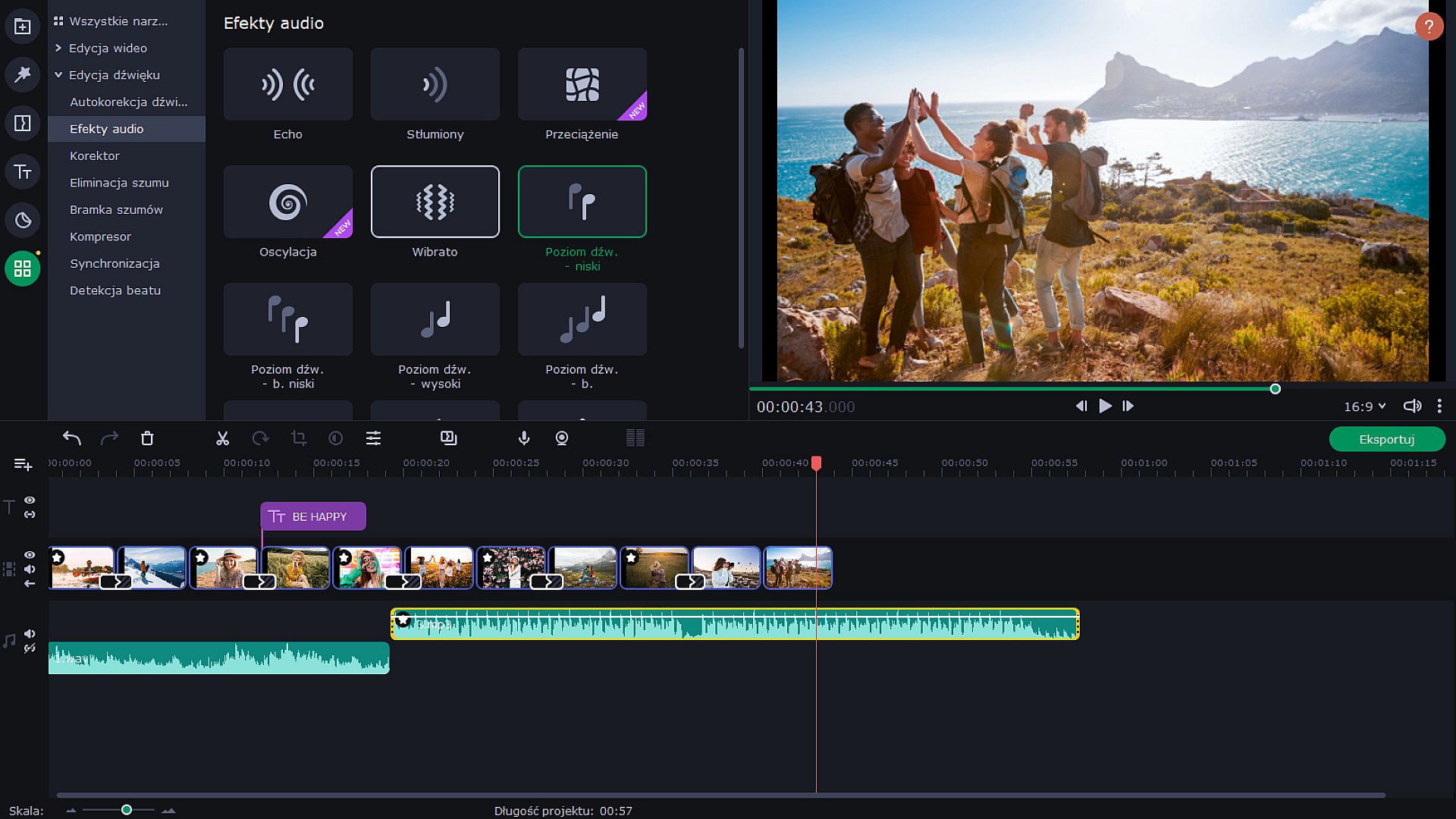
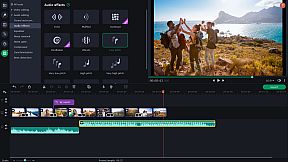
  • Audio enhancement tools and effects
  • Sound visualization
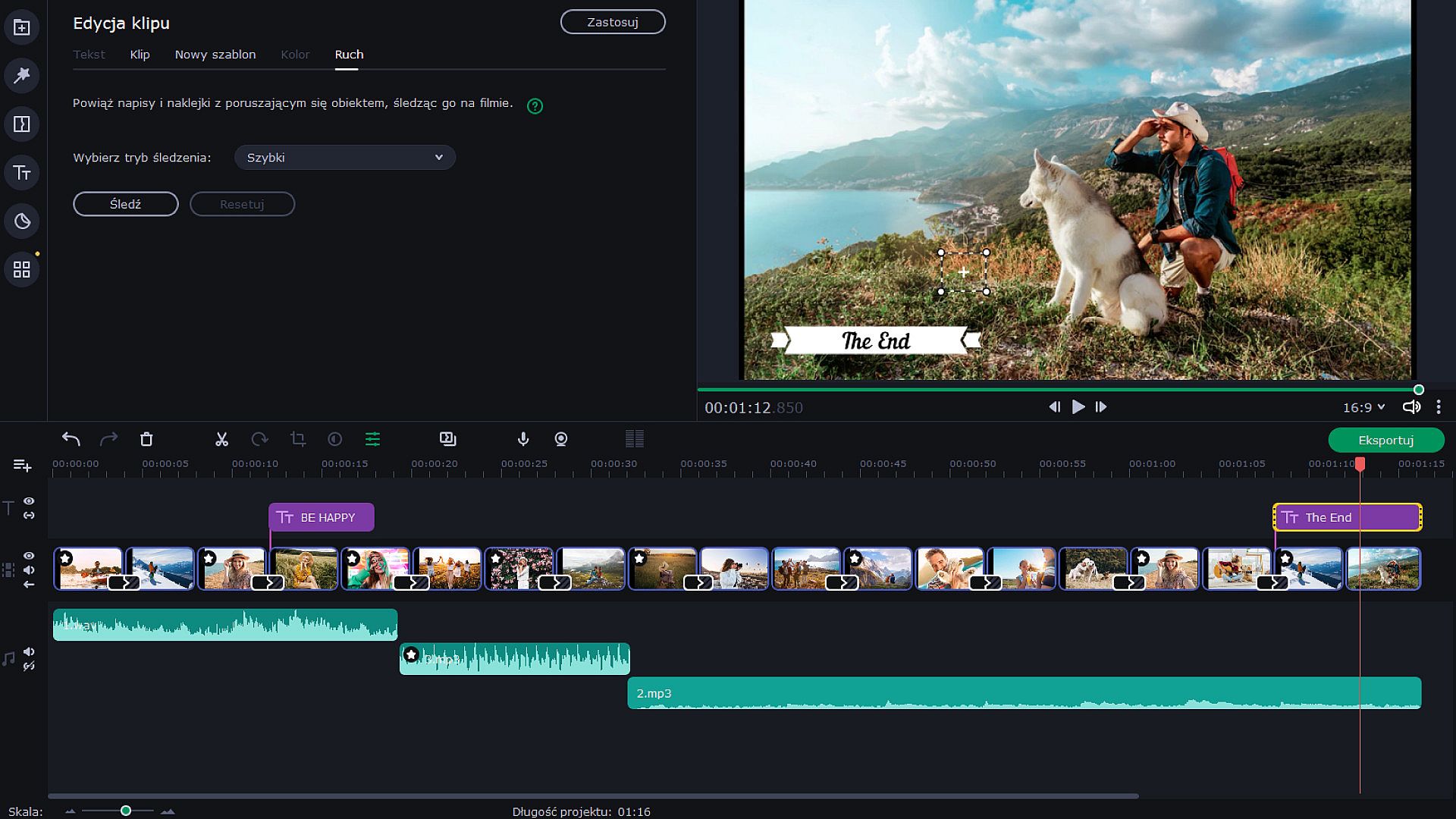
  • Motion tracking
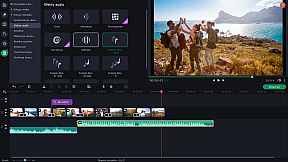
  • Transitions with built-in audio


  • Change audio speed without changing the tone
  • Vertical screen adaptation
  • Object tracking
  • Export video quality controls
Let Your Creativity Flow
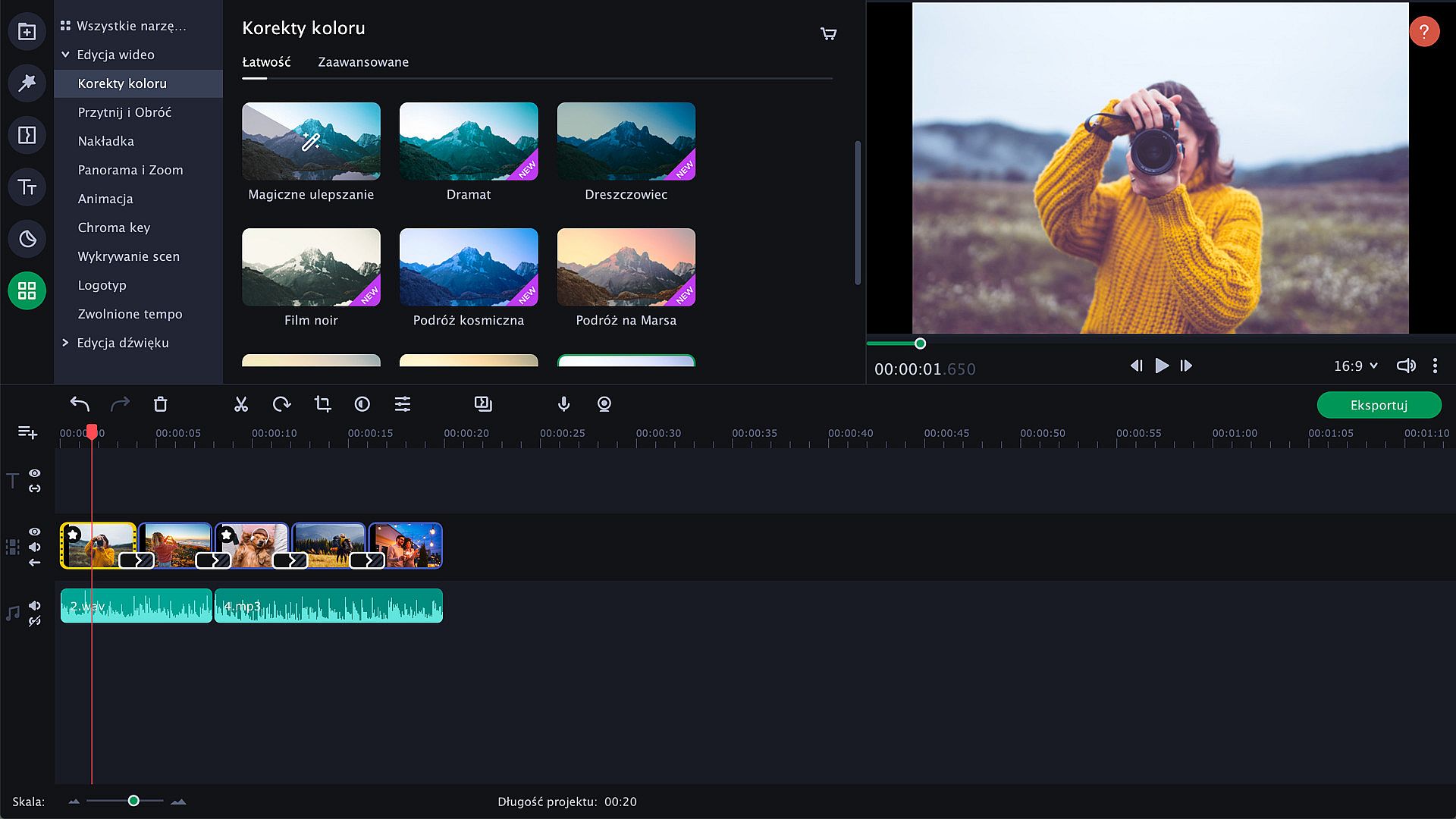
Upload any footage you have: holiday pictures, funny videos, or even game screenshots. Move, split and cut slides, and join them together with spectacular transitions — especially, transitions with built-in sounds. Make as many adjustments as you need: crop and rotate pictures, boost colors, normalize sound in clips, and more. Add the music of your choice and have the slides advance following the rhythm of that music. You can also add a voice-over and record images from your webcam or an external device. The program can now also detect vertical videos and will ask you to change aspect ratios after you upload your file. It is also possible to watch videos on tablets and laptops. Thanks to the Fast Track HD technology, you can now work with HD movies with no lags.


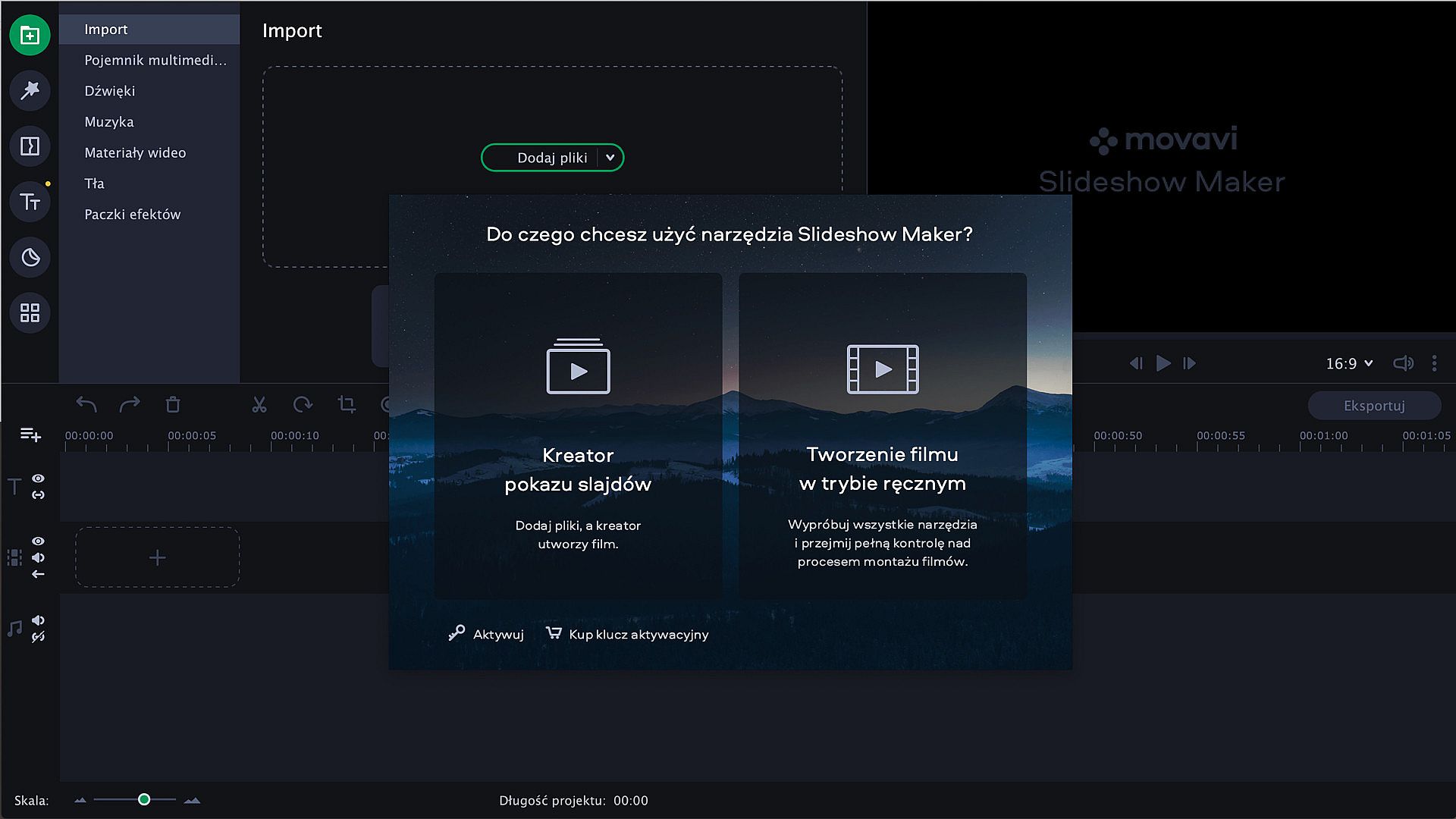
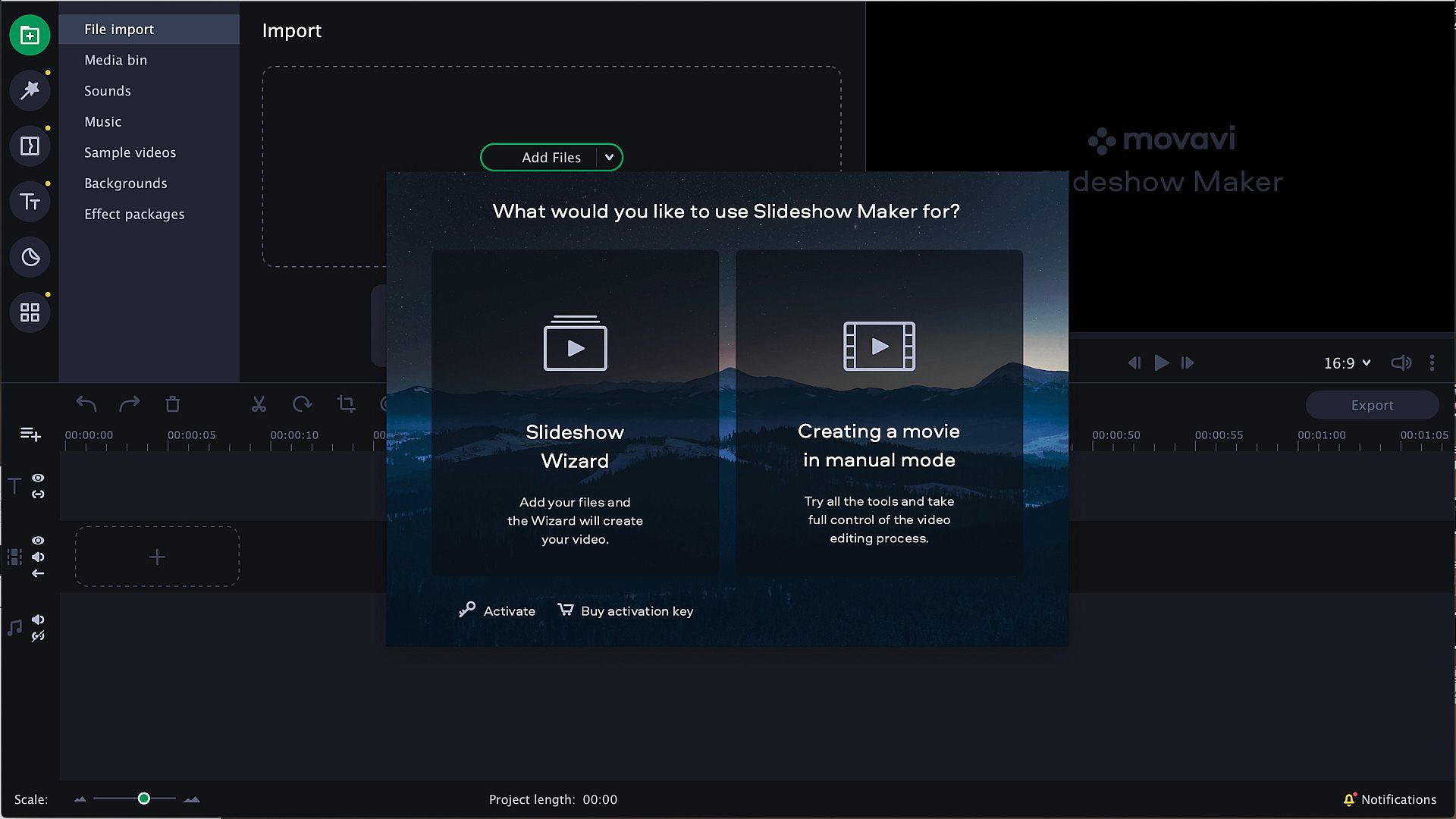
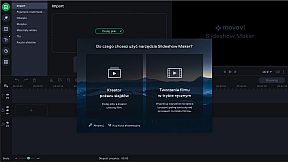
Start with the Slideshow Wizard
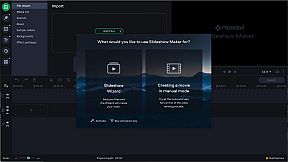
Try the Slideshow Wizard if you’re just starting to use the program. It’s an automated approach that helps you create videos in no time. All you need to do is import your files and choose a theme. The program will create a presentation in the blink of an eye. You can also set the target video length and change the titles. Already have a favorite transition style? Create a custom theme and use it whenever you want.


Give It the Perfect Look
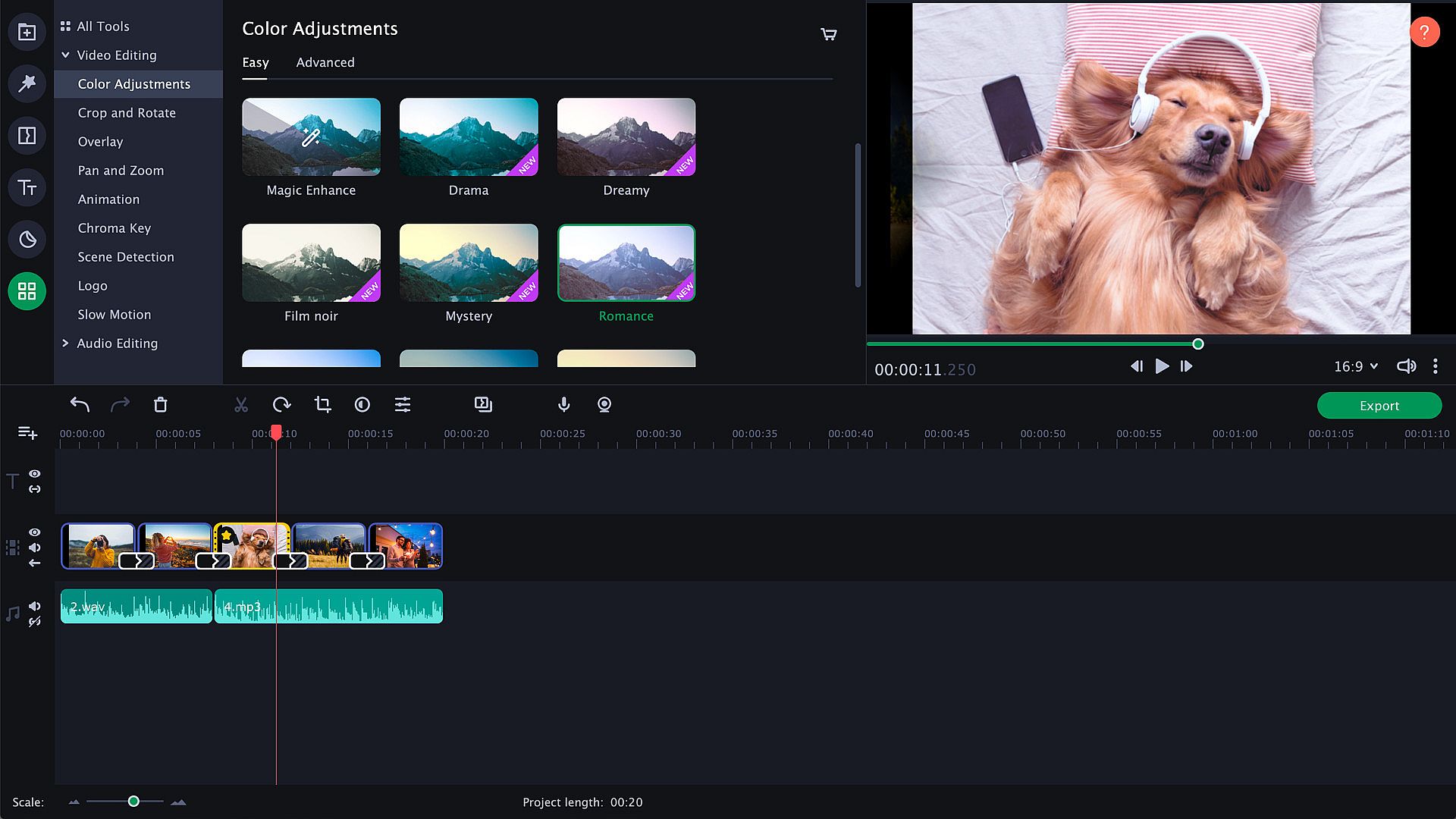
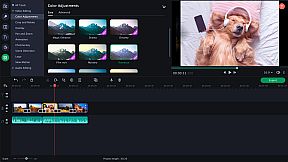
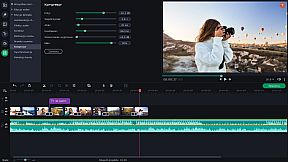
Try zooming in and out of pictures, use the fade-to-black effect, or make your slides roll over. Thanks to the upgraded Pan & Zoom tool, you can now use several presets one by one. Use filters to sharpen details, reduce camera shake, and make your images brighter and more colorful. Use the Transition Wizard to join all clips at once and smooth out the flow of your presentation. You can make it even more dynamic by adding transitions to both main and supplementaryl tracks! Another cool feature is object tracking: now you can choose scenes featuring your favorite characters and work with them only.


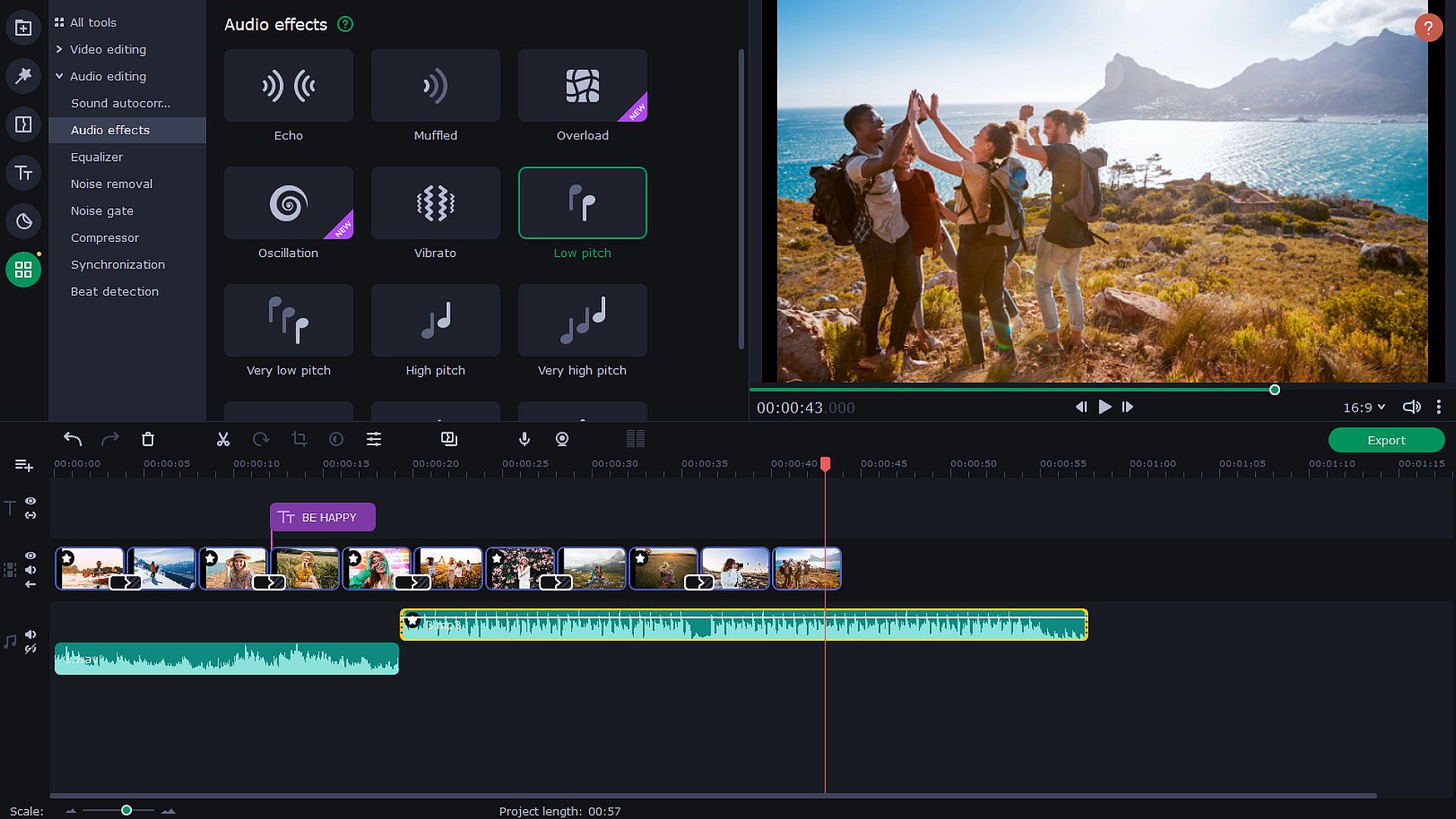
Audio enhancement
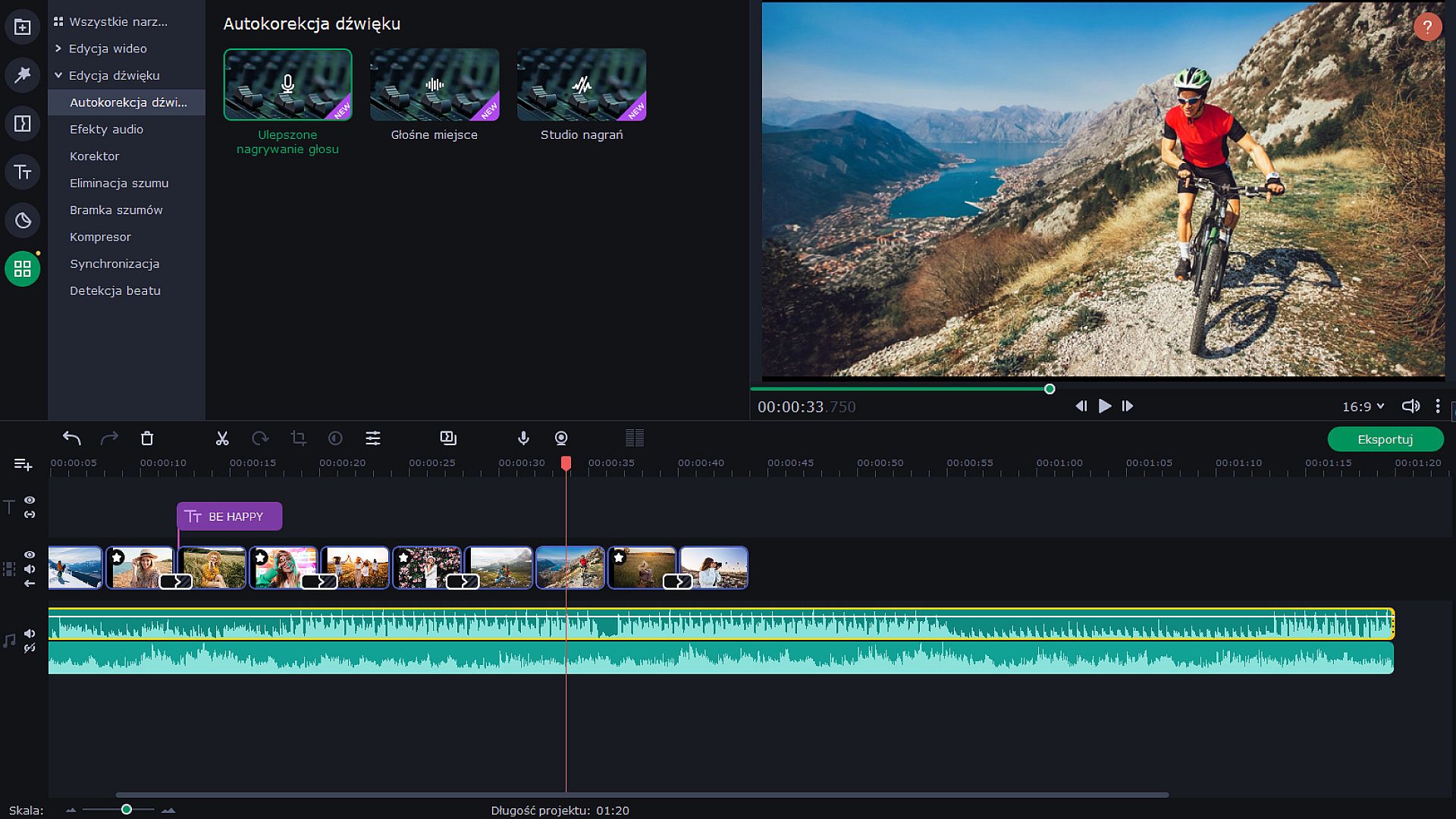
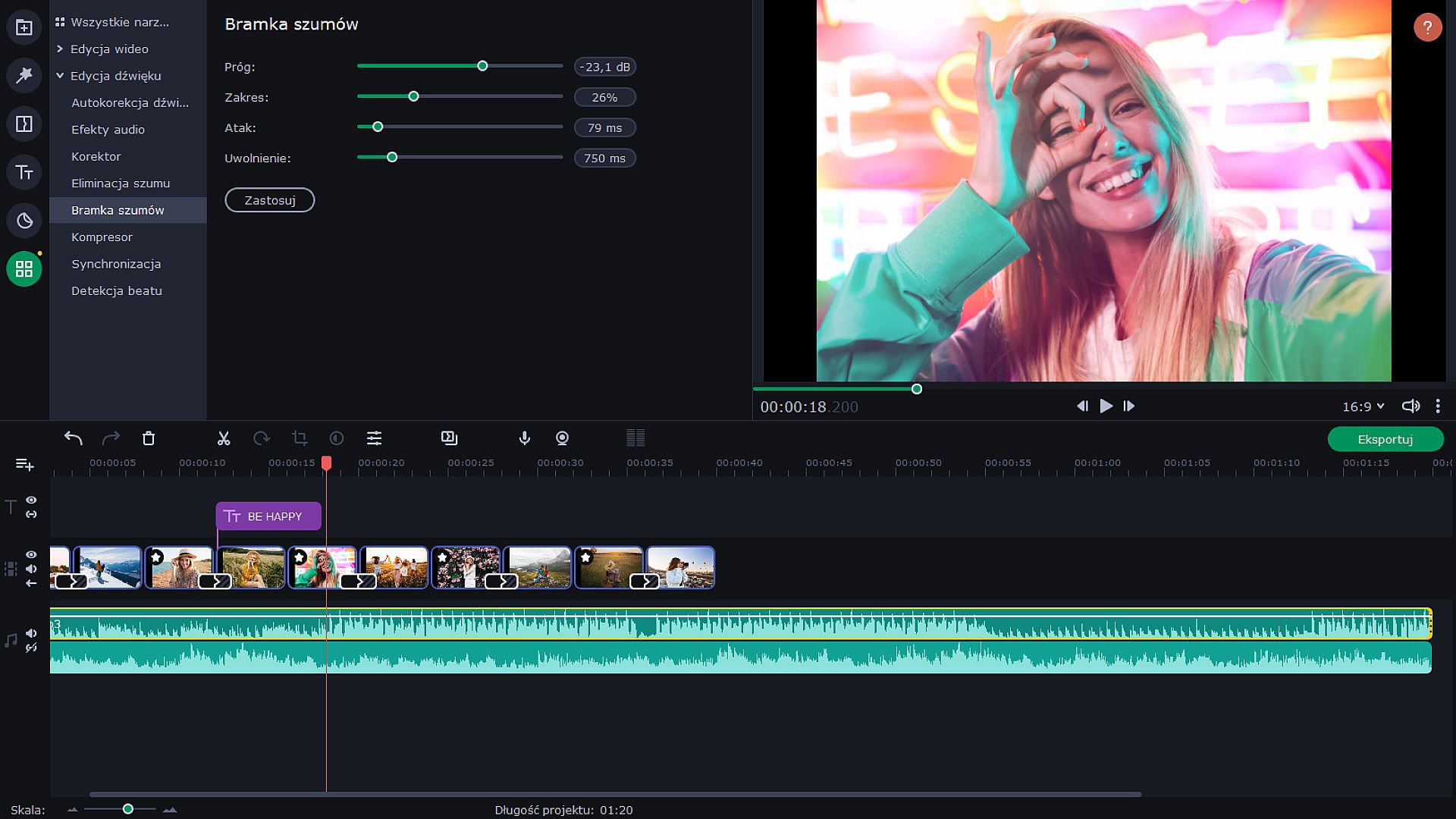
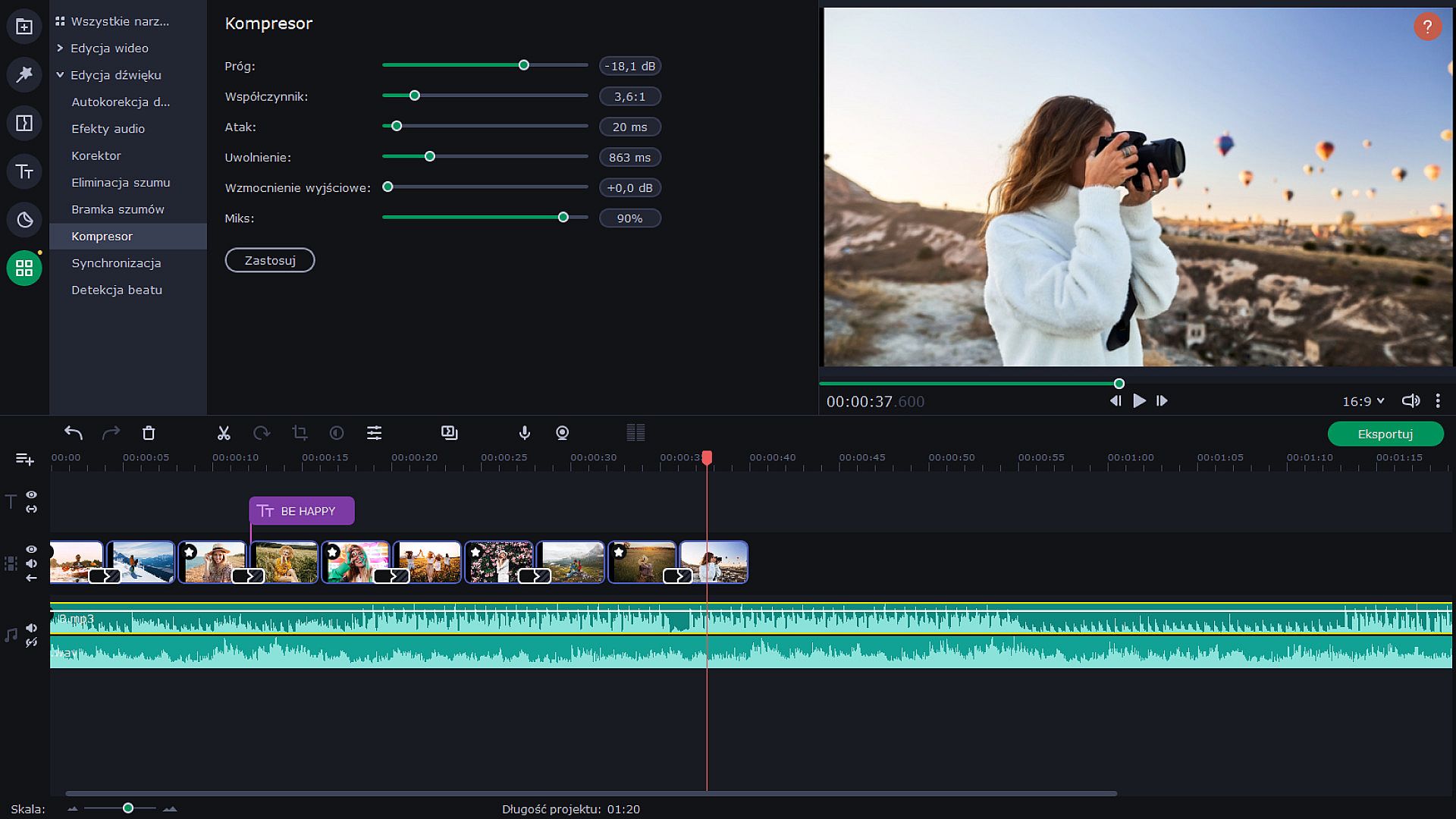
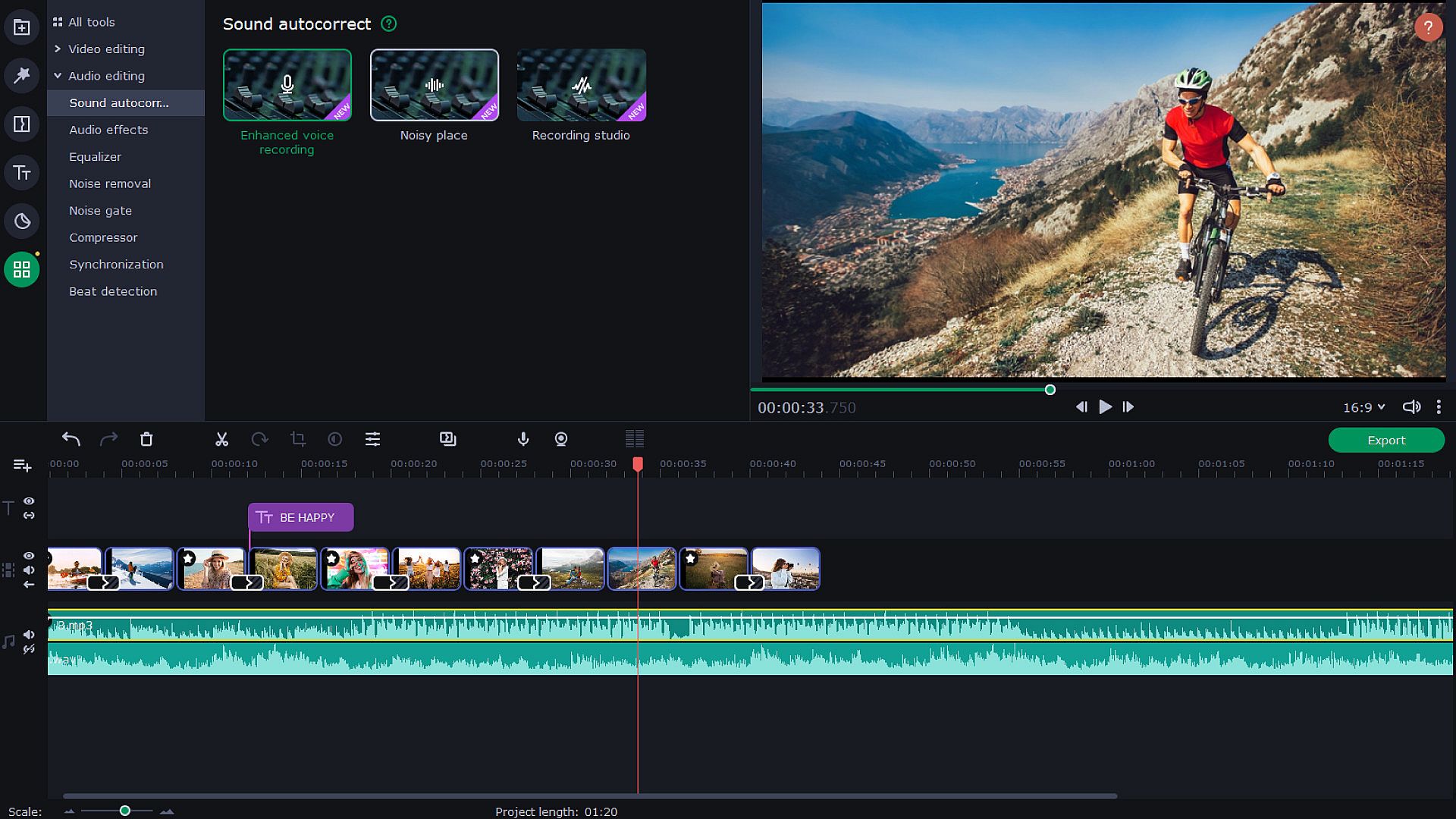
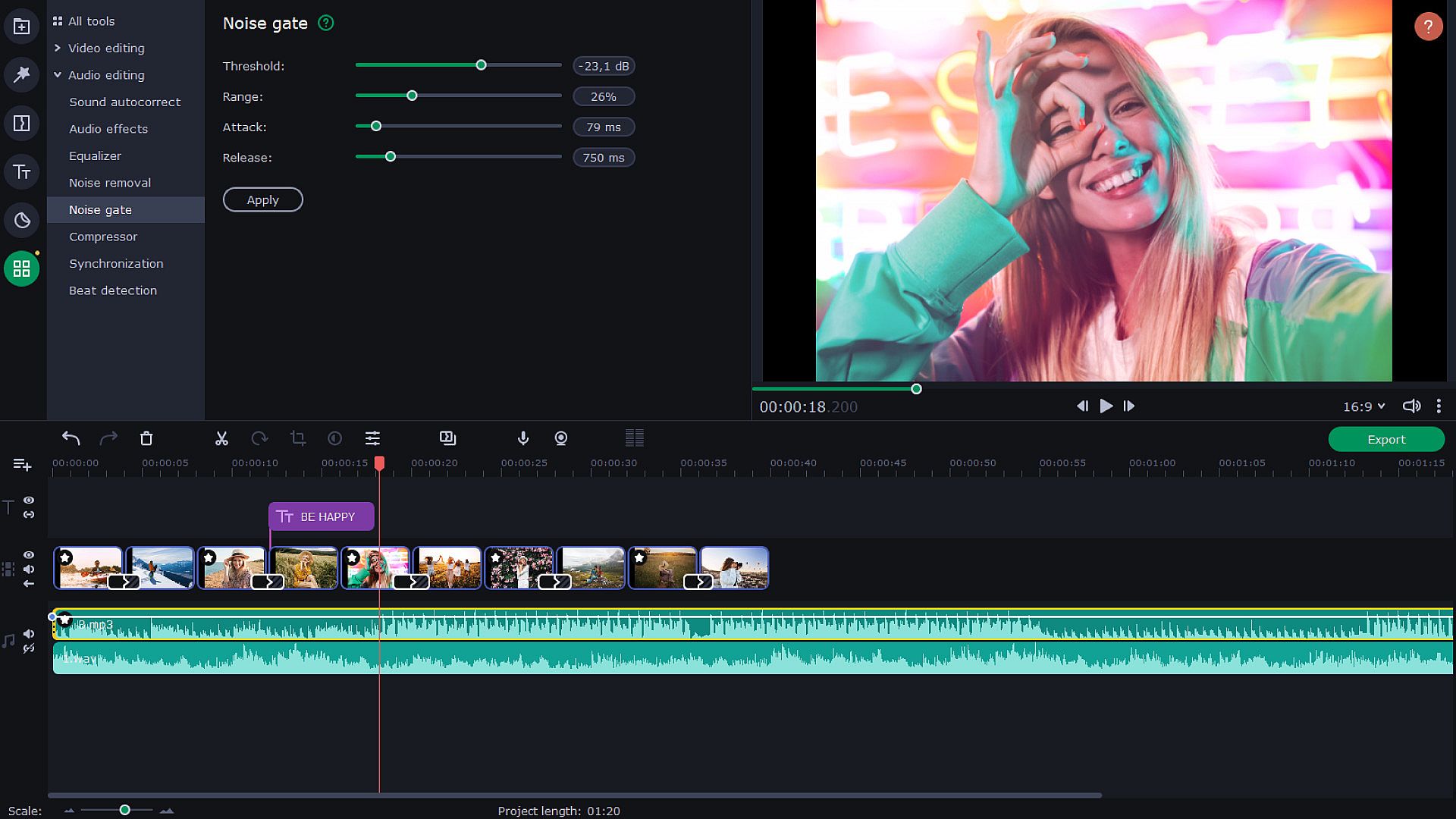
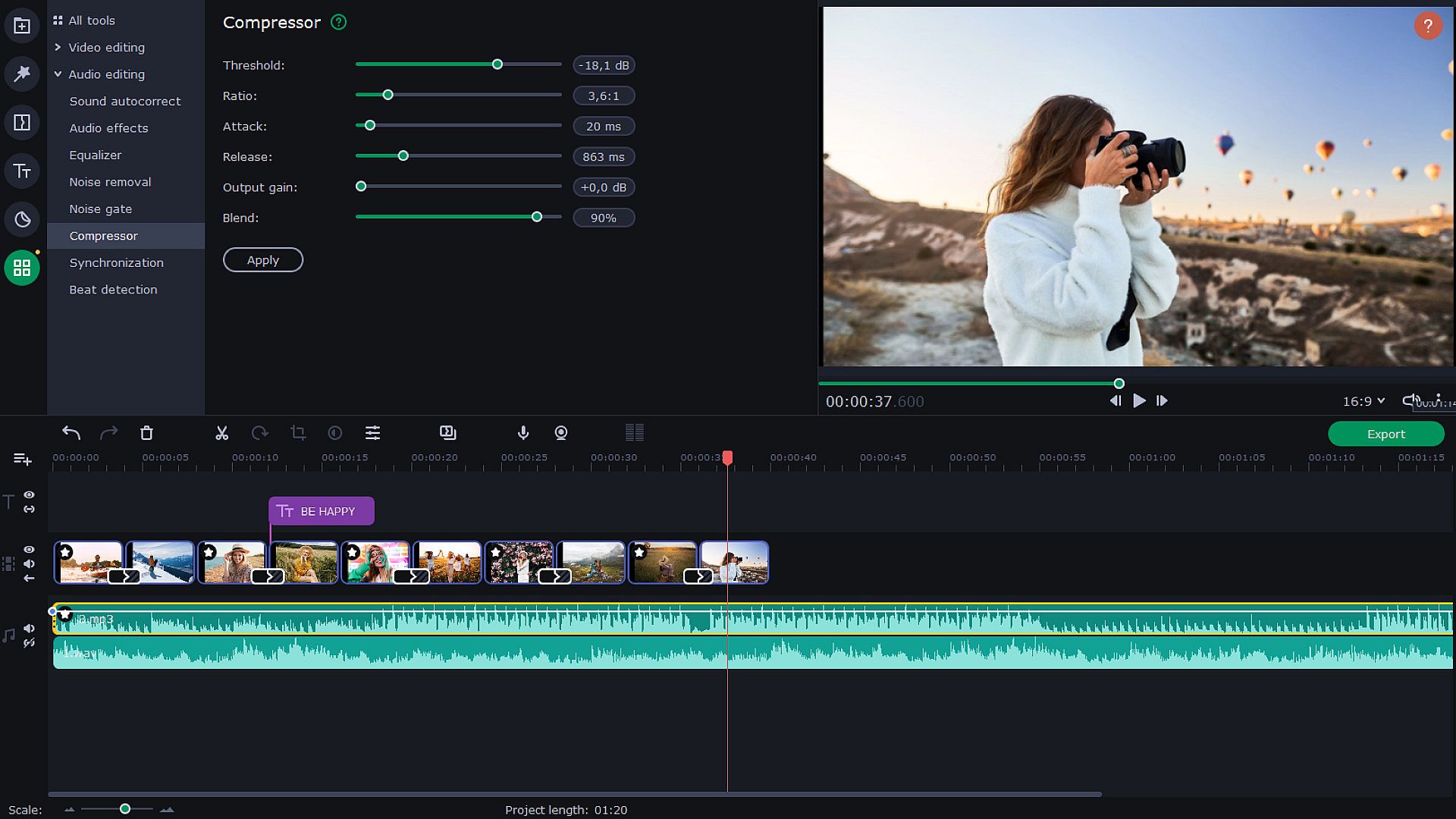
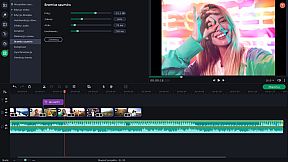
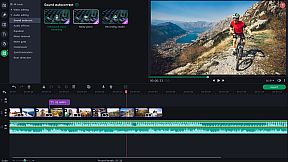
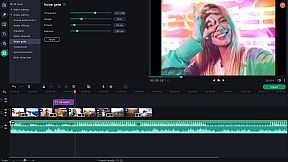
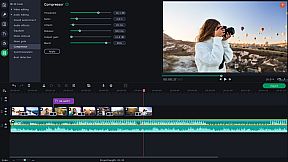
Use new audio tools to optimize videos with poor audio quality. Choose the decibel level and get rid of any noises lower than that. Lower the difference between loud and soft noises. With audio effects, you can distort music and voice. But you can also save the original sound — for example, change audio speed without changing the tone. Sound visualizer will help you to eliminate noise jumps during the montage.


Try Hollywood-Style Directing
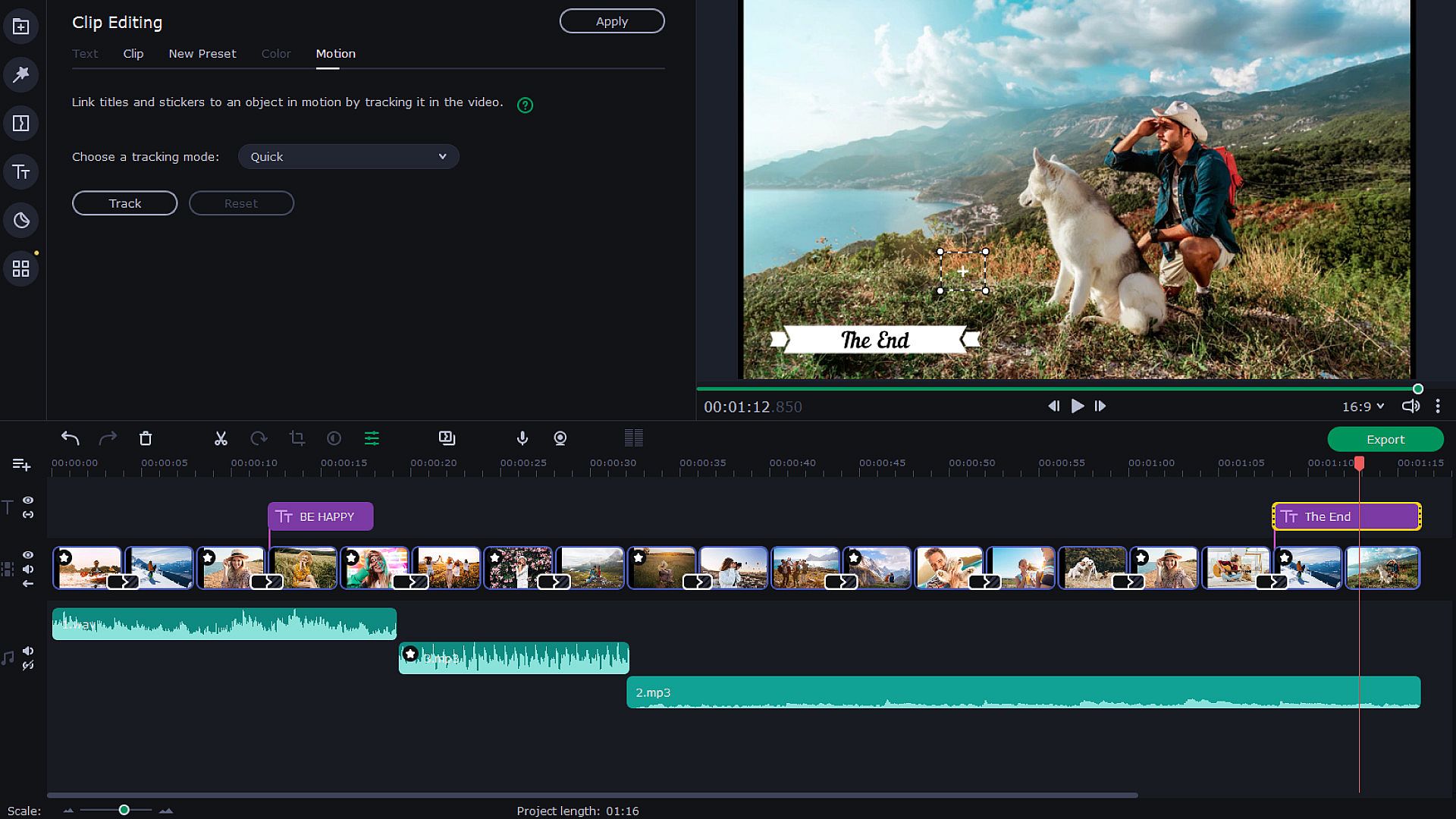
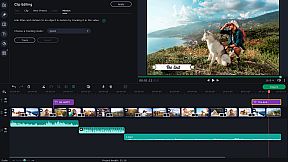
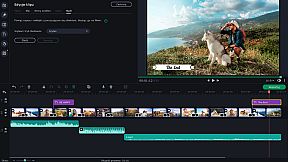
Add a Hollywood touch to your visuals and throw in some special effects. Use Chroma Key to change the background and place your characters in completely different surroundings. Add dynamic elements with the Pan & Zoom tool. Slow-motion will create suspense and have your viewers on the edge of their seats. If you want to cut out scenes with a particular character, try the Scene Detection. Thanks to the Motion Tracking tool, you can now link titles to any moving objects.


Save and Show!
After the presentation is complete, save it in a popular format like AVI, MOV, or MP4, or use a device-specific conversion profile. . Use video quality controls on the export. You can also easily share your video with friends and instantly upload it to YouTube right from within the program.



Classificação etária

Indisponível
Steam:
Overwhelmingly Negative (4)
Mínimo histórico
Histórico de preços das lojas oficiais
-
-
-
Histórico de preços dos keyshops
-
-
-
Junte-se ao nosso Discord
Obtenha ajuda instantânea da nossa comunidade e mantenha-se atualizado sobre as últimas ofertas
Definir Alertas de Preço
Seja notificado por email quando os preços dos jogos baixarem para o seu objetivo
Criar Conta Gratuita
Desbloqueie listas de desejos, alertas de preço e sincronização Steam

FAQ

8 perguntas

Antes de começar a procurar uma CD Key barata de Movavi Slideshow Maker 8, reserve um momento para verificar o essencial. Desenvolvido por Movavi Software. Publicado por Movavi Software. Data de lançamento PC: 09 nov. 2020. Géneros: Animation & Modeling, Utilities, Audio Production, Video Production, Design & Illustration, Education, Photo Editing, Software Training. Avaliações de Movavi Slideshow Maker 8: Avaliações Steam: 4 user reviews for this game.

Q Posso jogar Movavi Slideshow Maker 8 no Steam Deck?

Não, neste momento não. A Valve marca Movavi Slideshow Maker 8 como Não Suportado no Steam Deck, então não funcionará via Proton neste momento. Fique atento ao XD.deals - acompanhamos avanços do Proton e correções da comunidade, e sinalizaremos assim que houver uma forma funcional de jogar Movavi Slideshow Maker 8 no Steam Deck.

Sim. Existe uma versão Steam de Movavi Slideshow Maker 8. Escolha qualquer oferta com a etiqueta Chave Steam no XD.deals, resgate-a no cliente desktop e jogue Movavi Slideshow Maker 8 no Steam PC.

Sim. Depois de resgatar a sua chave Steam, pode iniciar Movavi Slideshow Maker 8 no Modo Offline via Steam. Os seus ficheiros de gravação serão sincronizados da próxima vez que ficar online.
Sim, pode comprar uma Chave Steam de Movavi Slideshow Maker 8 diretamente na Steam Store. No XD.deals, agregamos todas as ofertas Steam DRM disponíveis para que possa comparar ofertas Steam baratas de Movavi Slideshow Maker 8 num só lugar.

Encontrará todas as promoções e descontos ativos de Movavi Slideshow Maker 8 aqui mesmo no XD.deals. O nosso rastreador de preços lista atualmente 1 ofertas de lojas oficiais e 2 ofertas de keyshops. Verifique a tabela acima para o preço mais baixo, compare com o mínimo histórico do jogo e defina um alerta de preço para nunca perder a próxima descida.

Com o XD.deals, os jogadores de PC podem ver instantaneamente onde comprar uma chave PC Steam barata de Movavi Slideshow Maker 8. O nosso motor de comparação de preços em tempo real e base de dados de cupões curada acompanham todas as lojas oficiais e keyshops de confiança para que não tenha de o fazer. Neste momento detetamos este jogo em 3 ofertas ativas de lojas e keyshops.

Sim. Uma página oficial de Movavi Slideshow Maker 8 na Steam Store está ativa, então pode comprar Movavi Slideshow Maker 8 no Steam ou comprar qualquer Chave PC Steam de Movavi Slideshow Maker 8 no XD.deals e resgatá-la instantaneamente.
Não - o XD.deals em si não é uma loja. Somos um serviço de comparação de preços que acompanha as melhores ofertas de Movavi Slideshow Maker 8 em lojas oficiais e keyshops verificadas. Clique em "Comprar agora" junto à oferta desejada e será redirecionado para o site do vendedor para concluir a compra e receber a chave lá.

Melhores preços para Movavi Slideshow Maker 8

1 Gameseal Gameseal Keyshop
-90% 5,82 €
2 GAMIVO GAMIVO Keyshop
-85% 9,20 €
3 Steam Steam Official
62,95 €

Pronto para começar? Defina um alerta de preço no XD Deals e obtenha uma chave Steam com desconto de Movavi Slideshow Maker 8 assim que atingir o próximo mínimo histórico.

Criar Alerta