







McOsu PC

McOsu jest darmowe! Pobierz grę na Steam i zacznij grać od razu. Szukasz DLC do McOsu, waluty w grze lub dodatków kosmetycznych? Porównaj 0 ofert na XD.deals i wybierz najlepszą.

Premiera: 20 mar 2017
Metacritic:
tbd tbd
Steam:
Very Positive (6k)
Official
Brak dostępności
Keyshops
Brak dostępności
Kup w oficjalnym sklepie:
Brak dostępności
Kup w keyshopach:
Brak dostępności

Brak ofert, ale spokojnie - damy znać, gdy pojawi się nowa.

Create Alert Create deal Alert

O McOsu

McOsu - o grze

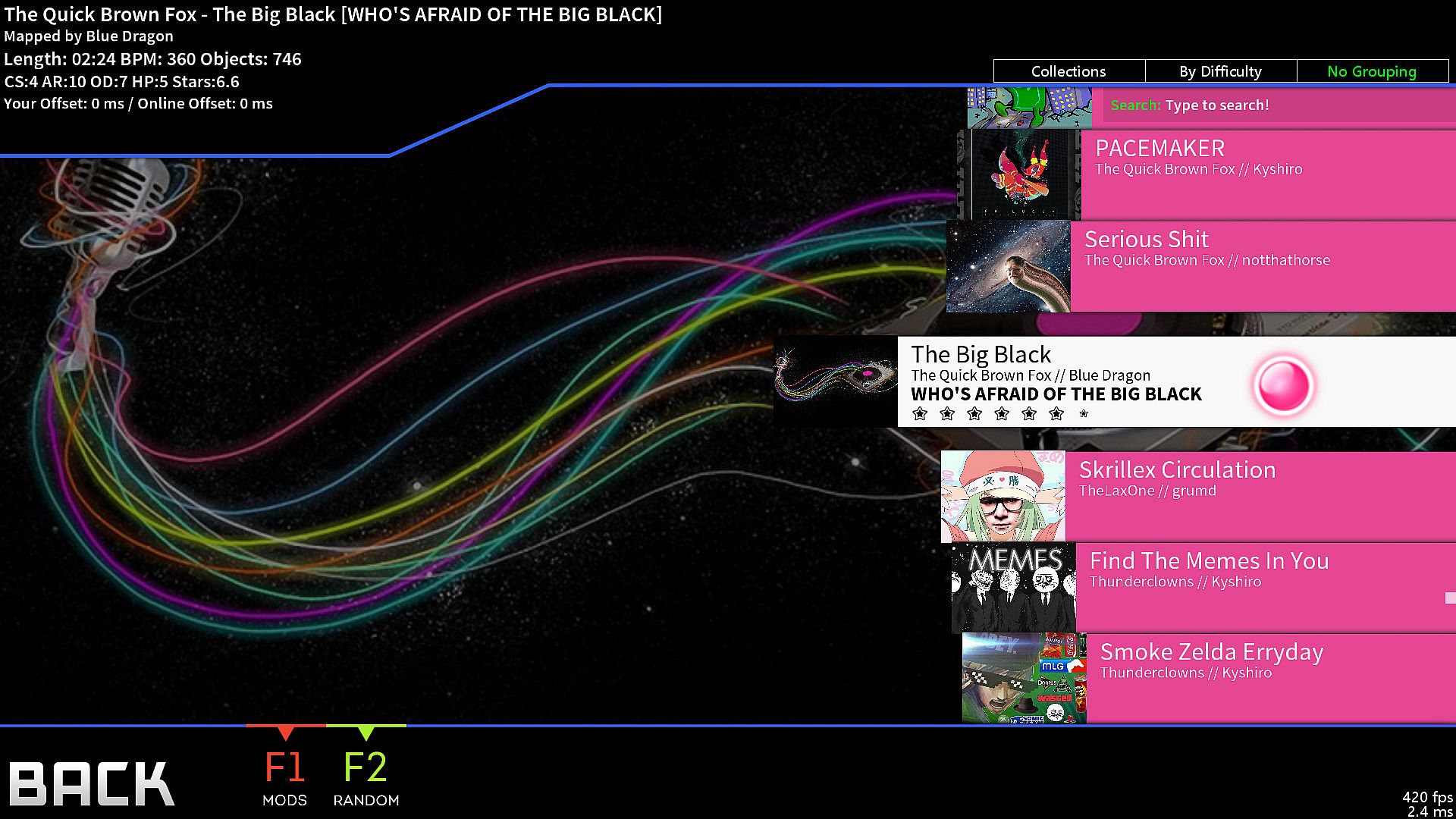
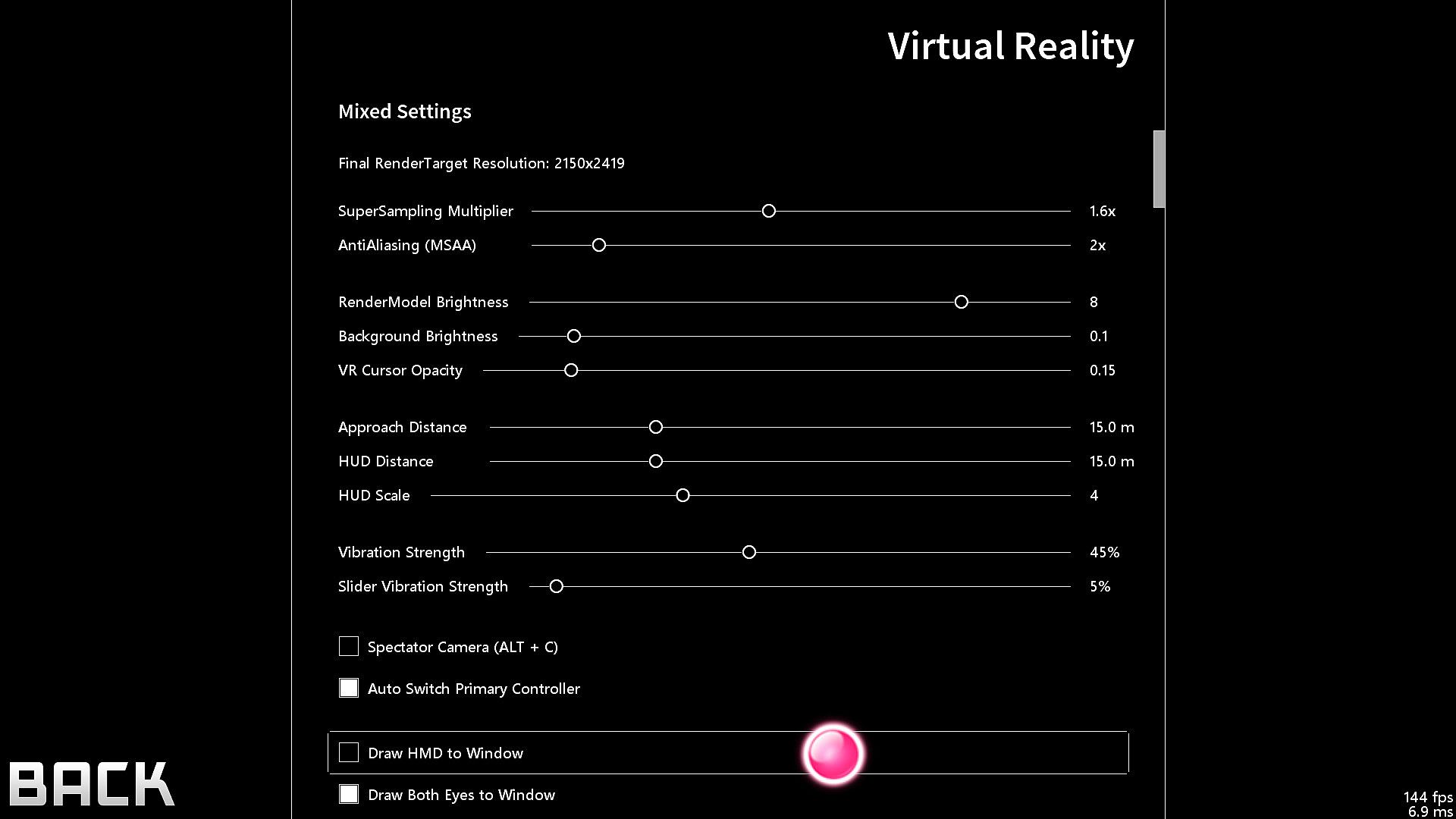
McOsu delivers a free open-source client for circle-clicking rhythm gameplay on osu!(standard) beatmaps. It sharpens practice sessions through beatmap overrides like approach rate, circle size, overall difficulty, and HP drain, plus a speed/BPM slider for precise scrubbing. Players tweak options mid-game with F1 or CTRL+O, experiment with mods such as wobble, jigsaw, or playfield flipping, and track live pp stats via built-in counters. This indie PC tool suits osu! veterans seeking advanced customization, including VR and first-person 3D modes, infinite offline profiles with pp ranking, and Steam Workshop integration. Novices should stick to the official game for tutorials and multiplayer.

McOsu is developed separately from and has no direct affiliation with osu! or ppy Pty Ltd.

McOsu is NOT osu!

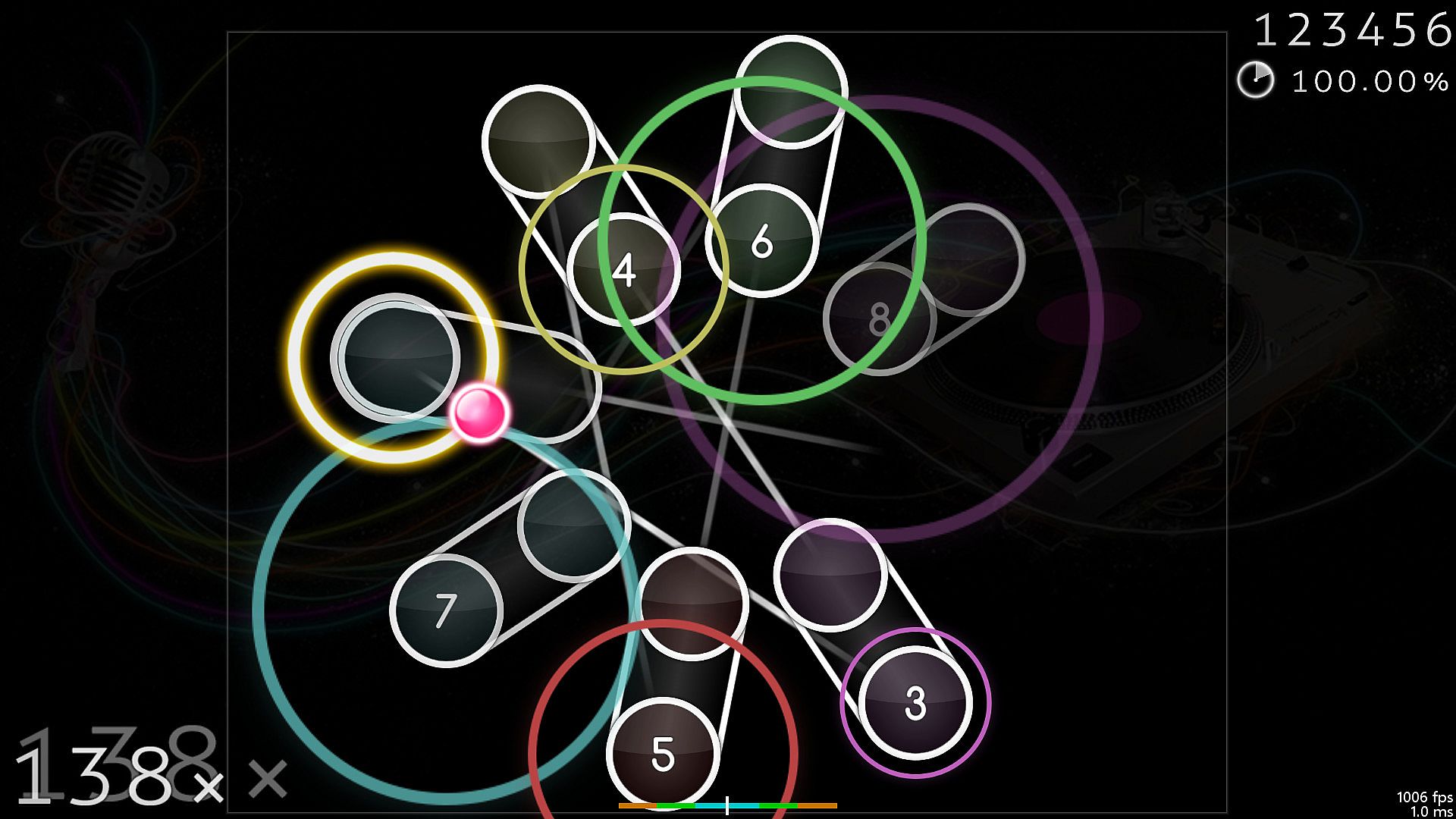
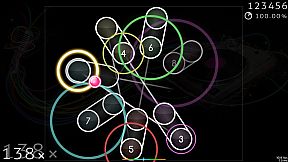
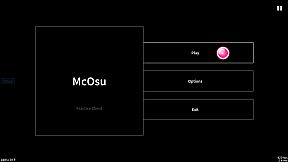
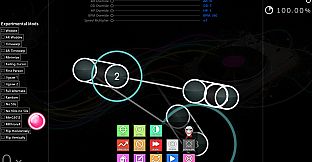
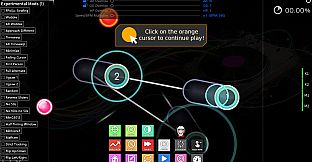
A free open-source circle-clicking rhythm game client for osu!(standard) beatmaps, with the main focus on making practicing easier and customizing gameplay.

It is primarily a practice client for getting better at the "official" game by having tools at your disposal that osu!(stable) does not provide for some reason, it's not supposed to be a perfect copy of osu! though it does get close enough where necessary.

If you have never played osu! before, then I do not recommend using this client (except for VR players + FPoSu players of course), because there are no gameplay tutorials to be found here (just google "osu!" and play the official game which is a lot more polished and has online rankings including multiplayer support etc.).

McOsu only supports osu!(standard) beatmaps, while diffs for other gamemodes like mania/taiko/ctb/etc. are simply invisible.

Features:
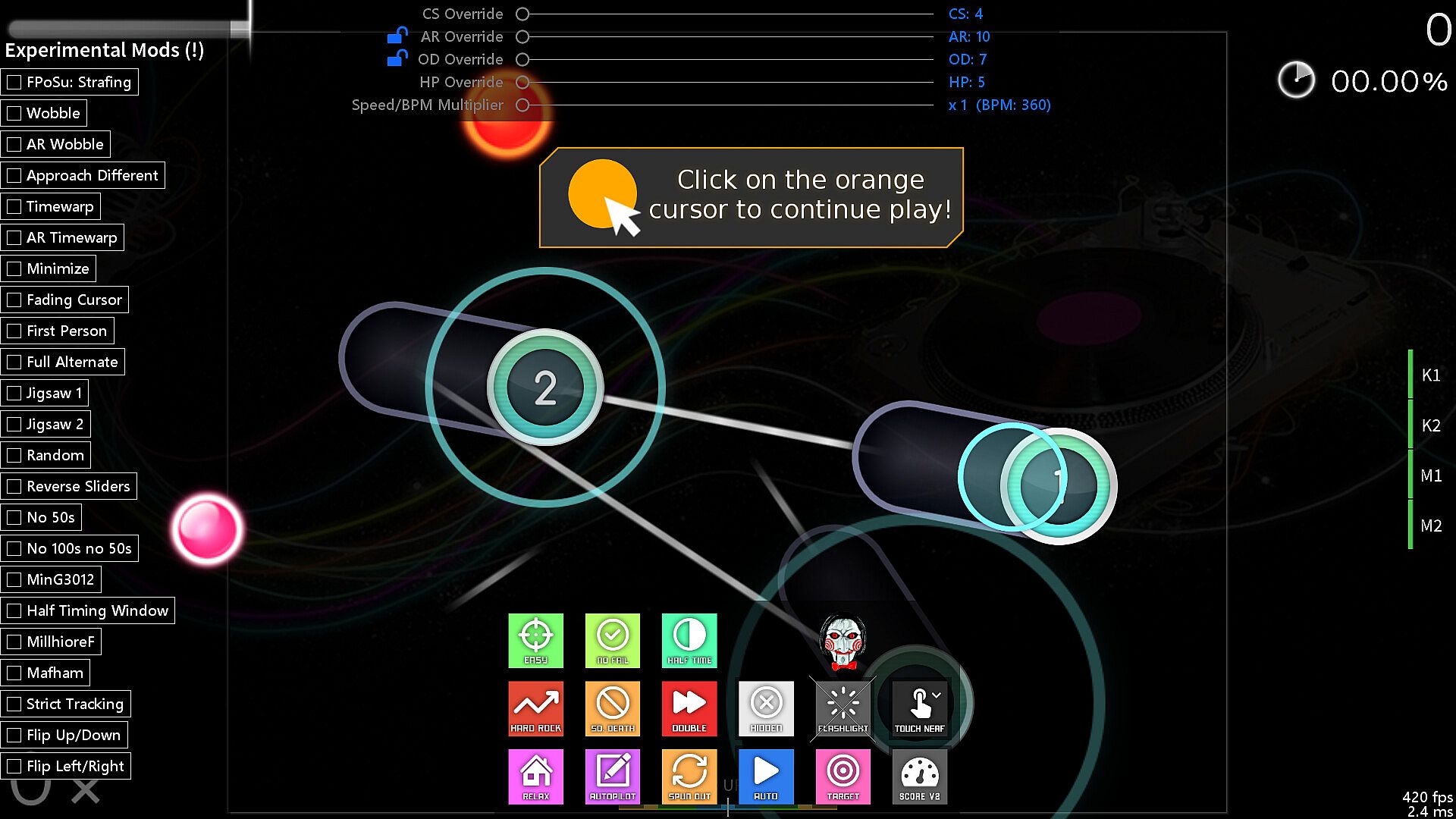
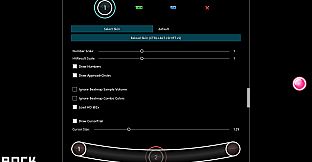
  • Unlimited Customizability (Options, Console Commands via SHIFT + F1)

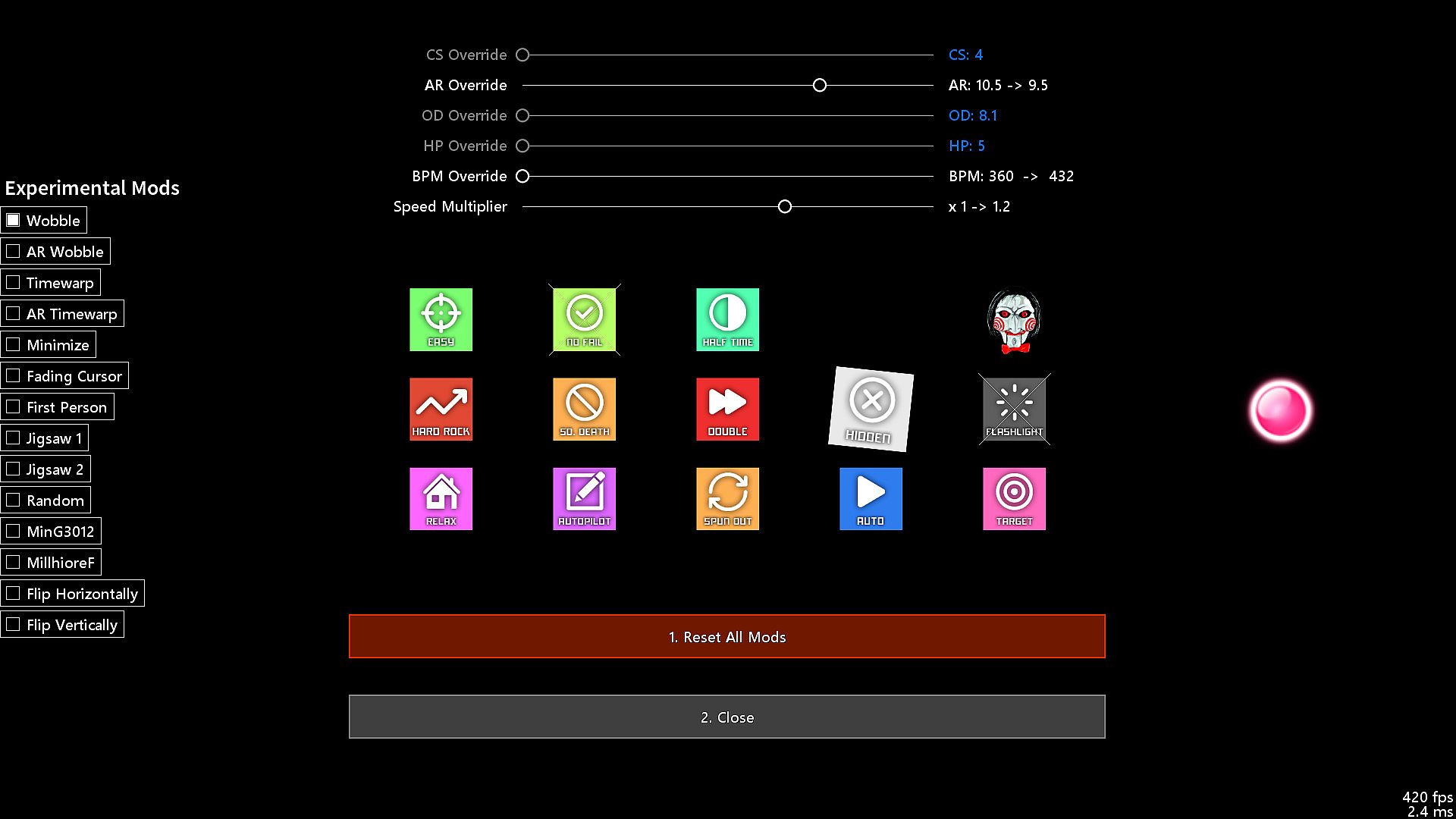
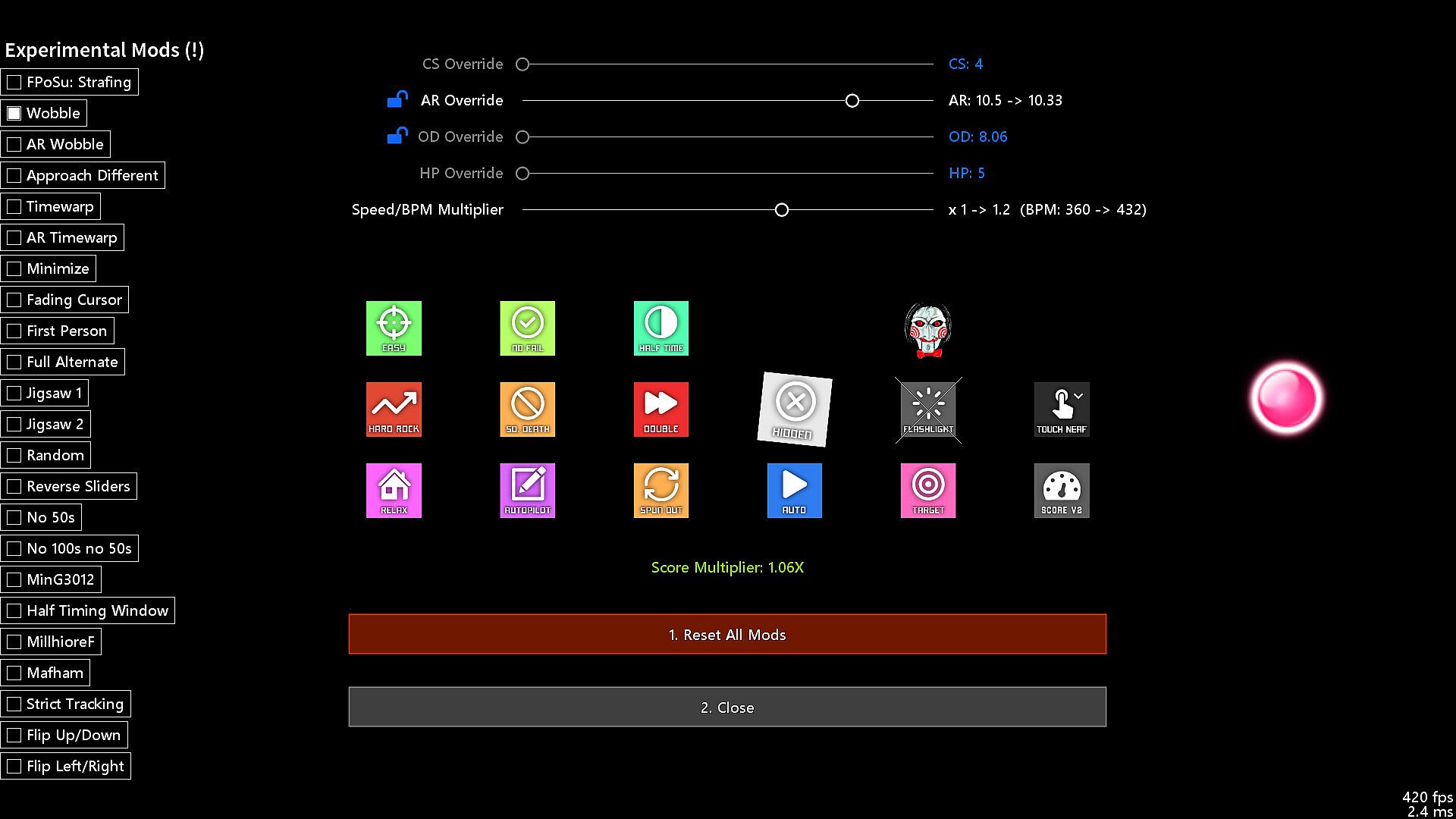
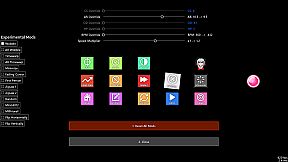
  • Beatmap Overrides (Approach Rate, Circle Size, Overall Difficulty, HP Drain)

  • Speed/BPM Slider

  • Scrubbing and Quicksave/load (SHIFT and F6/F7, rebindable, jump to any point in time of a beatmap)

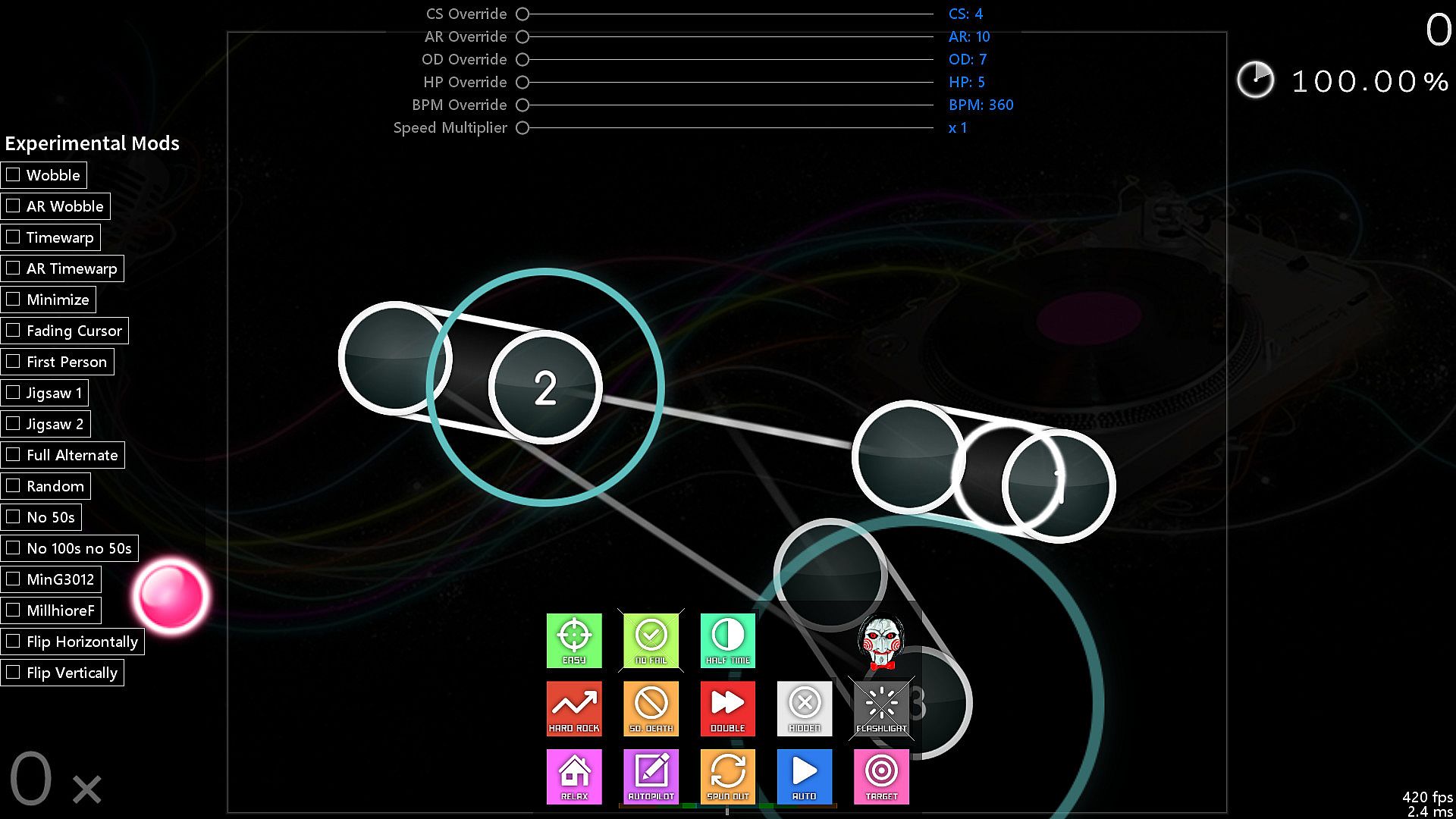
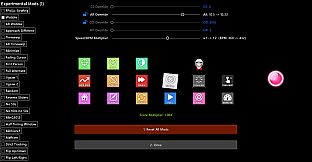
  • Experimental Mods (Wobble, Jigsaw, First Person, Playfield Flipping, Reverse Sliders, etc.)

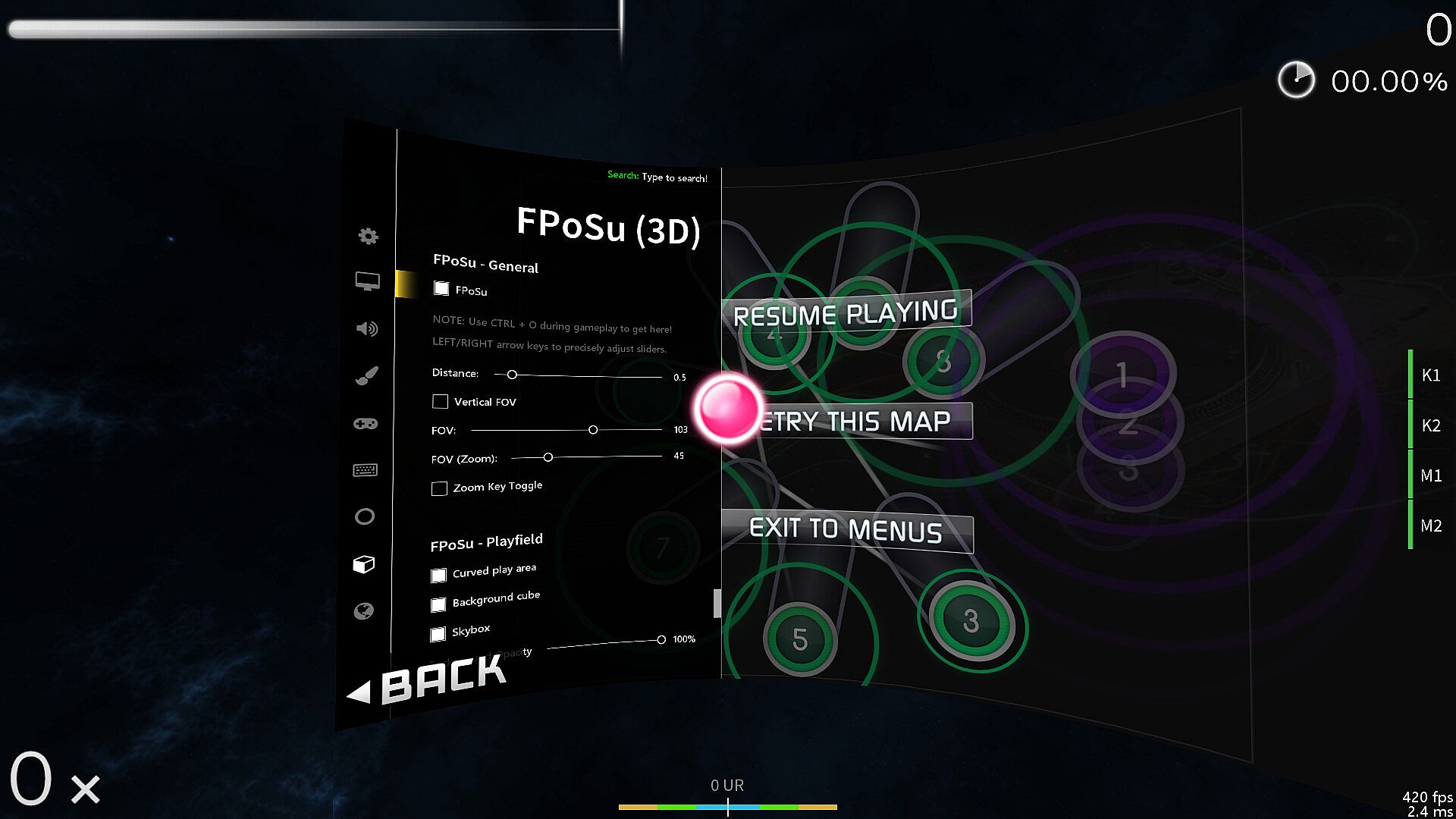
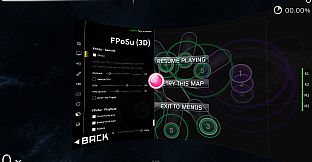
  • Change mods and options while playing (F1 and CTRL + O)

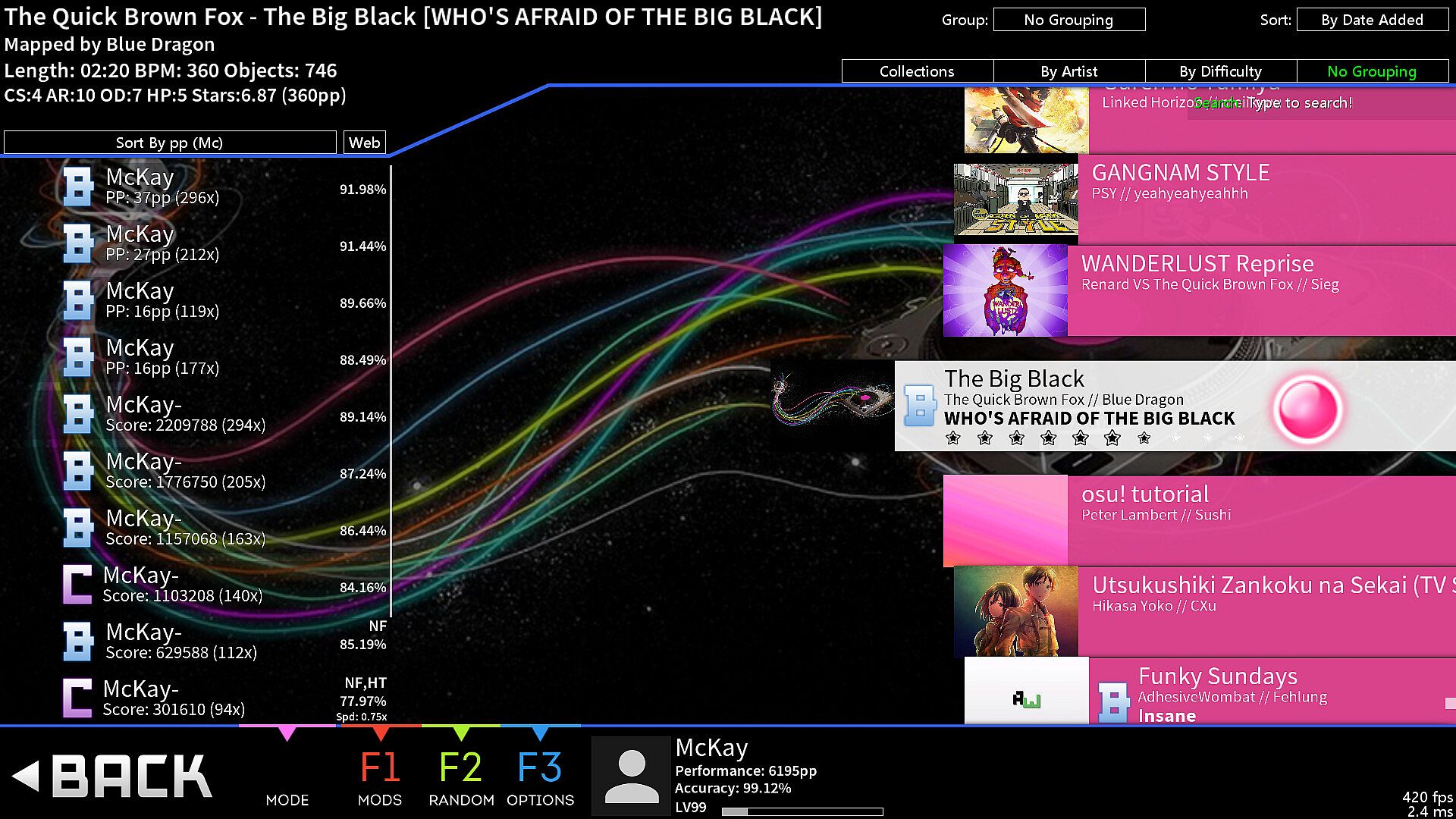
  • Built-in pp counter (live stats overlay + ranking screen)

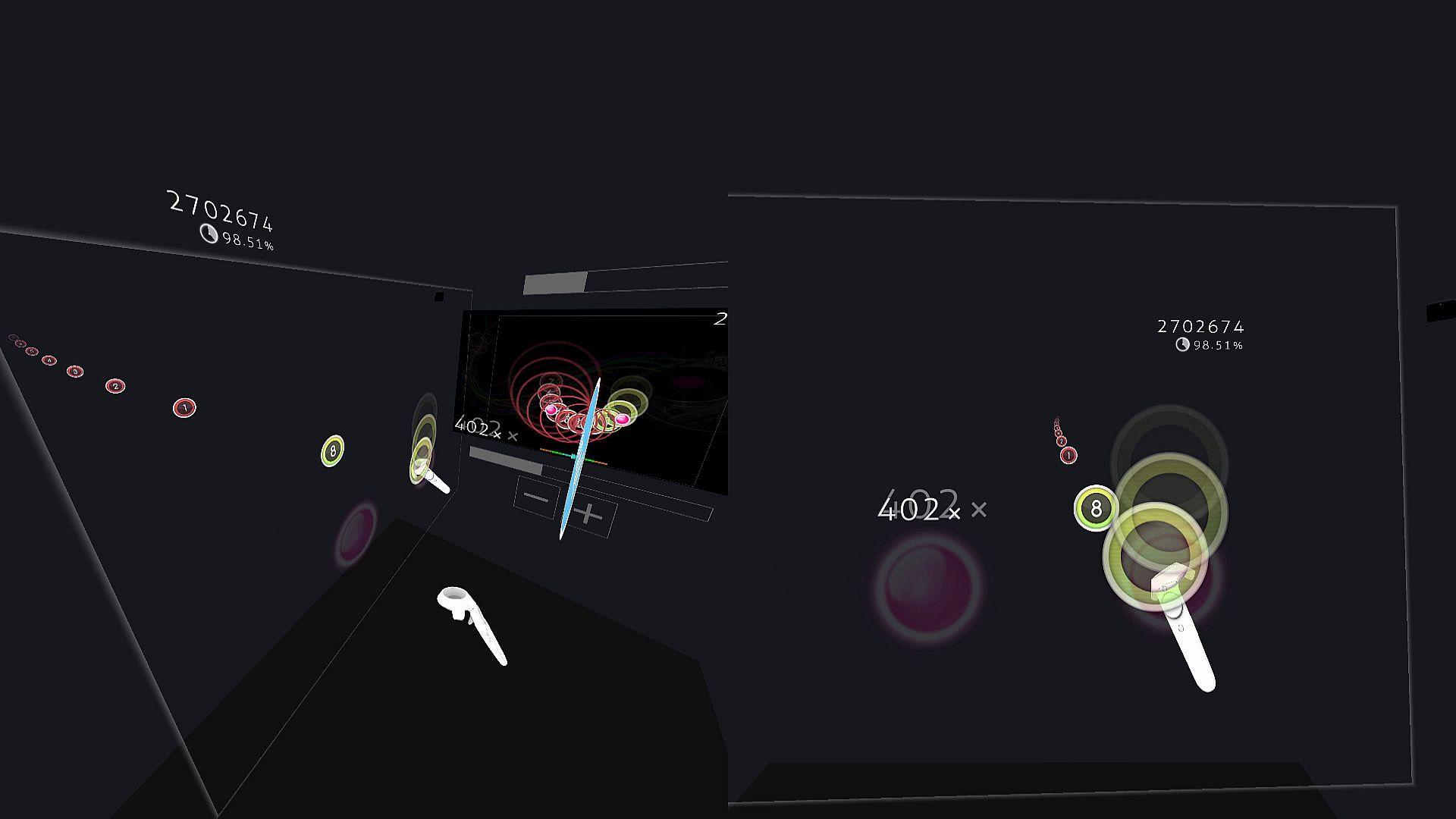
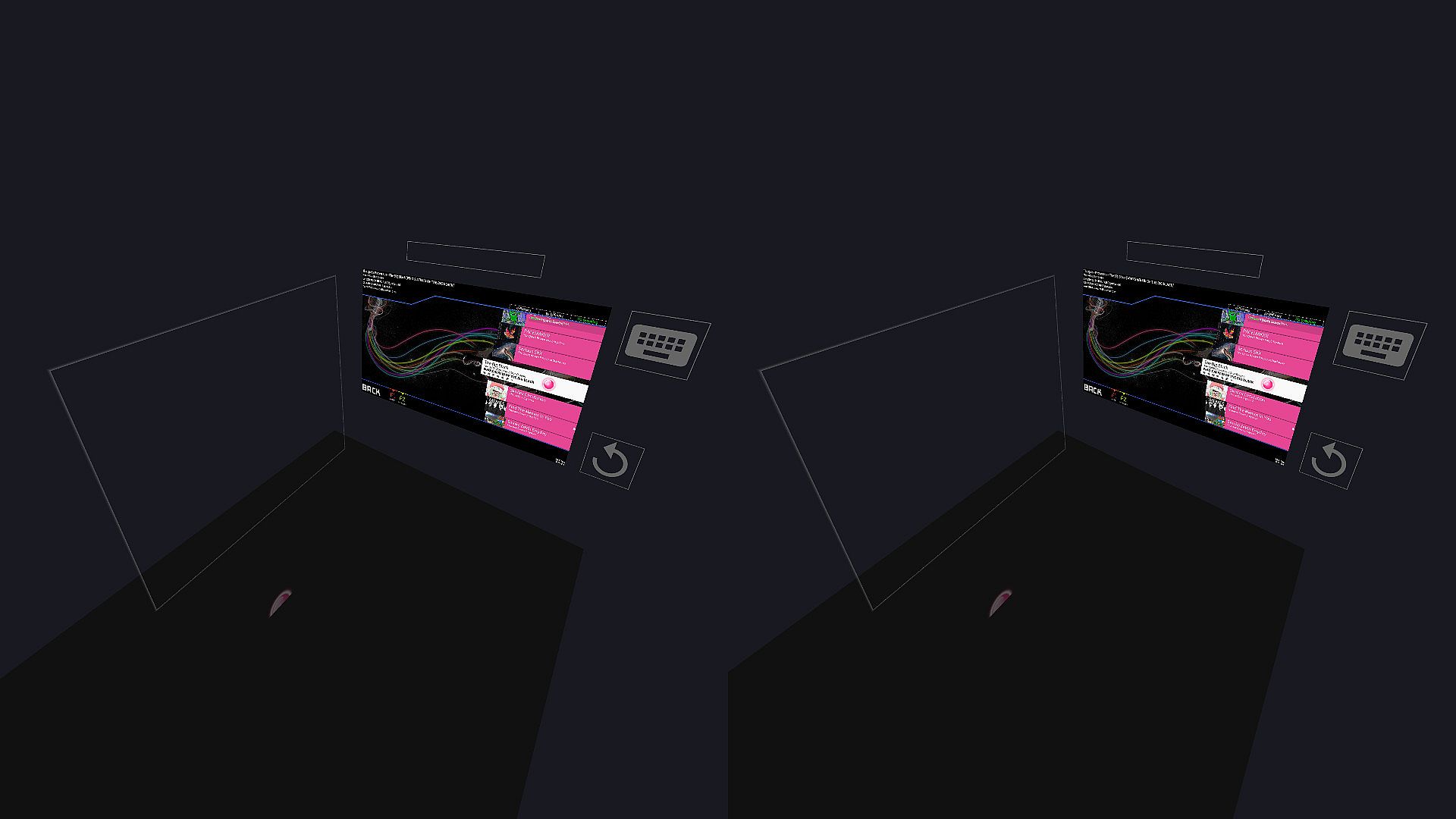
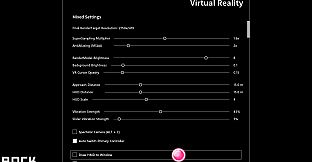
  • VR gamemode

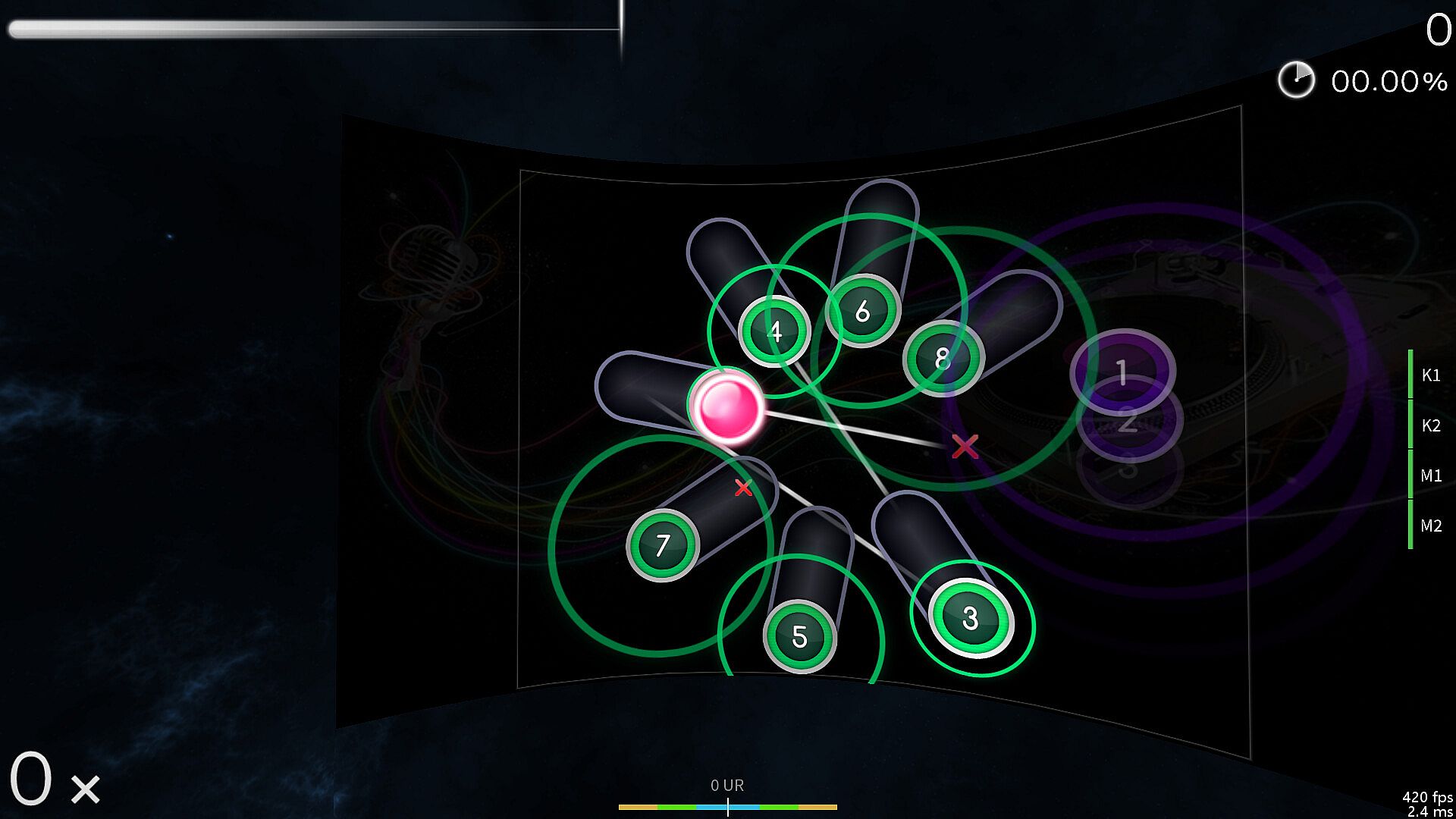
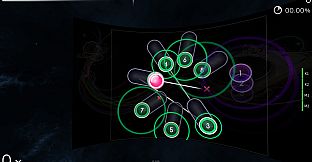
  • First-Person 3D gamemode (FPoSu)

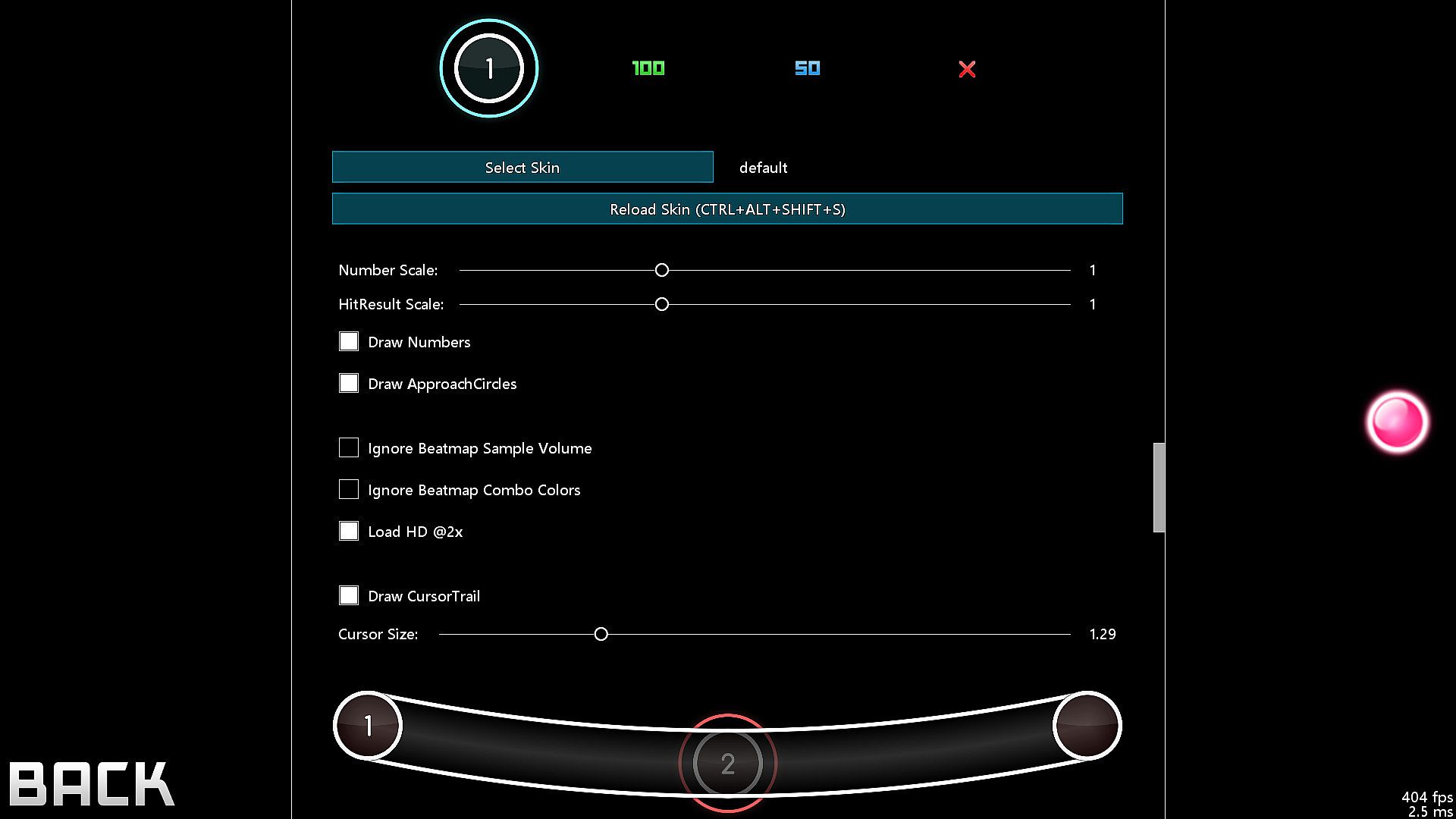
  • Steam Workshop support for skins

  • Infinite offline profiles with pp ranking

  • Customizable HP Drain + Notelock algorithms

Beatmaps
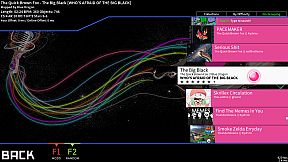
  • If you have osu!(stable) installed, then McOsu will load your beatmaps directly from the default osu!(stable) installation path, although custom paths are also possible

  • You can use McOsu without installing osu!(stable) (it is not recommended though), a guide on manual beatmap management is available in the Steam Community Guides

osu! VS McOsu

The intention of this game is neither to replace peppy's client, nor to split the community. McOsu was created partially out of frustration, because osu! is lacking many usability features vital to practicing effectively and efficiently. This is currently being rectified in the rewrite of osu! (called osu!lazer), which is an open-source project anyone can contribute to.

Holodance VS McOsu

While Holodance is focused on providing a full VR rhythm game experience with osu! beatmap compatibility as a sideproject, McOsu tries to bring pure osu! gameplay into Virtual Reality while staying as close to the original as possible.

As a wise man once said, "plz enjoy game".

-

If you want, you can help out with McOsu development on Github, or just take a look at the source code, as this is an open-source project.

-

Skin Credits:
  • ffffffffffffffffff - "- Jaret - Mish Mosh"

  • irrlux - "Talrava XIV"

  • HazrdMC - "Phaze"

  • Redon - "Aesthetic 1.3"

  • DarkSlayer000 - "xXx_SampleSkin_xXx v1.3"

  • Inori - "Stepmania"

  • taikuta - "Murakumo"

  • Easy - "Burning_Crow V2"

  • Icomoon

  • Freepik

Interfejs:
English

Klasyfikacja wiekowa

Brak informacji
Metacritic:
tbd tbd
Steam:
Very Positive (6k)

Wymagania sprzętowe

Minimalne:

  • Procesor: Intel® Core™ i5 or better
  • Pamięć: 2 GB RAM
  • Grafika: NVIDIA GeForce® GTX 970 (for VR) / AMD Radeon™ R9 290 or better (for VR)
  • Dysk: 75 MB available space
  • Dodatkowe uwagi: XAudio2 / DirectSound compatible; XAudio2 / DirectSound compatible

Zalecane:

  • Procesor: Intel® Core™ i5 or better
  • Pamięć: 2 GB RAM
  • Grafika: NVIDIA GeForce® GTX 970 (for VR) / AMD Radeon™ R9 290 or better (for VR)
  • Dysk: 75 MB available space
  • Dodatkowe uwagi: XAudio2 / DirectSound compatible; XAudio2 / DirectSound compatible

Minimalne:

  • System operacyjny: 64-bit
  • Procesor: Intel® Core™ i5 or better
  • Pamięć: 2 GB RAM
  • Grafika: OpenGL 3.0 compatible
  • Dysk: 75 MB available space
  • Dodatkowe uwagi: Any; Any

Zalecane:

  • System operacyjny: 64-bit
  • Procesor: Intel® Core™ i5 or better
  • Pamięć: 2 GB RAM
  • Grafika: OpenGL 3.0 compatible
  • Dysk: 75 MB available space
  • Dodatkowe uwagi: Any; Any

Historia cen

Historycznie najniższa cena
Keyshopy
-
-
-
Sklepy oficjalne
-
-
-
Dołącz do Discorda
Uzyskaj szybką pomoc od społeczności i bądź na bieżąco z promocjami
Ustaw alerty cenowe
Otrzymuj powiadomienia e-mail, gdy cena gry spadnie do Twojego poziomu
Załóż darmowe konto
Odblokuj wishlisty, alerty cenowe i synchronizację ze Steam

FAQ

8 pytań

Zanim zaczniesz szukać taniego klucza McOsu (CD Key), sprawdź najważniejsze informacje. Twórcy: McKay. Wydawca: McKay. Data premiery na PC: 20 mar 2017. Gatunki: Indie. Kategorie: Steam Workshop, Single-player, Tracked Controller Support, VR Supported. Recenzje McOsu: Metascore: tbd. Użytkownicy Metacritic: tbd. Recenzje Steam: 88% of the 6 212 user reviews for this game are positive.

Q Czy McOsu działa na Steam Decku?

Nie, na ten moment. Valve oznacza McOsu jako Unsupported, więc gra nie uruchamia się przez Proton. Śledź XD.deals - monitorujemy postępy Protona i społecznościowe obejścia, a gdy pojawi się działające rozwiązanie, oznaczymy możliwość uruchomienia McOsu na Steam Decku.

Tak. Istnieje wersja McOsu na Steam. Wybierz ofertę oznaczoną jako Steam Key na XD.deals, aktywuj ją w kliencie Steam i graj w McOsu na PC.

Tak. Po aktywacji klucza Steam możesz uruchomić McOsu w trybie Offline w Steam. Zapisy zsynchronizują się przy następnym połączeniu z internetem.

Tak, możesz kupić klucz Steam do McOsu bezpośrednio w sklepie Steam. W XD.deals zbieramy wszystkie oferty z DRM Steam, abyś mógł porównać tanie promocje na McOsu na Steam w jednym miejscu.

Obecnie nie mamy aktywnych ofert dla McOsu - zarówno w oficjalnych sklepach (0), jak i w keyshopach (0) gra jest wyprzedana lub chwilowo niedostępna...

Dzięki XD.deals gracze PC mogą od razu sprawdzić, gdzie kupić tani klucz McOsu na PC (Steam). Nasz silnik porównujący ceny w czasie rzeczywistym oraz baza kuponów śledzą oficjalne sklepy i zaufane keyshopy, żebyś nie musiał. Obecnie wykrywamy 0 aktywnych ofert z oficjalnych sklepów i keyshopów.

Jeszcze nie. Obecnie nie ma listingu McOsu na Steam, więc nie możesz kupić McOsu na Steam. Zamiast tego sprawdź inne oferty McOsu na XD.deals - oficjalne sklepy i keyshopy często oferują wersje bez DRM lub klucze do innych launcherów, zanim tytuł trafi na Steam.

Nie - XD.deals nie jest sklepem. Jesteśmy porównywarką cen, która śledzi najlepsze oferty na McOsu w oficjalnych sklepach i zweryfikowanych keyshopach. Kliknij "Przejdź do sklepu" przy wybranej ofercie, a przekierujemy Cię na stronę sprzedawcy, gdzie dokończysz zakup i odbierzesz klucz.

Chcesz kupić w najlepszym momencie? Ustaw alert cenowy na XD.deals i otrzymaj powiadomienie, gdy McOsu ponownie osiągnie historycznie najniższą cenę.

Utwórz alert