

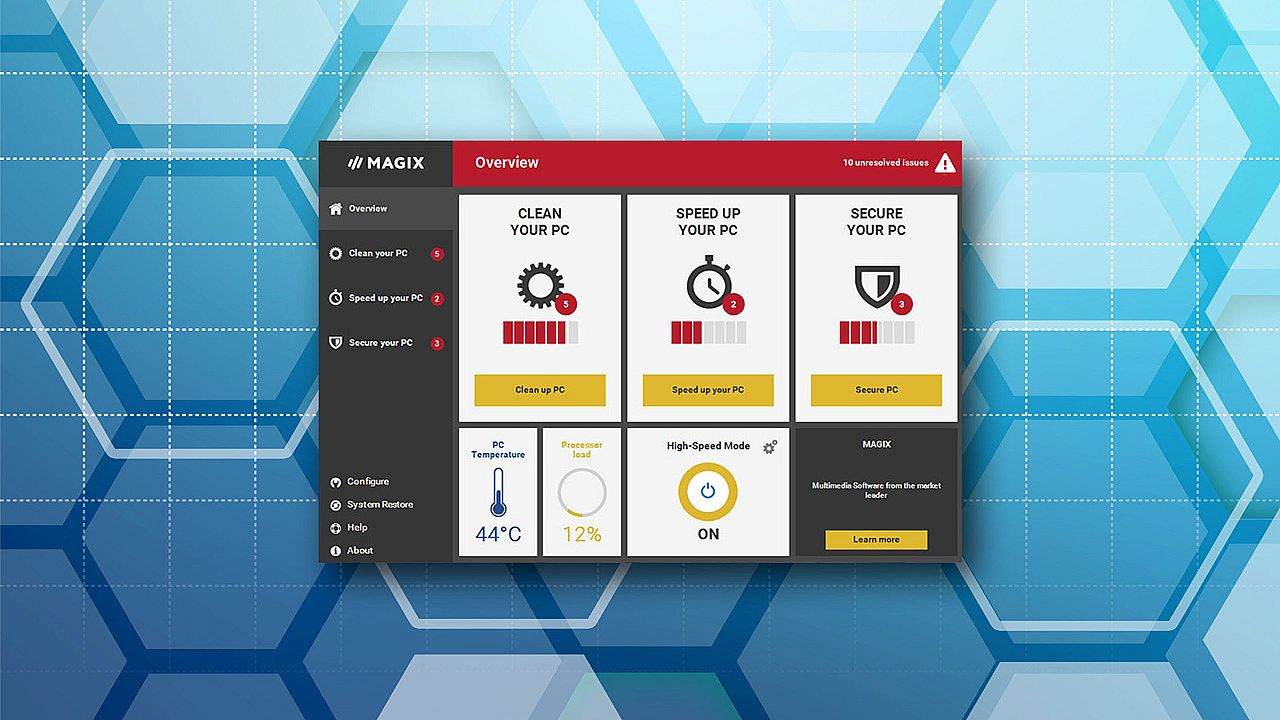
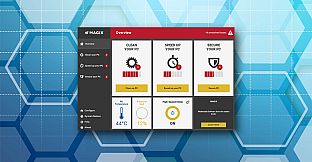
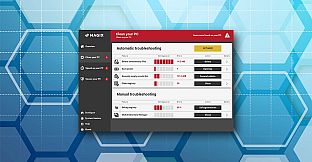
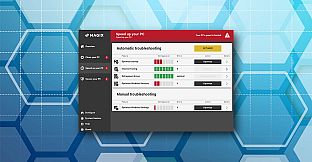
3 steps to make your PC faster and more stable:
Clean up: Clean your hard drive and free up storage space by deleting unnecessary and particularly large files.Update: Bring your software and drivers up to date for a smooth-running system.
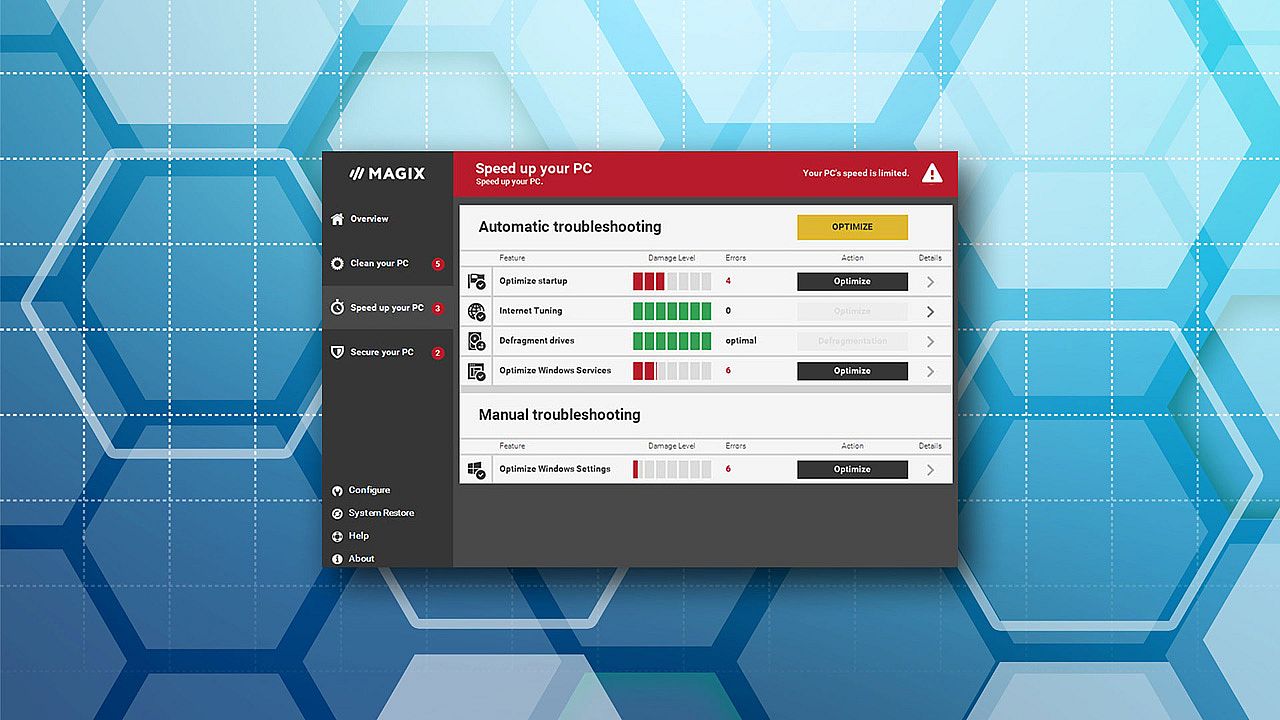
Accelerate: Optimize Windows settings and startup and get more performance with energy saving settings.
Improve your gaming experience
- Auto Boost: High speed mode is automatically activated when games or certain applications start. For maximum gaming performance.
- Quick Tip: The latest information at a glance. Quick Tip contains useful information about the status of your PC and tips for using Windows and MAGIX software
- Performance boost: Removes unnecessary programs from the startup and deactivates unimportant services.
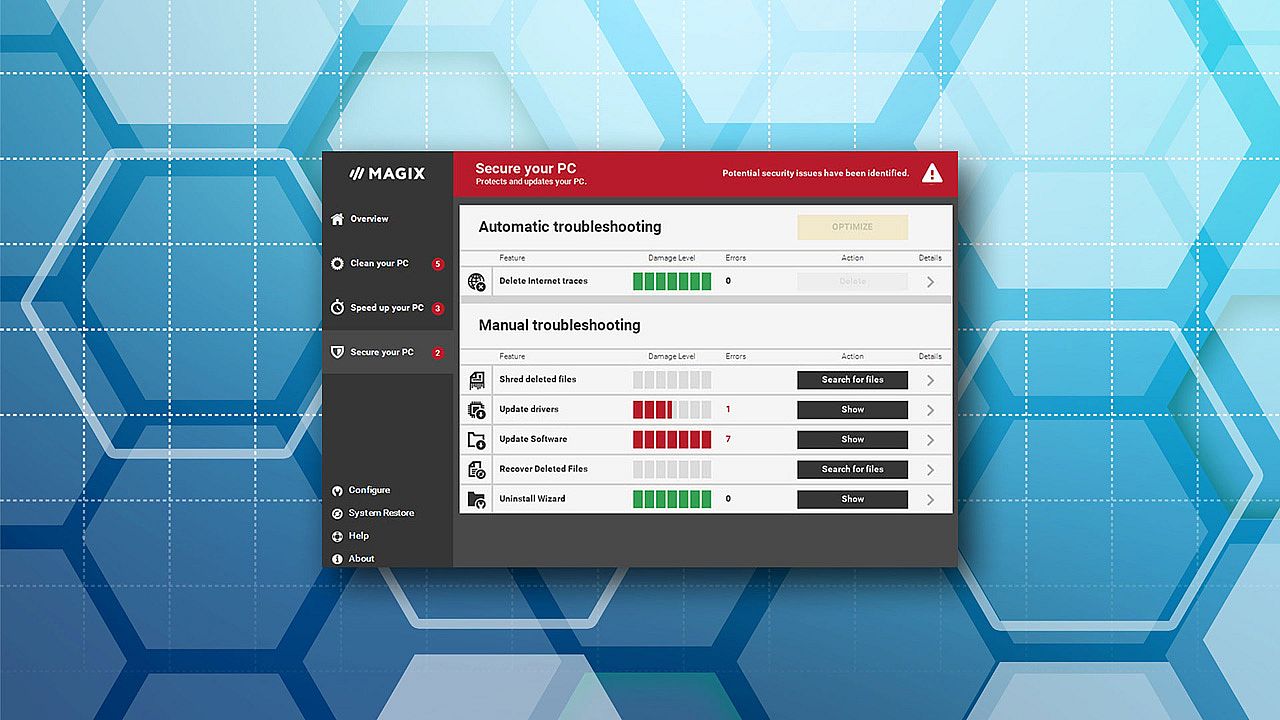
- Update drivers: Keeps your graphics card and sound card drivers up to date and automatically searches for new updates.
- Update software: Brings over 2000 program titles automatically up to date on request.
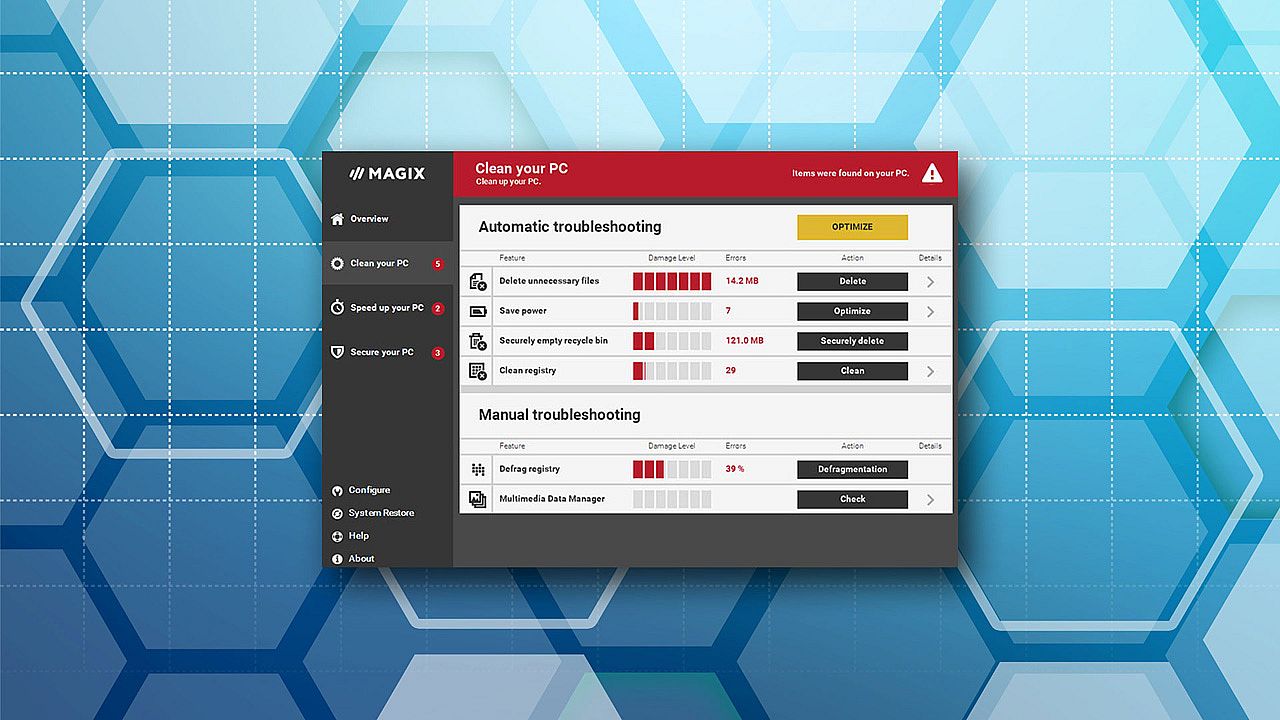
- Clean hard drive and registry: Accelerates hard drive access, deletes unnecessary files, and stabilizes your system.
- Smart defragmentation: Uses intelligent file categorization to get the most out of your hard drive.
- Internet tuning: Optimizes network and browser settings for faster surfing and protects your privacy online.
New in this version: 1-click maintenance and tuning autopilot
Solve the most important problems with just one click.The Tuning Autopilot monitors your PC in realtime and finds problems right when they appear, resolving them automatically if you want.Latest updates for Windows 10
Problems always emerge in new operating systems in the months following release, and these need to be fixed with software updates. PC Check & Tuning 2017 automatically installs the latest driver and software updates for you.
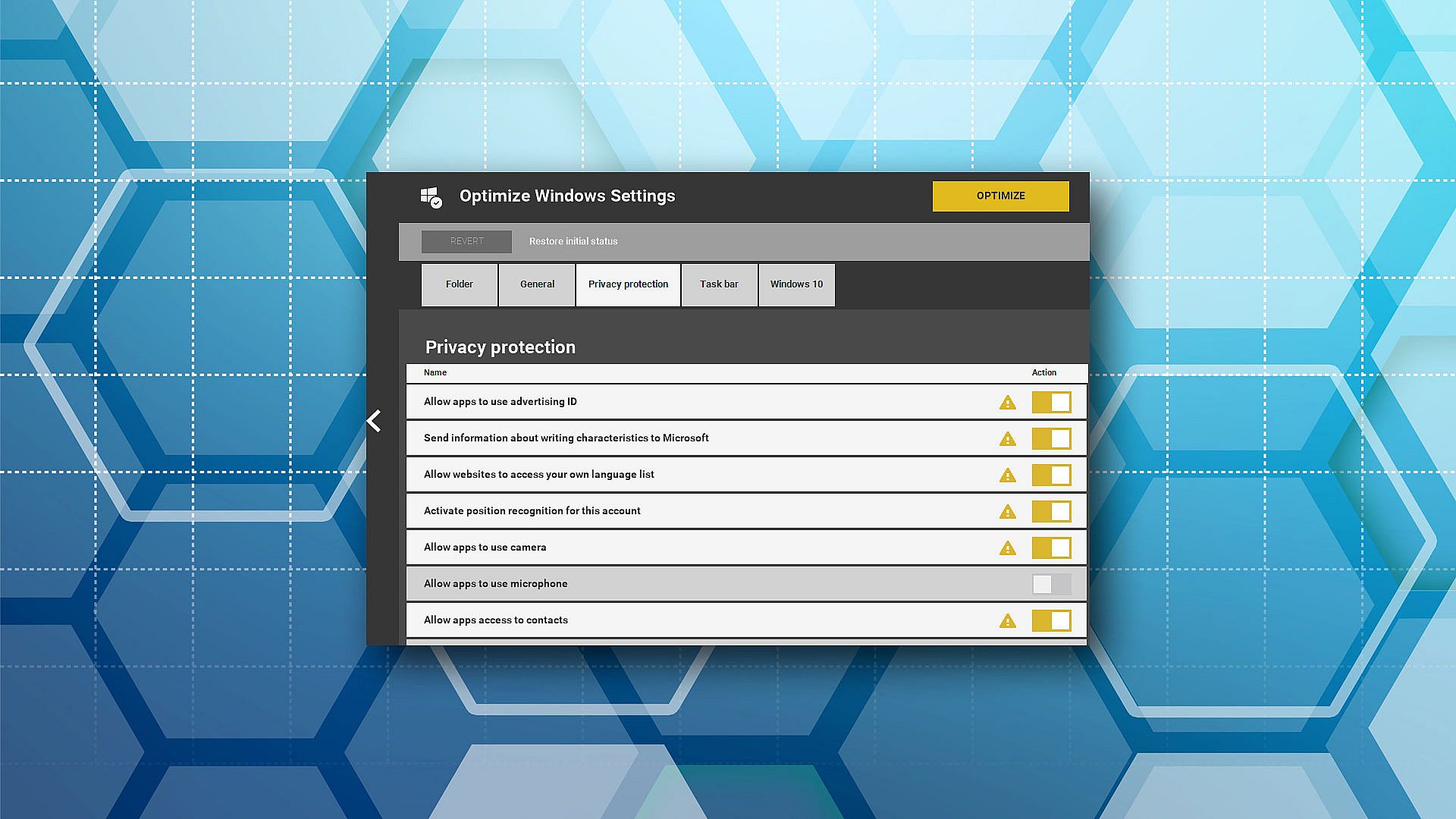
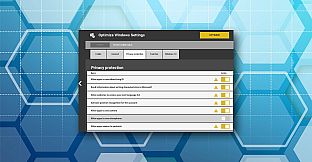
Windows 10 privacy protection and improved transparency
PC Check & Tuning 2017 prevents transfer of your personal data to Microsoft without your knowledge. You always have an overview thanks to detailed optimization reports.