


in progress...

Compra RPG Maker MV - MADO PC

Questo contenuto richiede il gioco base: RPG Maker MV

Dove comprare la chiave Steam RPG Maker MV - MADO PC più economica? Confronta i prezzi da 4 store e scegli la soluzione migliore tra 4 offerte su XD.deals. Al momento il prezzo PC più basso per RPG Maker MV - MADO nei keyshop è su 1,41 € (85% di sconto) e negli store ufficiali su 85 (1,95 € di sconto).

Uscita: 06 set 2017
Sviluppatore: KADOKAWA
Metacritic:
tbd 6.3
Steam:
Mixed (57)
Compra nello store ufficiale:
-80%
1,95 €
Compra nei keyshop:
-85%
1,41 €
Vedi storico prezzi

Store ufficiali (1)

DRM:
Steam
Steam
Steam
RPG Maker MV - MADO
Windows
+1
6g fa
DRM:
Steam
Termina tra 1 settimana
Steam
9,75 € 1,95 €
Termina tra 1 settimana
-80%

Keyshop (3)

DRM:
Steam
Steam
Gameseal
RPG Maker MV - MADO (DLC) (PC) Steam Key - GLOBAL
Windows
+1
1sett fa
DRM:
Steam
Gameseal
9,75 € 1,41 €
Historical Low Deal
Historical low
-85%
-13% with SEAL13XDDcopy
GameBoost
RPG Maker MV - MADO (DLC)
Windows
+1
5g fa
GameBoost
9,75 € 1,90 €
-80%
GameBoost
RPG Maker MV - MADO DLC (EU)
Windows
+1
5g fa
GameBoost
9,75 € 3,18 €
-67%

Info su RPG Maker MV - MADO

RPG Maker MV - MADO - info sul gioco

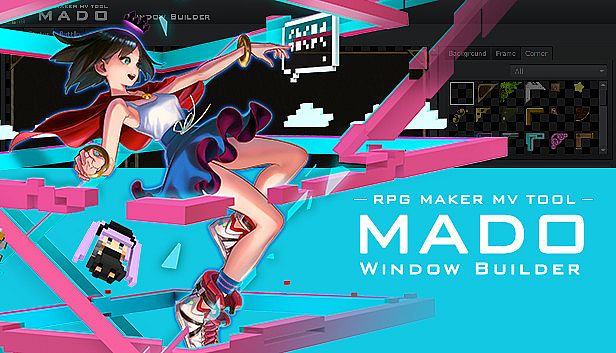
The Ultimate tool to easily customize your windows
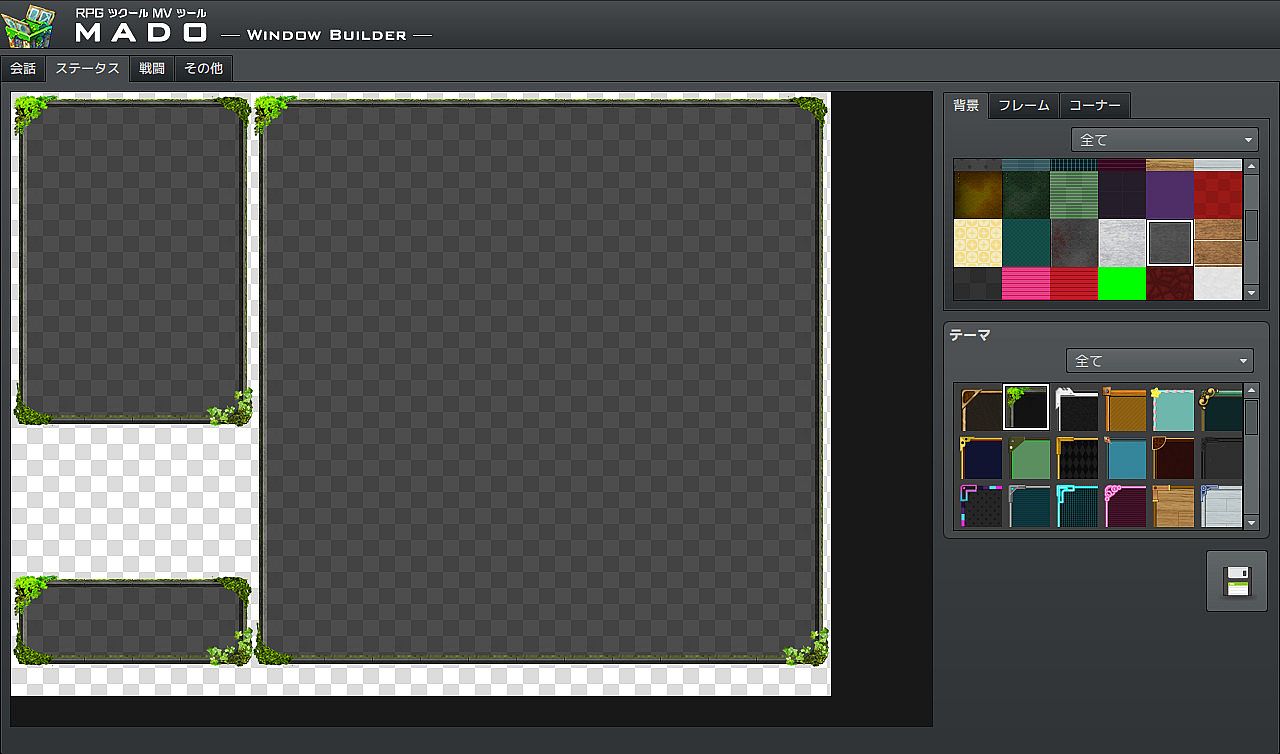
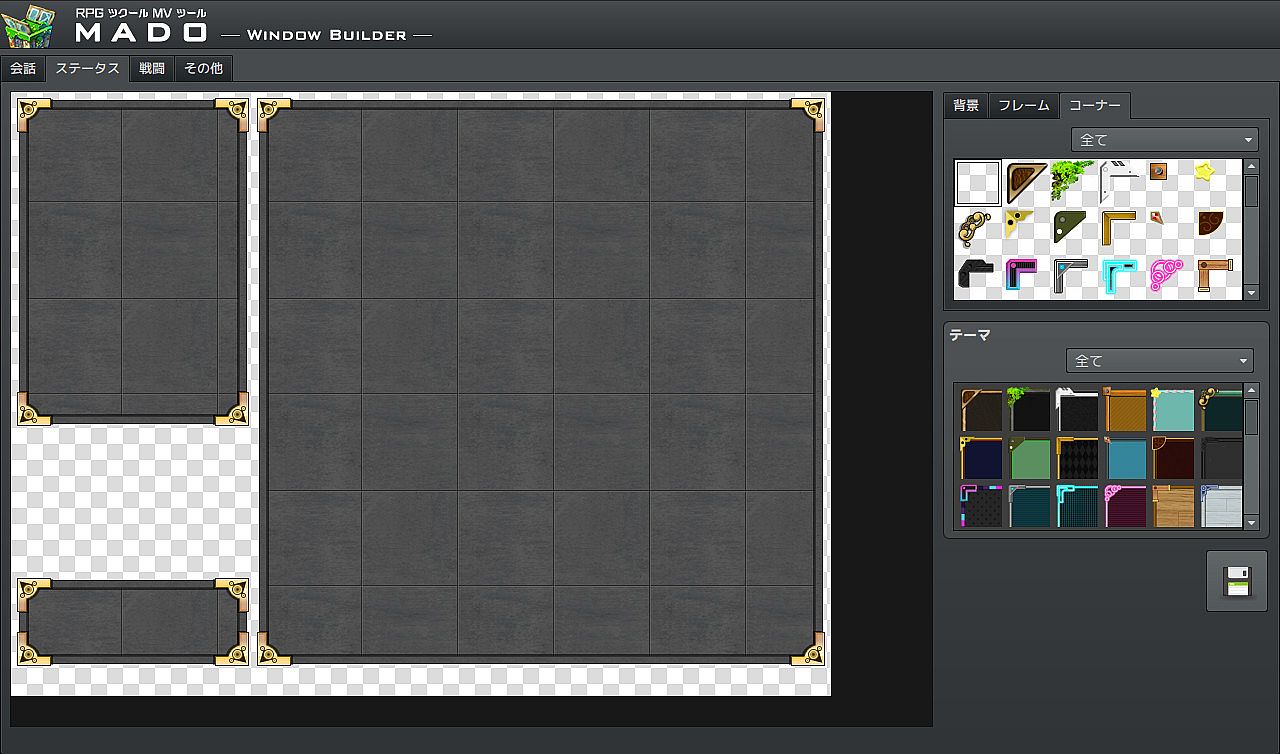
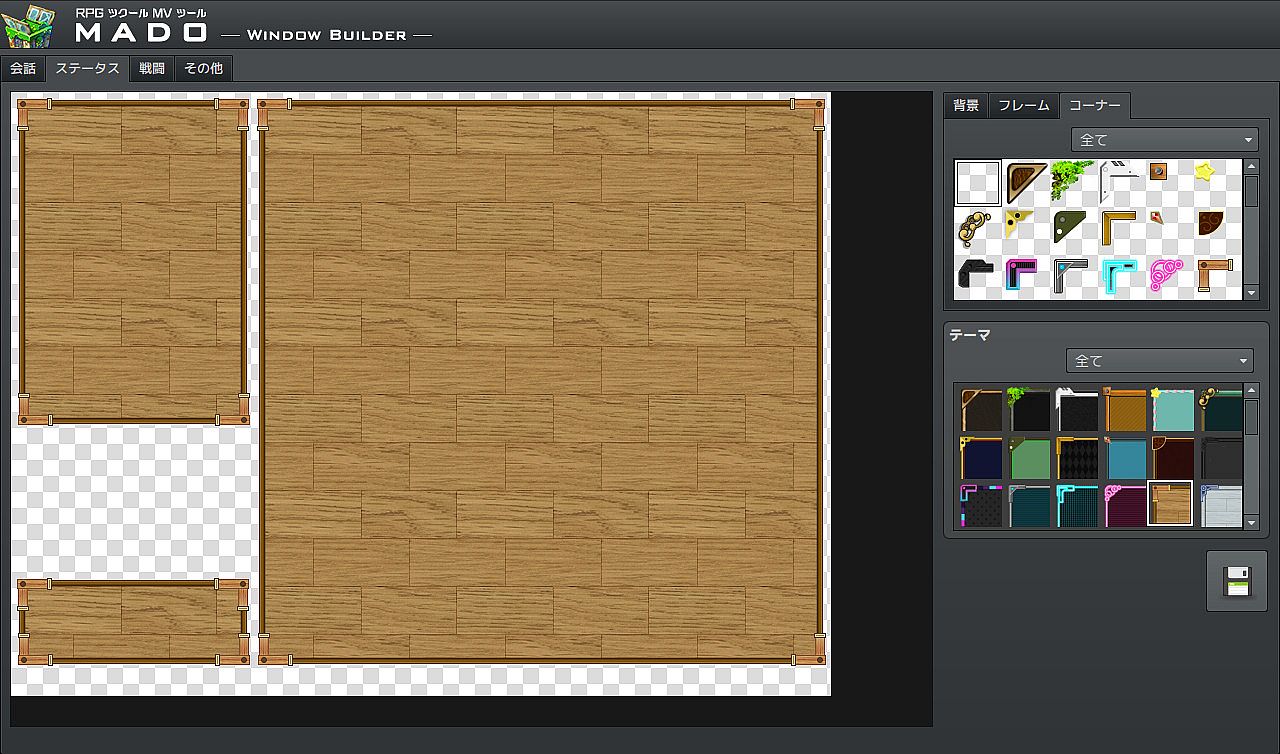
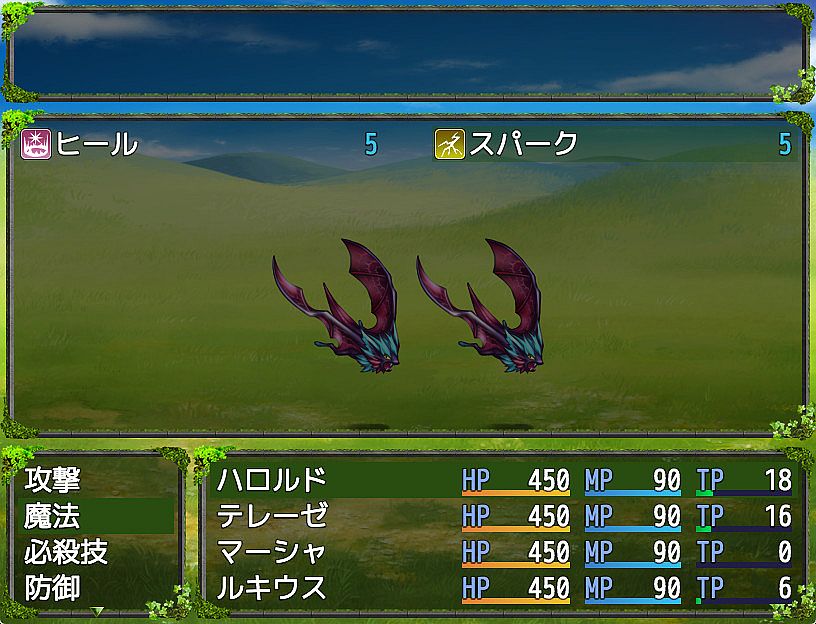
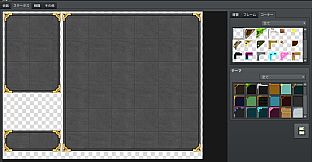
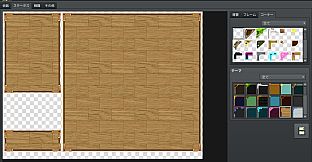
MADO is tool created for the RPG Maker MV series. It lets you customize the window graphic used in your game. MADO includes, 50 themes for frame, corners and background patterns! You're just a few clicks away from making the perfect windows to match your game world! These include:

  • Standard
  • Modern
  • Pop
  • Material
  • Machine
  • Other

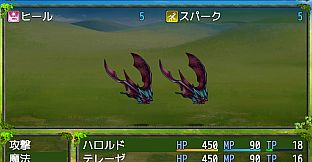
With that much choices, you can customize your game windows to fit several game themes such as the classic fantasy RPG, futuristic worlds, high-school romance, horror and much more.
Installing MADO

  • Open RPG Maker MV and your Project.
  • Select Tools -> RPG Maker MV Tools...
  • Select Window Maker -> Add
  • Press OK.
  • Press the newly added icon to start using MADO! There is a guide to help you use it in the Help Tab.

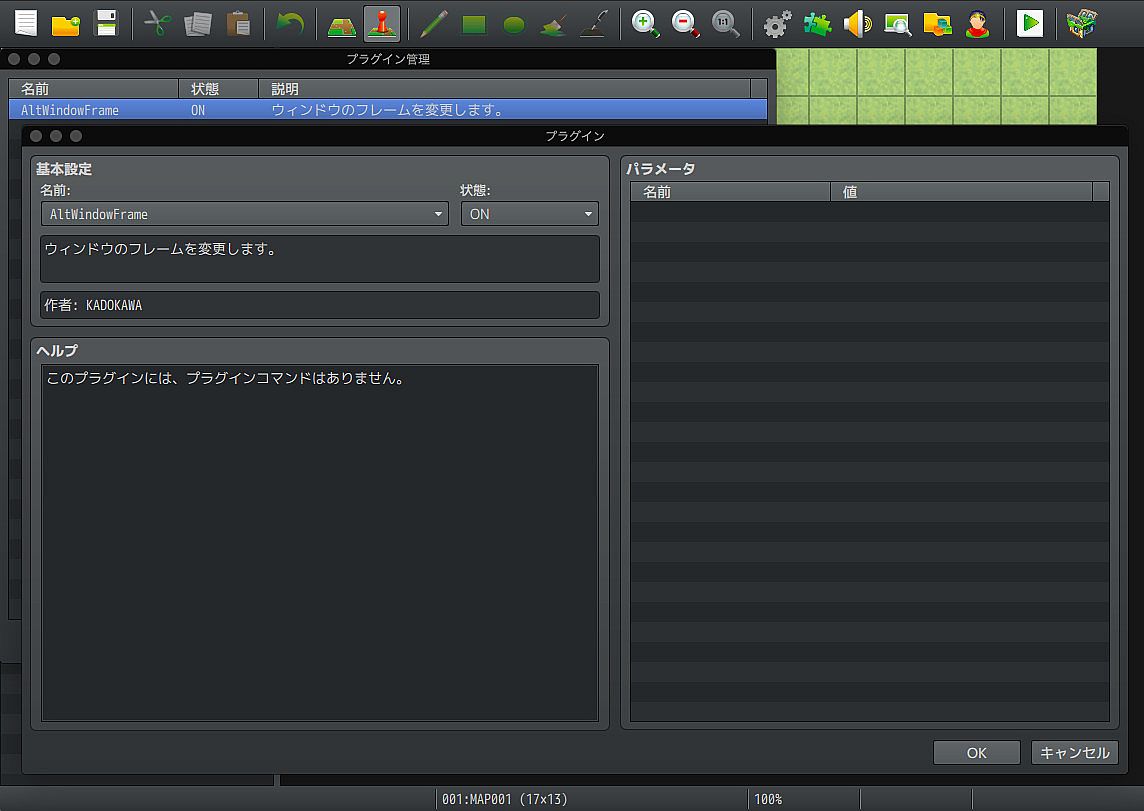
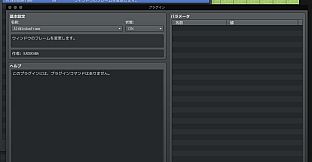
NOTE: MADO installs a plugin to your desired project. This is how it will modify the windows of your game.
Customizing MADO
You can also add your own original window graphic parts!
  • Go to the Root Folder of the Tool. Normally this is in Steam\steamapps\common\RPG Maker MV\tool\MADO\Parts
  • You will see an img folder. This is where you will place the new Window Graphics you wish to use. Window_ID050 is a template that you can follow.
  • Once you are done, simply name your new graphic as "Window_ID0XX" 0XX being the new number. This is the unique ID of your graphic.
  • The thumbs folder is a small preview of your newly made window graphic to display on the tool itself. Make sure to add a thumb image on your newly created graphic as well!
  • Go back to parts folder and open setting.json.
  • At the very end of "category": "All" add your newest window graphic such as "051"
  • Then add the same ID based on which category you want to set it to. If your new window graphic classifies as fantasy, go to "category": "Standard" and add the latest id at the very end of the id. It would look like something like this:
    "id": ["001","006","007","009","011","012","017","018","036","037", "051"]
  • Congrats! You have added your own custom graphic!
Metacritic:
tbd 6.3
Steam:
Mixed (57)

Storico prezzi

Minimo storico
Keyshop
-
-
-
Store ufficiali
-
-
-

FAQ

8 domande

Prima di cercare una CD Key RPG Maker MV - MADO economica, dai unocchiata alle info essenziali. Sviluppato da KADOKAWA. Pubblicato da Gotcha Gotcha Games. Data di uscita su PC: 06 set 2017. Generi: Design & Illustration, Web Publishing. Categorie: Downloadable Content, Partial Controller Support.

Q Posso giocare a RPG Maker MV - MADO su Steam Deck?

No, al momento. Valve indica RPG Maker MV - MADO come Unsupported, quindi non si avvia via Proton. Tieni d’occhio XD.deals: tracciamo progressi di Proton e fix della community e lo segnaleremo appena sarà possibile giocare a RPG Maker MV - MADO su Steam Deck.

Sì. Esiste una versione Steam di RPG Maker MV - MADO. Scegli un’offerta con tag Steam Key su XD.deals, riscattala nel client desktop e gioca a RPG Maker MV - MADO su Steam PC.

Sì. Dopo aver riscattato la chiave Steam, puoi avviare RPG Maker MV - MADO in Modalità Offline su Steam. I salvataggi si sincronizzeranno quando tornerai online.

Sì, puoi acquistare una Steam Key di RPG Maker MV - MADO direttamente su Steam. Su XD.deals aggregiamo tutte le offerte DRM Steam disponibili così puoi confrontare le offerte Steam economiche di RPG Maker MV - MADO in un unico posto.

Trovi ogni sconto e offerta attiva per RPG Maker MV - MADO qui su XD.deals. Il nostro tracker elenca attualmente 1 offerte da store ufficiali e 3 offerte da keyshop. Controlla la tabella sopra per il prezzo piĂą basso, confrontalo con il minimo storico e imposta un avviso per non perdere il prossimo calo.

Con XD.deals i gamer PC vedono subito dove comprare una chiave Steam RPG Maker MV - MADO PC economica. Il nostro motore di comparazione in tempo reale e il database coupon tracciano store ufficiali e keyshop affidabili così non devi farlo tu. In questo momento rileviamo 4 offerte attive tra store e keyshop.

Sì. Esiste una pagina ufficiale Steam per RPG Maker MV - MADO, quindi puoi comprare RPG Maker MV - MADO su Steam oppure prendere una Steam Key PC di RPG Maker MV - MADO su XD.deals e riscattarla subito.

No — XD.deals non è uno store. Siamo un servizio di comparazione prezzi che traccia le migliori offerte per RPG Maker MV - MADO tra store ufficiali e keyshop verificati. Clicca “Vai allo store” accanto all’offerta scelta e verrai reindirizzato al sito del rivenditore per completare l’acquisto e ricevere lì la chiave.

Vuoi comprare al momento giusto? Imposta un avviso prezzo su XD.deals e prendi una chiave Steam RPG Maker MV - MADO scontata quando raggiunge il prossimo minimo storico.

Crea avviso