


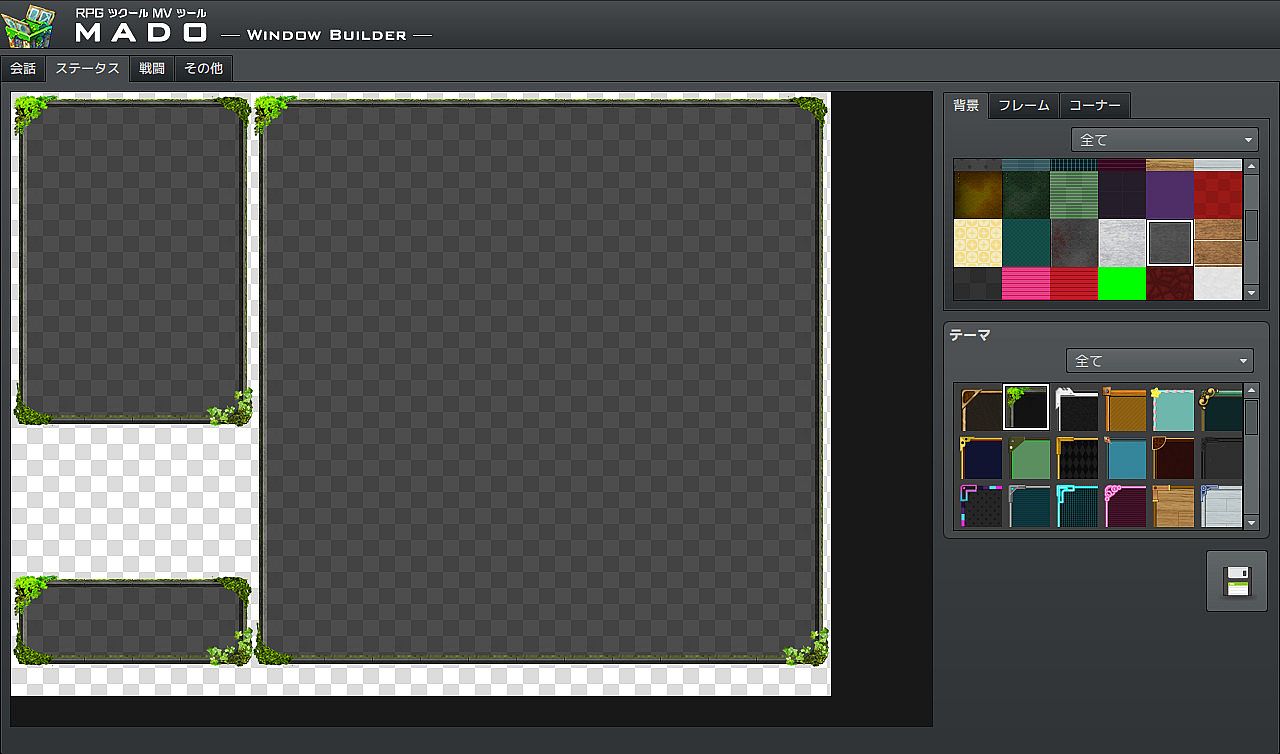
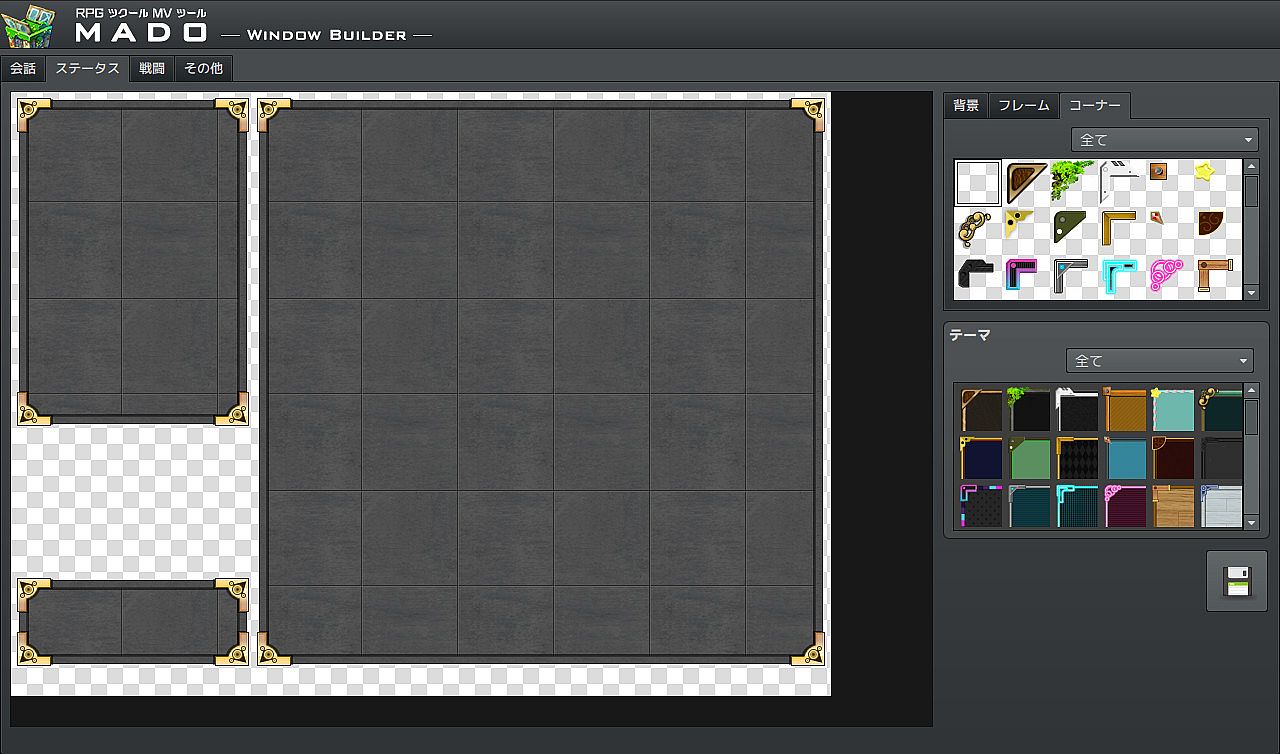
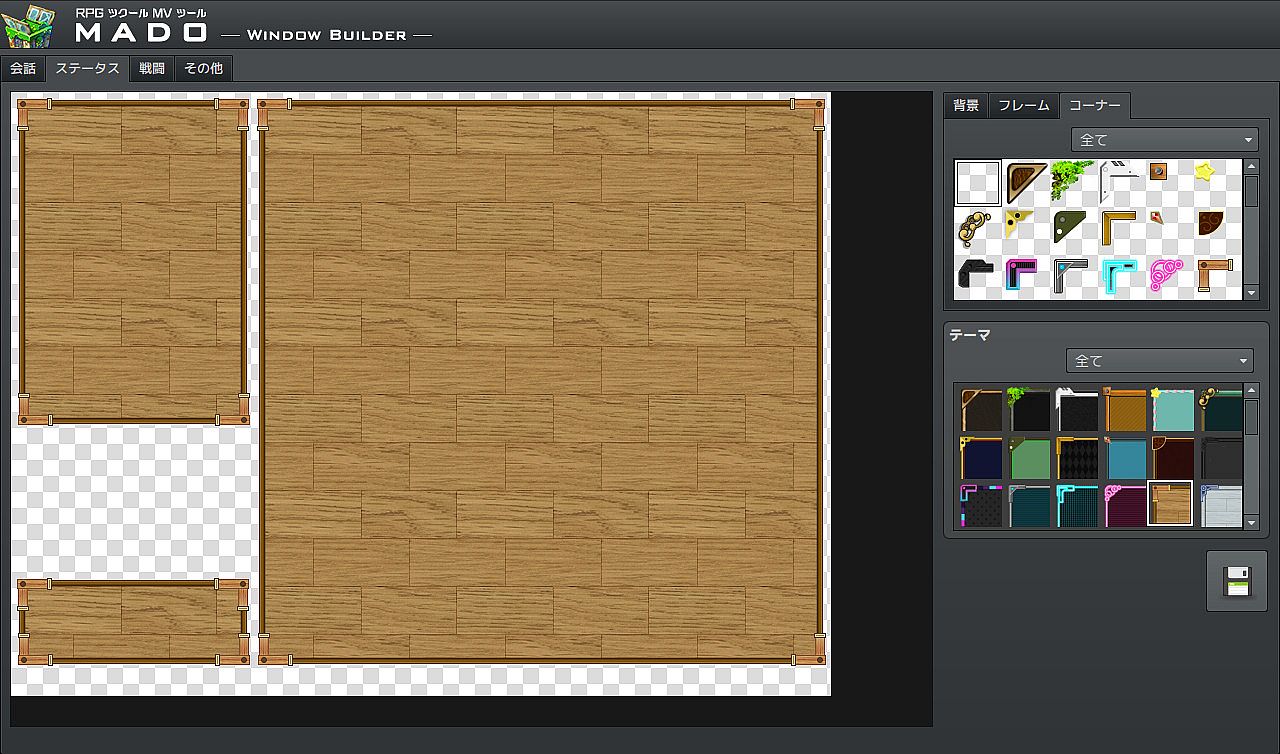
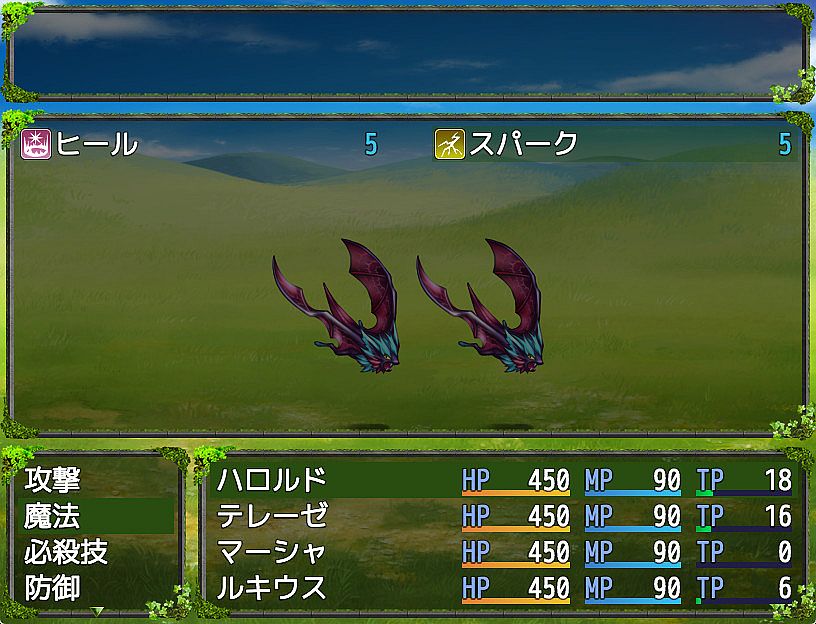
in progress...

RPG Maker MV - MADO PC kaufen

Dieser Inhalt erfordert das Hauptspiel: RPG Maker MV

Wo kannst du den günstigsten RPG Maker MV - MADO Steam-Key für PC kaufen? Vergleiche Preise aus 4 Shops und finde unter 4 Angeboten auf XD Deals die beste Option. Aktuell liegt der niedrigste RPG Maker MV - MADO PC Preis in Keyshops bei 1,41 € (85% Rabatt) und in offiziellen Shops bei 1,95 € (80% Rabatt).

Veröffentlichung: 06 Sept. 2017
Entwickler: KADOKAWA
Metacritic:
tbd 6.3
Steam:
Mixed (57)
Im offiziellen Store kaufen:
-80%
1,95 €
Im Keyshop kaufen:
-85%
1,41 €
Preisverlauf anzeigen

Offizielle Shops (1)

DRM:
Steam
Steam
Steam
RPG Maker MV - MADO
Windows
+1
vor 6d
DRM:
Steam
Endet in 1 Woche
Steam
9,75 € 1,95 €
Endet in 1 Woche
-80%

Keyshops (3)

DRM:
Steam
Steam
Gameseal
RPG Maker MV - MADO (DLC) (PC) Steam Key - GLOBAL
Windows
+1
vor 1W
DRM:
Steam
Gameseal
9,75 € 1,41 €
Historical Low Deal
Historical low
-85%
-13% with SEAL13XDDcopy
GameBoost
RPG Maker MV - MADO (DLC)
Windows
+1
vor 5d
GameBoost
9,75 € 1,90 €
-80%
GameBoost
RPG Maker MV - MADO DLC (EU)
Windows
+1
vor 5d
GameBoost
9,75 € 3,18 €
-67%

Ăśber RPG Maker MV - MADO

RPG Maker MV - MADO - Spielbeschreibung

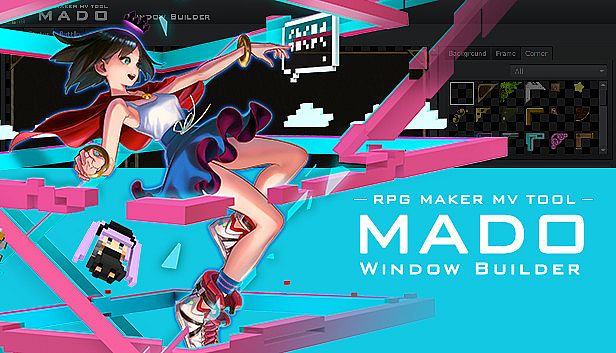
The Ultimate tool to easily customize your windows
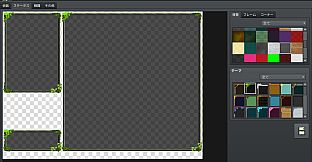
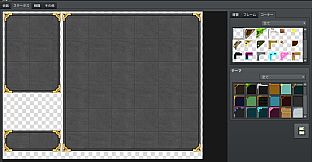
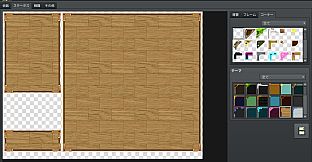
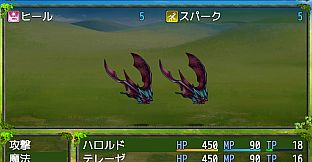
MADO is tool created for the RPG Maker MV series. It lets you customize the window graphic used in your game. MADO includes, 50 themes for frame, corners and background patterns! You're just a few clicks away from making the perfect windows to match your game world! These include:

  • Standard
  • Modern
  • Pop
  • Material
  • Machine
  • Other

With that much choices, you can customize your game windows to fit several game themes such as the classic fantasy RPG, futuristic worlds, high-school romance, horror and much more.
Installing MADO

  • Open RPG Maker MV and your Project.
  • Select Tools -> RPG Maker MV Tools...
  • Select Window Maker -> Add
  • Press OK.
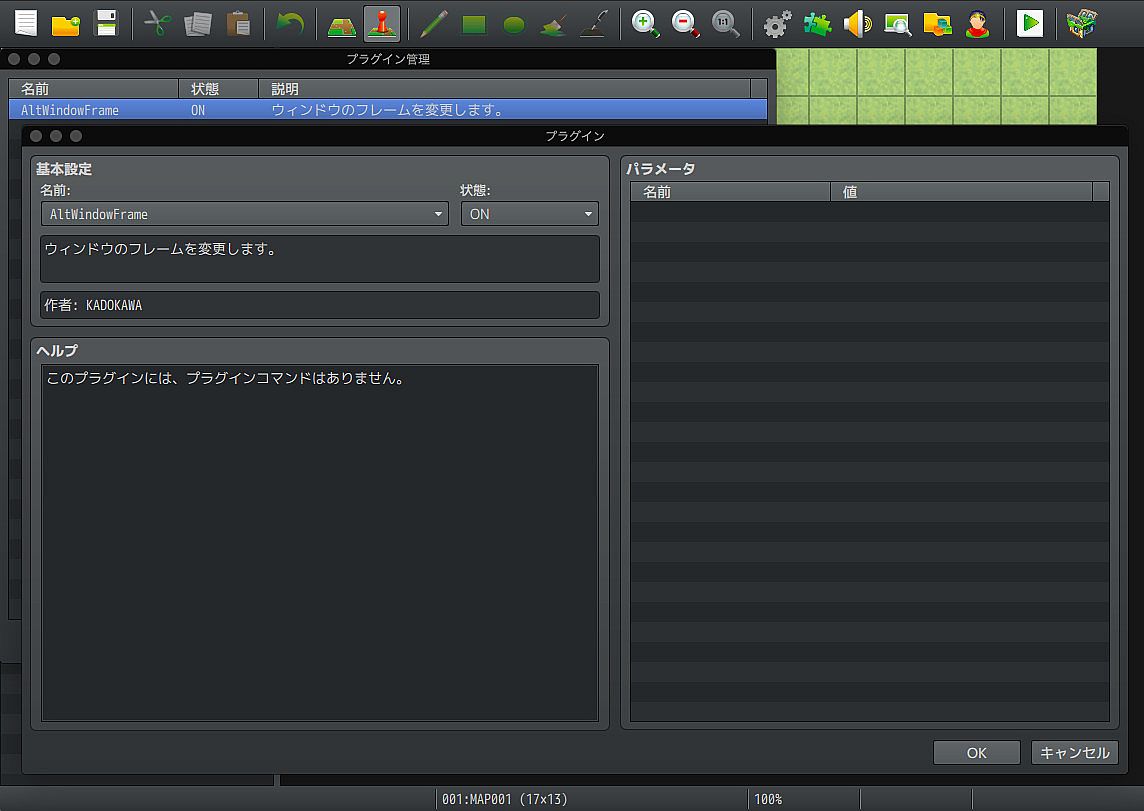
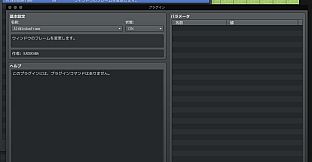
  • Press the newly added icon to start using MADO! There is a guide to help you use it in the Help Tab.

NOTE: MADO installs a plugin to your desired project. This is how it will modify the windows of your game.
Customizing MADO
You can also add your own original window graphic parts!
  • Go to the Root Folder of the Tool. Normally this is in Steam\steamapps\common\RPG Maker MV\tool\MADO\Parts
  • You will see an img folder. This is where you will place the new Window Graphics you wish to use. Window_ID050 is a template that you can follow.
  • Once you are done, simply name your new graphic as "Window_ID0XX" 0XX being the new number. This is the unique ID of your graphic.
  • The thumbs folder is a small preview of your newly made window graphic to display on the tool itself. Make sure to add a thumb image on your newly created graphic as well!
  • Go back to parts folder and open setting.json.
  • At the very end of "category": "All" add your newest window graphic such as "051"
  • Then add the same ID based on which category you want to set it to. If your new window graphic classifies as fantasy, go to "category": "Standard" and add the latest id at the very end of the id. It would look like something like this:
    "id": ["001","006","007","009","011","012","017","018","036","037", "051"]
  • Congrats! You have added your own custom graphic!
Metacritic:
tbd 6.3
Steam:
Mixed (57)

Preisverlauf

Historical low
Keyshops
-
-
-
Official Stores
-
-
-

FAQ

8 Fragen

Bevor du nach einem günstigen RPG Maker MV - MADO CD Key suchst, wirf einen Blick auf die wichtigsten Fakten. Entwickelt von KADOKAWA. Veröffentlicht von Gotcha Gotcha Games. PC Release-Datum: 06 Sept. 2017. Genres: Design & Illustration, Web Publishing. Kategorien: Downloadable Content, Partial Controller Support.

Q Kann ich RPG Maker MV - MADO auf dem Steam Deck spielen?

Nein, derzeit nicht. Valve kennzeichnet RPG Maker MV - MADO als nicht unterstĂĽtzt auf dem Steam Deck. Es startet aktuell nicht ĂĽber Proton. Behalte XD.deals im Blick - wir melden dir sofort, wenn ein Weg gefunden ist, RPG Maker MV - MADO auf dem Steam Deck zu spielen.

Ja. Es gibt eine Steam-Version von RPG Maker MV - MADO. Wähle ein Angebot mit dem Tag Steam Key auf XD.deals, aktiviere es im Steam-Client und spiele RPG Maker MV - MADO auf deinem PC.

Ja. Nachdem du deinen Steam Key eingelöst hast, kannst du RPG Maker MV - MADO im Offline-Modus von Steam starten. Deine Spielstände synchronisieren sich, sobald du wieder online bist.

Ja, du kannst einen RPG Maker MV - MADO Steam Key direkt im Steam Store kaufen. Auf XD.deals listen wir alle verfĂĽgbaren Steam-DRM-Angebote, damit du gĂĽnstige RPG Maker MV - MADO Steam Deals auf einen Blick vergleichen kannst.

Alle aktuellen Sales und Rabatte fĂĽr RPG Maker MV - MADO findest du hier bei XD.deals. Unser Preis-Tracker listet derzeit 1 Angebote aus offiziellen Shops und 3 Deals aus Keyshops. Sieh oben nach dem niedrigsten Preis, vergleiche ihn mit dem historischen Tiefstpreis des Spiels und setze einen Preisalarm, damit du keinen Preissturz verpasst.

Mit XD.deals sehen PC-Spieler sofort, wo sie einen günstigen RPG Maker MV - MADO PC Steam Key kaufen können. Unsere Preisvergleichs-Engine in Echtzeit und unsere kuratierte Gutscheindatenbank überwachen jeden offiziellen Shop und vertrauenswürdigen Keyshop. Aktuell erkennen wir dieses Spiel in 4 Live-Angeboten von Shops und Keyshops.

Ja. Eine offizielle RPG Maker MV - MADO Steam-Seite ist online, sodass du RPG Maker MV - MADO auf Steam kaufen oder jeden RPG Maker MV - MADO PC Steam Key auf XD.deals erwerben und sofort einlösen kannst.

Nein - XD.deals ist kein Shop. Wir sind ein Preisvergleichs-Service, der die besten Angebote für RPG Maker MV - MADO aus offiziellen Shops und verifizierten Keyshops verfolgt. Klicke 'Jetzt kaufen' neben dem gewünschten Deal, um zum Händler zu wechseln und dort den Key zu erhalten.

Bereit zum Zocken? Setze einen Preisalarm auf XD.deals und sichere dir einen reduzierten RPG Maker MV - MADO Steam Key, sobald er sein nächstes Allzeit-Tief erreicht.

Create Alert