





in progress...

Buy RPG Maker MV - MADO PC

This content requires the base game: RPG Maker MV

Where can you buy cheapest RPG Maker MV - MADO PC Steam key? Check and compare prices from 3 stores to locate the best and the cheapest option for you among 3 offers featured on XD.deals. Now the lowest RPG Maker MV - MADO PC price on keyshops can be obtained on $1.67 (83% off) and on official stores can be obtained on 83 ($1.99 off).

Release: 06 Sep 2017
Developer: KADOKAWA
Metacritic:
tbd 6.3
Steam:
Mixed (57)
Buy in Official Store:
-80%
$1.99
Buy in Keyshops:
-83%
$1.67
See price history

Official Stores (1)

DRM:
Steam
Steam
Steam
RPG Maker MV - MADO
Windows
+1
6d ago
DRM:
Steam
Ends in 1 week
Steam
$9.99 $1.99
Ends in 1 week
-80%

Keyshops (2)

DRM:
Steam
Steam
Gameseal
RPG Maker MV - MADO (DLC) (PC) Steam Key - GLOBAL
Windows
+1
2d ago
DRM:
Steam
Gameseal
$9.99 $1.67
Historical Low Deal
Historical low
-83%
-13% with SEAL13XDDcopy
GameBoost
RPG Maker MV - MADO (DLC)
Windows
+1
4h ago
GameBoost
$9.99 $2.25
-77%

About RPG Maker MV - MADO

RPG Maker MV - MADO - about the game

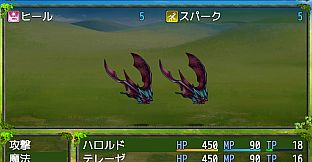
The Ultimate tool to easily customize your windows
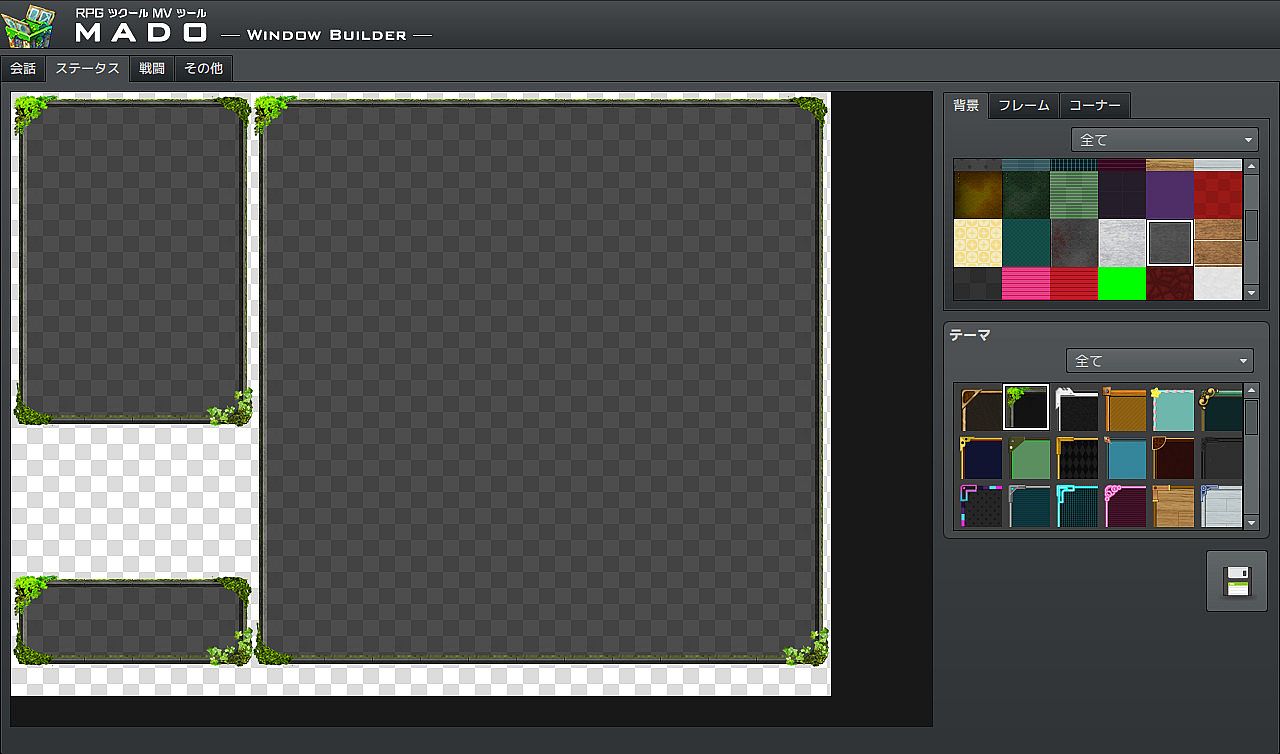
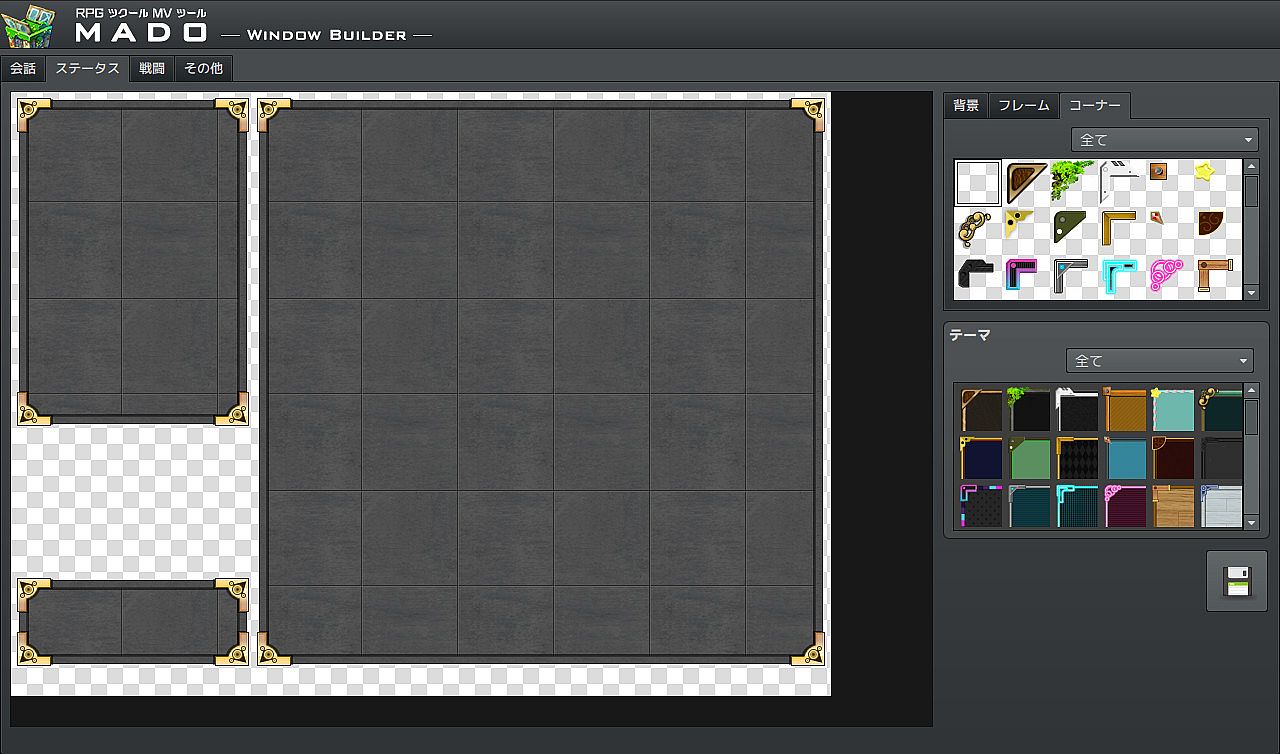
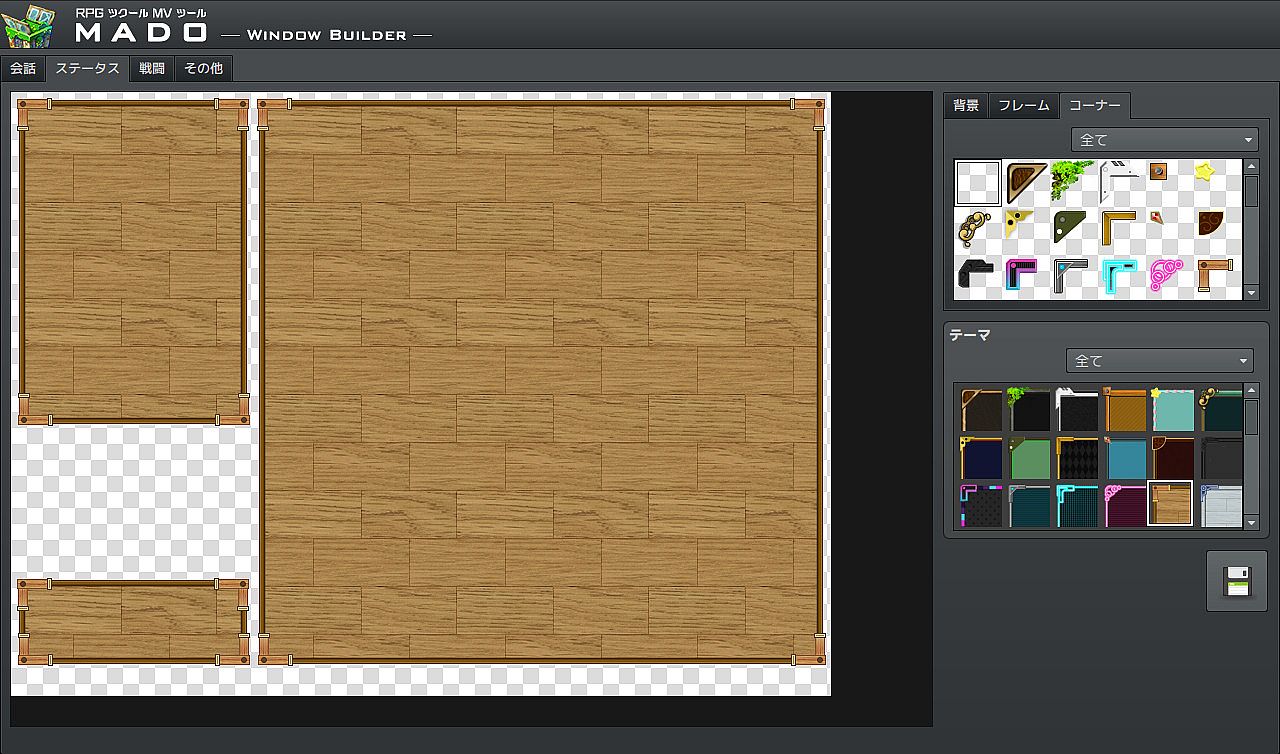
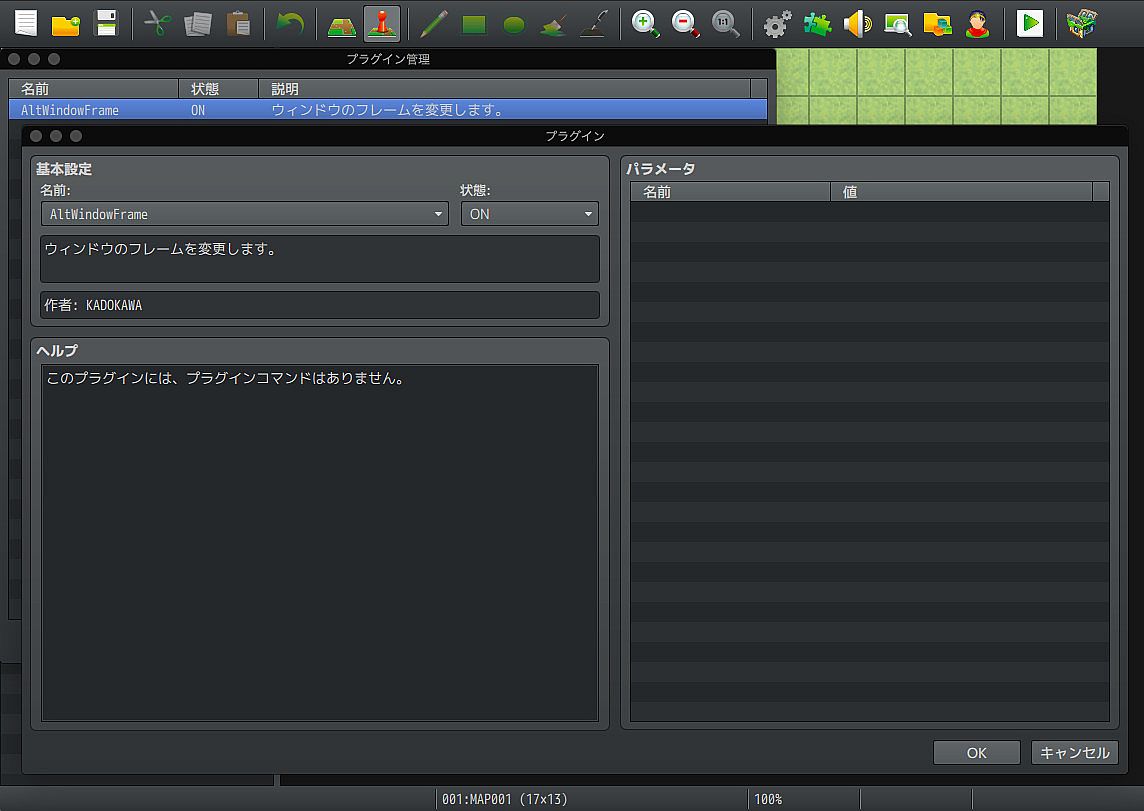
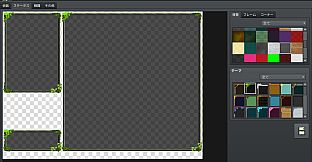
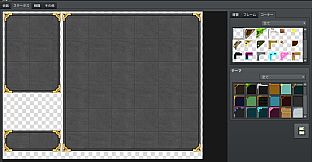
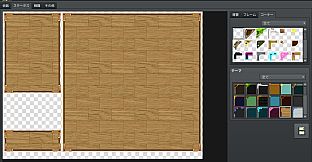
MADO is tool created for the RPG Maker MV series. It lets you customize the window graphic used in your game. MADO includes, 50 themes for frame, corners and background patterns! You're just a few clicks away from making the perfect windows to match your game world! These include:

  • Standard
  • Modern
  • Pop
  • Material
  • Machine
  • Other

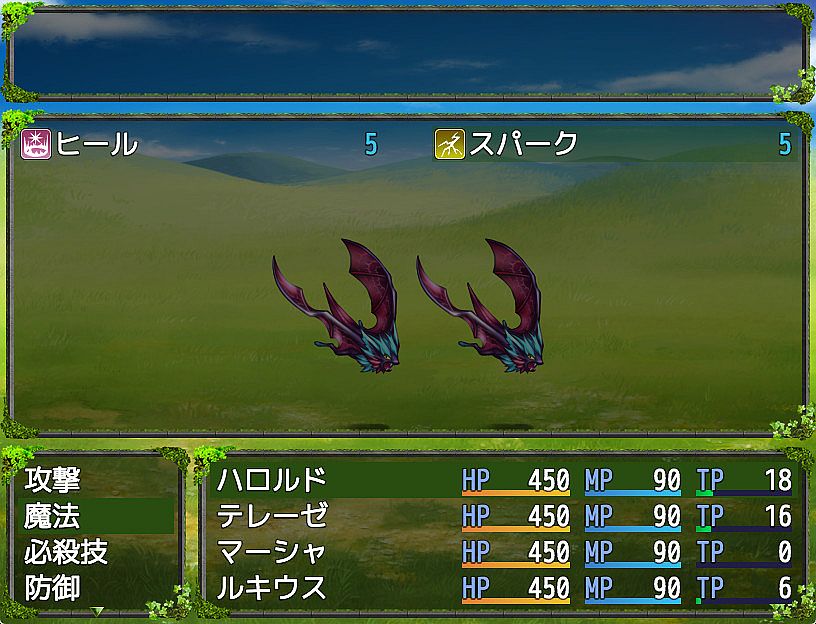
With that much choices, you can customize your game windows to fit several game themes such as the classic fantasy RPG, futuristic worlds, high-school romance, horror and much more.
Installing MADO

  • Open RPG Maker MV and your Project.
  • Select Tools -> RPG Maker MV Tools...
  • Select Window Maker -> Add
  • Press OK.
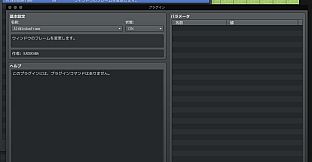
  • Press the newly added icon to start using MADO! There is a guide to help you use it in the Help Tab.

NOTE: MADO installs a plugin to your desired project. This is how it will modify the windows of your game.
Customizing MADO
You can also add your own original window graphic parts!
  • Go to the Root Folder of the Tool. Normally this is in Steam\steamapps\common\RPG Maker MV\tool\MADO\Parts
  • You will see an img folder. This is where you will place the new Window Graphics you wish to use. Window_ID050 is a template that you can follow.
  • Once you are done, simply name your new graphic as "Window_ID0XX" 0XX being the new number. This is the unique ID of your graphic.
  • The thumbs folder is a small preview of your newly made window graphic to display on the tool itself. Make sure to add a thumb image on your newly created graphic as well!
  • Go back to parts folder and open setting.json.
  • At the very end of "category": "All" add your newest window graphic such as "051"
  • Then add the same ID based on which category you want to set it to. If your new window graphic classifies as fantasy, go to "category": "Standard" and add the latest id at the very end of the id. It would look like something like this:
    "id": ["001","006","007","009","011","012","017","018","036","037", "051"]
  • Congrats! You have added your own custom graphic!
Metacritic:
tbd 6.3
Steam:
Mixed (57)

Price history

Historical low
Keyshops
-
-
-
Official Stores
-
-
-

FAQ

8 questions

Before you start looking for a cheap RPG Maker MV - MADO CD Key, take a moment to check the essentials. Developed by KADOKAWA. Published by Gotcha Gotcha Games. PC released date: 06 Sep 2017. Genres: Design & Illustration, Web Publishing. Categories: Downloadable Content, Partial Controller Support.

Q Can I play RPG Maker MV - MADO on Steam Deck?

No, not right now. Valve marks RPG Maker MV - MADO as Steam Deck Unsupported , so it won't launch via Proton at this time. Keep an eye on XD.deals - we track Proton breakthroughs and community fixes, and we'll flag it the moment there's a working way to play RPG Maker MV - MADO on Steam Deck.

Yes. A RPG Maker MV - MADO Steam version exists. Pick any offer tagged Steam Key on XD.deals, redeem it in the desktop client, and play RPG Maker MV - MADO on Steam PC.

Yes. Once your Steam key is redeemed, you can launch RPG Maker MV - MADO in Offline Mode via Steam. Your save files will sync the next time you go online.

Yes, you can buy a RPG Maker MV - MADO Steam Key directly on the Steam Store. At XD.deals, we aggregate all available Steam DRM offers so you can compare cheap RPG Maker MV - MADO steam deals in one place.

You'll find every live sale & discount for RPG Maker MV - MADO right here on XD.deals. Our price tracker currently lists 1 official-store offers and 2 keyshop deals. Check the table above for the lowest price, compare against the game's historical low, and set a price alert so you never miss the next drop.

With XD.deals, PC gamers can instantly see where to buy a cheap RPG Maker MV - MADO PC Steam key. Our real-time price-comparison engine and curated coupon database track every official store and trusted keyshop so you dont have to. Right now we detect this game in {1} live offers from stores and keyshops.

Yes. An official RPG Maker MV - MADO Steam store page is live, so you can buy RPG Maker MV - MADO on Steam or buy any RPG Maker MV - MADO PC Steam Key on XD.deals and redeem it instantly.

No - XD.deals itself isn't a store. We're a price-comparison service that tracks the best offers for RPG Maker MV - MADO across official stores and verified keyshops. Click "Shop Now" next to the deal you want, and you'll be redirected to the retailer's website to complete your purchase and receive the key there.

Ready to ride? Set a price alert on XD Deals and grab a discounted RPG Maker MV - MADO Steam key the moment it reaches its next historical low.

Create Alert