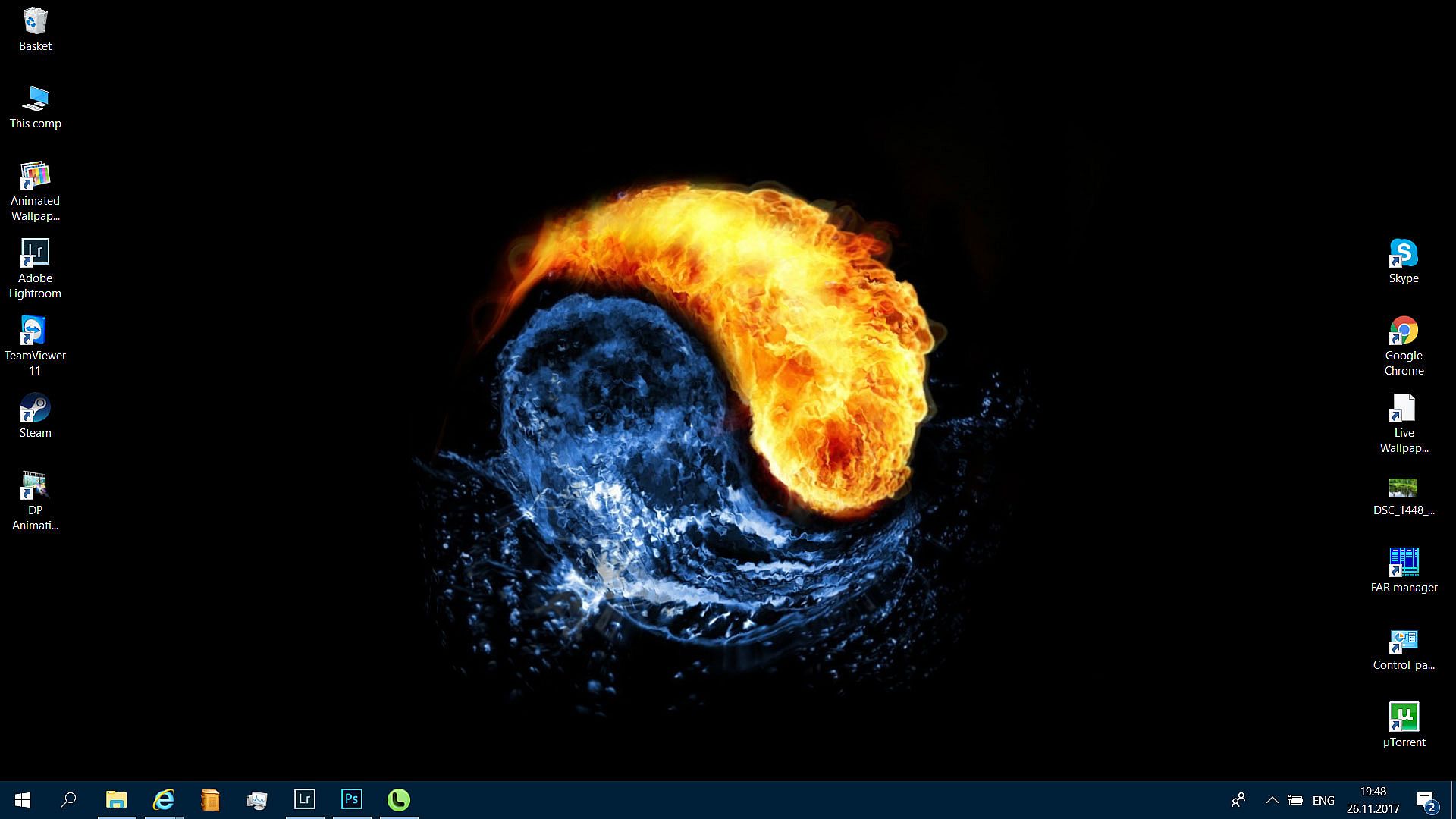
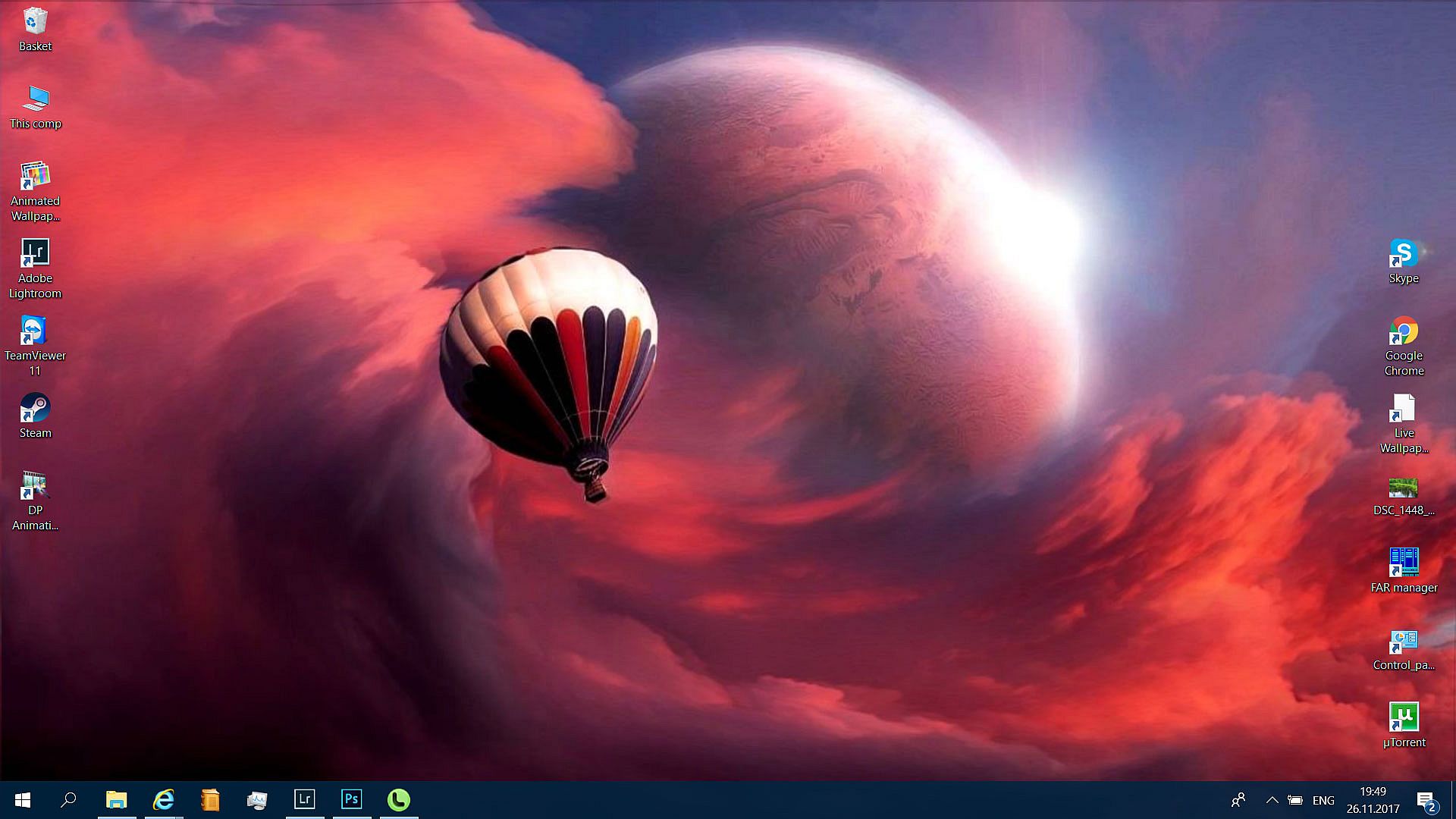
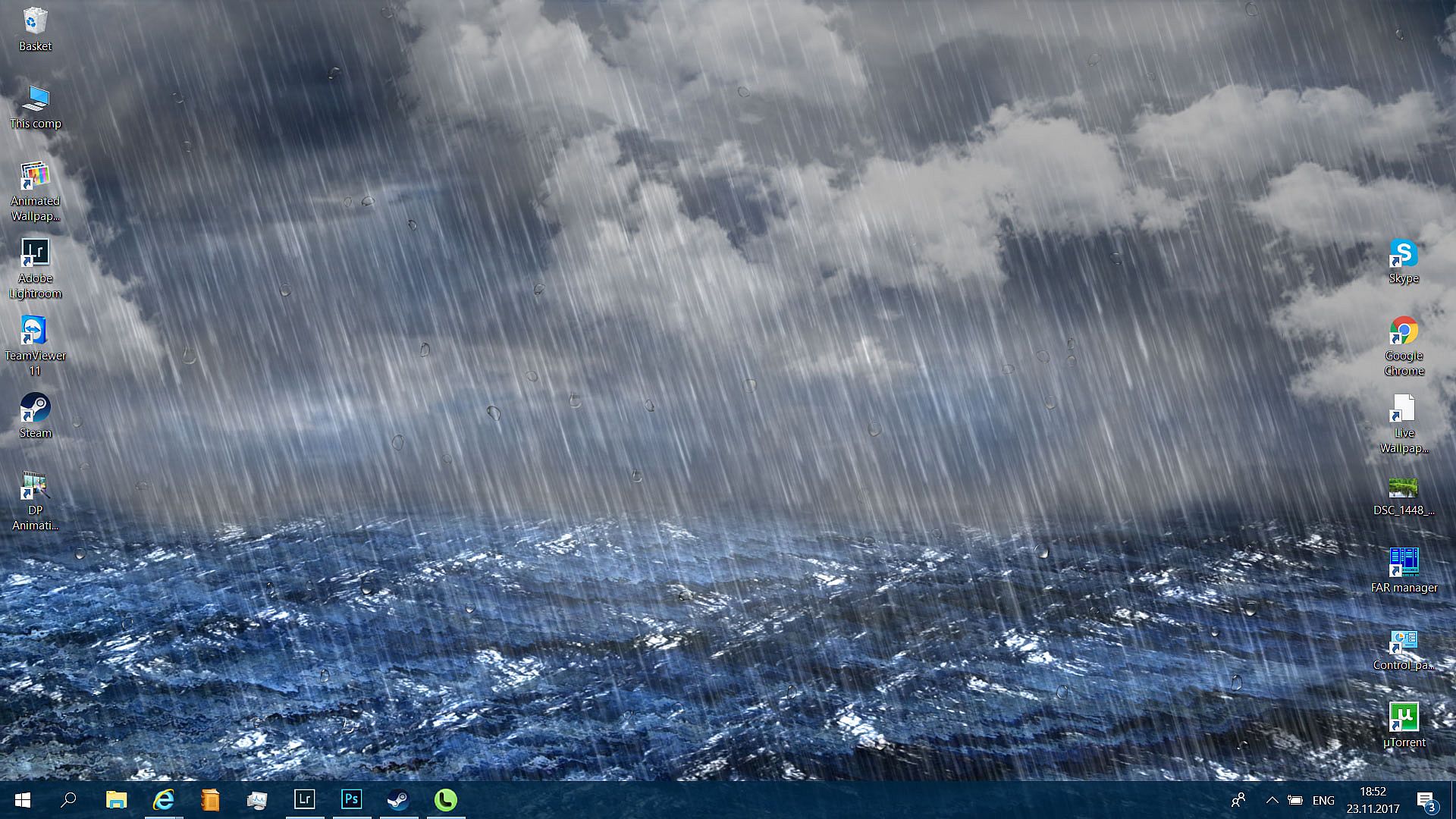
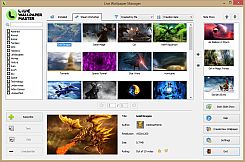
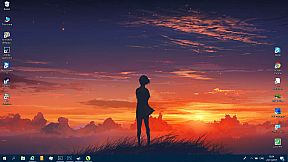
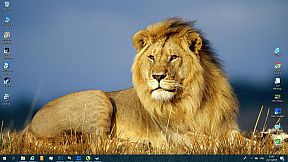
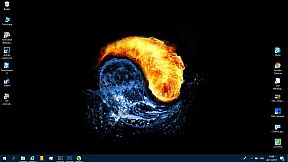
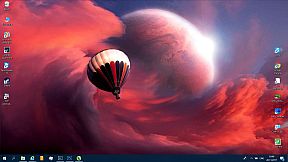
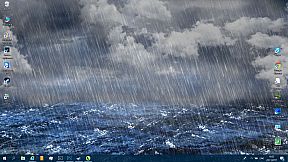
Transform your static Windows desktop into dynamic, animated scenery with Live Wallpaper Master. Browse hundreds of ready-made themes from the ever-expanding Workshop library right inside the app's built-in browser, or craft custom live wallpapers from any standard image. The powerful editor packs intuitive animation tools like weather effects, particles, animated objects, and morphing options for quick results.
Enjoy high performance with low resource demands and seamless multi-monitor support-no Steam client needed. Save creations to your private library or upload them to the Workshop for others to download and vote on. PC users who love design & illustration and photo editing tools will find this animation utility perfect for personalizing their screens.
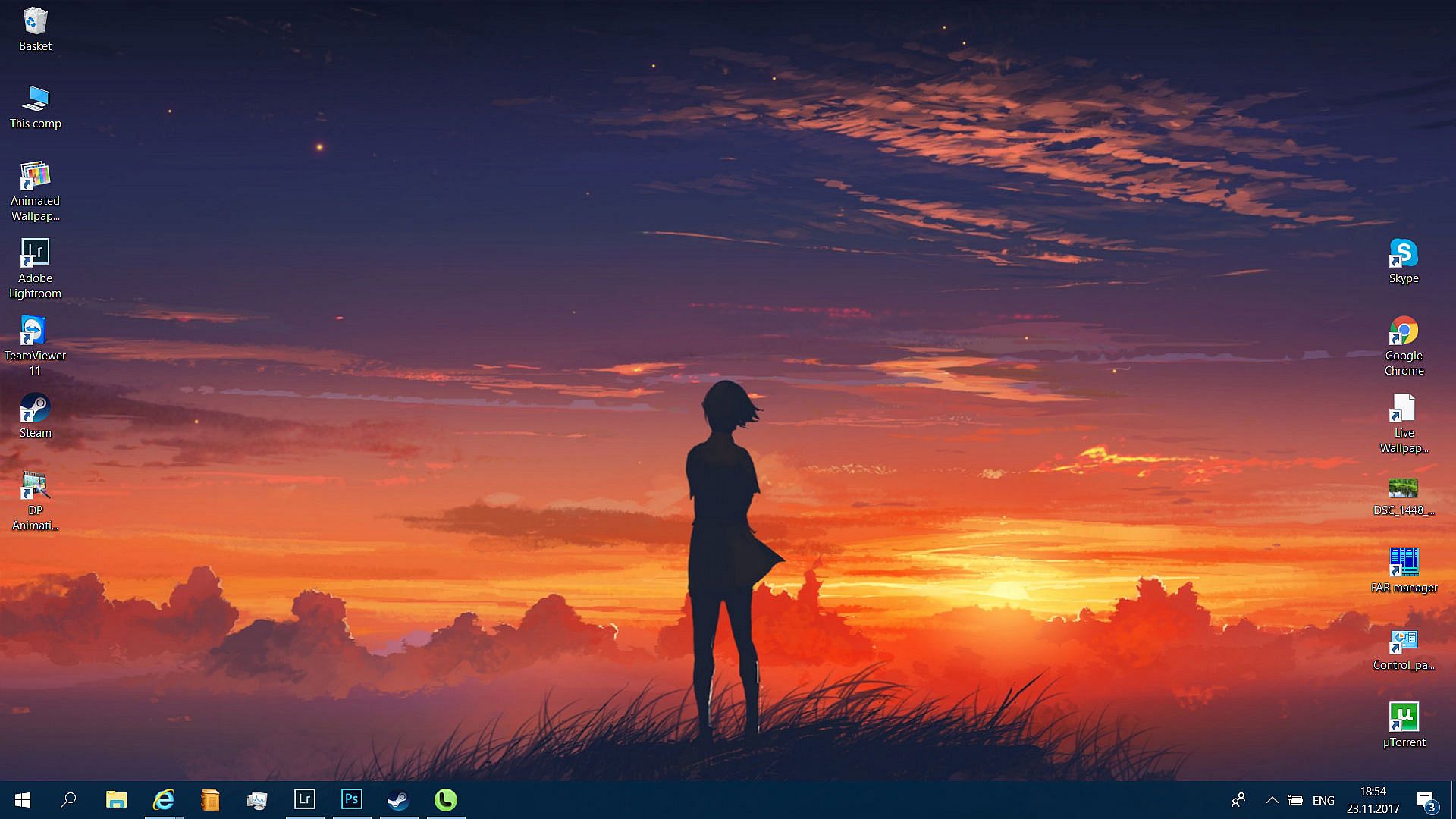
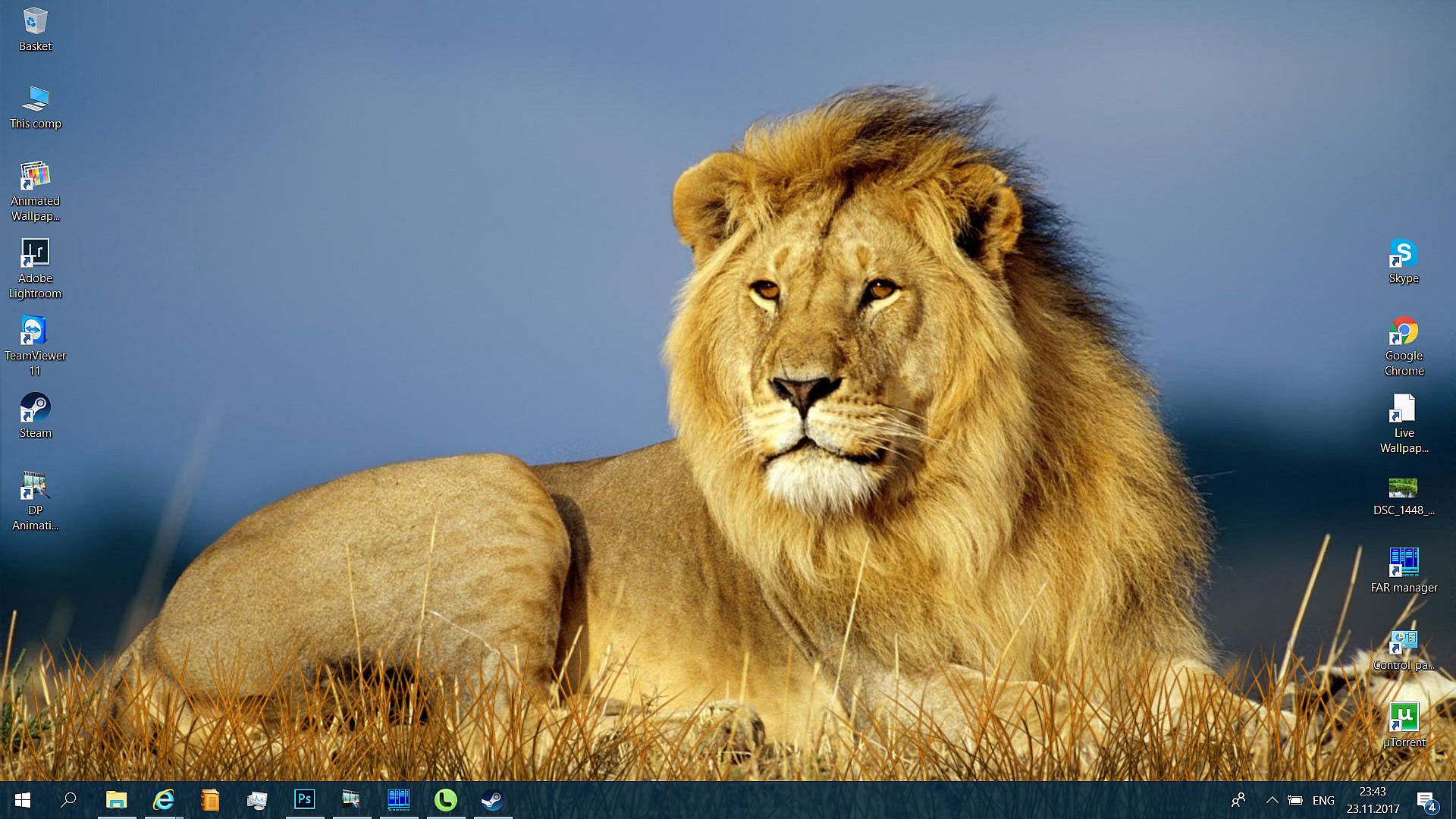
Live Wallpaper Master is the all-in-one solution for turning a static Windows desktop into live vibrant scenery. You can choose from hundreds of animated themes in the Workshop library or convert your favorite desktop picture into live wallpaper using the powerful built-in editor, which features hundreds of intuitive animation tools.
Main Features
- High performance and low resource usage
- Large collection of ready to use wallpapers in workshop
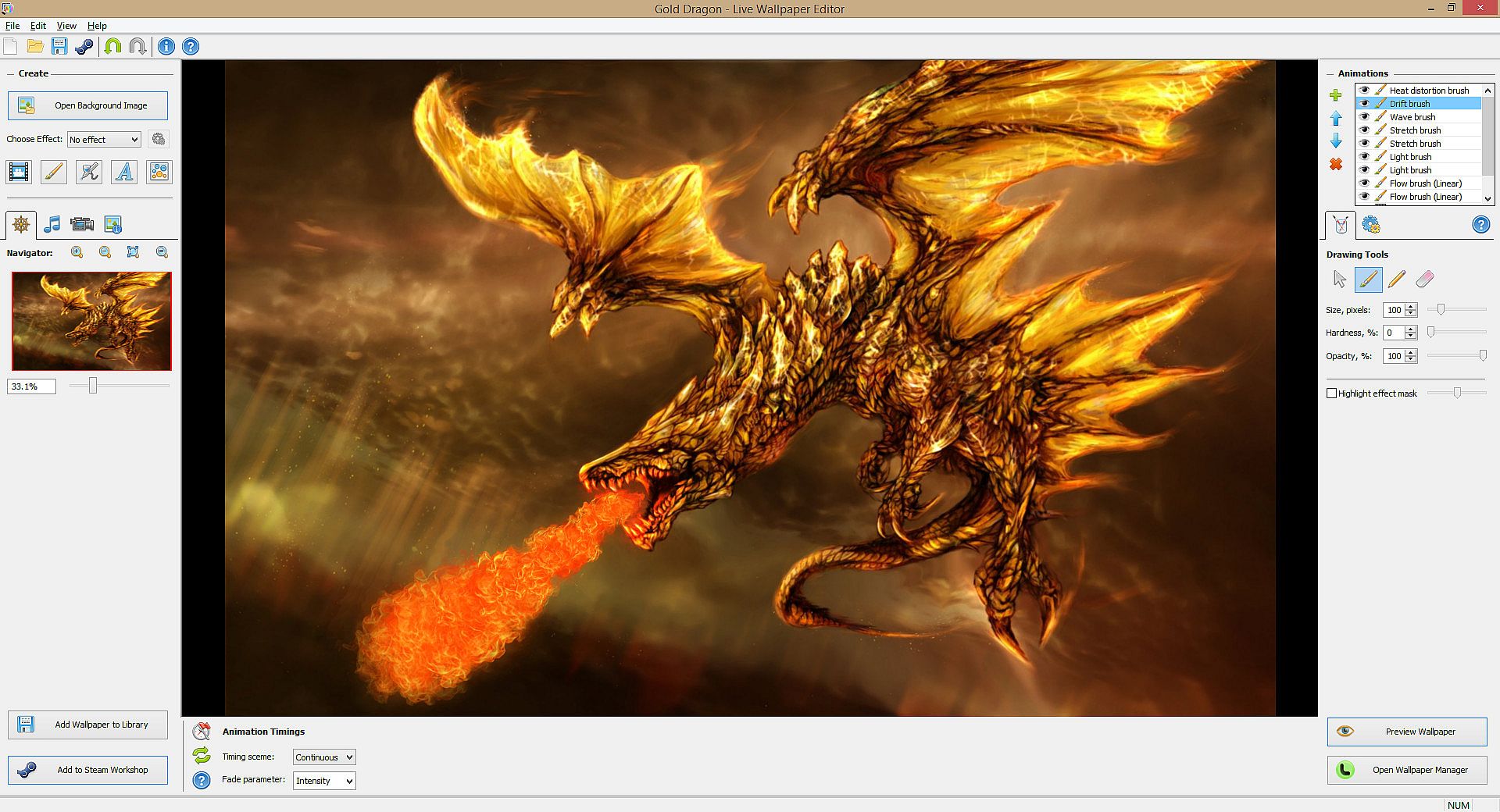
- Advanced, feature-reach editor
- Multi monitor support
- Does not require Steam client to operate the live wallpapers
Workshop
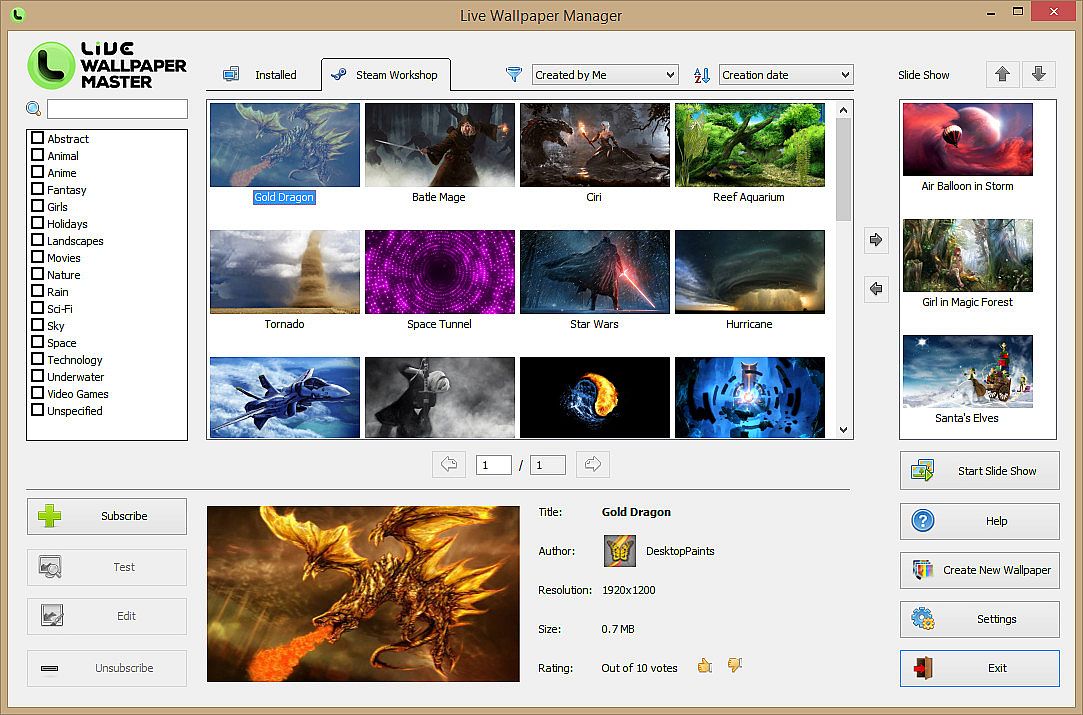
Our Workshop library, containing lots of ready to use live wallpapers, is constantly growing . All wallpapers are all easily accessible from within the program using the built-in browser. The built-in browser is the fastest way to browse, search, download, and vote your favorite items.
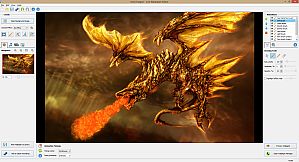
Create Your Own Live Themes
All you need to make your unique live wallpaper is this software and any standard wallpaper. Creating animations has never been so easy than with the famous Desktoppaints' Editor. Just load a picture and bring it to life using hundreds of effects and tools: weather and nature effects, animated objects, particles, and morphing tools. All of this and many more are available with just a few mouse clicks. After you finish with your new creation, you can save it in your private library, or share on Steam Workshop.