

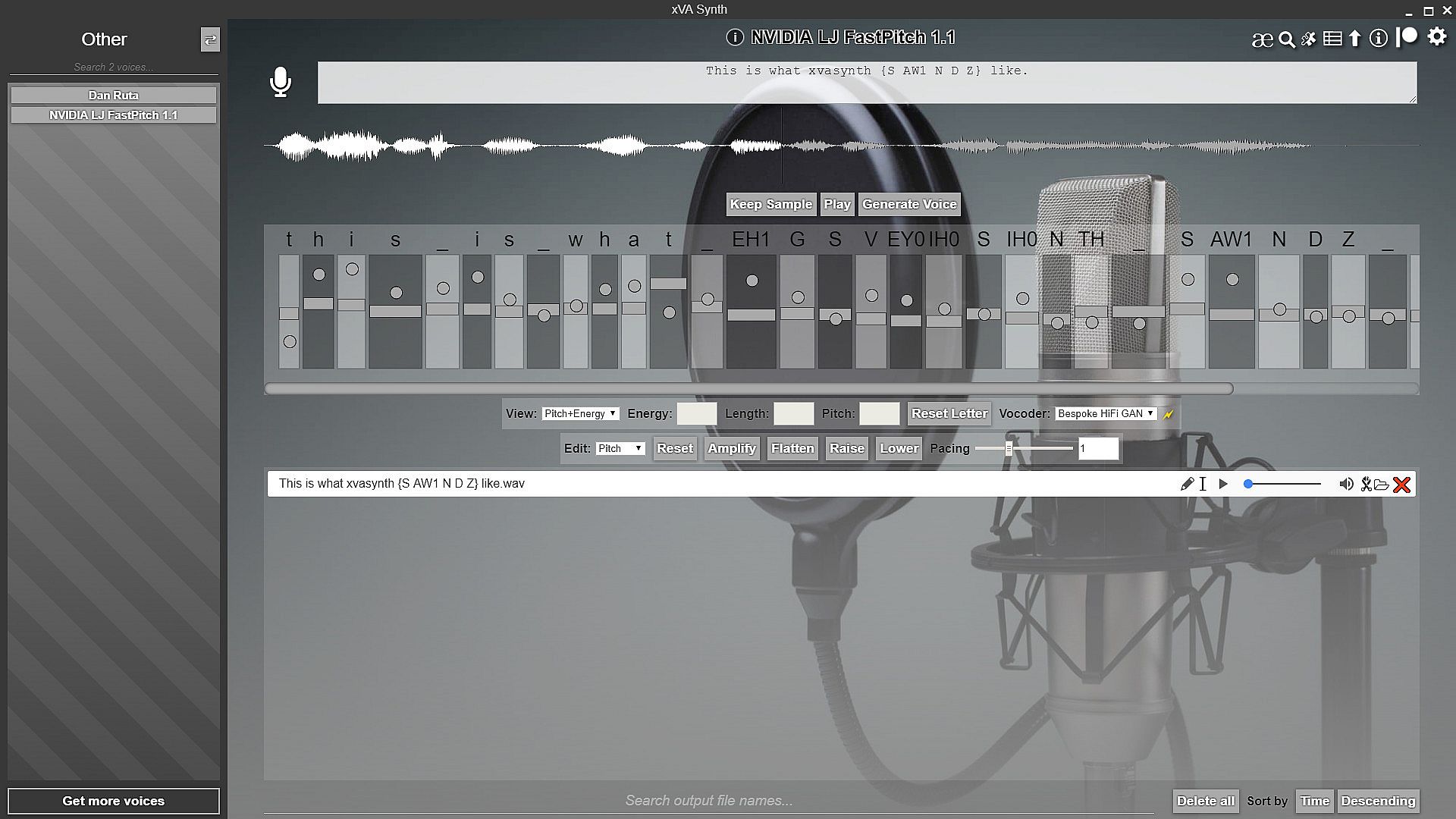
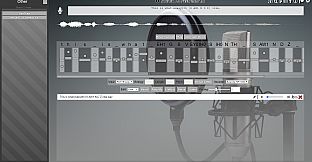
xVASynth is an AI based app for creating new voice lines using neural speech synthesis. The app loads models individually trained on character voice data from games. The app gives users control over details such as pitch and durations of individual letters to provide control over emotion and emphasis. To see it in action, watch the short intro/tutorial videos, narrated by various supported voices.
The use of neural speech synthesis leads to natural sounding voices, something which is very difficult to do with more traditional methods involving concatenations of existing data. It also means new vocabulary can be generated, outside of what the voice actors have already read out.
Download the voices for free from the xVASynth page on the Nexusmods website. Their premium membership is not needed, unless you plan to download from within the app, rather than through the manual installation of files downloaded.
Voice Conversion (v3+)
The app can also do voice conversion, rather than text-to-speech. In this mode, you can provide a reference audio dialogue file, and the app will re-generate it but with the voice of the v3 model you select. You can provide a reference audio line by recording with your microphone (by clicking the icon), or you can drag+drop an audio file onto the icon. If needed (unlikely), you can control the voice conversion strength in the settings.
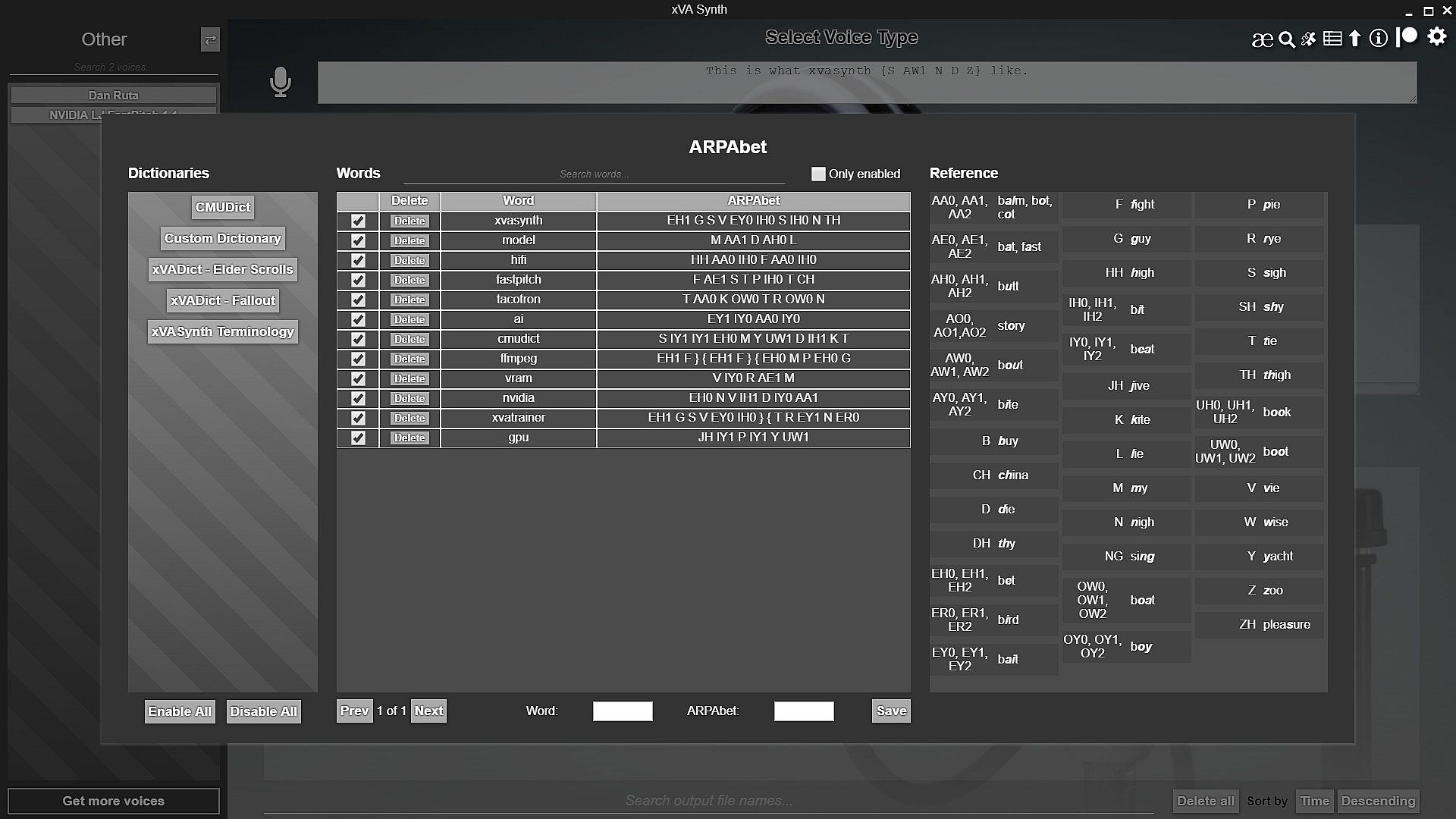
ARPAbet pronunciation (v2+)
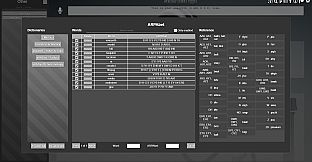
You can specify exact pronunciation for words by using ARPAbet notation between { } brackets in the input, or by managing words in your own (or other people's) dictionaries. Included is CMUdict with 135k words with American-English pronunciations. NOTE: v3 introduces several new ARPAbet symbols, for a custom extended version of the ARPAbet spec which includes sounds more typically found in other languages.
Batch Mode
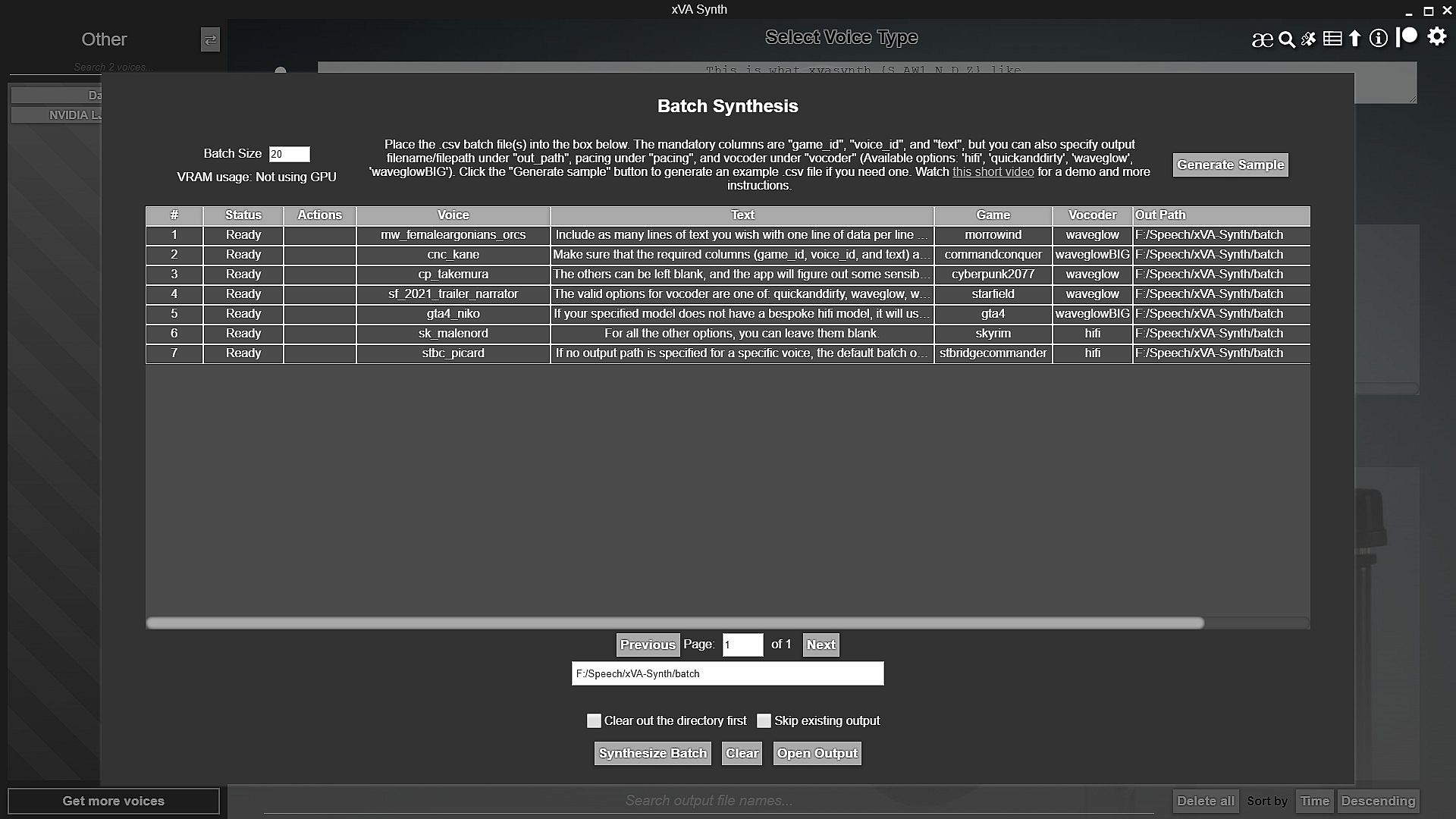
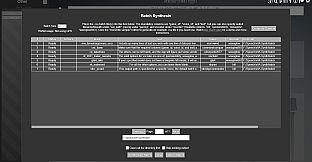
For larger projects, where you need to synthesize a large amount of lines, you can alternatively use the Batch synthesis mode. You can use either a .txt file or a .csv file to batch generate hundreds or even thousands of lines, in one go, with parallelization. Although the pitch/duration/energy editor is sometimes needed to get a line sounding just right, it's sometimes not needed, and this is a good way to get an initial pass on lines. Using the GPU is especially highly recommended for this, as you can greatly parallelize the number of lines generated in one go (limited by VRAM). You should also check the various settings, such as multi-threading, to get the best possible speed out of this for your system.
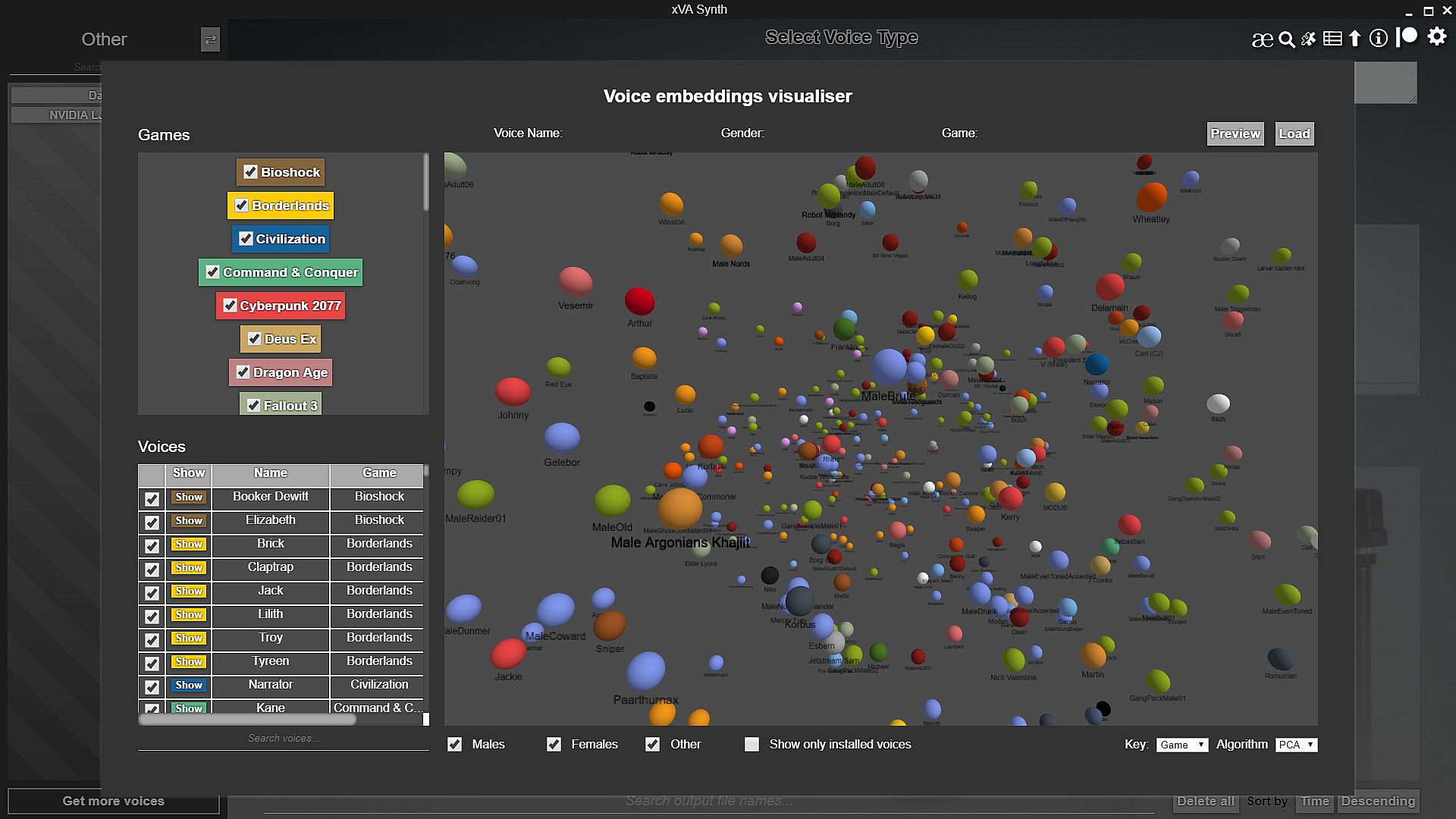
3D Voice embeddings visualizer
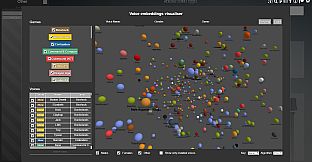
The 3D voice embeddings visualizer is an interactive panel where you can explore in 3D all the voices in the app, as seen by an AI representation learning model, projected down to 3D. There are no axes, and this serves purely as a visualization, to enable voice discovery. You can colour the points by game, or gender, and you can enable disable specific games/voices. You can load a voice by clicking it and the "Load" button, if it's installed.
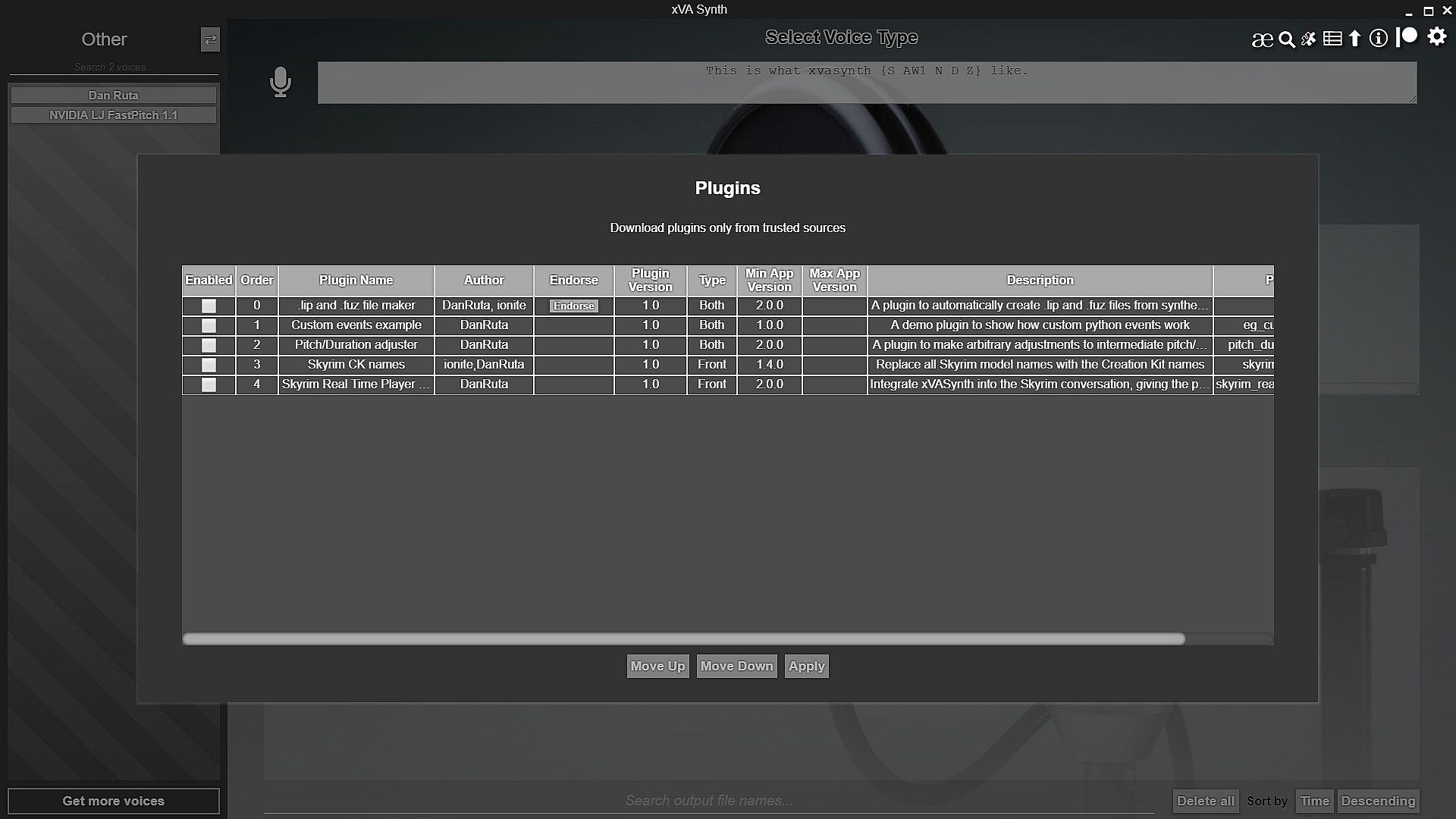
Third party plugins
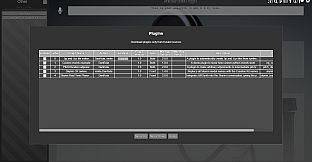
The app supports third-party plugins for either/both javascript front-end (UI) and python back-end (AI) parts of the app. Plugins are a great way to customise the app to your liking, or to add new functionality to it that would be too niche or too game-specific to add to the base app for everyone. Plugins can be made for either/both the front-end/back-end of the app.
If you are a developer and are interested in developing a plugin, check out the documentation on GitHub.
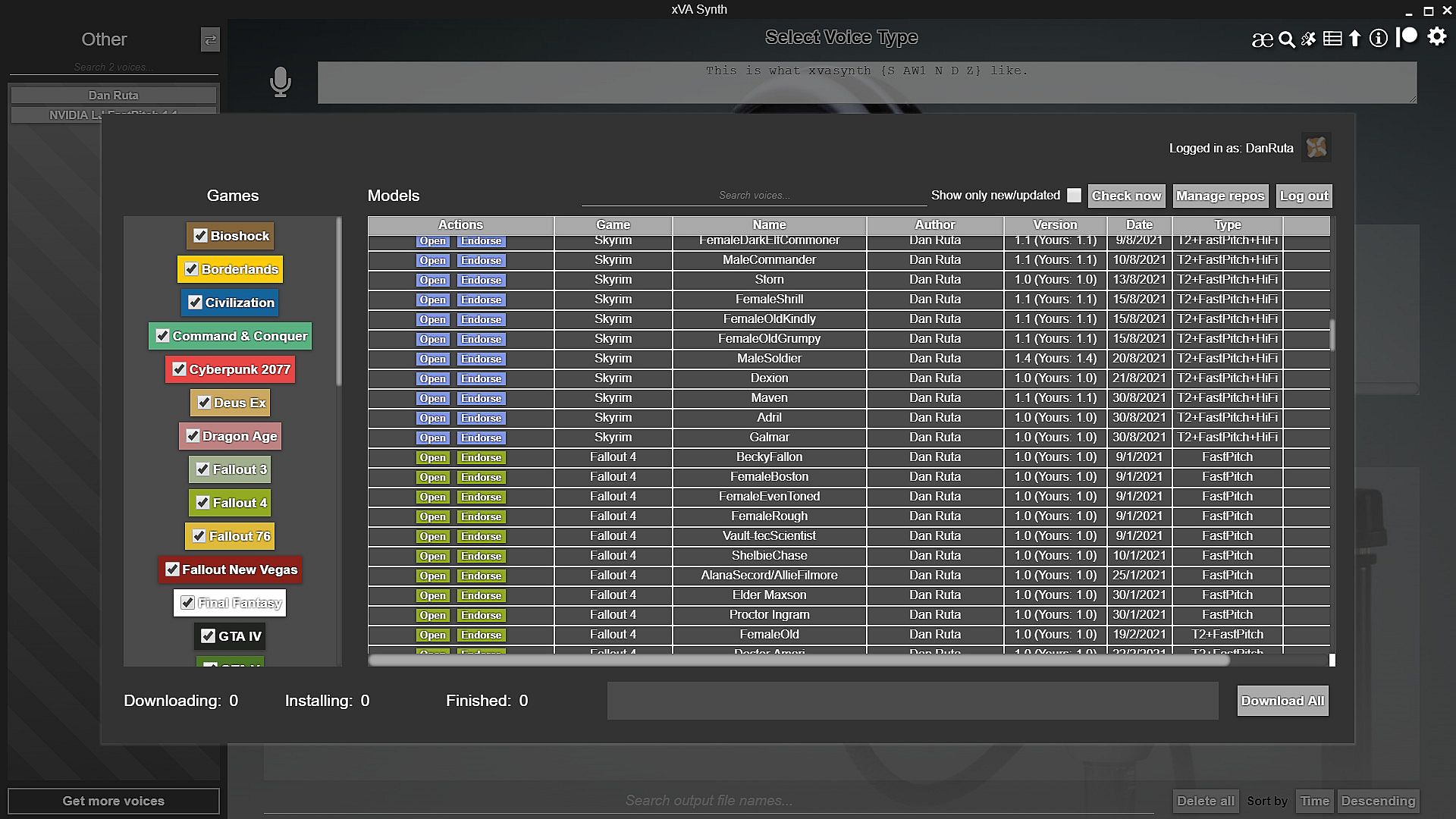
Nexus API integration
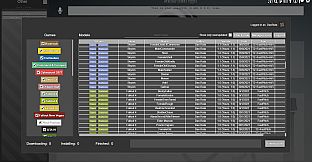
xVASynth has Nexusmods API integration to display what voices are available for updates/download, from any of the nexus pages listed in the "Manage Repos" sub-menu. If you have Nexus Premium, you can also download or batch download voices straight from within the app, and have them installed automatically.
Voice installation
The recommended way to install voices is through the Nexus API integration, or from Steam Workshop. However, if you don't have Nexus Premium membership,
you can't find a specific voice on the Workshop, or you'd prefer manual installation, you need to download the individual .zip files from the game-specific nexus pages. You can either drag+drop these over the voice bar on the left in the app, or extract the voice files into the app directory, at this location: /resources/app/models/___ where ___ is the game ID. The voice .zip files already contain the required directory structure, so all you need to do is drag+drop the extracted "resources" folder from the .zip files into the folder where the xVASynth.exe file is (replacing files if prompted).
To confirm, when installing voices, you should see 4 files (a .json, a .pt, a .hg.pt, and a .wav file) all named as the voice you're downloading, in /resources/app/models/(here)/
Important: If you move the app files to a different directory, you MUST update the model paths in the settings, because these folder paths get initialized with the full path (starting from the drive letter) - basically, just make sure the app is looking in the new place where your models are, rather than the old folder. The app also allows you to set a different folder to store your voice models in, rather than nested in your app installation directory. The easier thing to do long-term would be to find somewhere not in your app installation folder to store your models, and set the app file paths to point there.
Tips
The most important thing to keep in mind is to make sure to play around with the editor, to get the best quality from the generated lines. If some words/letters sound bad, try changing the pitch/duration/energy values. If you absolutely can't get it to say it well, and ARPAbet pronunciation doesn't help, try re-wording the line. Check out the community guide on GitHub, where anyone can add their tips/advice for how to get the best quality out of the tool. You can access this from the info (i) menu in the app.
Special thanks:
D0lphin, flyingvelociraptor, Caden Black, Max Loef, LadyVaudry, Thuggysmurf, radbeetle, TomahawkJackson, Solstice_, Bungles, midori95, eldayualien, John Detwiler, Cecell, Wandering Youth, ellia, Retlaw83, Trixie, CHASE MCKELVY, Leif, ionite, Joshua Jones, Jaktt1337, David Keith vun Kannon, Netherworks (Jo-Jo), neci, Rachel Wiles, Imogen, Deer, Linthar, sadfer, Danielle, Hector Medima, Sh1tMagnet, ReaperStoleMyStyle, AshbeeGaming, TCG, Lady Steel, Mikkel Jensen, CookieGalaxy, GrumpyBen, Adrilz, ReyVenom, dog, bourbonicRecluse, ShiningEdge, Dozen9292, manlethamlet, smokeandash, Elias V, EnculerDeTaMere, SKiLLsSoLoN, J, finalfrog, Hound740, Buck, Yael van Dok, ChrisTheStranger, Isabel, Fuzzy Lonesome, Drake, Beto, AceAvenger, bobbigmac, Alexandra Whitton, yic17, Joebobslim, ThatGuyWithaFace, Sergey Trifonov, Zensho, AgitoRivers, beccatoria, valo999, Ne0nFLaSH, Caro Tuts, Jack in the Hinter, Hammerhead96 ., Bewitched, Para, Wht??? Why??, Shadowtigers, PConD, Lulzar, Ryan W, Wyntilda, Gorim, Krazon, Tako-kun, Walt, Katsuki, Ember2528, RetconReality, Hazel Louise Steele, Laura Almeida, Althecow, PatronGuy, squirecrow, cramonty, crash blue, Syrr, David, Hawkbar, John S., Autumn, pimphat, FeralByrd, Comical, Dogmeat114, Dezmar-Sama, Michael Gill, Jacob Garbe, NerfViking, Dinonugget, RedneckJP007, stormalize, Golem, Luckystroker, Hapax, Vahzah Vulom, Tempuc, CAW CAW, stljeffbb, bart, MrJoy, Zoenna, Calvin, Aosana Bluewing, Dan Brookes, CDante, HunterAP, Kadisra, candied_skull, hairahcaz, nairaiwu, Mar, Paraffine, Nawen_Syaka, Amy Parker, Loseron, katiefraggle, Freon, deepbluefrog, myles.app, hanbonzan, Scientist Salari-Ren, Roman Tinkov, zackc1play, An abstract kind of horror, L, Mihu123, Trisket, Aelarr, Flipdark95, Timo Steiner, humocs, Optimist Vamscenes, Patrick VanDusen, praxis22, Rui Orey, Craig Fedynich, FrenchToast, Dorpz, cesm23, BoB, Cutup, Botty Butler, tjn2222, Matthew Warren, Tom Green, Passionate Lobster, Precipitation, Veks, Baki Balcioglu, Fenris, Patrik K., Oddbrother, E.M.A, DrogerKerchva, Camurai, hthek, iggyzee, Moppy, Stee_Muttlet, asbestos my beloved, TrueBlue, something106, woah00z, Sam Darling, JoshuaJSlone, vvvpppmmm, OvrTheTopMan, munchyfly, DarkNemphis, Justin McGough, Billyro, DIY_Rene, kevmasters, Stu, Sasquatch Bill, Inconsistent, Gothic 3 The Age of War, www48, Slothman, mavrodya petrov, ronaldomoon, Kostin Oleksandr Anatoliiovych, Ryan Lippen, Edward Hyde, Echoes, Vape Gwagwa, Kelg Celcs, Kneelers, Meryl Coker, Alan Gonzalez, PTC001, Hector Medima, CinnaMewRoll, Grant Spielbusch, Sean Lyons, Charles Hufnagel, Kirill Akimov, Mister Lyosea, Anthony Crane, Sh1tMagnet