
Buy VRWorkout PC

VRWorkout is free to play! Download it on Steam and start playing instantly.

Metacritic:
tbd tbd
Steam:
Positive (24)
Keyshops
Unavailable
Buy in Official Store:
Free
Buy in Keyshops:
See price history

Official Stores (1)

DRM:
Steam
Steam
Steam
VRWorkout
Windows
+1
6w ago
DRM:
Steam
Steam
Free
Historical Low Deal
Historical low

About VRWorkout

VRWorkout - about the game
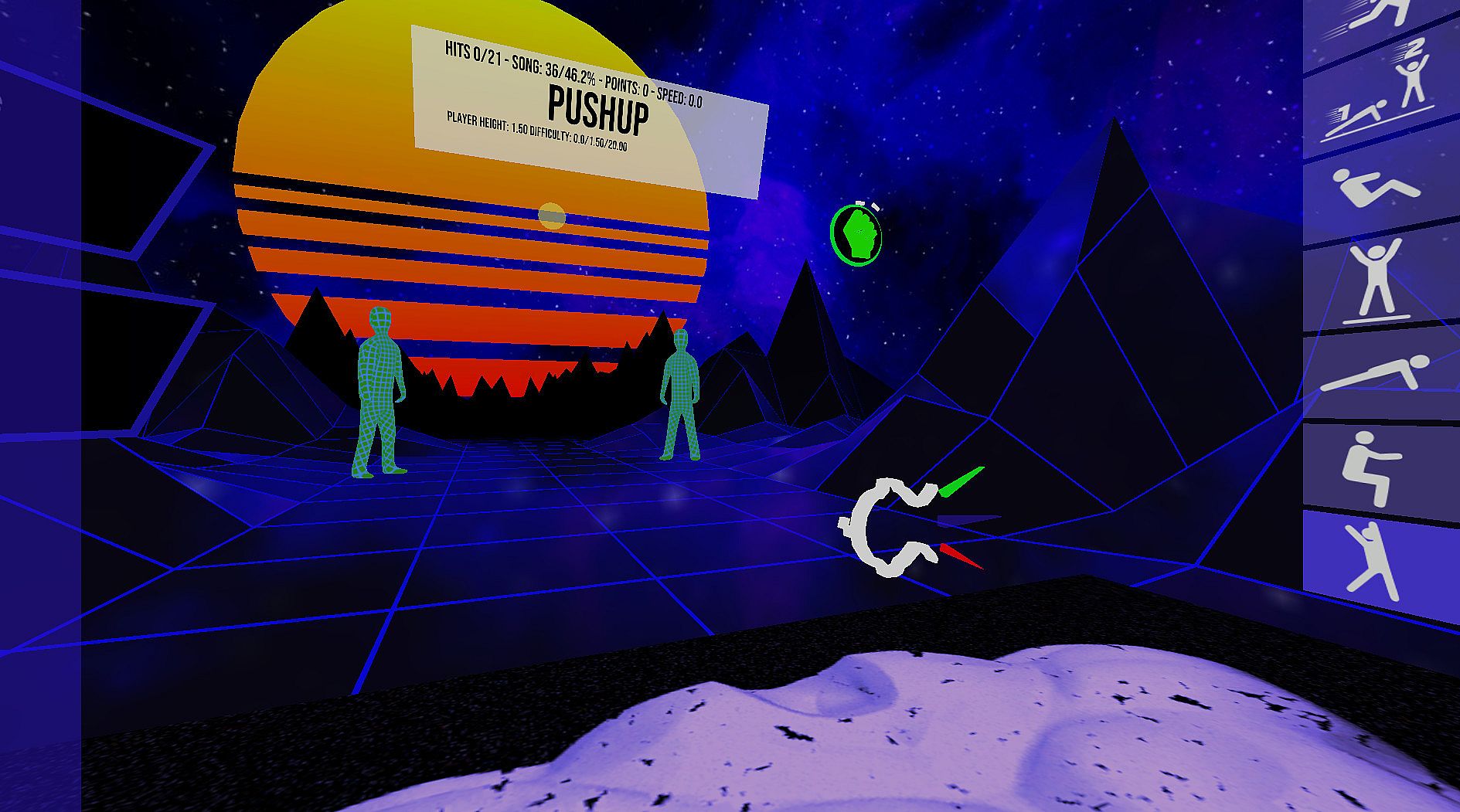
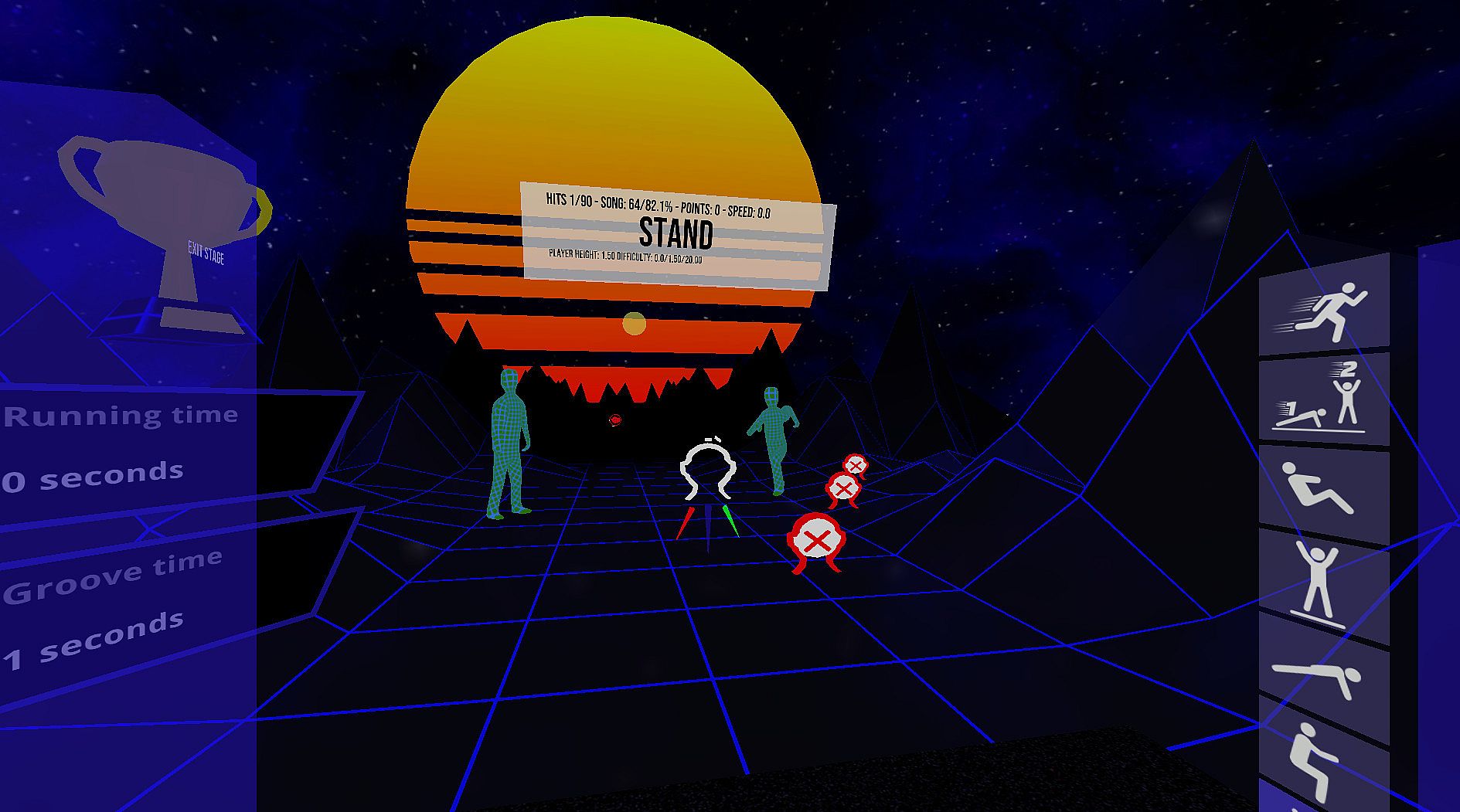
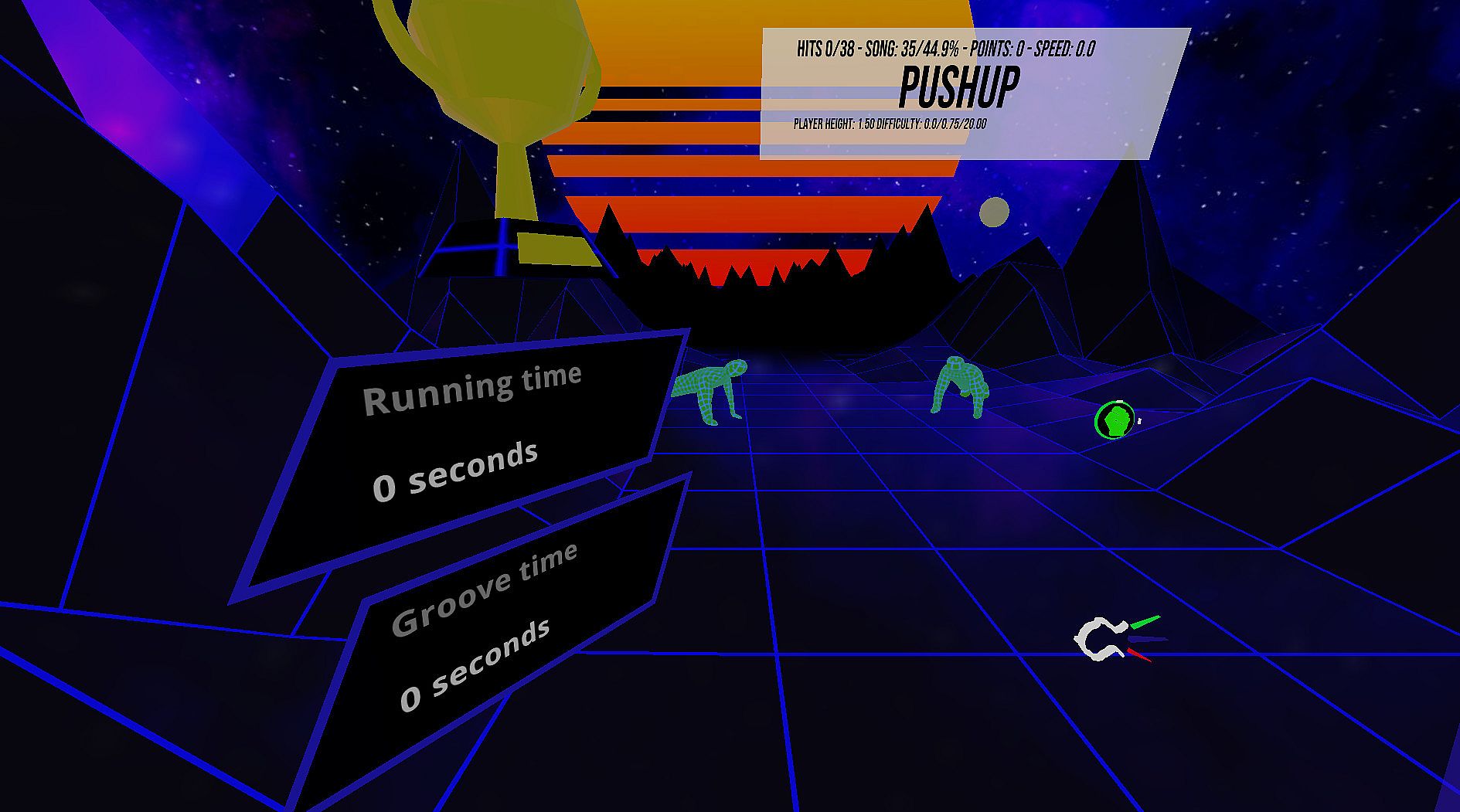
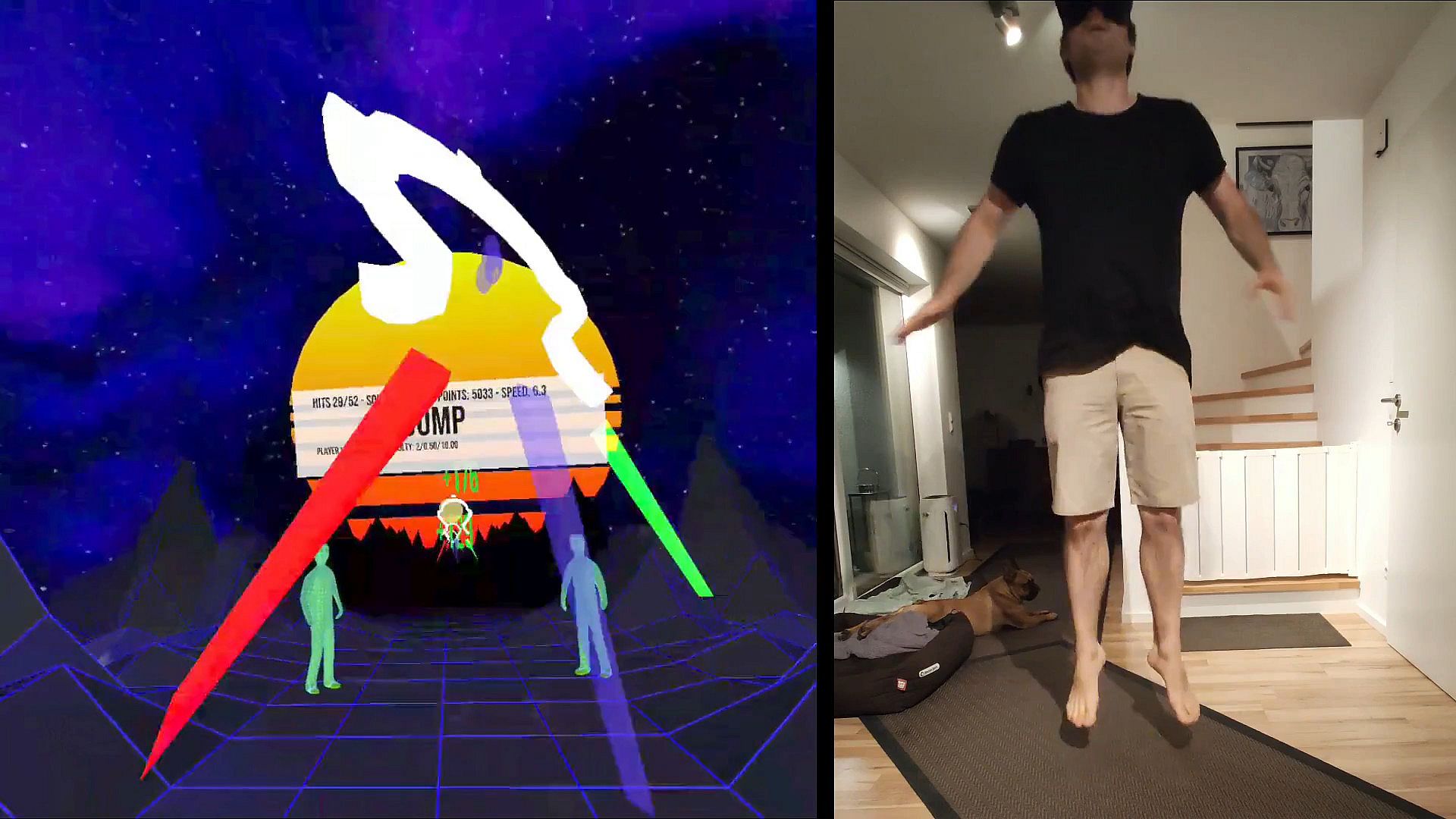
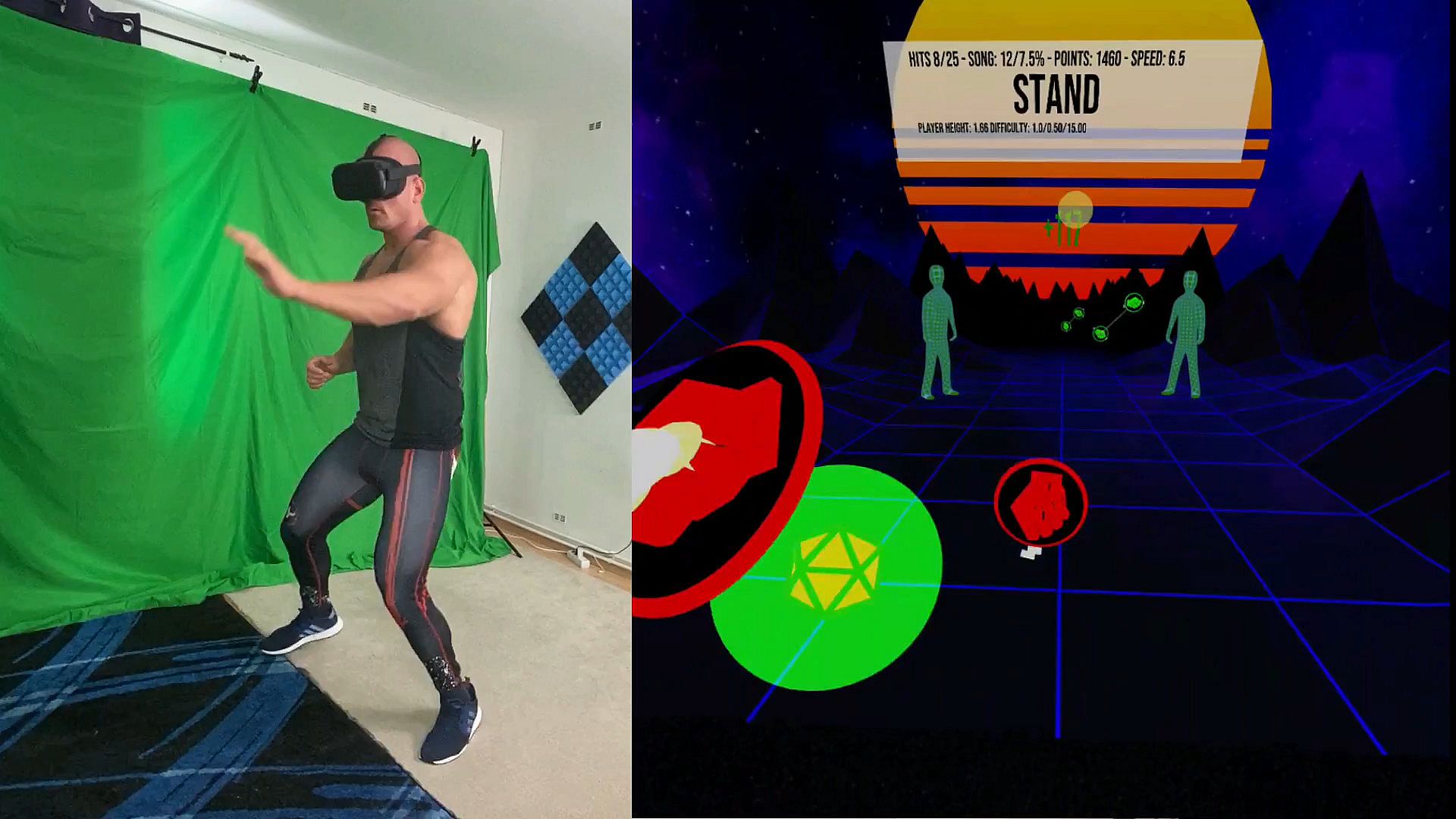
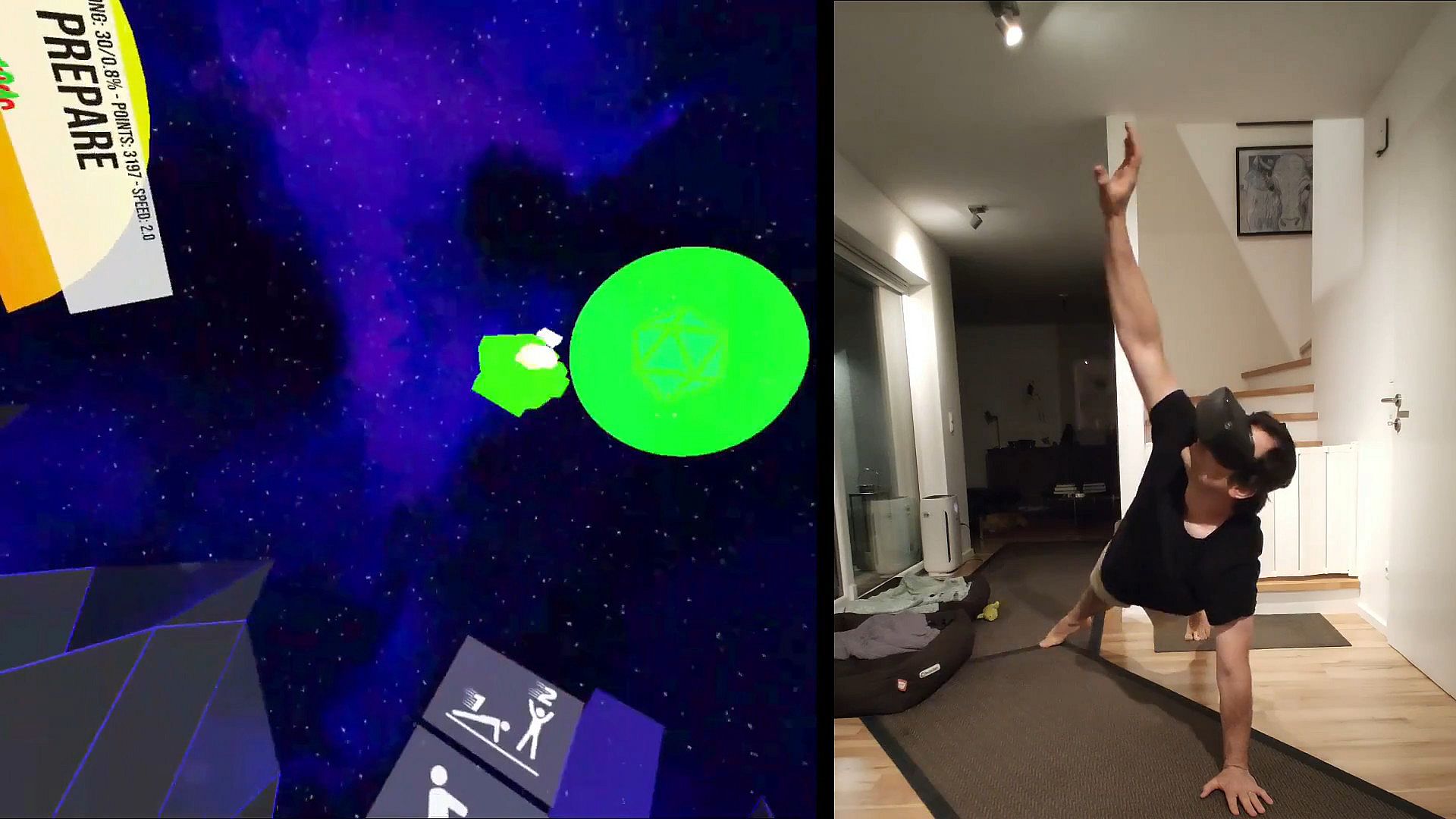
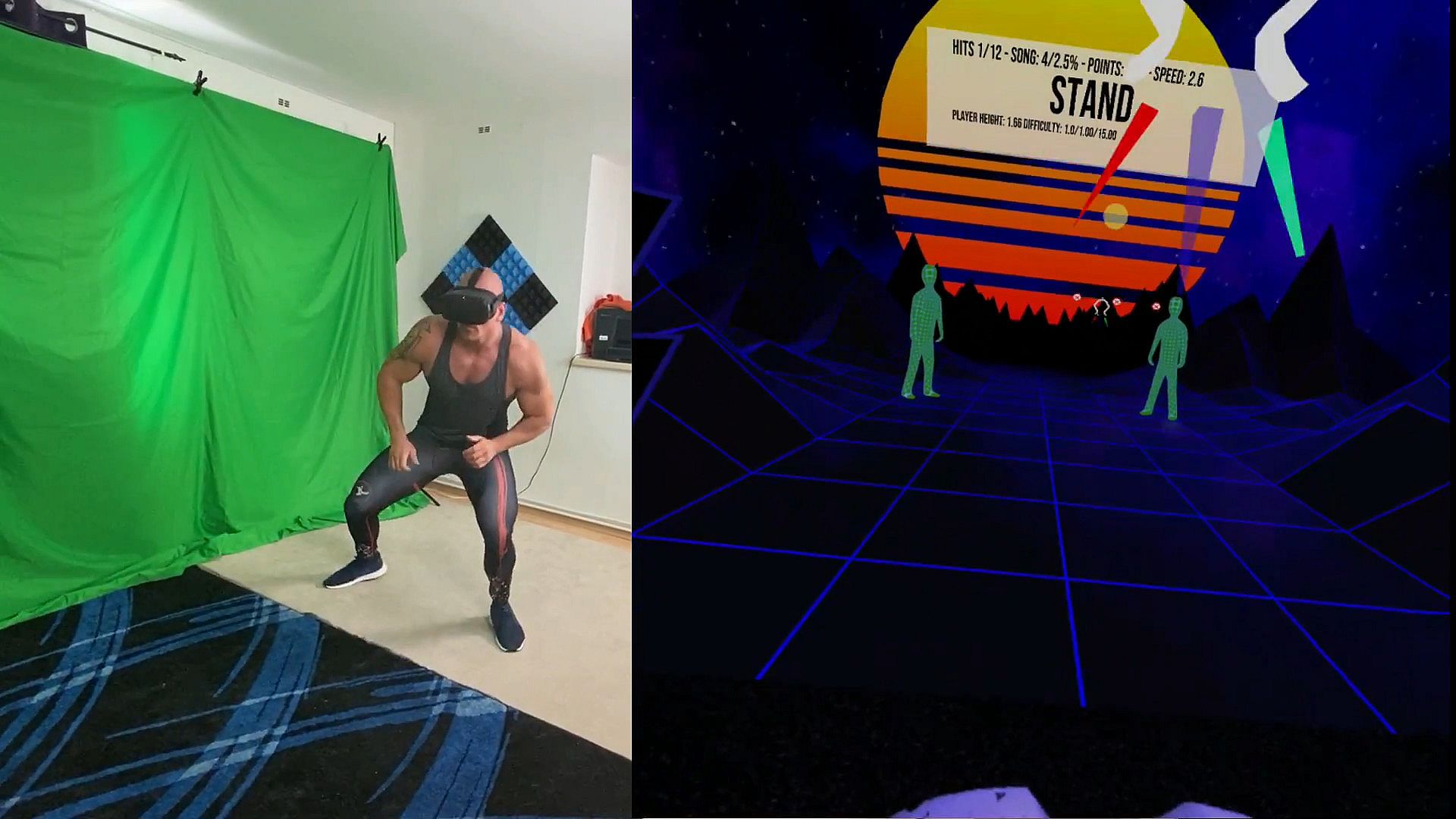
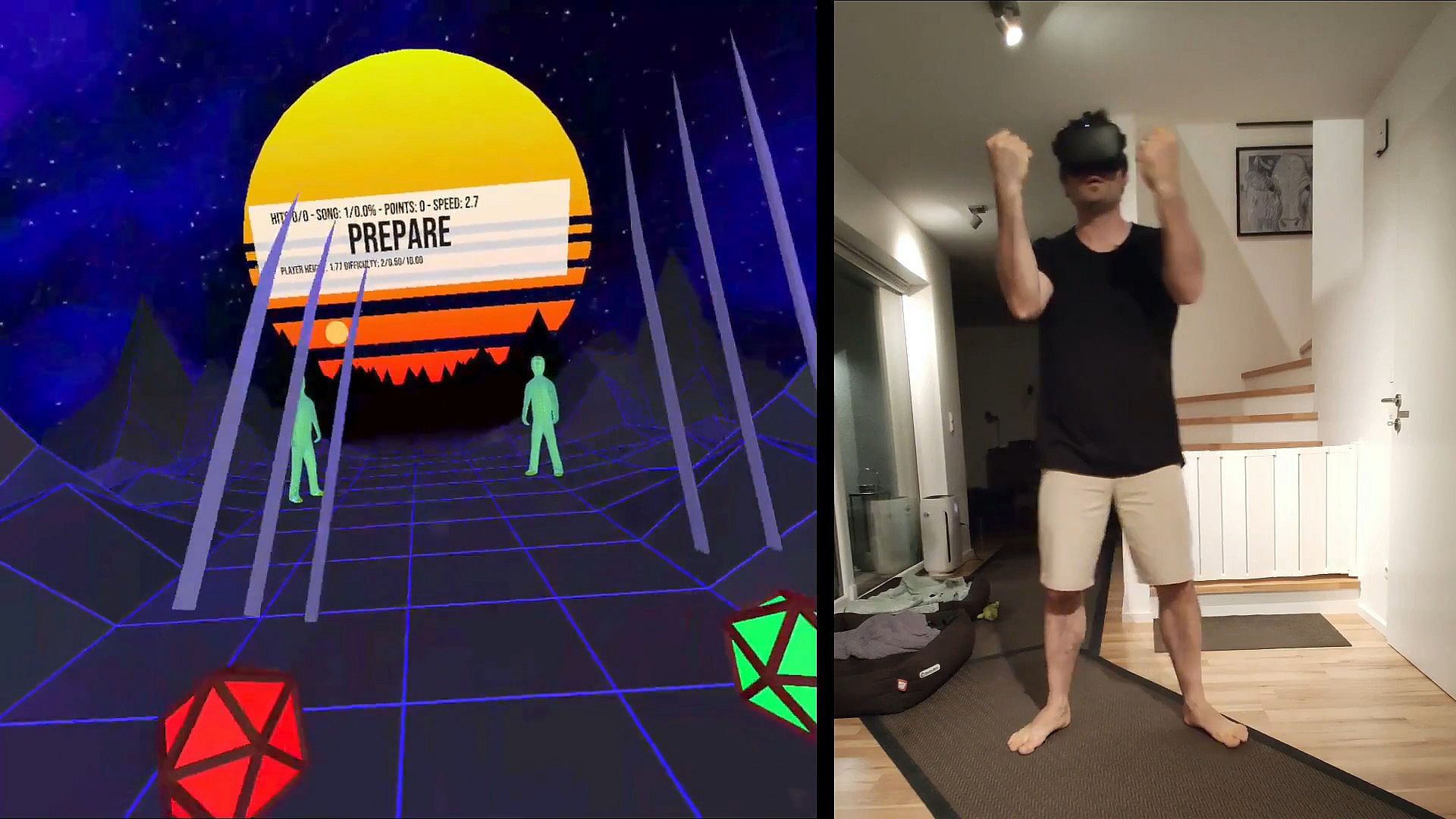
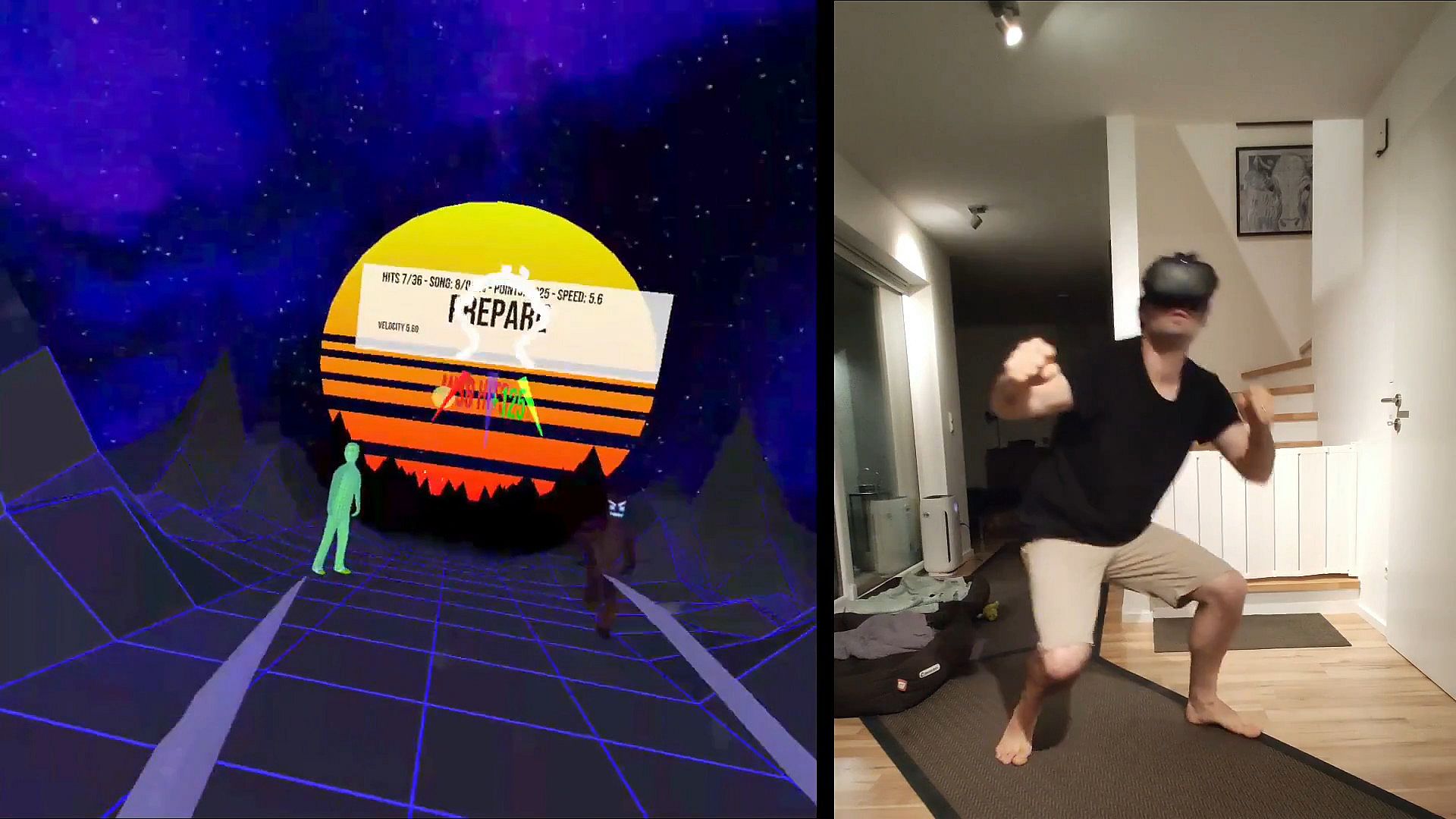
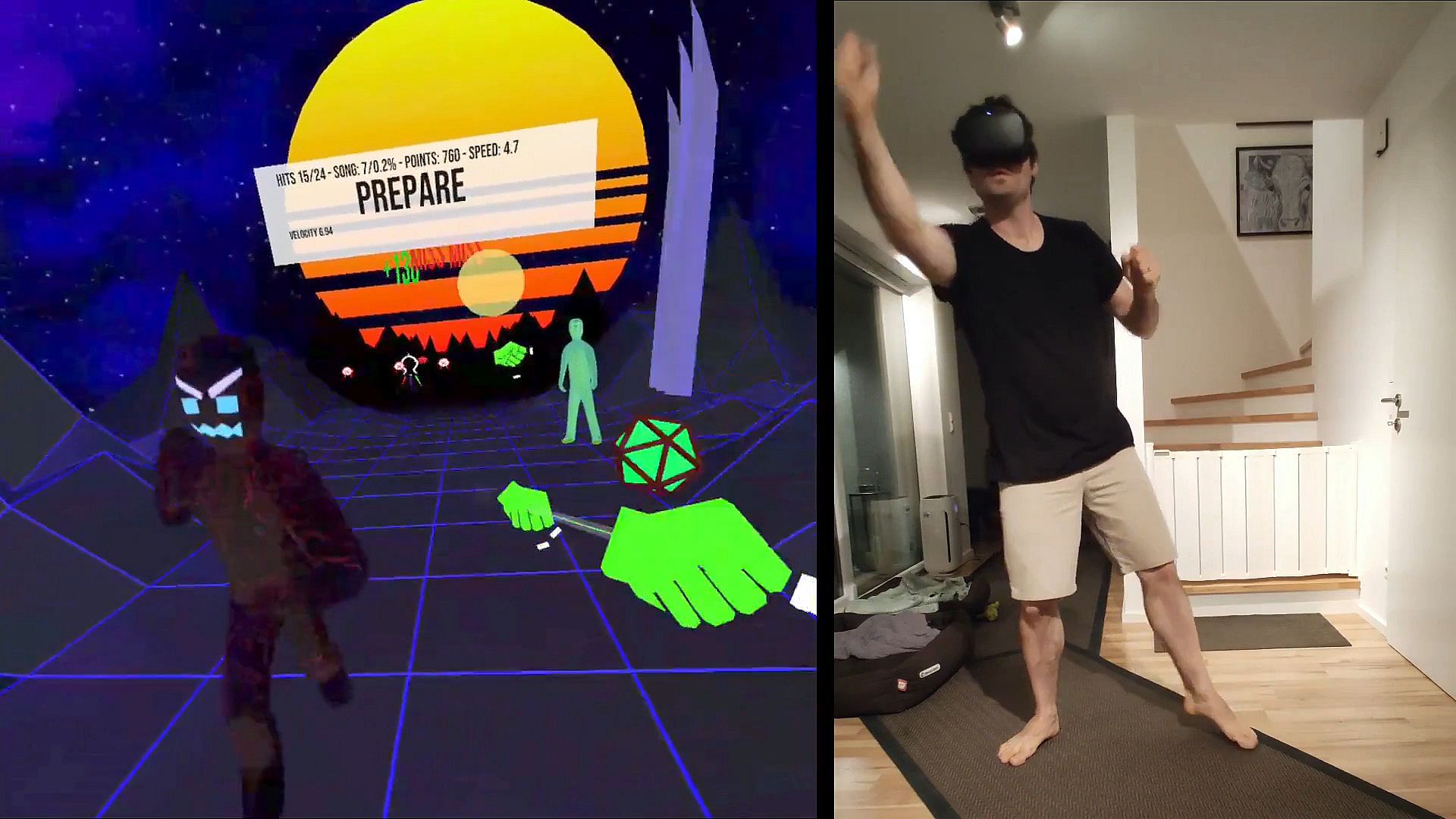
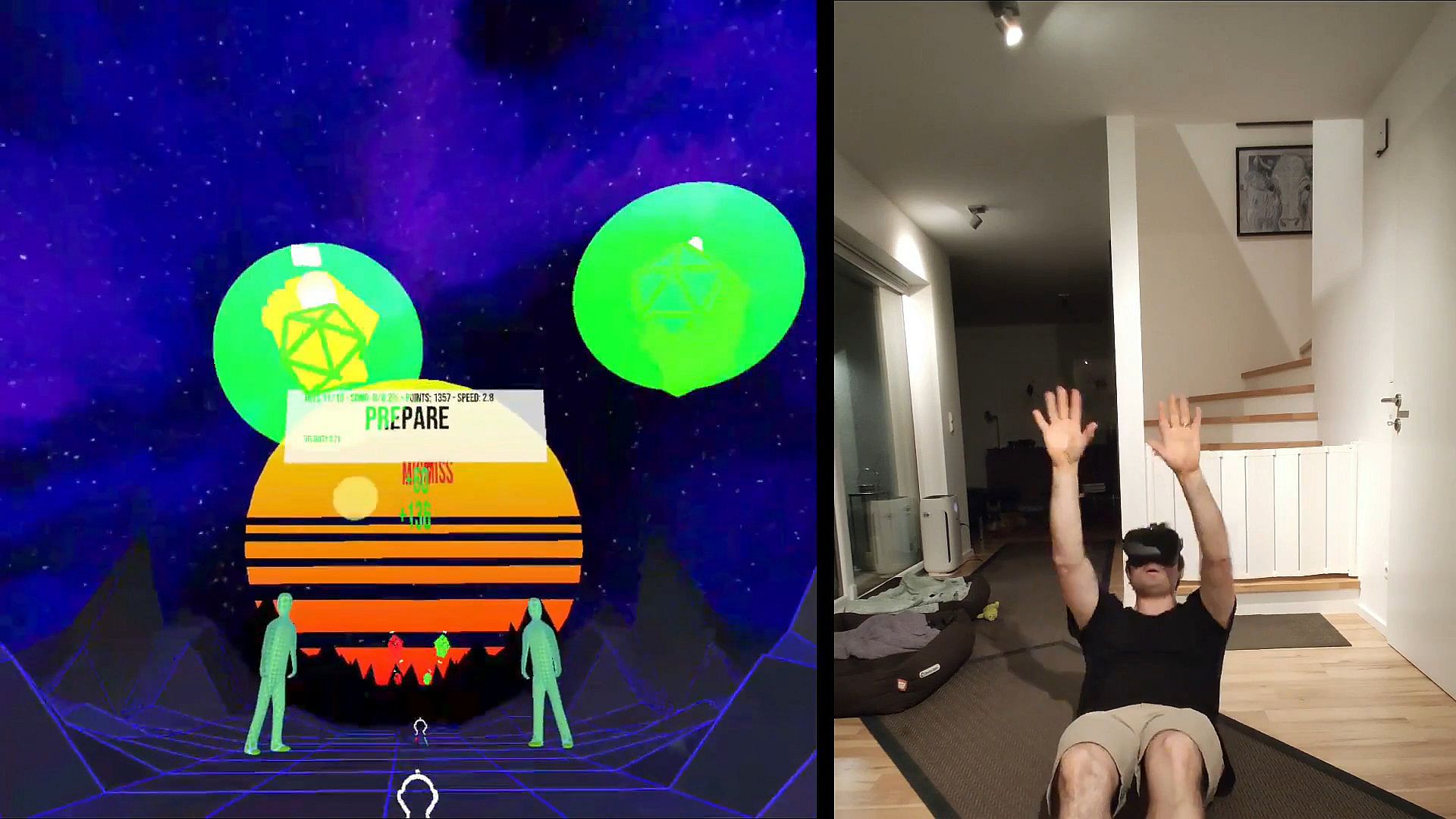
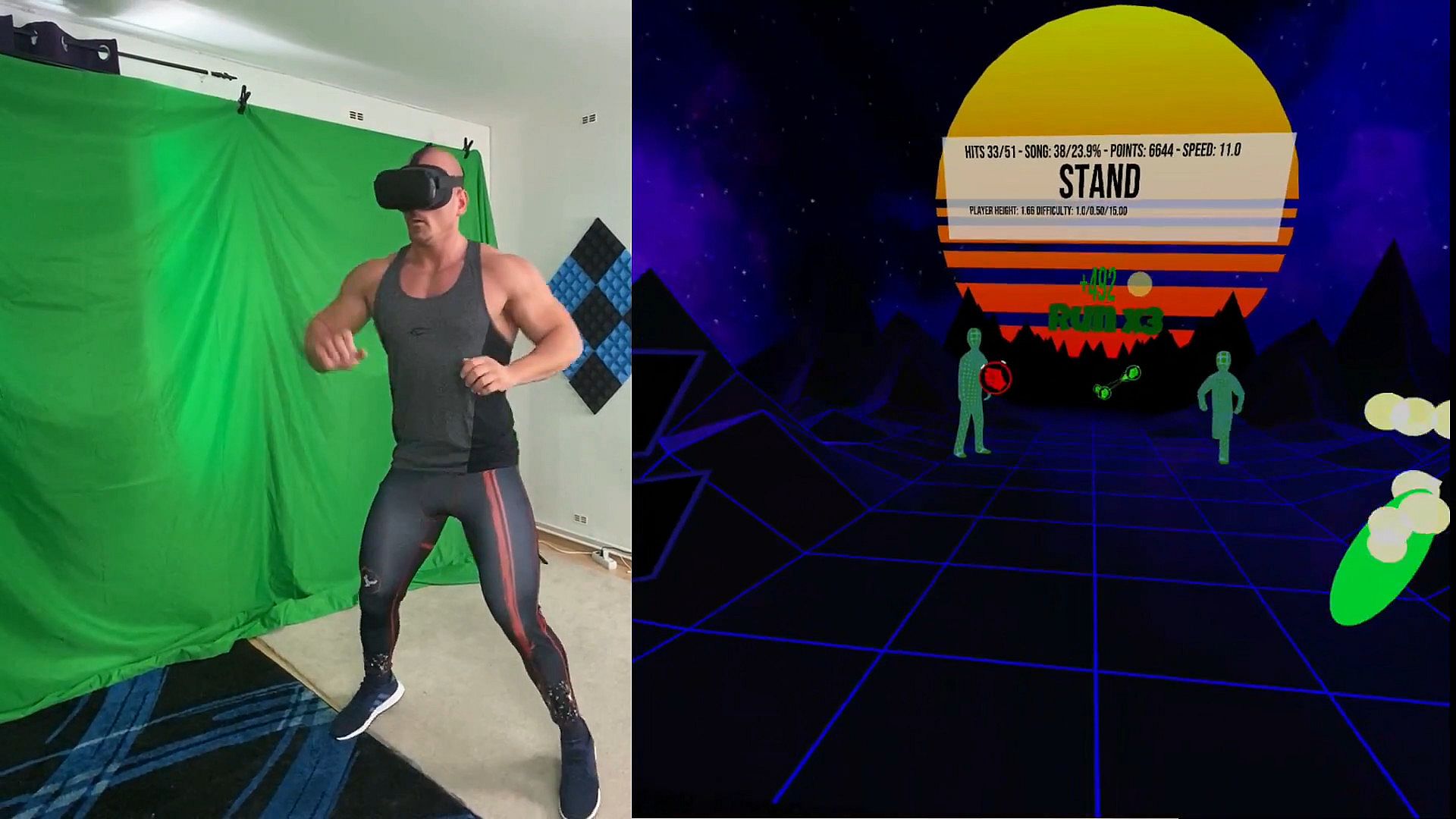
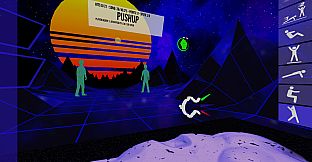
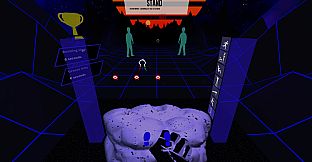
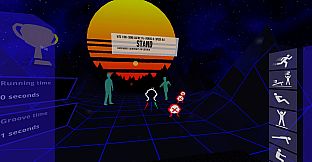
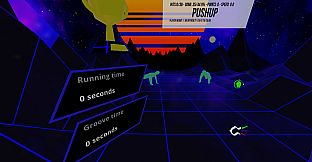
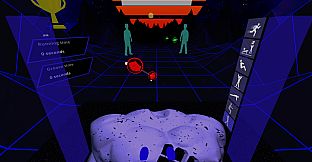
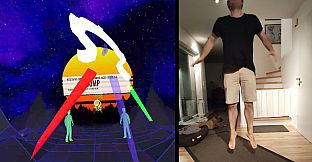
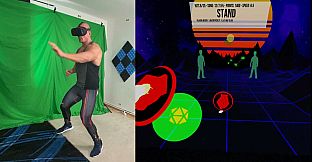
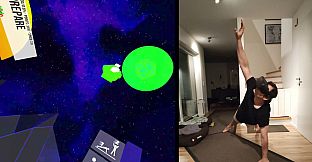
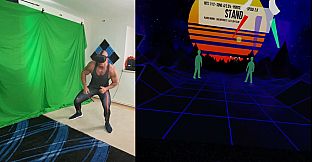
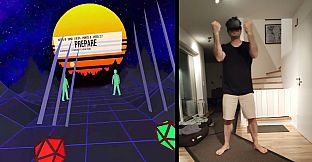
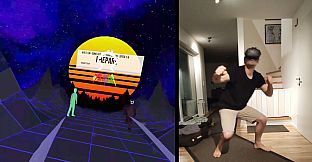
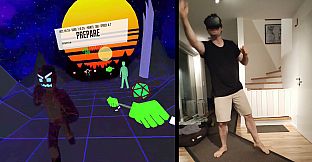
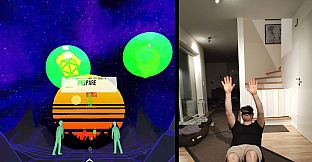
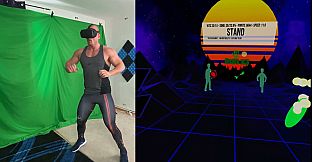
Turn your living room into a personal gym with VRWorkout, a fitness rhythm game that demands full-body moves. Hit hand cues to the music beat using strapped controllers or VIVE trackers, touch head cues lightly, and run in place for point multipliers. Select from jumping, squatting, pushups, side planks, crunches, burpees, and sprinting, with switches to disable exercises and double-taps to swap them mid-play. Choose from three difficulty levels across multiple blocks, aided by automatic height detection and audio instructions for position changes. Freeplay mode syncs cues to your background music's BPM after tapping the blue drum, while custom MP3 or OGG songs go in the C:\VRWorkout folder. This early access sports title suits dedicated VR fitness players ready for intense, risk-aware workouts on PC via SteamVR.

Transform your living room into a personal gym

VRWorkout is a fitness rhythm game with full-body engagement.

Jumping // Squatting // Pushups // Side Planks // Crunches // Running // Burpees and Sprinting

DISCLAIMER: Use at your own risk! This game does not check if you bump into your surroundings. There is a lot of movement involved since this is a physical workout game, which bears the risk of injury. Always use common sense when performing the movements inside the game. If you feel that some exercises are too dangerous DO NOT PERFORM them. You acknowledge that this software is free and you are using it at your own risk
How to play

If your system does not have hand tracking support you can strap the controllers to your wrists, for example with knuckle straps:


Here are other options to use controllers:


If you are just trying it out for the first time you can hold the controllers in your hands, just don't expect to be able to hit the hand cues during the pushups and probably avoid the burpees.
Once you are comfortable and want to move forward with a more serious workout either use VIVE Trackers with wrist straps or strap the controllers to your wrists in a safe manner.


VIVE wands are a bit trickier. One method that works quite well is to use a forearm guard usually used in archery and fixing the controller with Velcro to it. Those forearm guards are usually rather cheap (~$20) and are quite a good option to fix a VR controller to the forearm.


  • Try to hit the hand cues to the beat of the music.
  • The head cue has to be touched with your head. Just touch it, you don't need for headbutting
  • Run in place to receive point multipliers!
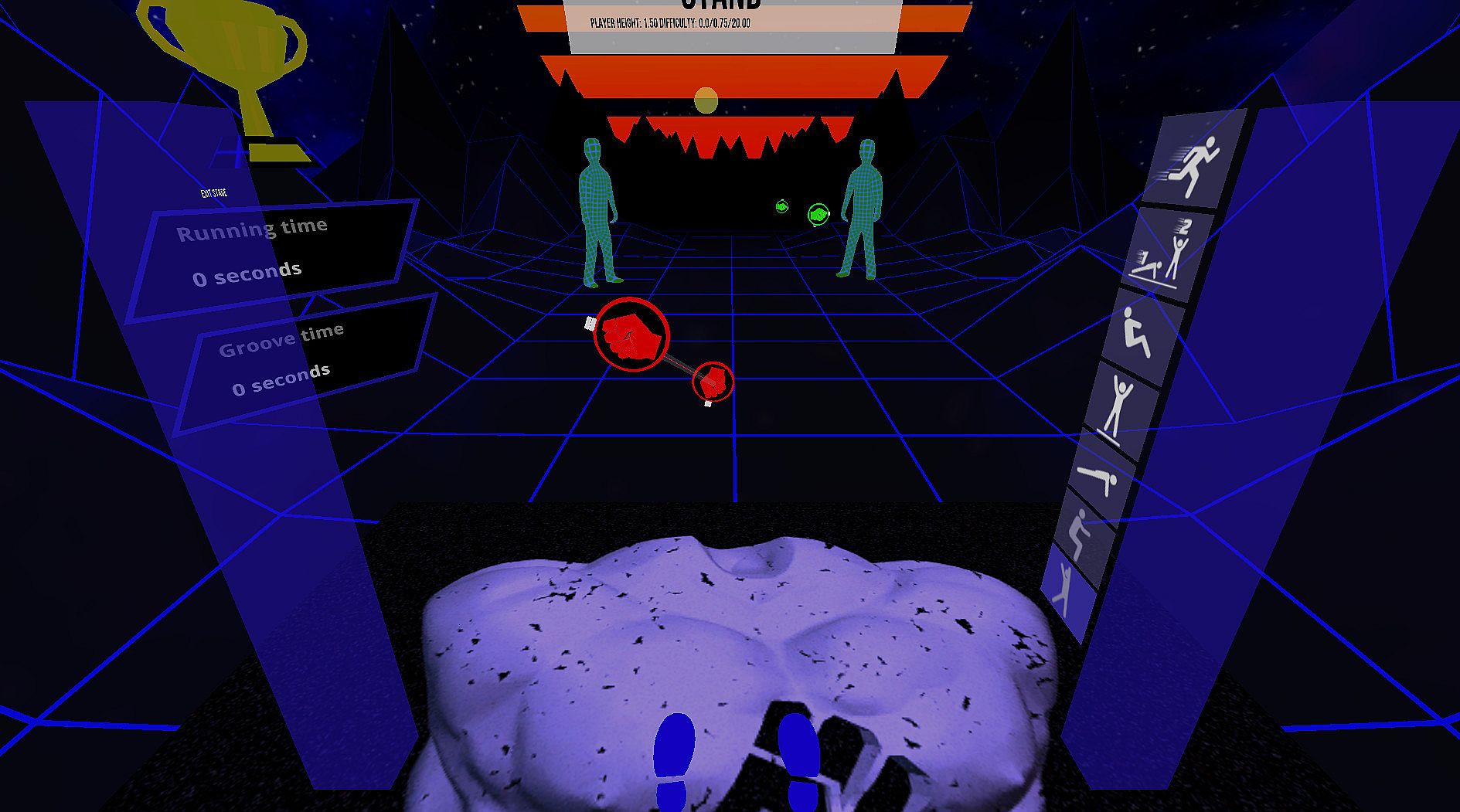
  • If you want to switch out an exercise during play double-tap the new exercise twice in the exercise selector to your right.
The optimal time to hit the cues is when the marker that rotates around the cue touches the second one.

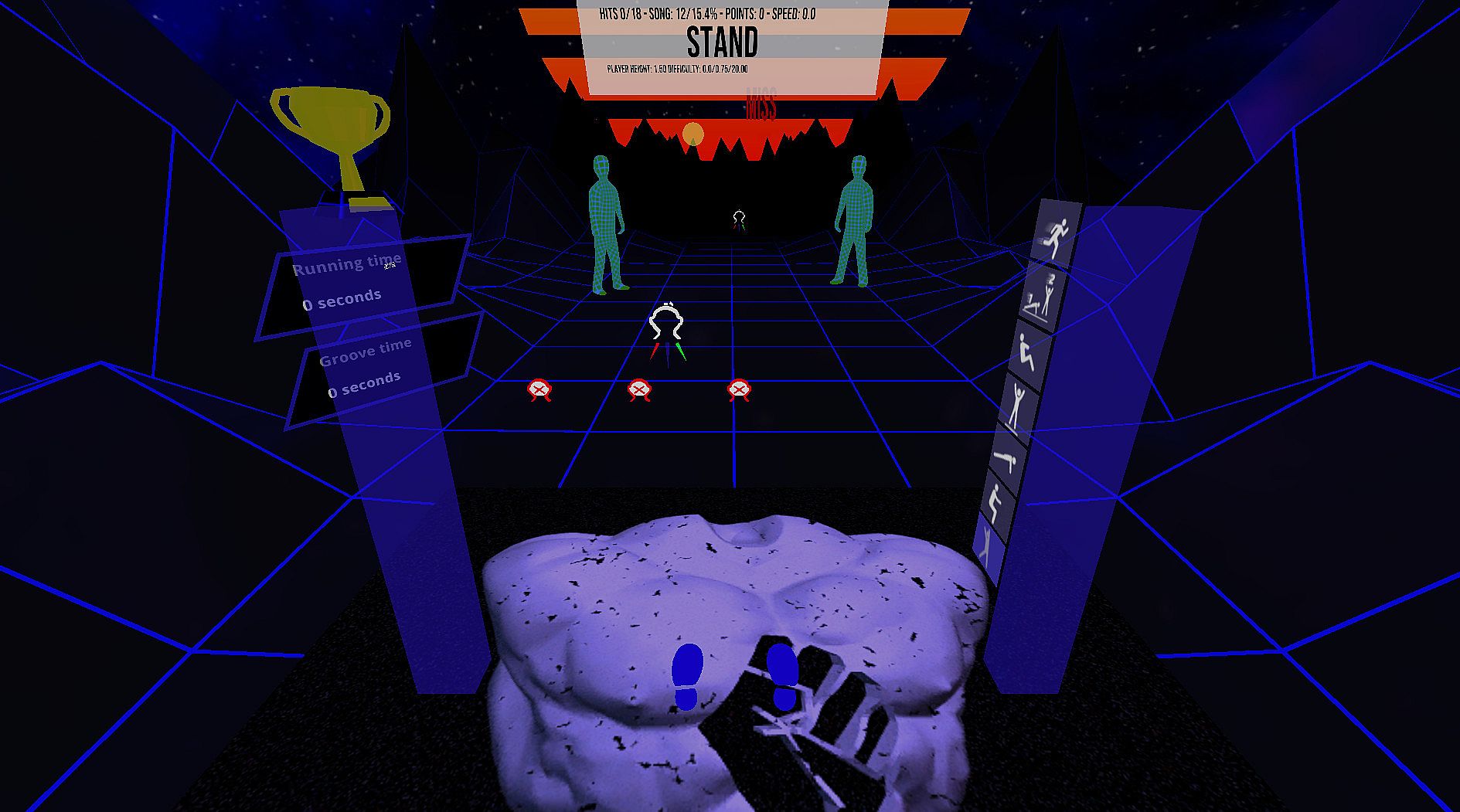
Upon starting you will see several different blocks. Touch one of them at the desired difficulty spot to select a level and difficulty. To disable exercises switch them on/off with the switches to your left.

Exiting a stage during play: On the top of the left blue pole is a sign to exit a stage.

Play with your own music in Freeplay mode* Put on some music in the background and hit the blue drum in the main menu to the beat of the music. Once the beat is set, select one of the freeplay modes to your right. They will send the cues according to the BPM you set but without playing any music.
Current features
  • 3 difficulty levels
  • Automatic player height detection
  • Audio instructions that tell the player when to switch positions
  • Increase points by running in place or by moving more
  • Freeplay mode without music, so you can play to your own background music
  • Experimental heart rate integration (auto difficulty)
  • In-game recentering
  • 34 songs included
  • Custom song support
  • Online portal access (patrons and beta testers only)
  • Heart rate integration
  • SideQuest profile linking
Custom songs
Place your MP3 or OGG files (only stereo is supported) in the Folder C:\VRWorkout
This folder is not automatically created so if you use customs songs create the folder VRWorkout in C:\ first

Attention: Requires SteamVR

Interface:
English
Audio:
English

Age rating

Unavailable
Metacritic:
tbd tbd
Steam:
Positive (24)

Minimum:

  • Processor: Intel Core i5-4590 / AMD FX 8350
  • Memory: 4 GB RAM
  • Graphics: NVIDIA GTX 970 / AMD Radeon R9 290
  • Storage: 500 MB available space

Recommended:

  • OS: Windows 10
  • Processor: Intel i7
  • Memory: 8 GB RAM
  • Graphics: NVIDIA GTX 1080
  • Storage: 500 MB available space
  • Additional Notes: 2xVIVE trackers
Historical low
Price history from official stores
-
-
-
Price history from keyshops
-
-
-

FAQ

8 questions

Before you start looking for a cheap VRWorkout key, check the essentials. Developed by Michael Gschwandtner. Published by Michael Gschwandtner. PC released date: 05 Jul 2020. Genres: Sports, Early Access. Categories: Single-player, Tracked Controller Support, VR Only.

Q

Where to buy a cheap VRWorkout Steam key?

VRWorkout is free to play! Download it on Steam and start playing instantly.

VRWorkout is completely free on Steam. No purchase needed - just download and play. If you are looking for premium DLC or in-game items, check the offers table above.

Our price tracker covers both official retailers and key marketplaces, so you can find VRWorkout on sale even outside seasonal promotions. We currently detect 1 active offer from official stores and keyshops. Check the table above, compare against the historical low, and set an alert so you never miss the next price drop.

Based on our data, VRWorkout is not currently available on GeForce NOW. You will need to run it locally on your PC. Browse games available on GeForce NOW.

Yes. VRWorkout has an official page on the Steam Store. You can also buy a VRWorkout Steam key from third-party sellers. Our price comparison currently includes 1 offer with Steam DRM. Pick one to ensure your VRWorkout download happens on Valve's platform.

Yes. VRWorkout is Steam Deck Verified - it launches out-of-the-box, displays correct controller glyphs and runs stable. VRWorkout works perfectly on Steam Deck.

VRWorkout does not appear to be available on PC Game Pass, EA Play, Ubisoft+ or any other PC subscription service at this time. Your only option is purchasing the game - use XD.deals to find the best price.

No - XD.deals is not a store. We are a price-comparison service that tracks the best VRWorkout deals across official stores and verified keyshops. Click "Go to Store" next to any offer and you will be redirected to the retailer's website to complete your purchase.

Best prices for VRWorkout

1 Steam Steam Official
$0.00

Want to buy at the best moment? Set a price alert on XD.deals and get notified when VRWorkout hits its next historical low.

Create Alert
Join our Discord
Get instant help from our community and stay updated on the latest deals
Set Price Alerts
Get notified by email when game prices drop to your target
Create Free Account
Unlock wishlists, price alerts, and Steam sync