
Buy VR MEDIA VIEWER PC

Interested in VR MEDIA VIEWER? We're tracking prices from trusted stores. Add VR MEDIA VIEWER to your wishlist and we'll notify you when deals become available.

Steam:
Very Positive (33)
Official
Unavailable
Keyshops
Unavailable
Buy in Official Store:
Unavailable
Buy in Keyshops:
Unavailable

No entries, but don''t worry, we will inform you once the new offer appears.

Create Alert Create deal Alert

About VR MEDIA VIEWER

VR MEDIA VIEWER - about the game
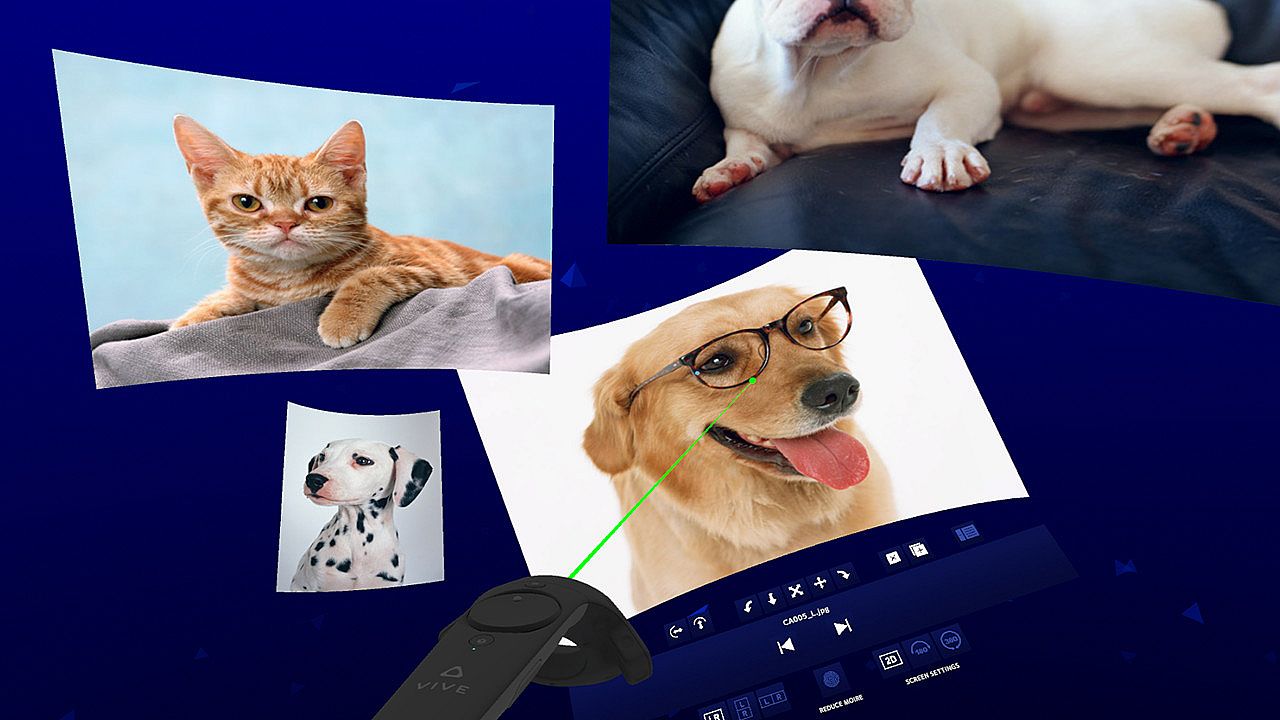
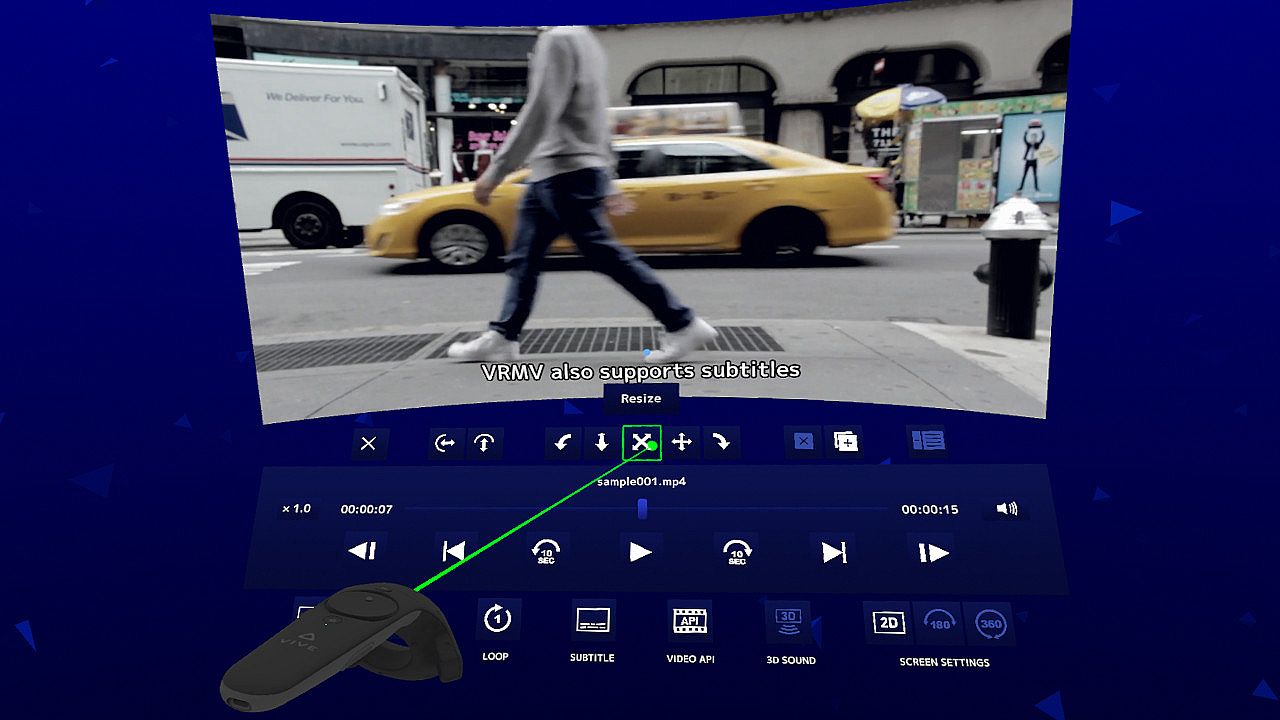
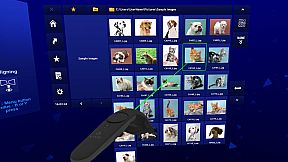
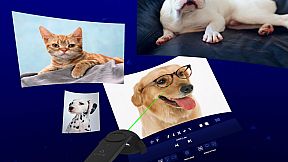
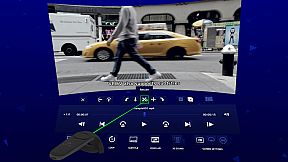
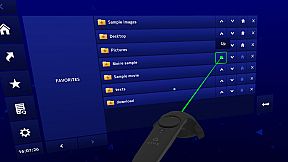
VR Media Viewer brings your digital media into VR on PC, handling images, audio, 2D videos, and VR videos with 180° screen, 360° screen, plus side-by-side and top-and-bottom stereoscopic formats. A specialized file browser speeds up access through a home screen for favorite folders, editable favorites list, and viewing history, perfect for repeated sessions. Play, stop, and switch files using gaze control, while tweaking screens via duplication, zoom, rotation, or curvature for flexible viewing. This utility shines with broad format support like JPG, PNG, MP4, MKV, MP3, and SRT subtitles, up to 16K images and 8K videos, including animated GIFs, stereoscopic MPO, and VRJPG. Switch effortlessly between 2D, stereoscopic, and projection modes like equirectangular or fisheye. VR enthusiasts who browse and replay media collections will find its intuitive controls and third-party decoder compatibility ideal for seamless playback.

This application is a VR media viewer that can view various digital contents such as image files, audio files, 2D video files, VR video files. (180° screen, 360° screen, side-by-side / top-and-bottom stereoscopic support)
Application features


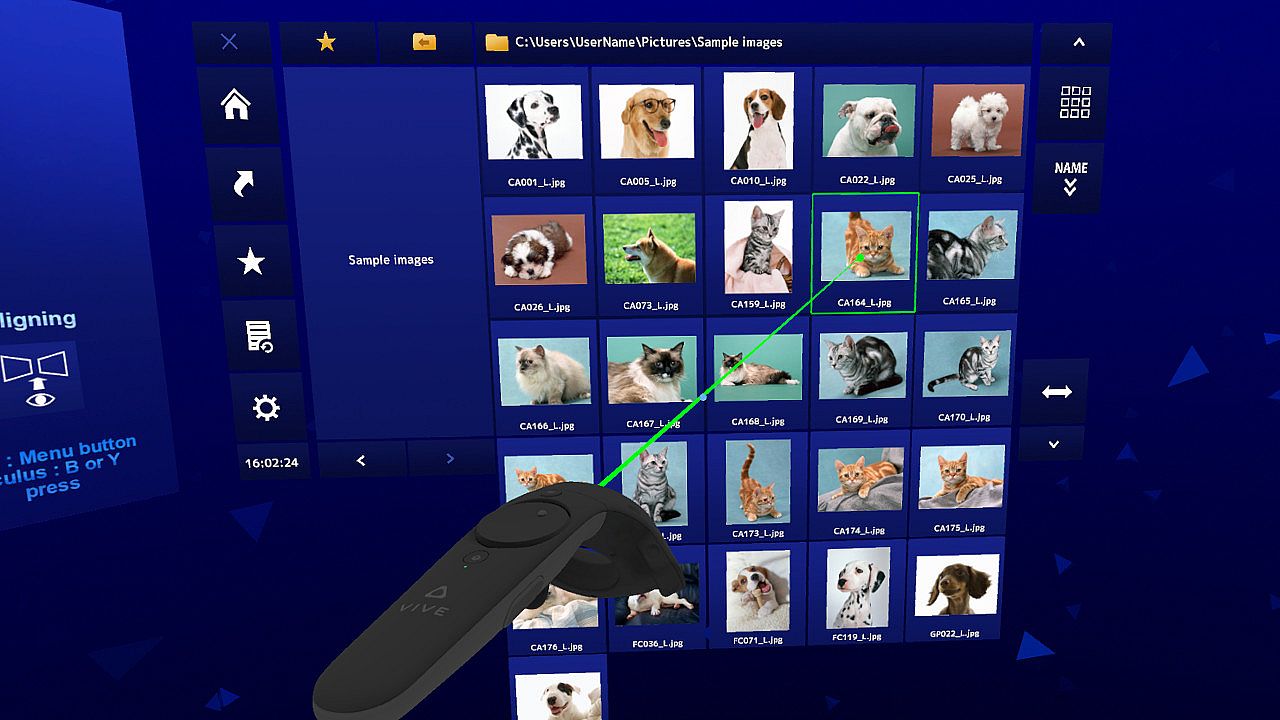
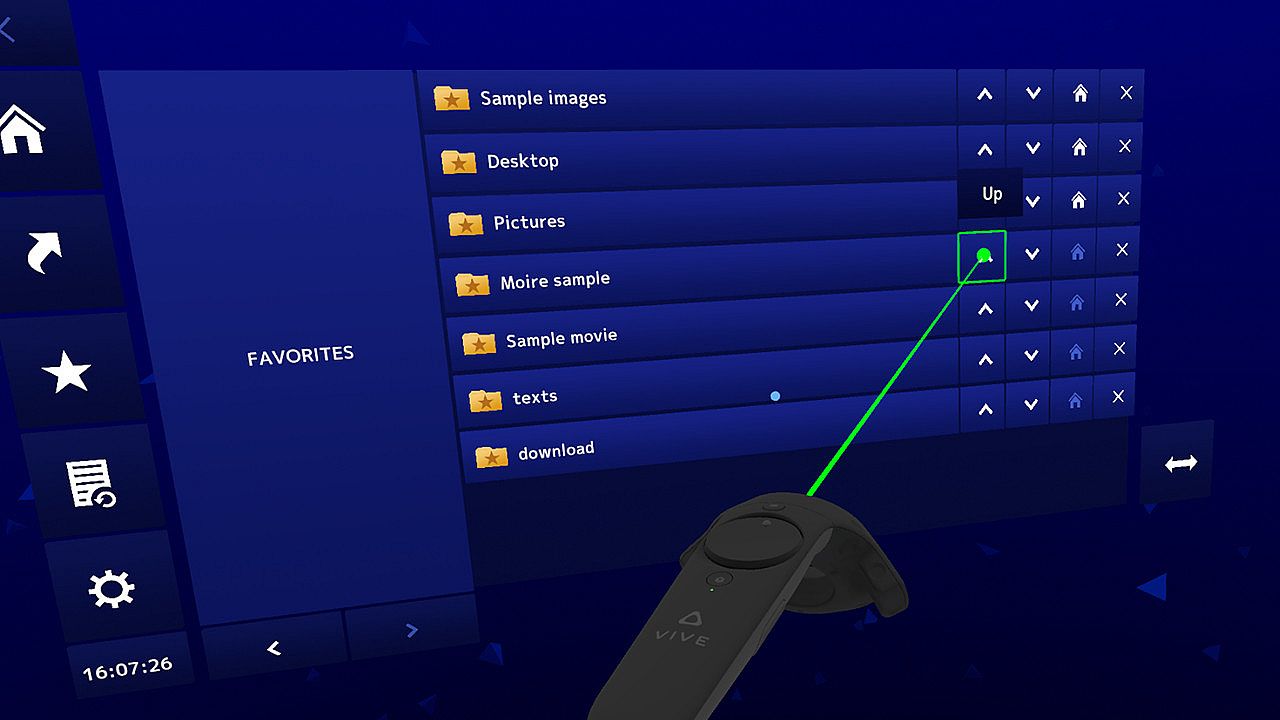
【 File browser specialized for repeated use 】Designed with emphasis on comfort when file-browsing repeatedly, such as a home screen for immediate access to frequently used folders, favorites with editing functions, and history for accessing previously viewed folders.

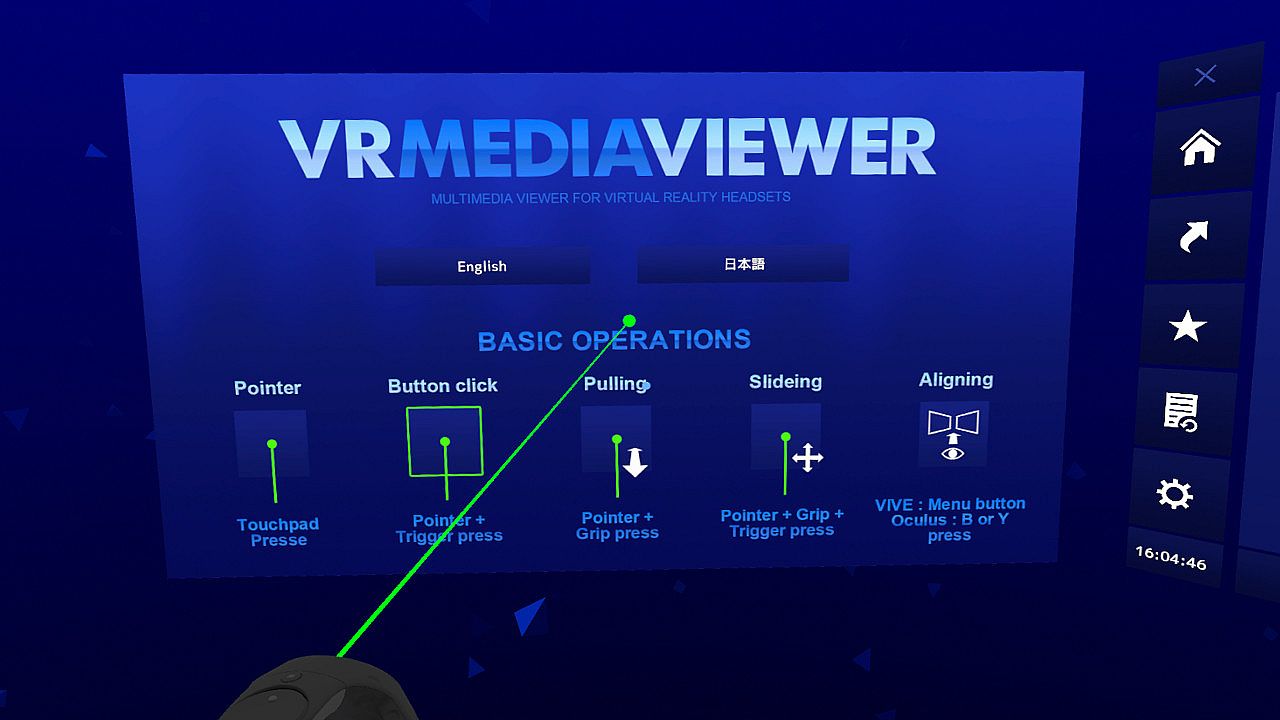
【 Easy operation and flexible media screen 】Basic functions such as play, stop, move between files (supports gaze control). Screen editing such as screen duplication, enlargement / reduction, rotation, curved screen. And switching of situations for VR media such as side-by-side / top-and-bottom, 2D screen, 180 ° screen, and 360 ° screen is easy and flexibl.
Supported media formats


【 Image 】JPG, JFIF, PNG, BMP, GIF (*1), WEBP (*1), MPO (*2), VRJPG (*3)
【 Movie (*4) 】MP4, MOV, AVI, MKV, WEBM, ASF, WMV
【 Sound 】MP3, WAV, AAC, FLAC, AC3, WMA
【 Subtitle 】SRT
【 Stereoscopic 】Side-by-side, Top-and-bottom
【 Stereoscopic projection 】Equirectangular, Fisheye (Only when using 180° screen)

* : The maximum size of an image file that can be read is 16K (16384 * 16384 pixels).
* : The maximum size of a video file that can be read is 8K (8192 * 8192 pixels).
*1 : Supports animation
*2 : Stereoscopic photo format
*3 : Google VR180 format
*4 : Even if the extension of the video file format is the same, there are many cases where it can be played or cannot be played depending on the conversion method. We are paying close attention to the latest video playback technology so that we can play as many videos as possible, but there are unsupported files such as new formats born in real time and videos with very large file sizes. I would appreciate your understanding. If you are worried about playing your video files, we recommend that you try the demo version before purchasing. In addition, the subtitle data stored in the file is not supported. Please use the SRT file to display the subtitles.

Also, it supports third-party decoders (LAV Filters etc.), so please try it if you can not play the video. (In that case, install the decoder yourself, then change the video API to DirectShow in the VR MEDIA VIEWER)
About demo vertion


We offer a free demo version that allows you to check whether your files can be displayed and played correctly. The demo version has a 5 minute usage limit, and there are no settings, favorites, or history retention after closing the application. Of course, those restrictions are removed in the product version.
About support for Windows Mixed Reality


Windows Mixed Reality headsets have been released by many companies and have not been marked for Windows Mixed Reality because they have not been confirmed to work on all models, but operated normally in environments using "FMVHMD1 (Fujitsu)" and "Windows Mixed Reality for SteamVR" (However, it does not support controller vibration).

Interface:
EnglishJapanese

Age rating

Unavailable
Steam:
Very Positive (33)

Minimum:

  • OS: Windows10
  • Processor: Intel Core i5-4590
  • Memory: 8 GB RAM
  • Graphics: NVIDIA GeForce GTX 970
  • Storage: 600 MB available space
Historical low
Price history from official stores
-
-
-
Price history from keyshops
-
-
-

FAQ

8 questions

Before you start looking for a cheap VR MEDIA VIEWER key, check the essentials. Developed by BoninblueDesignLaboratory. Published by BoninblueDesignLaboratory. PC released date: 24 Nov 2019. Genres: Utilities. Categories: Tracked Controller Support, VR Supported.

Q

Where to buy a cheap VR MEDIA VIEWER Steam key?

There are currently no active offers for VR MEDIA VIEWER. Set a price alert on XD.deals and we will notify you the moment a deal becomes available.

We don't have a current Steam Store price for VR MEDIA VIEWER. The game may be temporarily unavailable or not yet listed on Steam.

Our price tracker covers both official retailers and key marketplaces, so you can find VR MEDIA VIEWER on sale even outside seasonal promotions. We currently detect 0 active offers from official stores and keyshops. Check the table above, compare against the historical low, and set an alert so you never miss the next price drop.

Based on our data, VR MEDIA VIEWER is not currently available on GeForce NOW. You will need to run it locally on your PC. Browse games available on GeForce NOW.

Yes. VR MEDIA VIEWER has an official page on the Steam Store, but we currently don't track any third-party offers with Steam DRM. Check back later or set a price alert.

Not at this time. Valve marks VR MEDIA VIEWER as Unsupported on Steam Deck. Keep an eye on XD.deals - we track Proton updates and community fixes. Browse games that are Steam Deck Verified or Steam Deck Playable.

VR MEDIA VIEWER does not appear to be available on PC Game Pass, EA Play, Ubisoft+ or any other PC subscription service at this time. Your only option is purchasing the game - use XD.deals to find the best price.

No - XD.deals is not a store. We are a price-comparison service that tracks the best VR MEDIA VIEWER deals across official stores and verified keyshops. Click "Go to Store" next to any offer and you will be redirected to the retailer's website to complete your purchase.

Want to buy at the best moment? Set a price alert on XD.deals and get notified when VR MEDIA VIEWER hits its next historical low.

Create Alert
Join our Discord
Get instant help from our community and stay updated on the latest deals
Set Price Alerts
Get notified by email when game prices drop to your target
Create Free Account
Unlock wishlists, price alerts, and Steam sync