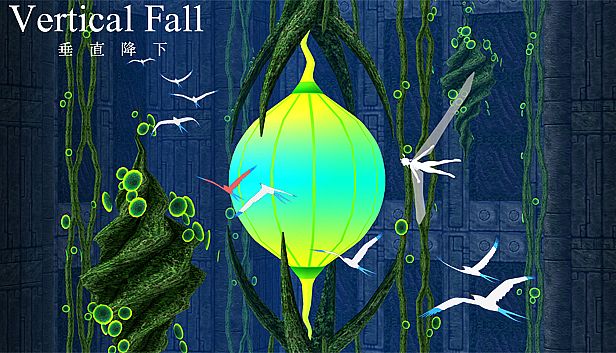



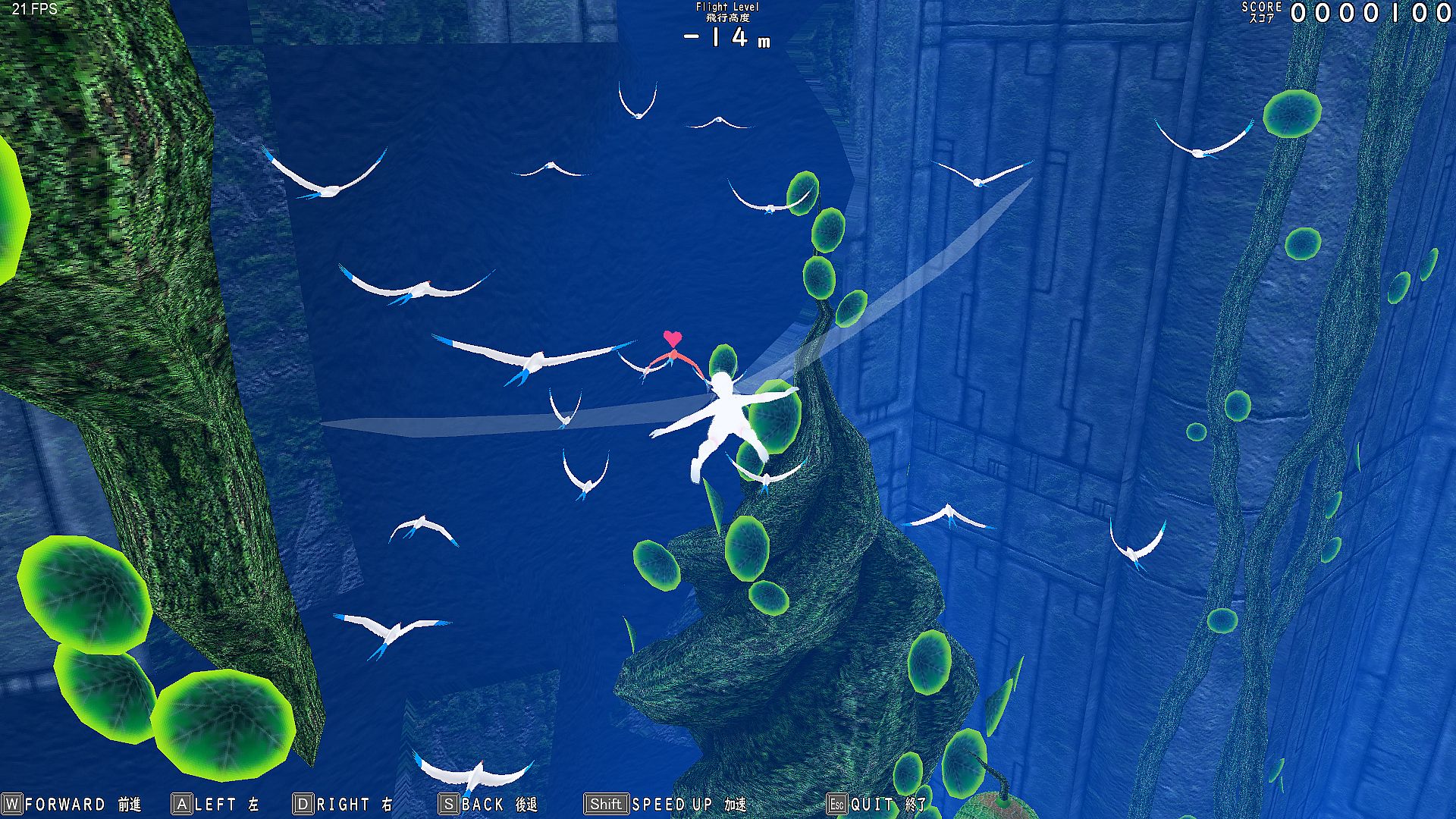
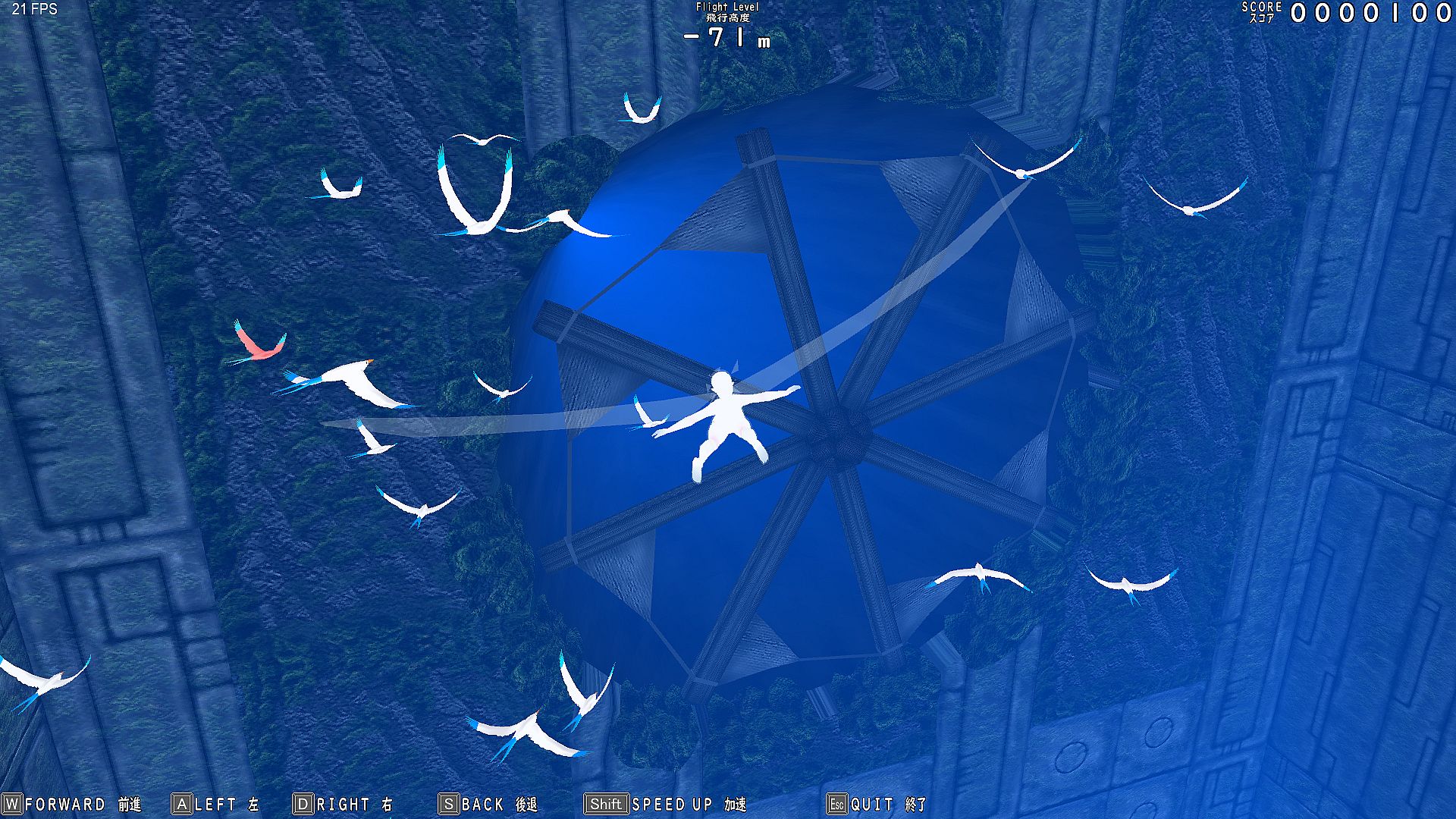
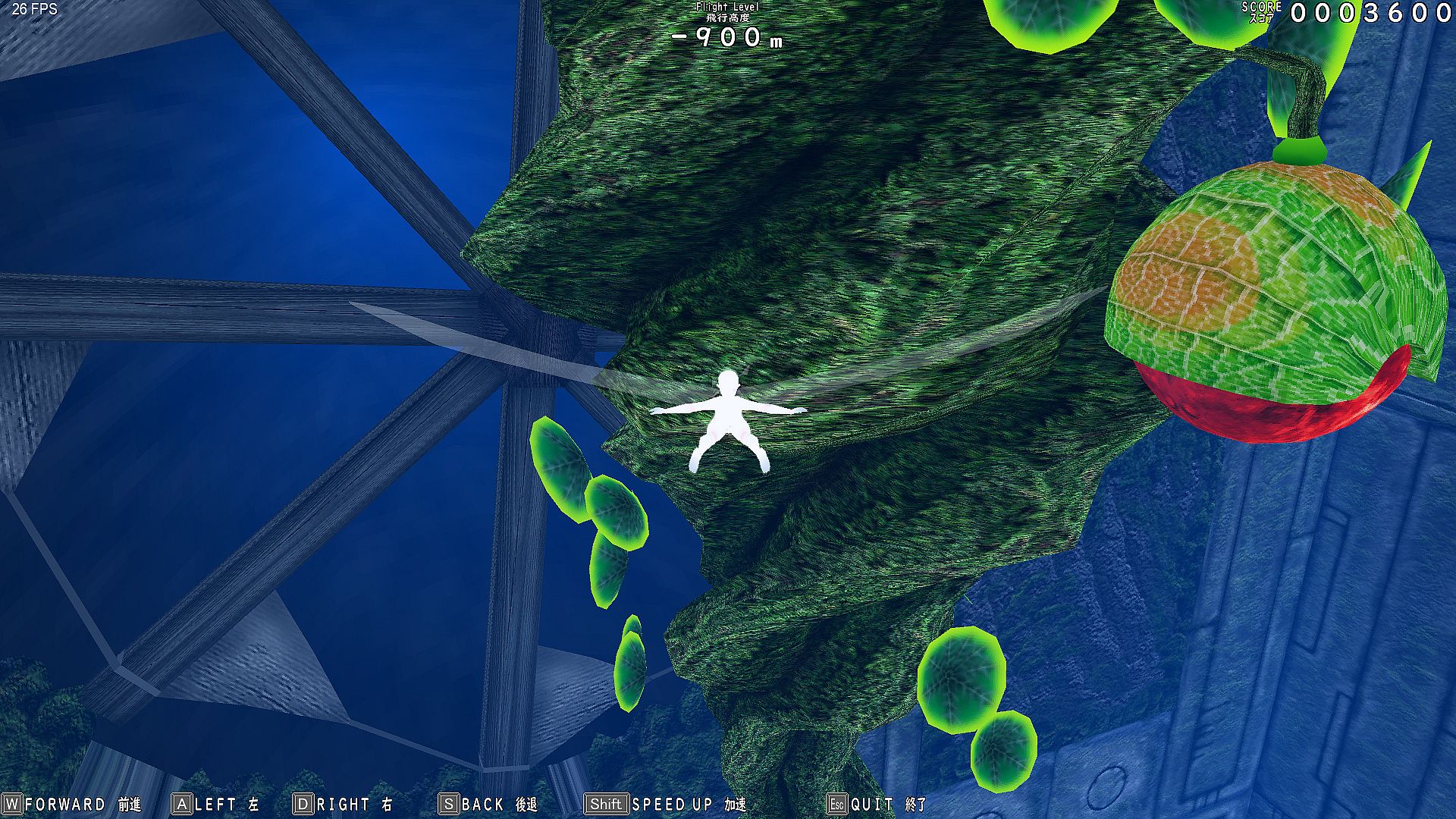
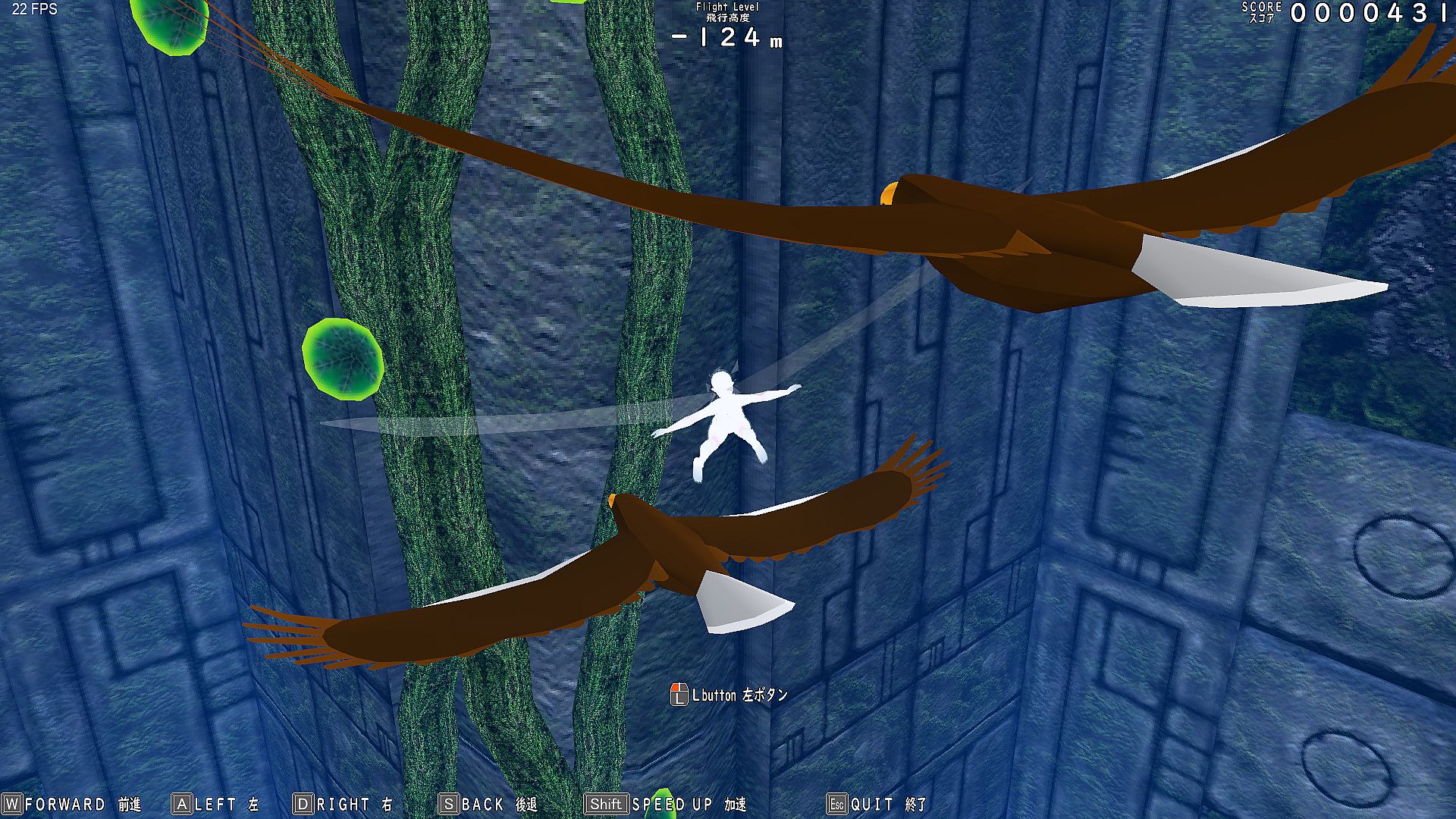
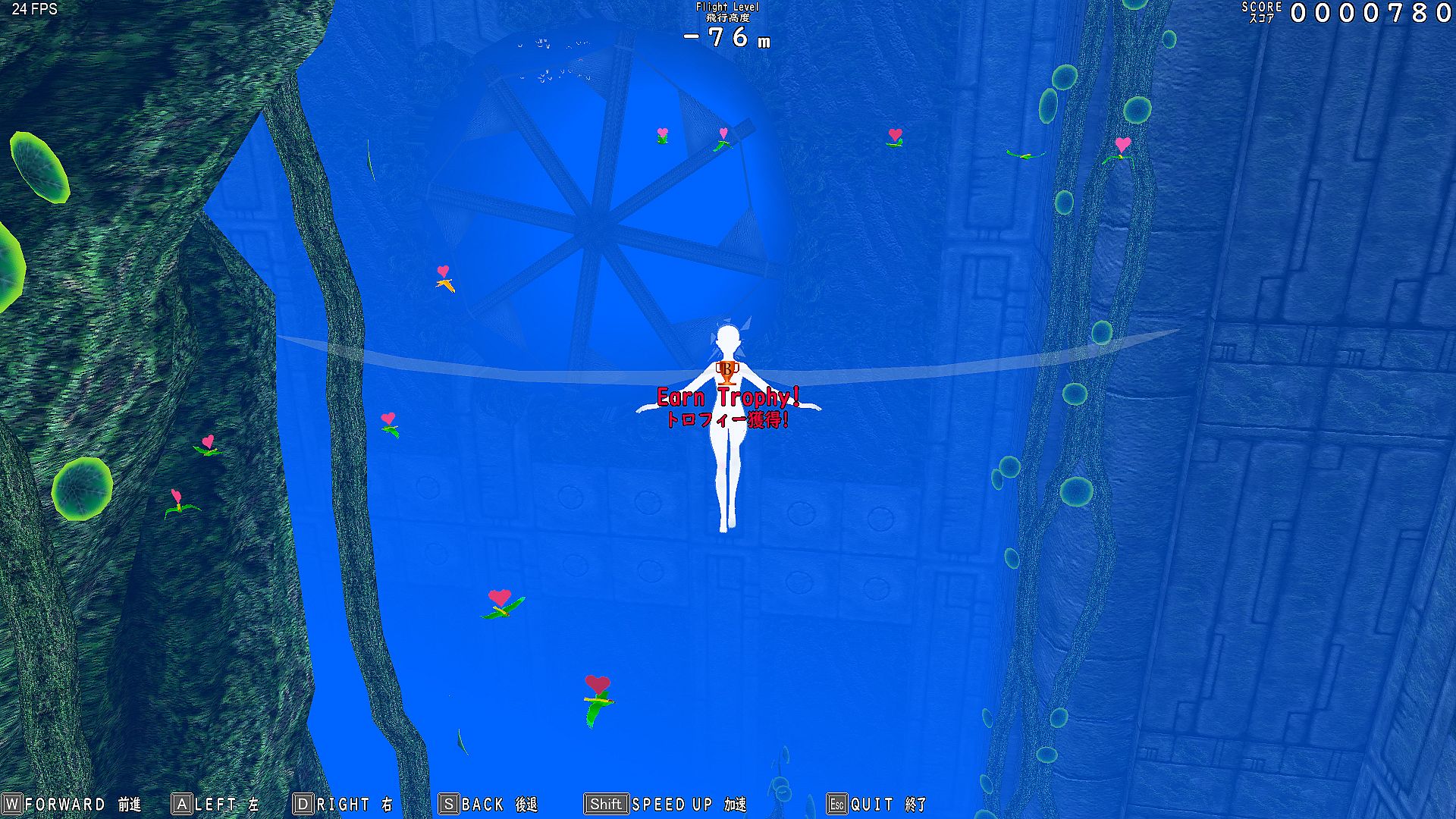
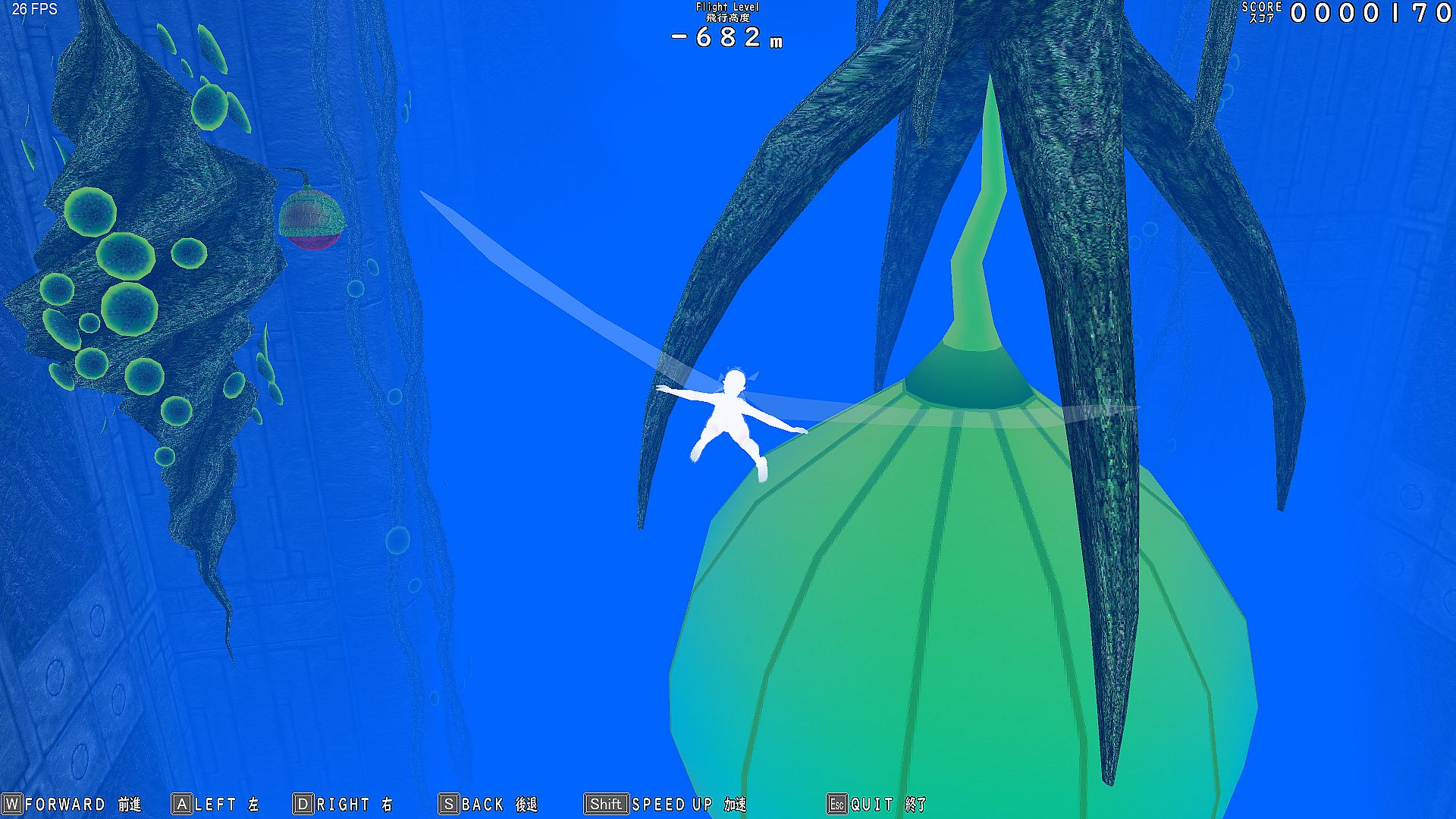
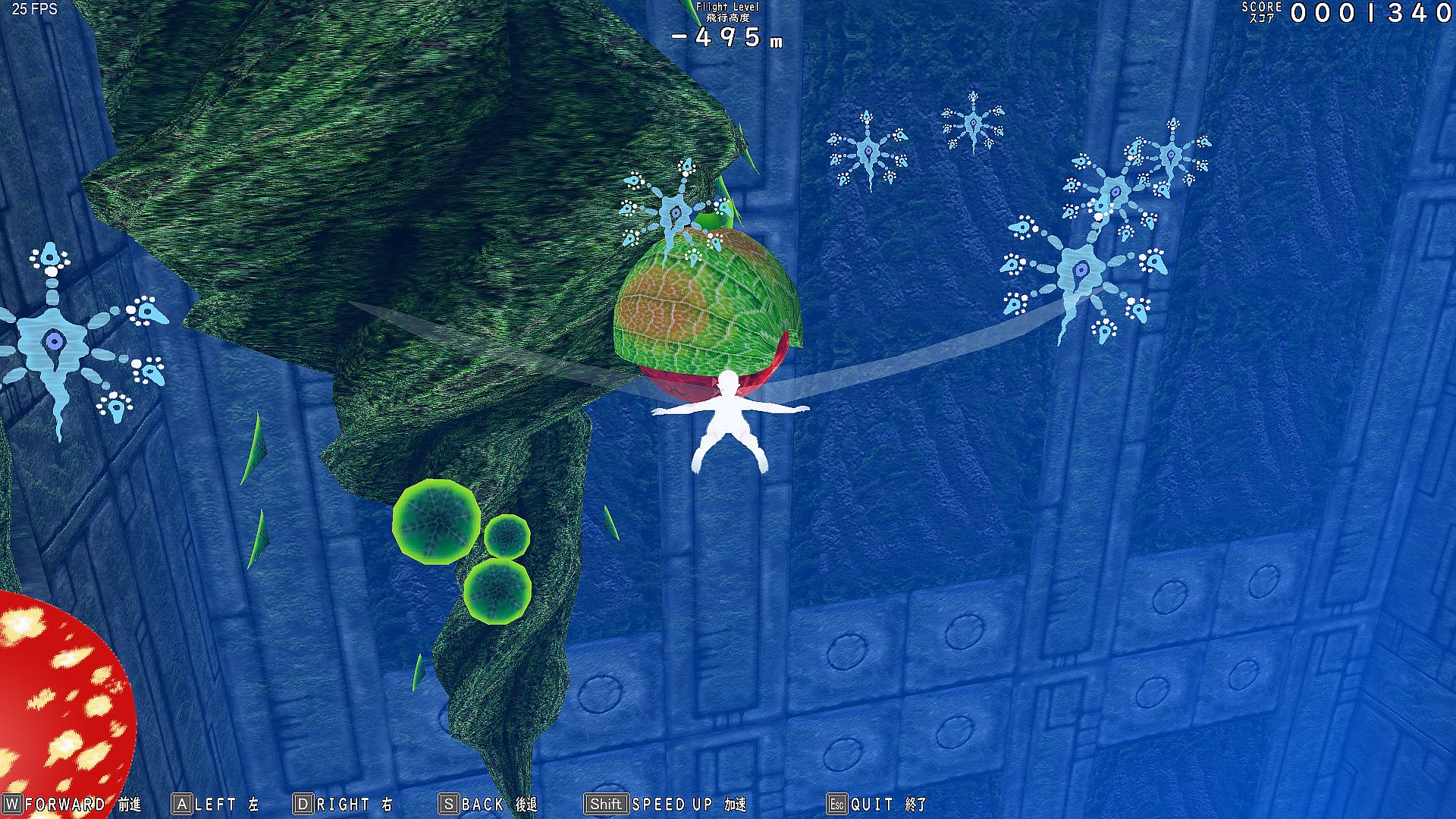
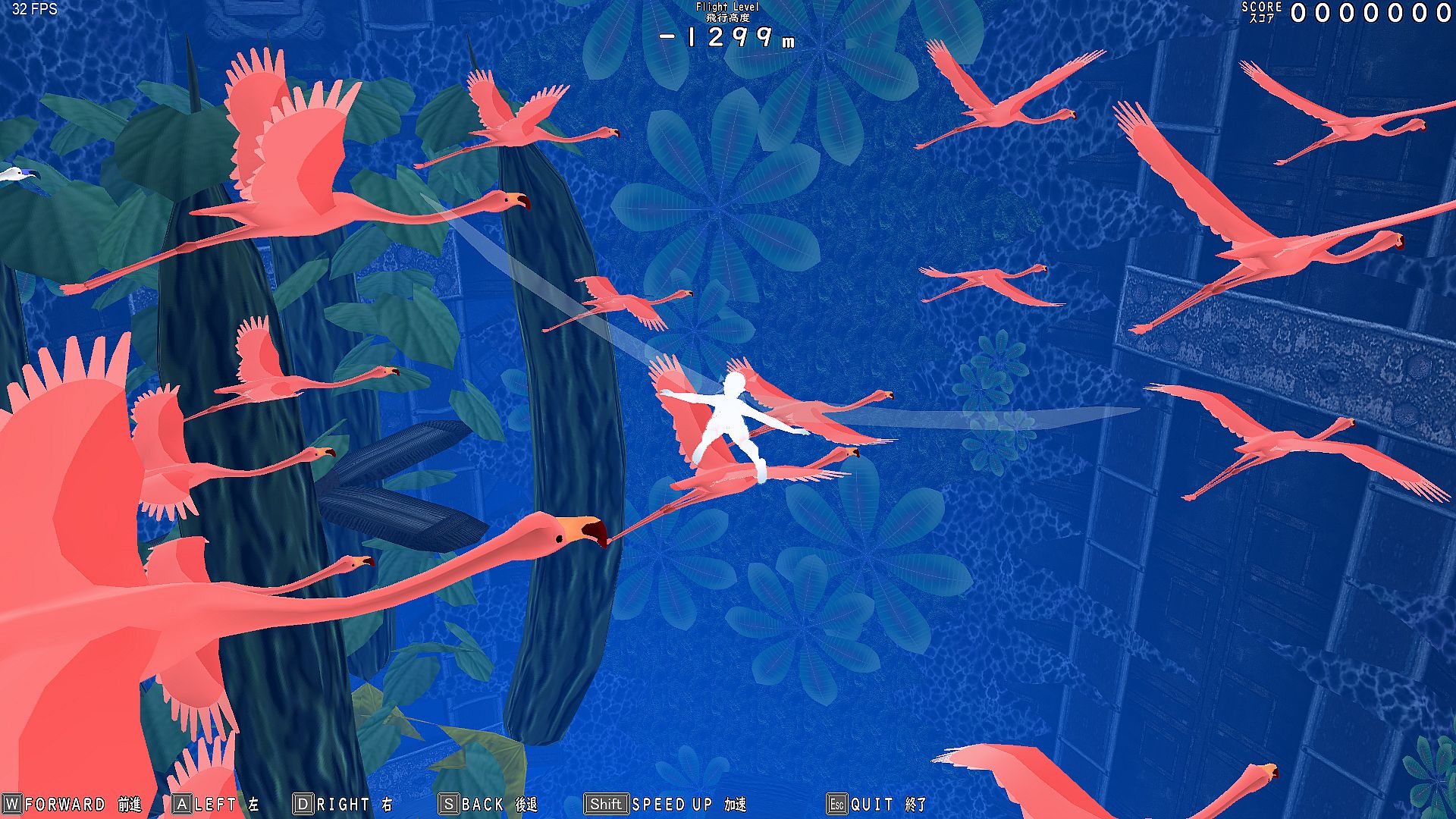
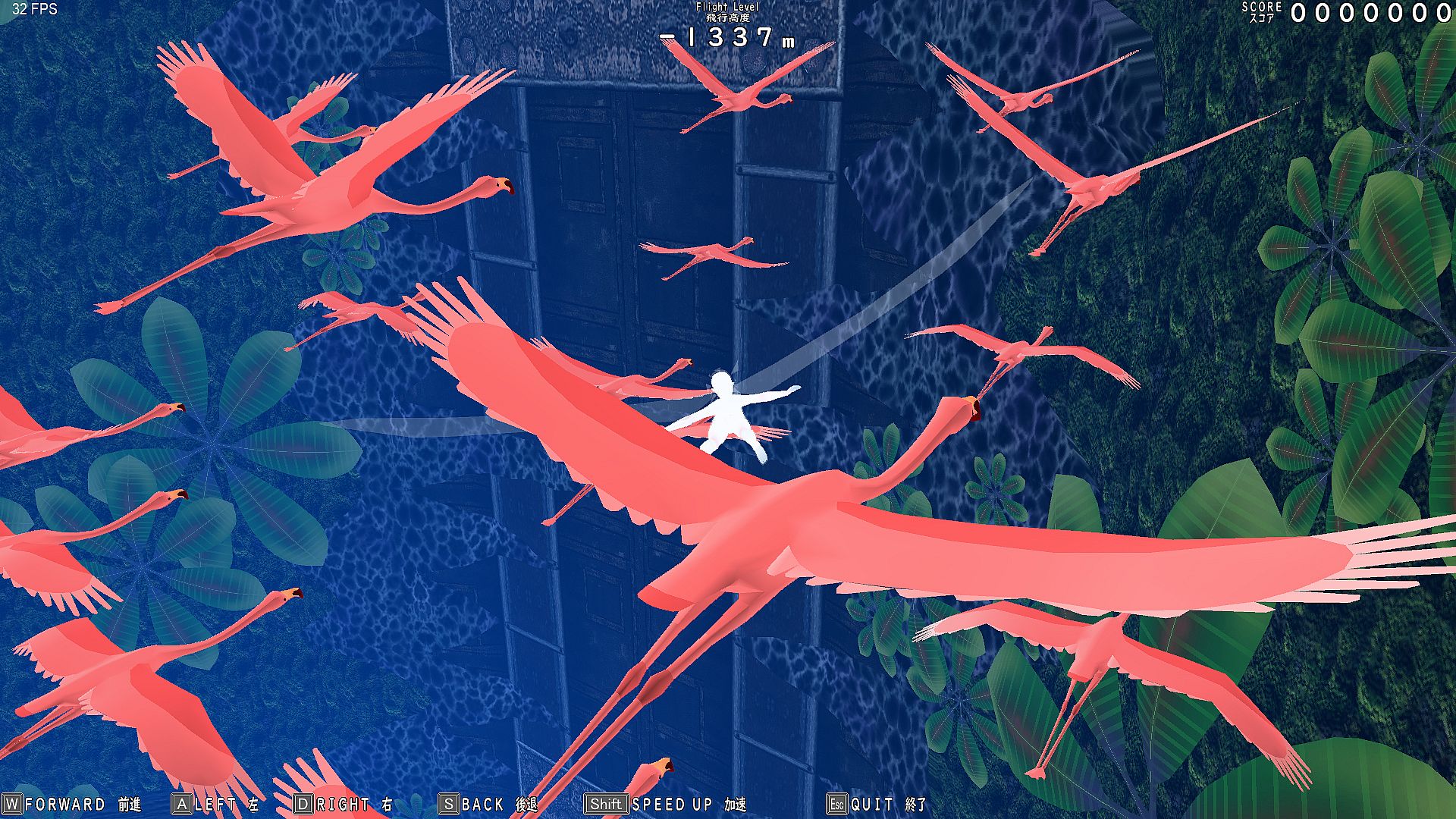
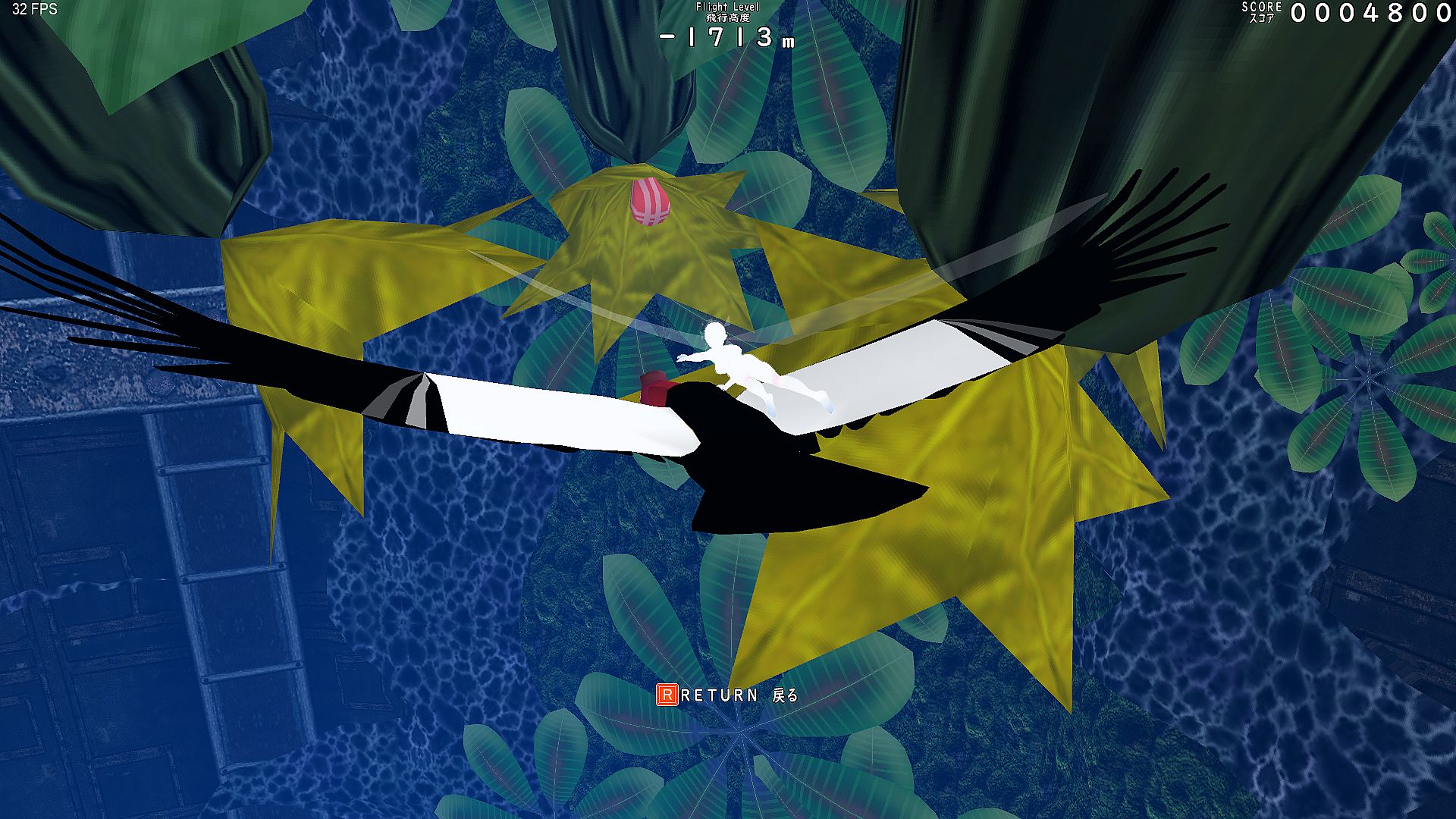
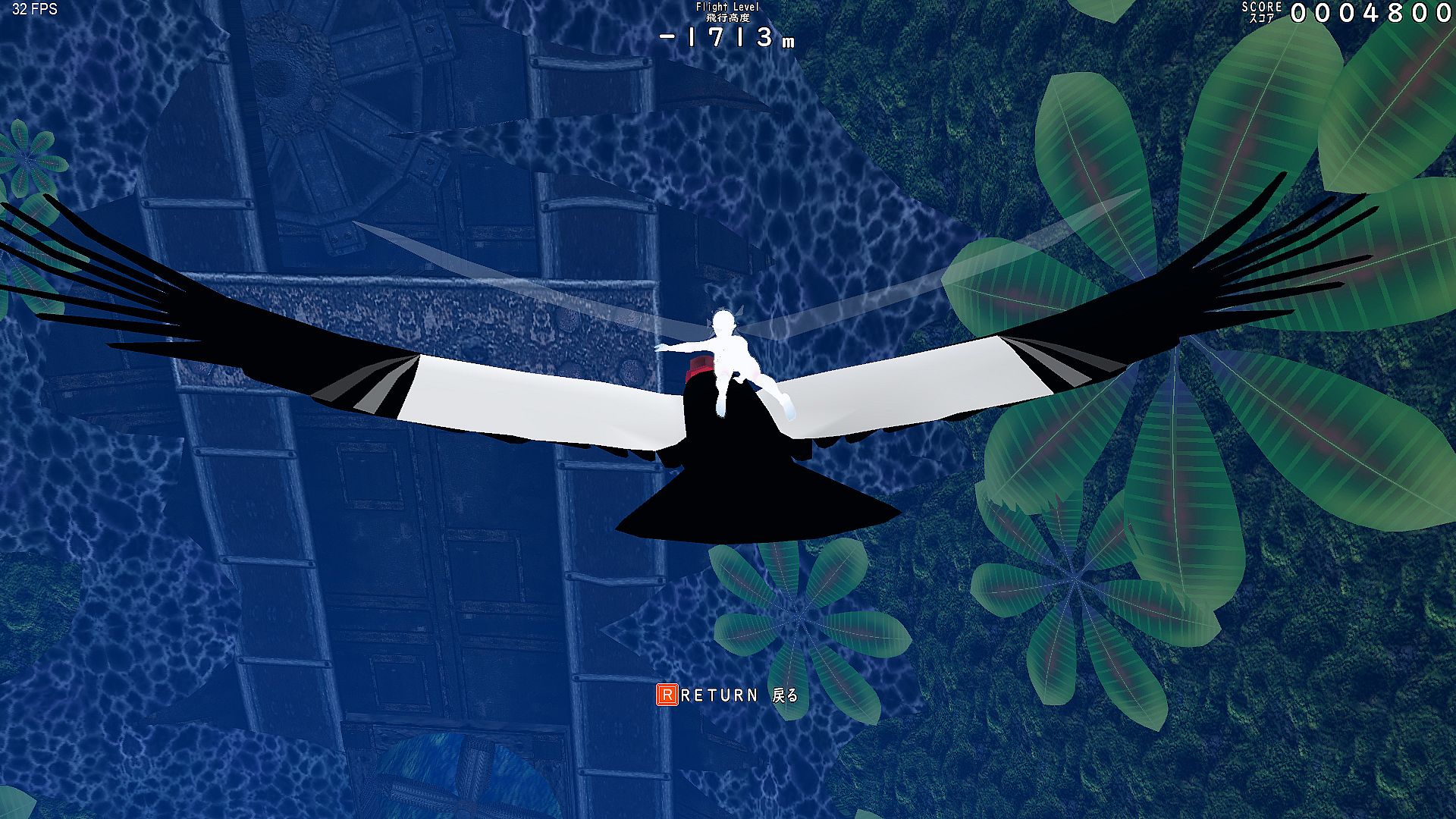
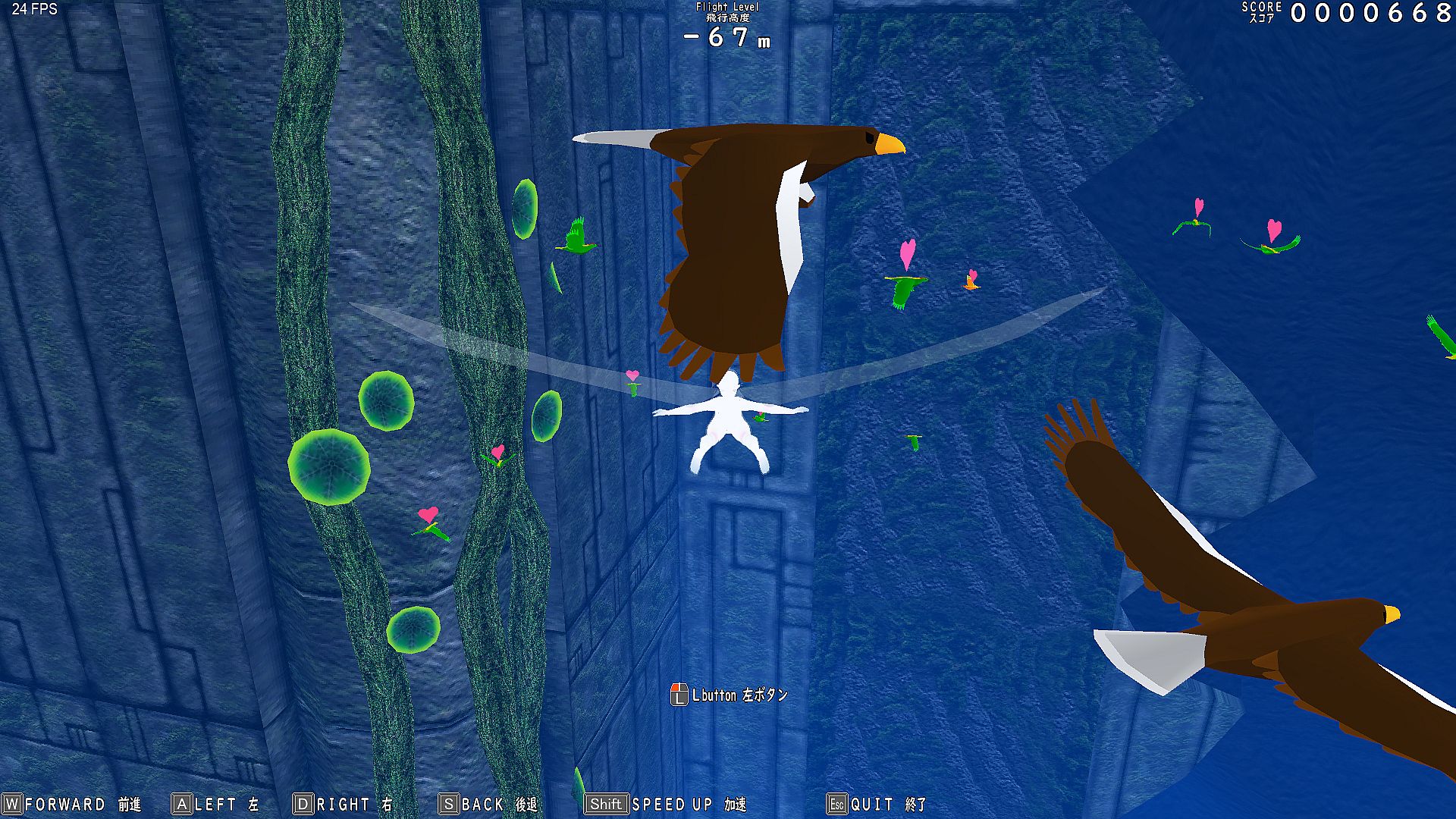
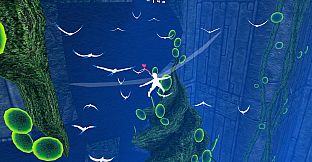
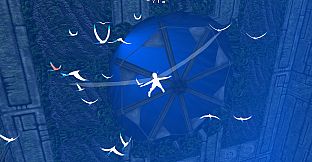
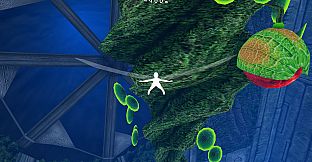
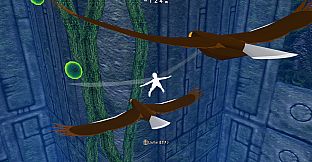
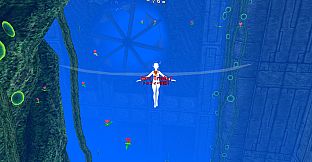
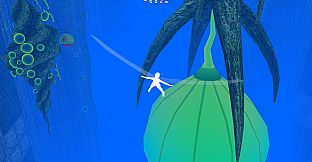
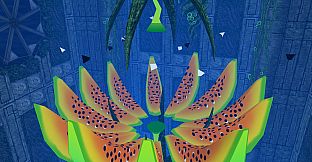
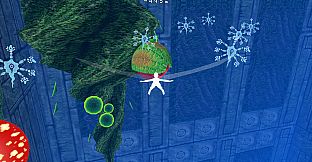
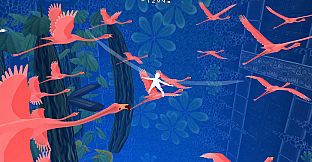

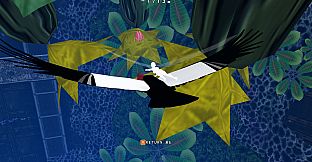
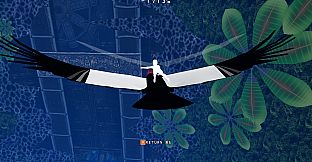
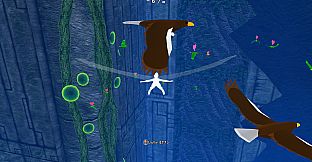
Glide endlessly through infinite vertical holes as Gar Gooyo Lilienthal, a winged girl descending a bottomless cave filled with birds and flowers. Score points by approaching these elements while operating structures to reach new areas in this simple action adventure game. Use keyboard (WASD, SHIFT, R, Esc) or gamepad to move, speed up, interact, and recover from collisions by turning into a soap bubble.
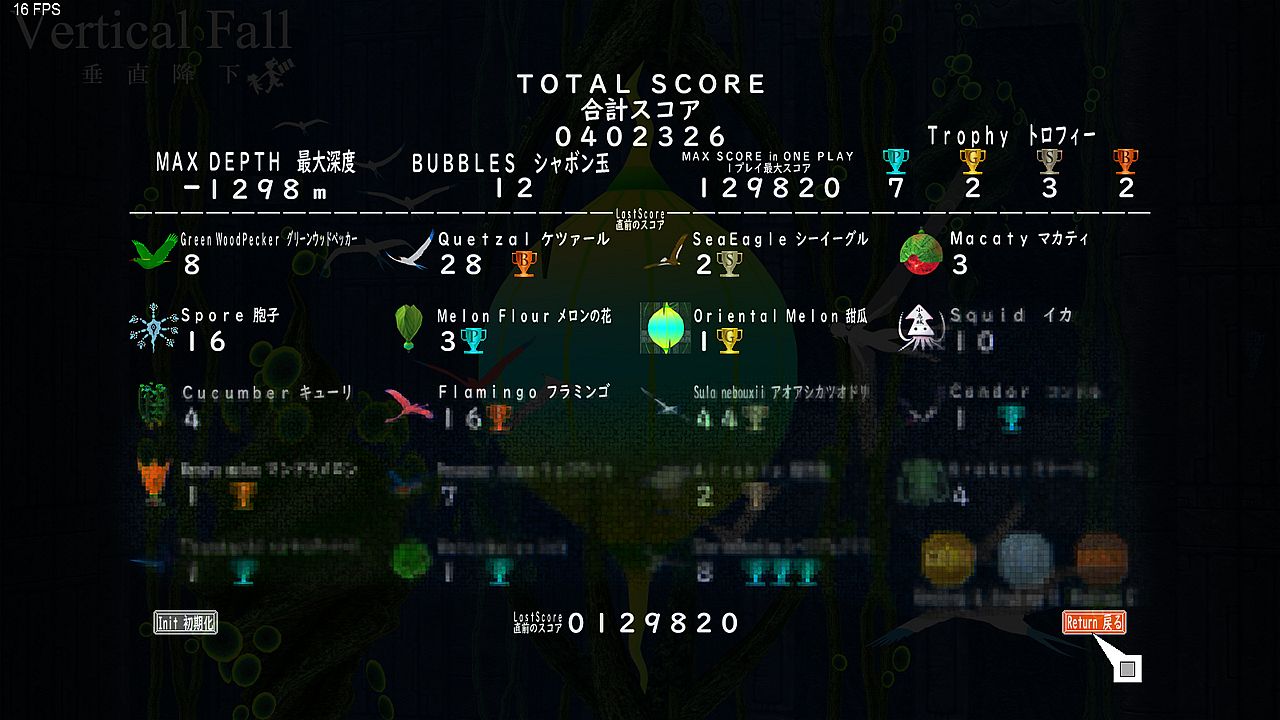
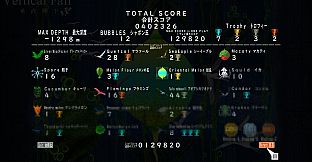
The game offers pure drifting freedom with no set purpose, first ending in about 1 hour and full clear in 3 hours. Players check scores on the title screen and aim for all clear. It suits those seeking relaxed, exploratory descent mechanics on PC.
------------------------------------------------------------------------------------------------
The hero is a girl with wings.
The player operates her.
Players will score by approaching birds and flowers by gliding through the deeply spreading vertical holes.
This is a simple action adventure game.
------------------------------------------------------------------------------------------------
Easy.
And freedom air.
But, this wing does not flutter.
There is a vertical hole that ends infinitely.
A bottomless cave that lasts forever.
The girl's name is Gar Gooyo Lilienthal.
She does not know her name.
She does not know why she is here.
However, there were beautiful flowers and birds there and I was able to play together...
!!! This game has no purpose. It is a game that only drifts.
"Time required"
First ending: about 1 hour
All clear: about 3 hours
------------------------------------------------------------------------
"VerticalFall"
Game Manual
In order to play "VerticalFall", "DirectX End User Runtime" must be installed.
---- Before You Start Playing ------------------------------------
Before starting the game, exit every software application including internet browser.
Turn off screensaver, energy saving mode, and sleep mode.
While playing the game do not start other applications.
Especially the applications with automatic update must be updated before starting the game.
Back up the data of your computer.
We assume no responsibility whatsoever for any secondary damage or loss of your computer caused by the defects of the game.
Back up all the data and application on your computer in order to avoid erasing them accidently.
---- Setting up and System Requirements ------------------------------------
In order to start the game, double click on "vf.exe" in the folder "VF".
Read "readme.txt" in the same folder for further information.
---- The Title ------------------------------------------
When "VerticalFall" has been started, you'll hear the music playing and 4 menus below will be displayed.
GAME START-----
You can play the game from the beginning.
SYSTEM-----
You can change the basic settings of the game.
>Window Size
Applicable size: 1280 x 720, FULL SCREEN
No other sizes can be applicable.
If you change the window size restart the game otherwise you won't be able to play with the new settings.
>FSAntialias
The screen became clearer if you select "ON".
You can't select if your computer does not have the function.
>SOUND
You cancelect the volume level from 1 to 5.
>FPS
The number of updates per second will be showed if you select "ON".
>GamePad Setting
Buttons can be set arbitrarily.
QUITGAME-----
You can quit the game.
---- Story ------------------------------------------
There is a vertical hole that ends infinitely.
A bottomless cave that lasts forever.
The girl's name is Gar Gooyo Lilienthal.
She does not know her name.
She does not know why she is here.
However, there were beautiful flowers and birds there and I was able to play together.
---- Getting Started ---------------------------------------
Let's play with flowers and birds to get points.
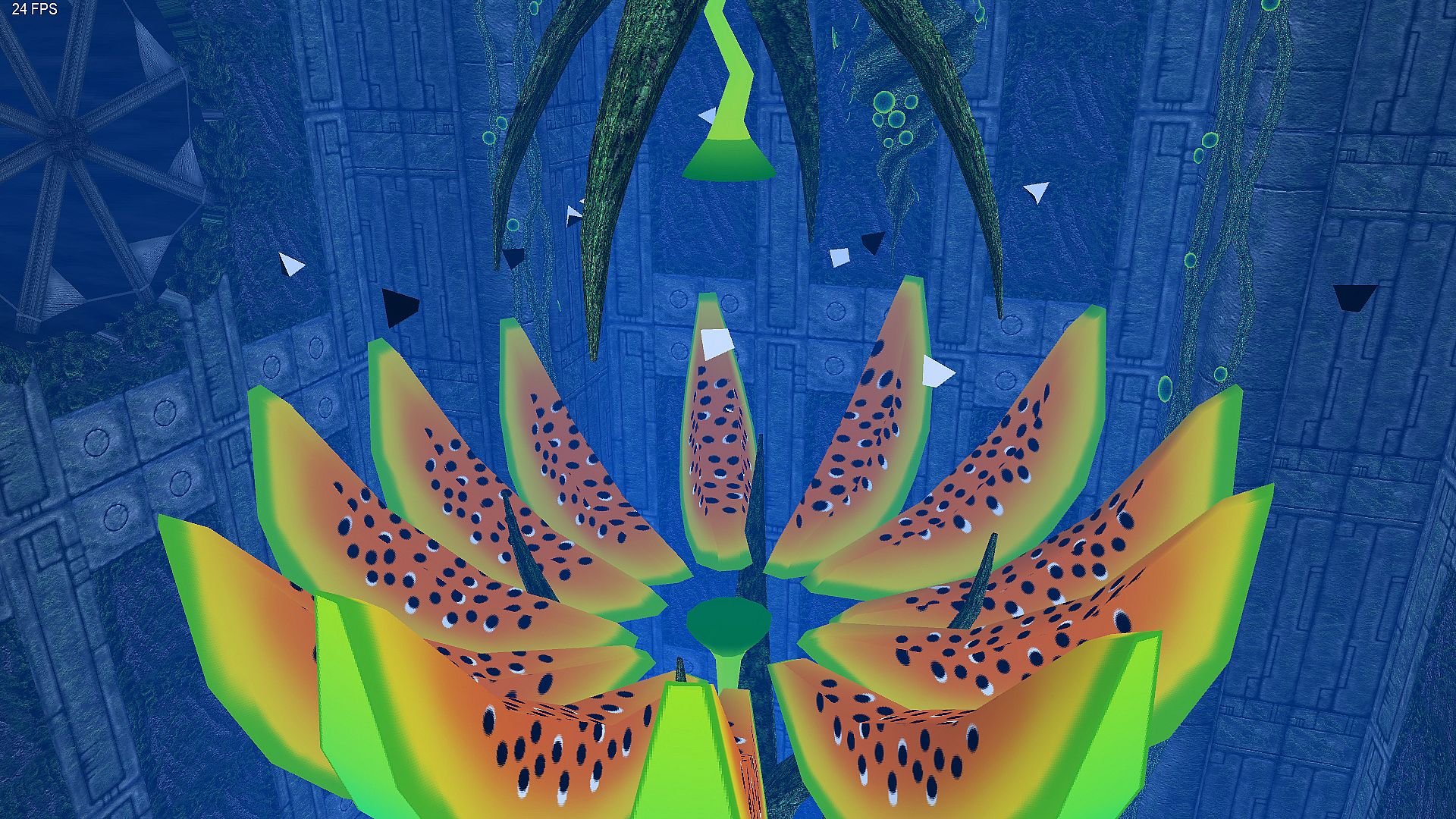
There is a structure in the vertical hole.
Let's operate the structure and find the next cave.
Let's check the score with SCORE on the title screen.
Let's aim at all clear!
---- "Gar" can not rise and will continue to descend! -------------------
But it is all right! This cave does not have a bottom!
---- Use the keyboard or game pad to operate ----------------------------
[MOVE]
keyboard : W A S D
gamepad : stick
[SPEED UP]
keyboard : SHIFT
gamepad : RB
[CANCEL & ACTION]
keyboard : R
gamepad : B
[QUIT GAME]
keyboard : Esc
gamepad : BACK
---- How to make friends with birds and flowers -------------------------------
Just approach birds and flowers!
---- How to move a structure --------------------------------------------------
It just approaches the structure!
---- Becomes a soap bubble when colliding! -------------------------------------
But it's okay! You can move freely and return to Gar with R button (B button on game pad).
---- All other mysteries! -----------------------------------------------
but it's okay! That interpretation is in you!
All the characters, organizations, companies, and schools in the game are fictional.
There is no relation between them to those that really exist.
Also the story, the backgrounds, and the lines are all fictional and there is no relation between them to those that really exist
---------------------------------------------------------------
Your comments and feedbacks are welcomed and appreciated.
Please feel free to contact us via e-mail or comment on our blog articles.
Your voices would be precious hints for our future development.
Thank you.
Winter, 2018 MATRE.
"VerticalFall"
Please read
To the players of "VerticalFall"
---- READ CAREFULLY BEFORE PLAYING ----
Thank you for playing "VerticalFall".
Before you start playing please read this "readme.txt" and "manual.txt" in the folder "PoM2_prologue" for proper use.
In order to play "A Piece of Memory 2: Prologue", "DirectX End User Runtime" must be installed.
---- System Requirements ---------------------------------------
---- Before You Start Playing ------------------------------------
Before staring the game, exit every software application including internet browser.
Turn off screensaver, energy saving mode, and sleep mode.
While playing the game do not start other applications. Especially the applications with automatic update must be updated before starting the game.
Back up all the data of your computer
---- Back up the data of your computer ----
We assume no responsibility whatsoever for any secondary damage or loss of your computer caused by the defects of the game. Back up all the data and application on your computer in order to avoid erasing them accidently.
---- Operating System ----
This program runs on Windows 10, Windows 8, and Windows 7 only.
No other operating system nor equipment applicable.
---- Screen Resolution ----
Applicable Window size:
1280 x 720 dot
1366 x 768 dot
1600 x 900 dot
1920 x 1080 dot
No other sizes can be applicable.
---- Monitor color ----
32-bit full color monitor
---- CPU / Graphic card / RMA ----
CPU: Core 2 Duo or more
Graphic card: GeForce GT630 or more
RAM: 4GB or more
---- Sound ----
Media Control Interface, DirectSound and its driver required.
---- DirectX ----
In order to play the game the latest DirectX must be installed.
You can download DirectX from the website of Microsoft.
Also if the error message "D3DX9_42.dll not found" appeared and the game quit itself, you also need to download DirectX.
Look up "DirectX End User Runtime" using search engines then you'll find the proper website.
---- Free Disk Space ----
180 MB or more. Make sure there's enough disk space left.
---- Contact ----
Please contact via e-mail if you have any questions.
---- Installation and Startup --------------------------------
1. Place the folder "VF" on your desktop.
Double click on "vf.exe" in the folder "VF" to start the game.
2. Before starting "VerticalFall", exit every software application including internet browser.
Turn off screensaver, energy saving mode, and sleep mode.
Especially the applications with automatic update must be updated before starting the game.
---- Caution ----------------------------------------
This program runs on Windows 10, Windows 8, and Windows 7 only.
Do not use operating systems or equipment other than those specified here.
It may cause damage of your computer and may result in health hazard especially to your ears and eyes.
Regarding this product, other applications or backup data on your computer, we do not guarantee any damages or loss caused by wrong use.
Make sure that the volume the speaker is not too high.
It may harm your hearing or damage the speakers.
---- Health Warning ----------------------------------------
Rest for at least 10 to 15 minutes per hour while playing the game.
Avoid playing if you are tired or have not had much sleep.
Make sure that the room in which you are playing is well lit and do not sit too close to the screen.
A very small percentage of people may experience a palsy or seizure when exposed to certain visual images, including flashing lights or patterns that may appear on the screen.
If you have history of palsy or seizures please consult a doctor before playing the game.
Immediately stop playing and consult a doctor If you experience any symptoms such as light-headedness, nausea, fatigue, or motion sickness.
---- Copyrights --------------------------------------------
The copyright of "VerticalFall" belongs to MATRE, and all rights are reserved to us.
All the characters, organizations, companies, and schools in the game are fictional. There is no relation between them to those that really exist.
Also the story, the backgrounds, and the lines are all fictional and there is no relation between them to those that really exist
---------------------------------------------------------------
Your comments and feedbacks are welcomed and appreciated.
Please feel free to contact us via e-mail. You can also comment on our website and blog articles of the game.
Winter, 2018
MATRE Co.,Ltd.