

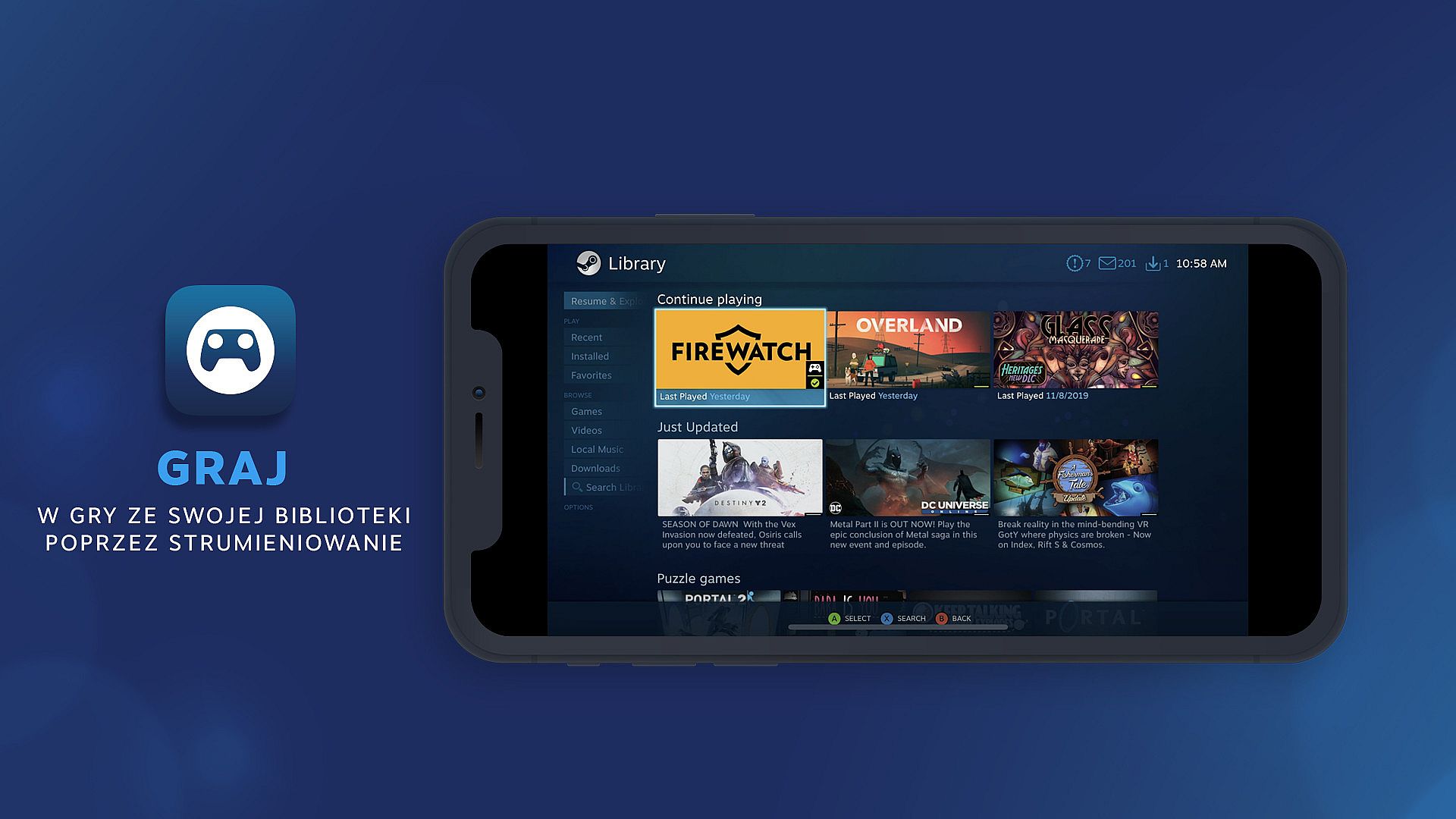
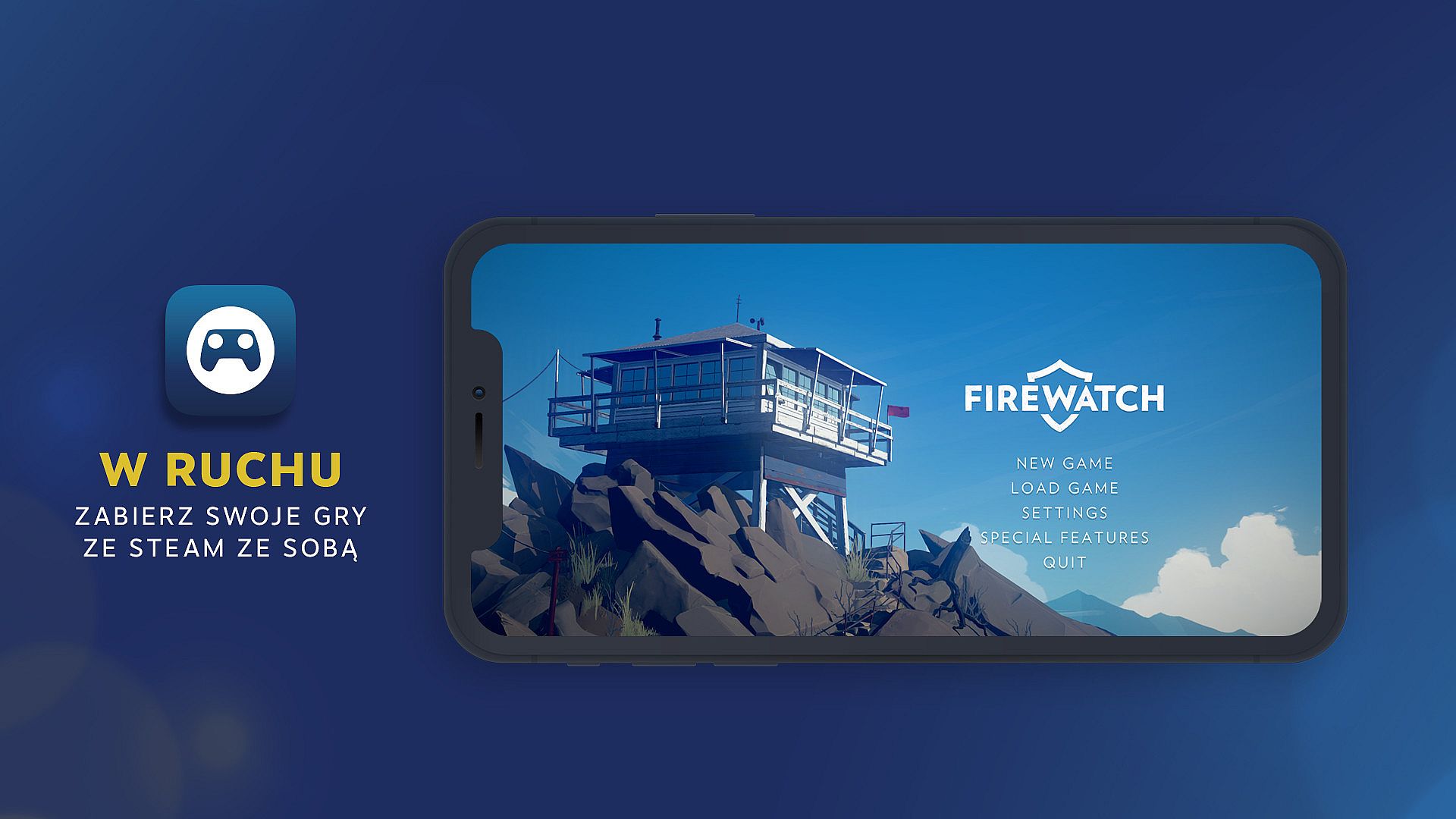
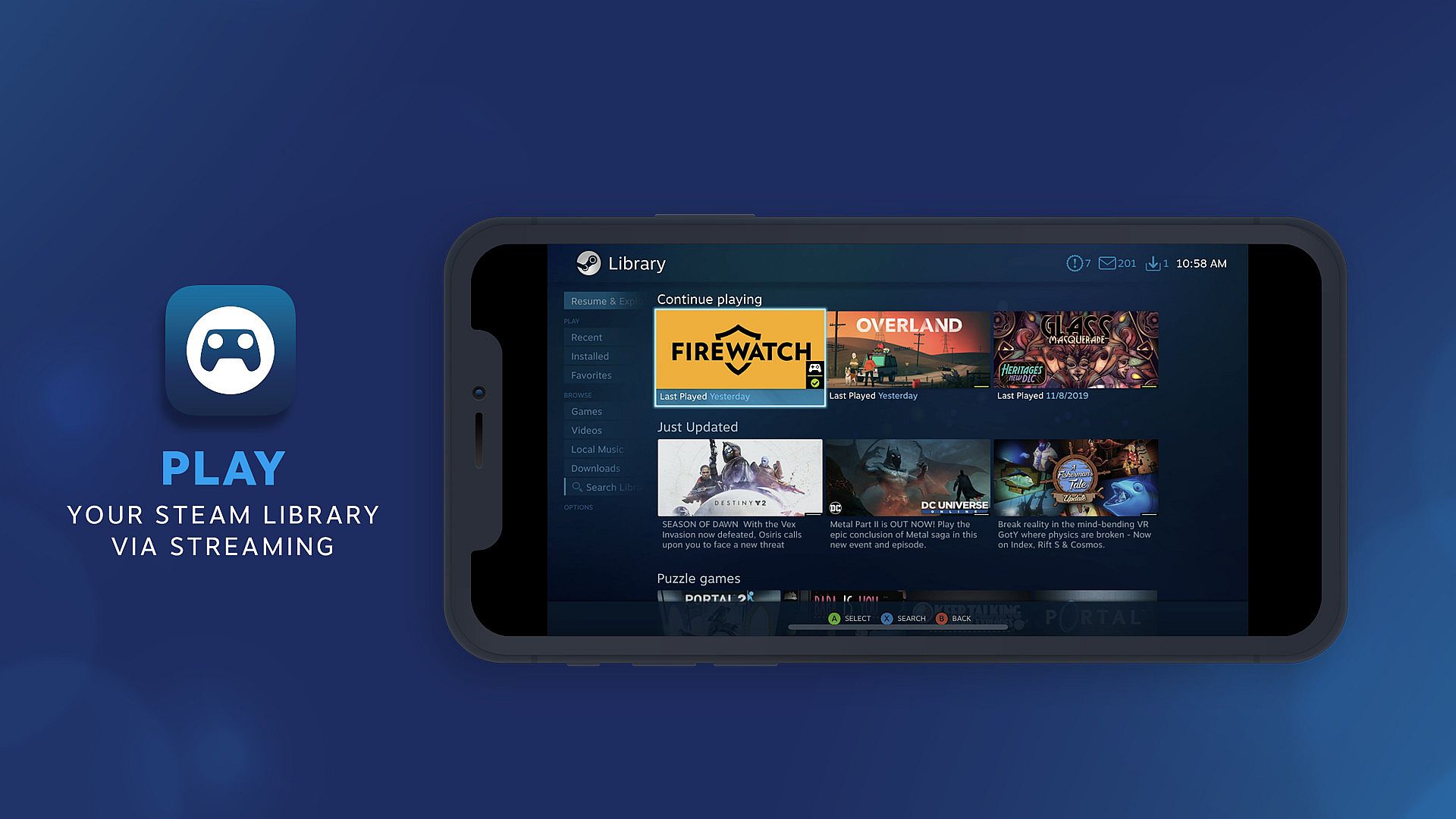
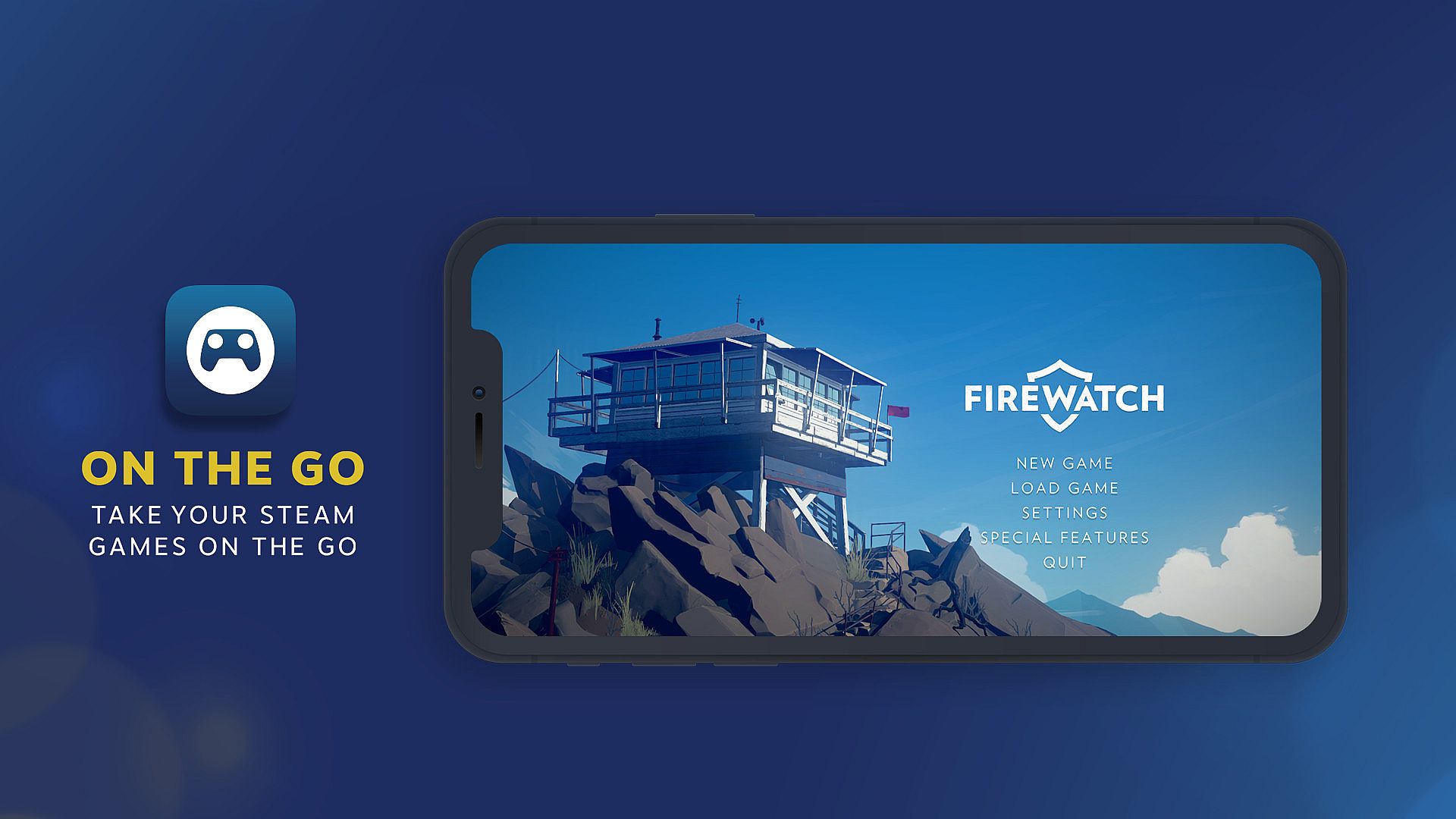
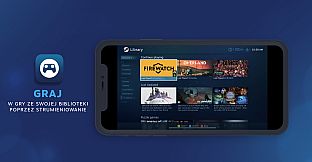
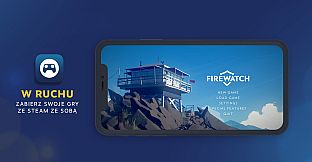
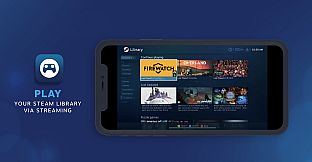
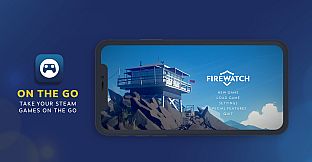
Play your Steam games on your phone, tablet, TV, VR headset or another PC using Steam Link, streaming from your home computer. With control schemes optimized for hundreds of top titles, you can now access and play games from your PC while on the couch, or on the go.
Many Steam games are optimized for your devices. FIND GAMES
Two steps and you're in
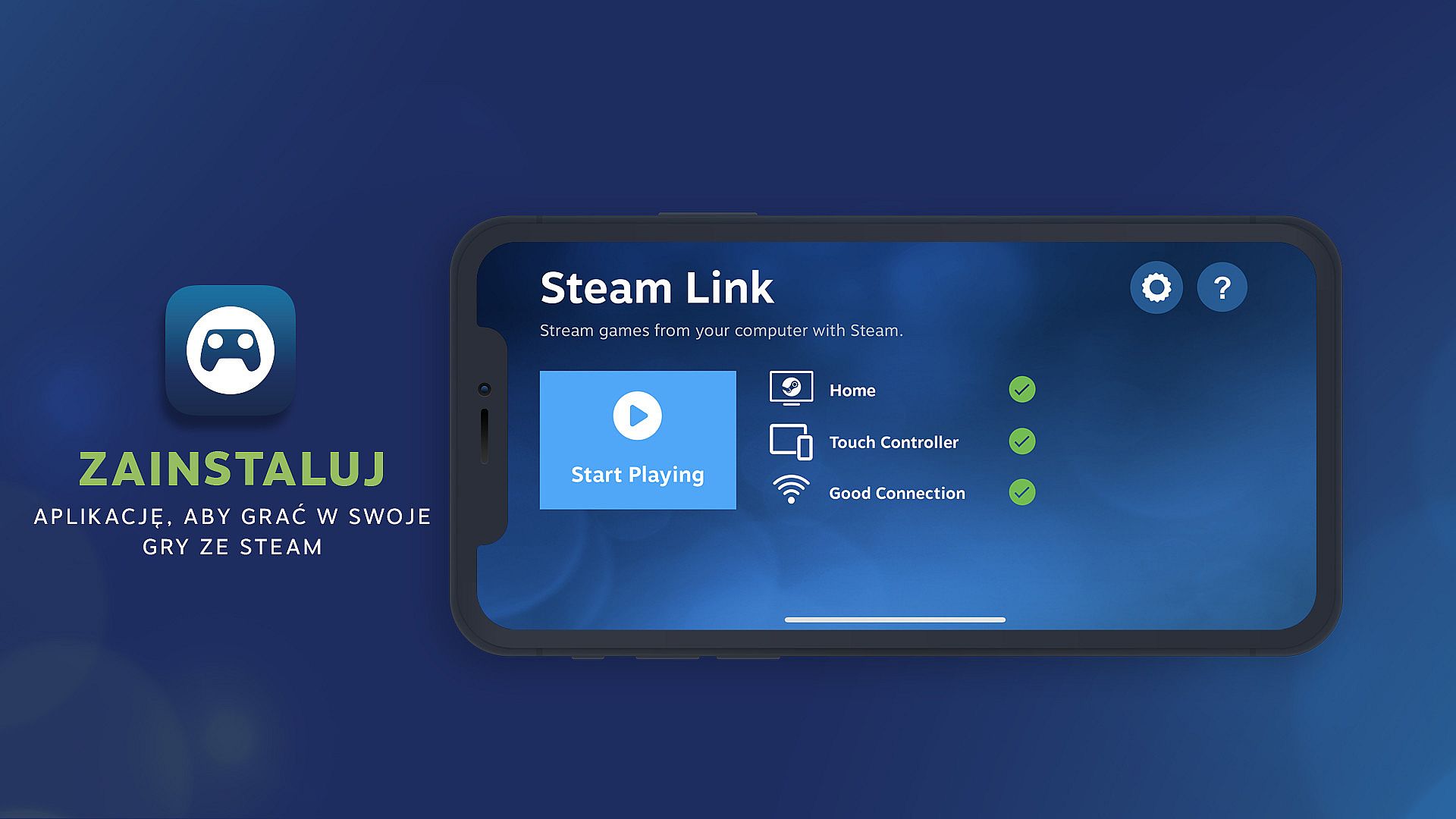
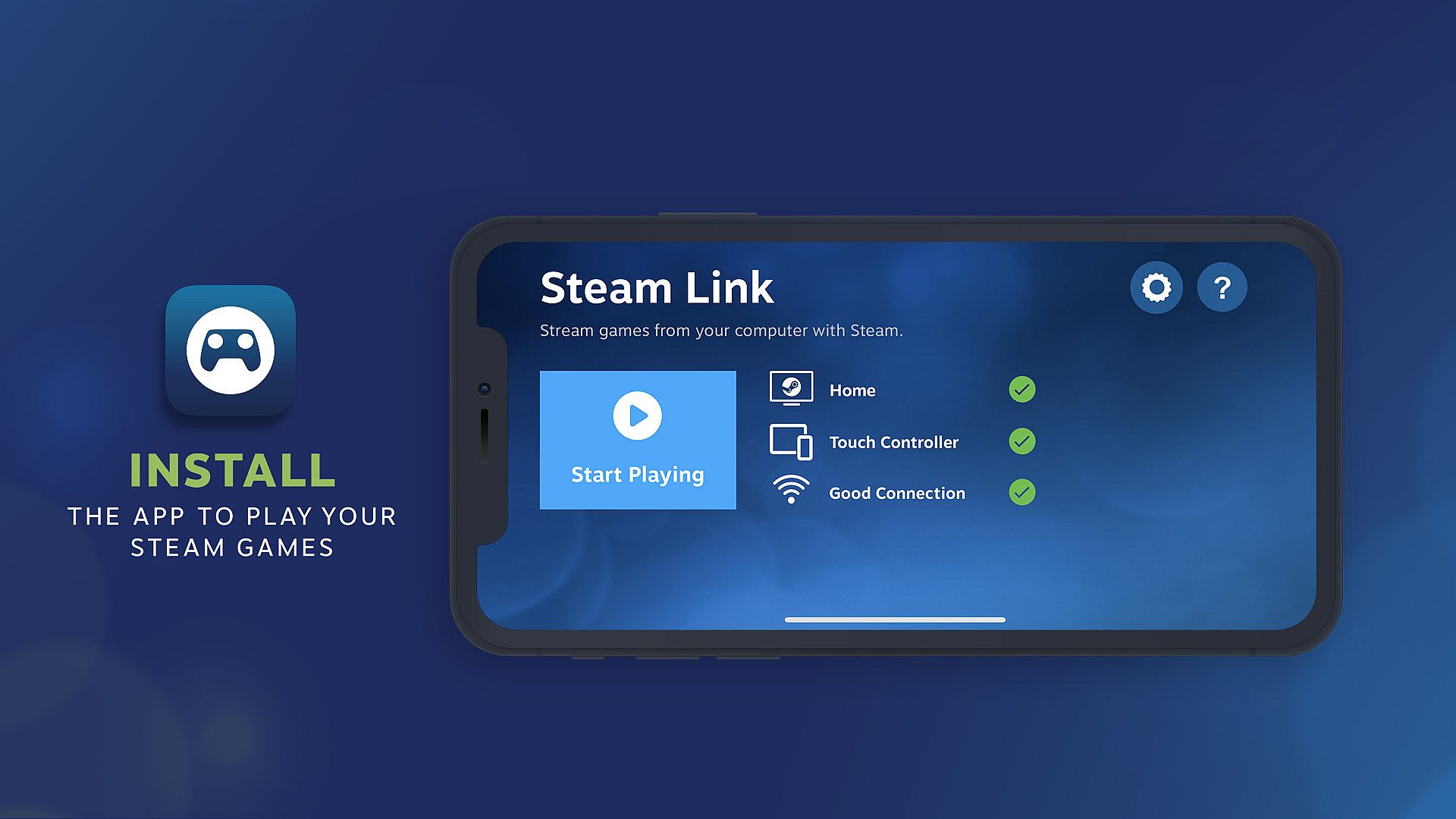
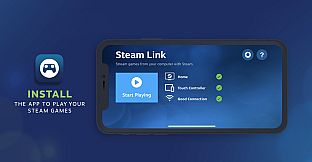
- Install Steam Link from your favorite app store
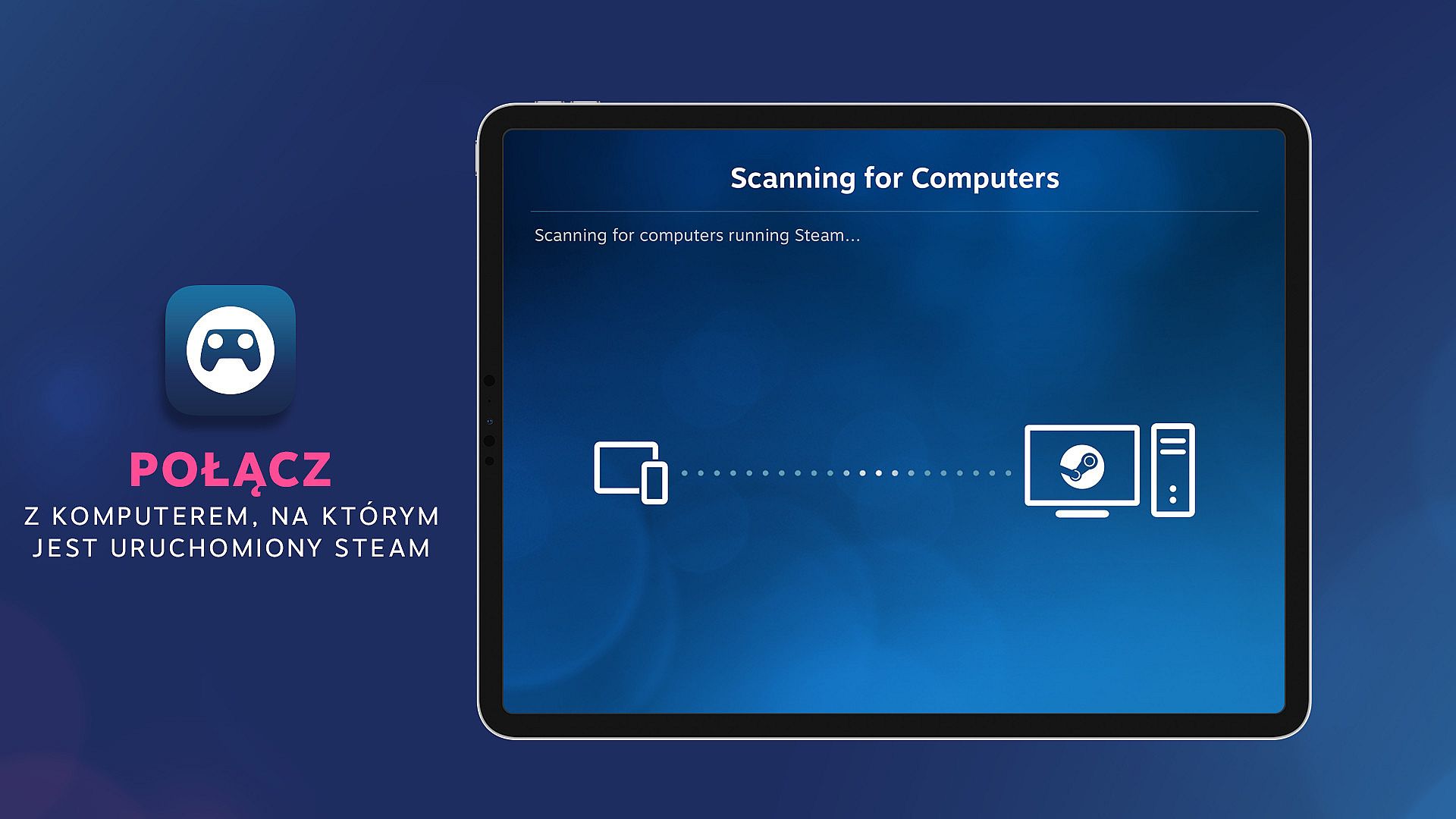
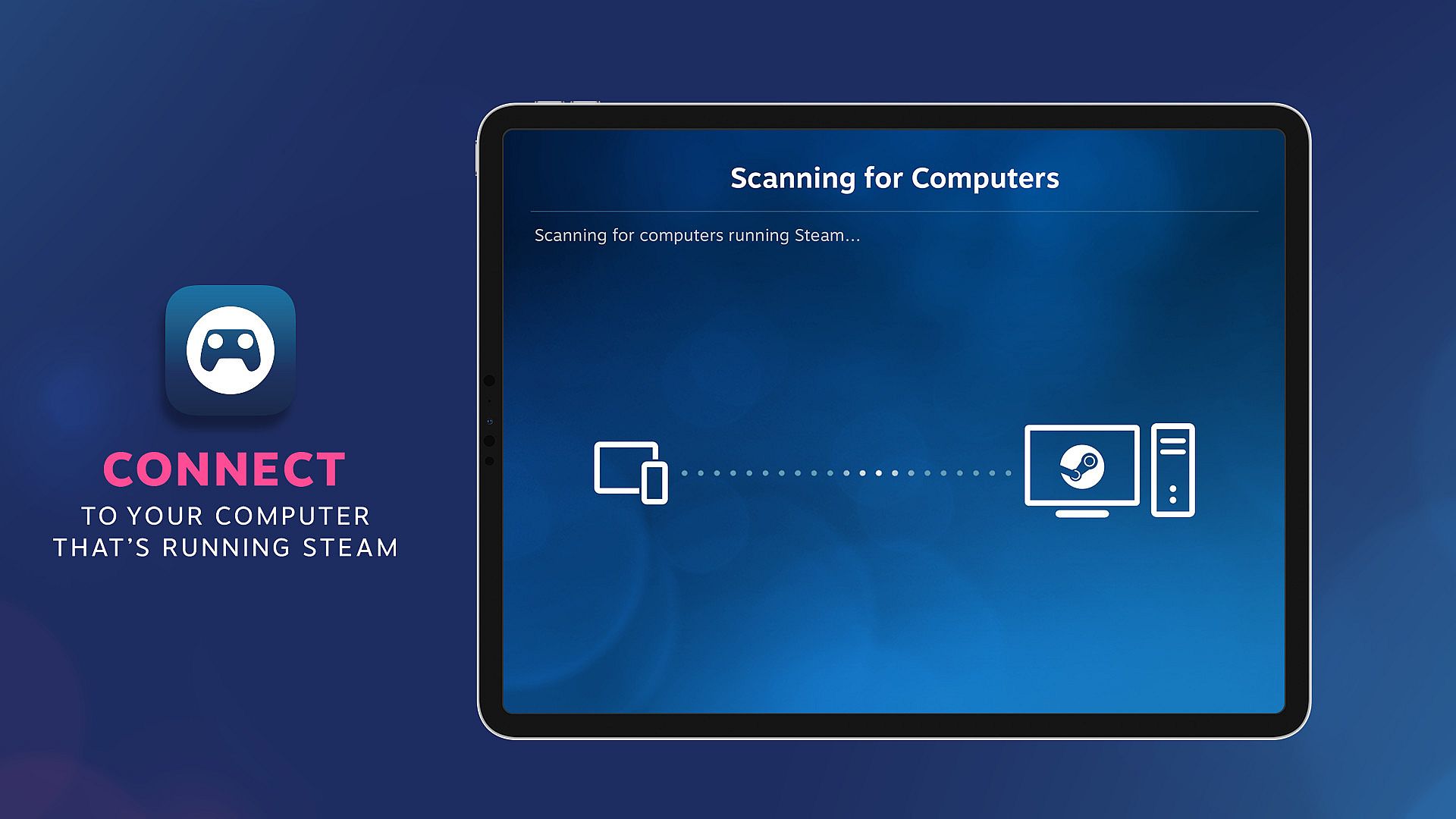
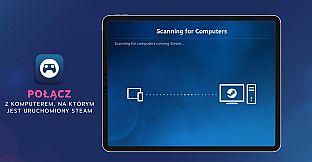
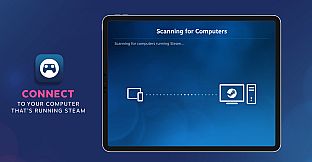
- Connect to your computer that's running Steam and you're ready to play!
Connect And Play
Using Steam Link, you can connect to any computer that's running Steam - either on a local network or over the internet. For best performance, use 5G, WiFi or a wired ethernet connection. VR content may only be streamed over a local network.Take control
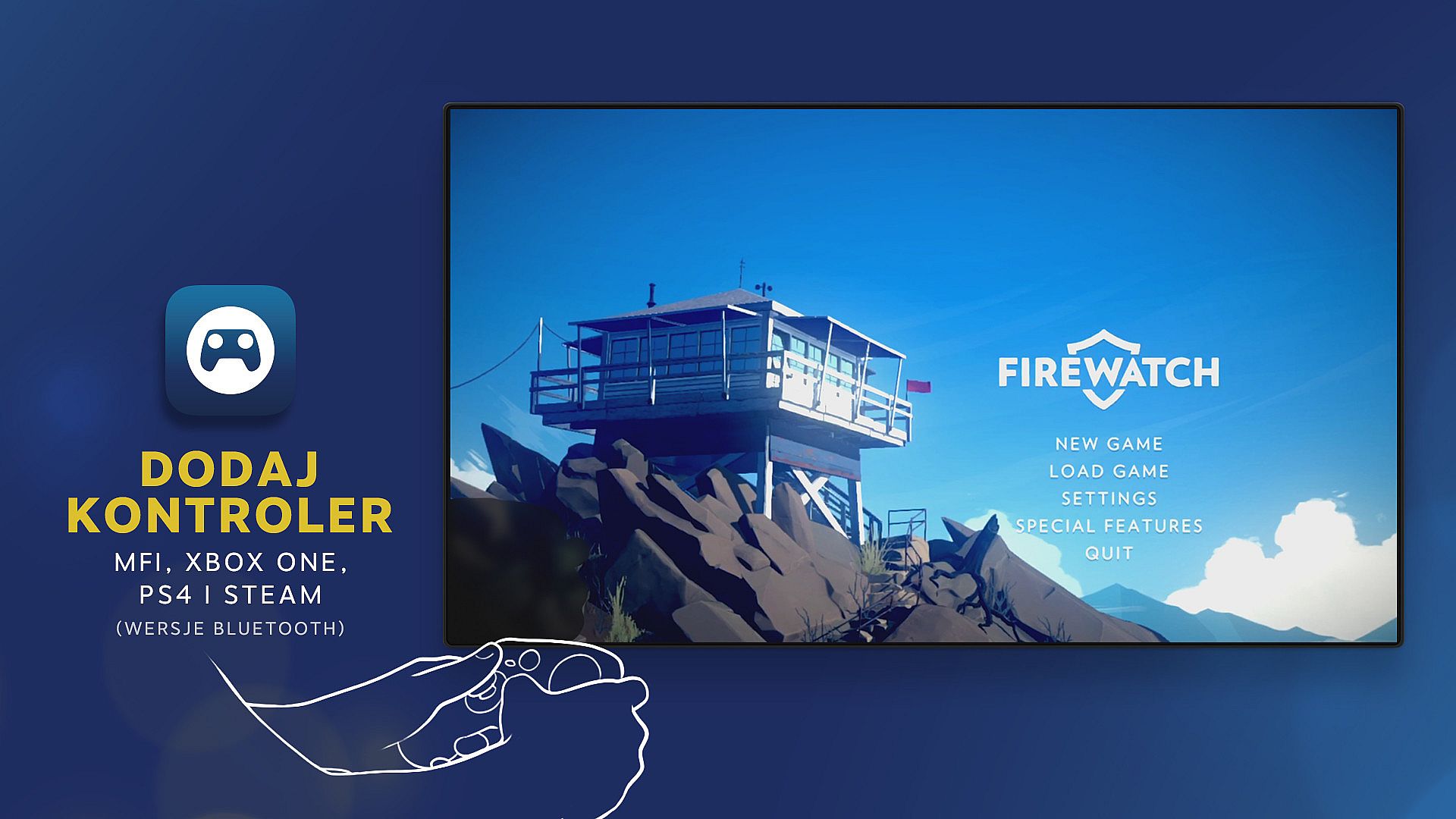
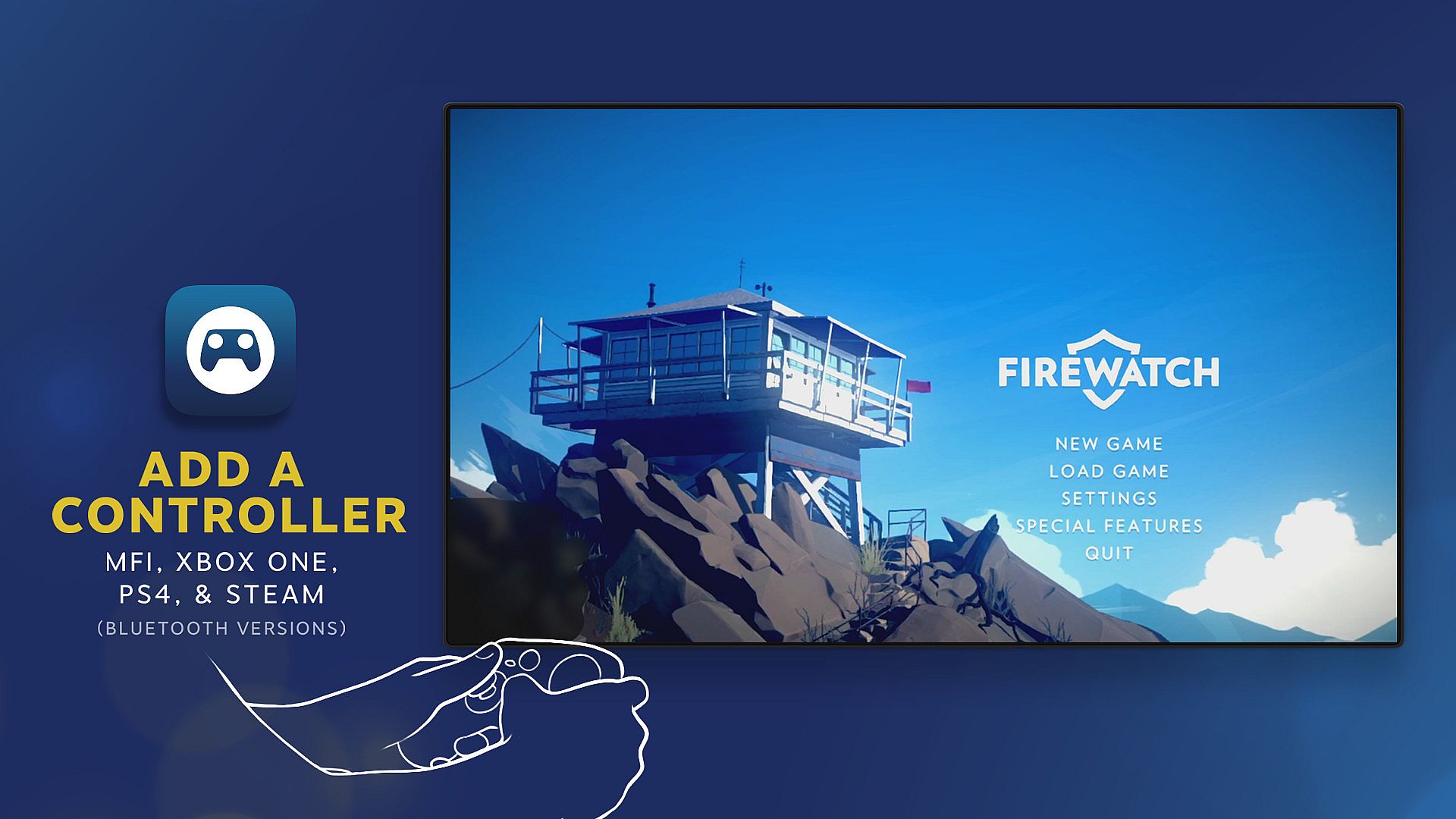
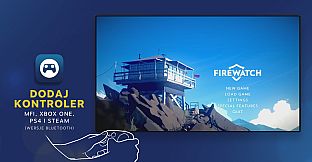
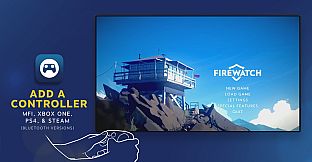
Many popular Bluetooth controllers including the Steam Controller are compatible with Steam Link and your devices. Or just use the built-in touchscreen controls.Behind the scenes
Steam Link is designed to take advantage of the horsepower from your computer by streaming its video and audio data to your device, while your input is sent back in real time.The Technology
Remote Play delivers real-time video encoding over a custom low-latency network protocol while sending remote input and multiplayer voice back to the gaming PC, all within milliseconds.For more information, visit Steam Support or join the conversation in our Discussion Forums.
Remote Play Together
Steam Link now supports Remote Play Together as well! Any Steam player can invite anyone else with the Steam Link app to join in their game.
How it works
- The host starts up the game on Steam
- Using the Friends list (right click on a friend) or the in-game overlay (shift-tab), invite your friends.
- The friend accepts the invite, and that's it!
Stream with friends
Using Remote Play Together, you'll stream video, audio, and voice between players while using your own controllers. You can even share the keyboard and mouse. And while you're playing, all your voice chat and game volume options are available in one place.All the devices, all the fun
Just like Remote Play Anywhere - all the person joining the game needs is a device, the Steam Link App, and an internet connection - not even a Steam account is required. That means I can join from my PC, phone, or tablet, at home or on the go.Strictly fun
To keep things simple, only the game is displayed to your Friends, never your desktop or other Top Secret stuff. You can share — or limit access to — the keyboard and mouse. It's your choice.Wirelessly Stream VR
With Steam Link you can now stream the games you love in your Steam library directly from your computer to compatible VR headsets. Using the power of your computer, it delivers a high-fidelity and intuitive way to wirelessly play your favorite games, discuss them with your friends, and access your desktop apps.
Available on Meta Quest headsets!
To get started, download and install Steam Link onto your headset. It will walk you through wirelessly connecting to your computer located on the same network as your headset with Steam installed and running.
Minimum VR Requirements
- A computer running Steam and SteamVR
- Supported OS: Windows 10 or newer
- Computer GPUs: NVIDIA (GTX970 or better)
Note: AMD GPUs are not yet recommended - Wireless Router: 5GHz Channel, Wi-Fi 5 minimum
- A wired connection, (gigabit min.), between your computer and your router
- Headset: Meta Quest 2, 3, or Pro
Recommended For VR
- Computer Processor: Intel Core i5-4590/AMD FX 8350 equivalent or better
- Computer Memory: 16 GB RAM
- Computer GPUs: NVIDIA (RTX2070 or better)
- Network: Broadband Internet connection
- Wireless Router: Wi-Fi 6 or Wi-Fi 6E