


Snappy Shapes is a casual building game for PC where players place and connect geometric tiles on an infinite canvas. The core appeal lies in its relaxed approach to creation, allowing anyone to experiment with shapes without pressure or failure states. It draws from simple mechanics that emphasize satisfaction in alignment and color choice rather than competition or progression systems.
Gameplay
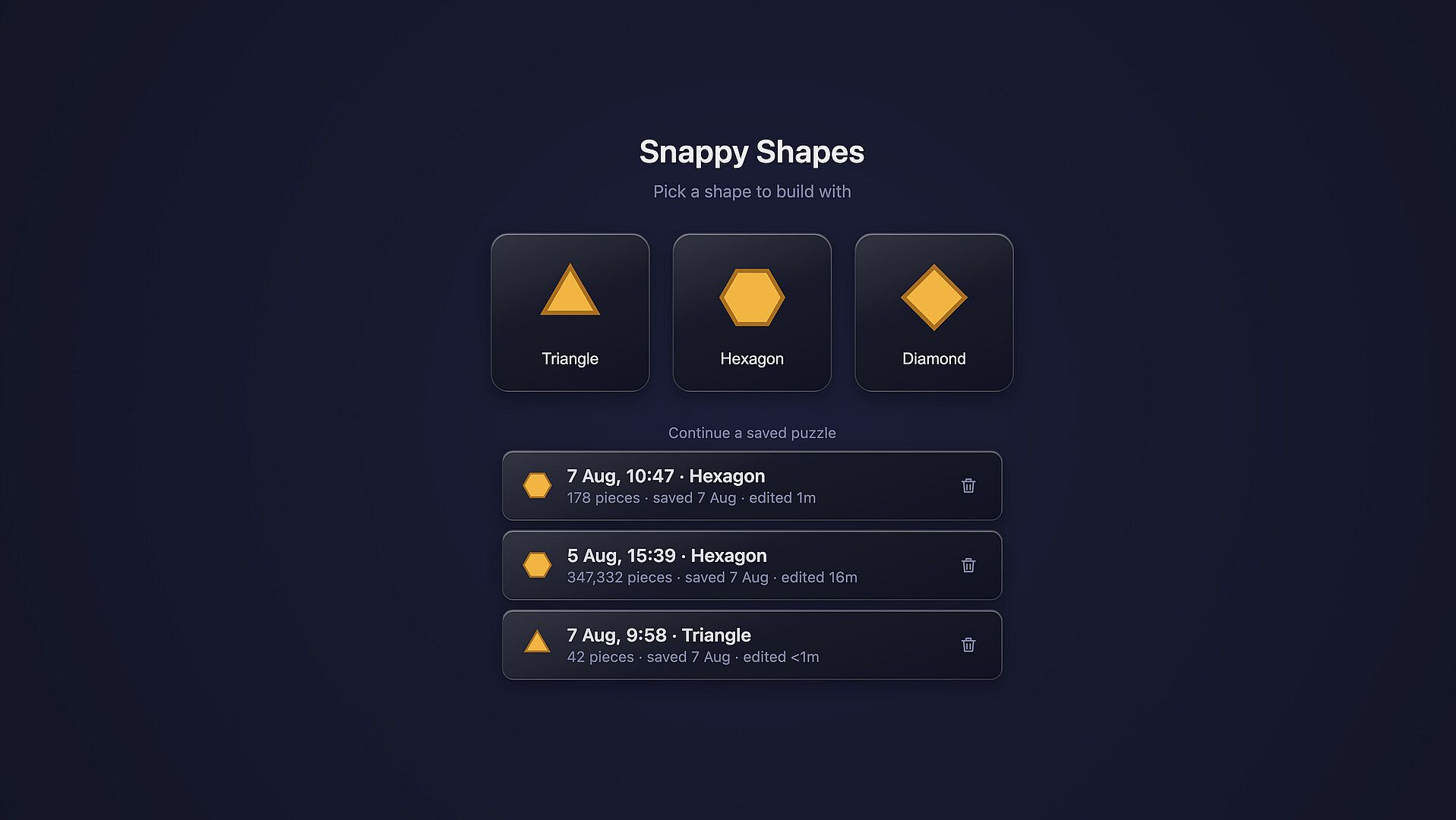
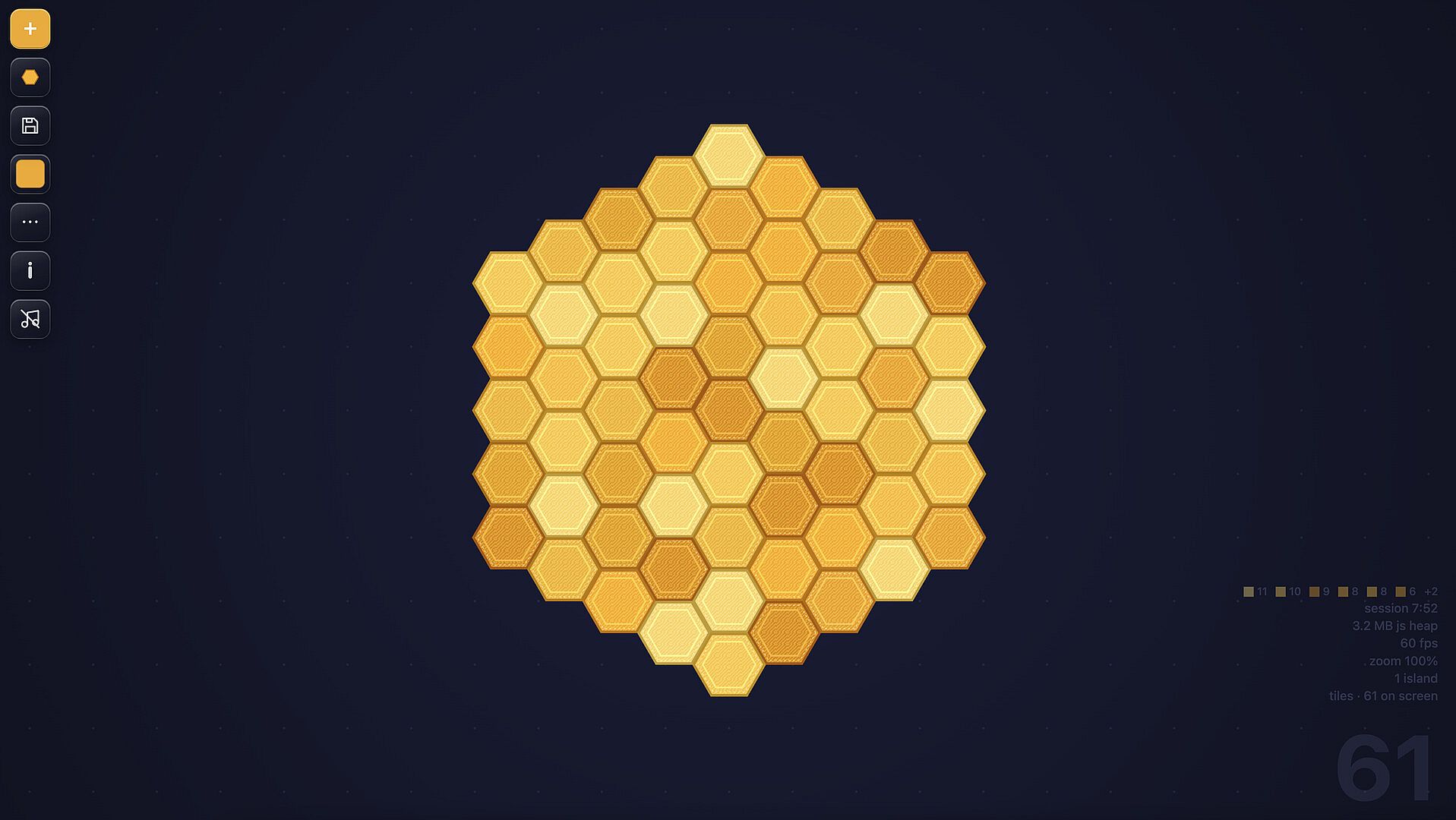
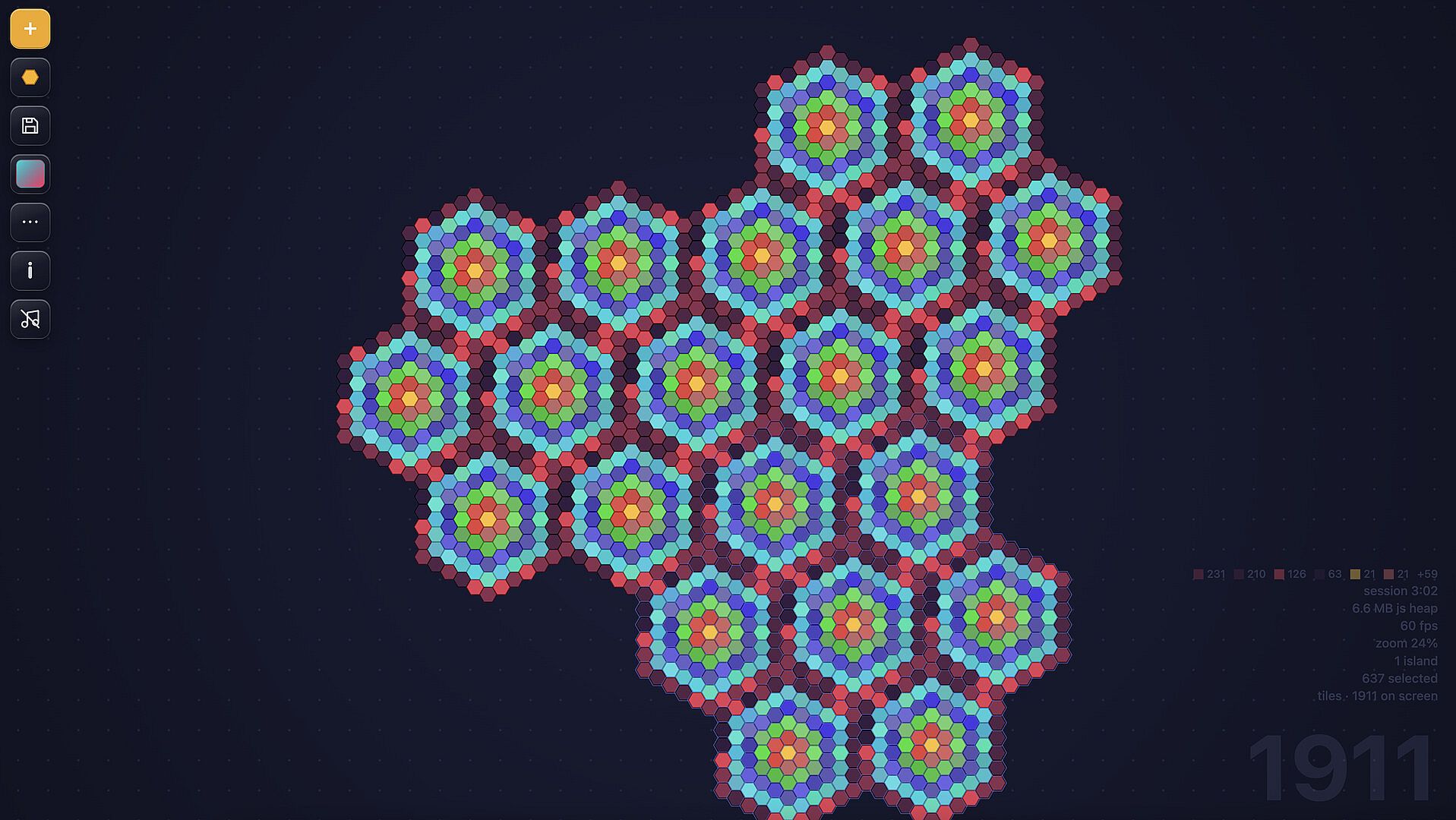
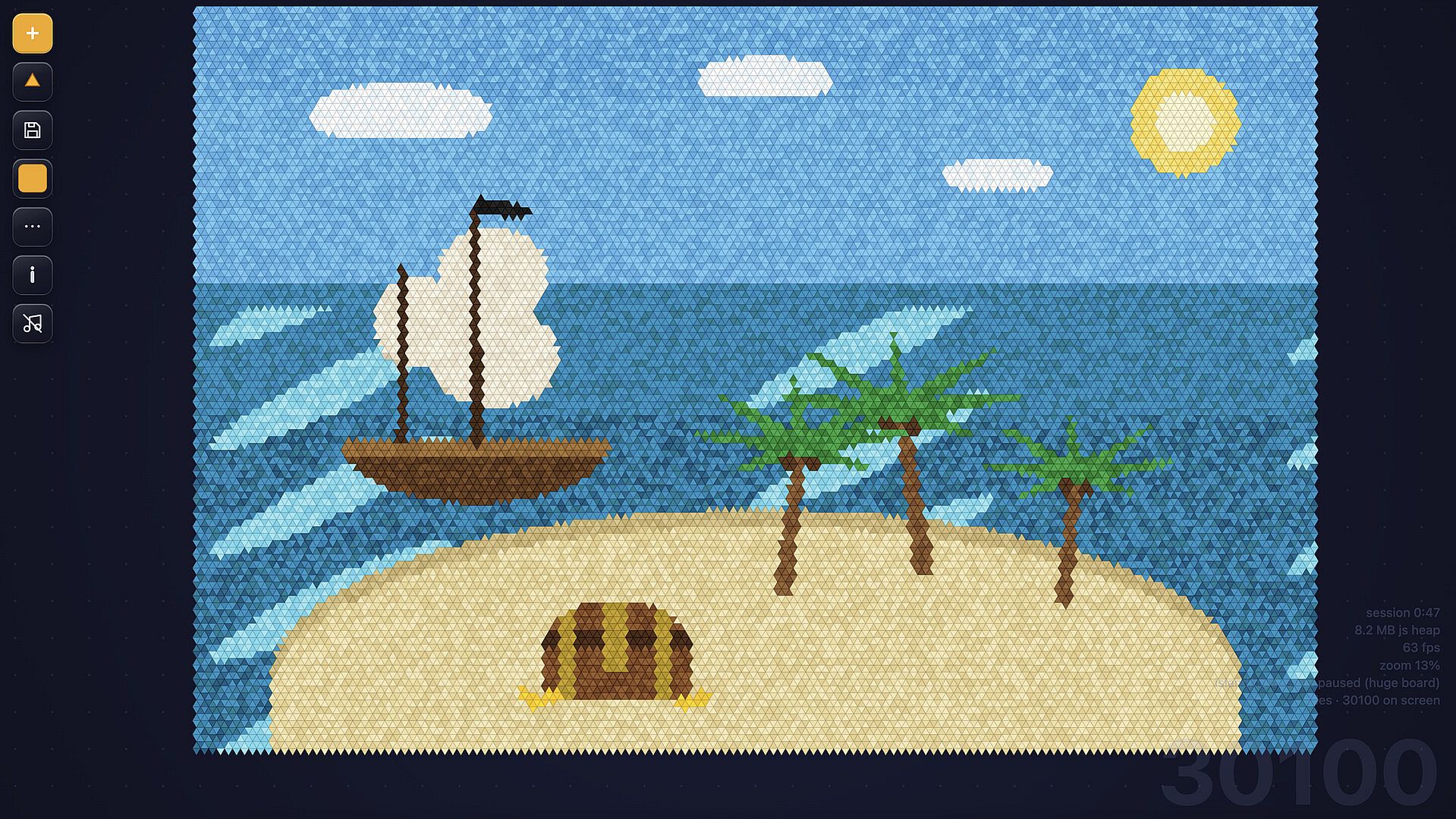
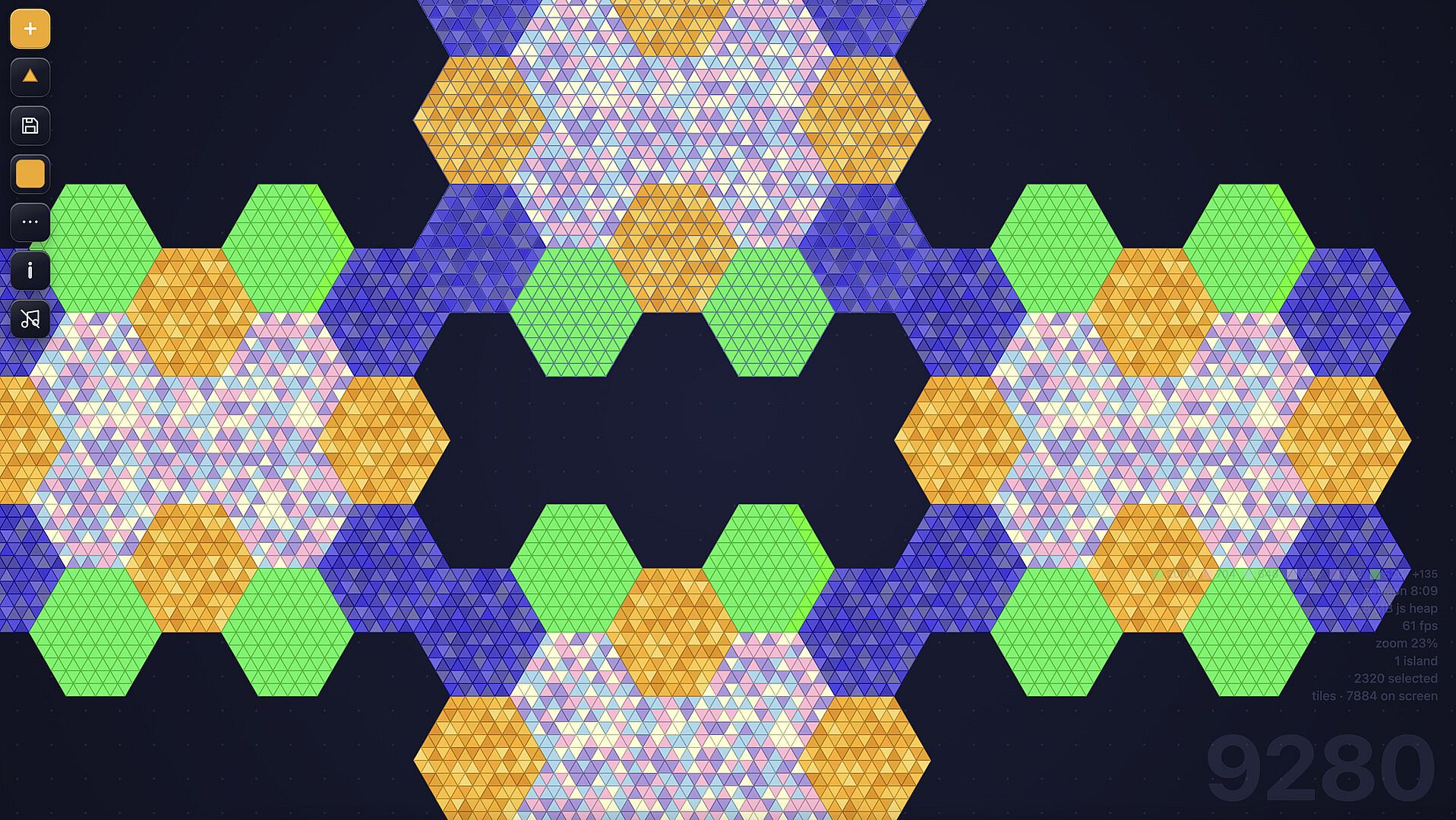
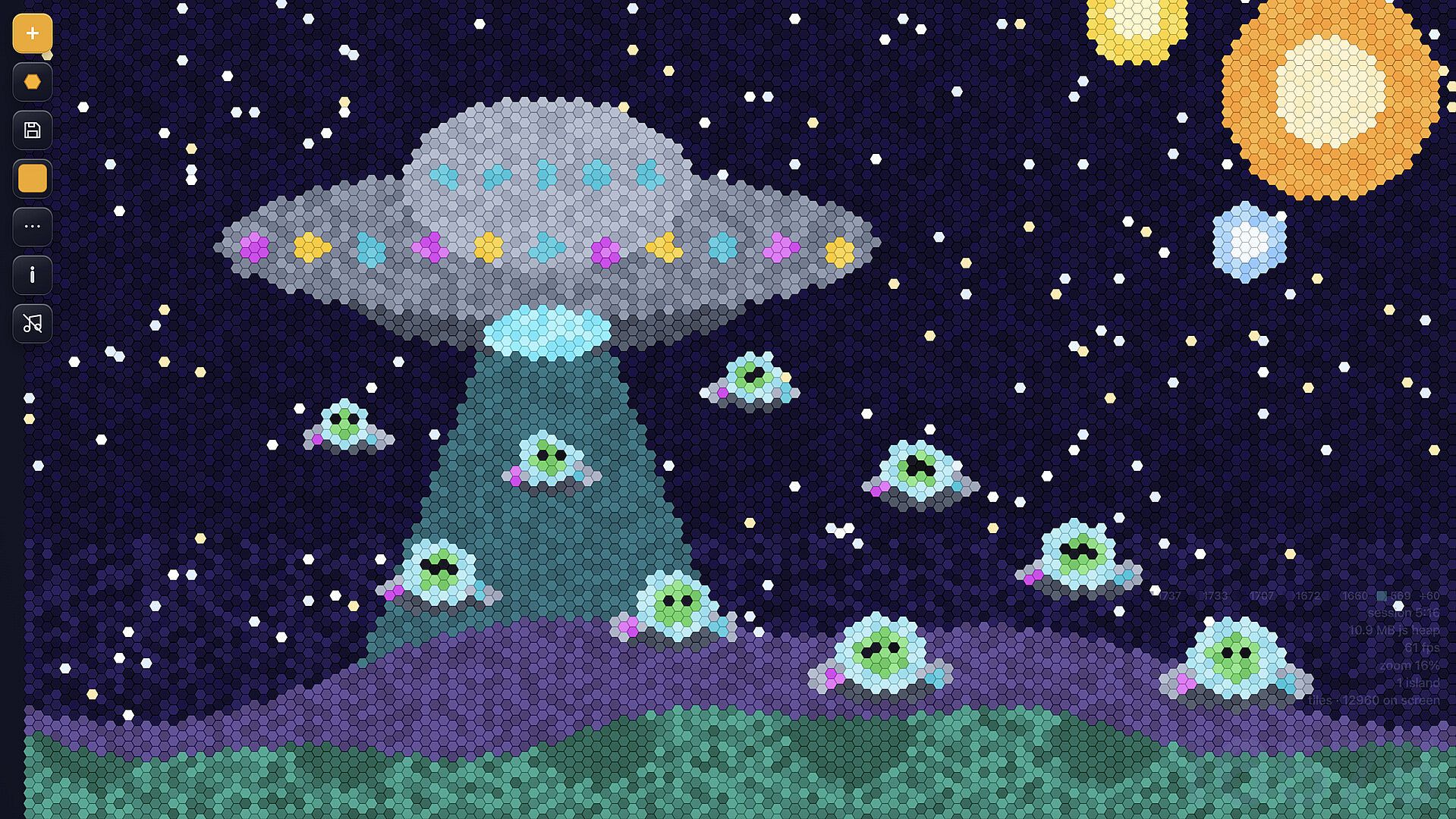
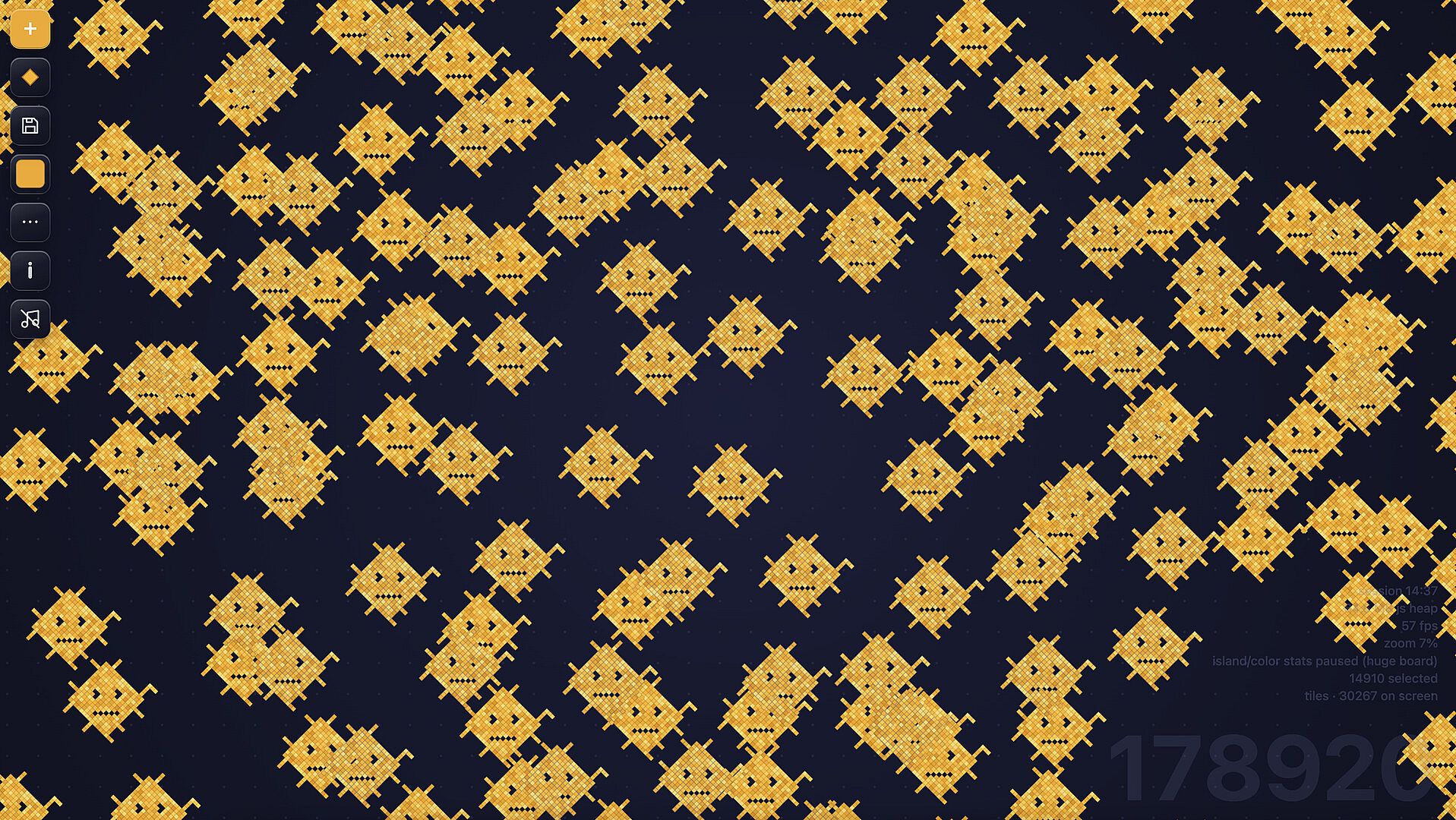
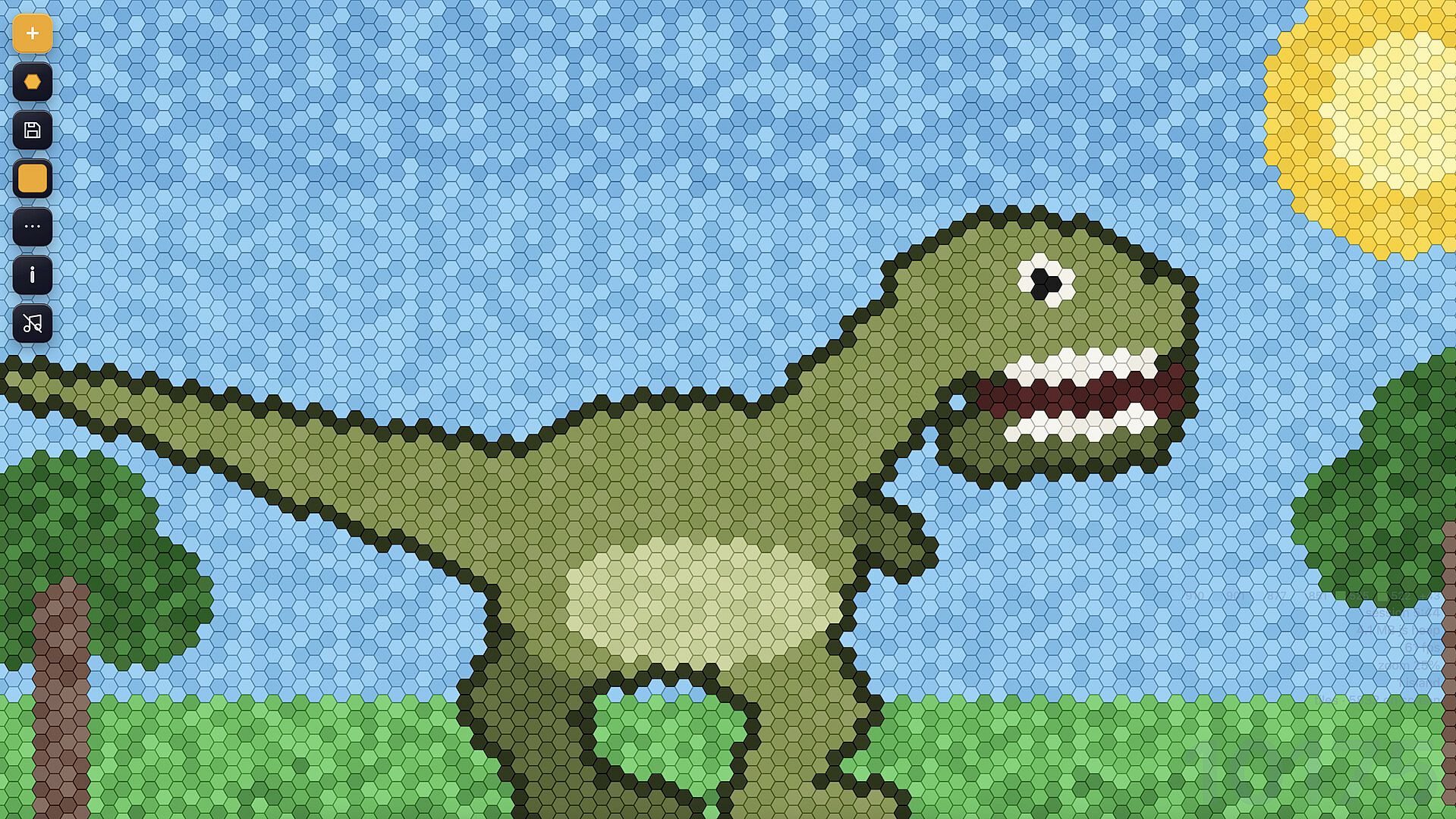
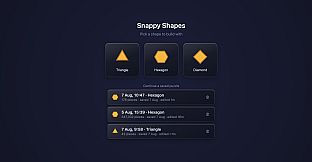
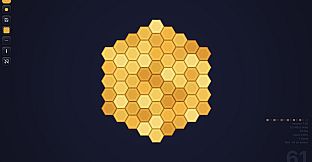
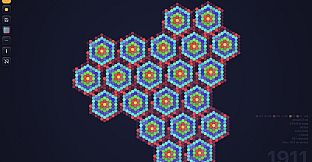
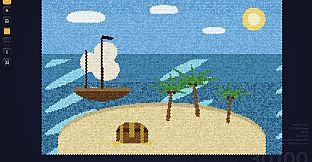
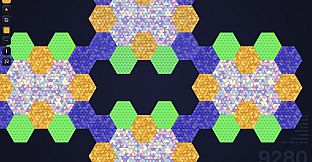
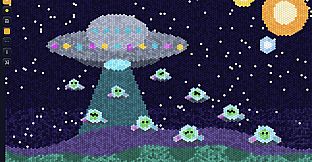
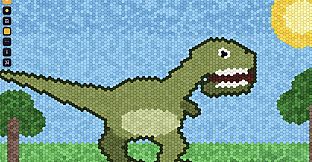
The central loop involves selecting one of three tile shapes and positioning them on the board. Bringing tiles close to one another triggers an automatic snap that aligns edges perfectly every time. This creates a seamless connection process that works consistently across the entire surface. The board expands without limits, supporting builds that range from compact patterns to sprawling designs visible at different zoom levels. At close range the tiles form detailed patchwork effects, while zooming out reveals larger mosaic structures. Each session uses only a single shape type, ensuring every piece fits without mismatches or wasted effort.
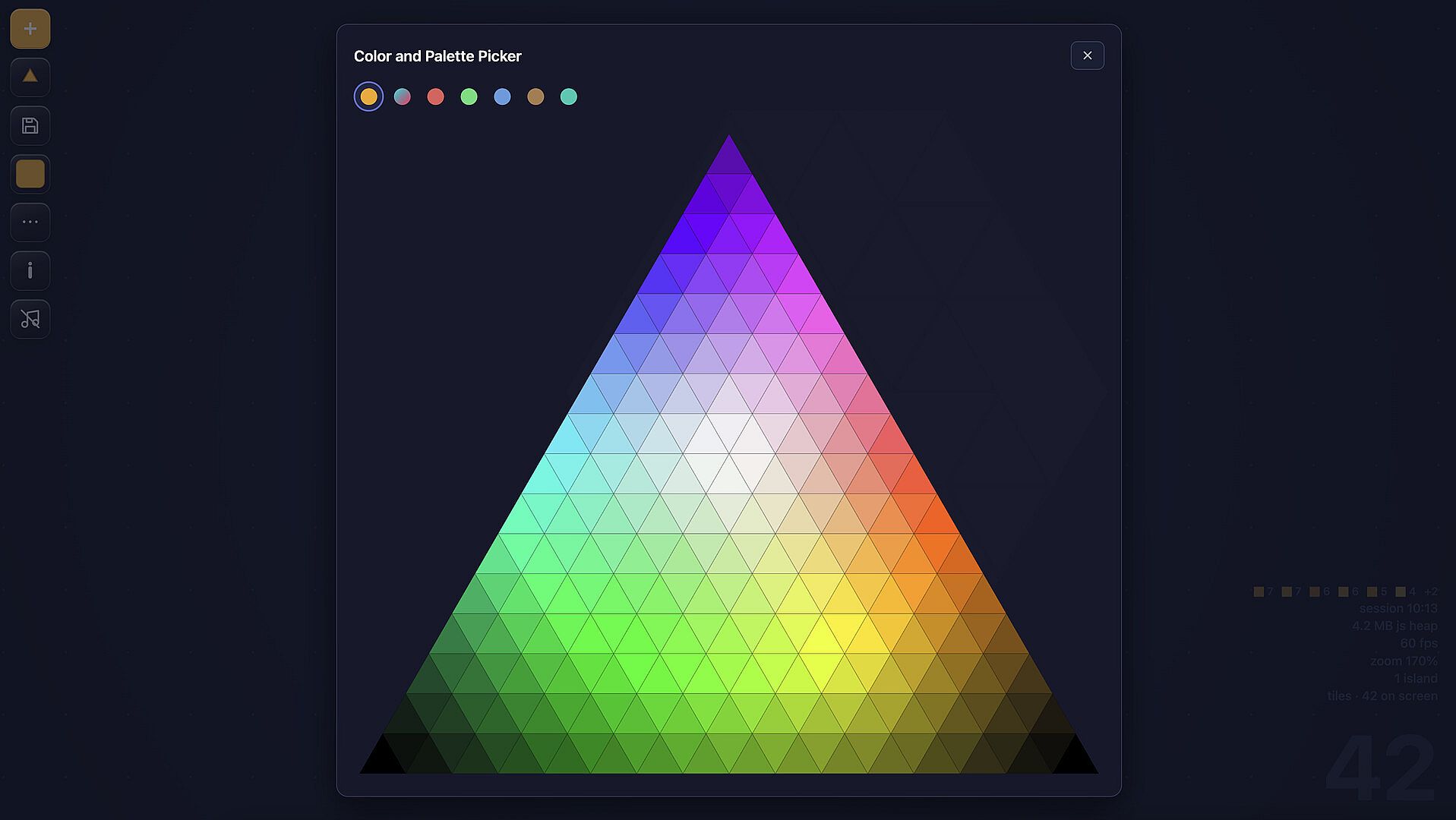
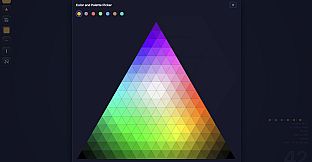
Color options add another layer of expression. Players cycle through preset schemes during building or access a dedicated color wheel shaped like the current tile to select any shade. Previously placed tiles can be recolored individually if adjustments are needed. Controls remain straightforward, with left and right clicks performing identical functions to reduce confusion for younger users. An undo option sits one key press away at all times.
Game Modes
Snappy Shapes centers on a single endless building experience rather than distinct named modes. Sessions begin with the choice of shape and continue freely across the unlimited canvas. There are no levels, timers, or scoring systems to interrupt the flow. Each build functions as its own self-contained puzzle that persists automatically. Players can maintain multiple separate projects and return to any one of them later without losing progress. The absence of failure conditions or external challenges keeps the focus entirely on creative placement and refinement.
Visuals and Customization
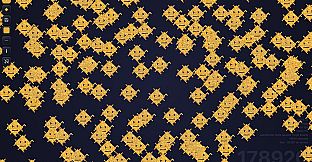
The visual style supports both intimate and expansive views of the same creation. Zooming reveals how individual tiles contribute to broader patterns, turning small arrangements into large-scale mosaics. Color customization extends beyond initial placement, letting builders refine palettes on the fly or correct earlier choices. The three available shapes each produce distinct overall structures: hexagons form honeycomb-like grids, triangles create alternating directional patterns, and diamonds produce lattice effects. These differences encourage repeated sessions with varied starting choices while maintaining the same core snapping mechanic.
Accessibility and Design
Controls and rules prioritize simplicity and inclusivity. No complex inputs or memory requirements exist beyond basic clicking and an undo function. The game avoids any elements that chase the player or impose time limits, creating space for calm, extended play sessions. Automatic saving ensures work remains intact across breaks or multiple visits. This design suits younger builders while remaining engaging for older players who appreciate uninterrupted creative time.
Is It Worth Playing?
Snappy Shapes suits players seeking a low-pressure creative outlet on PC. Its mechanics deliver consistent satisfaction through snapping tiles and flexible coloring without introducing frustration or mandatory goals. The endless canvas and automatic saves support both short sessions and longer explorations. Those who enjoy open-ended building with geometric shapes will find a reliable, repeatable experience that requires no prior knowledge or ongoing commitment. The focus on accessibility makes it particularly appropriate for families or anyone preferring relaxed single-player gameplay over competitive or timed challenges.