




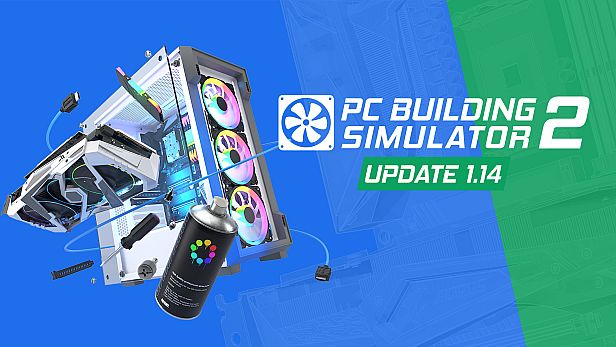



PC Building Simulator 2 is a detailed simulation game that puts you in charge of building and repairing computers, offering a hands-on look at PC hardware assembly and maintenance in a virtual environment.
Gameplay
In this simulation, you handle tasks like assembling computers from scratch, diagnosing issues, and performing repairs. The core loop involves selecting components such as processors, graphics cards, and cooling systems, then installing them step by step. You apply thermal paste manually, set up water cooling loops, and overclock hardware to boost performance. Testing comes through benchmarks like 3DMark and Cinebench, which help optimize builds. Realistic tools include a thermal camera for monitoring temperatures, a fan control app for airflow management, and a power monitor to track energy use. Customization extends to adding RGB lighting, spray paints, and stickers for unique designs, while workshop upgrades let you expand your space with new walls, floors, and furniture.
Mechanics emphasize accuracy, with over 1200 real-world components available from brands like Intel, AMD, and NVIDIA. You manage client requests in a business setting, balancing time and resources to complete jobs efficiently. The game simulates software installation, virus removal, and hardware troubleshooting, providing a practical understanding of PC maintenance without real-world risks.
Game Modes
Career Mode forms the backbone of the experience, where you start with a small repair shop and grow it into a thriving business. You take on customer orders, earn money from successful builds and fixes, and level up to unlock better tools and equipment. Positive client reviews build your reputation, leading to more complex jobs and workshop expansions.
Free Build Mode offers unrestricted creativity, allowing you to experiment with components without business pressures. Here, you design high-end rigs, test overclocking limits, and fine-tune setups using various benchmarks. This mode suits players who want to explore hardware combinations freely and create custom PCs for fun or practice.
Features and Updates
The game has seen expansions in areas like water cooling, with more options for custom loops and blocks for GPUs, CPUs, RAM, and motherboards. Recent versions include console ports, broadening accessibility beyond PC. Ongoing updates have addressed bugs, such as loading issues, and refined gameplay to make tasks more engaging, though some players note a shift toward easier challenges compared to the original title.
Is It Worth Playing?
For anyone curious about PC hardware or looking to learn assembly basics, this simulation provides valuable insights through its realistic mechanics and extensive component library. It appeals to hobbyists and aspiring builders who enjoy methodical tasks and optimization. Player feedback highlights an OpenCritic average of 79, with praise for educational value and satisfying progression, though some mention occasional bugs. With active support and a strong focus on singleplayer simulation, it remains a solid choice if you prefer relaxed, creative gameplay over fast-paced action.
