
Buy OZ Chord Player PC

Where can you buy the cheapest OZ Chord Player key for {6}? Check and compare prices from 1 stores among 1 offers on XD.deals. The lowest OZ Chord Player price on keyshops is at $4.89 (30% off).

Release: 02 May 2022
Steam:
Overwhelmingly Negative (7)
Keyshops
Unavailable
Buy in Official Store:
-30%
$4.89
Buy in Keyshops:
See price history

Official Stores (1)

DRM:
Steam
Steam
Steam
OZ Chord Player
Windows
2w ago
DRM:
Steam
Ends in 5 days
Steam
$6.99 $4.89
Ends in 5 days
Historical Low Deal
Historical low
-30%

About OZ Chord Player

OZ Chord Player - about the game
Play chords instantly with a simple button press on a single-screen layout, perfect for computer music composition. A piano keyboard highlights the notes in each chord, while note-based searches and diatonic filters help match harmonies to your melody line. Switch between piano, guitar, strings, and brass sounds, apply arpeggios or inversions, and arrange progressions on a timeline with custom tempo and time signatures. Save setups, export MIDI files, and resize the interface for your PC monitor, with key bindings and 13-language support plus an on-screen guide. This casual audio production utility suits beginners trying composition, those learning chord sounds, or anyone struggling to pair chords with melodies without an instrument.

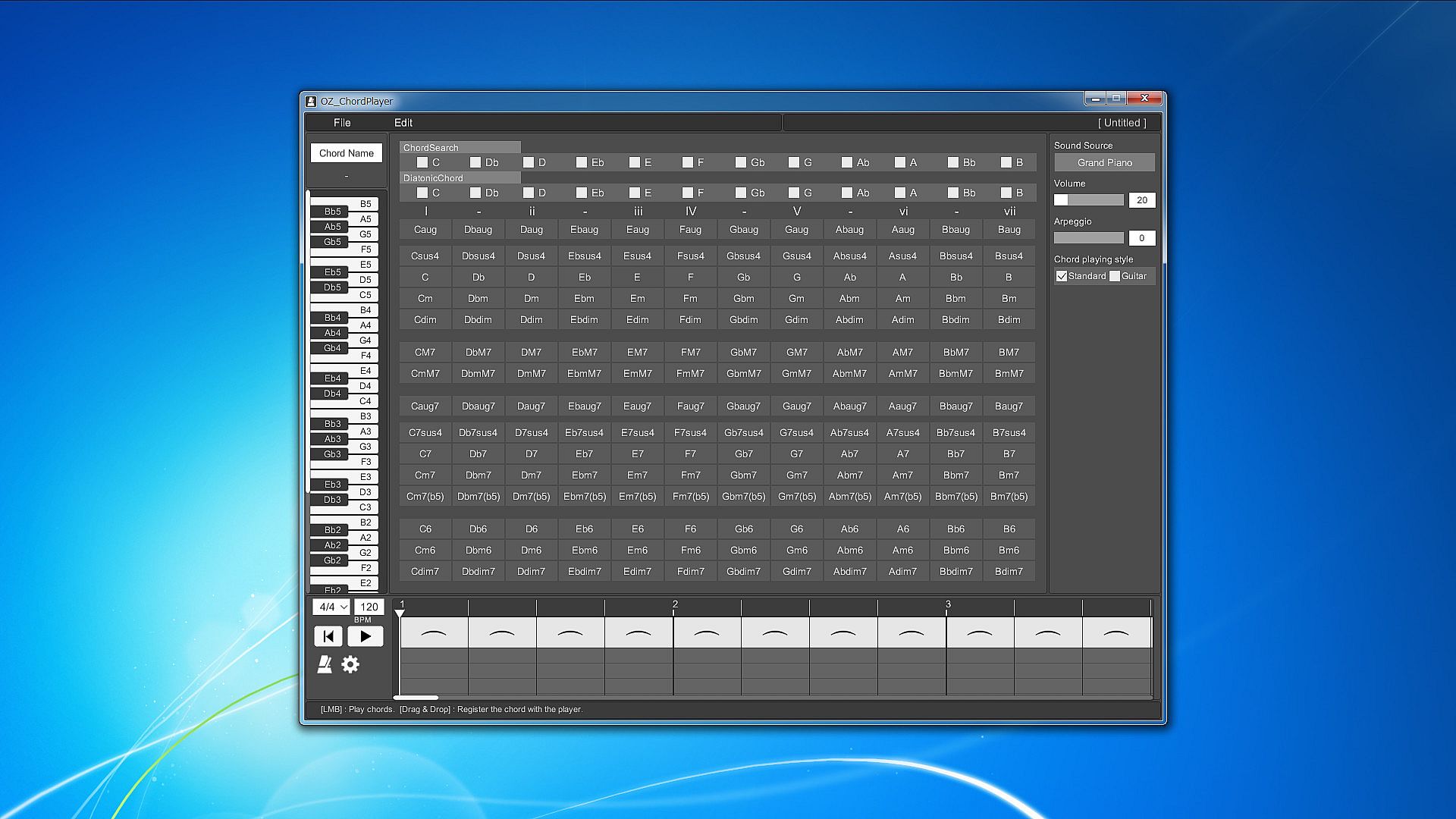
OZ Chord Player is a very simple tool for playing chords.
When composing with Computer Music, you can easily find and try chords that match your melody.
You can easily check the sound of chords with OZ Chord Player even if you don't have an instrument.
Main target
Mainly useful for composing Computer Music.
  • Those who want to try composing.
  • Those who want to know the sounds that make up a chord.
  • Those who are not good at finding chords that match their own melody.
  • Those who want to easily check the chord progression without an instrument.
Features
Screen layout
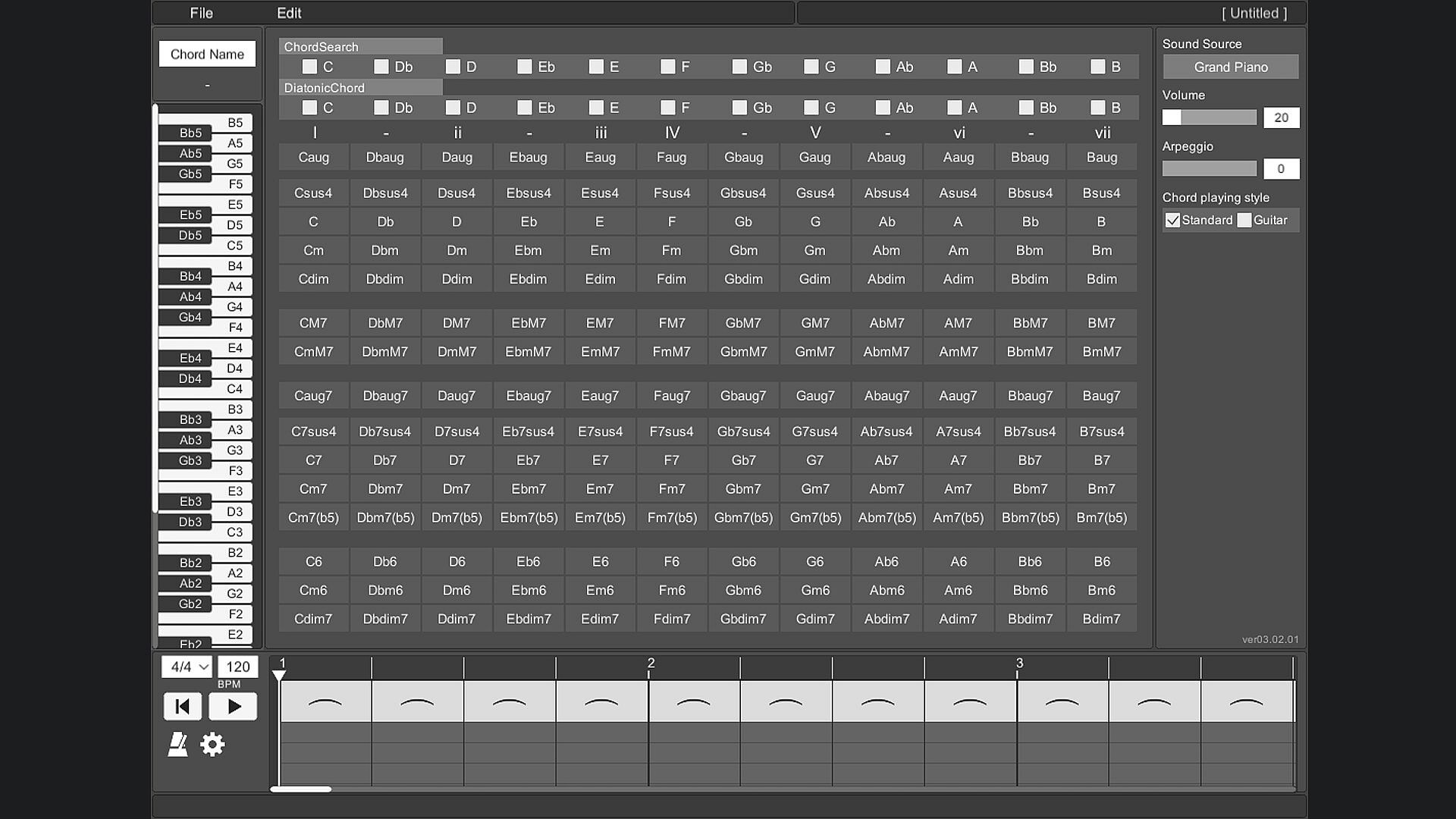
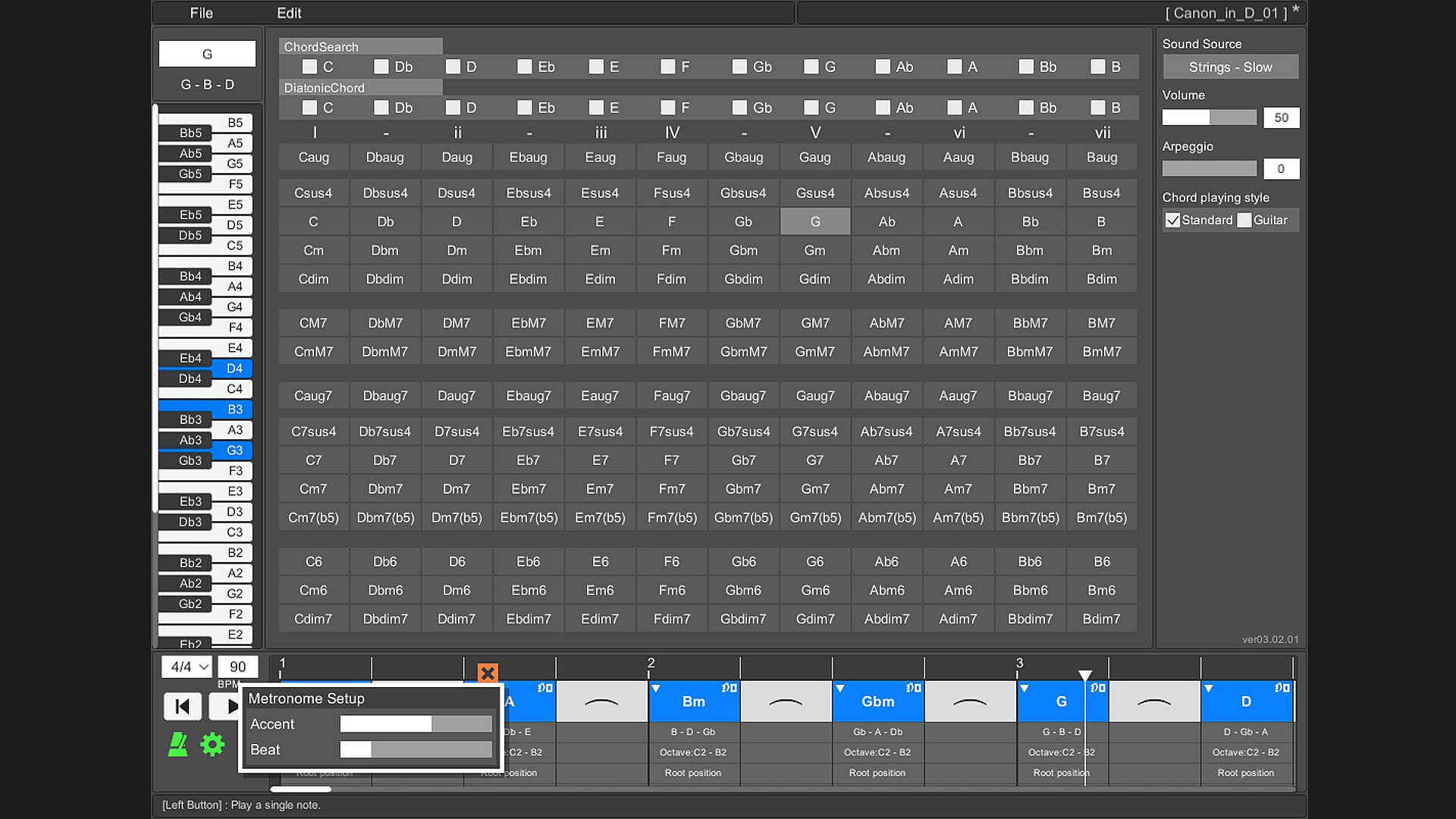
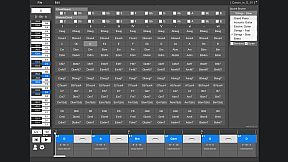
All the prepared chords are displayed on one screen.
To play the chord, just press the button on the chord in front of you.
This allows you to hear the sound of various chords without disturbing your inspiration.

Piano keyboard
When you play a chord, you can check which note is playing on the piano keyboard.
This allows you to reflect the constituent notes of the chord in your own composition.

Chord search
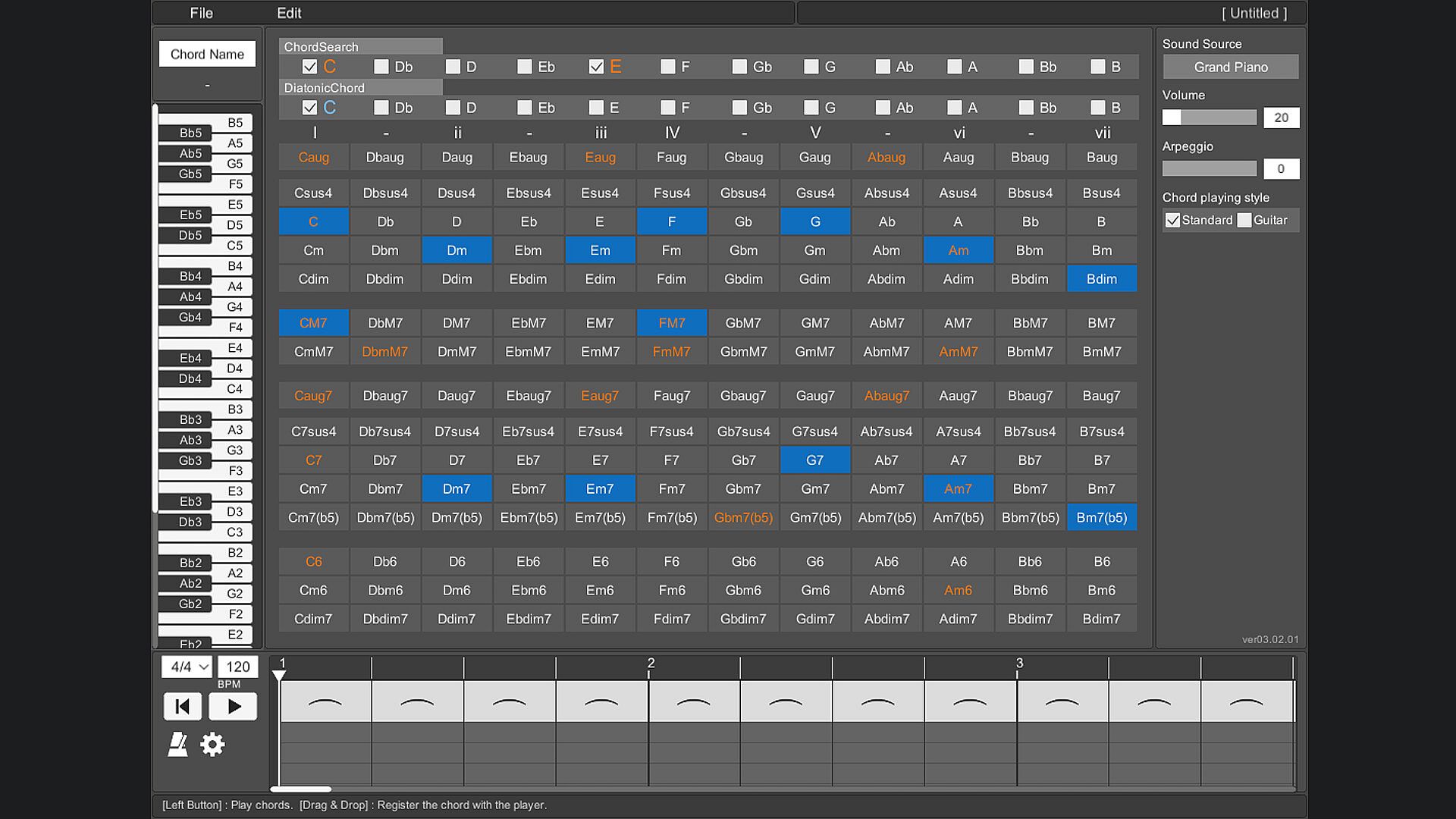
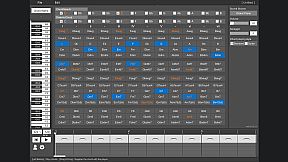
By selecting a switch with a note name such as "C" or "D", all chords using that note will be focused.
You can also search by combining multiple switches.
By selecting the note name you are playing on the melody line, you can easily find the chord that matches that note.

Diatonic chord search
Focus on the major scale diatonic chord.
You can easily find the best chord for the scale of your song.

Sound source
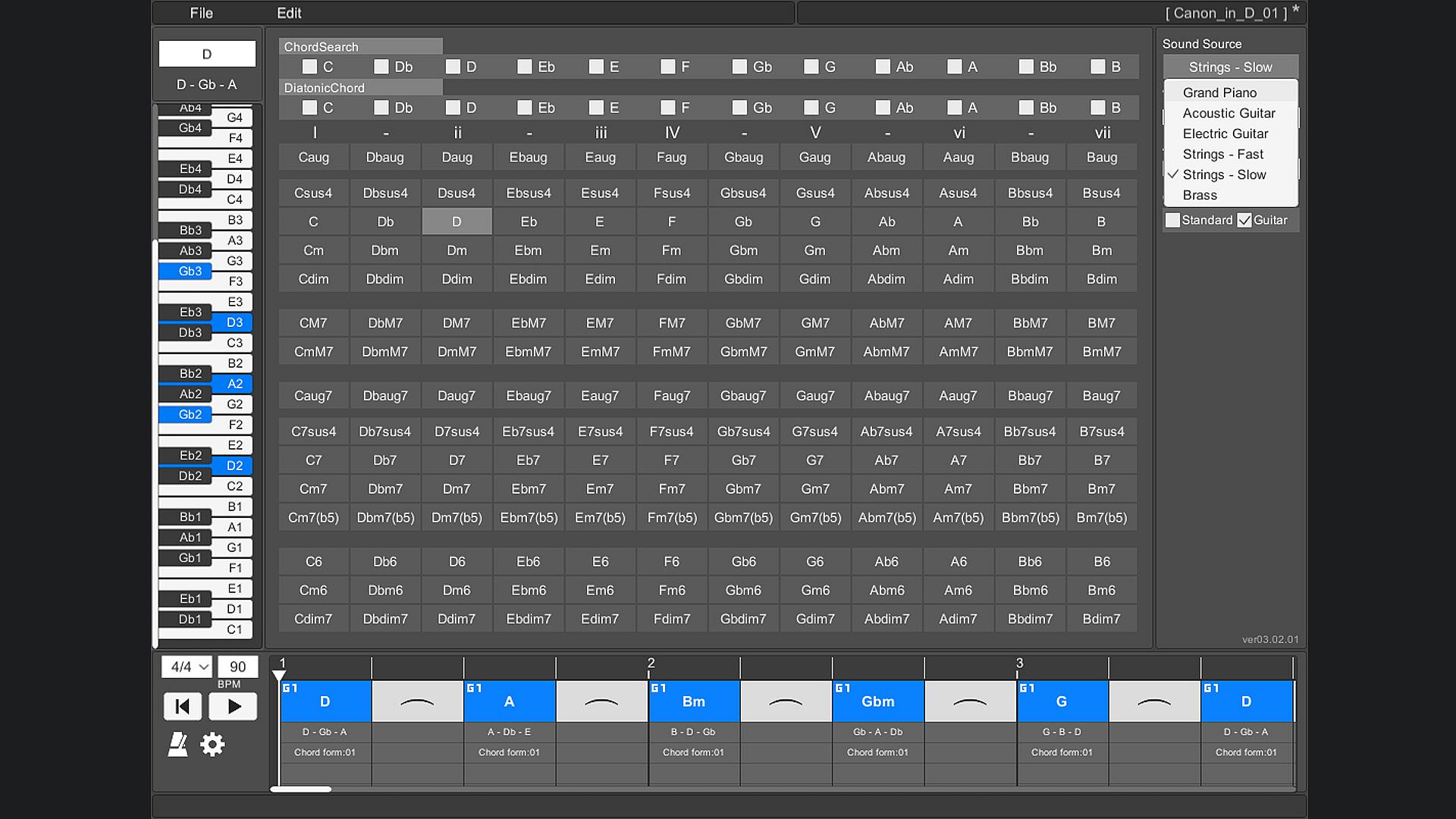
The instruments that can be used are "piano", "acoustic guitar", "electric guitar", "stringed instrument - fast", "stringed instrument - slow", and "brass instrument".

Arpeggio
You can stagger the individual notes of the chords. Ideal for slow tempo songs, mainly on piano and guitar.

Chord playing style
There are two types of chord styles to play, "standard" and "guitar", and you can switch between them.
In "Standard", 3 types of chords with different octaves are prepared for each chord.
In "Guitar", 3 to 5 types of chords with different ways of playing guitar chords are prepared for each chord.

Chord inversion
For example, one chord [Dm] can be played by switching the notes like [D3 - F3 - A3], [F3 - A3 - D4], [A3 - D4 - F4].
In popular music, they are written as [Dm/F] and [Dm/A].
(Only normal chords are supported. Guitar chords are not supported.)

Play chords
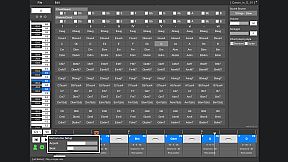
You can play by arranging multiple chords side by side on the timeline. This makes it easy to check the chord progression. When playing, you can set the tempo and time signature (2/4 to 5/4 time signature).

Save/Load
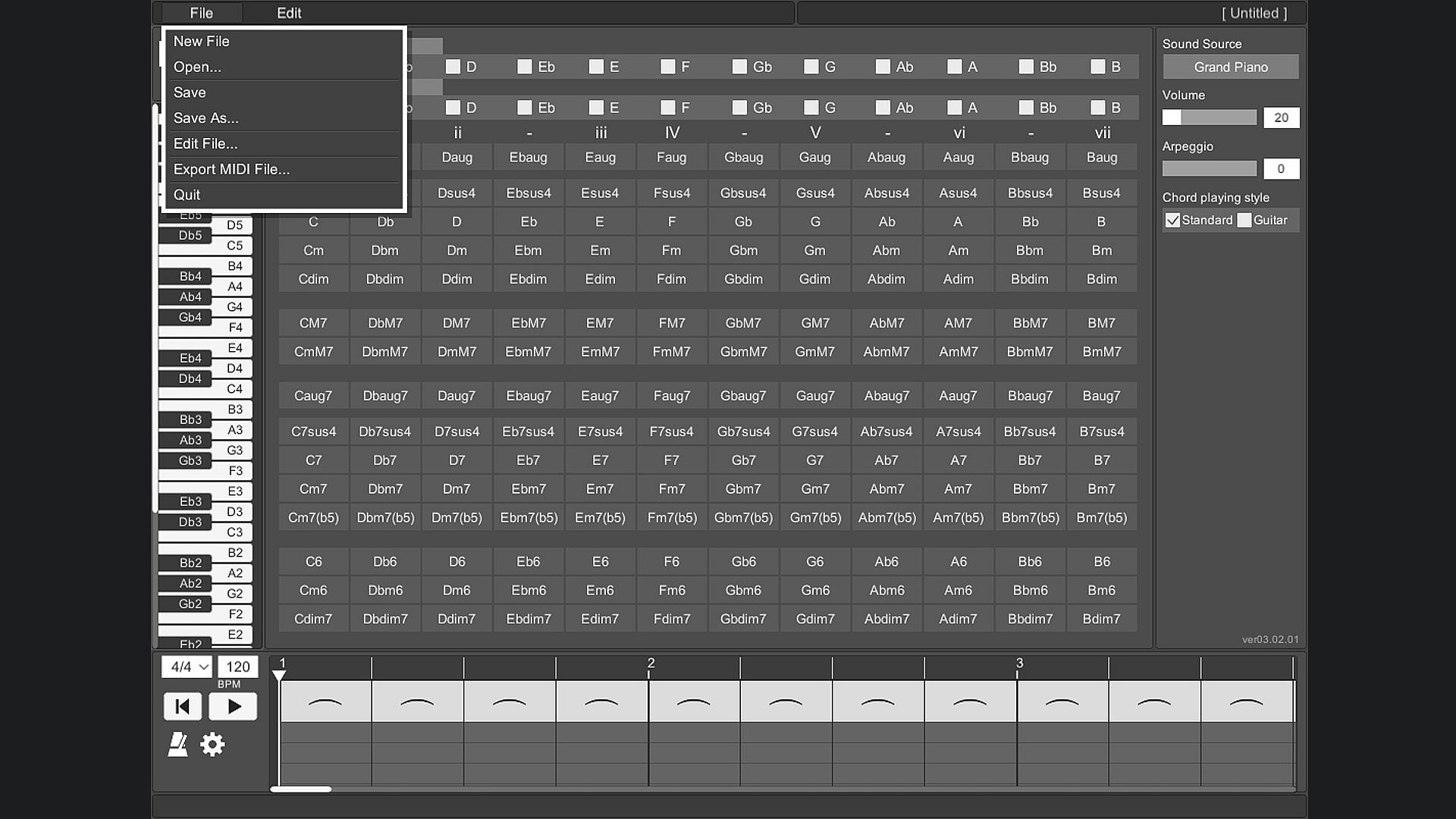
Chords placed side by side on the timeline can be saved.

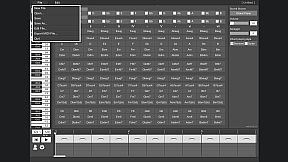
Export MIDI File
The chords placed side by side on the timeline can be exported as a MIDI file.
(Volume settings and arpeggios are not reflected.)

User's Guide
The operation method is displayed at the bottom of the tool screen and you will not be confused about the operation. The operation method is displayed by moving the mouse cursor to the part you want to know.

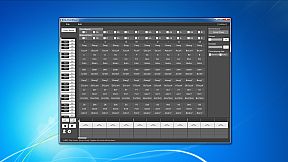
Change screen size
You can change the screen size of OZ Chord Player.
The minimum resolution that can be set is 848 * 600.
The maximum resolution that can be set is limited so that it does not exceed the resolution of the monitor you are using.
The default screen resolution is 1130 * 800.
If the resolution is smaller than the default setting, the image will be slightly degraded.

Key Bindings
Key binding is possible.

Language support
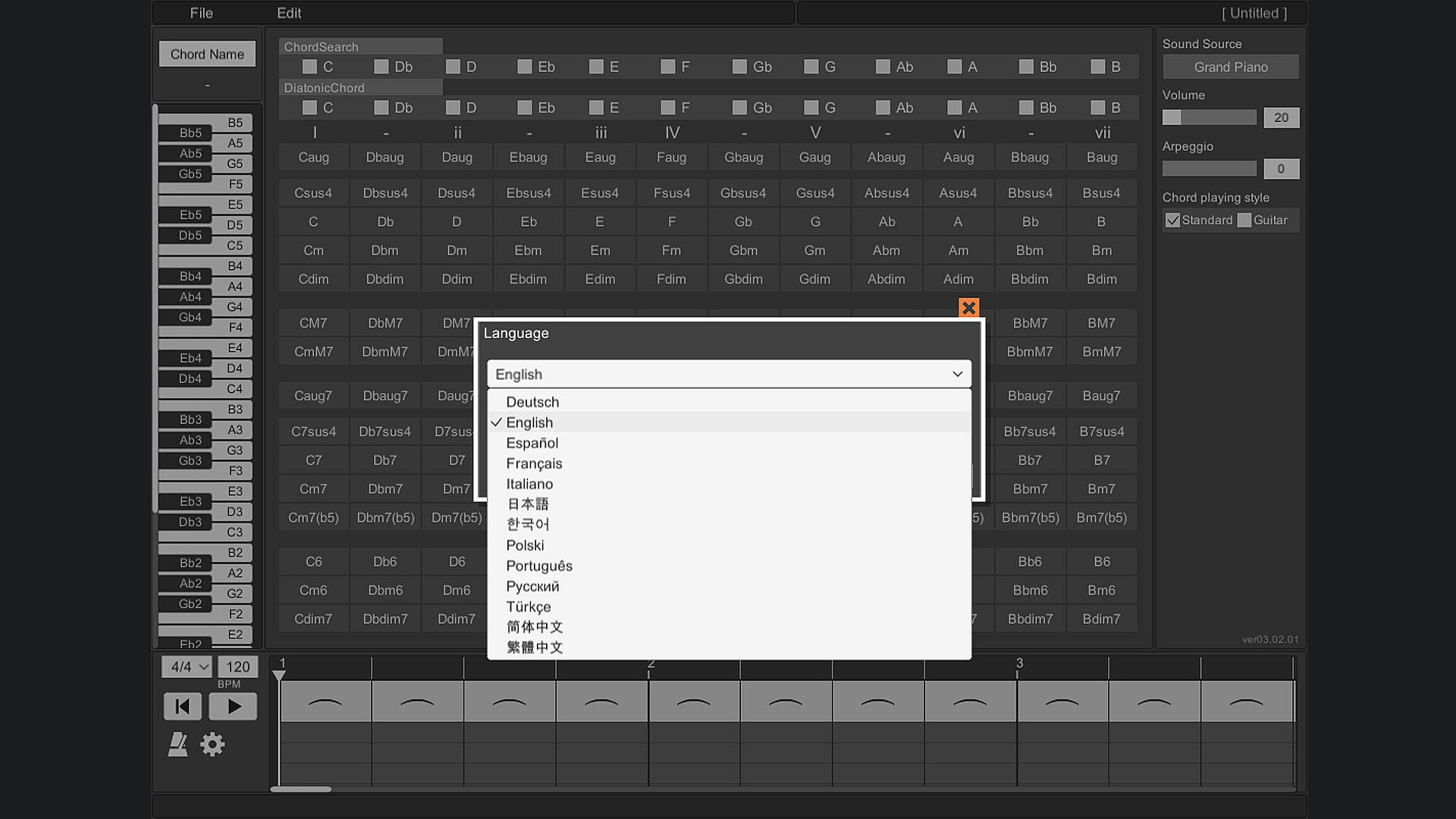
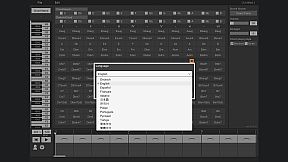
It supports 13 languages.
(Chord notation is C, D, E, F, G, A, B.)

Interface:
GermanEnglishSpanish - SpainFrenchItalianJapaneseKoreanPolishPortuguese - BrazilRussianTurkishSimplified ChineseTraditional Chinese

Age rating

Unavailable
Steam:
Overwhelmingly Negative (7)

Minimum:

  • Processor: Intel or AMD CPU over 1.0 GHz
  • Memory: 930 MB RAM
  • Storage: 240 MB available space

Recommended:

Historical low
Price history from official stores
-
-
-
Price history from keyshops
-
-
-

FAQ

8 questions

Before you start looking for a cheap OZ Chord Player key, check the essentials. Developed by ChuckDoo. Published by ChuckDoo. PC released date: 02 May 2022. Genres: Casual, Utilities, Audio Production, Education, Software Training.

Q

Where to buy a cheap OZ Chord Player Steam key?

Using our price comparison and verified discount codes, you can buy a OZ Chord Player key for as low as $4.89. This deal is available at Steam and is among the cheapest offers on the market. All keys listed on XD.deals are delivered digitally and eligible for instant download after payment. Prices already include processing fees and applied promo codes, so you always see the lowest OZ Chord Player price on PC. Check the OZ Chord Player price history to buy at the best moment.

As of our last update (we refresh Steam pricing multiple times a day), the OZ Chord Player Steam price is $4.89. You can save an extra ~6% by paying with a discounted Steam gift card.

Our price tracker covers both official retailers and key marketplaces, so you can find OZ Chord Player on sale even outside seasonal promotions. We currently detect 1 active offer from official stores and keyshops. Check the table above, compare against the historical low, and set an alert so you never miss the next price drop.

Based on our data, OZ Chord Player is not currently available on GeForce NOW. You will need to run it locally on your PC. Browse games available on GeForce NOW.

Yes. OZ Chord Player has an official page on the Steam Store. You can also buy a OZ Chord Player Steam key from third-party sellers. Our price comparison currently includes 1 offer with Steam DRM. Pick one to ensure your OZ Chord Player download happens on Valve's platform.

Not at this time. Valve marks OZ Chord Player as Unsupported on Steam Deck. Keep an eye on XD.deals - we track Proton updates and community fixes. Browse games that are Steam Deck Verified or Steam Deck Playable.

OZ Chord Player does not appear to be available on PC Game Pass, EA Play, Ubisoft+ or any other PC subscription service at this time. Your only option is purchasing the game - use XD.deals to find the best price.

No - XD.deals is not a store. We are a price-comparison service that tracks the best OZ Chord Player deals across official stores and verified keyshops. Click "Go to Store" next to any offer and you will be redirected to the retailer's website to complete your purchase.

Best prices for OZ Chord Player

1 Steam Steam Official
-30% $4.89

Want to buy at the best moment? Set a price alert on XD.deals and get notified when OZ Chord Player hits its next historical low.

Create Alert
Join our Discord
Get instant help from our community and stay updated on the latest deals
Set Price Alerts
Get notified by email when game prices drop to your target
Create Free Account
Unlock wishlists, price alerts, and Steam sync