






in progress...

Buy MermaidVR Video Player PC

MermaidVR Video Player is free to play! Download it on Steam and start playing instantly. Looking for MermaidVR Video Player DLCs, in-game currency, or cosmetics? Compare 0 offers on XD.deals to find the best deals.

Release: 15 Aug 2017
Publisher: Mermaid VR Inc.
Developer: Mermaid VR Inc.
Steam:
Mixed (163)
Official
Unavailable
Keyshops
Unavailable
Buy in Official Store:
Unavailable
Buy in Keyshops:
Unavailable

No entries, but don''t worry, we will inform you once the new offer appears.

Create Alert Create deal Alert

About MermaidVR Video Player

MermaidVR Video Player - about the game

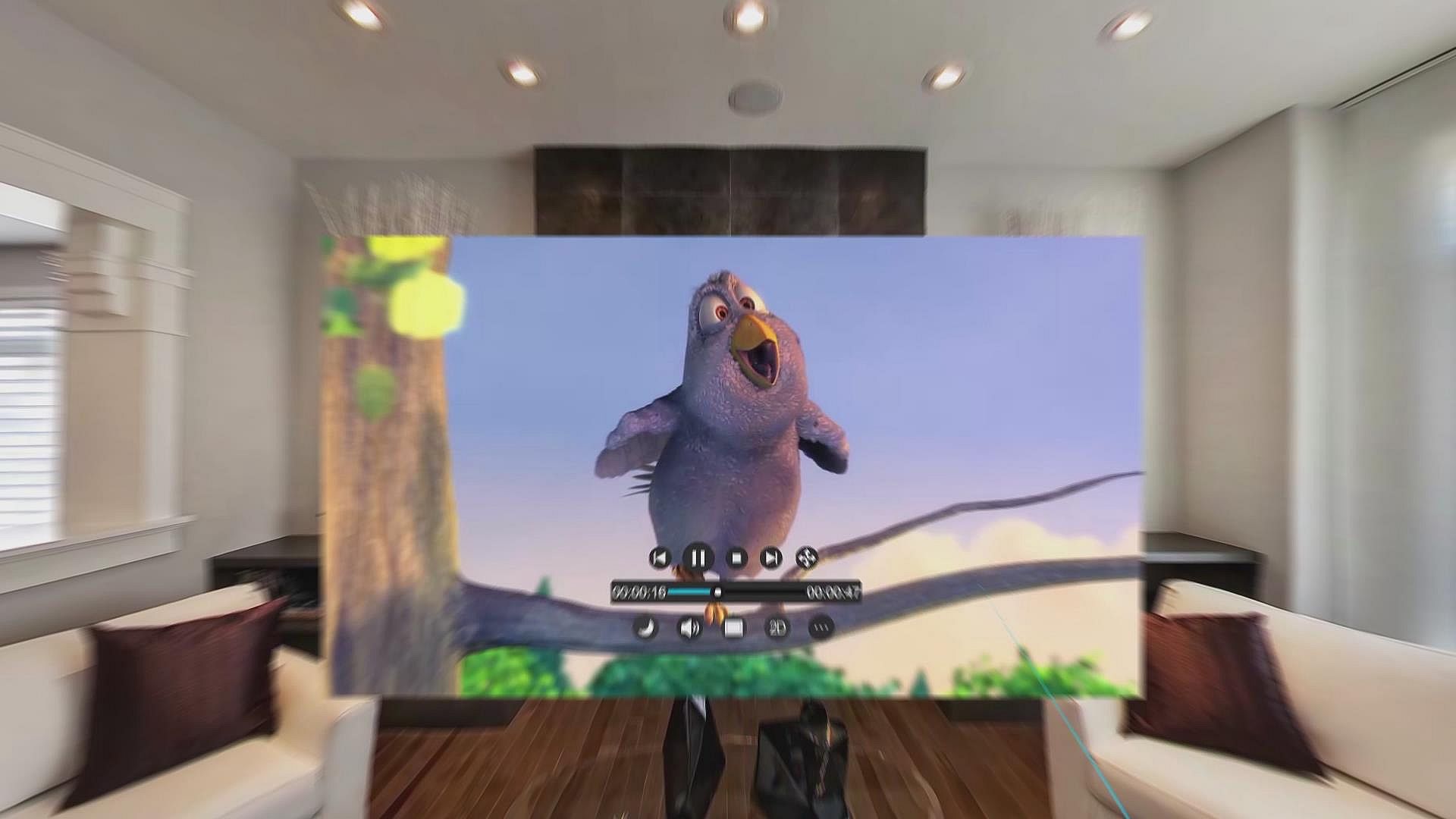
Dive into VR video playback with a fully equipped browser that handles smooth website navigation and online streaming. Display content across VR spaces and PC desktops at once, while downloading movies or using file transfer to resume interrupted sessions. Access pooled VR video resources through a dedicated site for quick discovery. Switch to 3D Cinema mode for theater-like viewing with adjustable seats and angles, all while settings safeguard privacy by controlling PC sync options. Track media habits automatically, saving details like panoramic views, 3D effects, brightness, and subtitles for multi-track videos in formats from 8K to 480p. Utilities fans who demand seamless video production tools in VR will find this player essential for personalized sessions.

Major function

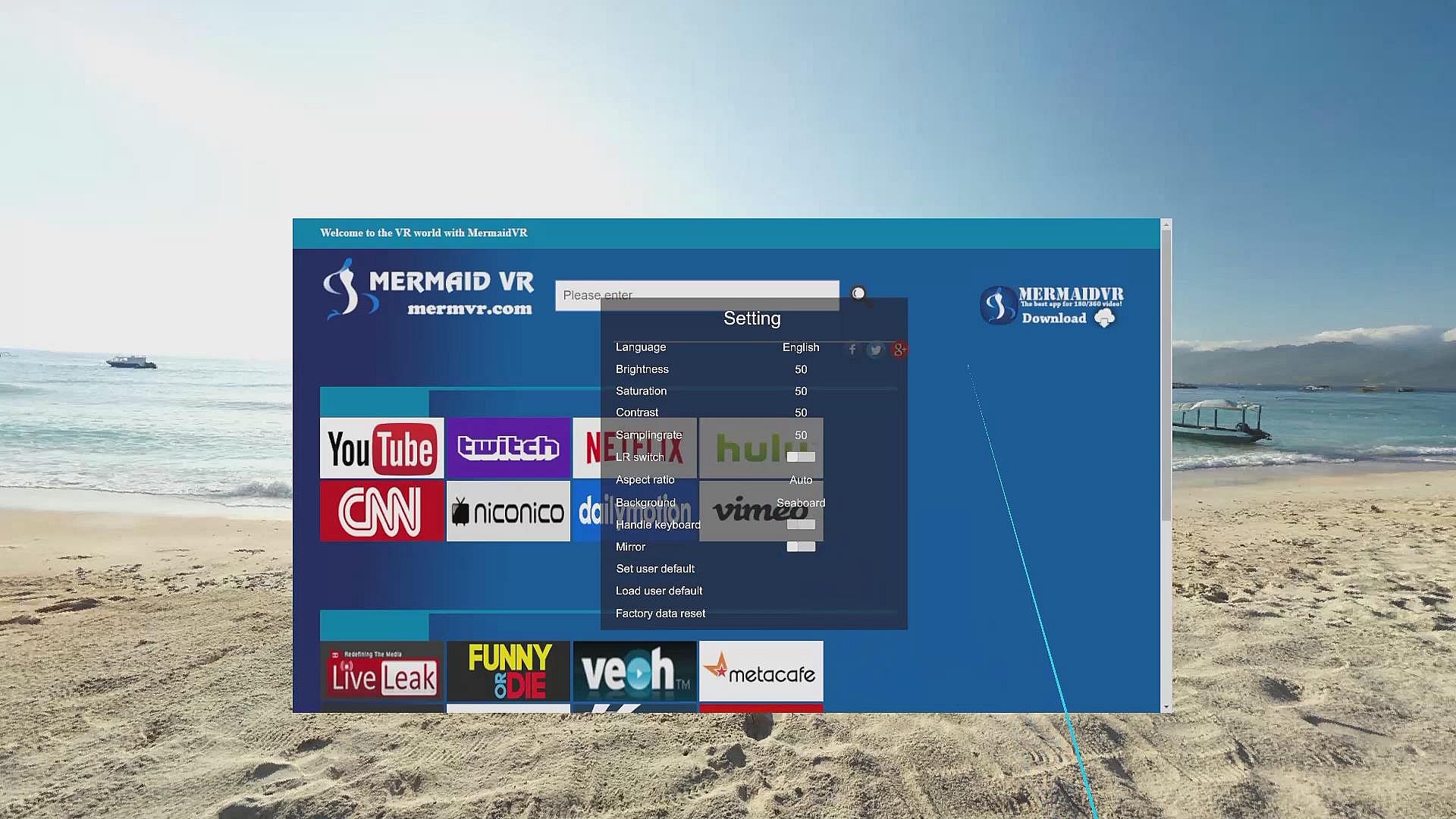
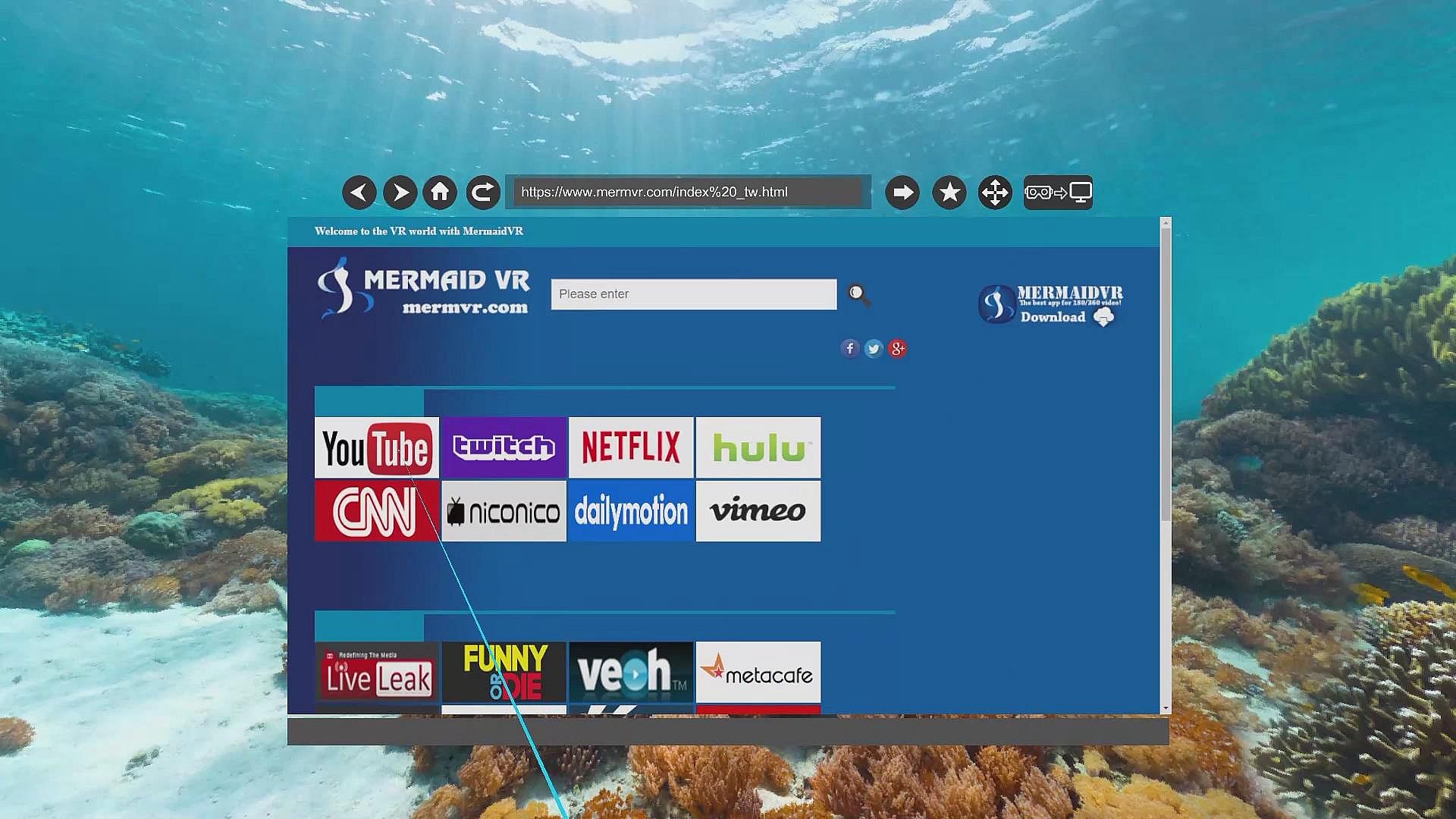
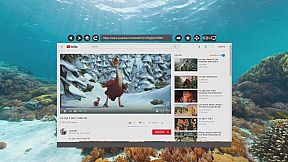
Fully functional VR web browser

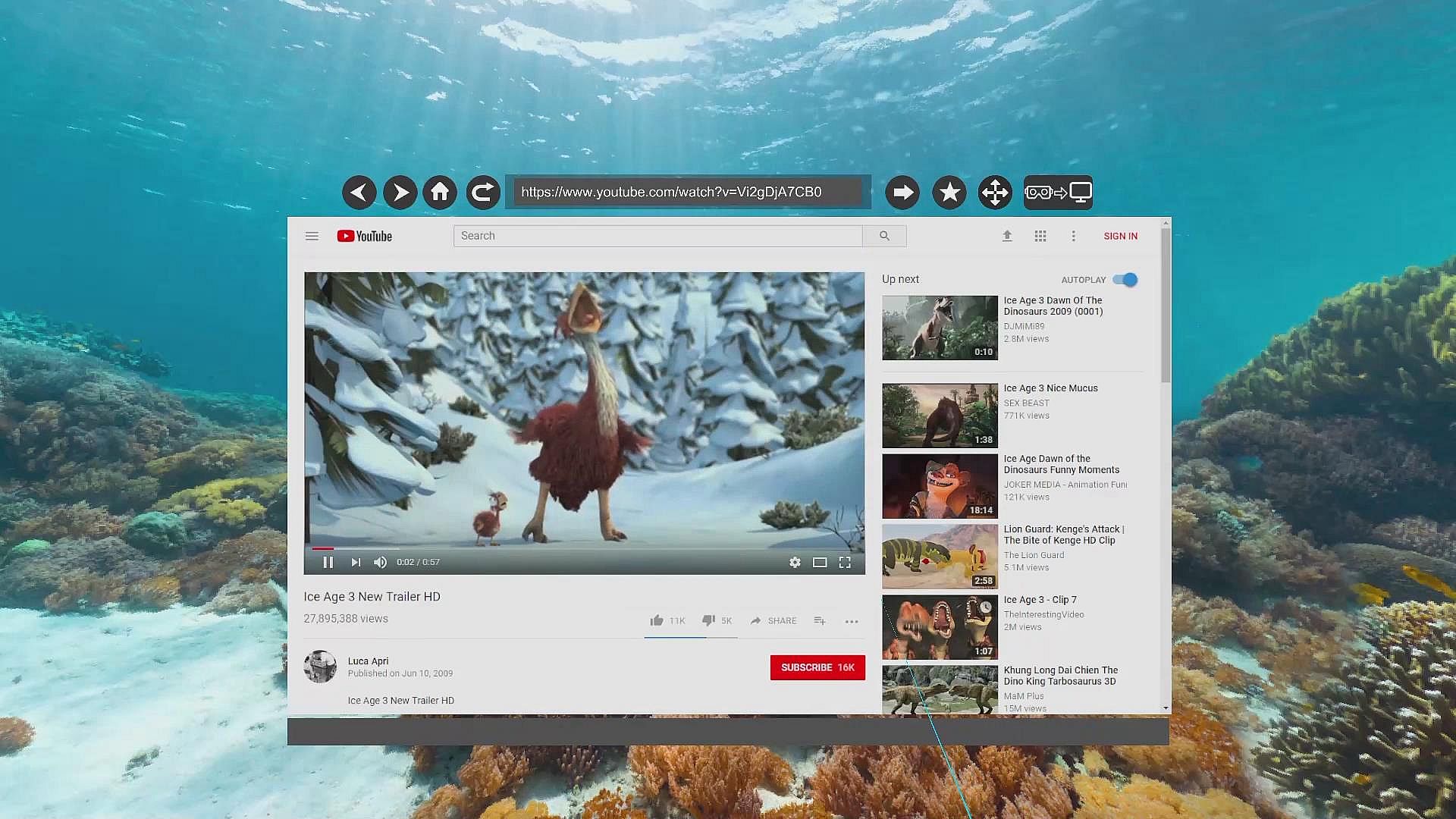
It supports fluency browsing of various websites and video playing on-line. Browsers can be displayed on both VR environment and PC desktop simultaneously. You can watch all kinds of movie files during downloading and it also has File Transfer Protocol function. The latter allow users to continue the transmission from the place of breakage so it greatly promote work efficiency.
We create our own website: .
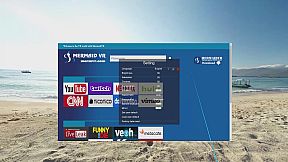
It pools more VR video resource sites, which makes it much more easier for users to find their favorite videos.

3D Cinema mode

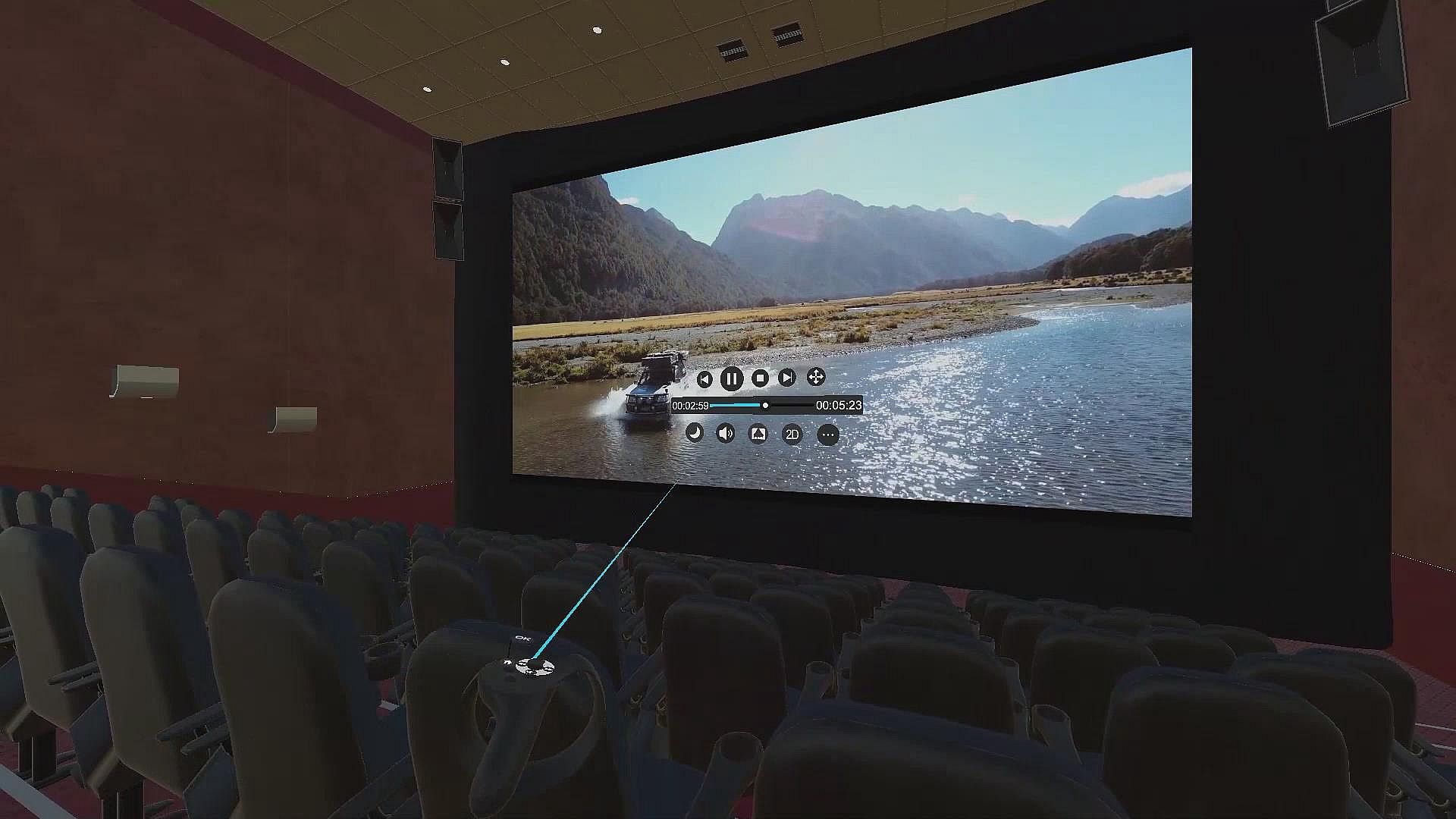
The brand new3D Cinema mode, it makes you feel like you are in the huge theater of virtual reality and switch seat and watching angle smoothly.

Safeguard User privacy

You can choose whether to copy the PC terminal home and aboard simultaneously in settings. It effectively protects users privacy when they watch all kinds of films, which make them really own their own Virtual Theater.

Full record of media using habit

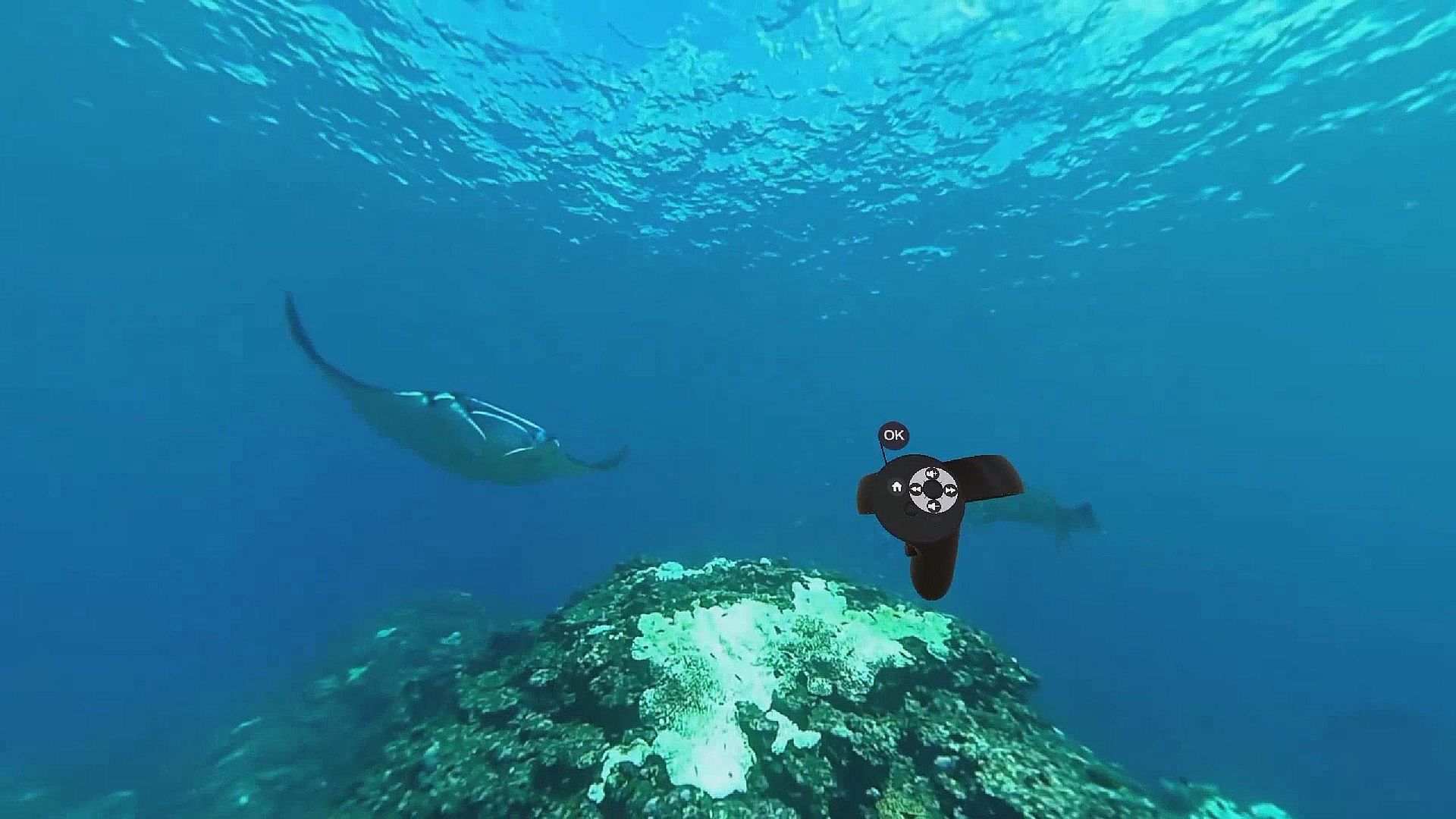
Mermaid VR has unique full record of media using habit, once each media file is played, all setting information such as panoramic view, 180 degrees, 3D, brightness, color, hyper sampling and so on can be automatically recorded independently. If the user replays, he just needs to click the play button and the panoramic video will present with original settings.

It can also play inside and outside subtitles+ Multi track video

Mermaid VR player has seamless connection with inside and outside subtitles+ Multi track video, so users can switch all kinds of tracks and subtitles as they want. One movie, various taste.

Support media formats:
.webm,.mp4, .m4v, .mp4v, .3g2, .3gp2, .3gp, .3gpp, .mpg, .mpeg, .m1v, .mp2, .mp3, .mpa, .mpe, .m3u, .asf, .wma, .wmv, .wm, .asx, .wax, .wvx, .wmx, .avi, .ivf, .mov
Resolution:
8K 4K 1080p 720p 480p and so on.

Steam:
Mixed (163)

Price history

Historical low
Keyshops
-
-
-
Official Stores
-
-
-

FAQ

8 questions

Before you start looking for a cheap MermaidVR Video Player CD Key, take a moment to check the essentials. Developed by Mermaid VR Inc.. Published by Mermaid VR Inc.. PC released date: 15 Aug 2017. Genres: Utilities, Video Production. Categories: Partial Controller Support, Tracked Controller Support, VR Only. MermaidVR Video Player reviews: Steam reviews: 68% of the 163 user reviews for this game are positive.

Q Can I play MermaidVR Video Player on Steam Deck?

No, not right now. Valve marks MermaidVR Video Player as Steam Deck Unsupported , so it won't launch via Proton at this time. Keep an eye on XD.deals - we track Proton breakthroughs and community fixes, and we'll flag it the moment there's a working way to play MermaidVR Video Player on Steam Deck.

Yes. A MermaidVR Video Player Steam version exists. Pick any offer tagged Steam Key on XD.deals, redeem it in the desktop client, and play MermaidVR Video Player on Steam PC.

Yes. Once your Steam key is redeemed, you can launch MermaidVR Video Player in Offline Mode via Steam. Your save files will sync the next time you go online.

Yes, you can buy a MermaidVR Video Player Steam Key directly on the Steam Store. At XD.deals, we aggregate all available Steam DRM offers so you can compare cheap MermaidVR Video Player steam deals in one place.

At the moment we don't have any live offers for MermaidVR Video Player - both official stores ({1}) and keyshops ({2}) show the game as sold out or temporarily unavailable…

With XD.deals, PC gamers can instantly see where to buy a cheap MermaidVR Video Player PC Steam key. Our real-time price-comparison engine and curated coupon database track every official store and trusted keyshop so you dont have to. Right now we detect this game in {1} live offers from stores and keyshops.

Not yet. There's no MermaidVR Video Player Steam listing right now, so you can't buy MermaidVR Video Player on Steam today. Instead, browse the other MermaidVR Video Player offers on XD.deals - official stores and keyshops often provide DRM-free or launcher-key versions you can play while waiting for a future Steam release.

No - XD.deals itself isn't a store. We're a price-comparison service that tracks the best offers for MermaidVR Video Player across official stores and verified keyshops. Click "Shop Now" next to the deal you want, and you'll be redirected to the retailer's website to complete your purchase and receive the key there.

Ready to ride? Set a price alert on XD Deals and grab a discounted MermaidVR Video Player Steam key the moment it reaches its next historical low.

Create Alert