



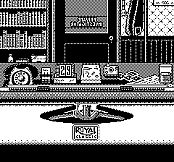
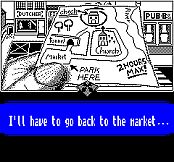
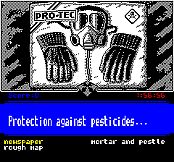
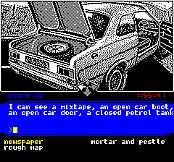
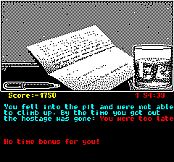
Revisit the memories of a British Private Investigator, who in September 1982 was charged to locate and free a kidnapped teenager. An informant gave you some hints, and equipped with a rough map and a tight time frame you start your mission.
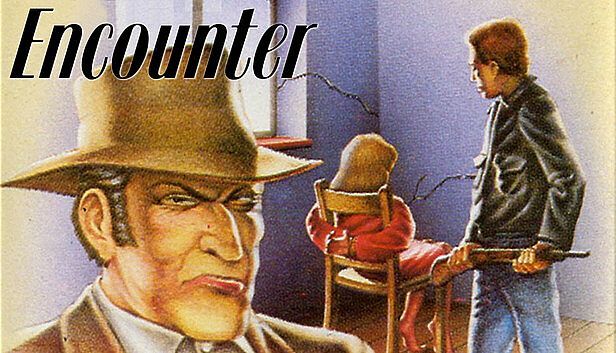
Visually the game is inspired by the 'Noir ' comic books and presents visually the result of all your actions - be they good or bad -.
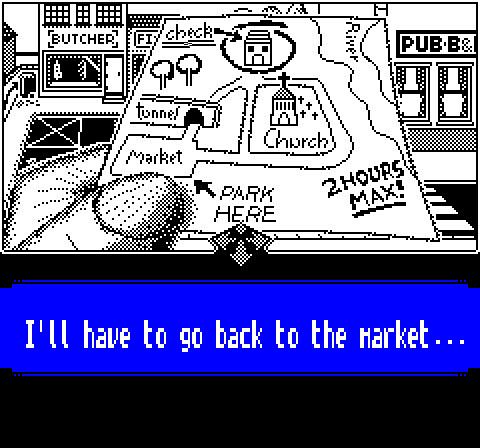
You start the game on the market place: This is where you parked your car and where you need to go back to finish the mission successfully.
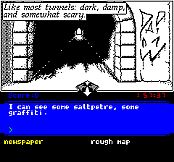
There are about 50 locations to explore, connected logically on a NORTH, SOUTH, EAST and WEST fashion, with a few locations that can only be accessed by going UP or DOWN (for example by climbing down a hole or moving up stairs).
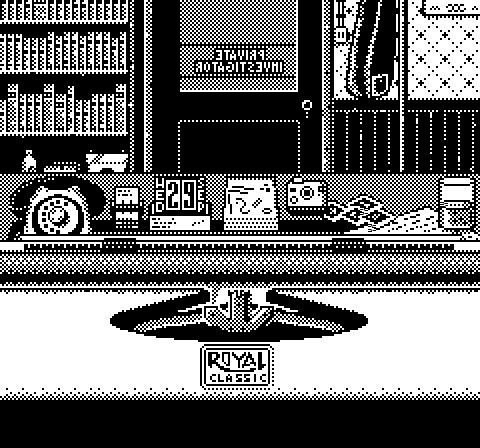
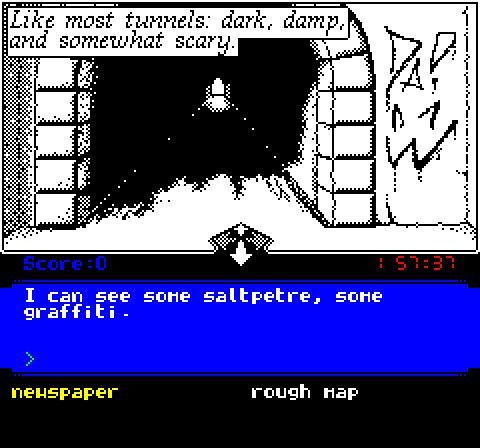
The available directions are indicated at the center of the screen with a four directions arrow pattern.
Keyboard Controls
The game is played with the keyboard using arrow keys to move around, and by typing or selecting text commands to perform actions. The list of commands can be shown in the game at any time by entering the HELP command (or hitting the ESCape key).
Note: Quite a few of these commands are synonyms and were added because it felt just right. As far as the game is concerned, TAKE and GET are doing the same thing, so are DROP and PUT, FRISK and SEARCH, or LOOK, EXAMINE and INSPECT. If you feel like to FRISK the FRIDGE or SEARCH the THUG, that's all right!
Simplified Controls
If you were a fan of 80s adventure games, you can fully type your commands, but if you can also play the game like a classical Point'n Click adventure: Instead of typing your commands you just need to press space to bring in a menu with all the commands and lists of items you can use. You can then uss the four direction arrows as well as the space bar to select them.
These control also work with legacy type four direction joysticks, but also just fine on the Steam Deck where you can use any of the directional controls (dpad, analog sticks, ...) to select options and the (A) button to select.
Items
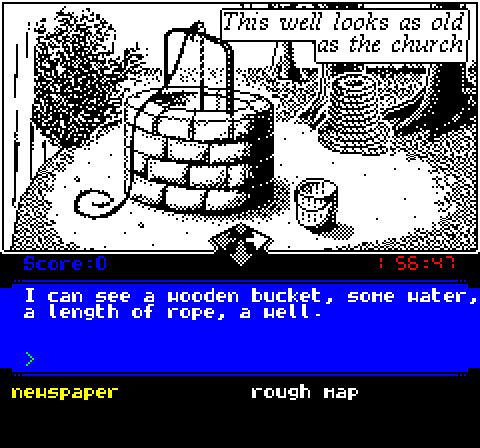
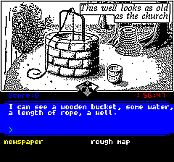
As in most similar games you will encounter quite a few interactable elements - "items" - which you will be able to EXAMINE. Some will be possible to take with you or modify, or even combine with other items, while a few others are impossible to TAKE and can only be inspected (like the CHURCH or the WELL).
Inventory and Scene Objects
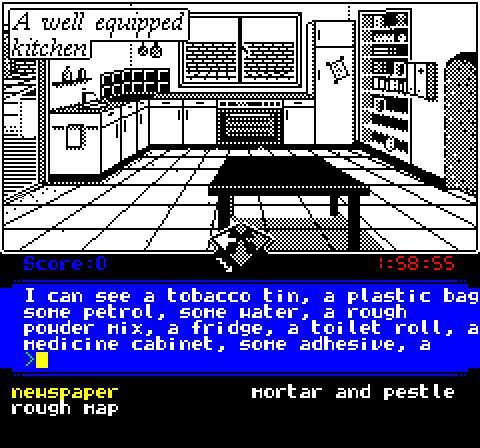
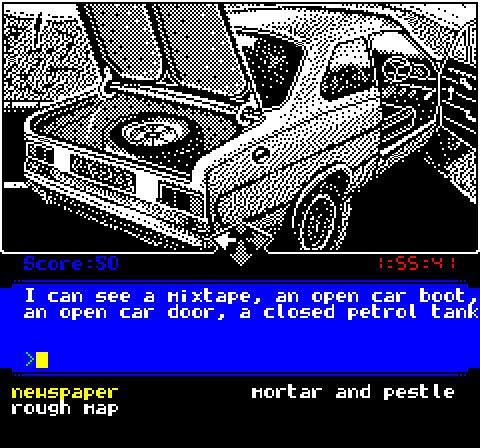
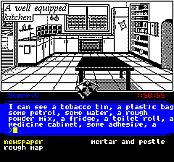
Above the command prompt in the blue area is a list of all the items present in the location you are standing in, while the black area under is your inventory, where all your possessions are located.
When you TAKE items, they move from the location to the inventory, and the opposite happens when you DROP items.
If you are not quite sure about the actual name of the item, you can press the SHIFT key to highlight the important part of the name, like for example CABINET in "a medicine cabinet" or MORTAR in "a mortar and pestle"
Note: Most items will stay where you left them, with a few exception like liquids which may drain away or evaporate
Commands
To successful solve the case you will most definitely have to use of many of these items.
Here are a few of the commands you can use.
Single object commands:
INSPECT: This will often give relevant (or not) information on the subject.
TAKE: It will attempt to take the item and put it in your inventory. For that to happen you need to have enough room, and in some cases the game will ask you to specify the name of a container: You can't simply take water or sand in your bare hands, you'll need a bag, box, bucket, etc...
DROP: The item will be left in the room where you are
THROW: This is a very contextual command, in most cases it will do the same thing as DROP, but for some items (like a rock, a knife, a ball, ...) it may actually do something else if you are at a relevant location
USE: Typically used for things like KEYS, devices, buttons, etc...
Dual objects commands:
COMBINE, followed by two item names will be used to craft new items. For example if you COMBINE BREAD BUTTER you will create a delicious slice of bread covered in butter. Please note that the order does not matter, so COMBINE BUTTER BREAD will also work
Puzzles
Encounter is not a puzzle game, but it features a few obstacles you need to solve in order to progress. Most of the obstacles have more than one solution, and generally speaking the more elegant the solution is, the more points you will get for it.
If you managed to pass an obstacle using lethal force, know that there was most probably an alternative solution not involving any form of violence. Each of the alternate solution unlock one of the possible achievements!
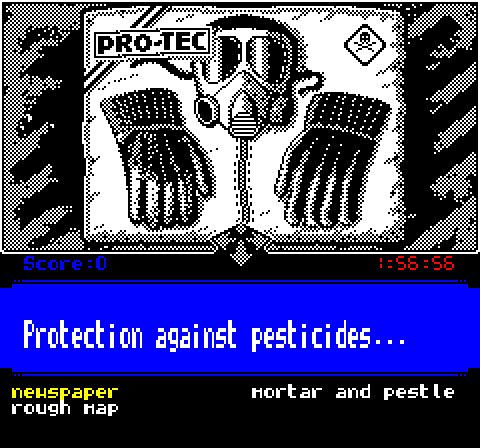
Also please note that there are many clues in the images, so inspecting items and scenes can hint about things you should consider doing - or not doing! -
Crafting
The game requires you to build some new items from what can be found in the world, and by reading the various documents (books, notes, etc...) present in the game, you should be able to figure out all the necessary parts and how to assemble them.
Achievements and high scores
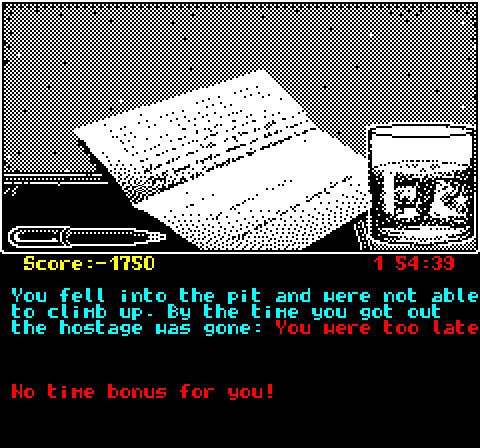
The game contains 52 possible achievements, about two thirds of them can be unlocked by completing the game. To unlock the remaining achievements you will have to try alternative solutions, but also find all the different ways you can fail to complete the mission: A game over may bring you closer to this objective!
Time limit
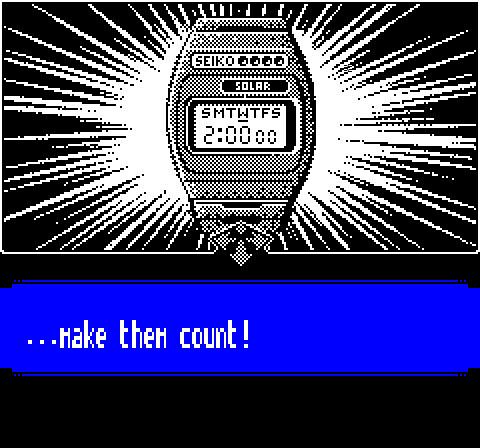
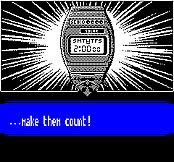
The game has a time limit of two hours (in game hours) to complete the mission.
The timer on the right of the screens ticks down in real time second by second, but moving around, inspecting items, crafting, etc... takes some time, so in practice a single play through will take about 30 to 45 minutes before the "out of time" game over triggers.
The game will warn you half-way when one hour has elapsed.
Is it an actual retro game?
There are quite a few modern games embracing the retro aesthetics, some mimicking the pixel art style of the NES console, some choosing to simulate the low definition textures of the original PlayStation, but in most case this is a stylistic choice and under the hood you will find a modern game engine such as Godot, Unity, Unreal, Game Maker, etc...
Encounter is a real 8bit game for the 1984 Oric Atmos personal computer running on a 1mhz 6502 processor with 64 kilobytes of ram, loaded from a 380 kilobytes 3" floppy disk.
Despite the technical limitations of the platform )in terms of performance, resolution, number of colors, lack of modern input peripherals, and storage space), Encounter tries to embrace modern design conventions.
Note: This Steam version of the game allows you to play on PC thanks to an Oric emulator called Oricutron, you can find the actual game in the install folder