






Boop Bay: Keyboard Toy for Babies is a casual PC experience designed specifically as a safe keyboard toy for babies and toddlers. Parents can let little ones press keys freely while the program responds with sounds and visuals, all without any risk of disrupting the computer or accessing other applications. The title targets families with children roughly six months to three years old who enjoy simple cause-and-effect play on a real keyboard under adult supervision.
Gameplay
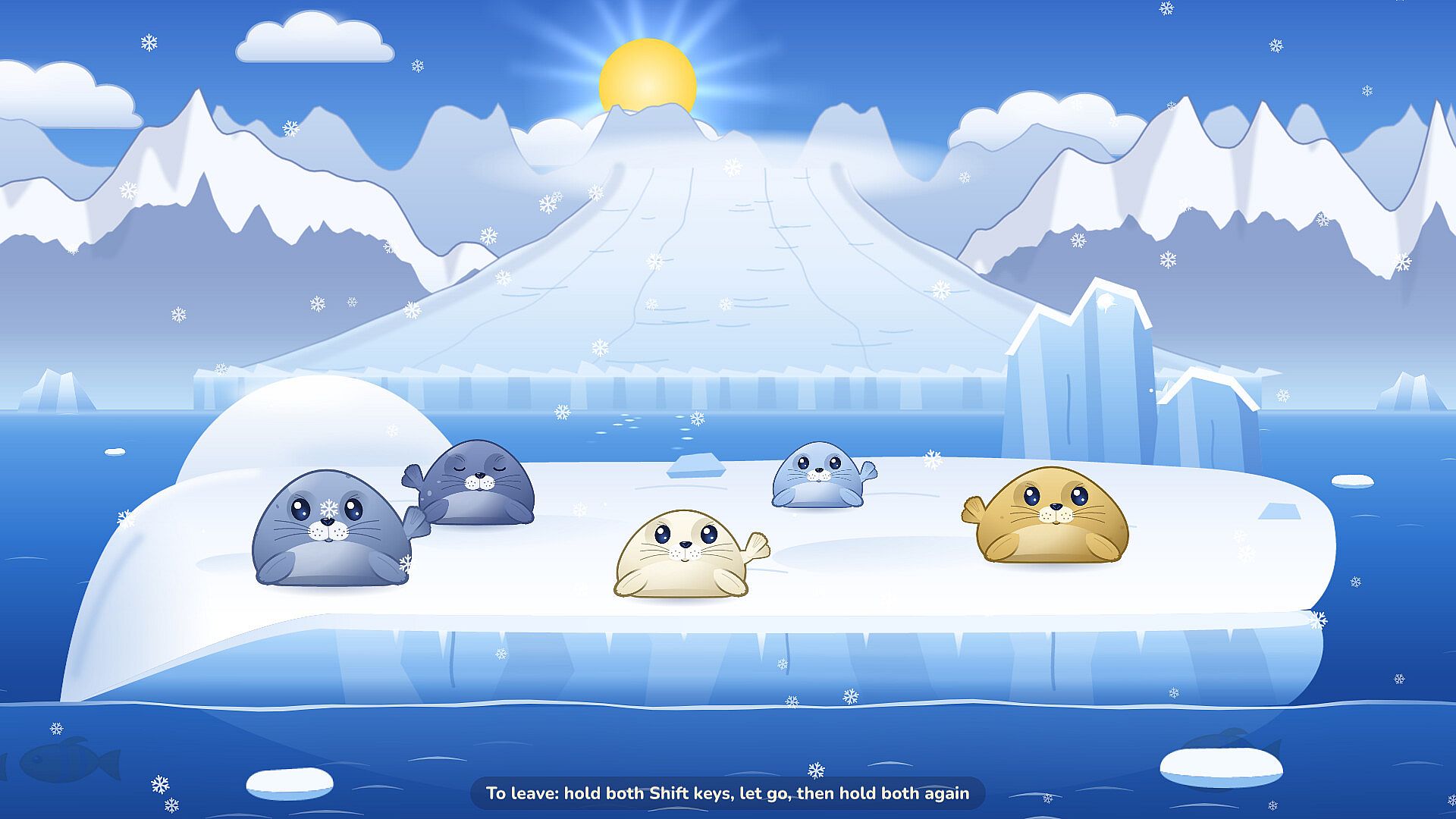
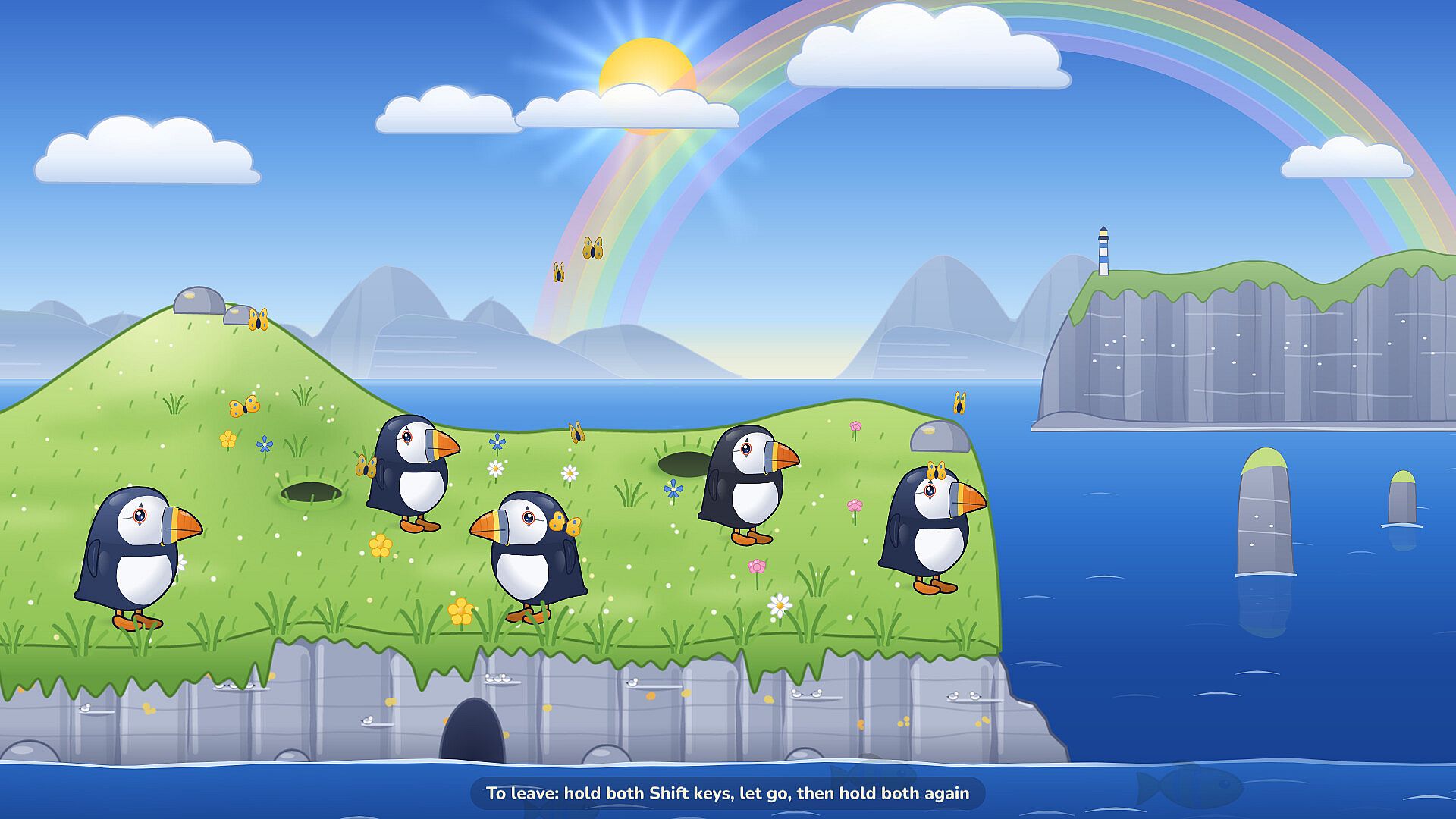
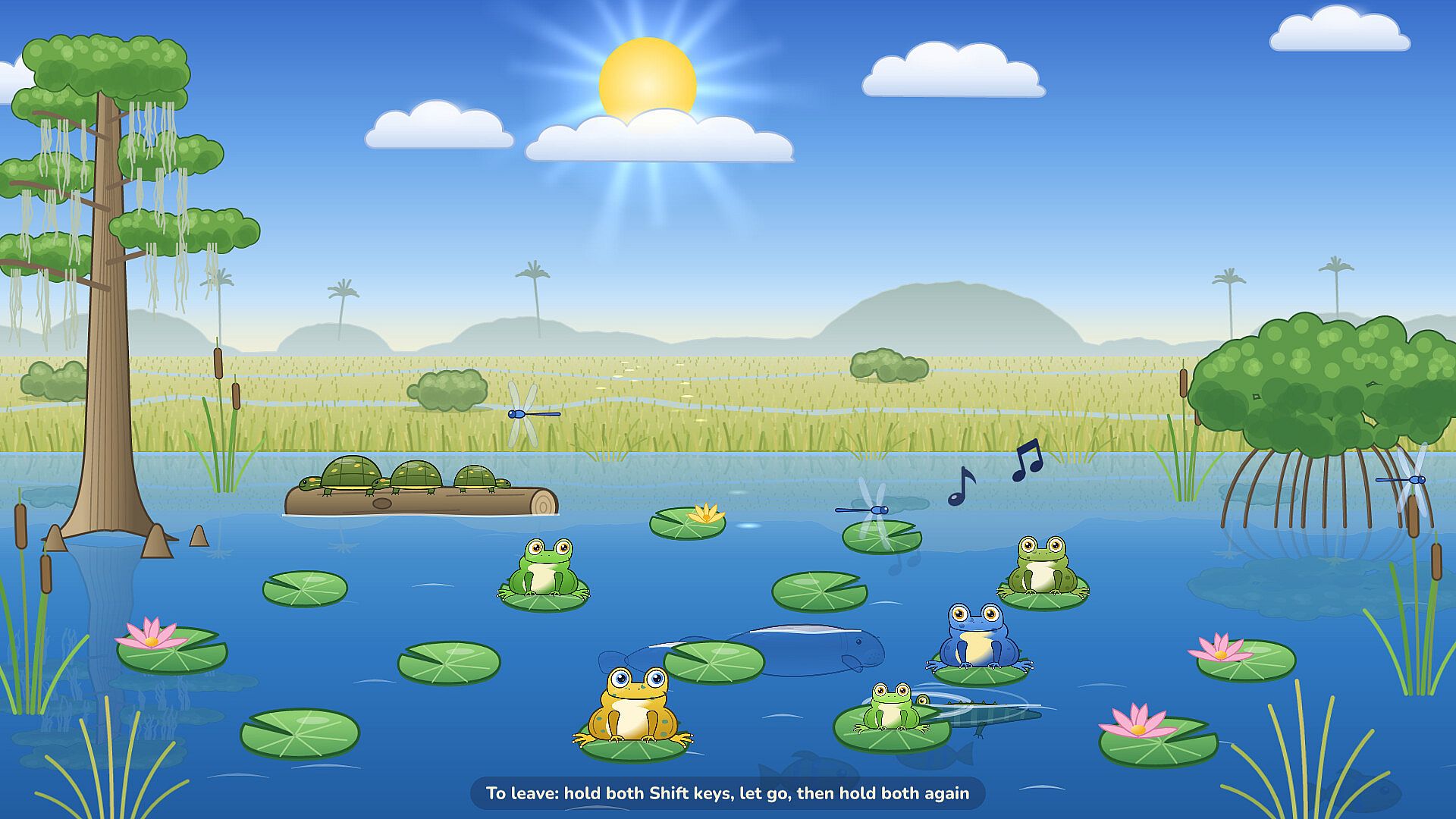
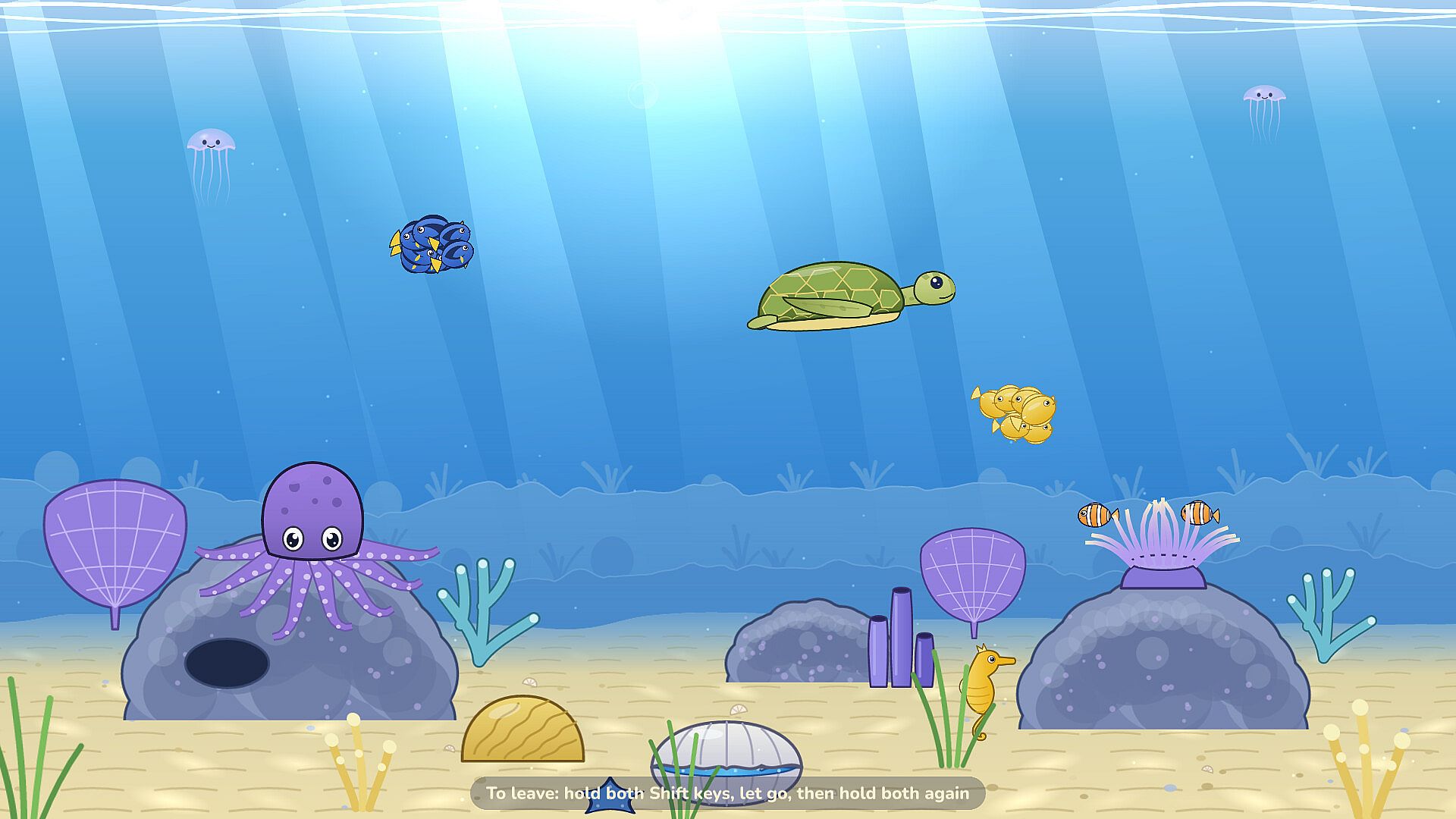
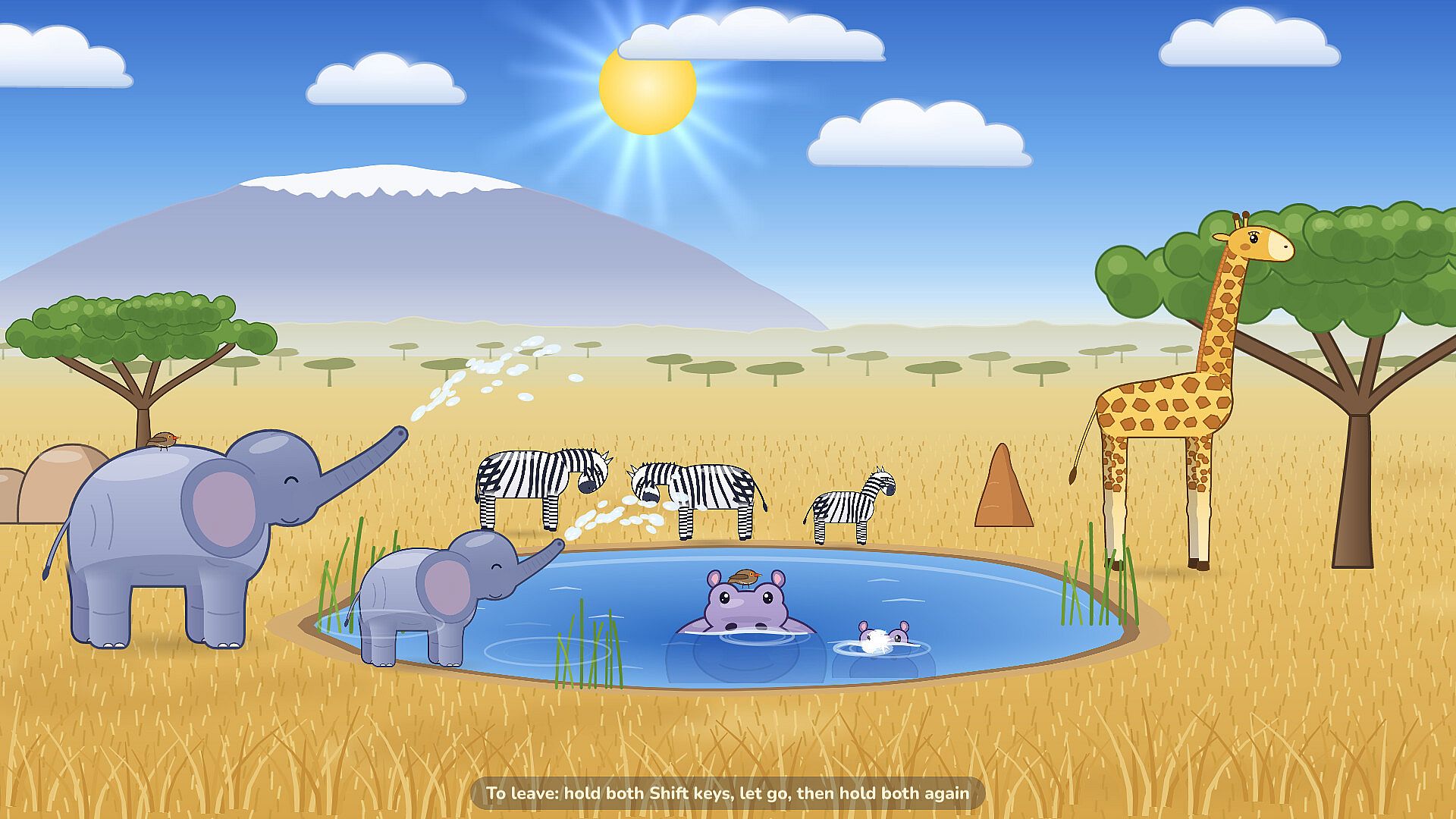
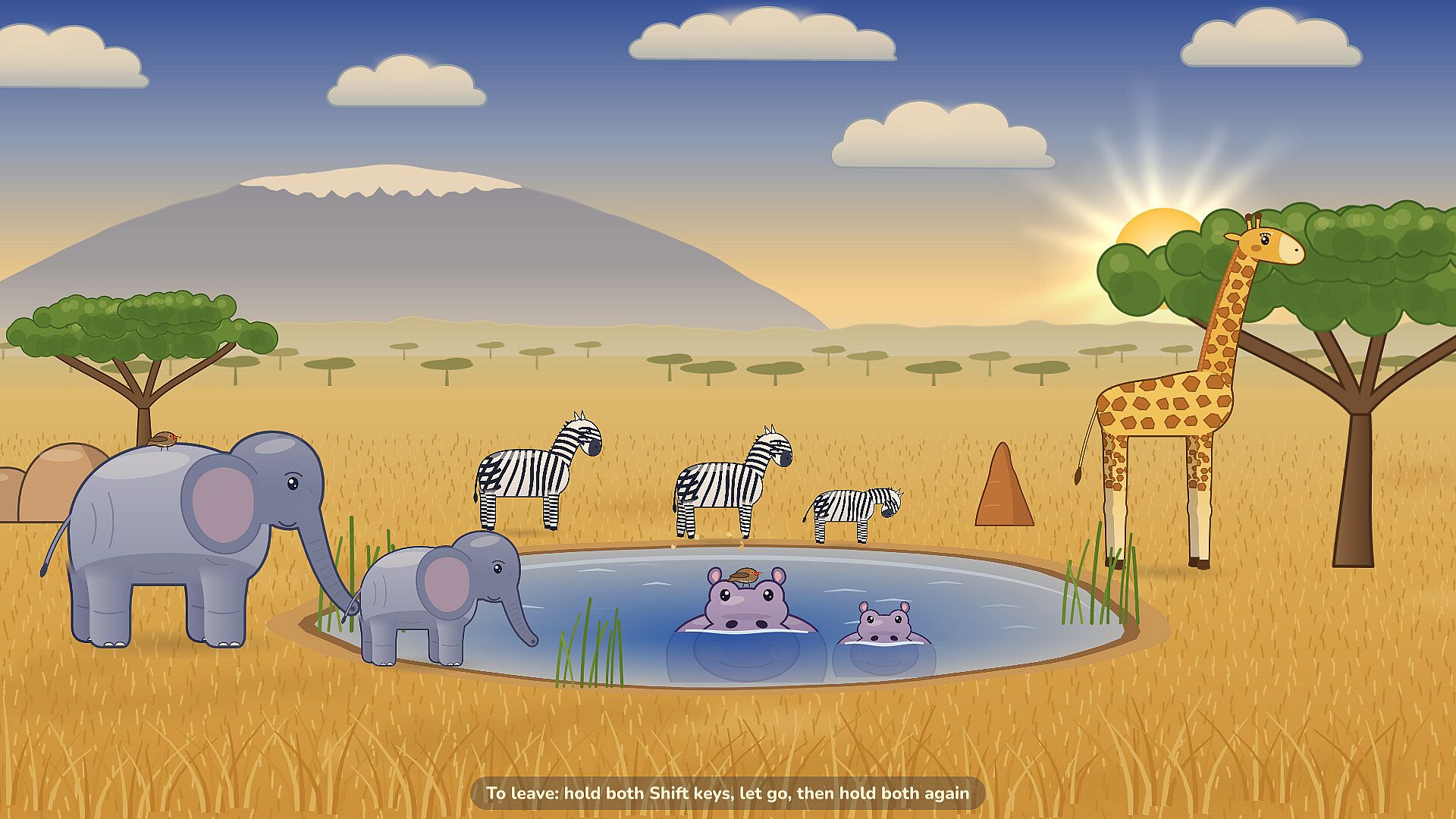
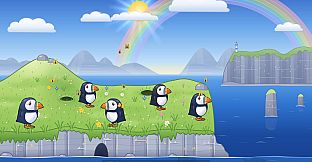
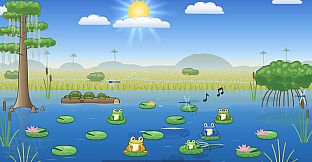
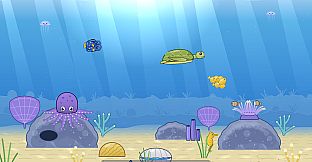
Boop Bay turns any PC keyboard into an interactive surface where each press triggers reactions from animals in one of five themed environments. A baby simply taps keys and watches seals, puffins, frogs, sea turtles, or elephants respond with movements and vocalizations. Real animal and instrument recordings play at a soft volume to keep the experience gentle and engaging. The program captures the keyboard and mouse input during use so random presses cannot close windows, launch other software, or type elsewhere on the system. Some system shortcuts remain active on Windows, while macOS requires a one-time Accessibility permission for full media key blocking, and Linux benefits from the input group for stronger protection. Parents stay nearby throughout play sessions. A simple gesture using both Shift keys returns the user to the place picker or exits the program entirely, with a reminder always visible on screen.
Game Modes
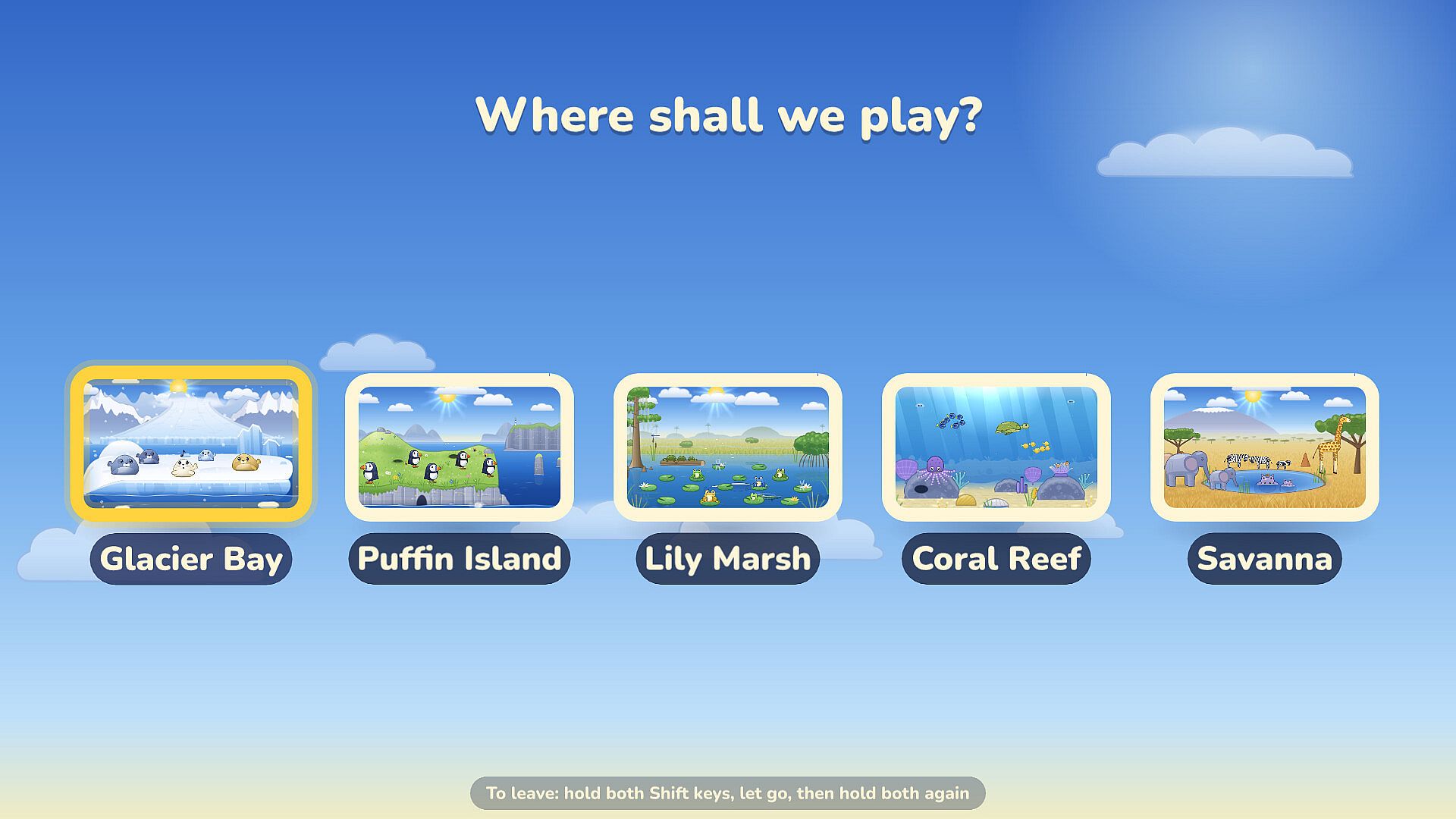
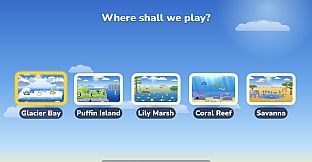
Boop Bay contains no traditional game modes, levels, scores, or progression systems. Instead, it offers five distinct places that serve as the main activity areas: Glacier Bay, Puffin Island, Lily Marsh, Coral Reef, and Savanna. Each location features its own set of animals that react uniquely to key presses. Parents select a starting place through the picker menu, and the same Shift-key gesture first returns to that menu before a second use exits the program. The experience remains open-ended with no objectives to complete or items to unlock.
Parent Controls and Settings
Adults access configuration options through a separate boopbay config tool. This utility adjusts volume levels, sets day length, selects language, and chooses the initial place. The overall design emphasizes privacy with no advertisements, no in-app purchases, no internet connection required, and no data collection of any kind. These elements keep the focus entirely on safe, offline play for the youngest users.
Who the Toy Is For
Boop Bay serves parents seeking a dedicated keyboard toy that lets babies explore sounds and visuals without computer risks. It suits households where a toddler wants to bang on keys while a grown-up remains close. The program is not intended for older children or adults looking for interactive gameplay with goals or challenges. Its straightforward mechanics match the developmental stage of infants and toddlers who benefit from immediate feedback on their actions.
Is It Worth Playing?
Boop Bay delivers exactly what its description promises: a simple, contained keyboard toy for babies and toddlers. Families who want a safe way for little ones to interact with a computer keyboard will find the lock feature, animal reactions, and soft sounds useful. The absence of goals or progression aligns with its purpose as a toy rather than a game. Parents who value privacy protections and easy exit controls will appreciate the built-in options. Those seeking entertainment with levels, scores, or personal playtime should look elsewhere, as the program offers none of those elements. The experience stays consistent with the provided details and supports supervised sessions for the target age range.