

Board Game Creator stands out as a casual simulation title on PC that functions as a flexible 2D sandbox for designing and sharing tabletop experiences. Players build custom board games from scratch and then engage with them in local sessions where mobile devices serve as personal interfaces for interaction.
Gameplay
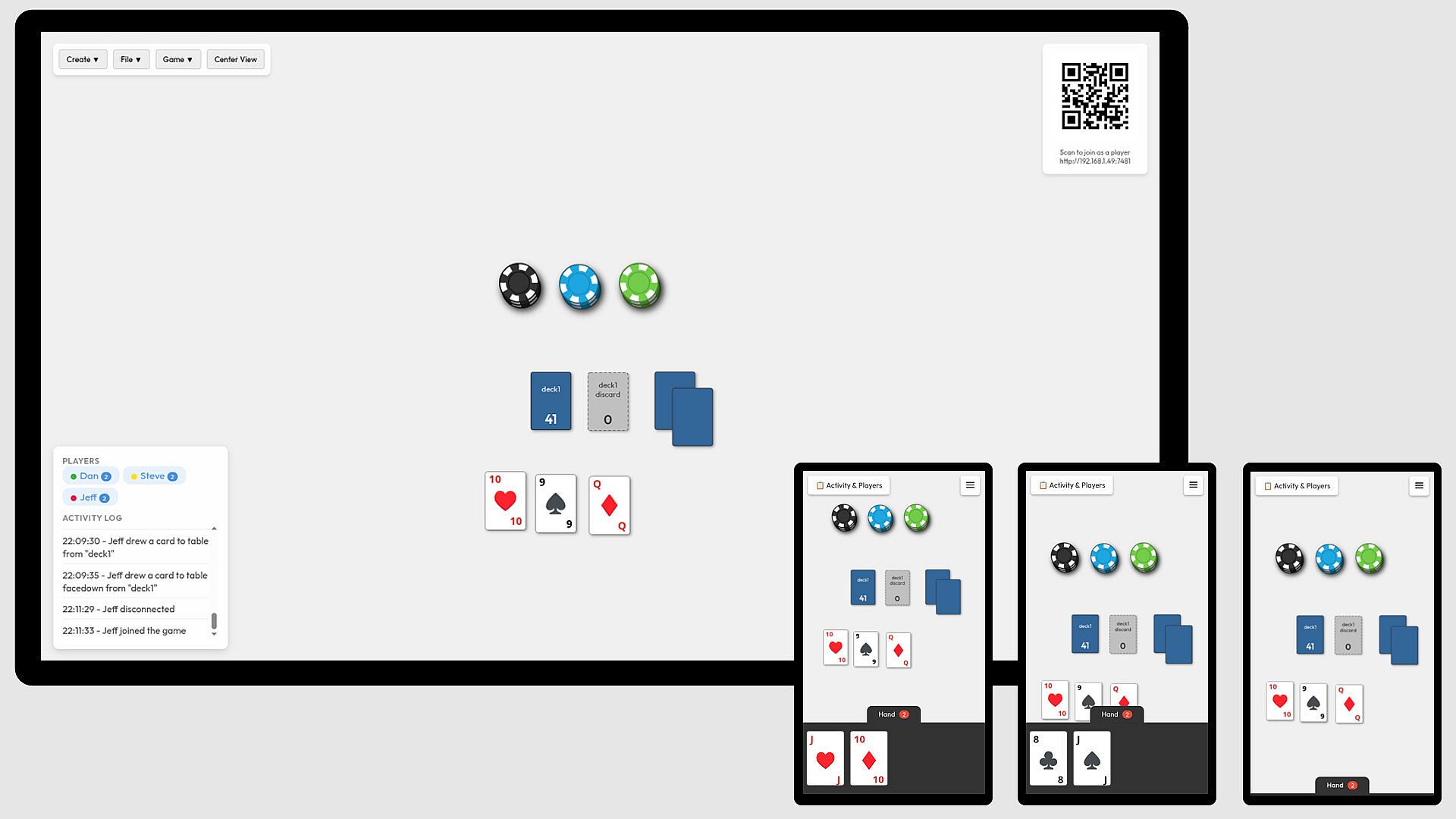
The core loop centers on a shared digital board visible on a central screen such as a laptop or Steam Deck. Participants connect additional devices through a browser to view and manipulate elements directly. This setup supports movement of pieces, placement of cards, and activation of timers without requiring multiple controllers or extra hardware.
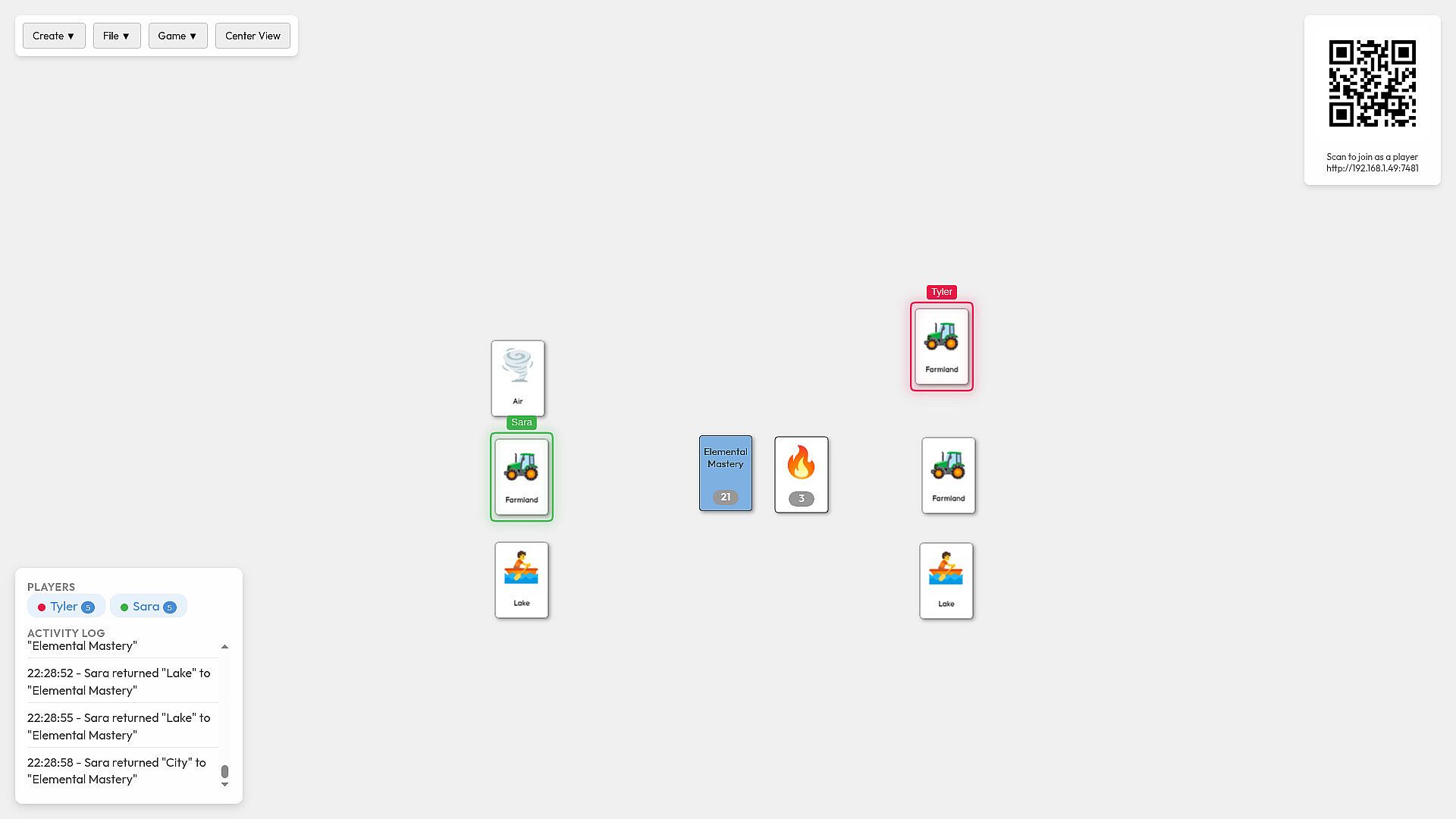
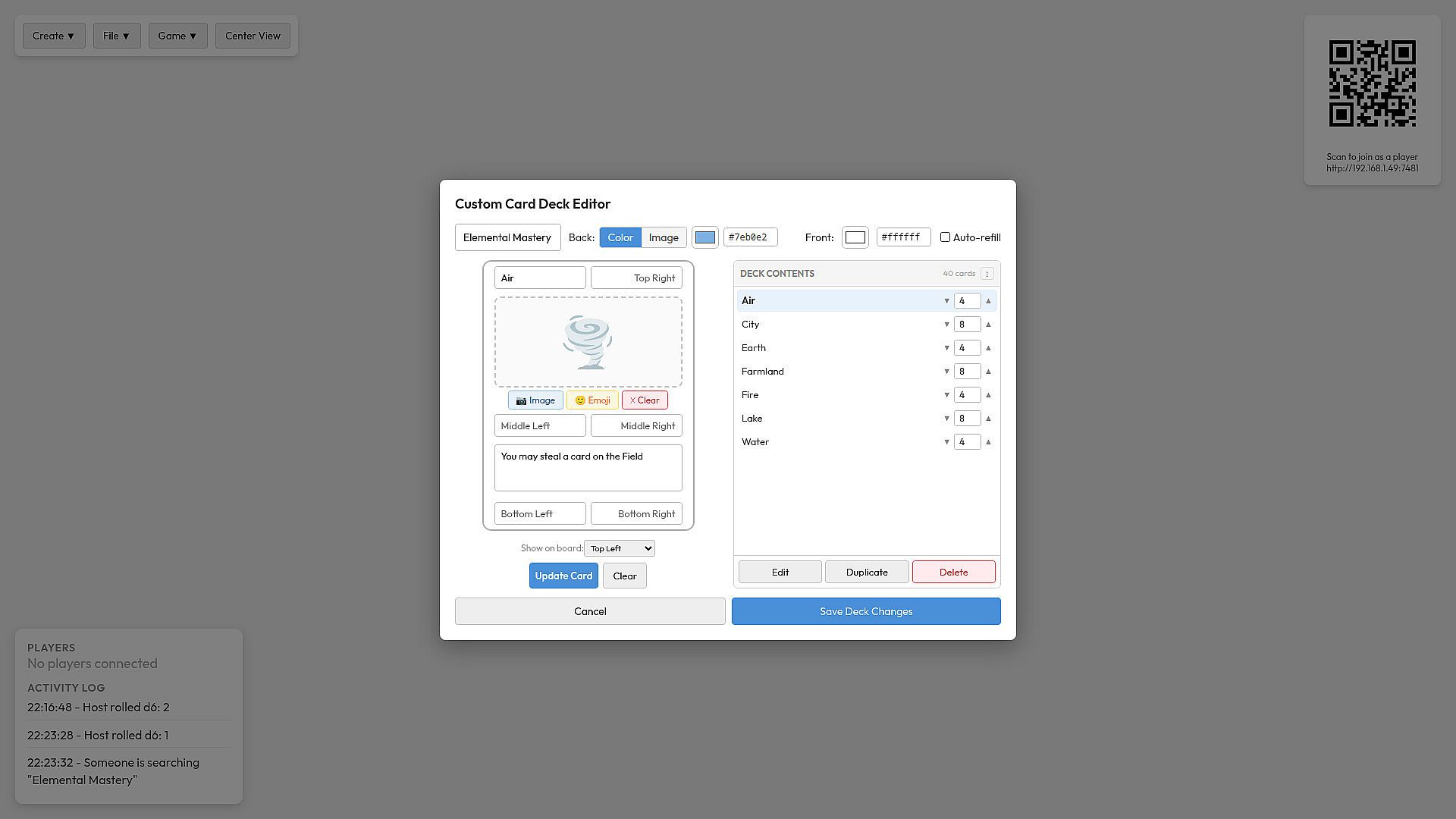
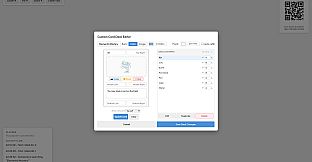
Decks form a key system where users assemble collections of cards or items for card games and board games alike. Each connected device displays an individual hand, allowing drag-and-drop actions to bring components onto the main board. Hands accommodate any item pulled from the shared space, maintaining flexibility across different game concepts.
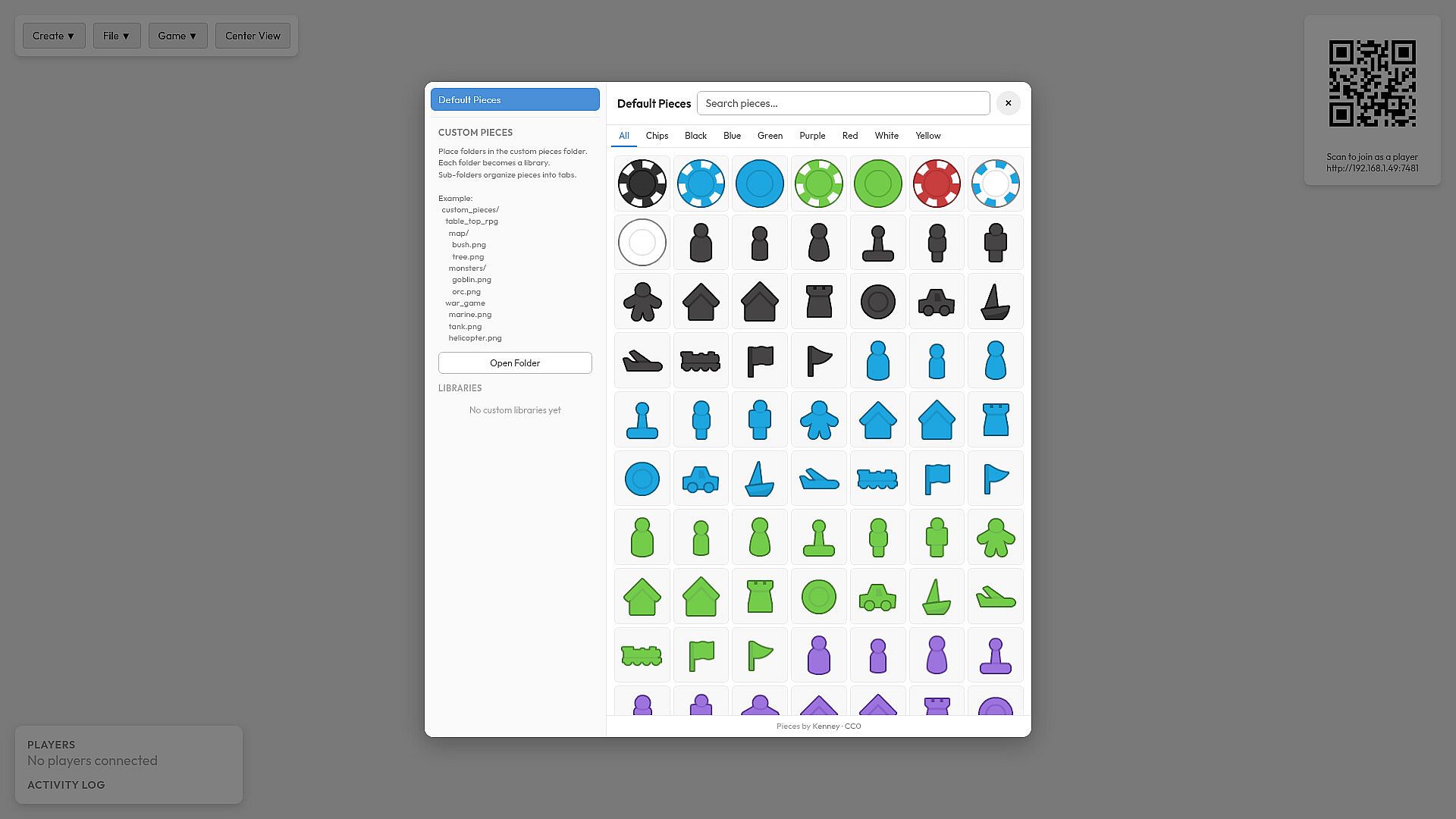
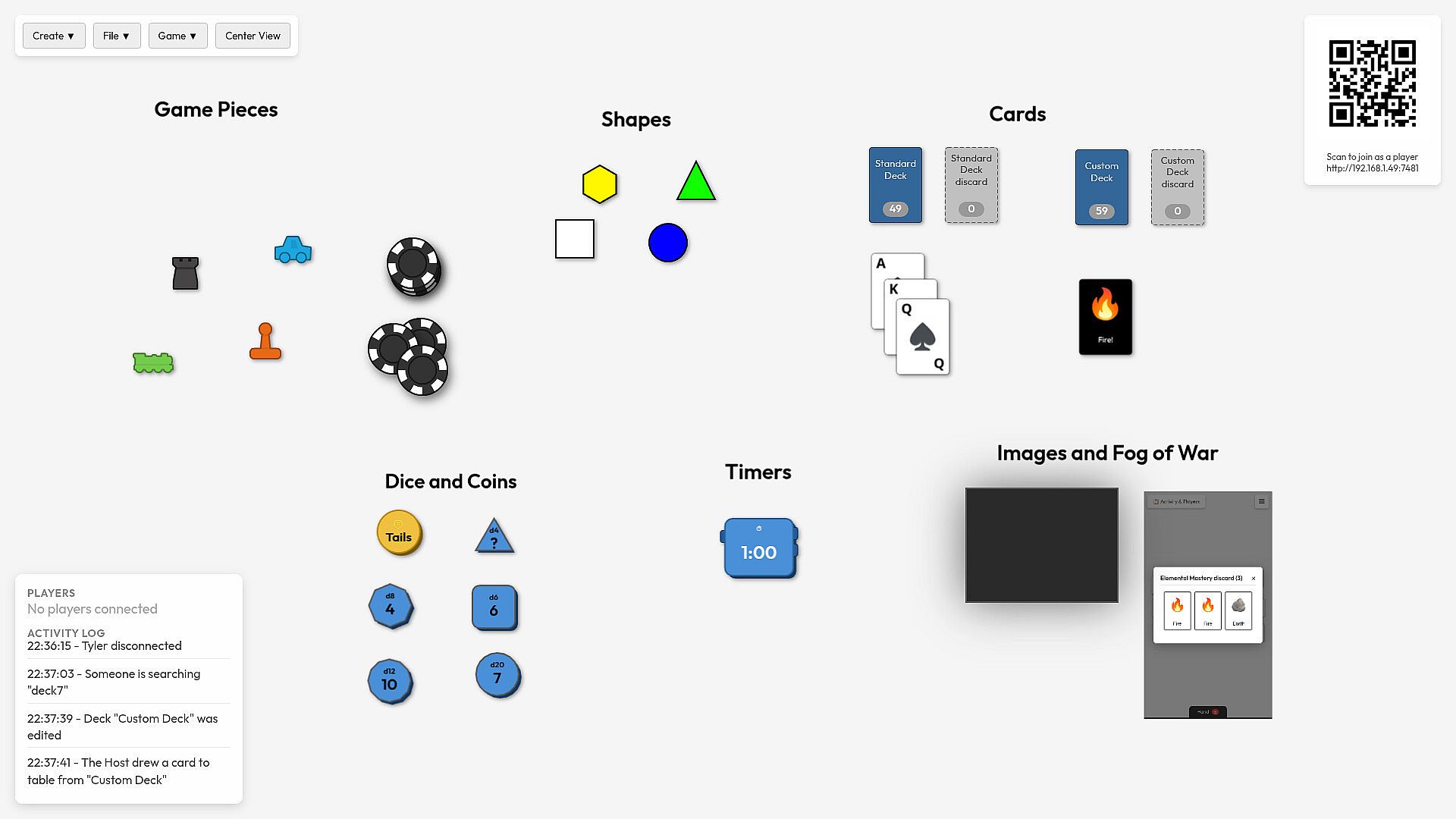
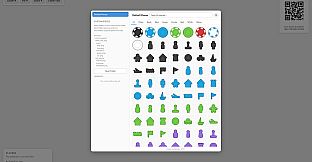
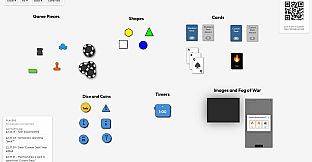
Custom assets expand the possibilities further. Users load personal images to represent unique pieces or cards when standard options fall short. Dice, timers, and basic game pieces come built in, providing immediate tools for most tabletop ideas while image uploads handle specialized needs.
Game Modes
Board Game Creator does not impose predefined modes. Instead, the experience revolves around user-created setups that range from simple card games to more complex strategy layouts involving multiple components. The sandbox nature means each session reflects the rules and pieces assembled by the group.
Export and import tools allow parts of a creation to move between sessions or devices. This supports ongoing play across locations, such as preparing an army or deck at home and continuing elsewhere. The approach encourages iterative design where groups refine their own rules over repeated gatherings.
Creating and Sharing Content
Building begins with the placement of boards, pieces, and decks on the canvas. Image uploads integrate custom visuals directly into these elements. Once assembled, individual components or full setups can transfer via export files for use in other instances of the software.
Collaboration happens naturally through the device connection system. One person manages the main board while others interact via phones or tablets, keeping everyone engaged without crowding around a single screen. This structure suits both quick testing of new ideas and longer play sessions with friends.
Is It Worth Playing?
Board Game Creator targets individuals and groups who enjoy designing their own tabletop games or adapting existing concepts into digital form. Its strength lies in the seamless integration of mobile devices for hands-on control, which removes common barriers like limited controllers or physical space constraints.
Since the title remains unreleased with a date still to be announced, current details focus on the described features rather than live player feedback. Those drawn to casual simulation experiences centered on creativity and local multiplayer will find the sandbox approach aligns closely with custom board game interests. The emphasis on exportable components and browser-based connections makes it practical for portable or home-based group play.